URL to Video Ad Maker
Paste a product link. Get a scroll-stopping video ad in seconds. ImagineArt’s URL to Video AI app scrapes your page, pulls the best content, and generates a polished ad, complete with motion, voiceover, and text overlays.
How to Use URL to Video Ad Maker
Paste Your URL
Paste the URL of any product page, landing page, or e-commerce listing. ImagineArt URL to Video AI instantly scrapes the page and pulls images, copy, pricing, and key selling points, so you don't have to lift a finger.
Choose Settings for URL to Video Generation
Pick your aspect ratio. Vertical for Reels and TikTok, horizontal for YouTube, square for feeds. Select the video resolution and duration.
Generate and Preview
Hit generate and get a ready-to-publish video ad, complete with motion graphics, text overlays, and voiceover. Preview multiple variants at once, pick your favourite, and export. No filming needed.
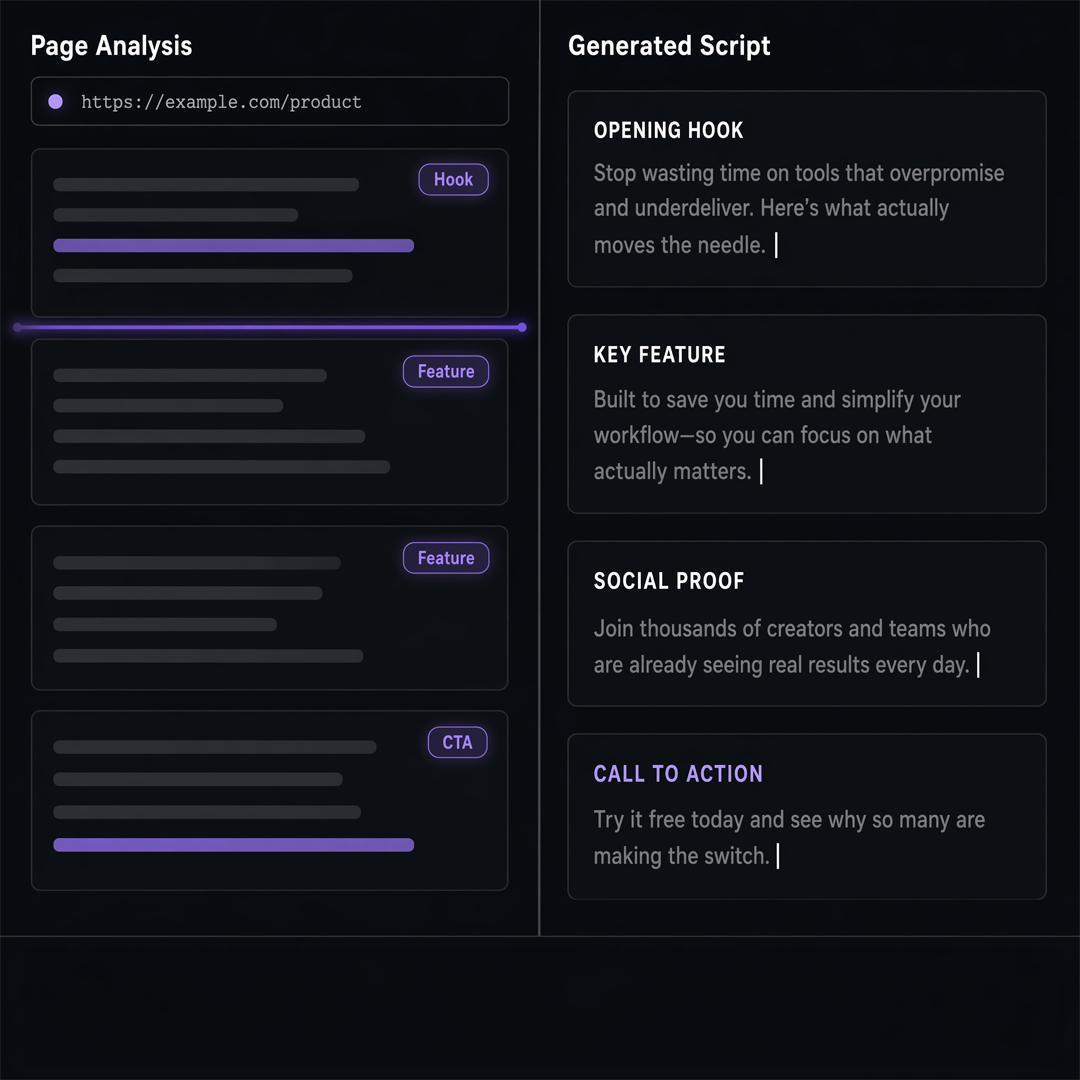
Generate Compelling Scripts
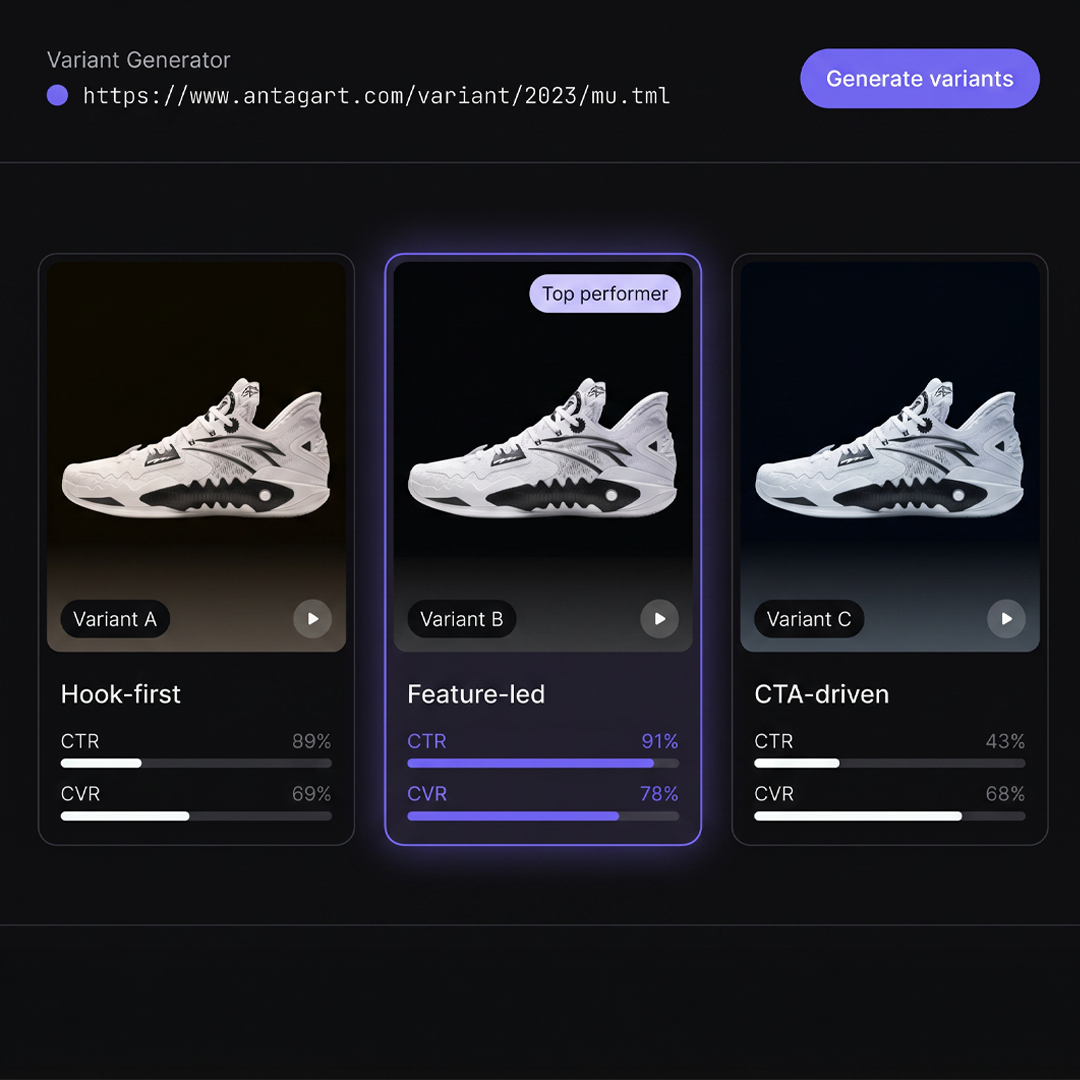
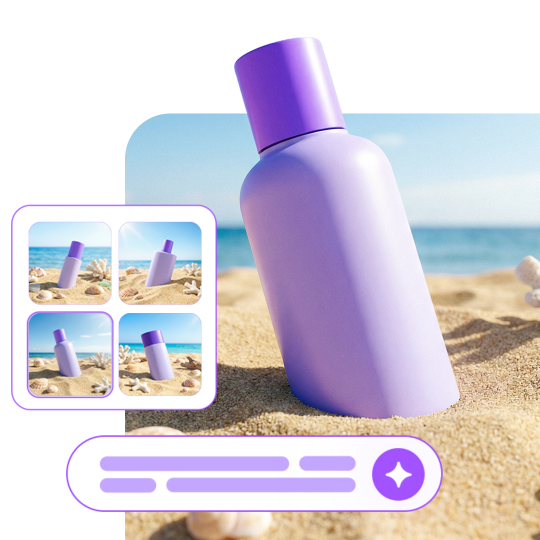
Multiple Variants
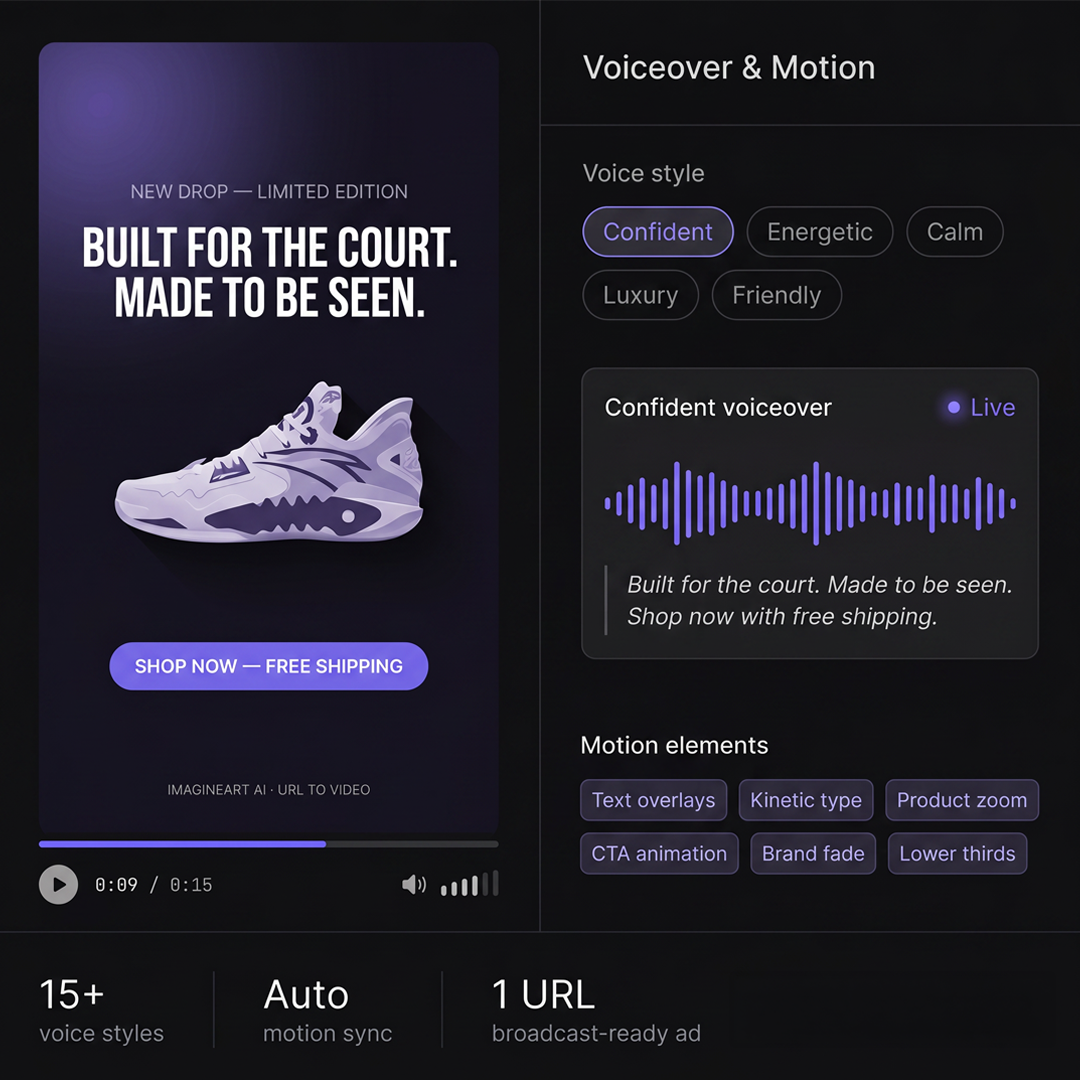
Voiceover & Motion
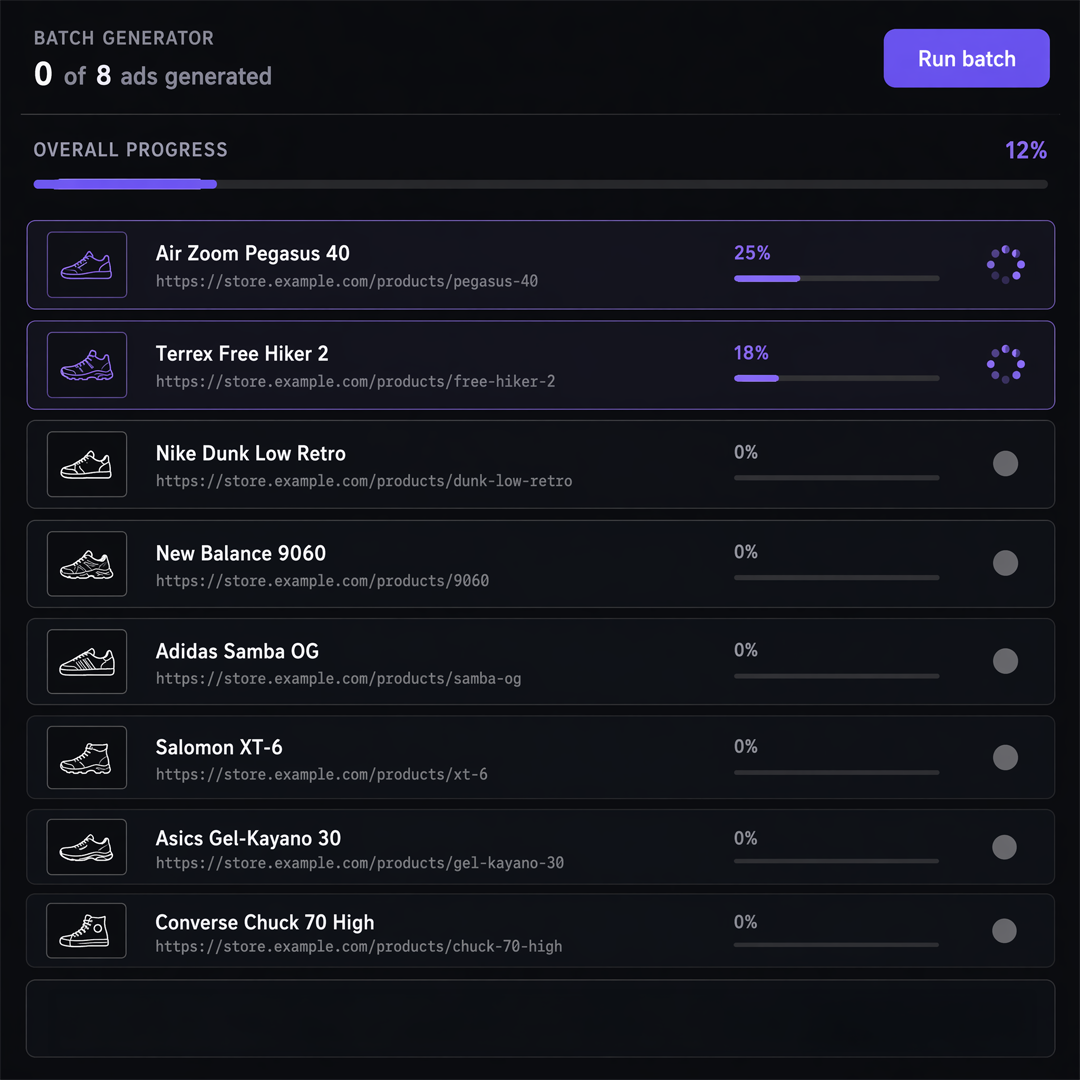
Speed & Scale

Choose a plan that fits your needs
Upgrade to get access to pro features and generate more and better
Kling
ByteDance
Minimax
Nano Banana
Gemini
Claude
Qwen
GPT Image
Runway
Grok
Trusted by Professionals and Creators from top Brands and Companies
FAQs
The URL to Video Ad Maker is an AI-powered tool that converts any product or landing page URL into a ready-to-publish video ad. Paste your link, and the AI automatically scrapes your page, pulling images, product details, and key copy, then assembles a video ad complete with motion, voiceover, and text overlays. No filming, no editing software, and no creative team required.
When you paste a URL, the AI scrapes the page and extracts the most relevant content, product images, headlines, features, and calls to action. It then uses this content to generate a structured video ad with motion graphics, an AI voiceover, and branded text overlays. The entire process takes seconds, and you can generate multiple variants from a single link.
The tool works with most publicly accessible web pages, product pages, e-commerce listings, landing pages, and promotional pages. It works across major platforms and custom-built sites. If the page is publicly accessible and has product content on it, the link to video generator can turn it into a video ad.
Yes. Before generating, you can set your preferred aspect ratio and format. After generation, you can select from multiple variants, adjust text overlays, and swap voiceover styles. The tool is designed to automate URL to video ad generation, with enough control to fine-tune the final result.
The URL to Video Ad Maker supports vertical (9:16) for TikTok, Instagram Reels, and YouTube Shorts; square (1:1) for Instagram and Facebook feeds; and horizontal (16:9) for YouTube and display ads. Generate in whichever format fits your campaign, or generate across all formats at once.