AI YouTube Thumbnail Maker
ImagineArt AI YouTube thumbnail generator turns your video title or topic into multiple click-worthy thumbnail variants Built for YouTubers who know that the thumbnail is half the video. Free to start. No design experience needed.
How to Use the AI YouTube Thumbnail Generator

Enter YouTube Video Title
Type your video title, topic, or a brief description of your content. The AI YouTube thumbnail generator reads your input and immediately understands the visual direction. The AI knows what works for your niche and performs best for that content type.
Generate AI YouTube Thumbnail
Get multiple AI YouTube thumbnail variants from a single input. Preview each one at YouTube's actual thumbnail size to see exactly how it looks in search results and on the homepage. Pick your favourite, A/B test variants against each other, and download in the exact dimensions YouTube requires.
Polish and Refine AI YouTube Thumbnail
Fine-tune the font style, color palette, and even the text placement with built-in ImagineArt AI image editor. No external design software needed, no logo design expertise, and no learning curve. Every adjustment happens inside ImagineArt, on the same platform as your generation.

Built In Best Practices for YouTube Thumbnail
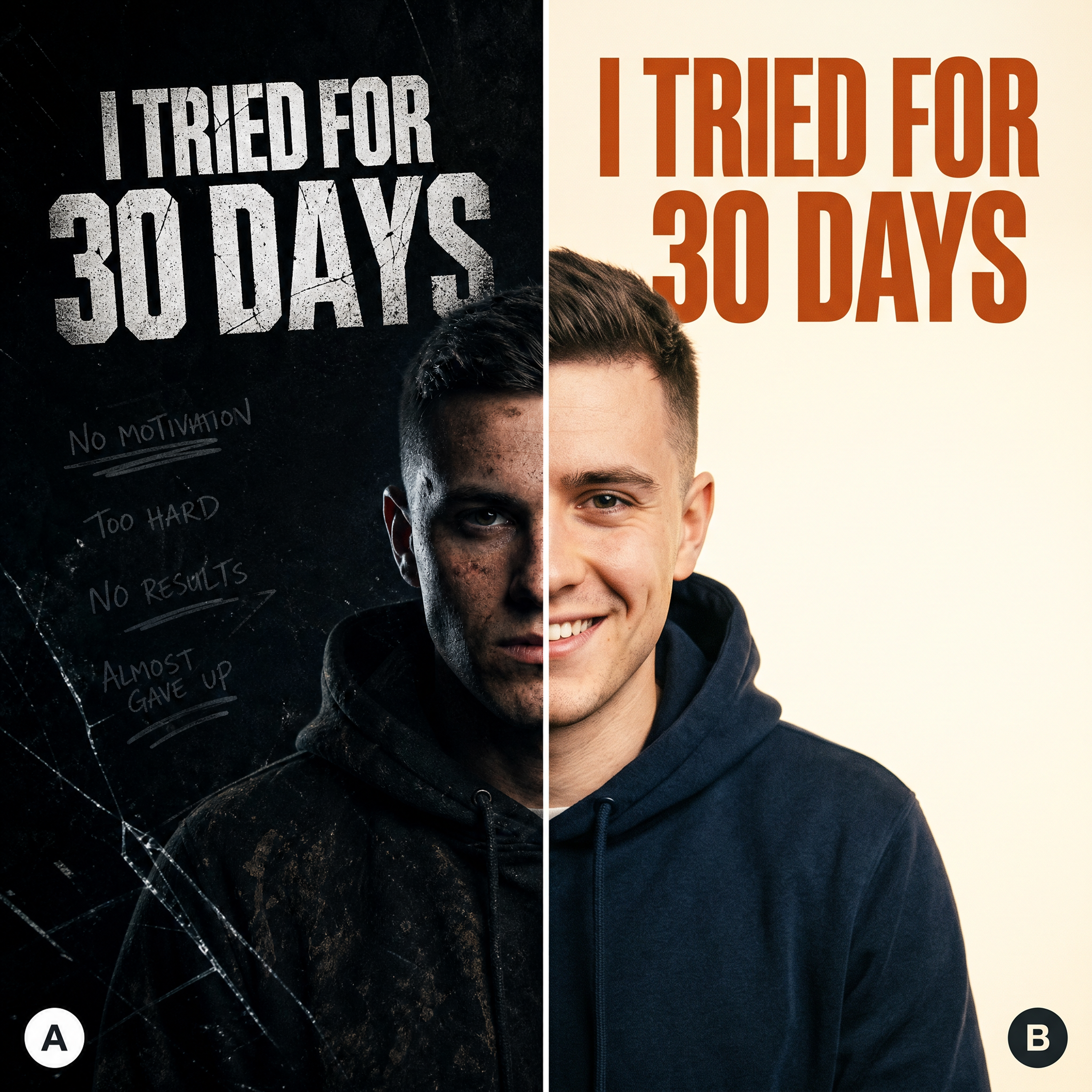
Multiple Variants & A/B Testing

Thumbnail Like a Top YouTuber








Choose a plan that fits your needs
Upgrade to get access to pro features and generate more and better
Kling
ByteDance
Minimax
Nano Banana
Gemini
Claude
Qwen
GPT Image
Runway
Grok
Trusted by Professionals and Creators from top Brands and Companies
FAQS
An AI YouTube thumbnail generator is a tool that creates professional, click-optimised YouTube thumbnails from your video title or topic automatically. Instead of spending hours in Photoshop or Canva or paying a designer for every upload, you type your video topic, set your style preferences, and the AI generates multiple thumbnail variants in seconds. ImagineArt AI YouTube thumbnail generator is built specifically for the performance demands of YouTube
The highest-performing YouTube thumbnails share four characteristics: bold, legible text that reads clearly at small sizes; high-contrast visuals that stand out in a crowded feed; a strong focal point that immediately communicates what the video is about; and a color palette that pops against YouTube's white background. ImagineArt AI thumbnail generator is trained on these performance principles and applies them automatically to every variant it generates.
Generate multiple thumbnail variants with ImagineArt, then upload your top two to YouTube Studio's built-in thumbnail A/B test feature (available to eligible channels). YouTube shows each variant to a portion of your audience and measures which one earns a higher click-through rate, then automatically serves the winner to the majority of viewers. ImagineArt gives you the creative volume of distinct, genuinely different variants that makes A/B testing meaningful, not just two versions of the same thumbnail with a color swap.
ImagineArt generates AI YouTube thumbnails at 1280x720 pixels — the exact dimensions YouTube recommends for custom thumbnails — in JPG and PNG formats. Both formats meet YouTube's file size requirements and display sharply across all devices and placements, including mobile search, desktop homepage, and the suggested video sidebar. Every thumbnail is export-ready the moment you download it.
Yes, ImagineArt AI YouTube thumbnail maker is free to start with no credit card required. The free plan gives you access to core thumbnail generation and standard variant output so you can evaluate the quality before upgrading. For unlimited thumbnail generation, access to the full style and visual library, facial expression enhancement, watermark-free downloads, and A/B test variant sets, paid plans are available. Visit the ImagineArt pricing page for current plan details.
No, you don’t need any design skills or experience to use ImagineArt AI YouTube thumbnail generator. It features an easy-to-use interface and is designed for both beginner-level and professional YT thumbnail creators.