Virtual Try-On vs AI Model Photos: Which Your Store Needs First
Virtual try-on shows your garment on the shopper's own photo. AI model photos show it on a model your brand controls, on every product page, ad and listing. Here is how each one works, what each can and cannot do about fit-driven returns, and which one your store should start with.

Kamran Arshad
November 4, 2026 • Updated November 13, 2026
14 mins Read
Virtual try-on answers one important question for your shoppers: how will this look on me?
AI model photos put the garment on a model your brand chooses and answer the questions every shopper asks first: what is this, how does it fit, and is it for me?
Try-on helps one shopper make a final decision. Model photos sell to everyone, from search results to the product page to the ad that brought the shopper in. Try-on tools also start from your product listing, so most fashion brands should get their model photos right first and treat try-on as the layer on top.
Virtual Try-On vs AI Model Photos Side by Side
The two tools differ on who makes the image, who controls it and how many shoppers ever see it. This comparison covers the differences that change a buying decision.
| Factor | Virtual try-on | AI model photos |
|---|---|---|
| Question it answers | How will this look on me? | What is it, and how does it fit? |
| Who creates it | The shopper, using a platform's tool | Your brand, before launch |
| Who controls the result | The platform | Your brand |
| Effort for the shopper | Upload a full-length photo and wait | None, the images are already there |
| Reach | Only shoppers who use it | Every visitor, plus search, ads and email |
| Fit information | Look and drape on the shopper, not the size | Fit on a known body, with height and size worn |
| Privacy | Shopper shares a body photo | No shopper data involved |
| Use in marketing | Personal to each shopper | Ads, social, email and campaigns |
| Cost to the brand | Free when a platform offers it, paid for your own tool | A few dollars per approved image |
In one line: try-on is made by the shopper, for the shopper. Model photos are made by the brand, for everyone.
How Virtual Try-On Works on Google and Beyond
Google's try-on is the version most shoppers will meet first. Shoppers tap "try it on" on an eligible apparel listing, upload a full-length photo and see the garment on themselves across Search, Google Shopping and Google Images, according to Google's own guide to the feature. It launched in the US in 2025, and Google has since added shoes and expanded to Australia, Canada and Japan.
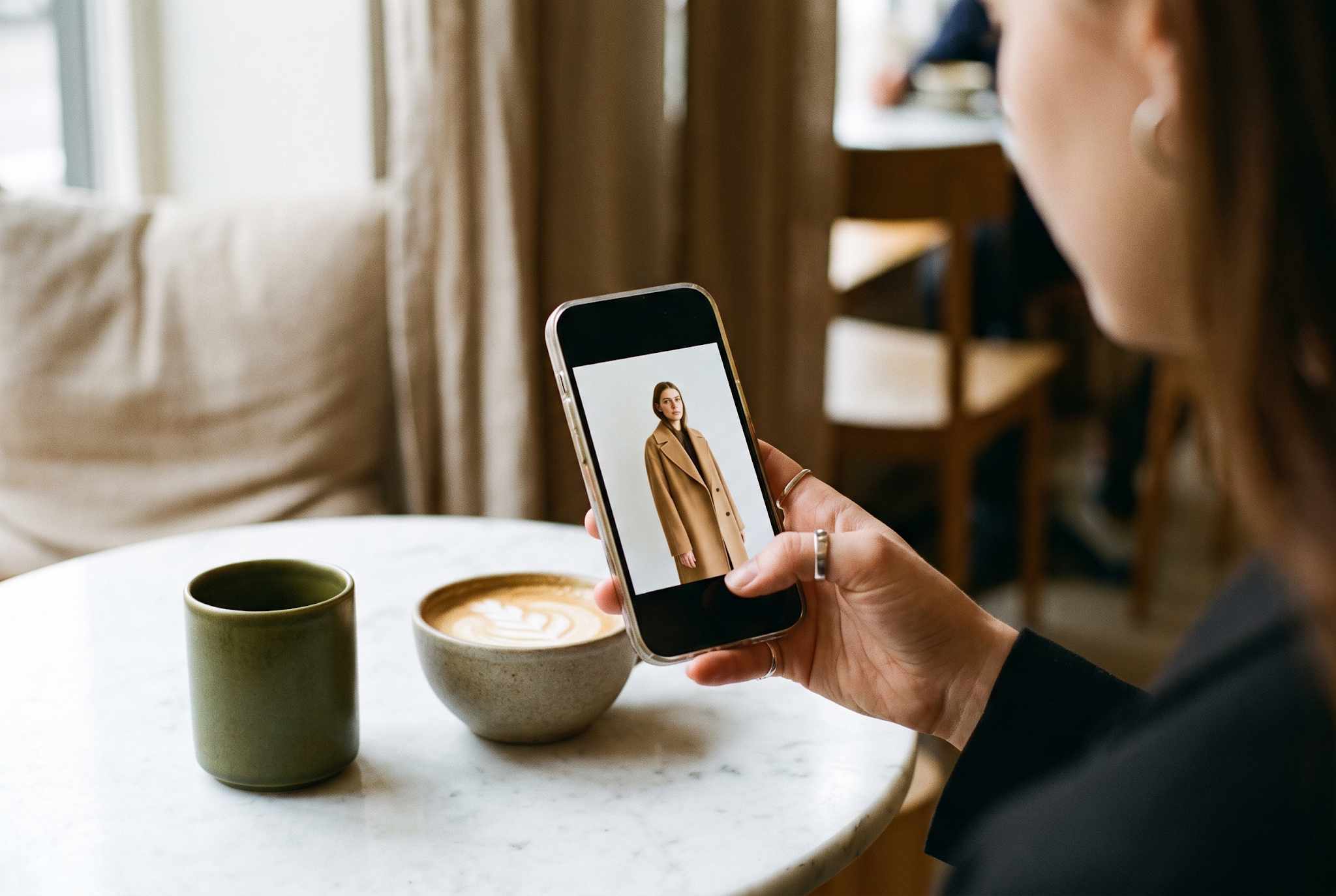 A hand holding a smartphone that shows a person in a camel wool coat, with a latte on a marble table
Try-on comes in a few forms, and each suits different products:
- Photo-based generative try-on, where AI renders the garment on the shopper's uploaded photo. Google's tool works this way.
- Avatar try-on, where the shopper builds a 3D body from measurements or a scan.
- Camera and AR try-on, which overlays items on a live camera view and suits eyewear, jewelry and makeup.
- Size recommendation tools, which suggest a size from body data without showing the garment.
For a brand, three facts about platform try-on matter most. It happens off your site, often before the shopper reaches your store. It starts from your product listing, so a clean product image and complete data are your best preparation. And you do not control the output, because the platform generates it from the shopper's photo.
Try-on also has limits. Many shoppers will not upload a full-length photo of themselves, complex fabrics and layered looks can render poorly, coverage varies by category and country, and the result shows the garment on the shopper rather than in your brand's world.
How AI Model Photos Work
AI model photos start from a garment photo you already have: a flat lay, a hanger shot or a ghost mannequin image. In ImagineArt Fashion Studio, the process runs in four moves:
- Pick a model from the library or build your own, then save it so the same face returns in every shoot and season.
- Dress the look by uploading the garment. Color, print and trim stay intact.
- Set the scene with a background, pose, framing and light.
- Generate catalog, lookbook or editorial images up to 4K, then turn the approved images into video.
Fashion Studio covers sizes XS to 4XL, petite to tall, and a range of ages and skin tones, and it generates front, three-quarter, side and back angles from one approved image. For the full method, read how to turn a flat lay into an on-model photo with AI and how to keep the same AI model across a collection.
That gives a brand five things try-on cannot:
- Full control over the model, outfit, light, pose and crop.
- One consistent look across a whole range and across seasons.
- Images that work beyond the product page, in Google listings, marketplaces, ads, email and social.
- More angles, poses and settings than a studio day delivers.
- Commercial use under ImagineArt's terms, with no per-channel model or photographer license.
Returns Are a Fit Problem First
Returns are the business case for both tools, and fit drives most of them. US shoppers were expected to return about $849.9 billion of merchandise in 2025, or 15.8% of retail sales, and about 19.3% of online sales, according to the National Retail Federation and Happy Returns. In apparel the rate runs higher. Coresight Research puts the US online apparel return rate at about 23.4%, with about 70% of returning shoppers citing size or fit, as reported by FashionUnited.
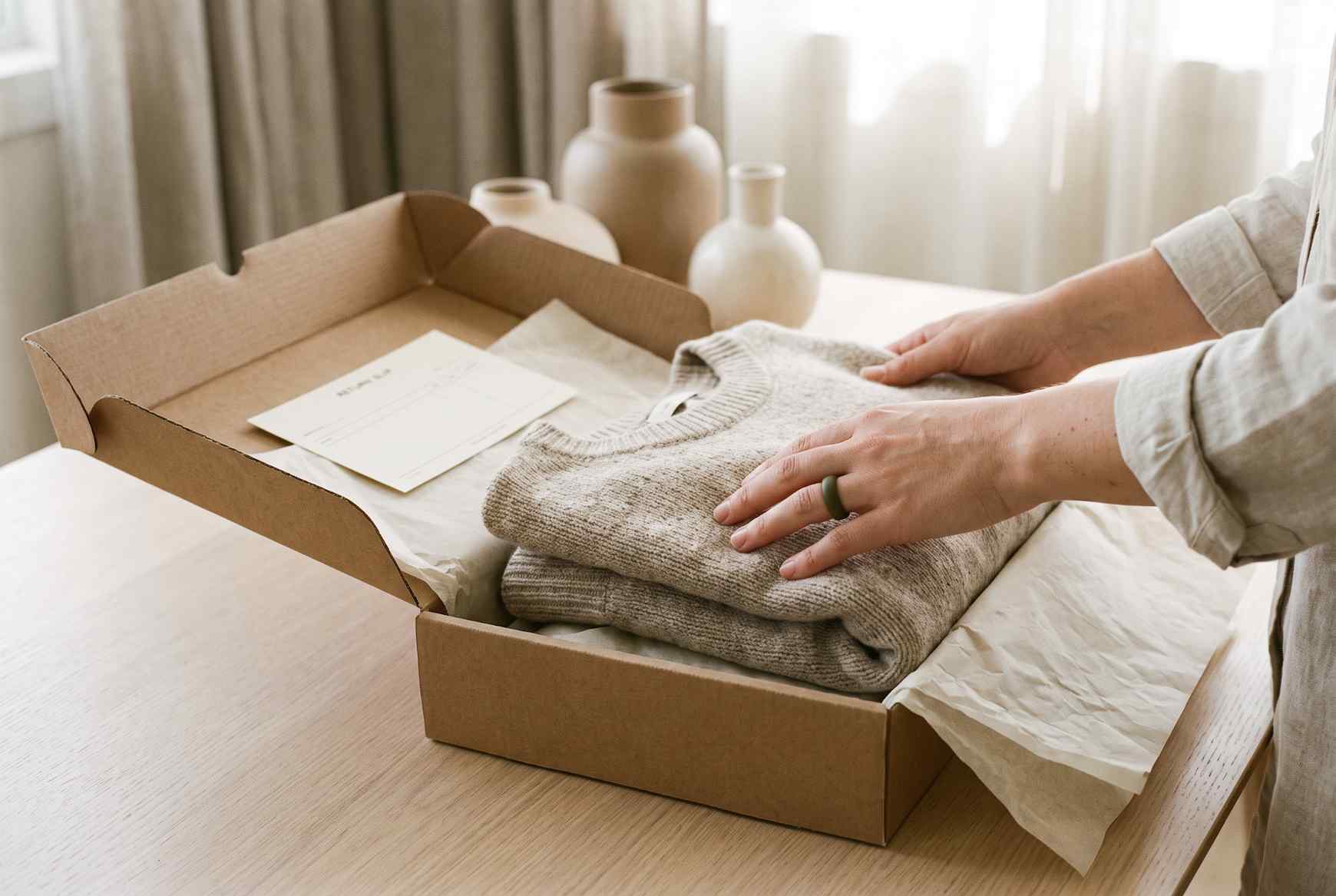 An open shipping box with a folded oat knit sweater, tissue paper and a blank return slip
Each tool solves a different part of that problem:
| Tool | What it fixes | What it cannot fix |
|---|---|---|
| Virtual try-on | Doubt about style, color against skin tone and the overall look | Which size fits in your brand's cut |
| AI model photos | Length, drape, shoulder line and volume on a known body | A shopper whose body differs a lot from the model |
| Size charts and fit notes | The wrong-size order | Doubt about how the garment looks |
A shopper can love how a jacket looks in try-on and still order the wrong size. Images reduce doubt. Measurements reduce wrong sizes. The brands with the lowest fit returns invest in both: garment measurements, fit notes, reviews that mention fit, and model photos that show the model's height and the size worn.
What Shoppers Need to See Before They Buy Clothes
The Baymard Institute's large-scale usability testing is the strongest evidence on what shoppers need from apparel images, and its research on human models gives brands four clear rules:
- Show the garment worn. Shoppers use a human body as the yardstick for length, tightness and drape, and cut-out product shots alone are not enough.
- Lead with at least one plain, unstyled worn image. In Baymard's testing, a model with pushed-up sleeves left shoppers unable to judge a hoodie's sleeve length.
- Show who the model is. Height, measurements and the size worn help shoppers place themselves in the photo.
- Never let images look cheap. Shoppers judge poor-quality images harshly.
Baymard also found that showing several body types helps shoppers who care about fit, though none of its test users refused to buy because of a single model. For fit-critical categories, it is a worthwhile upgrade.
Baymard's research predates photorealistic AI models, and its warning is about quality, not technology. The lesson for AI model photos: make them accurate, unstyled where fit matters, and labeled with measurements. The lesson for try-on: a shopper's own photo is the ultimate "model who looks like me," which is why it complements brand imagery rather than replacing it.
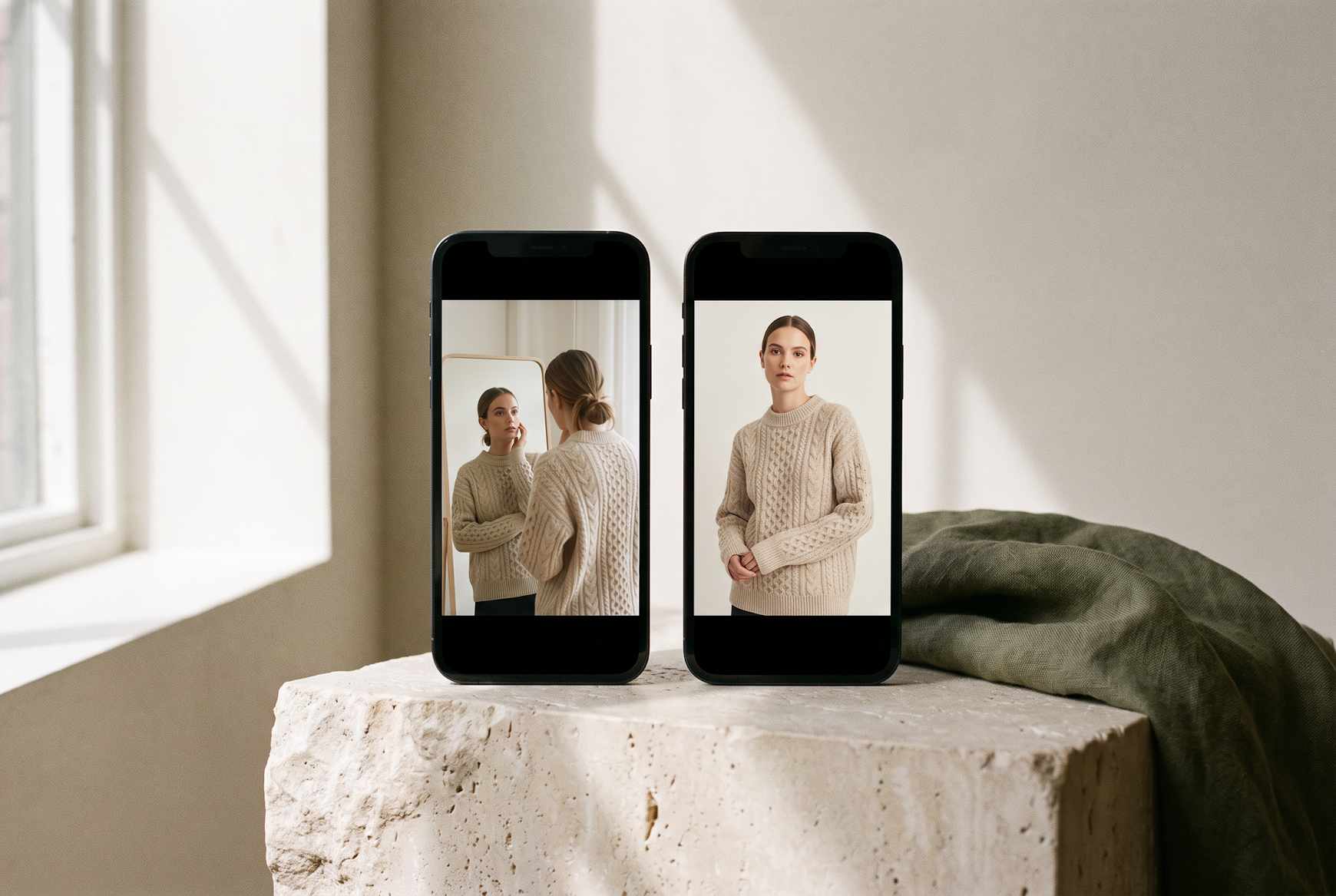 Two phones side by side, one showing an everyday person in an oat sweater and the other a studio model in the same sweater
Control, Privacy and Labelling Risks Compared
Both tools carry risk, but the risks sit in different places. The table shows where each one needs care.
| Risk | Virtual try-on | AI model photos |
|---|---|---|
| Garment accuracy | You do not control the render | You review every image against the real garment |
| False fit promises | A flattering render can mislead on size | A render can slim or lengthen a garment unless you check it |
| Privacy | Shopper body photos are sensitive data | No shopper data involved |
| Consent | The shopper's own image, by their action | Synthetic models need no release, digital twins of real people need written consent |
| Labeling | Personal previews are not advertising | Fully AI-generated people in ads can need a label in New York, the EU and on Amazon |
If you run a try-on tool on your own site, take legal advice on storing shopper photos, explain in plain language what you keep and for how long, and never reuse a shopper's image in marketing without clear consent. For AI model photos, our guide to using AI-generated fashion images commercially covers ownership, consent and labeling market by market.
Where Each Tool Fits in the Shopping Journey
A shopper meets your images long before any try-on button. This map shows which tool does the work at each stage.
| Stage | Shopper's question | Tool that answers it |
|---|---|---|
| Discovery: search, ads, social | Is this my style? | AI model photos and editorial images |
| Product page | What is it, and how does it fit? | AI model photos with measurements and size worn |
| Just before buying | Will it work on me? | Try-on and size tools |
| After purchase | Did I choose well? | Fit reviews and customer photos |
| Repeat purchase | What goes with this? | Lookbooks and styled outfits from the same AI model |
You cannot try on what you never discovered, and you cannot decide well without clear product information. That order is why model photos come first. For the repeat-purchase stage, our guide to lookbook examples and types shows how to plan one.
Which One Should Your Brand Start With?
Your starting point depends on your catalog, your traffic and what drives your returns. Find the row closest to your business.
| Your situation | Start with | Why |
|---|---|---|
| Small brand with only flat lay photos | AI model photos | Every product page needs worn images first |
| Mid-size brand with fit-driven returns | Model photos plus size and fit data | Measurements and size worn fix wrong-size orders |
| Heavy Google Shopping traffic | Clean listings, then model photos | Google's try-on starts from your listing |
| Large retailer with thousands of SKUs | Bulk AI model photos, then try-on or fit tools | Coverage and consistency first, personalization second |
| Eyewear, jewelry or makeup brand | AR try-on plus model photos | Camera try-on suits these categories |
| Luxury or story-led brand | Real hero shoots, AI for the long tail | Craft and control matter more than personalization |
One Jacket on Two Concepts: A Worked Example
Here is how the two concepts work together on one product, a camel wool jacket, from launch to the first returns.
Before launch, the team photographs the jacket flat, records shoulder, chest, sleeve and back length, and generates worn images with its saved AI model: a plain front view first, then back, side, a collar detail and a styled campaign shot. Each image is checked against the real jacket, and the product page lists the model's height, the size worn and a fit note such as "relaxed through the body."
At launch, the same images feed the product page, the Google Shopping feed, a marketplace listing, a paid social ad and an email. A shopper finds the jacket on Google, taps "try it on" and previews it on her own photo, starting from that listing.
After launch, reviews mention long sleeves. The team adds that to the fit note and adds an image on a shorter model. "Looks different from the photo" returns stay low because the images match the garment, and the size guidance keeps improving the fit-driven ones.
Neither tool did the job alone. The model photos set expectations, the try-on helped one shopper decide, and the size information did what no image can.
How to Combine Try-On and Model Photos the Right Way
Lifestyle and luxury fashion brands layer virtual try-on over on-model photography to lift conversion and cut returns. Six things have to be true before either one earns its keep.
-
Fix the foundation
Publish size charts built from real garment measurements, not generic body measurements copied from a supplier sheet. Add fit notes where a style runs long, short or generous, and hold sizing consistent across the range, because a shopper who learns your medium once should never have to relearn it next season.
-
Photograph the fit, not just the garment
Lead every product page with the plain, unstyled image, then follow it with the on-model shot. State the model's height and the size worn beside it, since an on-model photo without those two numbers tells a shopper what the garment looks like on somebody, just not on anybody in particular.
-
Show more than one body
In fit-critical categories such as denim, swimwear and tailoring, one model is one data point. Two or three bodies across the size range answer the question the shopper is actually asking, which is whether the fit she is looking at is the fit she will get.
-
Keep the data clean
Feed hygiene is unglamorous and it decides whether any of the above gets seen. Correct attributes, complete product data and the AI metadata Google and the marketplaces now require are what let a well-photographed product surface at all.
-
Turn on try-on where your audience already is
Start with the marketplace's own try-on, because it arrives with the shopper's attention and needs no new behaviour from her. Add a tool of your own only if your audience demonstrably uses it, and give the decision a measurement: sessions, add-to-cart rate, return rate, before and after.
-
Feed returns back into the next drop
Return reasons and fit reviews are the cheapest research you will ever get, and most brands file them away. Route them into your size guidance and your shot list, so the next range is photographed against what the last one got wrong.
If your team works from an AI assistant, GPT for Fashion runs Fashion Studio from ChatGPT, so a garment photo becomes model-ready images from the chat.
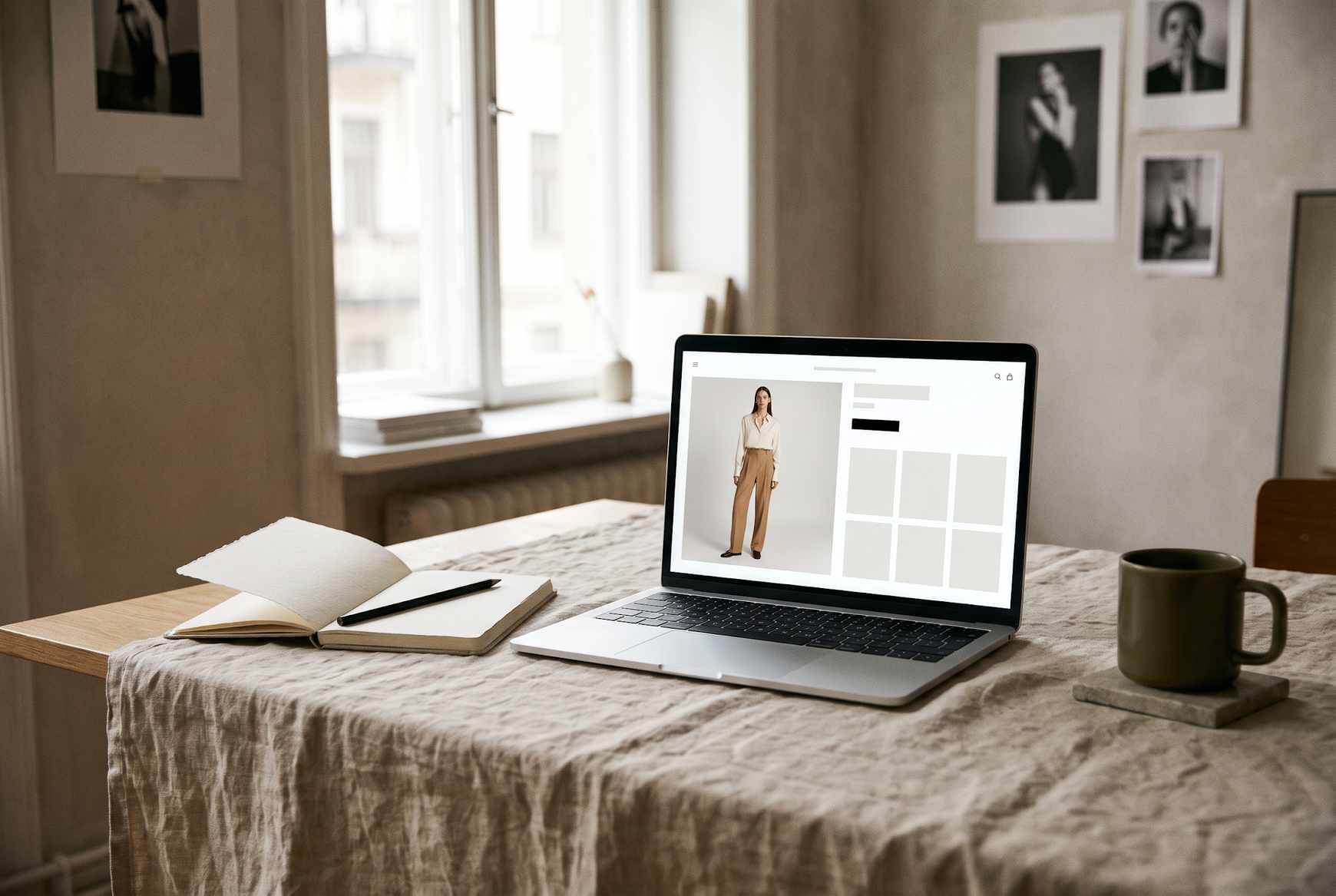 A laptop showing a product page with one large model photo and small thumbnails below
Five Numbers That Show Whether It Is Working
Measure any change against a fair comparison group, because returns move for many reasons. These five metrics tell you which changes made the difference:
| Metric | What it tells you |
|---|---|
| Return rate by reason | Whether fit, color or "not as pictured" is your real problem |
| Fit-related return share | Whether new imagery or tools reduce wrong sizes |
| Conversion on pages with new images | Whether worn images persuade |
| Try-on usage and conversion | Whether shoppers use it, and whether it helps |
| Cost per approved image | Whether image production stays efficient |
For the cost side, our guide on how much a fashion photoshoot costs compares studio and AI per published image.
Start With the Part You Control
Try-on and model photos run on closely related technology, and the line between them will keep blurring as AI shopping assistants assemble brand images and personal previews in the same chat. What will not change is the need for accurate garment photos, complete measurements and a consistent model.
Start with the product page, because you control it fully. Run a 20-style pilot of AI model photos, keep one saved model across the range, publish height and size worn, and add try-on once that foundation is solid. ImagineArt works with more than 350 companies, including Unilever and Khaadi, and enterprise teams can run the pilot with a forward-deployed creative.
Frequently Asked Questions
Virtual try-on shows a garment on the shopper's own photo. AI model photos show it on a model your brand chooses. Try-on personalizes the final decision for one shopper, while model photos inform and persuade every visitor.
Each reduces a different kind of return. Try-on reduces doubt about how a garment looks on the shopper. Model photos with height and size worn help shoppers judge fit. Fit causes most apparel returns, so accurate size information matters most of all.
No. It shows how a garment looks and drapes on your photo. You still need the size chart and garment measurements to choose a size.
On an eligible apparel listing, a shopper taps try it on, uploads a full-length photo and sees the garment on themselves across Search, Google Shopping and Google Images. Google has added shoes and expanded the feature beyond the US.
Yes. Shoppers discover and judge products through your images before they try anything on, and Google's try-on starts from your product listing. A clear, accurate listing makes try-on work better.
For product pages, well-reviewed AI model photos are a fast and consistent option, especially for the long tail of styles. Real shoots still suit hero campaigns and fabric in motion, and many brands combine both.
Only with their clear consent. Try-on images are personal, so brand marketing should use your own model photos.
In some cases. New York and the EU require disclosure of fully AI-generated people in ads, and Amazon asks sellers to tag images that show AI-generated people.
Start with one clear, unstyled worn image with the model's height and size worn. Add models of other sizes for fit-critical categories such as denim, swimwear and tailoring.
ImagineArt models an approved AI image at about $3.50, including generation, review time and garment photos, compared with $150 to $400 per image for typical on-model studio photography.
Kamran Arshad
Kamran Arshad is a full-stack marketer and growth strategist for Gen AI and B2B SaaS companies.
View all articlesRecent posts
The Best AI Avatar Generators In 2027: 11 Tools Compared And Ranked
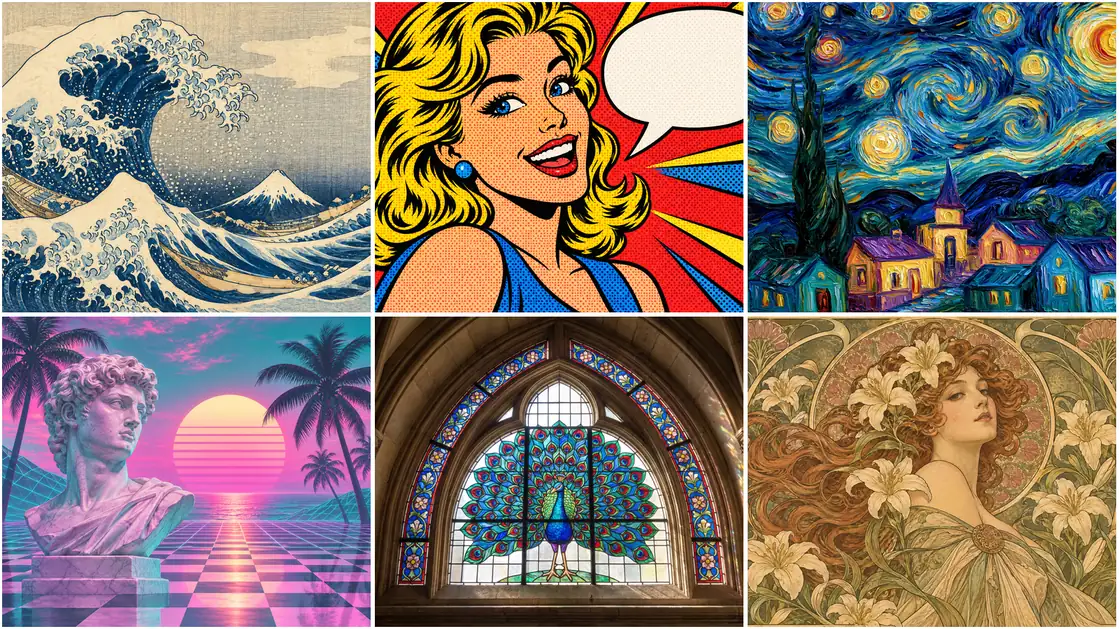
50 Types of Art Styles: Definitions, Examples and AI Prompts
How to Edit Images With Ideogram 4.6: 38 Edits, Prompts and Results