Hailuo 3.0 — Native 4K 60FPS AI Video Generator by MiniMax
Hailuo 3.0 is MiniMax's next-generation AI video model that generates cinematic 4K video at 60FPS from text prompts or images. It combines Director Mode camera control, Motion Brush animation, character consistency, native synchronized audio, physics-accurate motion, and Smart Expansion in a single unified workflow. It produces clips up to 30 seconds long with broadcast-ready visual quality across lighting, skin texture, and human detail — with no camera, crew, or editing experience required.
Trusted by Professionals and Creators from leading brands and companies
Hailuo 3.0 Community Creations
Write a scene description or upload a reference image, choose your camera movement and duration, and let Hailuo 3.0 generate a native 4K video with synchronized audio.
Prompt:
Cartoon Tarzan fiercely battles a giant serpent in a dense jungle, swinging through vines with cinematic action, vibrant colors, dynamic camera angles, and high-quality 3D animation.
Prompt:
A friendly blue cartoon beast roams through a busy city holding a piece of paper, vibrant 3D animation, playful expressions, colorful streets, and cinematic lighting.
Prompt:
A man and his loyal dog sprint along a coastline engulfed in flames, cinematic action, dramatic smoke, intense atmosphere, dynamic camera movement, and high-quality realistic visuals.
Prompt:
Two fierce Vikings clash with axes on a rugged battlefield, cinematic combat, dramatic lighting, flying sparks, dynamic camera angles, and epic high-quality visuals.
Prompt:
A miniature girl hops across luggage, seats, and airport terminals, playful cinematic adventure, dynamic camera angles, vibrant lighting, and high-quality 3D visuals.
Native 4K at 60FPS — No Upscaling, No Post-Processing
Hailuo 3.0 generates video at true native 4K resolution and 60FPS, doubling the frame rate of Hailuo 2.3 and tripling the maximum clip duration from 10 to 30 seconds. Every frame carries broadcast-ready detail across lighting, skin texture, surface materials, and human expressions — making output directly usable for paid advertising, product showcases, and social media without a separate upscaling or post-processing step. Unlike models that generate at lower resolutions and upscale afterward, Hailuo 3.0 produces native pixels at the full 4K sampling rate.
Director Mode Camera Control in Hailuo 3.0
Hailuo 3.0 gives creators film-style control over every shot through Director Mode, letting you select a specific camera movement — pan, zoom, orbit, tracking, or crane — before generating. The model applies that movement with consistent framing, stable subjects, and accurate scene composition throughout the full clip duration. Whether you are building a product showcase orbit, a narrative push-in, or a landscape crane shot, Director Mode replaces manual camera operation with a single selection and delivers results that hold compositional quality from the first frame to the last.
Motion Brush and Character Consistency in Hailuo 3.0
Motion Brush lets you define exactly which objects or subjects move within a scene and which remain still, giving you localized animation control rather than full-scene interpretation. Characters, faces, clothing, and visual details stay consistent across camera angles and scene transitions without drifting between shots. This makes Hailuo 3.0 directly usable for serialized content, branded storytelling, and multi-shot ad campaigns where subject identity must hold throughout the full video without uploading a new reference for each shot.
Native Audio Generation and Lip-Sync
Hailuo 3.0 generates synchronized sound effects and ambient audio alongside the visual output in a single pass — the first generation in the Hailuo line to include this capability. Music Prompts let you describe the audio style, genre, or rhythm directly in your prompt so the generated audio matches the scene's tempo and tone rather than defaulting to a generic background track. The audio layer reflects scene motion events, environmental context, and emotional register. Toggle audio off per generation if you plan to add custom voiceover or music in post-production.
The Features You Need In An AI Video Model

Native 4K Resolution
True 4K output without upscaling. Visual quality across lighting, skin texture, and surface detail meets broadcast and paid media standards from the first generation.
60FPS Motion
Double the frame rate of Hailuo 2.3. Fast movement, action sequences, and Director Mode camera tracking stay smooth and free of motion artifacts throughout the full clip.
Director Mode Camera Control
Choose from pan, zoom, orbit, tracking, and crane movements before generating. The model applies your selection with consistent framing and stable motion for the full clip duration.
Motion Brush Animation
Define which specific elements move and which stay still within the scene. Animate a product, character, or background element in isolation without disturbing the surrounding composition.
Native Audio and Music Prompts
Sound effects, ambient audio, and scene-matched music are generated in a single pass. Describe your preferred audio style in the prompt for tone-accurate output without external sound editing.
Extended Clip Duration
Generate clips from 5 to 30 seconds in a single pass. Longer clips support complete product demos, narrative storytelling, and social video sequences without stitching multiple outputs together.
Smart Expansion
Extend an existing clip beyond its original duration using Smart Expansion. The model continues the scene with consistent characters, lighting, and motion rather than generating a disconnected new clip.
Character Consistency
Subjects, faces, and visual details stay stable across camera changes and shot transitions without drifting, making Hailuo 3.0 suitable for brand mascots, recurring characters, and serialized content.
Bilingual Prompt Support
Natively supports English and Chinese text prompts with strong semantic accuracy in both languages. English produces the most consistent results for complex multi-element scene descriptions.
How to Make AI Videos with Hailuo 3.0?
Choose Your Generation Mode
Select Text to Video if you are starting from a written concept, or Image to Video if you have a product photo, character portrait, or illustration to animate. Write your scene prompt with subject, action, camera direction, and mood for the most precise output. Include a Music Prompt if you want the audio to match a specific genre, tempo, or emotional tone. Both modes support Director Mode from the same input screen.
Configure Your Settings
Set clip duration between 5 and 30 seconds. Select a Director Mode camera movement — pan, zoom, orbit, tracking, or crane. Choose 16:9 or 9:16 aspect ratio based on your target platform. Toggle native audio on or off depending on your post-production workflow. Use Motion Brush to mark which scene elements should move if you need localized animation control.
Generate, Expand, and Export
Submit your inputs and preview your video after generation, which typically takes 30 to 180 seconds depending on clip length. Use Smart Expansion to extend the clip further if the scene requires more duration. Download as a 4K MP4 ready for YouTube, TikTok, Instagram Reels, or paid ad campaigns. Use ImagineArt's AI video editorAI video editor to trim or adjust before publishing. Credits return automatically on failed generations.
More AI Video Models You Can Access on ImagineArt
ImagineArt provides access to Seedance 2.0Seedance 2.0, Kling 3.0Kling 3.0, Grok Imagine 1.5 VideoGrok Imagine 1.5 Video, Gemini Omni FlashGemini Omni Flash, Veo 3.1Veo 3.1, Runway Gen 4.5, WAN 2.6WAN 2.6, and more, letting you match the right model to every creative and production requirement.
Seedance 2.5
Use Seedance 2.5 for native 30-second 4K clips from a single prompt, powered by a 50-reference multimodal engine and co-processed audio for unmatched director-level control. Try Seedance 2.0 for fully synced audio-visual cinematic output with advanced camera and lighting control, or Seedance 2.0 Mini for fast, lightweight generations when speed is key.

Kling 3.0
Use Kling 3.0 for physics-accurate motion, AI Director multi-shot storyboarding, and native audio sync with lip-sync across languages. Try Kling 3.0 Pro for higher-fidelity 1080p output, custom character elements, and structured multi-shot cinematic control.

Gemini Omni Flash
Use Gemini Omni Flash for conversational video generation and editing that reasons across text, image, audio, and video in one prompt. Every edit builds on the last, preserving characters, physics, and scene continuity with natural language instructions.
Runway Gen-4.5
Use Runway Gen-4.5 for the world’s top-rated video model, delivering unmatched visual fidelity and creative control. It sets new standards for motion quality, temporal consistency, realistic physics, and precise generation across every mode.
Google Veo 3.1
Use Google Veo 3.1 for cinematic footage with native audio, including high-quality dialogue and synchronized sound effects generated in a single pass. Try Veo 3.1 Fast for quicker turnaround, or Veo 3.1 Lite for lower-cost generation.
Wan 2.5
Use Wan 2.5 for efficient one-pass audio-visual sync with natural lip-matching straight from a single prompt or reference. It’s a lightweight, cost-effective model optimized for fast, multilingual video production.

Hailuo 2.3
Use Hailuo 2.3 for realistic body movement, natural facial micro-expressions, and industry-leading physics simulation with strong stylization options. Try Hailuo 2.3 Fast for quicker, budget-friendly generations while maintaining solid character performance and motion control.
Why Hailuo 3.0 Works Across Every Professional Video Workflow?
Hailuo 3.0 makes professional video creation simple, fast, and accessible.
Ideal for Product Marketing and E-Commerce
Upload a single product photo, apply Motion Brush to animate the packaging or subject, add a Director Mode orbit shot, and export a publish-ready 4K product demo in under three minutes. One-take generation at 4K means the output goes directly to your ad platform without a separate post-production step. For high-volume product video workflows at lower cost per generation, explore Seedance 2.0 MiniSeedance 2.0 Mini on ImagineArt.
Built for Social Media and UGC Content
Hailuo 3.0's 9:16 portrait output and Director Mode pan and crane shots make it directly suited for TikTok, Instagram Reels, and YouTube Shorts. Animate archive photos, product images, or illustrated concepts into social-ready 4K clips without new filming. Smart Expansion lets you extend a short clip into a longer sequence when the platform's format requires more duration than a single generation provides.
Perfect for Cinematic Storytelling and Previsualization
Filmmakers and creative directors can use Text to Video with Director Mode camera selections to previsualize scenes before production, replacing expensive location scouting and shot-list meetings with AI-generated scene drafts. Character consistency across multi-shot sequences means the same subject appears correctly across every angle of a scene without re-describing their appearance per shot. F
Purchase a Subscription
Upgrade to get access to pro features and generate more and better
Basic
For newcomers taking their first steps
View Plans
Billed monthly
Included in plan
3Kcredits per month
Additional Features
Up to ~600 Image Generations/month
Up to ~97 Video Generations/month
General Commercial Terms
Image Generation Visibility: Public
4 Concurrent Image Generations
Complimentary Access
All GPT Models
All Gemini Models
All Claude Models
Unlimited Generations
10 Image Models
9 Video Models
Standard
For rising creators to level up their game
View Plans
Billed monthly
Included in plan
8Kcredits per month
Additional Features
Up to ~1.6k Image Generations/month
Up to ~265 Video Generations/month
General Commercial Terms
Image Generation Visibility: Private
8 Concurrent Image Generations
Complimentary Access
All GPT Models
All Gemini Models
All Claude Models
Unlimited Generations
Nano Banana
Runway Gen 4 Turbo
Midjourney V7
8 more Image Models
8 more Video Models
Ultimate
Peak performance for pros
View Plans
Billed monthly
Included in plan
16Kcredits per month
Additional Features
Up to ~3.2k Image Generations/month
Up to ~530 Video Generations/month
All styles and models
General Commercial Terms
Image Generation Visibility: Private
Complimentary Access
All GPT Models
All Gemini Models
All Claude Models
Unlimited Generations
All image models in Standard plan
All video models in Standard plan
Kling 2.6 Pro
Seedance 1.5 Pro
ChatGPT 1.5
Creator
A full production engine for powerhouses
View Plans
Billed monthly
Included in plan
100Kcredits per month
Additional Features
Up to ~20k Image Generations/month
Up to ~3.3k Video Generations/month
All styles and models
General Commercial Terms
Image Generation Visibility: Private
Complimentary Access
All GPT Models
All Gemini Models
All Claude Models
Unlimited Generations
All image models in Ultimate plan
All video models in Ultimate plan
Kling 3.0 Pro
Seedance 2 Fast
Nano Banana 2
Free
billed annually
- 3000 credits / month
- In-house models only
- 36k credits per year
- 1 Fast Image concurrency




Trusted by 30M+ creative team, designers and marketers.
User Reviews
See what our users are actually saying

“I needed 4K product videos for a campaign launch and Hailuo 3.0 delivered broadcast-quality output on the first generation. The orbit shot made the packaging look like it came from a studio shoot. No post-production needed.”

“The Motion Brush is the feature I did not know I needed. I can animate just the product and keep the background completely still. Every other model I tried either moved everything or nothing.”
“60FPS makes a real difference for fast movement. My action content used to look choppy at 30FPS. Hailuo 3.0 keeps everything smooth even in tracking shots and I can publish directly in 9:16 without reformatting.”
“Smart Expansion saved my workflow. I generated a 15-second clip and needed 25 seconds for the format. Instead of starting over, I extended it and the scene continued with the same character and lighting. Seamless.”
Frequently Asked Questions
Get answers to every possible query you have related to Hailuo 3.0.
Hailuo 3.0 is MiniMax's next-generation AI video model that generates native 4K video at 60FPS from text prompts or images. It includes Director Mode camera control, Motion Brush localized animation, Smart Expansion, native synchronized audio with Music Prompt support, character consistency, and physics-accurate motion across clips up to 30 seconds long. It is built for marketing teams, content creators, e-commerce brands, and independent filmmakers who need professional video output without studio production costs.
Hailuo 3.0 delivers four major upgrades over Hailuo 2.3: resolution increases from 1080p to native 4K, frame rate doubles from 30FPS to 60FPS, maximum clip duration triples from 10 to 30 seconds, and native synchronized audio generation is added for the first time. Smart Expansion and Music Prompt support are also new in version 3.0. For a comparison of Hailuo 3.0 against other current models, explore ImagineArt's full AI video generatorAI video generator model lineup.
Director Mode lets you choose a specific camera movement — pan, zoom, orbit, tracking, or crane — before generating. The model applies that movement consistently across the full clip duration while keeping subjects stable and scene composition accurate. It replaces manual camera operation with a single selection and works across both Text to Video and Image to Video modes.
Motion Brush lets you define which specific elements in a scene move and which remain still, giving you localized animation control rather than full-scene interpretation. You can animate a product, character, or background element independently without affecting the rest of the composition. This is especially useful for product demos and branded content where only one element should move within a static scene.
Smart Expansion extends an existing generated clip beyond its original duration while maintaining the same characters, lighting, camera motion, and scene continuity. It lets you grow a 15-second clip into a 30-second sequence without re-generating from scratch or stitching a disconnected new clip onto the end. For even longer native generation up to 30 seconds in a single pass, also explore Seedance 2.5Seedance 2.5 on ImagineArt.
Yes. Native synchronized audio including sound effects and ambient audio is generated alongside the video in a single pass. Music Prompts let you describe the preferred audio style, genre, or rhythm in your prompt so the generated audio matches the scene's tone. Toggle audio off per generation if you plan to add custom voiceover or music in post-production. For more on native audio generation across models, see Grok Imagine 1.5 VideoGrok Imagine 1.5 Video and Gemini Omni FlashGemini Omni Flash on ImagineArt.
Hailuo 3.0 supports 16:9 landscape for YouTube and widescreen placements, and 9:16 portrait for TikTok, Instagram Reels, and YouTube Shorts. Clip duration runs from 5 to 30 seconds per generation. Smart Expansion can extend clips beyond the initial duration while maintaining scene continuity.
No. Write a prompt or upload an image, select your Director Mode camera movement and clip duration, toggle audio on or off, and generate. Motion Brush gives extra control over which elements animate if needed, but no timeline editing, compositing, or technical knowledge is required. Use ImagineArt's AI video editor to refine your output after generation.
Hailuo 3.0 leads on native frame rate at 60FPS, native 4K resolution, and clip duration up to 30 seconds compared to most models that cap at 30FPS and 1080p. For multimodal reference input with up to 12 simultaneous assets, Seedance 2.0Seedance 2.0 is the stronger fit. For conversational multi-turn video editing grounded in world knowledge, Gemini Omni FlashGemini Omni Flash is the alternative. For the highest-volume production at the lowest cost per generation, Seedance 2.0 MiniSeedance 2.0 Mini is purpose-built for that workflow.
More Resources
Hailuo AI vs Other AI Video Generators | ImagineArt
Compare Hailuo AI with Kling AI, Wan AI, Sora AI, Veo, and PixVerse AI for AI video generation. Explore key factors like resolution, FPS, pricing, and customization for movie-like production.
Hailuo AI Pricing Guide: How Much Does AI Video Generation Cost?
Compare Hailuo AI pricing across all models (02 SD, 02 PRO, 2.3 SD, 2.3 PRO) on ImagineArt. Understand credit costs, subscription plans, and which version is best for you.
7 Hailuo AI Alternatives for AI Videos | ImagineArt
Explore the top Hailuo AI alternatives for realistic, animated, and short-form video generation. Compare features, pricing, and use cases — or skip the search and try them all in one place on ImagineArt.
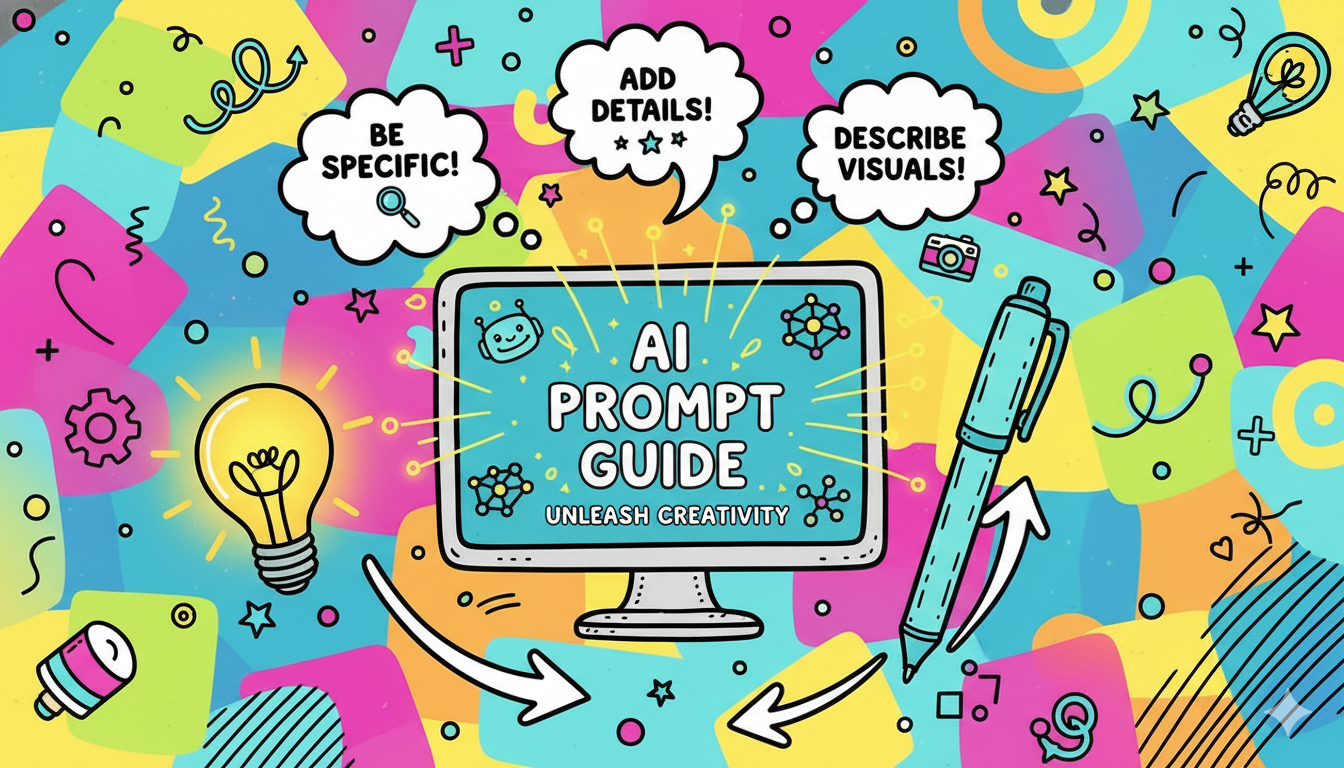
Prompt Guide for Hailuo AI Video Generator | ImagineArt
Discover the ultimate prompt guide for Hailuo AI. Learn how to craft effective prompts and maximize the potential of Hailuo AI’s capabilities for your projects.
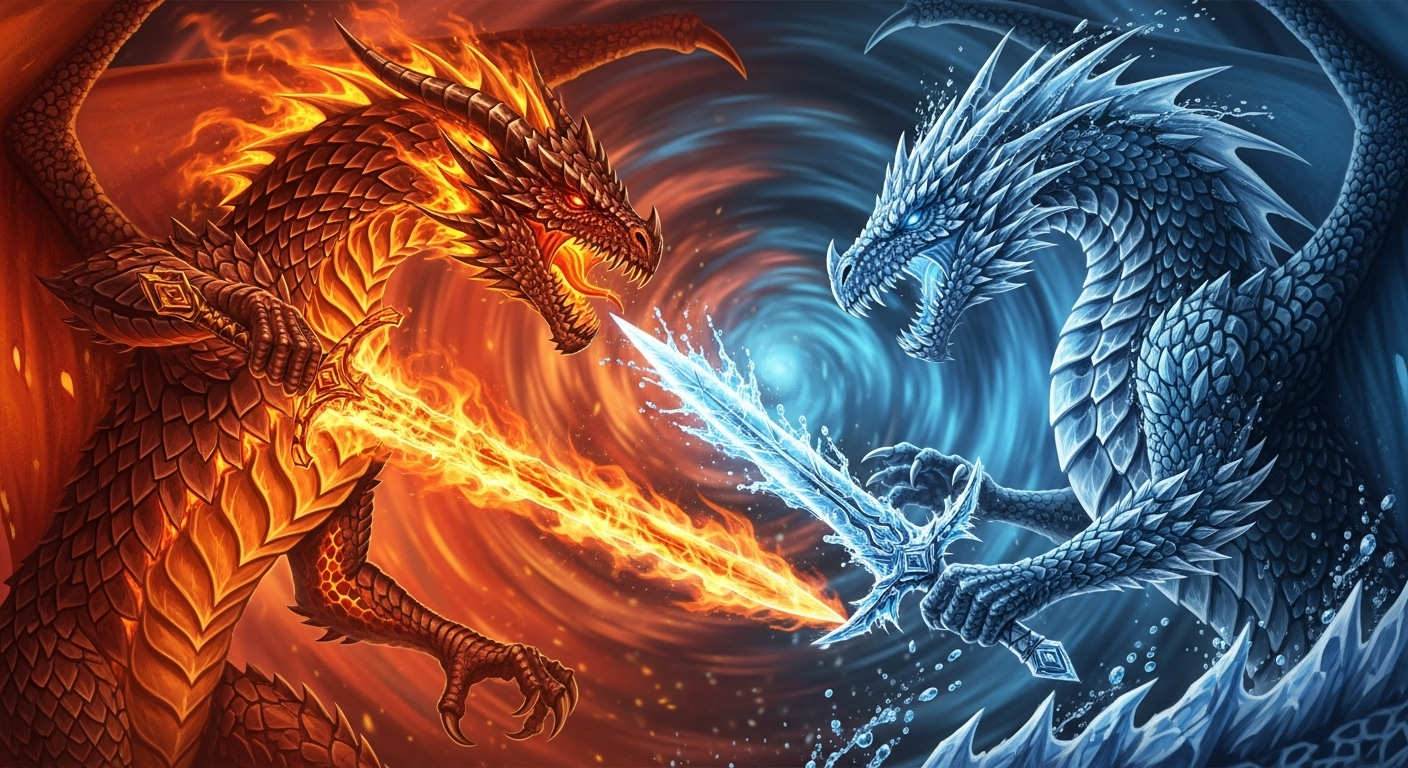
Hailuo 2.3 Overview
Find everything about Hailuo 2.3 and access all of its features, use cases, pricing, and alternatives with ImagineArt AI video generator.
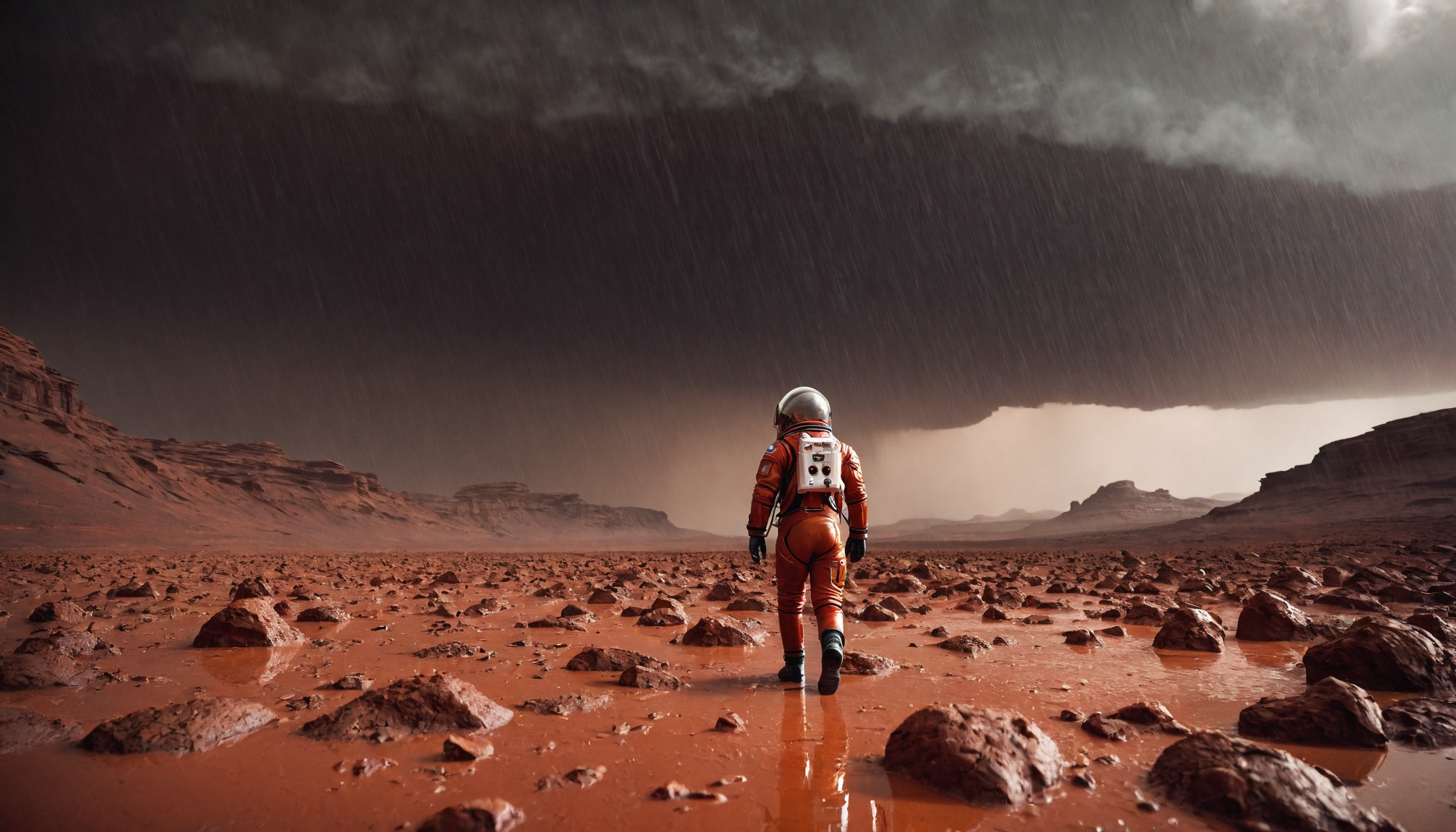
How to Use Hailuo AI on ImagineArt | ImagineArt
Learn how to use Hailuo AI on ImagineArt to create stunning, cinematic videos. Explore its key features, real-world use cases, and how to get started with this powerful AI video generator.
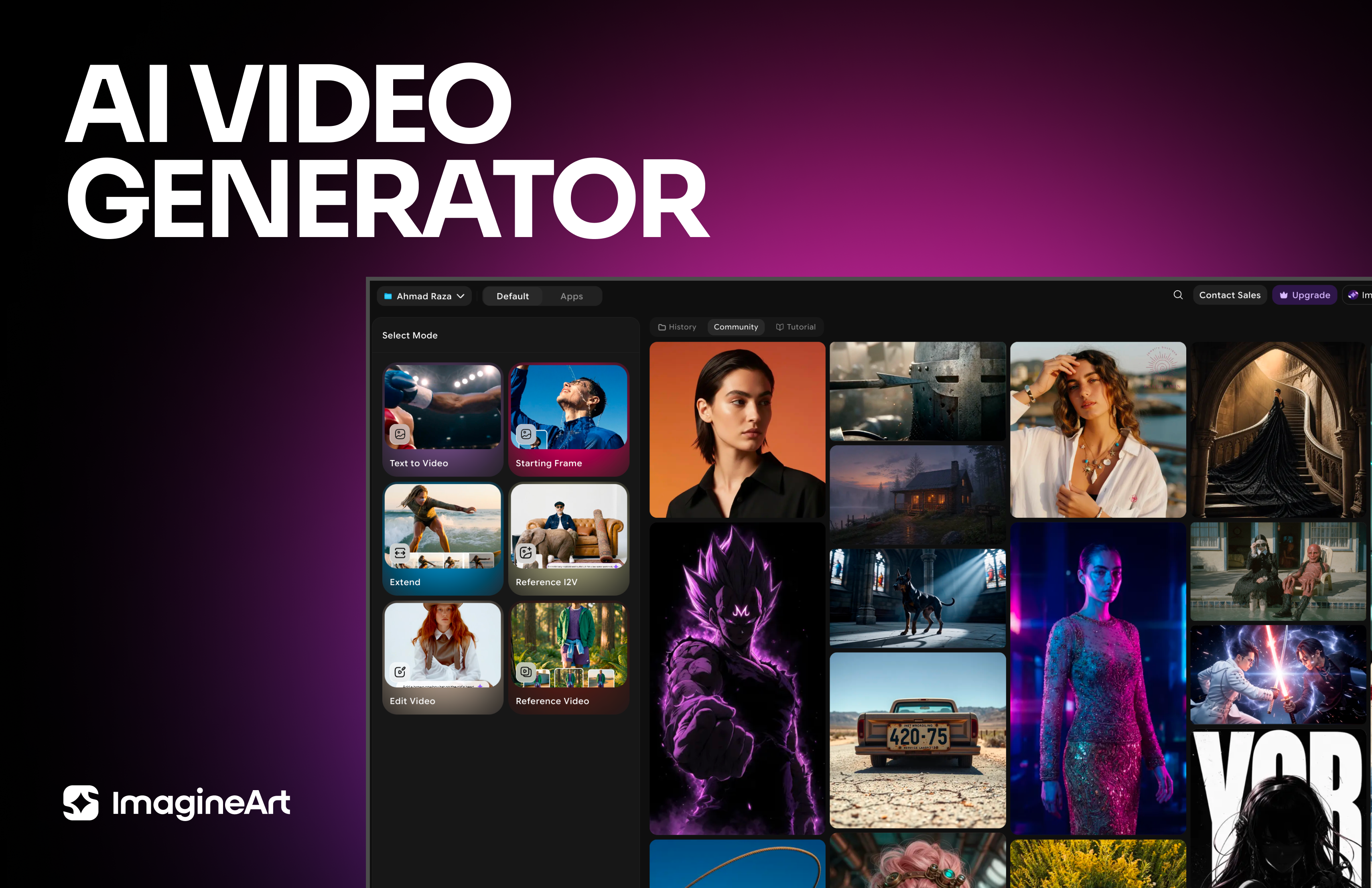
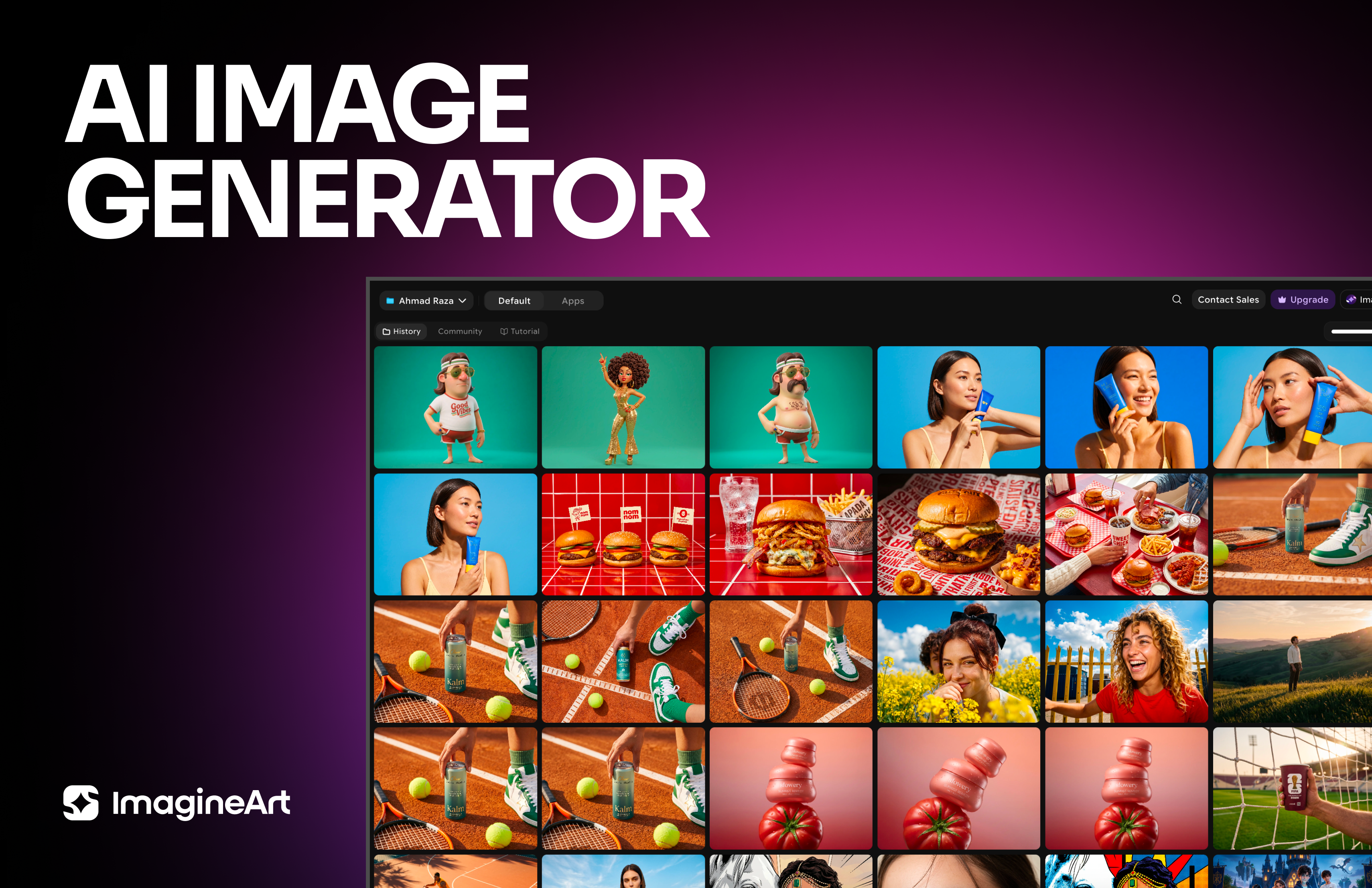
Imagine More with AI Creative Suite
ImagineArt gives you everything you need to create, customize, and bring your ideas to life in one seamless platform.


Ready to Generate with Hailuo 3.0?
Create native 4K cinematic video with Director Mode, Motion Brush, and synchronized audio on ImagineArt.
Try Hailuo 3.0