Gemini Omni Flash — Google's Conversational AI Video Generator
Gemini Omni Flash is Google DeepMind's multimodal AI video generation and editing model that creates high-quality video from any combination of text, image, audio, and video inputs. Combines Gemini's real-world knowledge of physics, history, science, and cultural context with conversational video editing, letting creators generate, refine, and transform videos.
Trusted by Professionals and Creators from leading brands and companies
Gemini Omni Flash Community Creations
Enter a text prompt, upload a reference image or video, describe your scene, and watch Gemini Omni Flash generate a coherent, grounded video with audio in a single pass.
Prompt:
A knight in full armor rides a white horse, sword raised, through a dramatic, motion-blurred landscape with fiery orange and dark, cloudy skies.
Prompt:
Dynamic shot of a motocross rider mid-air during a jump, with dirt flying and the sun backlighting the action, conveying speed and excitement.
Prompt:
Blue sports car driving on a snow-covered landscape with ice formations under a bright sun, creating tire tracks in the snow.
Prompt:
Man skateboarding downhill on mountain road with blurred motion, capturing freedom and adventure in scenic landscape.
Prompt:
A person hikes up a rocky mountain trail in foggy, overcast weather, wearing a backpack and warm outdoor gear.
Edit Videos Through Conversation with Gemini Omni Flash
Gemini Omni Flash lets you edit video the way you would describe changes to another person. Each instruction builds on the last, so you can adjust lighting in one turn, swap the background in another, and refine a character's motion in a third, without re-describing the full scene every time. Characters stay consistent, physics hold up across edits, and the scene remembers what came before. You can upload your own video or edit directly from a generation.
Generate Video from Any Combination of Inputs
Gemini Omni Flash accepts text, images, video clips, and audio as simultaneous inputs and combines them into a single cohesive output. Reference an image for a character, a video clip for camera movement style, and an audio file for rhythm and beat simultaneously. The model blends all reference inputs rather than defaulting to one while ignoring the rest, giving creators a level of directorial control that goes beyond what a text-only prompt can specify.
Grounded in Real-World Knowledge and Physics
It draws on Gemini's understanding of physics, forces like gravity, kinetic energy, and fluid dynamics, alongside its knowledge of history, science, and cultural context. A marble rolling through a chain-reaction track behaves the way it should. A protein folding explainer in claymation stays scientifically accurate. The gap between photorealism and meaningful storytelling closes because the model understands both.
High-Speed Video Generation with Gemini Omni Flash
Gemini Omni Flash is Google's speed-optimized Omni model, built for fast video generation and low-latency conversational editing without removing multimodal input handling or physics-grounded output. It is designed for workflows where quick turnaround across generation and multi-turn editing matters as much as output quality.
The Features You Need In An AI Video Model

Conversational Video Editing
Edit any video through plain-language instructions across multiple turns. Each change builds on the previous result without re-describing the full scene.
Native Multimodal Input
Combine text, images, video clips, and audio references into a single generation. The model processes all input types simultaneously and blends them into one cohesive output.
Physics and World Knowledge
Gemini Omni Flash understands gravity, fluid dynamics, kinetic energy, and cultural context, producing scenes that behave logically and carry meaningful narrative grounding.
Text in Video
Prompt for readable, correctly placed text inside generated video frames, including signs, lower-thirds, title cards, and labelled items across rapid-fire sequences.
Time-Coded Prompt Control
Specify when events happen using natural language or structured timecodes. Control scene cuts, character entrances, audio beats, and camera changes at precise moments.
Two Aspect Ratios
Generate in 16:9 landscape for widescreen and cinematic content, or 9:16 portrait for TikTok, Instagram Reels, and YouTube Shorts
Edit Your Own Videos
Upload existing footage via the Files API and apply conversational edits including style transformations, object additions or removals, and environment changes.
Subject Reference
Upload reference images of specific characters, objects, or scenes, and the model incorporates them accurately into the generated video without making them literal starting frames.
SynthID Watermarking
All videos generated with Gemini Omni Flash carry SynthID, Google DeepMind's invisible digital watermark, identifying AI-generated content without affecting visual quality.
How to Create AI Videos Using Gemini Omni Flash?
Enter Your Prompt or Upload Your References
Write a detailed scene description or upload any combination of images, video clips, and audio files as references. Use image tags to specify whether each upload is a starting frame or a visual reference. Include camera direction, lighting, mood, and timing details for the most precise output.
Choose Your Aspect Ratio and Settings
Select 16:9 for landscape or 9:16 for portrait output. Use time-coded syntax to control when events happen within the clip, or leave the model to craft a narrative from your prompt. Set audio direction in the prompt if you need a specific music style, sound effect, or no audio at all.
Generate, Edit, and Export
Preview your generated video and use conversational follow-up prompts to refine specific elements across multiple turns. Each edit builds on the previous output. Download your finished video and use ImagineArt's AI video editor for any final adjustments before publishing.
More AI Video Models You Can Access on ImagineArt
ImagineArt provides access to Veo 3.1, Seedance 2.0, Kling 3.0, Hailuo 3.0, Grok Imagine 1.5 Video, Runway Gen 4.5, WAN 2.6, and more, letting you match the right model to every creative and production requirement.

Kling AI
Use other Kling models like 2.6, 1.6, 2.1, 2.5 turbo, avatar, avatar 2.0 and O1 for smooth, dynamic AI animations.
Pixverse AI
Try Pixverse AI models like V3.5, V4, V4.5, V5, and V5.5 for cinematic AI videos with vivid detail and realism.

Google VEO
Explore Google VEO, VEO 2, 3, 3 Fast, 3.1, and 3.1 Fast for fast, lifelike videos.

Sora AI
Explore Sora 2 for advanced AI storytelling with cinematic visuals and realism.
WAN AI
Access WAN 2.2, WAN 2.6, WAN 2.2 Animate, WAN 2.5 for hyperrealistic AI videos with precise motion.

Hailuo AI
Try Hailuo 2.0, 2.3, 2.3 Fast for fluid cinematic AI videos with natural motion effects.
Runway AI
Try Runway Aleph, Runway Act II for professional AI video production and editing tools.

Seedance AI
Use Seedance 1.0, Seedance Pro Fast for rhythmic, expressive AI-generated video sequences.
Why Gemini Omni Flash Works Across Every Video Workflow
ImagineArt provides access to Seedance 2.0, Seedance 2.0 Mini, Kling 3.0, Hailuo 3.0, Veo 3.1, Grok Imagine 1.5 Video, Runway Gen 4.5, and more, letting you experiment with alternative models for faster, more cinematic, or more cost-effective results.
Ideal for Creative Directors and Filmmakers
Filmmakers can use reference images for characters, video clips for camera movement style, and audio files for rhythm, all combined in a single generation. Multi-turn conversational editing means directorial refinements happen through instruction rather than manual timeline adjustments. Time-coded prompt control gives frame-level precision over scene pacing and event timing without a separate editing tool.
Built for Brand and Marketing Teams
Marketing teams can generate product videos, campaign spots, and branded content by combining product images, style references, and campaign briefs into a single cohesive output. Edits like changing lighting, swapping backgrounds, or adjusting text on signage happen through a follow-up prompt rather than a round-trip to an editor. The model keeps visual consistency across all changes so the brand identity stays intact.
Perfect for Content Creators and Social Media
Social creators can generate portrait-format content at 9:16, apply motion effects to static images, transform an existing video clip into a new style, or build rapid-fire sequences with labelled items synced to audio, all from a single prompt. Conversational editing means the creative process stays fast and iterative rather than stopping at first output.
Purchase a Subscription
Upgrade to get access to pro features and generate more and better
Basic
For newcomers taking their first steps
View Plans
Billed monthly
Included in plan
3Kcredits per month
Additional Features
Up to ~600 Image Generations/month
Up to ~97 Video Generations/month
General Commercial Terms
Image Generation Visibility: Public
4 Concurrent Image Generations
Complimentary Access
All GPT Models
All Gemini Models
All Claude Models
Unlimited Generations
10 Image Models
9 Video Models
Standard
For rising creators to level up their game
View Plans
Billed monthly
Included in plan
8Kcredits per month
Additional Features
Up to ~1.6k Image Generations/month
Up to ~265 Video Generations/month
General Commercial Terms
Image Generation Visibility: Private
8 Concurrent Image Generations
Complimentary Access
All GPT Models
All Gemini Models
All Claude Models
Unlimited Generations
Nano Banana
Runway Gen 4 Turbo
Midjourney V7
8 more Image Models
8 more Video Models
Ultimate
Peak performance for pros
View Plans
Billed monthly
Included in plan
16Kcredits per month
Additional Features
Up to ~3.2k Image Generations/month
Up to ~530 Video Generations/month
All styles and models
General Commercial Terms
Image Generation Visibility: Private
Complimentary Access
All GPT Models
All Gemini Models
All Claude Models
Unlimited Generations
All image models in Standard plan
All video models in Standard plan
Kling 2.6 Pro
Seedance 1.5 Pro
ChatGPT 1.5
Creator
A full production engine for powerhouses
View Plans
Billed monthly
Included in plan
100Kcredits per month
Additional Features
Up to ~20k Image Generations/month
Up to ~3.3k Video Generations/month
All styles and models
General Commercial Terms
Image Generation Visibility: Private
Complimentary Access
All GPT Models
All Gemini Models
All Claude Models
Unlimited Generations
All image models in Ultimate plan
All video models in Ultimate plan
Kling 3.0 Pro
Seedance 2 Fast
Nano Banana 2
Free
billed annually
- 3000 credits / month
- In-house models only
- 36k credits per year
- 1 Fast Image concurrency




Trusted by 30M+ creative team, designers and marketers.
User Reviews
See what our users are actually saying

“The conversational editing is what got me. I generated a video and then just kept describing what I wanted to change, and each edit held the scene together perfectly. I never had to re-explain the original setup.”

“I uploaded a reference image for my character and a video clip for the camera movement I wanted. The model combined both into exactly the kind of output I was imagining. That level of input control is something I have not seen in other models.”
“I make rapid-fire educational content, and the time-coded prompting is a game changer. I can describe what happens at 3 seconds and what happens at 7 seconds in the same prompt, and it actually follows it.”
“We used Gemini Omni Flash for a brand campaign where we needed to edit product signage and lighting across multiple variations. The edits were clean, fast, and consistent. No manual compositing needed.”
Frequently Asked Questions
Get answers to every possible query you have related to Gemini Omni Flash.
- What is Gemini Omni Flash?
- Gemini Omni Flash is Google DeepMind's multimodal AI video generation and editing model that creates high-quality video from text, images, audio, and video inputs combined simultaneously. It supports conversational multi-turn video editing, time-coded scene control, readable in-video text, and grounded generation based on Gemini's real-world knowledge of physics, history, and cultural context.
- How does conversational video editing work in Gemini Omni Flash?
- After generating a video, you describe what you want to change in plain language as a follow-up prompt. The model applies your edit while preserving the elements you did not mention, keeping characters consistent, maintaining scene physics, and remembering the full context of prior turns. Each new instruction builds on the previous result without requiring a full scene re-description.
- What input types does Gemini Omni Flash accept?
- It accepts text prompts, images, video clips, and audio references as simultaneous inputs. You can tag images as starting frames or visual references, use video clips to define camera movement style, and include audio files to guide rhythm and timing in the generation.
- Can I edit my own videos with Gemini Omni Flash?
- Yes. You can upload existing video footage and apply conversational edits including style transformations, object additions or removals, lighting changes, and environment swaps. Note that editing uploaded videos is not currently available in the European Economic Area, Switzerland, and the United Kingdom.
- Does Gemini Omni Flash generate audio automatically?
- Yes. The model generates an appropriate audio track alongside the video by default. You can direct the audio style through your prompt, specifying music genre, sound effects, dialogue, or requesting no audio at all. Audio references are supported via voice inputs to start, with broader audio input types planned.
- How is Gemini Omni Flash different from other AI video models?
- The core distinction is conversational multi-turn editing grounded in Gemini's real-world knowledge. Most video models generate a clip and stop. Gemini Omni Flash lets you keep refining the same video through natural language instructions across multiple turns while the model maintains scene memory, physics accuracy, and character consistency throughout.
- What's the difference between Gemini Omni and Gemini Omni Flash?
- Gemini OmniGemini Omni is Google's multimodal model that combines Gemini's reasoning with video generation and editing, letting you edit clips through natural conversation while keeping scenes consistent. Gemini Omni Flash is the fast, lower-cost version of it: same core video-editing and generation capabilities, but optimized for speed and throughput (in line with Google's usual Flash vs. Pro naming, where Flash trades some depth for speed and price). Omni Flash Omni Flash is currently the version actually available via the Gemini API, Google AI Studio, and Google Flow, generating up to 10-second clips at around $0.10/second — Google hasn't shipped a separate full "Pro" Omni tier with a documented feature gap yet.
More resources

Guide to Gemini Omni Flash Video Generation: Conversational AI Video Editing
Learn how to use Gemini Omni Flash for conversational video generation and editing. Specs, features, access methods, and how it compares to Sora, Kling, and other models.
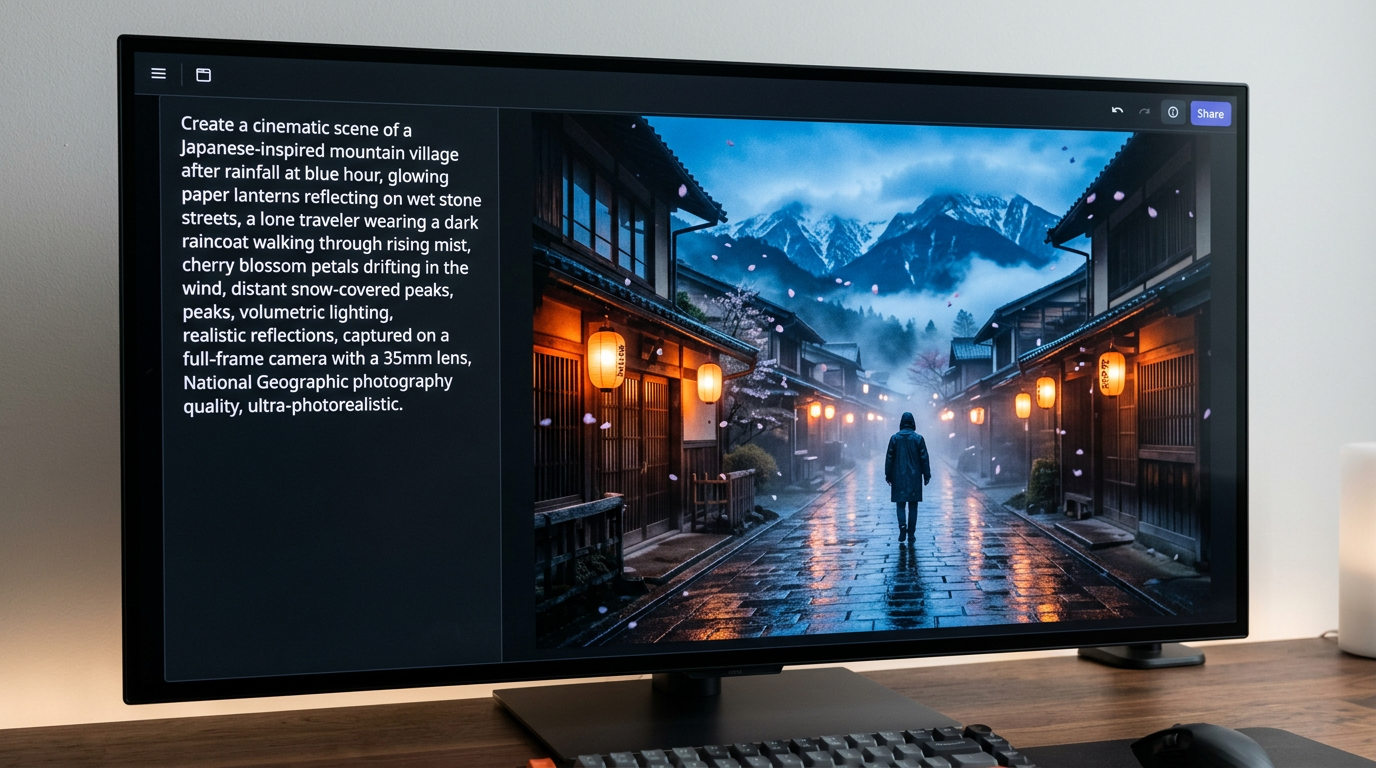
Nano Banana 2 Lite Guide: Features, Speed & Comparisons
Complete Nano Banana 2 Lite guide covering core features, tier comparison, and how it fits with Nano Banana 2 and Pro on ImagineArt.
Nano Banana 2 Pricing Guide | ImagineArt
Learn how Nano Banana 2 image generation is priced on ImagineArt and Gemini 3.1, including credit and token usage, resolution-specific costs, and tips for optimizing your workflow and project budget.

Best AI Video Ad Creator Tool in 2026
Discover the best AI video ad creator tools. Learn how to create cinematic ads, social media clips, product reveals, fashion campaigns, and UGC videos faster than traditional production.

Best AI Video Generators for Long Videos 2026
The best AI video generator for long videos is ImagineArt. Powerful models, Video Extend for continuous sequences, AI film studio, and a complete long-form production pipeline — here's everything you need for 2026.
Imagine More with AI Creative Suite
ImagineArt gives you everything you need to create, customize, and bring your ideas to life in one seamless platform.
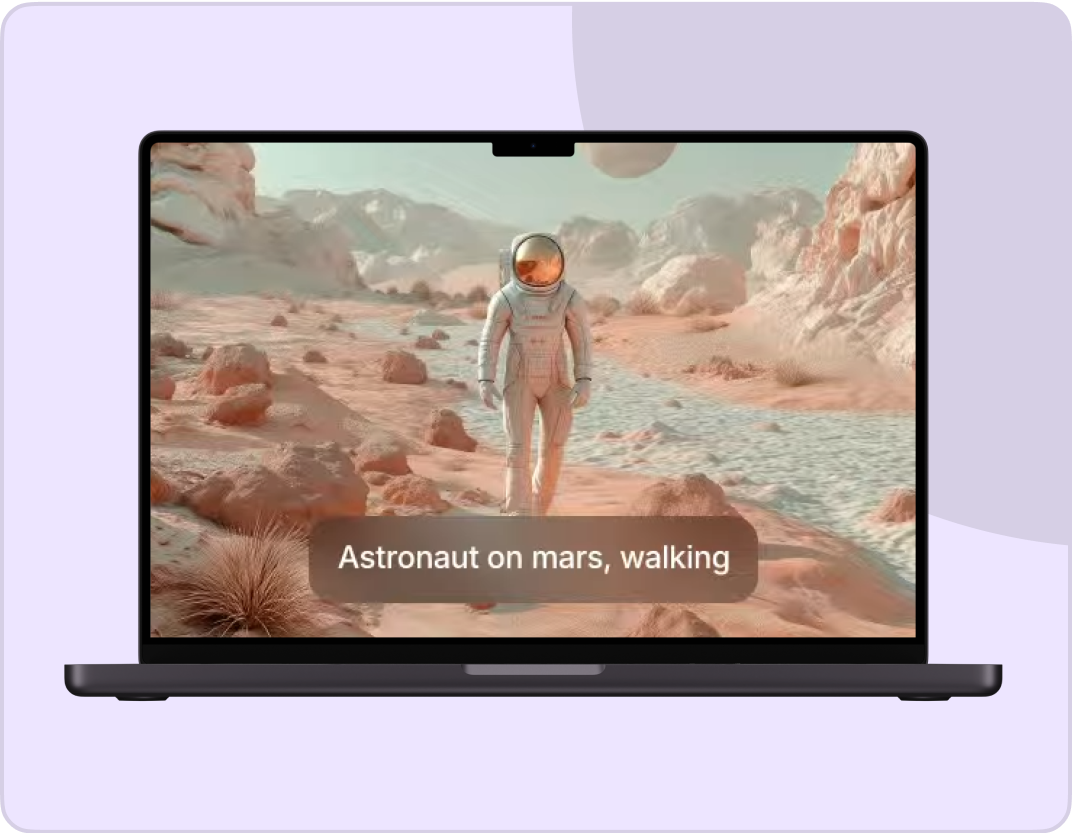
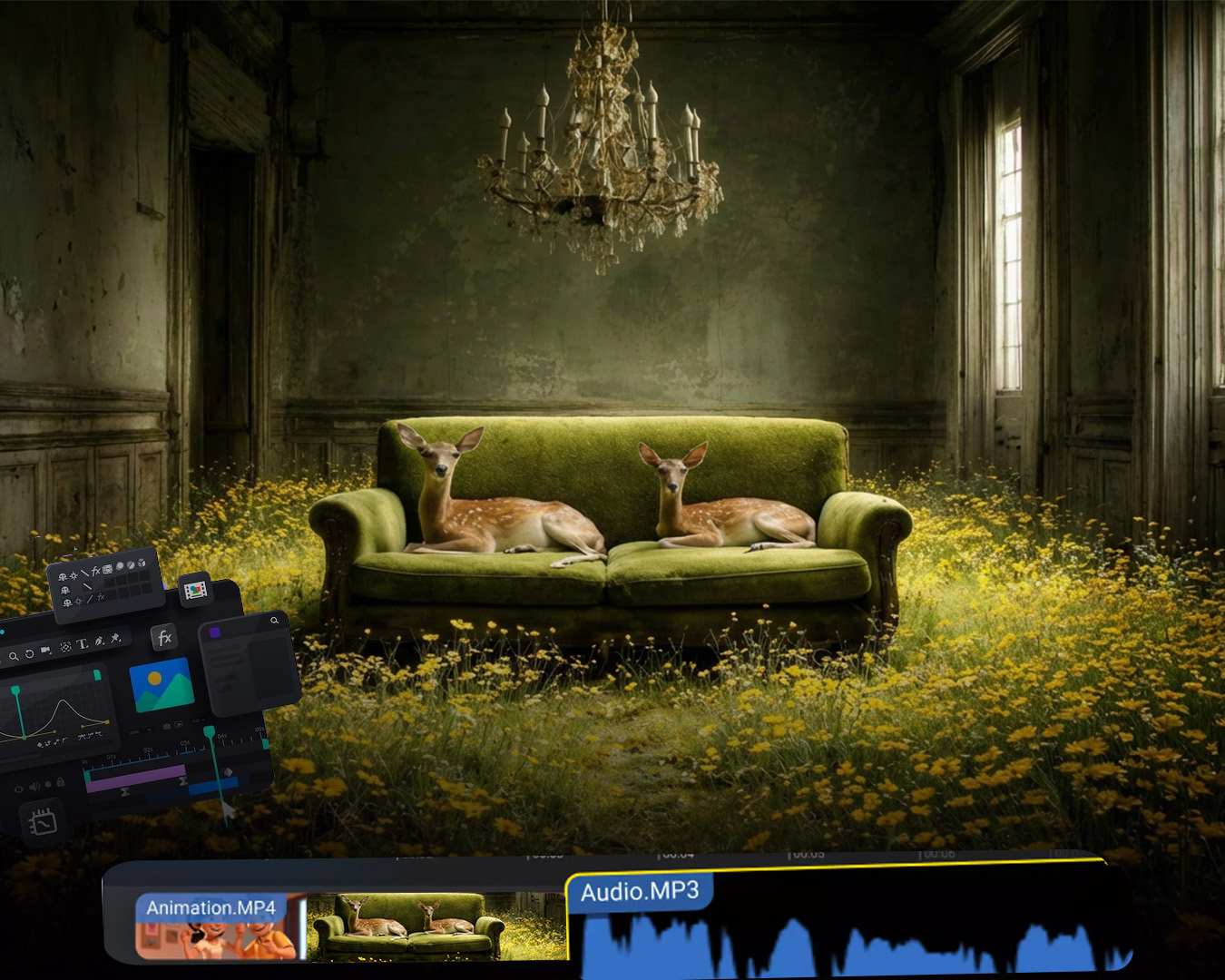
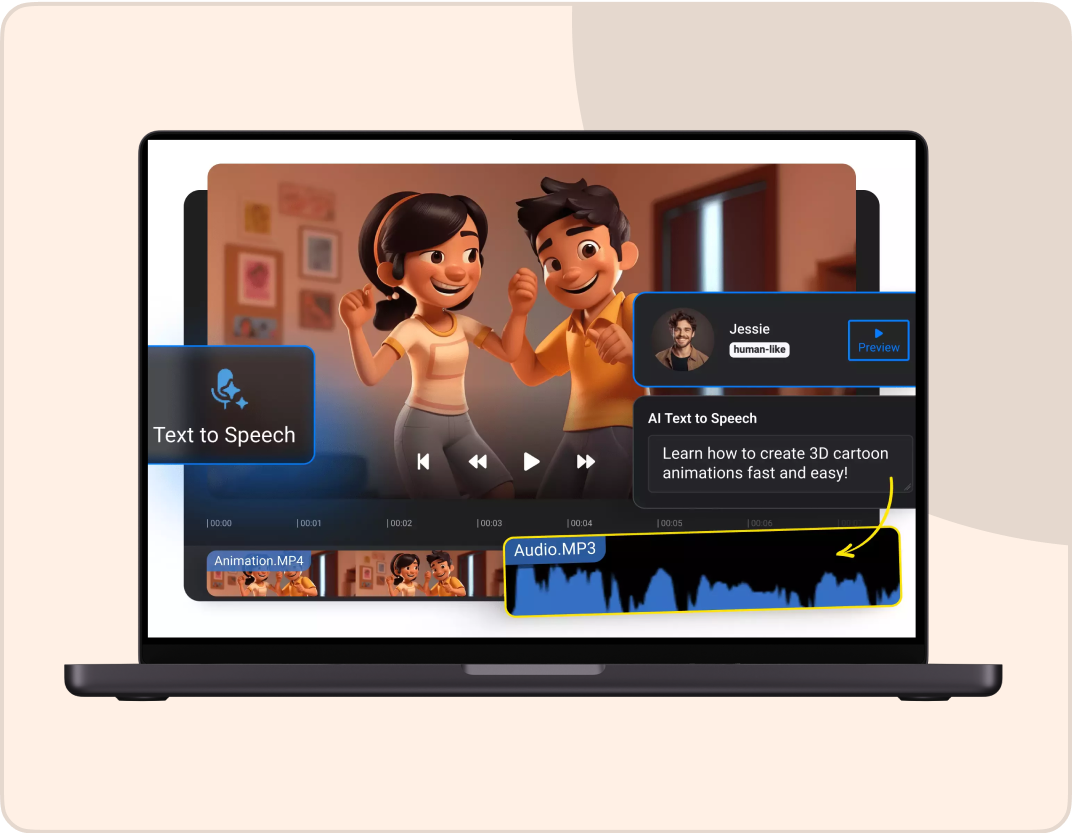


Create Anything with Gemini Omni Flash
Generate and edit cinematic videos from text, images, and audio with Google DeepMind's multimodal AI video model.
Try Gemini Omni Flash