








One Project,
Many Cuts
Spin vertical, square, and widescreen versions, plus language and copy variants, out of a single storyboard without rebuilding anything.

AI Ad Studio
Motion Designer is a powerful motion graphics feature inside AI Ad Studio that turns a single brief into edited, on-brand video, with the copy, pacing, and typography already handled.
Pick a product to animate
Pick a style
Trusted by creators
Bring your product and Motion Design brings premium, high-performing templates you can use to showcase your product to the world. Storyboarding and AI render all included.
Build complete motion graphics without After Effects, keyframes, or render queues. Motion Designer handles the production so you stay focused on the message and the sequence.
Paste a product URL, pick a sample, or upload your own images, then add a short creative brief that tells the AI motion design tool what to build.
~10 secondsChoose from motion templates built for social ads, brand intros, and product demos, or describe the style you want and let the prompt set the tone.
~20 secondsThe storyboard generator lays out every scene in sequence, so you can rewrite the copy, reorder frames, and lock the structure before anything renders.
~1 minuteRender a finished motion video in the format you need, including 9:16 from the built-in vertical video generator for Reels, TikTok, and Shorts.
~2 minutesMotion Designer turns backlog into one AI motion graphics workflow.
Most AI motion tools hand you a finished clip and hope it lands. AI Motion Graphics Generator is built the other way around, with a storyboard-first workflow that lets you shape the structure, the copy, and the look before a single frame renders.
You see the full scene sequence laid out first, so you are directing the video rather than reacting to whatever the model returns. Change a line, swap a frame, or rethink the order. If you want to edit, that also takes a few minutes.
Build Your Storyboard →Headlines, captions, and product names come out legible and correctly spelled, which is where most motion graphics AI tools still fall short. Your copy reads the way you wrote it, at any size and in any frame.
See Text Render Clean →The product you add stays consistent across every frame, holding its shape, brand color, and detail from the first scene to the last. Nothing warps or drifts as the motion plays out, so the video matches the real thing.
Try with Your Product →Pacing, transitions, and soundtrack are timed together, so the final cut feels composed rather than stitched. The rhythm carries the message instead of fighting it, and the result holds attention to the end.
Make Your First Cut →You bring the product and the intent, and the AI motion graphics generator handles the typography, motion, and rendering, while leaving every decision that matters in your hands.
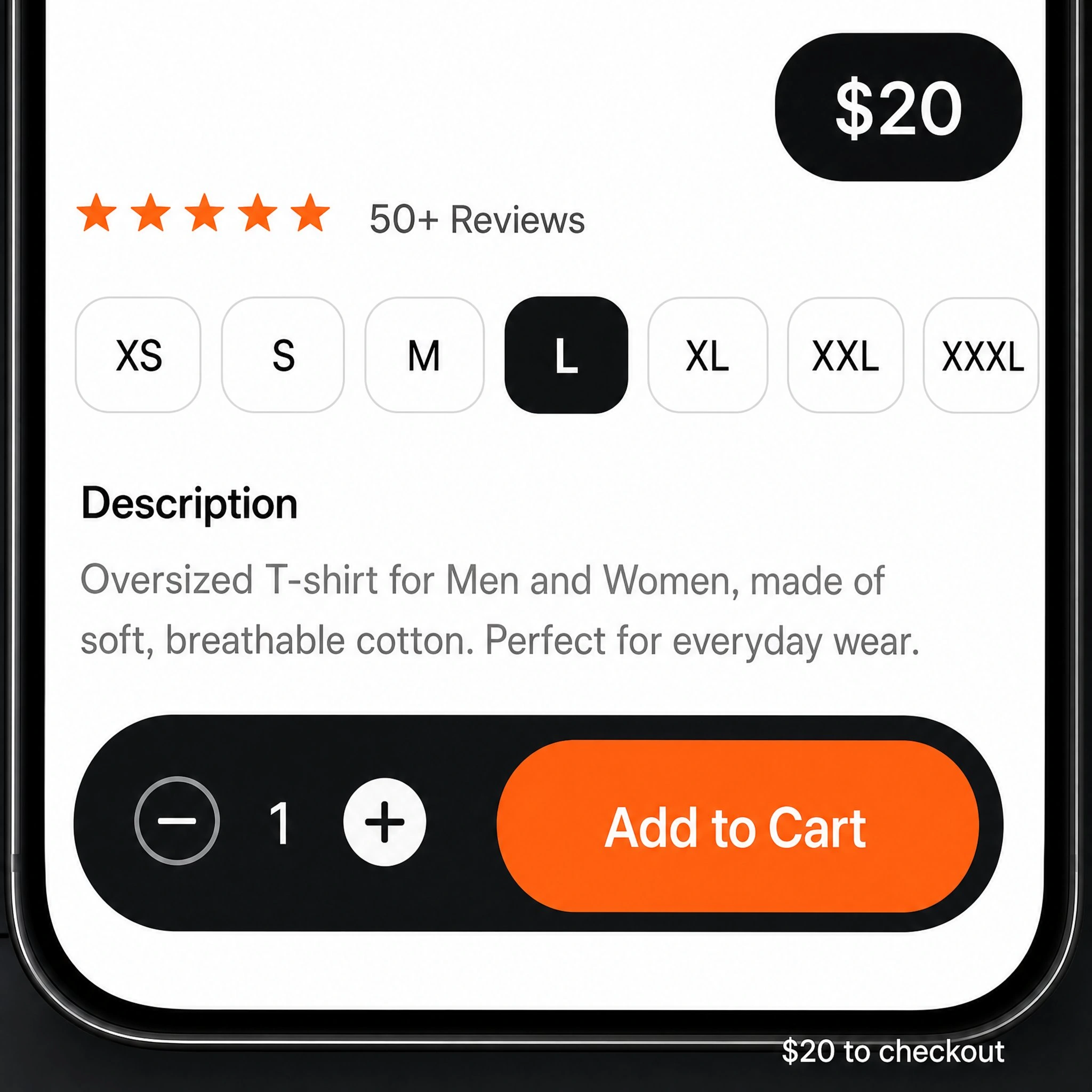
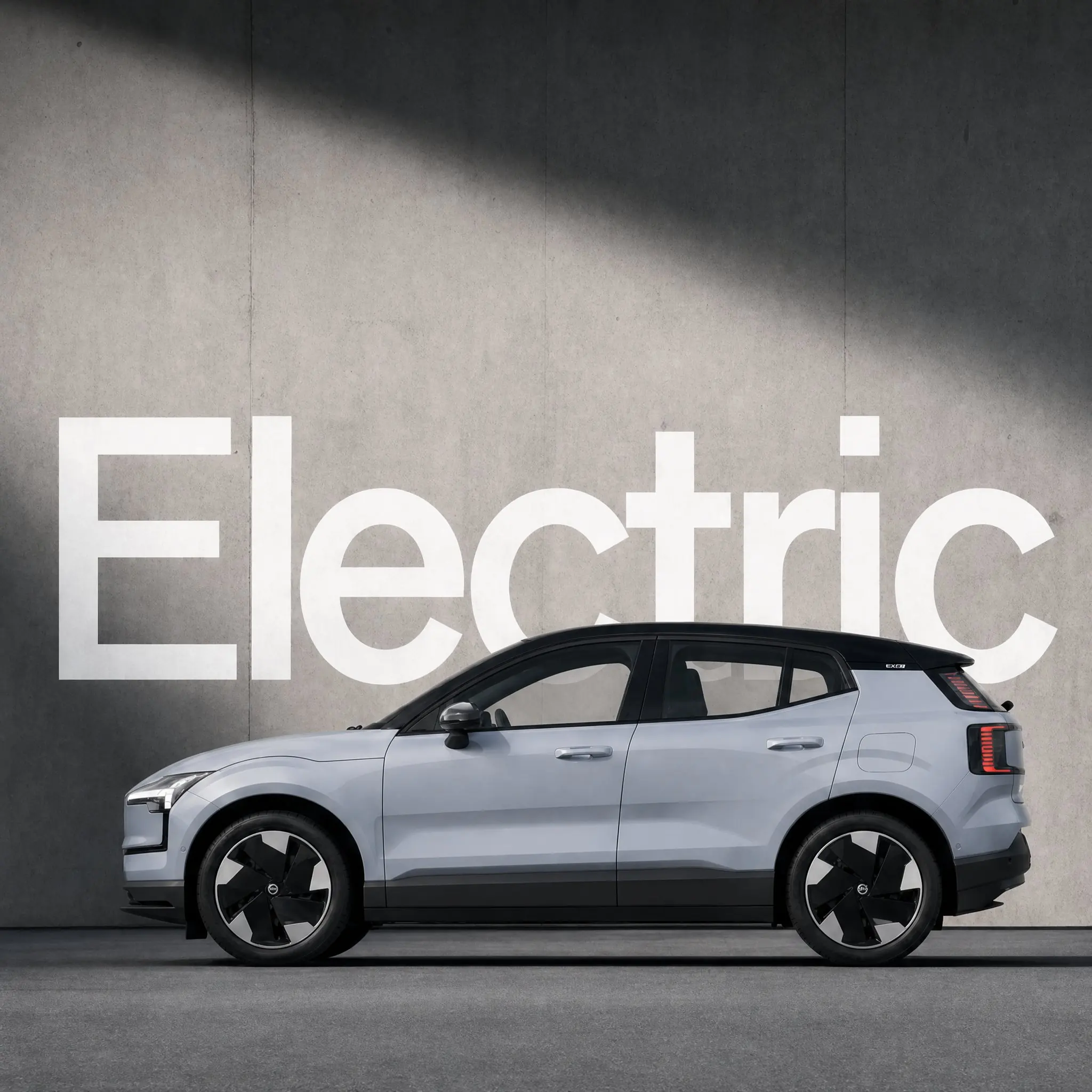
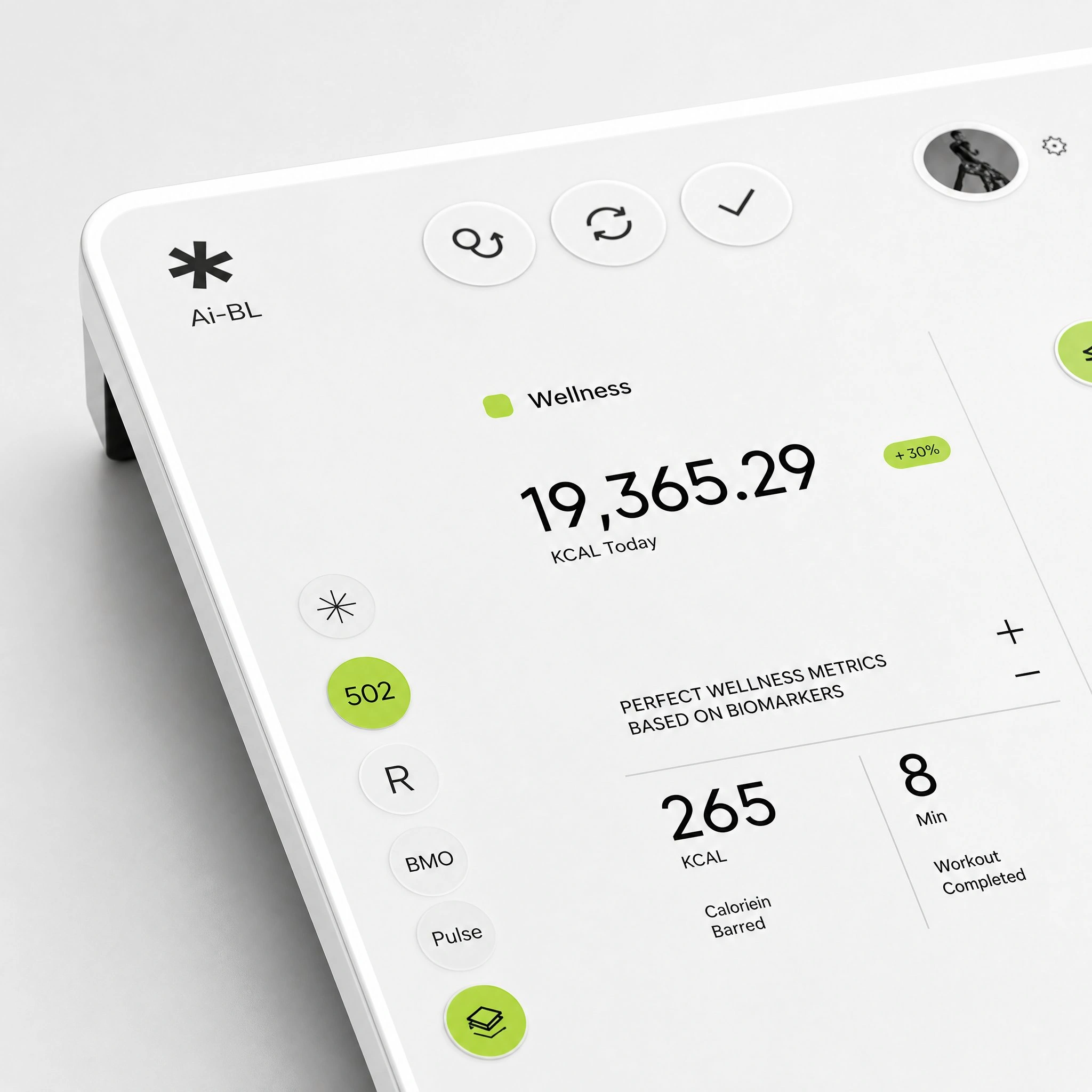
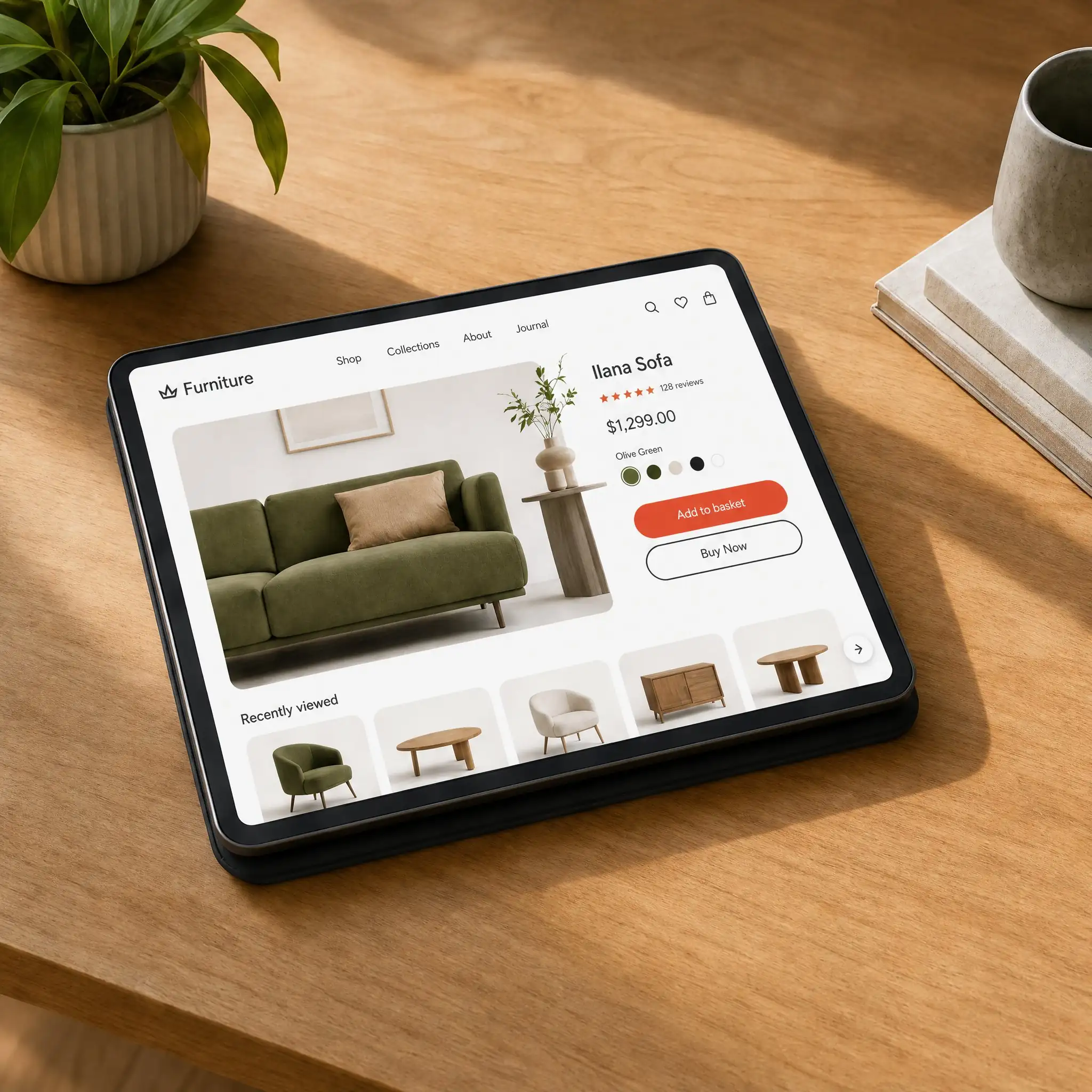
Spin vertical, square, and widescreen versions, plus language and copy variants, out of a single storyboard without rebuilding anything.

Every video you make carries the same motion language, so a launch, its follow-up, and the ad that runs alongside it all read as one campaign.
The soundtrack comes with the video and is timed to the scene changes, so you are not sourcing a track or syncing it by hand.
Motion Designer fits any team that ships product video often and cannot afford a slow pipeline for each one. These are the groups that get the most out of it.
Turn feature releases and product updates into walkthroughs and launch videos without pulling a designer off the roadmap.
Build product demos and social ads from a product URL, then version them for every channel you sell on.
Produce client motion graphics at the volume retainers demand, with the storyboard step keeping approvals fast and revisions cheap.
Create lesson intros, explainers, and tutorial content with clean on-screen text and a consistent visual style across a whole curriculum.
Ship onboarding videos and in-app announcements that explain a flow clearly, using AI for motion graphics that match your interface.
Get launch and pitch video without a creative team, using AI tools for animation that produce finished work from a single brief.
We are building toward a reality where anyone with a product and an idea can make work this good. Every frame here started exactly that way.
Browse all work →
Motion Design
Product Visual
Brand Graphic
Motion Frame
Campaign Visual
Design System
Creative Visual
Motion Still
Editorial Frame
Visual Identity
Campaign Still
Brand VisualEverything brands and agencies ask before they start shipping.
AI motion design is the use of artificial intelligence to create motion graphics, such as animated text, transitions, and product visuals, from simple inputs like a prompt, a product link, or a template. Instead of building and timing every frame by hand, the AI generates an editable sequence you direct and refine.
Yes. AI can produce motion graphics including animated headlines, kinetic typography, transitions, and product reveals. An AI motion graphics generator like Motion Designer takes a product and a brief, generates a storyboard, and renders a finished video, while you control the copy and the order of scenes.
You make motion graphics without After Effects by using browser-based AI motion graphics software. You add a product link or a prompt, pick a style, and the tool generates the animation, text, and timing for you. There is no timeline, no keyframing, and no software to install, which makes it a practical free starting point for people without a motion background.
Motion graphics software is any tool used to create animated text, graphics, and visual effects for video. It falls into three broad types: professional timeline tools such as After Effects, template-based editors, and AI motion design tools that generate the animation from a prompt or a product link rather than manual keyframes.
Motion design animates graphic elements like text, logos, shapes, and UI, usually to communicate a message or support a brand. Animation is the broader field and includes character work, storytelling, and illustration. In short, motion design is a specialized branch of animation focused on graphics and information rather than characters and narrative.
A storyboard generator turns a brief or prompt into an ordered sequence of scenes before any video is rendered. Each scene shows the copy, visuals, and pacing for that moment, so you can rewrite text, reorder frames, and approve the structure first. This keeps revisions fast, since changes happen at the planning stage instead of after a full render.
Motion graphics is about creating and animating graphic elements from scratch, such as text, icons, and transitions. Video editing is about arranging and trimming existing footage into a final cut. Motion graphics builds the visuals; editing assembles them. AI motion design tools combine both, generating the graphics and the cut in one pass.
No. AI motion graphics tools are built so that anyone with a product and a message can use them. The templates carry the pacing, type, and transition choices a designer would normally make, so the craft is built in. Design experience helps you refine the result, but it is not required to produce a finished video.
In most cases, yes, though it depends on the tool's licensing terms. Motion graphics made for product launches, ads, and tutorials are commonly used in commercial campaigns. Always check the specific terms of the AI motion design tool you use, since rights to the output, music, and templates can vary by plan.
The strongest AI motion design tools give you control over the result, accurate on-screen text, consistent product rendering, and export in the formats each platform needs. A storyboard step matters most, since it lets you direct the video before it renders rather than accepting whatever the model returns on the first try.
Speed is the advantage now, and it is going to whoever sets ideas into motion before their competitors even realize.