Kling 2.1 With Start & End Frames
Create AI videos with full control over your start and end frames using Kling 2.1.
Trusted by Professionals and Creators from leading brands
Kling Community Creations
Unlock Creativity with Start and End Frames
Kling 2.1 introduces a powerful feature that lets you specify your video’s start and end frames, giving you complete creative freedom over your videos. Whether you need a precise intro and outro or want to highlight specific moments, this feature lets you capture the essence of your vision with the help of AI-generated content in between.
Transform Text and Images into Stunning Videos
Kling 2.1 allows you to create realistic videos from text or images while providing full flexibility to define how the video begins and ends. By uploading your own start and end frames, you ensure your video matches your vision exactly, from the first frame to the last.
Seamless Motion and Cinematic Camera Control with Precision
The new start and end frame functionality in Kling 2.1 lets you control every aspect of your video’s movement, from camera angles and lighting to smooth transitions and dynamic motion. By defining the keyframes, you give the AI the context it needs to animate perfectly in between, creating flawless visual storytelling.
Get Your Kling 2.1 AI Video in Three Steps
Step 1
Describe Your Scene
Start with a detailed text prompt or upload an image. With the added control of specifying the start and end frames, your AI video will begin and end exactly as you envision.
Step 2
Customize Your Video
Choose the camera angles, movements, lighting effects, and other creative elements. By defining the start and end frames, you ensure that your video matches your precise vision, with all the action smoothly flowing in between.
Step 3
Download or Iterate
Download your AI-generated video instantly, or adjust your start and end frames to refine your creation. The flexibility to edit these frames allows you to create a custom video that fits your project perfectly.
Specify End and Start Frames for Exact Control
Take your videos to the next level with Kling 2.1’s unique start and end frame feature. Simply upload the start and end frames to guide the AI, and let it handle the rest of the animation between the frames.
Multi-Element Editing for Seamless Integration
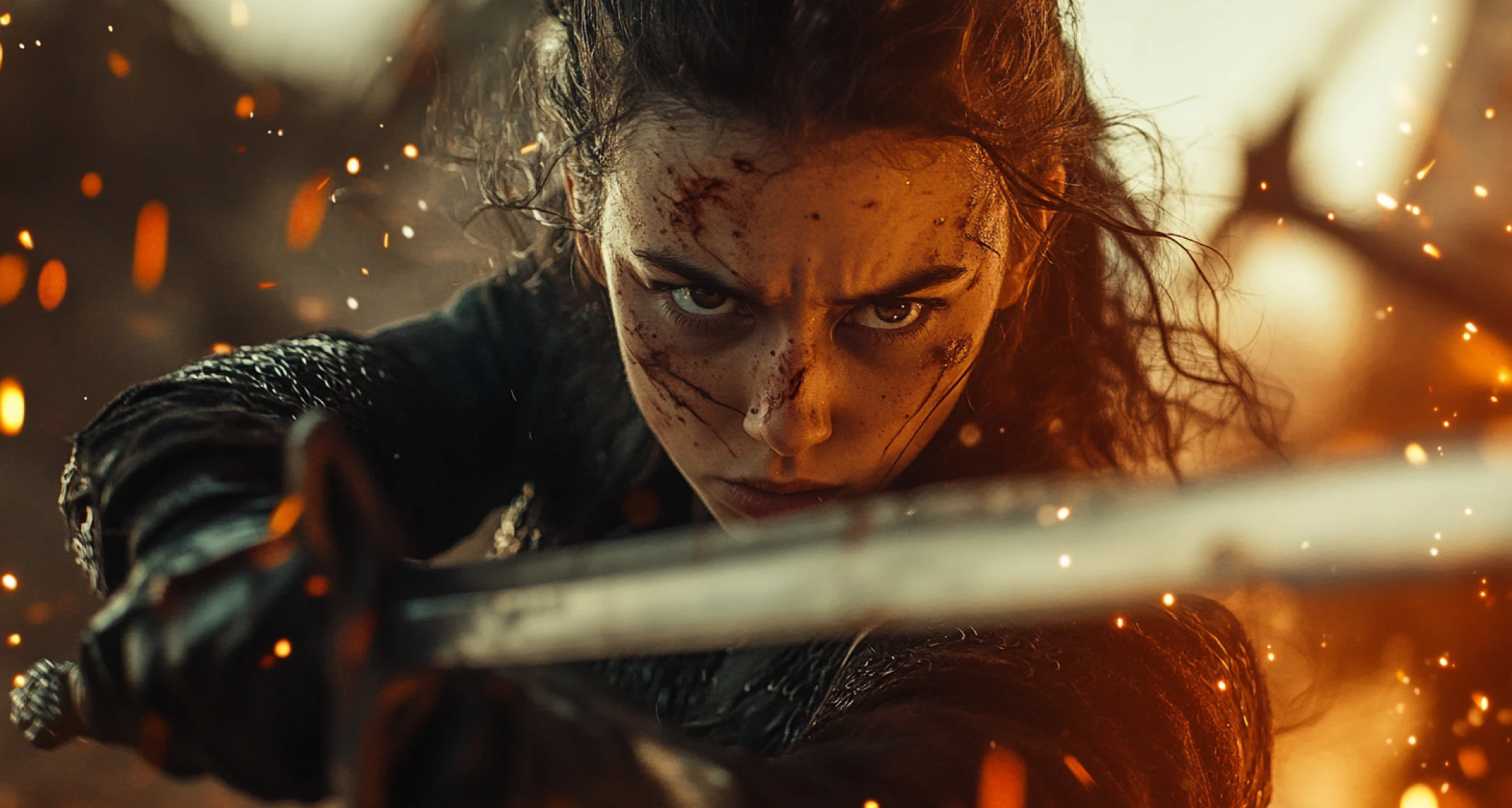
In addition to start and end frame control, Kling 2.1 also supports multi-element editing. This allows you to insert, remove, or modify elements within the video, perfect for replacing backgrounds, adding new objects, or adjusting scenes to fit within your desired start and end frames.
ImagineArt Enhances Your Kling 2.1 Experience
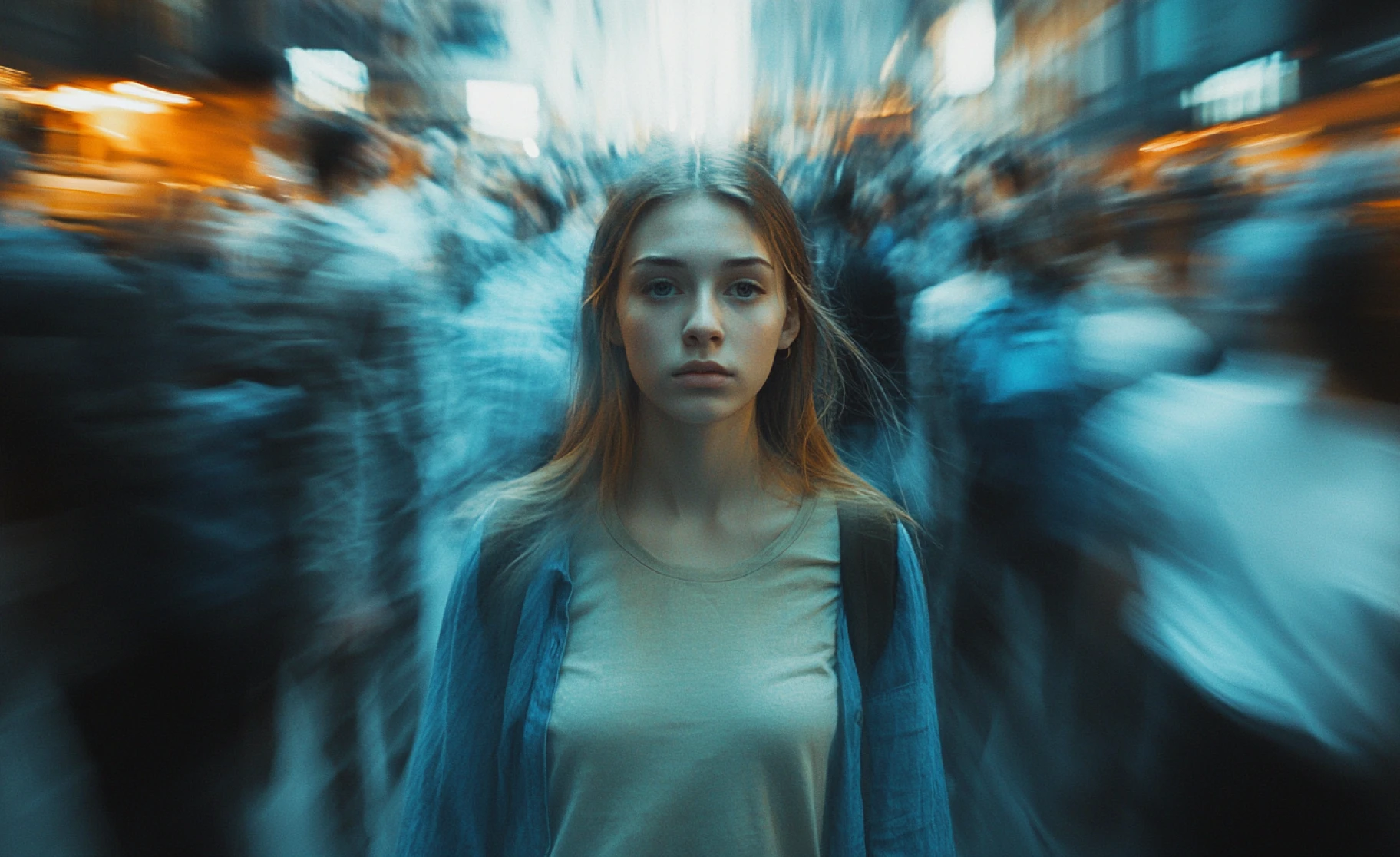
Kling 2.1 is integrated into ImagineArt’s powerful AI video Generator. Along with start and end frame control, you can access a wide array of effects, styling options, and the Imagine Bot assistant to further refine your video. Plus, with ImagineArt’s contextual sound options, you can add the perfect audio to complete your video’s narrative.
Purchase a Subscription
Upgrade to get access to pro features and generate more and better
Basic
For newcomers taking their first steps
View Plans
Billed monthly
Included in plan
3Kcredits per month
Additional Features
Up to ~600 Image Generations/month
Up to ~97 Video Generations/month
General Commercial Terms
Image Generation Visibility: Public
4 Concurrent Image Generations
Complimentary Access
All GPT Models
All Gemini Models
All Claude Models
Unlimited Generations
10 Image Models
9 Video Models
Standard
For rising creators to level up their game
View Plans
Billed monthly
Included in plan
8Kcredits per month
Additional Features
Up to ~1.6k Image Generations/month
Up to ~265 Video Generations/month
General Commercial Terms
Image Generation Visibility: Private
8 Concurrent Image Generations
Complimentary Access
All GPT Models
All Gemini Models
All Claude Models
Unlimited Generations
Nano Banana
Runway Gen 4 Turbo
Midjourney V7
8 more Image Models
8 more Video Models
Ultimate
Peak performance for pros
View Plans
Billed monthly
Included in plan
16Kcredits per month
Additional Features
Up to ~3.2k Image Generations/month
Up to ~530 Video Generations/month
All styles and models
General Commercial Terms
Image Generation Visibility: Private
Complimentary Access
All GPT Models
All Gemini Models
All Claude Models
Unlimited Generations
All image models in Standard plan
All video models in Standard plan
Kling 2.6 Pro
Seedance 1.5 Pro
ChatGPT 1.5
Creator
A full production engine for powerhouses
View Plans
Billed monthly
Included in plan
100Kcredits per month
Additional Features
Up to ~20k Image Generations/month
Up to ~3.3k Video Generations/month
All styles and models
General Commercial Terms
Image Generation Visibility: Private
Complimentary Access
All GPT Models
All Gemini Models
All Claude Models
Unlimited Generations
All image models in Ultimate plan
All video models in Ultimate plan
Kling 3.0 Pro
Seedance 2 Fast
Nano Banana 2
Customer Testimonials

ApexStudios
The start and end frame feature is a game-changer! I can now ensure my video matches my vision from start to finish.

Anya Petrova
Marketing Designer

DreamWorks
Kling 2.1 gives me complete control over the video creation process. I can define my frames and let the AI take care of the rest. The results are always impressive!

Ben Harris
Product Manager

Pixels
The ability to customize start and end frames has elevated my video content. It’s perfect for creating intros and outros that tie everything together seamlessly.

Isabelle Kim
Concept Artist

Shopify
Kling 2.1 is incredibly versatile. The start and end frame control makes it perfect for professional video editing with the speed and ease of AI.

Michael Chenn
Product Designer

TechNova
The integration of start and end frames with high-quality video generation has made Kling 2.1 my go-to tool for all my video projects.

Ravi Patel
Creative Manager
Have questions?
We have answers!
Kling 2.1 is an advanced AI video generation model that allows you to create stunning videos from text or images. With the addition of start and end frame control, you can customize your video’s introduction and conclusion for precise video outputs.
The start and end frame feature in Kling 2.1 lets you upload specific frames to define the beginning and end of your video. The AI then generates the animation in between, creating smooth transitions and a more refined final product.
This feature gives you control over critical video moments, ensuring that your video starts and ends exactly as you want. It's perfect for creators who need tailored video outputs, such as intros, outros, and seamless scene transitions.
Yes! Kling 2.1 supports both Image-to-Video and Text-to-Video workflows. By specifying your start and end frames, you ensure that the video begins and ends according to your specifications, while the AI fills in the gaps.
Kling 2.1 supports a wide variety of video styles, including cinematic, anime, surreal, dark fantasy, and hyperrealistic. Whether you need a dramatic intro or a soft outro, you can customize the start and end frames to fit your video’s style.
Yes! Uploading your start and end frames is easy through the ImagineArt interface. Once the frames are set, Kling 2.1 takes care of the in-between animation, making it perfect for both beginners and professionals.
Kling 2.1 offers unparalleled control over your video’s start and end frames, combined with high-quality, realistic video outputs. This added flexibility makes it the ideal choice for content creators looking for precise video customization.