Grok Imagine AI
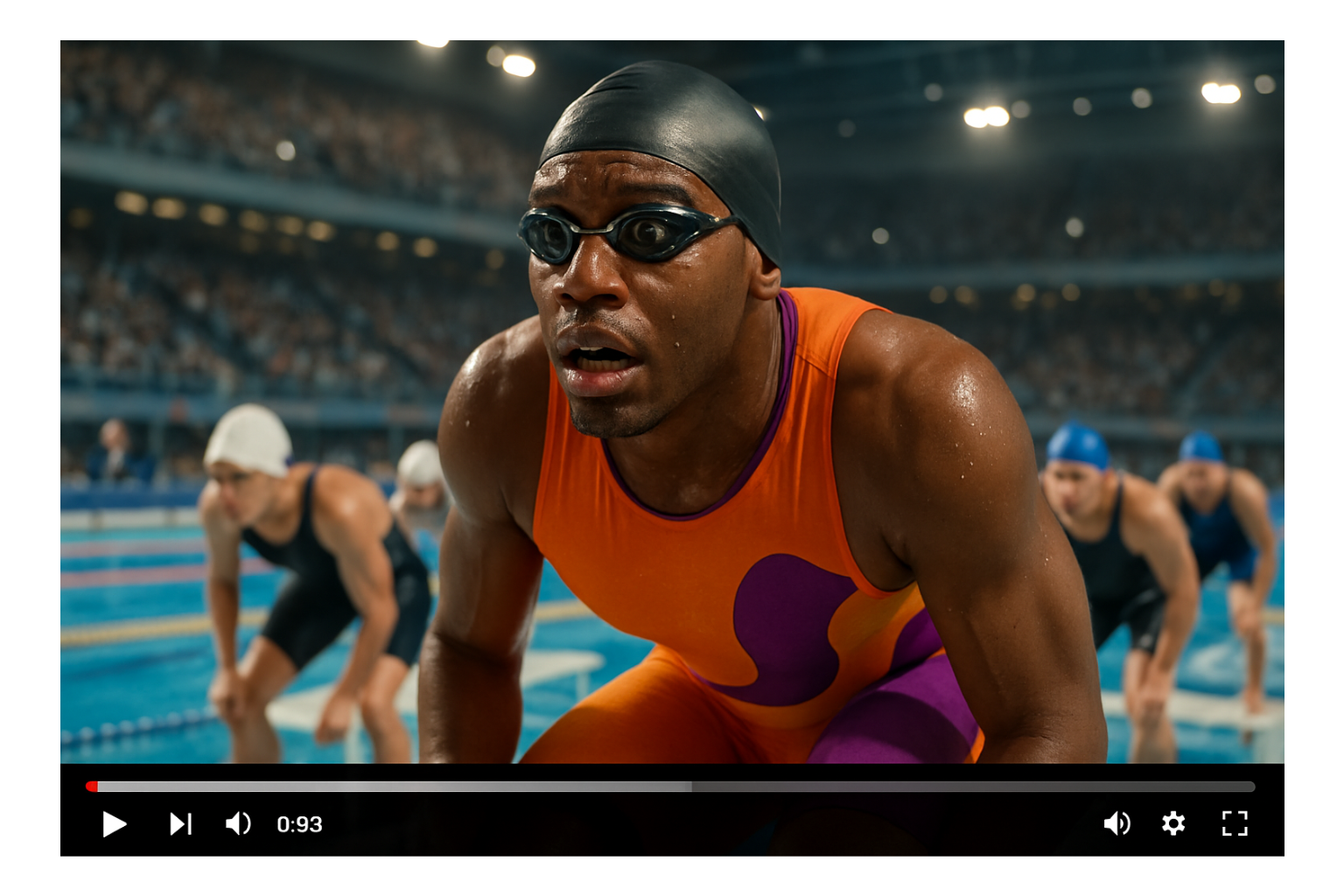
Grok Imagine from xAI creates images and videos with synchronized audio. Generate videos from 6 to 10 seconds with background music, sound effects, and dialogue. Powered by the Aurora Engine for cinema-quality results. Supports five workflows: text-to-image, image editing, text-to-video, video-to-video, and image-to-video. Available in Normal, Fun, Custom, and Spicy modes.
Trusted by Professionals and Creators from leading brands
Grook AI Imagine Community Creations
Create Images From Text Prompt
Generate highly aesthetic images from text prompts using this image generation model. Create original artwork, illustrations, or concept visuals instantly. Perfect for quick visual concepts and creative exploration.
Edit Existing Images With Text Commands
Upload images and modify them through text instructions. Change elements, adjust styles, or refine details using natural language. Transform existing visuals without manual editing tools or design software.
Grok Imagine Videos With Audio From Text Prompts
Describe your scene, and Grok Imagine creates videos from 6 to 10 seconds with synchronized audio. Background music, sound effects, and dialogue generate automatically.
Edit And Transform Existing Videos
Upload videos and modify them using text prompts. Change styles, adjust scenes, or transform footage while maintaining motion flow. Apply creative effects to existing video content without complex editing software.
HOW TO USE GROK AI IMAGINE
Step 1
Select the Model
Open ImagineArt and select Grok Imagine from the model list. Upload an image if you want to animate it, or start with a text prompt.
Step 2
Enter Your Prompt
Type what you want to see in the prompt box. Be specific about the scene, action, and style. Choose your video duration and aspect ratio from the settings.
Step 3
Generate and Download
Click Generate. Your video is created in seconds with audio included. Download it when ready or adjust your prompt and generate again.
4 Variations Simultaneously with Grok Imagine
Grok Imagine Generate 4 unique AI videos variation at once with different creative interpretations. Test multiple versions quickly to find what works best for your project.
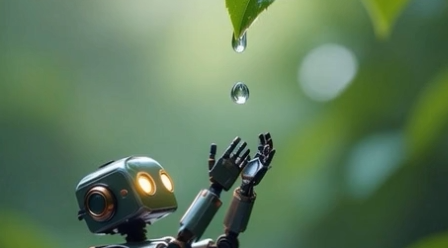
Grok Imagine Auto-Generate New Images
The Grok interface continues generating new images as you scroll. Discover unexpected creative options without manually requesting each variation.
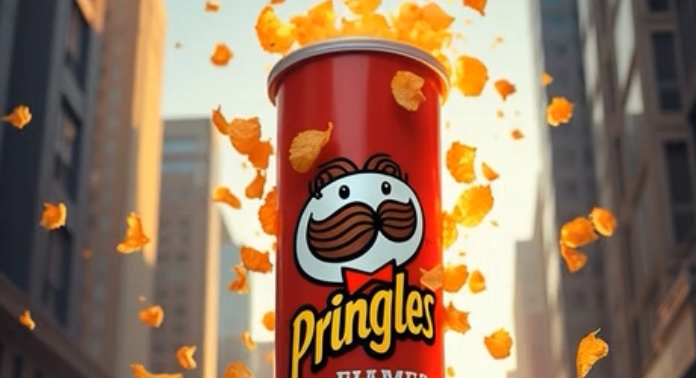
Image To Video Animation
Transform static photos into smooth animated videos while preserving the original look. Adds motion, depth, and lighting variation. Perfect for character animation, product previews, and creative prototyping.
You might also be interested in
Purchase a Subscription
Upgrade to get access to pro features and generate more and better
Basic
For newcomers taking their first steps
View Plans
Billed monthly
Included in plan
3Kcredits per month
Additional Features
Up to ~600 Image Generations/month
Up to ~97 Video Generations/month
General Commercial Terms
Image Generation Visibility: Public
4 Concurrent Image Generations
Complimentary Access
All GPT Models
All Gemini Models
All Claude Models
Unlimited Generations
10 Image Models
9 Video Models
Standard
For rising creators to level up their game
View Plans
Billed monthly
Included in plan
8Kcredits per month
Additional Features
Up to ~1.6k Image Generations/month
Up to ~265 Video Generations/month
General Commercial Terms
Image Generation Visibility: Private
8 Concurrent Image Generations
Complimentary Access
All GPT Models
All Gemini Models
All Claude Models
Unlimited Generations
Nano Banana
Runway Gen 4 Turbo
Midjourney V7
8 more Image Models
8 more Video Models
Ultimate
Peak performance for pros
View Plans
Billed monthly
Included in plan
16Kcredits per month
Additional Features
Up to ~3.2k Image Generations/month
Up to ~530 Video Generations/month
All styles and models
General Commercial Terms
Image Generation Visibility: Private
Complimentary Access
All GPT Models
All Gemini Models
All Claude Models
Unlimited Generations
All image models in Standard plan
All video models in Standard plan
Kling 2.6 Pro
Seedance 1.5 Pro
ChatGPT 1.5
Creator
A full production engine for powerhouses
View Plans
Billed monthly
Included in plan
100Kcredits per month
Additional Features
Up to ~20k Image Generations/month
Up to ~3.3k Video Generations/month
All styles and models
General Commercial Terms
Image Generation Visibility: Private
Complimentary Access
All GPT Models
All Gemini Models
All Claude Models
Unlimited Generations
All image models in Ultimate plan
All video models in Ultimate plan
Kling 3.0 Pro
Seedance 2 Fast
Nano Banana 2
Customer Testimonials

ApexStudios
PixVerse V5’s motion capture is flawless. My videos feel professional and smooth, with every detail perfectly in place.

Anya Petrova
Marketing Designer

DreamWorks
The speed of video generation is amazing. I can create high-quality content in minutes and tweak styles for different vibes.

Ben Harris
Product Manager

Pixels
PixVerse V5 nails the cinematic look every time. My marketing videos look incredible!

Isabelle Kim
Concept Artist

Shopify
The camera control is intuitive, giving me complete freedom to adjust each shot to my vision.

Michael Chenn
Product Designer

TechNova
Affordable and powerful, PixVerse V5 is my go-to AI video generator for creative, fast-paced content creation.

Ravi Patel
Creative Manager
Have questions?
We have answers!
Grok Imagine is xAI's AI image and video generator powered by the Aurora Engine. It supports five workflows: text-to-image, image editing, text-to-video, video-to-video, and image-to-video. Videos generate from 6 to 10 seconds with synchronized audio.
About 17 seconds from prompt to finished video with audio. According to xAI, this is one-half to one-quarter the time competitors take to generate a single image.
Yes. Background music, sound effects, dialogue, and singing are generated with your video automatically. Everything syncs perfectly, including lip movements for talking. No separate audio editing needed.
Normal mode for balanced professional content, Fun mode for dynamic creative variations, Custom mode for precise control, and Spicy mode for artistic content with fewer content restrictions.
Spicy mode allows more expressive and artistic content, including some NSFW elements. There are still moderation limits, and extremely explicit prompts may be blurred or blocked.
Both. Type text descriptions for text-to-video or upload static images for image-to-video. The tool also supports voice inpu,t where you can speak your prompts.
Yes. Grok Imagine creates 4 unique video variations simultaneously, letting you test different creative interpretations quickly.
Yes. Seamlessly integrated into the X platform. Create videos based on trending topics and share directly without leaving the app. Streamlined workflow from creation to publishing.
The tool allows generating content with public figures, but there are restrictions. Some prompts involving celebrities may be blocked or produce different results than requested.