Grok Imagine Video Generator - AI Videos with Sound
Create videos from text or images with built-in audio. Get 6-10 second clips with music, sound effects, and dialogue automatically added. Control camera movements like zoom, pan, and time-lapse. Get 4 versions each time. Under 20 seconds total.
Trusted by Professionals and Creators from leading brands and companies
Grok Imagine Video Community Creations
Write your ideas and see them come to life. Just enter a text prompt along with an optional reference image or video, select your styles & effects, and watch Grok Imagine Video AI work its magic!
Prompt:
An intense winter battlefield where fierce combat unfolds amid snow, ice, and freezing winds.
Prompt:
A woman stands at the edge of a dramatic cliff, gazing over a vast landscape that evokes freedom, adventure, and quiet reflection
Prompt:
Asian women engage in an intense rooftop martial arts showdown with fast-paced action and cinematic cityscape visuals.
Prompt:
A beautifully animated couple shares a graceful dance in a dreamy, romance-filled anime setting.
Prompt:
Teenager in a bright yellow shirt gliding confidently on a skateboard through an outdoor urban setting.
Use Your Prompt To Generate 4K Video
Describe your scene and get a complete video with sound. The AI understands actions, camera moves, lighting, and style. Music, sound effects, and audio generate automatically. No audio editing needed. Perfect for social media, product demos, and ad creative projects.
Convert Image to Video
Upload any photo and turn it into a moving video with sound. The AI adds camera movement, depth, physics, and audio. Keeps your original look while adding motion. Animate portraits, product photos, or artwork. Great for social content and showcases.
Exceptional Video Editing With Text
Upload video clips and change them using simple instructions. Modify styles, adjust scenes, add effects, or transform footage completely. The AI understands your video and your instructions. Edit videos through text commands without complex software.
The Features You Need In Grok Imagine

Improved Realism
Integrate realistic motion physics, scene continuity, and identity persistence across variosu frames.
Flexible Video Formats
Create videos in square, portrait, and landscape formats for YouTube, TikTok, Instagram, or your own channel and website.
AI Audio Sync
No more awkward timing. Every sound, beat, and dialogue line syncs perfectly with your visuals for a smooth, professional rhythm.
Character Consistency
Keep your main character recognizable across every shot. Wan 2.6 AI locks in appearance, style, and motion for seamless storytelling.
Intuitive Workflow
Convert your text or reference image into professionally done and polished videos in just a few clicks, without any video creation or editing skills.
AI Motion Transfer
Switch between cinematic, animated, photorealistic, or surreal aesthetics in seconds. Every style looks handcrafted by a pro.
Endless Style Options
Switch between cinematic, animated, photorealistic, or surreal aesthetics in seconds. Every style looks handcrafted by a pro.
Realistic In Speech Video
Generate lifelike speaking videos where expressions, lip sync, and tone align perfectly with your dialogue or narration.
AI Emotional Direction
Tell the AI the mood you want, and it delivers. Every scene, light, and gesture mirrors the emotion: tense, hopeful, romantic, or chaotic.
How to Use Grok Imagine Video
Write Your Prompt or Upload Image
Open ImagineArt and find the Grok Imagine video mode. Decide if you want to work with text-to-video, image-to-video, or video editing.
Customize Your Video
Give your input. Describe your scene for text-to-video. Upload a photo for an image to video. Or upload footage for video editing. Be specific about motion, camera angles, mood, and audio. Pick your video size.
Generate And Download
Click on generate. Get your video in 5 to 20 seconds with 4 different versions and built-in audio. Pick the best one and download it. Adjust and try again if needed.
More AI Video Models You Can Access Free on ImagineArt
ImagineArt provides 7 days of free access to top models such as VEO, Seedance, Sora, WAN, Pixverse, Hailuo, Runway, and Other Kling versions, letting you experiment with alternative versions for faster, more cinematic, or more realistic results.
Kling 3.0
Use Kling 3.0 for physics-accurate motion, AI Director multi-shot storyboarding, and native audio sync with lip-sync across languages. Try Kling 3.0 Pro for higher-fidelity 1080p output, custom character elements, and structured multi-shot cinematic control.

Gemini Omni Flash
Use Gemini Omni Flash for conversational video generation and editing that reasons across text, image, audio, and video in one prompt. Every edit builds on the last, preserving characters, physics, and scene continuity with natural language instructions.
Runway Gen-4.5
Use Runway Gen-4.5 for the world’s top-rated video model, delivering unmatched visual fidelity and creative control. It sets new standards for motion quality, temporal consistency, realistic physics, and precise generation across every mode.
Google Veo 3.1
Use Google Veo 3.1 for cinematic footage with native audio, including high-quality dialogue and synchronized sound effects generated in a single pass. Try Veo 3.1 Fast for quicker turnaround, or Veo 3.1 Lite for lower-cost generation.
Wan 2.5
Use Wan 2.5 for efficient one-pass audio-visual sync with natural lip-matching straight from a single prompt or reference. It’s a lightweight, cost-effective model optimized for fast, multilingual video production.
Hailuo 2.3
Use Hailuo 2.3 for realistic body movement, natural facial micro-expressions, and industry-leading physics simulation with strong stylization options. Try Hailuo 2.3 Fast for quicker, budget-friendly generations while maintaining solid character performance and motion control.
Seedance 2.0
Use Seedance 2.0 for fully synced audio-visual cinematic output with director-level camera and lighting control. Try Seedance 2.0 Mini for fast, lightweight generations when speed matters more than scale.
Why Grok Imagine Video Is The Best AI Video Generator?
Grok Imagine generate professional video creation, making it faster, simpler, and more accessible than ever before
Camera Controls in Grok Imagine Video
You can direct the camera however you want, such as zooming in to move closer to the subject or zooming out to show more of the scene. The camera can pan up or to the right, pull back to retreat from the scene, or use a time-lapse effect to show time moving faster.
Audio Built In Grok Imagine Video
Every video includes perfectly matched audio. Music sets the mood. Sound effects match what happens on screen. Ambient sounds create atmosphere. Dialogue and singing sync with lip movements. Everything happens during creation. No extra audio work needed.
Smooth Frames in Grok Imagine Video
Technology ensures smooth progression throughout clips. No flickering, morphing, or jerky motion. Each frame connects to the next logically. Consistent appearance and lighting. Natural motion at 24 frames per second.
Purchase a Subscription
Upgrade to get access to pro features and generate more and better
Basic
For newcomers taking their first steps
View Plans
Billed monthly
Included in plan
3Kcredits per month
Additional Features
Up to ~600 Image Generations/month
Up to ~97 Video Generations/month
General Commercial Terms
Image Generation Visibility: Public
4 Concurrent Image Generations
Complimentary Access
All GPT Models
All Gemini Models
All Claude Models
Unlimited Generations
10 Image Models
9 Video Models
Standard
For rising creators to level up their game
View Plans
Billed monthly
Included in plan
8Kcredits per month
Additional Features
Up to ~1.6k Image Generations/month
Up to ~265 Video Generations/month
General Commercial Terms
Image Generation Visibility: Private
8 Concurrent Image Generations
Complimentary Access
All GPT Models
All Gemini Models
All Claude Models
Unlimited Generations
Nano Banana
Runway Gen 4 Turbo
Midjourney V7
8 more Image Models
8 more Video Models
Ultimate
Peak performance for pros
View Plans
Billed monthly
Included in plan
16Kcredits per month
Additional Features
Up to ~3.2k Image Generations/month
Up to ~530 Video Generations/month
All styles and models
General Commercial Terms
Image Generation Visibility: Private
Complimentary Access
All GPT Models
All Gemini Models
All Claude Models
Unlimited Generations
All image models in Standard plan
All video models in Standard plan
Kling 2.6 Pro
Seedance 1.5 Pro
ChatGPT 1.5
Creator
A full production engine for powerhouses
View Plans
Billed monthly
Included in plan
100Kcredits per month
Additional Features
Up to ~20k Image Generations/month
Up to ~3.3k Video Generations/month
All styles and models
General Commercial Terms
Image Generation Visibility: Private
Complimentary Access
All GPT Models
All Gemini Models
All Claude Models
Unlimited Generations
All image models in Ultimate plan
All video models in Ultimate plan
Kling 3.0 Pro
Seedance 2 Fast
Nano Banana 2
Free
billed annually
- 3000 credits / month
- In-house models only
- 36k credits per year
- 1 Fast Image concurrency


Trusted by 30M+ creative team, designers and marketers.
User Reviews
See what our users are actually saying

“I have a small e-commerce business, and hiring professional photographers and video editors is quite expensive for me. Instead, I add still images of my products along with a prompt and can easily create dynamic 5-second ads and demos, without actually having any video editing skills.”
“I use Wan 2.6 AI video generator for marketing content. The multi-shot capabilities and longer duration allow me to create better ads without worrying about consistency. Highly recommended! ”

“The ability to generate videos from video is a huge plus. Now I can blend styles and transfer motion, without losing quality or reshooting”
“As a social media creator, I need engaging and impactful videos for my audience. Wan 2.6 native audio support and multiple aspect ratio options save me a lot of editing and refining time. I can easily create videos at 1080p resolution.”
Frequently Asked Questions
Get answer about every possible query you have related to Grok Imagine Video.
Grok Imagine Video is an AI video generator that creates 6 to 10-second clips with built-in audio from text, images, or existing footage. It's available through the ImagineArt AI Video GeneratorAI Video Generator.
Clips run 6 to 10 seconds, with the maximum recently expanded to 10 seconds. That length works well for social formats like TikTok, Reels, and Stories.
Yes. Every video is generated with audio included, music, sound effects, ambient sound, and dialogue or singing with synced lip movement, all created in the same pass. There's no separate audio step required, though you can still build a custom track in the Audio StudioAudio Studio if you want more control over the sound.
Around 5 to 20 seconds on average, depending on complexity. That speed makes it practical to generate several versions and pick the best one rather than committing to a single attempt.
The model builds frames progressively for better motion control and consistency, with separate systems handling motion, audio, and lighting. The result is a smoother, more coherent video with fewer of the flickering or morphing artifacts common in single-pass generation.
Yes, image-to-video takes an uploaded photo and adds motion, camera movement, and audio while keeping the original style intact. It works best with a clear subject and simple composition. Note that image-to-video is only available in Normal and Fun modes, not Spicy.
Normal produces professional, realistic content. Fun produces more dynamic, playful videos suited to social media. Spicy allows more creative and artistic freedom with fewer restrictions. Image-to-video only supports Normal and Fun.
An “Extend Video” feature is being developed to let you extend clips in sequence. When released, you can make longer content by extending existing clips multiple times. Currently, the maximum is 10 seconds per generation.
Text to video creates completely original content from your description. The AI makes everything from scratch. Image to video animates an existing photo you upload, adding motion and audio while keeping the original visual style and composition.
More resources
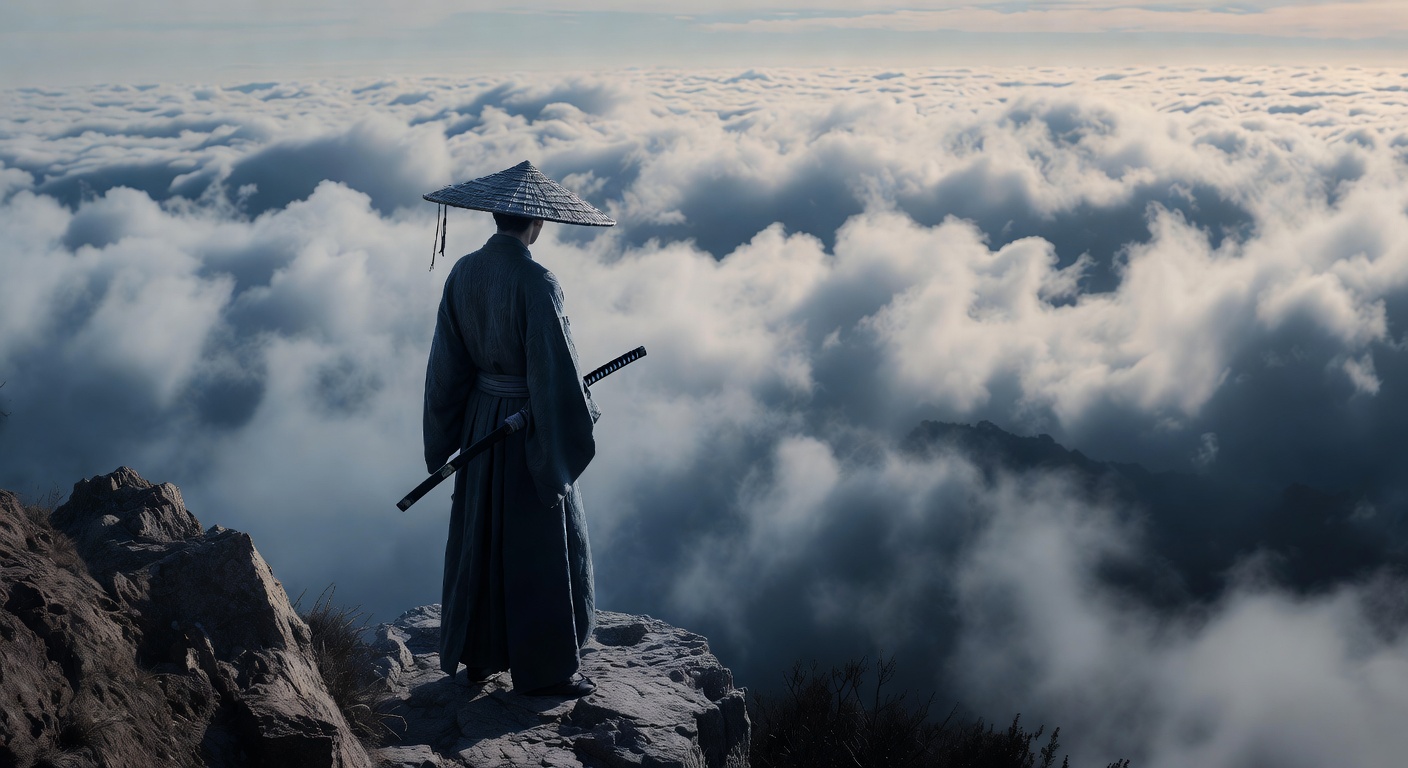
Grok Imagine Exclusive Overview
Explore Grok Imagine’s AI image and video features, speedy workflows, use cases, pricing and how it compares to other AI image and video tools.
How to Use Grok AI Image Generator
Learn how to harness the power of Grok AI Image Generator to create stunning visuals for your projects. Explore step-by-step guide and tips..."
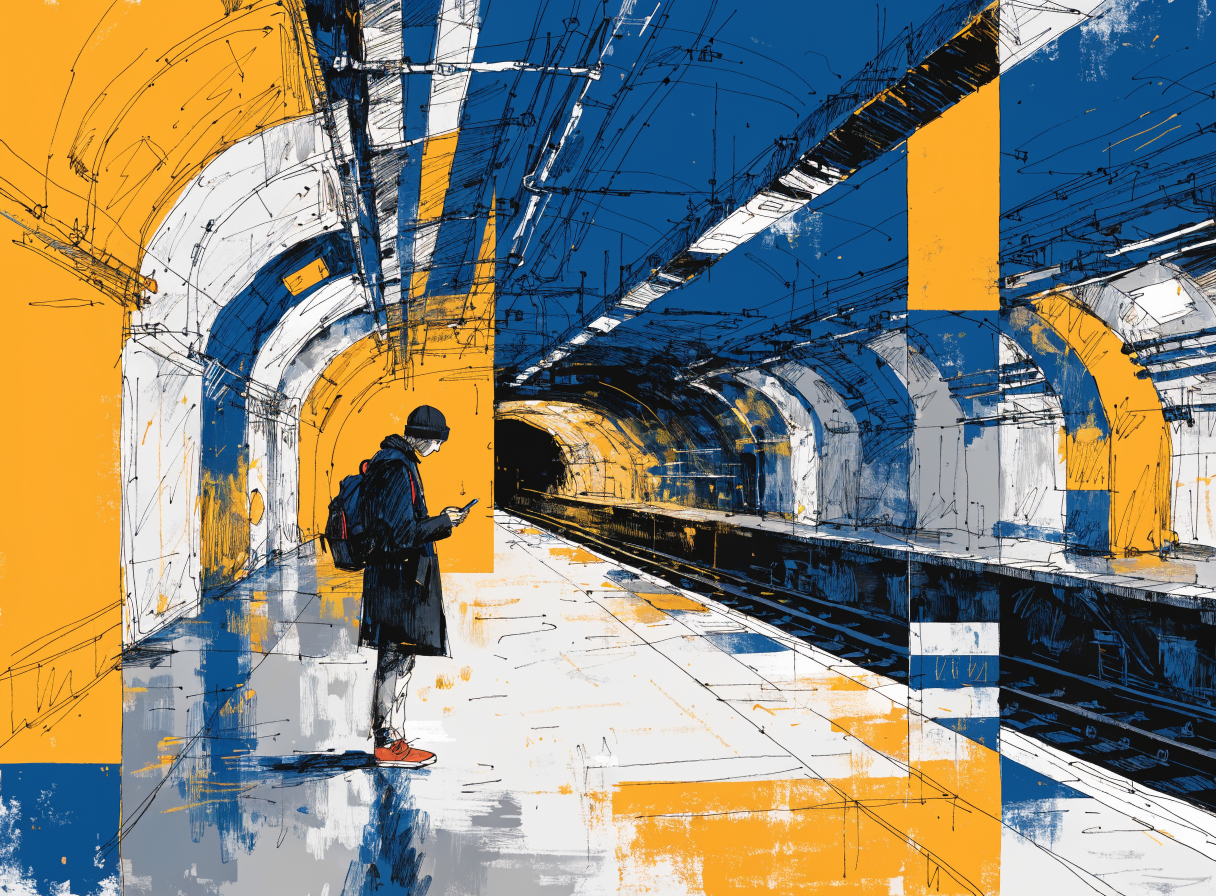
Best Grok Alternative for Unrestricted AI Image Generation
Grok Imagine's paywalls and limits are pushing professional creators to better tools. Here are 8 Grok alternatives for AI image generation in 2026.
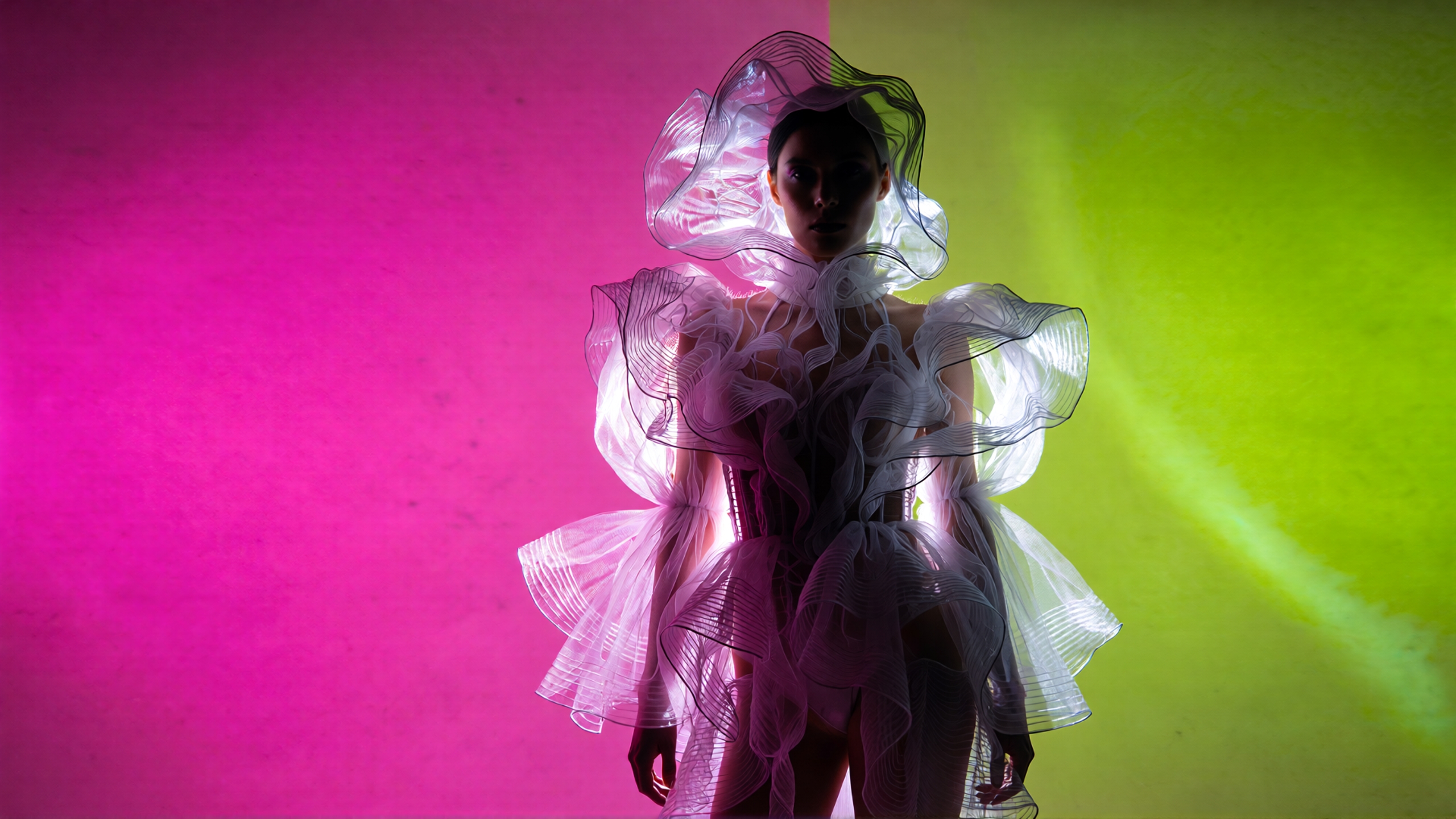
Grok Imagine Video 1.5 Pricing on ImagineArt and xAI
Grok Imagine Video 1.5 pricing on ImagineArt and xAI: credits, API costs per second, plan requirements, and what each generation includes.

Grok Imagine Video 1.5 Prompt Guide: 30+ Prompts for Cinematic Image-to-Video
Grok Imagine Video 1.5 prompt guide: structure, 30+ examples, preservation language, audio direction, and ready-to-use templates by use case.
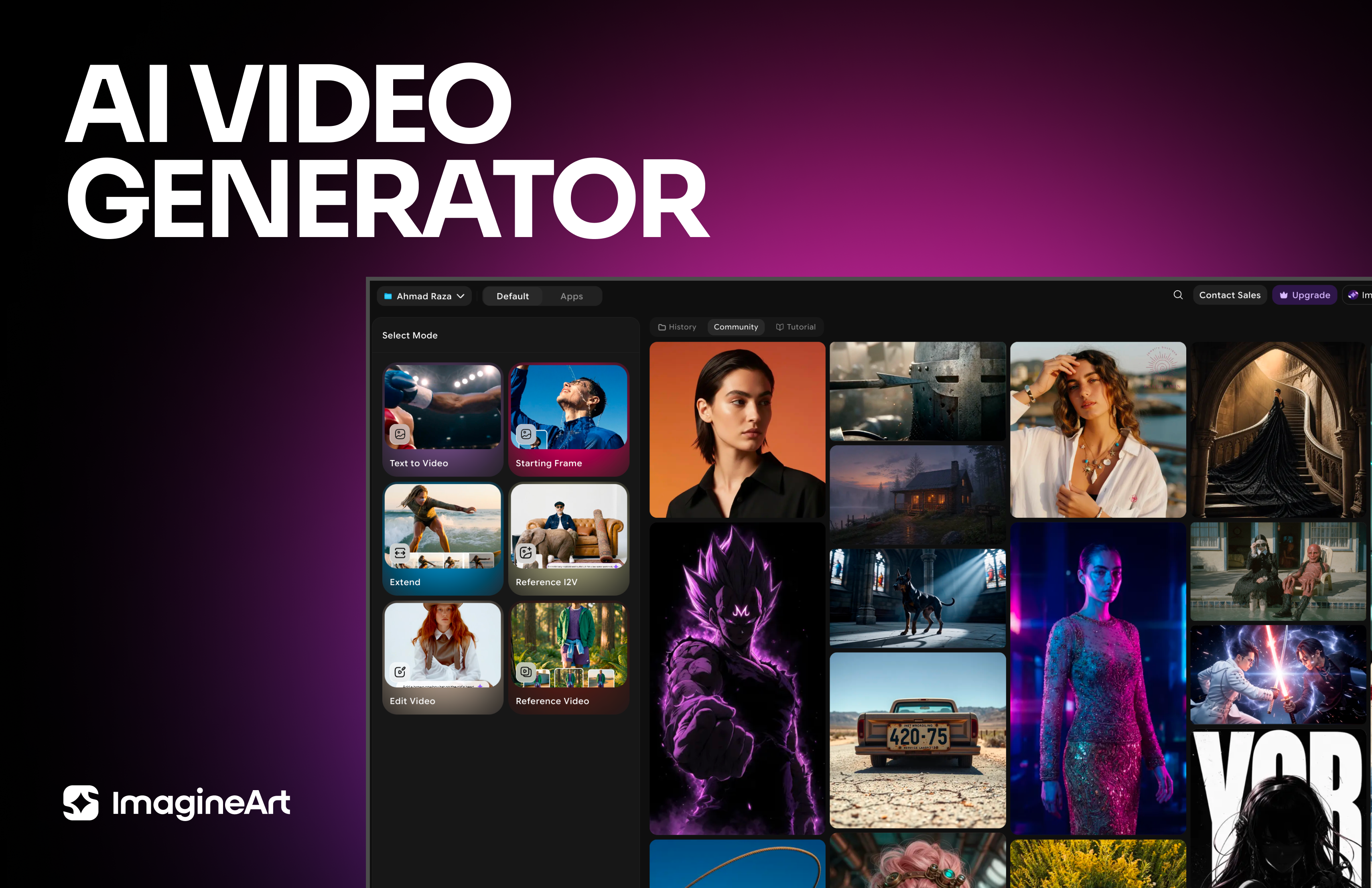
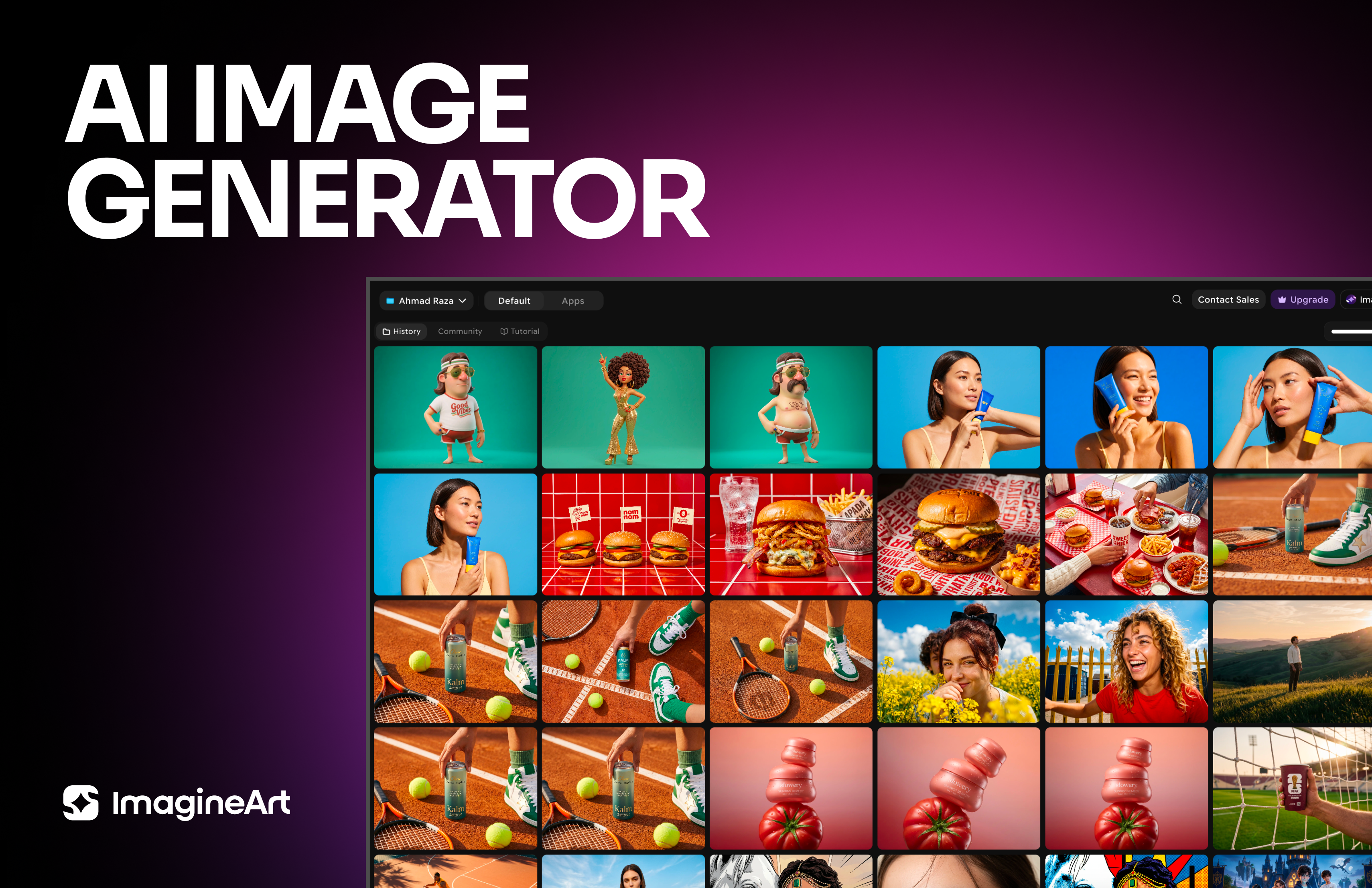
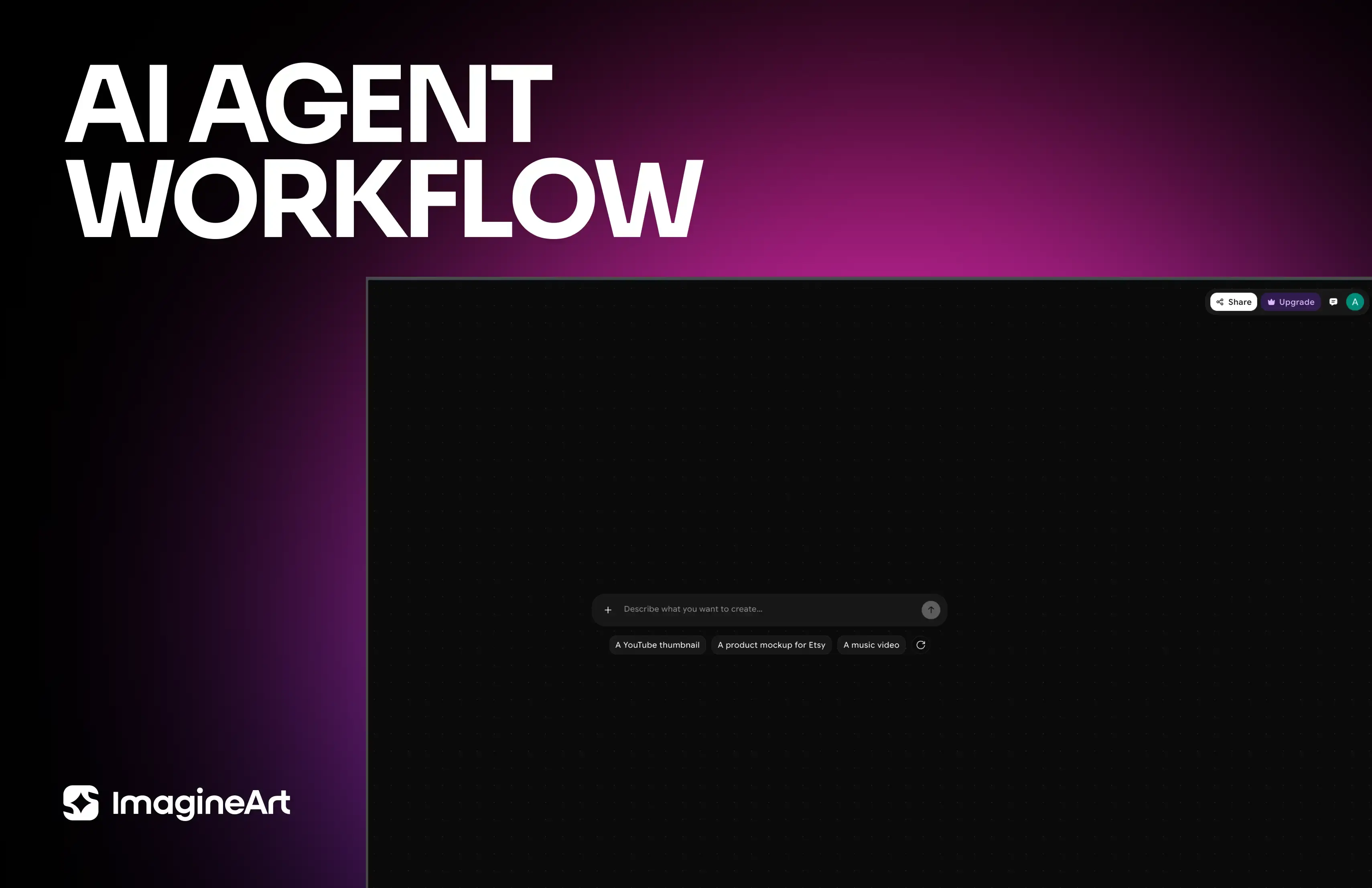
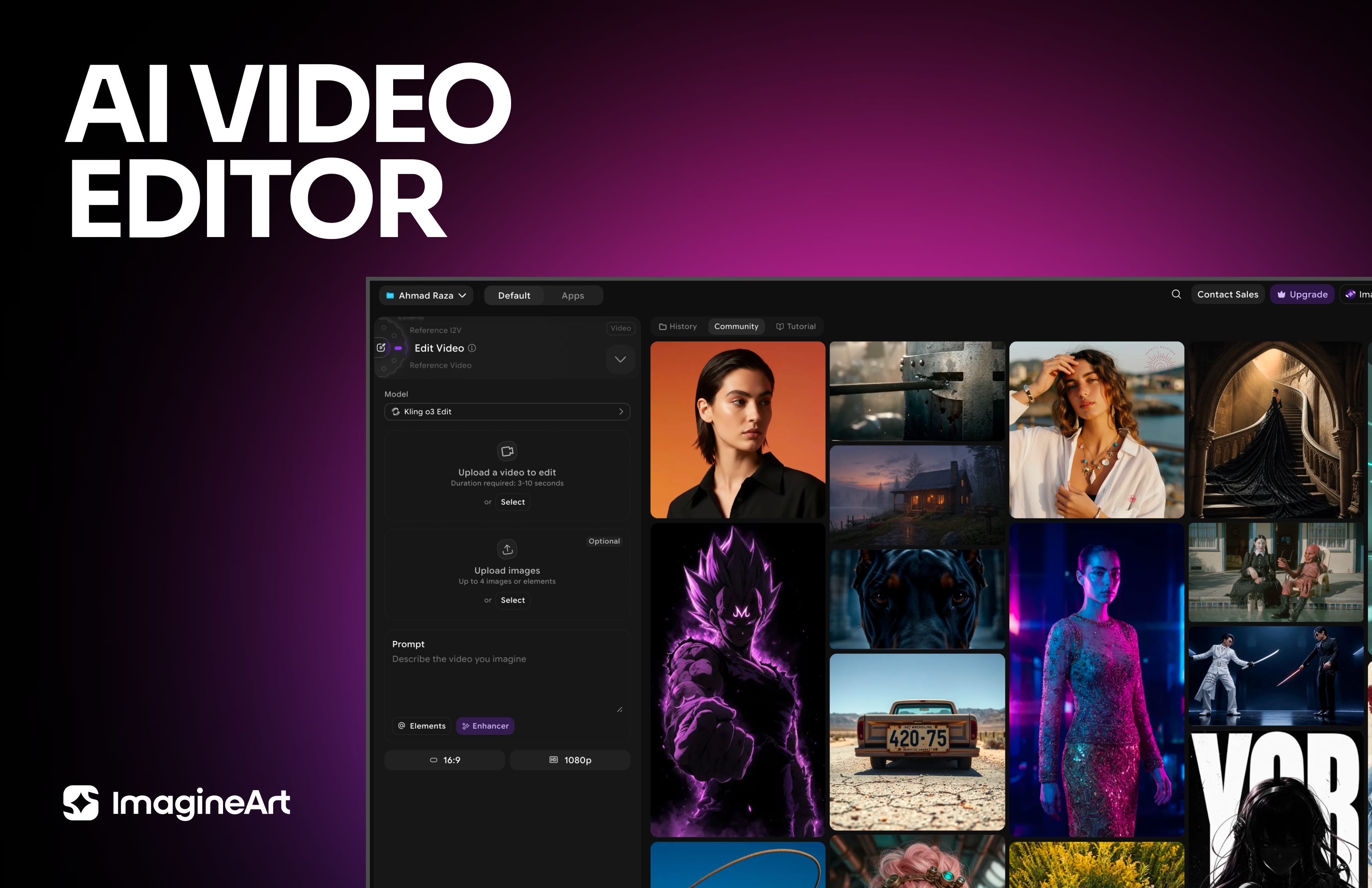
Imagine More with AI Creative Suite
ImagineArt gives you everything you need to create, customize, and bring your ideas to life in one seamless platform.
Ready to Generate with Grok Imagine Video?
Generate realistic AI videos with Grok Imagine Video for free at ImagineArt.
Try Grok Imagine Video