PixVerse v5.6 AI Video Generator with Lipsync
PixVerse v5.6 makes characters talk naturally, even in group conversations, with realistic voices and matching background sounds. Type or upload an image, get high-quality 1080p videos in just 5–10 seconds.
Trusted by Professionals and Creators from leading brands
PixVerse Community Creations
Perfect Lip Sync For Everyone
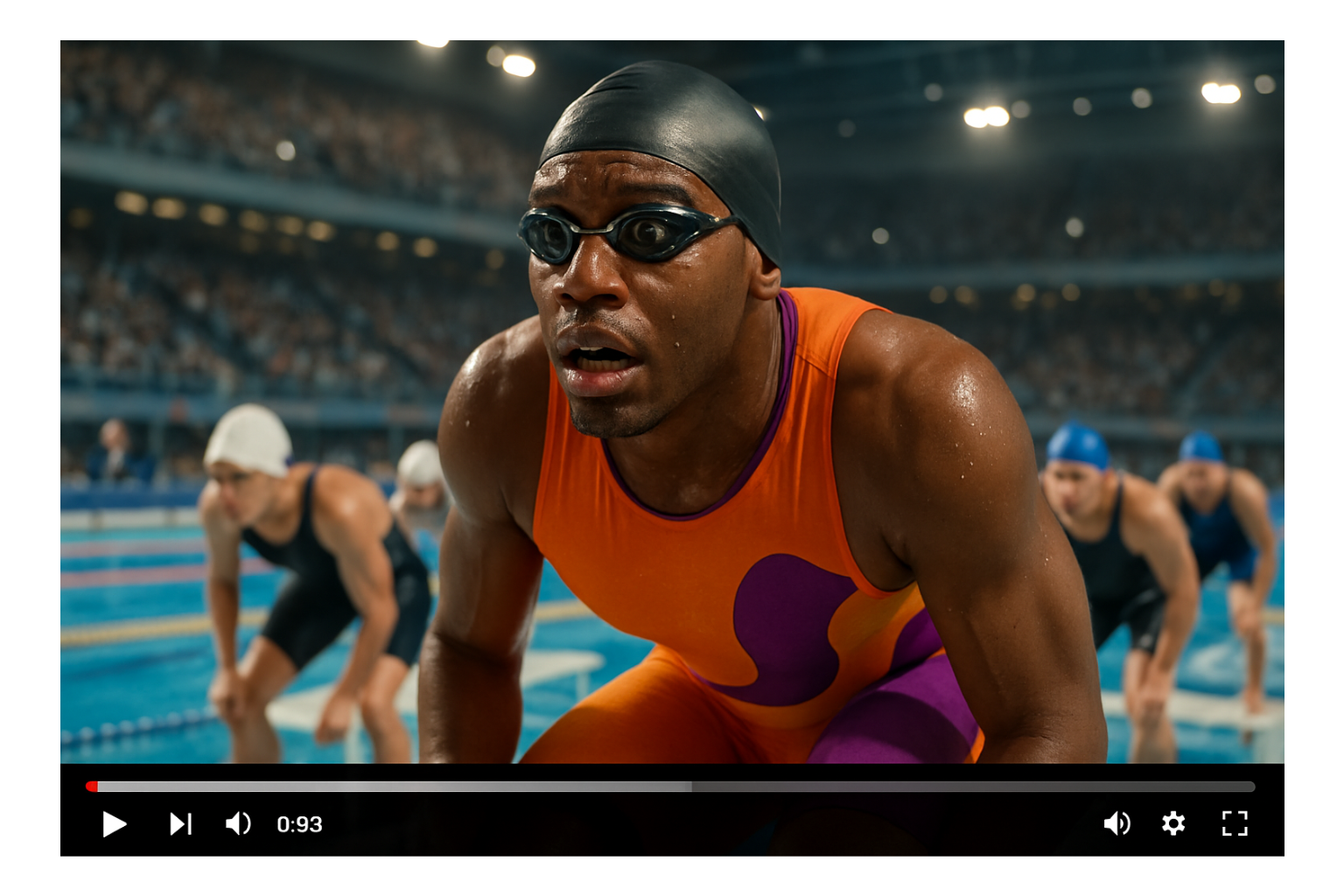
PixVerse v5.6 is built to solve the most common complaint about AI-generated dialogue: mismatched lip movement. As an ai lipsync generator, it tracks each speaker individually, so when someone talks, their mouth moves correctly, and in scenes with multiple people talking, each person's lips sync to their own voice rather than blending into one generic mouth movement. The result is dialogue that doesn't immediately read as artificial.
Smooth Motion Even In Busy Scenes
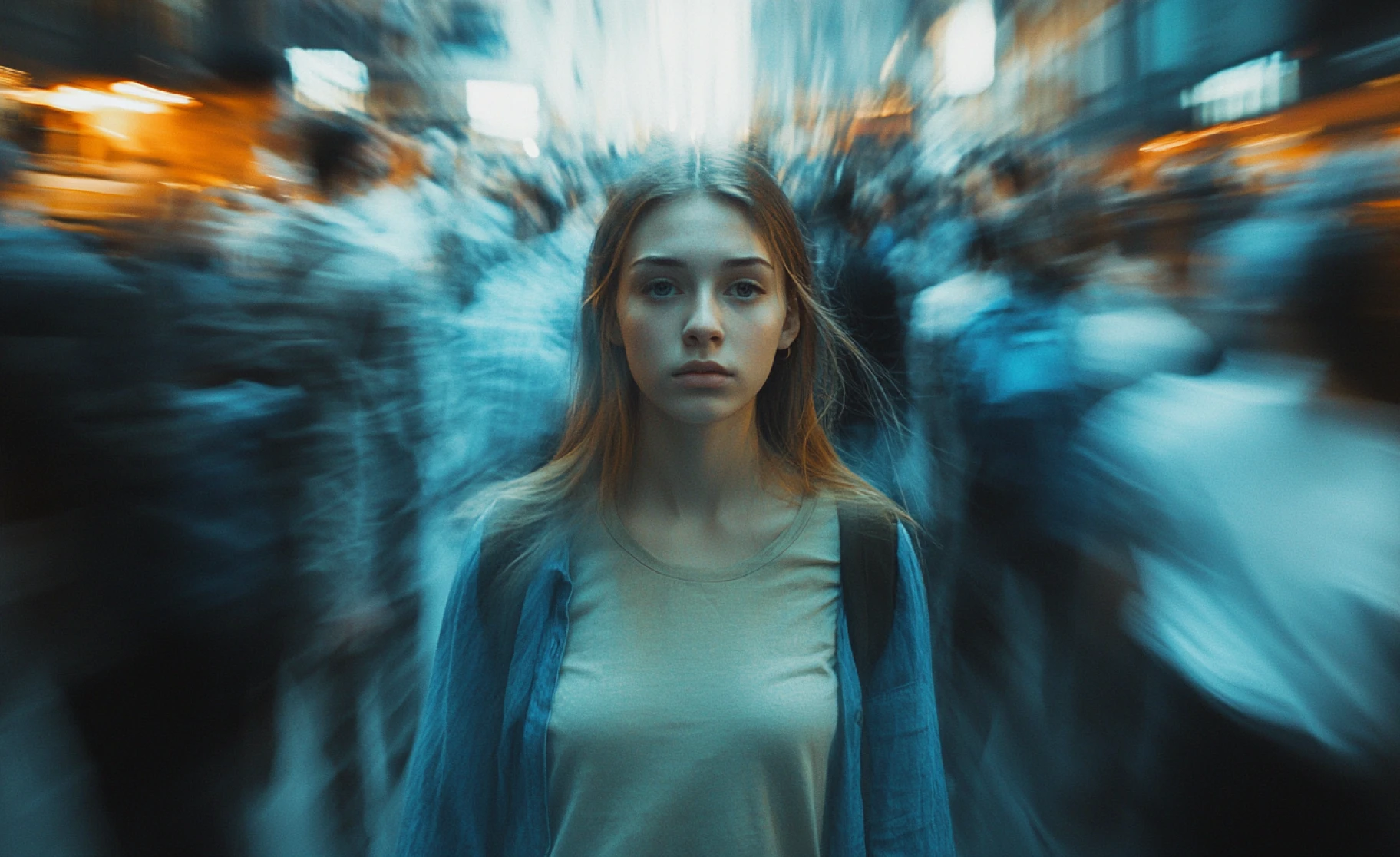
Crowded scenes with lots of simultaneous movement, action sequences, crowds, and multiple moving objects are where many AI video generators fall apart into a blurry mess. PixVerse v5.6 is built to hold up under that complexity, keeping scenes sharp, coherent, and entertaining even when a lot is happening on screen at once.
Audio That Actually Sounds Real
Every PixVerse v5.6 generation includes natural-sounding voices rather than robotic text-to-speech, paired with background audio that actually fits the scene, footsteps when someone walks, and ambient noise that matches the setting. Audio and video are generated together, so there's no lag or mismatch between what you see and what you hear.
How to Use Pixverse 5.6?
Step 1
Tell It What You Want
Share your prompt or upload a photo that you want to animate. The more detail you give, the better it works.
Step 2
Pick Your Settings
Choose your video size (from small 360p up to full 1080p HD). Pick how long (5, 8, or 10 seconds). Select your shape (vertical for TikTok, horizontal for YouTube, or square).
Step 3
Download or Share Your Video
Wait a minute or two, and the final video output is ready. Download it with pre-added audio. Use it immediately or make tweaks and generate another version.
For Creators Who Demand Excellence in Visuals
Create exceptional content with PixVerse AI. It is the best tool for AI-driven filmmaking, motion graphics, and experimental visuals, that ensures high-quality, catchy video outputs every time. It’s your partner in your creative workflow!
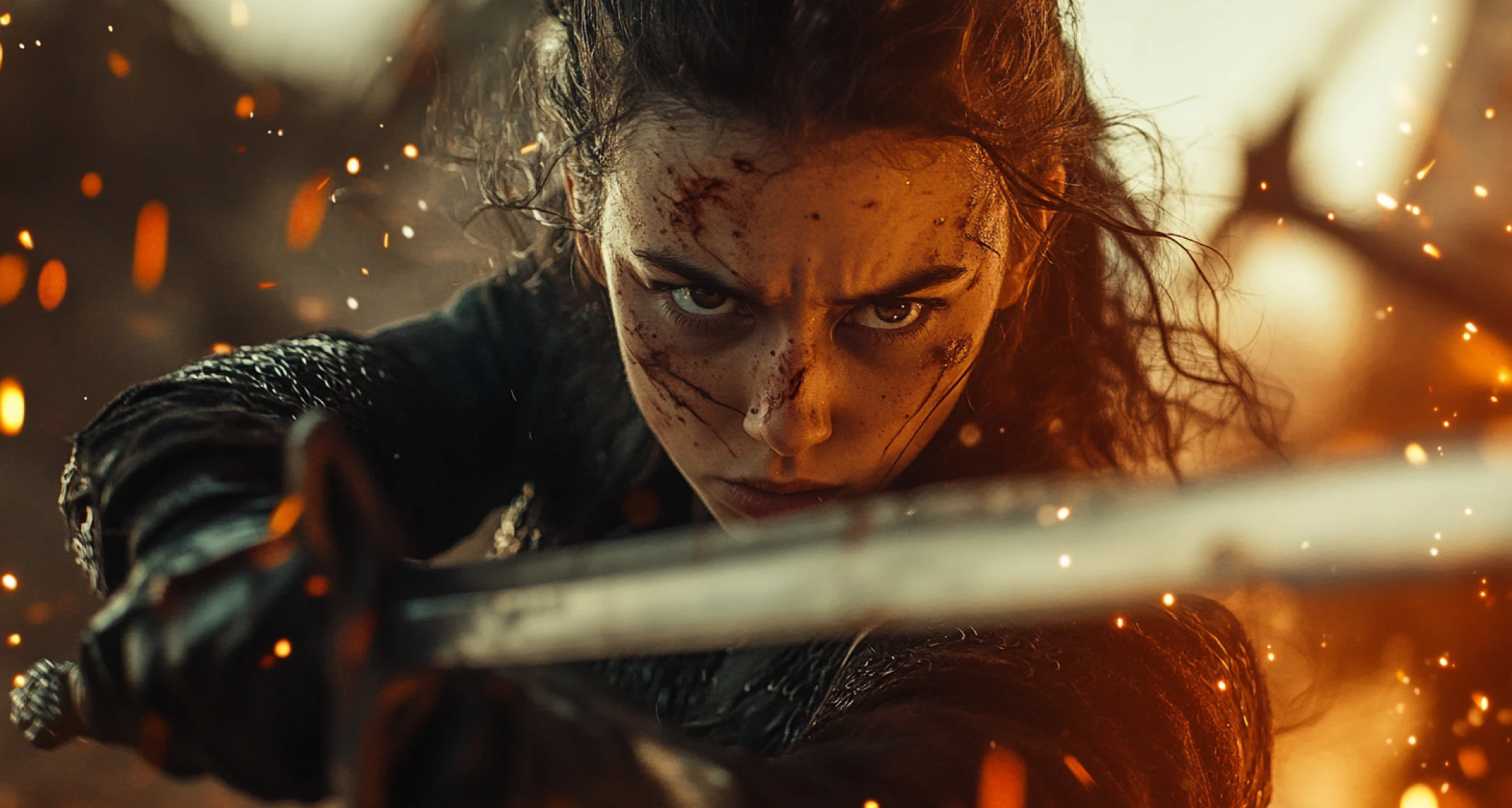
Realistic Motion, Physics, and LipSync Feature
Experience enhanced realism in videos with PixVerse V5’s ultra-resolution engine. With dynamic fluid motion, consistent visuals & character designs, and smooth transitions, ImagineArt AI Video Generator has PixVerse V5.6 model which makes every video feel as natural as it is entertaining.
ImagineArt Enhances Your PixVerse V5.6 Experience
PixVerse V5.6 on ImagineArt gives you access to a wide range of advanced features, including powerful predefined effects, intuitive prompt refinement through our very own Imagine Bot, and the ability to enhance your creations with contextual sound after generation.
You might also be interested in
Purchase a Subscription
Upgrade to get access to pro features and generate more and better
Basic
For newcomers taking their first steps
View Plans
Billed monthly
Included in plan
3Kcredits per month
Additional Features
Up to ~600 Image Generations/month
Up to ~97 Video Generations/month
General Commercial Terms
Image Generation Visibility: Public
4 Concurrent Image Generations
Complimentary Access
All GPT Models
All Gemini Models
All Claude Models
Unlimited Generations
10 Image Models
9 Video Models
Standard
For rising creators to level up their game
View Plans
Billed monthly
Included in plan
8Kcredits per month
Additional Features
Up to ~1.6k Image Generations/month
Up to ~265 Video Generations/month
General Commercial Terms
Image Generation Visibility: Private
8 Concurrent Image Generations
Complimentary Access
All GPT Models
All Gemini Models
All Claude Models
Unlimited Generations
Nano Banana
Runway Gen 4 Turbo
Midjourney V7
8 more Image Models
8 more Video Models
Ultimate
Peak performance for pros
View Plans
Billed monthly
Included in plan
16Kcredits per month
Additional Features
Up to ~3.2k Image Generations/month
Up to ~530 Video Generations/month
All styles and models
General Commercial Terms
Image Generation Visibility: Private
Complimentary Access
All GPT Models
All Gemini Models
All Claude Models
Unlimited Generations
All image models in Standard plan
All video models in Standard plan
Kling 2.6 Pro
Seedance 1.5 Pro
ChatGPT 1.5
Creator
A full production engine for powerhouses
View Plans
Billed monthly
Included in plan
100Kcredits per month
Additional Features
Up to ~20k Image Generations/month
Up to ~3.3k Video Generations/month
All styles and models
General Commercial Terms
Image Generation Visibility: Private
Complimentary Access
All GPT Models
All Gemini Models
All Claude Models
Unlimited Generations
All image models in Ultimate plan
All video models in Ultimate plan
Kling 3.0 Pro
Seedance 2 Fast
Nano Banana 2
Customer Testimonials

ApexStudios
PixVerse V5’s motion capture is flawless. My videos feel professional and smooth, with every detail perfectly in place.

Anya Petrova
Marketing Designer

DreamWorks
The speed of video generation is amazing. I can create high-quality content in minutes and tweak styles for different vibes.

Ben Harris
Product Manager

Pixels
PixVerse V5 nails the cinematic look every time. My marketing videos look incredible!

Isabelle Kim
Concept Artist

Shopify
The camera control is intuitive, giving me complete freedom to adjust each shot to my vision.

Michael Chenn
Product Designer
TechNova
Affordable and powerful, PixVerse V5 is my go-to AI video generator for creative, fast-paced content creation.

Ravi Patel
Creative Manager
Have questions?
We have answers!
PixVerse v5.6 is a big step up for talking characters. Lip sync is much more accurate, even in multi-character conversations, so everyone's mouth moves naturally. Audio sounds realistic, not robotic, and motion stays smooth, even in complex scenes. For a full feature breakdown, see the PixVerse V5 overviewPixVerse V5 overview.
Yes. Every video comes with synced voices, background sounds, and environmental audio automatically. If you want to adjust or replace the generated audio afterward, the Audio StudioAudio Studio lets you build a custom track separately.
Absolutely. This is v5.6's specialty. Dialogue, conversations, and explanations all come out with precise lip sync for every speaker. For dedicated lip-sync work on footage you already have, the Lipsync StudioLipsync Studio handles that separately from full video generation.
You can generate full 1080p HD videos, perfect for YouTube, professional projects, or client work. If you want faster generation, lower-quality options are also available through the AI Video GeneratorAI Video Generator.
Most videos take just 1–2 minutes to generate, depending on length and quality. Much faster and easier than hiring a full video crew.
Not at all. If you can type your prompt or upload a photo, you can create videos. No editing or technical skills required.
Right now, the maximum per clip is 10 seconds. You can generate multiple clips and stitch them together using the AI Video EditorAI Video Editor, or use the AI Film StudioAI Film Studio for a longer, multi-scene project.
Yes. You can upload your starting and ending frames, and the AI will create smooth, natural motion between them.
All background sounds, footsteps, ambient noise, and environmental sounds are automatically generated to match your scene.
Yes. Just select the 9:16 aspect ratio, and you'll get vertical videos ready for TikTok, Instagram Reels, or other platforms. For platform-specific tips, see best AI video generator for TikTokbest AI video generator for TikTok.