Luma Ray2 AI Video Generator
Luma Ray2 turns text and images into cinematic video with physically accurate motion, realistic physics, and natural camera movement. Available now on ImagineArt
Trusted by Professionals and Creators from leading brands
Community Creations
Luma Ray2 Delivers Outclass-Level Motion and Detail
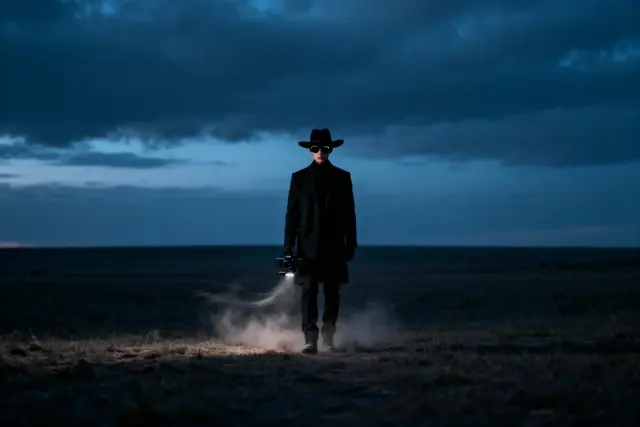
Luma Ray2 produces smoother motion, more accurate physics, and stronger scene understanding than earlier-generation video models. Enhanced shadow rendering and improved environmental consistency keep every frame precise and realistic. Whether you need cinematic sequences, dynamic animations, or realistic character interactions, Ray2 delivers refined video output with minimal prompting effort.
Enhanced Physics & Simulation
Luma Ray2 brings a major boost in AI-driven scene understanding, with physics-aware animation that reduces unnatural distortions and improves stability. Environmental factors like wind direction, light shifts, and shadow dynamics are modeled accurately, so elements interact the way they would in real footage
Natural Motion, Powered by Luma Ray2
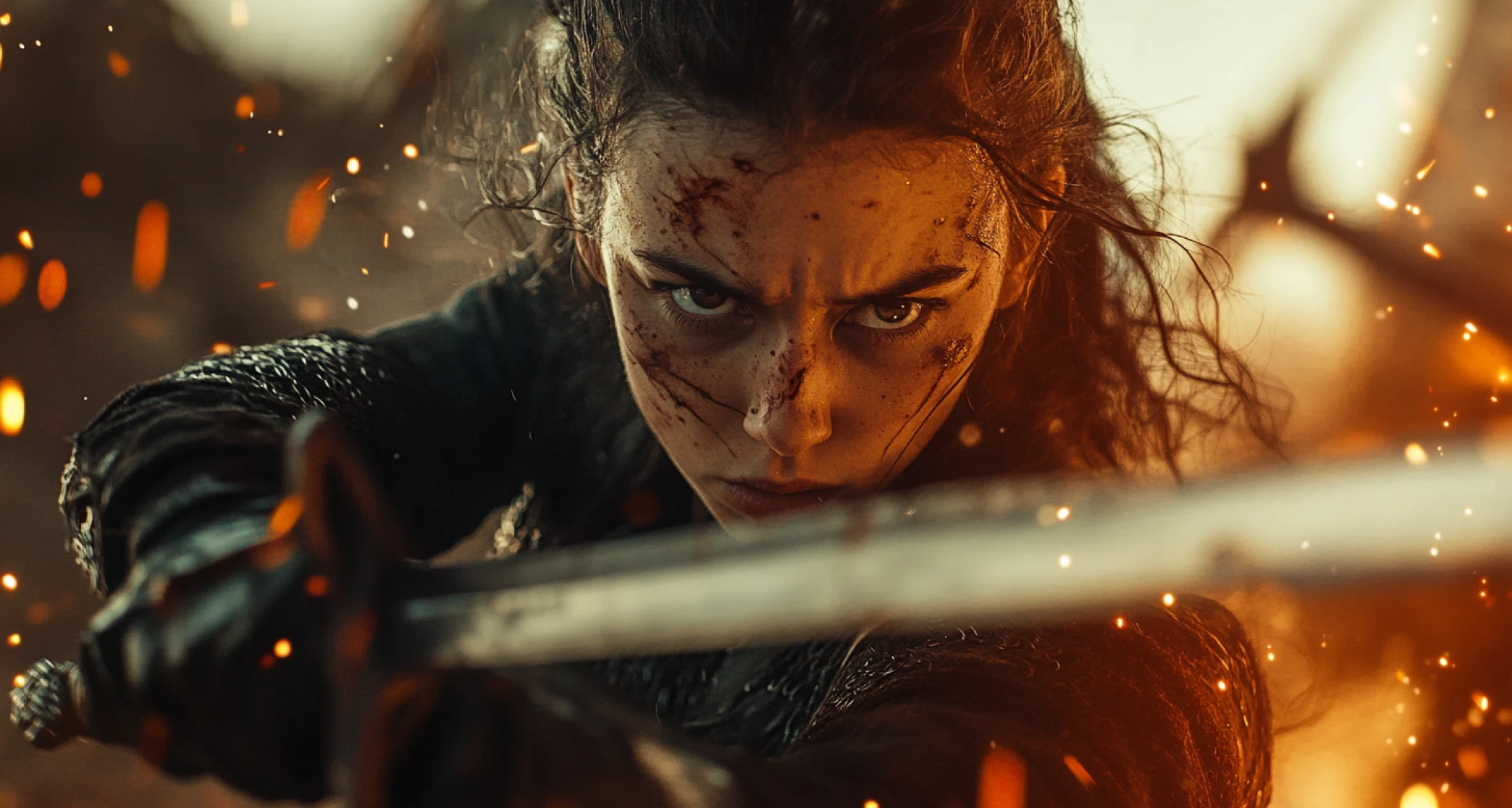
Luma Ray2 uses a more intuitive motion system, so movements feel fluid, intentional, and natural rather than erratic. The model improves scene coherence, limb articulation, and physics-based accuracy, with facial expressions that stay expressive without the exaggerated distortion seen in earlier AI video models. From subtle gestures to full-body transitions, Ray2 captures the likeness of real-world motion
See the Magic in Action — In Three Steps
Step 1
Prompt and Reference Image
In the first step, you give the prompt and reference image to our system. You can craft the prompt to describe the setting, characters, effects, and everything else you need in your final video. You can also upload a reference image for more accurate outputs.
Step 2
Generate Your Video
ImagineArt will generate your video using the reference image and your prompt. This step takes around 3 to 5 minutes and produces clips up to 720p. Multiple versions may generate from the same prompt and image, so you can pick the one you like before downloading
Step 3
Download the Video
Review the outputs and see if they meet your expectations. You can generate again by modifying the prompt or using a new image. Download your video when you are fully satisfied. Apply your own tweaks or use it as it is!
Style and Effects Presets
Get cinematic looks without the hassle using ImagineArt Luma Ray2 presets. Achieve dreamy slow-motion, dramatic lighting, and smooth panning effects. Ray2’s smart camera controls add depth and perspective to every shot.
Multiple Aspect Ratios
Luma Ray2 supports 9:16, 16:9, 3:4, and 4:3 aspect ratios for perfect platform optimization. Whether vertical or widescreen, it adapts seamlessly while preserving composition and visual quality.
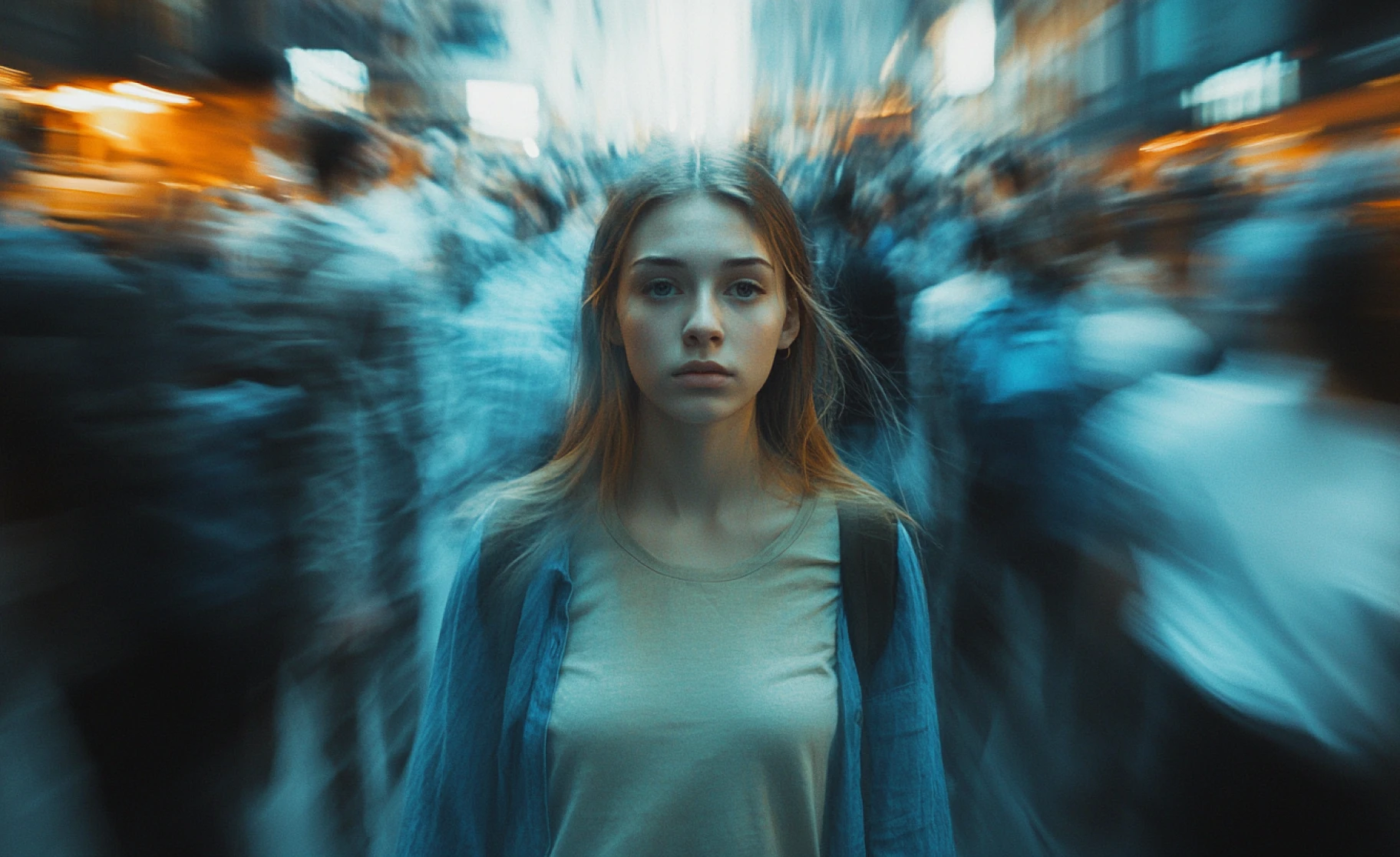
Imagine Bot Assistance
Struggling with prompts? Imagine Bot helps you craft or refine detailed prompts easily, making the process simple for beginners. Better prompts mean higher-quality AI videos and stunning results with ImagineArt AI Video Generator.
You might also be interested in
Purchase a Subscription
Upgrade to get access to pro features and generate more and better
Basic
For newcomers taking their first steps
View Plans
Billed monthly
Included in plan
3Kcredits per month
Additional Features
Up to ~600 Image Generations/month
Up to ~97 Video Generations/month
General Commercial Terms
Image Generation Visibility: Public
4 Concurrent Image Generations
Complimentary Access
All GPT Models
All Gemini Models
All Claude Models
Unlimited Generations
10 Image Models
9 Video Models
Standard
For rising creators to level up their game
View Plans
Billed monthly
Included in plan
8Kcredits per month
Additional Features
Up to ~1.6k Image Generations/month
Up to ~265 Video Generations/month
General Commercial Terms
Image Generation Visibility: Private
8 Concurrent Image Generations
Complimentary Access
All GPT Models
All Gemini Models
All Claude Models
Unlimited Generations
Nano Banana
Runway Gen 4 Turbo
Midjourney V7
8 more Image Models
8 more Video Models
Ultimate
Peak performance for pros
View Plans
Billed monthly
Included in plan
16Kcredits per month
Additional Features
Up to ~3.2k Image Generations/month
Up to ~530 Video Generations/month
All styles and models
General Commercial Terms
Image Generation Visibility: Private
Complimentary Access
All GPT Models
All Gemini Models
All Claude Models
Unlimited Generations
All image models in Standard plan
All video models in Standard plan
Kling 2.6 Pro
Seedance 1.5 Pro
ChatGPT 1.5
Creator
A full production engine for powerhouses
View Plans
Billed monthly
Included in plan
100Kcredits per month
Additional Features
Up to ~20k Image Generations/month
Up to ~3.3k Video Generations/month
All styles and models
General Commercial Terms
Image Generation Visibility: Private
Complimentary Access
All GPT Models
All Gemini Models
All Claude Models
Unlimited Generations
All image models in Ultimate plan
All video models in Ultimate plan
Kling 3.0 Pro
Seedance 2 Fast
Nano Banana 2
Customer Testimonials

TechNova
Luma Ray2 is a game-changer! The AI-generated videos are incredibly realistic, and the quality is mind-blowing. It’s super easy to use, even for beginners. Definitely a must-try!

Ben Harris
Product Manager

Shopify
I’m impressed with how smooth and detailed the videos turn out. The AI does most of the work, making video creation effortless. Just wish there were more customization options, but overall, a fantastic tool!

Michael Chenn
Product Designer

ApexStudios
I’ve tried multiple AI video generators, but Luma Ray2 takes it to the next level. The speed, clarity, and realism are unmatched. Perfect for content creators and marketers!

Ravi Patel
Creative Manager

DreamWorks
Absolutely love Luma Ray2! It’s fast, efficient, and produces top-notch AI videos. Whether for social media or professional projects, it delivers every time. Highly recommend!

Isabelle Kim
Concept Artist

Pixels
Luma Ray2 simplifies video creation like never before. The AI does a fantastic job, but I’d love to see even more editing flexibility. Still, it’s one of the best AI video tools out there!

Anya Petrova
Marketing Designer
Have questions?
We have answers!
Luma Ray2 is an AI-powered text-to-video and image-to-video generator. It uses advanced AI technology to add motion, depth, lighting effects, and cinematic camera movements, creating professional-quality animations in just minutes.
Yes! You can upload any image, and Luma Ray2 will generate a 5-second animated video based on it. The AI analyzes the image and applies motion, effects, and scene coherence to bring it to life.
Luma Ray2 on ImagineArt supports up to 720p, with sharp visuals, smooth motion, and realistic detail.
Absolutely! Luma Ray2 supports effects and style customization, allowing you to adjust camera angles, effects, and animation flow. You can specify more details in the prompt or use the predefined effects in ImagineArt.
Processing time varies, but most videos are generated within 3 to 5 minutes. The speed depends on the complexity of the scene and the level of detail in the animation.
Luma Ray2 is available on ImagineArt with free and paid options. Free users get limited daily credits to test the model; paid plans include a larger monthly credit allowance for regular use. See pricing for current plan detailsSee pricing for current plan details.
You can use Luma Ray2 videos for social media, marketing, storytelling, filmmaking, and creative projects. They are perfect for content creators, artists, and businesses looking to enhance their visuals with AI-generated motion.