GPT Image 1.5 by OpenAI
OpenAI’s GPT Image 1.5 on ImagineArt generates realistic, high-resolution images 4× faster, offering precise image editing and sharper text rendering.

You might also be interested in
Created By ImagineArt Users
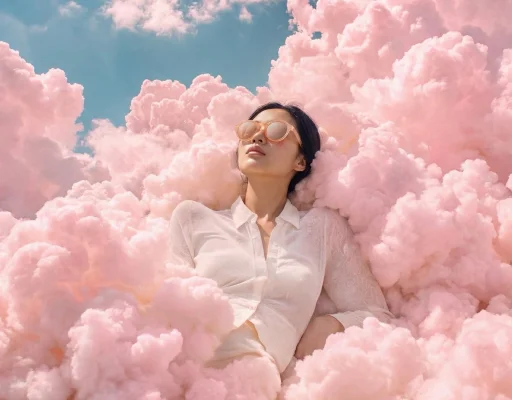
Generate Images & Workflows 4x Faster
Slow image generation breaks momentum and delays delivery. GPT Image 1.5 reduces wait time by producing images up to 4x faster than earlier models. Using GPT Image 1.5 on ImagineArt allows continuous creation, so new images can generate while others are still processing. Faster workflows help teams test ideas, iterate quickly, and move from concept to final assets without friction.
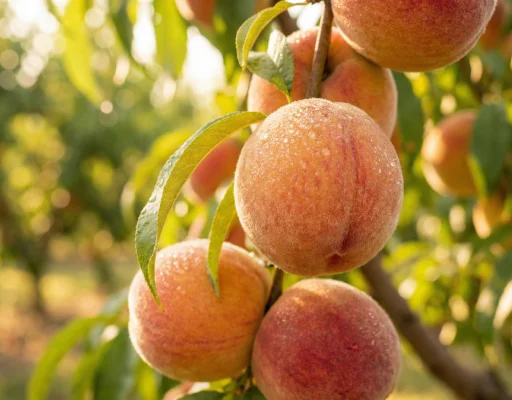
Maintain Character Consistency Across Any Scene
Image edits often ruin faces, proportions, or scene consistency. GPT Image 1.5 changes only the requested elements while keeping subjects, lighting, and composition stable. ImagineArt ensures people, products, and environments remain recognizable across multiple variations. This makes the model reliable for branding, product visuals, and realistic creative transformations.
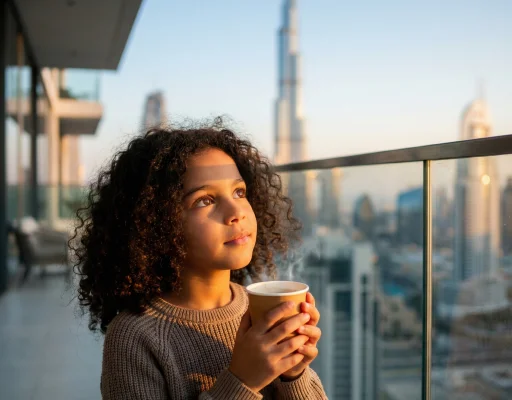
Design Visuals with High-Density Text Rendering
Text inside images is usually unclear or distorted. GPT Image 1.5 renders small and dense text with high readability, even in complex layouts. ImagineArt supports structured designs like grids, infographics, and formatted documents. This makes the model useful for posters, ads, charts, and information-heavy visuals.
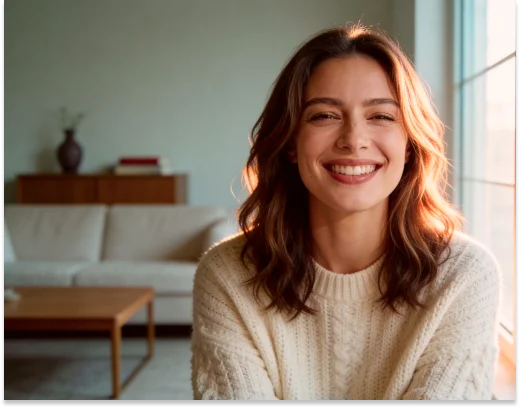
Enhance Visual Realism Through High-Resolution Textures
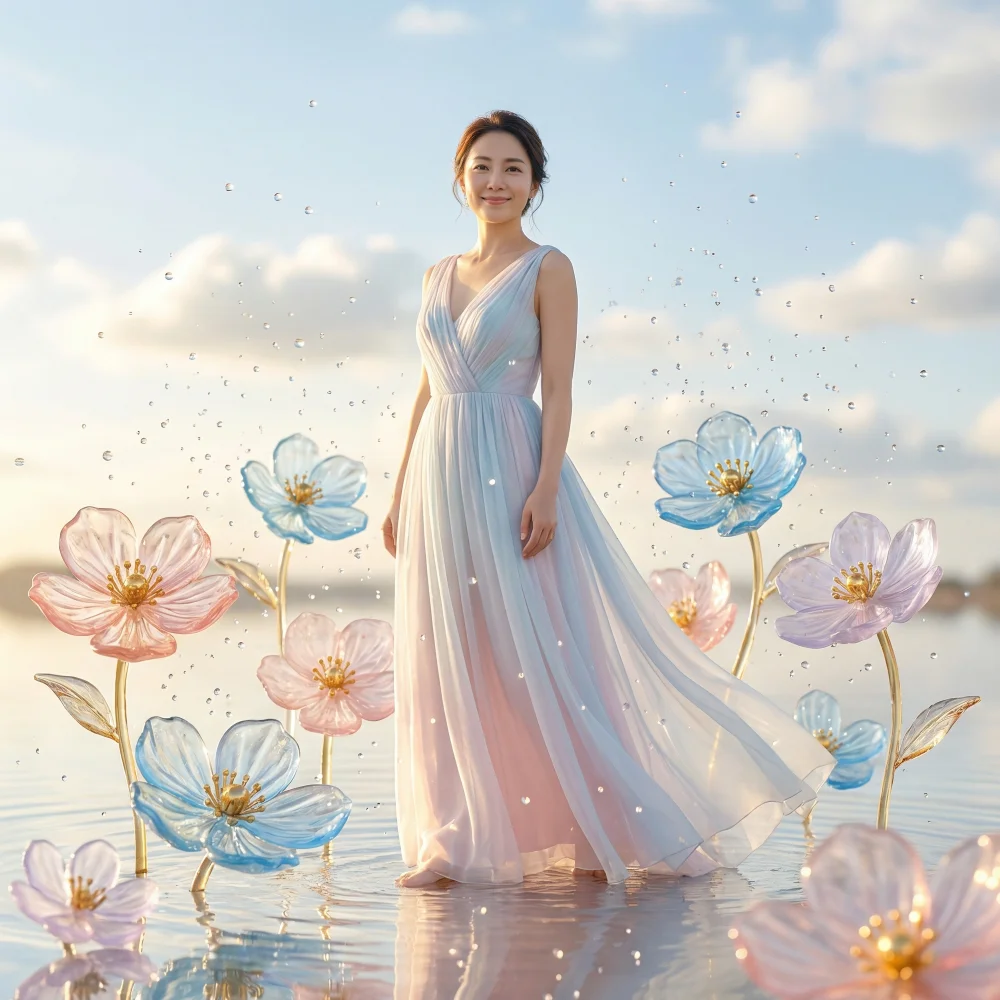
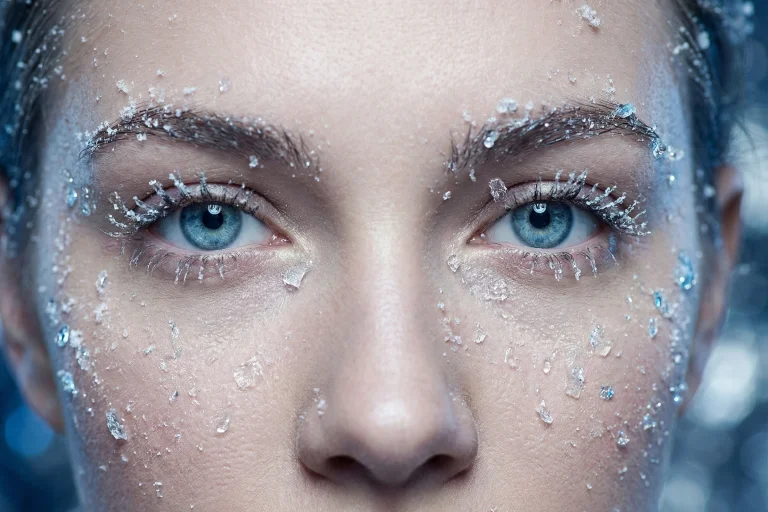
Flat textures reduce image quality and impact. GPT Image 1.5 generates detailed surfaces, natural lighting, and realistic depth. ImagineArt preserves clarity in small faces, fine patterns, and busy backgrounds. High-resolution texture rendering delivers professional visuals suitable for marketing, ecommerce, and brand assets.
How to Use GPT Image 1.5 on ImagineArt
Step 1
Add Prompt or Image
Choose GPT Image 1.5 from the list of models. Type a text prompt or upload an image to start. You can also input multiple images with the prompts effortlessly for endless editing options
Step 2
Customize the Output
Choose aspect ratio (1:1, 16:9, 3:4, etc), number of images (1-4), and enable the prompt enhancer for better results.
Step 3
Generate & Download Image
Click ‘generate’ and wait for the images to be created in seconds. Download high-resolution visuals ready for marketing, branding, or personal projects.
What Users Say About GPT Image 1.5

ApexStudios
I tried GPT Image 1.5 on ImagineArt for my online shop, and it saved me so much time. I needed some quick product visuals and social posts, and the AI gave me exactly what I was thinking without having to spend hours designing.

Anya Petrova
Marketing Designer

DreamWorks
As a hobby, GPT Image 1.5 on ImagineArt is addictive. I spend hours just testing prompts, seeing how far I can push colors or styles. It’s like having a mini studio right on my laptop.

Ben Harris
Product Manager

Pixels
For my small business branding, I started using GPT Image 1.5 on ImagineArt, and it actually works. I don’t consider myself a designer, but the AI helps me make graphics that look professional and consistent, which is perfect for Instagram and ads.

Isabelle Kim
Concept Artist

Shopify
I’ve been using GPT Image 1.5 on ImagineArt to practice sketching ideas I get in my head. It’s super quick to turn concepts into visuals, and even if it’s rough, it helps me see what works before I try it manually.

Michael Chenn
Product Designer
TechNova
Honestly, I’ve been playing around with GPT Image 1.5 on ImagineArt, and it’s actually fun. I just type what I want and it comes out looking pretty good, way better than I expected. I mostly use it for random personal projects, just to mess around with art.

Ravi Patel
Creative Manager
Trusted by Professionals and Creators from leading brands
Sign up for freePurchase a Subscription
Upgrade to get access to pro features and generate more and better
Basic
For newcomers taking their first steps
View Plans
Billed monthly
Included in plan
3Kcredits per month
Additional Features
Up to ~600 Image Generations/month
Up to ~97 Video Generations/month
General Commercial Terms
Image Generation Visibility: Public
4 Concurrent Image Generations
Complimentary Access
All GPT Models
All Gemini Models
All Claude Models
Unlimited Generations
10 Image Models
9 Video Models
Standard
For rising creators to level up their game
View Plans
Billed monthly
Included in plan
8Kcredits per month
Additional Features
Up to ~1.6k Image Generations/month
Up to ~265 Video Generations/month
General Commercial Terms
Image Generation Visibility: Private
8 Concurrent Image Generations
Complimentary Access
All GPT Models
All Gemini Models
All Claude Models
Unlimited Generations
Nano Banana
Runway Gen 4 Turbo
Midjourney V7
8 more Image Models
8 more Video Models
Ultimate
Peak performance for pros
View Plans
Billed monthly
Included in plan
16Kcredits per month
Additional Features
Up to ~3.2k Image Generations/month
Up to ~530 Video Generations/month
All styles and models
General Commercial Terms
Image Generation Visibility: Private
Complimentary Access
All GPT Models
All Gemini Models
All Claude Models
Unlimited Generations
All image models in Standard plan
All video models in Standard plan
Kling 2.6 Pro
Seedance 1.5 Pro
ChatGPT 1.5
Creator
A full production engine for powerhouses
View Plans
Billed monthly
Included in plan
100Kcredits per month
Additional Features
Up to ~20k Image Generations/month
Up to ~3.3k Video Generations/month
All styles and models
General Commercial Terms
Image Generation Visibility: Private
Complimentary Access
All GPT Models
All Gemini Models
All Claude Models
Unlimited Generations
All image models in Ultimate plan
All video models in Ultimate plan
Kling 3.0 Pro
Seedance 2 Fast
Nano Banana 2
Have questions?
We have answers!
Yes. If you use GPT Image 1.5 on ImagineArt, you can provide a text prompt along with multiple images at a time. You can create or edit images that match both your description and visual reference.
Yes. If you sign up on ImagineArt, you can get 100 free creds upon signing up an d100 free creds every month after that. So technically yes, you can try GPT Image 1.5 for free on ImagineArt. However, you can also buy credits for the starting price as low as $15.
Yes. GPT Image 1.5 creates realistic, high-quality images perfect for posts, ads, or banners. You can generate multiple versions quickly for testing or ready to use on ImagineArt.
You can upload JPG, PNG or WebP photos that are clear, high quality, with a clear subject. GPT Image 1.5 works best when subjects are easy to recognize.
Yes. ImagineArt is very strict about the user’s private information ad keeps all uploads secure and private. Your images are processed safely and are never shared with others.
Yes. GPT Image 1.5 can produce sharp, detailed images suitable for printing or marketing materials. Textures and important details remain clear.
On ImagineArt, you can generate 1 to 4 images in a single request. This lets you compare different versions without repeating the process.
Yes. GPT Image 1.5 is the improved version, which flawlessly renders text. The text placement in your images and alignment will remain consistent.
Yes. You can adjust prompts or uploaded images using ImagineArt, and type in the prompt of the mistakes you want to correct. This AI model will only change what is mentioned while keeping the rest of the image consistent.
Yes — GPT Image 2GPT Image 2 is now available on ImagineArt, with improved image quality, text rendering, and prompt following compared to GPT Image 1.5.
Generate, Edit & Transform Images With GPT Image 1.5
Are you struggling with Image generation and creation? Use GPT Image 1.5 to not only create, but also edit and transform images with no creative limits.