Saba Sohail
December 17, 2025 • Updated April 22, 2026
13 mins Read
OpenAI claims GPT Image 1.5 is their most advanced image model for generation and editing. My lengthy tests concluded that this GPT Image 1.5 is definitely good at text rendering, real-world knowledge, anatomical features, and complex prompts. But if you really want the best out of this AI image generator, you have to serve great prompts: complete and comprehensive.
OpenAI has since released GPT Image 2 — the next evolution in their image generation lineup, with improved prompt following and higher visual fidelity. The prompting principles in this guide apply to both models.
This prompt guide covers three areas:
- how to write basic and detailed prompts for GPT Image 1.5
- list of simple prompts for photo editing and creative transformations
- list of detailed prompts for advanced use cases like text rendering, typography, logical rendering and text-heavy infographics
How to Write Prompts for GPT Image 1.5
1. Writing Basic Prompts
Start simple. Basic prompts work best when you clearly describe what the image is about without overloading the model. Focus on the core elements first and let GPT Image 1.5 handle the rest. Simple prompts are best when you want basic edits and fixes in image to image workflows, or early creative exploration.
Simple Prompt Template:
[Subject + action + location + key visual detail]
Example:
“A woman reading a book in a quiet café, natural daylight, realistic style.”
Tips for basic prompts:
- subject/character: clearly define the main subject (person, object, scene).
- Setting: mention a location or environment to ground the image.
- Visual cues: add one or two visual cues (lighting, mood, realism).
- Avoid combining multiple styles or ideas at this stage.
2. Writing Detailed Prompts
Detailed prompts give you more creative control and are where GPT Image 1.5 really shines. Here, you expand on the scene with styling, composition, and technical direction.
Detailed Prompt Template:
[Subject + environment + action + visual style + lighting + composition + quality cues]
Example:
“A realistic portrait of a woman reading a book in a quiet café, soft morning light coming through large windows, shallow depth of field, natural skin texture, cinematic color grading, 85mm lens look.”
Tips for detailed prompts:
- Use camera and lighting language to guide realism.
- Specify style or mood (cinematic, editorial, minimal).
- Add quality cues like sharp focus, realistic textures, or clean composition.
- Keep instructions structured and purposeful, not repetitive.
In this guide I have intentionally kept my prompts multi-layered, layout-constrained, text-sensitive and logic-heavy.
52 GPT Image 1.5 Prompts to Try Today
Realistic Image Prompts
 Realistic Images
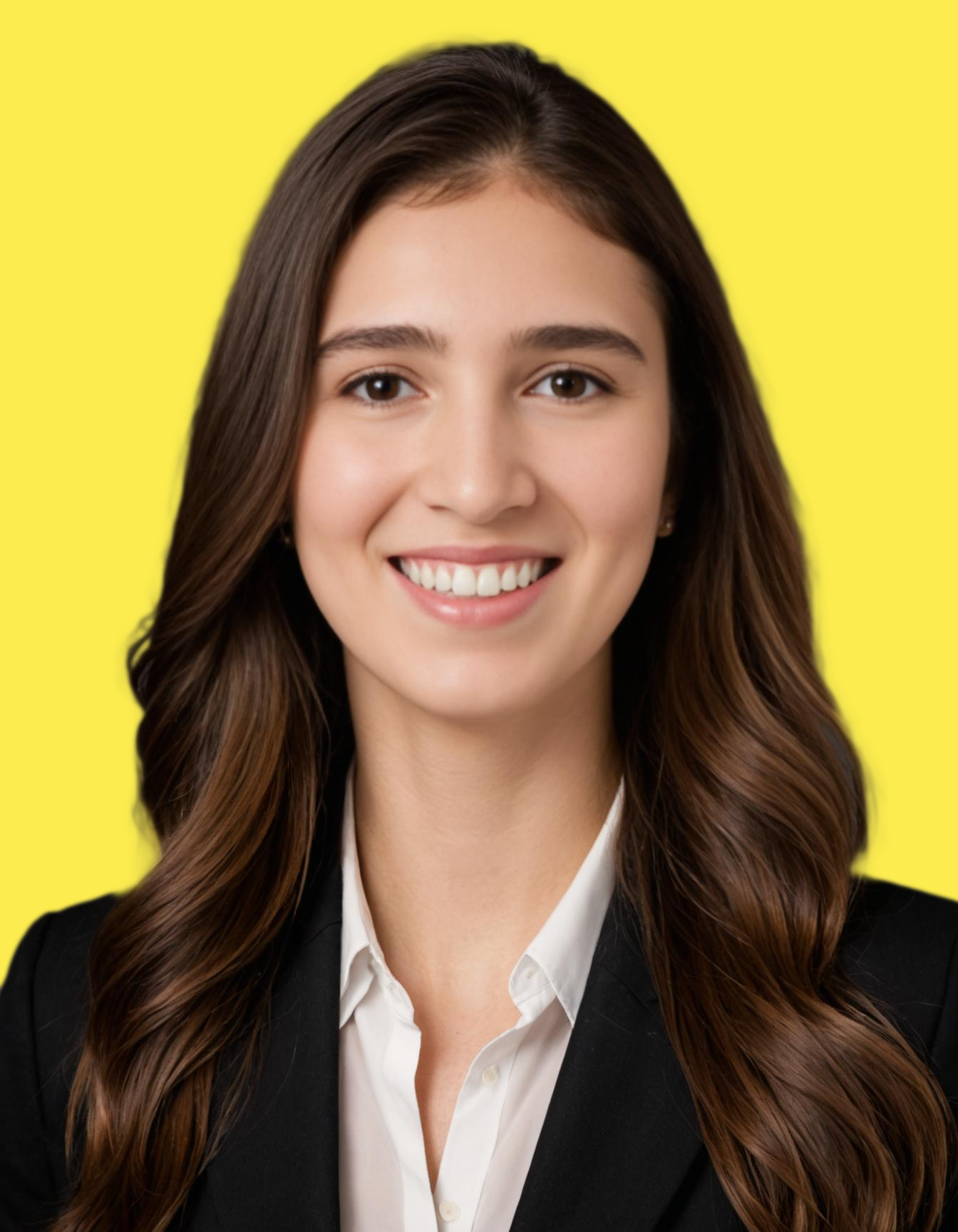
- A photorealistic portrait of a 35-year-old woman standing near a café window, soft natural daylight, realistic skin texture, subtle imperfections, shallow depth of field, DSLR photography style.
- Ultra-realistic street scene at dusk with pedestrians, accurate reflections on wet pavement, natural motion blur, cinematic lighting, high dynamic range.
- Photorealistic interior of a modern living room, warm ambient lighting, realistic shadows, detailed fabric textures, wide-angle lens.
- Realistic close-up of hands holding a ceramic coffee cup, steam rising naturally, soft morning light, macro photography.
- High-fidelity outdoor portrait with natural wind movement in hair, golden hour lighting, realistic facial expressions, 85mm lens look.
Photo Editing and Retouching Prompts
- Remove the background and replace it with a softly lit studio backdrop while preserving original lighting on the subject.
- Retouch the face subtly by reducing blemishes while keeping natural skin texture and pores intact.
- Remove the person in the background without altering shadows or foreground details.
- Change the sky to a cloudy sunset while maintaining consistent light direction and reflections.
- Replace the outfit color with navy blue, keeping fabric folds, texture, and lighting unchanged.
Product Photography Prompts
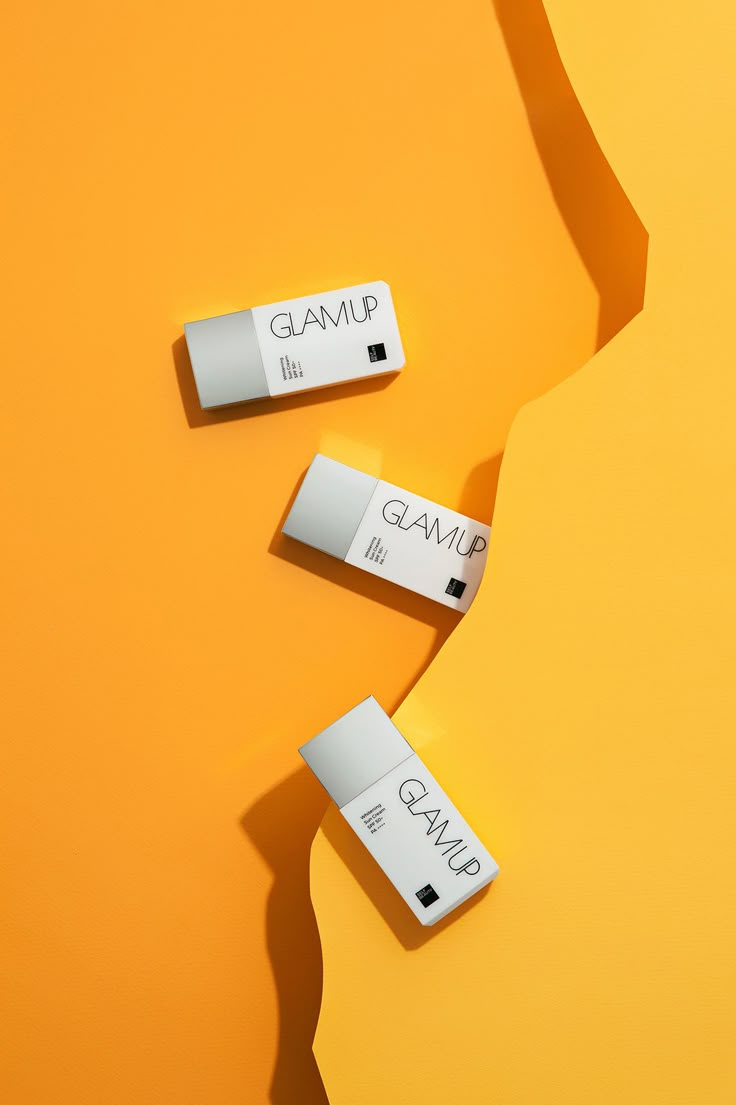 Product Photography with GPT Image 1.5
- Using the reference perfume bottle, create a high-end product shot on a marble countertop, soft directional studio lighting, subtle reflections, shallow depth of field, minimal background with warm beige tones, professional e-commerce look.
- Take the reference sneaker image and place it in a dynamic lifestyle setting clean urban rooftop, early morning sunlight, realistic shadows on ground, slight motion blur on background pedestrians, high-detail product focus.
- Using the reference coffee mug, generate a CGI-style product image floating on a soft pastel gradient, subtle drop shadow, reflective highlights on ceramic surface, minimalist style, perfect for online catalog display.
- Transform the reference watch image into a luxury advertising shot placed on a black velvet surface, dramatic side lighting, reflective metal accents emphasized, subtle bokeh in the background, high-gloss commercial look.
- Use the reference smartphone image and create a futuristic display floating at an angle, holographic UI projected above, neon reflections on surface, clean tech-style studio lighting, crisp focus on edges, suitable for social media campaign.
Image to Image Creative Transformation Prompts
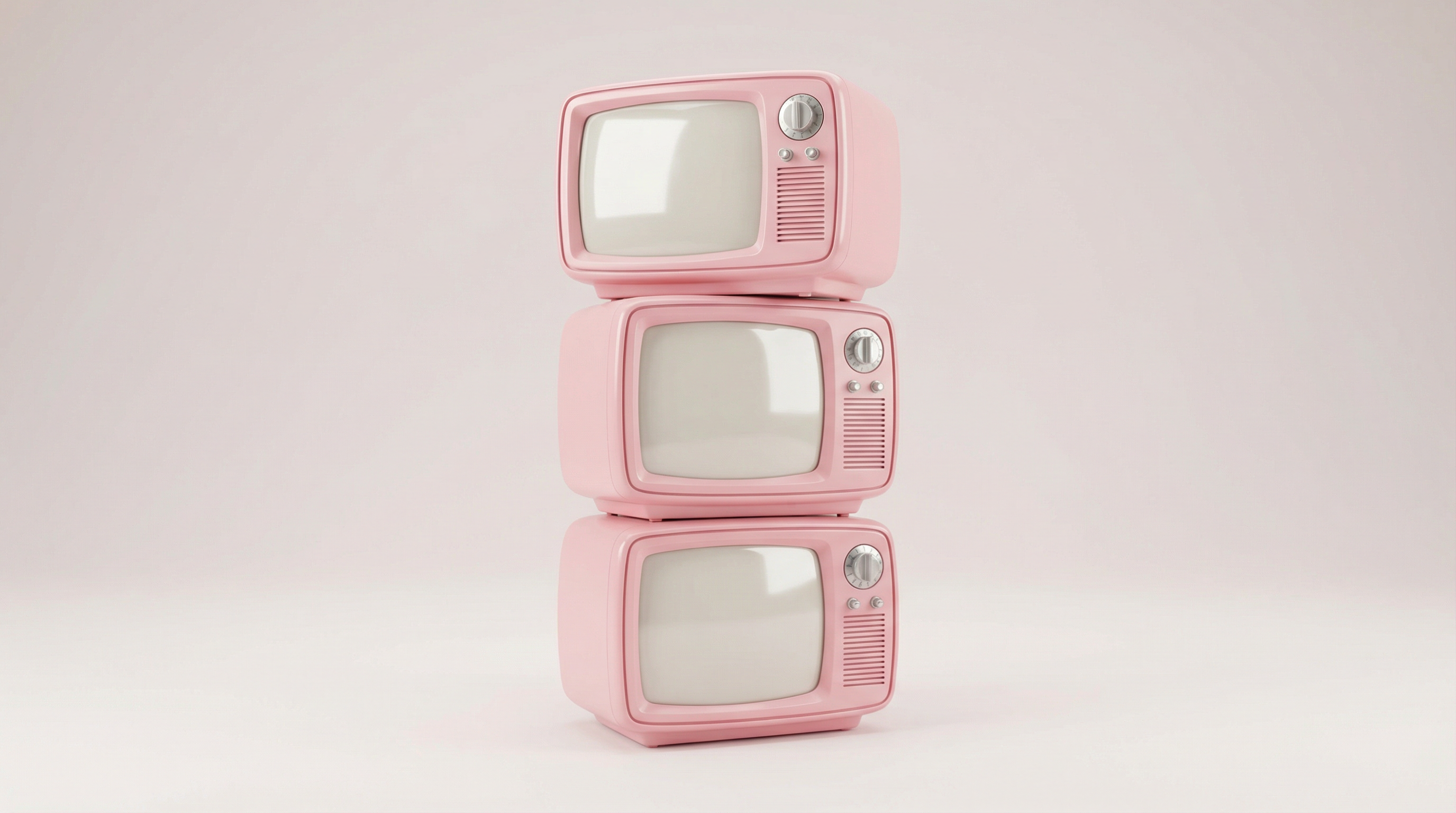 GPT 1.5 Prompt Guide Image
- Transform the reference portrait of a young woman into a 1950s vintage soda advertisement she holds a glass bottle of soda, retro typography in the background, pastel color palette, halftone texture, cinematic lighting, subtle lens flare, posed like a classic ad model.
- Take the reference image of a city street and convert it into a futuristic cyberpunk scene neon signs reflecting on wet pavement, hovering vehicles in the background, dramatic nighttime lighting, high detail, cinematic wide-angle perspective.
- Reimagine the reference image of a male character as a high-fashion editorial spread soft diffused lighting, stylish clothing in bold colors, studio background with minimal props, polished skin textures, shallow depth of field, magazine-quality composition.
- Transform a daytime park scene into a whimsical animated fairytale setting glowing lanterns hanging from trees, gentle mist, subtle magical sparkles, slightly exaggerated perspective, soft pastel color grading, playful mood.
- Convert a reference image of a street musician into a movie poster dramatic side lighting, cinematic lens flare, strong shadows, moody urban background, title text placement space left, high-resolution commercial style.
Wildlife Photography Prompts
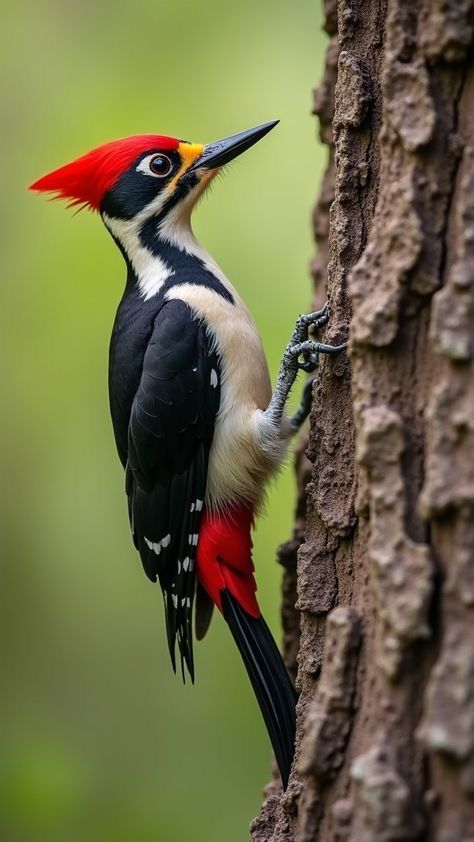 Wildlife Image Generated with GPT Image 1.5
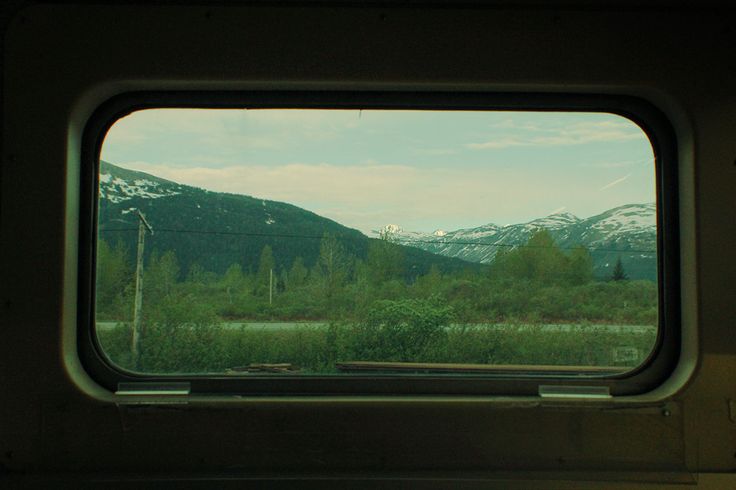
- Photorealistic African lion resting on a grassy savannah at golden hour, warm sunlight casting long shadows, realistic fur texture, shallow depth of field, distant acacia trees in background, 85mm lens cinematic framing.
- A snow leopard perched on a rocky ledge in the Himalayas, soft diffused winter sunlight, detailed fur patterns, cold atmospheric tones, subtle snowflakes falling, realistic shadowing and motion, telephoto lens perspective.
- A vibrant scarlet macaw perched on a moss-covered branch, rainforest canopy background with sunlight filtering through leaves, wet foliage, realistic feathers, cinematic bokeh, soft natural lighting.
- A herd of African elephants walking across the savannah at sunset, warm orange light, long shadows, dust particles in the air, realistic skin texture, wide-angle perspective capturing multiple elephants in motion.
- An Arctic fox in pristine snowy landscape, winter morning light casting soft blue shadows, detailed white fur blending with snow, subtle paw prints, realistic texture, cold atmosphere, focused foreground with shallow depth of field.
Concept Art Prompts
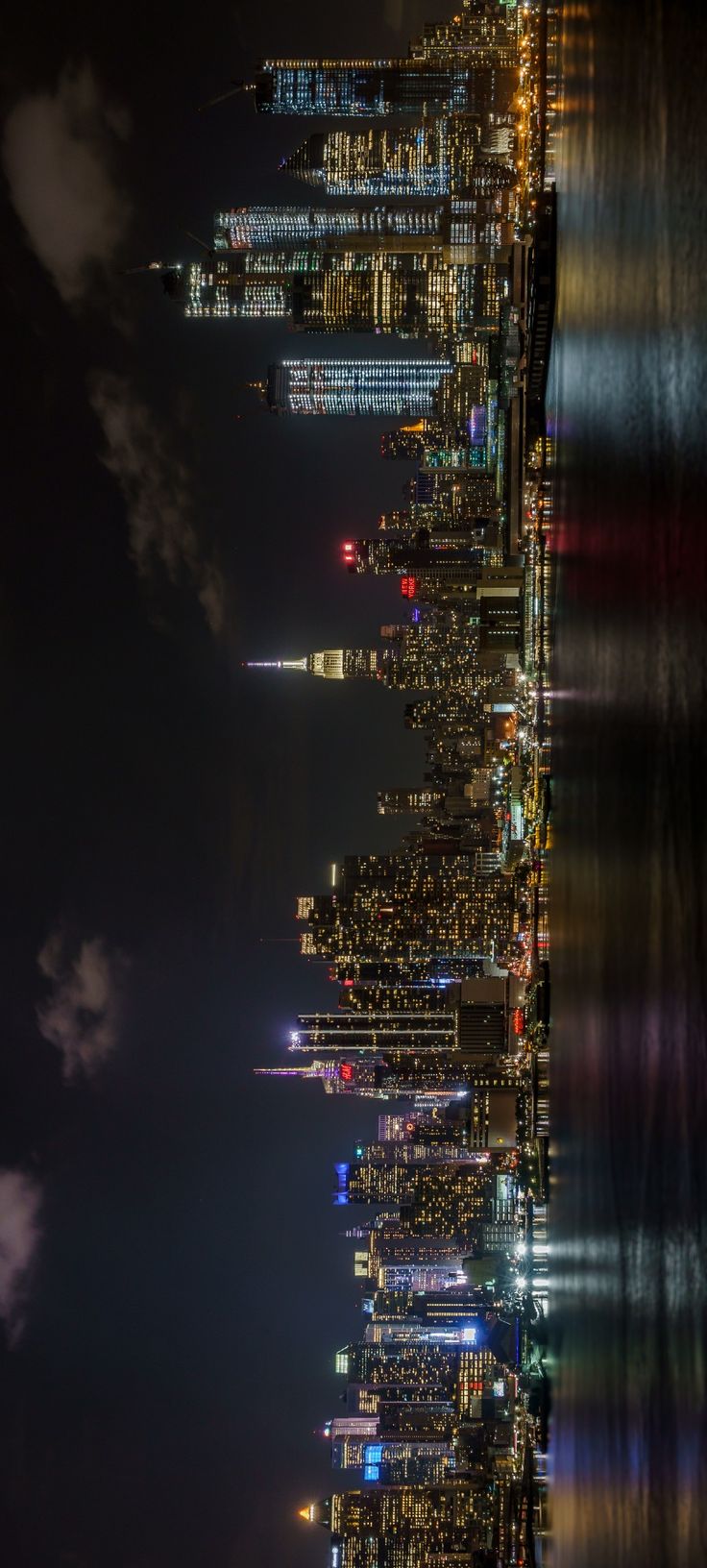 Skyline generated with GPT Image 1.5
- Create a wide-angle concept art of a futuristic city skyline at dusk, towering skyscrapers with reflective glass surfaces, flying vehicles in the sky, soft neon glows on streets, realistic scale and perspective, cinematic lighting, slight atmospheric haze, subtle reflections on wet pavement, high-detail textures, expansive depth of field.
- Generate a realistic concept visualization of a sleek consumer gadget on a neutral studio background, soft diffused lighting to highlight form and material, subtle shadows for depth, minimal props, perspective showing front and top angles, polished rendering suitable for product pitch or investor presentation, clean modern design aesthetic.
- Create early-stage concept art for a mobile app launch poster, featuring a smartphone mockup in the center, layered background elements with abstract shapes, futuristic UI overlays, ambient lighting highlighting the device, bold typography space for title and tagline, cinematic composition, high-resolution focus on device clarity, modern tech visual style.
- Generate a vertical mood board-style concept visual displaying a cohesive color palette and atmosphere, include sample textures, gradients, and key design elements, harmonious lighting and soft shadows, subtle annotations for inspiration, visually balanced composition, clean and professional layout suitable for creative presentation or team briefing.
- Create a minimalist interior design concept featuring a living room with realistic proportions and scale, soft natural daylight entering through large windows, furniture with clean modern lines, neutral color palette with muted accent tones, subtle shadows and reflections, textured materials for walls and flooring, cinematic perspective with wide-angle lens feel, airy and spacious mood.
Marketing and Ad Creatives Prompts
- Generate a clean social media ad featuring a perfume bottle on a marble countertop, soft studio lighting with realistic reflections, bold text overlay: ‘NEW SCENT, SAME YOU’, neutral background, minimal props, cinematic focus on product, visually striking for Instagram carousel.
- Create a lifestyle marketing visual for a sneaker brand, urban rooftop background, morning sunlight, person mid-step showing the product, motion blur on background, product in crisp focus, text space for tagline: ‘Step Into Your World’, modern and energetic feel.
- Generate a digital ad for a new smartphone launch, floating angled device in a futuristic studio setup, neon reflections on edges, holographic UI projections, clean white text overlay: ‘EXPERIENCE THE FUTURE’, high-resolution, premium tech aesthetic.
- Create a commercial-style ad for a soda brand, close-up of a cold soda can with condensation, held in hand against a sunny beach background, bold tagline: ‘REFRESH YOUR SUMMER’, soft cinematic lighting, vibrant color palette, realistic textures on beverage and hand.
- Design a Facebook ad for a virtual conference, modern flat-style illustration of a laptop and participants on video call, headline: ‘JOIN THE AI SUMMIT 2025’, subtitle for registration details, clear hierarchy, pastel background with minimal decorative shapes, professional and readable layout.
Poster Prompts
- Design a vibrant poster for a summer music festival, title at top in bold uppercase text: ‘SUNSET FESTIVAL 2025’, subtitle: ‘Live Music & Food Trucks’, abstract geometric background with bright gradient colors, flat vector illustrations of musical instruments, legible sans-serif typography, well-balanced spacing, modern festival aesthetic.
- Create a minimalist flyer for an art exhibition titled ‘MODERN VISIONS’, centered title in elegant serif font, soft pastel background, abstract brushstroke illustrations, dates and location in smaller text below, consistent alignment and clean typography, professional gallery style.
- Generate a vertical poster for a photography workshop, headline: ‘CAPTURE THE MOMENT’, with bold sans-serif font, step-by-step icons representing workshop topics, clean white background with soft gradient accents, clear readable layout, space for date, time, and location.
- Design a cinematic movie poster for a thriller titled ‘SHADOWS OF THE CITY’, dark moody urban background, strong contrast lighting, title at bottom in bold uppercase text, space for credits, subtle visual effects for suspense, realistic 3D lighting and shadowing, legible typography.
- Create a cheerful charity event flyer titled ‘HOPE GALA 2025’, warm color palette with soft yellows and blues, central illustration of community gathering, clean layout for date, time, and registration, bold readable fonts, professional yet inviting aesthetic.
Detailed Prompts
Here are 12 high-fidelity, model-stressing prompt examples written specifically to showcase GPT Image 1.5–level prompt adherence, logic handling, layout control, and text rendering.
I’ve grouped them into four categories and kept the prompts intentionally detailed and explicit.
Logical and structured prompts
41. Grid-Based Logical Composition
Draw a 5×4 grid with equal-sized square cells, thin black outlines and white background.
Populate each row from left to right as follows:
Row 1: a red apple, a green pear, a yellow banana, a purple grape, an orange
Row 2: the number “1”, the number “2”, the number “3”, the number “4”, the number “5”
Row 3: a paper clip, a pencil, a ruler, a stapler, a notebook
Row 4: a sun icon, a cloud icon, a rain icon, a snowflake icon, a lightning bolt icon
All items must be centered inside their cells, use consistent scale, flat illustration style, no overlap, no extra elements.
42. Ordered Symbol–Text Mapping
Create a horizontal sequence of 8 tiles, evenly spaced.
Each tile must contain:
- Top: a bold black number (01–08)
- Bottom: the corresponding item
Order:
01 – light bulb
02 – hourglass
03 – compass
04 – magnifying glass
05 – calendar
06 – alarm clock
07 – map pin
08 – flag
43. Conditional Logic Visualization
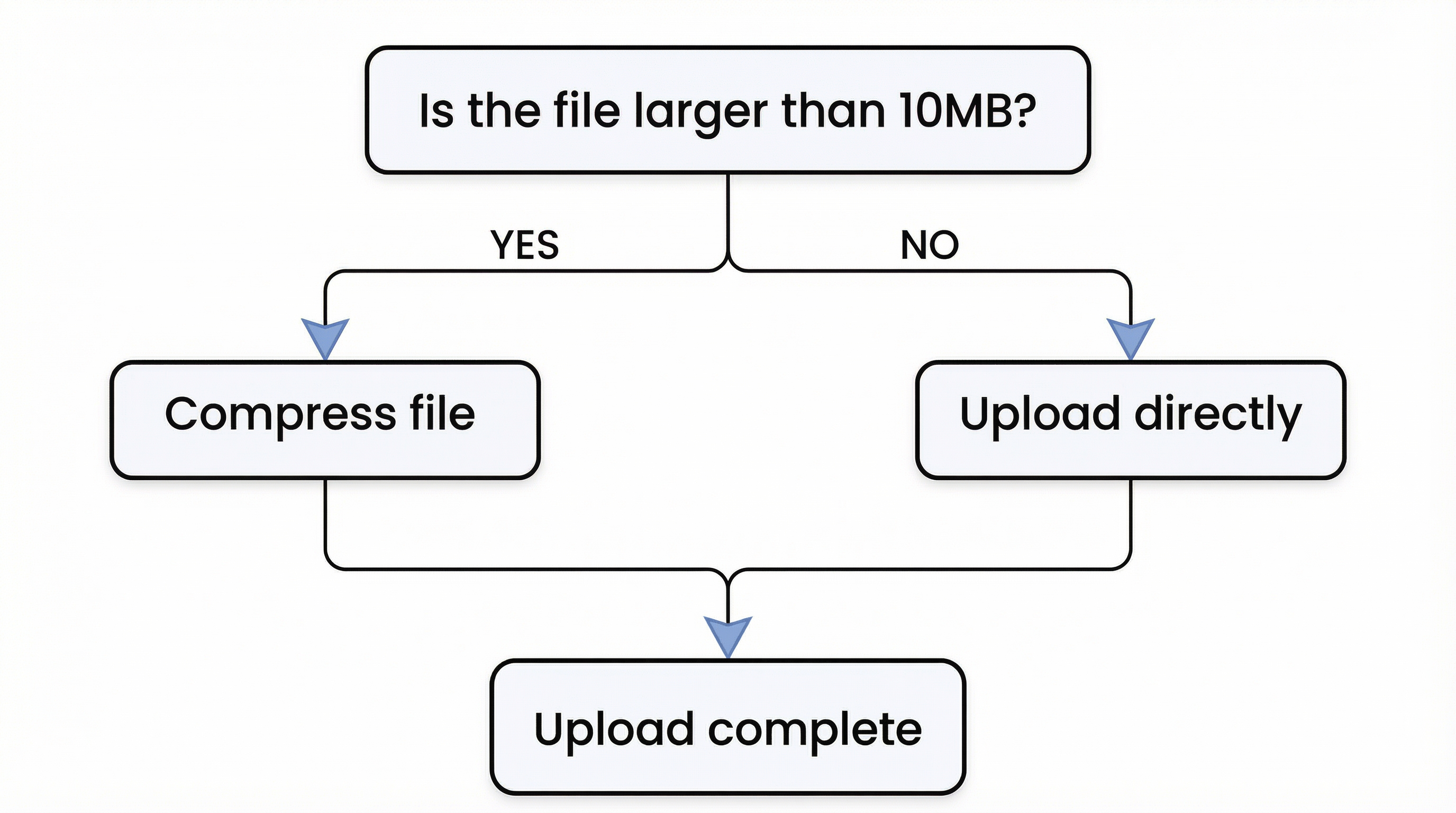 Flow diagram created with ImagineArt
Create a simple decision flow diagram on a white background.
Structure:
- Top box: “Is the file larger than 10MB?”
- Arrow down splits into YES (left) and NO (right)
- YES leads to box: “Compress file”
- NO leads to box: “Upload directly”
- Both paths merge into final box: “Upload complete”
Use clean rectangular boxes, black outlines, sans-serif text, consistent spacing, no decorative elements.
Infographics Prompts
44. Timeline Infographic
Create a horizontal timeline infographic titled (top center, bold black):
“EVOLUTION OF SMARTPHONES”
Timeline points (left to right):
- 2007 – Touchscreen phones go mainstream
- 2012 – App ecosystems mature
- 2016 – Mobile photography boom
- 2020 – 5G adoption
- 2024 – AI-powered smartphones
Style:
- Flat design
- Light gray background
- Each year in a circular node
- Short text labels beneath each node
- Clean sans-serif typography
45. Process Infographic
Create a vertical infographic titled:
“HOW AI IMAGE GENERATION WORKS”
Steps (top to bottom):
01 – User prompt input
02 – Model interprets instructions
03 – Latent image generation
04 – Refinement and upscaling
05 – Final image output
Each step:
- Numbered badge on the left
- Icon in the center
- Short label on the right
Minimalist style, pastel accents, clear spacing, high readability.
46. Comparison Infographic
Create a two-column comparison infographic.
Title (top center):
“AI IMAGE MODELS: QUICK COMPARISON”
Left column: GPT Image 1.5
Right column: Traditional Image Models
Rows:
- Prompt adherence
- Text rendering
- Image editing
- Reference accuracy
- Creative control
Use checkmarks and short labels, flat icons, neutral color palette, clean alignment.
Text Rendering and Typography Prompts
47. Magazine Cover Layout
Create a modern magazine cover.
Main headline (large, bold, centered):
“THE FUTURE OF AI DESIGN”
Subheadings (smaller text):
- “Why prompt accuracy matters”
- “Inside next-gen image models”
- “From creativity to control”
Style:
- Clean editorial layout
- Sans-serif fonts
- High contrast
- No text distortion
- All text perfectly legible
48. Presentation Slide
Create a professional presentation slide with the following text:
Title (top left):
“Key Benefits of GPT Image 1.5”
Bullet points:
- Precise prompt adherence
- Reliable text rendering
- Advanced image editing
- Strong reference handling
Minimalist slide design, white background, subtle dividers, corporate style.
49. Poster with Dense Text
Design a typography-focused poster.
Text (exactly as written):
“CLARITY IS NOT A STYLE.IT IS A STANDARD.”
Text should be:
- Centered
- Large, bold, uppercase
- Perfect line breaks
- No spelling changes
- Neutral background
Prompts for Posters with Detailed Creative Layout
50. Event Poster
Design an event poster with the following content:
Title: “CREATIVE AI SUMMIT 2025”
Subtitle: Design, Technology, and the Future
Date: June 18–19, 2025
Location: San Francisco, CA
Layout:
- Clear hierarchy
- Readable typography
- Balanced spacing
- Modern, minimal design
51. Product Launch Poster
Create a clean product poster.
Headline: “INTRODUCING NOVA”
Subtext: A smarter way to create images
Visual focus on the product, minimal background, premium tech aesthetic, no clutter.
52. Motivational Wall Poster
Design a minimalist poster with the quote:
“GOOD DESIGNMAKES IDEASOBVIOUS.”
Use strong typographic contrast, neutral background, centered alignment, professional studio look.
Landing Page UI Prompts
53. Kids' Storytelling Platform
Design a cheerful and playful landing page for a kids’ storytelling platform called ‘StoryTime Adventures’. Hero section with a friendly illustration of children reading books under a colorful tree, pastel color palette, whimsical fonts for headings, clear CTA button labeled ‘Start Your Adventure’, sections for features below with flat icons, ample white space, responsive layout, soft drop shadows, visually engaging for parents and kids.
54. Greeting Cards Company
Generate a clean, elegant landing page for a greeting cards brand named ‘Heartfelt Greetings’. Hero section with high-quality flat illustrations of cards and envelopes on a neutral background, bold and readable heading ‘Send Love in Every Card’, subtle texture in background, soft pastel accent colors, secondary CTA buttons for ‘Shop Now’ and ‘Explore Collections’, well-structured feature sections, modern typography, minimalist and professional aesthetic.
55. Tech Startup Website
Create a modern landing page for a tech startup launching a new wearable device. Hero section shows the product floating in a futuristic studio setting, headline: ‘Experience the Future on Your Wrist’, short subtext underneath, clean geometric layout for features and benefits, high-resolution product images with subtle reflections, dark mode aesthetic with neon accents, clear CTA buttons, professional sans-serif typography, visually dynamic and tech-forward.
Ready to create and edit photos with GPT Image 1.5?
With this guide, you now have a structured approach to writing precise and structured high-quality prompts with a rich collection of 50+ ready-to-use examples across 9 categories. Next step? ImagineArt is giving early access to GPT Image 1.5: start experimenting with photo editing, text rendering, and brand identity. With GPT Image 1.5 x ImagineArt, make a creative workflow with unmatched versatility.
Saba Sohail
Saba Sohail is a Generative Engine Optimization and SaaS marketing specialist working in automation, product research and user acquisition. She strongly focuses on AI-powered speed, scale and structure for B2C and B2B teams. At ImagineArt, she develops use cases of AI Creative Suite for creative agencies and product marketing teams.