Ryan Hayden
October 27, 2023 • Updated October 29, 2025
6 mins Read
In the ever-evolving world of marketing and branding, logos have taken center stage like never before. These simple symbols or designs now carry the weight of a brand's identity, values, and mission, playing a pivotal role in setting a brand apart, fostering consumer trust, and transcending language barriers for global recognition. But not too long ago, crafting the perfect logo was a monumental task. It involved teams of designers, countless hours, and sometimes hefty expenses.
Enter Imagine AI Art Generator, a game-changer in the realm of logo creation. This cutting-edge technology has revolutionized the art of logo design, making it accessible and efficient. Today, we're going to dive into the world of Imagine AI and show you how to harness its power to create the perfect logo for your brand. Welcome to "How to Create a Perfect Logo Using Imagine AI.
What's a Logo, Anyway?
A logo is like your brand's face. It's that picture or symbol you instantly recognize. Think about the golden arches of McDonald's or the swoosh of Nike. These logos are the superheroes of branding. They tell us who the brand is, and what it's about, and they do it without saying a word.
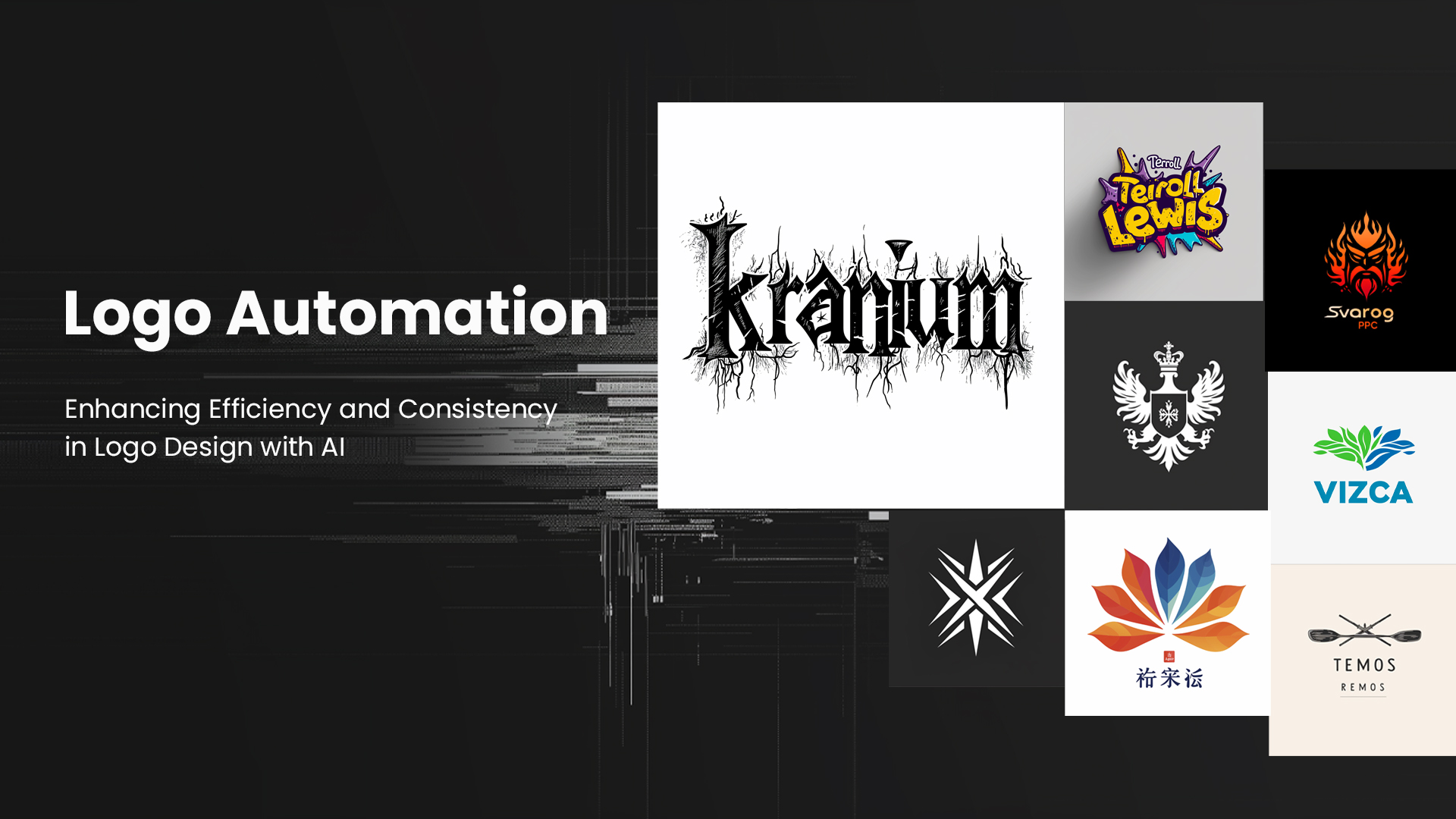
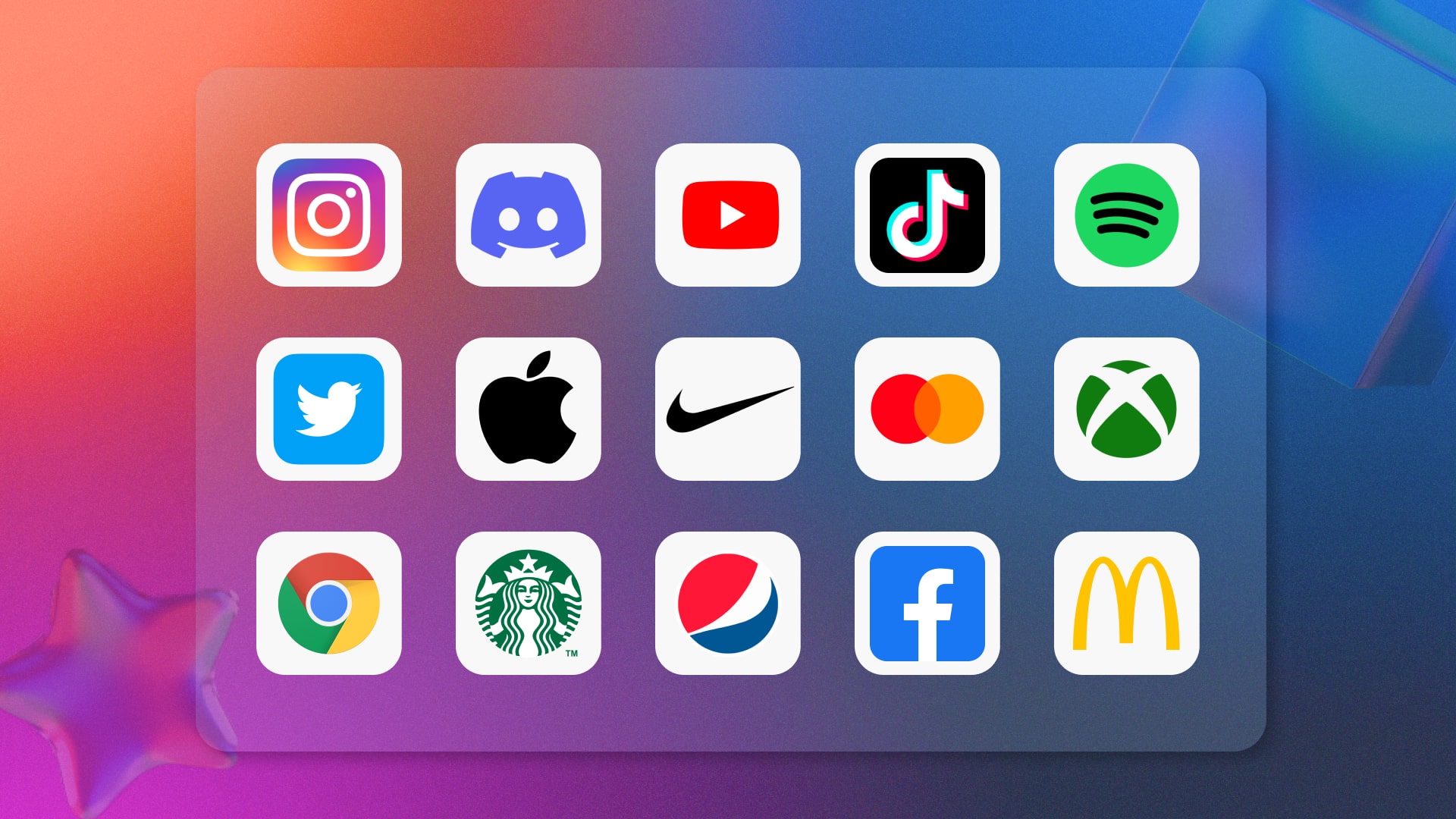 Different Logos
Making Logos with Imagine AI Art Generator
Imagine AI Art Generator is a super cool tool that transforms words into eye-catching logos. It's got a bunch of tricks up its digital sleeve, and we're going to show you how to use them.
-
Step 1: Know Your Brand
Before you start, you need to know your brand inside and out. What's it all about? What's the vibe you're going for? Your logo should be like your brand's BFF, so make sure it represents your brand's personality.
-
Step 2: Choose the Right Model
Imagine's Image AI Generator has six different models to pick from. AI Logo Generator is like an artist that will help you create different logos. For example you can go with Imagine V5, If you want something anime-inspired, Anime V2 is your choice. It's like choosing your favorite paintbrush.
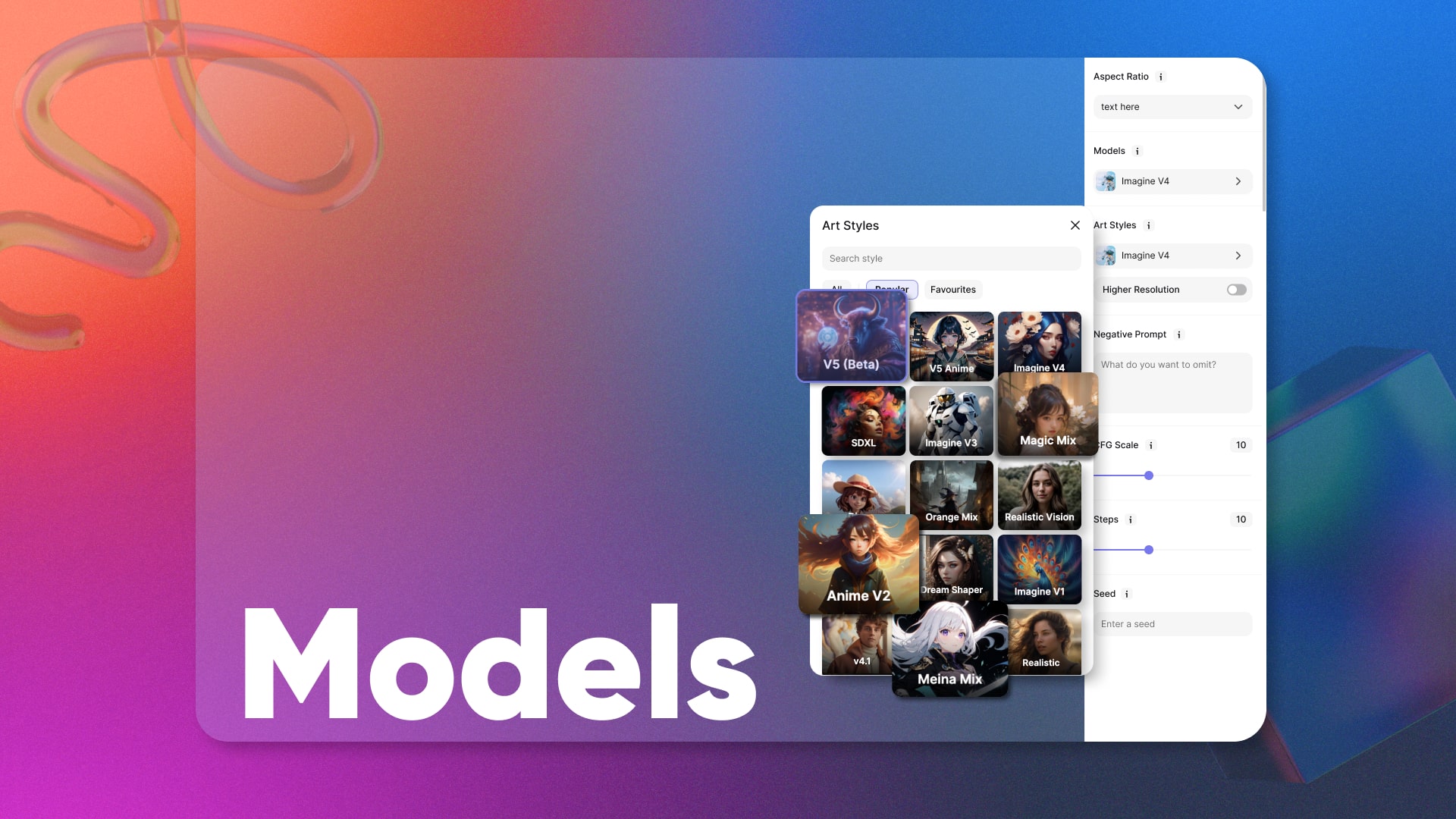 Models’s Collage
-
Step 3: Set Things Up
Imagine AI Art Generator gives you some creative knobs to turn. You can change things like the image's size, resolution, CFG Scale, Step Scale, and even the style's mood. You can also put a negative prompt in case you want certain unwanted things not to be made part of your logoAdjust these settings to match your vision for the logo.
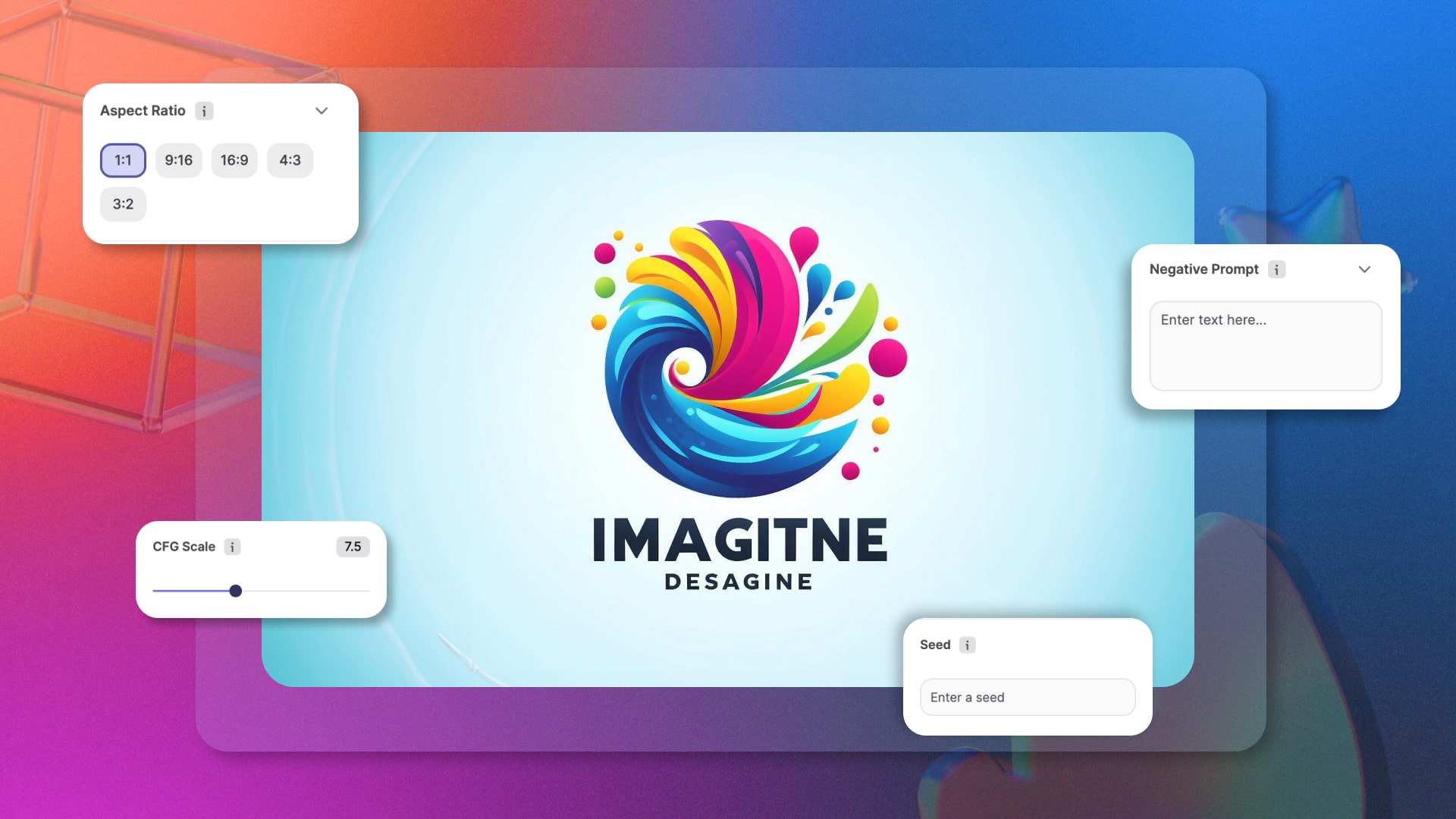 Customization Controls
-
Step 4: Tell It What You Want
You've got to give Imagine AI some hints about what you want your logo to look like. Write down your ideas in simple words. Be clear, but let a little room for creativity, just like giving directions to a friend.
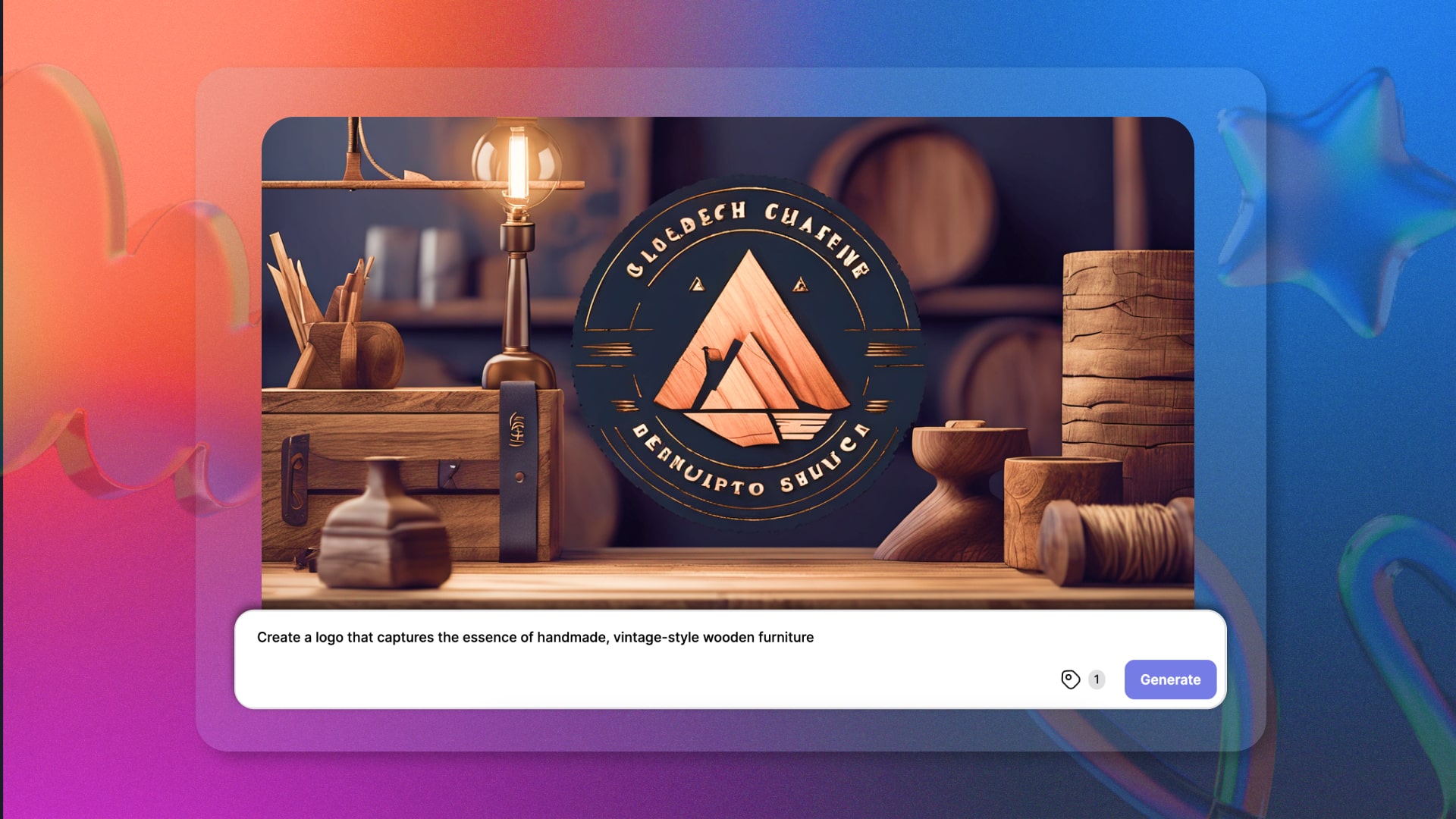 logo that captures the essence of furniture
-
Step 5: Pick an Art Style
Imagine AI has a whole bunch of styles to choose from, almost 90 of them! You can go realistic, fantasy, or even full-on anime mode. It's like choosing the right outfit for your logo.
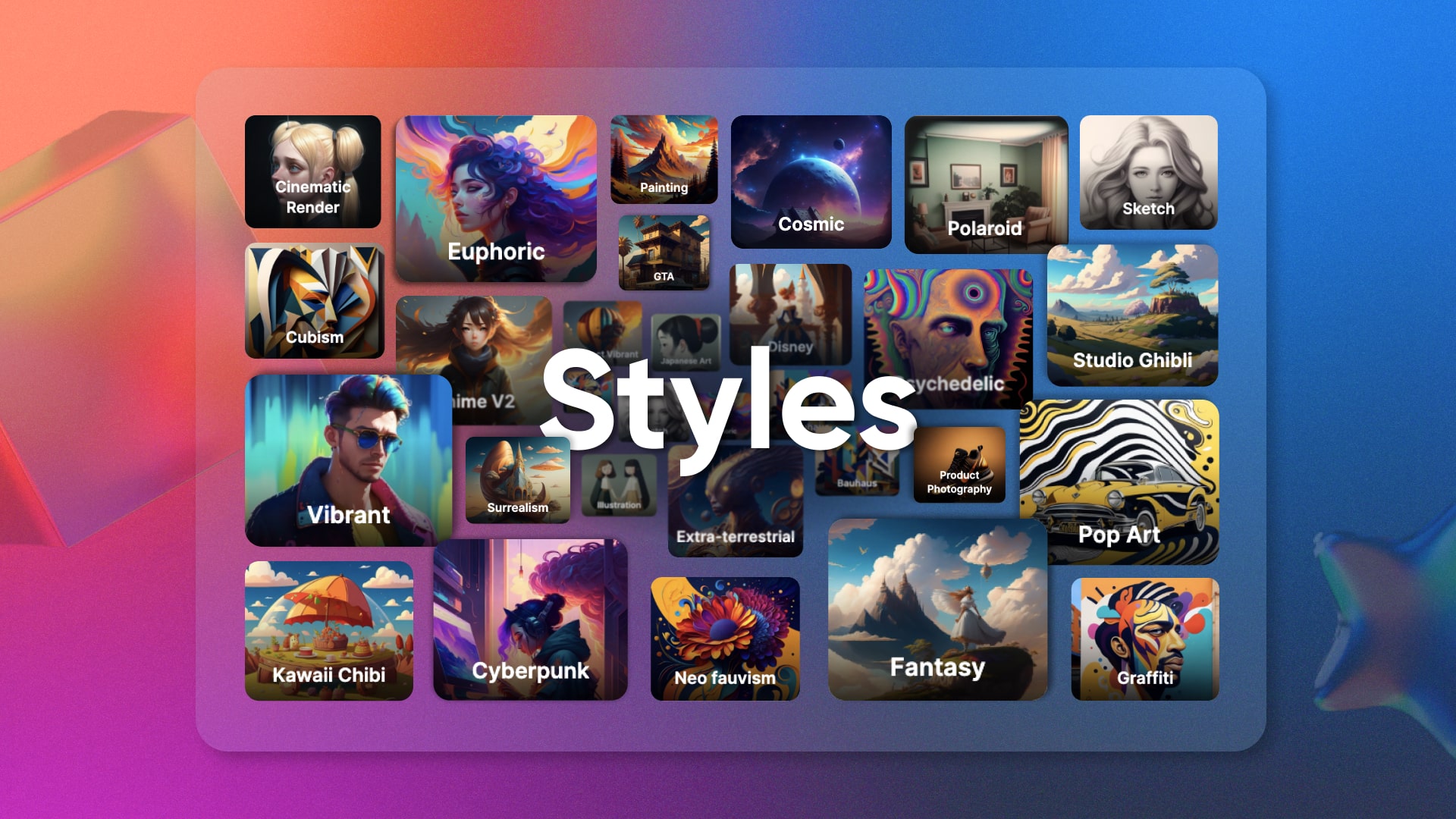 Art Style Collage
-
Step 6: Hit the Magic Button
Once you've set everything up, let Imagine AI do its thing. It's like waving a wand and watching the magic happen. The AI takes your words and turns them into a logo.
-
Step 7: Check and Tweak
The first try might not be perfect, and that's okay. Take a good look at your new logo and see if it matches your vision. If not, you can go back, adjust the settings, and try again. It's like editing a photo until it's just right.
-
Step 8: Make It Bigger
Your logo is born, but it might need to grow up a bit. If you need a larger version, Imagine AI can upscale it without losing quality. It's like a logo growth spurt!
-
Step 9: Save and Use
Once you're head-over-heels in love with your logo, save it in a format that works for you. You can use it on your website, marketing materials, or wherever you need to show off your brand.
-
Step 10: Protect Your Logo
If your logo is your brand's superhero, you might want to give it a secret identity. Consider talking to a legal expert about trademarking your logo. It's like giving your superhero a fortress of solitude.
Example: Making a Logo for “WoodCraft Heaven”
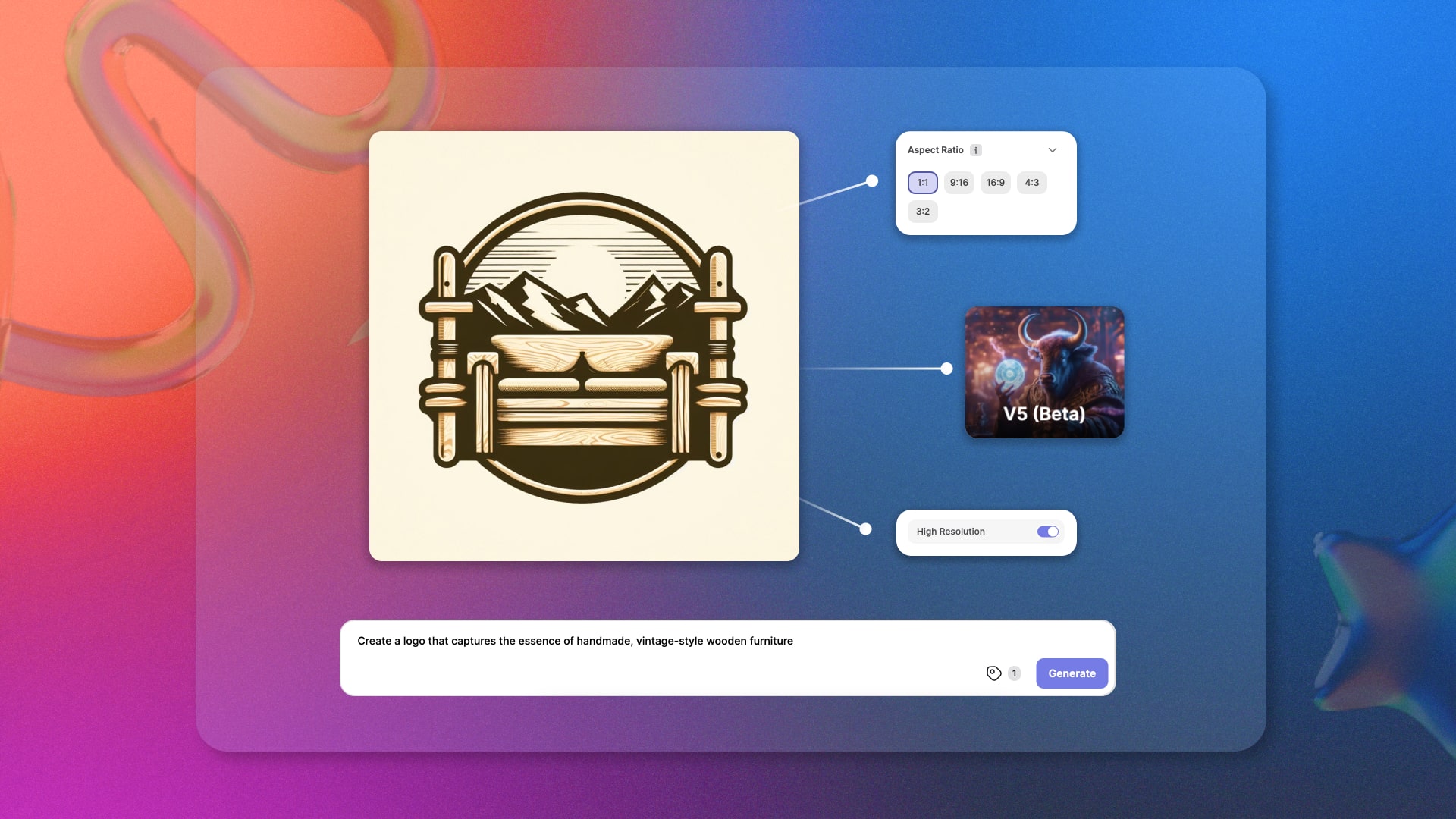
Imagine you're launching "WoodCraft Haven," an online store specializing in handmade, vintage-style wooden furniture, and you want a logo that mirrors the timeless quality and craftsmanship of your products.
You start by selecting Imagine AI's "V5" model for its realistic output, opting for a square aspect ratio and high resolution to ensure clarity on your website and social media. You choose a classic wooden brown with an antique finish, setting the stage for your brand. With a simple prompt – "Create a logo that captures the essence of handmade, vintage-style wooden furniture" – Imagine AI gets to work. The "Rustic" art style perfectly complements your brand's personality.
In mere moments, Imagine AI generates a stunning, intricately detailed wooden emblem. You give it a slight shading tweak, ensuring it exudes a vintage charm. The logo is perfect for your website, and when you need a larger version for a billboard ad, Imagine AI's upscale feature does the trick without losing the rustic appeal.
You save it as a PNG file and put it to use on your website, business cards, and furniture products. Recognizing the logo's significance as the face of your brand, you consider trademarking it to safeguard your brand's identity. In this example, Imagine AI seamlessly transforms your brand concept into a meaningful visual representation, blending artistry with AI technology to create a logo that truly speaks for "WoodCraft Haven."
 WoodCraft Haven
Conclusion
Creating the ideal logo with Imagine AI is like having a trusted companion in your branding journey. It takes your vision and transforms it into a visual representation that resonates with your brand's essence. Keep it simple, understand your brand, choose the right model and art style, and let Imagine AI work its magic. Your logo is not just a symbol; it's your brand's best identification and recognition. So, embark on your logo adventure with confidence, and watch your brand shine brighter than ever before!
Imagine AI Art is your gateway to the world of artistic possibilities. Our website offers unique experiences on various pages. Join our Imagine Affiliate Program to monetize your art and AI passion. Unleash your creativity on the go with Imagine's iOS and Android apps.
Ready to bring your brand's logo to life with Imagine AI Art Generator? Don't wait – start creating your perfect logo today! Plus, check out the newly launched Imagine API for commercial applications. With the Imagine API, you can integrate AI-generated art into your projects, websites, and more. It's a powerful tool to enhance your creative endeavors and captivate your audience. Join our Affiliate Program and explore the endless possibilities of the Imagine API today!
FAQs
Imagine AI offers six different models, each with a unique style. For example: 1. Imagine V5 for realistic logos. 2. Anime V2 for anime-inspired logos. Users should select the model that best suits their brand's aesthetic preferences.
Yes, users can customize various aspects of the logo, including size, resolution, color, and style. They can also provide feedback and make tweaks to the generated logo until it matches their vision.
Yes, Imagine AI offers an API (Imagine API) for commercial applications, allowing users to integrate AI-generated art, including logos, into their projects, websites, and more.
Ryan Hayden
Ryan Hayden is a passionate AI explorer and writer, dedicated to diving deep into the evolving world of artificial intelligence. With a keen eye on innovation, he breaks down complex AI concepts into captivating reads, inspiring readers to think differently about how technology can reshape the world.