
Sophia Felix
July 12, 2024 • Updated December 3, 2024
6 mins Read
Logos are like the face of a company. They help you recognize a brand. Just like how people recognize you by your face, people recognize companies by their logos. Over time, logos have changed a lot. First people did not have much idea of logos so they used words. Now, with advancements in technology, they can create fancy designs made by AI Logo Generators. This article will help us see the logo's evolution over the years. So let's dive in.
The Early Days: Simple Text Logos
In the beginning, logos were very simple. People did not have much idea so they used simple format. These logos were just the company’s name written in a s unique way. They used different fonts and colors to make the logo look fancy. This was enough for people to recognize the company.
For example, Coca-Cola started with its name written in a fancy font. Even though it was simple people remembered it because the font was different.
Adding Symbols: Making Logos More Intriguing
As time went on, companies wanted their logos to stand out more. They started adding symbols or pictures to their logos. These symbols helped people remember the companies even better. For example McDonald's. changed its branding strategy. They have golden arches that look like the letter "M." Even if you don’t see "McDonald's," you know it's their logo because of the arches. This made logos more powerful because they were easier to recognize.
The Digital Age: Logos Go Online
When computers and the internet became popular, logos started changing again. Companies wanted their logos to look good on screens. They started using bright colors and simple shapes that looked good on websites and apps. For example, Google’s logo is very simple. It’s just the word "Google" in bright colors. But it looks great on their website and apps. This shows how logos had to change to fit the new digital world.
 Generated with Imagine
The Rise of AI: Smart Computers Help Design Logos
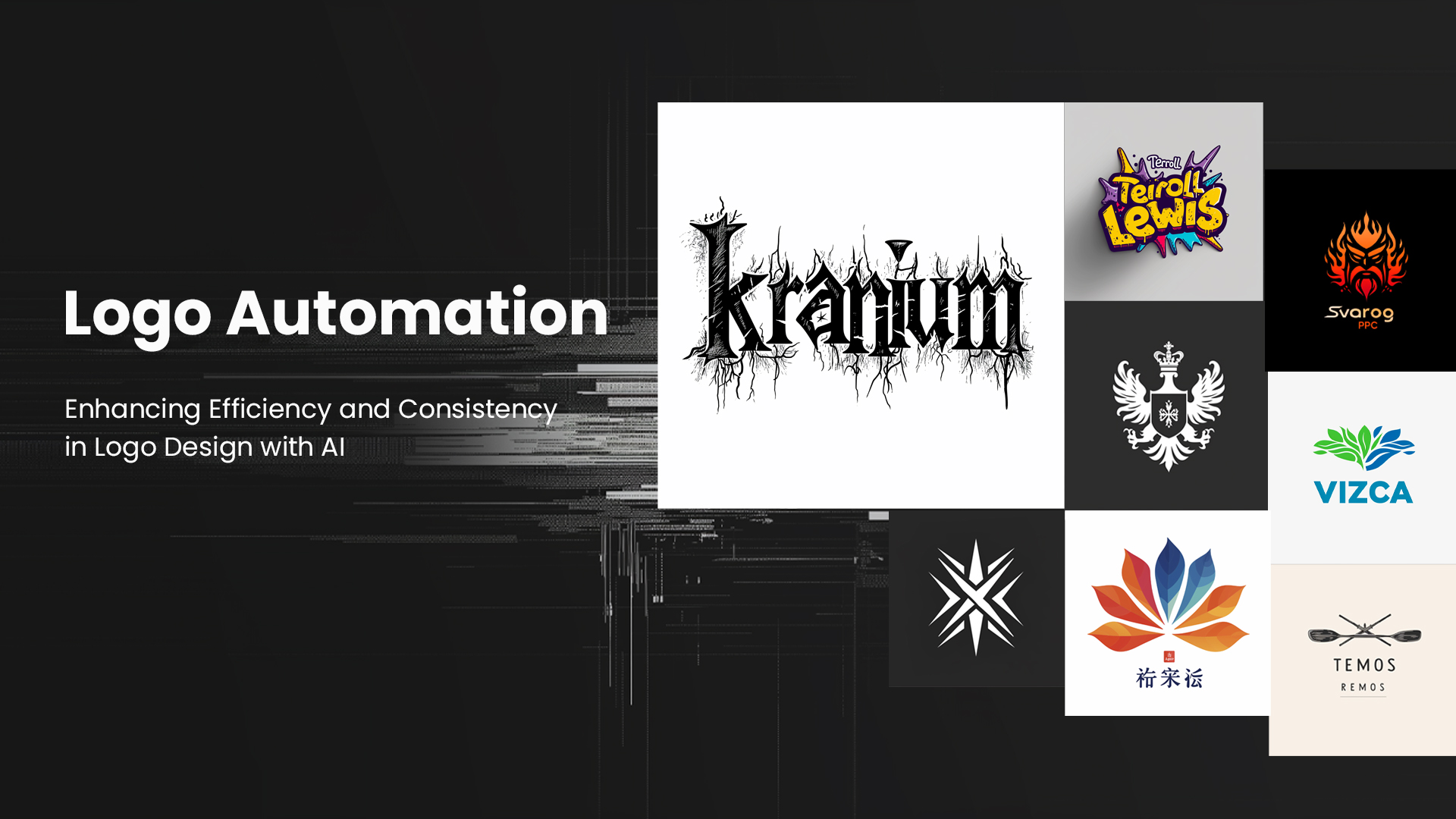
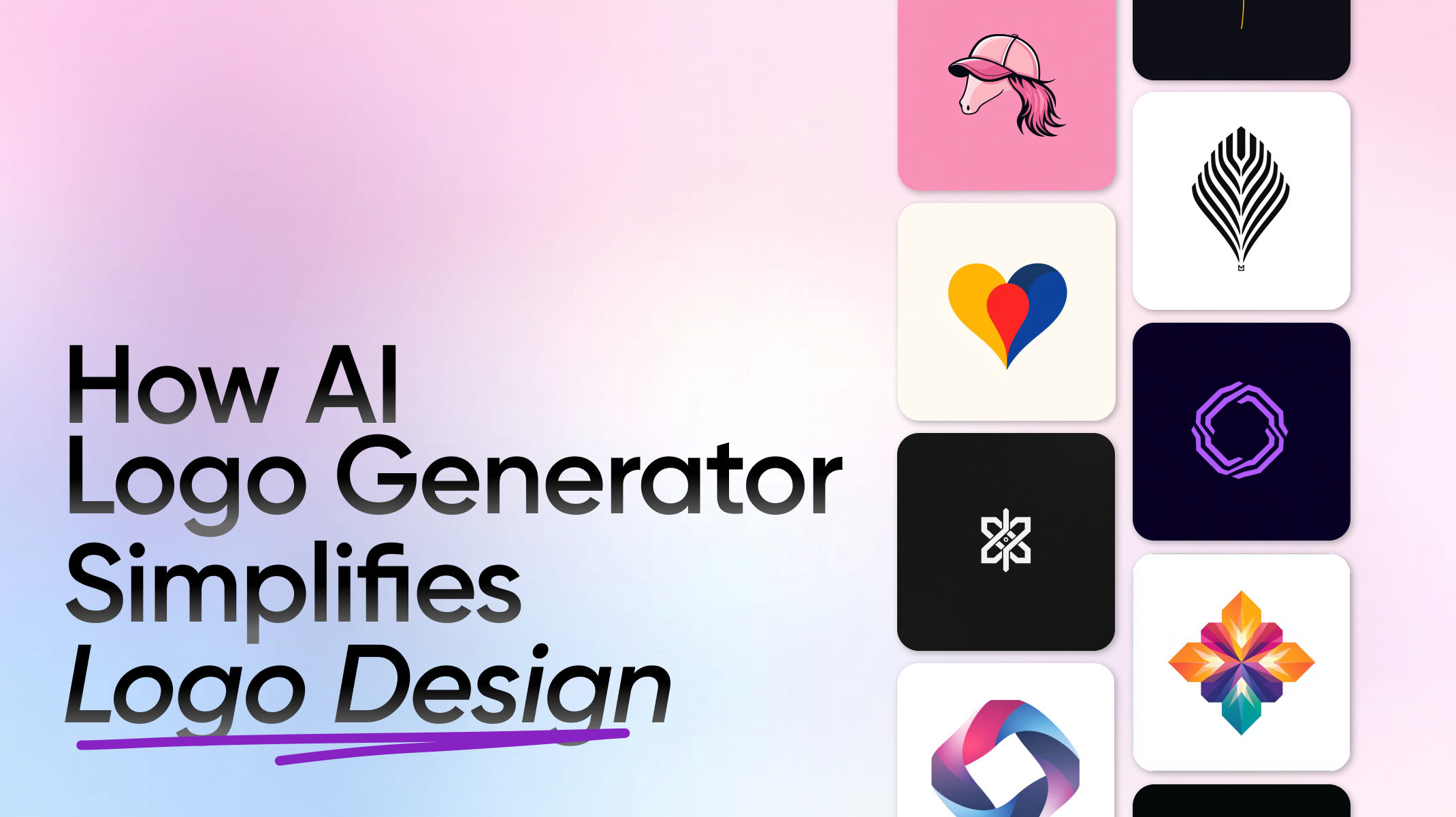
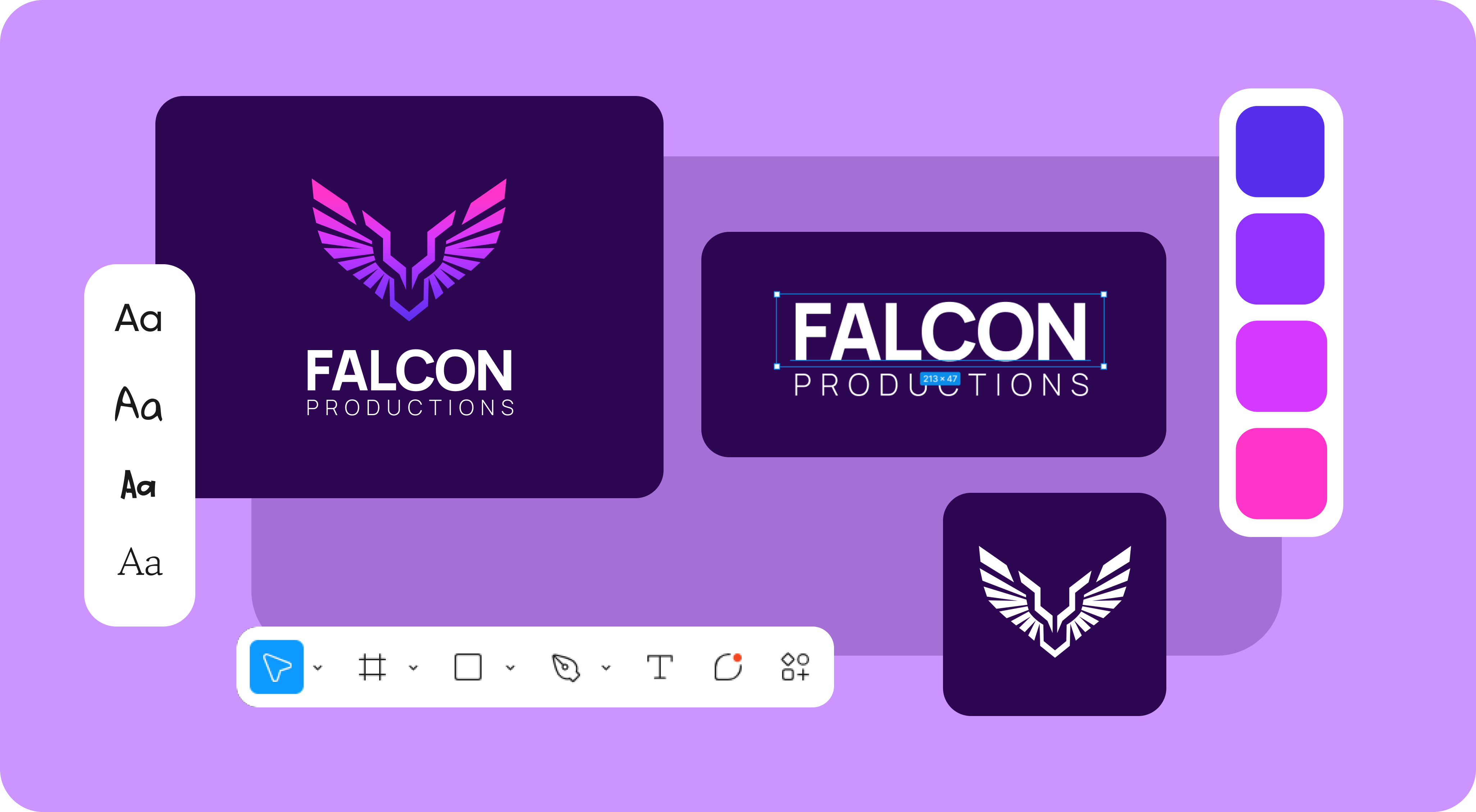
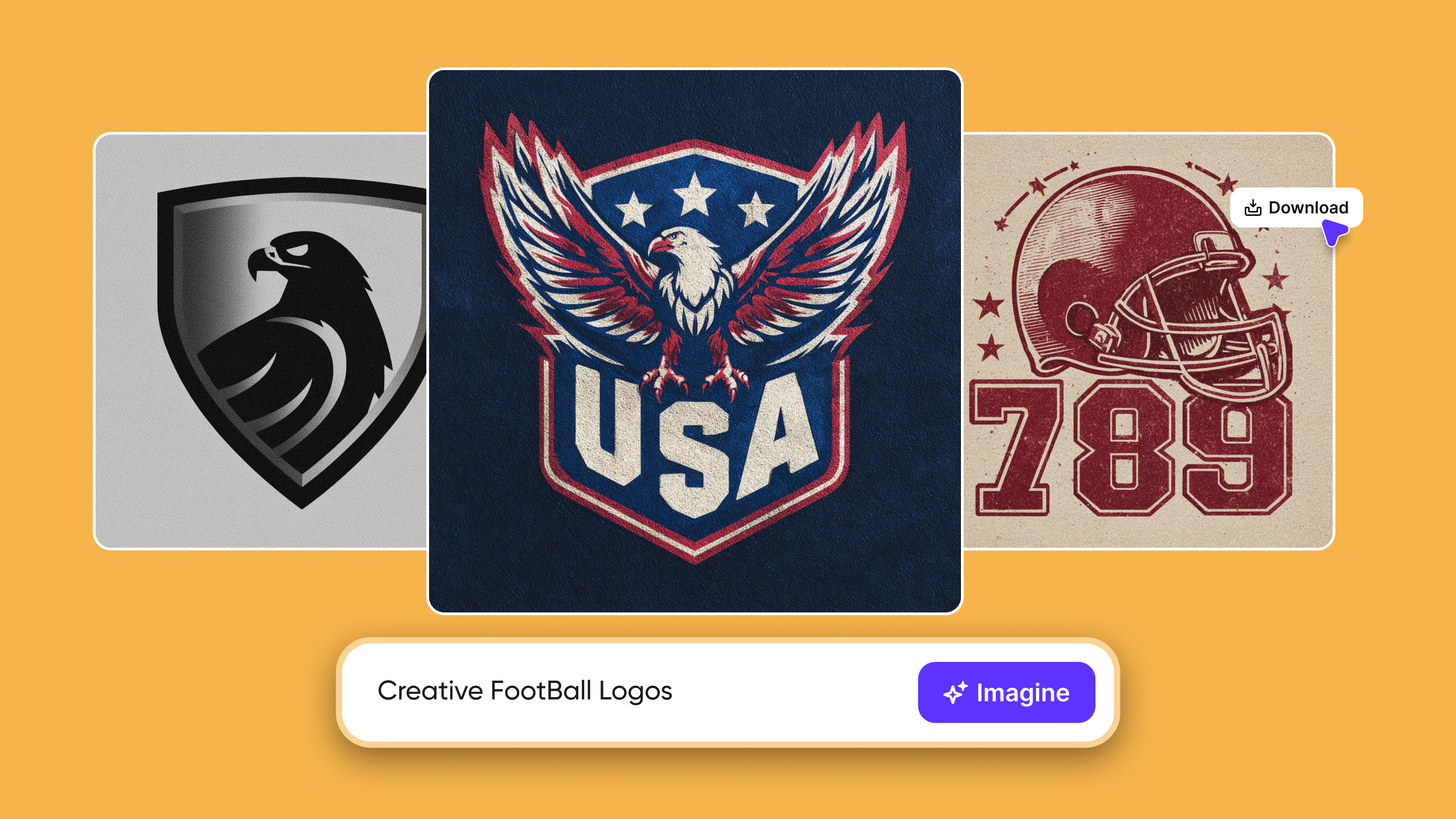
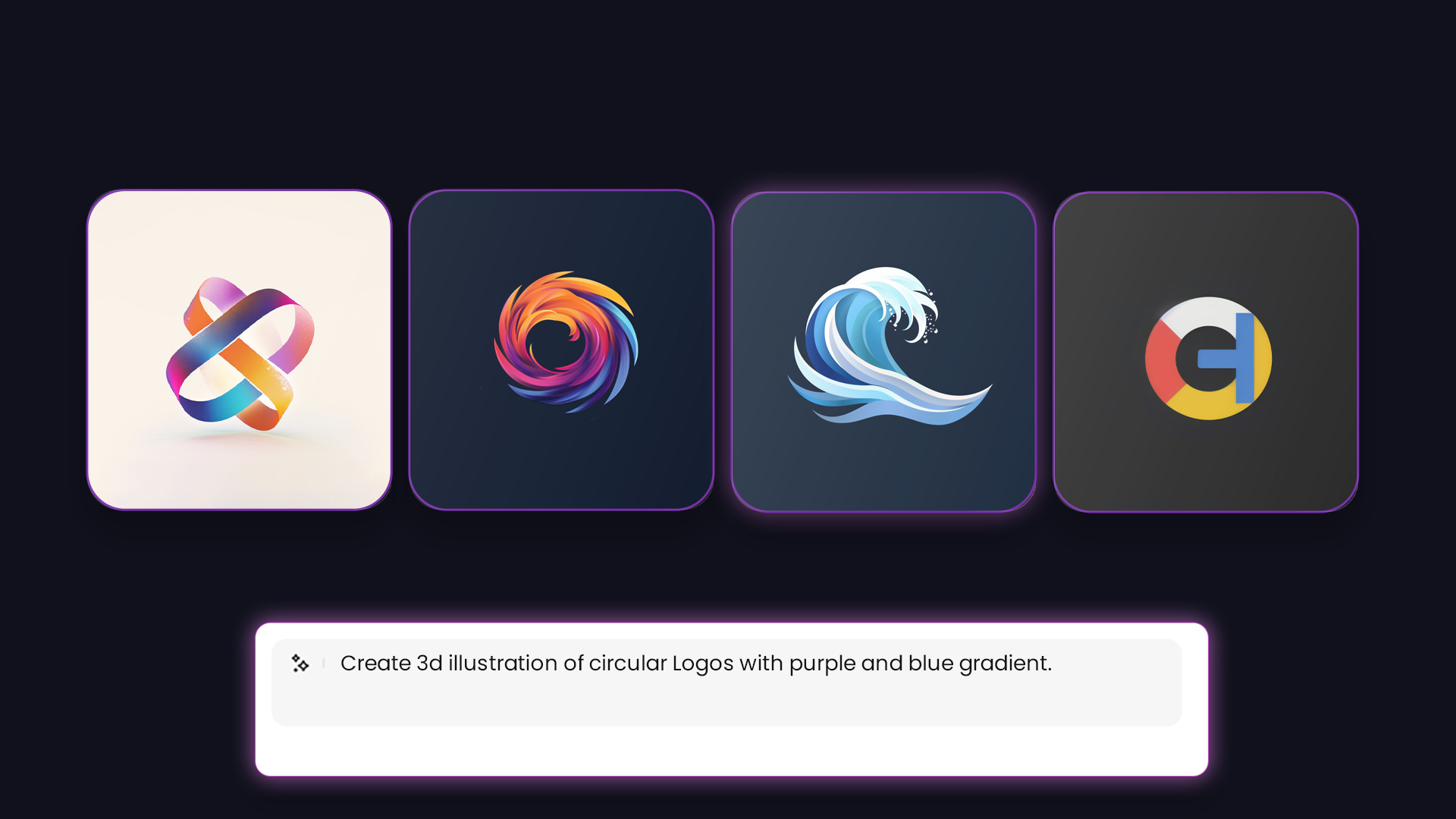
Now, we live in a time where smart computers and AI help us in generating logos. These AI programs created amazing logos quickly and easily. One popular tool is the AI Logo Generator. This tool can take ideas and turn them into beautiful logos in just a few seconds.
How AI Logo Generators Work
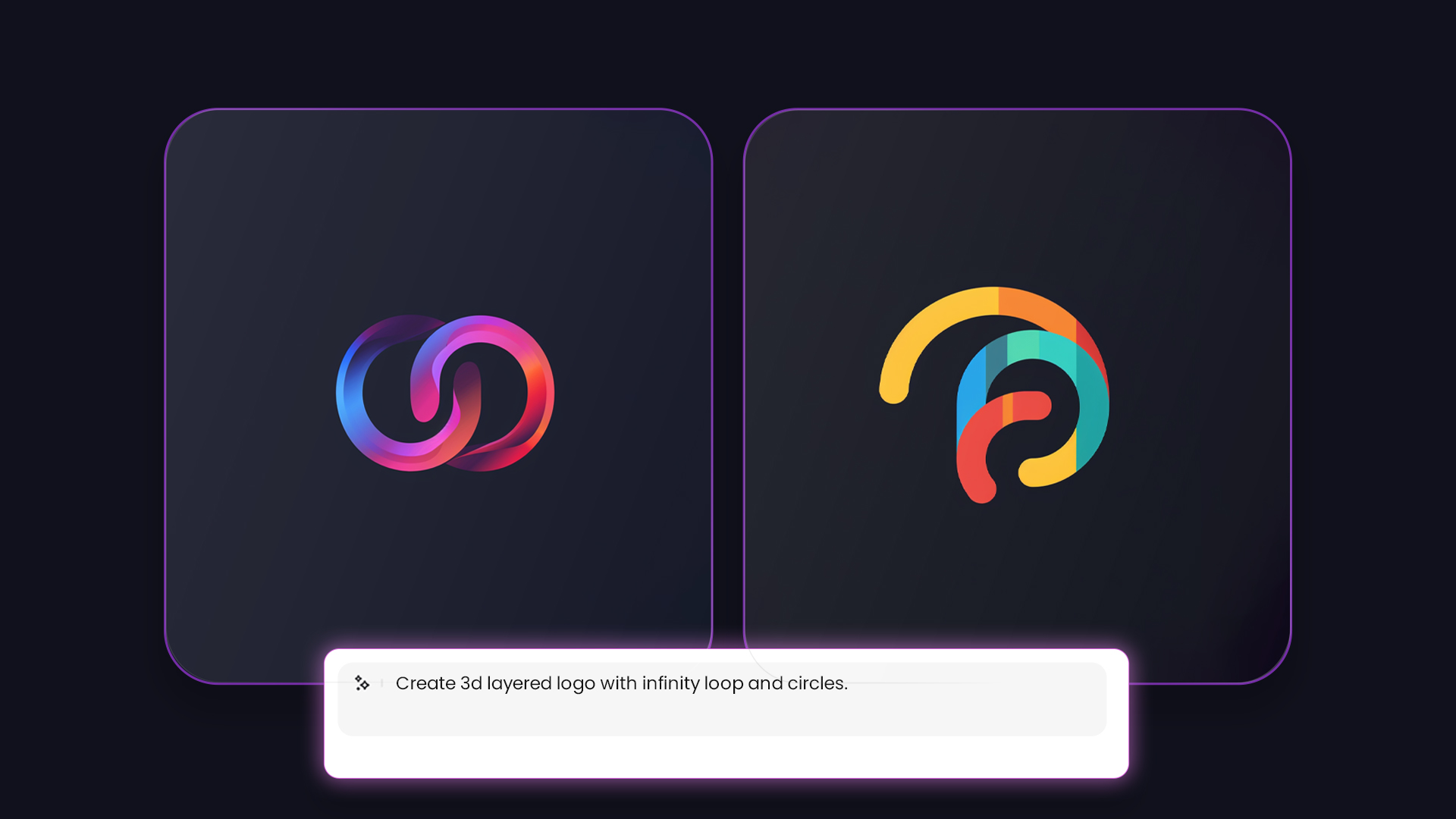
AI Logo Generators use something called "text to image AI." This means you can type in words describing what you want your logo to look like, and the AI will create a logo based on those words. For example, if you type "fun and colorful logo for a kids' toy store," the AI will make a logo that matches that description.
Benefits of Using AI for Logo Design
- Speed: AI Logo Generators can create logos very quickly. What used to take days or weeks can now be done in minutes.
- Creativity: AI can come up with ideas that humans might not think of. This leads to unique and interesting logos.
 Generated with Imagine
- Cost: Using an AI Logo Generator is often cheaper than hiring a human designer. This is great for small businesses that need a logo but don’t have a big budget.
AI Art Generator Logos
Another great tool is the Imagine AI Art Generator. This tool can create amazing artwork based on your ideas. Some companies use AI Logo Generators to make logos that look like pieces of art. These logos are very unique and can make a company stand out even more.
For example, if a company wants a logo that looks like a painting of a sunset, they can simply give a textual prompt and create it. This makes logos more creative and beautiful.
The Future of Logos with Imagine AI Art Generator
As technology keeps getting better, logos will keep changing too. Here are some amazing features that will help users of Imagine AI Art Generator in the future.
More Personalization
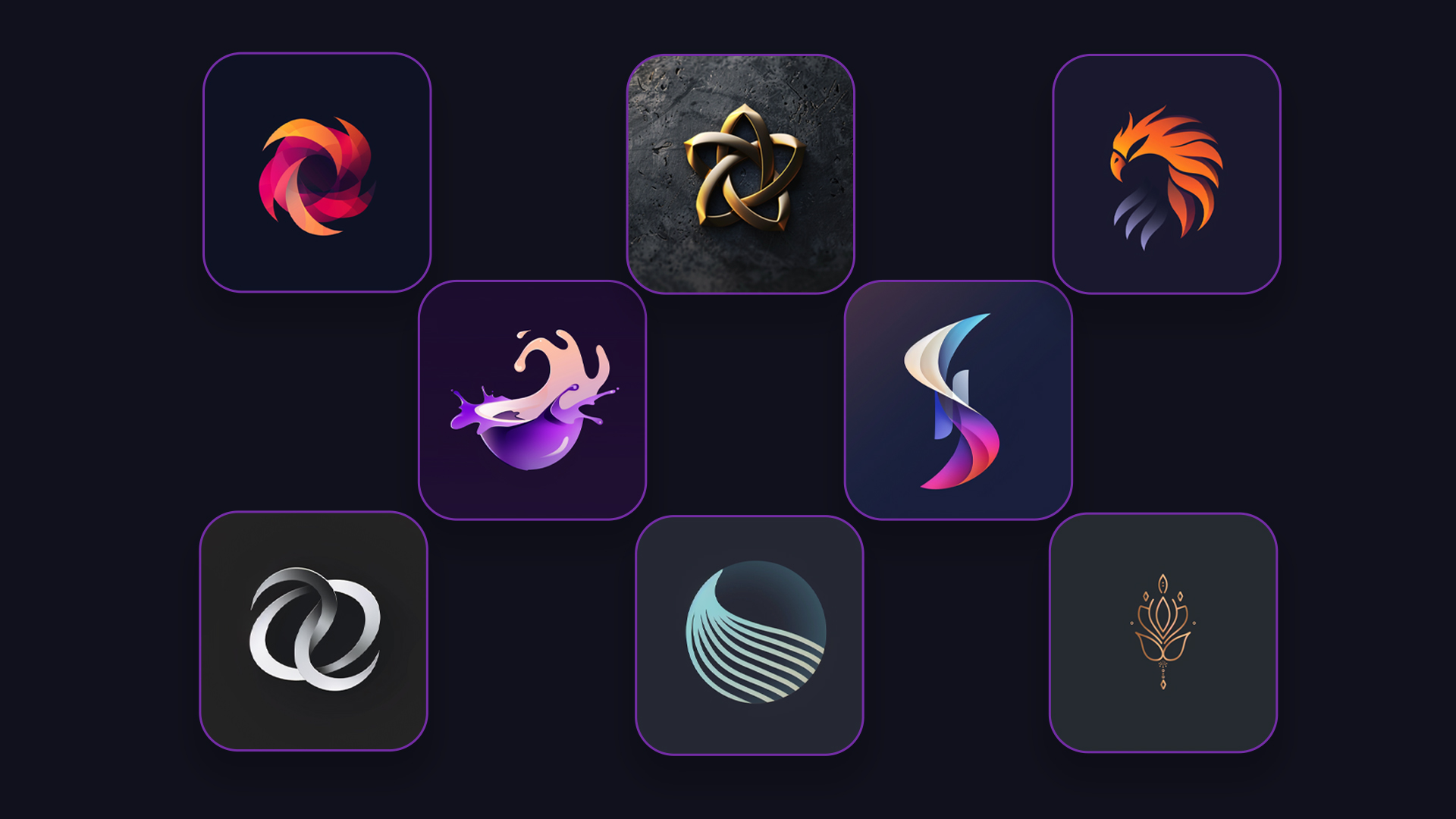
In the future, logos might be even more personalized. Companies might use AI to create different versions of their logos for different customers. Imagine AI Art Generator offers more persona;lized logos.
 Generated with Imagine
For example, a company might have a logo that changes colors based on the customer's choice. This would make logos feel more special and unique to each person.
Generated with Imagine
For example, a company might have a logo that changes colors based on the customer's choice. This would make logos feel more special and unique to each person.
Interactive Logos
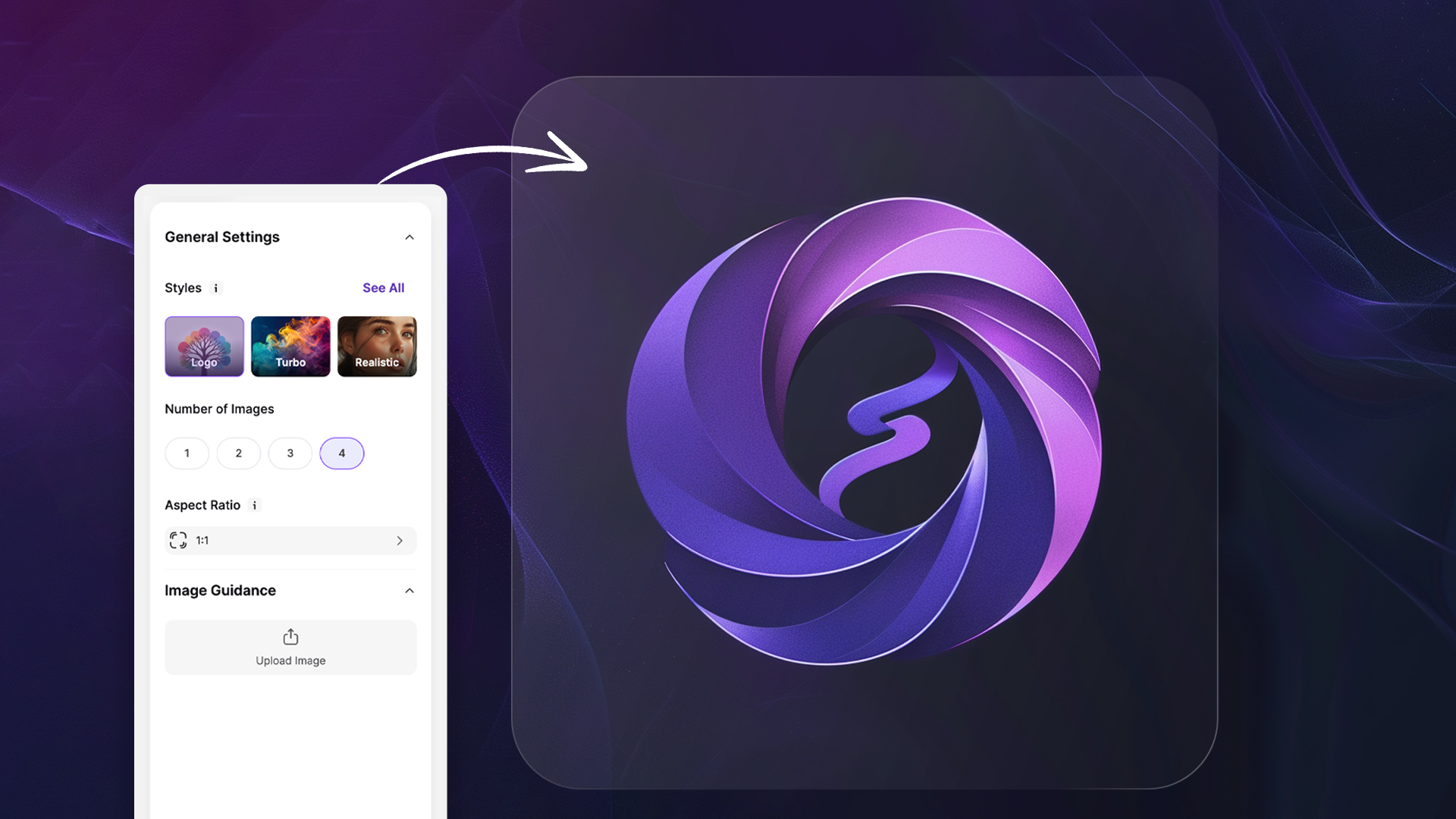
We see more interactive logos. These logos change when you click on them or move your mouse over them. This would make websites and apps more fun to use.
 Generated with Imagine
Environmentally Friendly Logos
As people become more aware of the environment, companies create logos that show they care about the planet. These logos use colors and symbols that represent nature. They can be designed to look good on environmentally friendly products.
FAQS:
An AI Logo Generator is a smart computer program that helps create logos. You can describe what you want your logo to look like, and the AI will design it for you. It’s quick and can come up with unique and creative logos based on your input.
AI Logo Generators use something called 'text to image AI.' You type in words or phrases describing your desired logo, such as 'colorful,' and the AI analyzes your input to create a matching logo. It uses advanced algorithms to turn your text into a visual design.
Yes, logos made by AI can be unique. Imagine AI Art Generator can create many different designs based on the same input, ensuring that each logo is distinct. This allows businesses to have a logo that uniquely represents their brand.
No, you don’t need to be a designer to use an AI Logo Generator. These tools are user-friendly and designed for anyone to use. You just need to describe what you want, and the AI makes it for you. Now anyone can create a professional logo.
Yes, AI Art Generators can be used for a wide range of artwork, not just logos. They can create illustrations, digital paintings, and other types of visual art based on text descriptions.
Conclusion
AI Logo Generators have come a long way from simple text to amazing designs made by AI. They have changed to fit the times and the technology available. Imagine AI Art Generators help companies create fast, creative, and unique logos. As we look to the future, logos will continue to evolve and become even more exciting. They will keep helping companies show who they are and what they stand for in new and innovative ways. So, next time you see a logo, think about how far it has come and how it might change in the future. Logos are more than just pictures; they are a key part of Brands. Helping us to recognize and remember the world around us.
Sophia Felix
Sophia Felix is an AI enthusiast and content marketer passionate about the way technology reshapes creativity and the human experience. She dives into the latest AI trends, making complex tech accessible and inspiring for everyone.