
Sophia Felix
November 21, 2024 • Updated December 17, 2024
5 mins Read
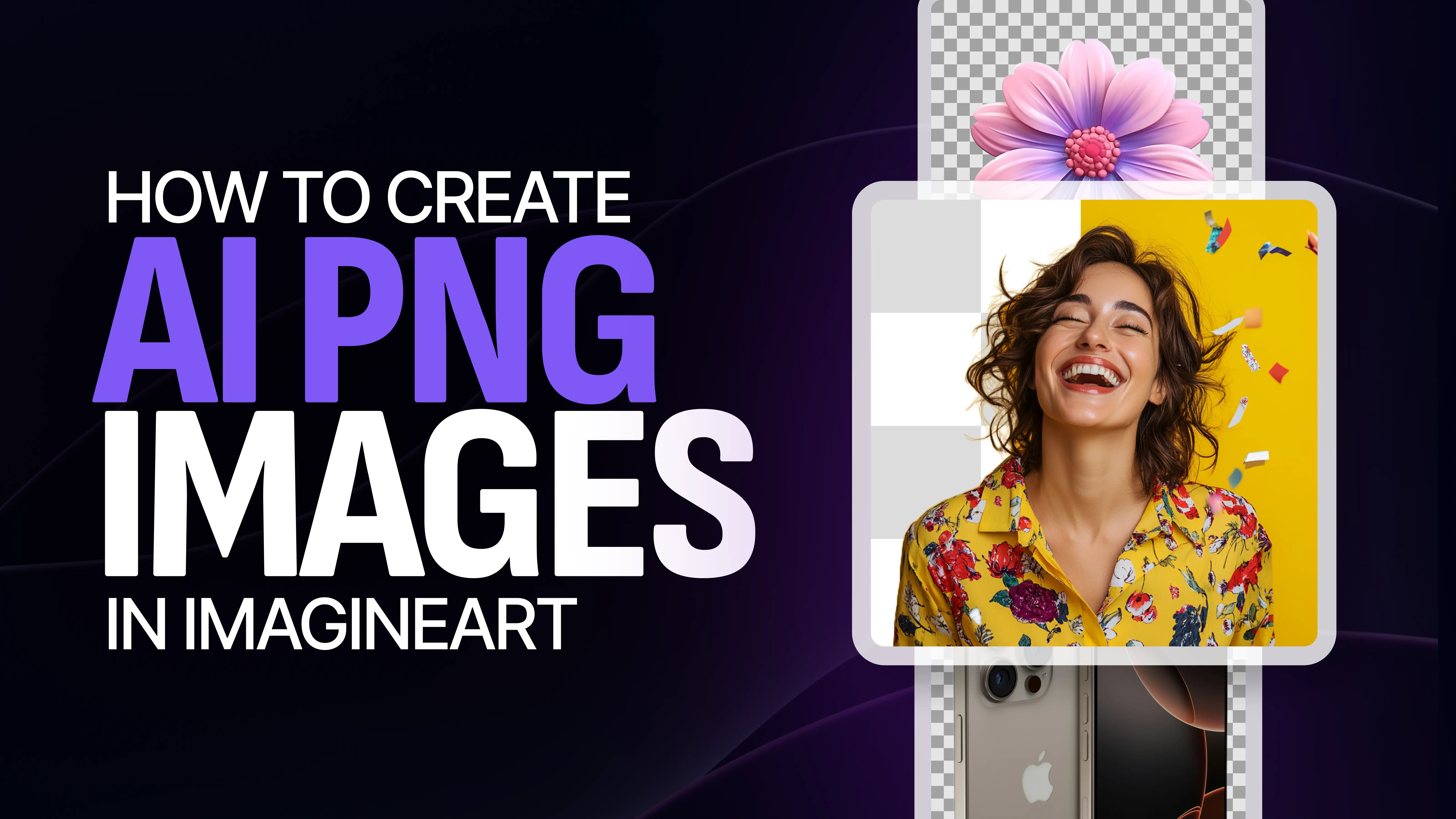
AI-generated PNG images are easier to create than ever. Tools like ImagineArt AI Image Generator make it so. AI-generated PNGs are versatile and high-quality. They're perfect for any digital project, whether you're a designer, marketer, or hobbyist. This guide will help you create stunning AI PNG images using ImagineArt.
Understanding PNG Format and Its Importance
What is a PNG Image?
PNG image files are one of the most popular graphic formats available because of its high resolution results. PNG (Portable Network Graphics) is a popular image format. It is known for its lossless compression and support for transparency.
This AI Video Tool is a game changer! | ImagineArt | AI Video Generator
Why Choose PNG for AI-Generated Images?
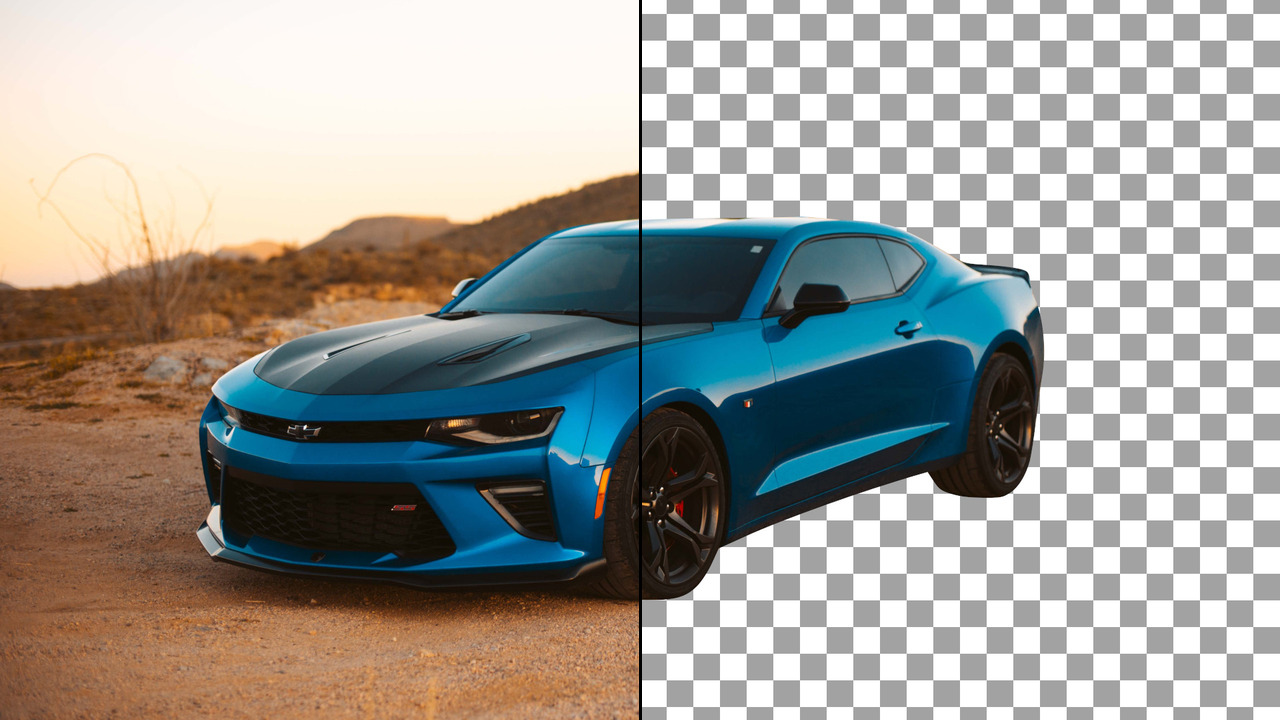
When working with AI-generated images, choosing the PNG format allows for flexibility. The transparent background feature of PNG images means you can place them easily over various backgrounds without any unwanted edges or borders.
This is especially important when creating visuals for web design, social media, or marketing materials.
Why Use ImagineArt for AI PNG Images?
Imagine AI Art Generator is designed to help users create high-quality PNG images quickly and easily. It allows you to generate AI images from text descriptions and automatically removes backgrounds to produce transparent PNGs. Whether you're creating characters, logos, or icons, ImagineArt offers powerful tools to meet your needs.
How to Generate AI PNG Images Using ImagineArt
PNG Images are very simple to generate with ImagineArt. Follow the steps mentioned below to get your hands on the best results with our AI PNG Converter.
- Choosing Your Image Type: The first step in generating AI PNG images is deciding what type of image you want to create. ImagineArt offers a range of options, from human figures and animals to abstract art and custom icons.
- Crafting Your Text Prompt: Once you’ve decided on the image type, it's time to craft your text prompt. Be specific with your descriptions to ensure the AI generates an image that meets your expectations.
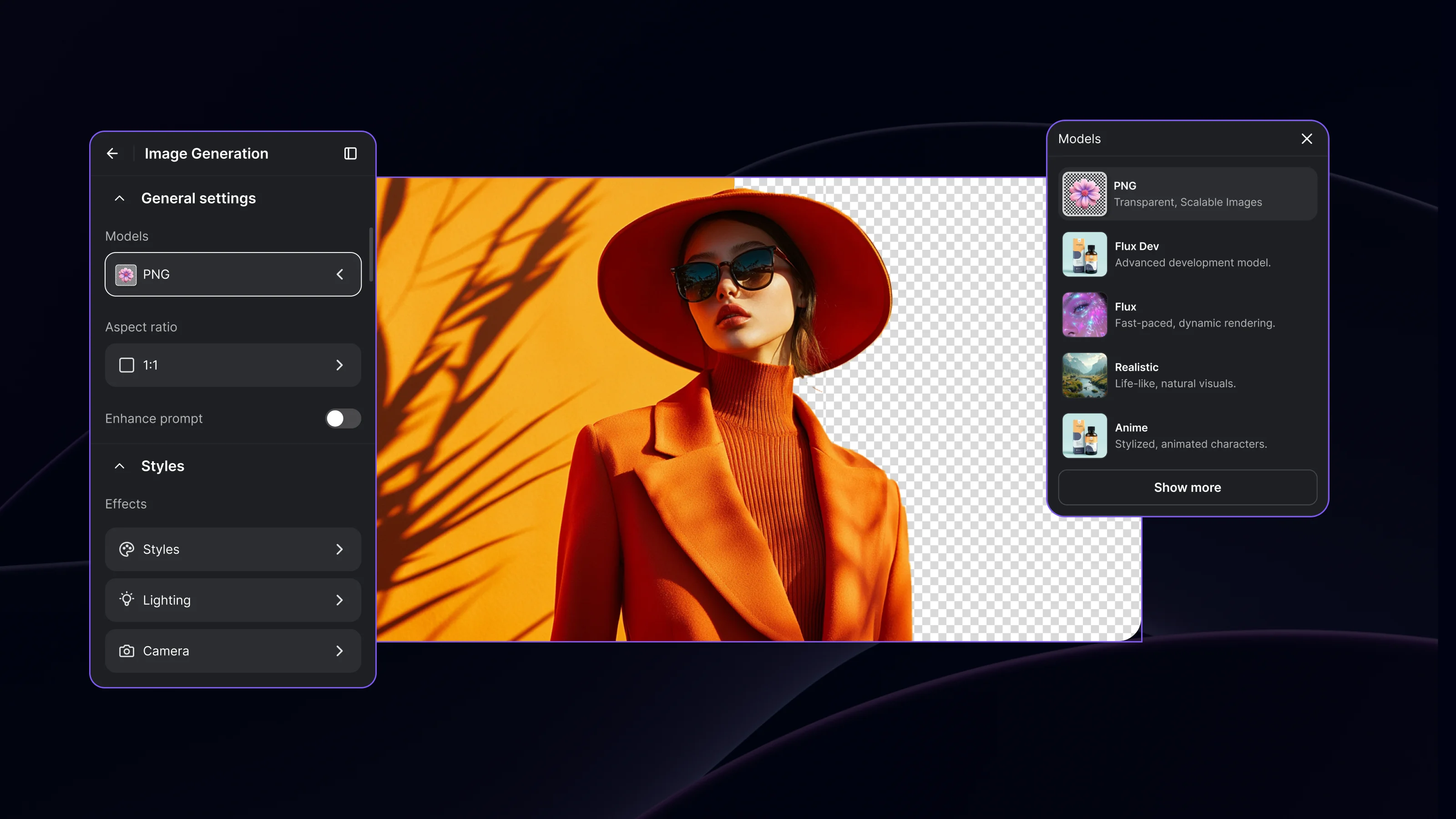 ImagineArt AI PNG Converter Dashboard
- Generating the Image: Once you’ve entered your prompt, click the “Generate” button. ImagineArt uses advanced AI algorithms to process your description and create the image. Depending on the complexity of the prompt, the generation process may take a few seconds to a minute.
- Refining Your Image: After the AI generates your image, you may want to make adjustments to perfect it. ImagineArt allows you to refine the details, such as color adjustments, texture enhancements, and even pose alterations.
Downloading and Saving Your PNG Images
- Finalizing Your Image: Before downloading your AI-generated image, review it to make sure it meets your expectations.
- Choosing PNG Format: In ImagineArt, when you’re ready to download, you’ll be prompted to choose the file format. Select PNG from the available options to ensure your image comes with a transparent background.
- Downloading the Image: Click on the download button, and the image will be saved in PNG format to your device.
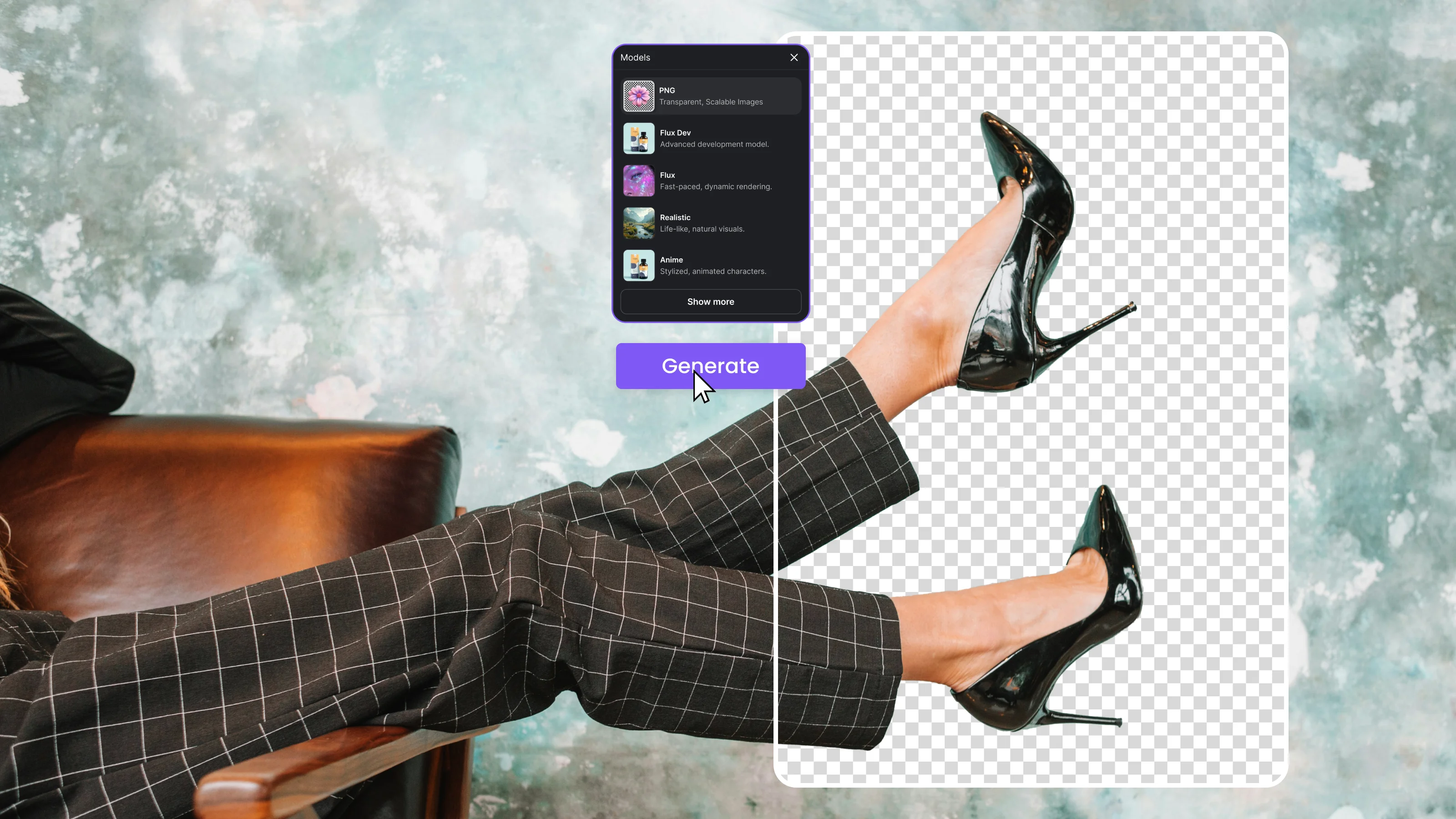 ImagineArt AI PNG Converter Dashboard
Using AI PNG Images in Your Projects
PNG Images can be of multiple use in your daily professional life. For designers and visual artists, it’s a routine thing. However, there are other areas where these images can be of great significance.
Applying PNG Images in Web Design and Social Media
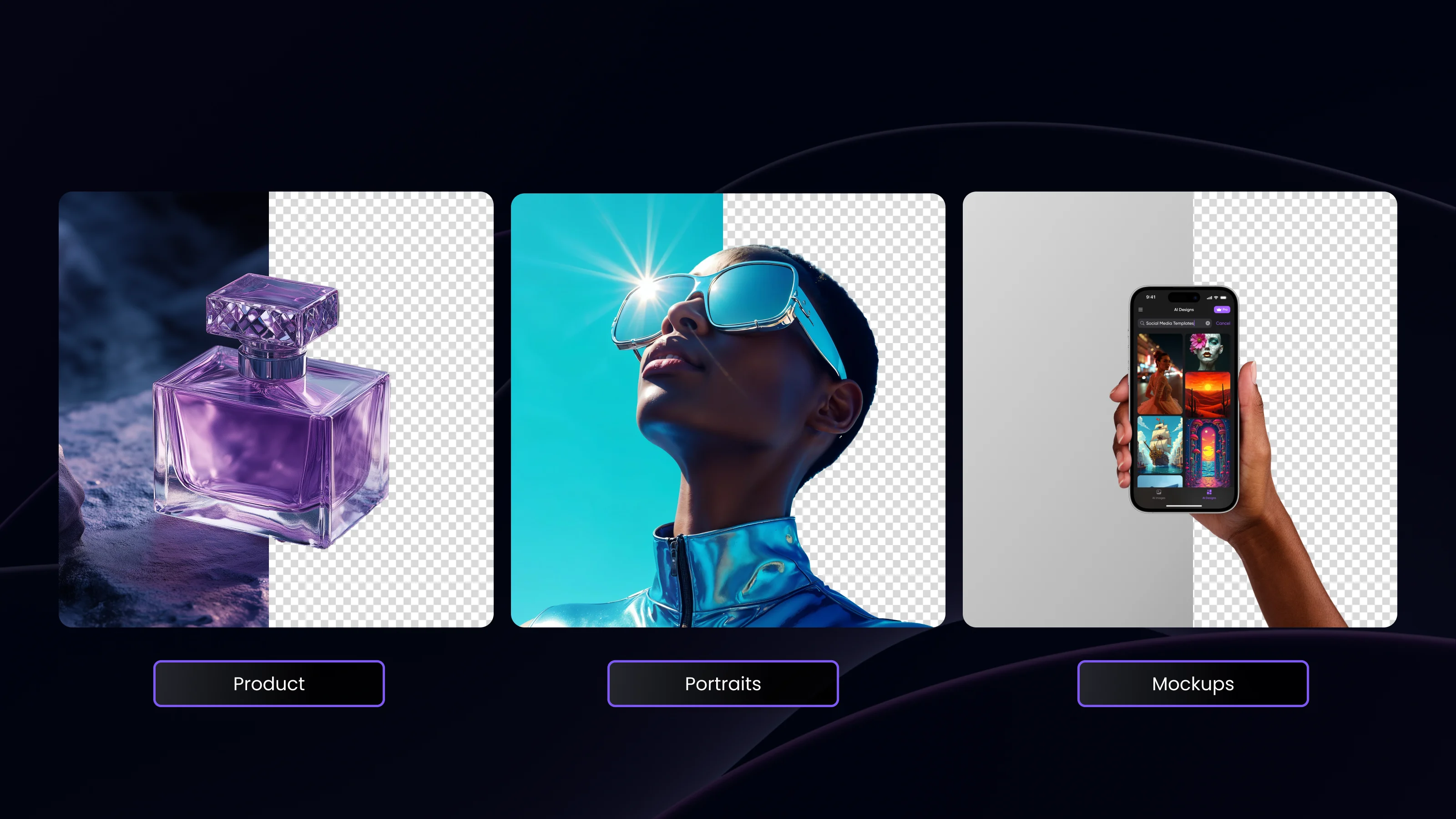
AI PNG images are especially useful in web design and social media. You can use them as icons, banners, or overlay graphics. The transparent background allows the image to blend seamlessly with any background color or image, making it a versatile choice for websites and social media platforms.
 51.webp
Integration with Design Tools
AI PNG images can also be imported into popular design software like Adobe Photoshop, Illustrator, or Canva. This integration allows for further refinement, such as adding text, adjusting color schemes, or placing the image within a larger composition.
Creative Uses for PNG Images
Beyond web design, AI-generated PNG images are great for merchandise design, digital art, and even advertising. Whether you're designing custom t-shirts, creating ads, or producing artwork for a book, the flexibility of PNG makes it easy to integrate into any project.
Frequently Asked Questions
Using an online AI Image generator is simple. Sign up, enter your text prompt or upload an image, customize your options, and generate your artwork.
To create AI images, access an AI image generator. Then, input a descriptive prompt or image. Customize your settings and hit generate.
Imagine AI offers a free generative AI for images, allowing users to create stunning visuals without charge.
Yes, Imagine AI has a free AI image generator. It creates high-quality images from users' text descriptions.
Imagine AI is a versatile option for Windows 11 users. It offers a seamless experience and high-quality image generation.
Conclusion
Using Imagine AI Art Generator to generate AI PNG images is easy and efficient. It lets you create high-quality visuals for various uses. ImagineArt lets users refine images with text prompts. It's a powerful tool for designers, marketers, and creatives. By following the simple steps outlined in this guide, you can start creating stunning PNG images in no time.
Sophia Felix
Sophia Felix is an AI enthusiast and content marketer passionate about the way technology reshapes creativity and the human experience. She dives into the latest AI trends, making complex tech accessible and inspiring for everyone.