
Sophia Felix
September 23, 2024 • Updated July 8, 2026
6 mins Read
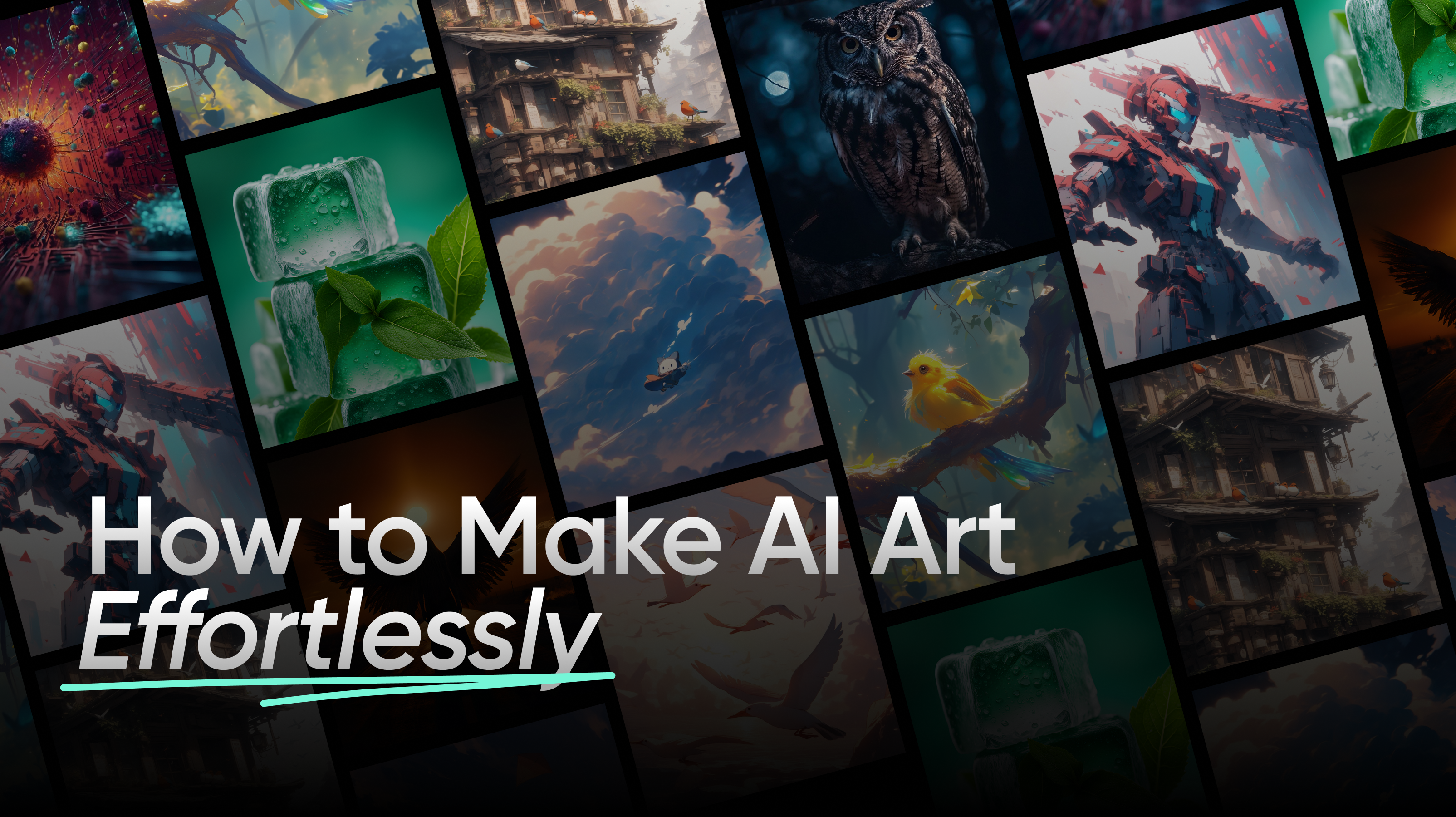
Creating art traditionally requires time, skill, and experience. However, with AI advances, anyone can now create stunning art effortlessly. AI tools, such as AI Art Generator, allow users to transform text prompts or photos into captivating artwork. In this guide, we’ll explore how to make AI-generated art for free.
What is AI-Generated Art?
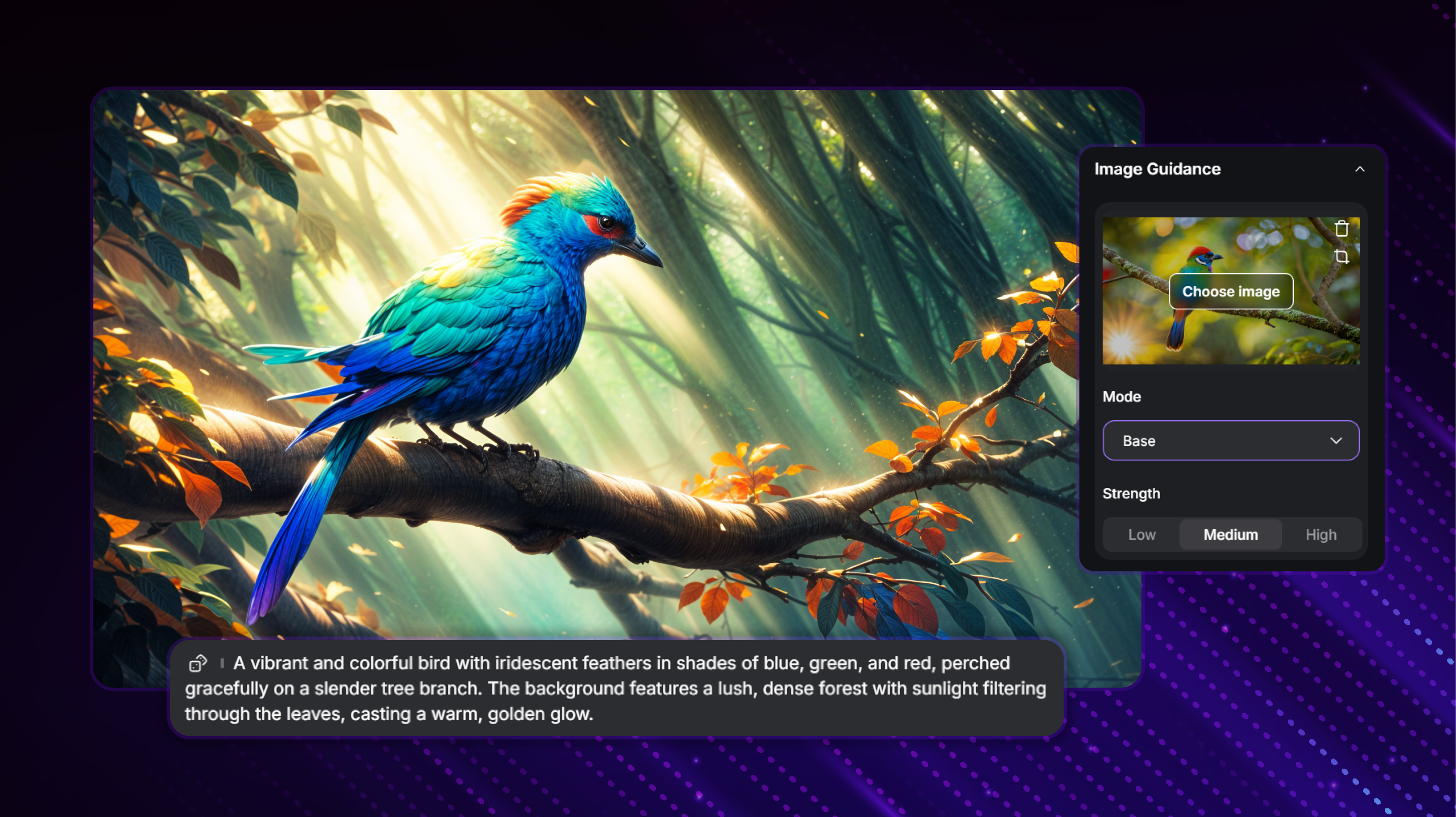 AI Art Generator: How to make AI-generated Art
AI-generated art is artwork created by advanced algorithms. They interpret user input, such as a text prompt, a photo, or an idea, to generate a visual output. Tools like Imagine AI Art Generator have made this process easy. They let anyone create high-quality art quickly, without technical skills.
The Benefits of AI Art Generators
AI art generators have many benefits. They are a top choice for beginners and professionals alike. Here are the benefits you'll get from the AI art generators.
- Fast Creation: These tools can create stunning art in seconds. They save time over traditional design or drawing.
- Accessibility: You can create beautiful images with AI generators. No formal art training is needed. A few simple inputs, and the tool handles the rest.
- Cost-Effective: Many AI art generators, like Imagine, are cheap or free. They provide access to professional-grade artwork.
- Creative Flexibility: With endless styles and models, users can explore their creativity in ways traditional tools might not allow.
These benefits highlight the broad appeal of AI art generators. Now, let’s look at how to get started.
How to Make AI Art for Free
Getting started with AI-generated art doesn’t have to be expensive. Many platforms, including Imagine AI Art Generator, offer free options. Here’s how to begin:
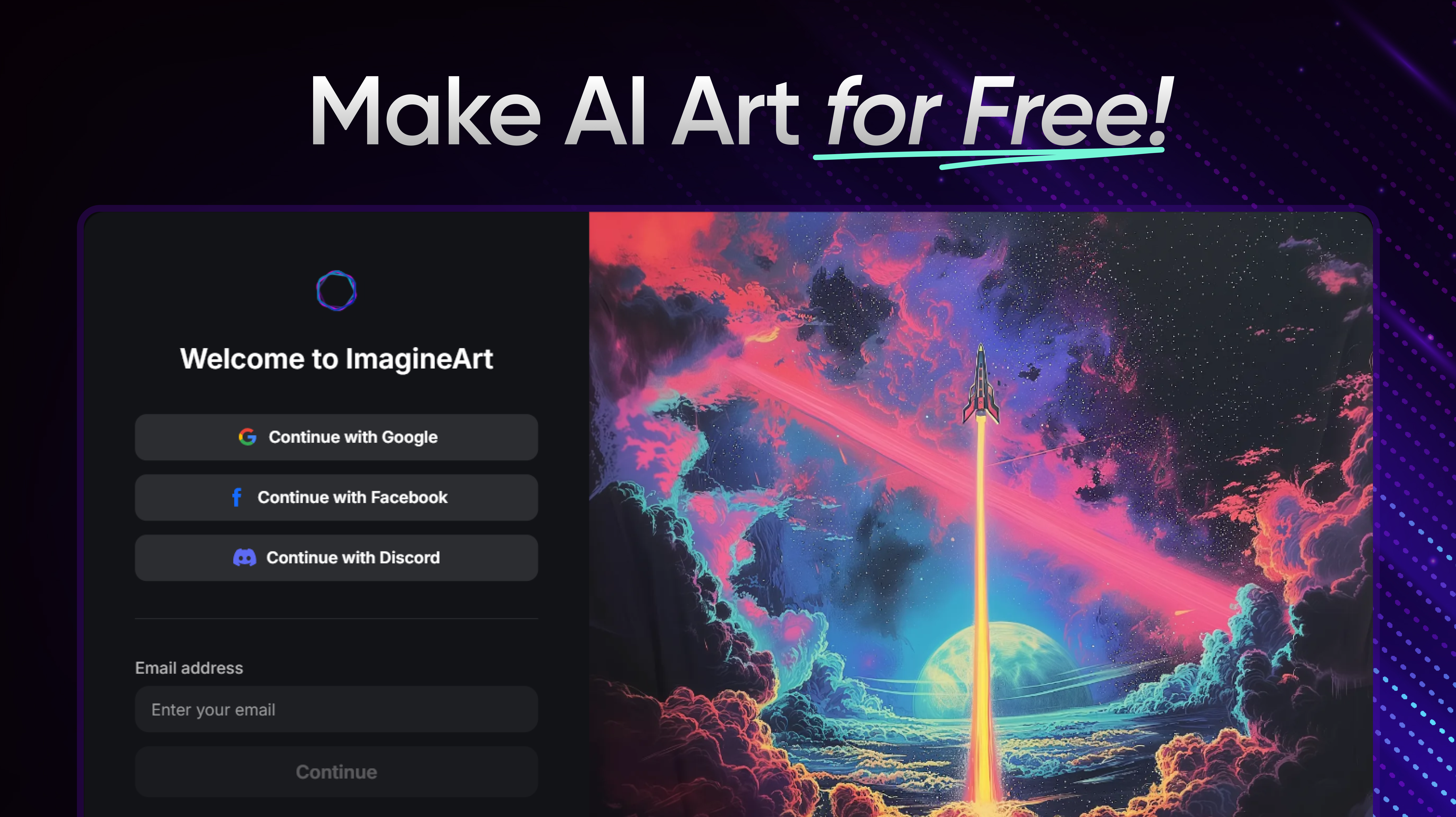 How to make AI-generated Art with AI Art Generator
1. Sign Up for a Free Account:
Platforms like Imagine provide free accounts with daily credits. Signing up is quick, requiring only your email—no credit card needed.
2. Use Free Credits:
Every day, you’ll receive a set number of credits to generate artwork.
3. Experiment with Prompts
Play around with different styles, themes, and ideas to see what works best.
4. Download Your Art
Once satisfied, you can download your creation for free.
Creating AI Art from Text and Photos
A key feature of AI art generators like Imagine AI is their ability to create art from both text and photos. This gives users flexibility.
From Text:
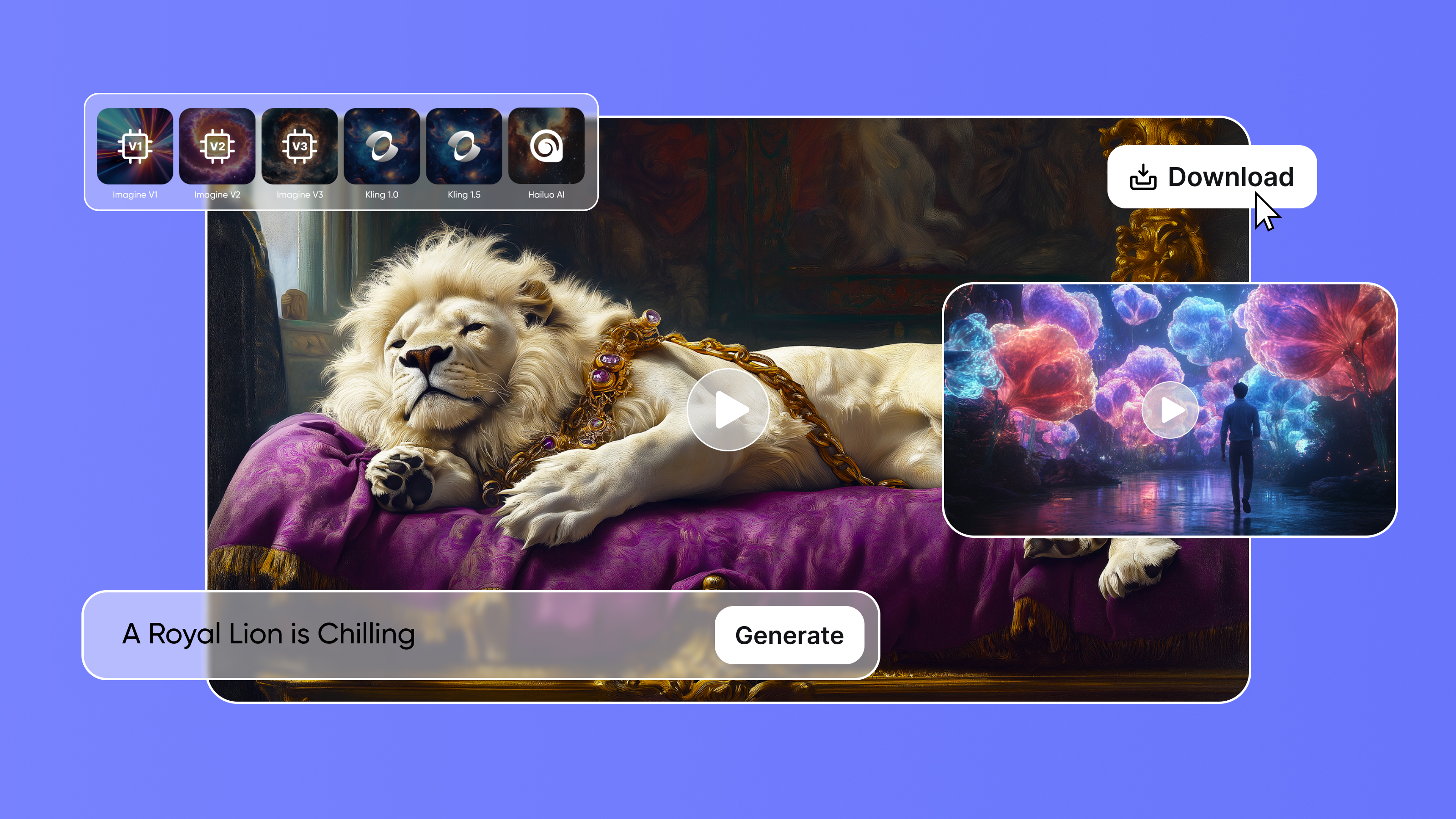
- Input a Description: Simply type in what you want to see, such as “a futuristic cityscape at dusk” or “a dog playing in the snow.”
- Select a Style: Choose from over 90 styles, ranging from abstract to realistic.
- Generate and Refine: In seconds, the AI creates your desired artwork. If the result doesn’t match your vision, refine your text prompt for more precision.
From Photos:
- Upload a Photo: You can turn an existing photo into digital art by uploading it to the platform.
- Apply a Style: Choose an art style to transform your photo, whether you want it to look like a sketch, painting, or something more abstract.
- Enhance and Customize: The AI reinterprets your photo, giving it new life. Adjust as needed for the best results.
The Broader Applications of AI-Generated Art
AI art generators are great for personal use. But, their potential goes far beyond that. In industries like marketing, design, and education, these tools are becoming indispensable. Here are some ways AI-generated art can be used:
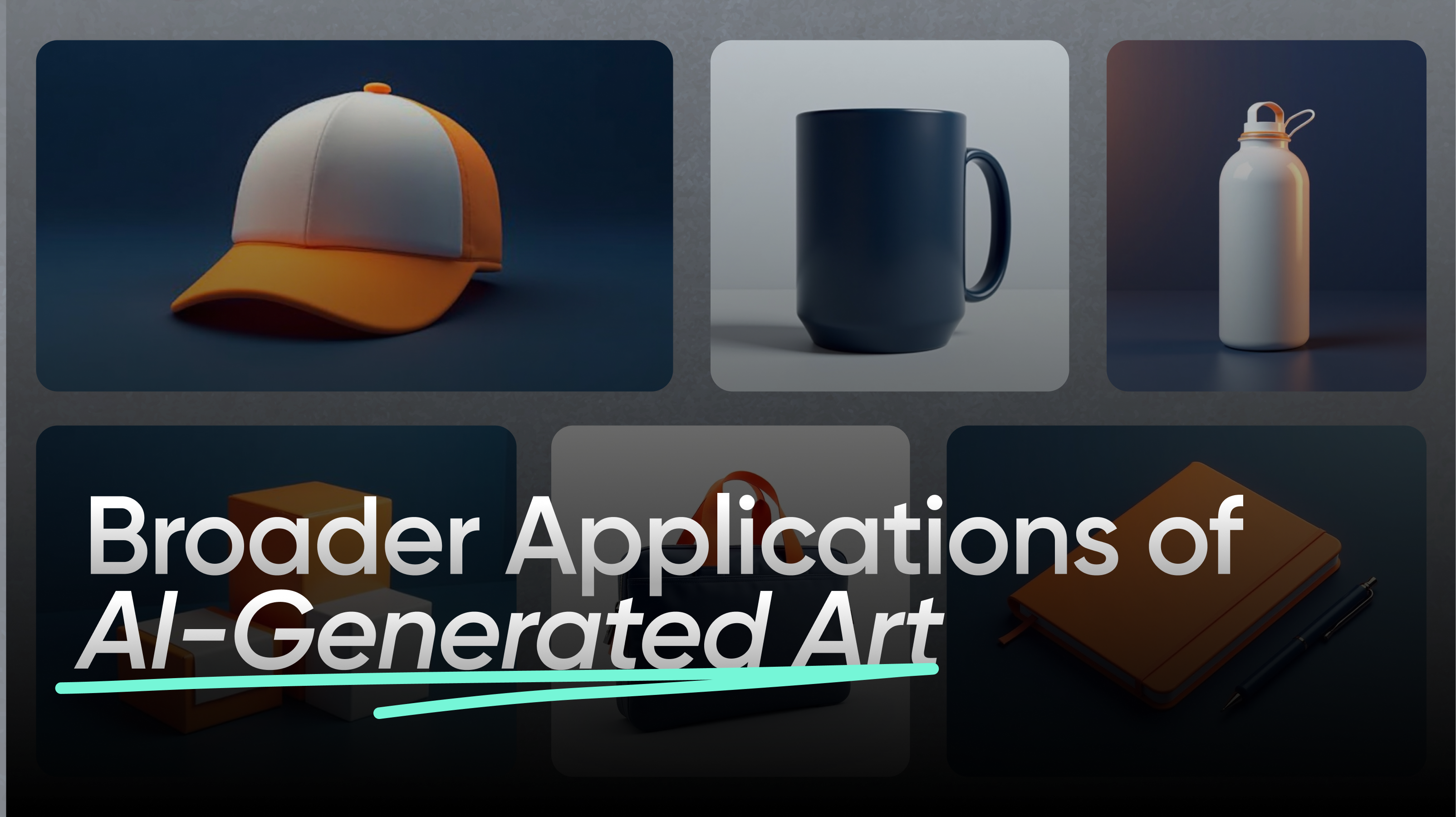 How to make AI-generated Art: AI Art Generator
1. Marketing and Branding
Businesses can use AI tools to create logos, social media graphics, or campaign visuals. This avoids hiring designers. It speeds up the creative process and cuts costs.
2. Design
Graphic designers can use AI art generators to quickly brainstorm new ideas, create mockups, or explore styles before finalizing their work.
3. Education
Teachers can use AI-generated art in classrooms to enhance learning materials or teach students about the intersection of technology and creativity.
Best AI Art Generator in 2024: Imagine AI Art Generator
When it comes to AI art generators, Imagine AI Art Generator stands out as the top choice in 2024. Here’s why it’s the best option:
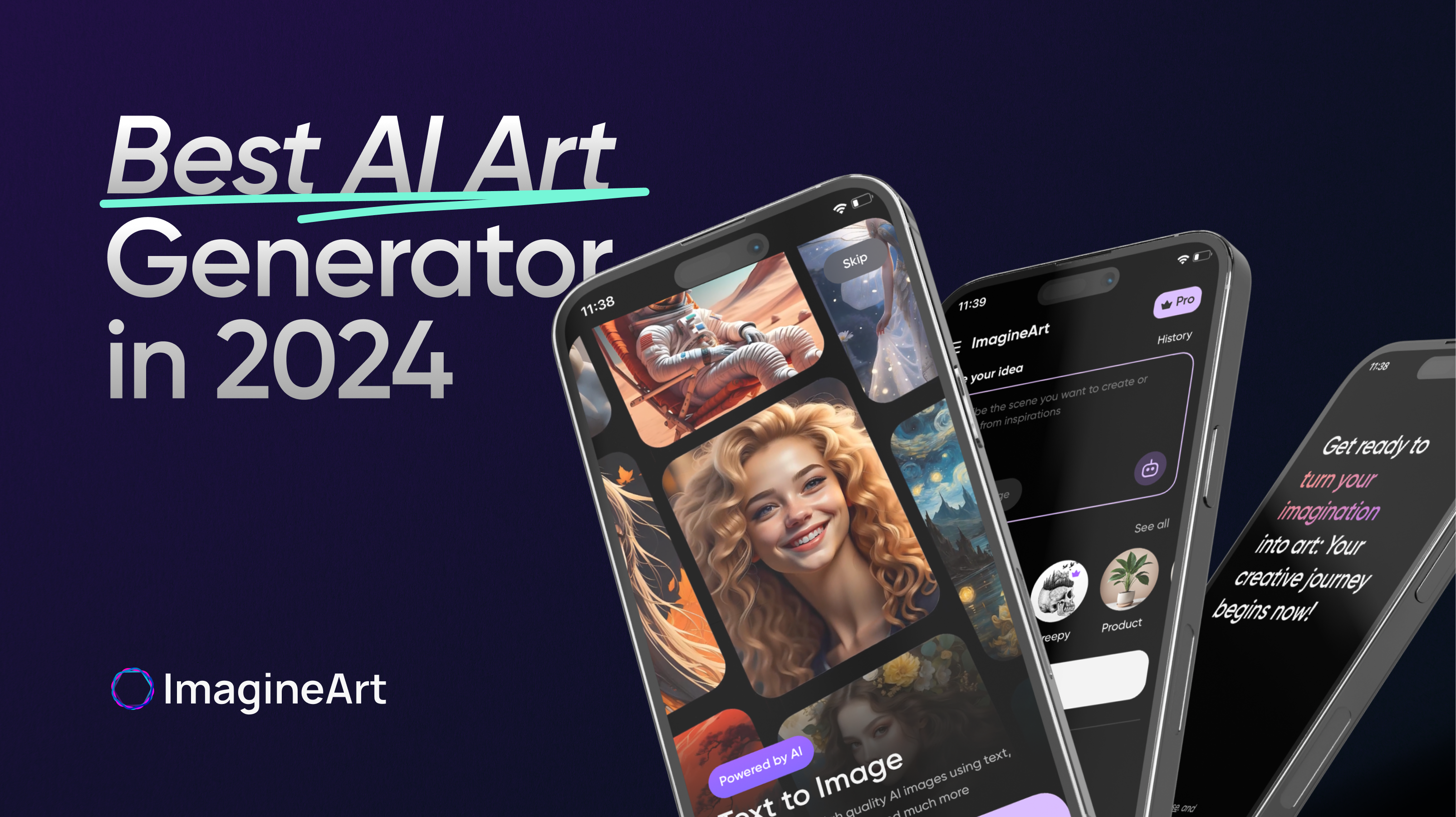 How to make AI-generated Art
-
User-Friendly: This platform is easy to use. Even beginners can create art with it.
-
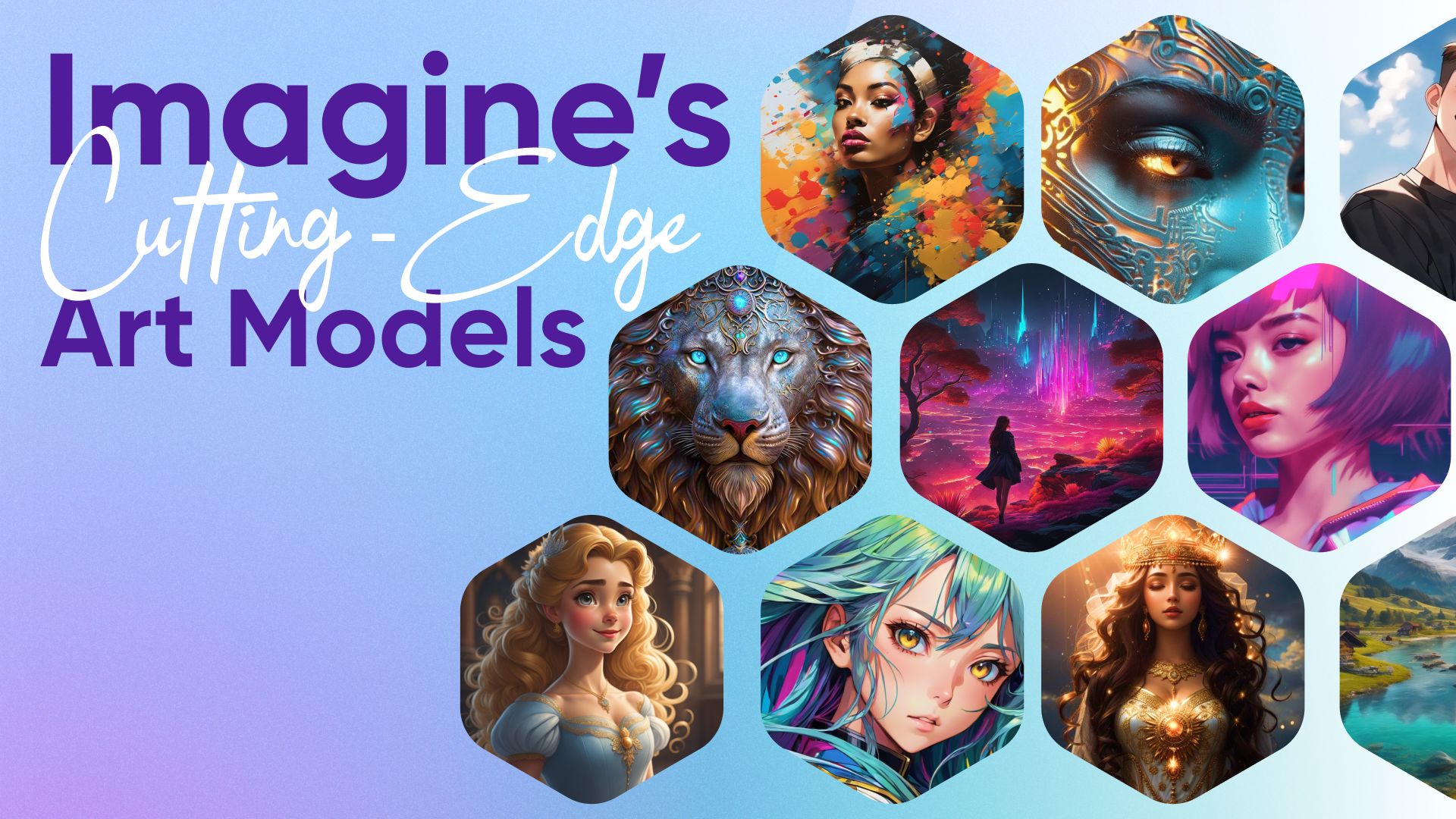
Wide Range of Styles: Users can create any art, from photorealistic to abstract, with 40 models and 90+ styles.
-
Fast and Efficient: Artwork is generated in seconds. It's ideal for those on tight deadlines or needing quick inspiration.
-
Daily Free Credits: The platform's low cost and free credits make it accessible to all.
-
High-Quality Output: The images are polished, professional, and usable for any purpose.
How to Make the Most of AI Art Generators
To get the best results from AI art generator, here are a few tips:
-
Write Detailed Prompts: The more specific your prompt, the better the outcome. Vague prompts may result in images that don’t match your vision.
-
Experiment with Different Styles: Don’t be afraid to try different art styles. Sometimes mixing styles produces the most unique results.
-
Use Negative Prompts: If you don't want certain things in your image, negative prompts can help. They can refine the artwork.
-
Practice: The more you practice, the better you'll understand AI tools. This will help you get results faster.
FAQs
People create AI-generated art by using platforms like Imagine AI Art Generator. They input a text description or upload a photo, select an art style, and let the AI generate artwork based on their input. It’s simple and requires no artistic skills.
Many AI art platforms offer free credits or limited free usage. Signing up for an account on platforms like Imagine AI Art Generator gives you daily free credits, allowing you to create artwork without spending money.
Yes, you can legally use AI-generated art. However, legal ownership varies by platform. Some platforms allow full ownership and commercial use, while others may impose restrictions. Always check the terms of service.
To turn an image into AI art, upload the photo to a platform like Imagine AI Art Generator. Select an art style, apply it to the photo, and let the AI enhance and reinterpret the image. The process is quick and automatic.
Why AI Art Generators Are the Future of Creativity
As AI technology advances, AI Art Generator are paving the way for the future of creativity. These tools remove barriers. Anyone can now, regardless of skill, explore and express their creativity. AI-generated art can unlock new possibilities for artists. It can help them create faster and innovate in ways they never imagined.
Try out Imagine AI Art Generator to create AI generated art easily. Additionally, join the Imagine Affiliate Program today and explore the limitless possibilities with the Imagine API to further elevate your creative journey!
Sophia Felix
Sophia Felix is an AI enthusiast and content marketer passionate about the way technology reshapes creativity and the human experience. She dives into the latest AI trends, making complex tech accessible and inspiring for everyone.