Seedream 5.5 AI image generator
Now on ImagineArt
Edit one image a hundred times and everything you didn't touch stays put. Transparent PNGs come straight from the prompt.

Watch Seedream 5.5 in action
What people are making with Seedream 5.5
Prompts written for Seedream 5.5's strengths: realism, transparency, small text and edits. Hover a card to see its prompt, then try it with your own subject.
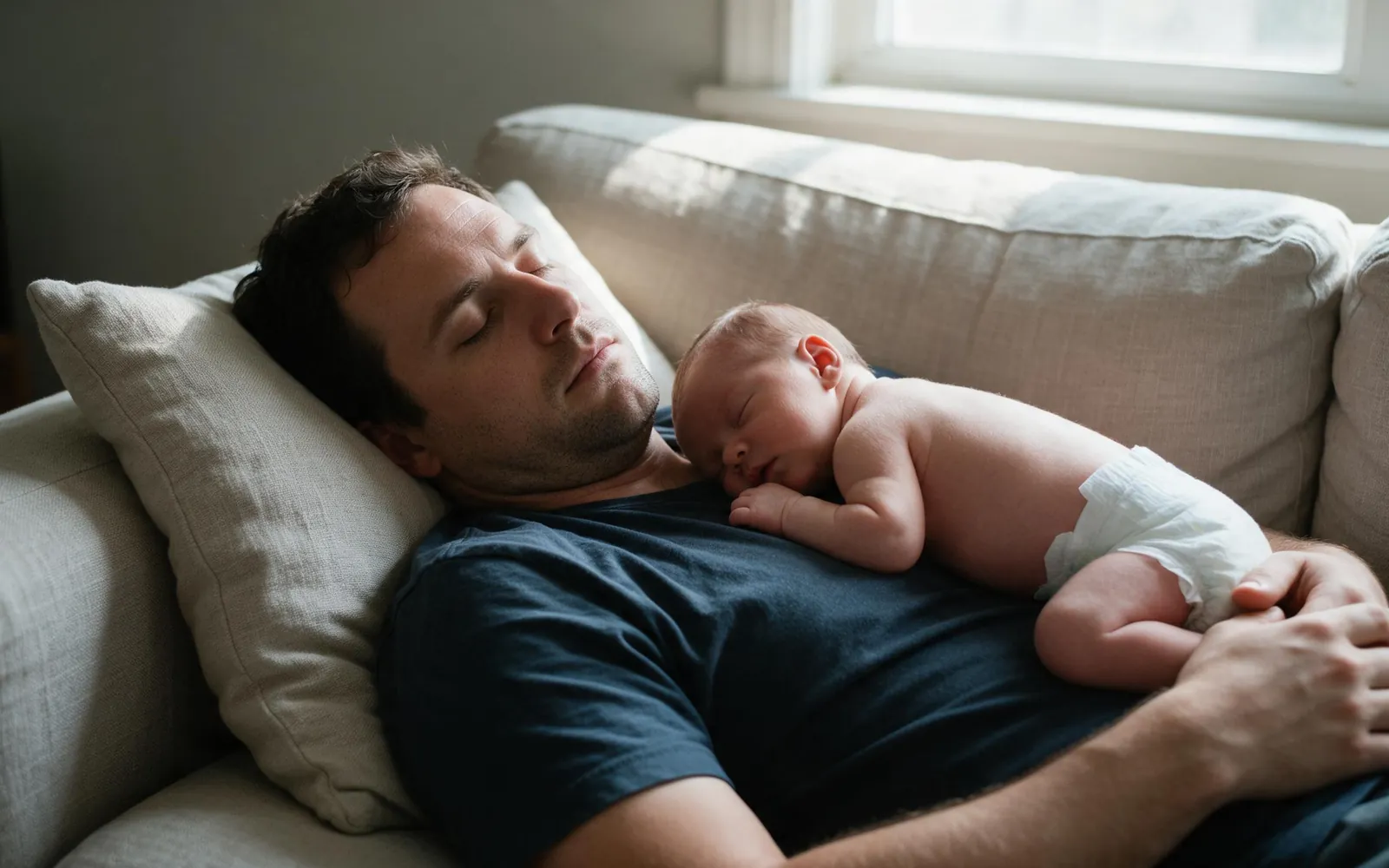
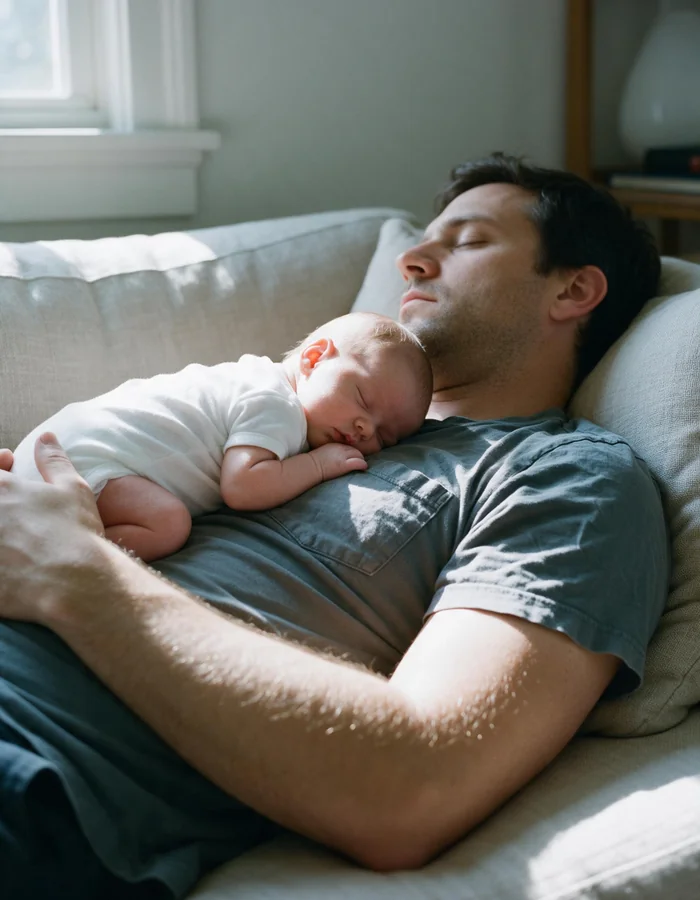
A candid portrait of a father asleep on a linen sofa with a newborn on his chest, soft afternoon window light, visible skin texture.
Try prompt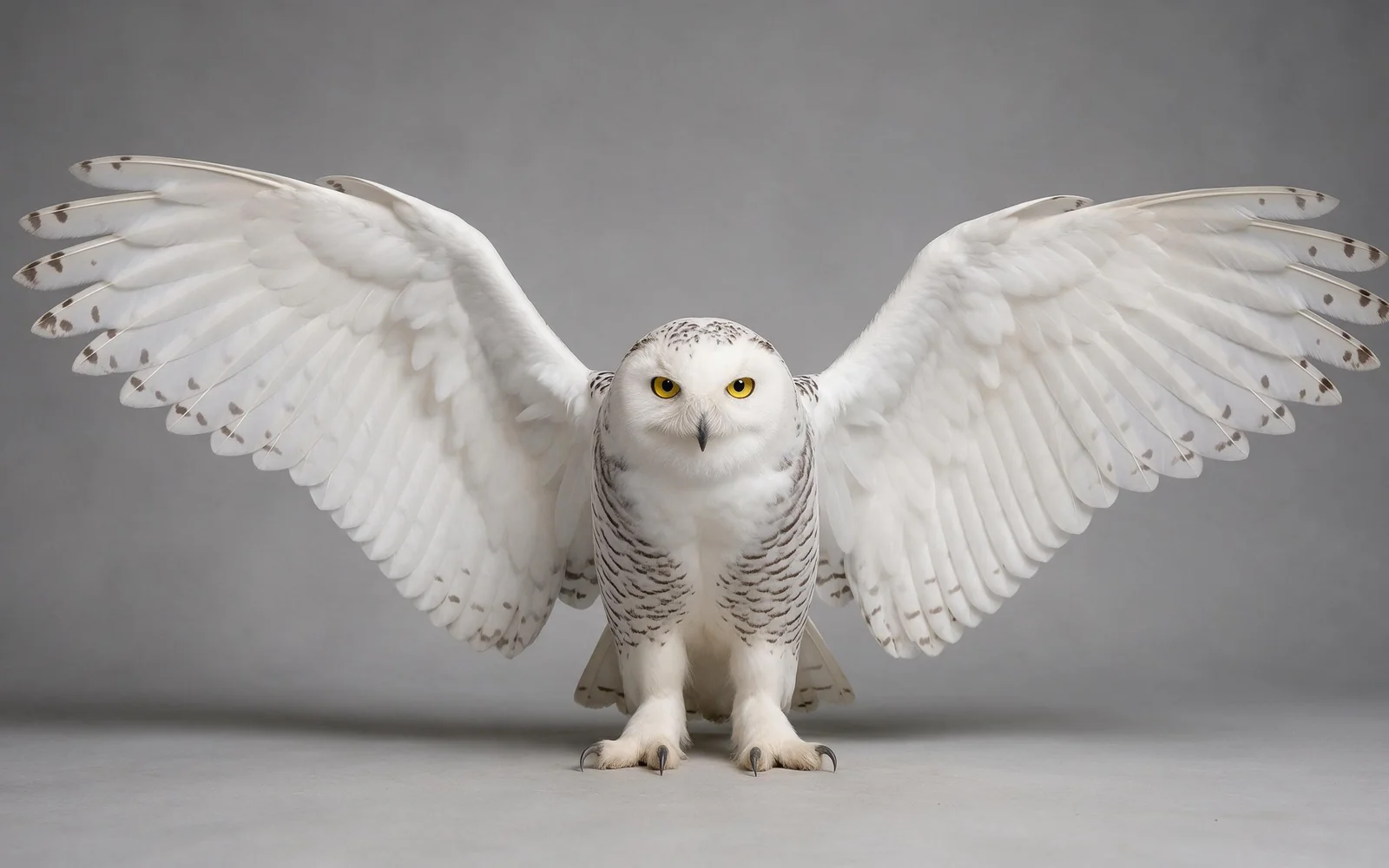
A snowy owl with wings fully spread, every flight feather clearly layered, sharp talons, on a plain soft grey studio background.
Try prompt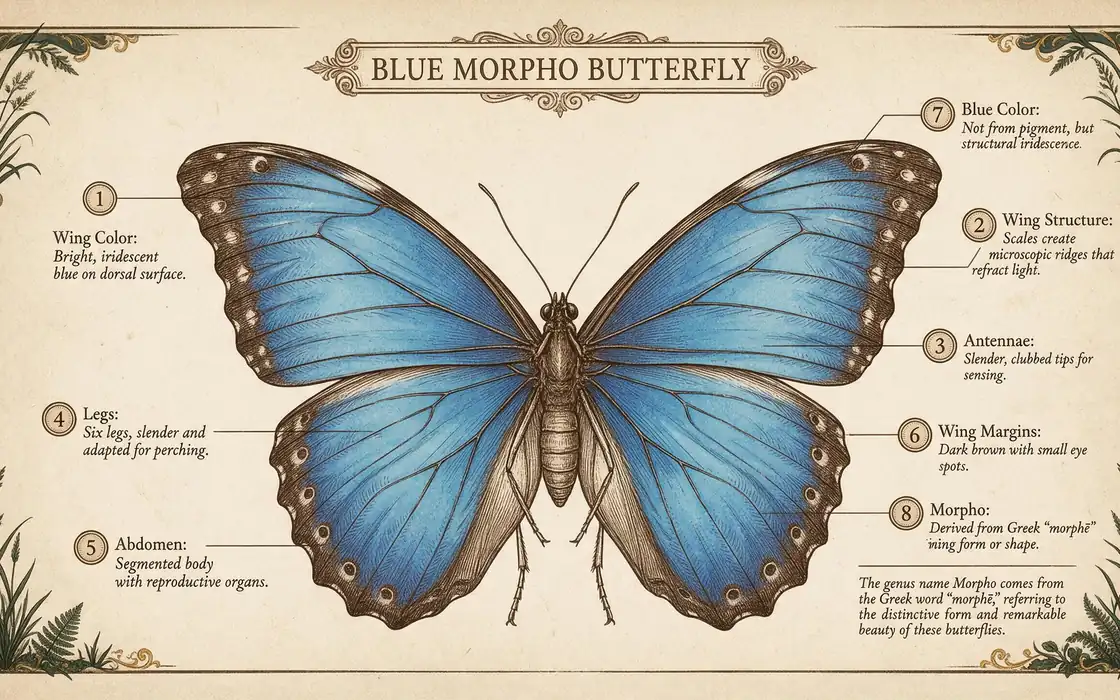
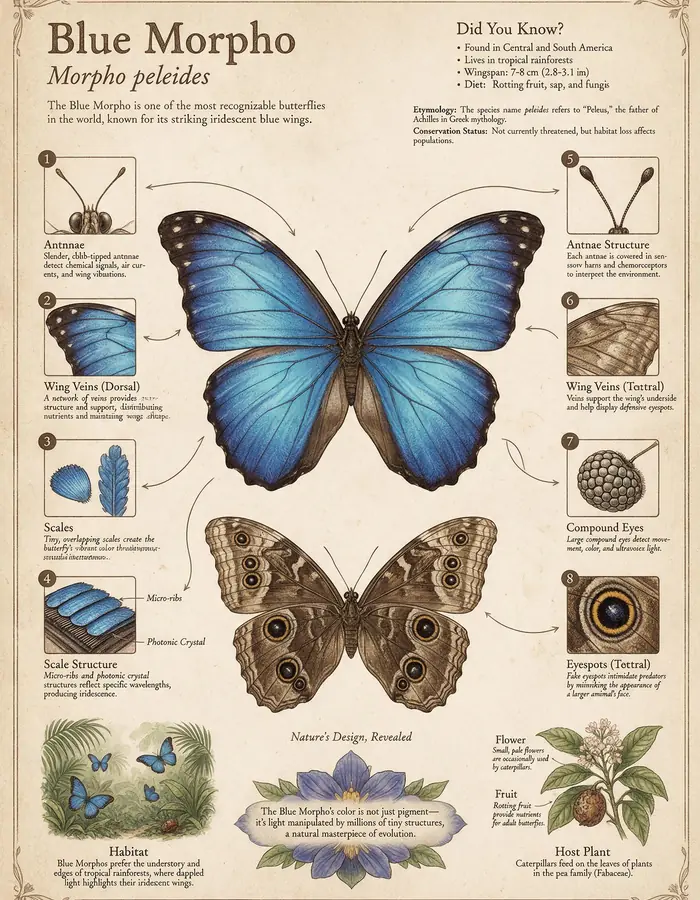
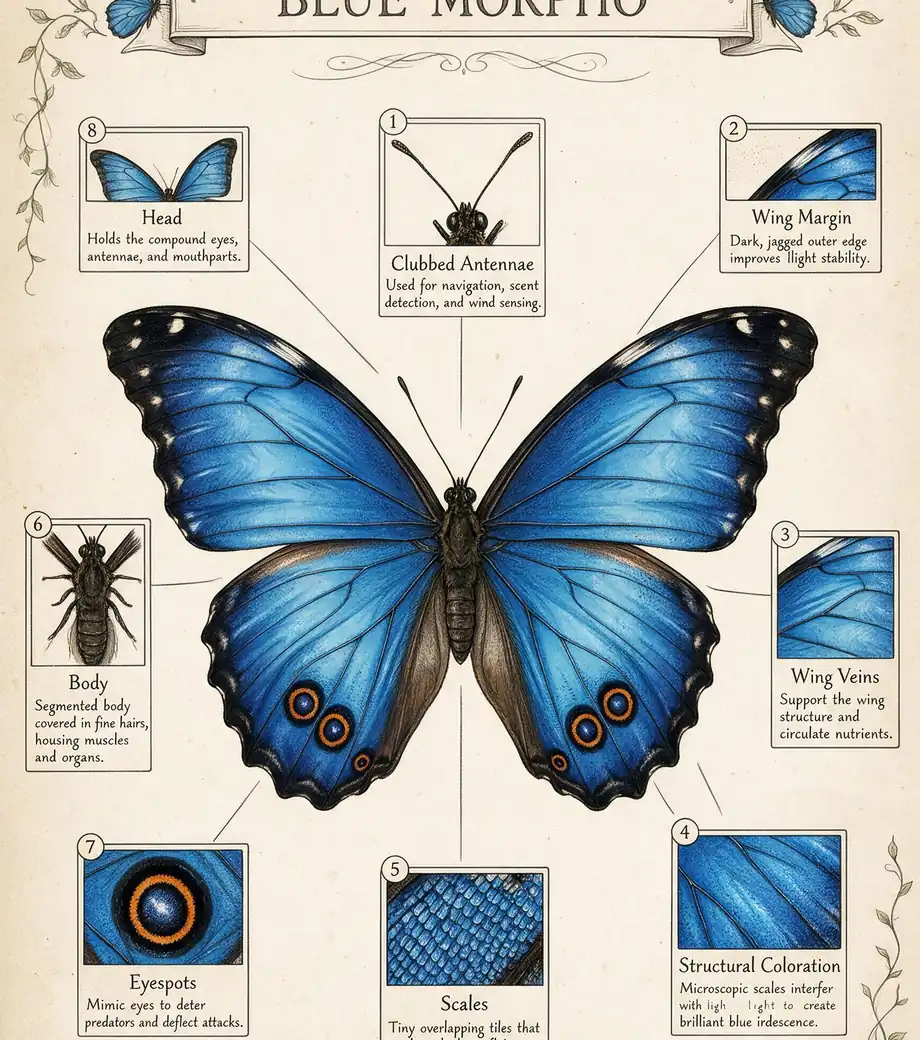
A natural-history infographic of a blue morpho butterfly with eight numbered callouts and short readable captions, cream paper, fine ink linework.
Try prompt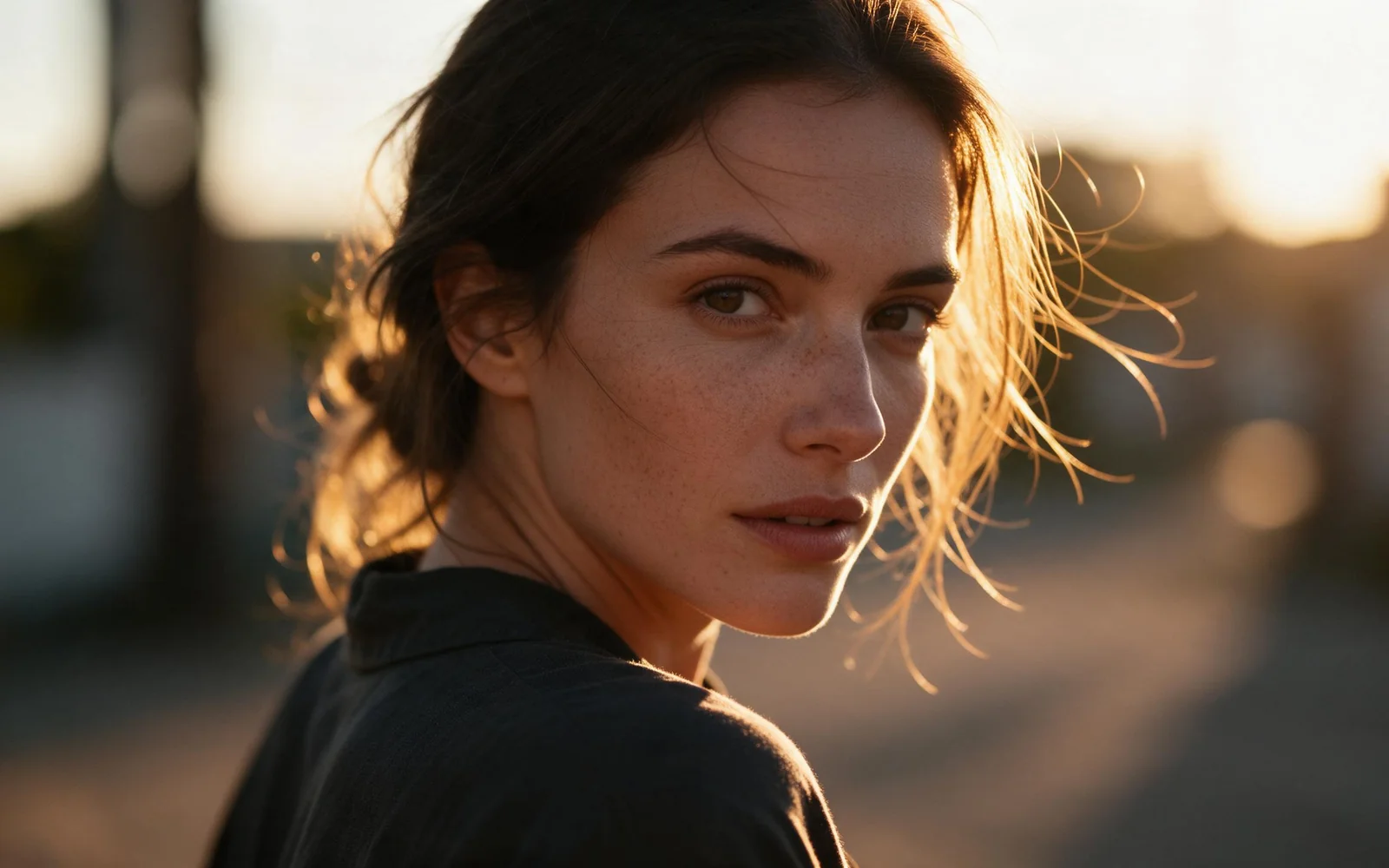
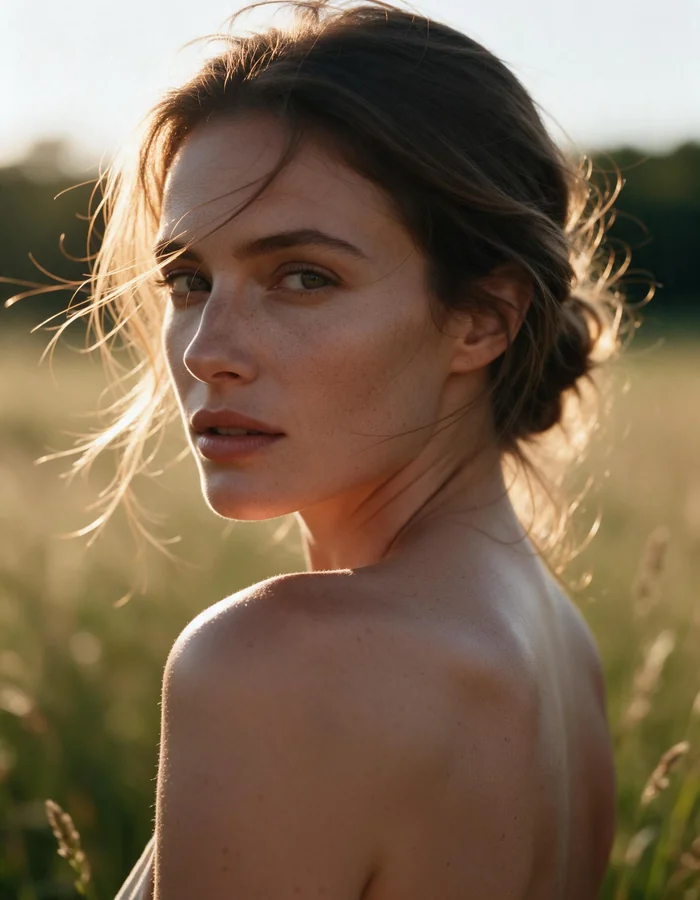
A backlit portrait of a woman looking over her shoulder at golden hour, loose hair catching warm rim light, natural freckles, 85mm.
Try promptA candid portrait of a father asleep on a linen sofa with a newborn on his chest, soft afternoon window light, visible skin texture.
Try promptA snowy owl with wings fully spread, every flight feather clearly layered, sharp talons, on a plain soft grey studio background.
Try promptA natural-history infographic of a blue morpho butterfly with eight numbered callouts and short readable captions, cream paper, fine ink linework.
Try promptA backlit portrait of a woman looking over her shoulder at golden hour, loose hair catching warm rim light, natural freckles, 85mm.
Try prompt
A vintage race car speeding along a rain-soaked track at dusk, spray behind the tires, wet asphalt reflecting the headlights.
Try prompt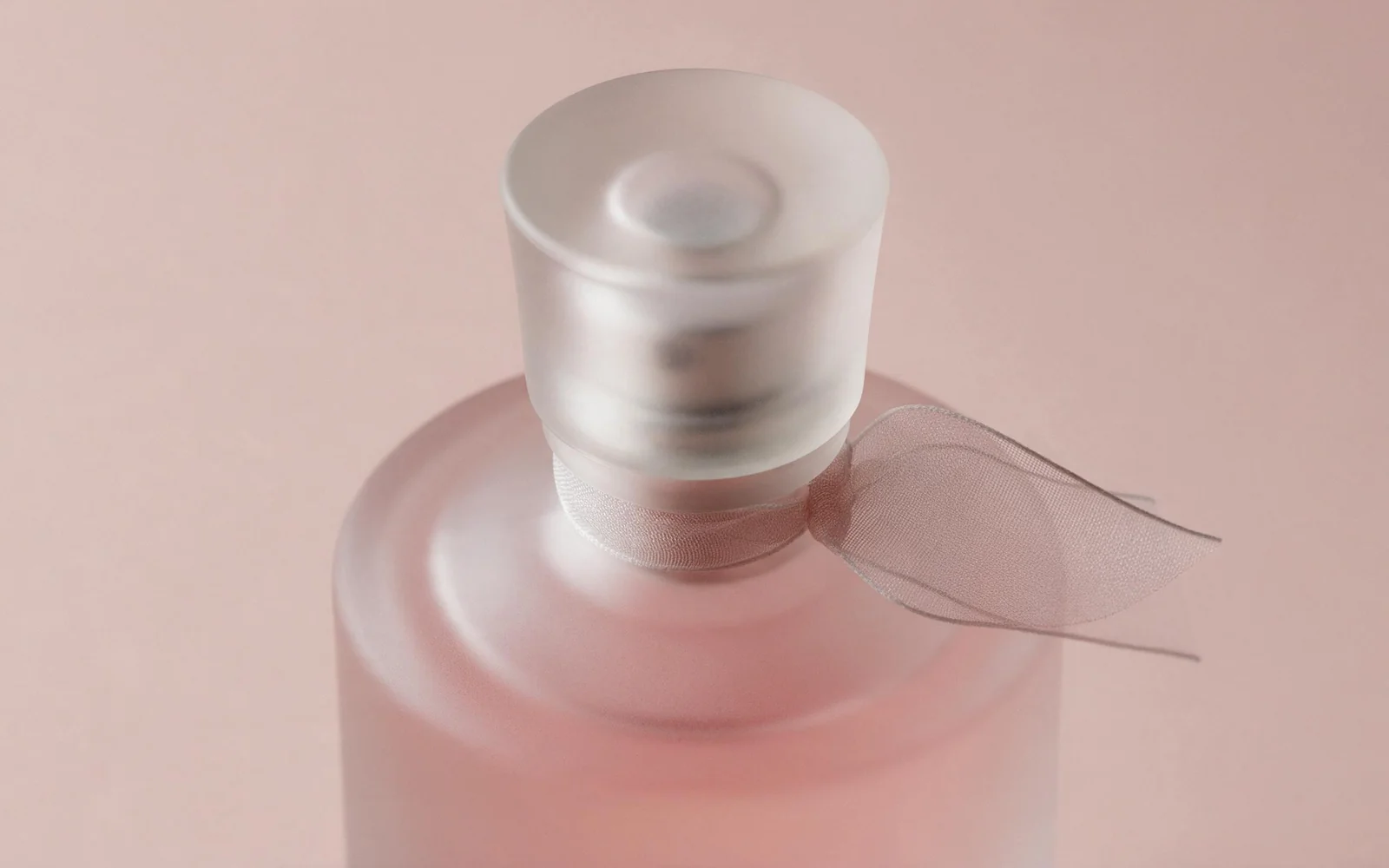
A frosted glass perfume bottle with pale pink liquid and a sheer organza ribbon, partly see-through, on a plain blush background.
Try prompt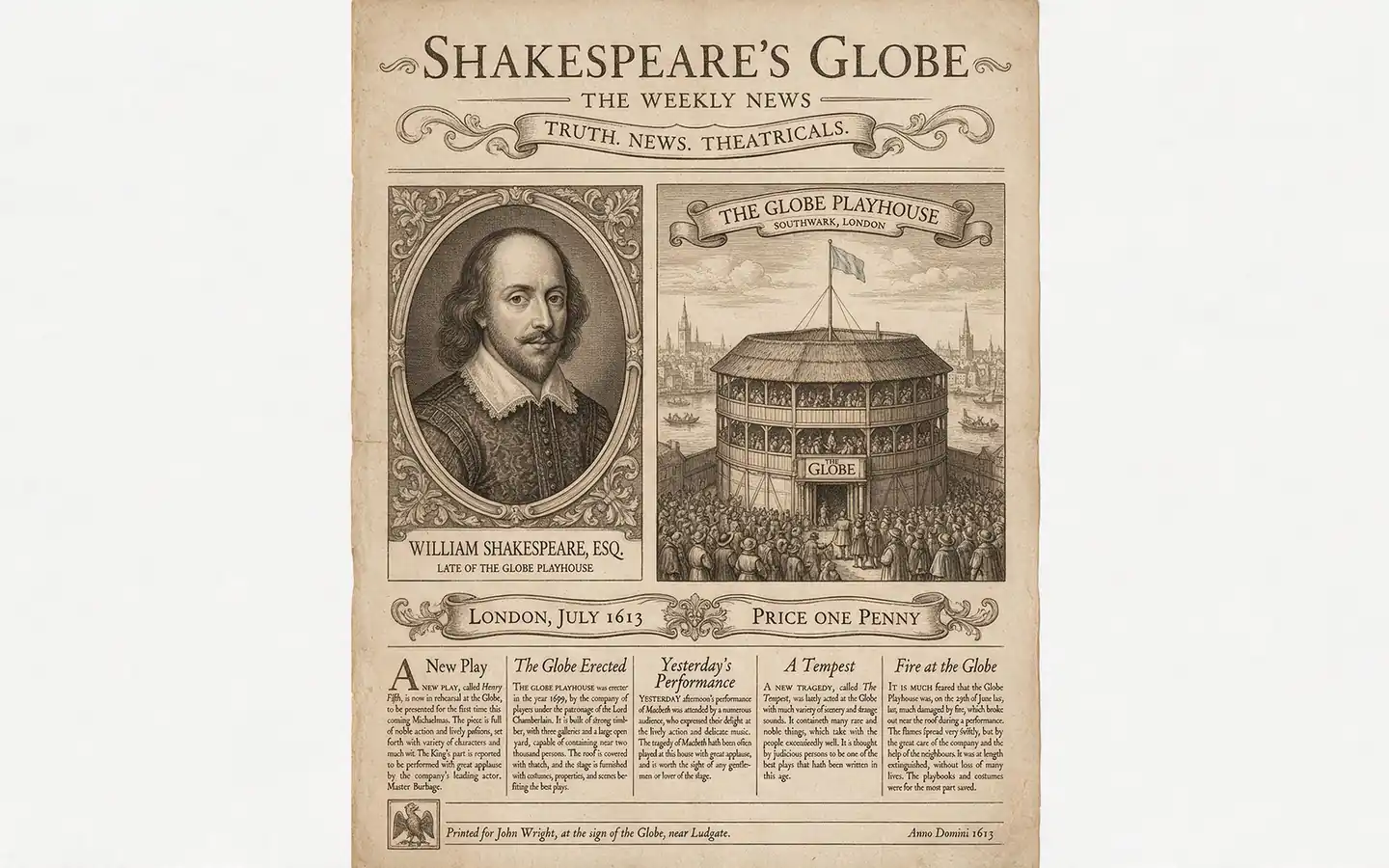
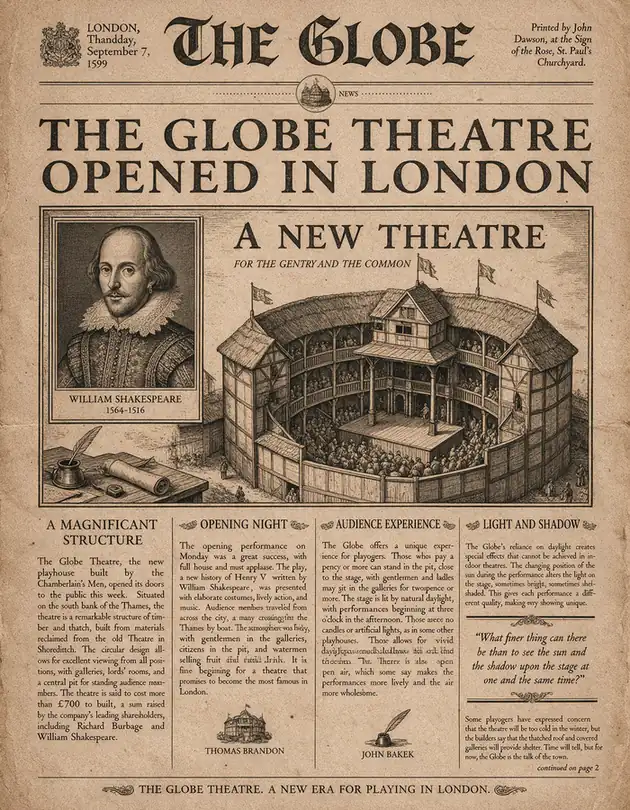
A broadsheet newspaper front page about Shakespeare's Globe Theatre, engraved portrait, theatre illustration, columns of small readable text, aged newsprint.
Try prompt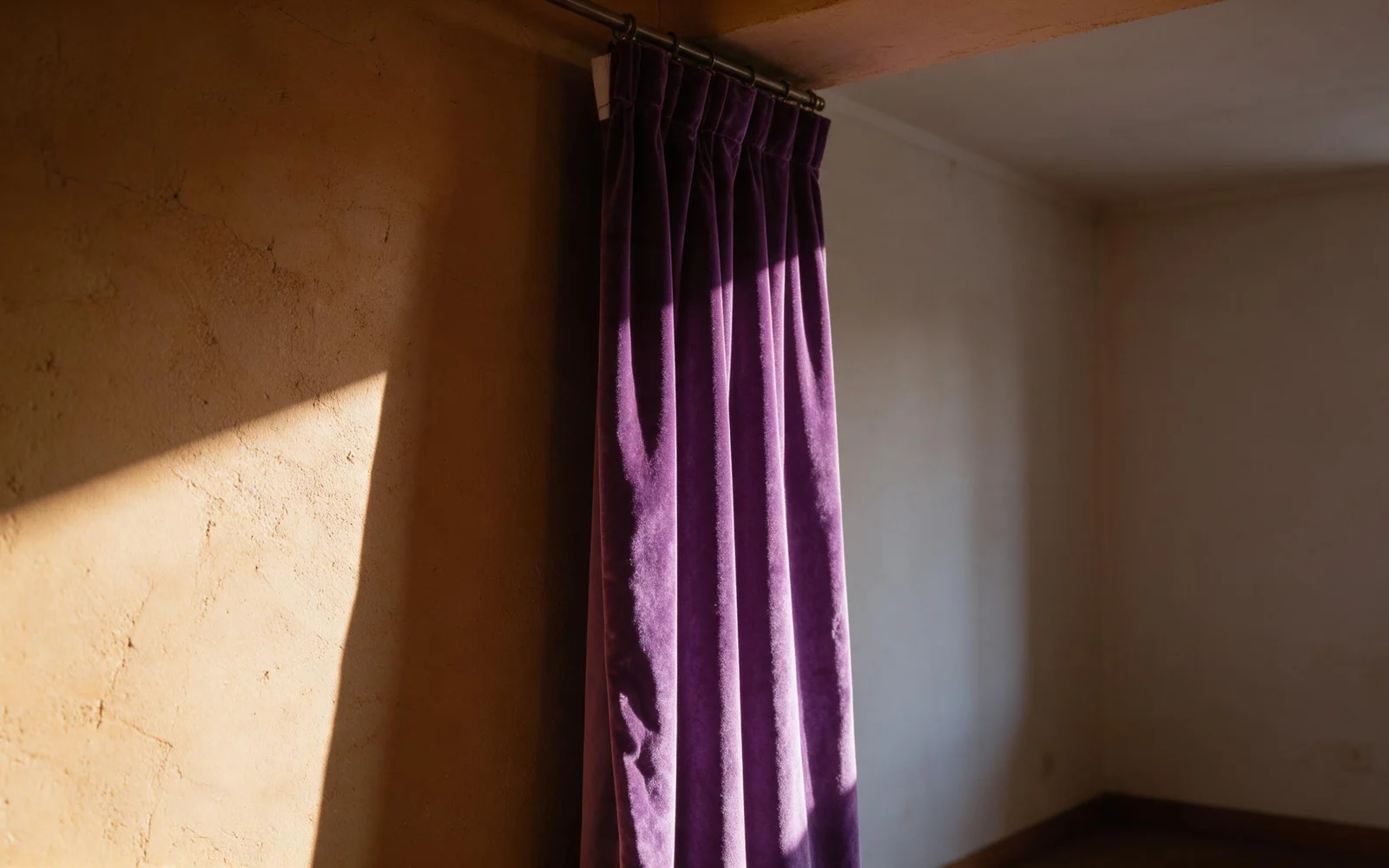
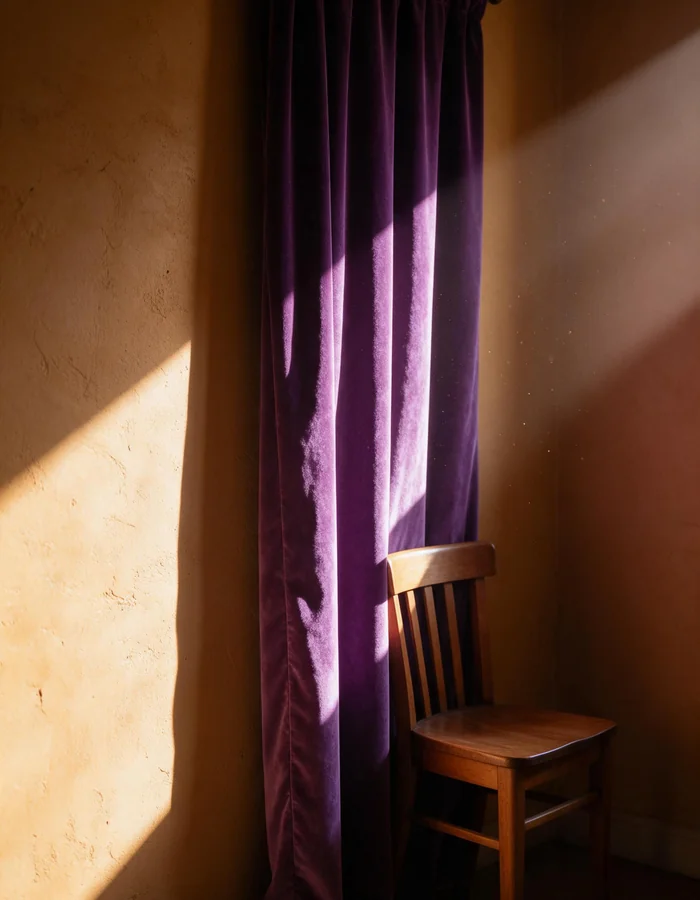
A sunlit room corner with a heavy purple velvet curtain catching hard afternoon light, long shadow on a rough ochre plaster wall.
Try prompt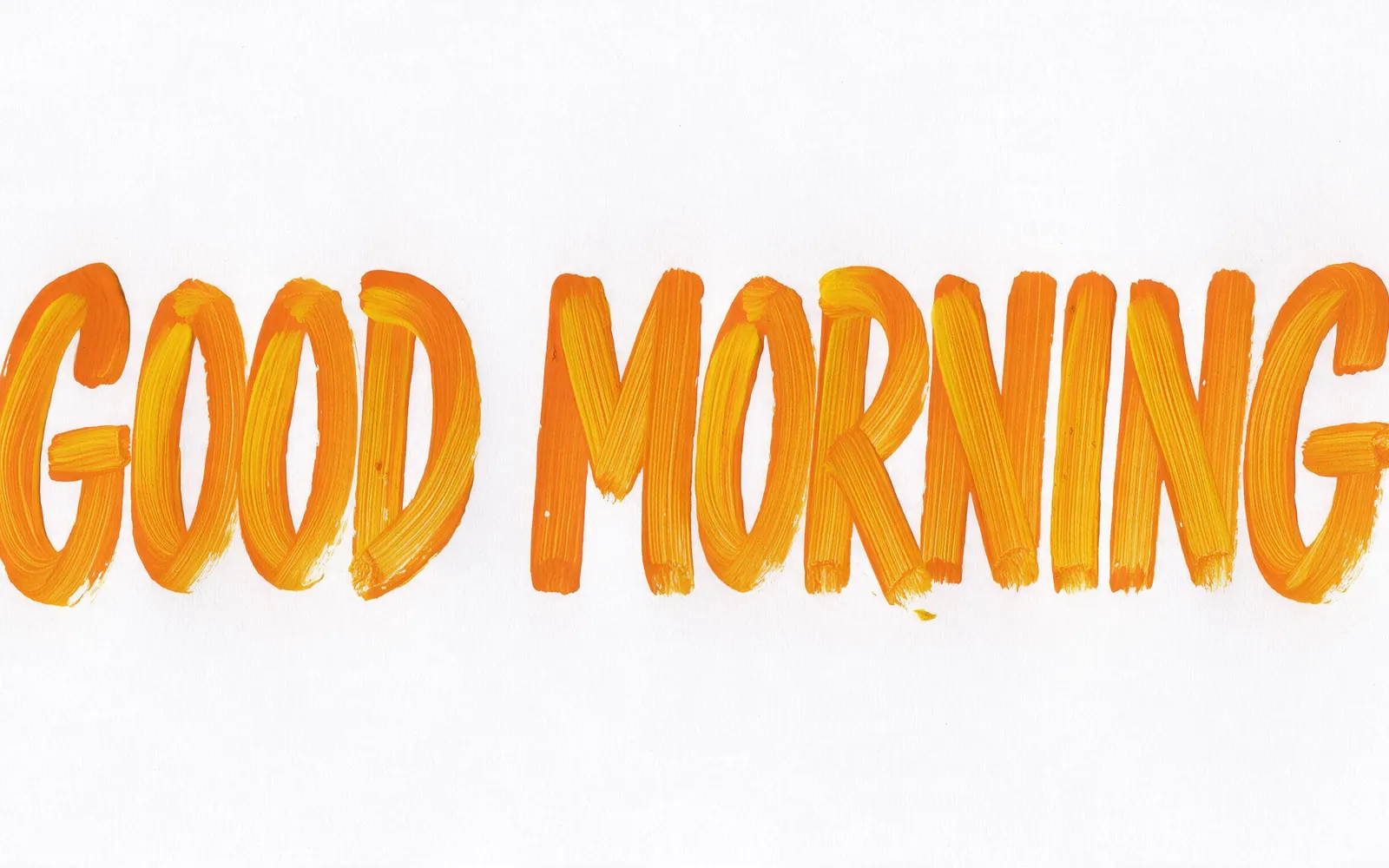
The words GOOD MORNING painted in thick gouache brushstrokes in warm orange and yellow, visible bristle texture, on plain white paper.
Try prompt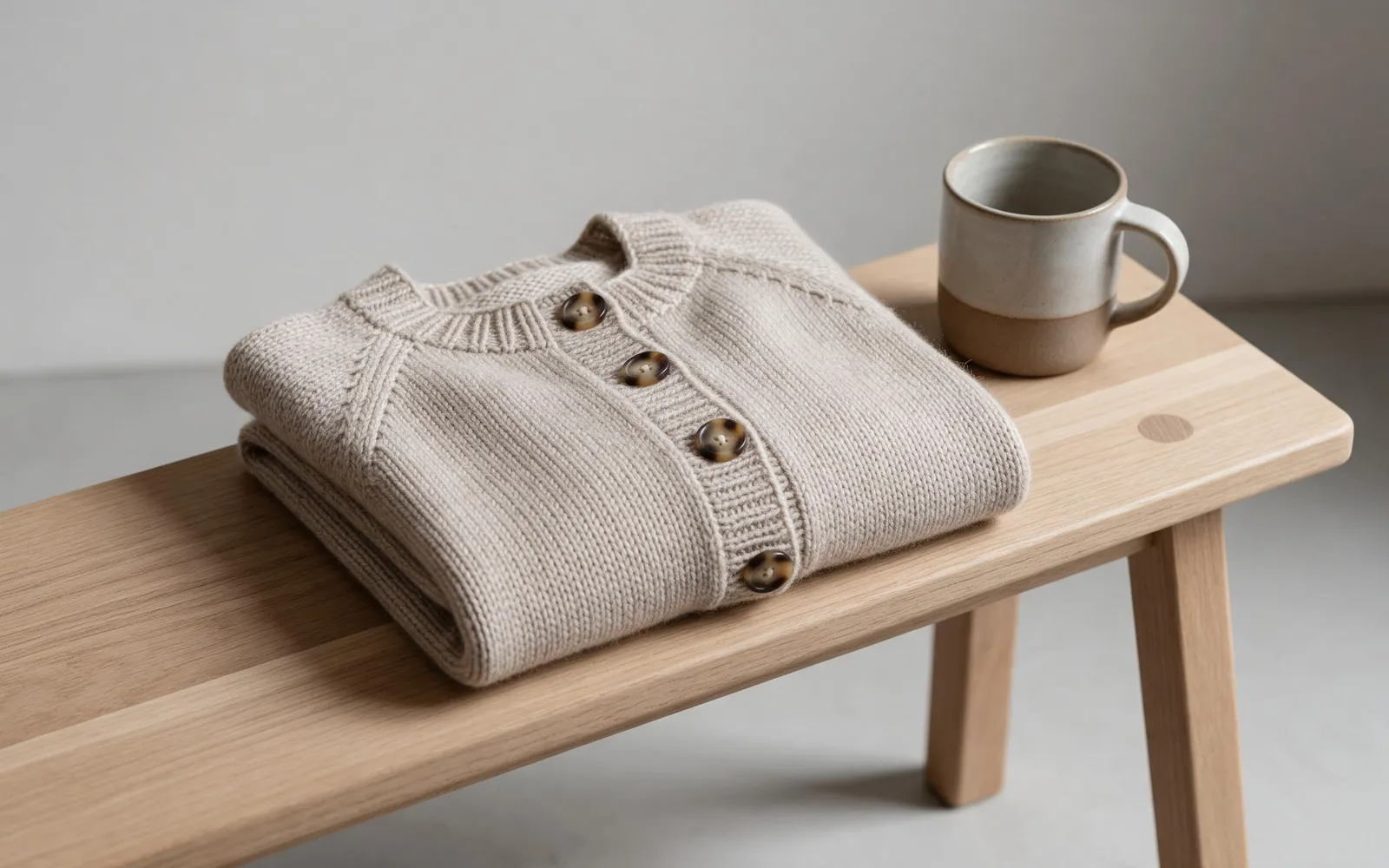
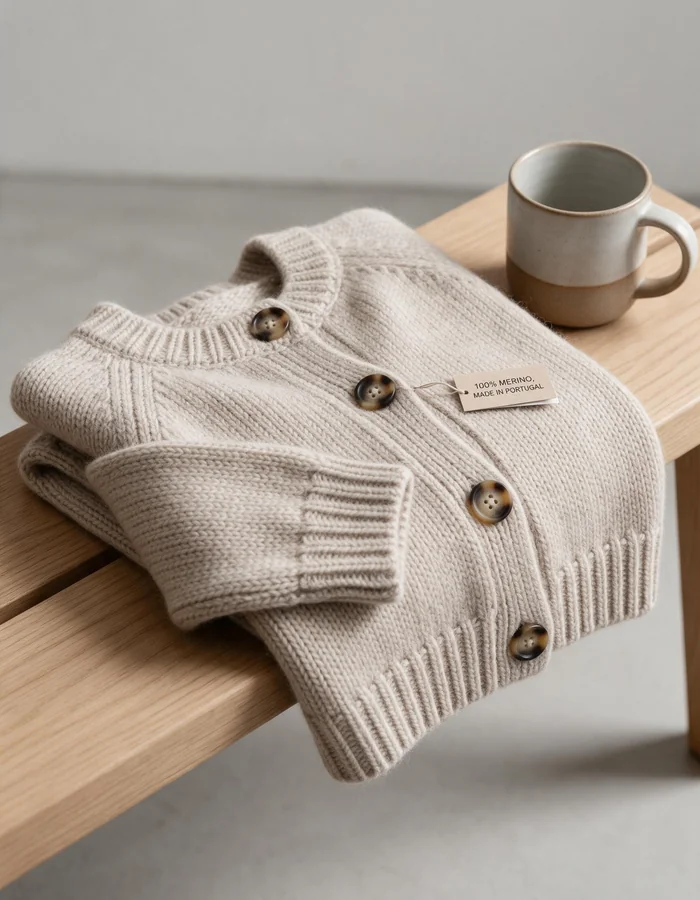
A hand-knit oatmeal merino cardigan with tortoiseshell buttons folded on a pale oak bench beside a ceramic mug, soft north light.
Try promptA vintage race car speeding along a rain-soaked track at dusk, spray behind the tires, wet asphalt reflecting the headlights.
Try promptA frosted glass perfume bottle with pale pink liquid and a sheer organza ribbon, partly see-through, on a plain blush background.
Try promptA broadsheet newspaper front page about Shakespeare's Globe Theatre, engraved portrait, theatre illustration, columns of small readable text, aged newsprint.
Try promptA sunlit room corner with a heavy purple velvet curtain catching hard afternoon light, long shadow on a rough ochre plaster wall.
Try promptThe words GOOD MORNING painted in thick gouache brushstrokes in warm orange and yellow, visible bristle texture, on plain white paper.
Try promptA hand-knit oatmeal merino cardigan with tortoiseshell buttons folded on a pale oak bench beside a ceramic mug, soft north light.
Try prompt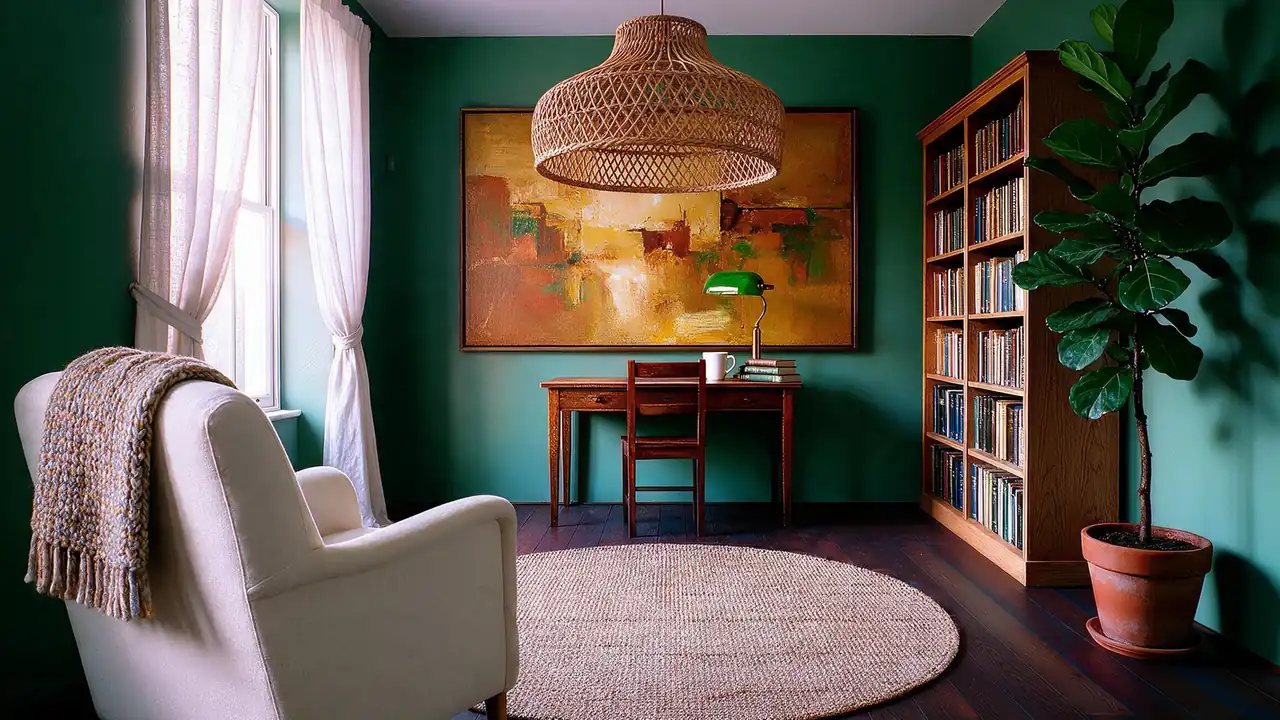
Try Seedream 5.5 on ImagineArt
Your first few images are free. Describe it, refine it, export it.
Add your input
Type a prompt, or upload reference images of your product, character or layout to start from.
Refine it, round after round
Ask for one change at a time. Seedream 5.5 edits what you name and leaves the rest as it was.
Export
Download a high-res image or a transparent PNG, ready for Image Studio, Ad Studio or your own design files.
Edit it again. Nothing else moves.
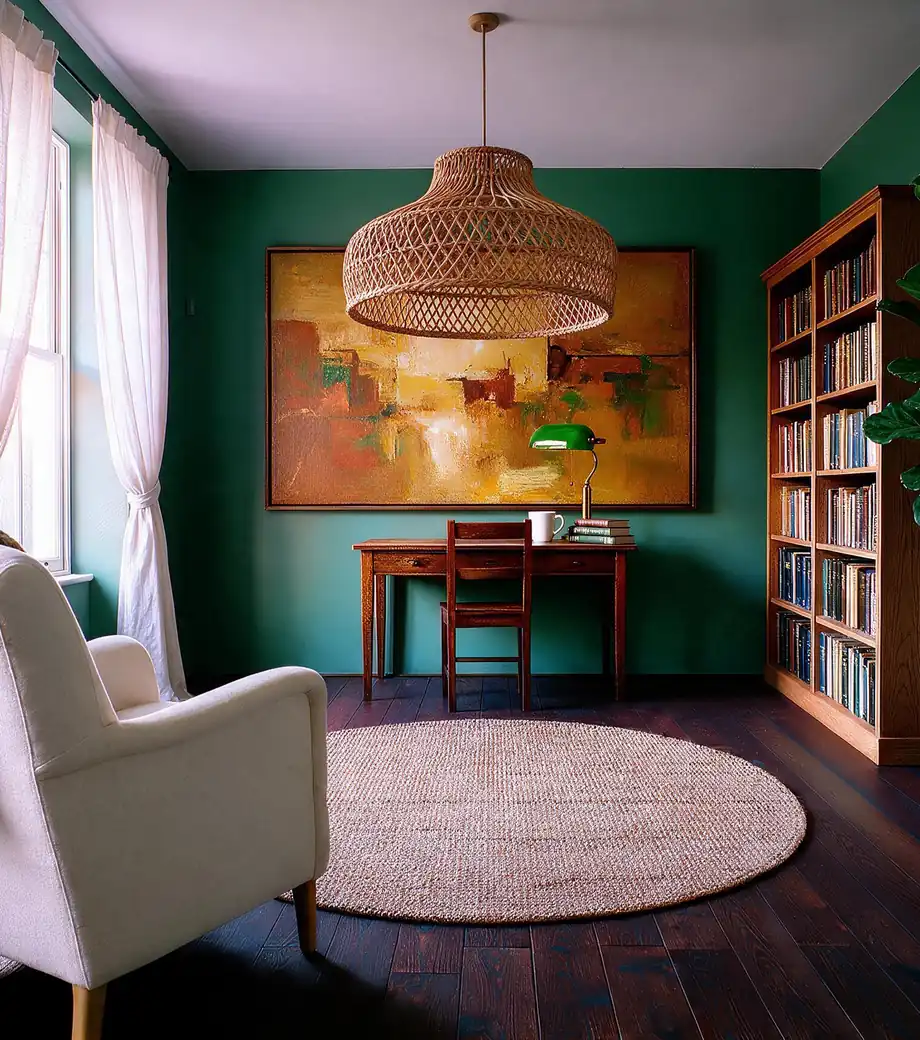
Every edit that builds on the last usually costs a little color and detail. Seedream 5.5 leaves everything you didn't name untouched, down to the pixel, for up to 100 rounds on one image. Swap the rug, then the lamp, then the wall color, and the window light and floorboards never move.
Add a round jute rug in front of the desk. Change nothing else: keep the walls, window light, floorboards, desk, chair and camera angle exactly as they are.
Try prompt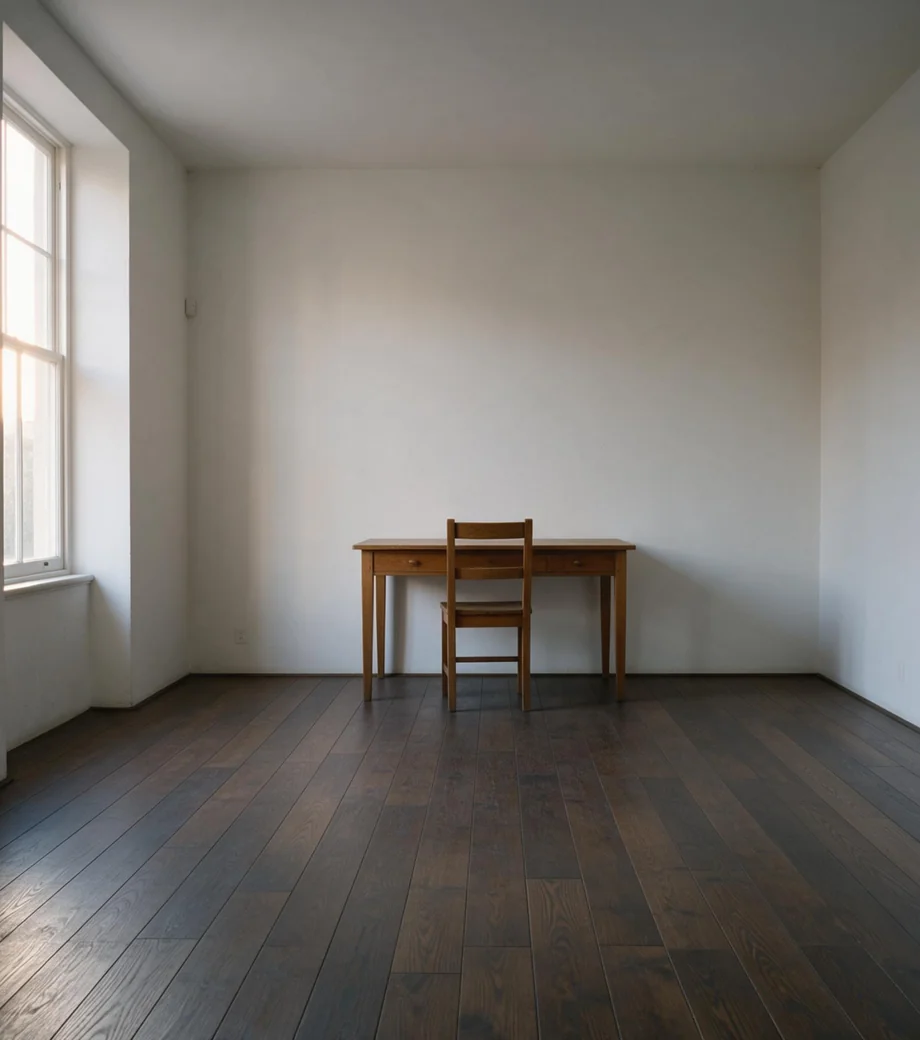
Light that looks shot, not rendered
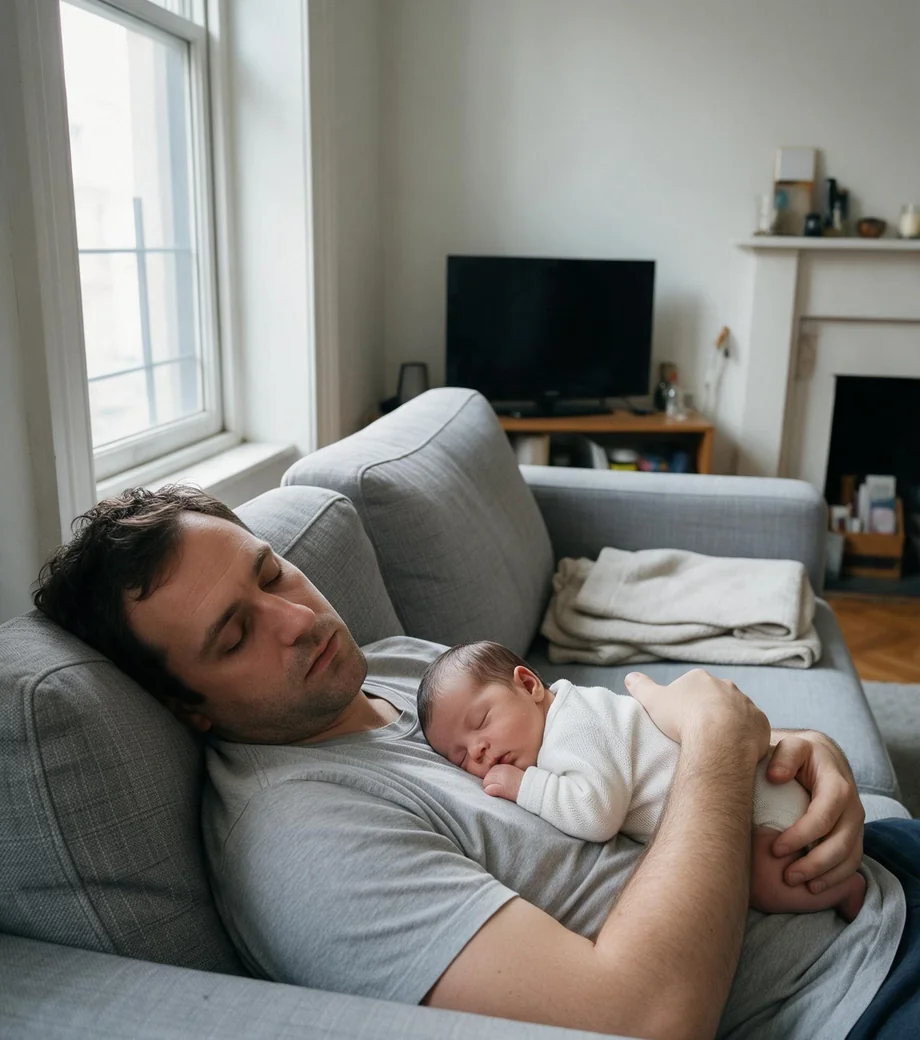
Seedream 5.5 is retuned for realism. Lighting, materials and skin look photographed, without the plastic gloss and blown-out highlights that give AI images away. In our tests, skin kept its texture in shadow and fabric kept its weave. It's built for campaign and lifestyle work that has to pass as photography.
Using this snapshot as the layout reference, create a candid portrait of a father asleep on the linen sofa with a newborn on his chest, soft afternoon window light, visible skin texture, shot on 50mm.
Try prompt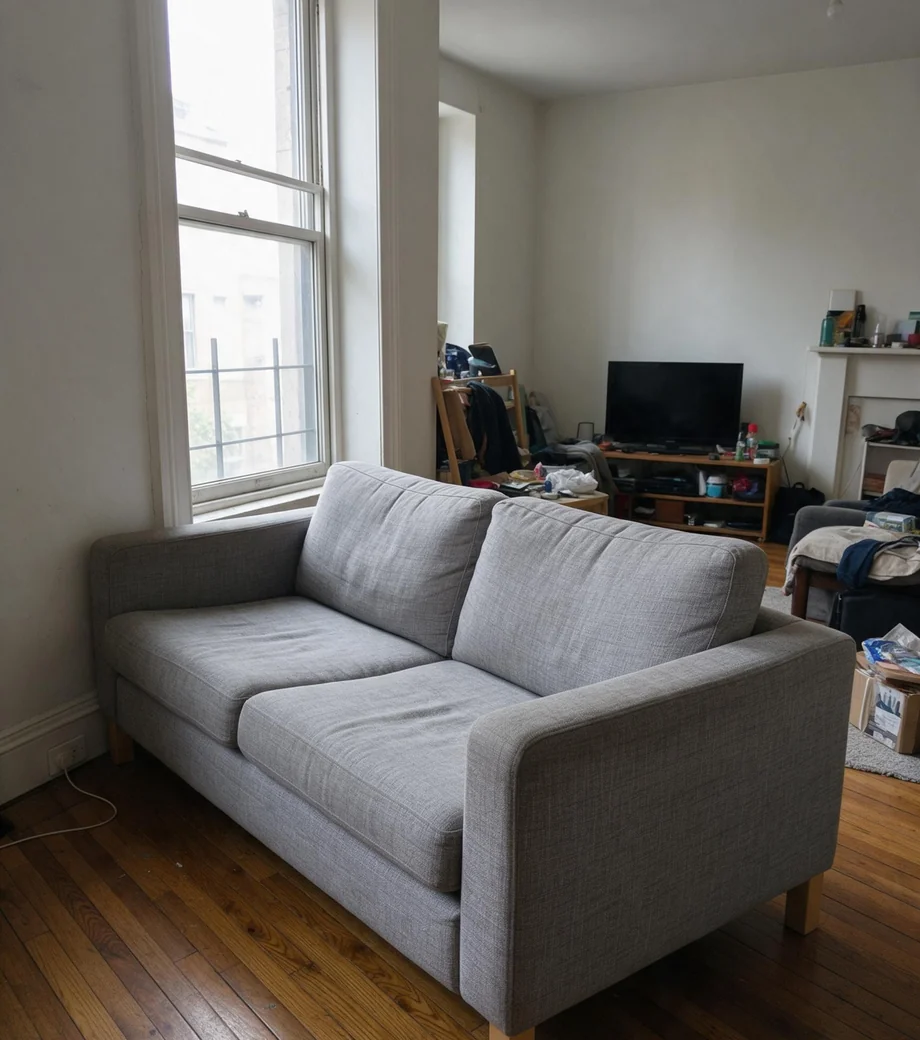
Small text you can actually read
Menus, newspaper columns, packaging back panels and infographic captions are where image models usually fall apart. Seedream 5.5 sets small, dense type cleanly in English and Chinese, and in our tests body copy stayed readable at full zoom. Proofread before you publish, as you would with any model.
Turn this pencil wireframe into a finished blue morpho infographic, keeping the layout: a title bar reading BLUE MORPHO, a central butterfly illustration and eight numbered callouts with short readable captions.
Try prompt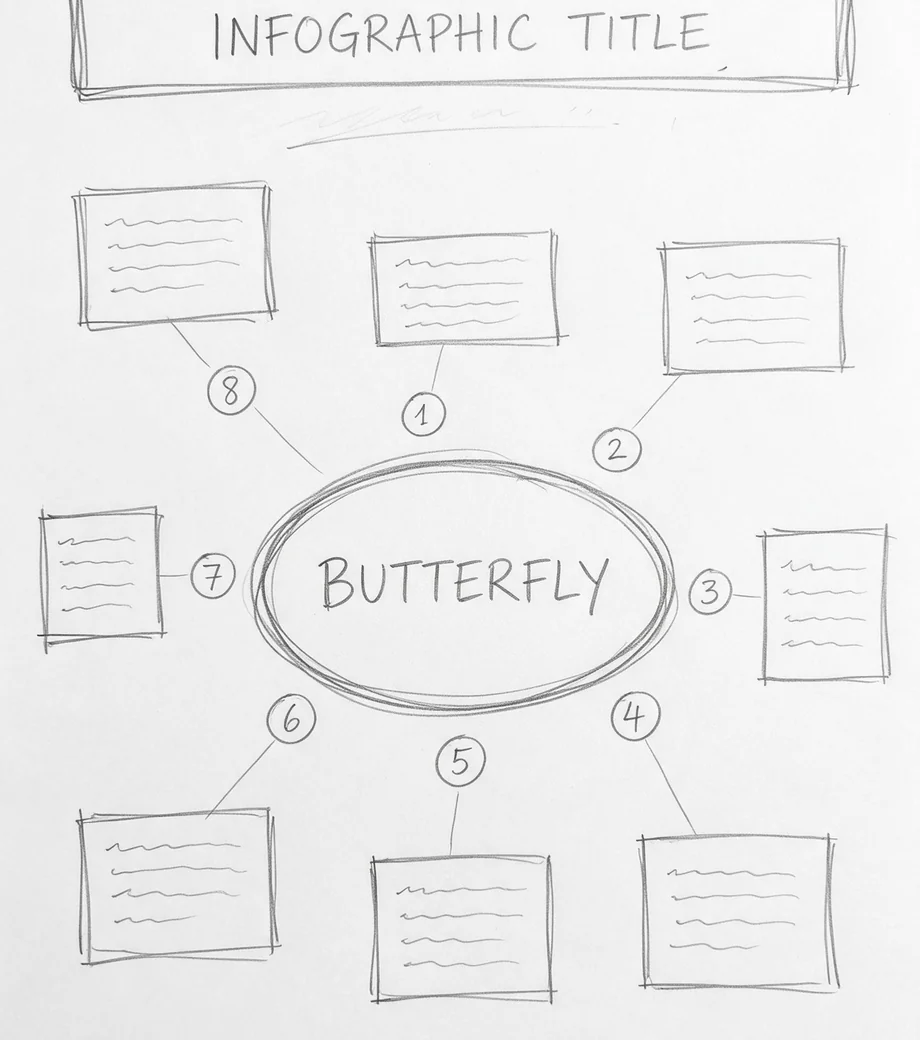
Whether you're building a campaign, a catalog or a brand system, Seedream 5.5 on ImagineArt sits next to every model and studio you need.
Get started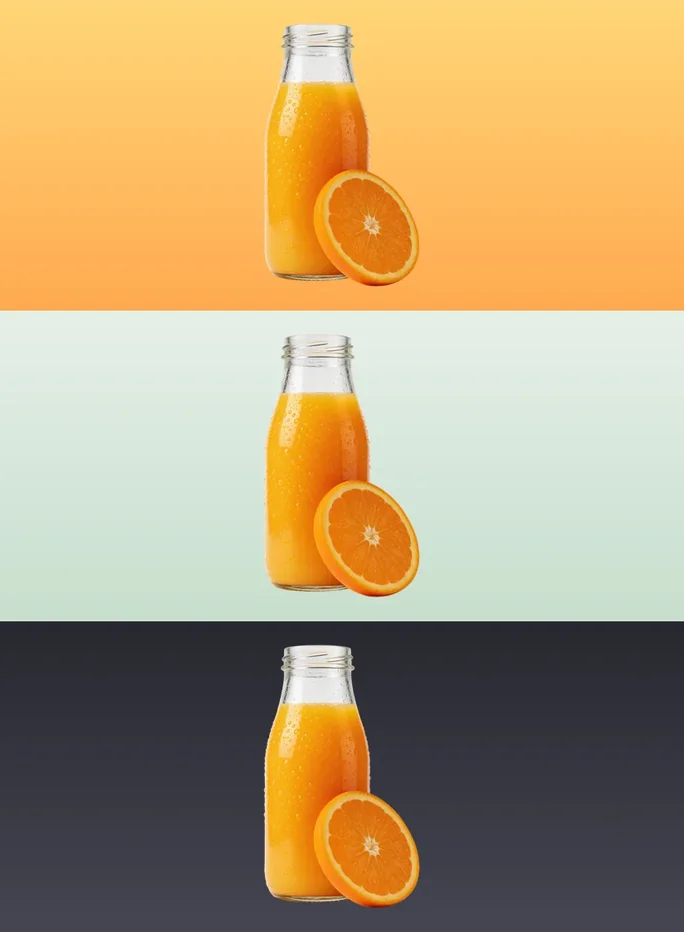
Product cutouts
Generate the product on a transparent background and place it in ads, marketplace tiles and decks. Glass and liquid edges come out clean.
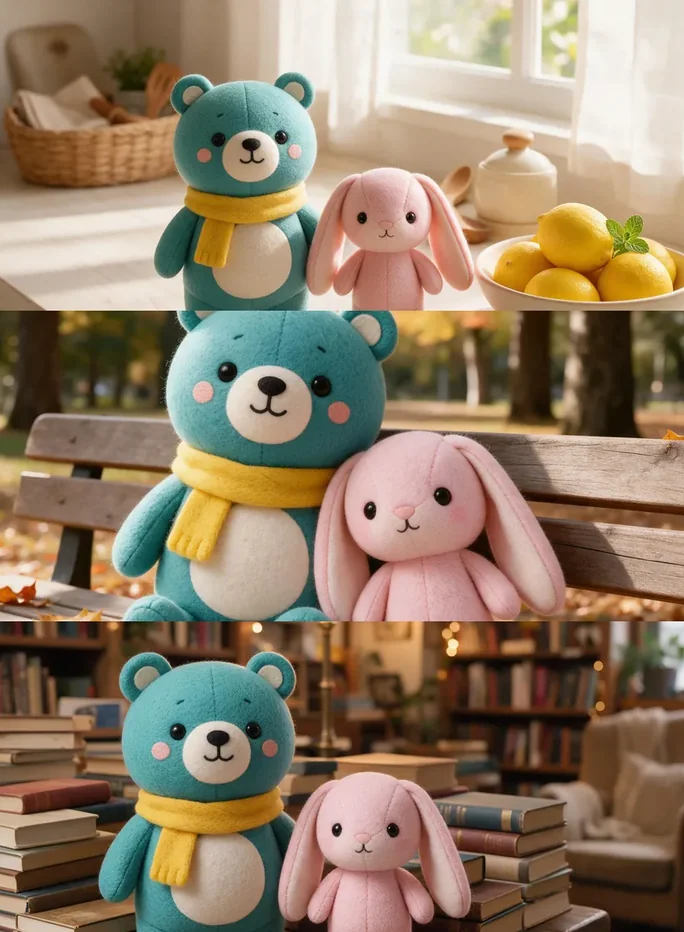
Character series
Make a cast of characters once, then reuse them across a campaign. Poses and scenes change; faces and textures hold.
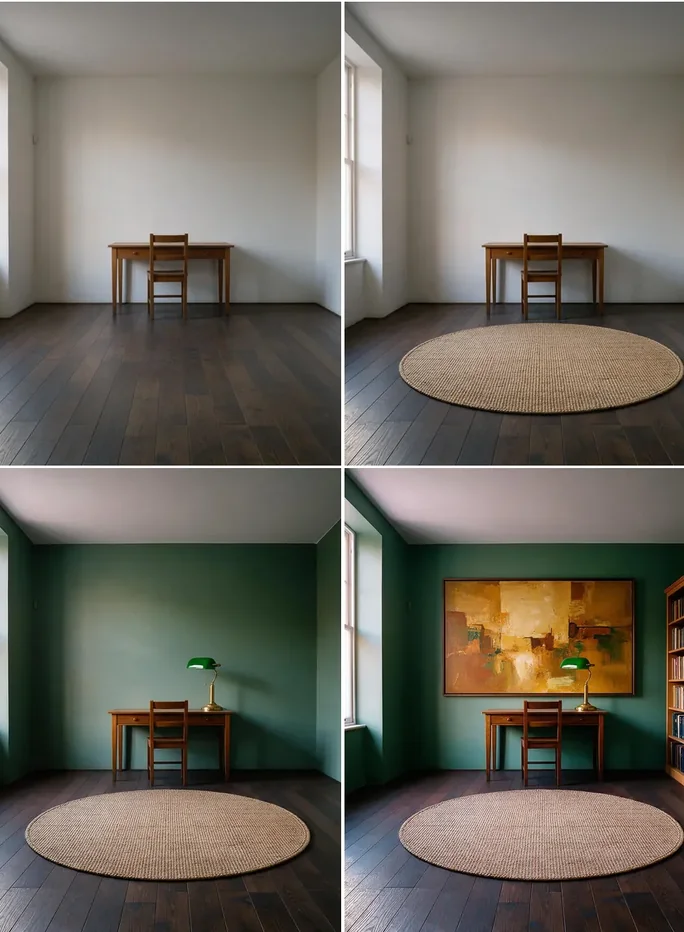
Evolving interiors
Restyle a room one decision at a time, from flooring to lighting, without the layout or shadows drifting between rounds.
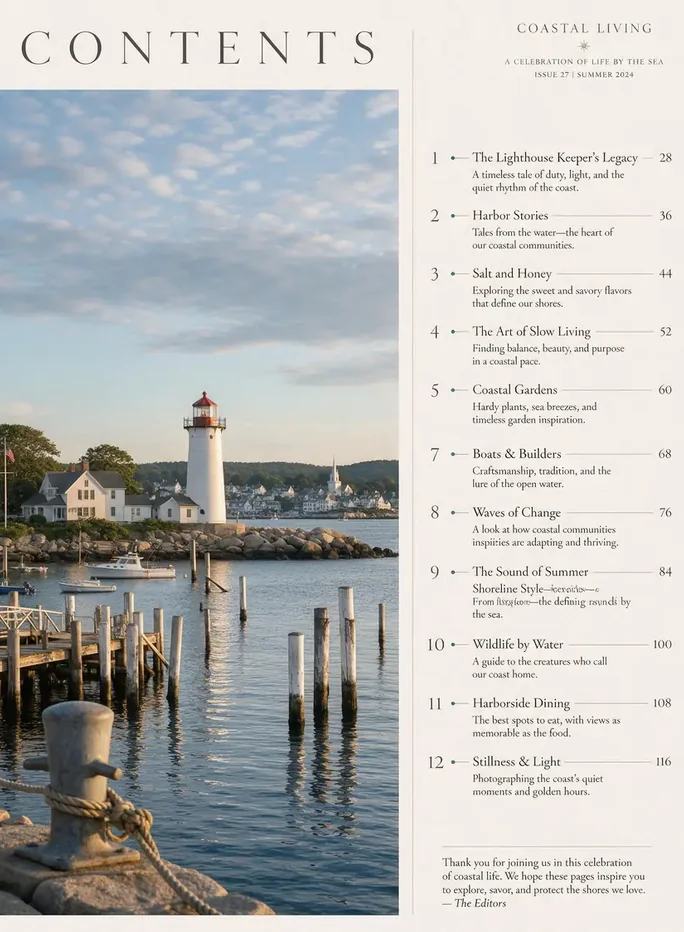
Editorial layouts
Lay out a page with headlines, columns and captions in small type that stays readable when you zoom in.
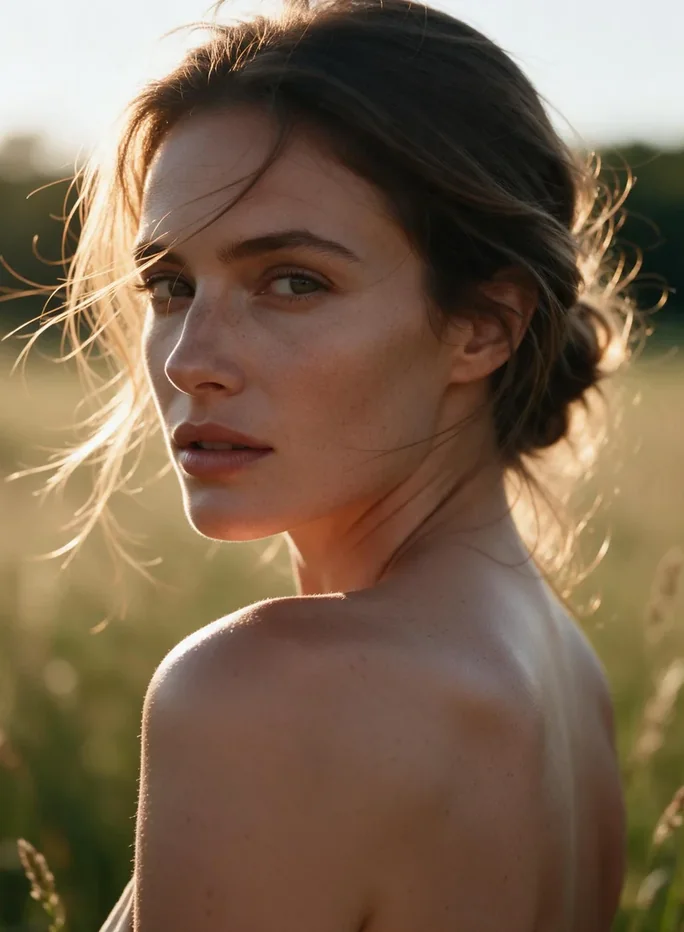
Campaign portraits
Natural skin, soft shadows and real fabric texture for lifestyle and beauty campaigns that can't look generated.

Lettering and stickers
Hand-painted lettering and illustrated stickers as transparent PNGs, ready for packaging, merch and social posts.
Product cutouts
Generate the product on a transparent background and place it in ads, marketplace tiles and decks. Glass and liquid edges come out clean.
Character series
Make a cast of characters once, then reuse them across a campaign. Poses and scenes change; faces and textures hold.
Evolving interiors
Restyle a room one decision at a time, from flooring to lighting, without the layout or shadows drifting between rounds.
Editorial layouts
Lay out a page with headlines, columns and captions in small type that stays readable when you zoom in.
Campaign portraits
Natural skin, soft shadows and real fabric texture for lifestyle and beauty campaigns that can't look generated.
Lettering and stickers
Hand-painted lettering and illustrated stickers as transparent PNGs, ready for packaging, merch and social posts.
Which Seedream should you use?
Every Seedream model on ImagineArt, by the job it does best.
Long edit sessions, transparent PNGs, photographic realism and small, dense text.
Native 4K generation, spatial reasoning and detailed infographics in a single pass.
Fast, high-quality everyday output when you need lots of images quickly.
Quick generation and reference-faithful edits with readable text, still available on ImagineArt.
Reviews
What creators are saying
See what people creating with ImagineArt are saying.

"Imagine.art is hands down one of the best AI image generators I have used lately. The results are consistently high-quality, and the prompt accuracy is fantastic."
"The most important feature I like is face consistency. You can generate a face and use it across hundreds of images with very good accuracy."
"I love the image generation and have been using it to create some great tee shirt designs. The monthly cost is minimal compared to the benefits."
"ImagineArt has been a game changer for creating visuals that fit my brand quickly."
Plans
Simple pricing, no surprises
See exactly what a generation costs on your plan.
Free
USD 0 · per creator / month, billed annually
3000 credits / month
- 100 Daily credits
- In-house models only
- 36k credits per year
- 1 Fast Image concurrency
Basic
For newcomers taking their first steps
3K credits / month
- Up to ~97 video generations / month
- Up to ~600 image generations / month
- 10 image models · 9 video models
- 4 concurrent image generations
- General commercial terms
Ultimate
Peak performance for pros
16K credits / month
- Up to ~530 video generations / month
- Up to ~3.2k image generations / month
- All styles and models, including Kling 2.6 Pro and Seedance 1.5 Pro
- Everything in Standard, unlimited
- General commercial terms
Trusted by creative teams, designers and marketers.
Compare every plan and buy credit packs →FAQs
- What is Seedream 5.5?
- Seedream 5.5 is ByteDance Seed's image generation and editing model, released on November 9, 2026. It focuses on three things: stable multi-round editing, native transparent output, and more realistic images with clearer small text.
- What's new in Seedream 5.5 compared to Seedream 5.0?
- Seedream 5.5 leaves untouched areas exactly as they were through long edit sessions, up to 100 rounds on one image. It also generates transparent and semi-transparent PNGs directly, renders lighting, materials and skin more naturally, and sets dense small text more cleanly. We tested all four, and each held up.
- Can Seedream 5.5 make transparent PNGs?
- Yes. Seedream 5.5 generates images with an alpha channel, including partly see-through materials such as glass and fabric. You can create a product, character or lettering piece on a transparent background without running a separate background remover.
- How many times can I edit an image with Seedream 5.5?
- Up to 100 rounds on the same image, with the areas you don't mention preserved down to the pixel. For the cleanest results, ask for one change per round and say what should stay the same.
- Is Seedream 5.5 good at text in images?
- Yes. Seedream 5.5 sets small and densely packed text cleanly in English and Chinese, and in our tests body copy stayed readable at full zoom. That makes it a strong pick for posters, infographics, menus and packaging. Proofread every line before you publish.
- Which is better, Seedream 5.5 or Seedream 5.0 Pro?
- Pick Seedream 5.5 for long edit sessions, transparent assets, photographic realism and small text. Seedream 5.0 Pro is still a good choice for native 4K generation and infographics. A Seedream 5.5 Pro is on the way, with no release date yet.
- Is Seedream 5.5 free on ImagineArt?
- Yes, to start. Your first few images on ImagineArt are free, and Seedream 5.5 is free and unlimited on certain plans. See imagine.art/subscription for which plans include unlimited use.
- Can I use Seedream 5.5 images commercially?
- Paid ImagineArt plans include commercial terms, as listed on imagine.art/subscription. Check that your plan covers commercial use before you publish client or campaign work.
Resources
AI image prompt guide
Prompt structure that carries straight over to Seedream 5.5.
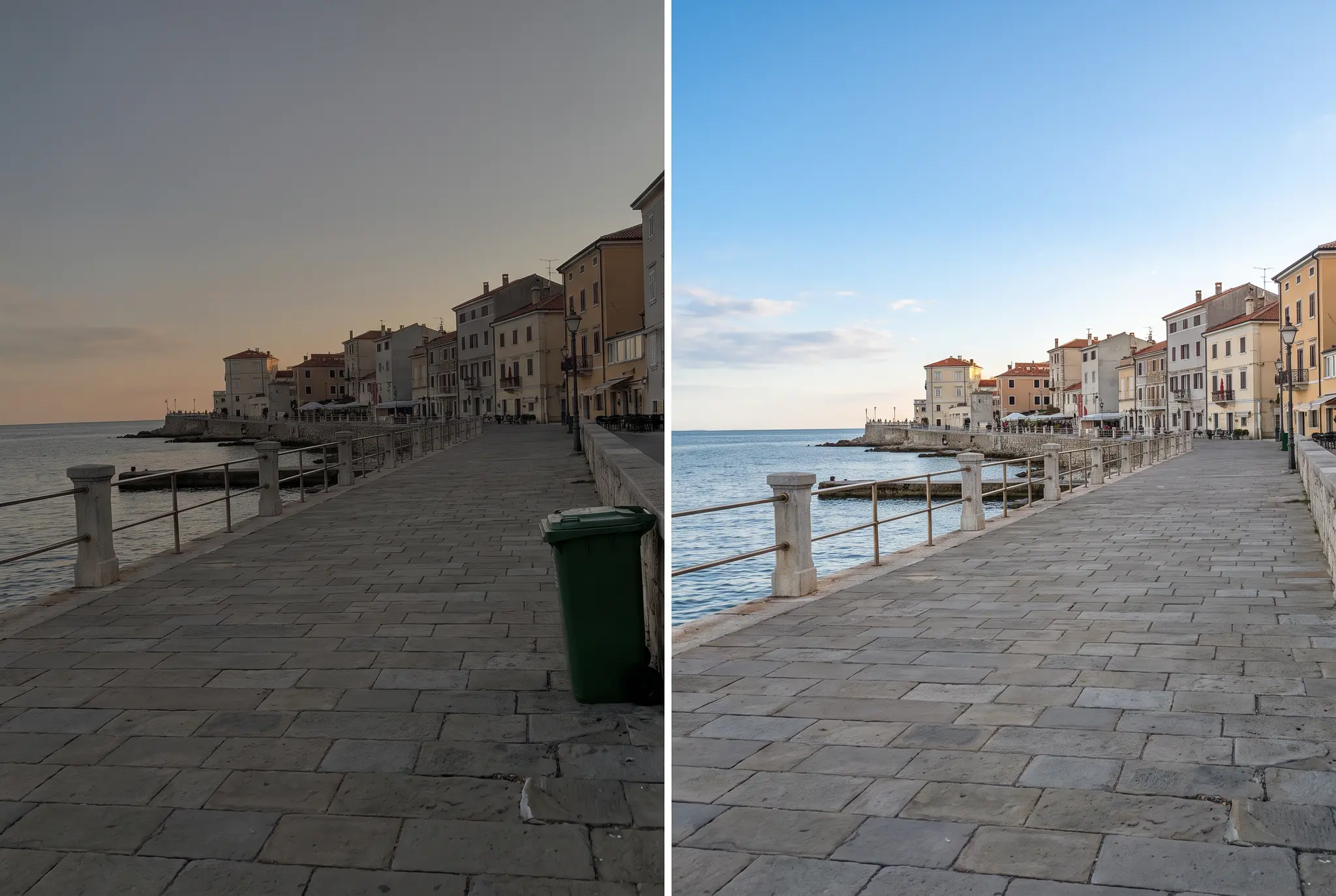
How to edit photos with AI
Editing basics and AI techniques that pair with round-by-round edits.
Best AI image generators for commercial use
Which models suit client and campaign work, and what to check first.
AI vs studio photography
What a product page image really costs, shot in a studio or made with AI.
Built for a full production, not just one image
Image Studio
The full image toolkit Seedream 5.5 plugs into.
AI Ad Studio
Drop your transparent product PNG into a full campaign.
AI Film Studio
Turn a finished still into a moving scene.
AI Fashion Studio
Put your garments on models that stay the same in every look.
Audio Studio
Add a voiceover or music to whatever you make next.
Your next image can take a hundred edits
Start from a prompt, refine it round after round, and export a clean PNG when it's right.
First few images free · Unlimited on select plans