Seedream 4.5 AI image generator
Now on ImagineArt
ByteDance Seedream 4.5 keeps faces, products and lighting consistent across multi-image edits, and renders dense text more cleanly than Seedream 4.0.
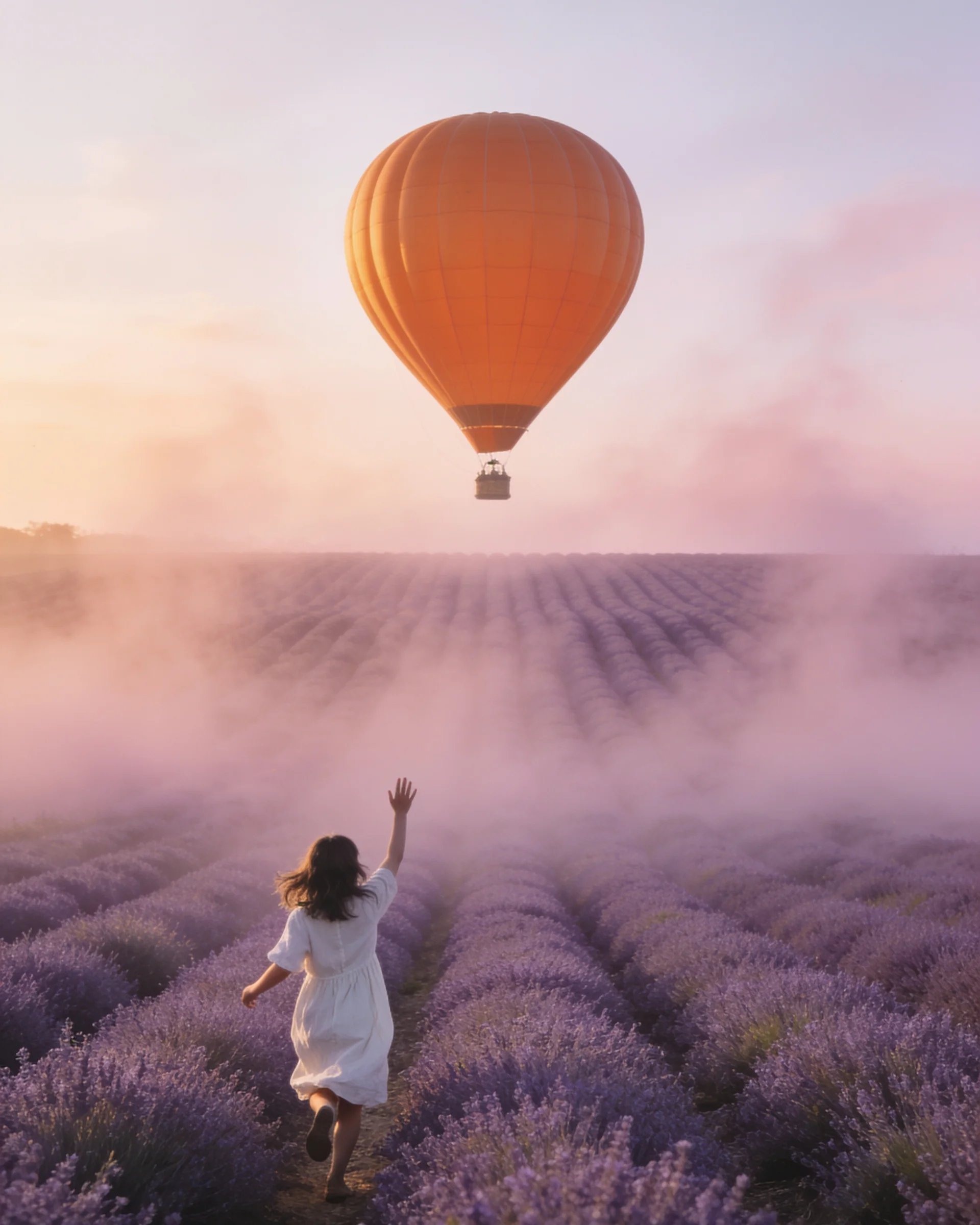
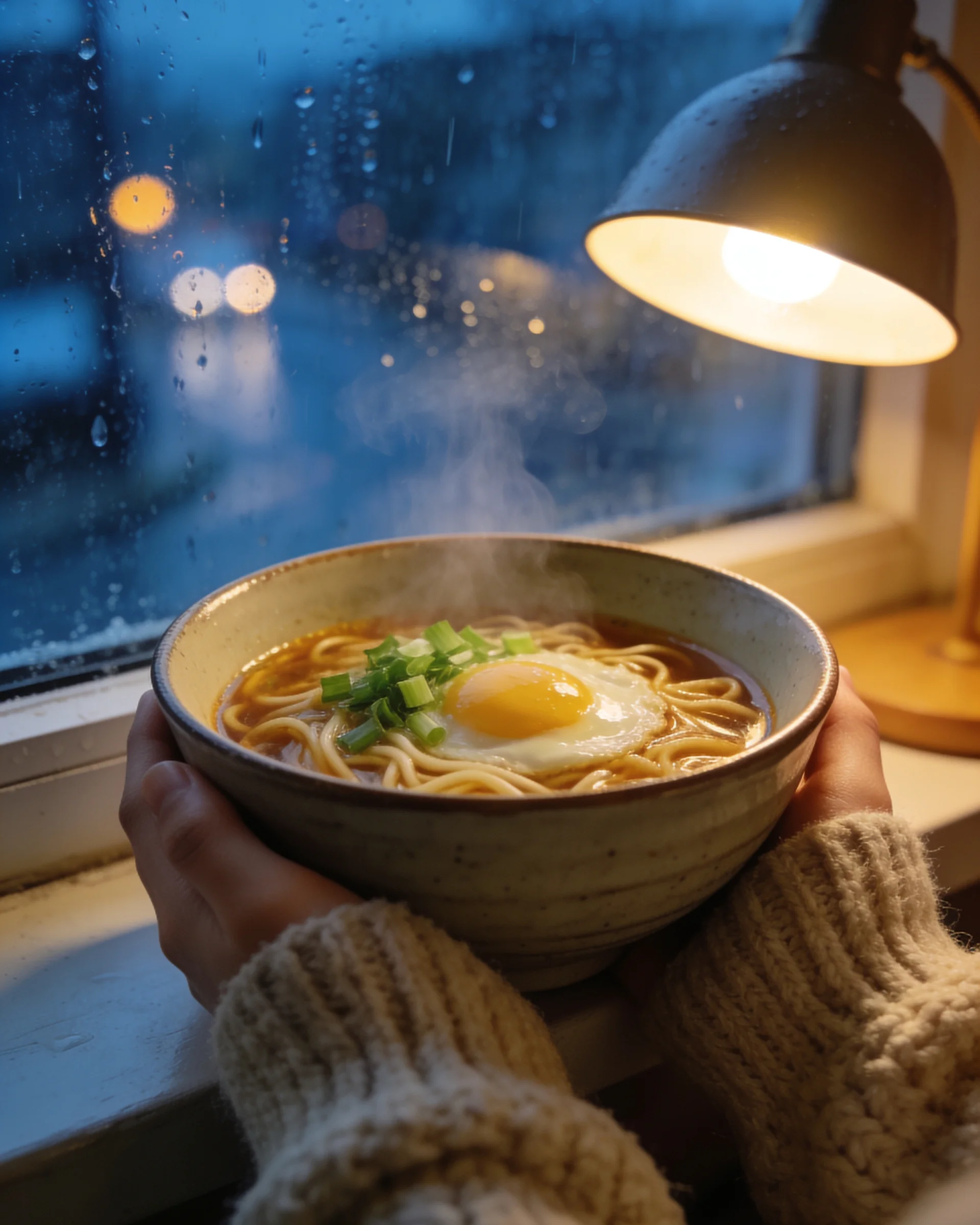
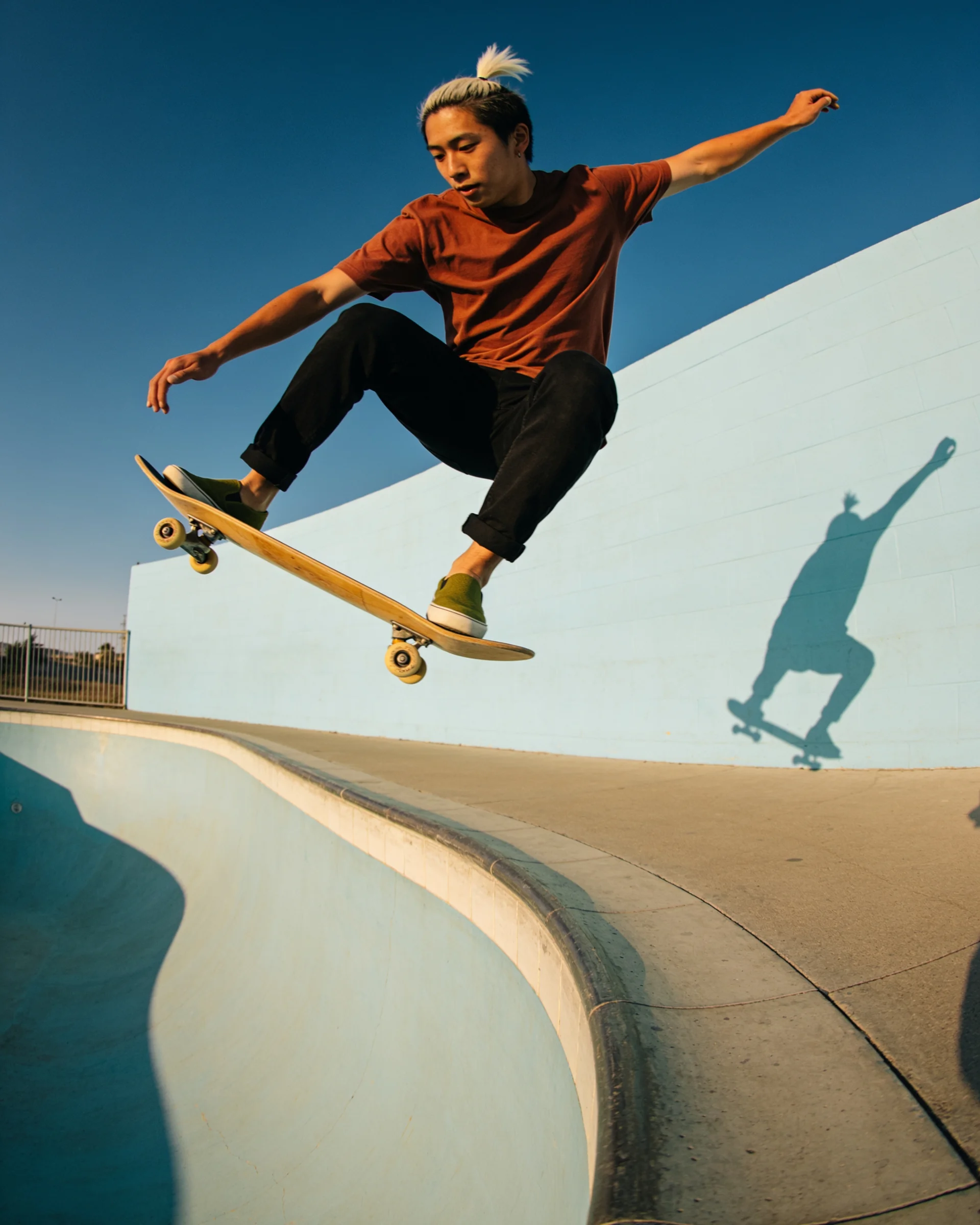
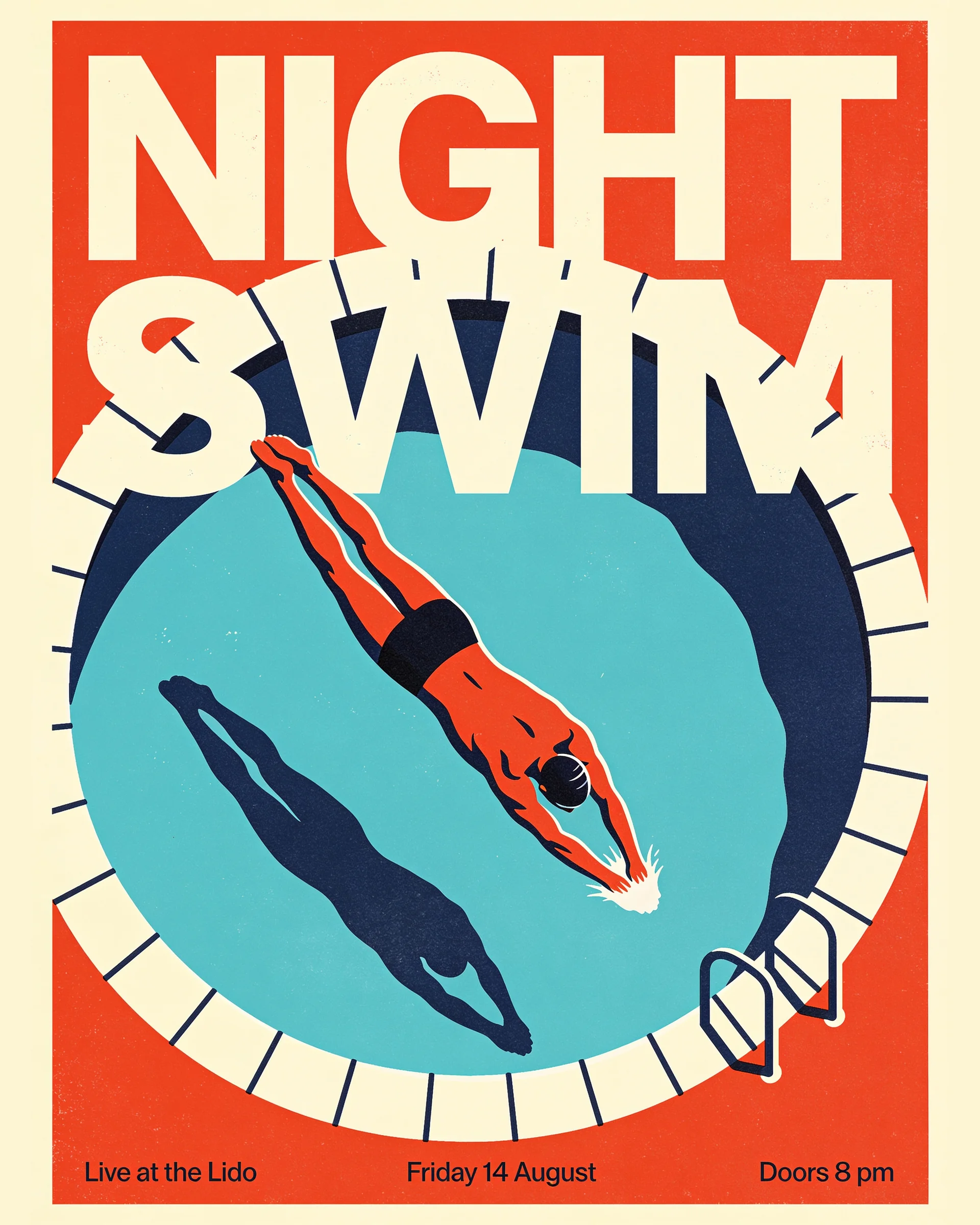
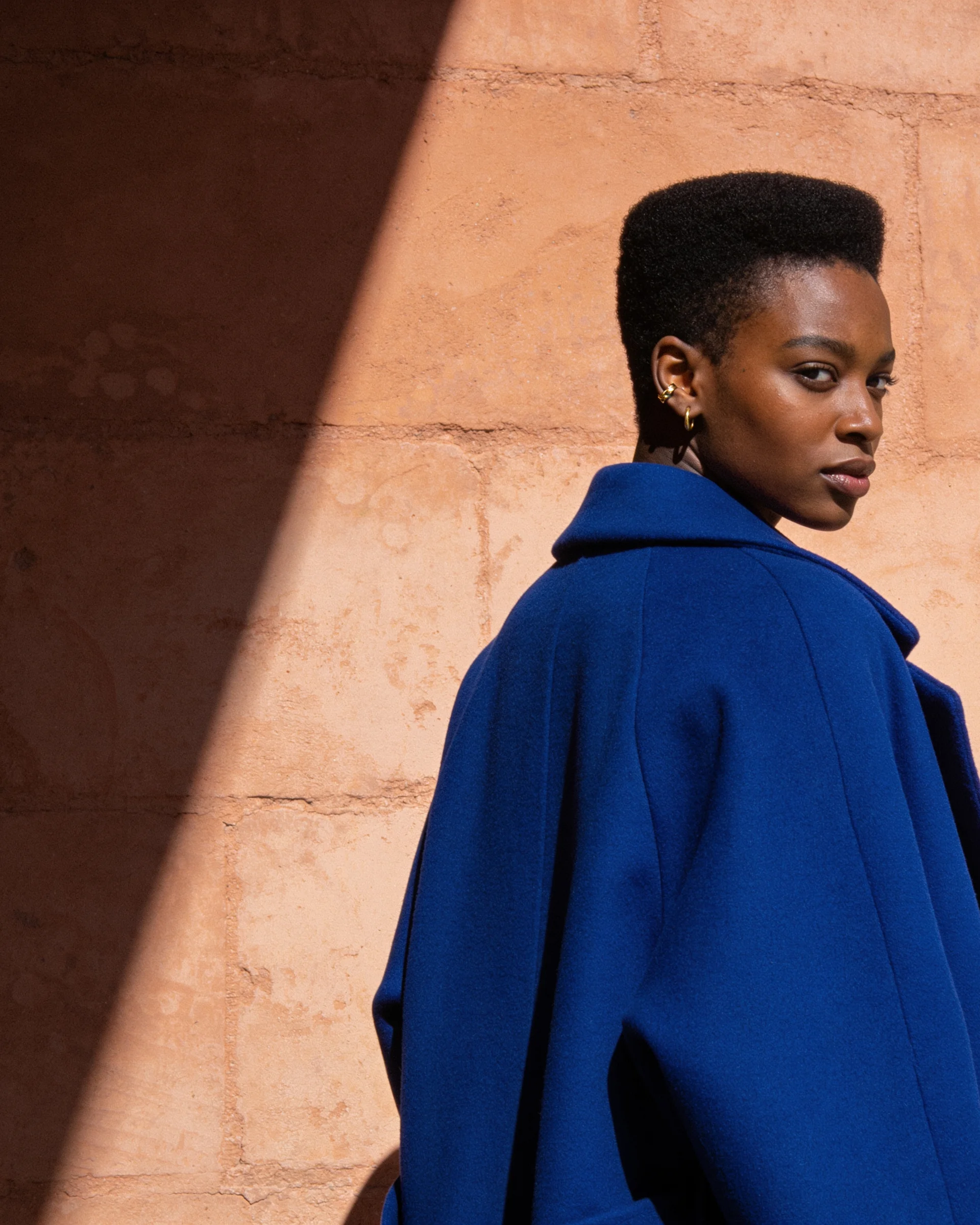
Watch Seedream 4.5 in action
What the community is already building
Twelve prompts written for Seedream 4.5's strengths: posters, product shots, logos and text-heavy layouts. Copy one and swap in your own subject.
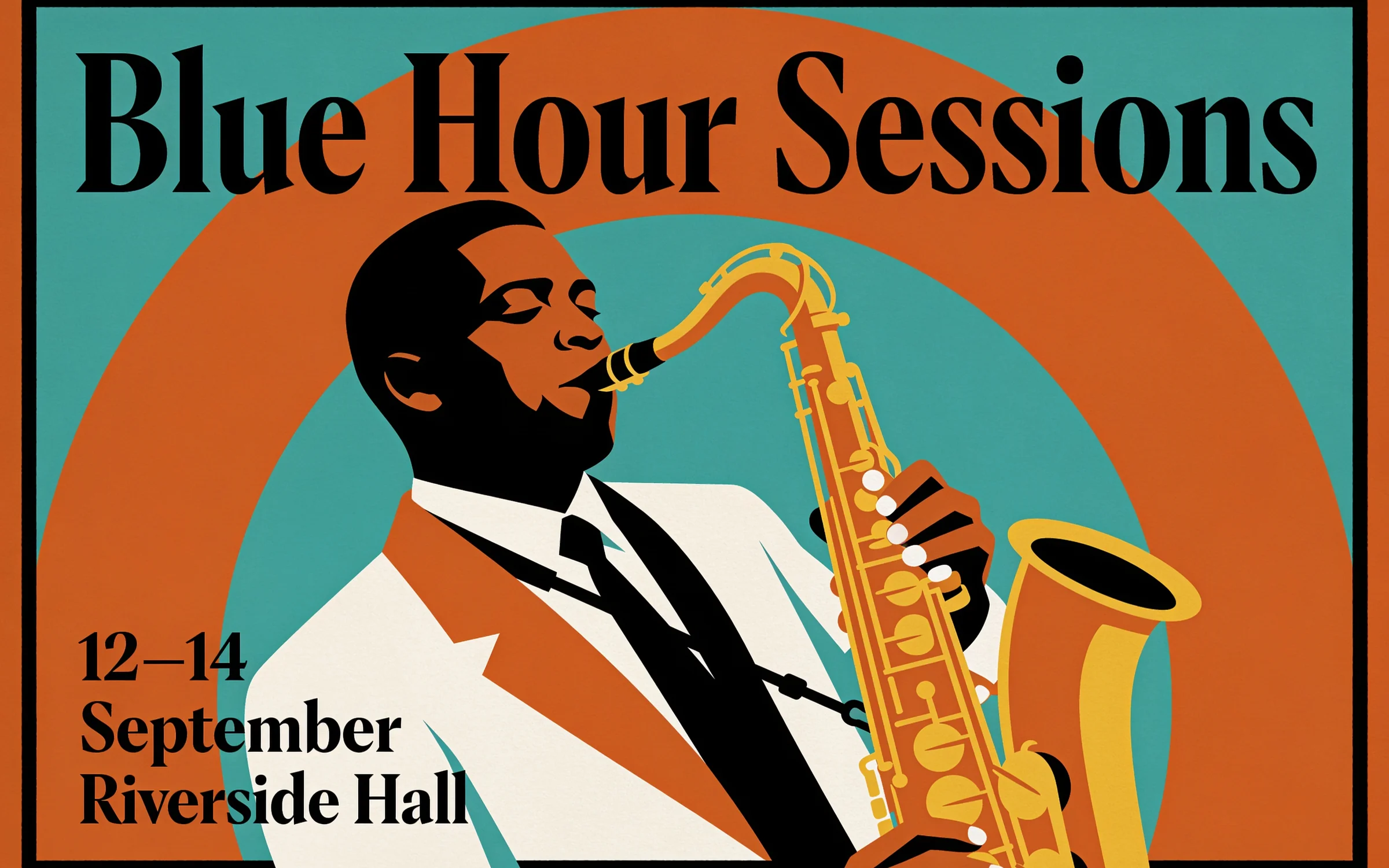
A retro jazz festival poster in burnt orange and teal, a saxophonist drawn in bold flat shapes. The headline "Blue Hour Sessions" runs across the top, with dates and venue in small type below.
Try prompt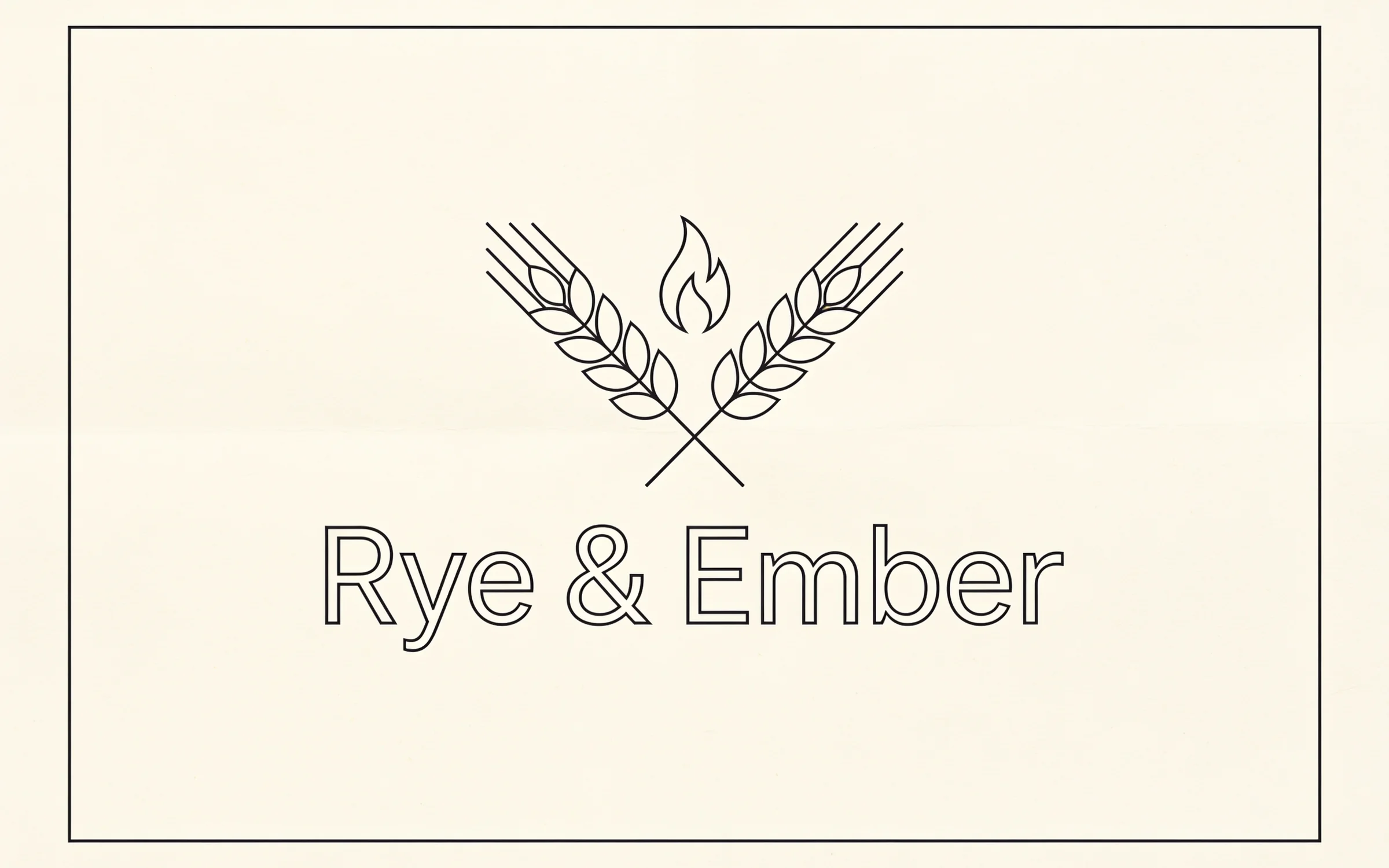
A minimalist logo for a bakery called "Rye & Ember": a wheat stalk crossed with a small flame, set in a single line weight. Show it on cream paper with the wordmark underneath.
Try prompt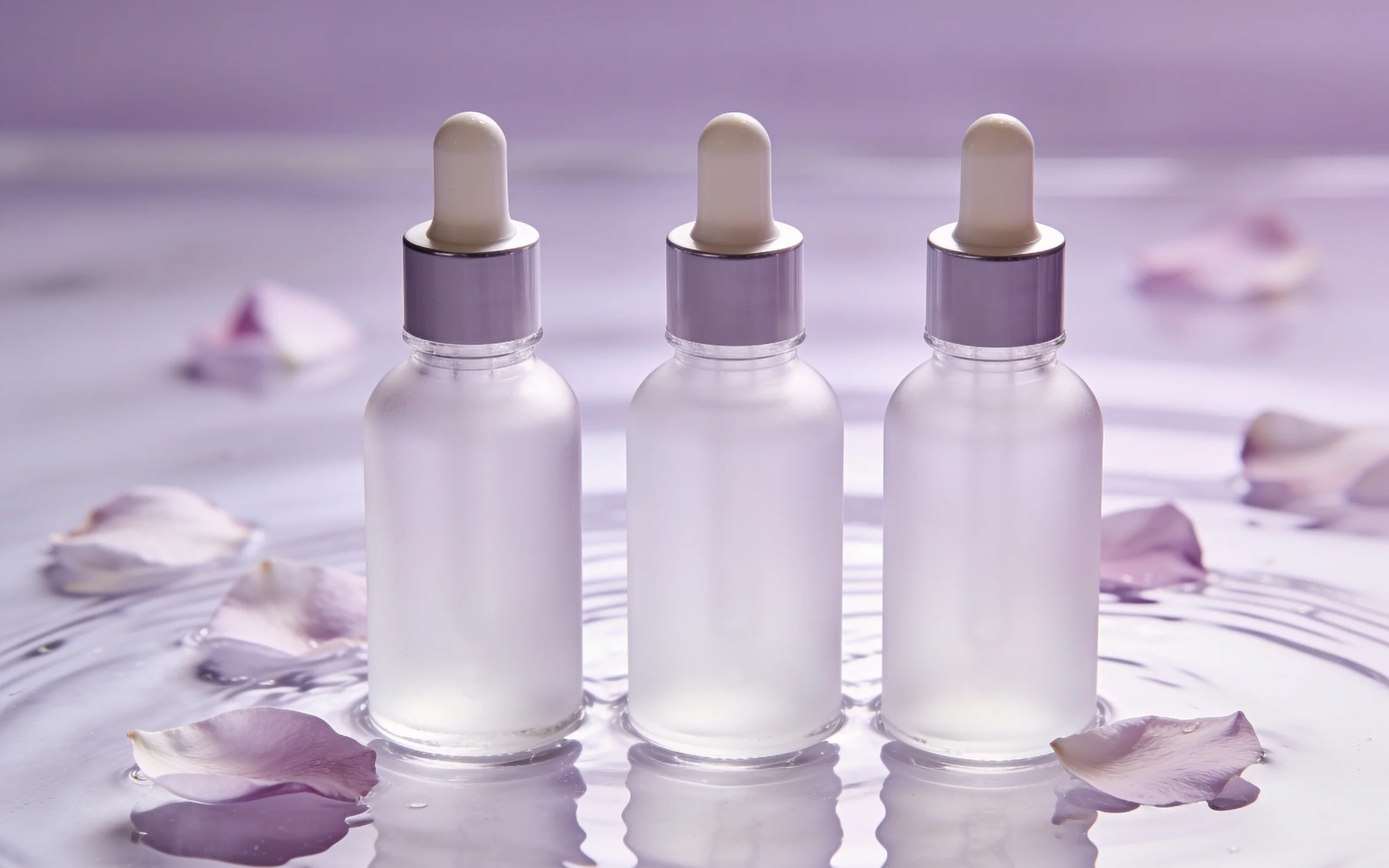
A skincare key visual: three frosted glass serum bottles standing in shallow water, petals floating around them, pale lilac light. Leave clear space at the top for a campaign line.
Try promptA retro jazz festival poster in burnt orange and teal, a saxophonist drawn in bold flat shapes. The headline "Blue Hour Sessions" runs across the top, with dates and venue in small type below.
Try promptA minimalist logo for a bakery called "Rye & Ember": a wheat stalk crossed with a small flame, set in a single line weight. Show it on cream paper with the wordmark underneath.
Try promptA skincare key visual: three frosted glass serum bottles standing in shallow water, petals floating around them, pale lilac light. Leave clear space at the top for a campaign line.
Try promptA retro jazz festival poster in burnt orange and teal, a saxophonist drawn in bold flat shapes. The headline "Blue Hour Sessions" runs across the top, with dates and venue in small type below.
Try promptA minimalist logo for a bakery called "Rye & Ember": a wheat stalk crossed with a small flame, set in a single line weight. Show it on cream paper with the wordmark underneath.
Try promptA skincare key visual: three frosted glass serum bottles standing in shallow water, petals floating around them, pale lilac light. Leave clear space at the top for a campaign line.
Try promptA retro jazz festival poster in burnt orange and teal, a saxophonist drawn in bold flat shapes. The headline "Blue Hour Sessions" runs across the top, with dates and venue in small type below.
Try promptA minimalist logo for a bakery called "Rye & Ember": a wheat stalk crossed with a small flame, set in a single line weight. Show it on cream paper with the wordmark underneath.
Try promptA skincare key visual: three frosted glass serum bottles standing in shallow water, petals floating around them, pale lilac light. Leave clear space at the top for a campaign line.
Try promptA retro jazz festival poster in burnt orange and teal, a saxophonist drawn in bold flat shapes. The headline "Blue Hour Sessions" runs across the top, with dates and venue in small type below.
Try promptA minimalist logo for a bakery called "Rye & Ember": a wheat stalk crossed with a small flame, set in a single line weight. Show it on cream paper with the wordmark underneath.
Try promptA skincare key visual: three frosted glass serum bottles standing in shallow water, petals floating around them, pale lilac light. Leave clear space at the top for a campaign line.
Try prompt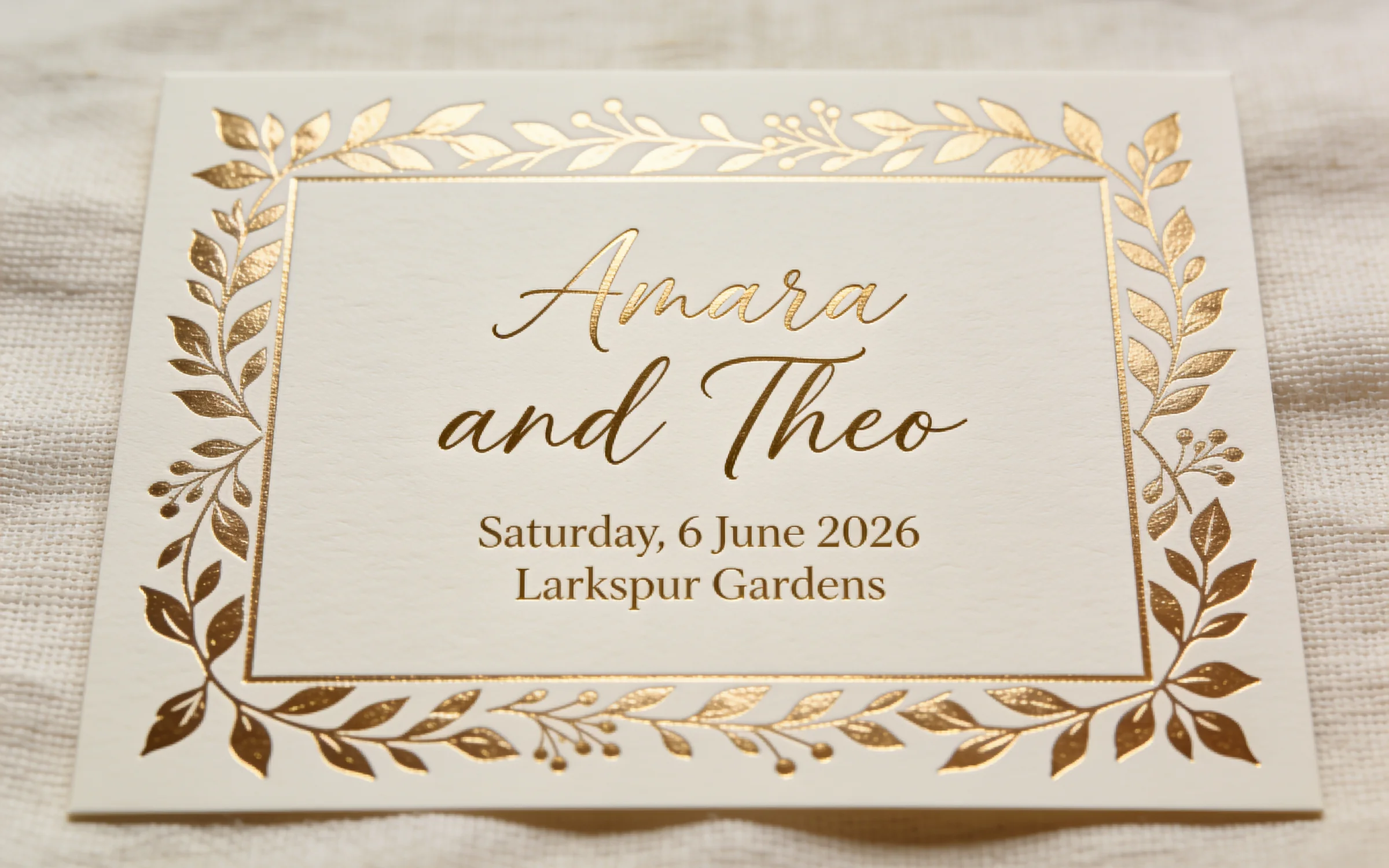
A wedding invitation on textured ivory card with gold foil botanical borders. The names "Amara and Theo" sit in a flowing script, with the date and venue in small serif type.
Try prompt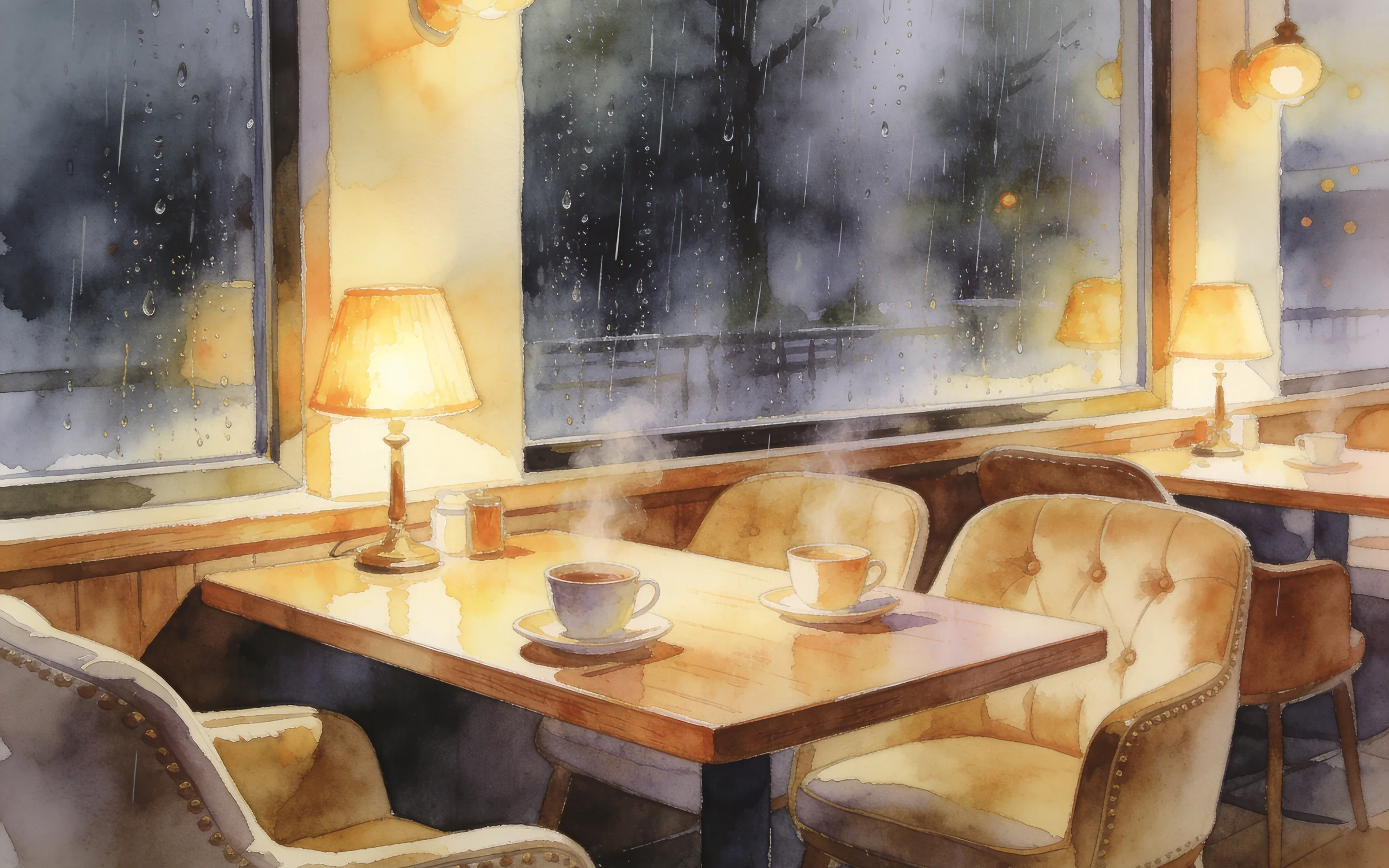
A cozy illustrated café interior on a rainy evening, steam rising from cups, fogged windows and warm lamps. Draw it in a soft gouache style with visible brush texture.
Try prompt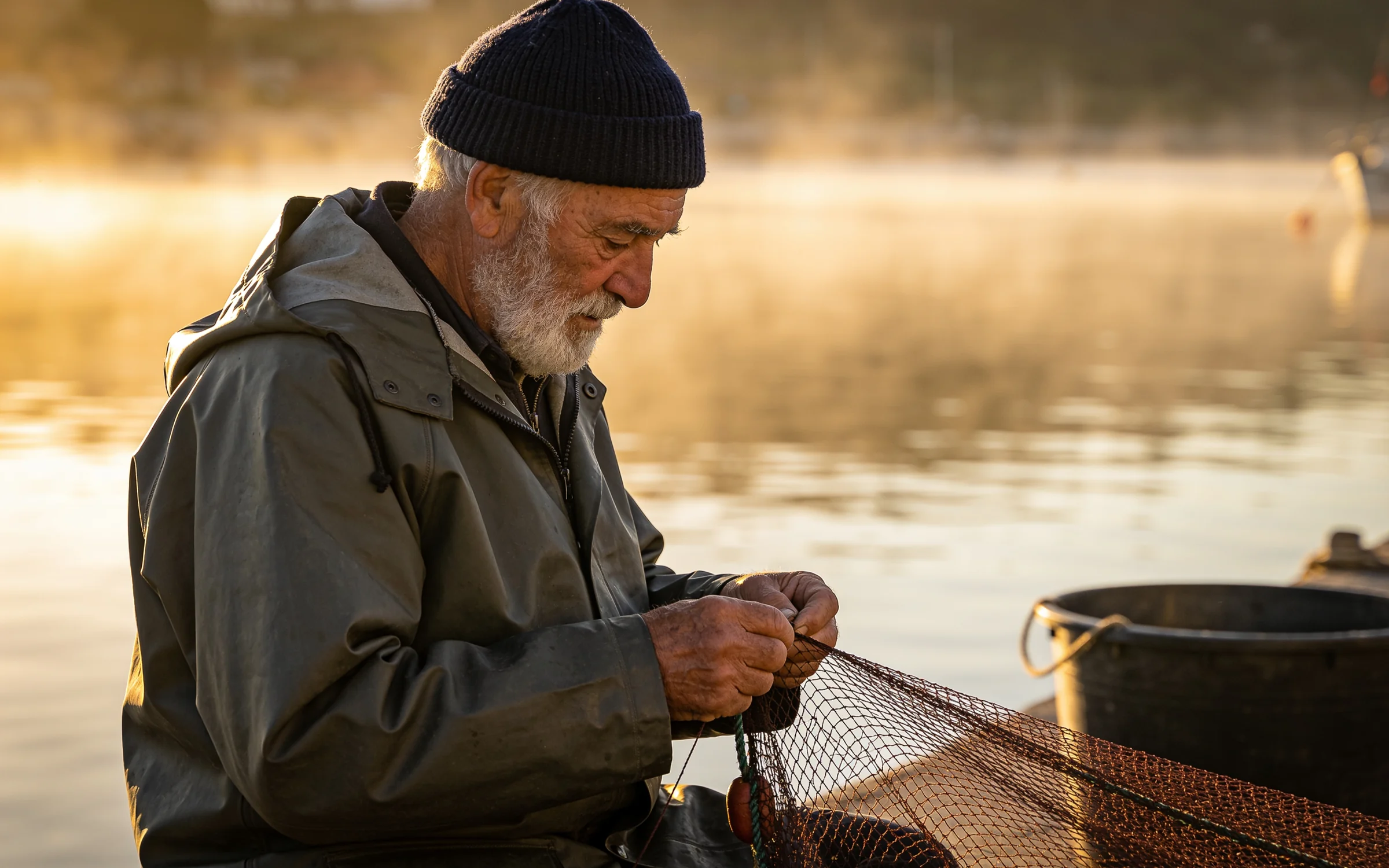
An editorial portrait of an older fisherman mending nets on a dock at dawn, weathered hands in sharp focus. Keep the light low and golden, with mist over the water behind him.
Try prompt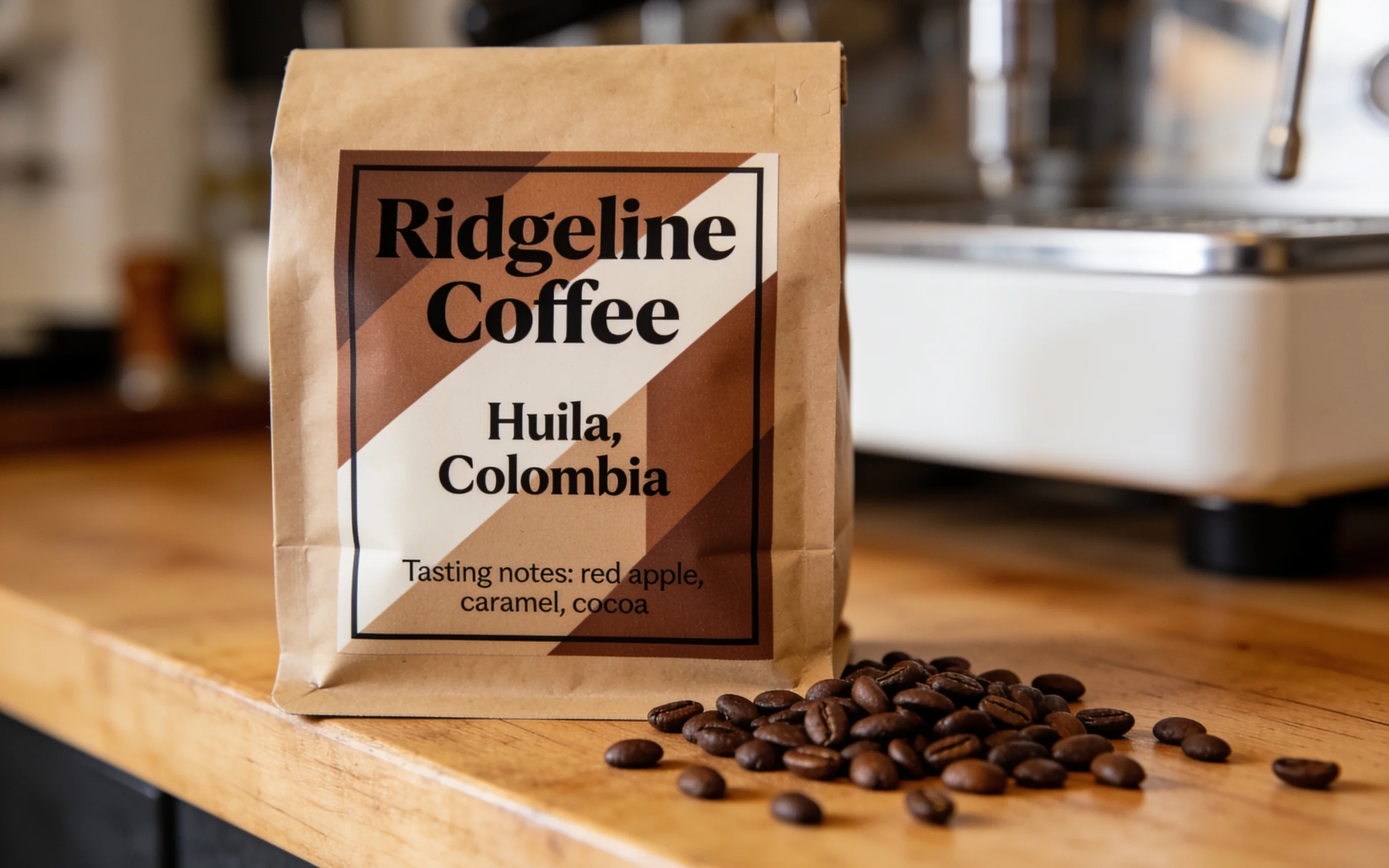
A coffee bag packaging mockup in kraft paper with a bold geometric label, origin "Huila, Colombia" and tasting notes printed clearly. Photograph it on a wooden counter beside scattered beans.
Try promptA retro jazz festival poster in burnt orange and teal, a saxophonist drawn in bold flat shapes. The headline "Blue Hour Sessions" runs across the top, with dates and venue in small type below.
Try promptA minimalist logo for a bakery called "Rye & Ember": a wheat stalk crossed with a small flame, set in a single line weight. Show it on cream paper with the wordmark underneath.
Try promptA skincare key visual: three frosted glass serum bottles standing in shallow water, petals floating around them, pale lilac light. Leave clear space at the top for a campaign line.
Try promptA wedding invitation on textured ivory card with gold foil botanical borders. The names "Amara and Theo" sit in a flowing script, with the date and venue in small serif type.
Try promptA cozy illustrated café interior on a rainy evening, steam rising from cups, fogged windows and warm lamps. Draw it in a soft gouache style with visible brush texture.
Try promptAn editorial portrait of an older fisherman mending nets on a dock at dawn, weathered hands in sharp focus. Keep the light low and golden, with mist over the water behind him.
Try promptA coffee bag packaging mockup in kraft paper with a bold geometric label, origin "Huila, Colombia" and tasting notes printed clearly. Photograph it on a wooden counter beside scattered beans.
Try promptA retro jazz festival poster in burnt orange and teal, a saxophonist drawn in bold flat shapes. The headline "Blue Hour Sessions" runs across the top, with dates and venue in small type below.
Try promptA minimalist logo for a bakery called "Rye & Ember": a wheat stalk crossed with a small flame, set in a single line weight. Show it on cream paper with the wordmark underneath.
Try promptA skincare key visual: three frosted glass serum bottles standing in shallow water, petals floating around them, pale lilac light. Leave clear space at the top for a campaign line.
Try promptA wedding invitation on textured ivory card with gold foil botanical borders. The names "Amara and Theo" sit in a flowing script, with the date and venue in small serif type.
Try promptA cozy illustrated café interior on a rainy evening, steam rising from cups, fogged windows and warm lamps. Draw it in a soft gouache style with visible brush texture.
Try promptAn editorial portrait of an older fisherman mending nets on a dock at dawn, weathered hands in sharp focus. Keep the light low and golden, with mist over the water behind him.
Try promptA coffee bag packaging mockup in kraft paper with a bold geometric label, origin "Huila, Colombia" and tasting notes printed clearly. Photograph it on a wooden counter beside scattered beans.
Try promptA retro jazz festival poster in burnt orange and teal, a saxophonist drawn in bold flat shapes. The headline "Blue Hour Sessions" runs across the top, with dates and venue in small type below.
Try promptA minimalist logo for a bakery called "Rye & Ember": a wheat stalk crossed with a small flame, set in a single line weight. Show it on cream paper with the wordmark underneath.
Try promptA skincare key visual: three frosted glass serum bottles standing in shallow water, petals floating around them, pale lilac light. Leave clear space at the top for a campaign line.
Try promptA wedding invitation on textured ivory card with gold foil botanical borders. The names "Amara and Theo" sit in a flowing script, with the date and venue in small serif type.
Try promptA cozy illustrated café interior on a rainy evening, steam rising from cups, fogged windows and warm lamps. Draw it in a soft gouache style with visible brush texture.
Try promptAn editorial portrait of an older fisherman mending nets on a dock at dawn, weathered hands in sharp focus. Keep the light low and golden, with mist over the water behind him.
Try promptA coffee bag packaging mockup in kraft paper with a bold geometric label, origin "Huila, Colombia" and tasting notes printed clearly. Photograph it on a wooden counter beside scattered beans.
Try prompt
Try Seedream 4.5 on ImagineArt
Pick Seedream 4.5 in the image tool, then start from a prompt or a photo.
Add your input
Type a prompt, or upload a photo of the product, face or layout you want to work from.
Customize
Pick one of seven aspect ratios, from 9:16 portrait to 16:9 widescreen, then describe the scene or the change you want.
Export
Save the image when the result is right.
Edit across several images without losing the details
ByteDance says Seedream 4.5 identifies the main subjects in multi-image edits and preserves facial features, lighting and color tone. ByteDance built it for edits where a product or person has to stay recognizably the same.
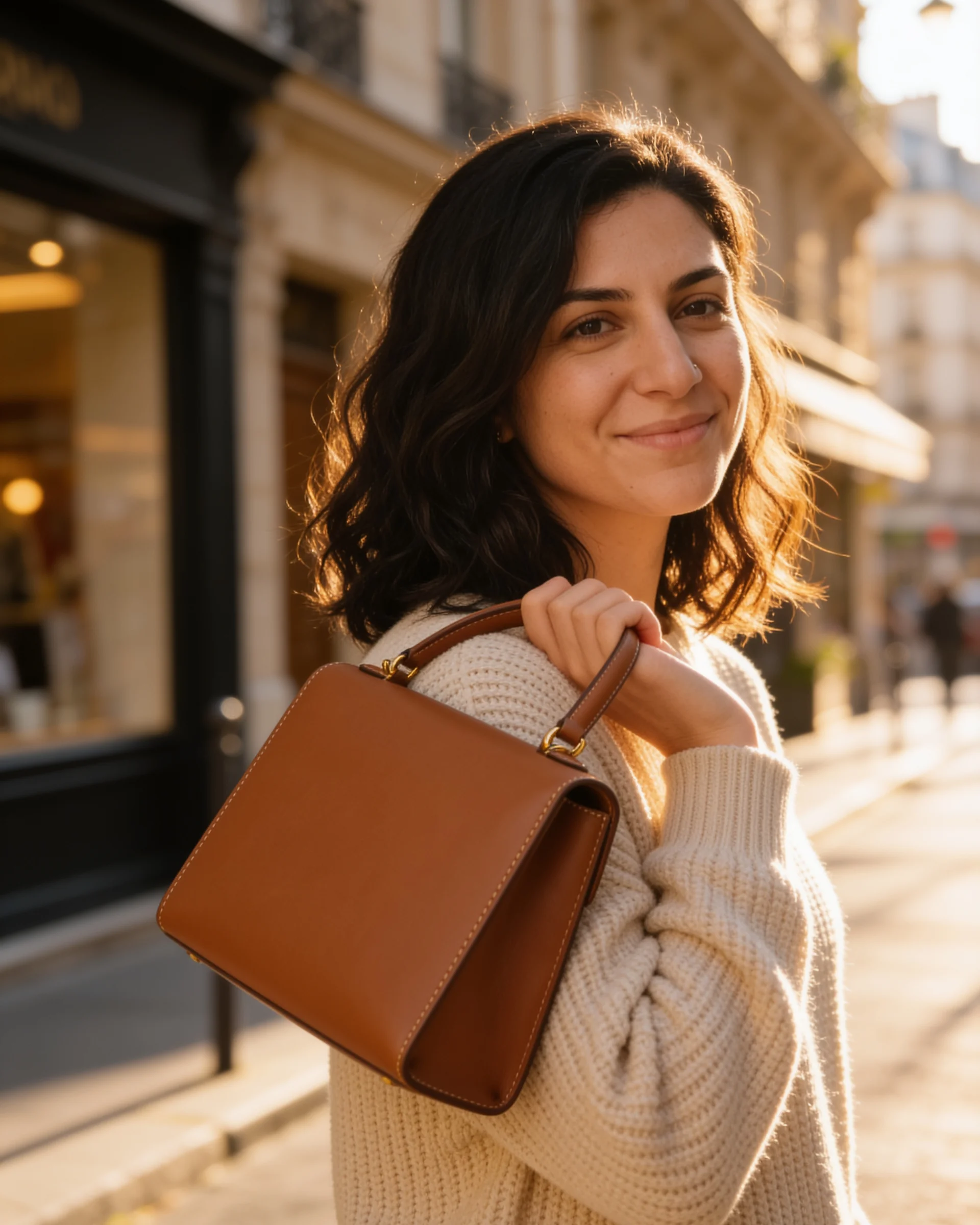
Take the woman from the first image and the tan leather handbag from the second. Place her on a sunny Paris street holding the bag, keeping her face, the bag's stitching and the warm light unchanged.
Try prompt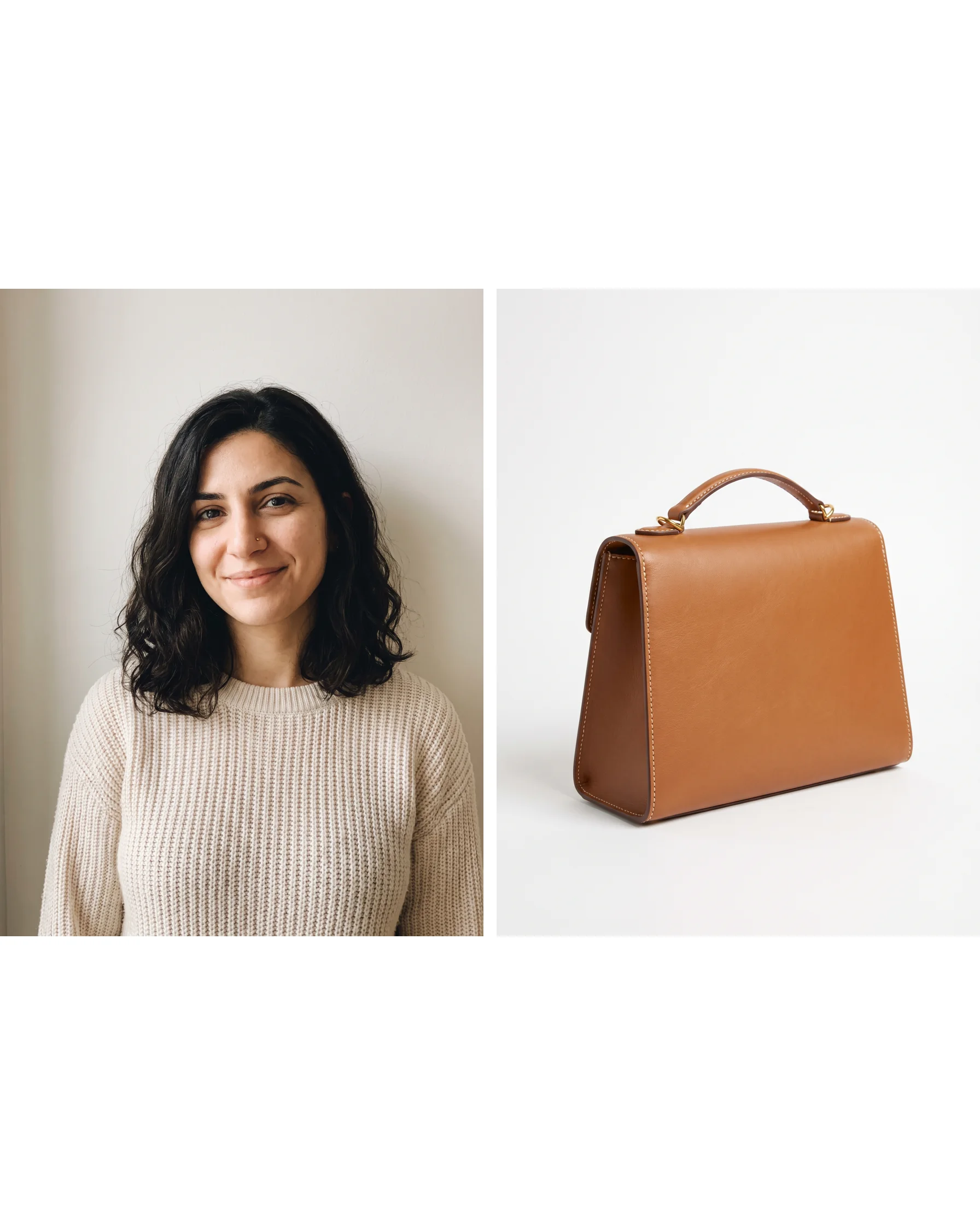
Sharper typography and dense text than Seedream 4.0
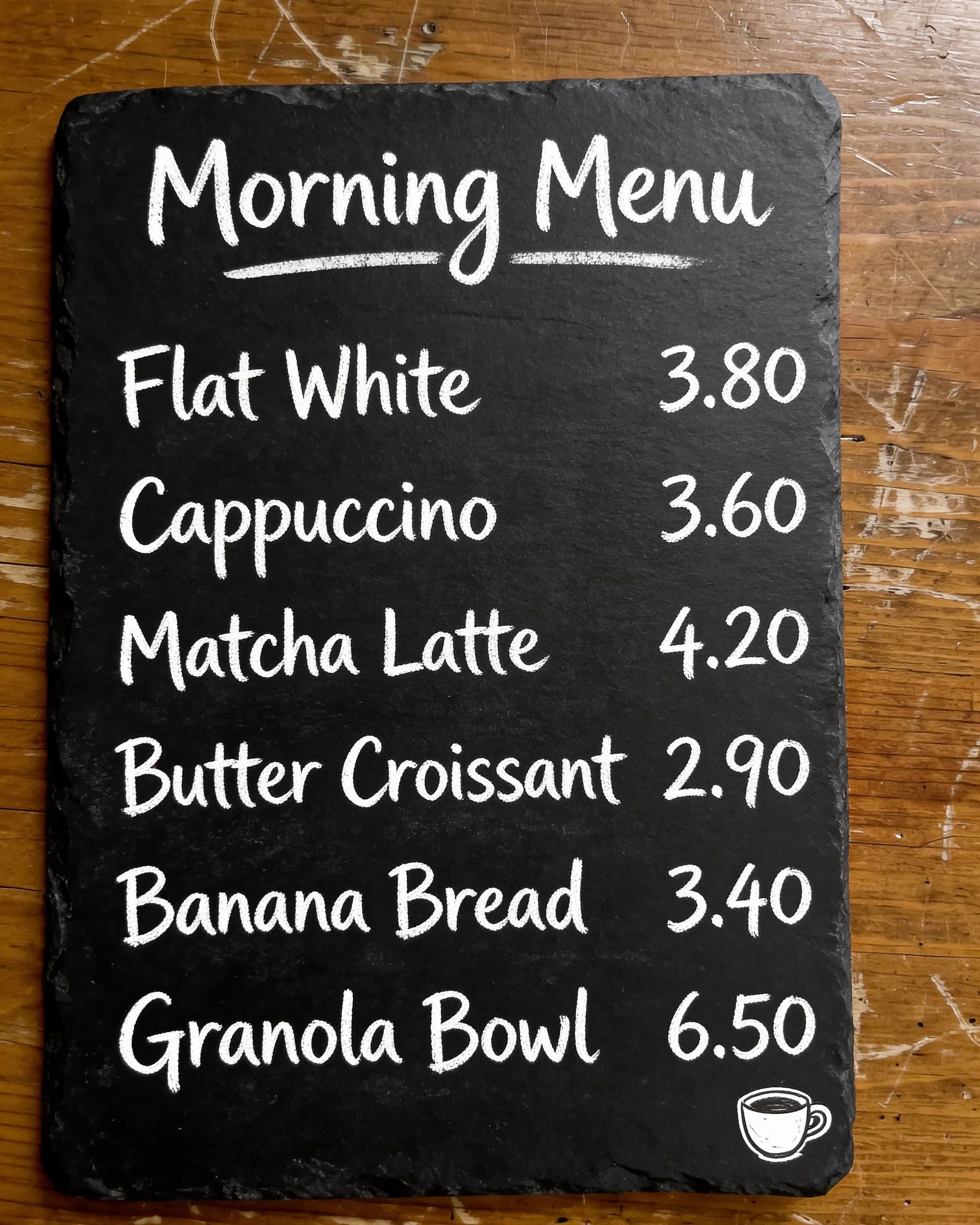
Posters, menus and labels fail when the letters melt. Seedream 4.5 improves on Seedream 4.0 at typography and dense text, so headlines, small print and logo wordmarks render more legibly than they did on 4.0.
A café menu board in white chalk on black slate. Title "Morning Menu" at the top, then six items with prices in two neat columns, plus a small hand-drawn coffee cup in the corner.
Try prompt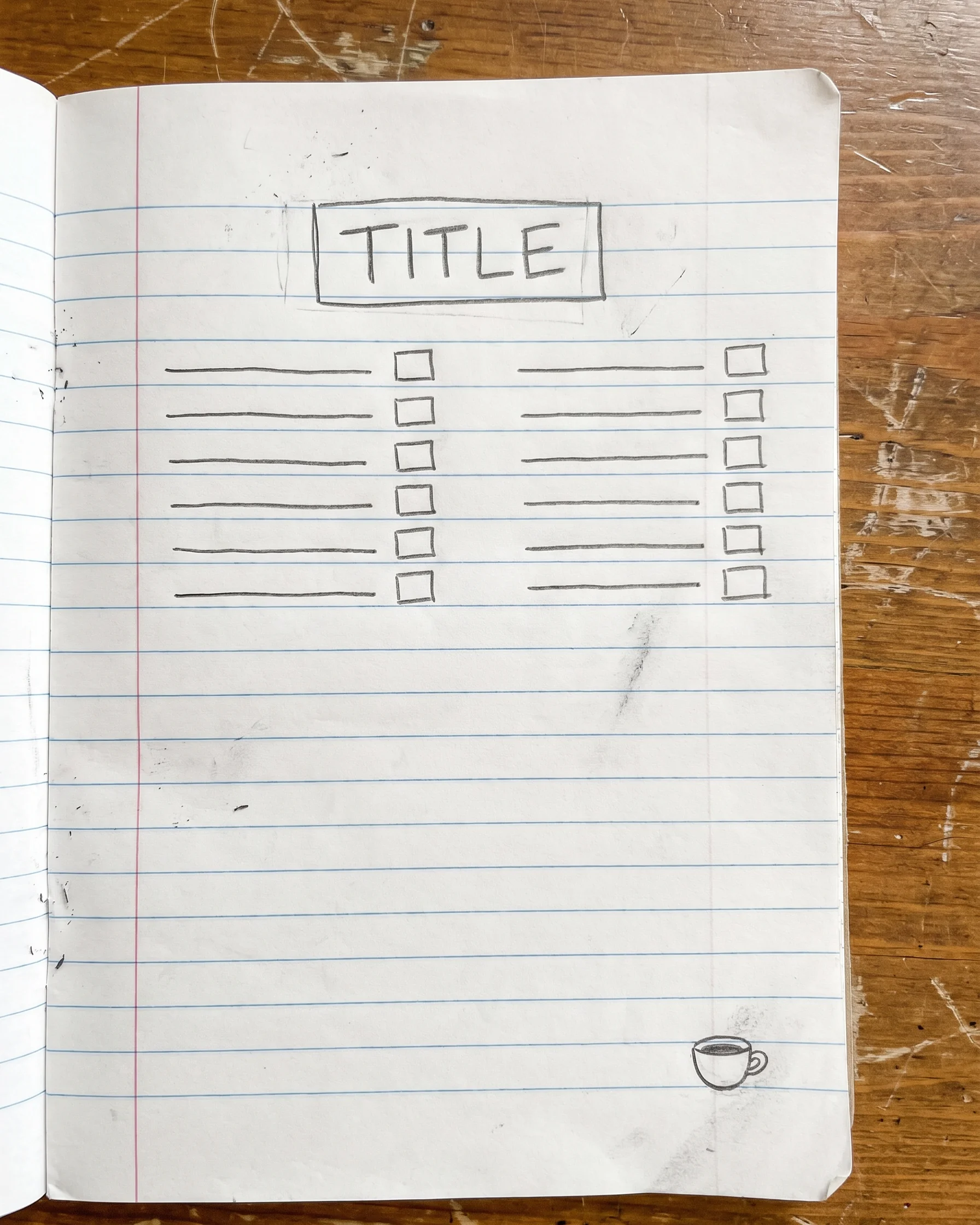
4K output on ImagineArt
On ImagineArt, Seedream 4.5 outputs at 4K in all seven aspect ratios, from 9:16 to 16:9. Hosting platforms list a maximum of 4,096 pixels per side for the model, so one image covers a product page or a hero banner.
A close-up of a mechanical watch face, every tick mark and the brushed steel texture sharp at full size. Soft studio light, shallow depth of field, a single reflection running across the sapphire crystal.
Try prompt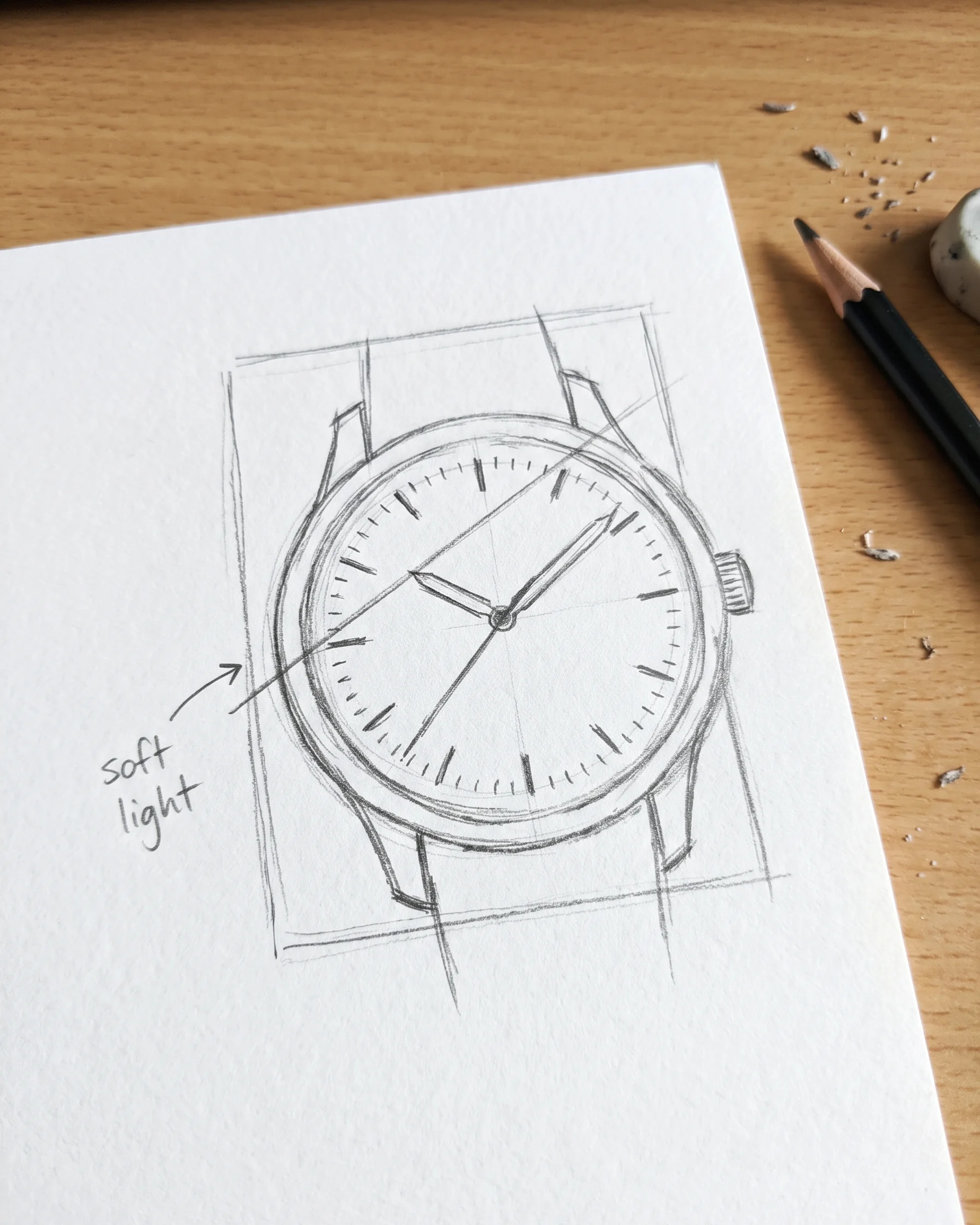
Translate a sign or swap a material in a photo
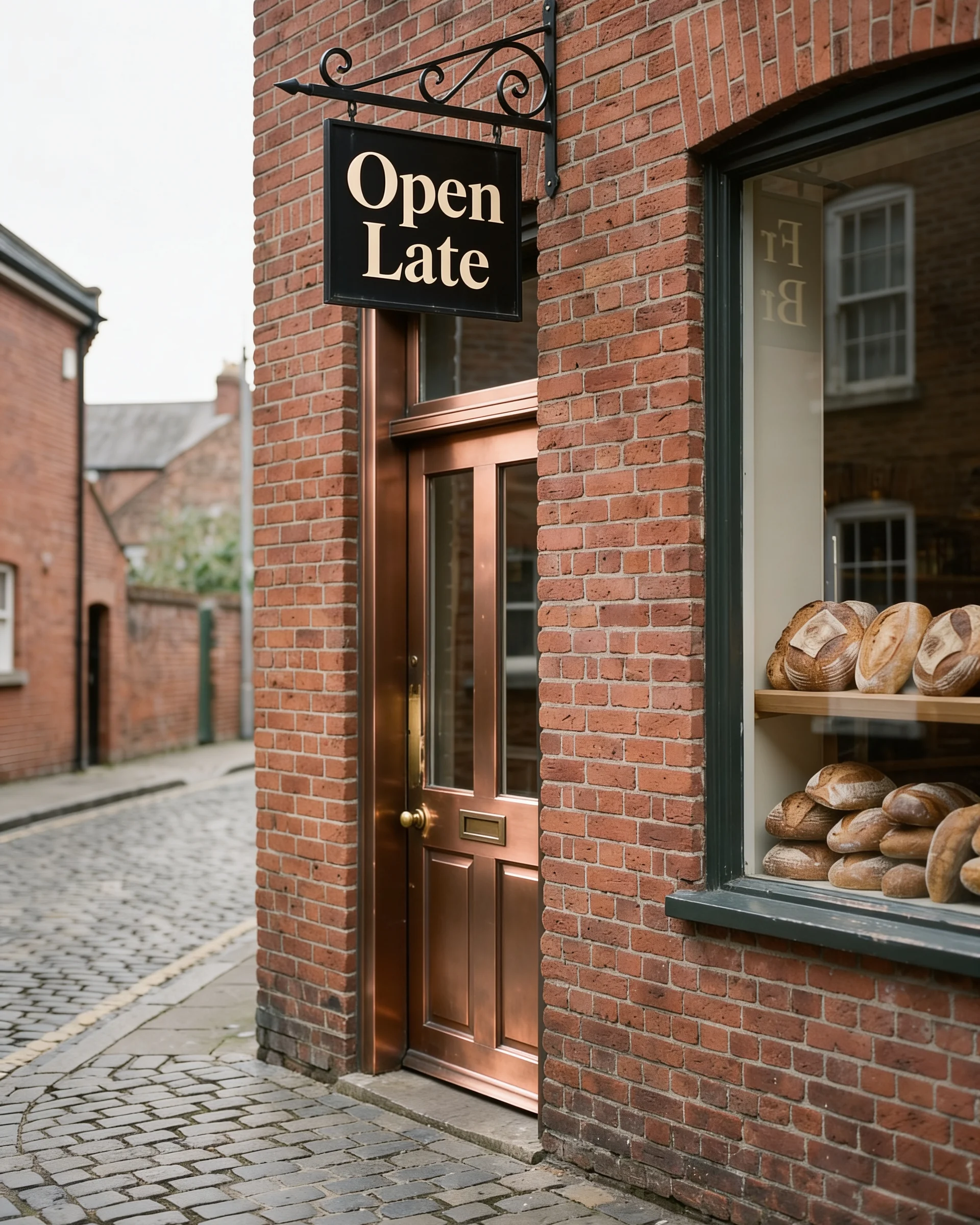
Text-to-image and image editing run on the same model. Start from a blank prompt, or start from a photo to translate the text on a sign, swap one material for another or recombine elements into a new ad variant.
Edit this storefront photo: change the sign's text to "Open Late" in the same font and color, and change the wooden door to brushed copper while the brickwork, window display and lighting stay exactly as they are.
Try prompt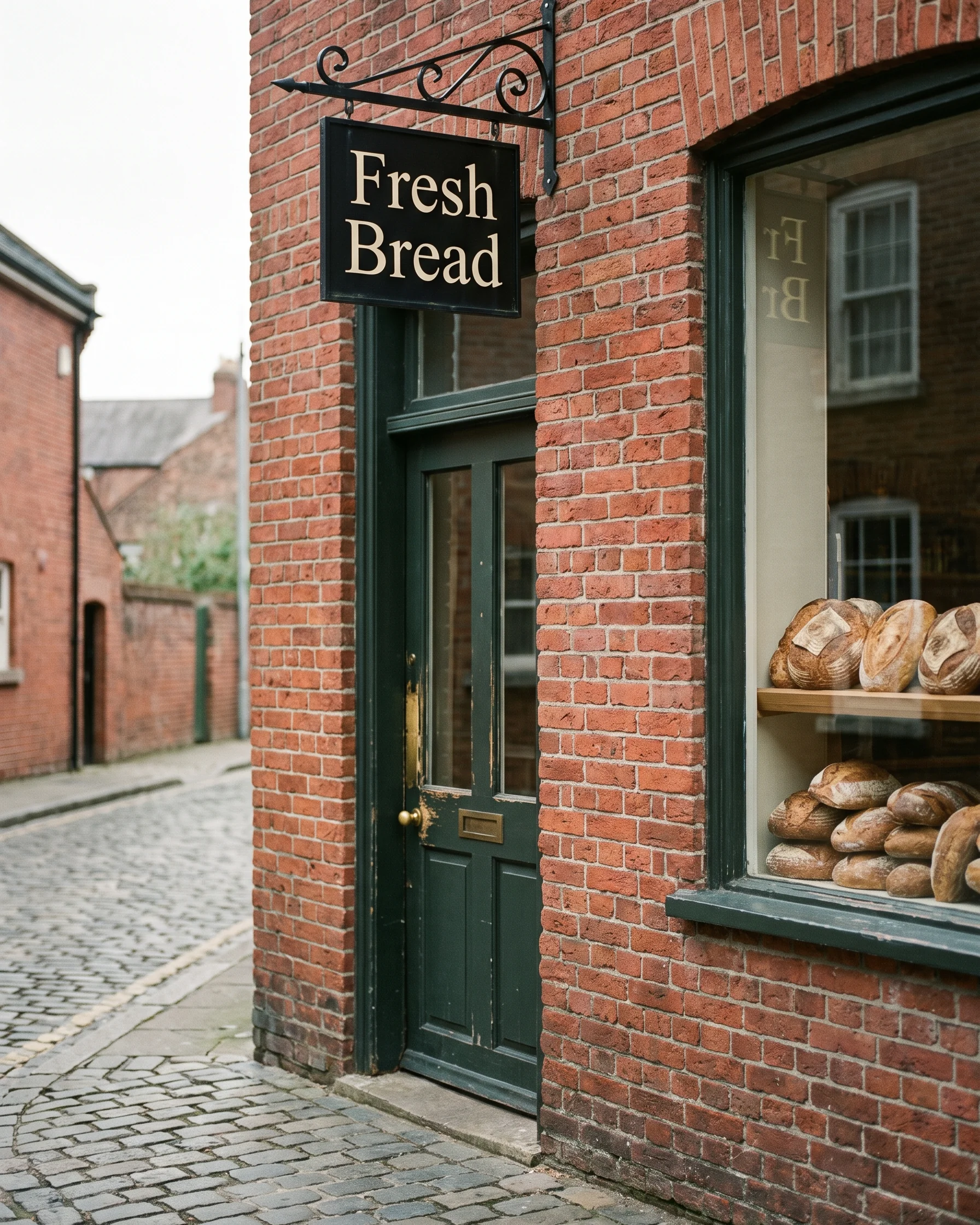
Whether you are designing a campaign, building a brand, or creating daily content, Imagine gives you the tools to create stunning visuals faster.
Get started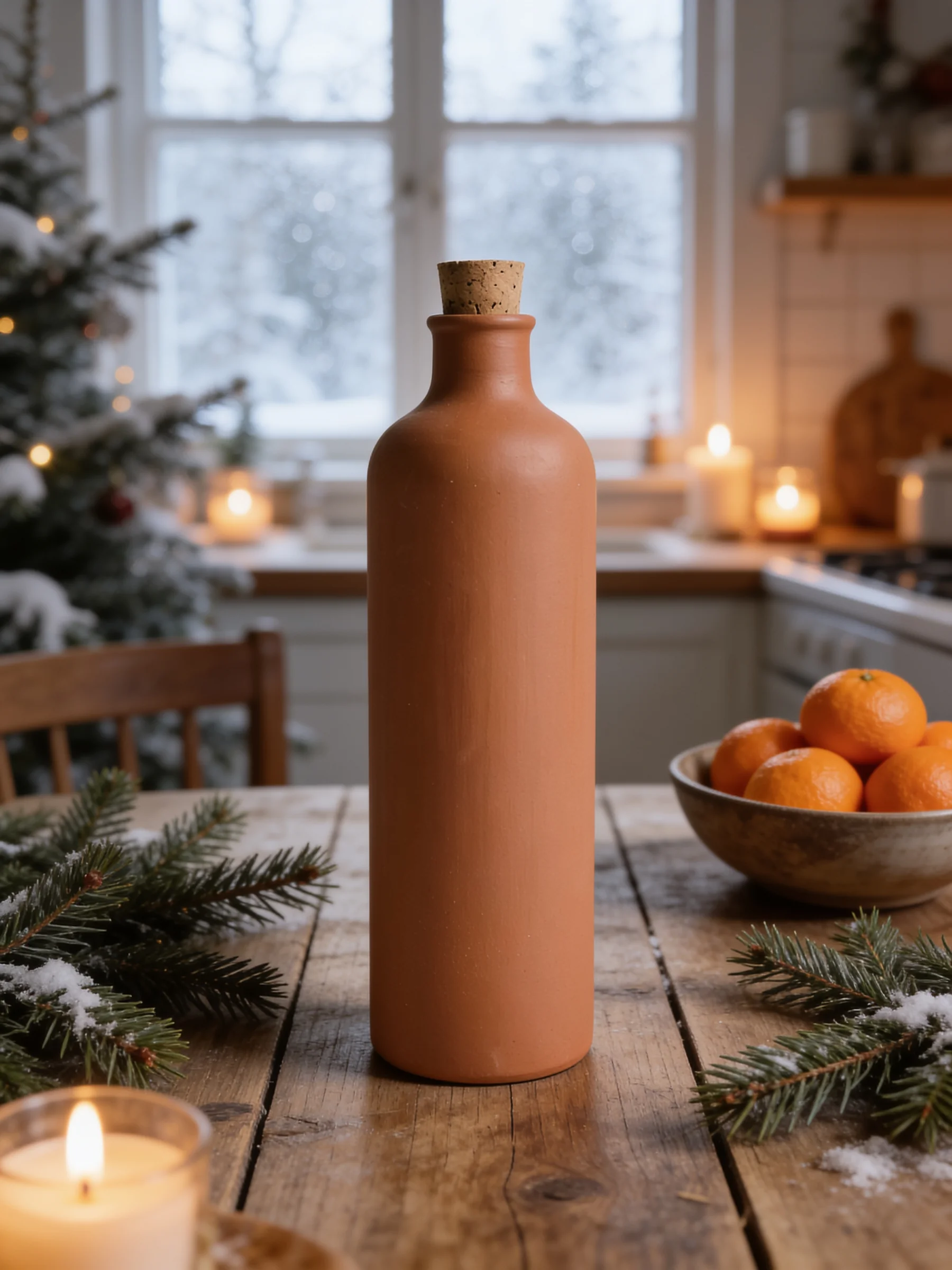
One product shot, every seasonal scene
An e-commerce team can shoot a product once, then use Seedream 4.5 to place it in seasonal scenes, lifestyle shots and clean white-background images, with the model working to keep the label, shape and color from the reference photo.
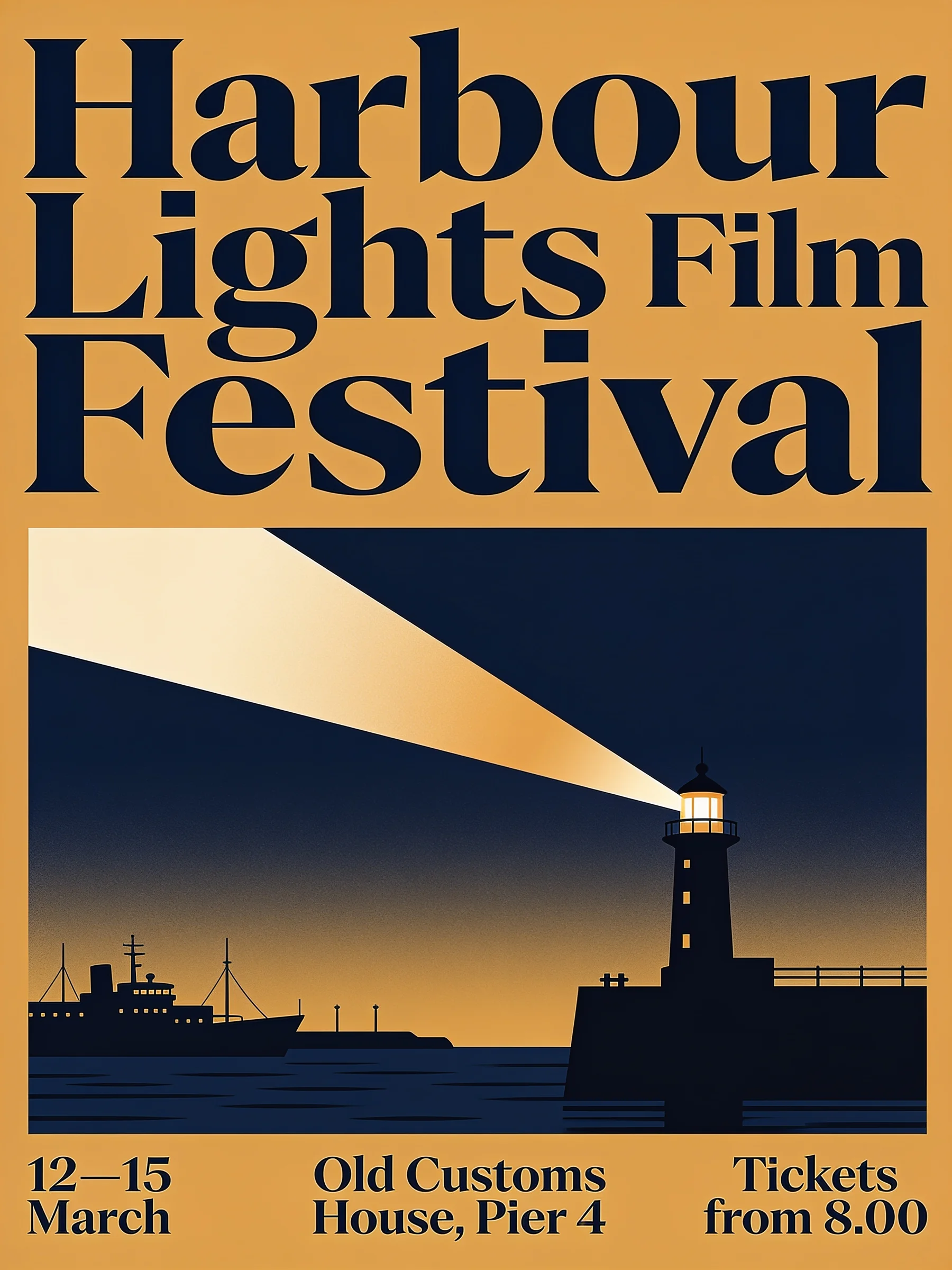
Event posters with small type that holds up
One client brief, several poster directions, all before the first review. For a freelance graphic designer, Seedream 4.5's improved dense text rendering is aimed at this: dates, venue names and ticket info set in small type.
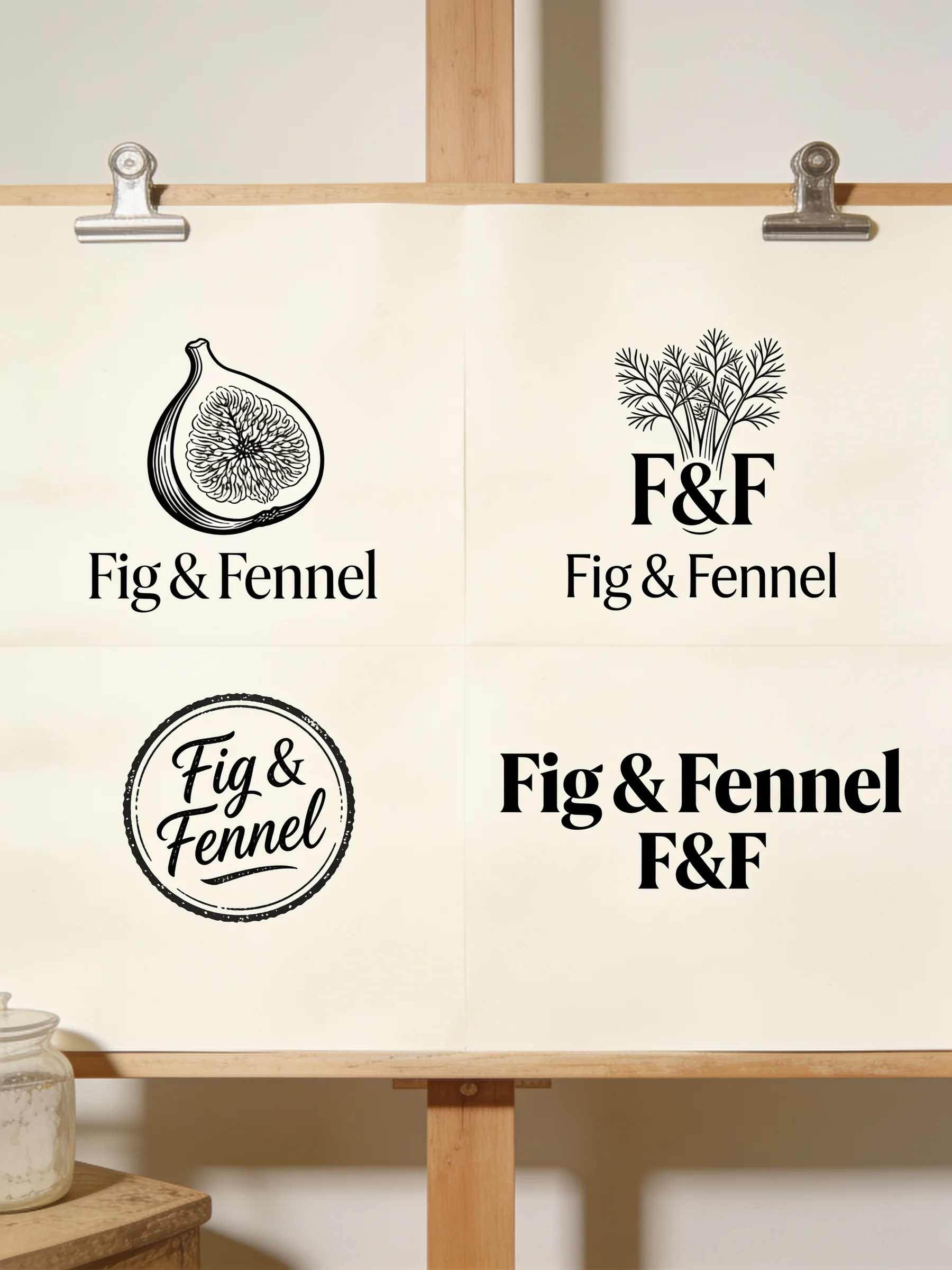
Logo routes before the first design meeting
A brand designer can explore early logo routes with Seedream 4.5, then upload the client's existing storefront or packaging as a reference to see how each mark could sit against its lighting and color tone.
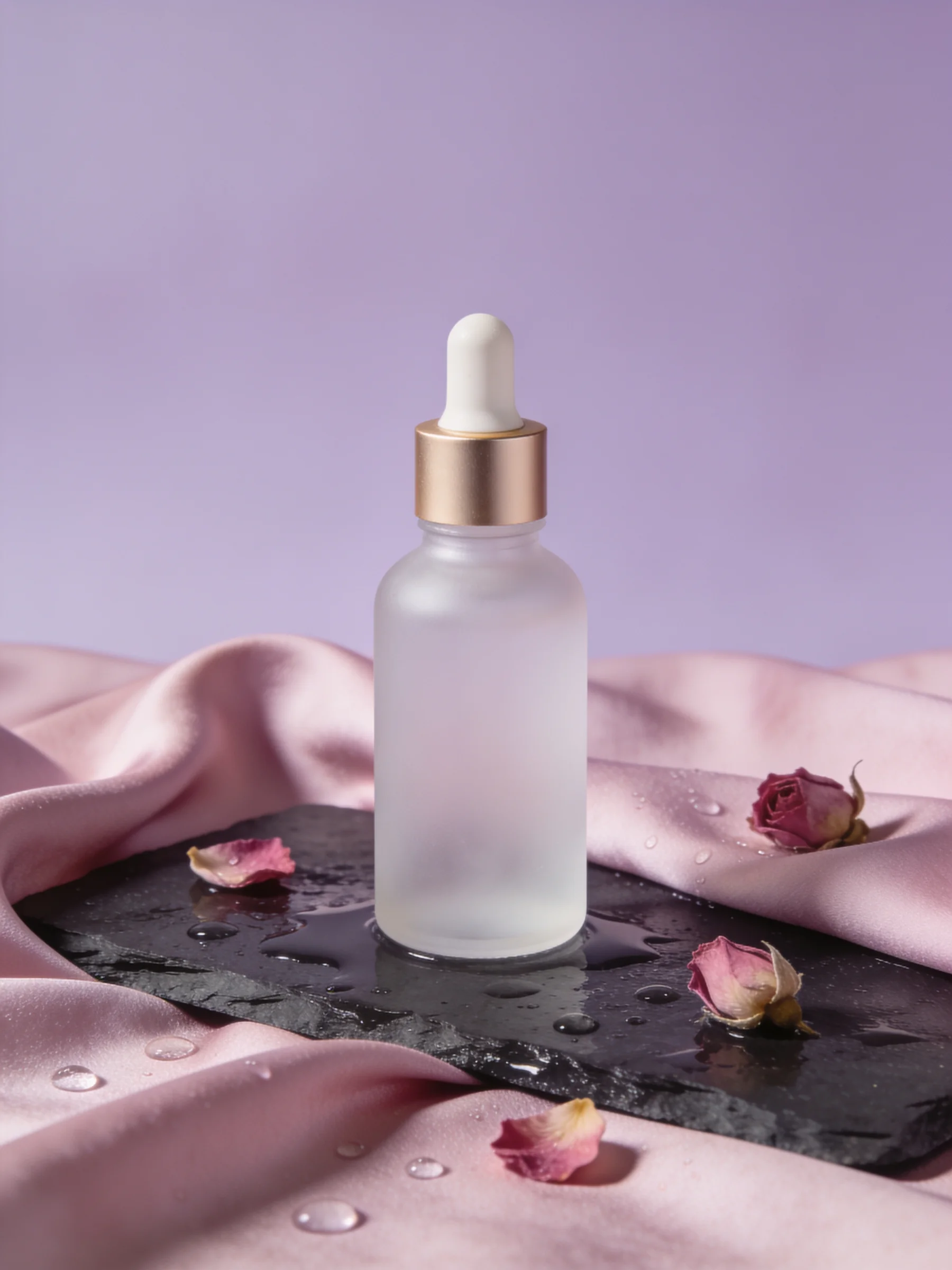
Beauty campaign key visuals
Start from the real serum bottle and test water, petals, silk or stone behind it. For a beauty brand's marketing team, Seedream 4.5 is designed to preserve the bottle's details, lighting and color tone from the reference photo.
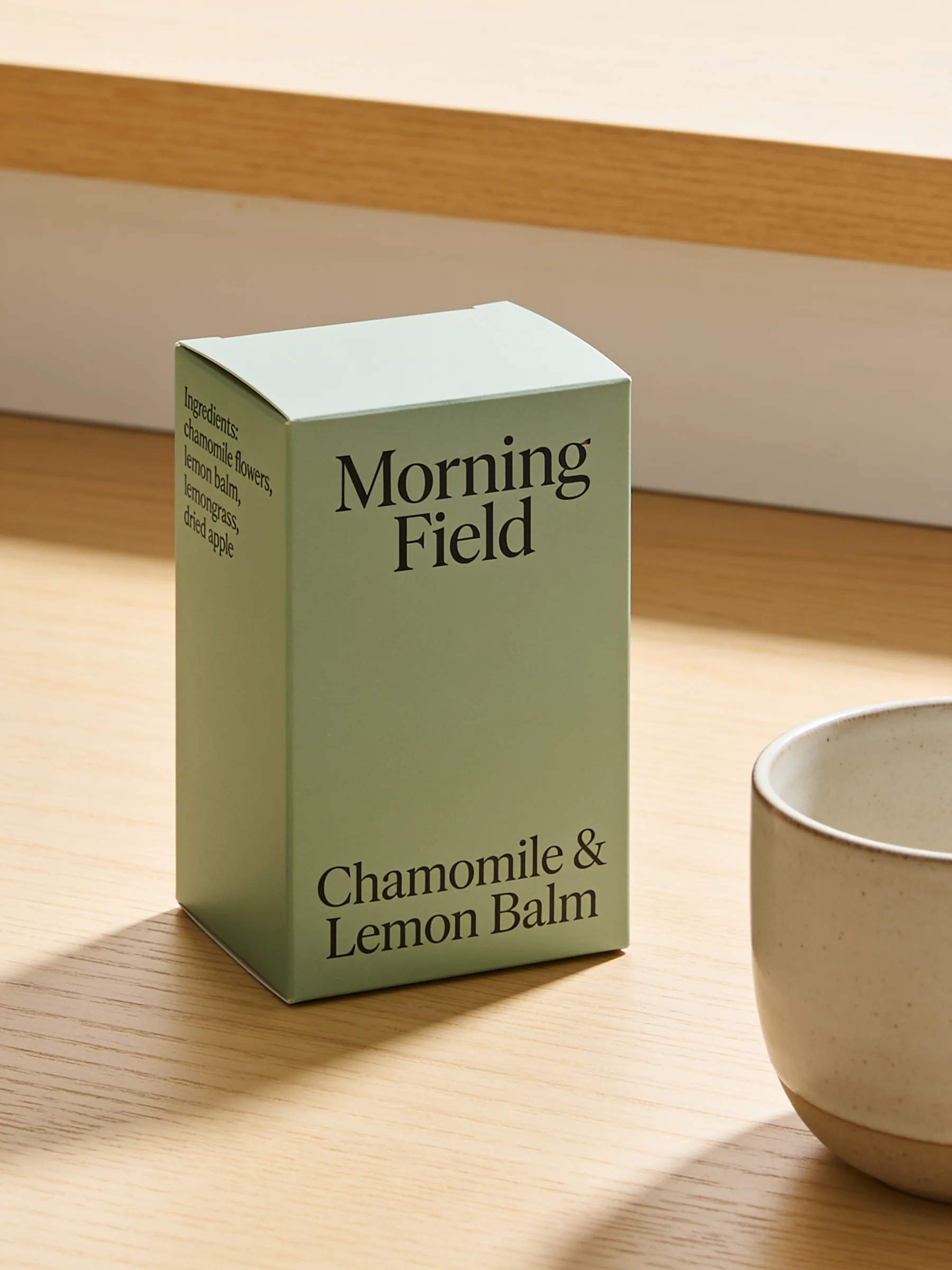
Packaging mockups for sign-off
A packaging designer can show a new label on a bag, box or bottle, in context, before anything is printed. Seedream 4.5's improved dense text rendering helps here: ingredient panels and tasting notes in the mockup itself.
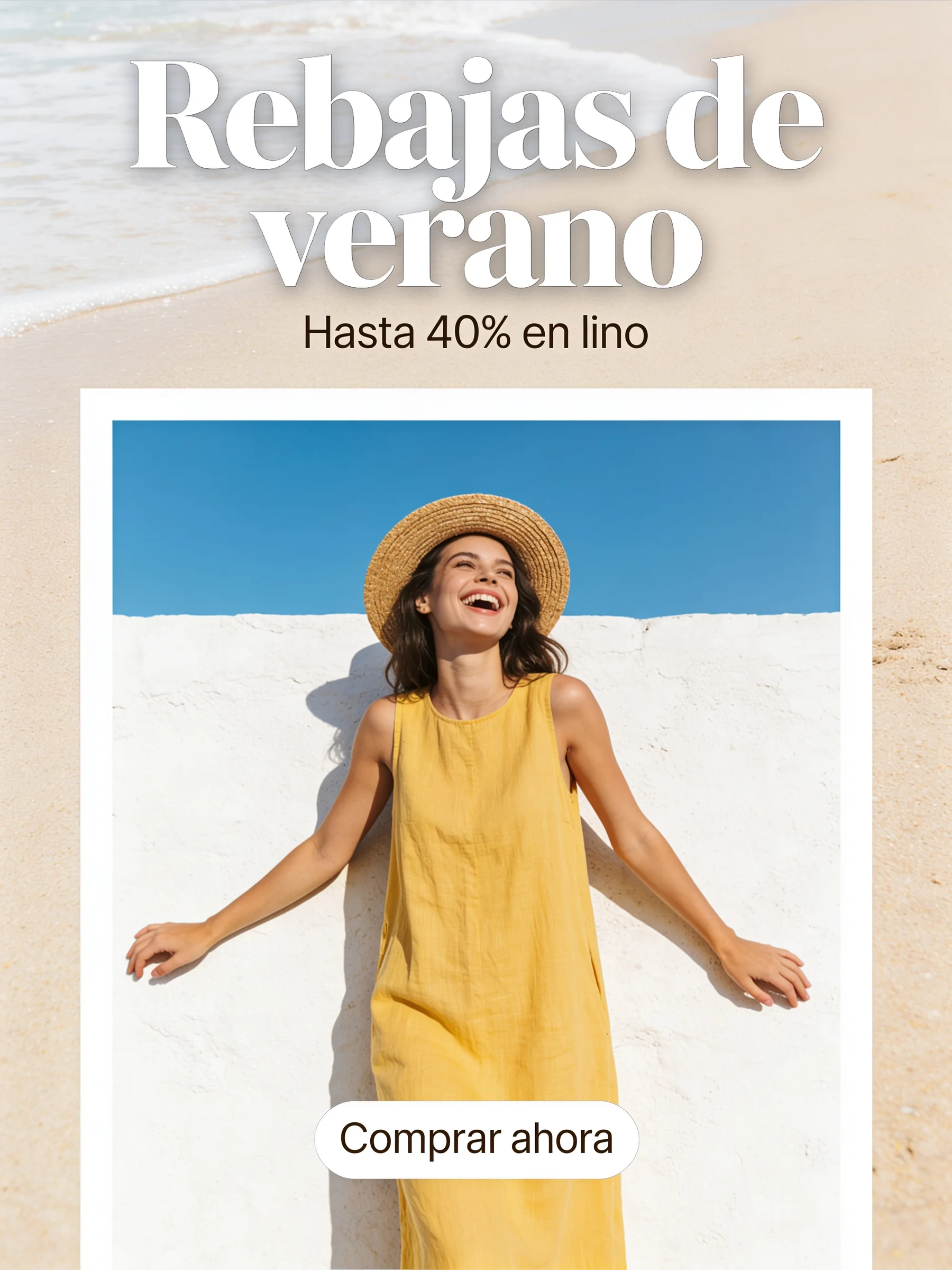
One winning ad, a second market
Take a winning ad into a new market. A performance marketing team can ask Seedream 4.5 to translate its headline and callouts, with the model designed to keep the layout, product and visual style from the original.
One product shot, every seasonal scene
An e-commerce team can shoot a product once, then use Seedream 4.5 to place it in seasonal scenes, lifestyle shots and clean white-background images, with the model working to keep the label, shape and color from the reference photo.
Event posters with small type that holds up
One client brief, several poster directions, all before the first review. For a freelance graphic designer, Seedream 4.5's improved dense text rendering is aimed at this: dates, venue names and ticket info set in small type.
Logo routes before the first design meeting
A brand designer can explore early logo routes with Seedream 4.5, then upload the client's existing storefront or packaging as a reference to see how each mark could sit against its lighting and color tone.
Beauty campaign key visuals
Start from the real serum bottle and test water, petals, silk or stone behind it. For a beauty brand's marketing team, Seedream 4.5 is designed to preserve the bottle's details, lighting and color tone from the reference photo.
Packaging mockups for sign-off
A packaging designer can show a new label on a bag, box or bottle, in context, before anything is printed. Seedream 4.5's improved dense text rendering helps here: ingredient panels and tasting notes in the mockup itself.
One winning ad, a second market
Take a winning ad into a new market. A performance marketing team can ask Seedream 4.5 to translate its headline and callouts, with the model designed to keep the layout, product and visual style from the original.
Reviews
What creators are saying
Real ratings, pulled live from Trustpilot, not hand-picked quotes.

"Imagine.art is hands down one of the best AI image generators I have used lately. The results are consistently high-quality, and the prompt accuracy is fantastic."
"The most important feature I like is face consistency. You can generate a face and use it across hundreds of images with very good accuracy."
"I love the image generation and have been using it to create some great tee shirt designs. The monthly cost is minimal compared to the benefits."
"ImagineArt has been a game changer for creating visuals that fit my brand quickly."
Plans
Simple pricing, no surprises
See exactly what a generation costs on your plan.
Free
USD 0 · per creator / month, billed annually
3000 credits / month
- 100 Daily credits
- In-house models only
- 36k credits per year
- 1 Fast Image concurrency
Basic
For newcomers taking their first steps
3K credits / month
- Up to ~97 video generations / month
- Up to ~600 image generations / month
- 10 image models · 9 video models
- 4 concurrent image generations
- General commercial terms
Ultimate
Peak performance for pros
16K credits / month
- Up to ~530 video generations / month
- Up to ~3.2k image generations / month
- All styles and models, including Kling 2.6 Pro and Seedance 1.5 Pro
- Everything in Standard, unlimited
- General commercial terms
Trusted by creative teams, designers and marketers.
Compare every plan and buy credit packs →FAQs
- What is Seedream 4.5, and who made it?
- ByteDance Seedream 4.5 is an image generation and editing model from ByteDance's Seed team. Model hosts list its release in late 2025. It's built for consistent multi-image edits, portraits and text-heavy design. On ImagineArt it's listed as Seedream v4.5: pick it in the image tool's model picker.
- Is Seedream 4.5 the newest Seedream model?
- No. Seedream 5.0 Lite and Seedream 5.0 Pro are newer versions, and both are on ImagineArt. Pick 5.0 Pro for native 4K generation, spatial reasoning and infographics, and 5.0 Lite for fast, high-quality output. Seedream 4.5 suits quick generation and reference-faithful edits with readable text.
- Is Seedream 4.5 free on ImagineArt?
- Not necessarily. ImagineArt's free plan gives you 100 credits a day on a limited set of models, such as ImagineArt 1.0 Lite and Flux Dev, and premium models aren't included on it. Check the model picker or the pricing page to see which plan includes Seedream 4.5 before you start a project around it.
- What changed from Seedream 4.0 to Seedream 4.5?
- ByteDance says Seedream 4.5 improves on Seedream 4.0 in editing consistency, keeping subject details, lighting and color tone across edits. Hosting platforms also report better small text and small faces, and cleaner multi-image composition. On ByteDance’s internal MagicBench test, it scores higher for prompt adherence, alignment and aesthetics.
- How does Seedream 4.5 compare with Nano Banana Pro?
- We haven't found an independent benchmark of Seedream 4.5 vs Nano Banana Pro that we'd stand behind. ByteDance's stated improvements, in multi-image editing and dense text rendering, are against Seedream 4.0, not Nano Banana Pro. Both are listed among ImagineArt's image models, so the fastest way to decide is to run one prompt through each.
- Can Seedream 4.5 edit an image using several references and keep text readable?
- It's built for both. ByteDance says it identifies the main subjects across your references and keeps faces, lighting and color tone. ByteDance also improved its typography and dense text rendering. Poster layouts and ad creative combinations are among the use cases ByteDance shows.
Resources

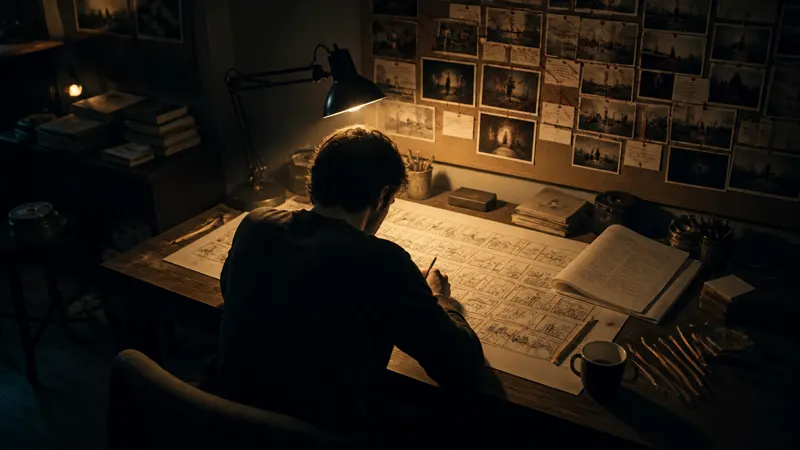
Built for a full production, not just one image
Image Studio
Keep refining and editing your images.
AI Ad Studio
Build ad creatives around your product shots and key visuals.
AI Film Studio
Plan and build video scenes from your stills.
AI Fashion Studio
Pair your product images with generated models and outfits.
Audio Studio
Add a voiceover or soundtrack to the video you build from it.
Start your next poster in Seedream 4.5
Bring one product photo and a headline. Open the Seedream 4.5 AI image generator and set the type.
Pick Seedream 4.5 in the image tool · Start from a prompt or a photo