GPT Image 2.5 AI image generator
Now on ImagineArt
Sharper detail, faster edits, and two model modes to choose.
Watch GPT 2.5 in Action
What the community is already creating
Real prompts, run through GPT Image 2.5. Copy one and swap in your own subject.
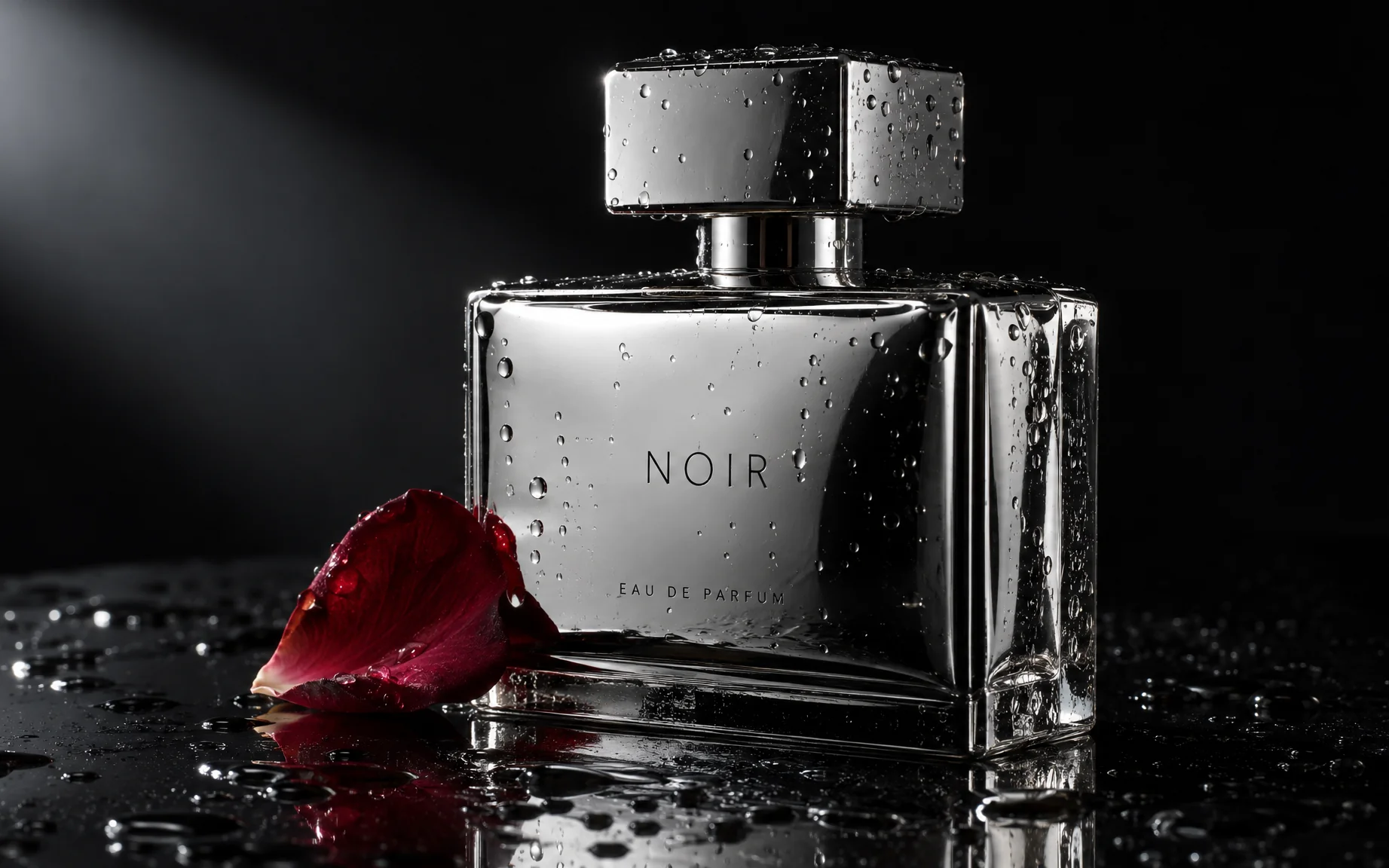
A product photo of a chrome perfume bottle on black glass, dramatic side lighting, water droplets on the surface, and a single rose petal resting against the base.
Try prompt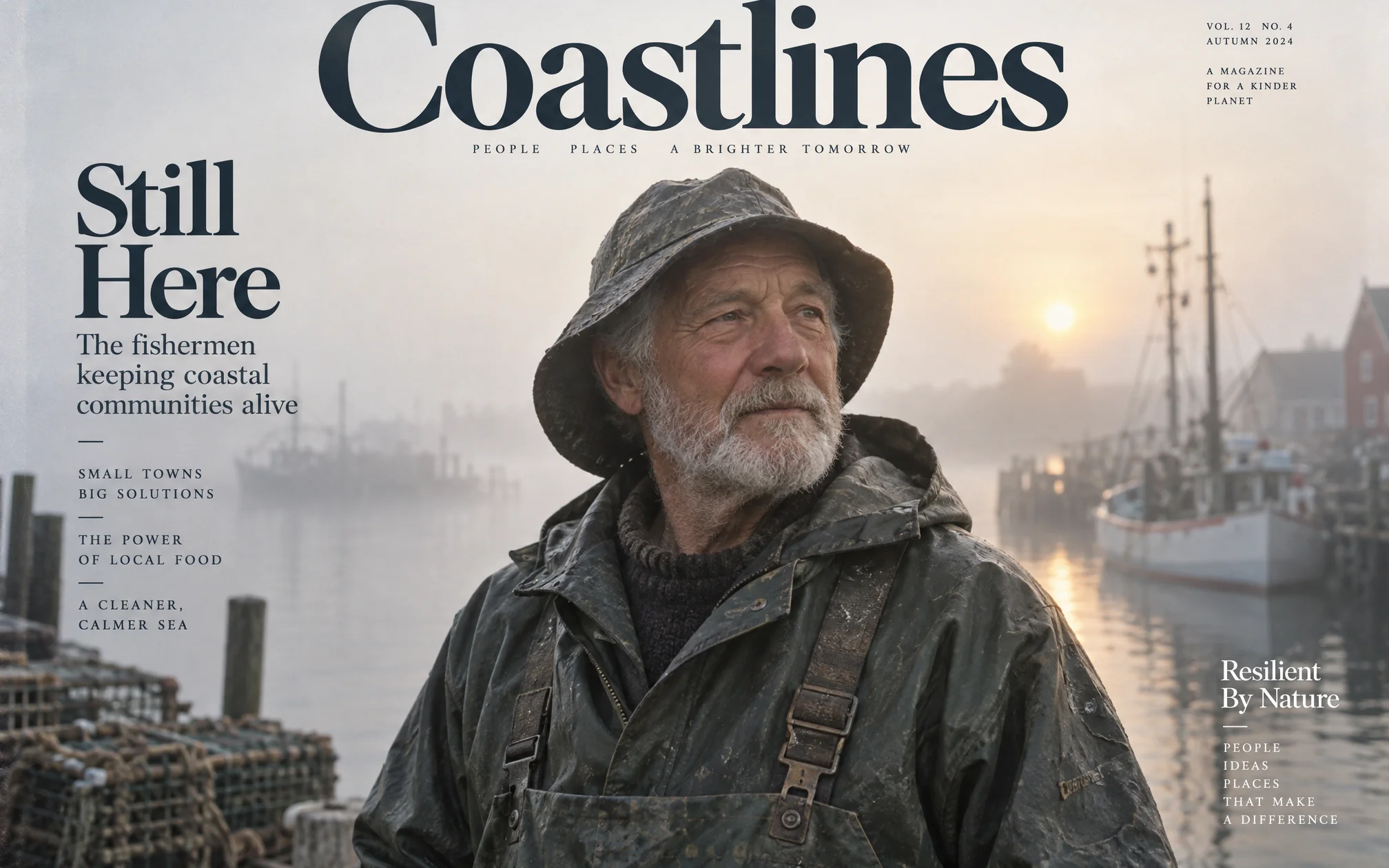
An editorial portrait of an elderly fisherman in weathered oilskins, backlit by a foggy harbor at dawn, shot in the style of a magazine cover.
Try prompt
A flat-lay of a minimalist desk setup, a laptop, a ceramic mug, a small potted succulent, and a notebook, all in warm morning light from a window.
Try prompt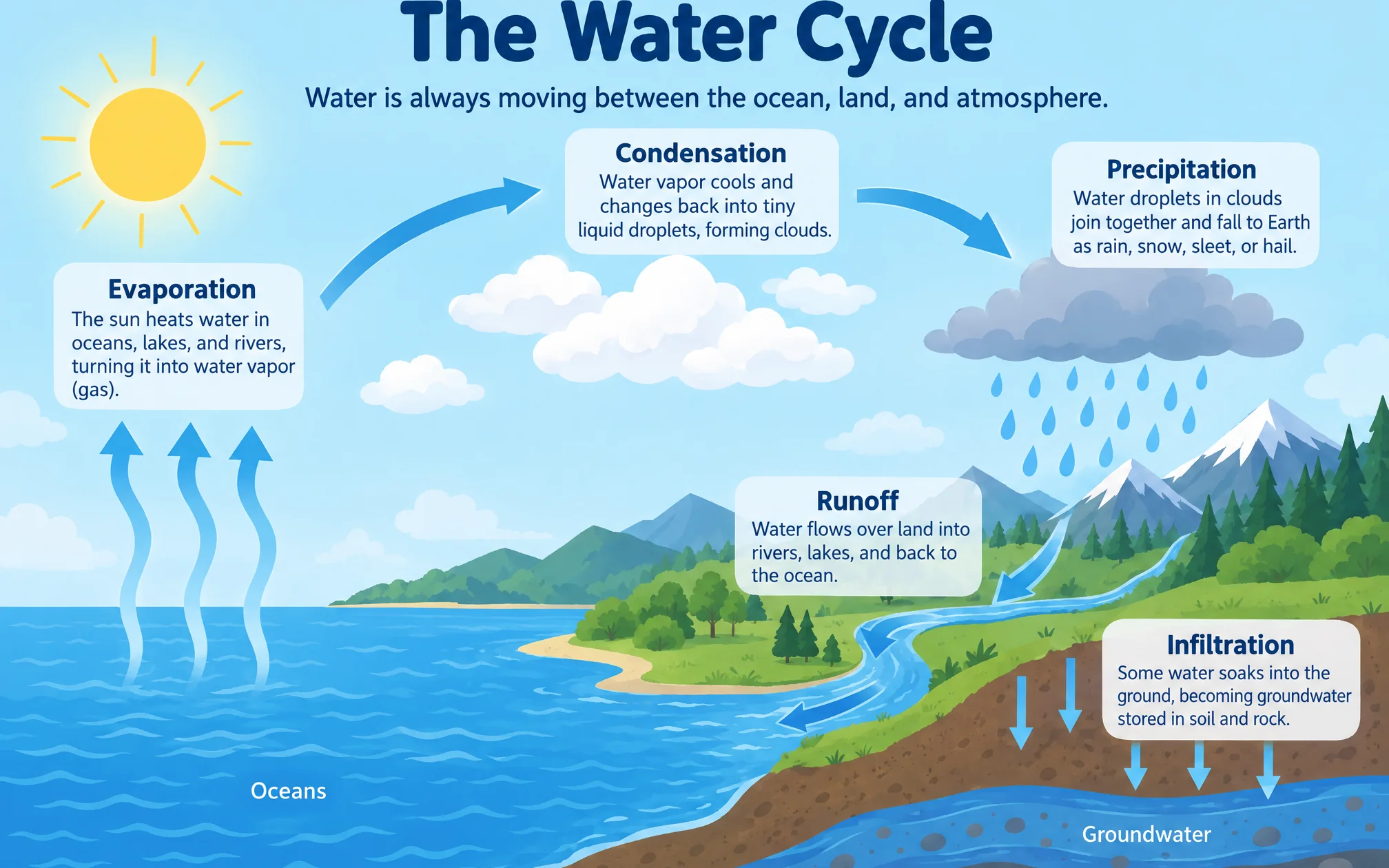
An infographic explaining the water cycle, with labeled arrows, soft pastel colors, and clean sans-serif type suitable for a classroom poster.
Try promptA product photo of a chrome perfume bottle on black glass, dramatic side lighting, water droplets on the surface, and a single rose petal resting against the base.
Try promptAn editorial portrait of an elderly fisherman in weathered oilskins, backlit by a foggy harbor at dawn, shot in the style of a magazine cover.
Try promptA flat-lay of a minimalist desk setup, a laptop, a ceramic mug, a small potted succulent, and a notebook, all in warm morning light from a window.
Try promptAn infographic explaining the water cycle, with labeled arrows, soft pastel colors, and clean sans-serif type suitable for a classroom poster.
Try promptA product photo of a chrome perfume bottle on black glass, dramatic side lighting, water droplets on the surface, and a single rose petal resting against the base.
Try promptAn editorial portrait of an elderly fisherman in weathered oilskins, backlit by a foggy harbor at dawn, shot in the style of a magazine cover.
Try promptA flat-lay of a minimalist desk setup, a laptop, a ceramic mug, a small potted succulent, and a notebook, all in warm morning light from a window.
Try promptAn infographic explaining the water cycle, with labeled arrows, soft pastel colors, and clean sans-serif type suitable for a classroom poster.
Try promptA product photo of a chrome perfume bottle on black glass, dramatic side lighting, water droplets on the surface, and a single rose petal resting against the base.
Try promptAn editorial portrait of an elderly fisherman in weathered oilskins, backlit by a foggy harbor at dawn, shot in the style of a magazine cover.
Try promptA flat-lay of a minimalist desk setup, a laptop, a ceramic mug, a small potted succulent, and a notebook, all in warm morning light from a window.
Try promptAn infographic explaining the water cycle, with labeled arrows, soft pastel colors, and clean sans-serif type suitable for a classroom poster.
Try promptA product photo of a chrome perfume bottle on black glass, dramatic side lighting, water droplets on the surface, and a single rose petal resting against the base.
Try promptAn editorial portrait of an elderly fisherman in weathered oilskins, backlit by a foggy harbor at dawn, shot in the style of a magazine cover.
Try promptA flat-lay of a minimalist desk setup, a laptop, a ceramic mug, a small potted succulent, and a notebook, all in warm morning light from a window.
Try prompt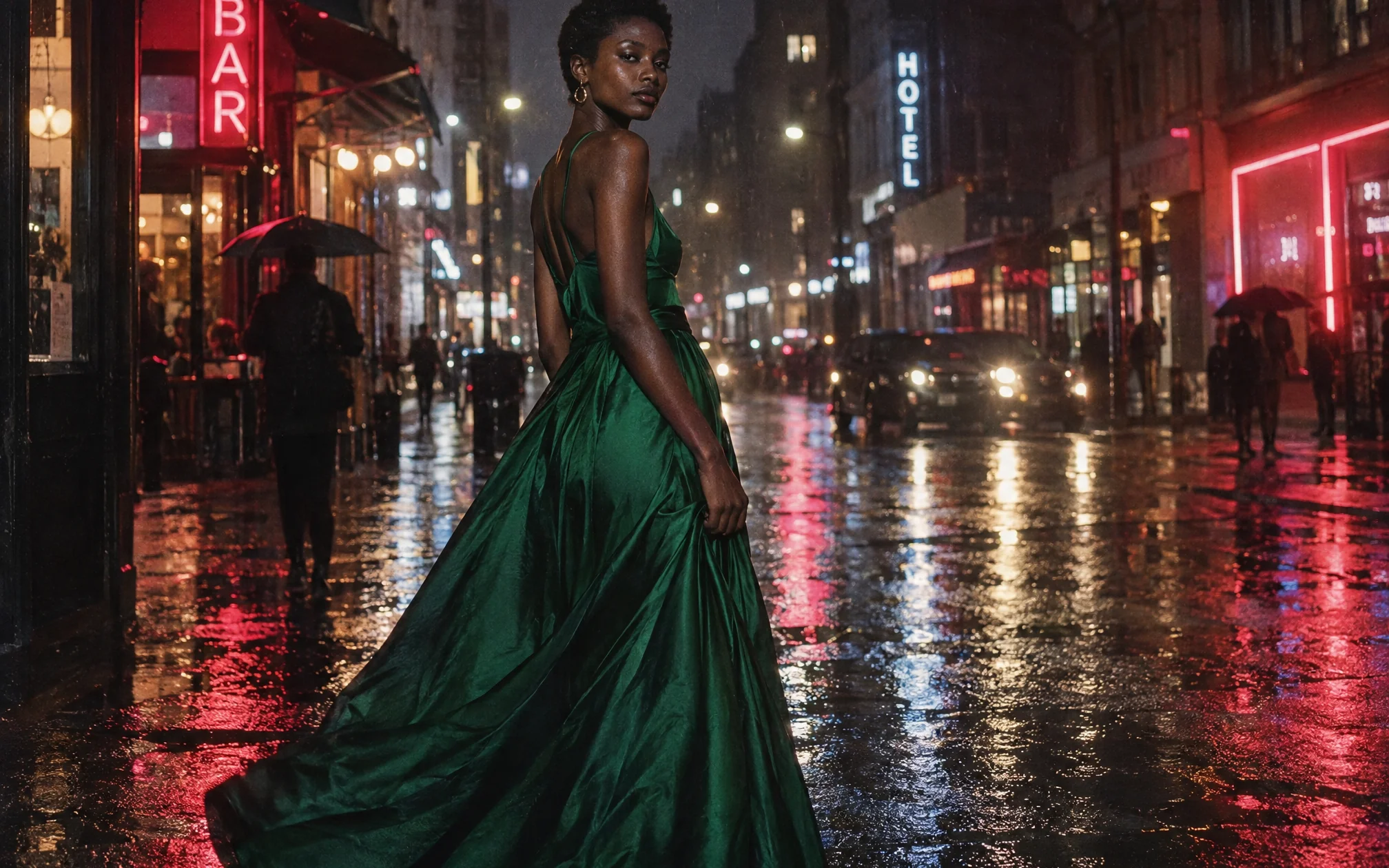
A fashion editorial shot of a model in a flowing emerald gown standing on a rain-soaked city street at night, neon signs reflected in the puddles.
Try prompt
An illustrated children's book scene of a fox and a rabbit sharing an umbrella in the rain, soft watercolor style.
Try prompt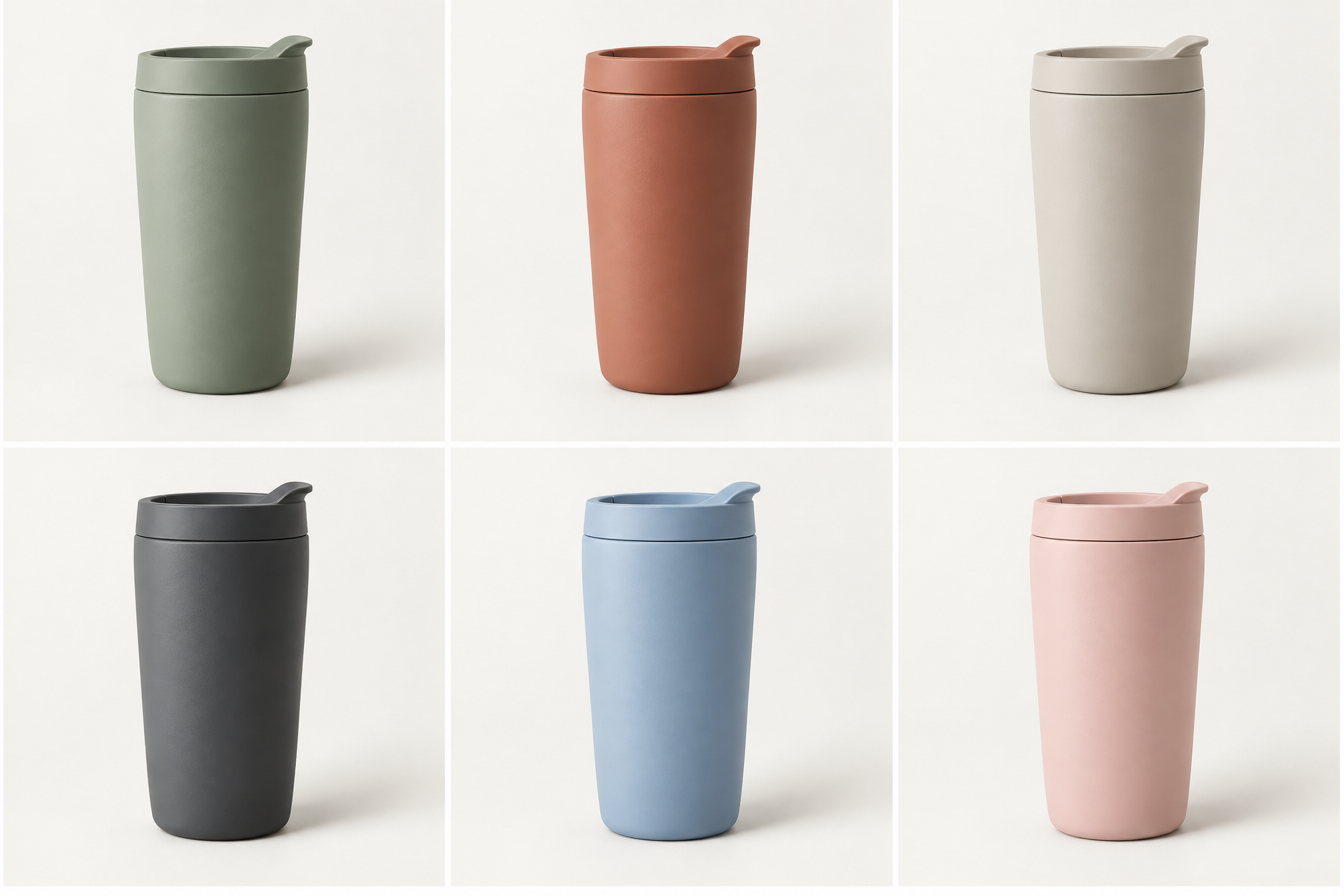
E-commerce catalog grid, photoreal: six identical matte ceramic travel tumblers in six colorways (sage, terracotta, sand, charcoal, sky blue, blush) arranged in a neat 3×2 grid, each on its own seamless off-white background tile with identical soft studio lighting, identical angle and identical soft shadow, perfectly consistent like a product line shot in one session. Plain unbranded tumblers with no logos or text.
Try promptA product photo of a chrome perfume bottle on black glass, dramatic side lighting, water droplets on the surface, and a single rose petal resting against the base.
Try promptAn editorial portrait of an elderly fisherman in weathered oilskins, backlit by a foggy harbor at dawn, shot in the style of a magazine cover.
Try promptA flat-lay of a minimalist desk setup, a laptop, a ceramic mug, a small potted succulent, and a notebook, all in warm morning light from a window.
Try promptA fashion editorial shot of a model in a flowing emerald gown standing on a rain-soaked city street at night, neon signs reflected in the puddles.
Try promptAn illustrated children's book scene of a fox and a rabbit sharing an umbrella in the rain, soft watercolor style.
Try promptE-commerce catalog grid, photoreal: six identical matte ceramic travel tumblers in six colorways (sage, terracotta, sand, charcoal, sky blue, blush) arranged in a neat 3×2 grid, each on its own seamless off-white background tile with identical soft studio lighting, identical angle and identical soft shadow, perfectly consistent like a product line shot in one session. Plain unbranded tumblers with no logos or text.
Try promptA product photo of a chrome perfume bottle on black glass, dramatic side lighting, water droplets on the surface, and a single rose petal resting against the base.
Try promptAn editorial portrait of an elderly fisherman in weathered oilskins, backlit by a foggy harbor at dawn, shot in the style of a magazine cover.
Try promptA flat-lay of a minimalist desk setup, a laptop, a ceramic mug, a small potted succulent, and a notebook, all in warm morning light from a window.
Try promptA fashion editorial shot of a model in a flowing emerald gown standing on a rain-soaked city street at night, neon signs reflected in the puddles.
Try promptAn illustrated children's book scene of a fox and a rabbit sharing an umbrella in the rain, soft watercolor style.
Try promptE-commerce catalog grid, photoreal: six identical matte ceramic travel tumblers in six colorways (sage, terracotta, sand, charcoal, sky blue, blush) arranged in a neat 3×2 grid, each on its own seamless off-white background tile with identical soft studio lighting, identical angle and identical soft shadow, perfectly consistent like a product line shot in one session. Plain unbranded tumblers with no logos or text.
Try promptA product photo of a chrome perfume bottle on black glass, dramatic side lighting, water droplets on the surface, and a single rose petal resting against the base.
Try promptAn editorial portrait of an elderly fisherman in weathered oilskins, backlit by a foggy harbor at dawn, shot in the style of a magazine cover.
Try promptA flat-lay of a minimalist desk setup, a laptop, a ceramic mug, a small potted succulent, and a notebook, all in warm morning light from a window.
Try promptA fashion editorial shot of a model in a flowing emerald gown standing on a rain-soaked city street at night, neon signs reflected in the puddles.
Try promptAn illustrated children's book scene of a fox and a rabbit sharing an umbrella in the rain, soft watercolor style.
Try promptE-commerce catalog grid, photoreal: six identical matte ceramic travel tumblers in six colorways (sage, terracotta, sand, charcoal, sky blue, blush) arranged in a neat 3×2 grid, each on its own seamless off-white background tile with identical soft studio lighting, identical angle and identical soft shadow, perfectly consistent like a product line shot in one session. Plain unbranded tumblers with no logos or text.
Try prompt
Pick your model
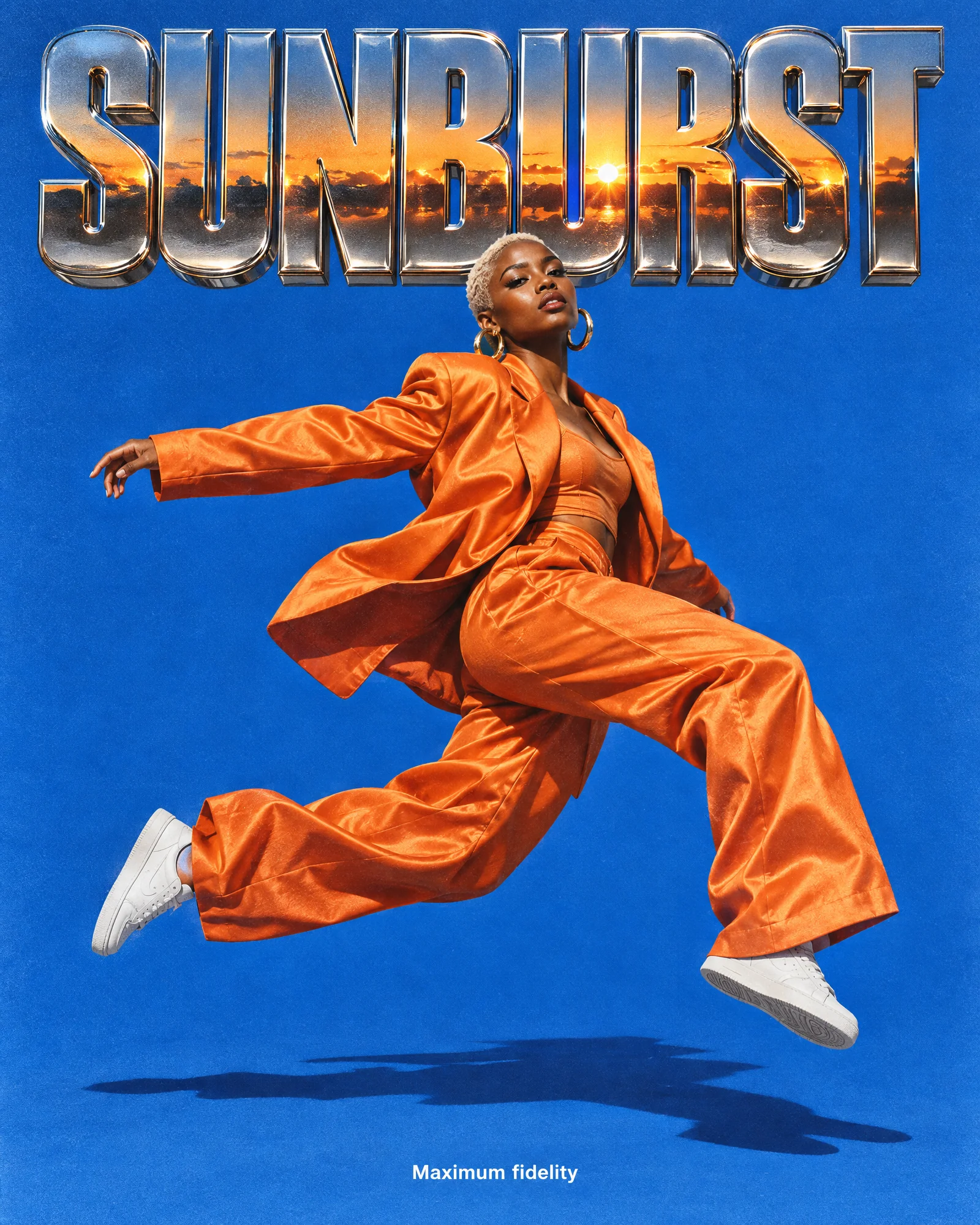
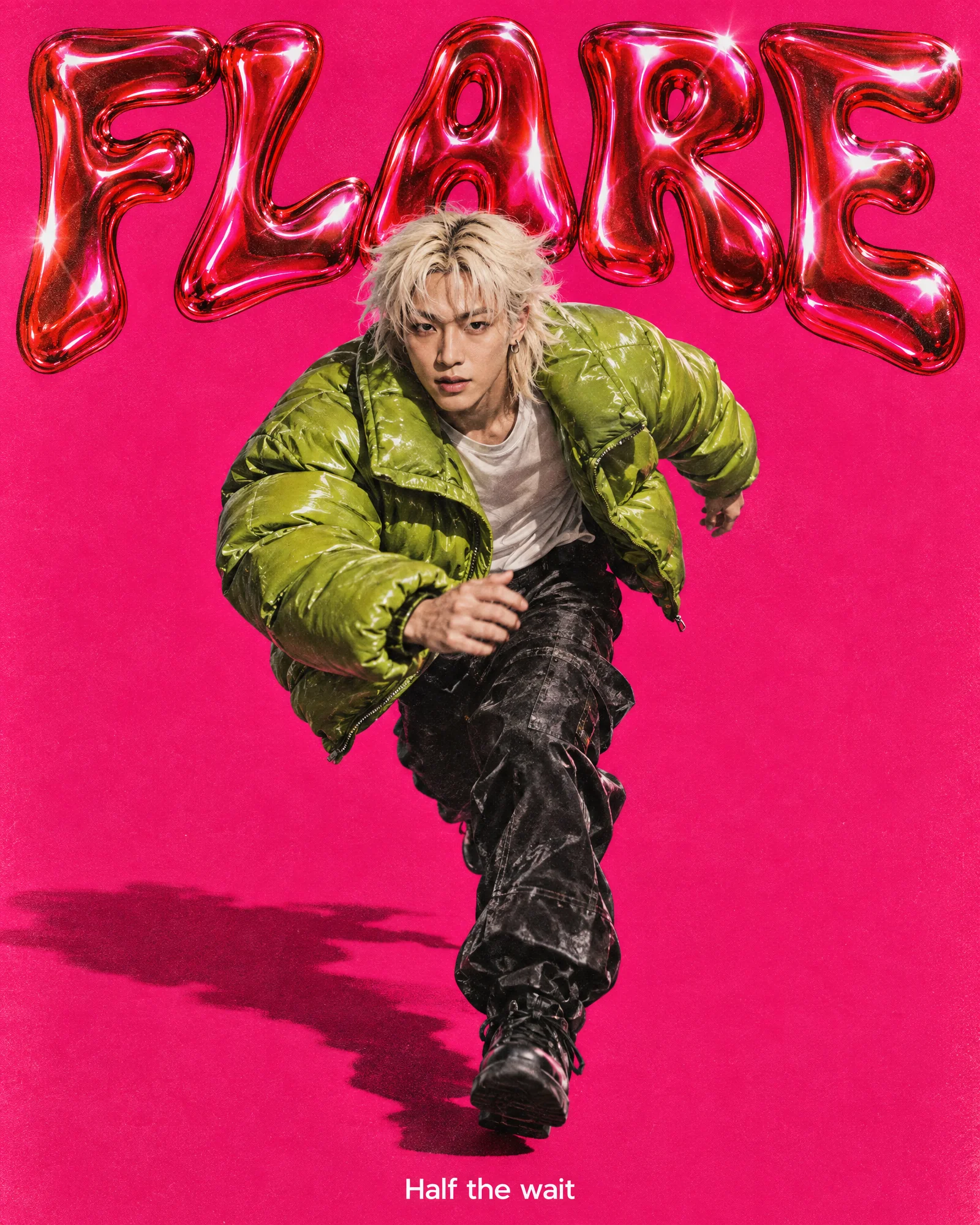
Choose Flare for fast iteration or Sunburst for maximum fidelity.
Add your input
Type a prompt, upload a reference photo, or sketch it out.
Export
Download in production-ready resolution or send it into Image Studio or Fashion Studio.
Half the wait, same sharp detail
Flare generates in half the time of GPT Image 2 without trading away texture, lighting or detail. Iterate through a dozen concepts before your coffee gets cold, then switch to Sunburst once a design is ready to go further.
A minimalist product shot of a matte ceramic mug on a marble countertop, soft morning light from the left, shallow depth of field, and a single sprig of eucalyptus resting beside it.
Try prompt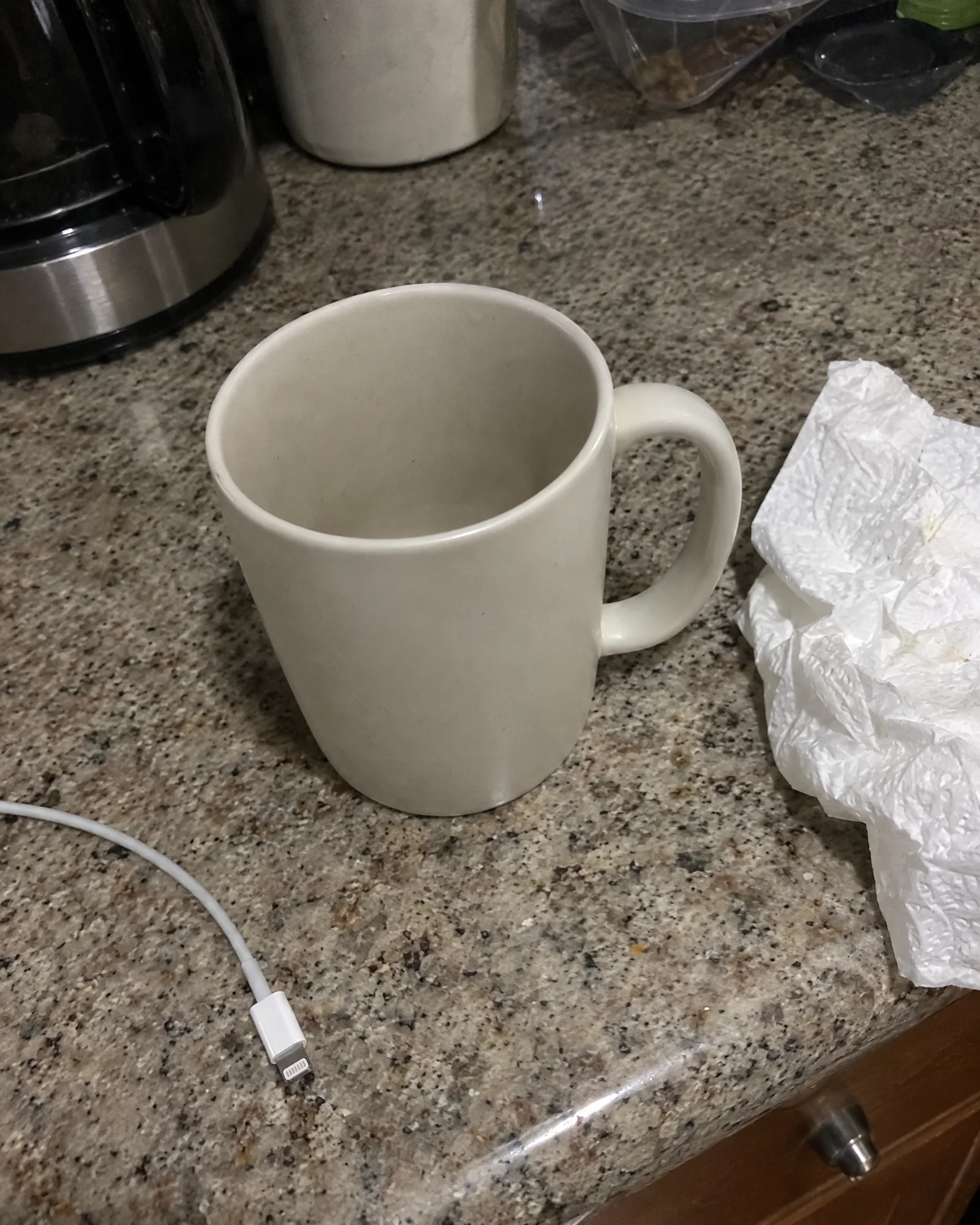
A reference that actually holds
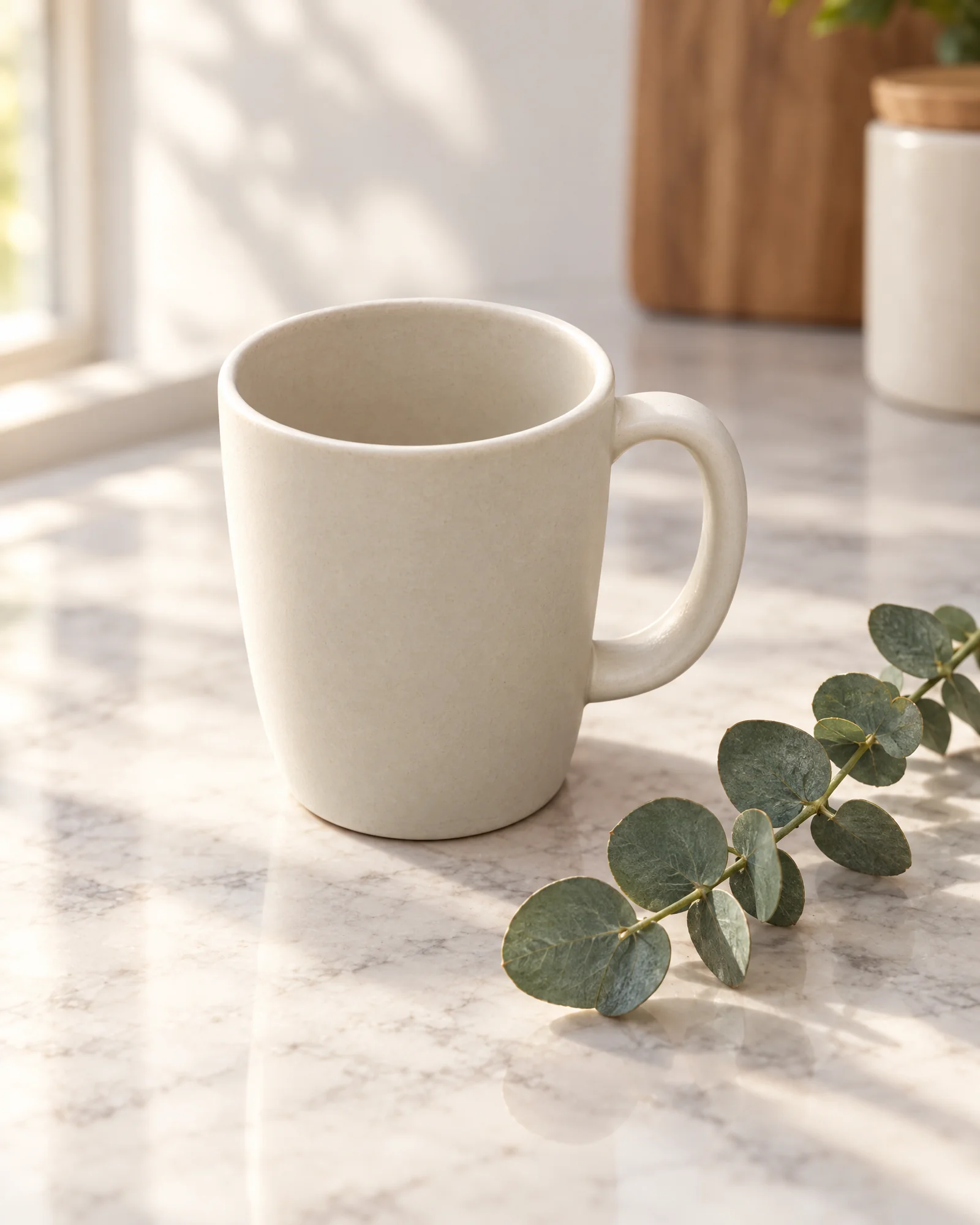
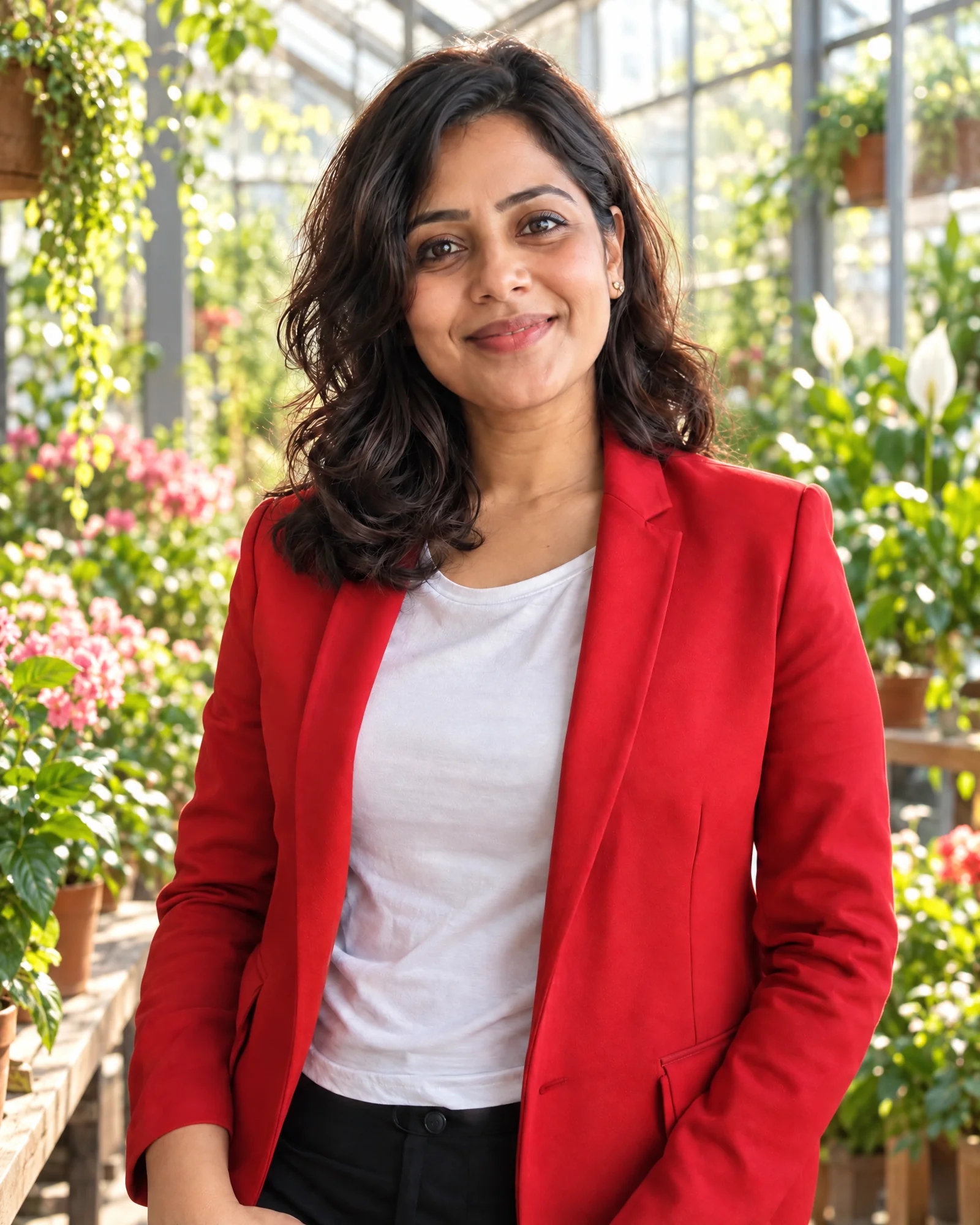
Upload a reference photo and GPT Image 2.5 keeps the face, pose and lighting intact across every edit that follows. Change the background, the outfit or the mood without the subject drifting into someone else entirely.
Take this portrait of a woman in a red blazer and place her in a sunlit greenhouse instead, keeping her face, expression and hairstyle exactly as they are in the original.
Try prompt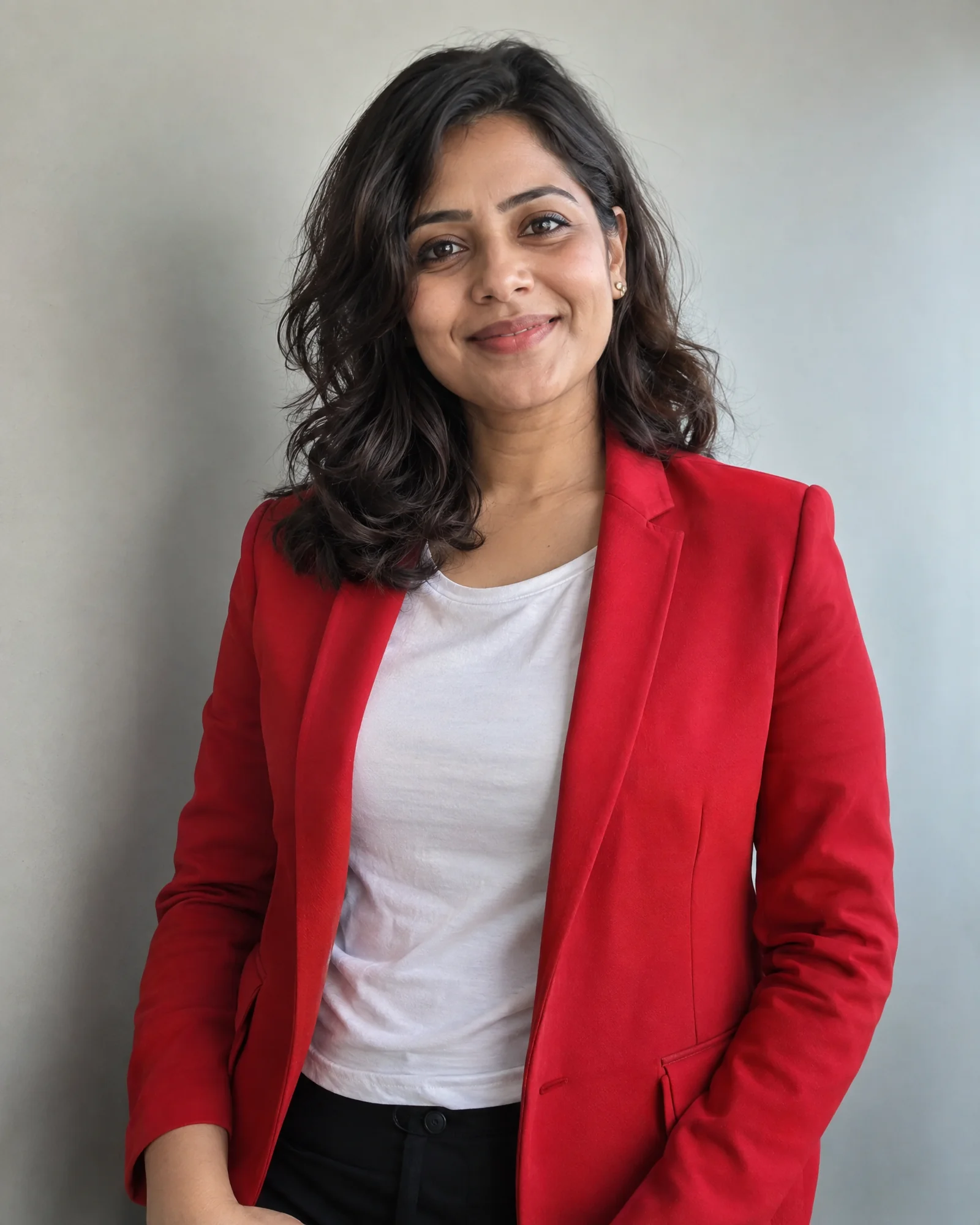
One instruction, nothing else moves
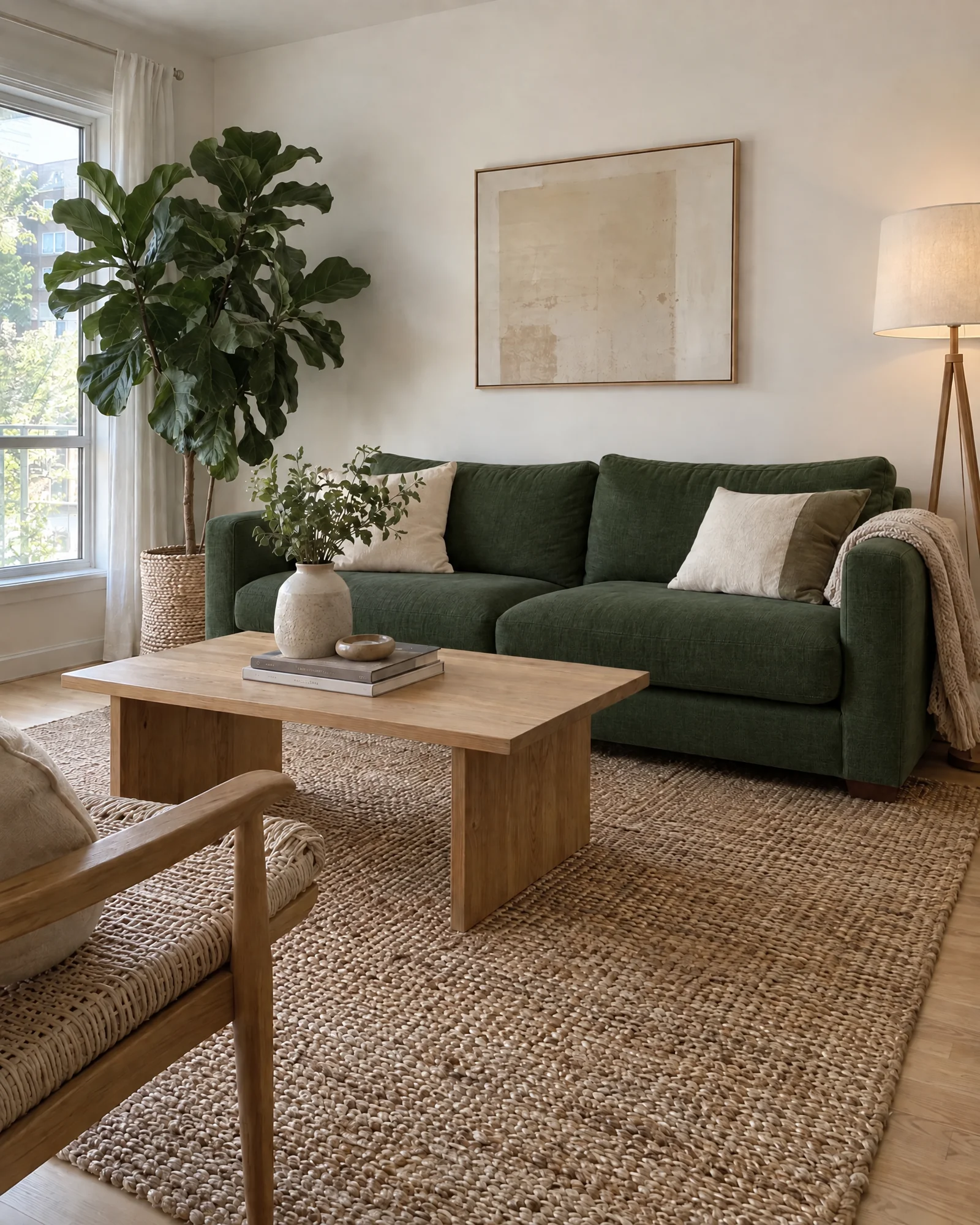
Ask for one change and GPT Image 2.5 makes exactly that change. A tighter crop, a swapped color, a removed object, the rest of the image holds steady, even across several rounds of edits on the same file.
Edit this living room photo to change only the sofa color from beige to deep forest green, leaving the lighting, walls, furniture and layout untouched.
Try prompt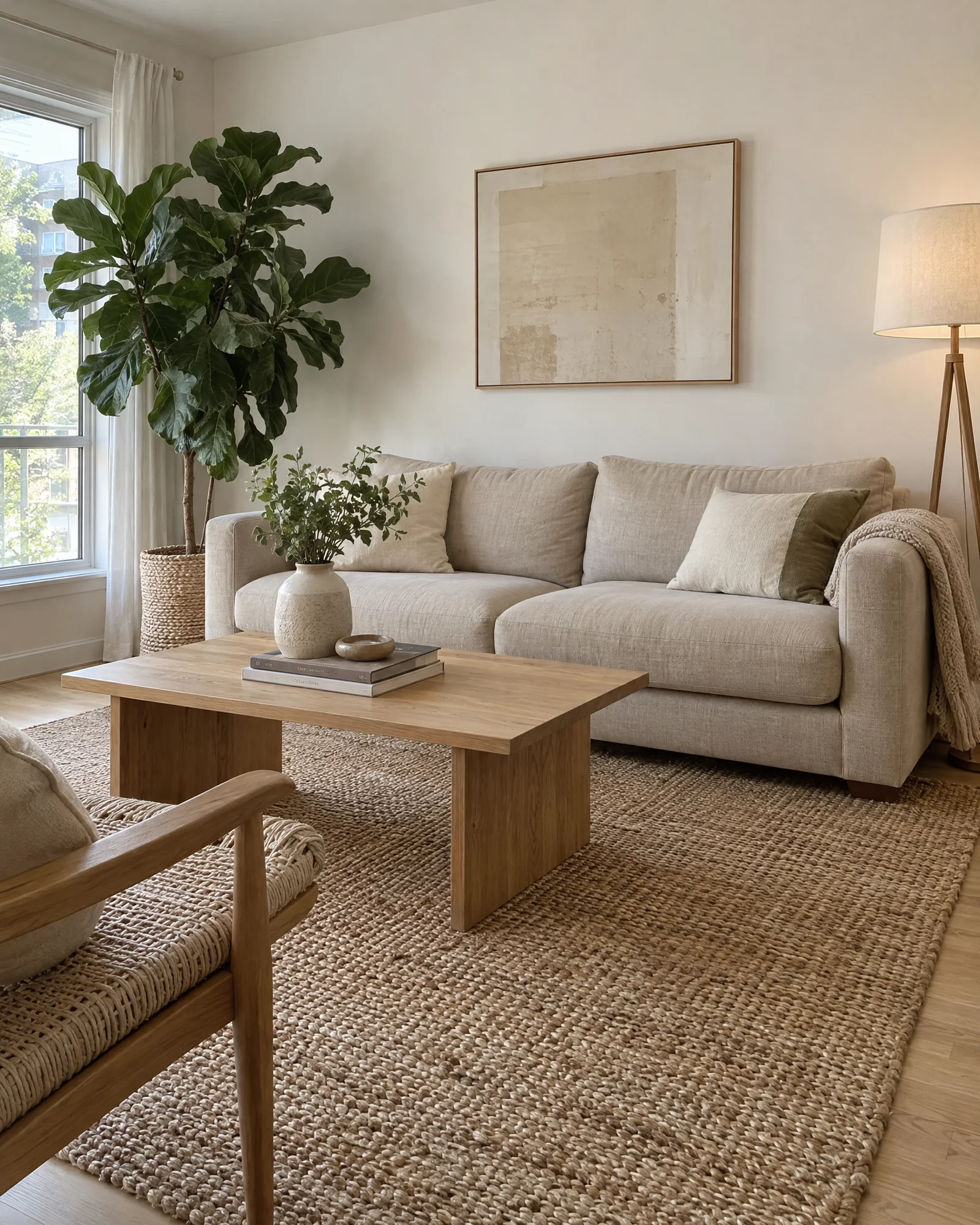
Detail that holds up at 4K
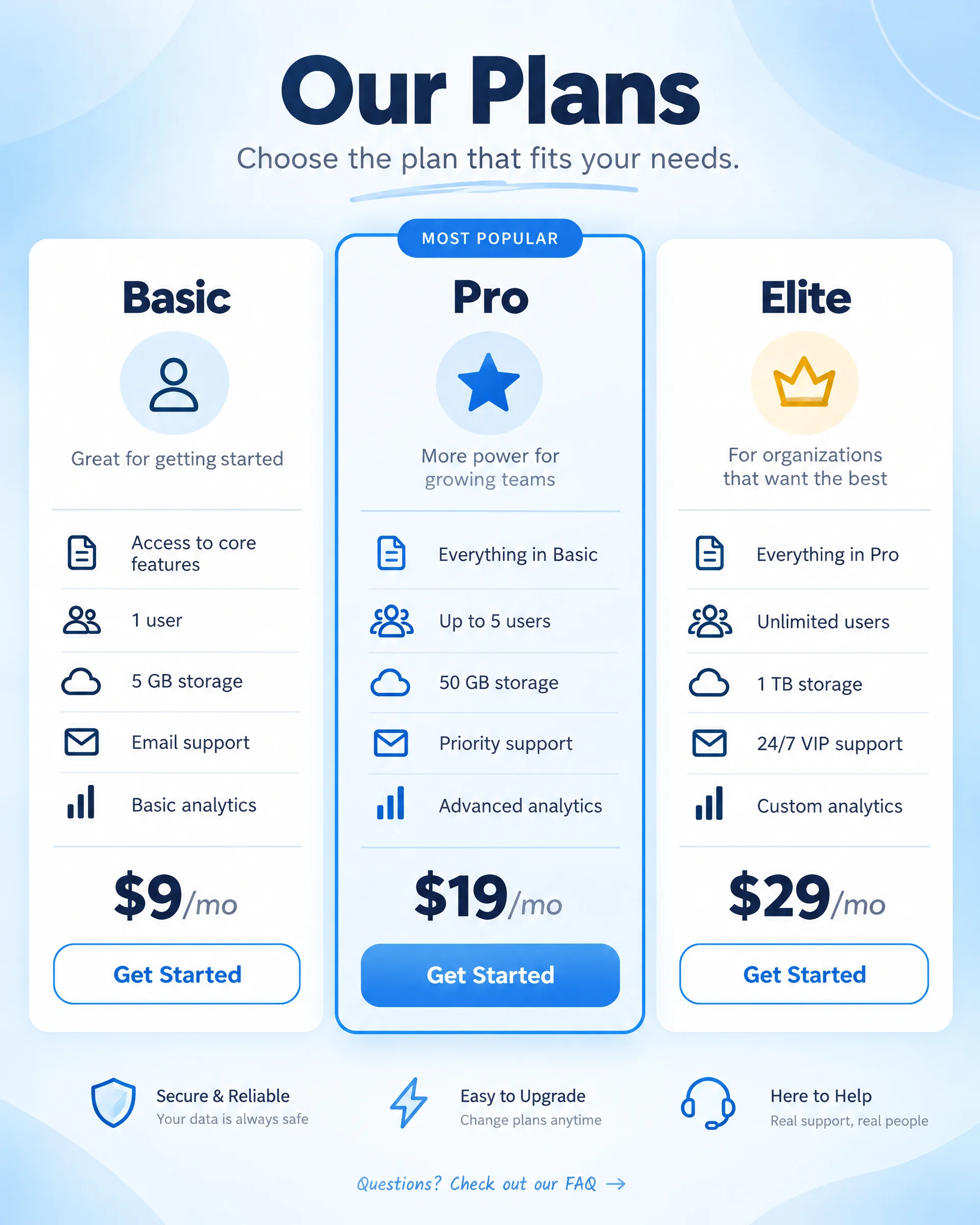
Output scales up to 3840px, sharp enough for print, and holds together in layouts that break most image models: dense text, infographics, dashboards and UI mockups render legibly instead of dissolving into noise at the edges.
Design a clean infographic comparing three subscription tiers, with a header, three columns of small labeled text, an icon for each feature row, and a soft blue-to-white gradient background.
Try prompt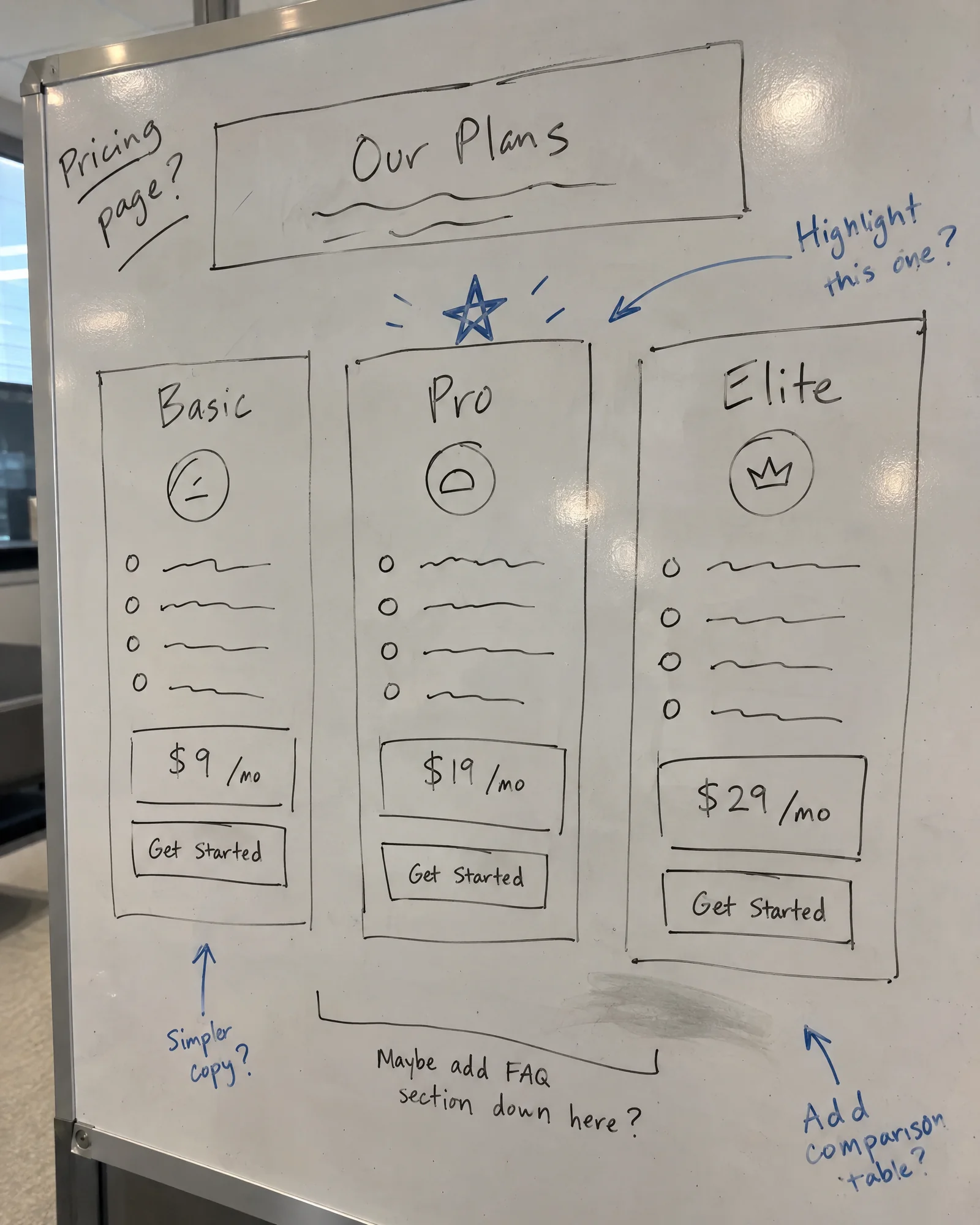
Whether you are designing a campaign, building a brand, or creating daily content, Imagine gives you the tools to create stunning visuals faster.
Get started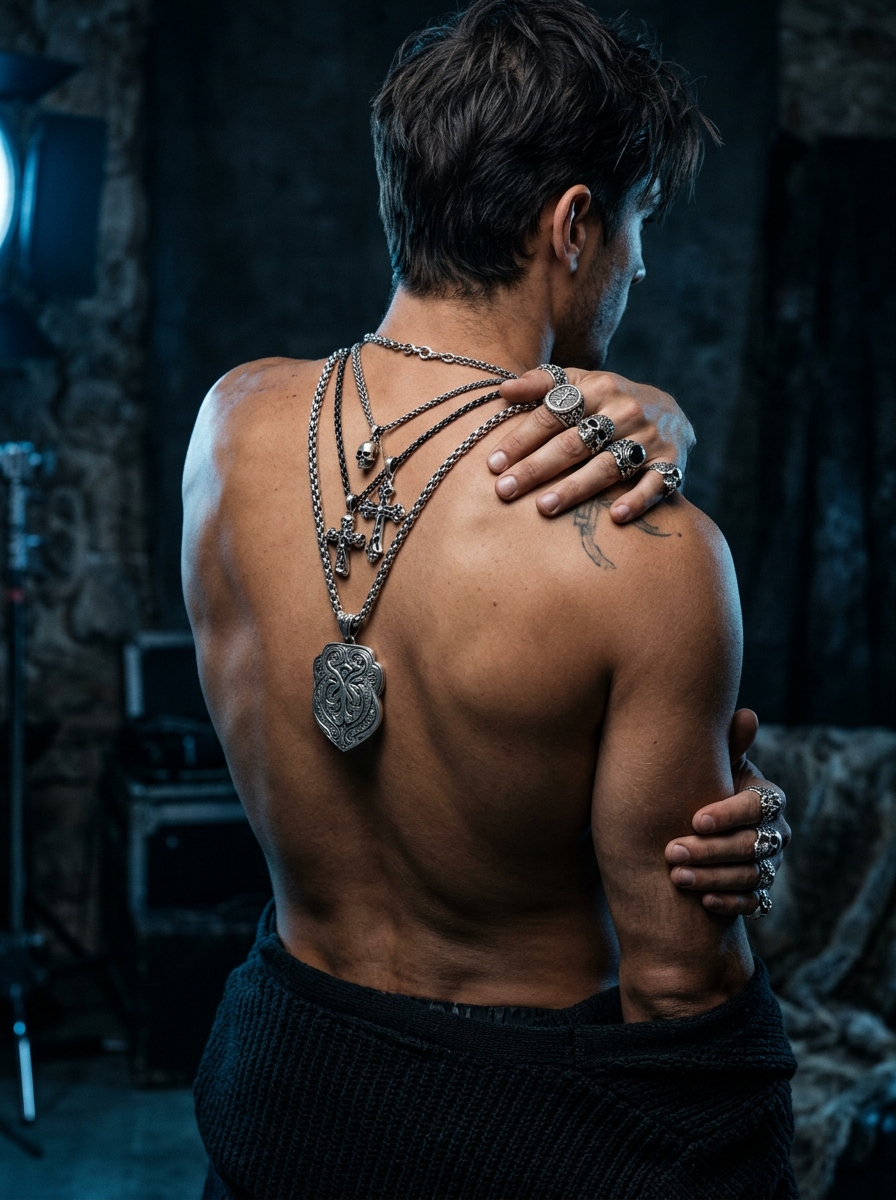
Product mockups
Drop in a product reference and place it on any surface, in any light, without booking a studio. GPT Image 2.5 keeps the product shape and branding consistent while the scene changes completely.
Editorial imagery
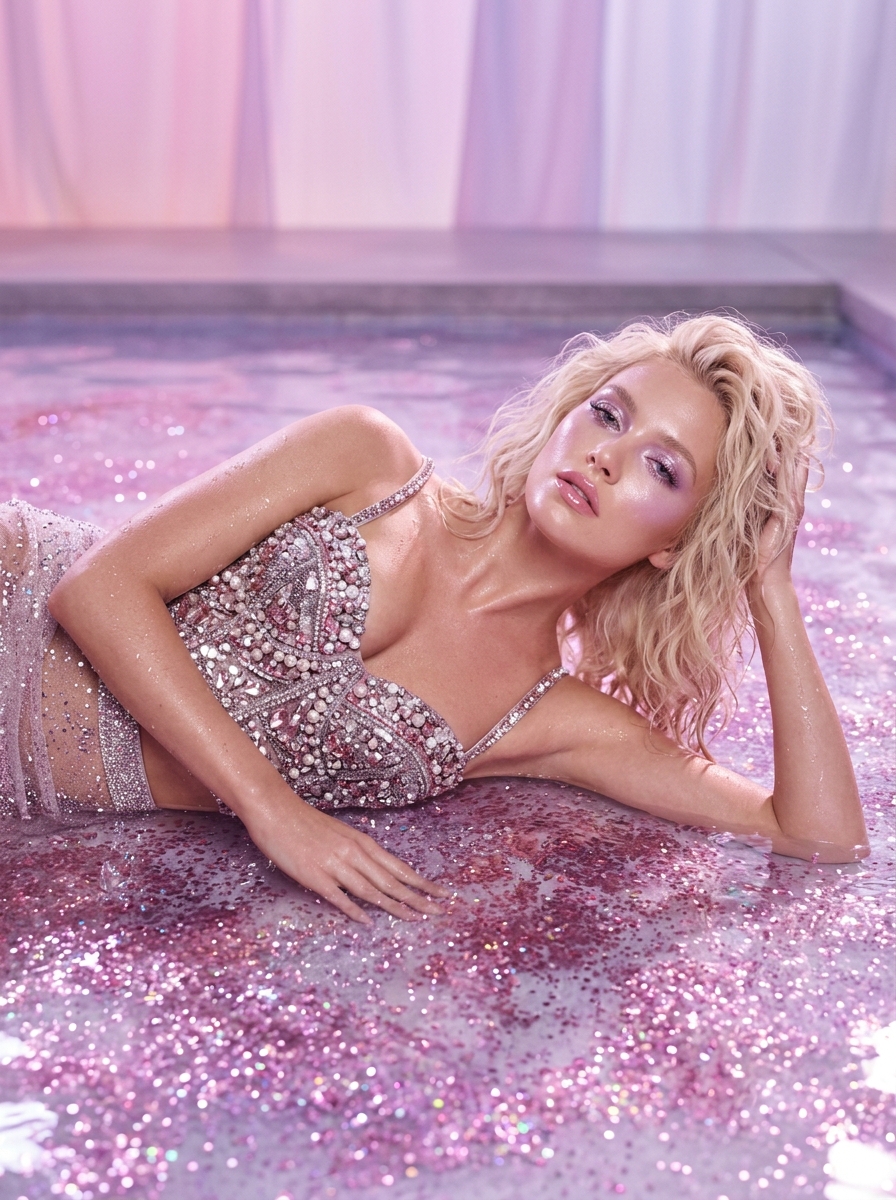
A magazine or blog can brief GPT Image 2.5 for a publication-ready cover image or hero shot in the time it takes to review one draft.
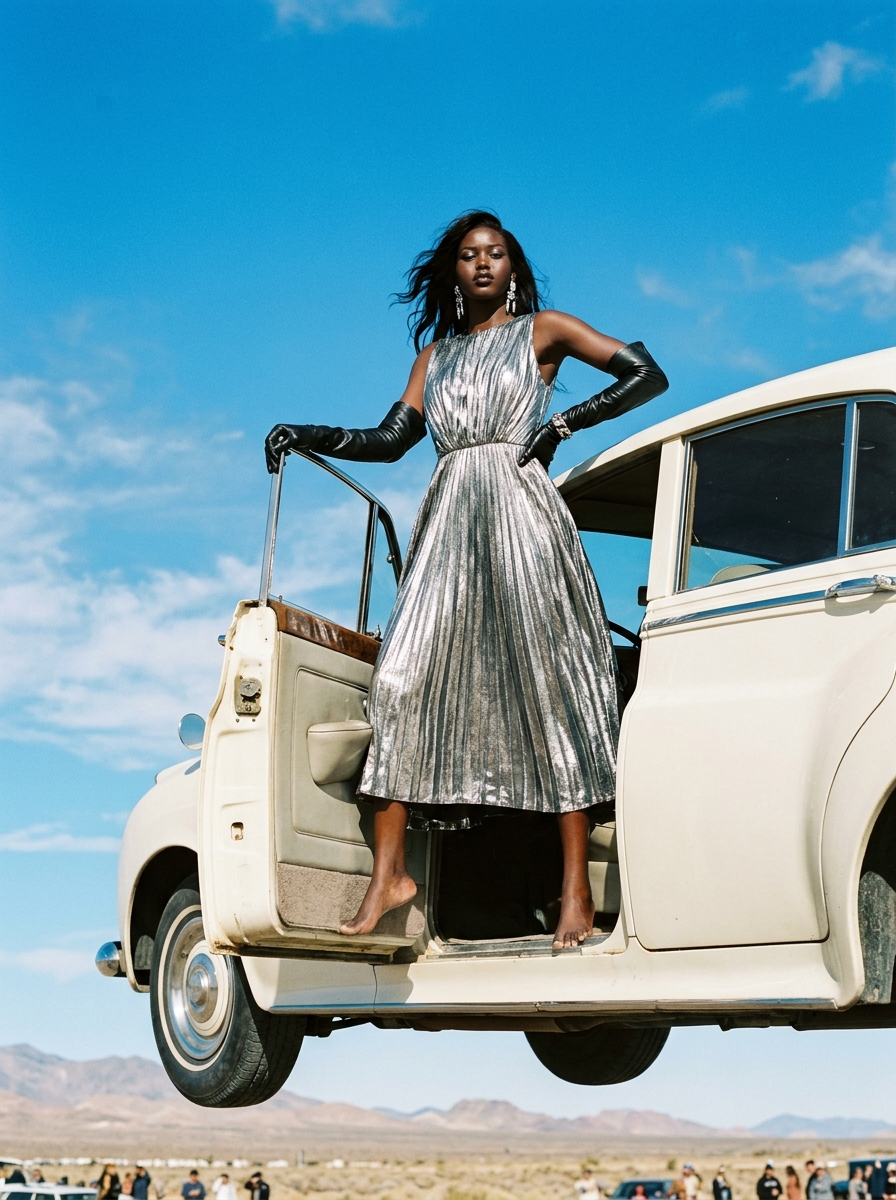
Product shots that scale
Generate consistent, on-brand shots for hundreds of SKUs, including transparent backgrounds, instead of scheduling a shoot for every product line.
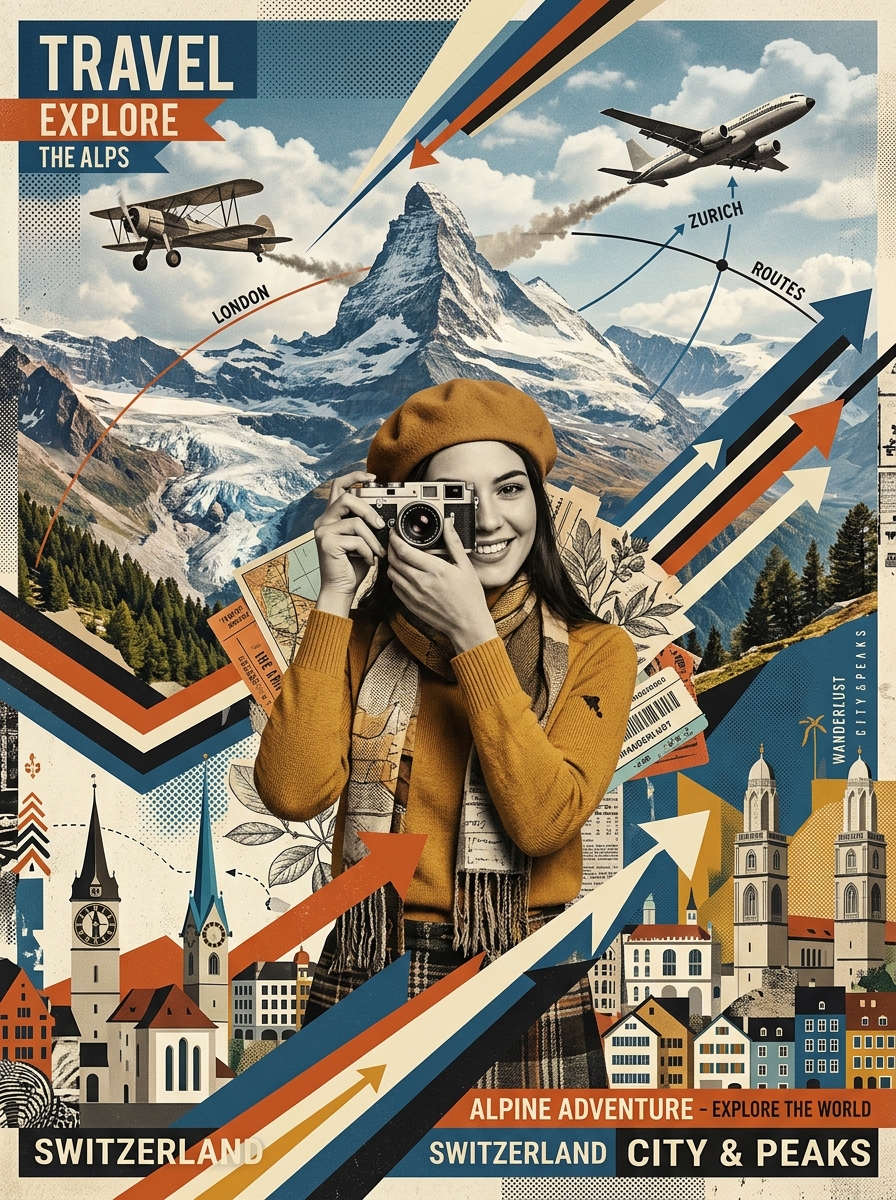
Diagrams and dashboards
Infographics, flowcharts and dashboard mockups render with legible small text and clean layout without waiting on a design queue.
Portraits that look shot, not generated
Natural skin texture, believable lighting and consistent facial features make GPT Image 2.5 a realistic stand-in for a portrait session.
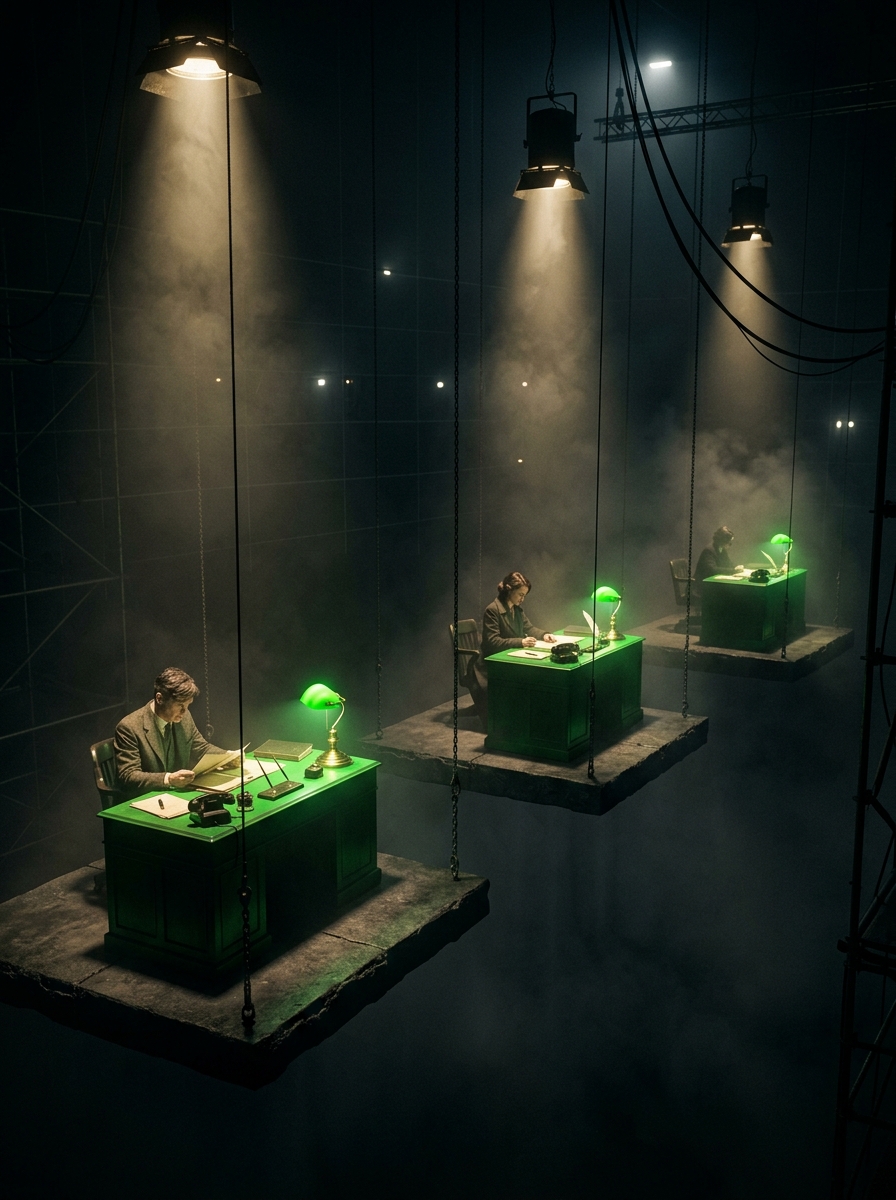
Concept art
Game and film teams can visualize a world, character or prop directly from a written brief before a single frame reaches an illustrator.
Product mockups
Drop in a product reference and place it on any surface, in any light, without booking a studio. GPT Image 2.5 keeps the product shape and branding consistent while the scene changes completely.
Editorial imagery
A magazine or blog can brief GPT Image 2.5 for a publication-ready cover image or hero shot in the time it takes to review one draft.
Product shots that scale
Generate consistent, on-brand shots for hundreds of SKUs, including transparent backgrounds, instead of scheduling a shoot for every product line.
Diagrams and dashboards
Infographics, flowcharts and dashboard mockups render with legible small text and clean layout without waiting on a design queue.
Portraits that look shot, not generated
Natural skin texture, believable lighting and consistent facial features make GPT Image 2.5 a realistic stand-in for a portrait session.
Concept art
Game and film teams can visualize a world, character or prop directly from a written brief before a single frame reaches an illustrator.
All variants in one place
Reviews
What creators are saying
See what people building with GPT Image 2.5 are actually saying.

"Imagine.art is hands down one of the best AI image generators I have used lately. The results are consistently high-quality, and the prompt accuracy is fantastic."
"The most important feature I like is face consistency. You can generate a face and use it across hundreds of images with very good accuracy."
"I love the image generation and have been using it to create some great tee shirt designs. The monthly cost is minimal compared to the benefits."
"ImagineArt has been a game changer for creating visuals that fit my brand quickly."
Plans
Purchase a Subscription
Upgrade to get access to pro features and generate more and better.
Free
USD 0 · per creator / month, billed annually
3000 credits / month
- 100 Daily credits
- In-house models only
- 36k credits per year
- 1 Fast Image concurrency
Basic
For newcomers taking their first steps
3K credits / month
- Up to ~97 video generations / month
- Up to ~600 image generations / month
- 10 image models · 9 video models
- 4 concurrent image generations
- General commercial terms
Ultimate
Peak performance for pros
16K credits / month
- Up to ~530 video generations / month
- Up to ~3.2k image generations / month
- All styles and models, including Kling 2.6 Pro and Seedance 1.5 Pro
- Everything in Standard, unlimited
- General commercial terms
Trusted by creative teams, designers and marketers.
Compare every plan and buy credit packs →FAQs
- What is the difference between GPT Image 2.5 Flare and Sunburst?
- Flare is the fast default for iteration. Sunburst is the heavier variant for tighter editing control and production-ready output.
- How is GPT Image 2.5 different from GPT Image 2?
- It renders sharper detail and richer textures, generates with lower latency, and preserves references more reliably across multi-turn edits.
- Is GPT Image 2.5 free to use on ImagineArt?
- Yes. Your first image is free, with no card required. Further generations use your ImagineArt credits or subscription.
- Does GPT Image 2.5 support transparent backgrounds?
- Yes. Generate or edit an image with a transparent background directly.
- Can I edit an existing image with GPT Image 2.5?
- Yes. Upload an image and describe the change, or start from a blank prompt.
Resources

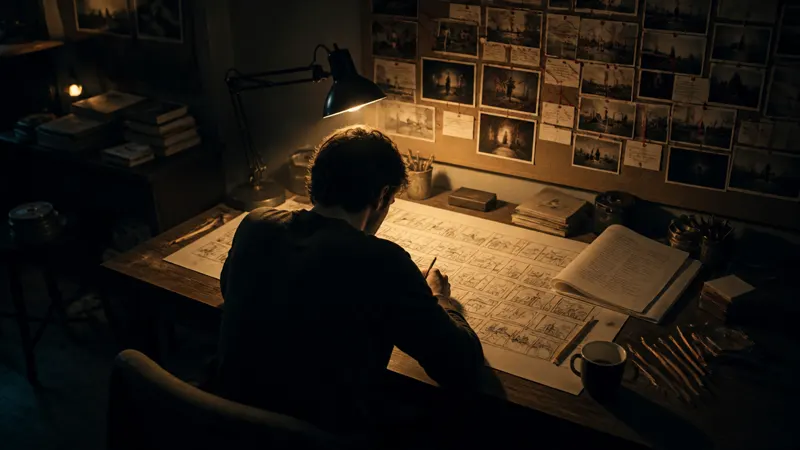

Built for a full production, not just one image
Your next image starts with a prompt
Not a shoot, stock photo, or wait time on edits — just GPT Image 2.5 and an idea.
First image's on us · No credit card required