Qwen Image Edit 2.1
Precise AI image editing
Change the words on a label, move a product to a new scene or merge up to 10 images, and keep everything else exactly as it was.
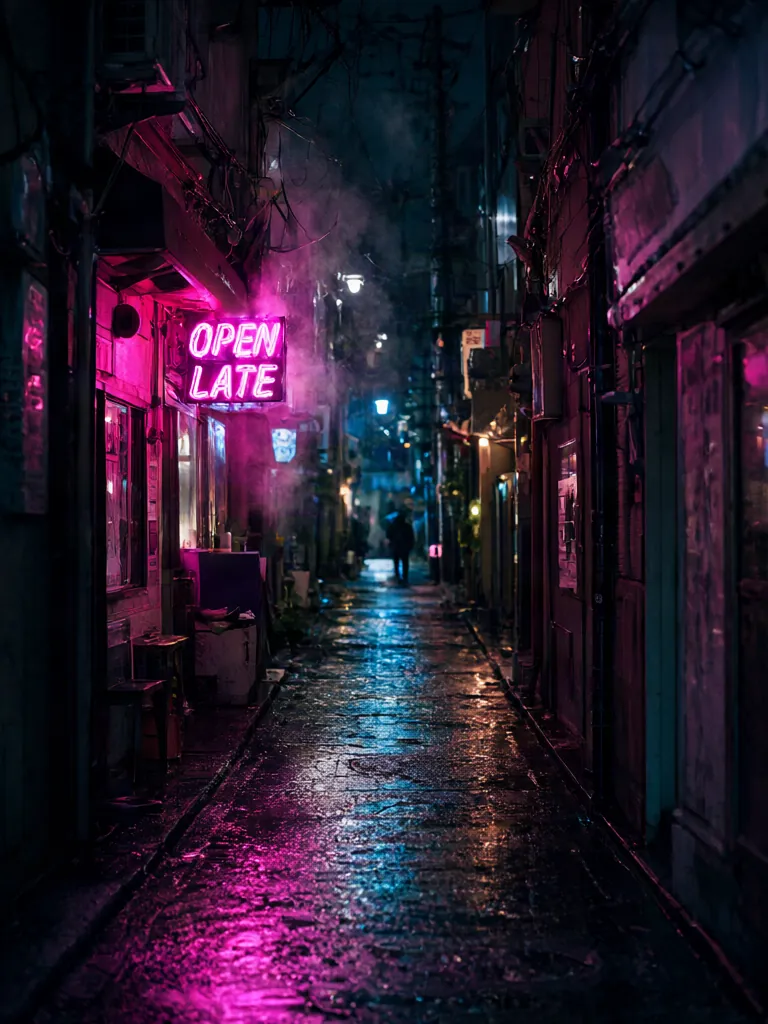
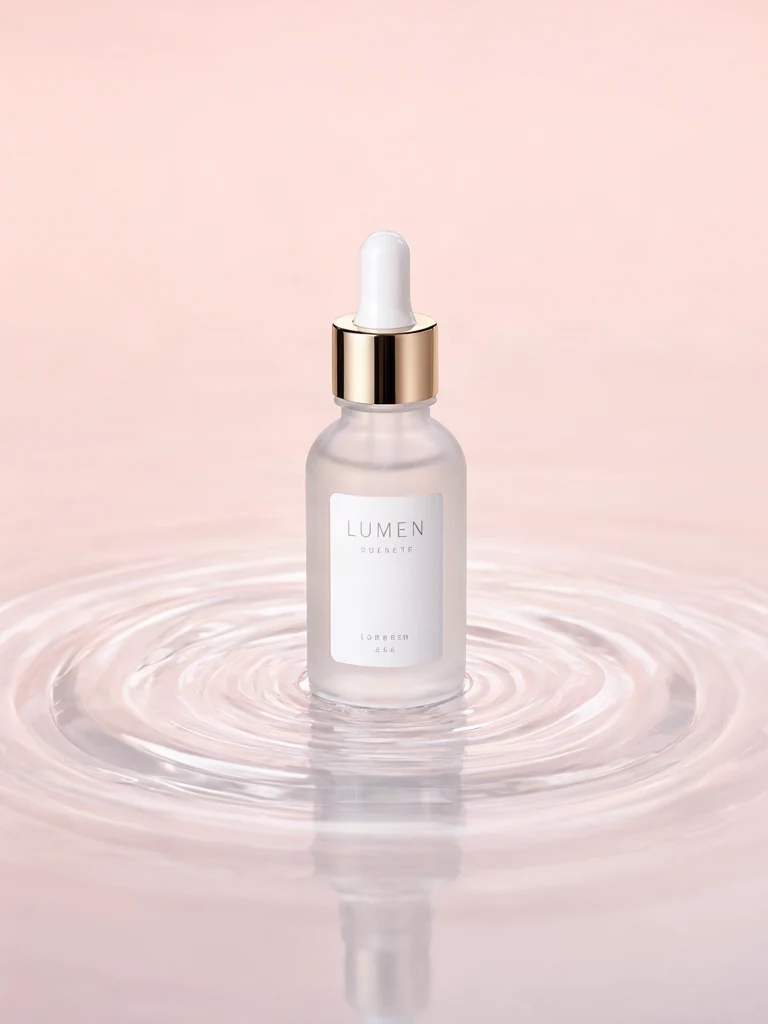
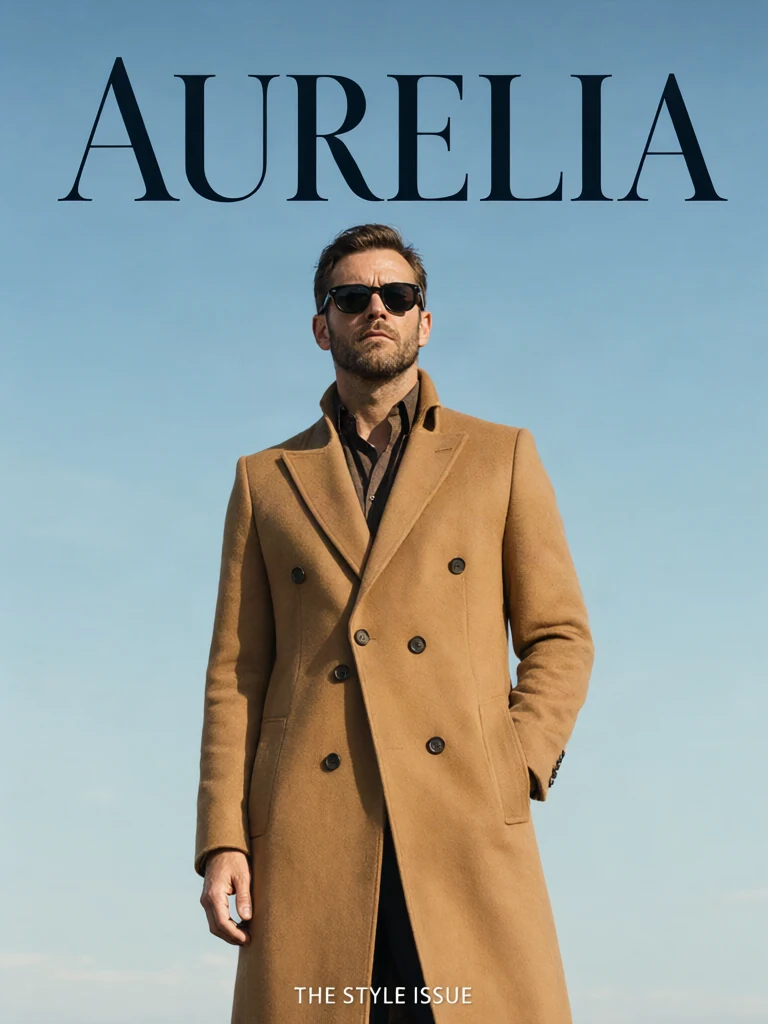
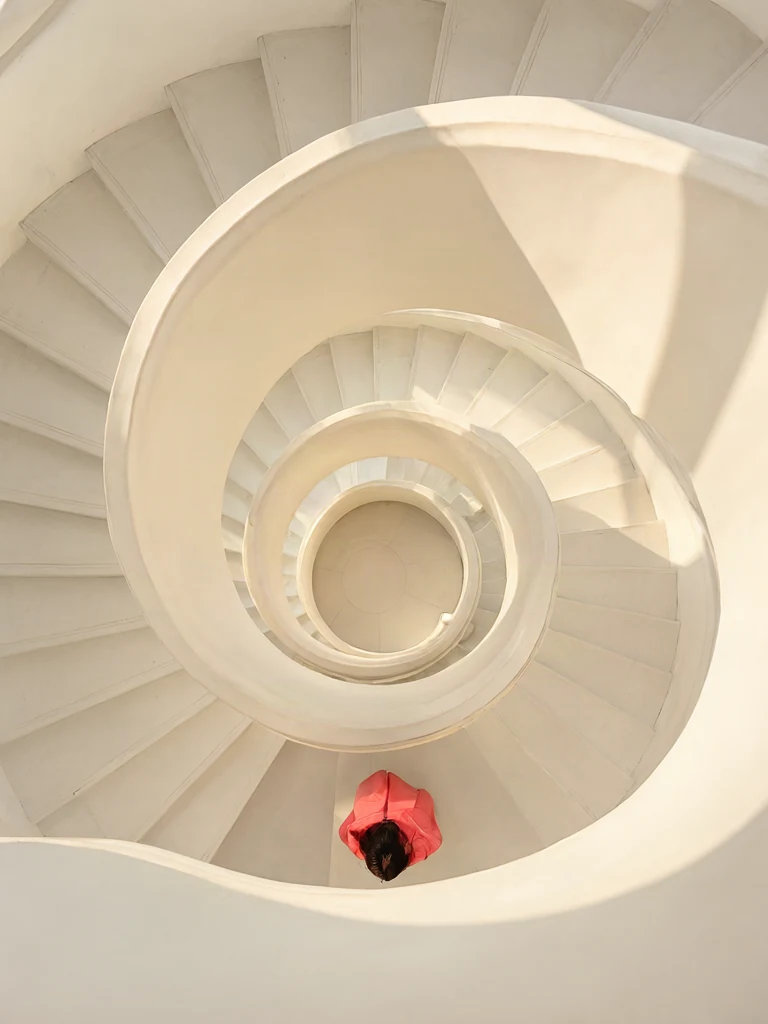
Watch Qwen Image Edit 2.1 in Action
What people are making with Qwen Image 2.1
Every image here was made with Qwen Image 2.1 on ImagineArt. Hover a card to see its prompt, then hit Try prompt and swap in your own product, words or scene.
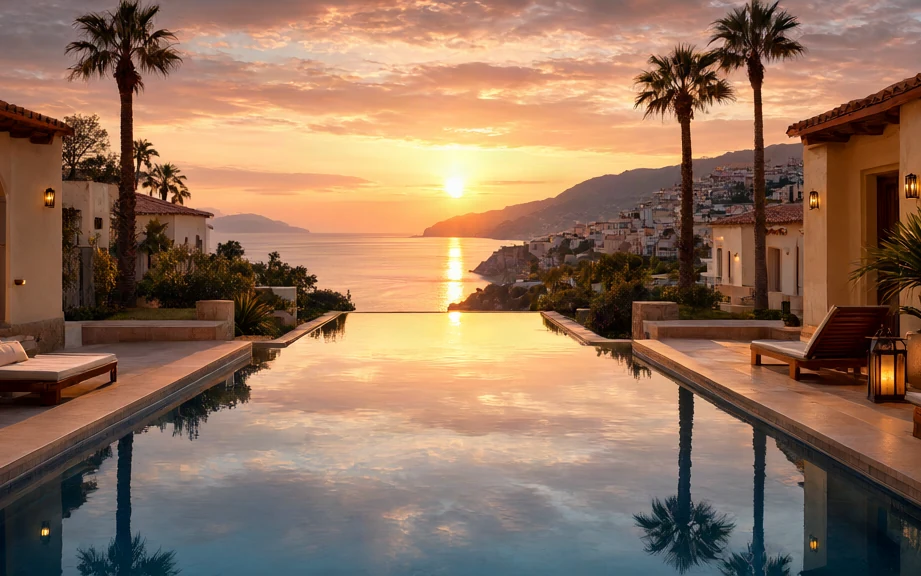
Boutique hotel infinity pool at sunset overlooking terracotta rooftops and the sea, perfect symmetry, warm pink and gold sky reflected in the water.
Try prompt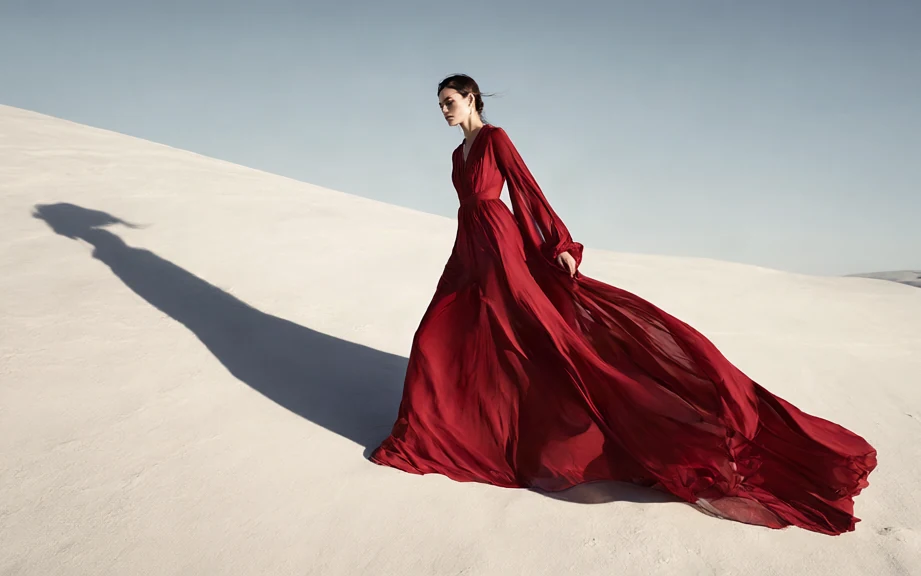
Fashion editorial: a model in a flowing crimson gown walking across white desert dunes, long dramatic shadow, wide cinematic frame, high contrast.
Try prompt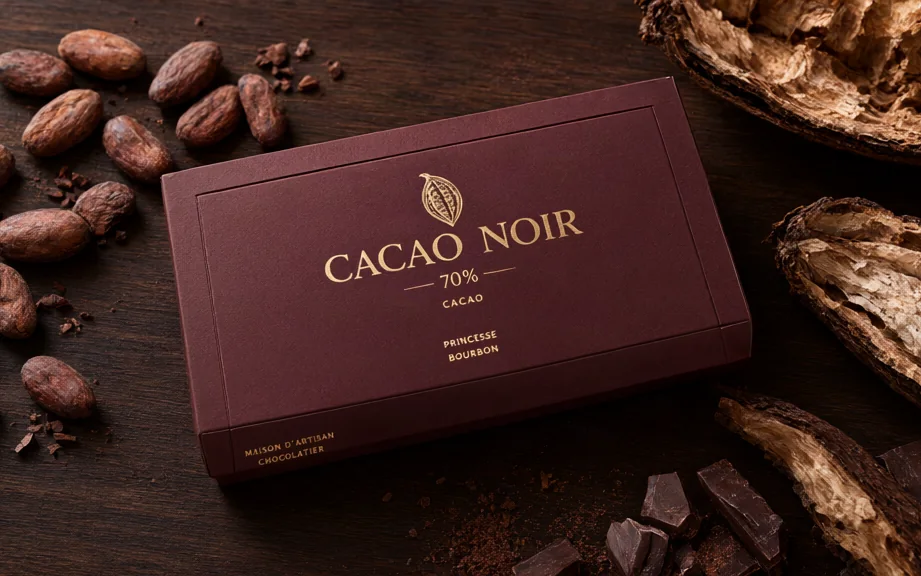
Artisan chocolate bar packaging reading CACAO NOIR in elegant gold type on deep burgundy paper, cocoa beans scattered around, rich luxurious light.
Try prompt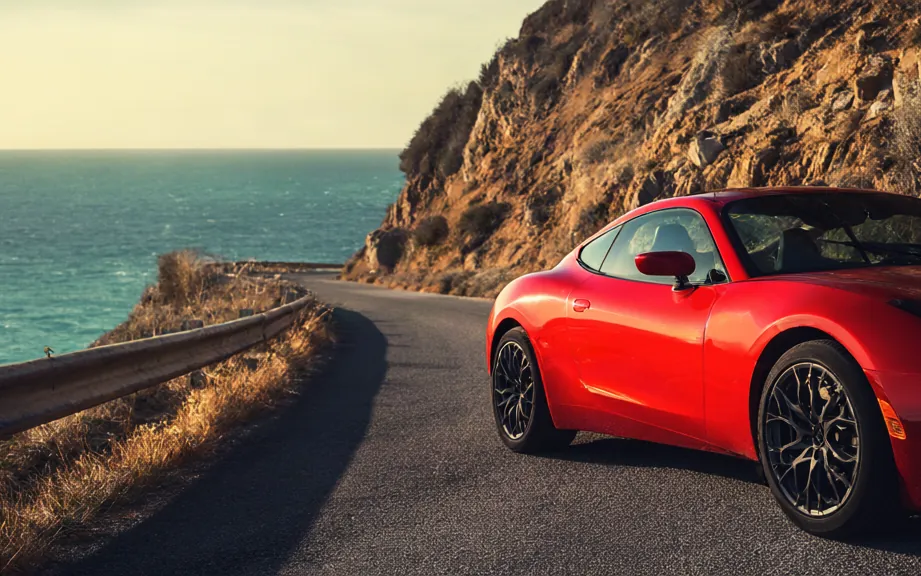
Glossy red sports car parked on a winding coastal cliff road at golden hour, turquoise ocean far below, cinematic wide shot with rich warm color.
Try promptBoutique hotel infinity pool at sunset overlooking terracotta rooftops and the sea, perfect symmetry, warm pink and gold sky reflected in the water.
Try promptFashion editorial: a model in a flowing crimson gown walking across white desert dunes, long dramatic shadow, wide cinematic frame, high contrast.
Try promptArtisan chocolate bar packaging reading CACAO NOIR in elegant gold type on deep burgundy paper, cocoa beans scattered around, rich luxurious light.
Try promptGlossy red sports car parked on a winding coastal cliff road at golden hour, turquoise ocean far below, cinematic wide shot with rich warm color.
Try prompt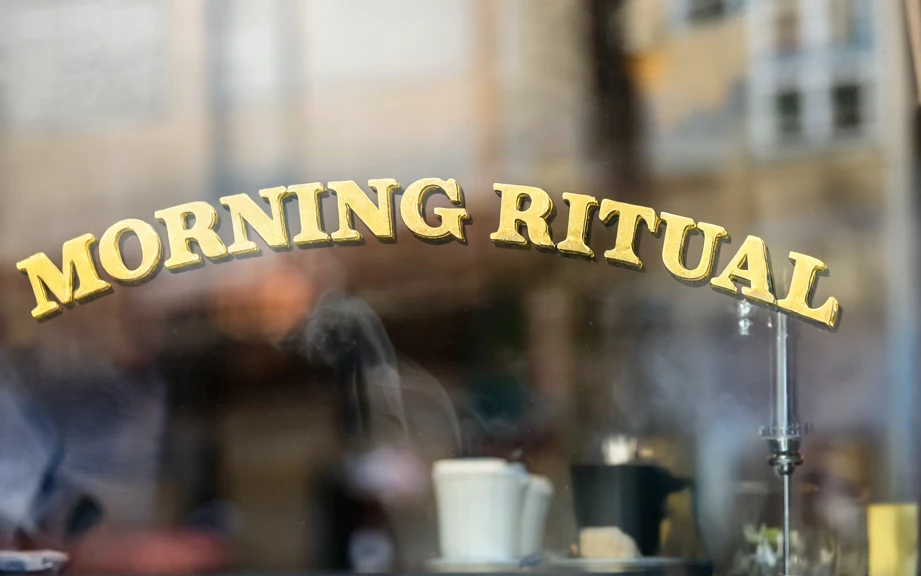
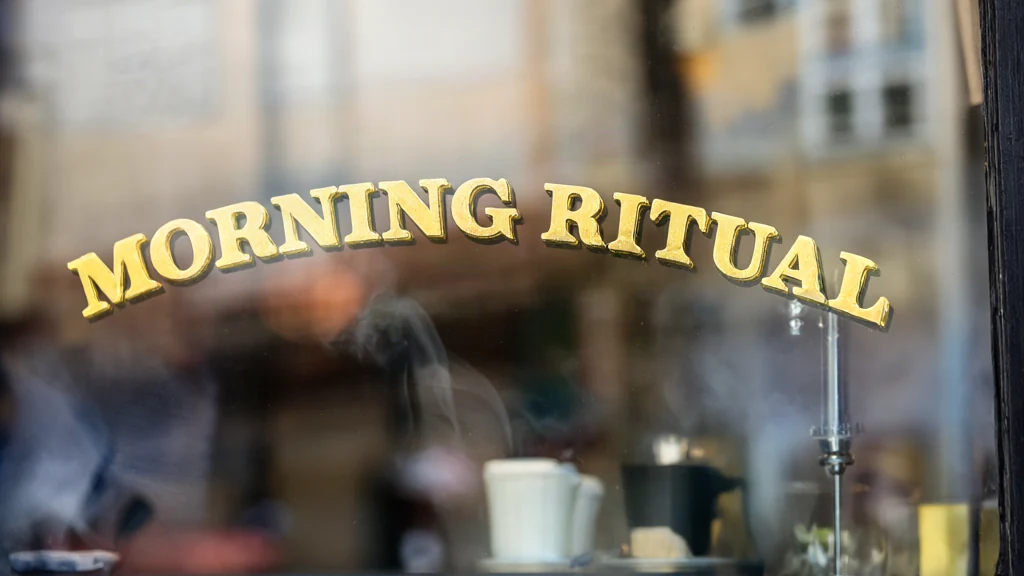
Coffee shop window with gold-leaf lettering reading MORNING RITUAL, steam rising from cups inside, soft dawn light, shallow depth of field.
Try prompt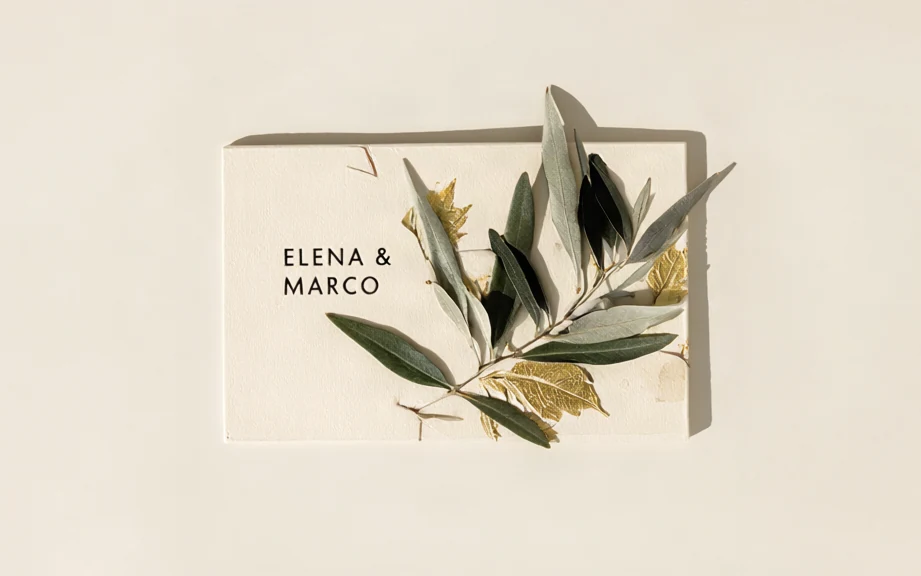
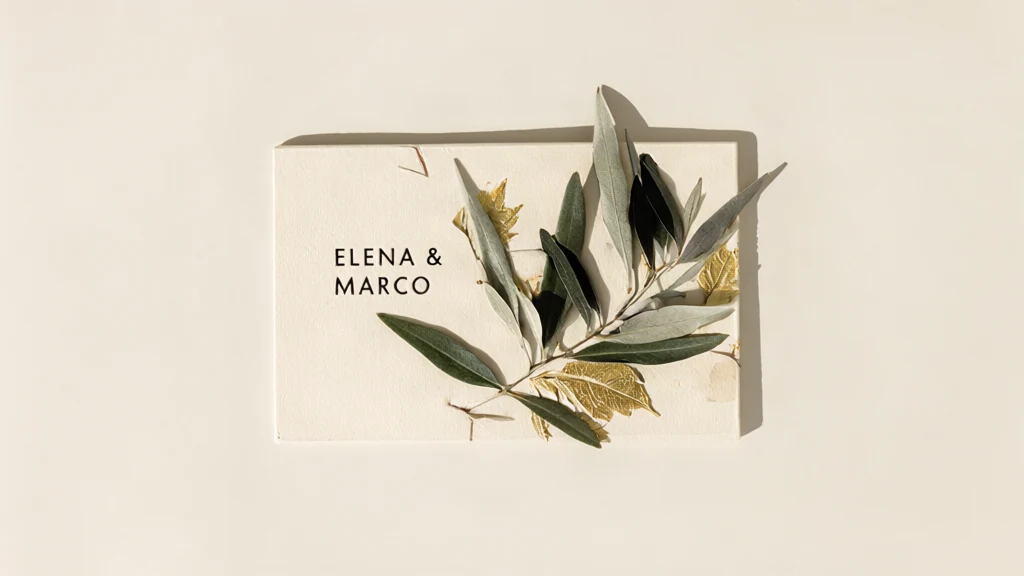
Elegant wedding invitation on cream cotton paper reading ELENA & MARCO, pressed olive leaves and gold foil details, soft shadow, top-down flat lay.
Try prompt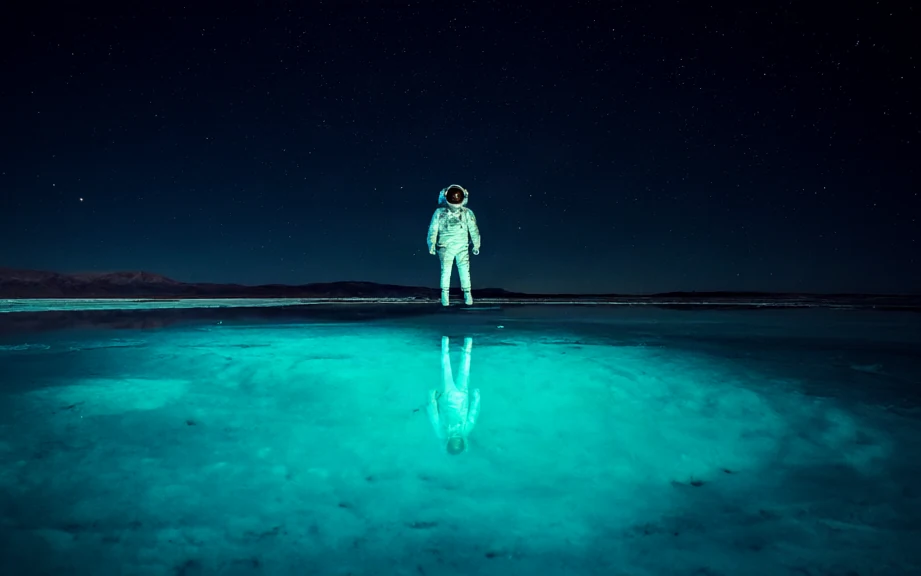
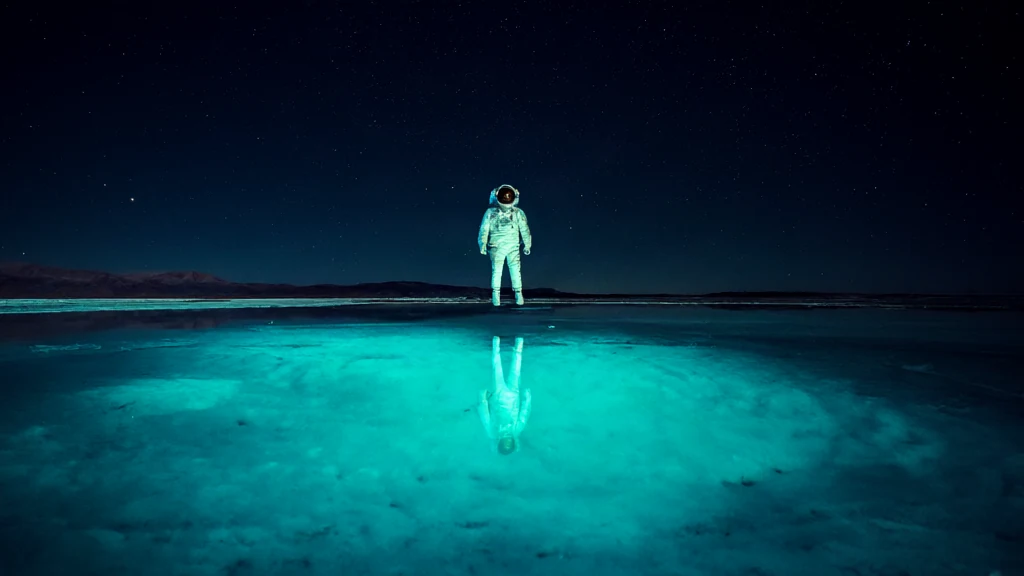
An astronaut floating above a glowing turquoise lagoon at night, stars mirrored in the still water, dreamy cinematic color, perfectly centered.
Try prompt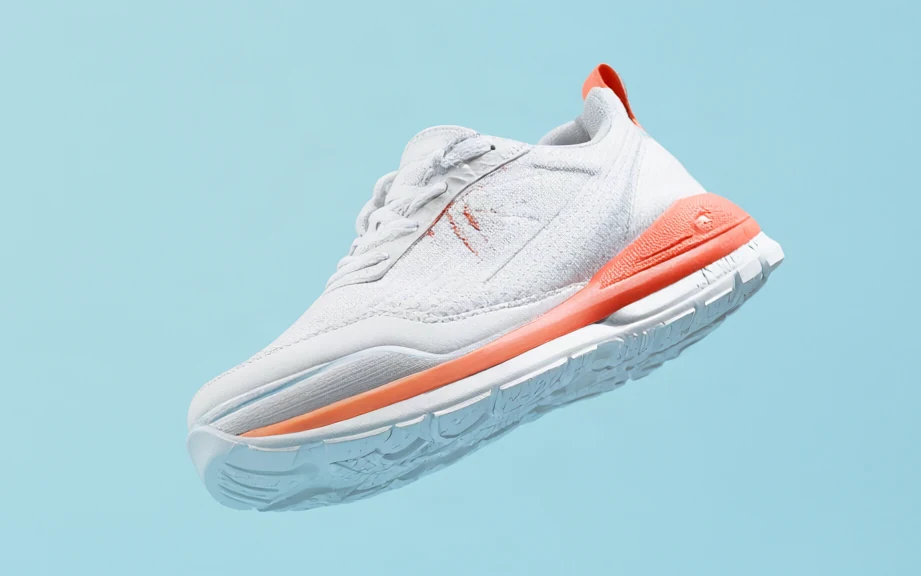
White running shoe with coral accents floating above a pastel blue backdrop at a dynamic angle, crisp studio light, premium sneaker advertising.
Try prompt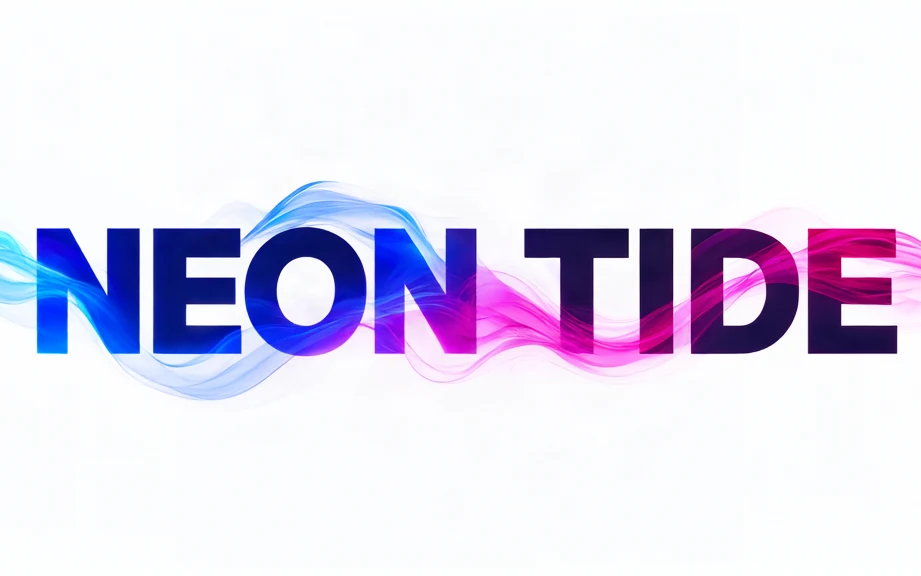
Bold concert poster reading NEON TIDE with a flowing gradient wave in electric blue and hot pink, clean modern typography, symmetrical layout.
Try prompt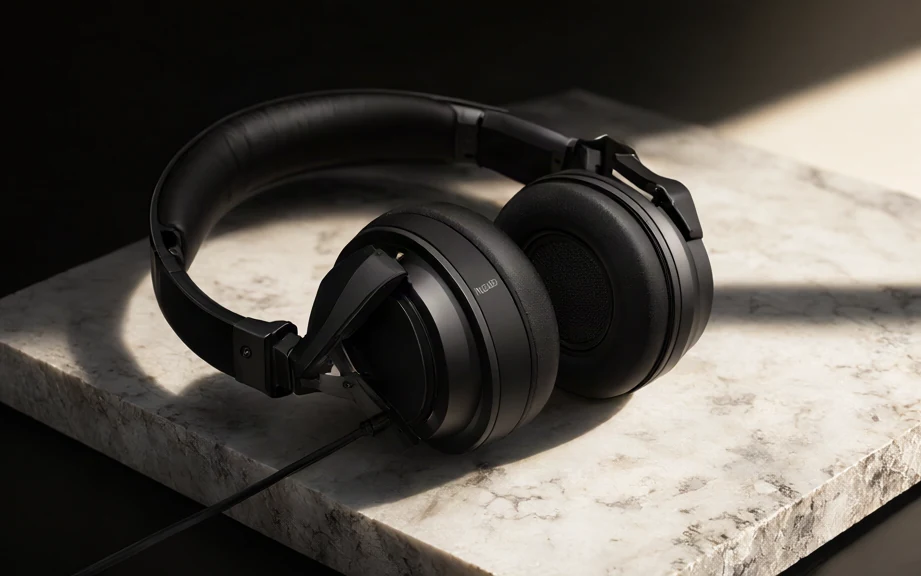
Sleek matte black headphones resting on a white marble slab, one dramatic beam of side light, deep shadows, minimal premium tech advertising photograph.
Try promptCoffee shop window with gold-leaf lettering reading MORNING RITUAL, steam rising from cups inside, soft dawn light, shallow depth of field.
Try promptElegant wedding invitation on cream cotton paper reading ELENA & MARCO, pressed olive leaves and gold foil details, soft shadow, top-down flat lay.
Try promptAn astronaut floating above a glowing turquoise lagoon at night, stars mirrored in the still water, dreamy cinematic color, perfectly centered.
Try promptWhite running shoe with coral accents floating above a pastel blue backdrop at a dynamic angle, crisp studio light, premium sneaker advertising.
Try promptBold concert poster reading NEON TIDE with a flowing gradient wave in electric blue and hot pink, clean modern typography, symmetrical layout.
Try promptSleek matte black headphones resting on a white marble slab, one dramatic beam of side light, deep shadows, minimal premium tech advertising photograph.
Try prompt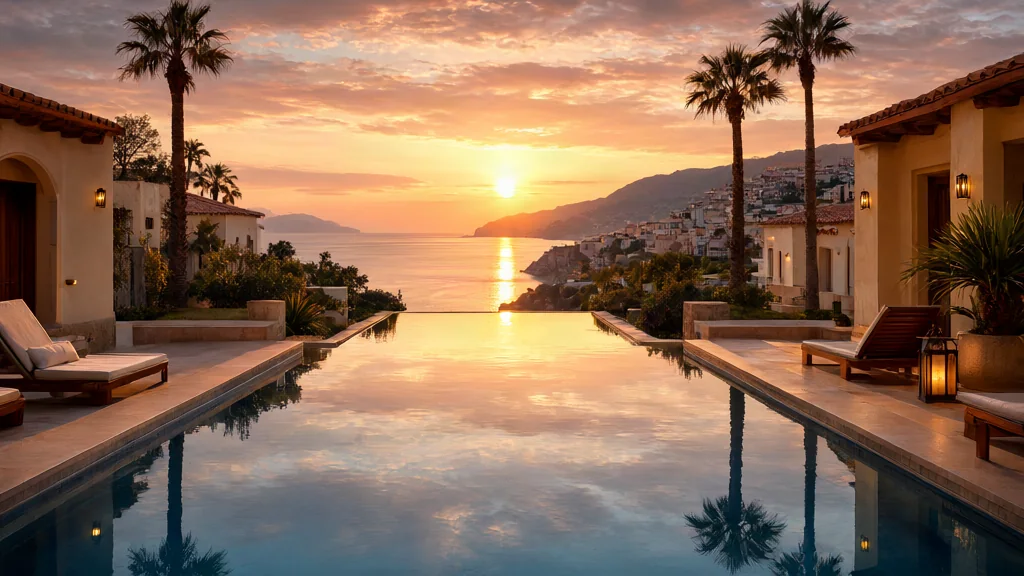
Edit with Qwen Image Edit 2.1
Three steps from the image you have to the image you need.
Upload your image
Add the photo you want to change. For a composite, add up to 10 reference images, such as a model and a product.
Describe one clear change
Say what should change and what must stay, for example: change the label to NORTHWIND, keep the can and ice.
Download or keep editing
Save the result, or run another round of edits on it. Each pass leaves the parts you did not mention untouched.
Swap the words, keep the font
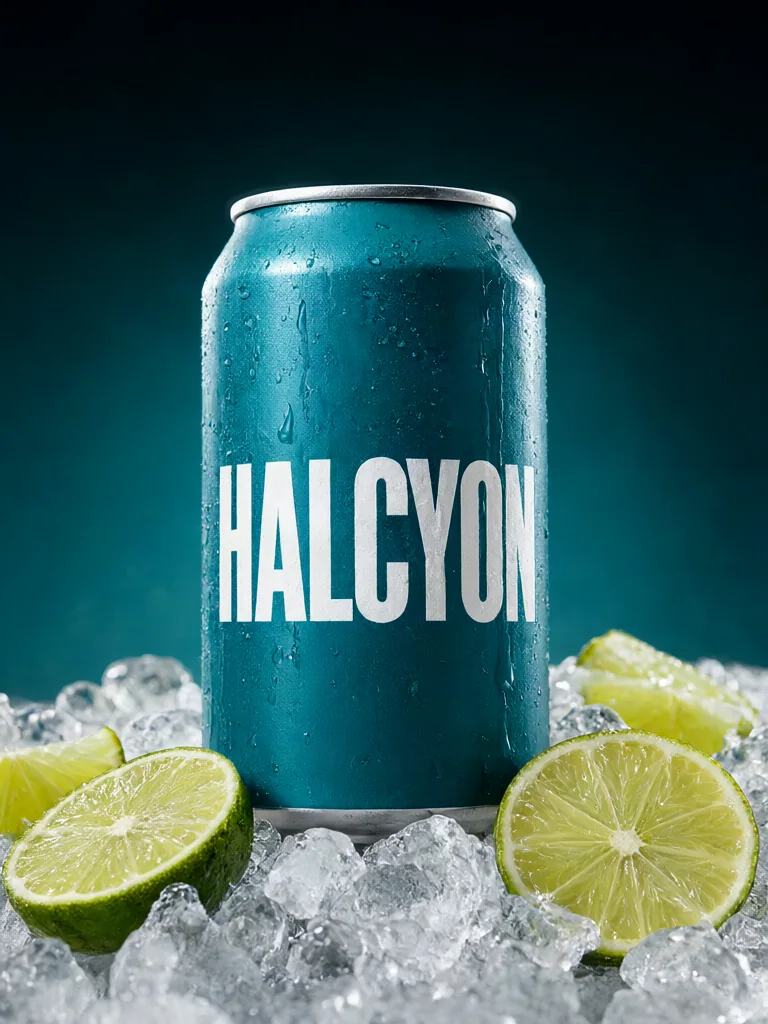
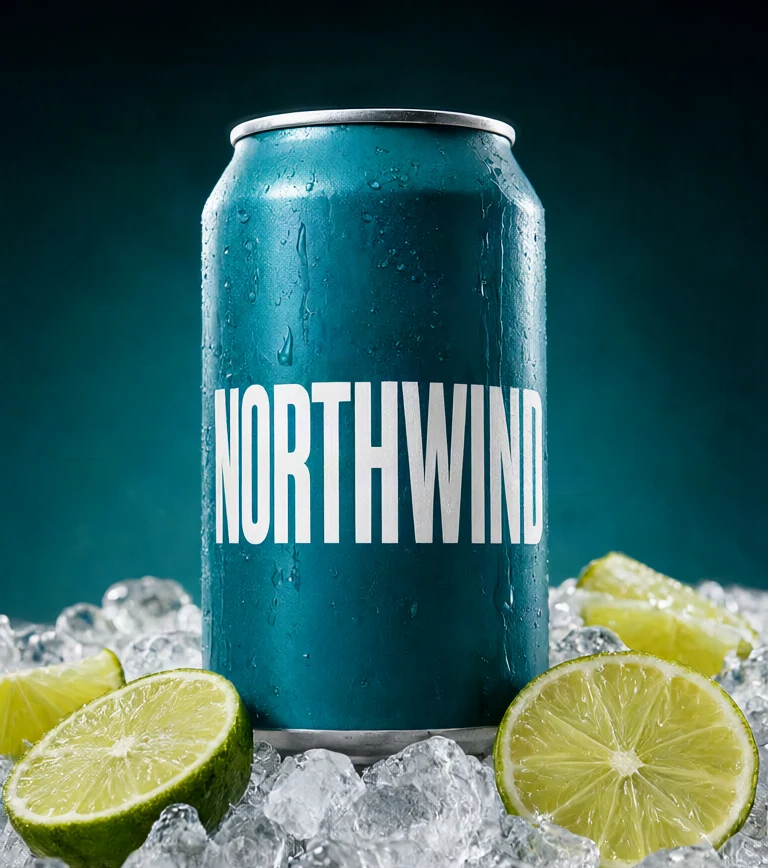
We asked Qwen Image Edit 2.1 to change one word on a beer can. HALCYON became NORTHWIND in the same bold condensed lettering, at the same size and angle. The ice, limes, droplets and light did not move, which is what makes a label swap usable for a real product line.
Change only the word on the can from HALCYON to NORTHWIND, in the same bold white condensed lettering, same size and position. Keep everything else the same.
Try prompt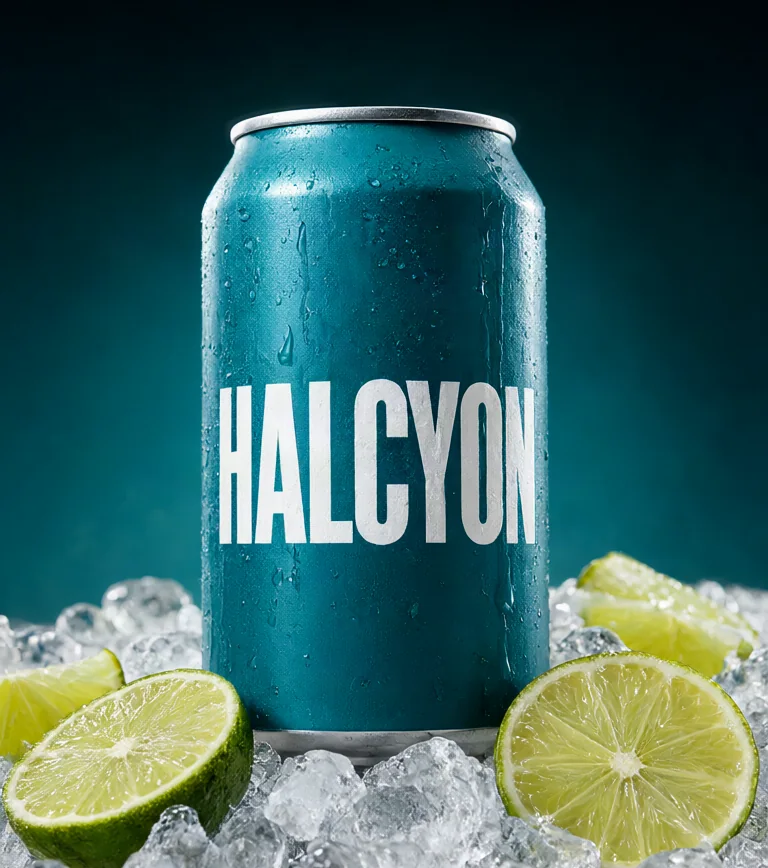
Same product, brand-new scene
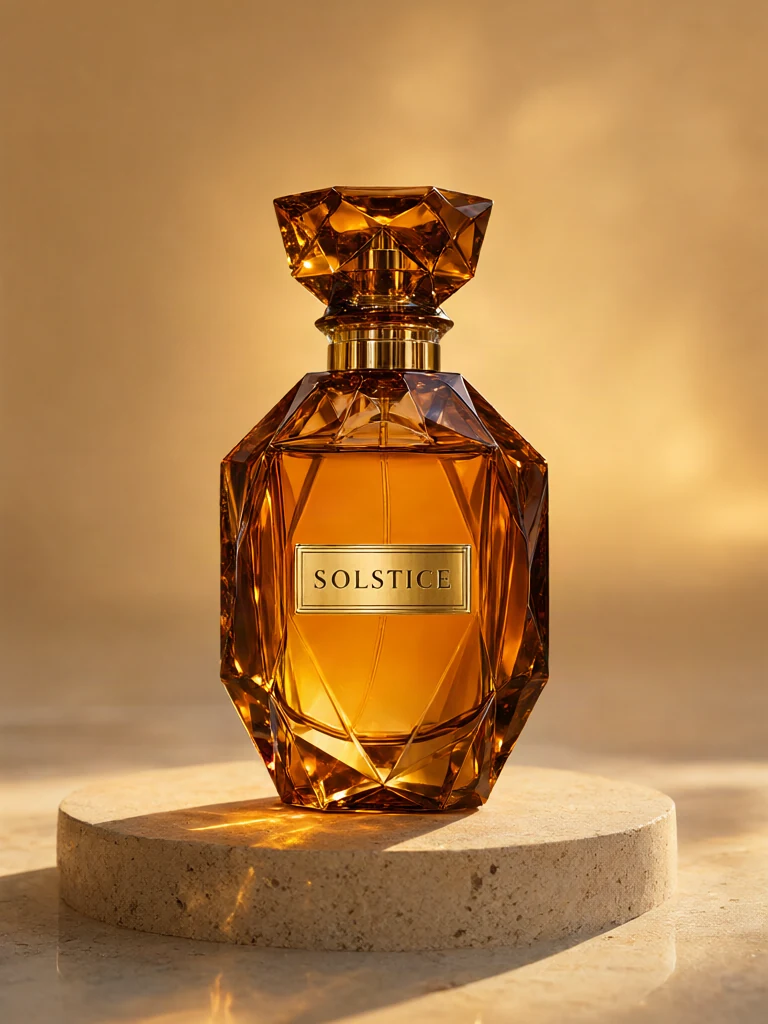
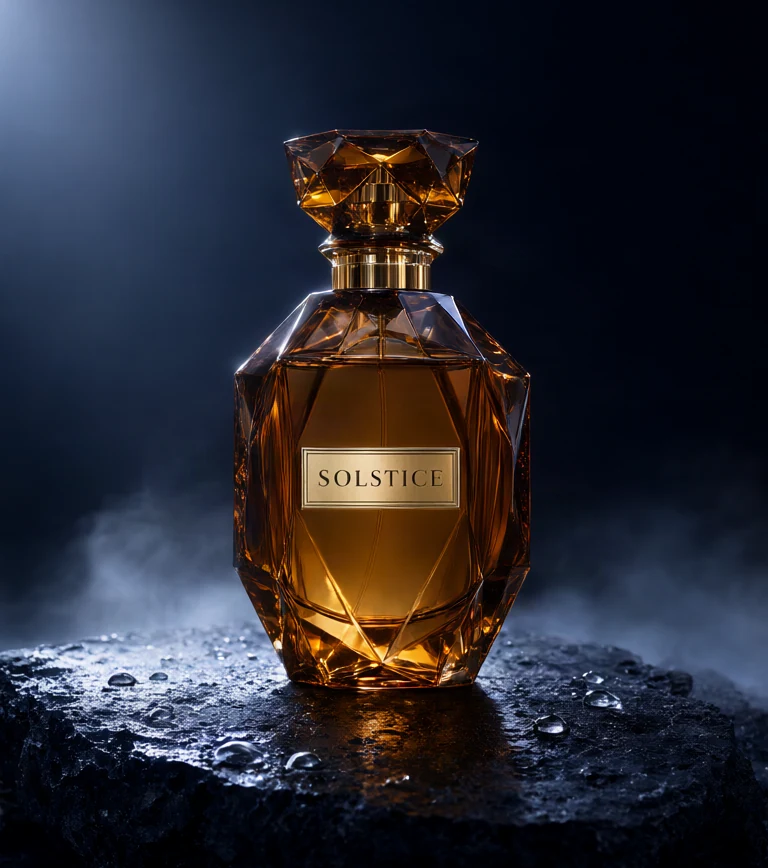
We took a perfume shot made at golden hour and asked for a night scene instead. Qwen kept the faceted bottle, the gold SOLSTICE label and the proportions, and rebuilt only the world around it: wet volcanic rock, cool moonlight and mist. One product, a whole campaign of settings.
Keep the SOLSTICE perfume bottle exactly as it is, same shape, glass, label and size. Replace only the setting with wet black volcanic rock at night under silver moonlight.
Try prompt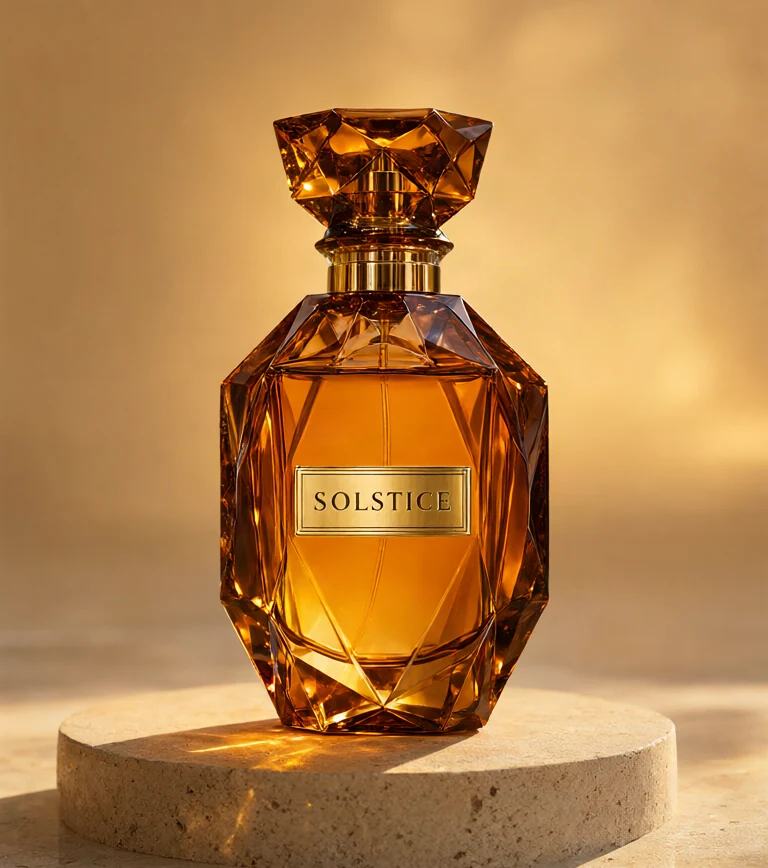
Combine two images into one
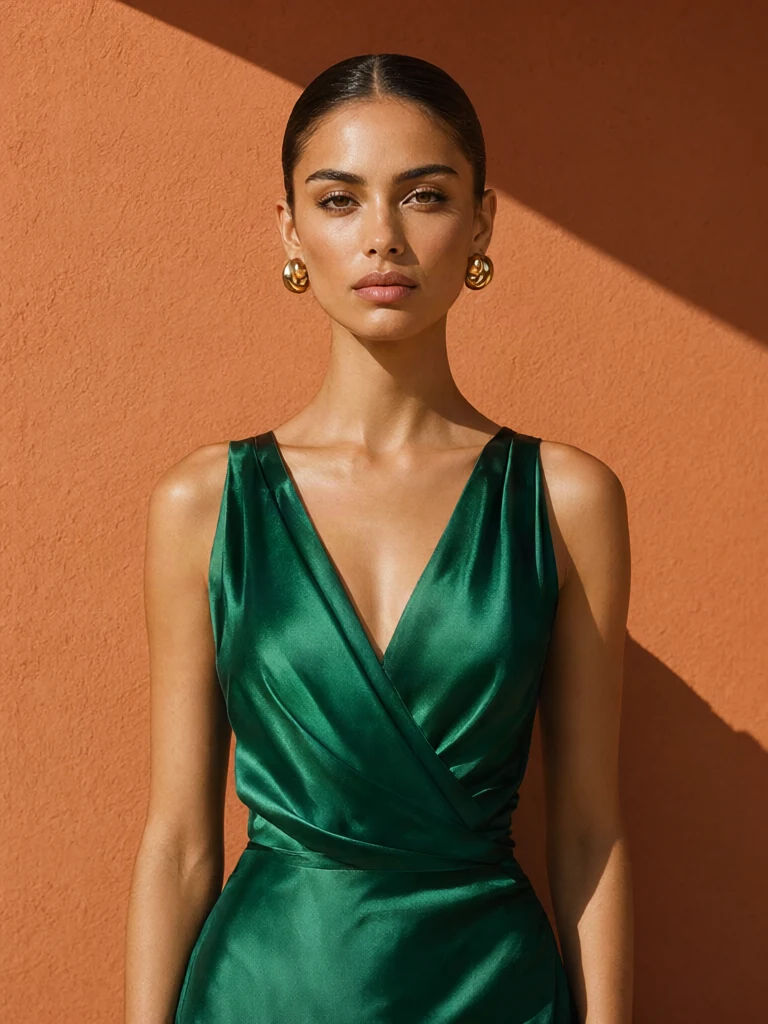
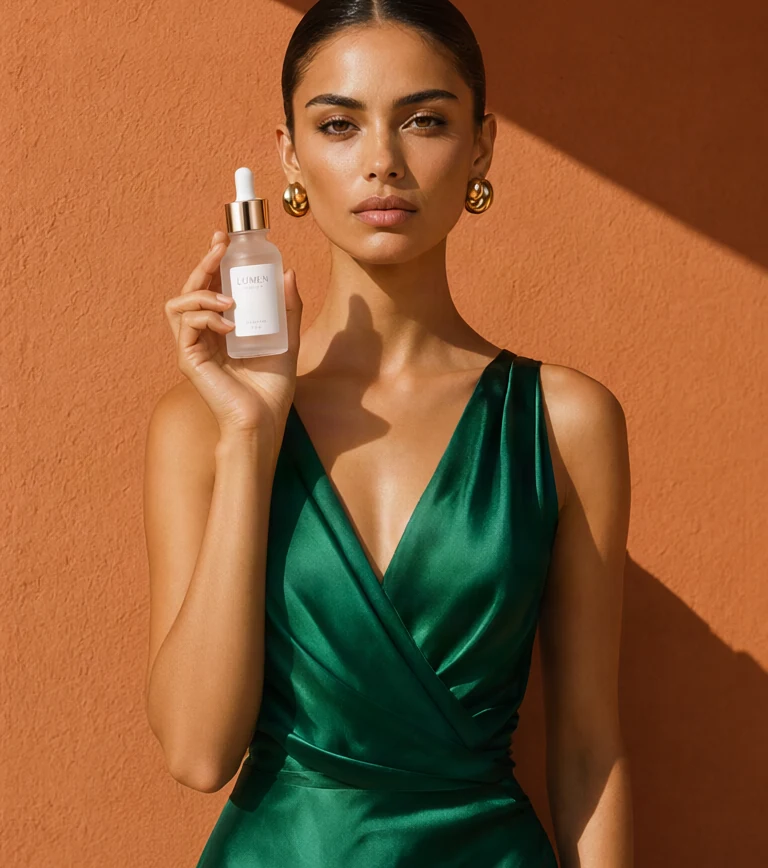
Qwen Image Edit 2.1 accepts up to 10 reference images. We gave it a portrait and a separate serum bottle, and it placed the LUMEN bottle in her hand with the label facing camera, while keeping her face, dress, earrings and the shadow on the wall.
The woman from the first image, same face, hair and emerald dress, now holds the LUMEN serum bottle from the second image near her cheek, label facing the camera.
Try prompt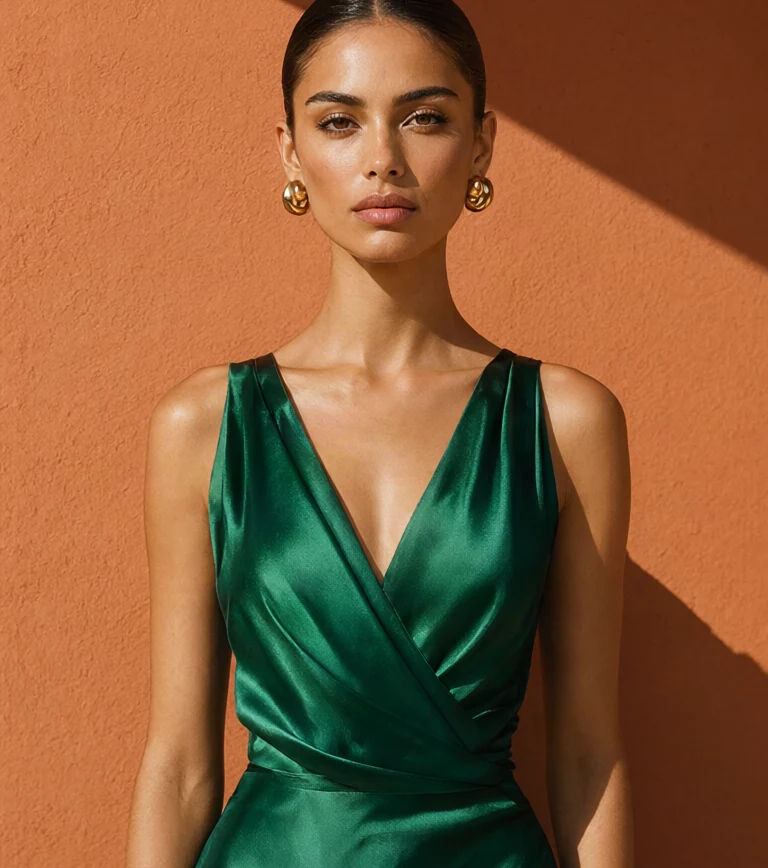
Brands, designers and marketers use Qwen Image Edit 2.1 to turn one approved image into every version they need, with labels, faces and products that stay on-brand.
Get started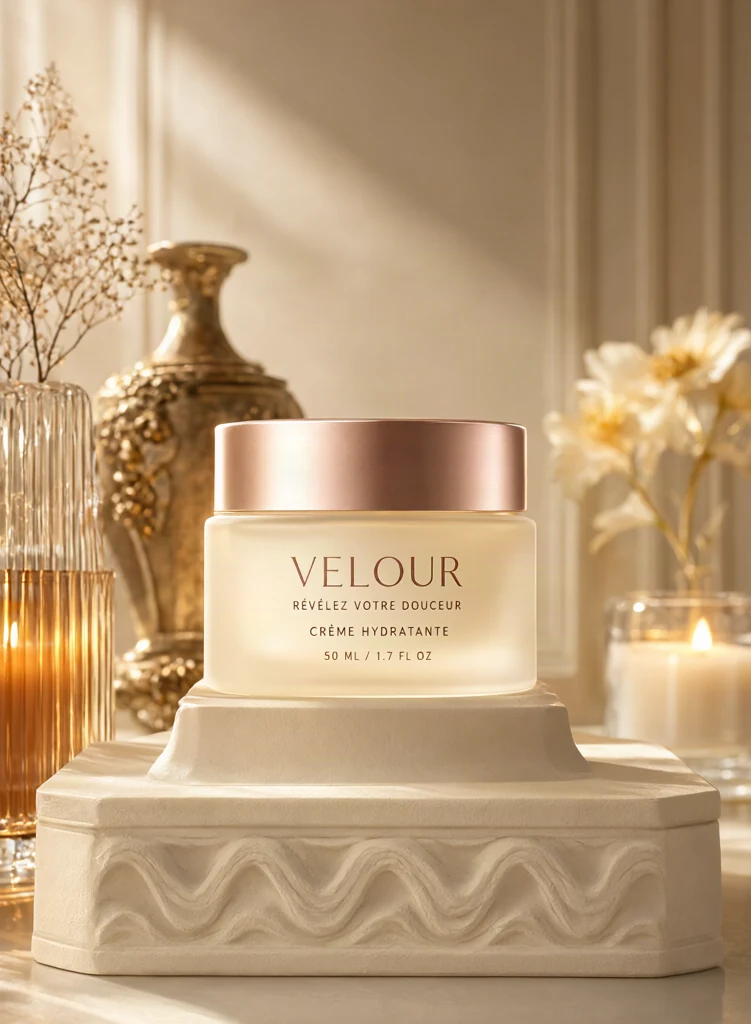
Beauty brands
Restage one jar or bottle across seasons and campaigns while the label and shape stay pixel-faithful.
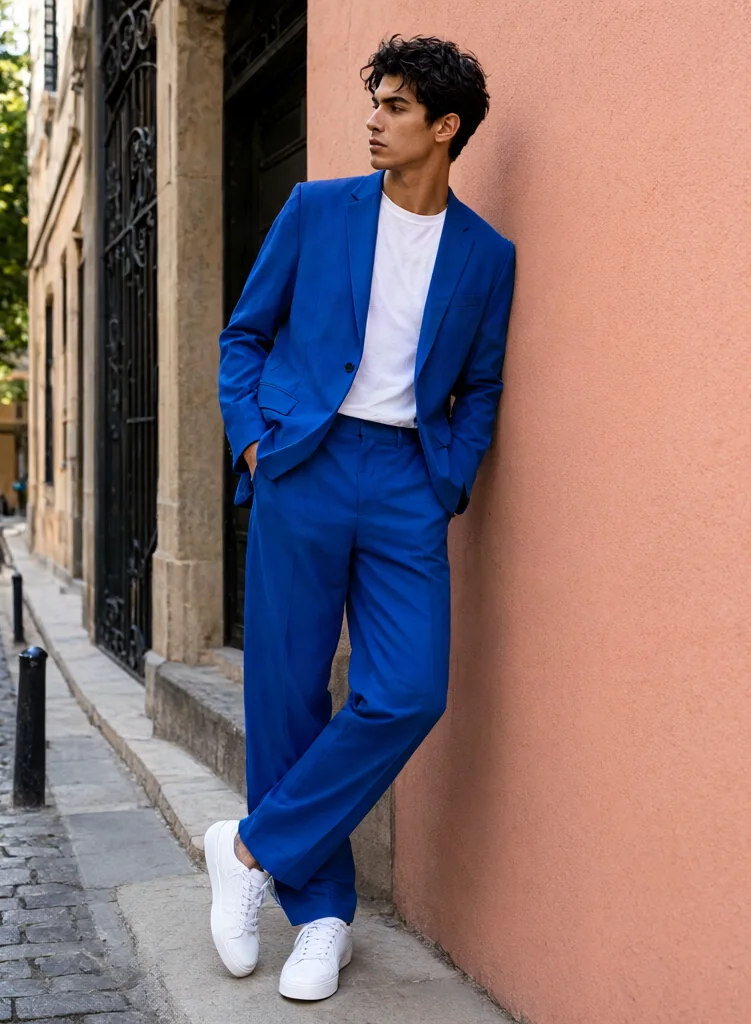
Fashion
Change a color, a backdrop or an accessory on an approved look without reshooting the model.

Event posters
Swap dates, venues and headlines on a finished poster and keep the layout and illustration intact.
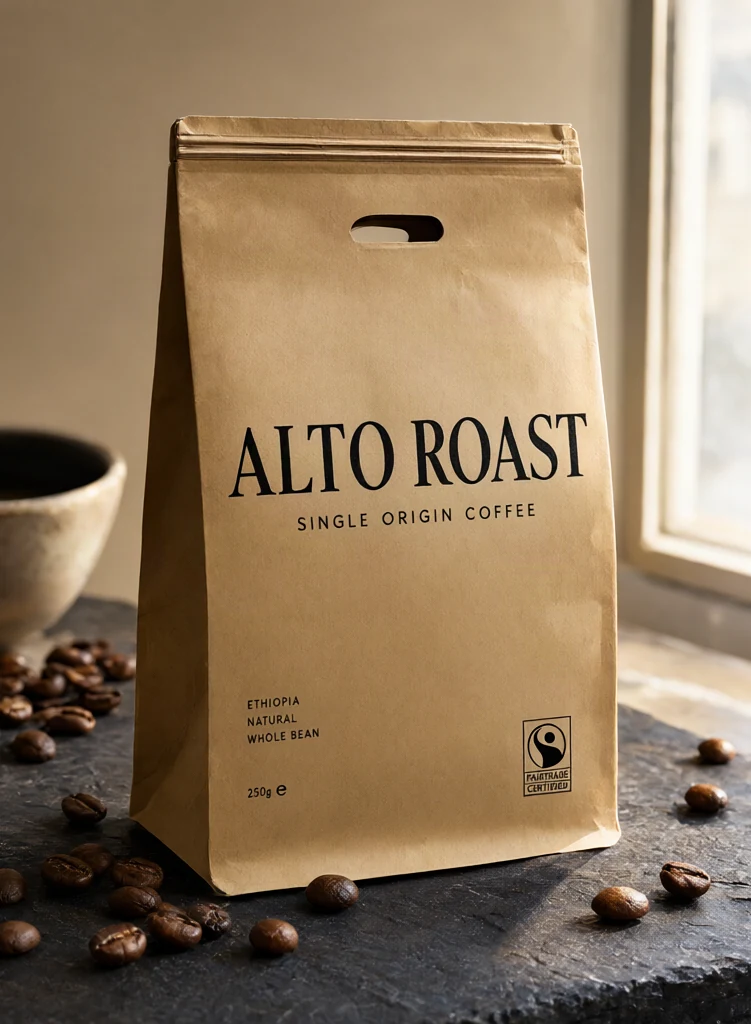
Packaging
Test new product names and flavors on the same bag, box or can before anything goes to print.
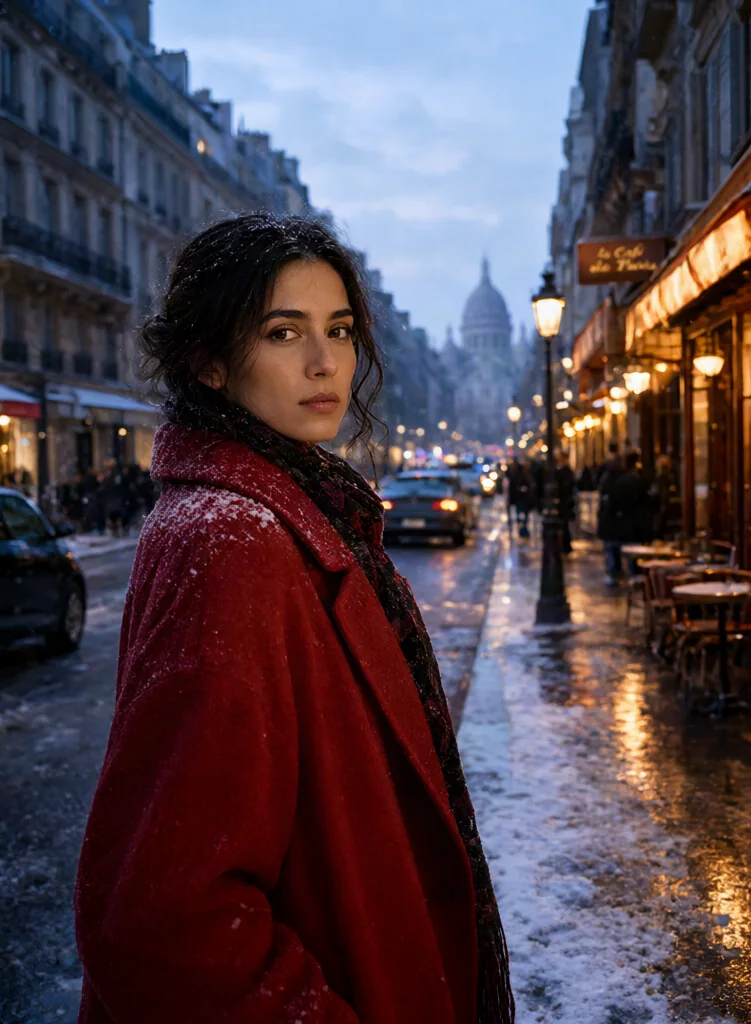
Social content
Turn one hero portrait into a week of posts by changing the setting, the season or the light.
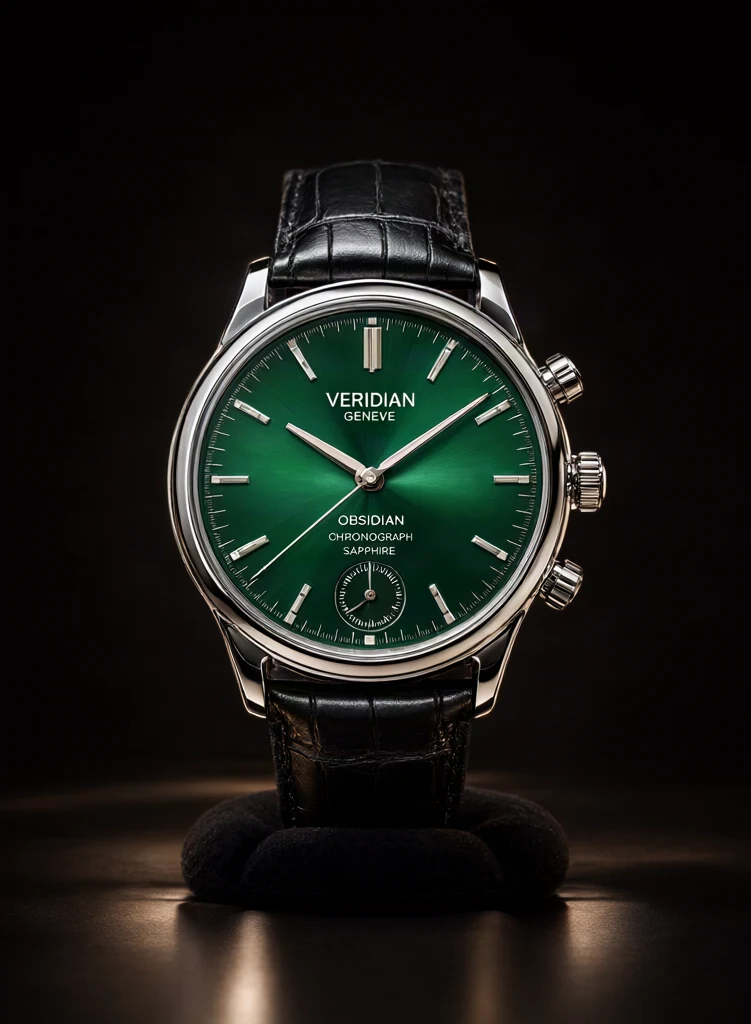
Luxury goods
Put a watch or piece of jewelry into new scenes while every reflection and engraving stays true.
Beauty brands
Restage one jar or bottle across seasons and campaigns while the label and shape stay pixel-faithful.
Fashion
Change a color, a backdrop or an accessory on an approved look without reshooting the model.
Event posters
Swap dates, venues and headlines on a finished poster and keep the layout and illustration intact.
Packaging
Test new product names and flavors on the same bag, box or can before anything goes to print.
Social content
Turn one hero portrait into a week of posts by changing the setting, the season or the light.
Luxury goods
Put a watch or piece of jewelry into new scenes while every reflection and engraving stays true.
One model, two modes
Qwen Image 2.1 both creates and edits, so you can generate a base image and refine it without switching models.
Generate new images from text, with strong, legible typography for posters, packaging and signs.
Change text, objects or scenes in your own image, using up to 10 reference images at once.
Reviews
What creators are saying
Real five-star reviews from designers and creators who edit and generate images on ImagineArt.

"It has almost all important features from character generation to consistent characters to multi angles to multishot generations to image editing to image generation to advance tools and models. What a creator need more than this. That's all"
"Imagine.art offers so much more than just basic image generation. Having text-to-image, video generation, and an editor all in one dashboard is a huge time-saver. The variety of models (like Flux and Imagen 4) allows for a lot of creative flexibility. I also appreciate the frequent updates and the fact that the team clearly listens to community feedback."
"I have made so much viral content generating images on imagineart ai website, love their relight, ai clothe changer and the fact that all models are in one place!"
"With ImagineArt, I can create any visuals (image or video) in one place, especially the Workflow feature. It really helps me to work better and faster to do my daily task as a visual designer. Thank you, ImagineArt... 😊🙏"
"A great work tool for audiovisual and photographic production, saving us time and money on productions."
"I have been using ImagineArt's various different engines to create architectural and interior design visualization for my work to partially create better presentation and its been one hella experience. The overall UI and UX experience is straight to the point. I would give more starts if I could."
Plans
Purchase a Subscription
Upgrade to get access to pro features and generate more and better.
Free
USD 0 · per creator / month, billed annually
3000 credits / month
- 100 Daily credits
- In-house models only
- 36k credits per year
- 1 Fast Image concurrency
Basic
For newcomers taking their first steps
3K credits / month
- Up to ~97 video generations / month
- Up to ~600 image generations / month
- 10 image models · 9 video models
- 4 concurrent image generations
- General commercial terms
Ultimate
Peak performance for pros
16K credits / month
- Up to ~530 video generations / month
- Up to ~3.2k image generations / month
- All styles and models, including Kling 2.6 Pro and Seedance 1.5 Pro
- Everything in Standard, unlimited
- General commercial terms
Trusted by creative teams, designers and marketers.
Compare every plan and buy credit packs →FAQs
- What is Qwen Image Edit 2.1?
- Qwen Image Edit 2.1 is the editing side of Qwen Image 2.1, an image model from Alibaba's Qwen team that both generates and edits images. On ImagineArt it appears as Qwen Image 2.1 and works in create and edit modes.
- What is Qwen Image Edit 2.1 best at?
- Precise edits that keep a product or person unchanged, and changing or adding text inside an image. It also composes a new image from up to 10 reference images.
- Can Qwen Image Edit 2.1 change text in an image?
- Yes. Describe the new words and it rewrites them in the same font, size and position. In our test it changed HALCYON to NORTHWIND on a beer can and left the rest of the photo untouched. English and Chinese text work best.
- How many images can I combine in one edit?
- Up to 10 reference images. For example, upload a portrait and a product shot and ask for the person to hold the product.
- Which aspect ratios does Qwen Image Edit 2.1 support on ImagineArt?
- 1:1, 4:3, 3:4, 16:9 and 9:16.
- Is Qwen Image Edit 2.1 open source?
- The earlier Qwen-Image-Edit releases have open weights under Apache 2.0. Qwen Image 2.1 is released under the Qwen Research License Agreement, so check those terms if you plan to self-host. On ImagineArt you use it in the browser with nothing to install.
- How does Qwen Image Edit 2.1 compare to other editors?
- On the Artificial Analysis editing leaderboard in October 2026, Qwen Image 2.1 ranked around 24th of 77 models. Its clear advantage is edits that must leave the rest of the image untouched, especially text swaps.
- How do I get better edits?
- Ask for one clear change per prompt and say what must stay the same, such as keep the bottle, label and lighting. Run follow-up edits on the result for further changes.
Resources
What is Qwen Image Edit?
Every Qwen editing release explained, from the open 2025 model to Qwen Image 2.1.
How to edit photos with AI
Editing basics and prompt habits that get cleaner results from instruction-based editors.
Best AI image generators
Nine top models tested on the same ten prompts, with every result shown side by side.
AI image prompt guide
How to write precise prompts that tell a model exactly what to change and what to keep.
Take your edit further
Audio Studio
Add voice or music to whatever you make with Qwen Image Edit 2.1.
AI Film Studio
Turn your still into a moving scene.
AI Ad Studio
Build the whole campaign around your hero shot.
AI Fashion Studio
Put your product on models that stay the same in every look.
Image Studio
The full image toolkit Qwen Image Edit 2.1 plugs into.
Change what matters, keep what works
Upload an image, describe one change and get a result that leaves the rest untouched. Qwen Image Edit 2.1 is ready on ImagineArt.
Create and edit with one model · Up to 10 reference images