GPT Image 2.6 AI image generator
Now on ImagineArt
Posters with every word spelled right, edits that change only what you circle, and product shots that stay on-brand from draft one.
Watch GPT Image 2.6 in Action
What people are making with GPT Image 2.6
Real prompts, run through GPT Image 2.6 on ImagineArt. Hover a card to see its prompt, then hit Try prompt and swap in your own subject.
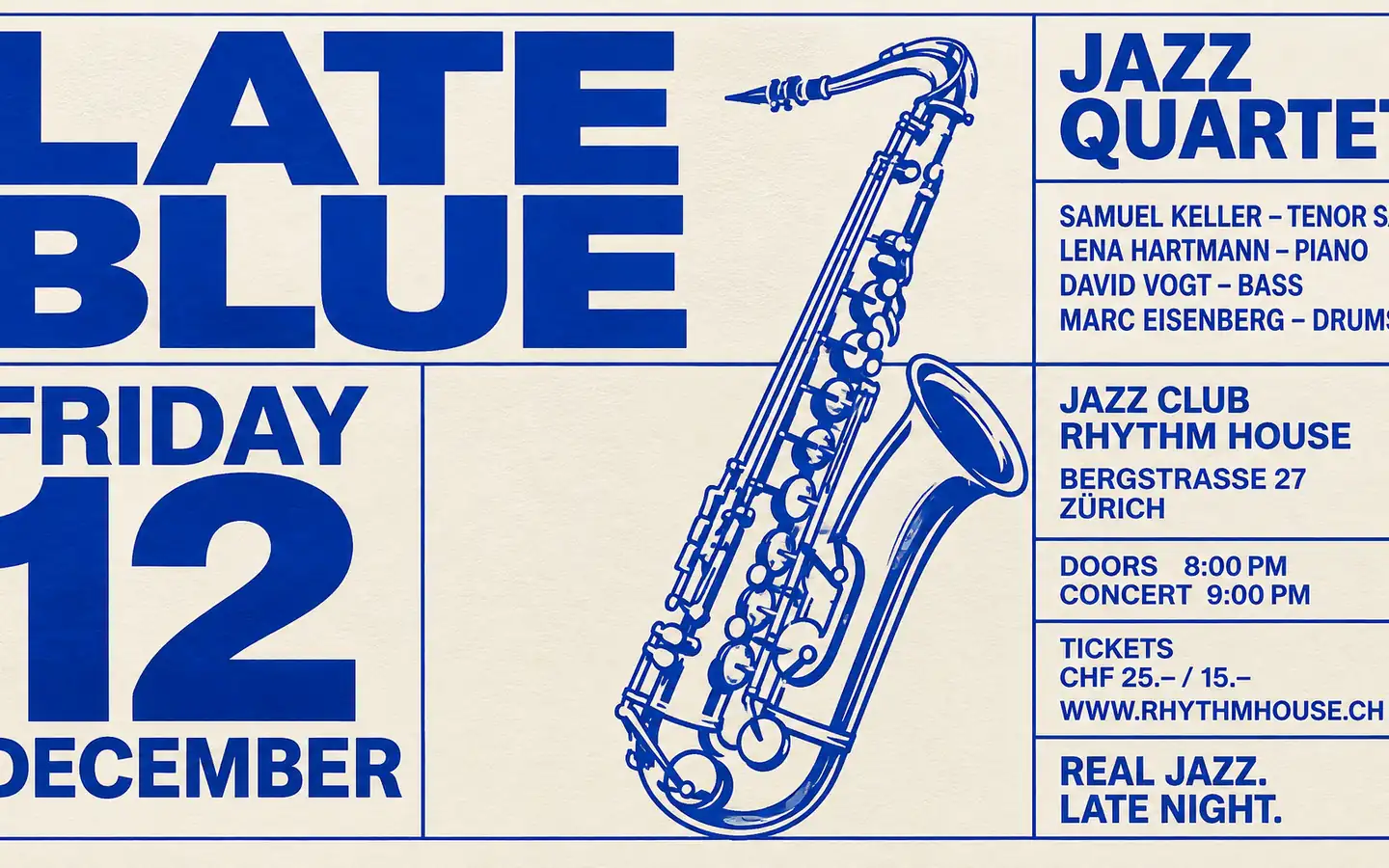
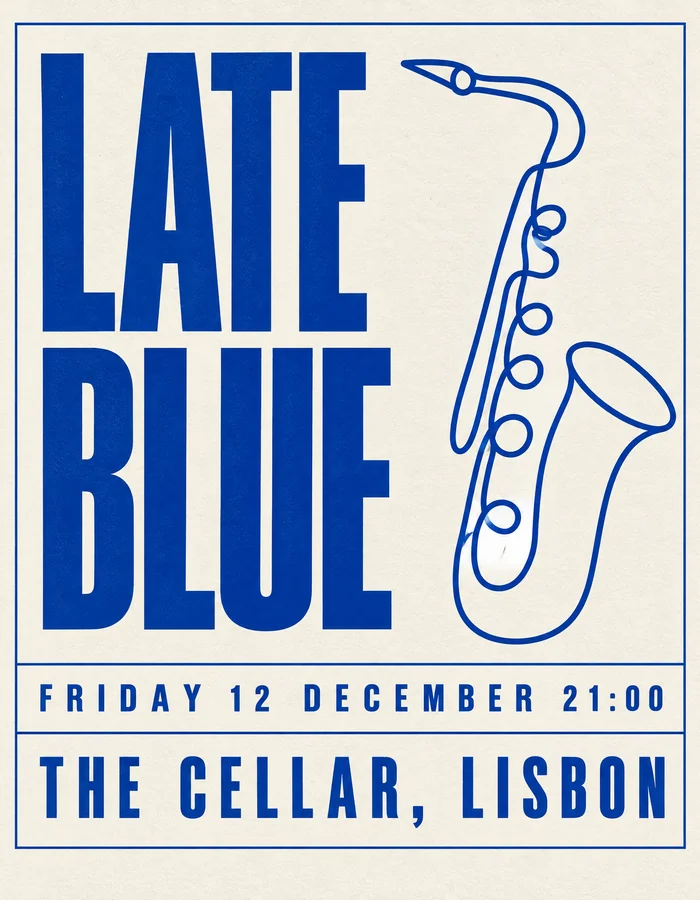
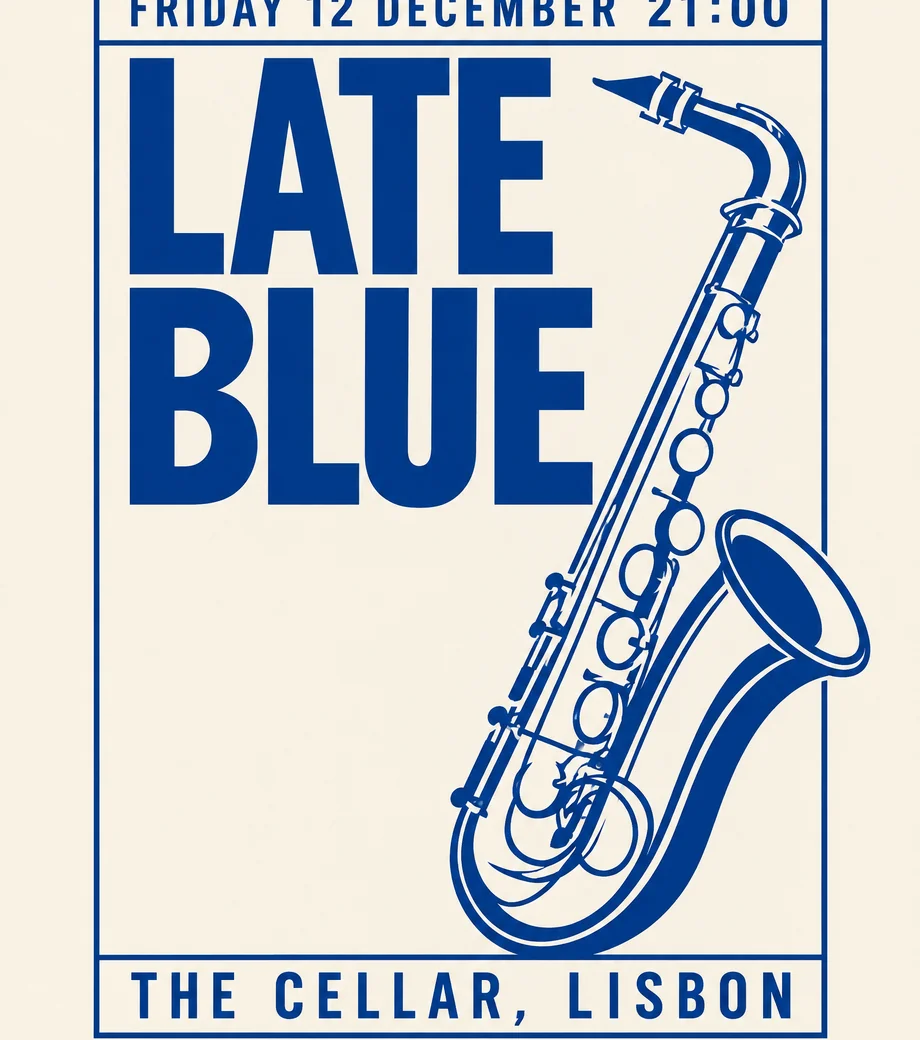
A bold Swiss-style jazz poster titled LATE BLUE, cobalt saxophone line drawing, date FRIDAY 12 DECEMBER, off-white paper, strict grid.
Try prompt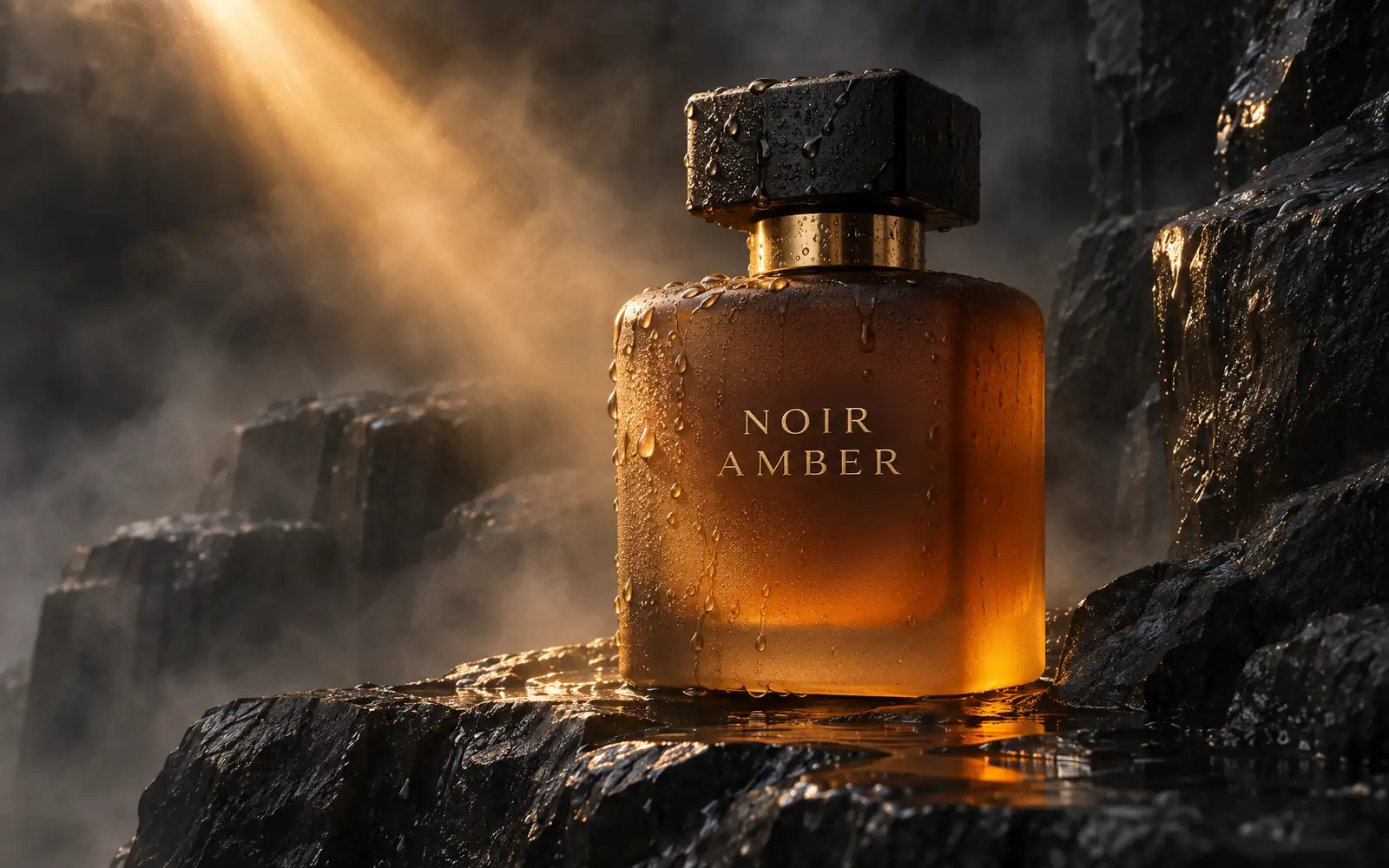
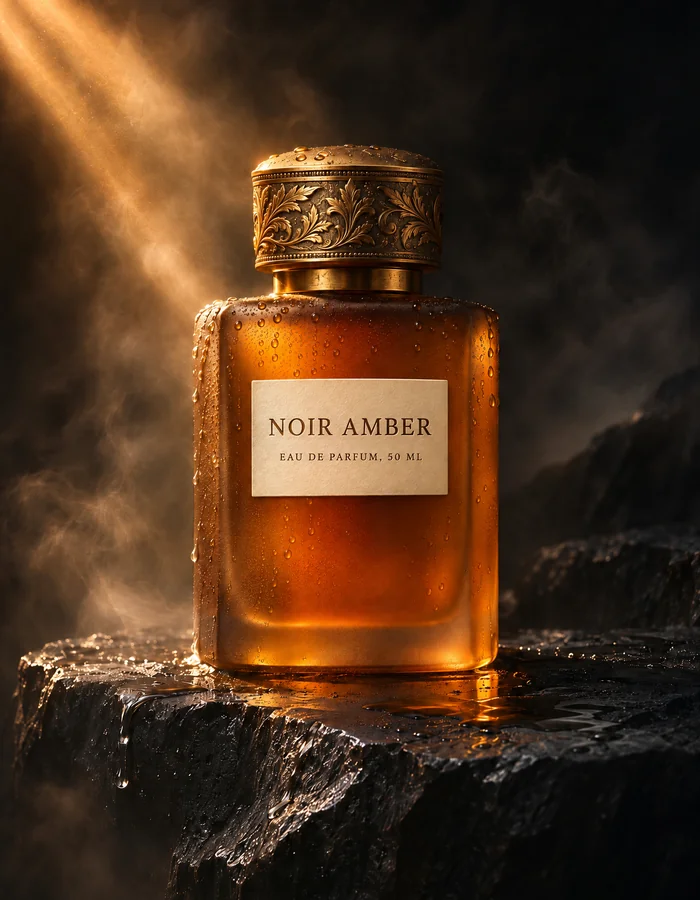
A frosted amber perfume bottle labeled NOIR AMBER on wet black basalt, one shaft of warm light through mist, water beads on glass.
Try prompt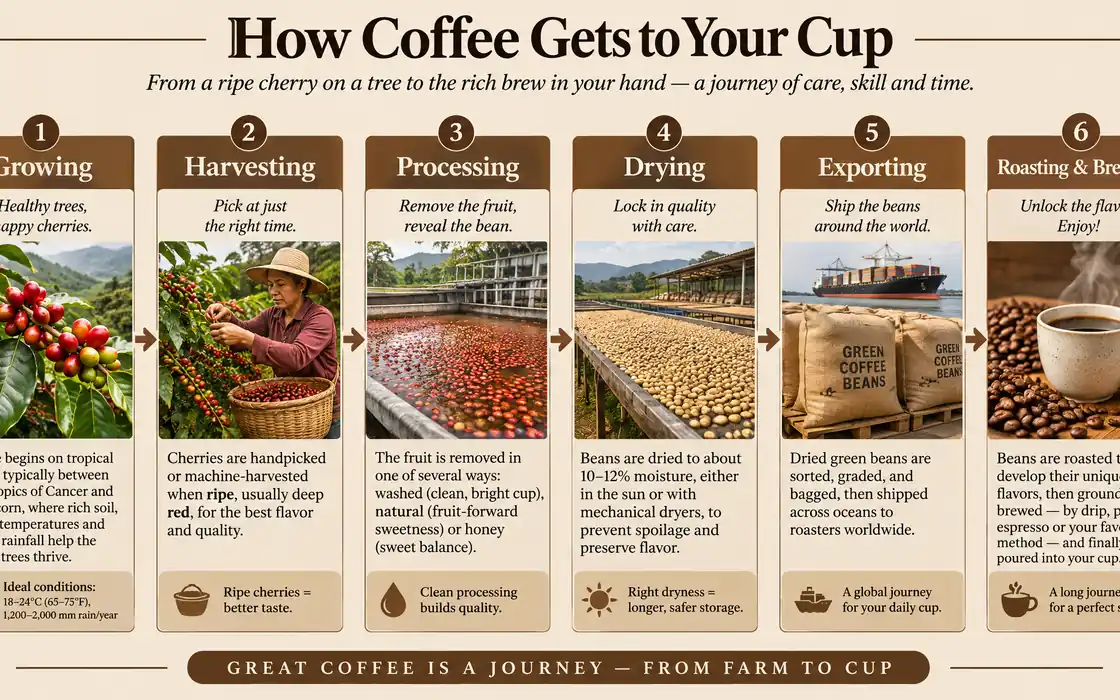
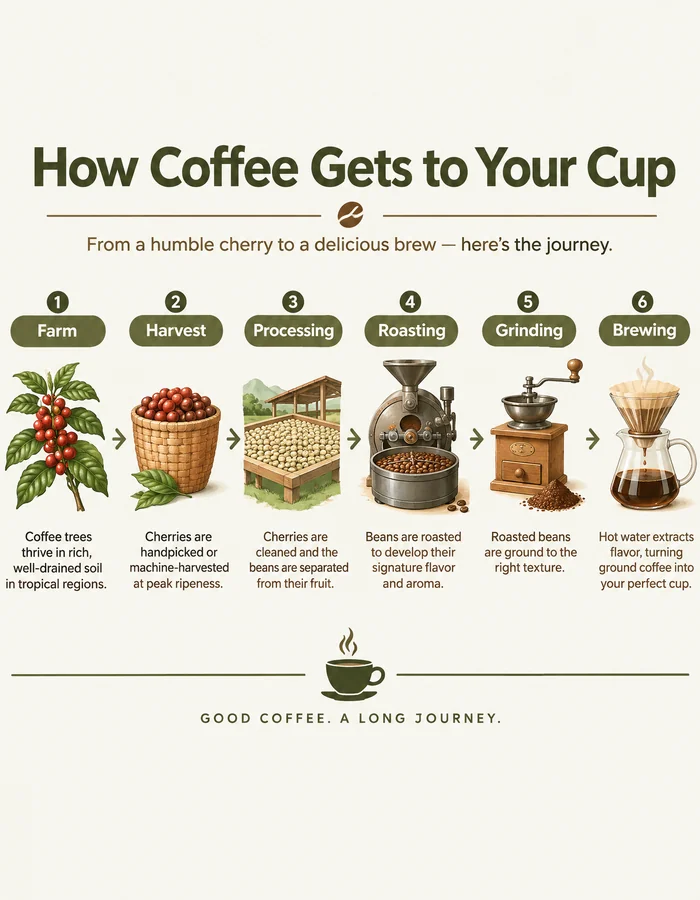
A clean editorial infographic titled How Coffee Gets to Your Cup, six labeled stages left to right, earth tones, crisp type.
Try prompt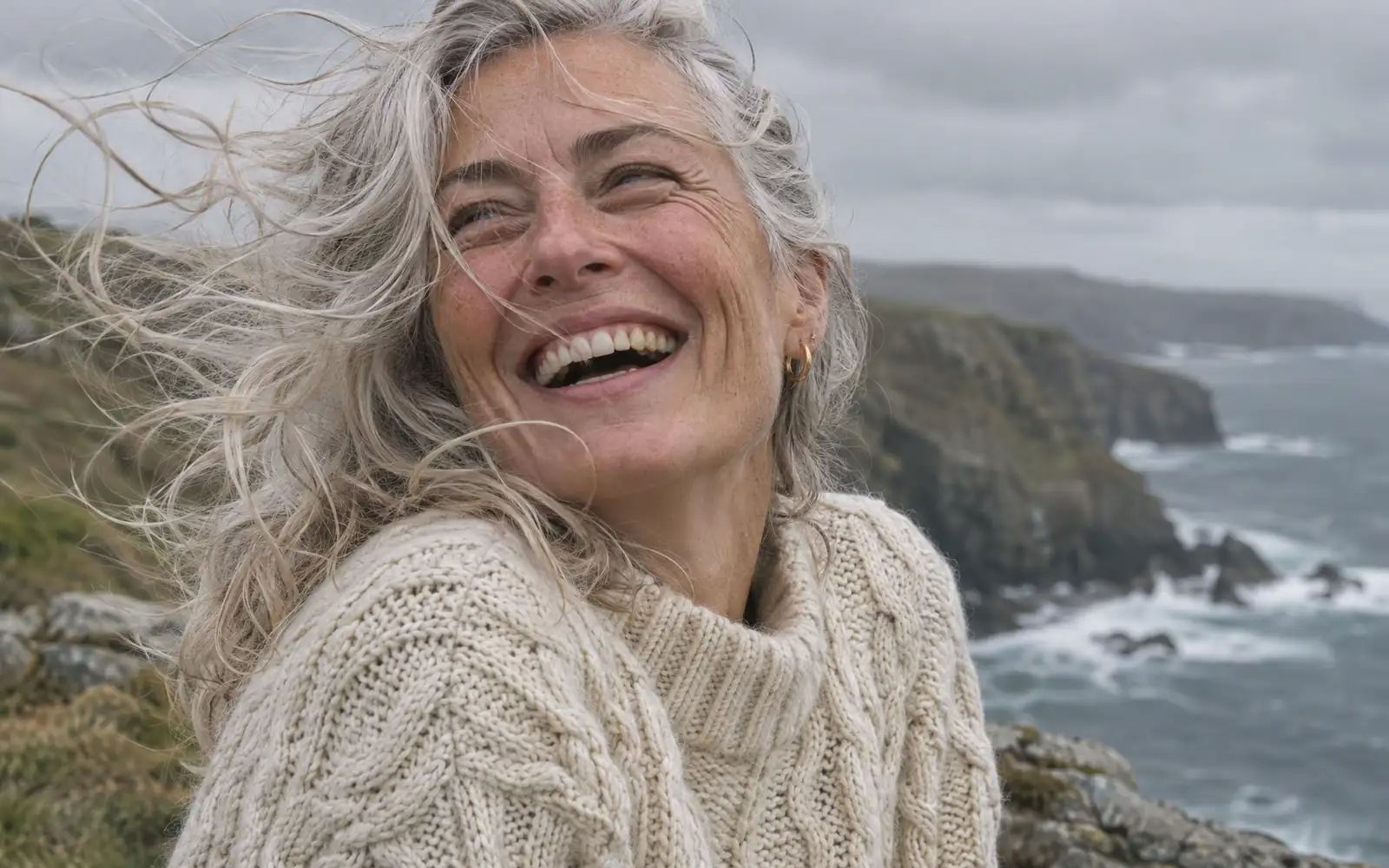
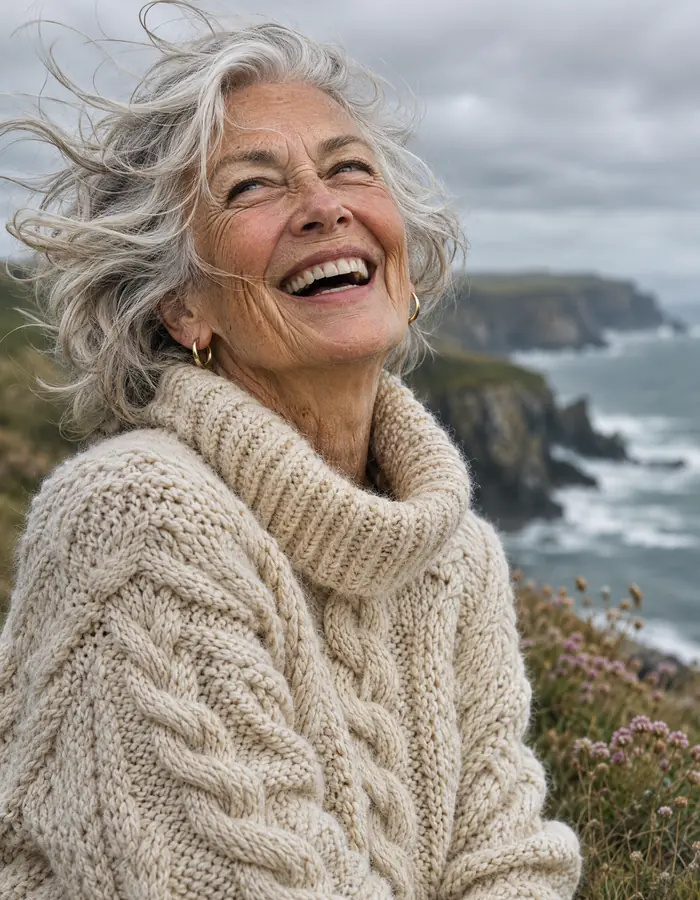
A silver-haired woman in a cream knit sweater laughing on a windy cliff top, overcast seaside light, natural skin texture, 85mm.
Try promptA bold Swiss-style jazz poster titled LATE BLUE, cobalt saxophone line drawing, date FRIDAY 12 DECEMBER, off-white paper, strict grid.
Try promptA frosted amber perfume bottle labeled NOIR AMBER on wet black basalt, one shaft of warm light through mist, water beads on glass.
Try promptA clean editorial infographic titled How Coffee Gets to Your Cup, six labeled stages left to right, earth tones, crisp type.
Try promptA silver-haired woman in a cream knit sweater laughing on a windy cliff top, overcast seaside light, natural skin texture, 85mm.
Try promptA bold Swiss-style jazz poster titled LATE BLUE, cobalt saxophone line drawing, date FRIDAY 12 DECEMBER, off-white paper, strict grid.
Try promptA frosted amber perfume bottle labeled NOIR AMBER on wet black basalt, one shaft of warm light through mist, water beads on glass.
Try promptA clean editorial infographic titled How Coffee Gets to Your Cup, six labeled stages left to right, earth tones, crisp type.
Try promptA silver-haired woman in a cream knit sweater laughing on a windy cliff top, overcast seaside light, natural skin texture, 85mm.
Try promptA bold Swiss-style jazz poster titled LATE BLUE, cobalt saxophone line drawing, date FRIDAY 12 DECEMBER, off-white paper, strict grid.
Try promptA frosted amber perfume bottle labeled NOIR AMBER on wet black basalt, one shaft of warm light through mist, water beads on glass.
Try promptA clean editorial infographic titled How Coffee Gets to Your Cup, six labeled stages left to right, earth tones, crisp type.
Try promptA silver-haired woman in a cream knit sweater laughing on a windy cliff top, overcast seaside light, natural skin texture, 85mm.
Try prompt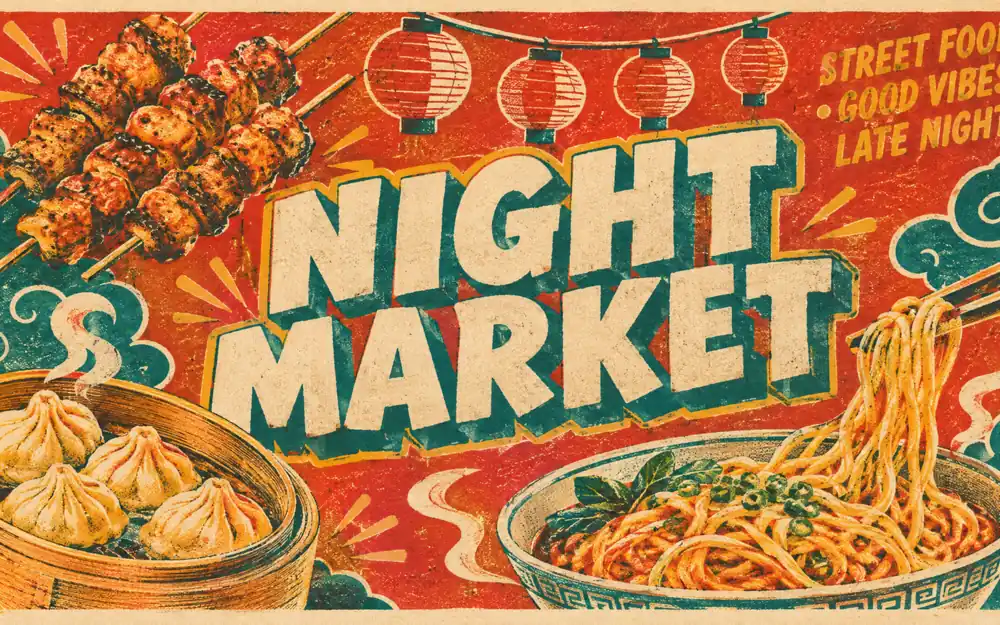
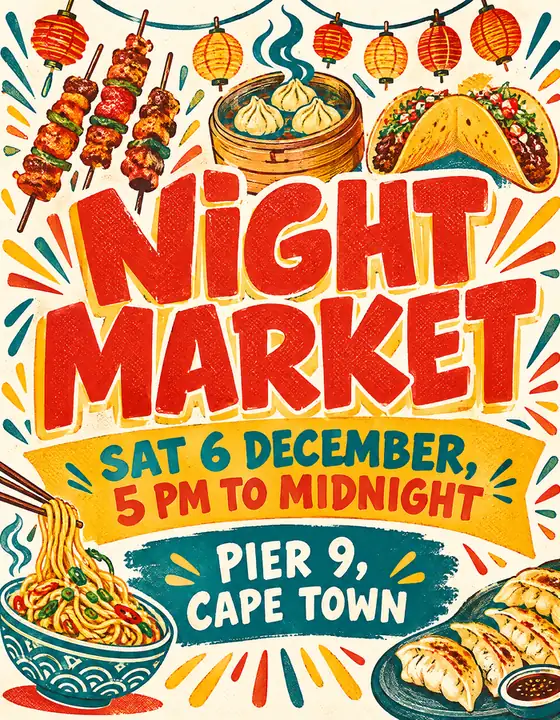
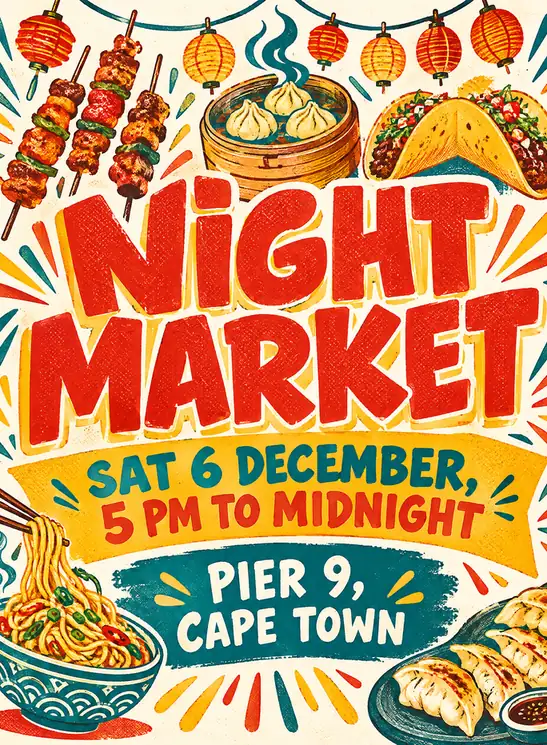
A risograph street food poster titled NIGHT MARKET, skewers, dumplings and noodles around chunky lettering, tomato red, mustard and teal.
Try prompt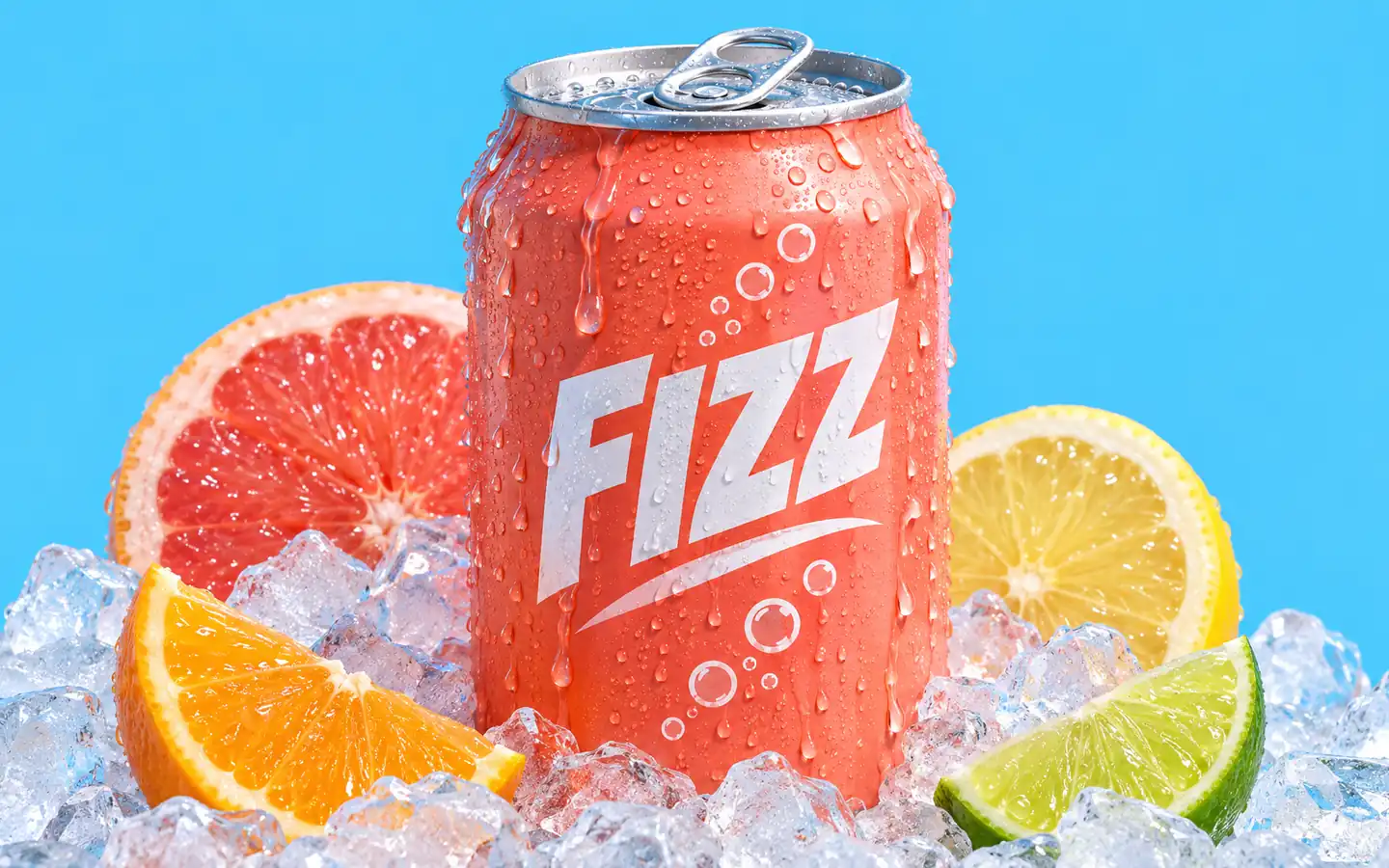
A coral soda can labeled FIZZ on crushed ice with condensation running down, citrus slices around it, bright sky-blue studio backdrop.
Try prompt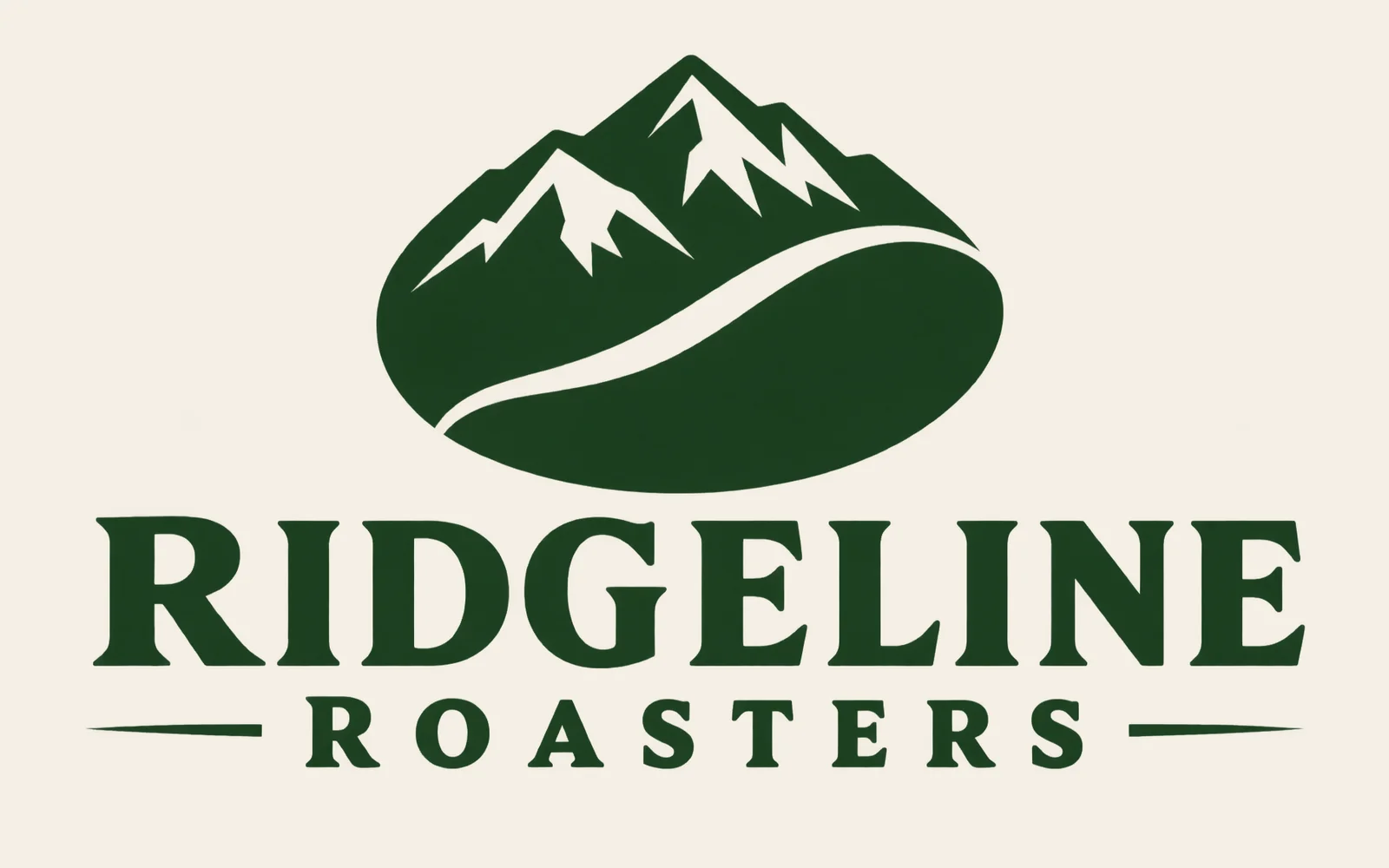
A flat vector logo for Ridgeline Roasters, a mountain forming a coffee bean, forest green and cream, wordmark below, plain background.
Try prompt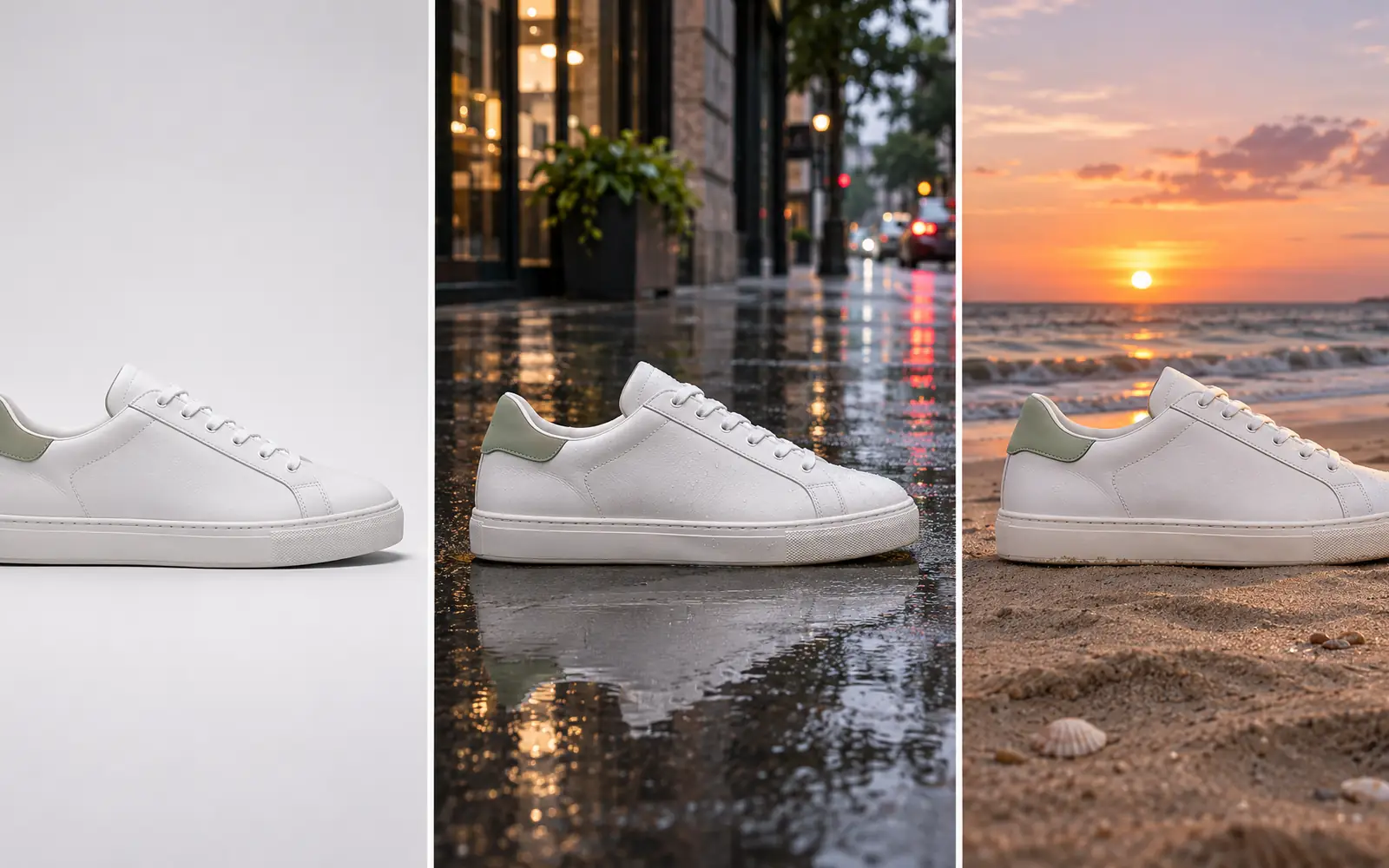
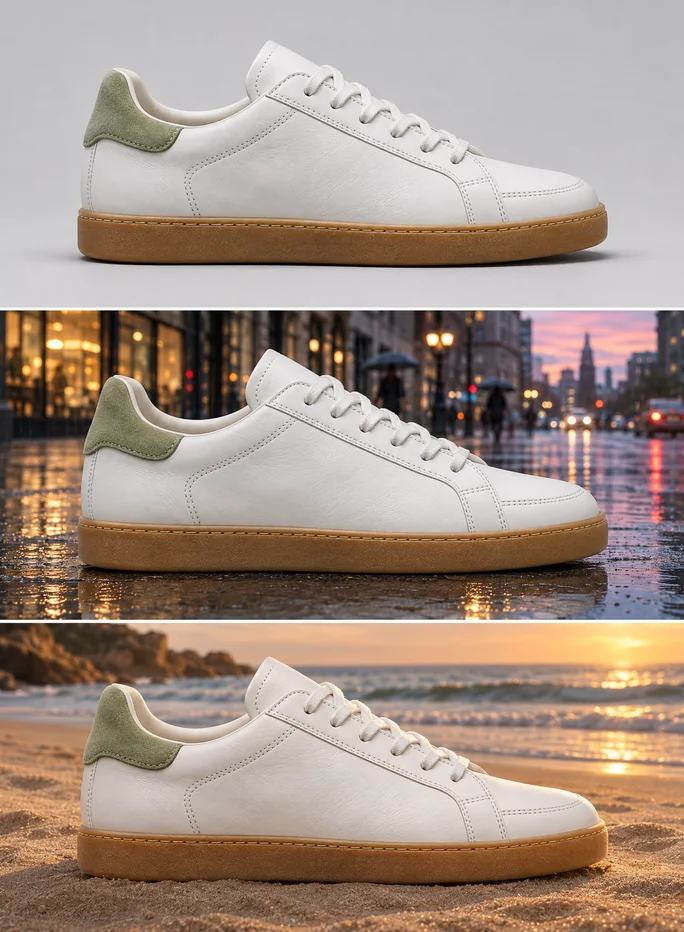
The same white leather sneaker with a sage heel tab shown side by side on a studio sweep, a wet street and a sunset beach.
Try prompt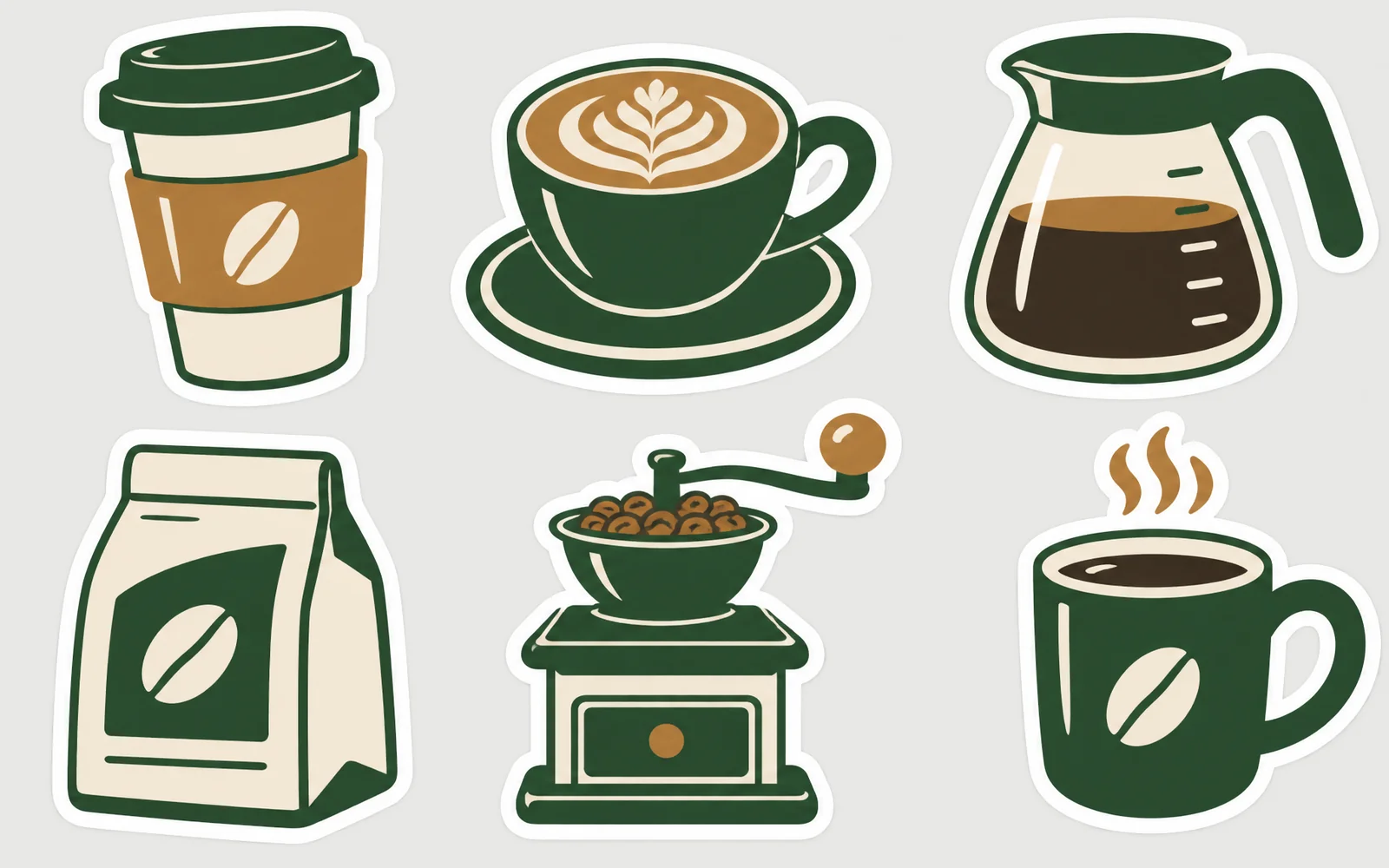
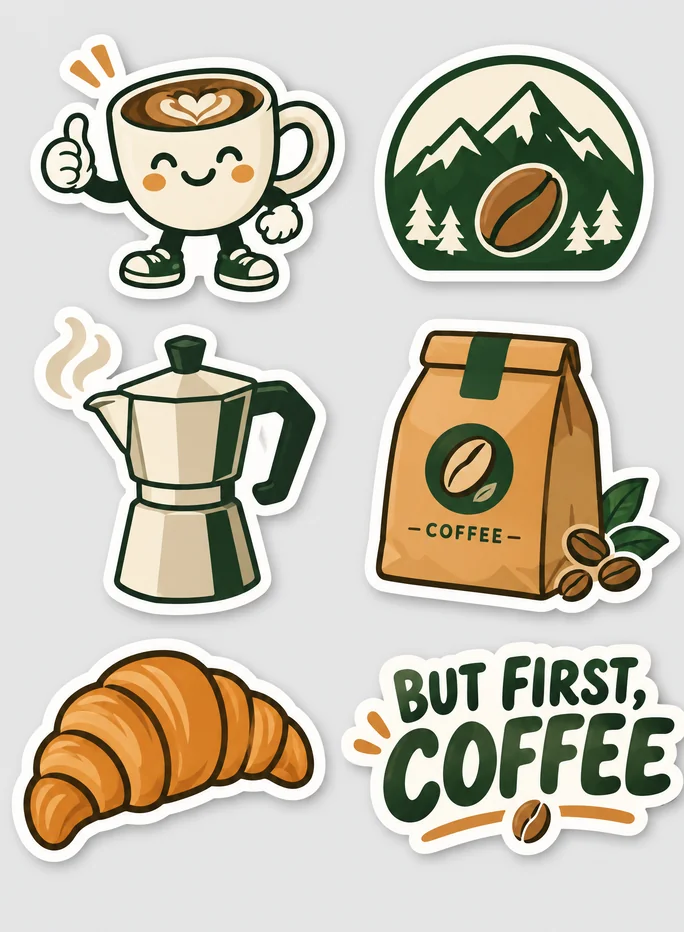
A sticker sheet of six die-cut coffee stickers with thick white borders, flat green, cream and caramel colors, on light grey.
Try prompt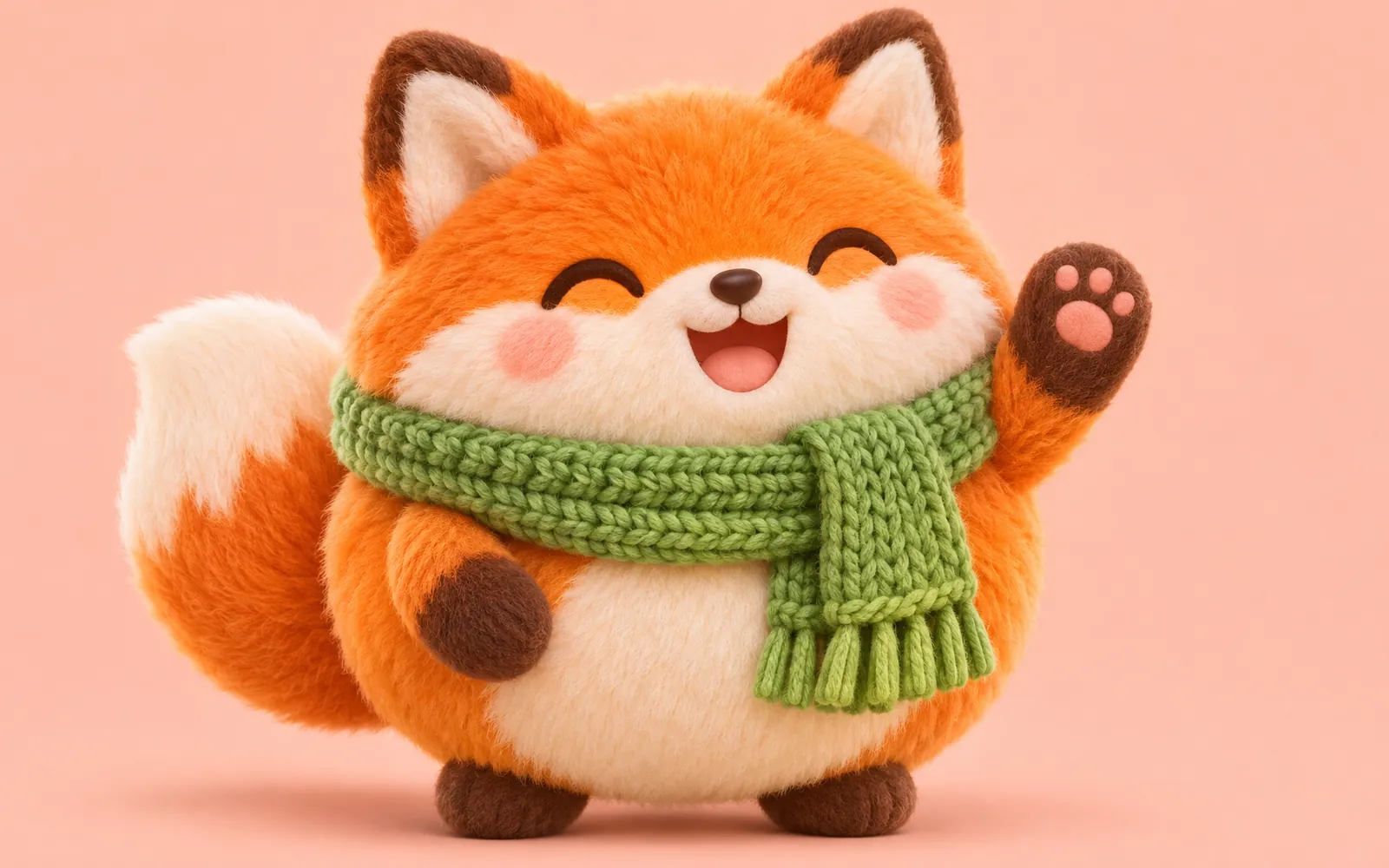
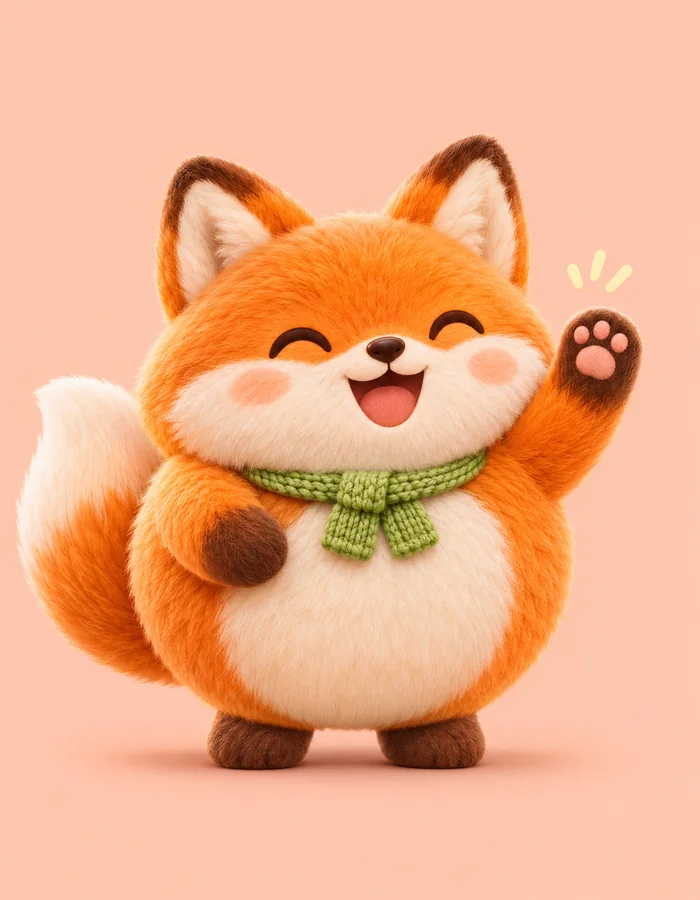
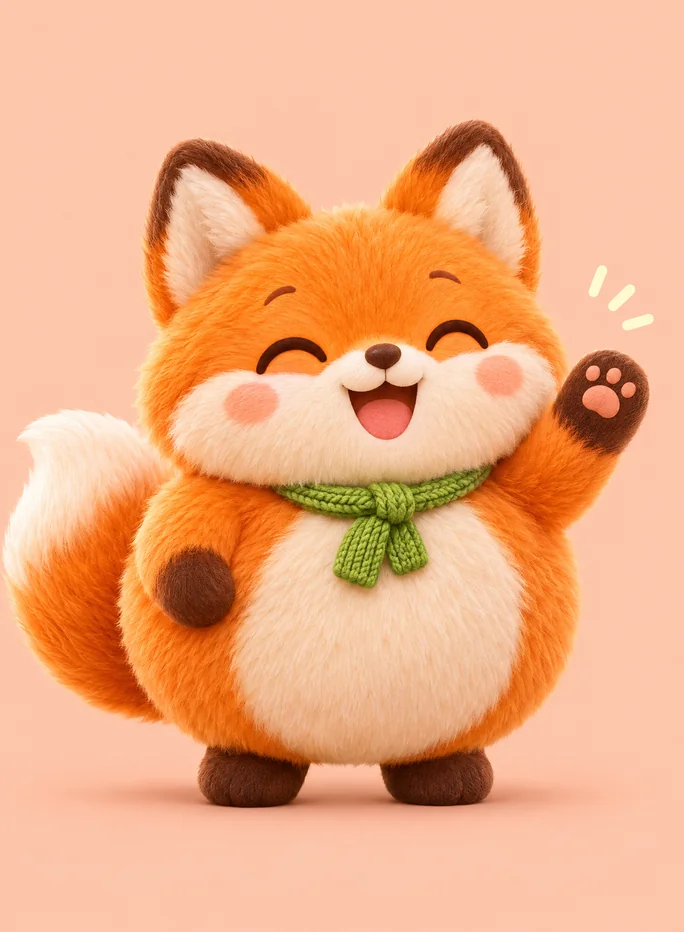
A round fluffy orange fox mascot in a green knitted scarf waving one paw, soft 3D toy style, pastel peach background.
Try promptA risograph street food poster titled NIGHT MARKET, skewers, dumplings and noodles around chunky lettering, tomato red, mustard and teal.
Try promptA coral soda can labeled FIZZ on crushed ice with condensation running down, citrus slices around it, bright sky-blue studio backdrop.
Try promptA flat vector logo for Ridgeline Roasters, a mountain forming a coffee bean, forest green and cream, wordmark below, plain background.
Try promptThe same white leather sneaker with a sage heel tab shown side by side on a studio sweep, a wet street and a sunset beach.
Try promptA sticker sheet of six die-cut coffee stickers with thick white borders, flat green, cream and caramel colors, on light grey.
Try promptA round fluffy orange fox mascot in a green knitted scarf waving one paw, soft 3D toy style, pastel peach background.
Try promptA risograph street food poster titled NIGHT MARKET, skewers, dumplings and noodles around chunky lettering, tomato red, mustard and teal.
Try promptA coral soda can labeled FIZZ on crushed ice with condensation running down, citrus slices around it, bright sky-blue studio backdrop.
Try promptA flat vector logo for Ridgeline Roasters, a mountain forming a coffee bean, forest green and cream, wordmark below, plain background.
Try promptThe same white leather sneaker with a sage heel tab shown side by side on a studio sweep, a wet street and a sunset beach.
Try promptA sticker sheet of six die-cut coffee stickers with thick white borders, flat green, cream and caramel colors, on light grey.
Try promptA round fluffy orange fox mascot in a green knitted scarf waving one paw, soft 3D toy style, pastel peach background.
Try promptA risograph street food poster titled NIGHT MARKET, skewers, dumplings and noodles around chunky lettering, tomato red, mustard and teal.
Try promptA coral soda can labeled FIZZ on crushed ice with condensation running down, citrus slices around it, bright sky-blue studio backdrop.
Try promptA flat vector logo for Ridgeline Roasters, a mountain forming a coffee bean, forest green and cream, wordmark below, plain background.
Try promptThe same white leather sneaker with a sage heel tab shown side by side on a studio sweep, a wet street and a sunset beach.
Try promptA sticker sheet of six die-cut coffee stickers with thick white borders, flat green, cream and caramel colors, on light grey.
Try promptA round fluffy orange fox mascot in a green knitted scarf waving one paw, soft 3D toy style, pastel peach background.
Try prompt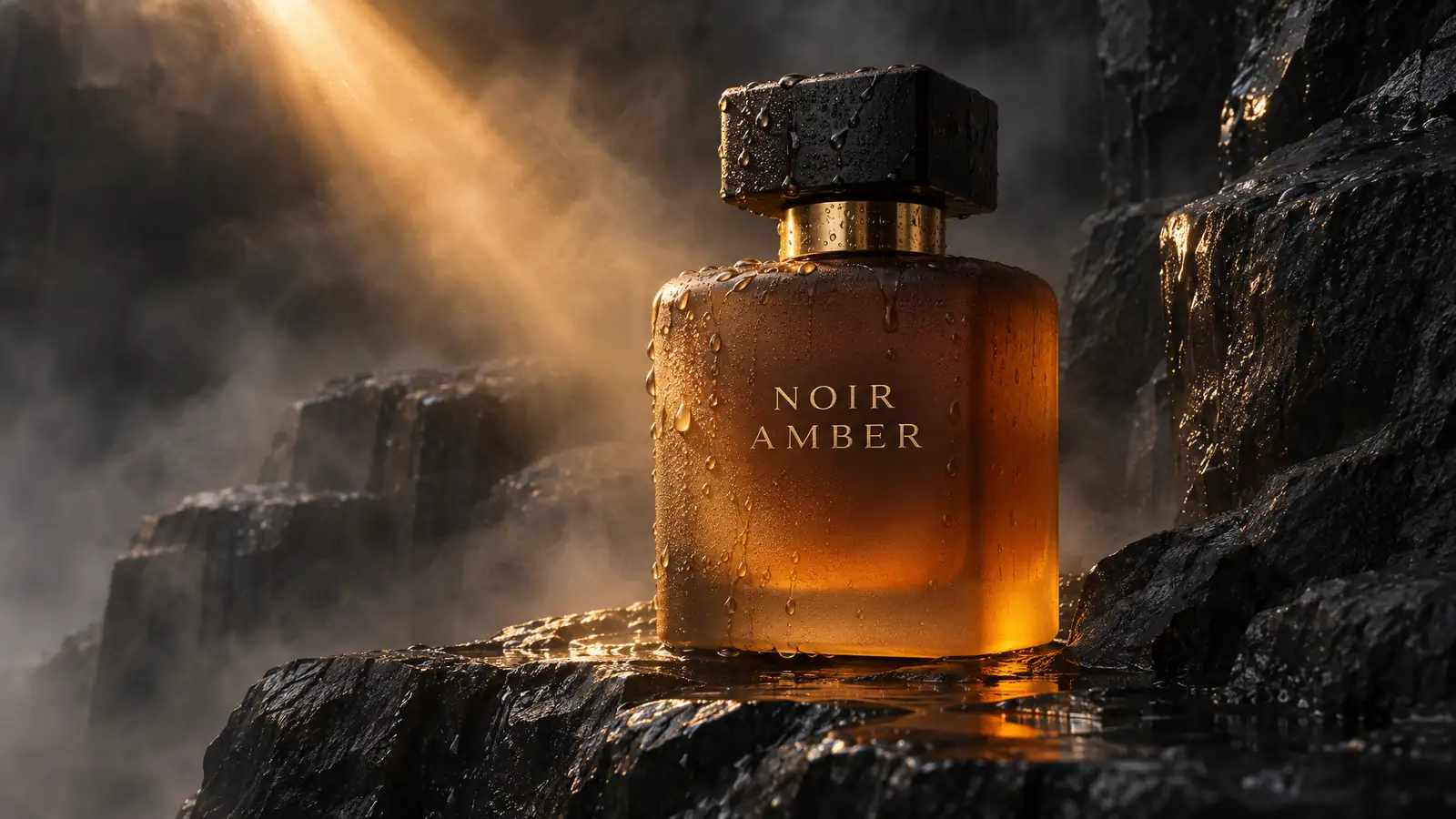
Pick your variant
Flare when you want ideas fast, Sunburst when the details have to survive every edit.
Add your input
Type a prompt, upload a reference, or circle the part of an image you want changed.
Export
Download a high-res still, a looping GIF or an SVG, or send it to Image Studio, Ad Studio or Fashion Studio.
From sketch to finished poster
We photographed a pencil thumbnail of a poster, margin notes and all, and gave it to GPT Image 2.6 Flare. It came back finished: the sketch's layout kept, the date and venue set exactly as typed, the notes gone. In our runs, Flare returned two 2K posters in under half a minute.
Turn this pencil sketch into a finished Swiss-style poster for a jazz night called LATE BLUE. Keep the sketch's layout. Date line FRIDAY 12 DECEMBER 21:00, venue THE CELLAR, LISBON. Cobalt and off-white, condensed sans-serif.
Try prompt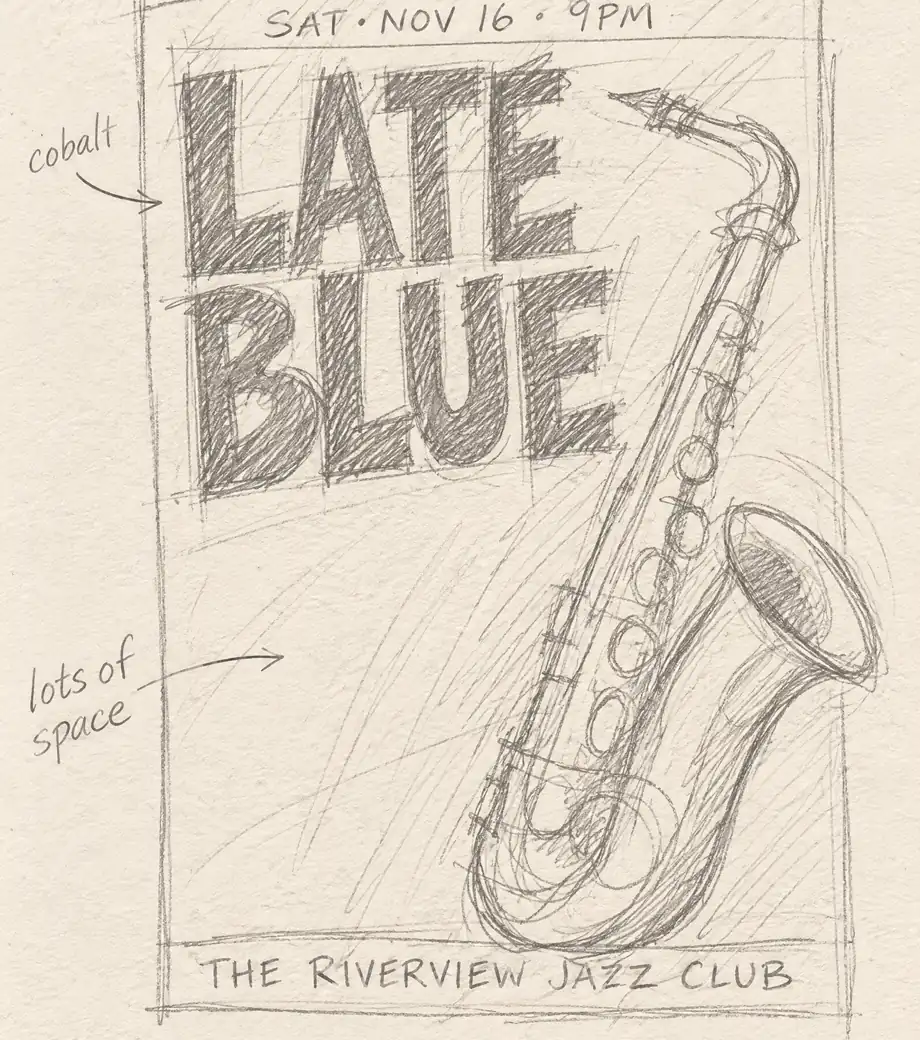
Circle it, change it, keep everything else
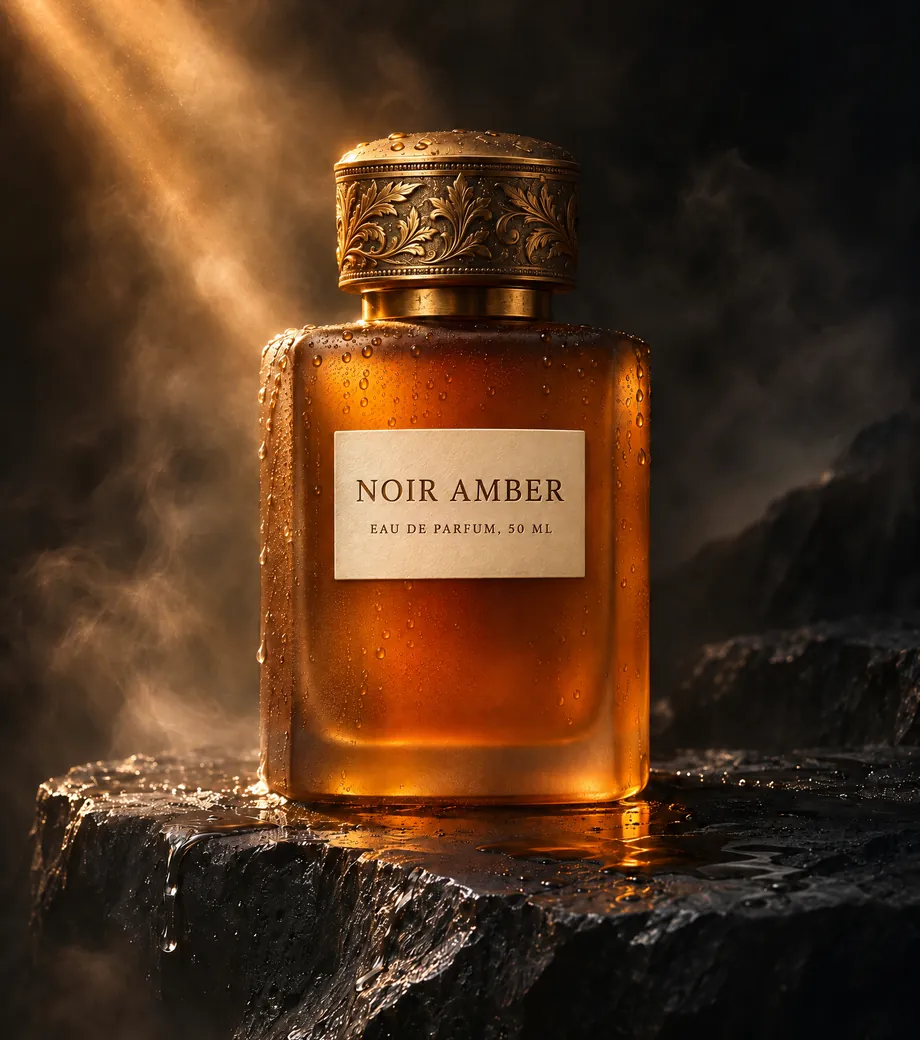
We drew a red ring around the label on a perfume shot and typed the new copy. GPT Image 2.6 Sunburst rewrote the label in the same engraved serif and left the glass, water droplets, mist and light exactly where they were. Edit after edit, your product stays your product.
Change only the label inside the red circle to read NOIR AMBER, with EAU DE PARFUM, 50 ML below, in the same engraved serif. Remove the circle. Keep the bottle, droplets, light and background exactly as they are.
Try prompt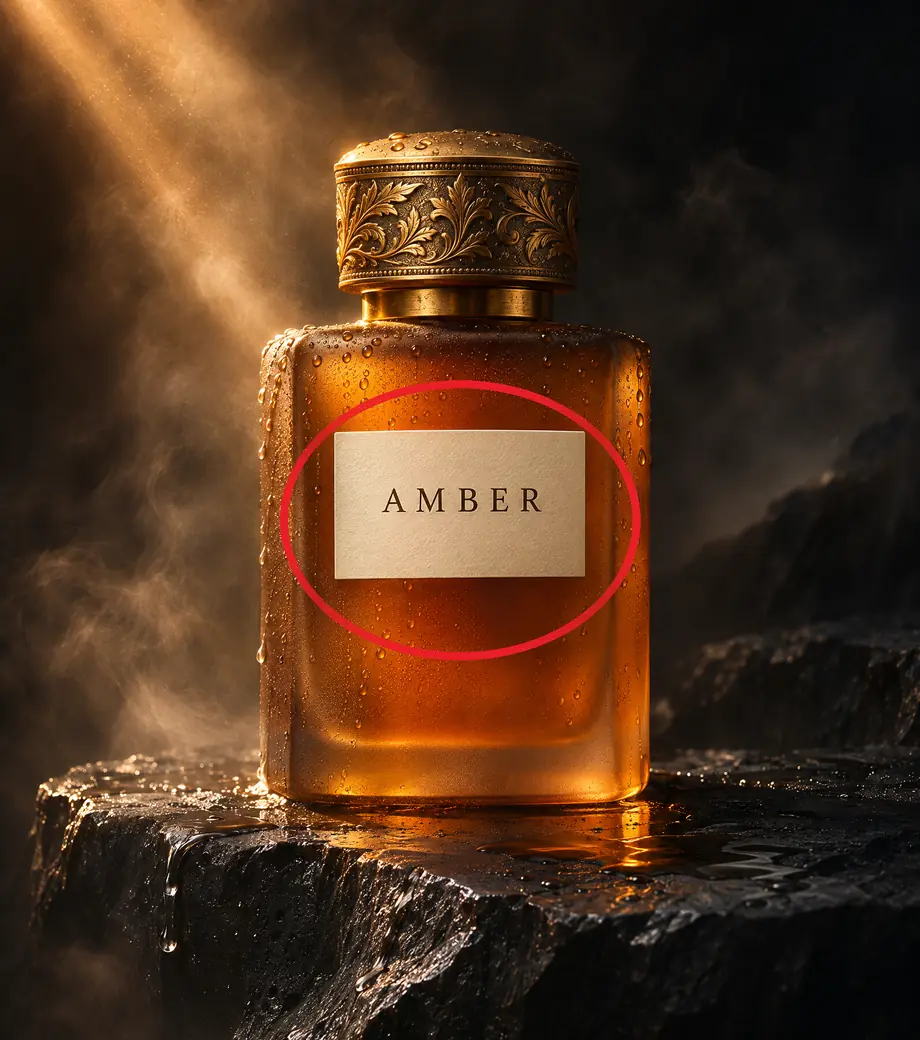
Logos that scale to any size
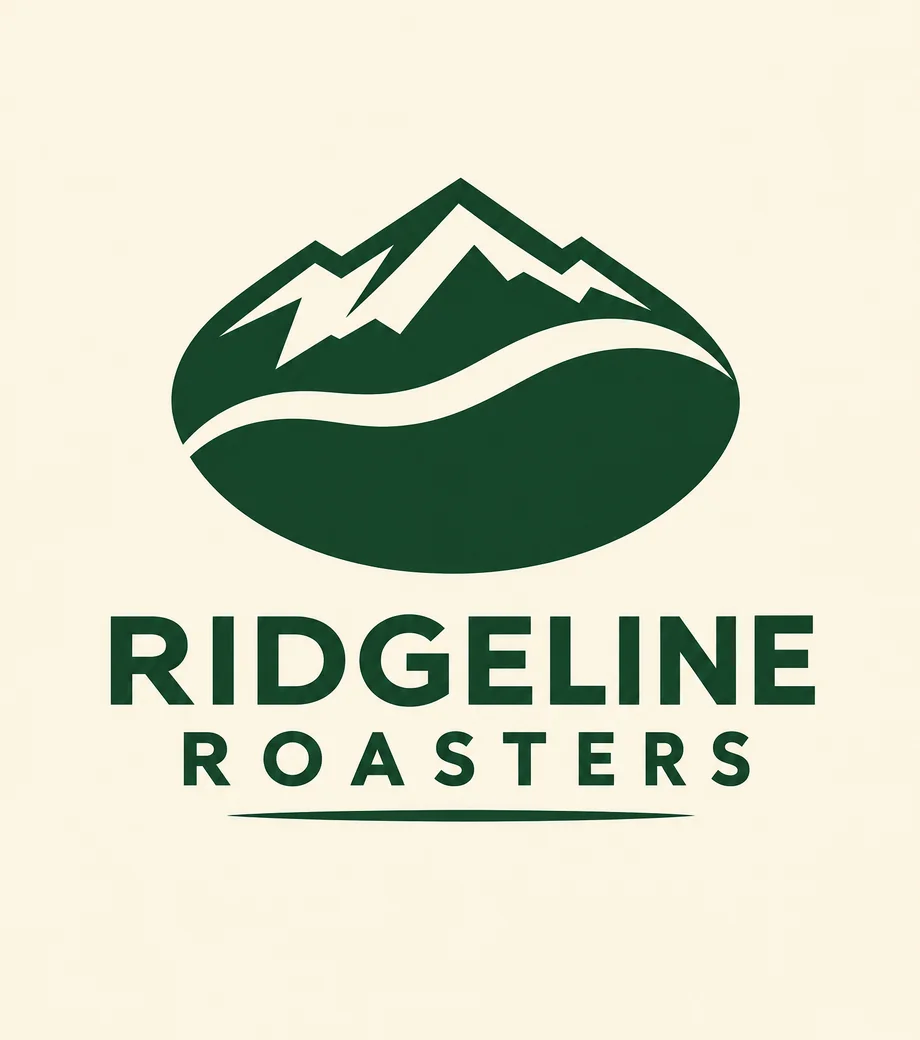
We photographed a napkin sketch of a coffee roaster's mark and asked GPT Image 2.6 Flare for a clean logo. Export it as an SVG and it stays sharp on a favicon or a six-meter banner, and opens straight in Figma or Illustrator for final tweaks.
Turn this napkin sketch into a clean flat vector logo for Ridgeline Roasters: a mountain forming a coffee bean, forest green and cream only, geometric shapes, wordmark in a geometric sans-serif.
Try prompt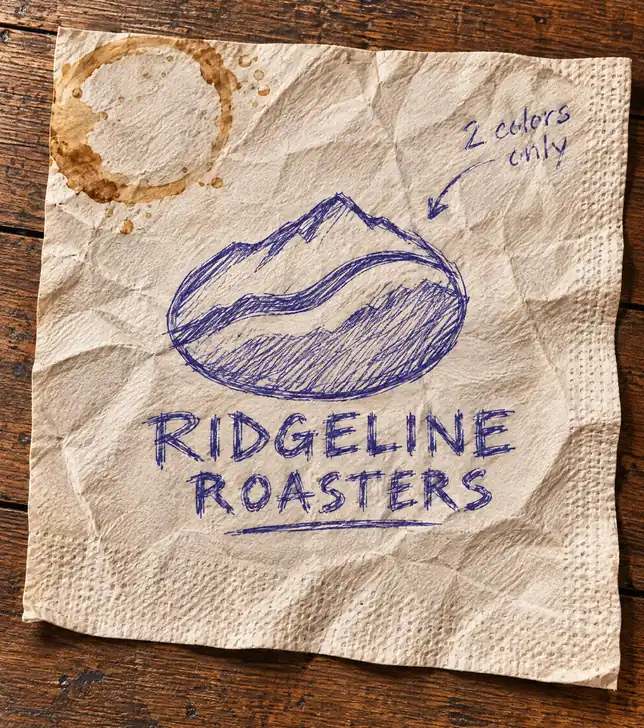
Whether you're launching a campaign, building a brand or posting every day, GPT Image 2.6 on ImagineArt gets you from idea to finished asset faster.
Get started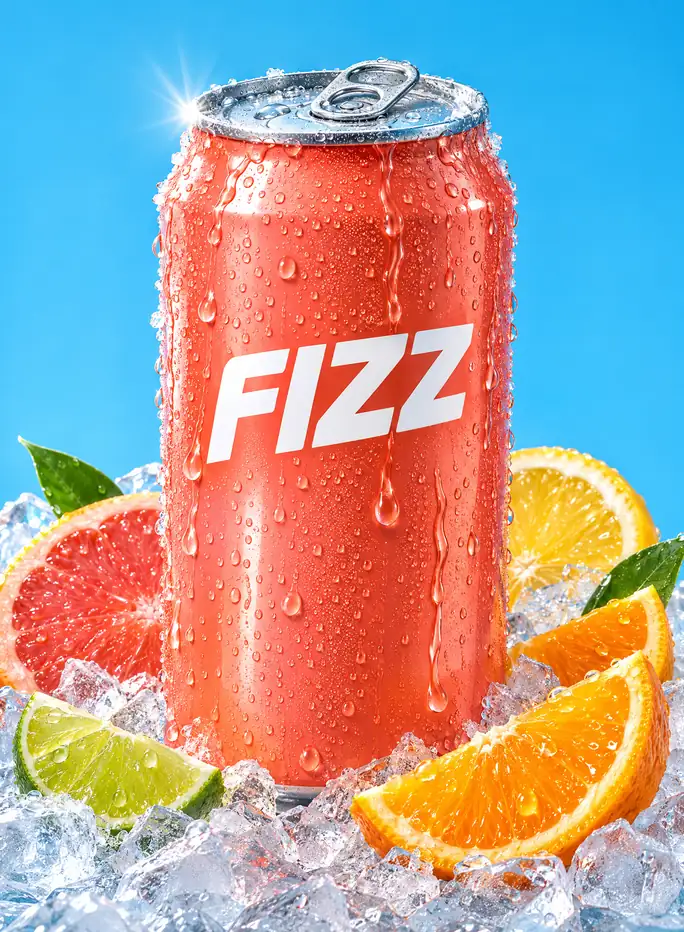
Animated product shots
Turn a hero product photo into a loop that stops the scroll, like condensation sliding down a can. One prompt, no motion designer.
Moving mascots
Bring a mascot to life for launches, stickers and chat. It stays the same character in every frame.
Posters and socials
Flare lays out posters, menus and event graphics with clean type and real hierarchy, fast enough to try ten directions.
Logos and stickers
Export a mark as an SVG or a sticker with a transparent background, ready for a site, an app or print.
On-brand product shots
Restage one product across dozens of scenes. Sunburst holds the shape, label and color through every edit.
Sprites and storyboards
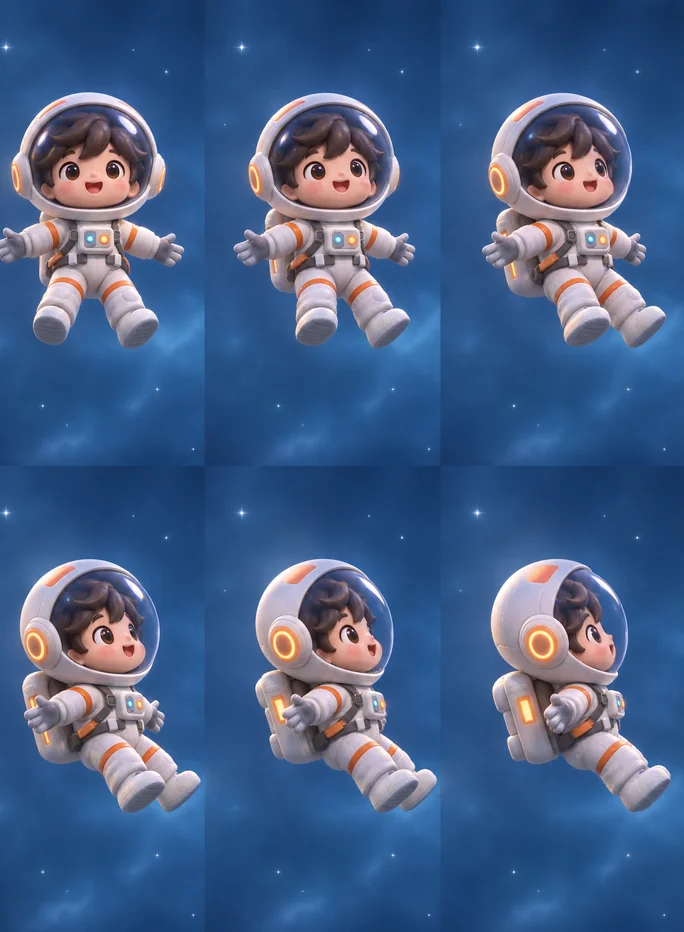
Sketch a character, then lay out a sprite sheet or a short loop to test movement before anyone opens a video tool.
Animated product shots
Turn a hero product photo into a loop that stops the scroll, like condensation sliding down a can. One prompt, no motion designer.
Moving mascots
Bring a mascot to life for launches, stickers and chat. It stays the same character in every frame.
Posters and socials
Flare lays out posters, menus and event graphics with clean type and real hierarchy, fast enough to try ten directions.
Logos and stickers
Export a mark as an SVG or a sticker with a transparent background, ready for a site, an app or print.
On-brand product shots
Restage one product across dozens of scenes. Sunburst holds the shape, label and color through every edit.
Sprites and storyboards
Sketch a character, then lay out a sprite sheet or a short loop to test movement before anyone opens a video tool.
Flare or Sunburst: pick by the job
Both make stills, GIFs and edits. The difference is speed versus how firmly your details hold.
The fast one. Posters, social graphics, logos and infographics, two 2K images in under half a minute.
Built for final assets. Holds labels, faces and products steady through round after round of edits.
Reviews
What creators are saying
See what people creating with ImagineArt are saying.

"Imagine.art is hands down one of the best AI image generators I have used lately. The results are consistently high-quality, and the prompt accuracy is fantastic."
"The most important feature I like is face consistency. You can generate a face and use it across hundreds of images with very good accuracy."
"I love the image generation and have been using it to create some great tee shirt designs. The monthly cost is minimal compared to the benefits."
"ImagineArt has been a game changer for creating visuals that fit my brand quickly."
Plans
Purchase a Subscription
Upgrade to get access to pro features and generate more and better.
Free
USD 0 · per creator / month, billed annually
3000 credits / month
- 100 Daily credits
- In-house models only
- 36k credits per year
- 1 Fast Image concurrency
Basic
For newcomers taking their first steps
3K credits / month
- Up to ~97 video generations / month
- Up to ~600 image generations / month
- 10 image models · 9 video models
- 4 concurrent image generations
- General commercial terms
Ultimate
Peak performance for pros
16K credits / month
- Up to ~530 video generations / month
- Up to ~3.2k image generations / month
- All styles and models, including Kling 2.6 Pro and Seedance 1.5 Pro
- Everything in Standard, unlimited
- General commercial terms
Trusted by creative teams, designers and marketers.
Compare every plan and buy credit packs →FAQs
- What is GPT Image 2.6?
- GPT Image 2.6 is OpenAI's image generation and editing model, released on November 4, 2026. It comes in two variants, Flare for speed and Sunburst for detail, and adds looping GIFs, SVG export and markup editing to everything GPT Image 2.5 could do.
- What's new in GPT Image 2.6 compared to GPT Image 2.5?
- GPT Image 2.6 is faster, turns a prompt or a still into a looping GIF, exports logos and icons as SVG, and lets you circle the exact spot you want edited. In our tests, Flare set dense poster and infographic text without a single typo, and Sunburst rewrote a product label while leaving the rest of the photo untouched.
- What's the difference between GPT Image 2.6 Flare and Sunburst?
- Flare is the fast variant. In our runs it returned two 2K images in under half a minute, and it's our pick for posters, social graphics and logos. Sunburst takes longer but holds details through edit after edit, so use it for product shots, labels and anything that goes through several rounds.
- Can GPT Image 2.6 make GIFs?
- Yes. Describe a scene or start from a finished image, say what should move, and GPT Image 2.6 returns a short seamless loop. It works best with one clear movement and a fixed camera, such as rising steam, a wave or a blink.
- Can GPT Image 2.6 create SVG files?
- Yes. GPT Image 2.6 can export a design as an SVG vector file, which stays sharp at any size and opens in tools like Figma and Illustrator. SVG works best for logos, icons and flat illustrations rather than photoreal scenes.
- Is GPT Image 2.6 free to use on ImagineArt?
- Yes, to start. Your first few images on ImagineArt are free, and GPT Image 2.6 is free and unlimited on certain plans. See imagine.art/subscription for which plans include unlimited use.
- Can I edit my own photos with GPT Image 2.6?
- Yes. Upload an image, circle the part you want changed and describe the change. For edits where the product or face must stay identical, use Sunburst at medium or high quality.
- Can I still use GPT Image 2.5?
- Yes. GPT Image 2.5 stays available on ImagineArt. Choose 2.6 when you want speed, GIFs or SVG, and 2.5 when you have a workflow already tuned to it.
Resources
AI image prompt guide
Prompt structure that carries straight over to GPT Image 2.6.
GPT Image 2.5 overview
What the previous generation does, for teams deciding whether to switch.
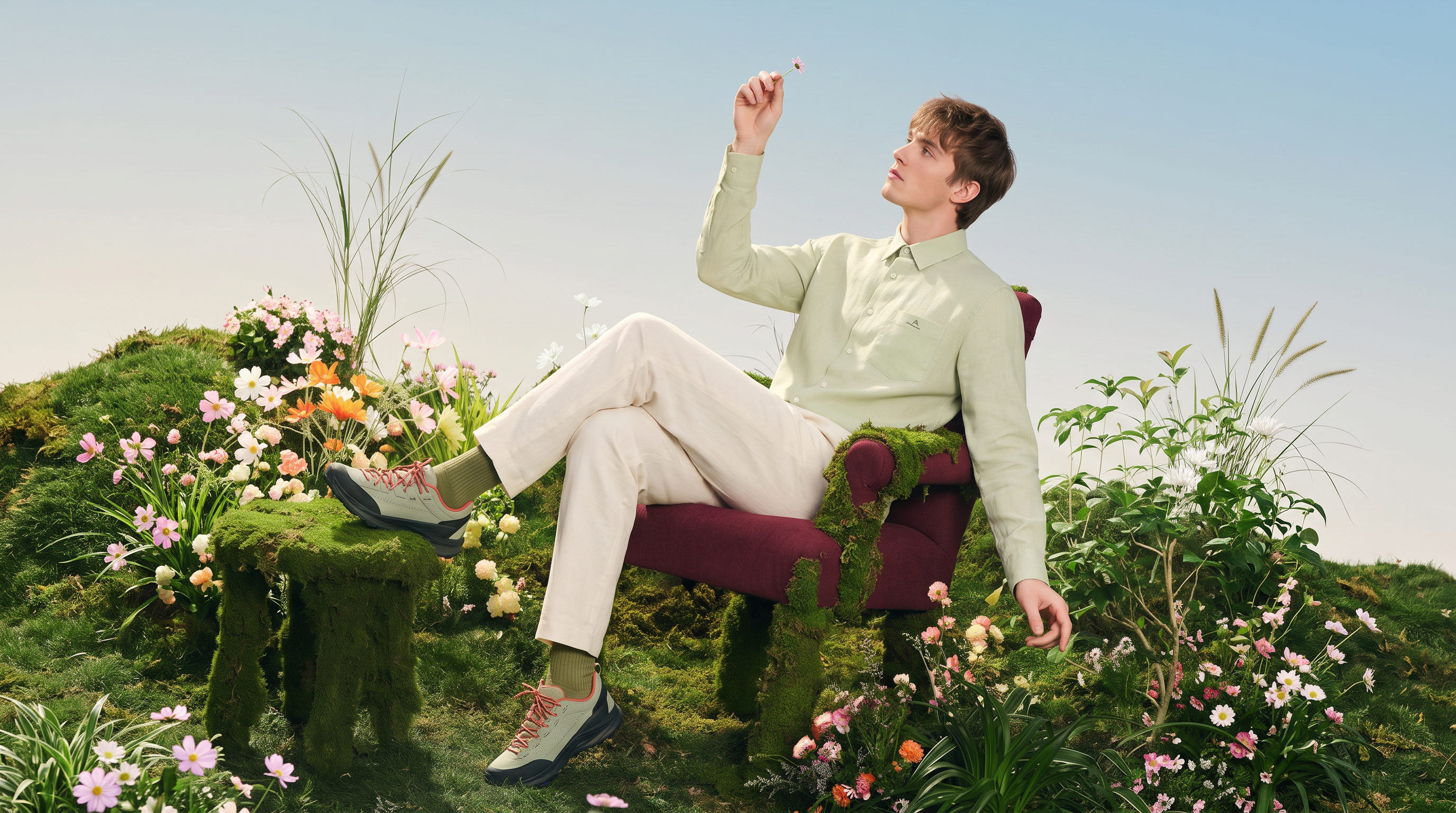
Flare vs Sunburst
How to choose between the two variants, with side-by-side results.
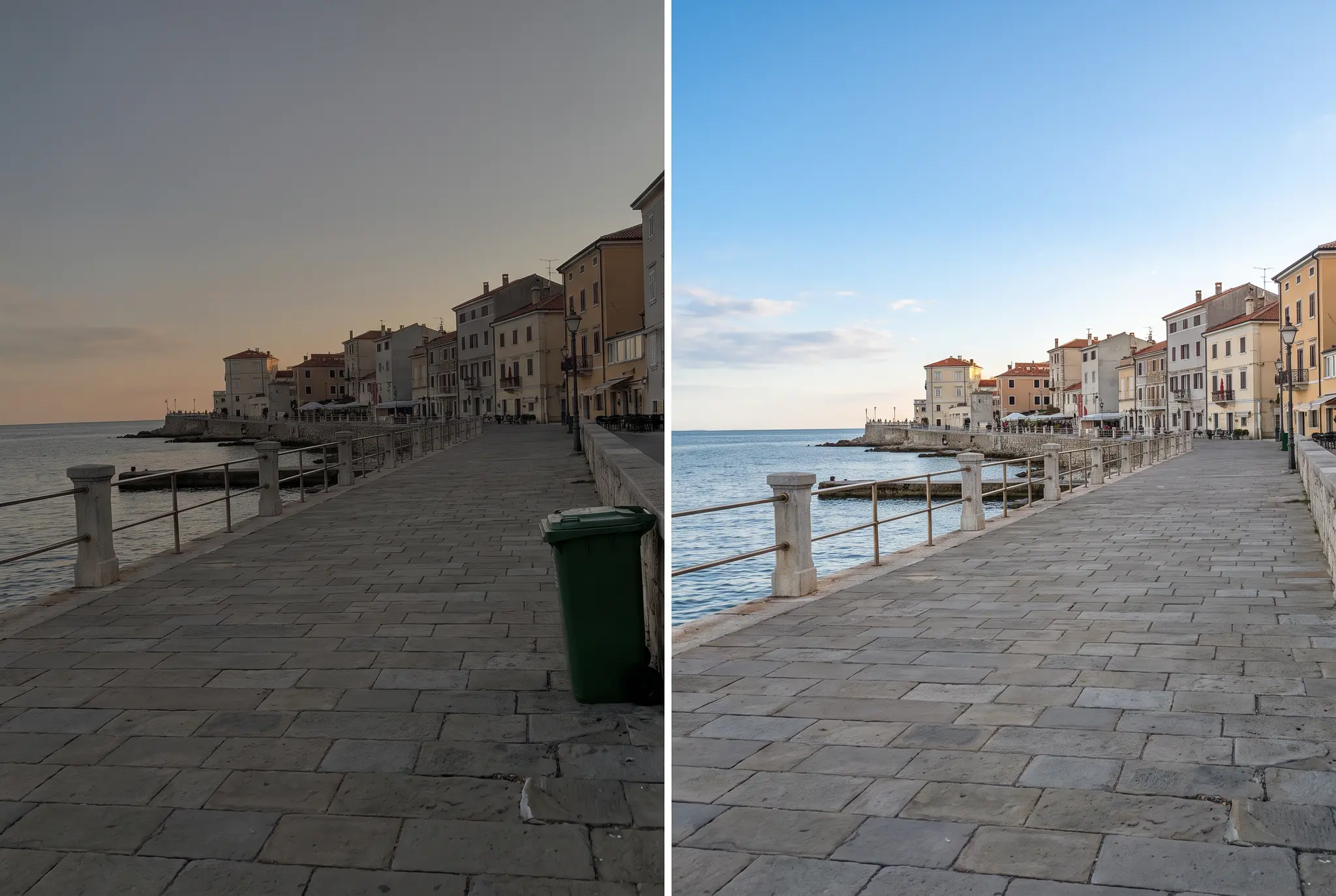
How to edit photos with AI
Editing basics and AI techniques that pair with circle-and-change edits.
Built for a full production, not just one image
Audio Studio
Add voice or music to whatever you make with GPT Image 2.6.
AI Film Studio
Turn your still into a moving scene.
AI Ad Studio
Build the whole campaign around your hero shot.
AI Fashion Studio
Put your product on models that stay the same in every look.
Image Studio
The full image toolkit GPT Image 2.6 plugs into.
Your next image doesn't have to sit still
No shoot, no stock, no waiting on edits. Start with GPT Image 2.6 and an idea, and export a still, a loop or a vector.
First few images free · Unlimited on select plans