Seedream 5.0 Pro - ByteDance's Most Controllable AI Image Generation Model
Seedream 5.0 Pro is an AI image generator built for control, not just one-shot output. Point to a spot, sketch an edit, split AI-generated images into layers, or write native text in 14 languages - all at a lower cost per image than Nano Banana 2 and GPT Image 2.

You might also be interested in
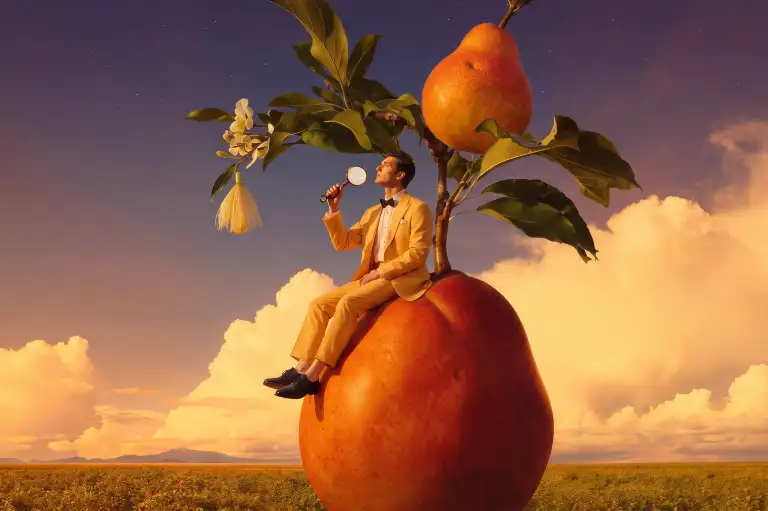
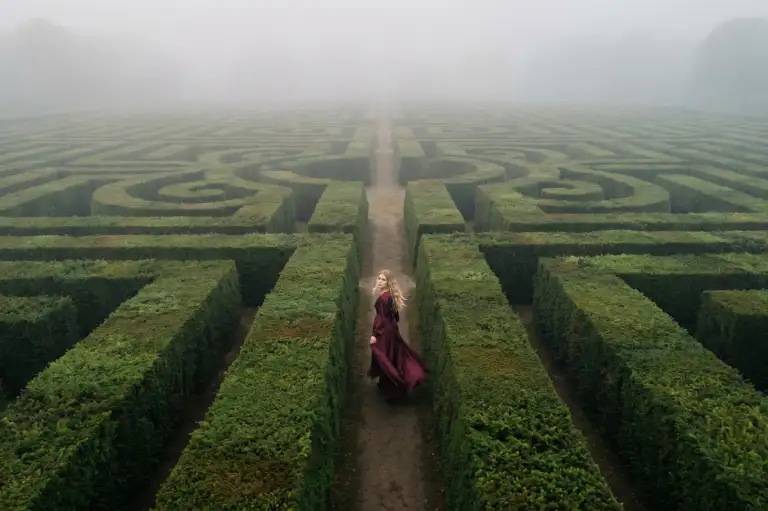
Created By ImagineArt Users
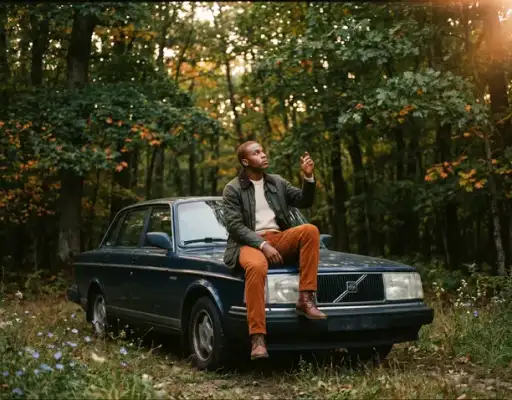
Turn Editing Into a Controllable Production Process
Seedream 5.0 Pro moves past single-shot generation with precise AI image editing. Point to a spot, draw an arrow, drop a bounding box, or give exact coordinates, and the model edits only that region while the rest of the image stays untouched. Anchor editing goes further, locking onto specific objects arranged in rows and columns - like one piece on a chessboard - so edits land precisely without disturbing anything nearby. Sketch a rough shape or color block next to a text prompt, and it turns that sketch into finished art.
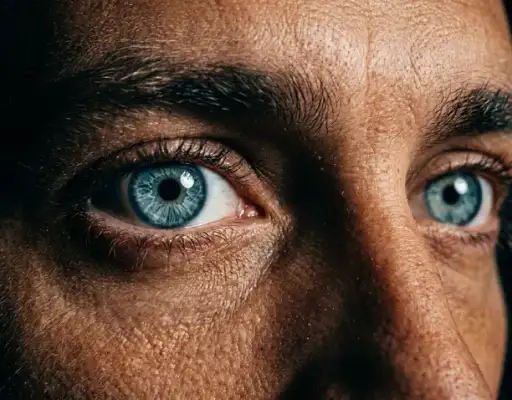
Split Any Image Into Reusable Layers
Every AI-generated image can be broken into a background layer plus individual element layers, each exported as a transparent PNG. Drag, scale, and recompose those layers independently, then reuse the same product, character, or background across a full campaign instead of regenerating from scratch each time. A single request can return up to 20 separated layers, depending on how many distinct elements the prompt describes.
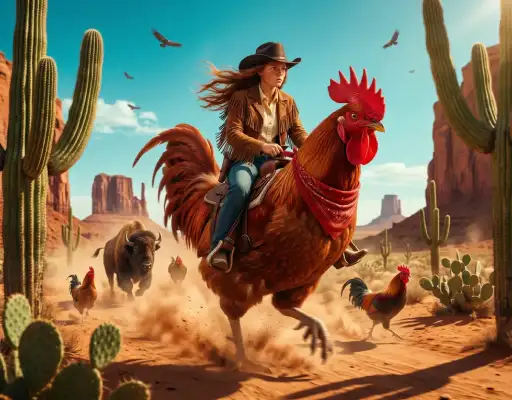
Write Native Text in 14 Languages, Not Translations
Seedream 5.0 Pro renders correct letterforms and local typography across 14 languages, including Arabic, Japanese, Korean, Thai, Russian, and French - with proper right-to-left flow for Arabic and accurate tone-mark stacking for Thai. That precision carries into dense layouts too: small chart labels, flowchart text, and infographic copy stay legible in AI-generated images, where most models blur small text into illegible shapes.
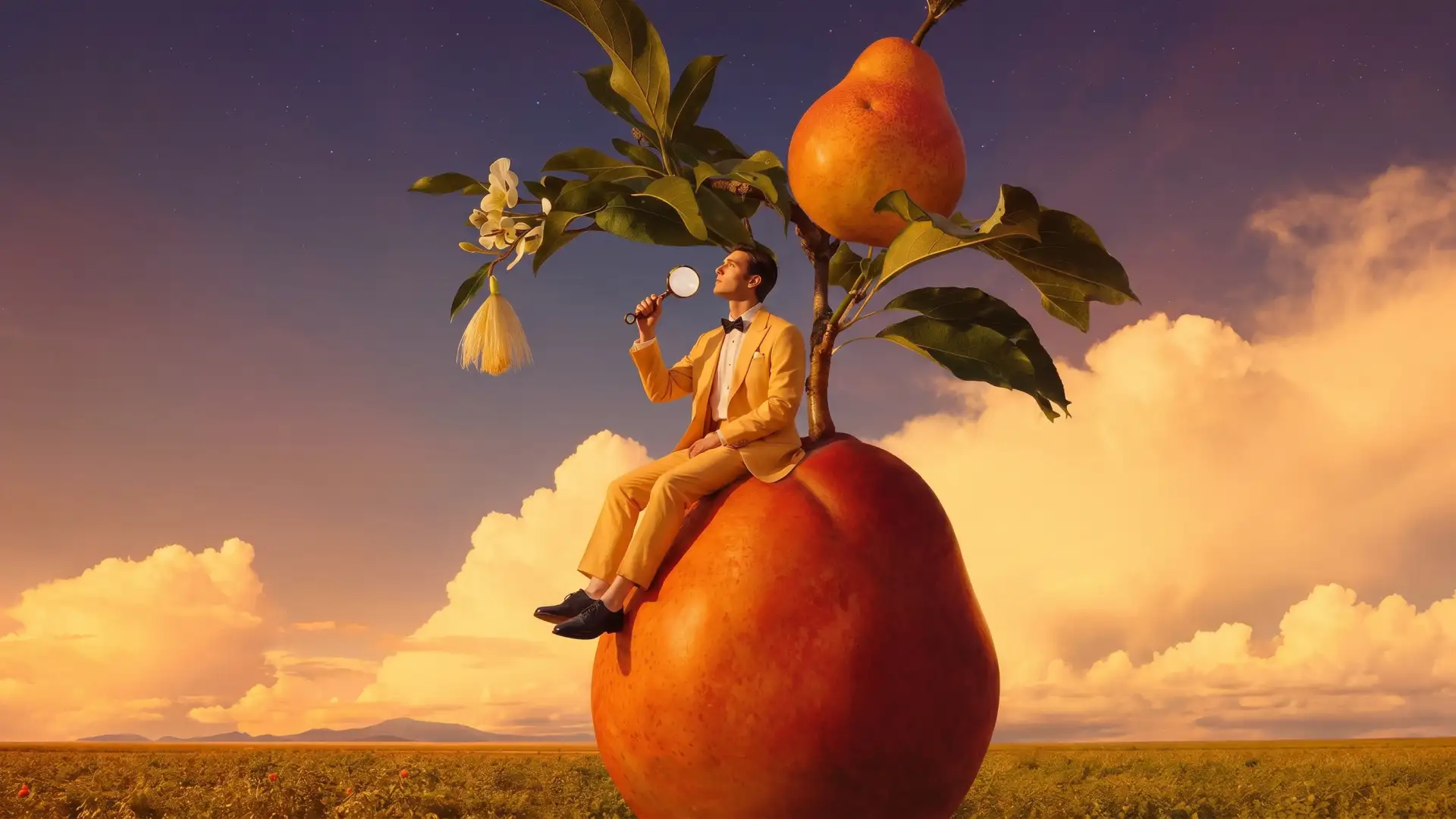
Fuse References, Sketches, and Colors Into One Image
Feed in up to 10 reference images, and Seedream 5.0 Pro pulls the object, style, or material from each one into a single composed scene, matching perspective, lighting, and shadow across every element. Give it an exact color code or a material description - leather, glass, wood grain - and it reproduces that detail in the target region instead of approximating it.

Lower Cost Than Nano Banana 2 and GPT Image 2
As an AI image generator, Seedream 5.0 Pro prices output by resolution instead of a flat rate: $0.045 per image up to 1536×1536, and $0.09 per image up to 2048×2048. The first reference image is free; each additional one adds $0.003. That's roughly 55% less than Nano Banana 2 at the smaller size and about 11% less at the larger one - and more than 4x cheaper than GPT Image 2's high-quality tier per output image.
How to Create AI Images With Seedream 5.0 Pro
Step 1
Upload a reference image or write a prompt
Describe the scene, product, or character, or start from an existing photo.
Step 2
Choose Your Aspect Ratio and Settings
Select aspect ratios based on your output format. Pick the required resolution and set the number of generations
Step 3
Generate, separate, and edit
Export the AI-generated image as-is, or split it into layers to recolor, resize, and reuse pieces or edit further on ImagineArt AI image editor
Creators Reviews
Lear what AI creators say about ba Seedream 5.0 Pro

“I've been using ImagineArt for almost a full year now, and while there have been the occasional issues, for the most part they are the best AI generation platform I use, and I have used several. I love the selection of models available for image and video generation, especially their in house image model for photorealistic images.”
“I have made so much viral content generating images on imagineart ai website, love their relight, ai clothe changer and the fact that all models are in one place!”
“I've been using ImagineArt. It's one of the best alternatives for any of the tools, and it is providing faster models, faster generation, and it is my go-to platform.”
“Amazing product! Love working with it. They have all the best models and settings available. Fun for personal and professional projects. Good price as well. Recommend. Just the interface a bit buggy but is fine they always upgrading”
“I walked into ImagineArt mostly by chance and with little previous experience creating images with AI. I think I'd seen some effusively positive reference to the site but I can't be sure. I would strongly reccommend watching the instructional videos before you attempt anything. The videos made translating the vision in my head to killer images for Instagram easy and natural. It's not hard, just talk to it as if you were explaining your idea to a person and you'll do just fine. I see no need to look elsewhere for AI image generation programs, ImagineArt does it all!”
Purchase a Subscription
Upgrade to get access to pro features and generate more and better
Basic
For newcomers taking their first steps
View Plans
Billed monthly
Included in plan
3Kcredits per month
Additional Features
Up to ~600 Image Generations/month
Up to ~97 Video Generations/month
General Commercial Terms
Image Generation Visibility: Public
4 Concurrent Image Generations
Complimentary Access
All GPT Models
All Gemini Models
All Claude Models
Unlimited Generations
10 Image Models
9 Video Models
Standard
For rising creators to level up their game
View Plans
Billed monthly
Included in plan
8Kcredits per month
Additional Features
Up to ~1.6k Image Generations/month
Up to ~265 Video Generations/month
General Commercial Terms
Image Generation Visibility: Private
8 Concurrent Image Generations
Complimentary Access
All GPT Models
All Gemini Models
All Claude Models
Unlimited Generations
Nano Banana
Runway Gen 4 Turbo
Midjourney V7
8 more Image Models
8 more Video Models
Ultimate
Peak performance for pros
View Plans
Billed monthly
Included in plan
16Kcredits per month
Additional Features
Up to ~3.2k Image Generations/month
Up to ~530 Video Generations/month
All styles and models
General Commercial Terms
Image Generation Visibility: Private
Complimentary Access
All GPT Models
All Gemini Models
All Claude Models
Unlimited Generations
All image models in Standard plan
All video models in Standard plan
Kling 2.6 Pro
Seedance 1.5 Pro
ChatGPT 1.5
Creator
A full production engine for powerhouses
View Plans
Billed monthly
Included in plan
100Kcredits per month
Additional Features
Up to ~20k Image Generations/month
Up to ~3.3k Video Generations/month
All styles and models
General Commercial Terms
Image Generation Visibility: Private
Complimentary Access
All GPT Models
All Gemini Models
All Claude Models
Unlimited Generations
All image models in Ultimate plan
All video models in Ultimate plan
Kling 3.0 Pro
Seedance 2 Fast
Nano Banana 2
Have questions?
We have answers!
Seedream 5.0 Pro is ByteDance's most controllable AI image generation model, built for editing workflows rather than one-shot generation. It supports point, arrow, sketch, and coordinate-based local edits, splits images into reusable layers, and renders native text in 14 languages, all while costing less per image than Nano Banana 2 and GPT Image 2.
No. Seedream 5.0 Pro outputs up to 2K resolution (2048×2048), stretching to roughly 3K. Seedream 5.0 Lite supports 4K if a project needs it.
At the same resolution, Seedream 5.0 Pro costs about 55% less than Nano Banana 2 at 1536×1536 and about 11% less at 2048×2048. Against GPT Image 2's high-quality tier, Seedream 5.0 Pro's flat $0.045 output price is more than 4x cheaper, and it includes the first reference image free — GPT Image 2 charges for every one.
Seedream 5.0 Pro natively supports 15 prompt languages, including Arabic, Russian, Spanish, French, Portuguese, Thai, Korean, and Japanese, with correct letterforms and local typography rather than translated placeholder text. Small text in charts, diagrams, and infographics stays legible, though occasional typos are still possible, as with any model.
Layer separation splits a generated image into a background layer plus individual element layers, each exported as a transparent PNG. A single request can return between 2 and 20 layers depending on how many distinct elements the prompt describes, so each piece can be dragged, resized, and reused independently.
Up to 10 reference images per request. The first is free, and each additional reference image costs $0.003.
Yes. Images generated by Seedream 5.0 Pro are recognized as trusted inputs across the Seedance family - 2.5, 2.0, Fast, and Mini - which skips the input moderation step that usually slows down a text-to-image-to-video workflow. Text-to-image outputs are trusted automatically; image-to-image outputs need account verification first.
No. Seedream 5.0 Pro trades some speed for higher controllability and quality. It processes images in parallel rather than streaming results progressively, so Lite is the better choice when raw generation speed matters more than fine-grained editing control.
Generate AI Images With Seedream 5.0 Pro
Get pixel-precise control over every AI-generated image - free to try on ImagineArt.