Runway Act Two Video Generator
Creating realistic character animation videos using Runway Act Two, developed by RunwayML.
Trusted by Professionals and Creators from leading brands
Runway Act Two Community Creations
New Era of AI Character Animation with Runway Act Two
Launched in 2025, Runway Act Two uses AI-powered motion capture to bring any character to life in seconds, all without the need for studio equipment. Simply upload a driving performance video and a reference character image, and create high-fidelity animations from real-life performances.
Execution Beyond Ideation
Bring your imagination to life in real time. Whether you're a filmmaker, game developer, or indie creator, Runway Act Two bridges the gap between imagination and execution, with no need for manual rigging or mocap suits.
Bring Any Character to Life
Got a character in mind? Or a person you want to animate? Just upload a reference image or video of the character you want to bring to life, and watch as Runway Act Two maps high-fidelity performance motion onto your character.
From Ideas to Animation in Realtime
Step 1
Describe Your Vision
Simply describe what you envision, and Runway Act Two will generate the animation in real-time with minimal latency.
Step 2
AI-Generated Videos
Runway Act Two uses AI motion capture technology to generate videos powered by your performance footage. The resulting animations are ready to share, download, or incorporate into your next project.
Step 3
Finalize and Share
Keep refining until you’re satisfied with your animation. Once finalized, download and share your creation with ease.
Animation That Replicates Gestures
Upload a video of yourself performing the desired gestures, and Runway AI Act Two will convert it into a lifelike 5-second full-body animation, including head, facial, and hand gestures.
Create Goofy, Silly, or Life-like
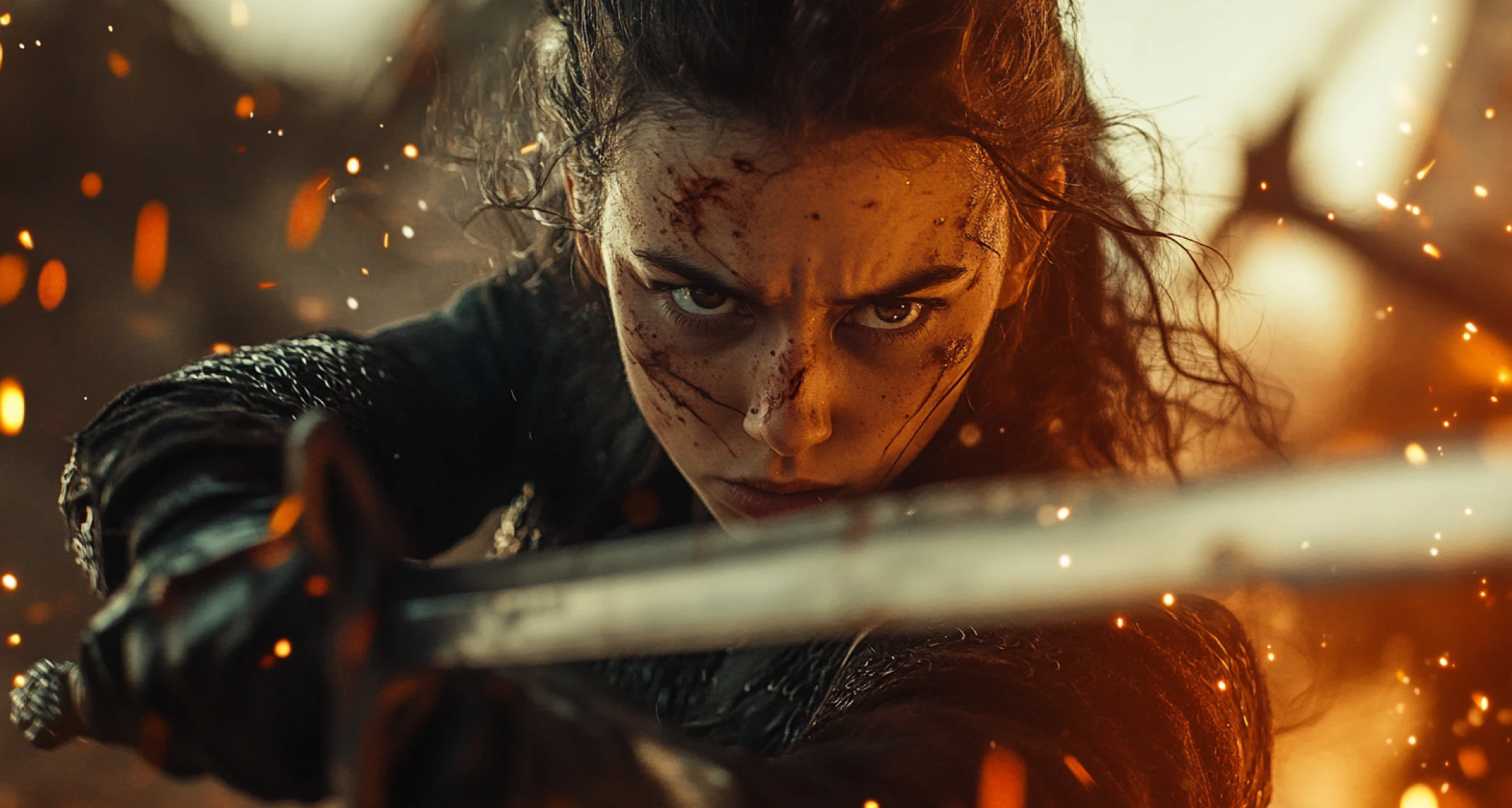
Whether you want to create a sci-fi scene, a hyper-realistic setting, or even turn yourself into a mystical creature, Runway Act Two offers the flexibility to create animations in a variety of styles and moods using ImagineArt AI Video Generator.
Fully Finished Animated Videos
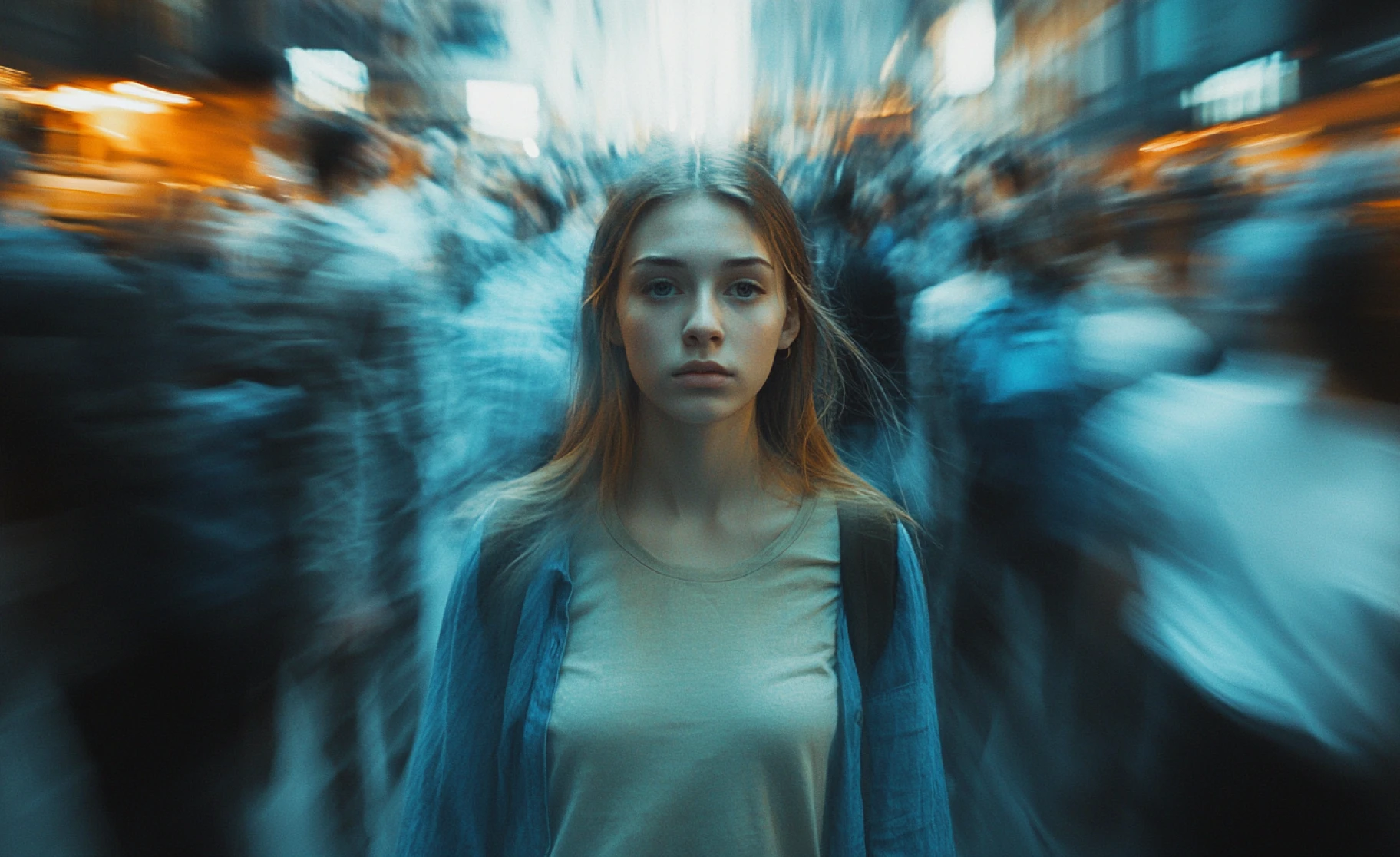
In just one prompt, you can create fully finished animated videos, no need for 3D modeling or manual character rigging. Runway Act Two automates character animation for faster and more precise outputs.
Purchase a Subscription
Upgrade to get access to pro features and generate more and better
Basic
For newcomers taking their first steps
View Plans
Billed monthly
Included in plan
3Kcredits per month
Additional Features
Up to ~600 Image Generations/month
Up to ~97 Video Generations/month
General Commercial Terms
Image Generation Visibility: Public
4 Concurrent Image Generations
Complimentary Access
All GPT Models
All Gemini Models
All Claude Models
Unlimited Generations
10 Image Models
9 Video Models
Standard
For rising creators to level up their game
View Plans
Billed monthly
Included in plan
8Kcredits per month
Additional Features
Up to ~1.6k Image Generations/month
Up to ~265 Video Generations/month
General Commercial Terms
Image Generation Visibility: Private
8 Concurrent Image Generations
Complimentary Access
All GPT Models
All Gemini Models
All Claude Models
Unlimited Generations
Nano Banana
Runway Gen 4 Turbo
Midjourney V7
8 more Image Models
8 more Video Models
Ultimate
Peak performance for pros
View Plans
Billed monthly
Included in plan
16Kcredits per month
Additional Features
Up to ~3.2k Image Generations/month
Up to ~530 Video Generations/month
All styles and models
General Commercial Terms
Image Generation Visibility: Private
Complimentary Access
All GPT Models
All Gemini Models
All Claude Models
Unlimited Generations
All image models in Standard plan
All video models in Standard plan
Kling 2.6 Pro
Seedance 1.5 Pro
ChatGPT 1.5
Creator
A full production engine for powerhouses
View Plans
Billed monthly
Included in plan
100Kcredits per month
Additional Features
Up to ~20k Image Generations/month
Up to ~3.3k Video Generations/month
All styles and models
General Commercial Terms
Image Generation Visibility: Private
Complimentary Access
All GPT Models
All Gemini Models
All Claude Models
Unlimited Generations
All image models in Ultimate plan
All video models in Ultimate plan
Kling 3.0 Pro
Seedance 2 Fast
Nano Banana 2
Customer Testimonials

ApexStudios
PixVerse V5’s motion capture is flawless. My videos feel professional and smooth, with every detail perfectly in place.

Anya Petrova
Marketing Designer

DreamWorks
The speed of video generation is amazing. I can create high-quality content in minutes and tweak styles for different vibes.

Ben Harris
Product Manager

Pixels
PixVerse V5 nails the cinematic look every time. My marketing videos look incredible!

Isabelle Kim
Concept Artist

Shopify
The camera control is intuitive, giving me complete freedom to adjust each shot to my vision.

Michael Chenn
Product Designer

TechNova
Affordable and powerful, PixVerse V5 is my go-to AI video generator for creative, fast-paced content creation.

Ravi Patel
Creative Manager
Have questions?
We have answers!
Runway Act Two is an AI motion capture tool developed by RunwayML. It lets you animate characters using driving performance video, where the movements of a person acting out a scene are transferred to a character through a reference image or video.
For best results, use clear, direct, and easy-to-understand prompts when creating your animations in Runway Act Two. Describe the desired scene, including the character’s motions and actions, to generate realistic animations.
No, Runway Act Two operates on a credit-based pricing model. However, it offers a free plan that provides limited credits for testing features.
Yes, Runway Act Two is designed to be user-friendly and accessible for all creators, from indie filmmakers to professional studios.
Yes, Runway Act Two creates character animations by using AI-powered motion capture technology. It can replicate full-body movements, facial expressions, and hand gestures from your reference footage.
Yes, Runway Act Two provides real-time animation previews with minimal latency, enabling you to adjust and finalize your animations quickly.
Yes, when you use Runway on ImagineArt, you can choose your desired aspect ratio, including 1:1, 16:9, 4:3, and more.