Video to Video AI
Transform your existing videos into a different format, style, and resolution with video-to-video AI. Apply new visual styles, filters, and motion transfer effects to footage you've already shot, turn a casual clip into a time-lapse, restyle raw footage into a cinematic look, or shift a video's entire aesthetic while keeping the original motion and composition intact. No reshooting, no manual editing, no separate software required to get there.
Trusted by Professionals and Creators from leading brands
Community Creations
Recreate Videos with Different Filters & Effects
Explore a wide range of effects and filters and experiment with your creativity. Add a crying filter, a time-lapse effect, or a glitch look. Video-to-video AI lets you alter the tone and feel of existing footage rather than starting from a blank prompt. Turn a simple product clip into a stylized ad, or a plain talking-head video into something with visual texture and personality. Each effect adds a distinct creative touch without changing the underlying content, motion, or timing of your original video.
Restyle with Motion Transfer Feature
Transform your videos into artistic expressions and an exclusive visual experience through AI video style transfer. From adding movement to a still image to mimicking the motion of a reference video, this restyle feature gives you complete creative freedom over how a clip looks and moves: turn live-action footage into an animated look, apply a painterly or anime aesthetic, or transfer the visual style of one video onto the content of another. Adjust the video's style or a subject's interaction with tailored prompts, applied to footage you already have rather than generated from scratch.
Regenerate with Impeccable Consistency
ImagineArt's video to video AI generator preserves scenic and character consistency throughout the process. Whether you've added a bunch of filters and effects or changed the entire visual style, the AI maintains the original video's movement, elements, and composition, so a person's face, a product's shape, or a scene's layout doesn't warp or drift as the style changes around it. What comes out is your original footage presented in a new style, not a distorted reinterpretation of it.
Steps for Video-to-Video AI Generation
Step 1
Add Your Prompt
Upload a high-quality video, jot down the changes you require in the prompt box, and pick an effect and style. Describe the stylistic changes and motion transfer modifications in detail for the desired output.
Step 2
AI Video-to-Video Generation
Click generate once your prompt and video are uploaded. In a quick while, AI will generate your video with accurate changes and incredible consistency.
Step 3
Refine and Export
Drag and drop the generated output if the result doesn’t satisfy you. Refine your prompt and regenerate your AI video. Download and share once you are satisfied with the output.
Generate Videos Faster
With a simple interface and easy-to-understand features, ImagineArt AI video-to-video generator streamlines the video generation process — saving you the time and cost of different editing tools. Now you can edit, recreate, and restyle at one platform and without any extra charges!
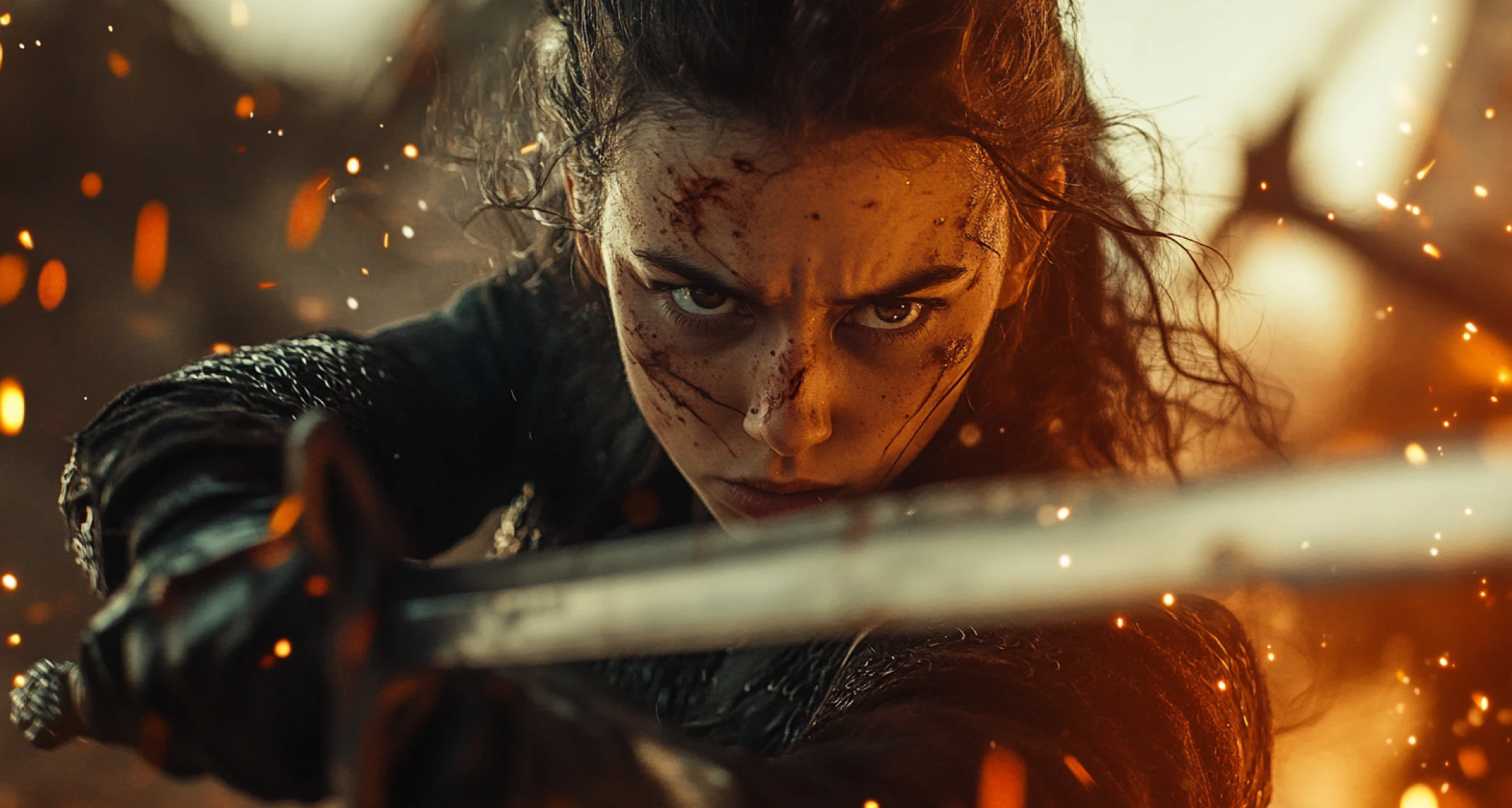
Edit Videos Like a Pro
With ImagineArt AI video-to-video generator, restyle and reimagine your videos in different aesthetics but with better production quality and generation efficiency. With no professional editing skills or any third-party tool requirement, it is perfect for UGC-style and training videos.
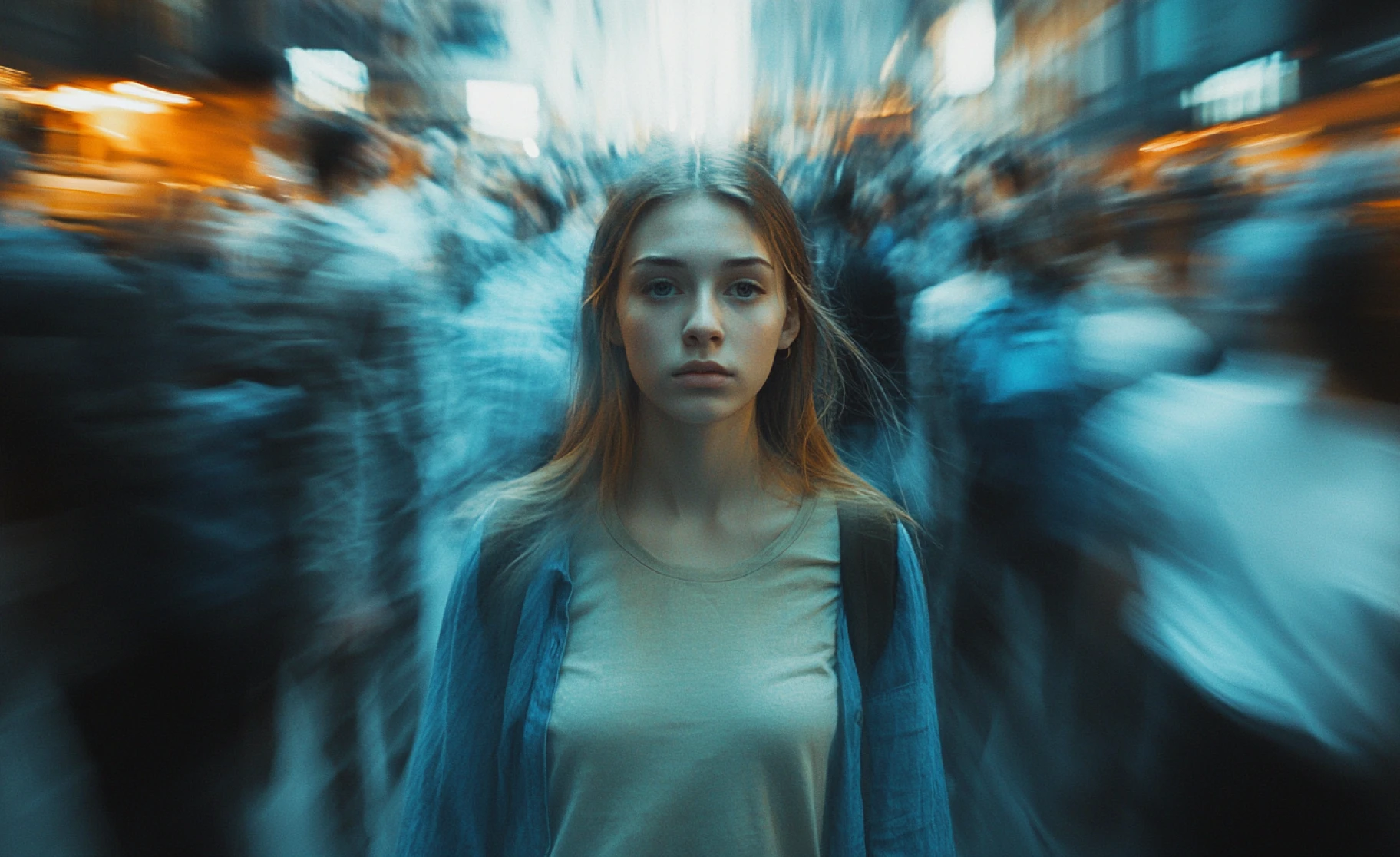
Explore Different Models & Customization
ImagineArt Video to Video AI features industry-best AI video generator models, including Seedance 2.0, Hailuo AI, PixVerse v6, Kling 3.0, Veo 3.1, Wan 2.6, Runway Gen-4.5, and more. Switch models depending on what you're restyling, Seedance and Kling for character-driven footage, Runway for precise style and camera control, PixVerse or Hailuo for fast iteration.
You might also be interested in
Purchase a Subscription
Upgrade to get access to pro features and generate more and better
Basic
For newcomers taking their first steps
View Plans
Billed monthly
Included in plan
3Kcredits per month
Additional Features
Up to ~600 Image Generations/month
Up to ~97 Video Generations/month
General Commercial Terms
Image Generation Visibility: Public
4 Concurrent Image Generations
Complimentary Access
All GPT Models
All Gemini Models
All Claude Models
Unlimited Generations
10 Image Models
9 Video Models
Standard
For rising creators to level up their game
View Plans
Billed monthly
Included in plan
8Kcredits per month
Additional Features
Up to ~1.6k Image Generations/month
Up to ~265 Video Generations/month
General Commercial Terms
Image Generation Visibility: Private
8 Concurrent Image Generations
Complimentary Access
All GPT Models
All Gemini Models
All Claude Models
Unlimited Generations
Nano Banana
Runway Gen 4 Turbo
Midjourney V7
8 more Image Models
8 more Video Models
Ultimate
Peak performance for pros
View Plans
Billed monthly
Included in plan
16Kcredits per month
Additional Features
Up to ~3.2k Image Generations/month
Up to ~530 Video Generations/month
All styles and models
General Commercial Terms
Image Generation Visibility: Private
Complimentary Access
All GPT Models
All Gemini Models
All Claude Models
Unlimited Generations
All image models in Standard plan
All video models in Standard plan
Kling 2.6 Pro
Seedance 1.5 Pro
ChatGPT 1.5
Creator
A full production engine for powerhouses
View Plans
Billed monthly
Included in plan
100Kcredits per month
Additional Features
Up to ~20k Image Generations/month
Up to ~3.3k Video Generations/month
All styles and models
General Commercial Terms
Image Generation Visibility: Private
Complimentary Access
All GPT Models
All Gemini Models
All Claude Models
Unlimited Generations
All image models in Ultimate plan
All video models in Ultimate plan
Kling 3.0 Pro
Seedance 2 Fast
Nano Banana 2
Ready to Generate AI Video to Video?

TechNova
“I thought creating a time lapse video would take a whole day, but with ImagineArt AI video-to-video generator, I did that in minutes. I uploaded my video and applied the time lapse effect. In a minute, my video was generated and that too of professional quality.”

Ben Harris
Product Manager

Shopify
“You need this AI video-to-video generator if you are looking for quick edits with minimal effort. You don’t have to reiterate or re-prompt for consistency, the AI maintains it without impacting the quality.”

Michael Chenn
Product Designer

Pixels
“As a marketer, I can’t spend much time on learning AI video generation tools. I need something simple, quick, and advanced – ImagineArt AI video-to-video generator is all that and more. But I had to purchase a plan to access more features, too bad free access has quite a few restrictions.”

Anya Petrova
Marketing Designer

ApexStudios
“The customization options are incredible — something that I could only say for AI image generation, but not anymore. You can change dimensions, upscale, generate variations, change models, enhance prompts, and much more.”

Ravi Patel
Creative Manager

DreamWorks
“As a content creator, I need to edit my videos quite often. Most tools are quite expensive generating disappointing results. I used the free access first and found ImagineArt quite promising – and now I am a paid subscriber. I would recommend it to every content creator; explore this tool.”

Isabelle Kim
Concept Artist
Have questions?
We have answers!
AI video-to-video generator is a tool by ImagineArt that lets you edit and change existing videos by adding filters, styles, and video effects. It maintains the originality of the video content while giving your content a new look and feel.
No, you don’t require any professional editing tool or software for AI video-to-video generation. With ImagineArt, you can upload your video along with a descriptive prompt and generate your video in different styles and with unique effects.
ImagineArt AI video-to-video generator offers free access with limited AI generative credits (50 credits) and restricted access to features. For more and better quality video generation, you will have to subscribe to one of the paid plans.
Absolutely not! ImagineArt's AI video-to-video generator comes with a user-friendly interface, simplifying the video generation process. Upload, prompt, select your preferences, and click generate. Within seconds, you will have a restyled video.
Yes! ImagineArt has a built-in and free-of-cost video editor that allows you to add text, logos, music, sound effects, visuals, and effects. This lets you tweak your videos however you like!
ImagineArt AI video-to-video generator includes a wide range of video effects, including time lapse, glitch, zoom in, and more, along with filters like angry mode, happy mode, crying, and more. Experiment and find what suits your content the best!
They're closely related. Video to video AI covers the whole process of transforming existing footage, filters, effects, resolution changes, and more. AI video style transfer is specifically the restyling piece within that, changing a clip's visual look or a subject's motion while keeping the original content intact.
Yes. Apply a filter or effect and a motion transfer style in the same generation, or run them as separate passes if you want more control over each step, then bring both together in the AI Video EditorAI Video Editor.
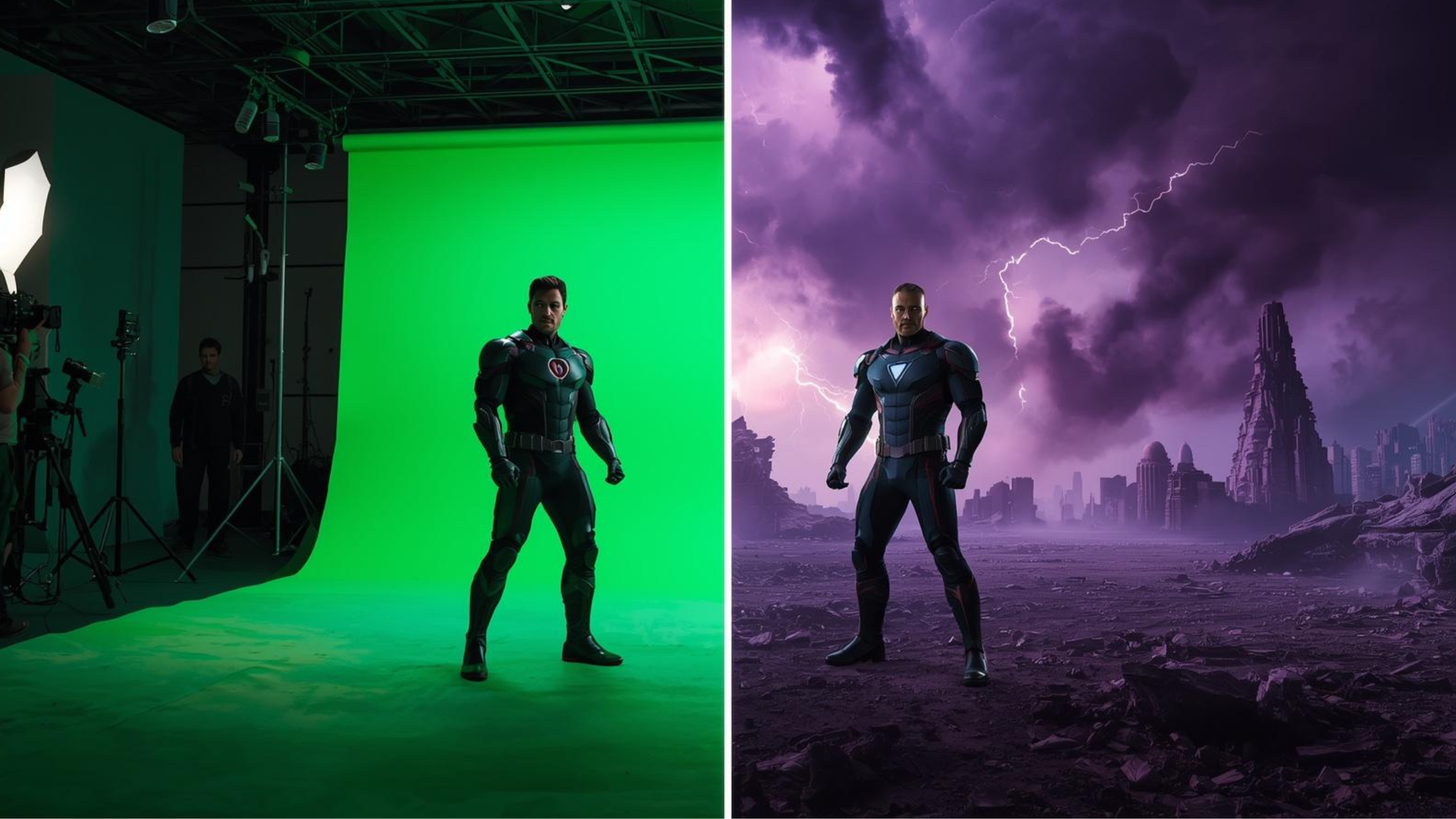

![Best AI Video Generators for Movie Trailers [2026 Edition]](https://blogs-cdn.imagine.art/Best_AI_Video_Generator_for_movies_trailers_ef6d217424.webp)