AI Cartoon Video Generator
ImagineArt's AI cartoon video generator turns a text prompt into a finished animated clip, complete with voice, music, and lip-synced dialogue. It works for education, marketing, and entertainment, with no animation or editing skills required.
Trusted by Professionals and Creators from leading brands
Explore What's Possible with Our AI Cartoon Video Generator
AI Cartoon Video Maker for Every Style
ImagineArt is built to work as a full AI cartoon video maker, not just a single-clip generator. Describe one scene or a longer sequence with several scenes, and it's all assembled in the same workspace, whether you need a quick social clip or a longer explainer. For reworking the sequence afterward, the AI Video Editor handles trimming and reordering without leaving ImagineArt.
Add Predefined Effects
Predefined effects speed up the styling step. Choose from lighting setups, camera movements, and artistic presets instead of writing every detail into the prompt by hand. This works well when you want a specific look, such as a soft cinematic pan or a bright, high-energy social clip, without spending time fine-tuning individual parameters. Combine effects with your own prompt details for a result that matches both your creative direction and your production timeline.
A Prompt Is All You Need
Text to cartoon video AI starts with a simple description. Write out the scene, the characters, the actions, and any specific details you want to see, and the cartoon ai video generator fills in the rest. A short prompt like "a fox walking through a snowy forest at dusk" produces a usable clip, while a more detailed prompt gives you tighter control over camera angle, lighting, and pacing. If you're not sure how to phrase a scene, Imagine Bot can refine a rough idea into a more detailed prompt automatically. The AI handles motion dynamics and character expression from there, so you can focus on the idea rather than the technical execution.
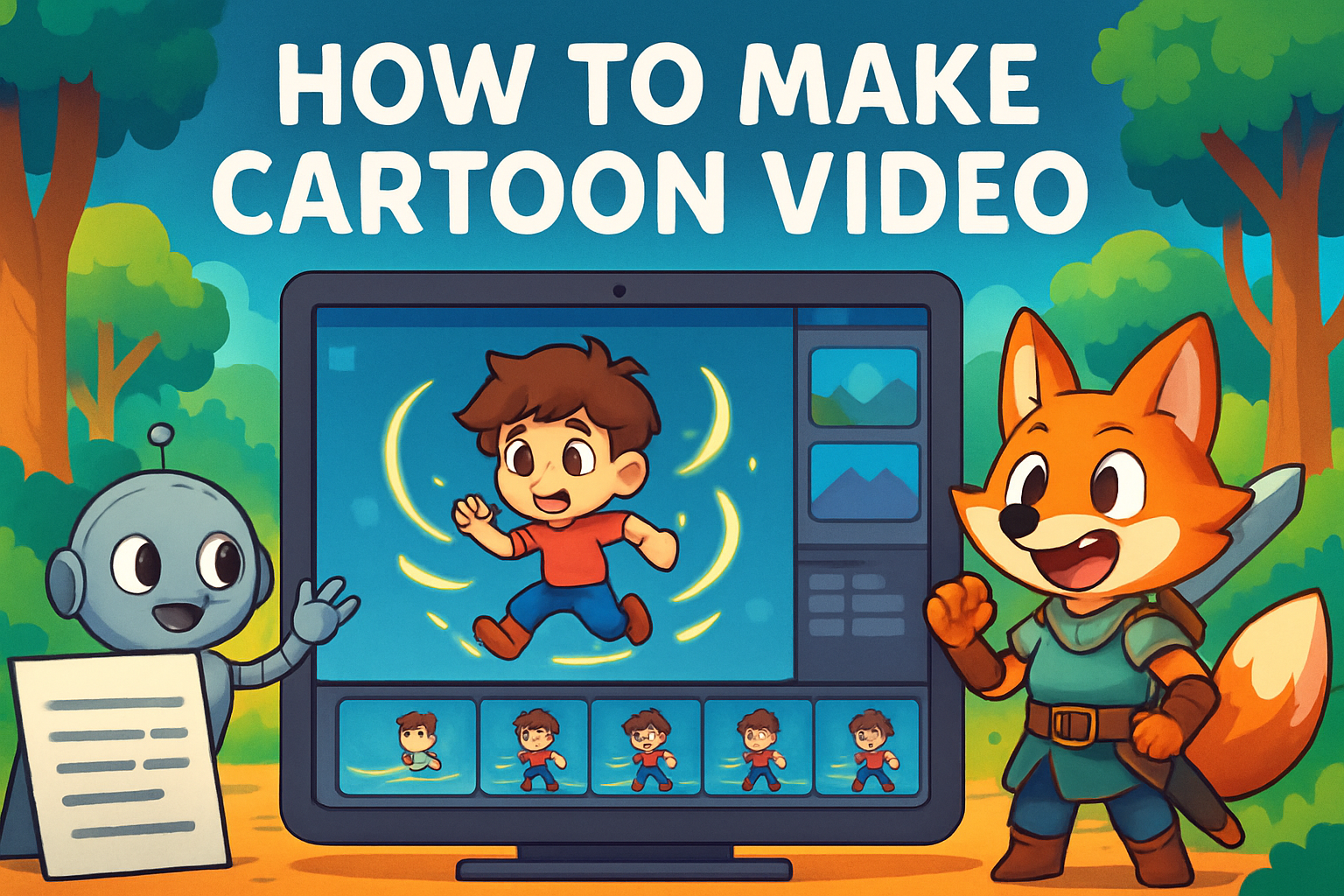
How Cartoon Video Generation Works — In Three Steps
Step 1
Describe your scene and pick a style
Write your prompt with the characters, setting, and action you want, and choose a cartoon style, whether that's a soft 2D look, a Pixar-style render, or a hand-drawn feel. Upload a reference image if you have a specific character or mascot design you want the AI to follow.
Step 2
Generate the full clip in one pass
ImagineArt generates the animation, voice, and sound together, typically in about 3 to 5 minutes depending on scene complexity. Multiple variations are produced from the same prompt so you can pick the one that fits best.
Step 3
Refine with a command, then download
Use a natural-language edit if something needs adjusting, without regenerating the whole clip. Once you're happy with the result, download it or move it into the AI Video Editor for further polishing.
Animate Your Brand Mascot
Bring a brand mascot to life without hiring an animator. Upload still images or design assets of the character, and ImagineArt generates a cartoon animation featuring that identity. This works well for marketing campaigns, explainer videos, and recurring social content where consistency matters. To build a consistent character set before animating it, the AI Anime Generator and AI Animation Generator can help.
Create Great Explainers
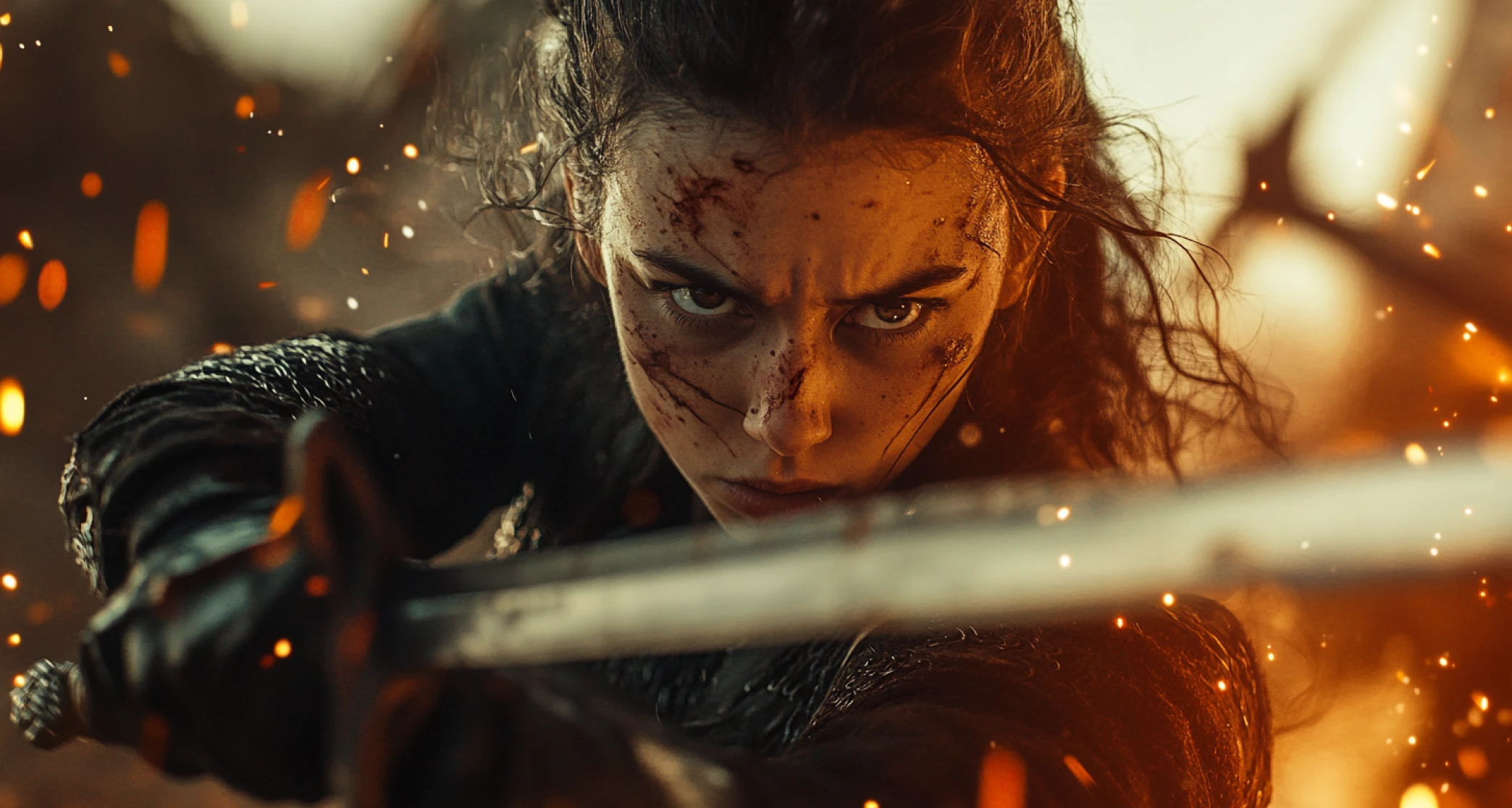
Cartoon-style animation is effective for explainer content because it simplifies complex ideas into something visually easy to follow. Use it for training videos, educational material, or public service announcements. If the explainer is centered on a product rather than a general concept, the AI Product Video Generator is built specifically for that use case.
Entertain Your Audiences
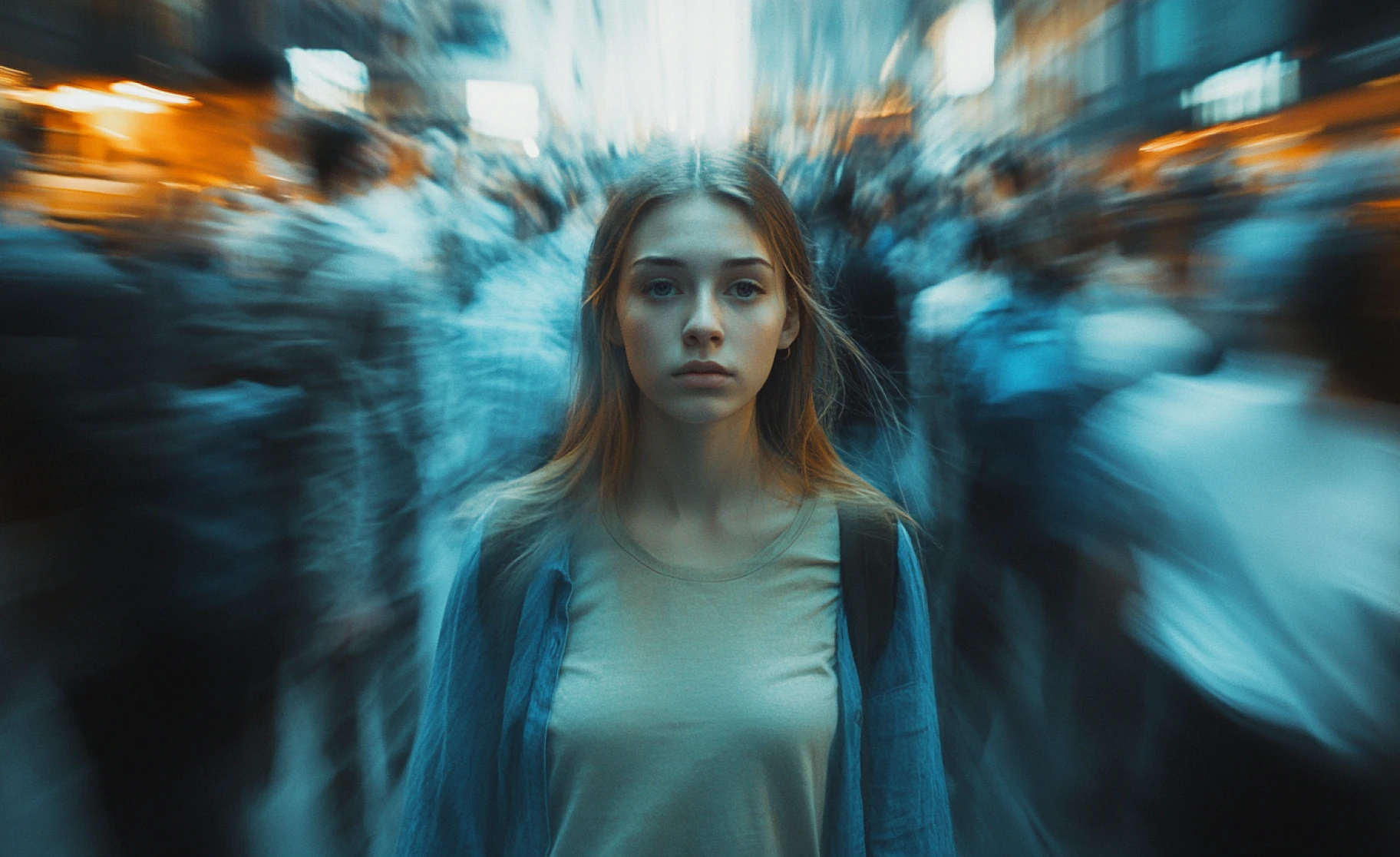
Beyond professional use, ImagineArt works as a cartoon video maker online for personal projects, too. Generate funny skits, animated memes, or short stories for social media and YouTube. For clips based on an existing photo you want animated rather than generated from scratch, Kling AI Motion Control adds motion directly to a static image.
Purchase a Subscription
Upgrade to get access to pro features and generate more and better
Basic
For newcomers taking their first steps
View Plans
Billed monthly
Included in plan
3Kcredits per month
Additional Features
Up to ~600 Image Generations/month
Up to ~97 Video Generations/month
General Commercial Terms
Image Generation Visibility: Public
4 Concurrent Image Generations
Complimentary Access
All GPT Models
All Gemini Models
All Claude Models
Unlimited Generations
10 Image Models
9 Video Models
Standard
For rising creators to level up their game
View Plans
Billed monthly
Included in plan
8Kcredits per month
Additional Features
Up to ~1.6k Image Generations/month
Up to ~265 Video Generations/month
General Commercial Terms
Image Generation Visibility: Private
8 Concurrent Image Generations
Complimentary Access
All GPT Models
All Gemini Models
All Claude Models
Unlimited Generations
Nano Banana
Runway Gen 4 Turbo
Midjourney V7
8 more Image Models
8 more Video Models
Ultimate
Peak performance for pros
View Plans
Billed monthly
Included in plan
16Kcredits per month
Additional Features
Up to ~3.2k Image Generations/month
Up to ~530 Video Generations/month
All styles and models
General Commercial Terms
Image Generation Visibility: Private
Complimentary Access
All GPT Models
All Gemini Models
All Claude Models
Unlimited Generations
All image models in Standard plan
All video models in Standard plan
Kling 2.6 Pro
Seedance 1.5 Pro
ChatGPT 1.5
Creator
A full production engine for powerhouses
View Plans
Billed monthly
Included in plan
100Kcredits per month
Additional Features
Up to ~20k Image Generations/month
Up to ~3.3k Video Generations/month
All styles and models
General Commercial Terms
Image Generation Visibility: Private
Complimentary Access
All GPT Models
All Gemini Models
All Claude Models
Unlimited Generations
All image models in Ultimate plan
All video models in Ultimate plan
Kling 3.0 Pro
Seedance 2 Fast
Nano Banana 2
What Our Customers Say

ApexStudios
This AI cartoon generator is impressive, turning any idea into vibrant cartoon art in seconds. It's incredibly fast and delivers great quality every time.

Ravi Patel
Creative Manager

DreamWorks
I was amazed at how quickly it transforms descriptions into unique, fun cartoons. The ability to tweak styles and features makes it even more versatile.

Isabelle Kim
Concept Artist

Shopify
Highly recommend this tool for anyone looking to create cartoons with ease. It delivers fantastic results every time, and it's intuitive and beginner-friendly, yet powerful.

Michael Chenn
Product Designer

Pixels
The cartoon generator exceeded my expectations. It’s intuitive and produces playful, high-quality artwork, and the variety of styles gives you endless creative possibilities.

Anya Petrova
Marketing Designer

TechNova
If you’re looking for a fast and reliable way to generate cartoons, this AI tool is definitely worth checking out. It’s a game-changer for artists and content creators alike!

Ben Harris
Product Manager
Have questions?
We have answers!
An AI cartoon video generator is a tool that turns a text prompt or reference image into an animated video. ImagineArt's cartoon ai video generator produces the animation, voice, and sound together, so no separate editing skill is needed.
Yes. Voiceover and character dialogue are generated alongside the animation, with multilingual narration available so the same script can be produced in different languages without re-animating the scene.
Yes. Dialogue is matched to mouth movement automatically as part of generation. If you already have a separate voice recording and want to apply lip-sync to an existing character, the Lipsync StudioLipsync Studio handles that directly.
Yes. Background music and ambient sound are generated to match the tone of the clip. You can also bring your own audio file through the Audio Studio if you want a specific track or voice
Yes. Natural-language commands such as "delete the second scene" or "brighten the background" apply the change directly. For more involved edits, the AI Video EditorAI Video Editor is available.
No. ImagineArt's AI handles motion, character movement, lighting, voice, and sound. Enter a prompt, choose a style, and let the AI generate the rest.
Marketing animations, educational explainers, animated brand mascots, social content, and entertainment clips, in styles ranging from 2D to more cinematic renders.
On average, about 3 to 5 minutes, depending on scene complexity and the model used. You can generate multiple variations and choose the best one.