
Tooba Siddiqui
October 24, 2025 • Updated October 24, 2025
4 mins Read
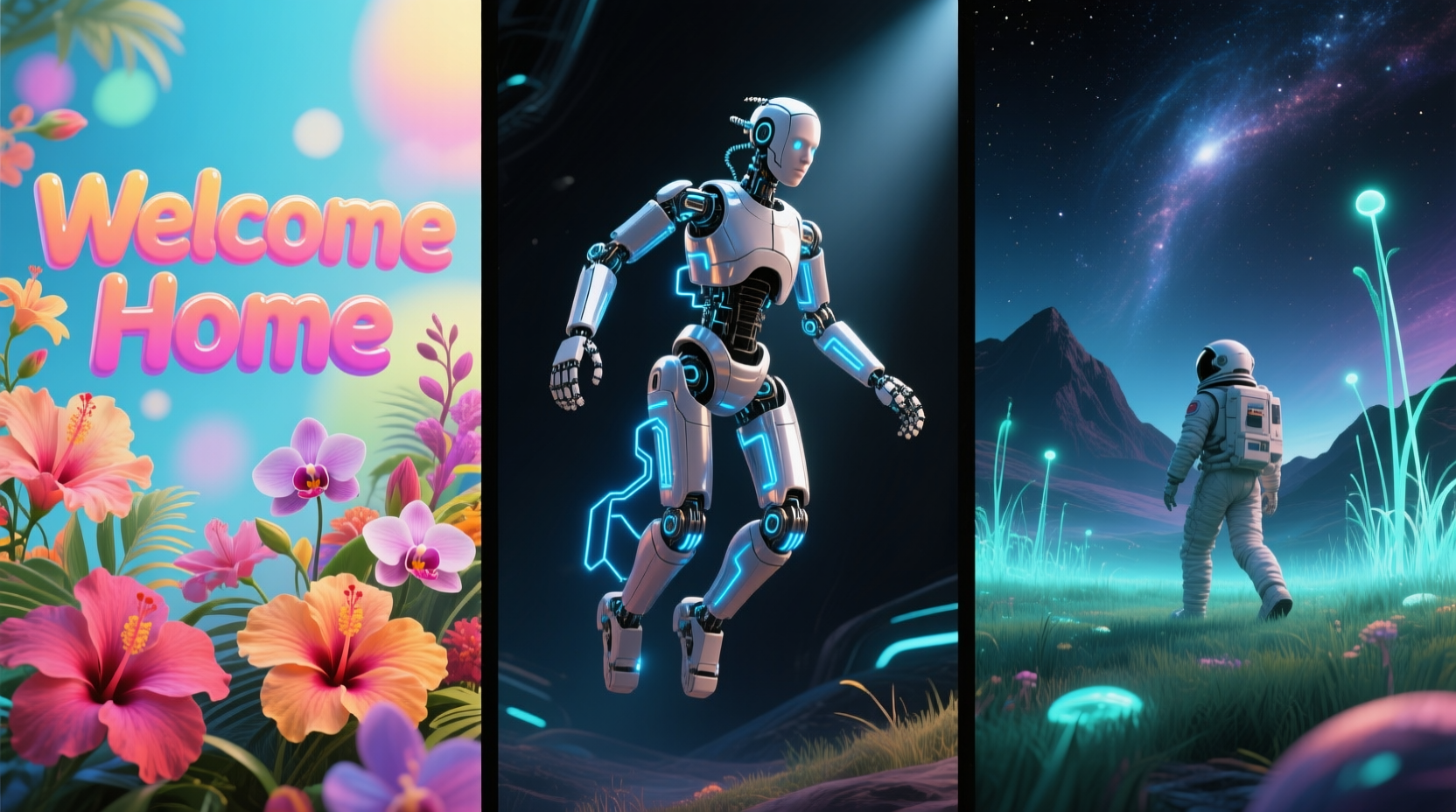
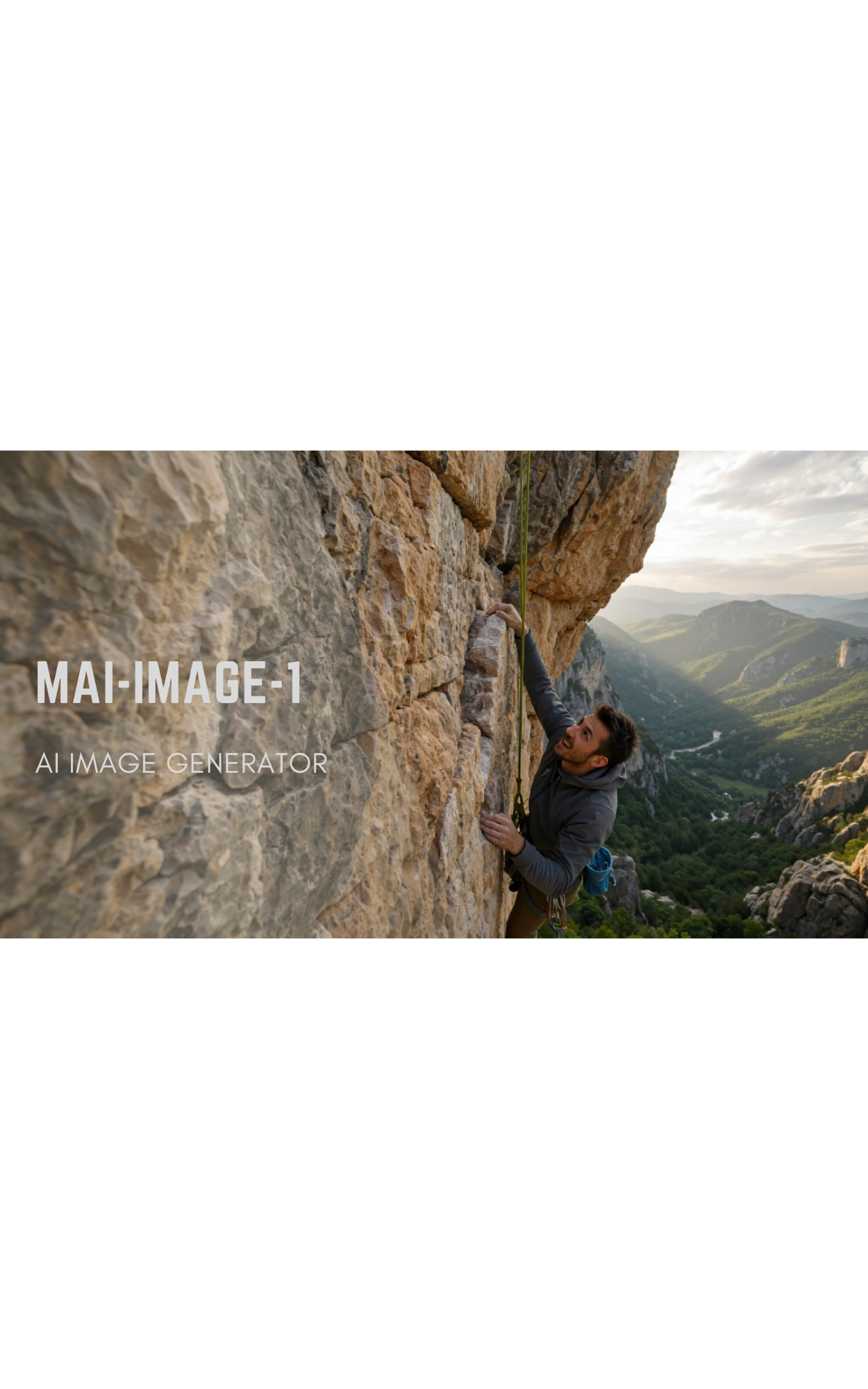
Microsoft will no longer rely on GPT-4o and DALL-E for AI image generation. The famed OS development company has entered the AI race with its in-house developed AI image generator: MAI-Image-1. The model highlights Microsoft’s investment in proprietary AI technology. Microsoft AI image generator hasn’t been released for public use yet, but its AI image generation capabilities can be tested on LMArena — where it ranks at #9 in the list of top text-to-image AI image generators.
What is MAI-Image-1 by Microsoft?
MAI-Image-1 (Microsoft AI Image Generator 1) is one of the two in-house models that Microsoft launched in August. The key focus of Microsoft image generator is to create more immersive and dynamics images, with visual diversity and creative flexibility. The model is trained to create realistic renders of more complex elements including reflections, bounce light, scenic detailings, shadow diffusion, and more.
MAI-Image-1 is designed for strong prompt adherence, avoiding repetitiveness and unwanted stylization of the output images. The model performs at higher speed and visual fidelity as compared to the other AI image generators.
Key Features of MAI-Image-1
Here’s a breakdown of Microsoft AI image generator features:
1. High-Quality Image Generation
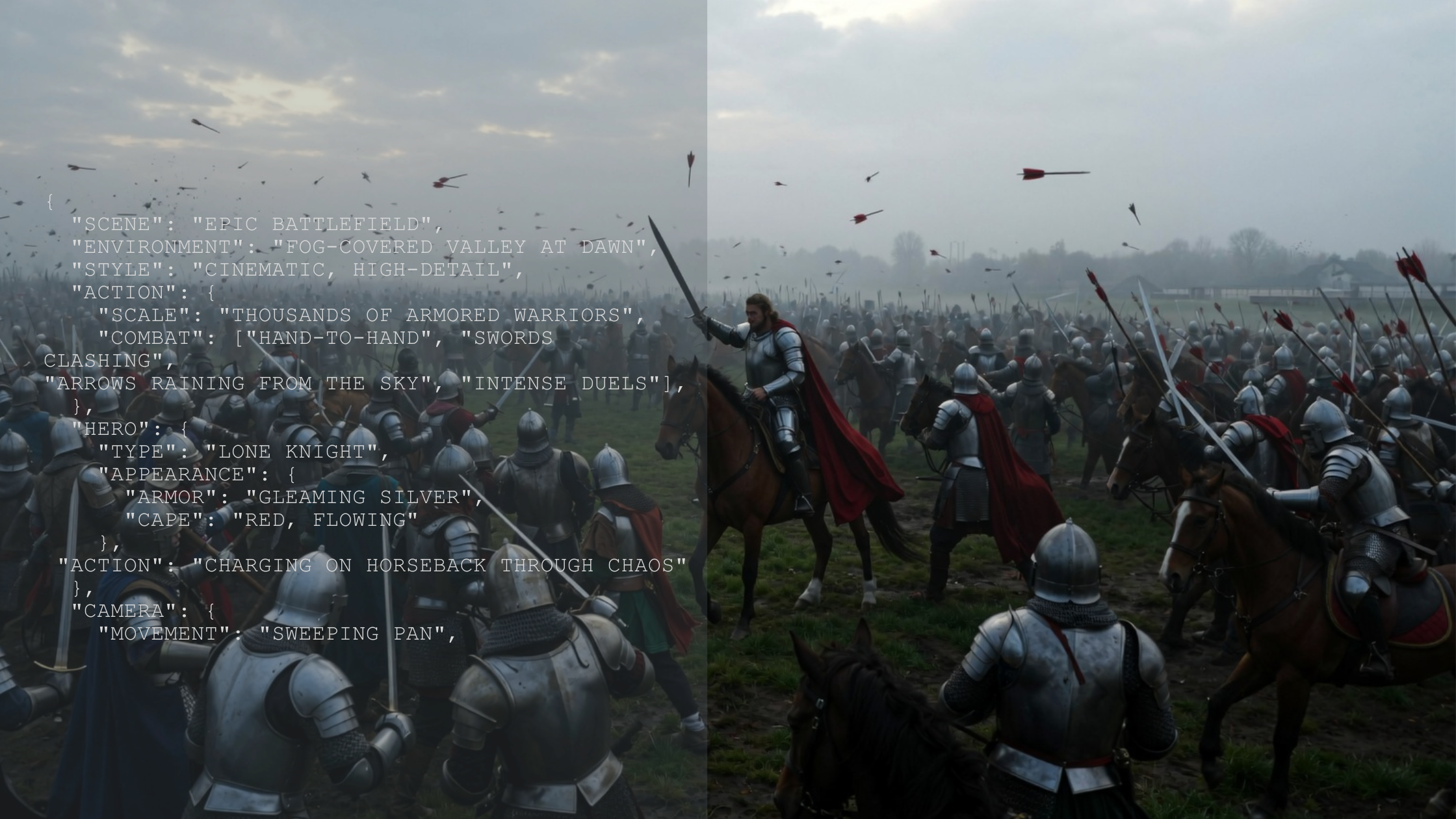
MAI-Image-1 jumped to the 9th position on LMArena because of the photorealism and high-resolution of images. This AI image generator works well with both JSON and text-based prompts, delivering sharp and vibrant results. Be it a portrait image or a cinematic shot, MAI-Image-1 meets the industry benchmarks with remarkable quality and accuracy.
2. Stylistic Versatility
Microsoft AI image generator has debuted with an extensive range visual styles to fit different creative needs. The AI image model’s flexibility allows you to create tailored outputs, including concept art, illustrations, product images, and more. You can also specify lighting, environmental details, camera angles, and other aspects to create the desired images.
3. Seamless Integration with Microsoft
Trained and developed by Microsoft, MAI-Image-1 will soon be integrated into Microsoft tools and ecosystem. From Azure and Microsoft Office to Bing and Copilot, MAI-Image-1 will directly be available to use on all Microsoft apps and workflow. This will allow users to access, create, and manage their visual assets utilizing Microsoft’s infrastructure.
4. Fast Image Generation
Microsoft AI image generator is designed for speedy and high-quality results. With minimal rendering and processing time, MAI-Image-1 ensures rapid iteration and quicker ideation faster than other AI image models.
5. In-Text Image Capabilities
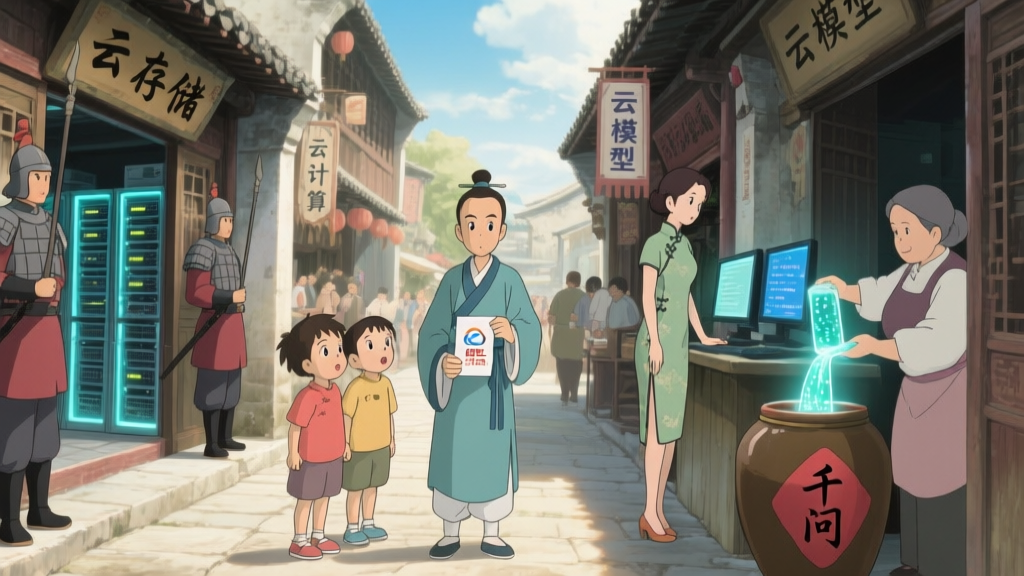
MAI-Image-1 doesn’t only generate images using text-based prompt, but it can also integrate text into images with accuracy and legibility. Specify the text and its position in the text prompt, and Microsoft image generator will integrate it wherever and however you want. The model utilizes contextual interpretation and generate corresponding tailored images.
How to Access MAI-Image-1
As of now, MAI-Image-1 isn’t integrated into Microsoft or available for public use. The model is still in testing phase and available on LMArena for use. On LMArena, you can assess the model’s capabilities and experiment with different styles. You can also vote ad provide feedback on LMArena regarding the Microsoft AI image generator.
Use Cases for MAI-Image-1
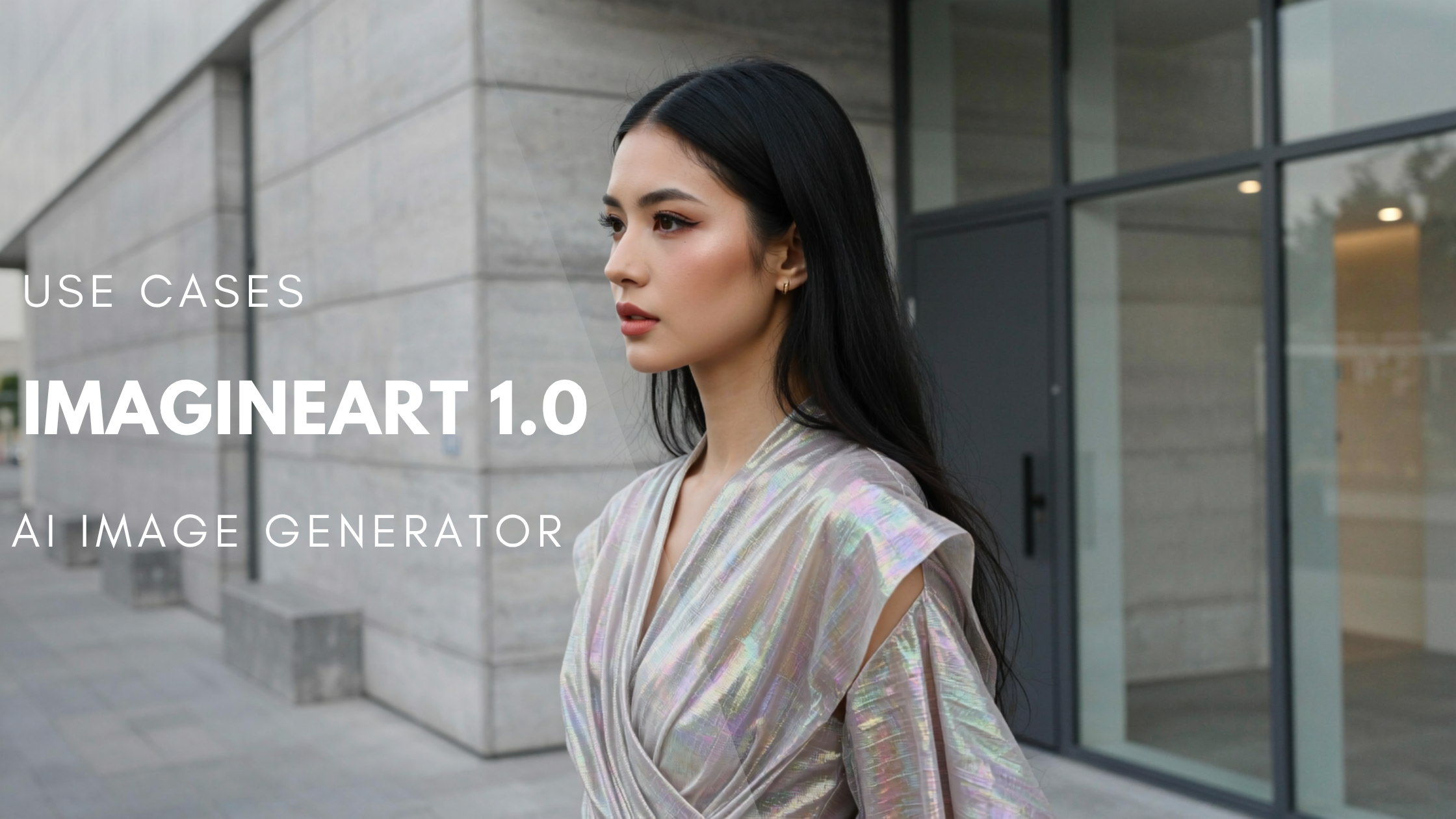
1. Product Photography
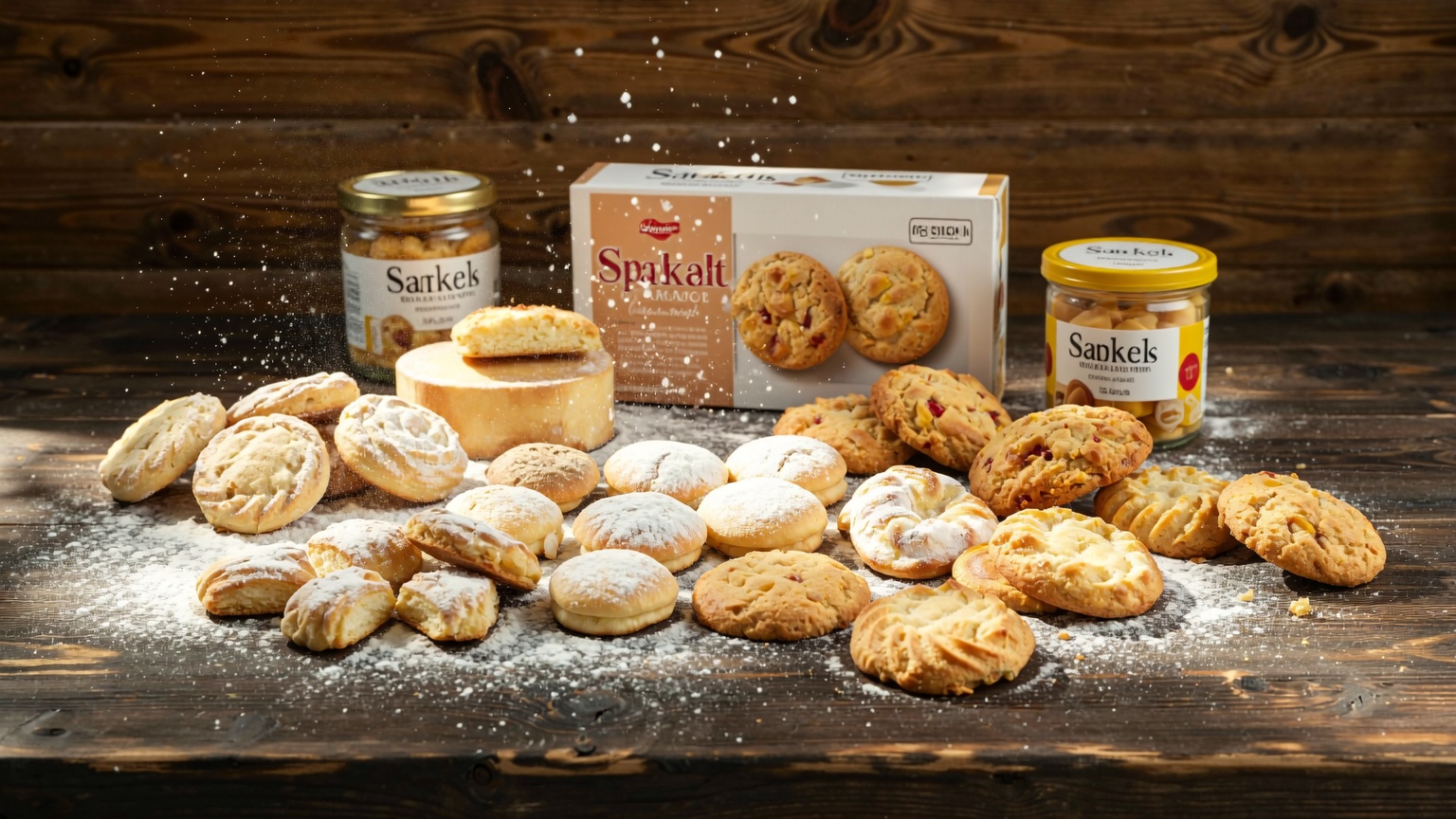
With MAI-Image-1, you can crate photorealistic product renders with incredible detailing and resolution — from creating crips product visuals for ads to generating assets for online stores, Microsoft AI image generator can produce product designs and renders, allowing you to create prototypes in a matter of minutes.
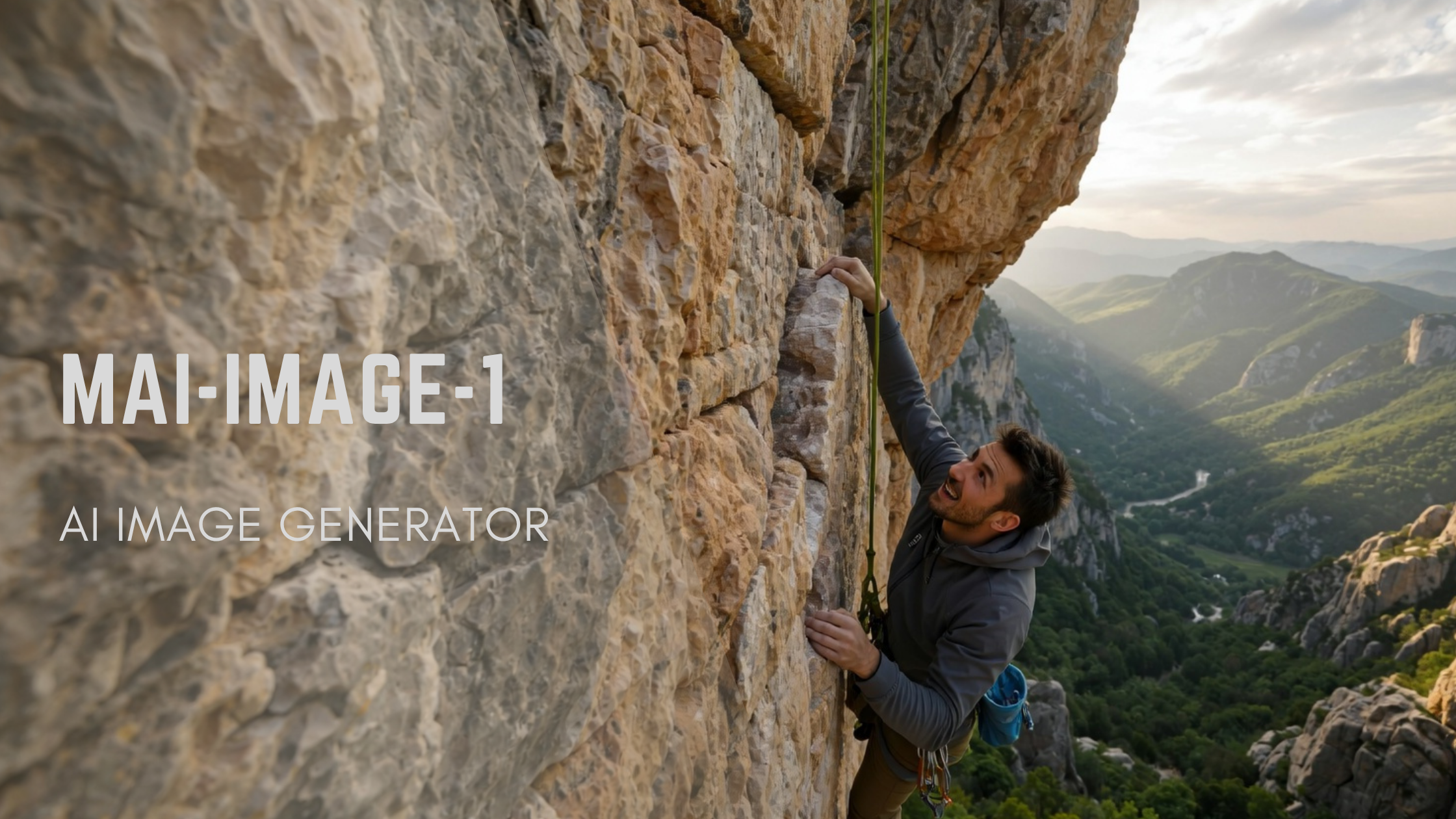
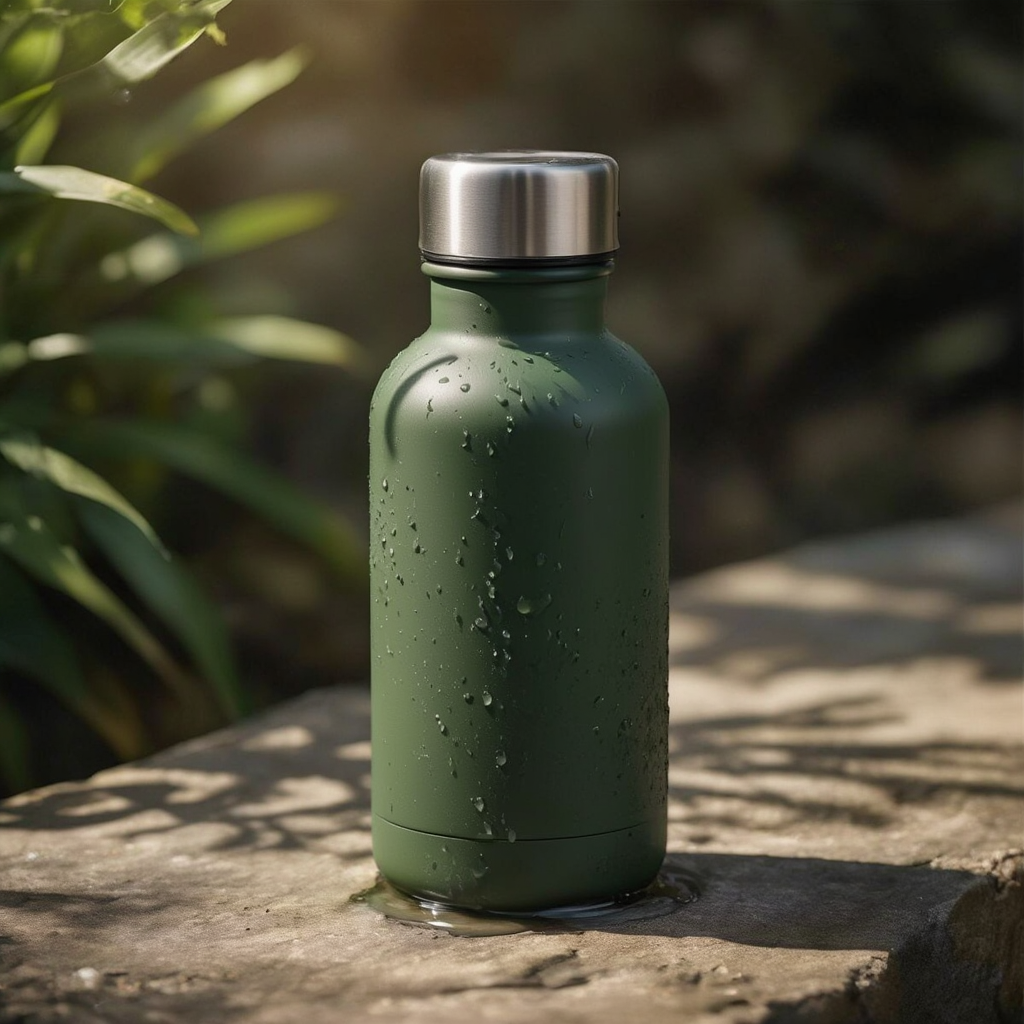 Generated on LMArena, using MAI-Image-1
2. Social Media Visuals
When it comes to social media, MAI-Image-1 can be a game-changer for content creation. With just a single prompt, you can create high-quality images in different styles and formats. From attention-grabbing Insta posts to aesthetic Pinterest boards, you can customize images to suit your preferred theme and aesthetics.
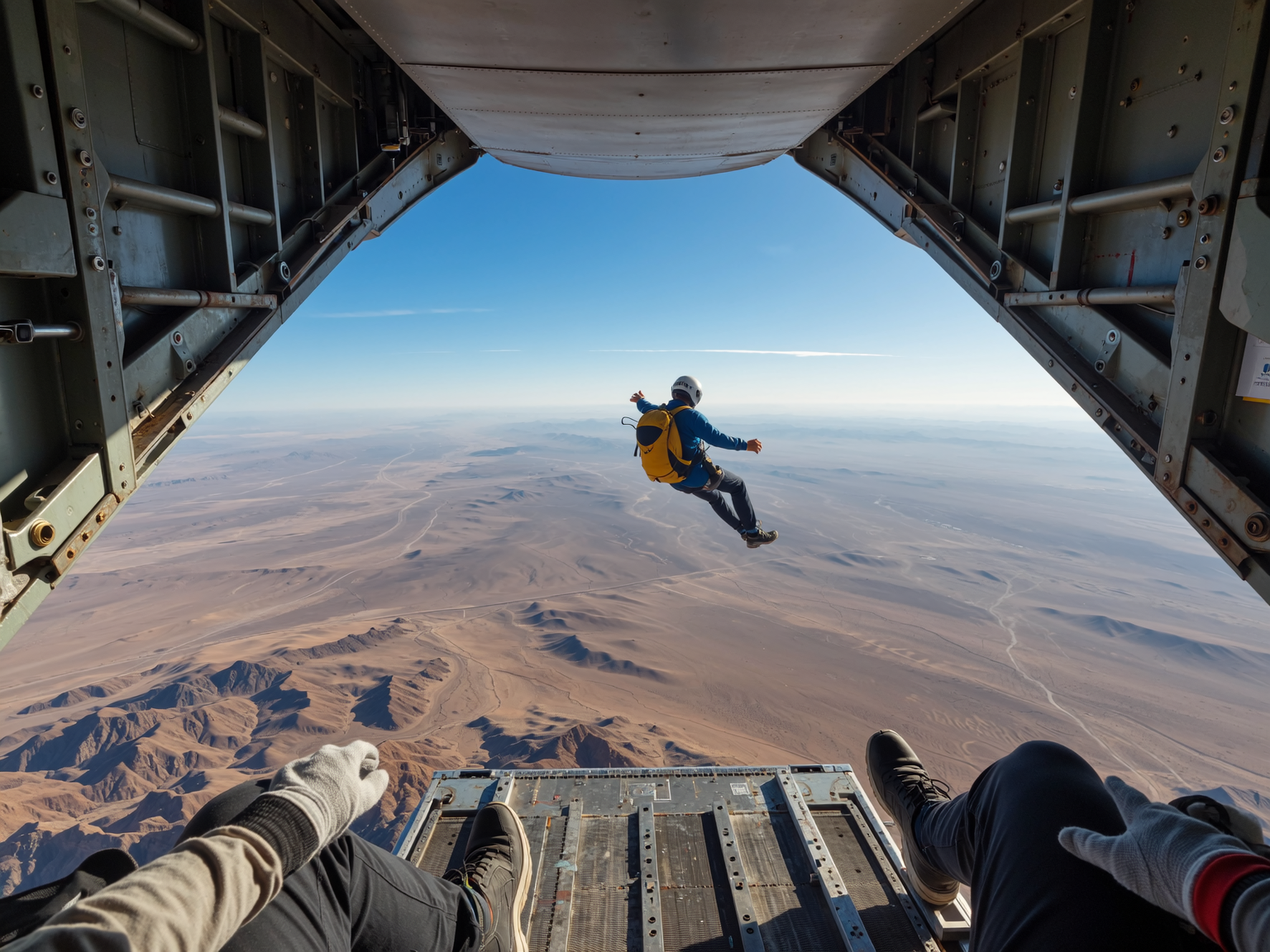
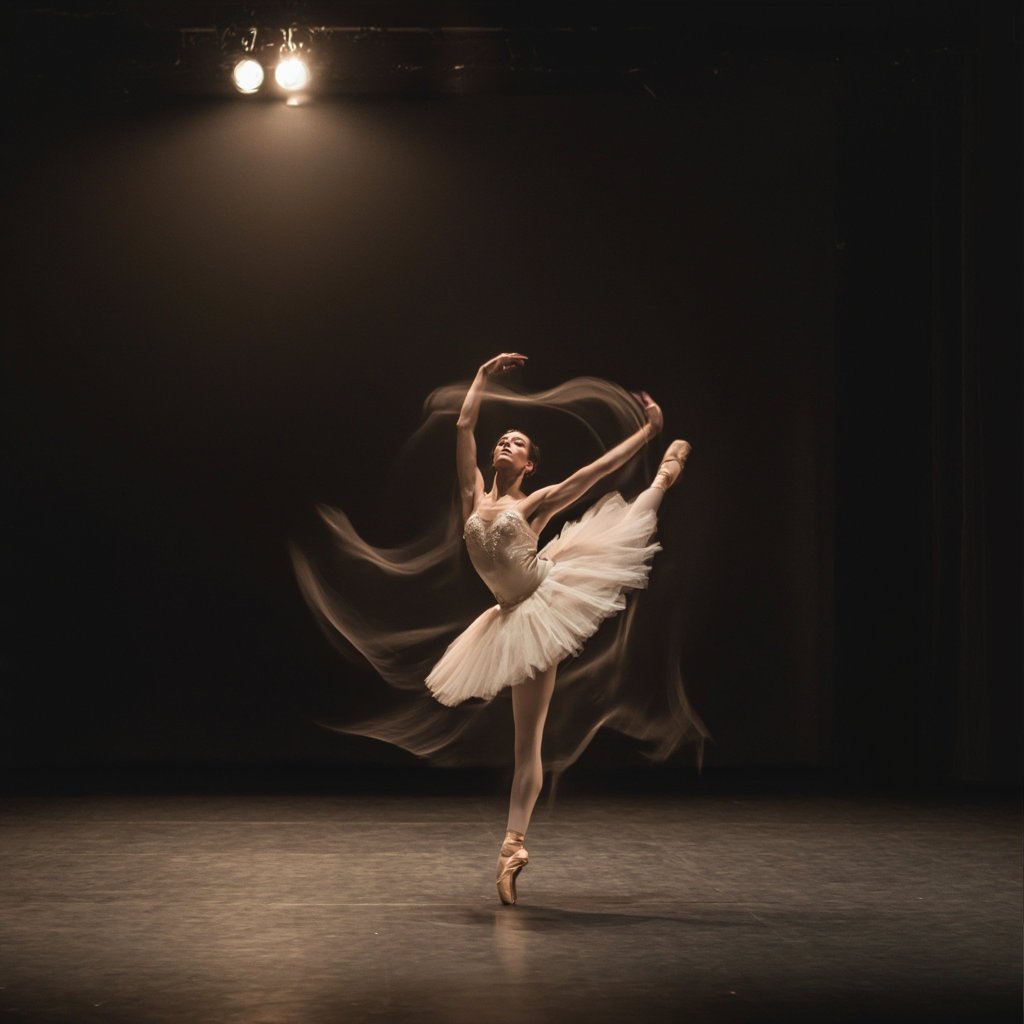 Generated on LMArena, using MAI-Image-1
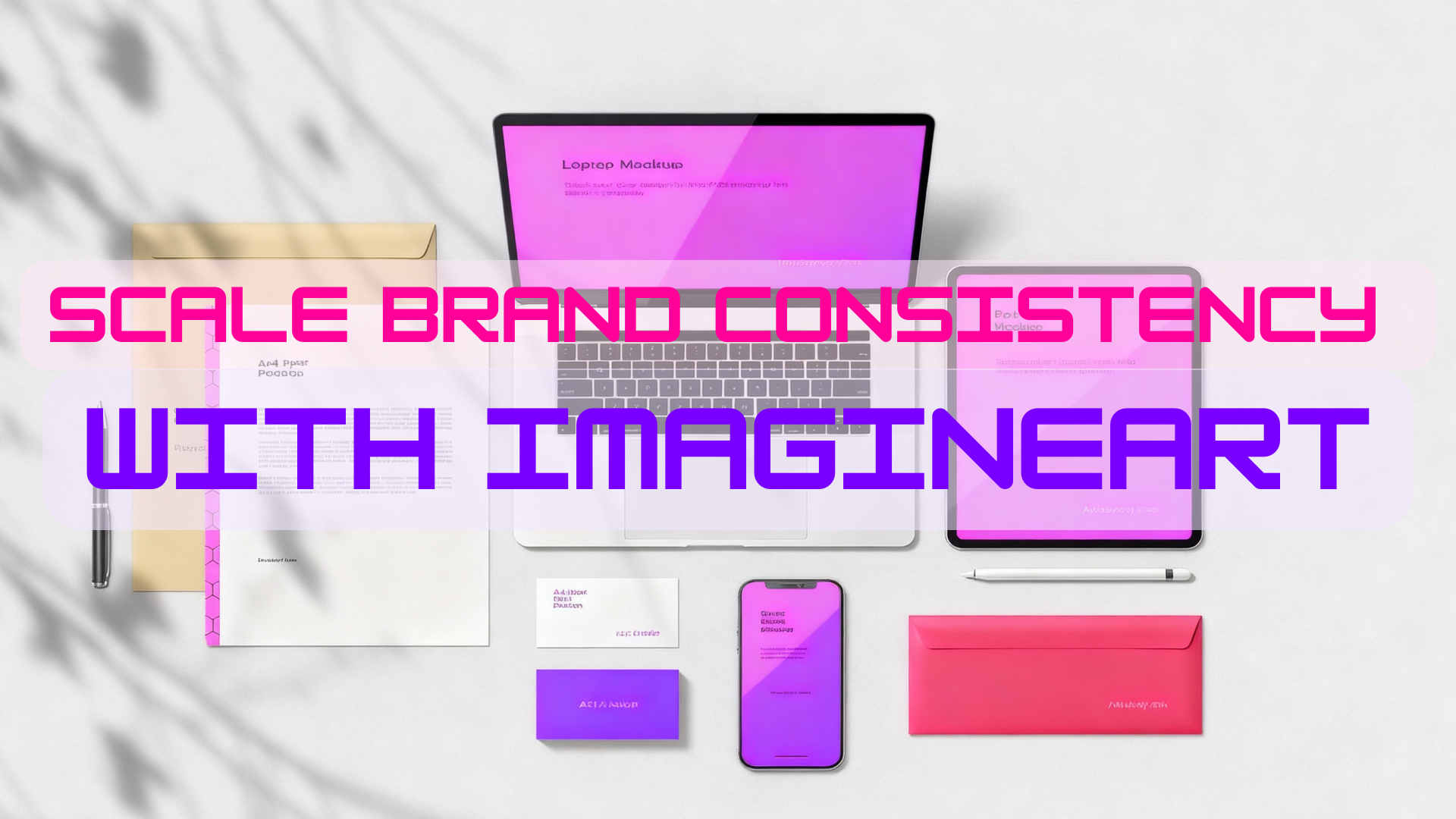
3. Branding and Creative Campaigns
With MAI-Image-1, brands and marketing agencies can minimize the work and efforts needed for quality visuals. You can create concept art, brand designs, promotional ads visuals, and more with complete creative freedom. This allows creative and branding professionals to streamline their workflow and maintain visual consistency.
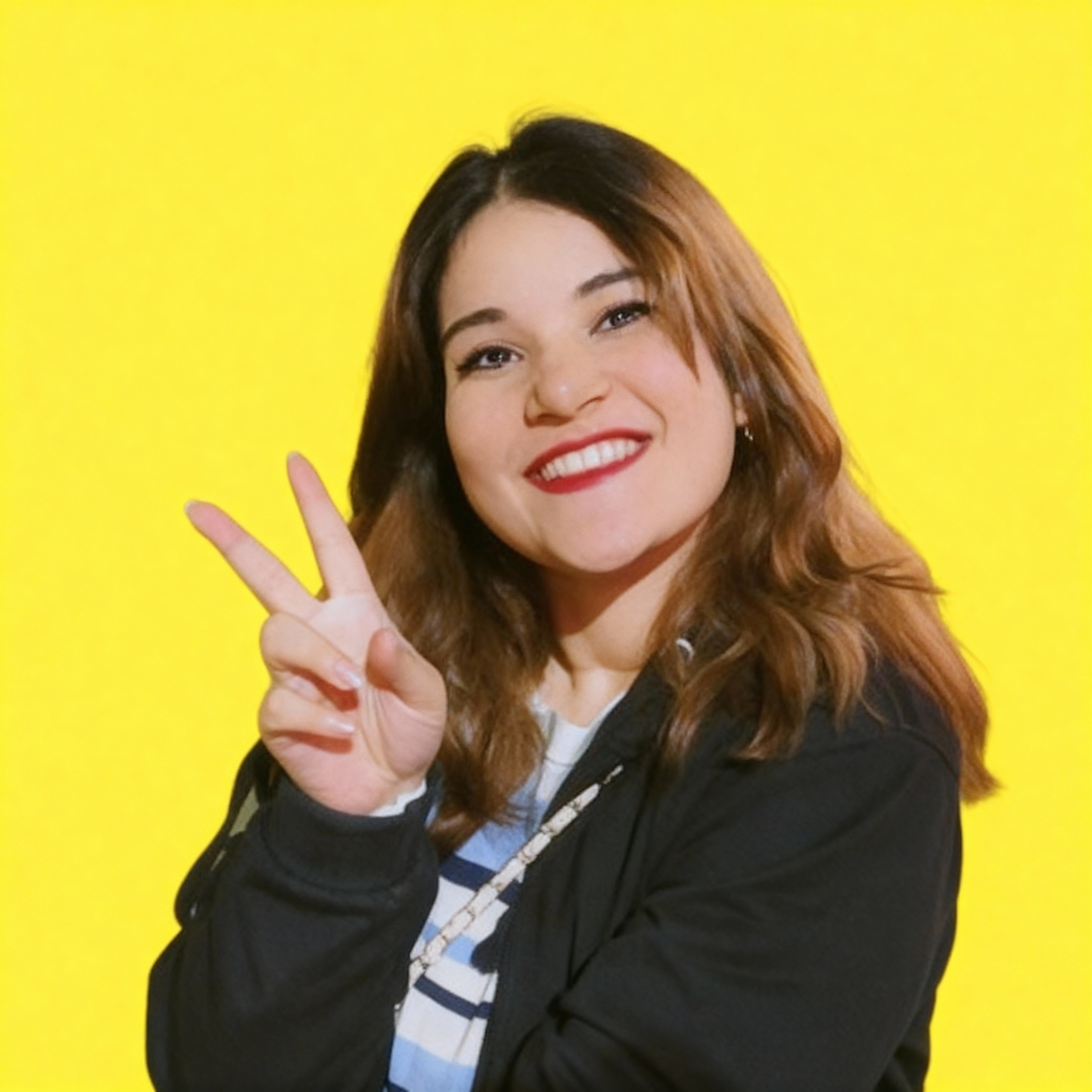
 Generated on LMArena, using MAI-Image-1
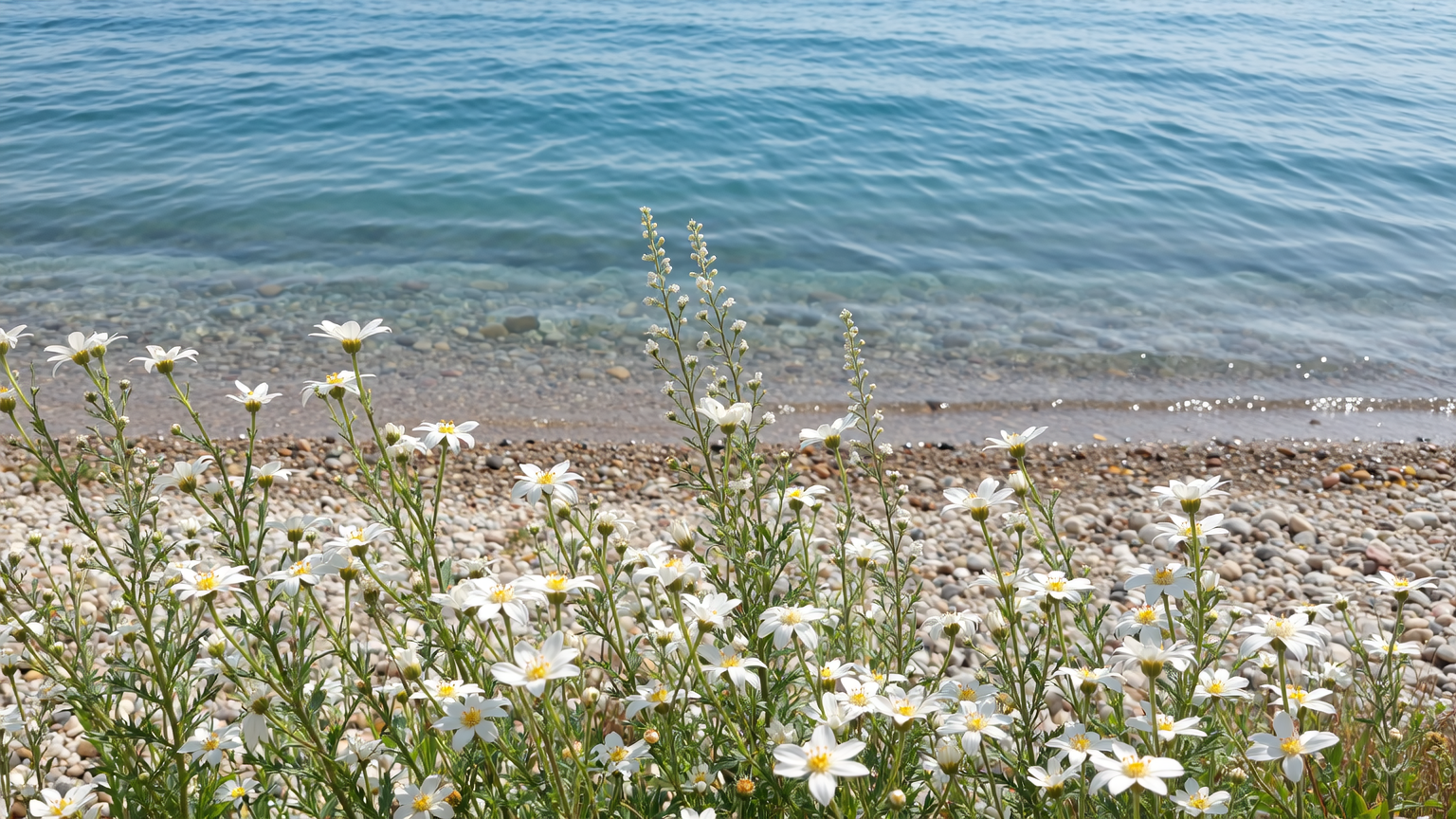
4. AI Art
MAI-Image-1 focuses visual diversity and artistic flexibility, making it perfect for those looking to create concept and abstract artwork. It avoids generic style or repetition, delivering diversity and practical value.
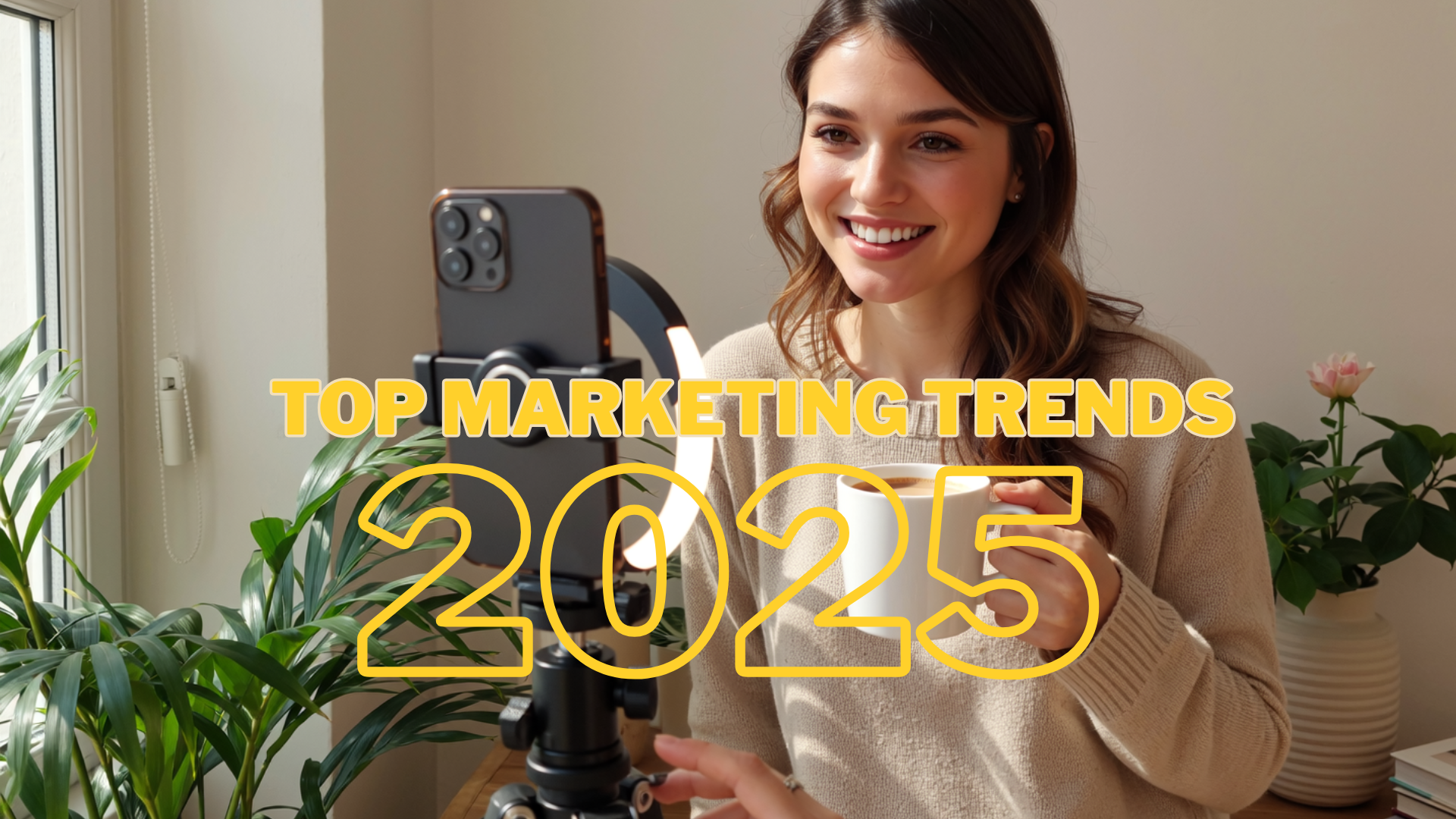
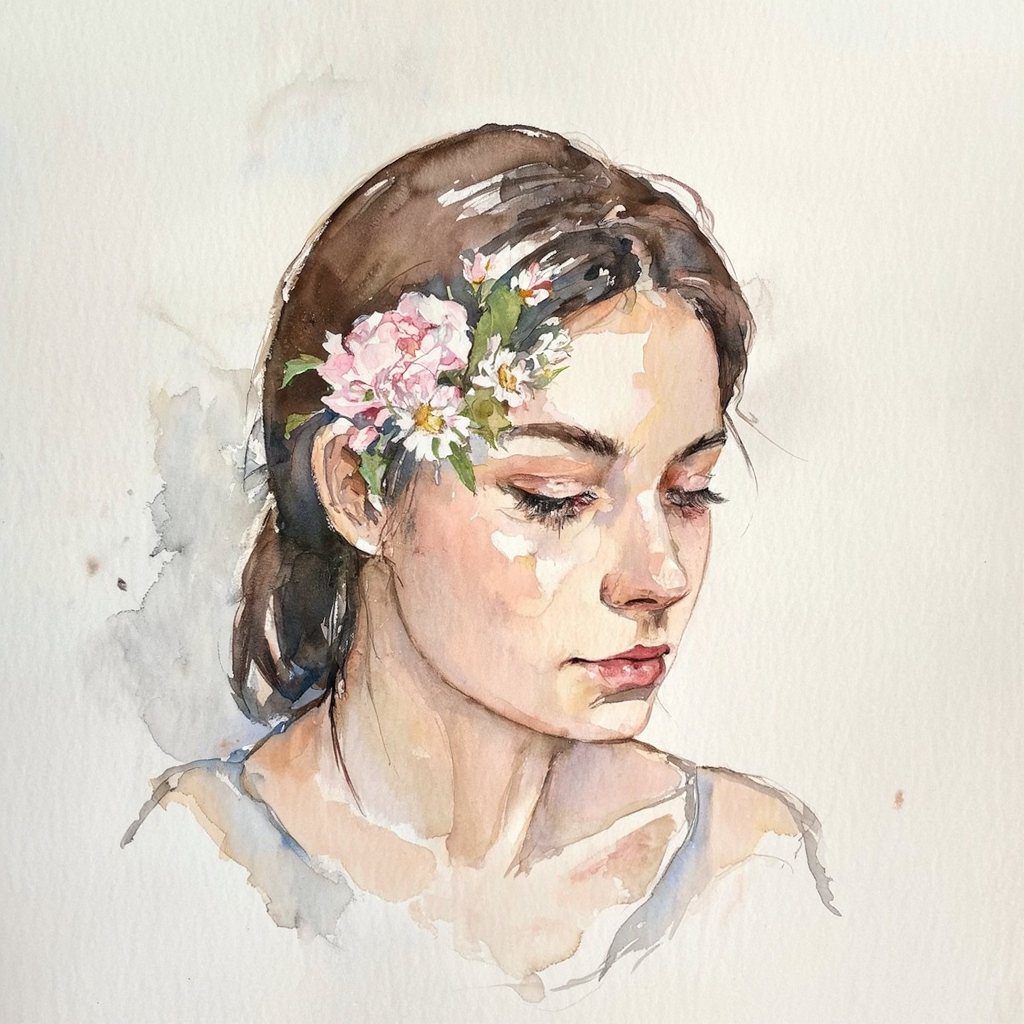 Generated on LMArena, using MAI-Image-1
Conclusion
As Microsoft first AI image generation model, MAI-Image-1 will stand out as a leading competitor once it is integrated into the Microsoft ecosystem. The easy-to-use Microsoft interface will further add to the model’s usability and availability — making it a better, quicker, and improved AI image generator.
Tooba Siddiqui
Tooba Siddiqui is a content marketer with a strong focus on AI trends and product innovation. She explores generative AI with a keen eye. At ImagineArt, she develops marketing content that translates cutting-edge innovation into engaging, search-driven narratives for the right audience.