
Arooj Ishtiaq
March 2, 2026 • Updated March 26, 2026
7 mins Read
Most image generators aim for broad appeal, which is fine for casual projects, but they often fall short when you need visuals for a campaign, a brand, or print. Recraft V4, an AI image generation model, solves this problem by producing images that feel intentional, polished, and thoughtfully composed, giving you outputs that are ready to use as-is.
What Is Recraft V4?
Recraft V4 was built for professional designers. It focuses on three core priorities: visual quality, accurate interpretation of your prompts, and outputs that maintain their integrity at any size.
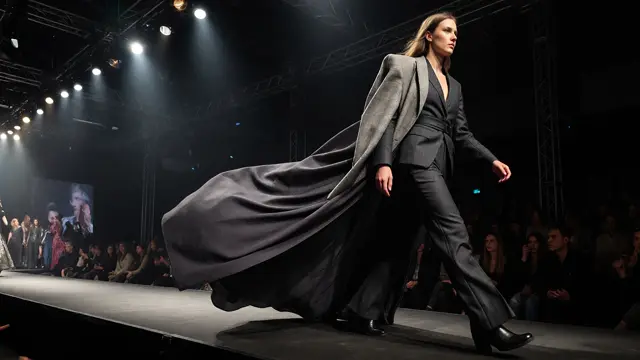
Unlike most tools that target general audiences, V4 was developed in collaboration with designers to meet the standards of real-world creative work. As a result, Recraft V4 can generate images that feel like polished fashion editorials, transform a simple campaign brief into a cohesive set of visuals, and turn a product description into a print-ready mockup with realistic lighting, textures, and materials, all from a short prompt.
V4 comes in two versions. Standard generates images in about 10 seconds and is perfect for quick iterations and everyday design work. Pro takes roughly 28 seconds to produce higher-resolution images suitable for print or large-scale projects. Both versions have the same creative capabilities; the difference is primarily speed and output size.
Recraft V4 Models
Recraft V4 is available in multiple versions, each designed for a specific type of creative work, whether you need raster images for quick concepts or detailed vector files ready for production.
- Recraft V4 generates high-quality raster images that are ideal for fast concepting, visual exploration, and everyday creative work.
- Recraft V4 Pro produces higher resolution images with finer detail, delivering more lifelike lighting, accurate anatomy, and stronger realism in complex compositions.
- Recraft V4 Vector creates clean, scalable vector graphics within seconds, making it a practical choice for icons, logos, and quick illustrative concepts.
- Recraft V4 Pro Vector delivers production-ready vector illustrations with smooth paths and precise geometry, suitable for print and detailed design projects.
How to Access Recraft V4?
You can access Recraft V4 through ImagineArt’s complete creative suite. In addition to ImagineArt, Recraft V4 is also available on its native platform, Recraft Studio.
Using ImagineArt
The ImagineArt AI image generator costs $15 per month and includes over 3,500 credits that you can use across all image and video tools, including both Recraft V4 and V4 Pro.
On ImagineArt:
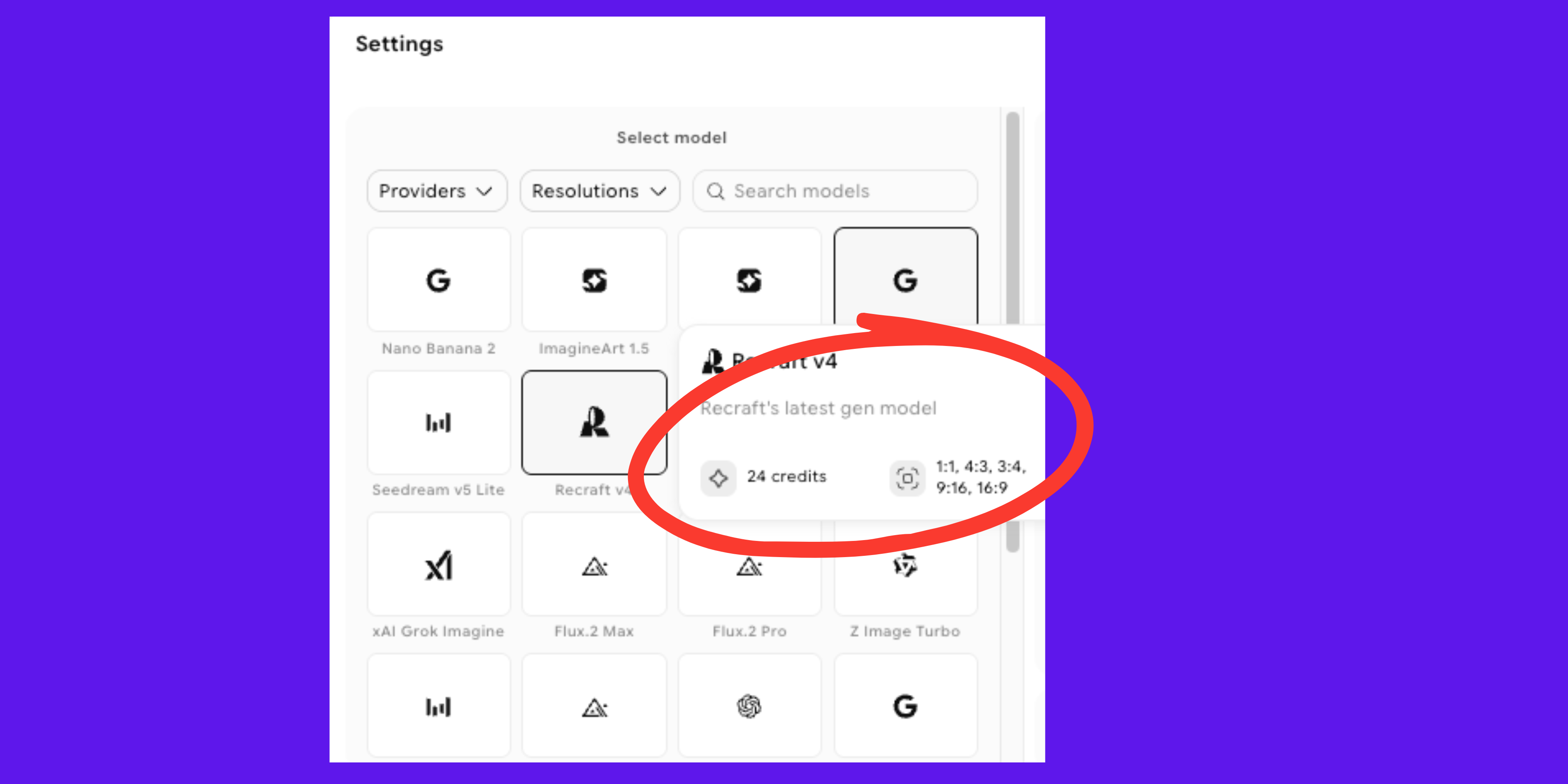
- Each generation in V4 costs 24 credits
- Supports 1:1, 4:3, 3:4, 9:16, and 16:9 formats
- Both Standard and Pro versions are available
- Accessible globally without verification
 Use ImagineArt To Access Recraft V4
How to Use Recraft V4 on ImagineArt
Using Recraft V4 on ImagineArt is simple. Everything happens inside one screen, where you write your prompt, choose the model, select the format, and generate your images.
Step 1: Write Your Prompt
At the bottom of the interface, you’ll find the prompt field. This is where you describe the image you want to create.
You can keep it short if you want a broad creative direction, or you can be specific about the subject, setting, lighting, colors, and any text that should appear in the design. The more clearly you describe your idea, the closer the result will match your intent.
Example of a short prompt:
Coffee brand campaign visual, warm tones
Example of a detailed prompt:
Flat-lay product shot of a matte black coffee canister on a warm cream linen surface, soft natural light from the left, shallow depth of field, label reading "Single Origin" in clean sans-serif, editorial styling, print-ready quality
Step 2: Select Recraft V4
After writing your prompt, choose Recraft V4 from the model selection panel. This tells ImagineArt which model to use for generating your image.
Step 3: Choose the Aspect Ratio
Next, select the aspect ratio based on where your image will be used. ImagineArt supports the following formats:
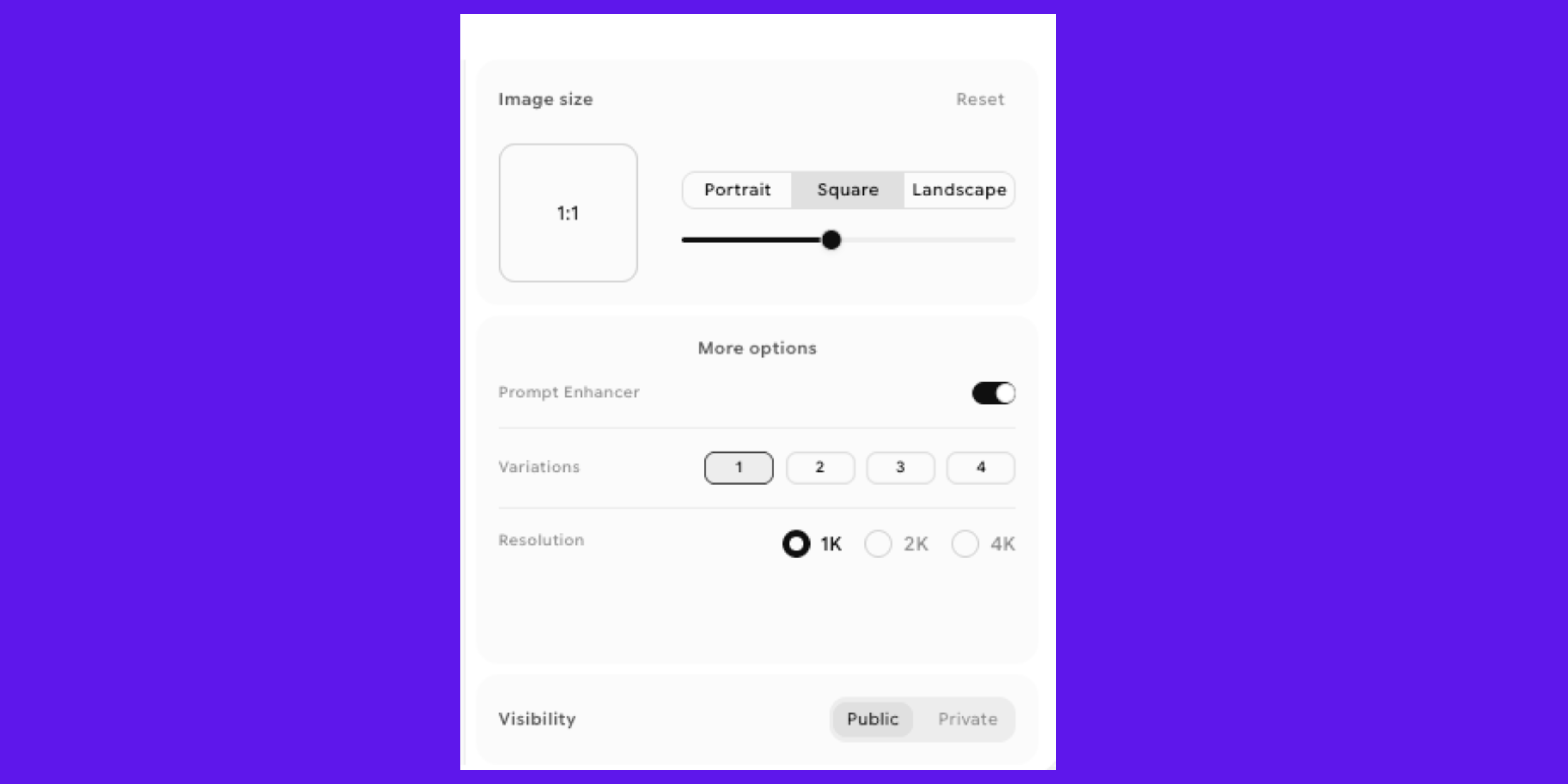 Choose the Aspect Ratio For Recraft V4
- 9:16 for vertical content such as Stories and Reels
- 3:4 for portrait layouts and posters
- 1:1 for social posts and square designs
- 4:3 for presentations and landscape banners
- 16:9 for widescreen layouts and thumbnails
Choosing the right ratio ensures the composition fits your final platform without needing adjustments later.
Step 4: Select Variations
You can generate up to four variations from a single prompt. This allows you to explore different compositions or subtle visual differences while keeping the same core idea.
 Select Variations from Recraft V4 Output
Step 5: Generate and Review
Once everything is set, click generate. In a few seconds, your variations will appear. Review them carefully and choose the one that best matches your needs. If something feels off, adjust your prompt slightly and generate again.
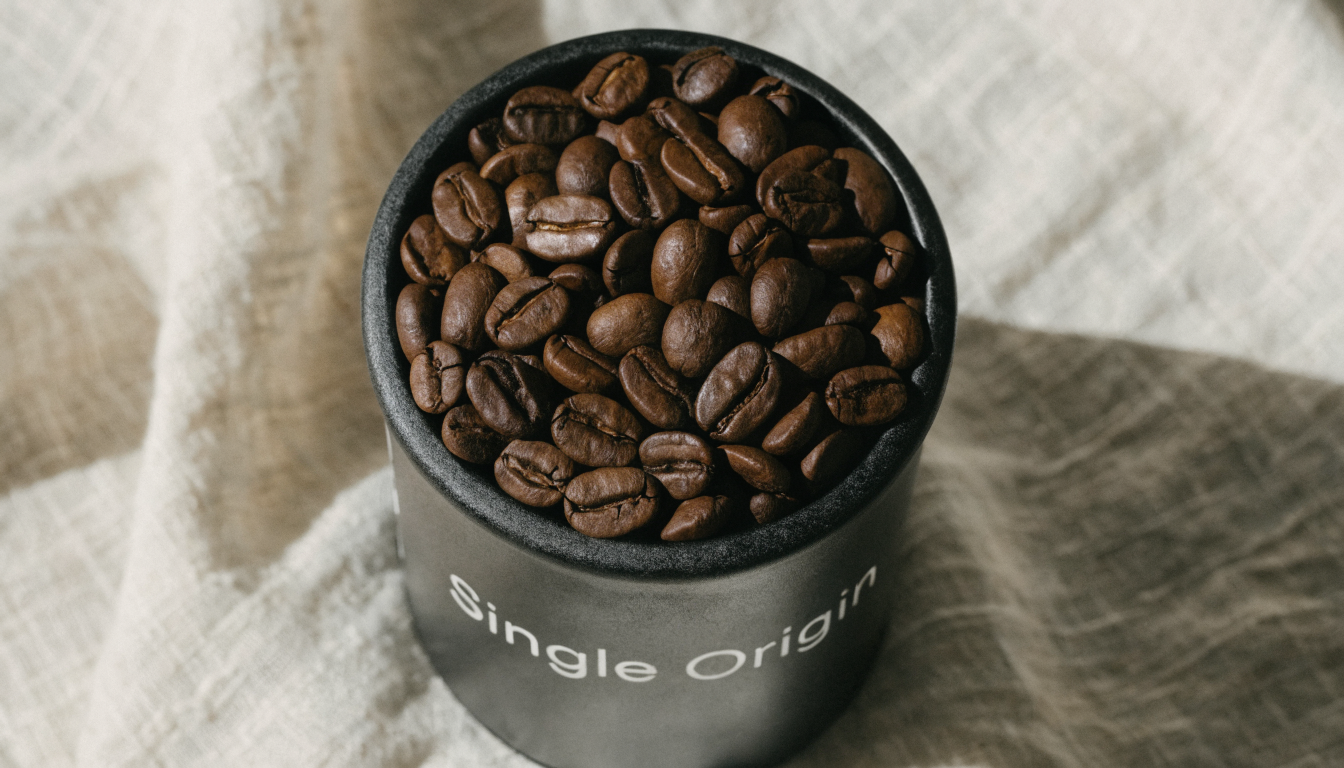 Generate & Review Final Output From Recraft V4
Recommended read: Recraft V4 vs Nano Banana Pro: Which AI Image Model Wins in 2026?
Key Features of Recraft V4
Recraft V4 produces images that feel deliberate and professionally designed, and it handles every detail of the composition with detail.
Thoughtful Composition
V4 arranges elements, colors, and details just as a trained designer would. As a result, even a simple prompt produces images with a clear visual identity and confident structure. It balances layouts, harmonizes colors, emphasizes key details, and ensures textures and surfaces look realistic.
Prompt Accuracy
V4 interprets your prompts precisely, whether they are brief ideas or detailed production briefs. When you generate multiple images from the same prompt, the results remain consistent, making it ideal for campaigns, product mockups, or any project that requires a cohesive visual style.
Editable Vector Output
One of V4’s standout features is that it generates clean, editable SVG files with structured layers, ready to use in Illustrator, Figma, or any design tool. You don’t need to trace, rebuild, or clean up the files, so you can go from concept to production quickly.
Integrated Typography
When your prompt includes text, V4 treats it as part of the design, positioning headlines, labels, or product names naturally within the scene so they work seamlessly with other elements. The text flows with the composition and matches the visual style, which makes it ideal for posters, packaging, and advertising creative.
Resolution Options
V4 provides several output options to suit different needs. Standard at 1024×1024 works well for digital projects and fast iteration, while Pro at 2048×2048 is perfect for print or large-format work. You can also generate vector outputs for scalable graphics, with Vector Pro providing high-fidelity files for complex designs.
What Can You Create with Recraft V4?
You can use Recraft V4 to produce everything from brand assets to detailed visual compositions. Whether you are building scalable vector graphics or designing campaign visuals, the model gives you control over both structure and detail.
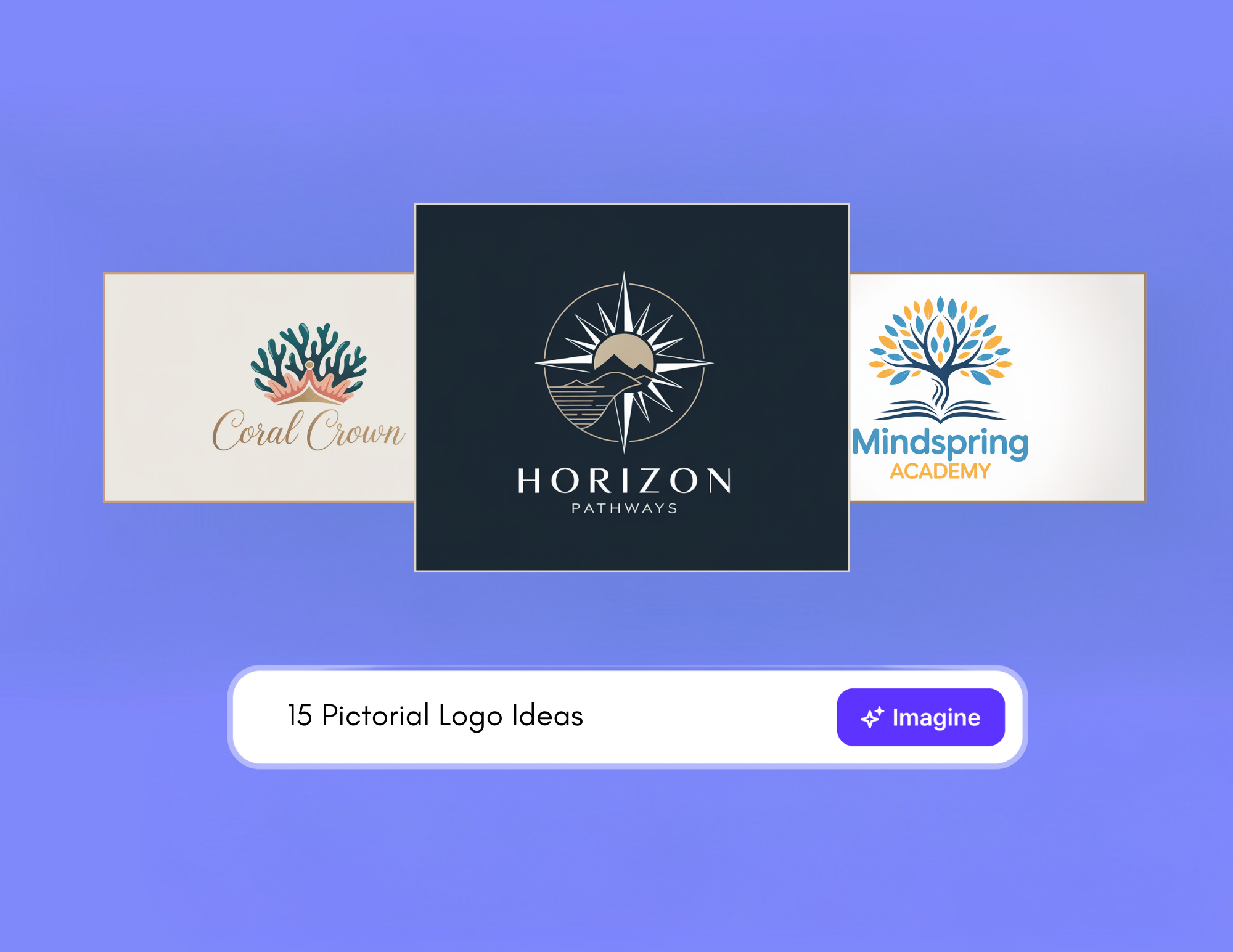
Logos
Create original logo concepts or refine existing brand marks with clean, scalable vector output. You can edit the files easily and use them across digital platforms or print materials without losing clarity.
Icons
Design sharp, consistent icons for apps, user interfaces, and websites. Because the output supports vector formats, your icons remain crisp at any size and can be adjusted directly inside your design software.
Illustrations
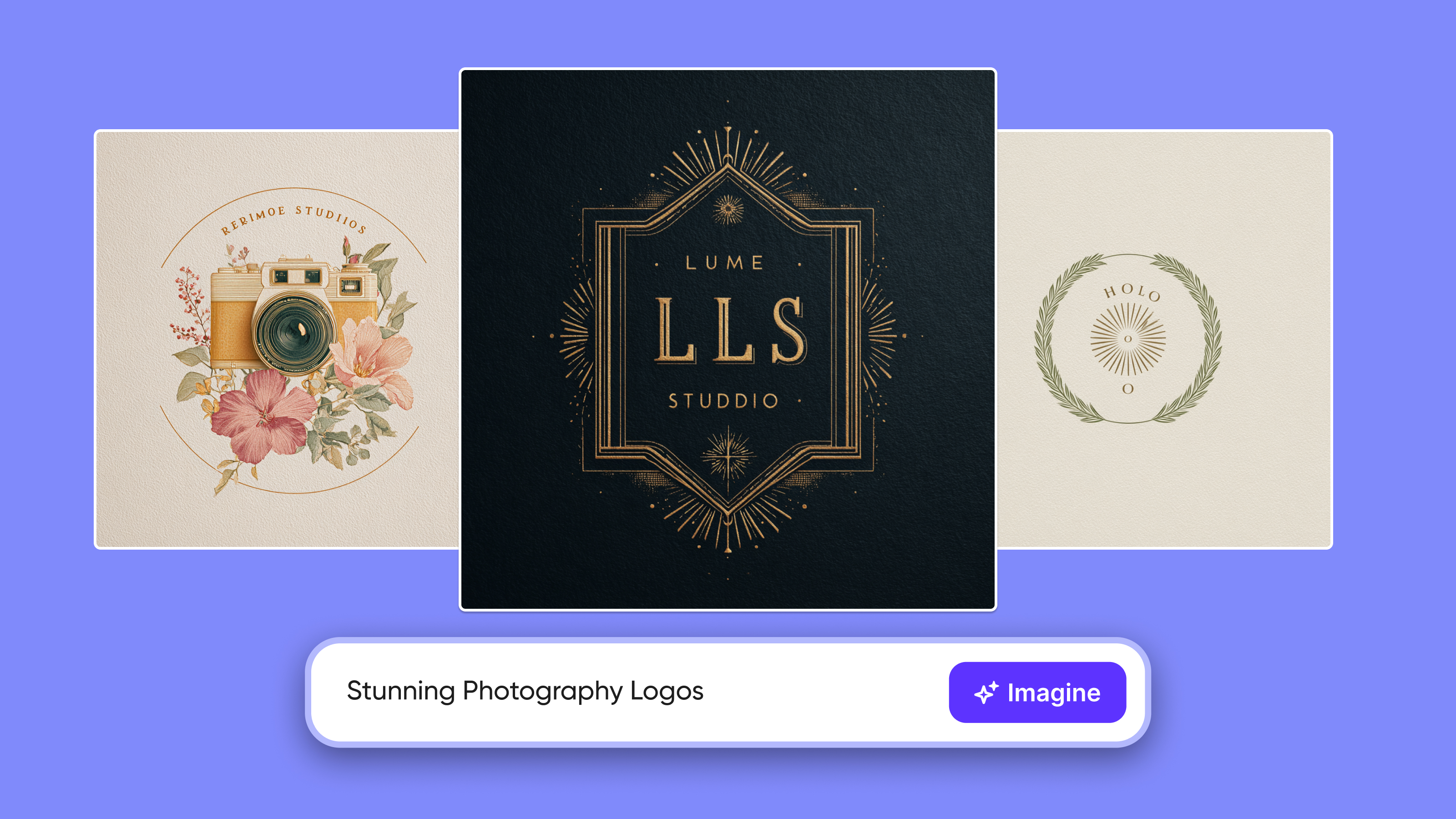
Generate illustrations in a wide range of styles, from hand-drawn looks to polished digital realism. Use them for editorials, marketing visuals, website graphics, or branded storytelling.
3D Visuals
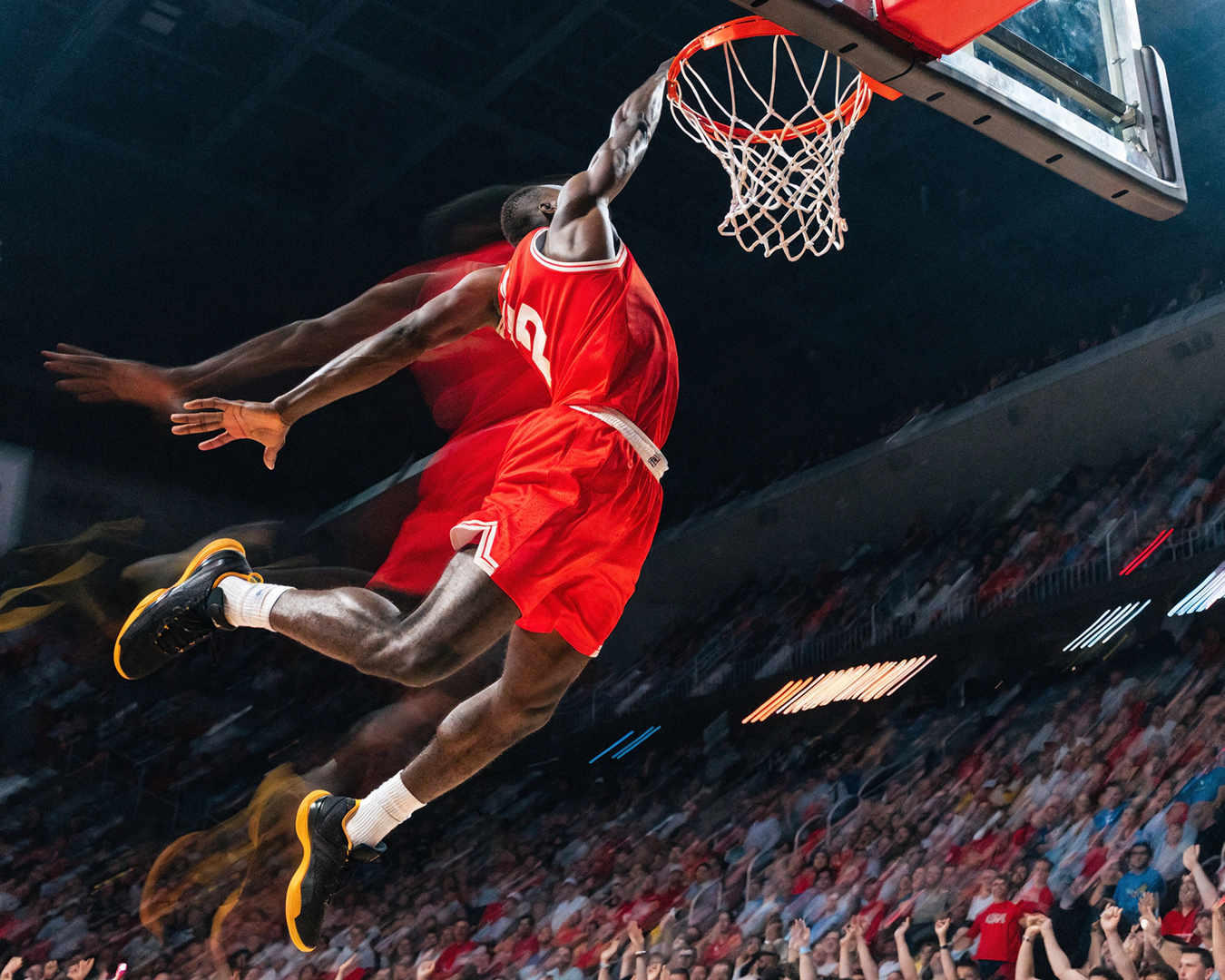
Produce 3D style compositions with depth, lighting, and realistic surface detail. These visuals work well for product showcases, modern branding, and digital campaigns that need a sense of dimension.
Mockups
Present your ideas on products, packaging, or promotional materials without arranging a physical shoot. You can visualize concepts clearly and make adjustments before moving into production.
Ads and Promotional Visuals
Create structured, ready-to-use visuals for social media, banners ads, and digital campaigns. The compositions remain balanced and suitable for immediate placement.
Posters and Layout-Based Designs
Design posters and promotional graphics where typography and visuals work together naturally. Text sits within the composition instead of feeling added afterward, which keeps layouts clean and readable.
Stock-Style Images
Generate original scenes customised for your project instead of relying on generic stock libraries. This helps you maintain consistency across campaigns and brand materials.
Food Visuals
Create detailed and realistic food imagery for menus, product promotions, or advertising. You can highlight texture, lighting, and presentation in a way that looks appealing and professionally styled.
Ready to Create Stunning Visuals
With Recraft V4, you can create professional-quality images effortlessly. You write the prompt, choose the format, and V4 handles the design, producing results that look intentional, polished, and ready to use.
Arooj Ishtiaq
Arooj is a SaaS content writer specializing in AI models and applied technology. At ImagineArt, she creates sharp, product-focused content that helps creators and businesses understand, adopt, and get real value from AI tools.