
Arooj Ishtiaq
January 28, 2026 • Updated March 26, 2026
9 mins Read
Your logo is the face of your business. It’s what people remember when they think about your brand, what shows up on your business cards, and what sits at the top of your website. The problem is that professional designers charge anywhere from $500 to $5,000 for a single logo, which can be a tough pill to swallow if you’re just starting out or working with a limited budget.
Here’s the good news: you don’t actually need to hire a designer anymore. AI logo makers have evolved significantly over the past few years.
In 2026, they are powered by artificial intelligence that genuinely understands design principles, such as balance, color theory, and visual hierarchy. We tested the top AI logo generators available right now to find out which ones deliver professional results without the professional price tag, and we’re sharing everything we learned.
What Makes a Good Logo Maker Worth Using?
Before we dive into the actual AI logo generation tools, let’s talk about what separates a great logo maker from a mediocre one. When you’re evaluating these tools, you should be looking at a few key factors that will determine whether you end up with a logo you’re proud of or one that looks like it was slapped together in five minutes.
Key Factors to Consider
- Speed vs. Quality: Some tools can generate hundreds of logo options in under 30 seconds, which sounds great until you realize they all look generic. Others provide extensive customization options but require you to spend an hour tweaking every element. The best logo makers strike a balance between the two, delivering quality results quickly while allowing for meaningful personalization.
- Real Customization: True customization matters more than you might think. The question you need to ask is whether you can actually modify fonts, adjust spacing, change individual colors, and rearrange elements, or whether you’re essentially stuck with rigid templates that look identical to thousands of other logos already out there.
- File Formats: This is another critical consideration that many people overlook until it’s too late. You need high-resolution files that work everywhere, from small social media profile pictures to large billboard prints. PNG files with transparent backgrounds are essential for web use, but you also want vector formats like SVG or AI files that can scale infinitely without losing quality. Any platform that doesn’t offer both will limit how you can use your logo down the road.
- Pricing Transparency: Too many platforms advertise themselves as “free logo makers” but hide the high-resolution downloads behind paywalls, or they charge monthly subscription fees that add up quickly over time. We’ll tell you upfront what each platform actually costs, what you get for free, and what requires payment.
Top AI Logo Generators To Explore in 2026
Let’s explore the top logo makers in 2026, their features, pros and cons, and what makes each of them unique.
| AI Logo Generators | Best For | Starting Price | Key Strengths |
|---|---|---|---|
| ImagineArt | Best overall quality | Free / $14.99 per month | AI-driven, fast professional results |
| Canva | Beginners | Free / $15 per month | Easy drag-and-drop editor |
| LogoDesign.net | One-time payment | $37 one-time | Complete branding asset kits |
| Adobe Express | Adobe users | Free / $11.89 per month | Seamless Creative Cloud integration |
| Looka | Speed | $20+ | Quick logo generation in minutes |
1. ImagineArt AI Logo Generator
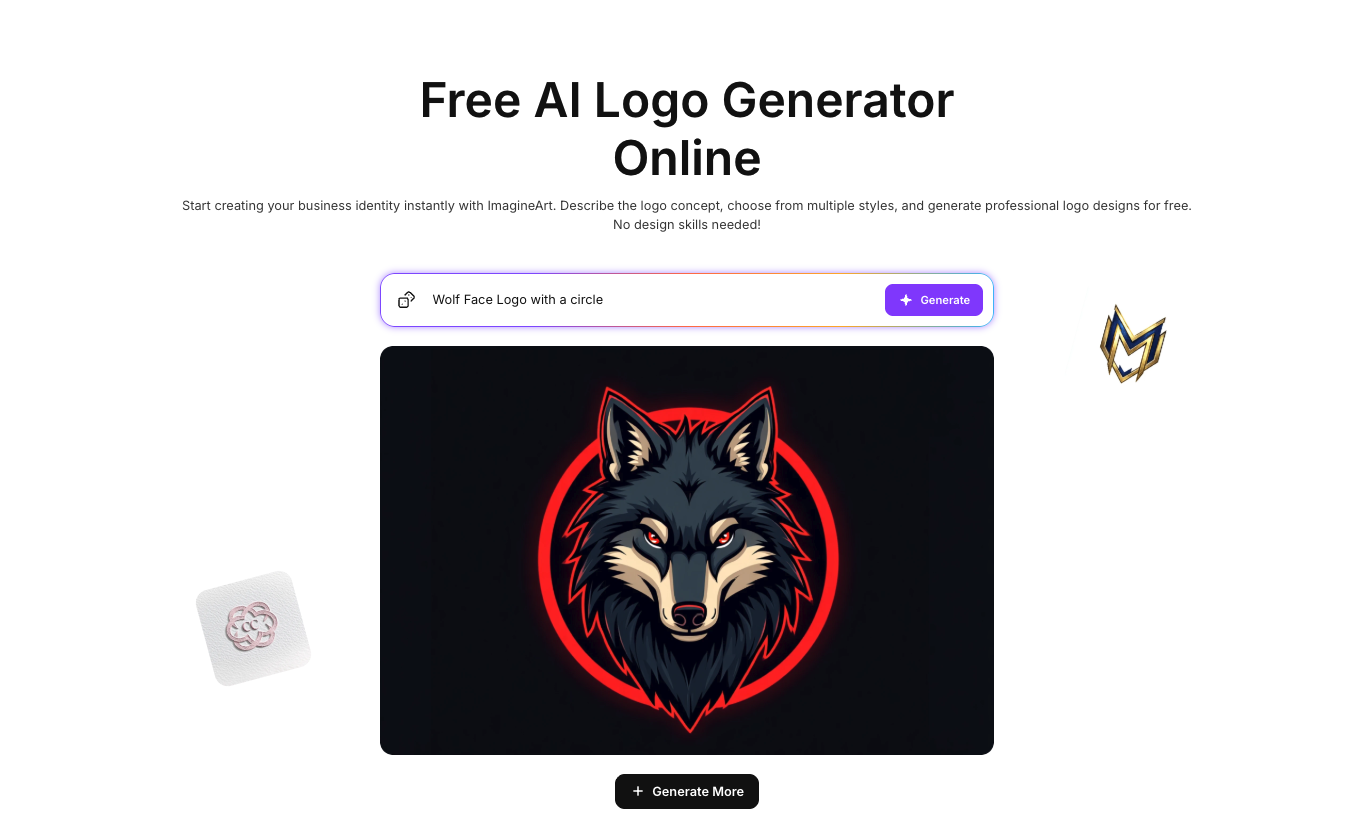 ImagineArt 1.5 Pro Logo Maker
- Price: Free with premium options starting at $14.99/month
- Best For: Anyone who wants professional results fast
Key Features
- AI Technology: Uses advanced AI models like ImagineArt 1.5 for quick AI logo generation and ImagineArt 1.5 Pro for detailed work, ensuring high-quality logos that reflect current design trends.
- Customization Options: Allows users to modify fonts, colors, and layouts to create a logo that reflects their brand identity, making it easy to achieve a unique look.
Benefits
- Real-time Editing: Changes are updated instantly, making the design process fluid and efficient. This feature allows users to see how adjustments affect the overall look of the logo in real time.
- Commercial Usage Rights: You own the logos you create, allowing for professional use across various platforms without worrying about licensing issues.
User Experience
ImagineArt provides an intuitive interface that caters to users of all skill levels. Upon entering your brand name and industry, the AI generates a variety of logo options that you can refine based on your preferences.
The platform’s focus on user experience means you can spend less time worrying about the technicalities of design and more on the creative aspects. The diverse selection of logo styles empowers users to find a design that resonates with their vision quickly.
Recommended read: Your Logo, Your Vision - Imagine AI Logo Generator
2. Canva Logo Maker
- Price: Free (Pro starts at $15/month)
- Best For: People who want a simple drag-and-drop design
Key Features
- User-Friendly Interface: Offers a massive library of templates that can be easily customized with drag-and-drop functionality, allowing even those with no design experience to create attractive logos.
- Team Collaboration: Allows multiple users to work on designs, making it ideal for businesses with partners or teams, facilitating easy feedback and iterations.
Benefits
- Template Variety: Provides thousands of templates across various industries, ensuring users can find a design that resonates with their brand while allowing for easy customization.
- Integration with Other Tools: Canva offers integration with various platforms, making it easy to use your logo across different marketing channels and materials, including social media, websites, and print.
User Experience
Canva's interface is designed for ease of use, which is especially beneficial for novices. You can quickly navigate through the extensive template library, find a design that suits your vision, and customize it with ease.
This AI logo maker allows you to experiment with different styles and elements without feeling overwhelmed. The collaborative features are particularly useful for teams, enabling real-time feedback and adjustments, which streamline the design process significantly.
Recommended read: Canva Alternatives
3. LogoDesign
- Price: Free to design, $37 for high-resolution download
- Best For: Small businesses needing logos and branding materials
Key Features
- Branding Focus: Combines logo creation with business cards, letterheads, and social media graphics for a cohesive brand identity, ensuring consistency across various platforms.
- One-Time Payment: A simple pricing model with no hidden fees, providing high-resolution downloads for a single fee, making it budget-friendly for startups and small businesses.
Benefits
- Hands-On Control: Offers granular control over design elements, allowing for detailed customization to achieve a logo that fits perfectly with your brand’s image and values.
- 24/7 Customer Support: Provides assistance via chat, email, and phone for users needing help with the design process, enhancing the overall user experience.
User Experience
LogoDesign.net stands out by offering a comprehensive branding package. Users can create logos and immediately see how they would look on business cards and other materials. The platform’s intuitive editor allows for significant customization, so you can ensure that your logo accurately represents your brand. The availability of customer support means that assistance is always at hand, making the design experience smoother and less stressful.
4. Adobe Express
- Price: Free (Premium at $9.99/month)
- Best For: Businesses already using Adobe Creative Cloud
Key Features
- Integration: Seamlessly connects with other Adobe applications like Photoshop and Illustrator for advanced editing capabilities, allowing users to refine their logos with professional tools.
- Modern Template Library: Features contemporary designs that reflect current trends in branding, ensuring that users can create logos that are both stylish and relevant.
Benefits
- AI Features: Includes tools like background removal and generative AI for quick design enhancements, helping users create polished logos faster.
- Basic Free Version: Provides enough functionality for users just starting with logo design, making it accessible to a wide range of users.
User Experience
Adobe Express is particularly appealing for those already familiar with Adobe’s suite of products. The integration allows for a cohesive workflow, enabling users to create a logo and easily transition to more advanced editing if needed. The modern templates available ensure that users can create a logo that is both stylish and relevant. The learning curve may be steeper for complete beginners, but the powerful tools at your disposal make it worth the effort.
Recommended read: Adobe Express vs Canva vs ImagineArt: Side-by-side Comparison
5. Looka
- Price: Starting at $20
- Best For: Entrepreneurs who need a logo yesterday
Key Features
- Rapid Logo Creation: Streamlined process allows users to create logos in under 10 minutes, ideal for those who need quick results.
- Adaptive AI: Learns from user choices, providing more relevant design options based on preferences, which enhances the personalization of the logos created.
Benefits
- Brand Kit Feature: Documents color codes and font choices for maintaining brand consistency, making it easier to implement your logo across various materials.
- Tiered Pricing: Offers flexibility for users to start small and upgrade as their needs grow, accommodating different budgets and business stages.
User Experience
Looka is designed for speed, making it ideal for entrepreneurs in a hurry. The AI-driven process allows users to quickly generate logo options and refine them based on their brand's identity.
The ability to create a brand kit ensures that users can maintain a consistent look across all marketing materials, which is crucial for brand recognition. This platform’s efficiency does not compromise quality, as the logos produced are professional and polished.
For tech-related logos, you can use: AI Tech Logo Generator
Conclusion
In 2026, the market of logo design has been transformed by the rise of AI logo makers, making professional branding accessible to businesses of all sizes without the hefty price tag. These platforms offer a diverse range of features customised to different needs, whether you're a startup looking for a quick and impactful logo or an established business in need of a comprehensive brand identity solution.
Ultimately, the best AI logo maker for you will depend on your specific needs, budget, and level of design expertise. Remember to evaluate the features that matter most to you, such as customization options, file formats, and pricing transparency.
By carefully selecting the right platform, you can create a logo that not only represents your brand effectively but also helps set the tone for your business’s success.
Arooj Ishtiaq
Arooj is a SaaS content writer specializing in AI models and applied technology. At ImagineArt, she creates sharp, product-focused content that helps creators and businesses understand, adopt, and get real value from AI tools.