
Umaima Shah
April 8, 2026 • Updated April 8, 2026
18 mins Read
Both Higgsfield and ImagineArt position themselves as all-in-one cinematic AI creation platforms. They offer AI image generation and editing, AI video generation and editing, apps for creating AI influencers, as well as motion control — but the real difference comes in the workflow and the experience. From first prompt to final export, when your project includes thumbnails, edited frames, animations, and reusable pipelines, that distinction becomes critical.
In this in-depth Higgsfield vs ImagineArt comparison, we’ll break down:
- Image and video model availability
- Platform pricing and monthly, quarterly, and annual subscriptions
- Apps and tools
- Production and creative workflow capabilities
- Cinema-focused features
- Real-world use cases
- Platform versatility
When two platforms appear similar on the surface, the differences only show up once you start building real projects end-to-end. Choosing the wrong one can limit your workflow before your project even starts.
Let’s dive in.
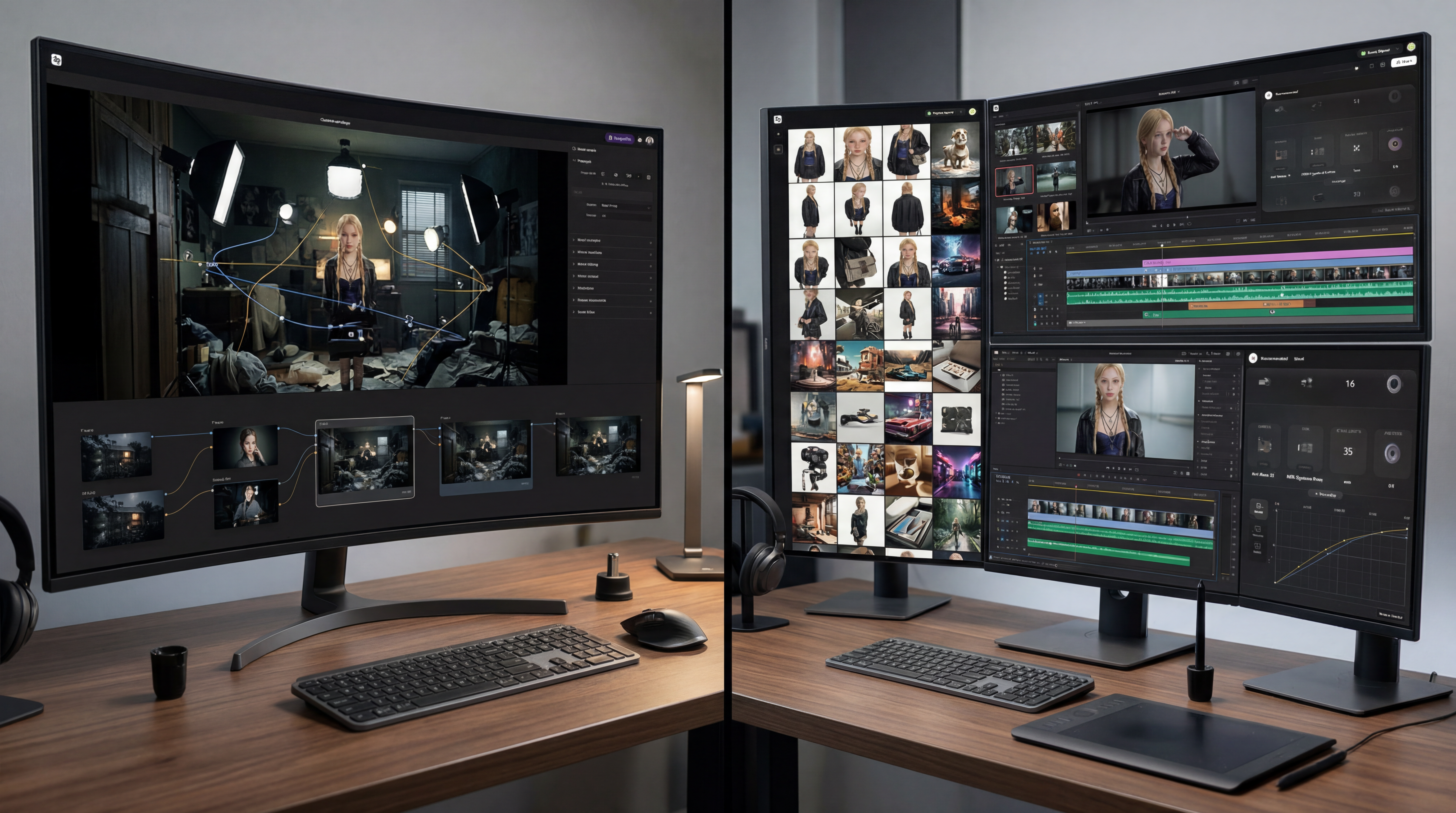 ImagineArt vs Higgsfield — cinematic AI creation vs automated content workflows.png
Platform Overview — ImagineArt vs Higgsfield
ImagineArt: The Full AI Creative Suite
ImagineArt is built to cover the entire content production pipeline inside a single platform. Rather than specialising in one output type, it connects image generation, video generation, editing, workflow automation, and a growing apps ecosystem into one continuous creative process.
The AI Image Generator supports multiple dedicated models for photorealistic, illustrative, typographic, and stylised outputs. The AI Video Generator handles text-to-video and image-to-video across multiple models. The AI Image Editor and AI Video Editor let you refine generated content without exporting it elsewhere. And ImagineArt workflows chain every step into automated, repeatable pipelines that run the same sequence every time.
The result is a platform where a single creator or team can generate a product image, edit it, animate it, export it in social media formats, and automate the entire sequence for next week's campaign, without opening a second app.
ImagineArt also offers industry-focused enterprise plans with centralised billing, shared credit pools, and team-level access controls — built for agencies and large content teams operating at scale.
Higgsfield: The Cinematic Studio
Higgsfield is a multi-model AI creative platform built around cinematic video production. One of the key features of Higgsfield is Cinema Studio 3.0, a virtual production environment that simulates real camera behavior. Where most AI video tools generate clips based on text prompts, Higgsfield lets you configure multiple options before generation, producing predictable, repeatable cinematic results.
Beyond Cinema Studio, Higgsfield aggregates 15+ AI models — Sora 2, Veo 3.1, Kling 3.0, WAN 2.5, Nano Banana Pro, Flux.2 Pro — giving creators access to AI generators inside one workspace.
Higgsfield is built for cinematically-minded content creators, filmmakers, brand studios, and agencies producing commercial-grade video where camera control and shot-to-shot consistency are the priority.
Full Creative Pipeline vs. Cinematic Studio
ImagineArt is designed to cover the entire content creation pipeline, from generation to editing to animation and export. The platform is designed so that every step of content production — generation, editing, animation, export, automation — happens inside one connected environment. ImagineArt Workflows is the clearest expression of this: a node-based automation system that lets teams chain image generation, editing, and video animation into a pipeline that runs reliably every time, without manual intervention at each step. ImagineArt supports complete creative production inside one platform.
- Users generate assets
- Refine them,
- Animate them,
- Export finished content
all within a single workflow.
Higgsfield's philosophy is about cinematic depth. The platform is built around the logic of a real film set — shot selection, camera configuration, scene building, rather than a broad content pipeline. Cinema Studio 3.0 gives creators directorial control over AI-generated video that no other platform currently matches. Higgsfield prioritises getting one type of output, cinematic video, exactly right, rather than covering every content format.
The difference isn't which one is built better. It's what you actually need your platform to do.
AI Model Comparison
Both Higgsfield and ImagineArt offer multi-model access — and comparing the two in this Higgsfield vs ImagineArt breakdown shows how differently each platform has built around that access.
ImagineArt's Model Ecosystem
ImagineArt provides dedicated models across both image and video generation — all on the same credit system, all from the same interface.
Image Models on ImagineArt:
- ImagineArt 1.5 Pro — ImagineArt's own proprietary model; produces production-ready 4K images with native resolution, accurate text rendering, and photorealistic materials built for professional creators and agencies. Worth noting: even competitor platforms like Artlist have integrated this model into their own AI toolkits — a clear signal of its output quality
- Nano Banana 2 — ImagineArt's in-house fast generation model, optimised for high-quality outputs across a wide range of styles
- Flux / SDXL — strong on photorealistic outputs, lighting accuracy, and balanced quality-to-speed ratio
- Ideogram — best-in-class for typography generation; one of the only models that reliably renders text inside images without distortion
- Grok Imagine — strong on character consistency and expressive, creative outputs
- Google Imagen 4 — Google's dedicated image model for photorealistic results with strong prompt adherence
- GPT-4o Image — OpenAI's image generator, excellent for precise editing and detailed text rendering
Video Models on ImagineArt:
- Kling— consistently one of the top performers for motion quality and cinematic output
- WAN 2.2 / 2.5 — reliable for hyperrealistic video with precise motion control
- Google Veo / Veo 3 / Veo 3.1 — Google's flagship video generation, exceptional for scene realism and natural motion
- Seedance — dynamic motion with strong style variety
- Runway — professional video production and editing capabilities
- Hailuo— fluid cinematic motion, strong for short-form social content
- Pixverse — stylised output with vivid detail
ImagineArt adds new models regularly. When a major model drops in the AI space, it typically lands on ImagineArt quickly — meaning your subscription stays current without any action on your part.
 Two approaches to cinematic AI creation — ImagineArt vs Higgsfield
Higgsfield's Model Stack
Higgsfield aggregates 15+ models with production-grade controls layered on top. The key distinction is that Higgsfield wraps those models in Cinema Studio — a virtual production environment that changes how you interact with them.
Video models on Higgsfield:
- Sora 2 / Sora 2 Pro — OpenAI's most advanced video model; ultra-realistic with lifelike characters and sound
- Veo 3.1 — flawless audio-video sync with style and character control
- Kling 3.0 / 2.6 Pro — cinematic control and strong visual consistency; Motion Control variant animates characters by replicating motion from a reference video
- Seedance 1.5 Pro — precise audio-video sync with diverse artistic styles
- Wan 2.6 — production-grade video with smooth motion and sound
- Soul V2 — Higgsfield's own model; only video model with 365-day unlimited access (lower quality than premium models)
Image models on Higgsfield:
- Nano Banana Pro — 4K photorealistic results, excellent for scene design and cinematic composition
- Seedream 5.0 / 4.5 — ByteDance's model, strong for imaginative visuals and cinematic lighting
- Flux. 2 Pro / Dev — production-grade images with sharp text and precise colour
- GPT Image 1.5 — fast generation with precise editing and text rendering
- Imagen 4 Ultra — maximum photorealism with print-ready quality
The model overlap between both platforms is real — Kling, Veo, Seedance, Flux, and others appear on both. What Higgsfield adds is Cinema Studio. What ImagineArt adds is the full editing and workflow layer that connects those models into a pipeline.
ImagineArt's Crown Feature — The Workflow Builder
Workflows are one of the defining features of ImagineArt. It is a node-based automation system that lets you connect every step of content production into a reusable pipeline. Not a sequence you run manually. An actual automated chain that executes the same creative process every time you trigger it — across image generation, editing, animation, and export.
Here's what that looks like in practice:
A marketing team producing weekly product content builds one workflow: generate a product image using Flux, run it through background removal, apply relight adjustments, animate it using Kling via the video generator, and export in the correct dimensions for Instagram, TikTok, and YouTube Shorts — all in one automated sequence. Next week, they drop in a new product and run the same workflow. Output is consistent. The process is fast. No one manually manages each step.
The depth of ImagineArt Workflows goes further:
- Multi-model chaining — use different AI models for different steps in the same pipeline; Flux for image generation, Nano Banana for editing, Kling for animation
- Conditional logic — build pipelines that adapt based on input parameters
- Built-in workflow templates — start from prebuilt pipelines for social media, product photography, fashion, and campaign production instead of building from scratch
- Chat-assisted workflow building— integrated AI chat helps generate prompts, suggest node connections, and guide pipeline creation step by step
- Cross-format output — one workflow can produce outputs sized for every platform simultaneously
- Integrated with the full Apps ecosystem — upscaler, background remover, relight, product photography tools, all connectable as nodes
For teams producing content at volume, this isn't a convenience feature. It's a structural advantage. Higgsfield produces excellent individual clips through a manually-directed process. ImagineArt automates the entire production sequence so teams can focus on the creative brief, not the execution steps.
Moreover,
Cinema Studio — Higgsfield's Crown Feature
Cinema Studio 3.0 is the most technically sophisticated cinematic video tool in the AI space. It's a virtual production environment built on a deterministic optical physics engine — meaning camera behavior is calculated from actual optical principles, not approximated from a prompt.
When you set up a shot in Cinema Studio, you're configuring a real virtual production:
- Camera body — virtual sensors modelled on real equipment (ARRI Alexa, RED, etc.)
- Lens type — Anamorphic, Spherical, each with distinct optical characteristics that affect the look of every frame
- Focal length — controls depth of field, perspective compression, and background separation
- Camera movement — stack up to 3 simultaneous movements (dolly + tilt + zoom) to create complex motion that feels like a physical camera rig
- Lighting — temperature, contrast, saturation, grain, bloom, and exposure adjusted instantly without re-rendering
- First & Last Frame Reference — set precise opening and closing frames to maintain scene continuity across a shot
Image Generation Comparison
ImagineArt
The image generation comparison in this Higgsfield vs ImagineArt review comes down to one core distinction: dedicated tool versus production support layer. The AI Image Generator on ImagineArt is a dedicated, standalone tool for high-quality content creation. It supports multiple AI models for different styles, generates ultra-realistic images or stylized outputs, allows flexible aspect ratios for social and cinematic formats, and can produce high-resolution results up to 4K depending on the selected model.
- Multiple dedicated models — choose Flux for photorealism, Ideogram for text-heavy visuals, Nano Banana for speed, Imagen 3 for Google-grade quality
- Typography generation — Ideogram reliably renders text inside images without distortion; essential for social graphics, thumbnails, and ad creatives
- Character consistency — train custom models on your subject and maintain visual identity across every generation
- Batch generation — generate multiple variations simultaneously to compare compositions and styles without running separate jobs
- Full editing layer — the AI Image Editor sits directly adjacent; generate an image, then inpaint, relight, remove backgrounds, or swap objects using text prompts without exporting
- Product photography — dedicated workflow for generating product shots in lifestyle scenes without a photoshoot
The practical value is in the connection between generation and editing. On most platforms, you generate an image and need a second tool to fix it. On ImagineArt, generation and editing are part of the same session.
Higgsfield
Higgsfield's image generation is strong but organised around production workflows rather than standalone creation:
- Nano Banana Pro — 4K photorealistic results for scene design, architectural work, and high-detail composition
- Seedream 5.0 — excels at cinematic lighting and imaginative visuals
- Flux. 2 Pro — handles sharp text and precise colour for production-grade outputs
- Hero Frame generation — still images serve as reference anchors for Cinema Studio's Soul ID system, locking character appearance across video shots
- SOUL Inpaint — pixel-perfect editing on AI-generated images; add, replace, or modify specific elements like clothing, hair, and facial features while maintaining realism
- Higgsfield Canvas — a dedicated editing workspace where you upload images, paint over specific areas, and use AI to edit, swap, or remove objects with precision
- Production modes — product photography, fashion, and brand campaign workflows built into the image pipeline.
Video Generation Comparison
ImagineArt
Video generation is where the Higgsfield vs ImagineArt comparison gets genuinely competitive — both platforms pack serious firepower here. The AI Video Generator gives creators flexible, multi-model video generation with tiered credit costs — allowing you to balance quality and budget based on what the project actually needs.
- WAN 2.2 costs 30 credits per video — strong for quick drafts and social content
- Seedance 1.5 Pro costs 72 credits — step up in quality for mid-tier output
- Google Veo 3.1 costs 900 credits — reserved for premium cinematic output
- Text to video and image to video — start from a prompt or from a still generated in the Image Generator
- AI Motion Transfer — transfer real movements, gestures, and performance from a reference video to any character or image for realistic animation
- Workflows— connect image generation → editing → animation → export in one automated pipeline
- In-platform rendering — everything processes inside ImagineArt; no downloading to render on external hardware
- Social media formats— native aspect ratios for vertical, horizontal, and square outputs built in.
Higgsfield
Higgsfield's video generation is the most technically precise in the market for cinematic output. Credit costs reflect that:
- Kling 3.0 — ~6 credits per video; fast, high quality, the platform's workhorse model
- Sora 2 / Veo 3.1 — 40–70 credits per video; premium cinematic output
- Complex Cinema Studio- renders with stacked camera movements can consume 50+ credits per generation
- First & Last Frame Reference — set opening and closing frames to maintain continuity across shots
- Motion Control— animate characters by replicating movement from a reference video
- In-platform rendering — Higgsfield processes all outputs inside the platform; post-production finishing typically requires external software
Apps Ecosystem Comparison
ImagineArt's Apps Ecosystem
One of the clearest advantages in this Higgsfield vs ImagineArt comparison is the apps layer — and ImagineArt wins this decisively. Beyond the core generation and editing tools, ImagineArt's apps ecosystem is where the platform truly separates itself. These are purpose-built, one-click creative tools that handle specific production jobs — the kind of niche workflows that would otherwise require separate subscriptions, specialised software, or a production team.
- Relight AI — adjust lighting on any image post-generation; change the mood of an entire shot without reshooting or re-rendering; professional studio lighting applied in seconds
- AI Interior Design — upload a room photo, describe your style, and get a fully redesigned space with new furniture layouts, colour palettes, and decor; built for interior brands, architects, and real estate content
- Kling Motion Control — animate any character by extracting clean motion from a reference video and transferring it to your AI-generated subject; maintains full character identity throughout the animation
- Video Background Changer — swap video backgrounds with precision and no green screen required; works on any footage, any subject, any scene
- AI Outfit Try On — upload a model, choose a top, bottom, footwear, background, and pose to generate professional fashion visuals instantly; built for fashion brands and e-commerce needing product shots without a photoshoot
- Make People Hold Product — generate realistic images of people holding any product in natural, engaging scenarios; replaces expensive UGC shoots for e-commerce and social campaigns
- Change Camera Angle — adjust the perspective of any image without reshooting; control camera angle and produce different-angle shots from a single source image
- Sketch to Render — turn a rough concept sketch into a photorealistic architectural or interior render in minutes, no 3D software required
- AI Music Apps — generate original music tracks across genres (Trap, Jazz, EDM, Lo-fi, Classical, Afrobeats, Deep House, and more) directly inside ImagineArt; original audio for video content without licensing issues
- Game Verse — place any subject inside iconic game worlds: Minecraft, GTA-style scenes, Tekken, Mortal Kombat, Roblox, Uncharted, and more; a trending content format for gaming creators and brand campaigns
And there are many more — from AI Hairstyle Changer and AI Clothes Swap to AI Age Progression, Collage Burst, and Video Reframe. Every tool runs on the same credits as image and video generation. One subscription, one credit pool, everything included.
Higgsfield's Tool Stack
- Cinema Studio 3.0 — virtual production environment with optical physics engine and Soul ID character system
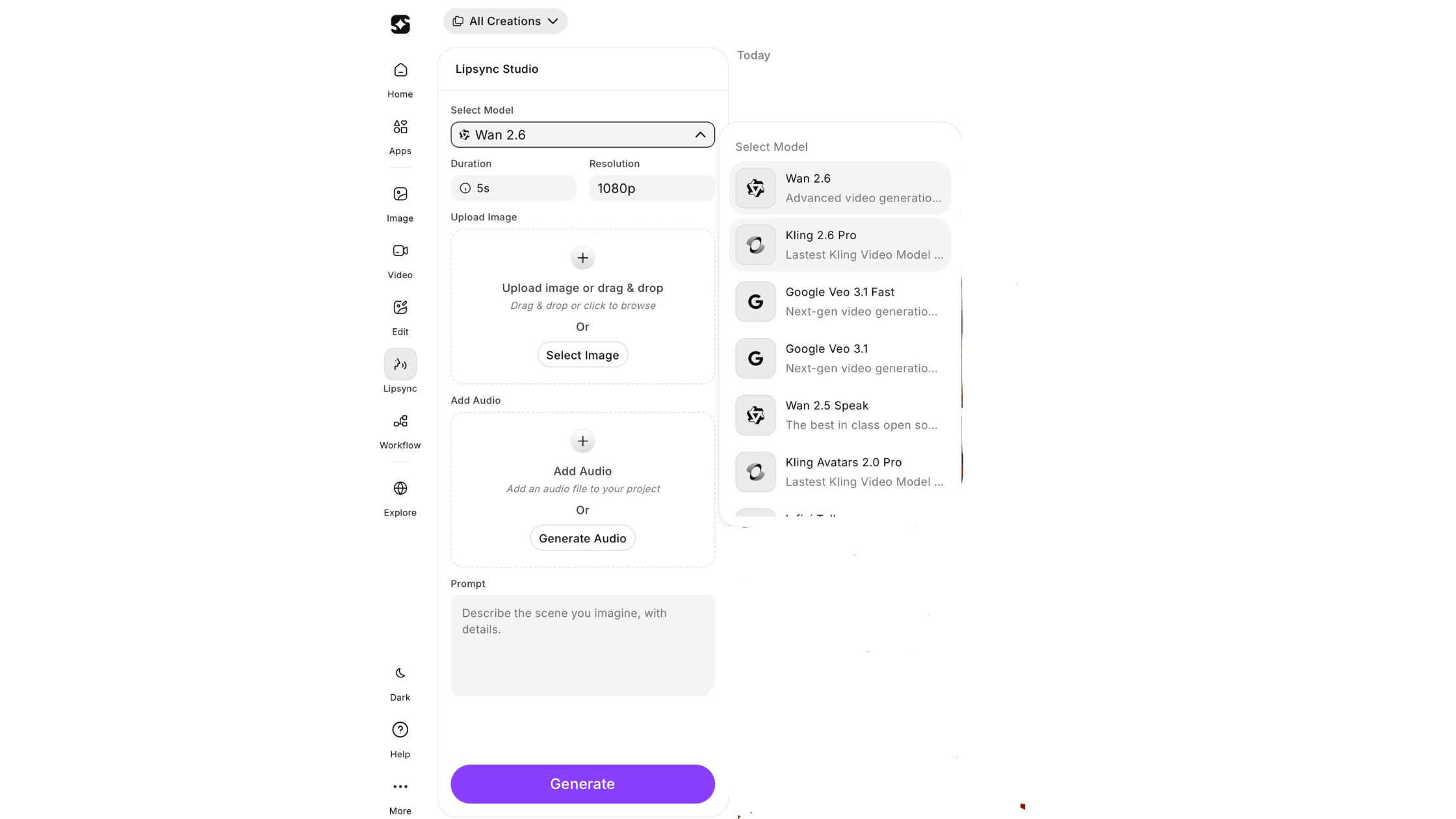
- Lipsync Studio — 40+ voice presets, voice cloning, lip-sync in 10+ languages
- Vibe-Motion — real-time motion graphic control on a canvas
- Speak feature — AI characters speak or sing in the user's own voice
- Popcorn — simulates specific film stocks, camera bodies, and lens aberrations for cinematographers, replicating specific equipment looks
- Recast — character face and identity swap with rotoscoping-style precision
- Shot Builder — multi-clip scene sequencing with continuity
- Diffuse mobile app — short-form video creation on mobile with daily free credits
Workflow Comparison
ImagineArt: Prompt → Generate → Edit → Animate → Export
The Higgsfield vs ImagineArt workflow comparison highlights the most fundamental difference between these two platforms. ImagineArt Workflows is a node-based automation system that connects generation and editing steps into a pipeline that executes the same creative sequence every time — without manual direction at each stage.
- Multi-model chaining — different AI models for different steps in the same pipeline
- Reference image locking — use a subject, product, or character as a persistent visual anchor across generation and animation
- Camera motion presets — built-in movement controls for pans, zooms, dolly, and cinematic motion during video generation
- Relight and scene control — adjust lighting direction, mood, and environment without regenerating from scratch
- Automated execution — build once, run for every campaign
- Cross-format output — one workflow produces assets sized for every platform
- Team scalabilit — workflows are shareable across members and reusable across projects
- Connected to the full apps ecosystem — editing, background removal, upscaling, and animation in the same pipeline
This is the key difference. Higgsfield focuses on configuring a shot before generation. ImagineArt focuses on automating the entire pipeline — from reference input to final export — so the same creative system can run repeatedly at scale.
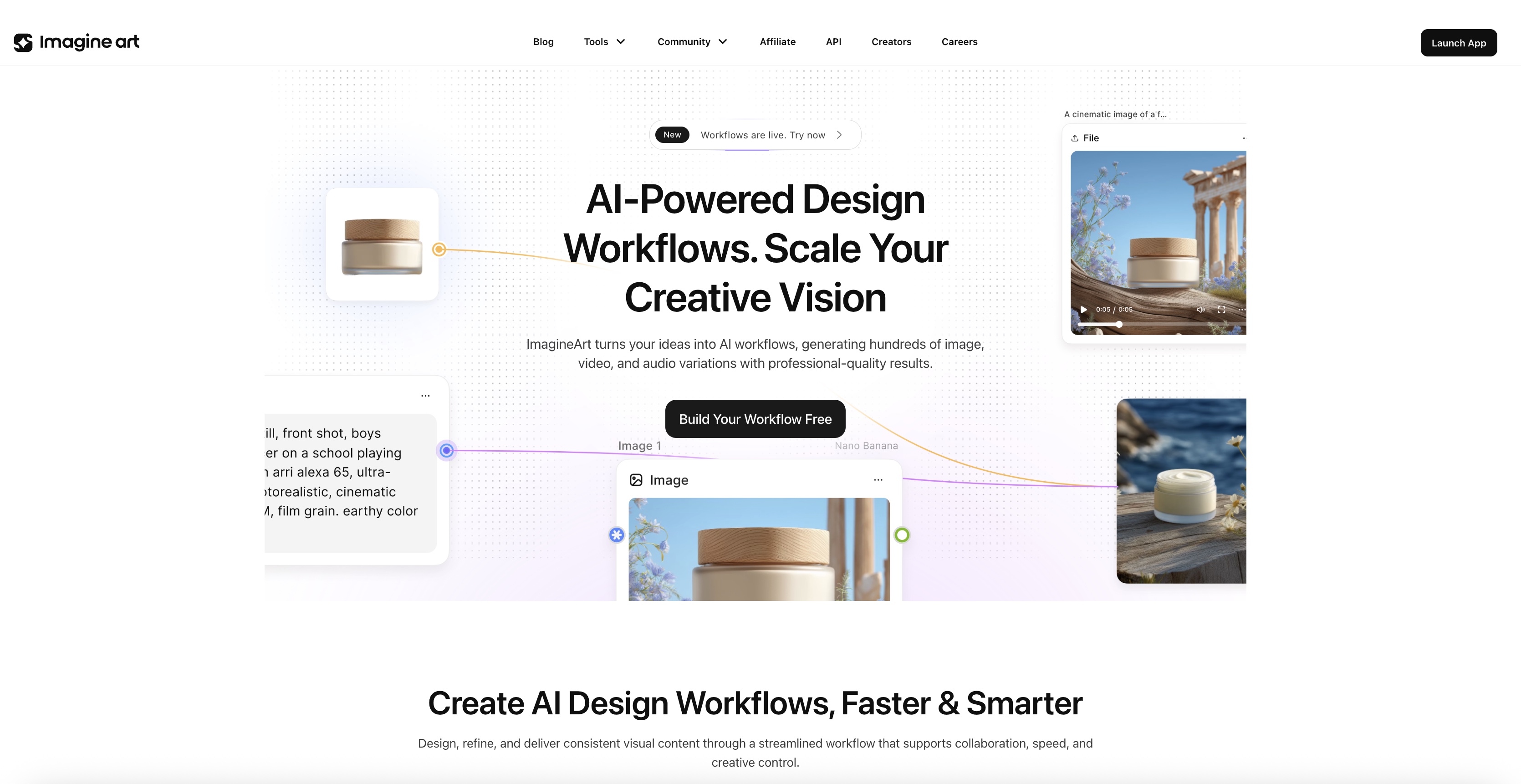 Creative workflow comparison between ImagineArt and Higgsfield
Higgsfield: Prompt → Soul ID → Camera Config → Scene → Export
Higgsfield's cinema studio mirrors a real film production process — intentionally manual and director-directed at each step:
- Define your character using Soul ID — generate a Hero Frame that locks facial geometry, wardrobe, and lighting as the reference anchor
- Configure your virtual camera — sensor, lens, focal length, stacked movements
- Set lighting, scene, and emotional state for each character
- Generate the shot through Cinema Studio's optical physics engine
- Sequence scenes using Shot Builder for multi-clip narratives
- Export — finishing work typically continues in external post-production software
The workflow is clean and produces consistent cinematic results. But it is manually directed, linear, and not designed for automated high-volume content production.
Pricing and Value — With Real Numbers
Pricing plays a major role in the Higgsfield vs ImagineArt comparison. Both platforms offer credits and subscriptions, but they structure value differently.
| Feature | ImagineArt | Higgsfield |
|---|---|---|
| Free Tier | Yes — 100 credits, refreshed daily | Yes — limited daily credits |
| Entry Plan | $15/month (≈3,500 credits) | $9–$15/month starter plans |
| Standard Plan | $30/month (≈8,000 credits) | $39/month creator plan range |
| Pro / Ultimate | $50/month (≈16,000 credits) | $49/month higher-tier plan |
| Enterprise | $250/month (100,000 credits) | Custom / creator tier |
| Yearly Discount | Up to 30% off annual billing | $24.5/month annual deal reported |
| Pay-as-you-go | Yes — credit top-ups available | Credits reset monthly |
| Image Generation | Included in all plans | Secondary feature |
| Video Generation | Included across plans | Primary cost driver |
| Model Access | 20+ image + multiple video models | Limited curated models |
Value Analysis:
ImagineArt offers strong value starting at $9/month, which already includes access to 20+ image models and multiple video generation models under one subscription. Instead of locking features behind higher tiers, the platform scales through credits, allowing creators to increase output without switching plans.
The same pricing also includes image generation, video creation, editing tools, and workflows, making it a complete content production suite.
Verdict: ImagineArt provides strong value for money, especially for users who want multi-model access, video generation, and full creative workflows starting at just $9 per month.
Use Case Breakdown
The Higgsfield vs ImagineArt use case question is less about who each platform targets — both aim at marketers, agencies, content teams, and social media producers — and more about which one gives your specific workflow what it actually needs.
If you're producing brand video where the cinematic quality of every frame matters — where you need specific lens behavior, shot-to-shot character consistency, and director-level control over motion — Higgsfield is purpose-built for that.
If you're producing content across formats, at volume, with multiple people involved, and you need the whole pipeline to run reliably — images, edited assets, video, social formats, automated workflows, and enterprise-grade team controls — ImagineArt is the more complete solution.
Choose Higgsfield when:
- Cinematic video quality is non-negotiable, and you're willing to manage credit consumption carefully
- You need precise camera control — specific lens types, stacked movements, Soul ID character consistency across shots
- You're producing short-form brand content, product reveals, or cinematic ads where production quality is the differentiator
- You have a post-production workflow in Premiere or DaVinci, and just need the generation layer to be exceptional
- Lipsync, voice cloning, and the Speak feature are part of your content production
Choose ImagineArt when:
- You produce content across formats — images, edited frames, videos, and social assets from the same campaign
- Volume matters alongside quality — you need to produce consistently and at scale, not just occasionally
- Your team needs automation — ImagineArt Workflows lets the same pipeline run every time without manual direction
- Your budget needs to stretch across image and video — ImagineArt's credits cover both, with editing tools included
- You need the AI Image Editor and AI Video Editor connected to your generation workflow
- You're managing a brand, agency, or social team that needs enterprise plans, centralised billing, and shared pipelines.
 Two approaches to cinematic AI creation — ImagineArt vs Higgsfield
Full Feature Comparison Table
| Feature | ImagineArt | Higgsfield |
|---|---|---|
| AI image generation | Multiple dedicated models — Flux, Ideogram, Imagen 3, GPT-4o | Nano Banana Pro, Seedream 5.0, Flux.2, GPT Image 1.5 |
| AI video generation | Kling, WAN, Veo, Seedance, Runway, Hailuo, Pixverse | Sora 2, Veo 3.1, Kling 3.0, WAN 2.6, Seedance 1.5 Pro |
| Crown feature | ImagineArt Workflows — automated multi-model pipeline | Cinema Studio 3.0 — optical physics virtual production |
| Character consistency | Model-dependent | Soul ID system — locks face, wardrobe, lighting |
| Camera presets | Prompt-based | 50+ camera presets, stackable up to 3 simultaneous movements |
| Image editing | Dedicated AI Image Editor — connected to generation pipeline and workflows | SOUL Inpaint + Higgsfield Canvas — precision asset refinement |
| Video editing | Dedicated AI Video Editor | Limited |
| Workflow automation | Node-based, multi-model pipeline builder | Linear, manually directed |
| In-platform rendering | Yes | Yes (finishing typically external) |
| AI Influencer tool | Yes | No |
| Lipsync / Voiceover | Lipsync Studio | Lipsync Studio with voice cloning, Speak feature |
| Vibe-Motion | No | Real-time motion graphic control |
| Mobile app | Web-optimised | Diffuse app with daily credits |
| Free tier | Daily refreshing credits | Limited |
| Pricing entry | $15/month | $15/month |
| Annual discount | 30% | 40% |
Final Verdict — Higgsfield vs ImagineArt
The Higgsfield vs ImagineArt comparison ultimately comes down to what your workflow actually requires — and for most content teams, the answer isn't just one type of output.
Higgsfield is a focused, well-built platform, and Cinema Studio is one of the best cinematic video tools available right now. If that's all you need, it delivers.
But most creators, especially marketers, agencies, and content teams, don't just need cinematic video. They need still images, edited assets, repeatable workflows, and the flexibility to produce across formats without switching platforms.
That's where ImagineArt pulls ahead. More models, more tools, a full editing layer, and ImagineArt Workflows that actually connect your creative process from start to finish.
Higgsfield is excellent at what it does. ImagineArt covers the full picture. Define your priorities and preferences and experiment, try, and create!
Looking for more comparison guides? Read: Nano Banana vs Other AI Model | Ideogram vs Midjourney vs ImagineArt
Umaima Shah
Umaima Shah is a creative content strategist specializing in AI tools, image generation, and emerging technologies. She focuses on translating complex platforms into clear, practical insights for creators, designers, and product teams