AI Motion Transfer
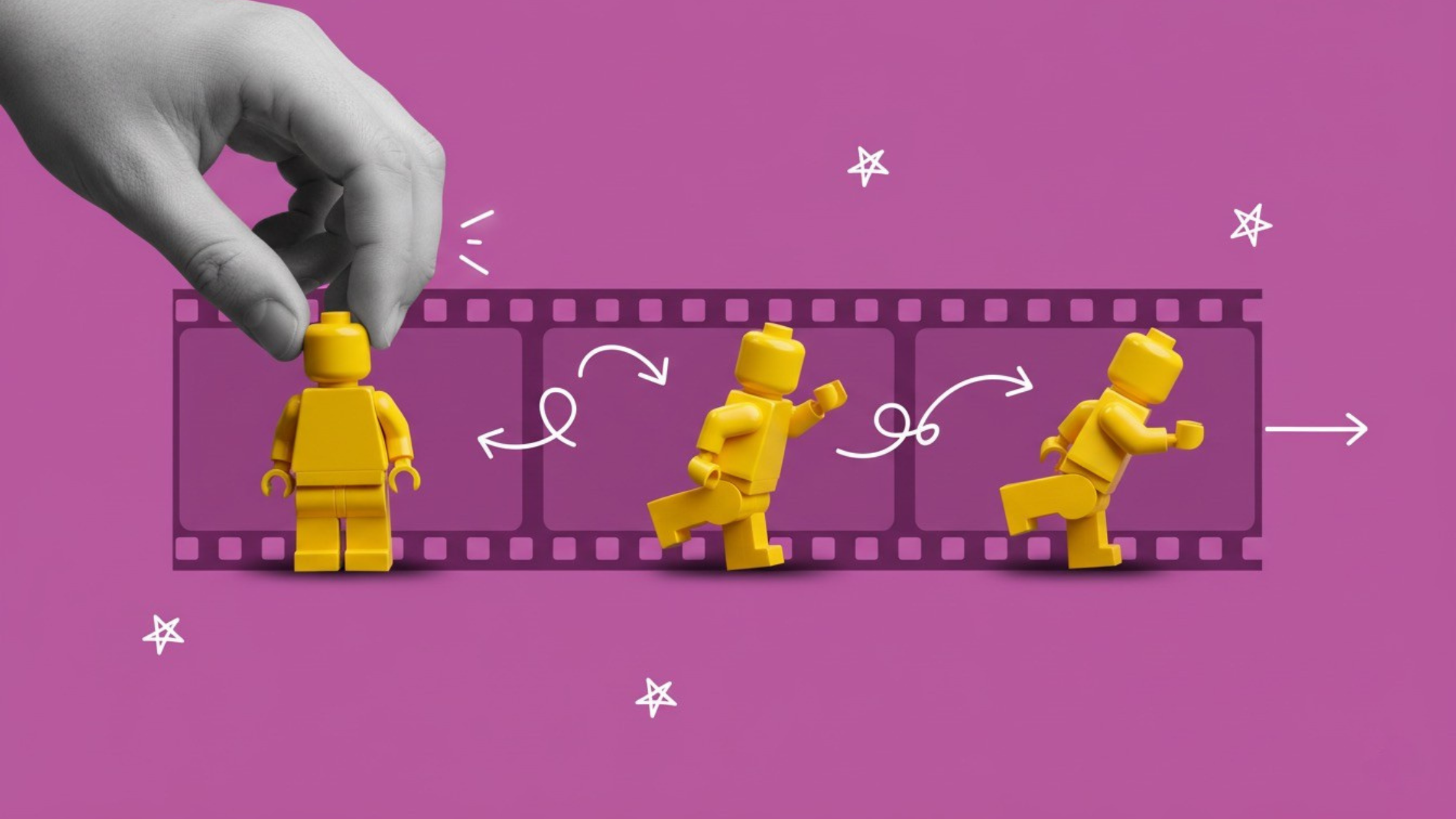
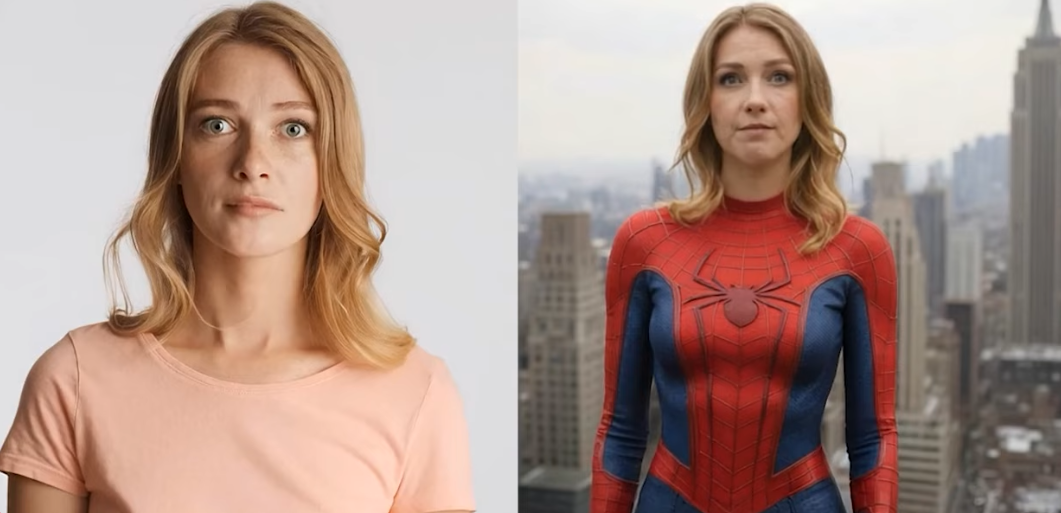
AI motion transfer maps the movement and expressions from a reference video onto your character, turning a still image into a moving performance in minutes. Upload a video and a character image, no mocap suit needed, and it works across cartoon characters, animals, and photorealistic humans alike.
Trusted by Professionals and Creators from leading brands
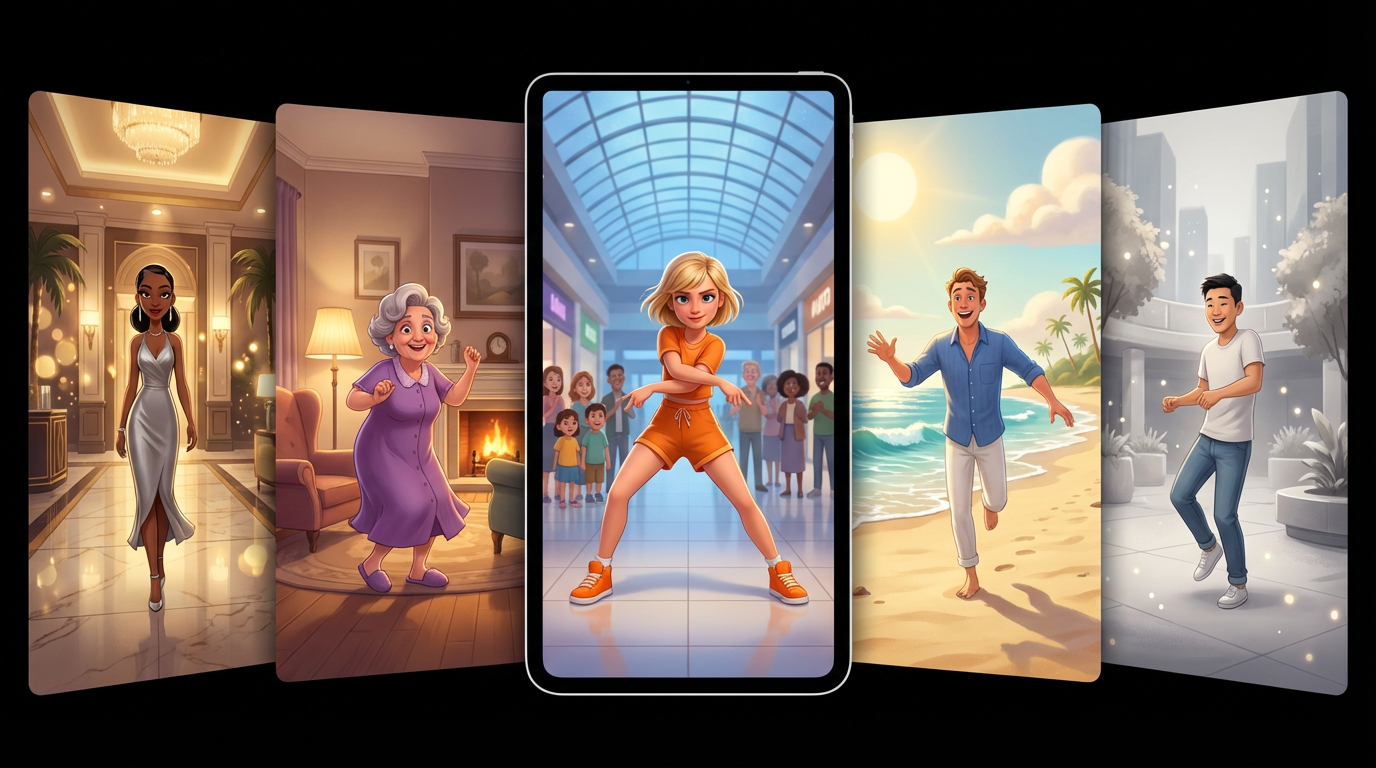
Community Creations
Life-Like Movement, No Manual Retargeting
Turn your character images into life-like videos using motion transfer AI, without extensive manual retargeting or frame-by-frame editing. Upload a performance, a dance, a gesture, a full presentation, and the AI-driven tool replicates the complex body movement and applies it to a character of nearly any size, category, or shape, from cartoon characters and talking animals to photorealistic humans and sci-fi creatures. This is the core mechanic of transferring motion from video to image, done automatically instead of by hand.
Precise, Real-Time Control
Adjust the movements, gestures, and expressions to fit different body structures and characters as you go. AI motion transfer lets you view changes in real time, so you can confirm the output matches your vision before committing to a final render. Changes apply only to the target character, the rest of your scene, background, lighting, framing, stays untouched, which matters if you're doing motion capture AI work inside a larger, already-composed shot.
AI Character Animation, No Mocap Suit Required
AI motion transfer comes with an easy-to-use interface accessible to creators of every skill level. Whether you're a total beginner or a professional-level animator, the automation streamlines editing and animation, saving time, cost, and effort you'd otherwise spend on manual character animation. Consistent characters are central to good storytelling, and motion transfer AI makes maintaining that consistency far easier across an entire video than animating frame by frame.
Animate Your Characters in Three Easy Steps
Step 1
Character Input
Add a photo of the character you want to animate. Use your own image or generate one with AI. High-quality, clean-background images produce the most accurate transfers.
Step 2
Add Your Reference Video
Upload any video with the movement you want to transfer: a dance clip, a performance, or a recording of yourself. Well-lit footage with a single subject gives the cleanest motion capture.
Step 3
Generate Your Video
Click generate and the AI transfers the motion from video to image, producing a watermark-free MP4 in a couple of minutes, ready to publish anywhere.
Video Style Transfer
Change how the output looks without changing how it moves. Apply a different visual style to the generated video: turn a photorealistic character into an anime performance, give a fantasy villain a cartoon treatment, or push raw footage toward a cinematic grade.
Replicate Any Trending Motion
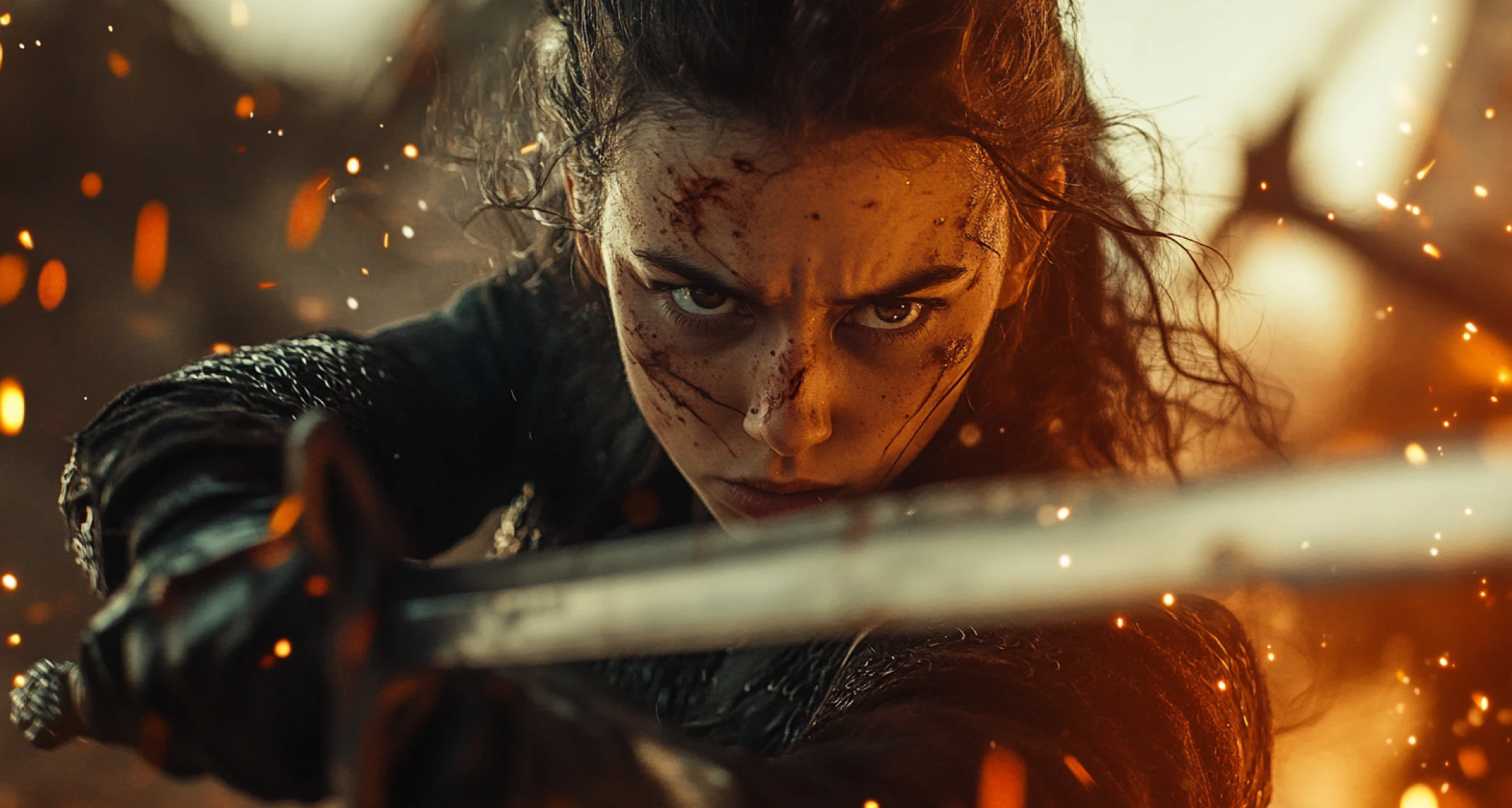
See a movement you want to recreate? Feed it in as a reference. AI video generator reads the motion in any clip, measures the structure and timing, and reproduces it on your character. Trending dances, signature walks, fight choreography: if it exists on video, your character can perform it.
Advanced Motion Correction
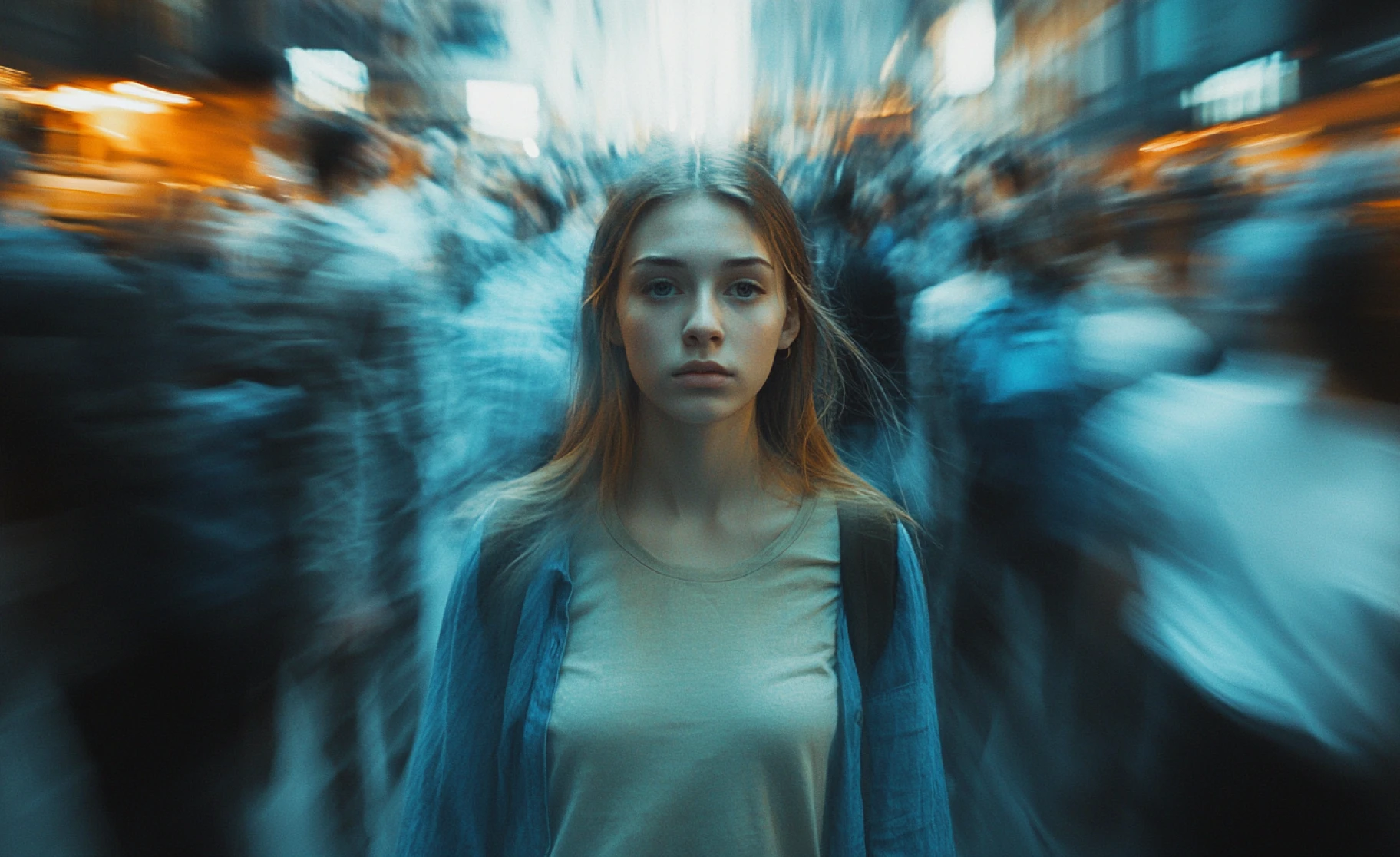
The AI detects and corrects motion replication frame by frame, so you never fix continuity by hand. The result is consistent movement, smooth transitions, and a character that holds together for the full clip.
Purchase a Subscription
Upgrade to get access to pro features and generate more and better
Basic
For newcomers taking their first steps
View Plans
Billed monthly
Included in plan
3Kcredits per month
Additional Features
Up to ~600 Image Generations/month
Up to ~97 Video Generations/month
General Commercial Terms
Image Generation Visibility: Public
4 Concurrent Image Generations
Complimentary Access
All GPT Models
All Gemini Models
All Claude Models
Unlimited Generations
10 Image Models
9 Video Models
Standard
For rising creators to level up their game
View Plans
Billed monthly
Included in plan
8Kcredits per month
Additional Features
Up to ~1.6k Image Generations/month
Up to ~265 Video Generations/month
General Commercial Terms
Image Generation Visibility: Private
8 Concurrent Image Generations
Complimentary Access
All GPT Models
All Gemini Models
All Claude Models
Unlimited Generations
Nano Banana
Runway Gen 4 Turbo
Midjourney V7
8 more Image Models
8 more Video Models
Ultimate
Peak performance for pros
View Plans
Billed monthly
Included in plan
16Kcredits per month
Additional Features
Up to ~3.2k Image Generations/month
Up to ~530 Video Generations/month
All styles and models
General Commercial Terms
Image Generation Visibility: Private
Complimentary Access
All GPT Models
All Gemini Models
All Claude Models
Unlimited Generations
All image models in Standard plan
All video models in Standard plan
Kling 2.6 Pro
Seedance 1.5 Pro
ChatGPT 1.5
Creator
A full production engine for powerhouses
View Plans
Billed monthly
Included in plan
100Kcredits per month
Additional Features
Up to ~20k Image Generations/month
Up to ~3.3k Video Generations/month
All styles and models
General Commercial Terms
Image Generation Visibility: Private
Complimentary Access
All GPT Models
All Gemini Models
All Claude Models
Unlimited Generations
All image models in Ultimate plan
All video models in Ultimate plan
Kling 3.0 Pro
Seedance 2 Fast
Nano Banana 2
Ready to Generate AI Video to Video?

TechNova
As a freelance animator, AI motion transfer has changed the way I work now. Editing each frame is a tedious and boring process, but now it only takes a few seconds, and my characters are seamlessly animated. A great tool for all animators!

Ben Harris
Product Manager

Shopify
I make animated characters for my channel and the AI dance video generator side of this is what sold me. One photo of my character, one dance reference, and I get a clean dance video with the face and outfit intact. I have stopped keyframing entirely.

Michael Chenn
Product Designer

Pixels
We use it as a video to video tool. We shoot one rough performance, then transfer that motion to different characters for each concept variant. What used to be a week of animation is now an afternoon.

Anya Petrova
Marketing Designer

ApexStudios
The best part is its affordability. I pay half the price of hiring a professional editor and get better-quality results. Highly recommend to anyone searching for an animator: buy this tool!

Ravi Patel
Creative Manager

DreamWorks
Animating photos used to mean rigging and retargeting. Now I upload the image, pick a reference, and the transfer just works. The motion is accurate down to small gestures, which is where most tools fall apart.

Isabelle Kim
Concept Artist
Have questions?
We have answers!
AI motion transfer is a tool that transfers motion, movement, and gestures from a reference video to a character or object, effectively working as free motion capture without a mocap suit. It detects movement, gestures, and expressions in the source video, measures the target character's body structure, and maps the motion onto it, creating realistic movement without manual frame-by-frame adjustment.
AI motion transfer detects the movements, gestures, and expressions from an existing video, measures the body structures of the character or object, and maps the changes onto the character or object – creating realistic movements and seamless animations.
Yes, you can use AI motion transfer for 2D and 3D animations. It supports high-detail and complex 3D animations and cartoon-style 2D environments, adapting to the creative needs of your project.
AI motion transfer can reduce the animation and editing time significantly by automating the whole process. You no longer have to make manual adjustments to each frame to ensure continuity and consistency.
AI motion transfer typically generates a video in a couple of minutes, depending on the quality of the uploaded video and character image.
Yes, AI motion transfer comes with an easy-to-use interface, accessible to users of all kinds. Whether you're a beginner or a professional-level animator, the AI automation streamlines the editing and animation process, saving you time, cost, and effort.
Yes. Upload a photo of any person or character, add a dance reference video, and AI motion transfer maps the choreography onto your image. The output is a smooth, watermark-free dance video ready to post on short-form platforms.
ImagineArt offers free daily credits for motion transfer and video to video generation, letting you transform footage and animate characters without a subscription. Compare tools on output quality, character consistency, and motion accuracy.
AI motion transfer and Kling Motion ControlKling Motion Control solve a similar problem, mapping reference motion onto a character, with Kling's version tuned specifically for preserving facial detail and outfit consistency frame to frame
Yes. Generate or upload your character, apply motion transfer for the performance, then bring the result into the AI Video GeneratorAI Video Generator or AI Video EditorAI Video Editor to build out the rest of the scene, add audio, or refine the final cut.
Yes, within a single generation. For maintaining the same character's identity across multiple separate shots or scenes, pair this with Consistent Character VideoConsistent Character Video to keep facial features and details locked in throughout a longer project.
![Top 10 Video Animation Apps for Visual Storytelling [2026 Guide]](https://blogs-cdn.imagine.art/Chat_GPT_Image_Feb_10_2026_at_04_53_55_PM_7c82fb98c6.png)