人工智能图像编辑器
AI图像编辑器让您只需输入简单的文字提示,即可在几秒钟内编辑照片。无需注册,没有限制,只需描述您想要的更改,即可立即见证奇迹。无论您是想增强图像、添加特效还是尝试新的风格,我们的照片编辑器都能轻松完成。
Examples
AI Photo Editing Examples You Can Try
Every edit below was made in the ImagineArt AI image editor with one prompt. Copy the prompt, upload your own photo and see what you get.
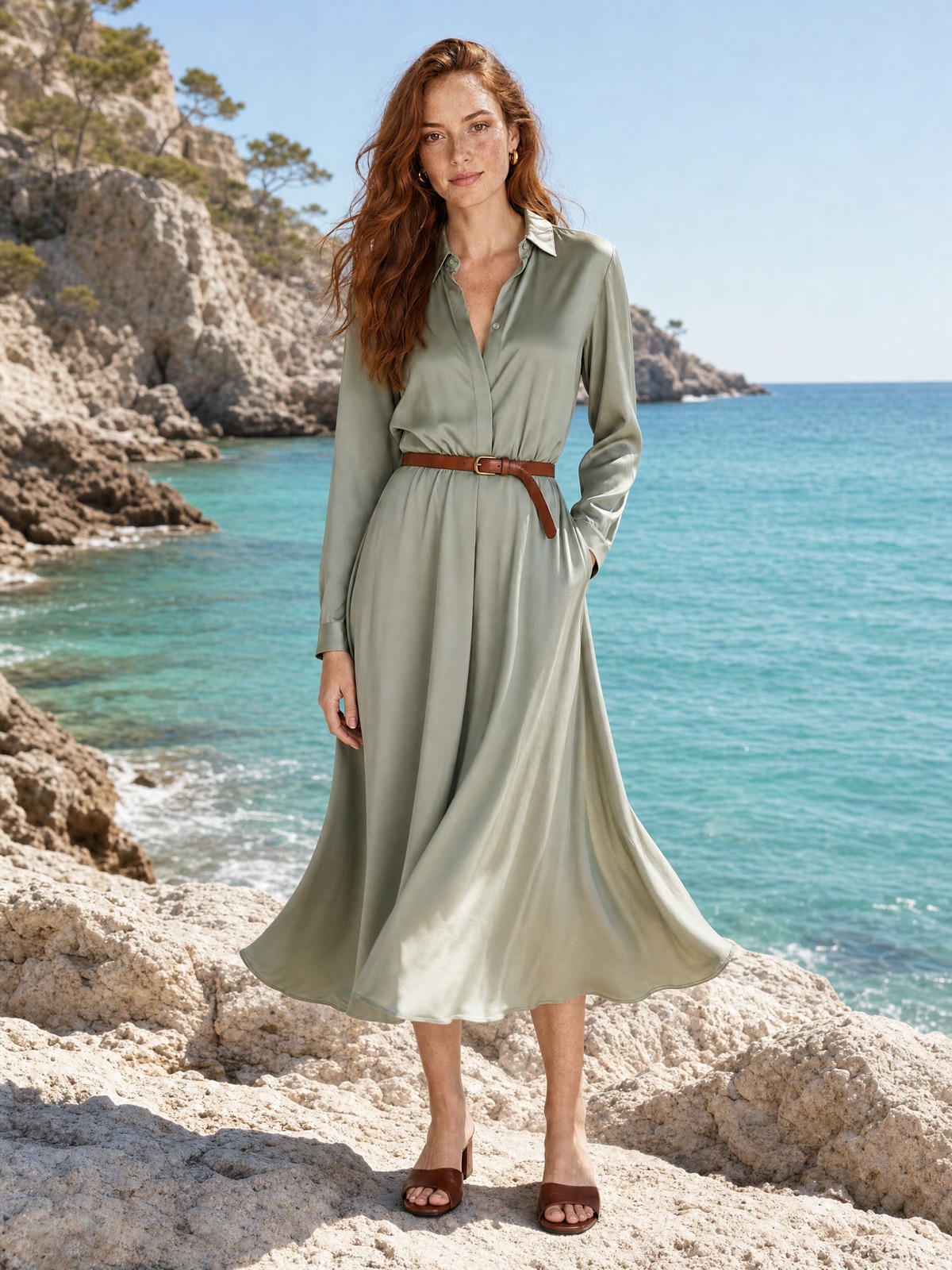
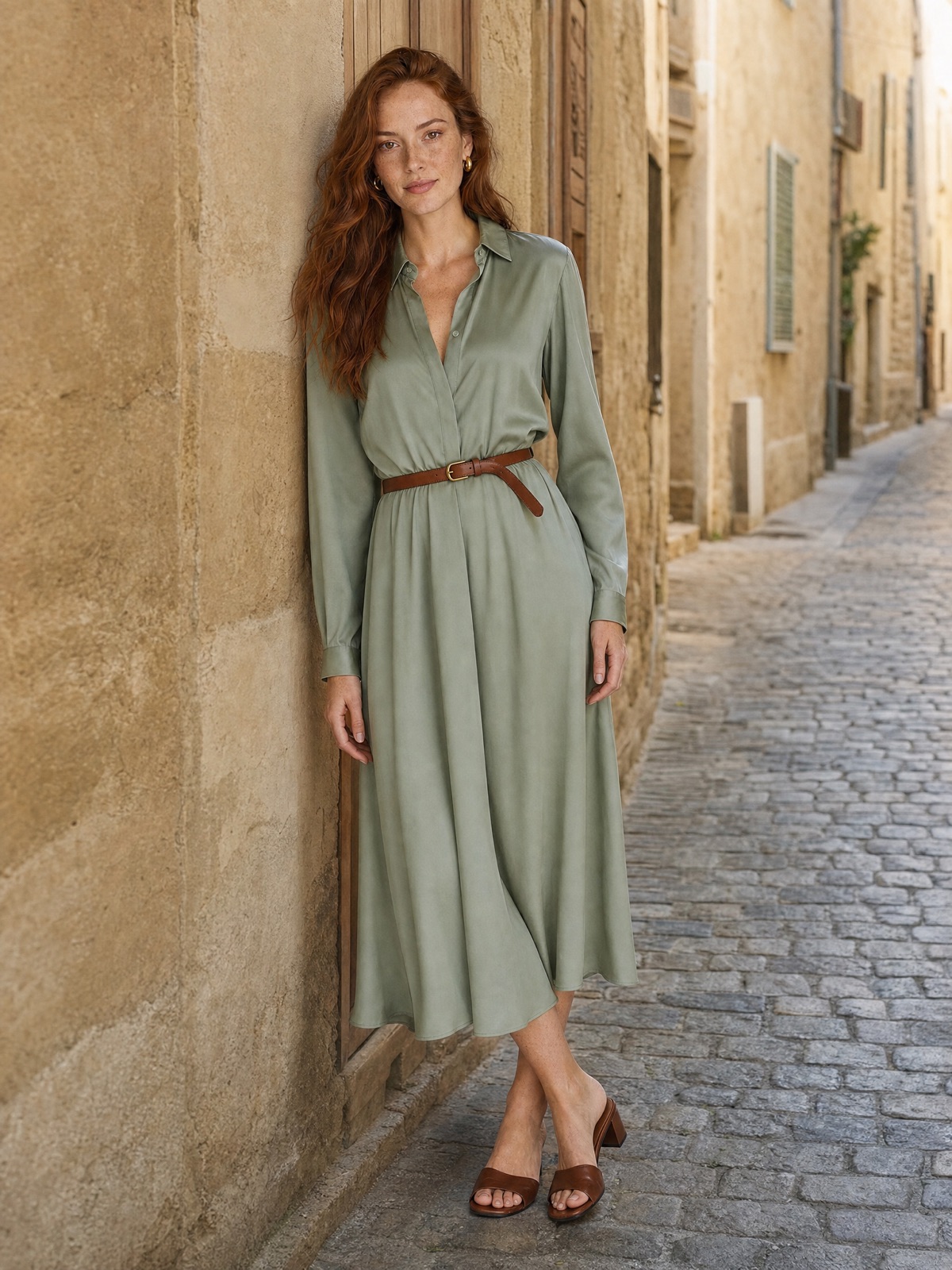 BeforeAfter
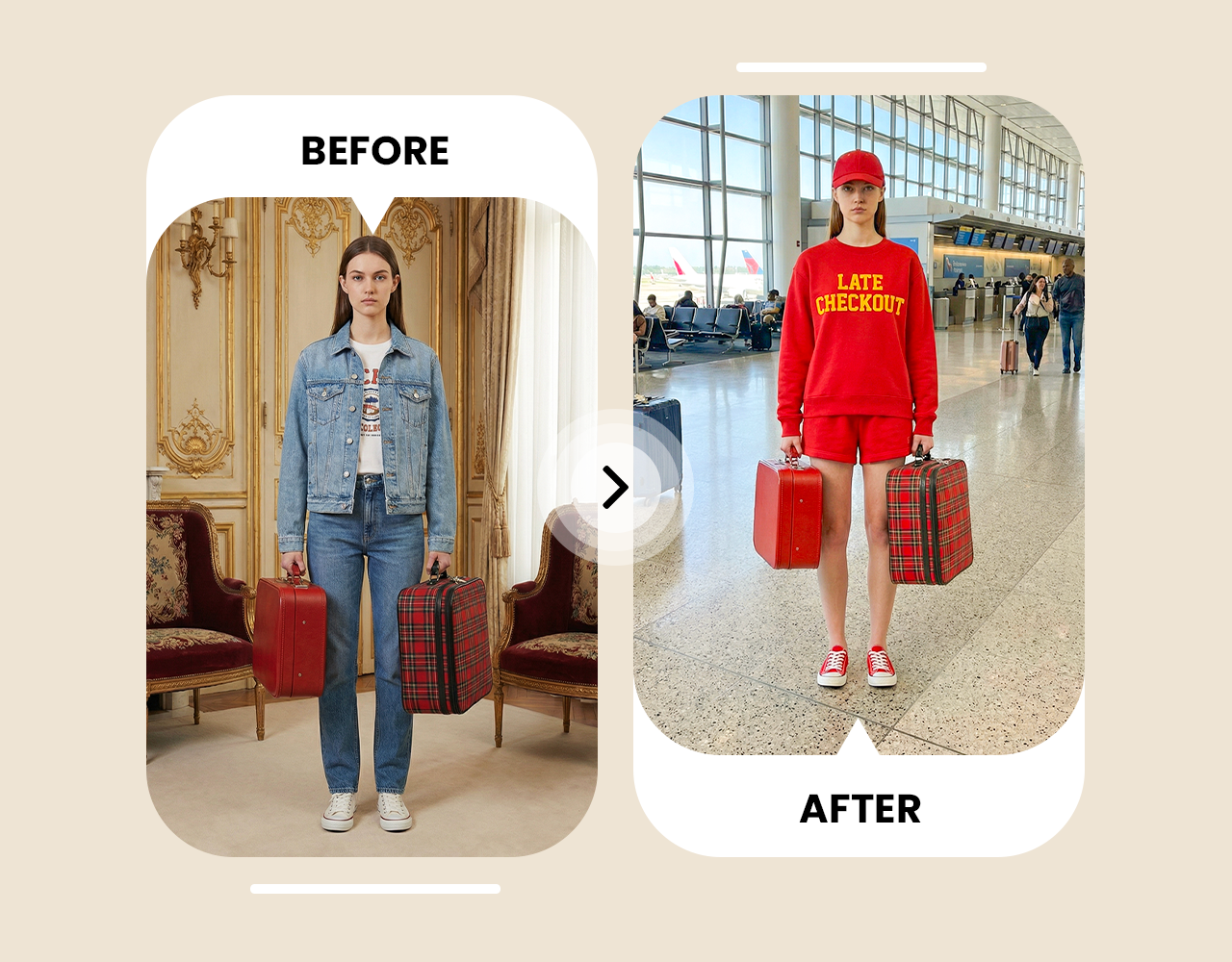
Remove a person from the background
Clean up travel shots in one prompt without cropping out the view you came for.
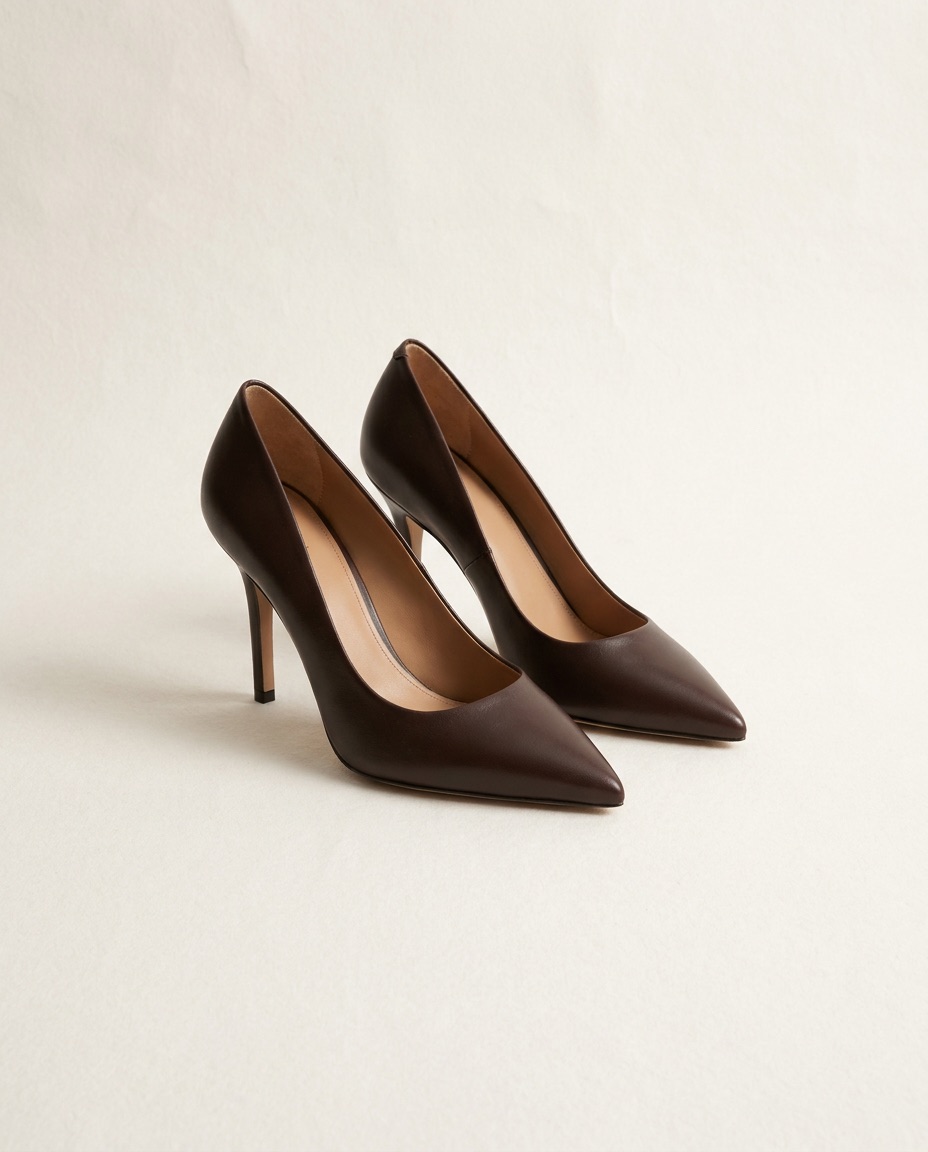
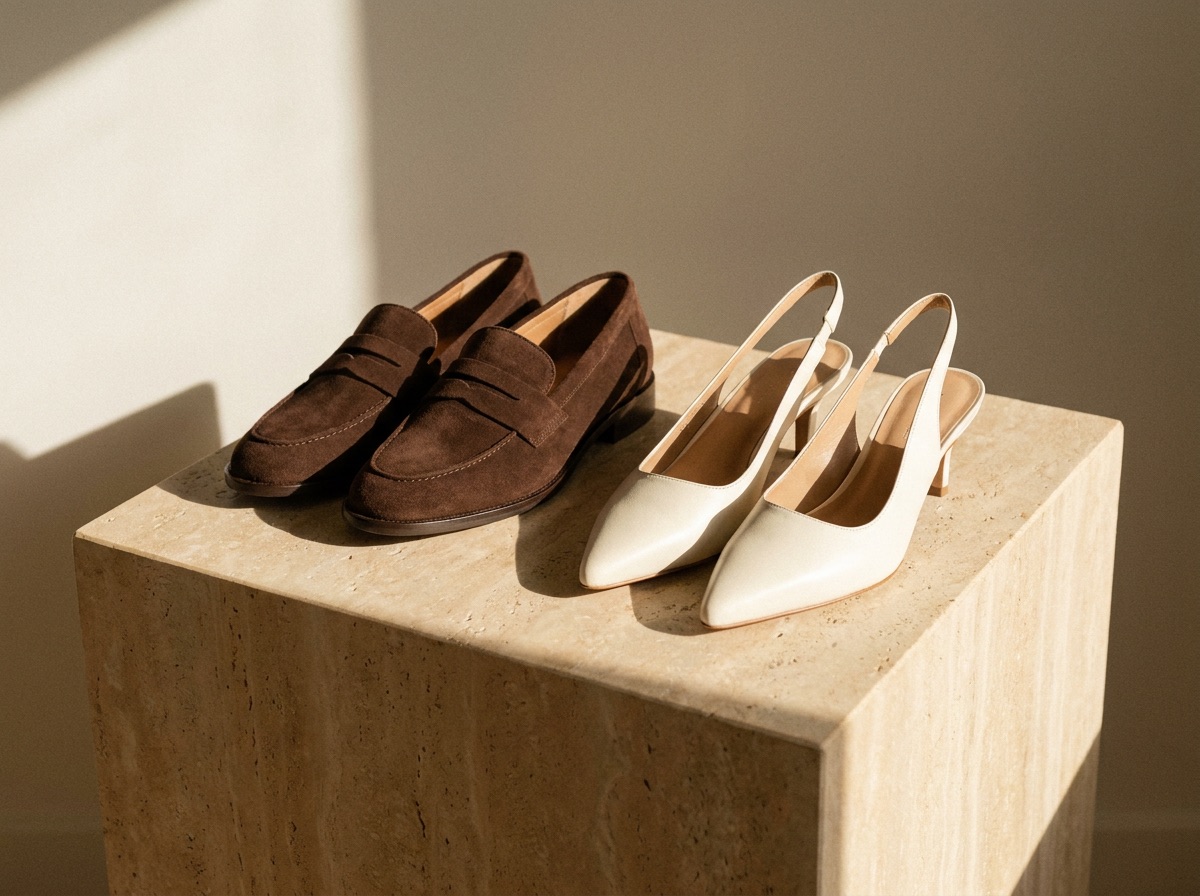 BeforeAfter
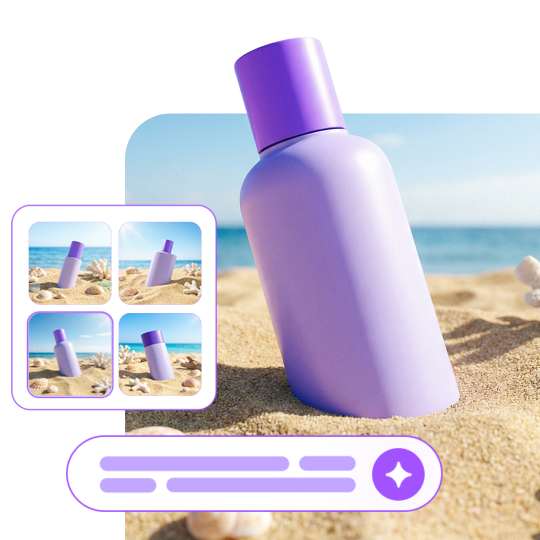
Put a product on a new background
Turn a phone snap into a usable product photo.
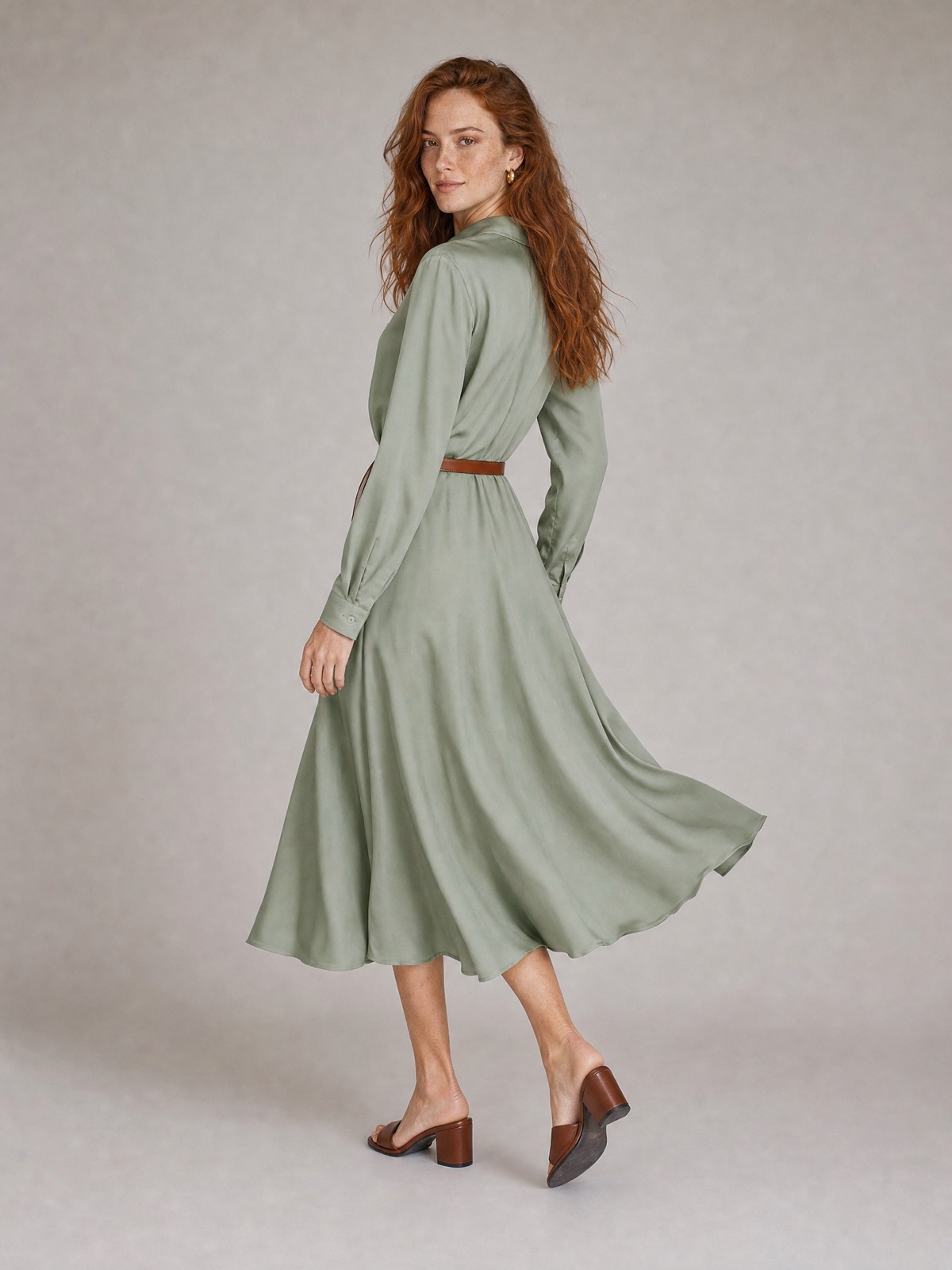
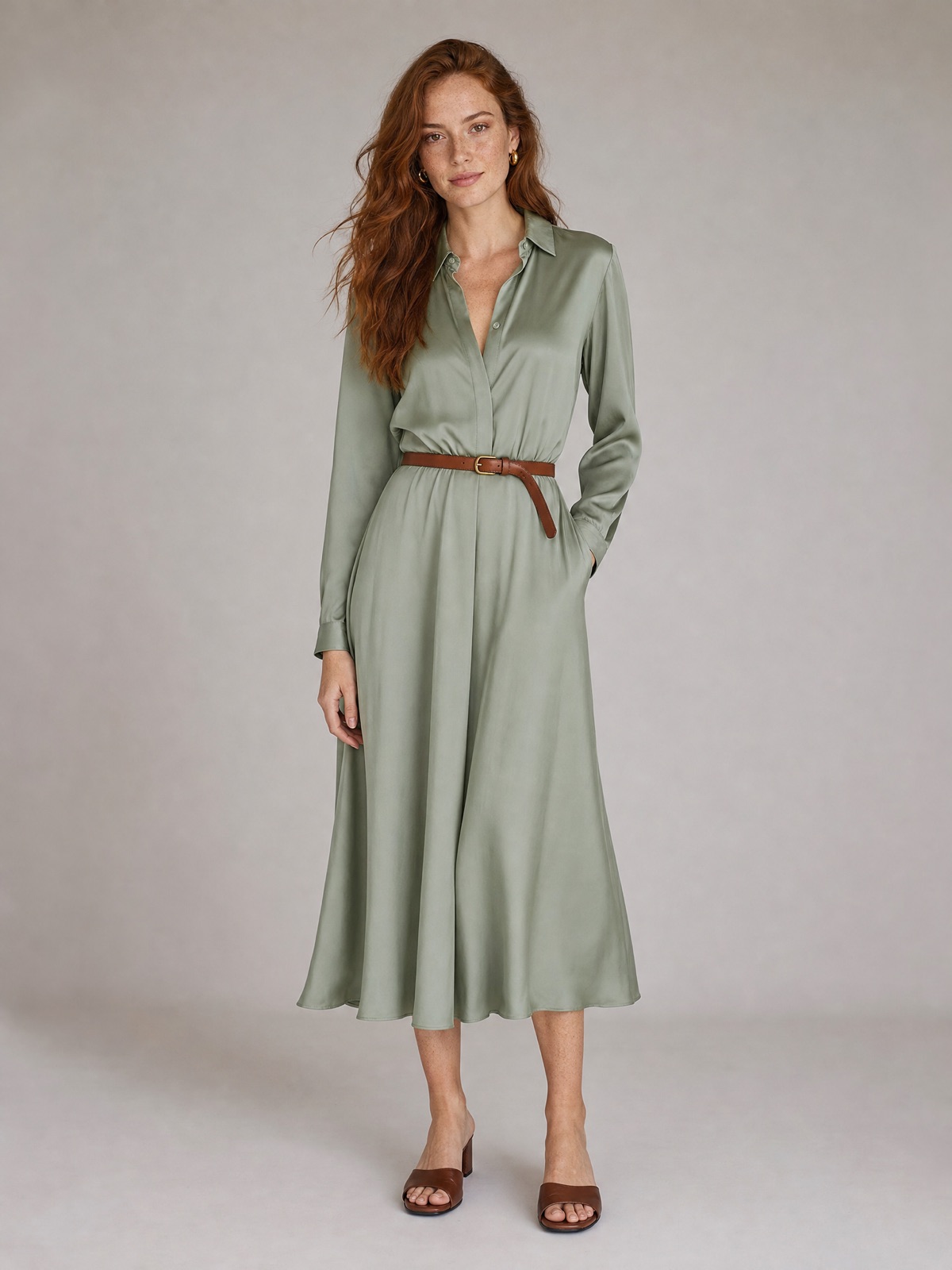
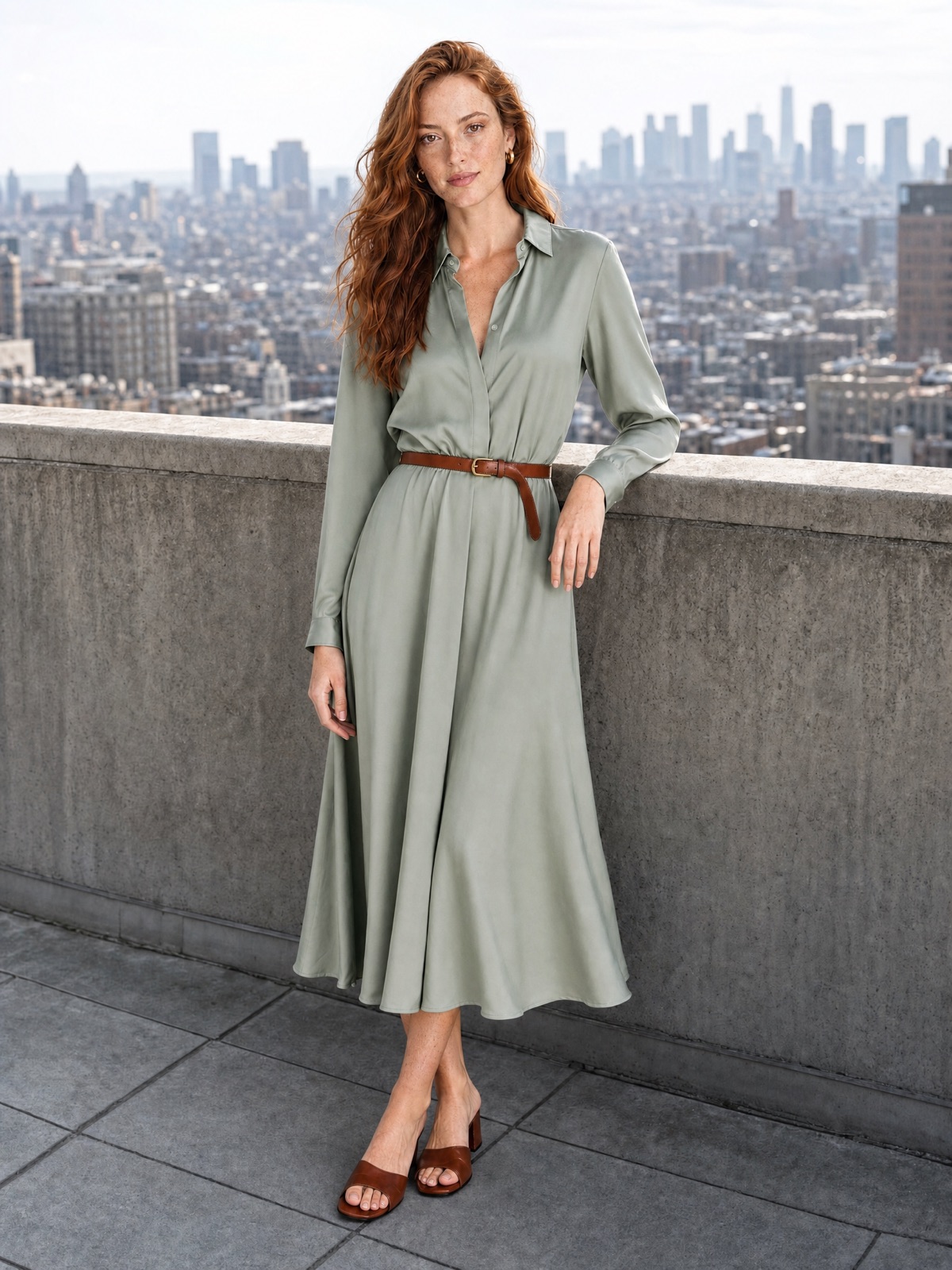
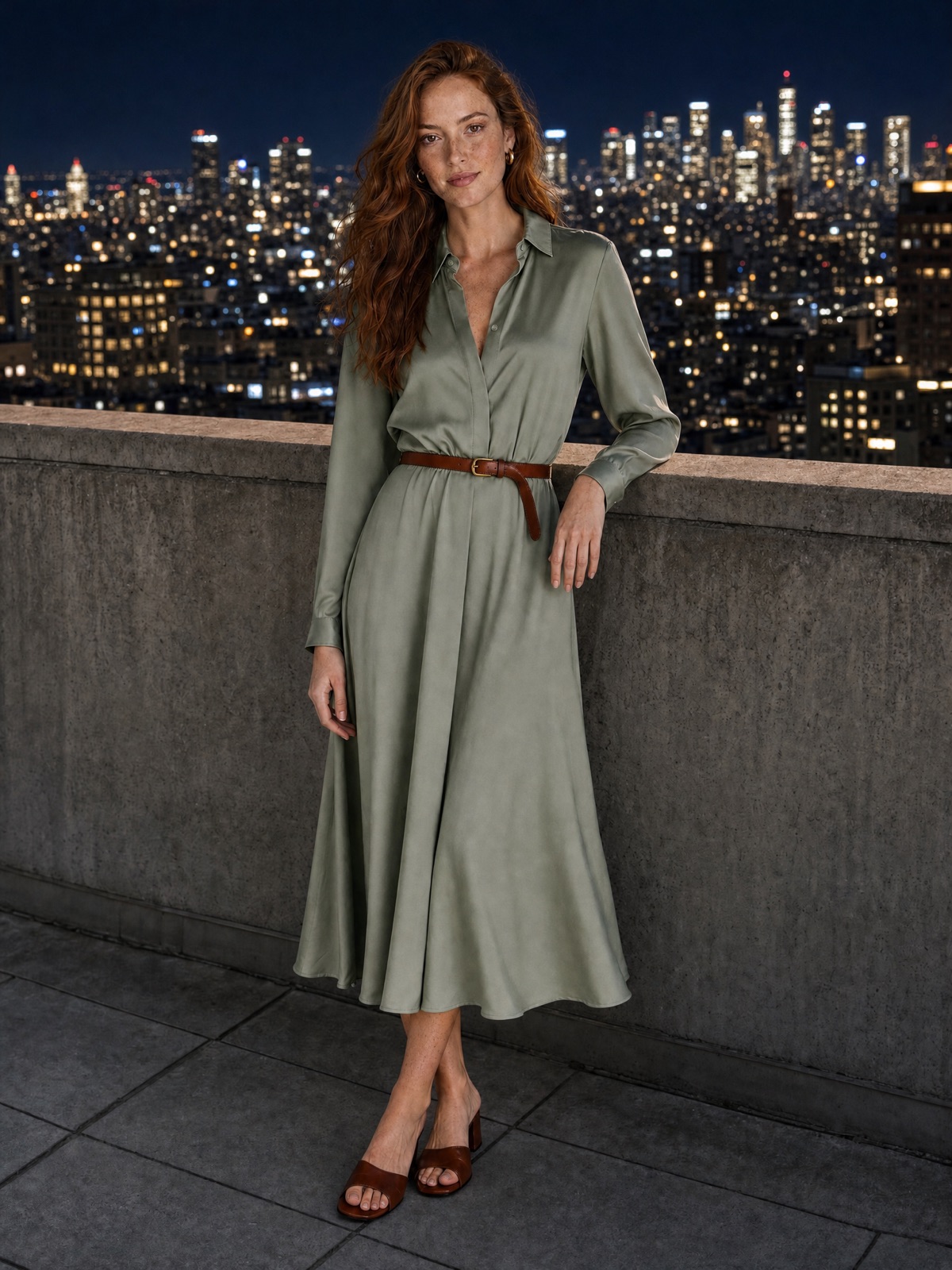 BeforeAfter
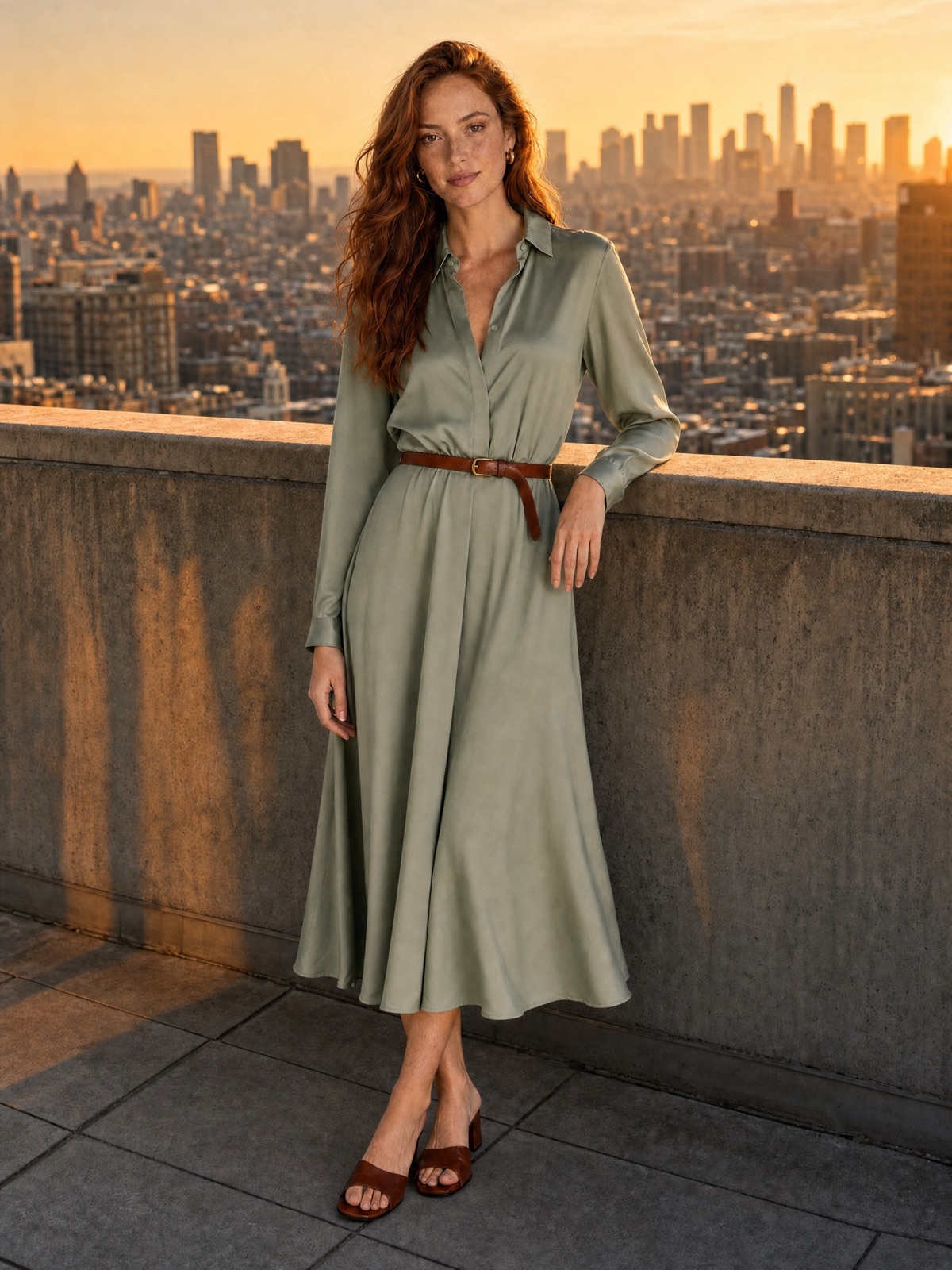
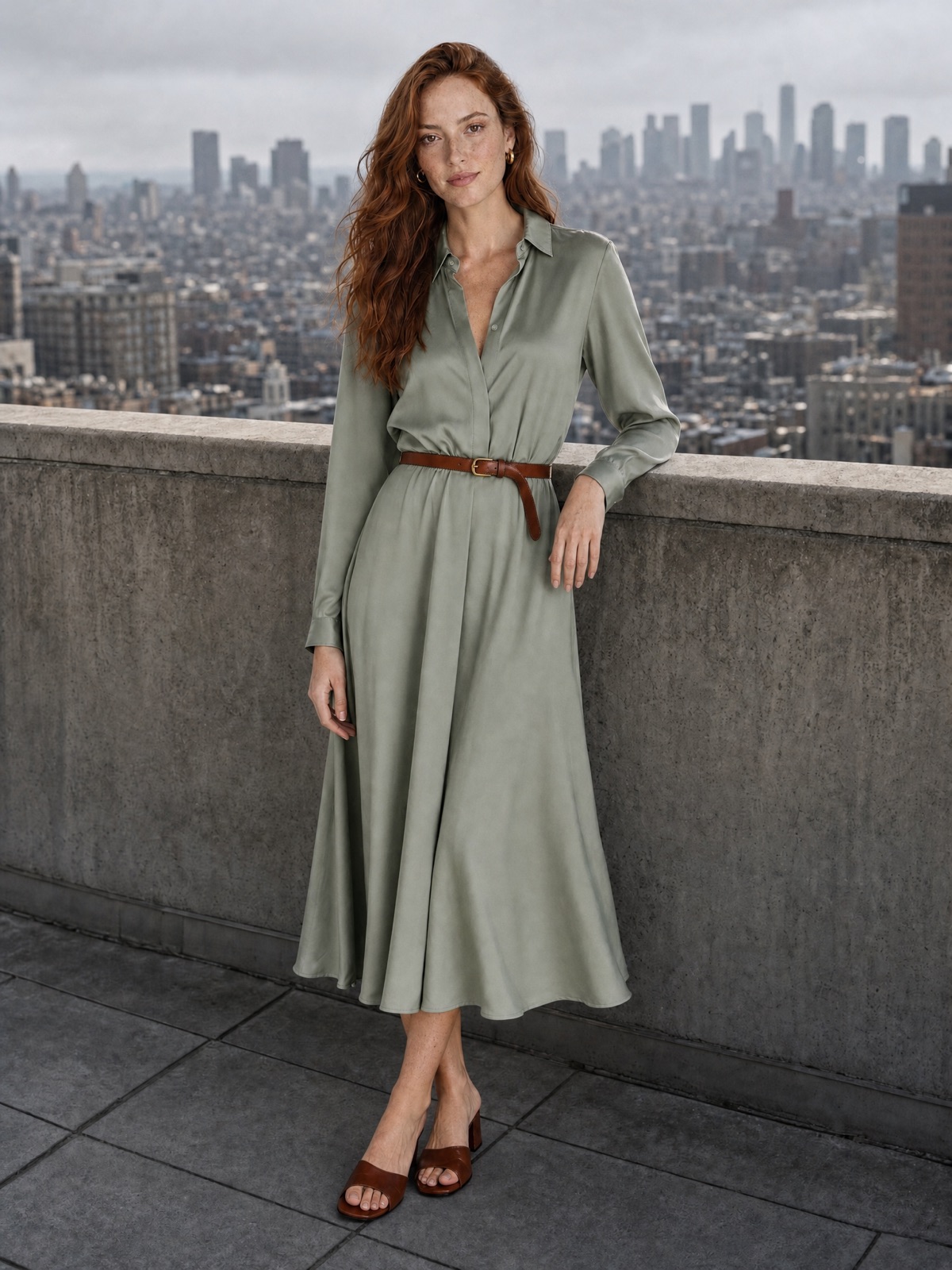
Fix lighting and colour
Rescue indoor and low-light photos without changing the composition you shot.
 BeforeAfter
Restore an old photo
Bring family photos back to life. Go deeper with AI photo restoration.
只需三步,即可使用 AI 编辑图像
上传您的图片
请将照片上传至 ImagineArt AI 图像编辑器。如果您想要获得精准的 AI 图像编辑效果和专业品质的编辑结果,请确保照片清晰且质量上乘。
描述照片中的编辑
输入详细清晰的文字指令。例如,“让图中人物拿着香水瓶”或“移除图像中的垃圾”。ImagineArt AI图像编辑器能够完美执行您的指令,并相应地编辑图像。
生成并下载
点击“生成”即可立即编辑图像。下载高质量的AI编辑图像,可用于社交媒体、营销或个人项目。
Use Cases
What You Can Do with the ImagineArt AI Image Editor
Object Removal
Remove unwanted objects
Photobombers, power lines, trash on the beach. Name what should go and the AI fills the gap with background that matches the scene. For quick one-click cleanups, use the AI object remover and keep your original photo framing fully intact.
Remove ObjectsBackgrounds
Change or replace backgrounds
Move a portrait from a cluttered room to a clean studio wall, or put a product on a beach. Describe the new setting and the lighting adjusts to fit. Need a cutout? Use the background remover or the AI background changer.
Change Backgrounds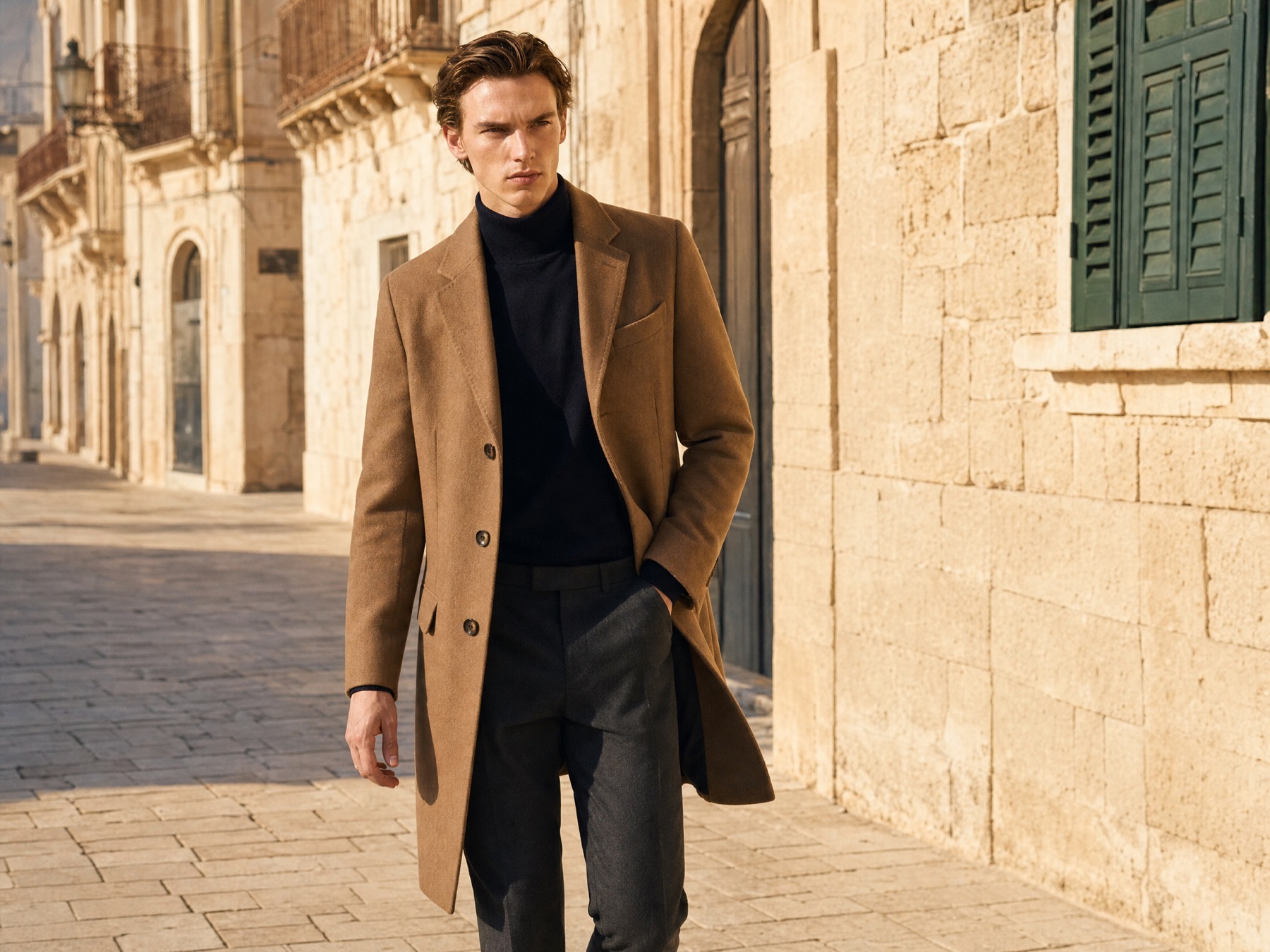
Portraits
Retouch portraits
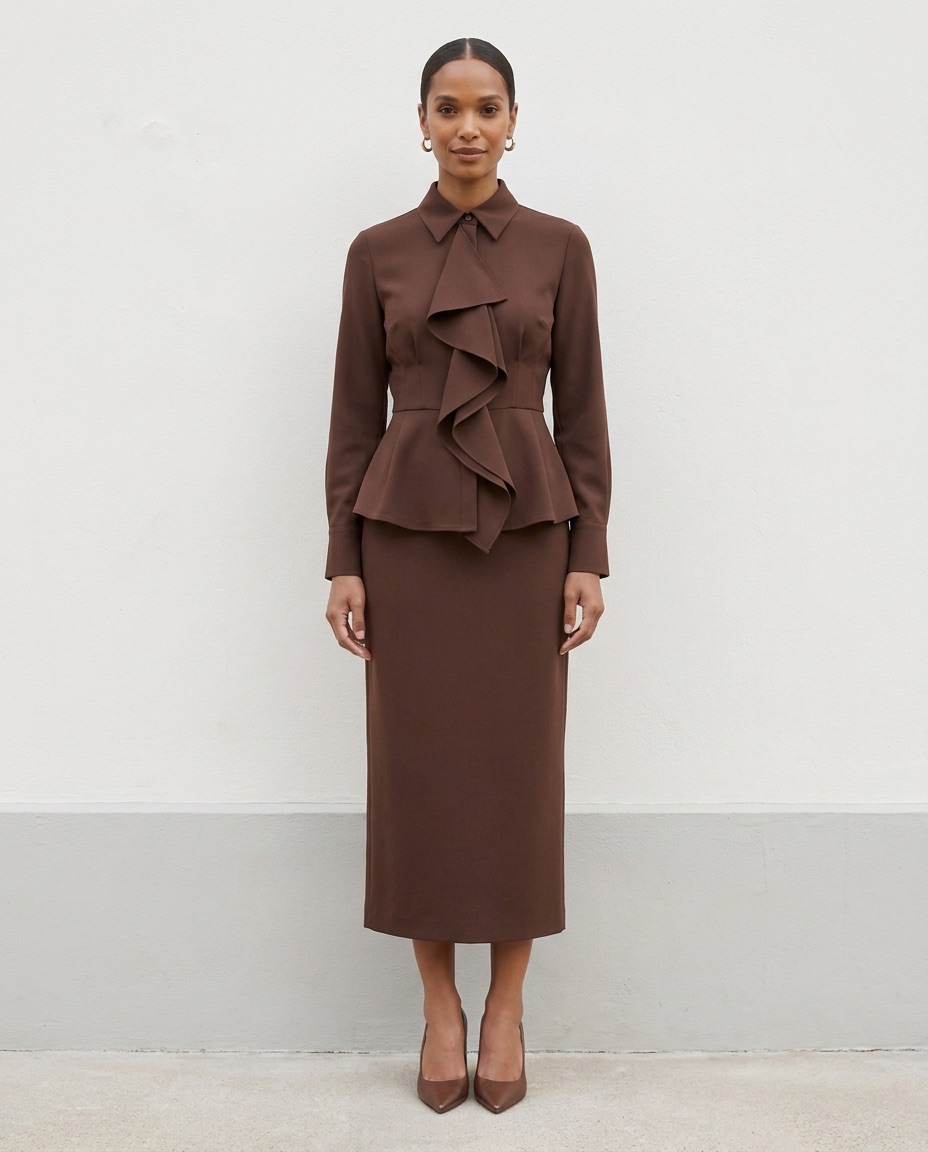
Smooth skin, fix stray hairs, brighten eyes or soften harsh shadows in seconds. Ask for subtle changes and say clearly what to keep, so the person still looks like themselves. It's quick, natural retouching without learning masks, brushes or layers.
Retouch PortraitsE-commerce
Create e-commerce product photos
Shoot on your phone, then edit photo with AI into a clean listing image. Change the surface, add props or match your brand colours without booking a studio. Every product in your catalogue can share the same look, lighting and background.
Create Product Photos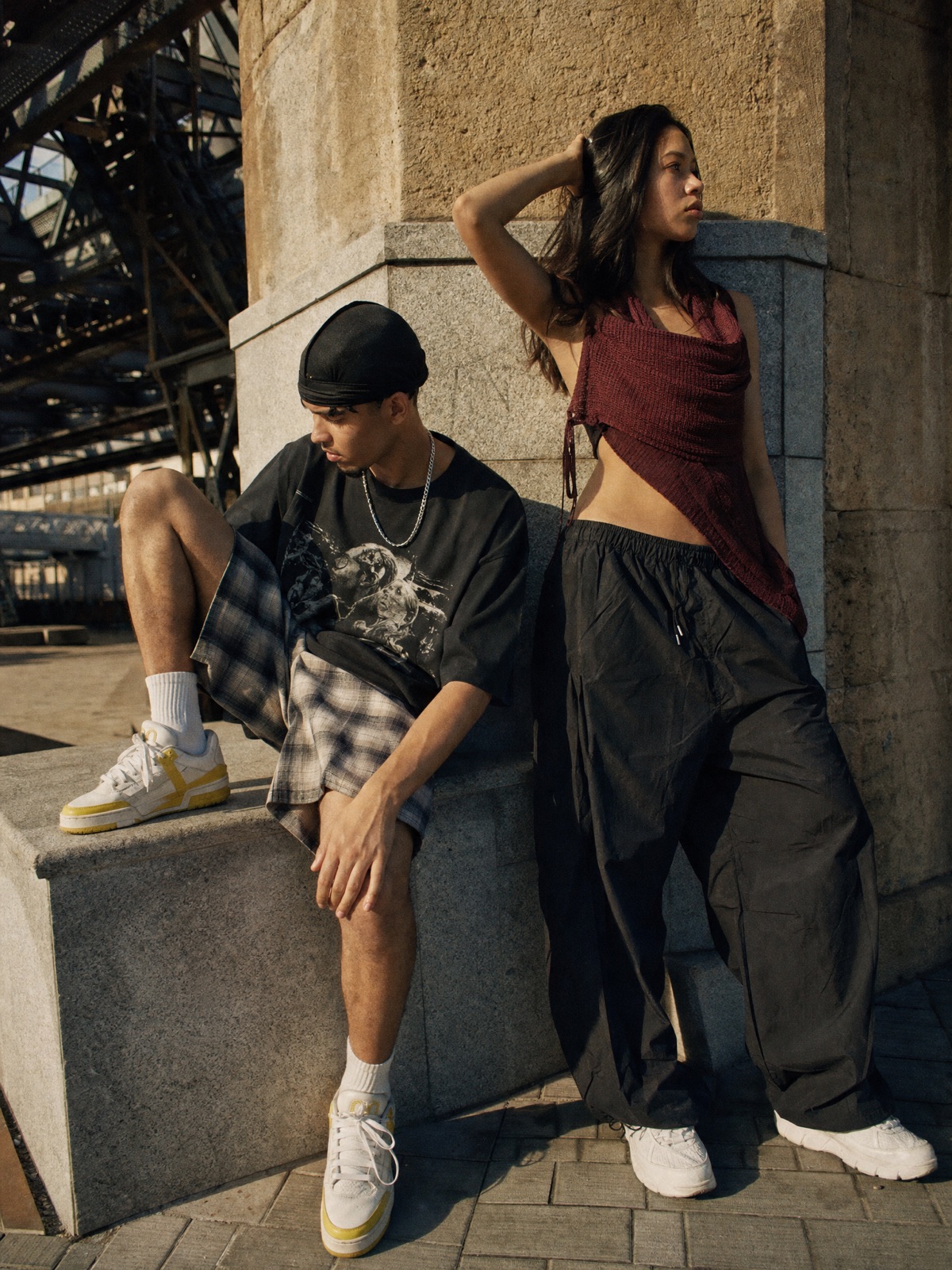
Social & Ads
Make social media and ad creatives
Add a product to someone's hand, change the season or restyle a scene for a new campaign. One base photo becomes several on-brand variations in minutes. Test different angles and backdrops for ads before you spend a cent on media.
Make Ad CreativesRestoration
Restore and enhance old photos
Repair scratches, fading and blur in old family photos, then add natural colour. For dedicated repair, use AI photo restoration. To add resolution afterwards, run the result through the AI image upscaler and print it at full size for framing.
Restore Old PhotosStyles
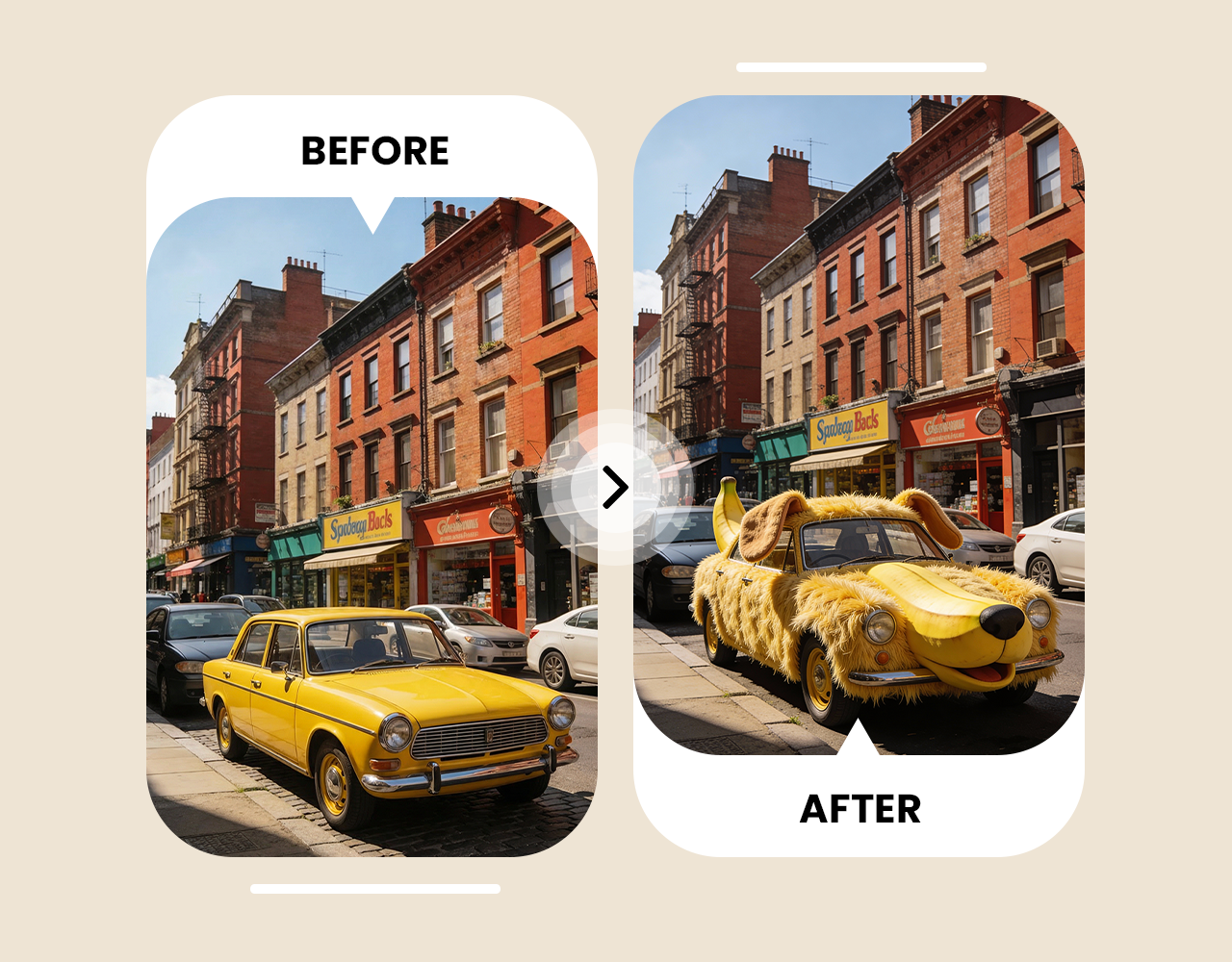
Change the style
Turn a selfie into a cartoon, anime frame, oil painting or 3D render while keeping the original pose. The AI cartoon generator has ready-made styles if you'd rather not write a prompt. Try a few and keep the best one.
Change the Style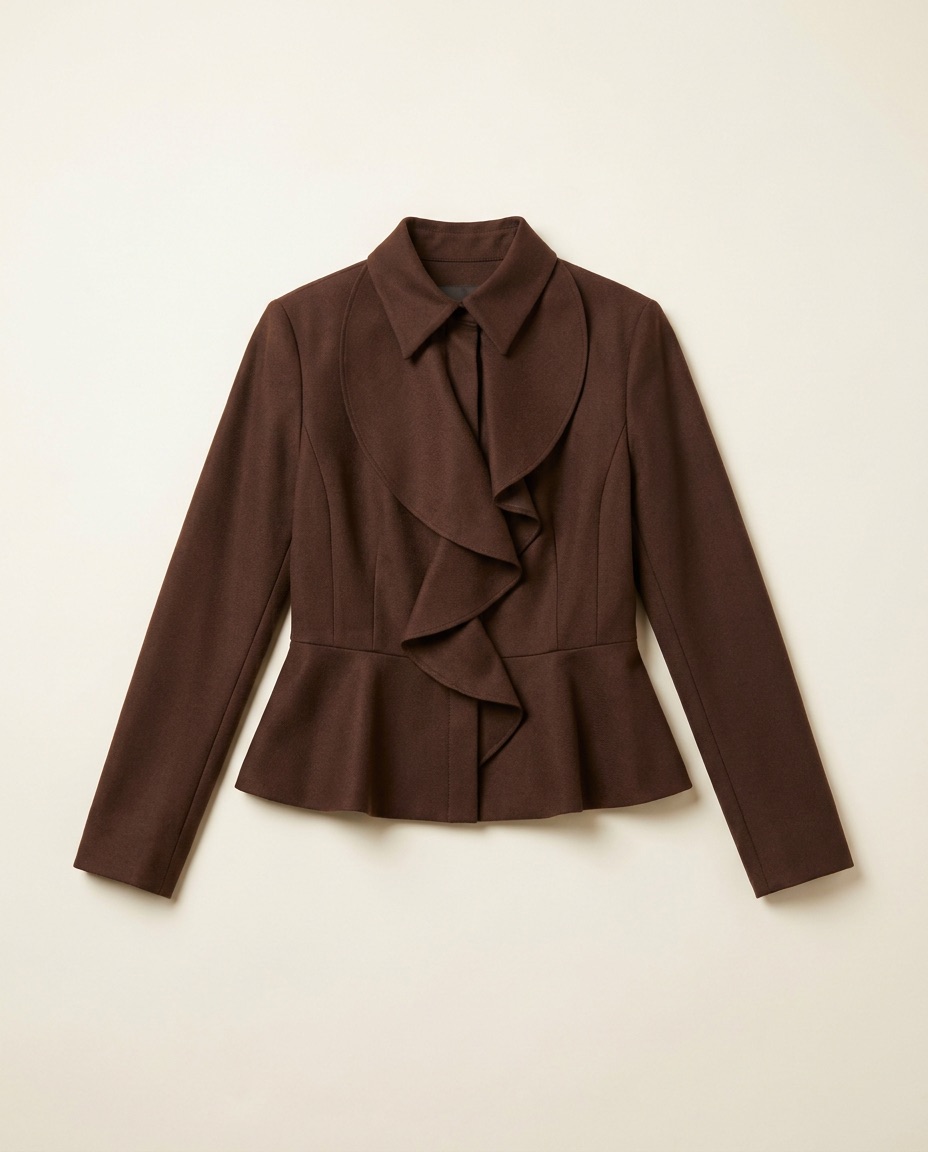
Add & Swap
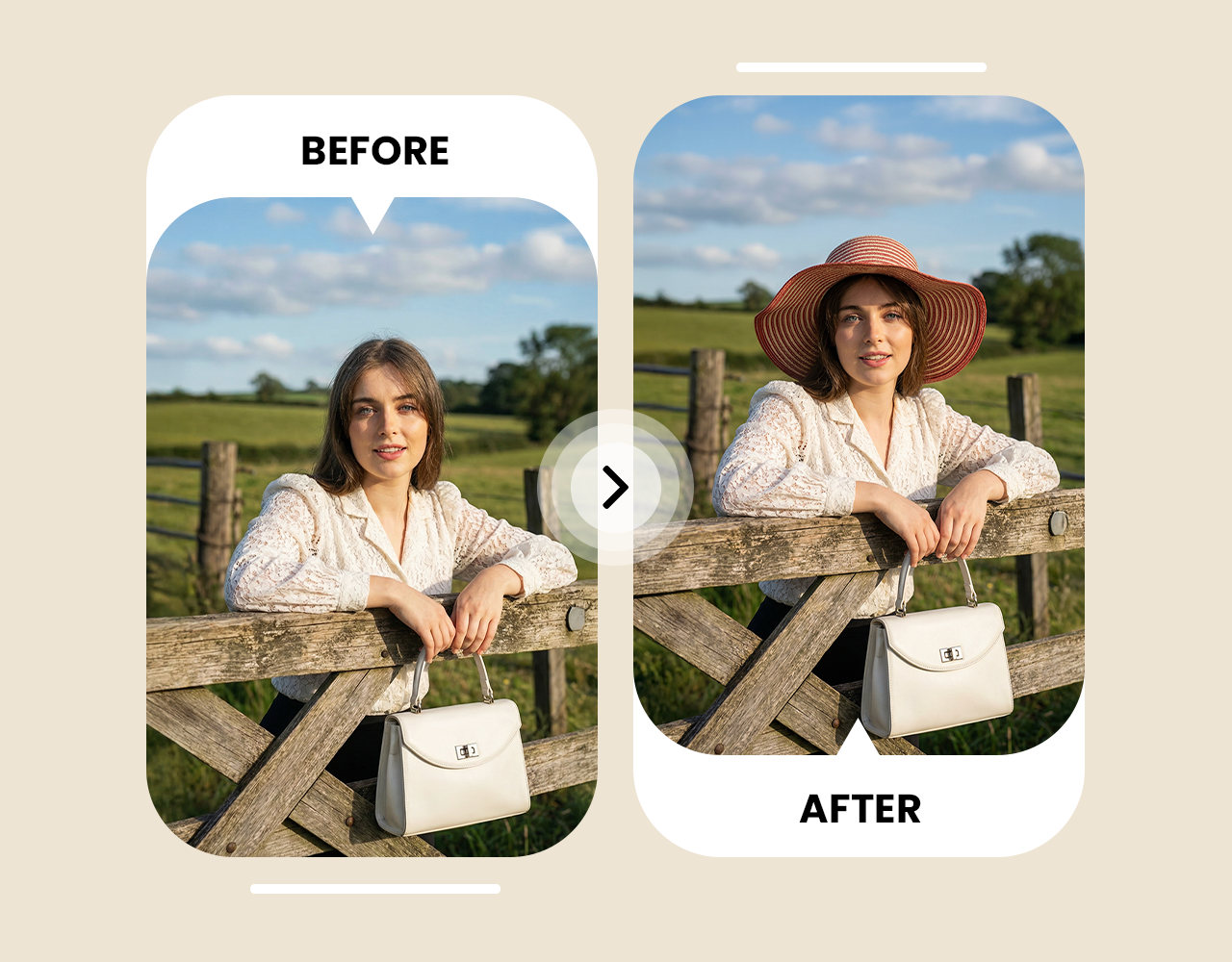
Add or swap objects
Put a coffee cup on the desk, a perfume bottle in a hand or a hat on a dog. Describe the object, where it goes and its size. The AI matches lighting and shadows so it looks like it belongs.
Add ObjectsModels
Edit Images with Leading AI Models
Every edit in the ImagineArt AI image editor runs on Nano Banana Pro, Google’s advanced image editing model. It reads detailed prompts closely, so it changes only what you ask and leaves the rest of your photo alone. Faces and characters stay consistent across several edits, which matters for portraits, product shots and brand content. When you add an object or swap a background, the model matches the lighting, shadows and perspective so the new element looks like it was always part of the shot.
GPT Image 2.5
Precise images and conversational edits from OpenAI.
Nanobanana 2.1
Fast, consistent image generation and editing from Google.
Ideogram 4.5
Images with clean, readable text and typography.
xAI Grok 1.5
Quick, expressive visuals from simple prompts.
Seedream 4.5
High-res images with strong multi-reference editing.
Flux 3
Photorealistic, detailed images with sharp prompt accuracy.
Flux 2 Max
Flux 2’s highest-quality tier for polished image results.
Flux Kontext
Text-based image edits that keep the subject and style intact.
GPT Image 1.5
Accurate prompts, clear text and precise edits.
Grok Imagine Image
Bold, imaginative images in seconds.
ImagineArt 1.5 Pro
High-detail, realistic images in many styles.
ImagineArt 2.0
ImagineArt’s newest model, with sharper realism and better prompt understanding.
零设计经验也能做到专业级图像编辑
体验无限的图像编辑选项
访问跨平台人工智能图像编辑器
Is the ImagineArt AI Image Editor Free?
Yes. Every account gets 100 free credits a month, enough for about 10-15 edits with the AI photo editor free plan. Paid plans add more credits, higher resolution and full commercial rights. See every plan on the pricing page.
Choose a plan that fits your needs
Upgrade to get access to pro features and generate more and better
Kling
ByteDance
Minimax
Nano Banana
Gemini
Claude
Qwen
GPT Image
Runway
Grok
Trusted by Professionals and Creators from top Brands and Companies
听听体验过AI图像编辑的用户怎么说
我一直在用 ImagineArt AI 图像编辑器处理我的个人照片,它真的太好用了。我只需输入一些指令,就能调整颜色、清理背景,甚至添加一些有趣的元素。用这款 AI 编辑图像比 Photoshop 快得多,而且玩起来也很有趣。

Anya Petrova

对于我的小企业来说,ImagineArt AI图像编辑器简直是救星。我只需几分钟就能制作社交媒体帖子、产品图片和宣传图。这款在线AI图像编辑器让所有图片看起来都真实专业,所以我再也不用为聘请设计师而烦恼了。

Ben Harris

我喜欢用 ImagineArt AI 图像编辑器,把它当成一种爱好。我会把旅行照片或宠物照片编辑成创意十足的 AI 艺术作品。尝试不同的风格,比如卡通效果,同时又能保持图像的自然感,这种感觉真的超级棒。

Isabelle Kim

在工作项目中,ImagineArt AI图像编辑器已经成为我的首选工具。现在,编辑客户照片、制作营销图片和清理图像的速度都快了很多。单是文本提示功能就比传统编辑工具节省了我大量时间。

Michael Chenn

关于人工智能图像编辑器的常见问题
ImagineArt AI图像编辑器利用人工智能技术自动增强图像,调整亮度、对比度和色彩。凭借背景移除、图像修复和滤镜等功能,它能轻松转换照片,让初学者和专业人士都能轻松创作出高质量的图像编辑作品。
ImagineArt AI图像编辑器是摄影师的首选,它提供由Nano Banana Pro驱动的逼真AI编辑功能。只需描述您的编辑需求,AI即可增强您的照片,助您快速获得高质量的图像处理效果。
AI图像编辑器广泛应用于个人照片、社交媒体帖子、品牌宣传、产品图片和创意项目。ImagineArt助您轻松实现所需的精准编辑。
是的,ImagineArt每月提供100个免费积分,让您可以免费编辑图片。立即注册,即可开始使用您的免费积分进行照片编辑等操作。
ImagineArt AI图像编辑器可自动完成编辑过程,您只需上传图像并给出提示即可。与Photoshop不同,ImagineArt速度更快、更易用,无需任何复杂技能,非常适合个人、社交或专业用途。
ImagineArt AI图像编辑器是品牌推广、产品视觉设计和市场营销的理想之选。它是一款专业的AI图像编辑器,编辑起来快速又简单。
您可以上传 JPG、PNG、WEBP 和其他常见图像格式。ImagineArt 可以高效处理所有图像类型,并提供符合您要求的高质量结果。
使用 ImagineArt AI 图像编辑器,您可以进行的图像编辑次数没有限制。您可以根据需要随意编辑图像,不受任何限制。
专业AI照片编辑器只需几秒钟即可提供结果。大多数编辑都是即时完成的,具体取决于图片大小和您提供的编辑要求。
是的,我们会严格遵守隐私政策,确保您的照片安全处理。ImagineArt 保证您的图片不会与任何第三方共享,仅用于生成您的编辑作品。
是的!ImagineArt AI 照片编辑器专为初学者和没有任何编辑经验的专业人士设计。只需提供文字提示,剩下的就交给 AI 来完成,让编辑变得快速又轻松。