FLUX 3 Image
Now on ImagineArt
Precise, multi-reference composition up to 4K, from Black Forest Labs.
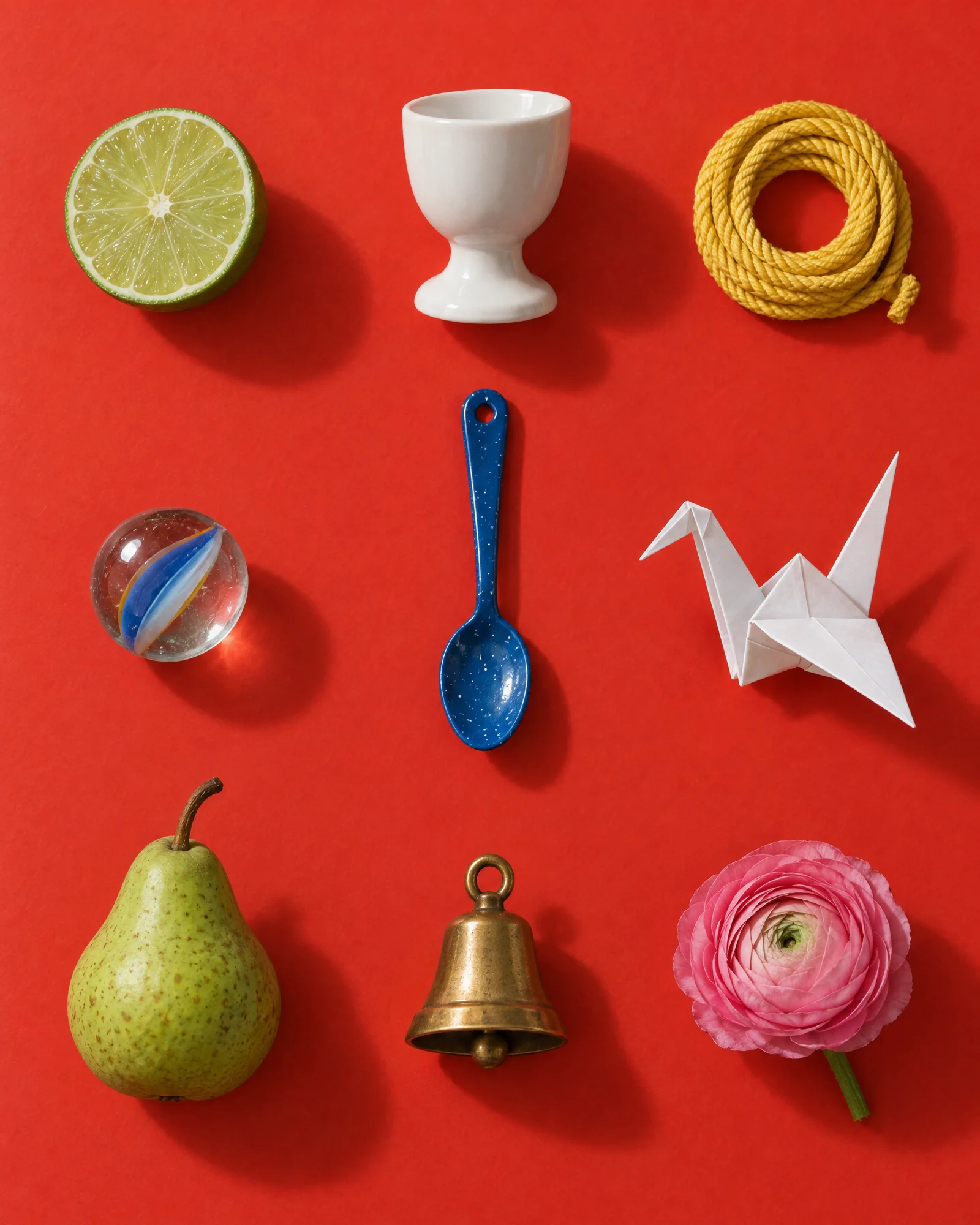
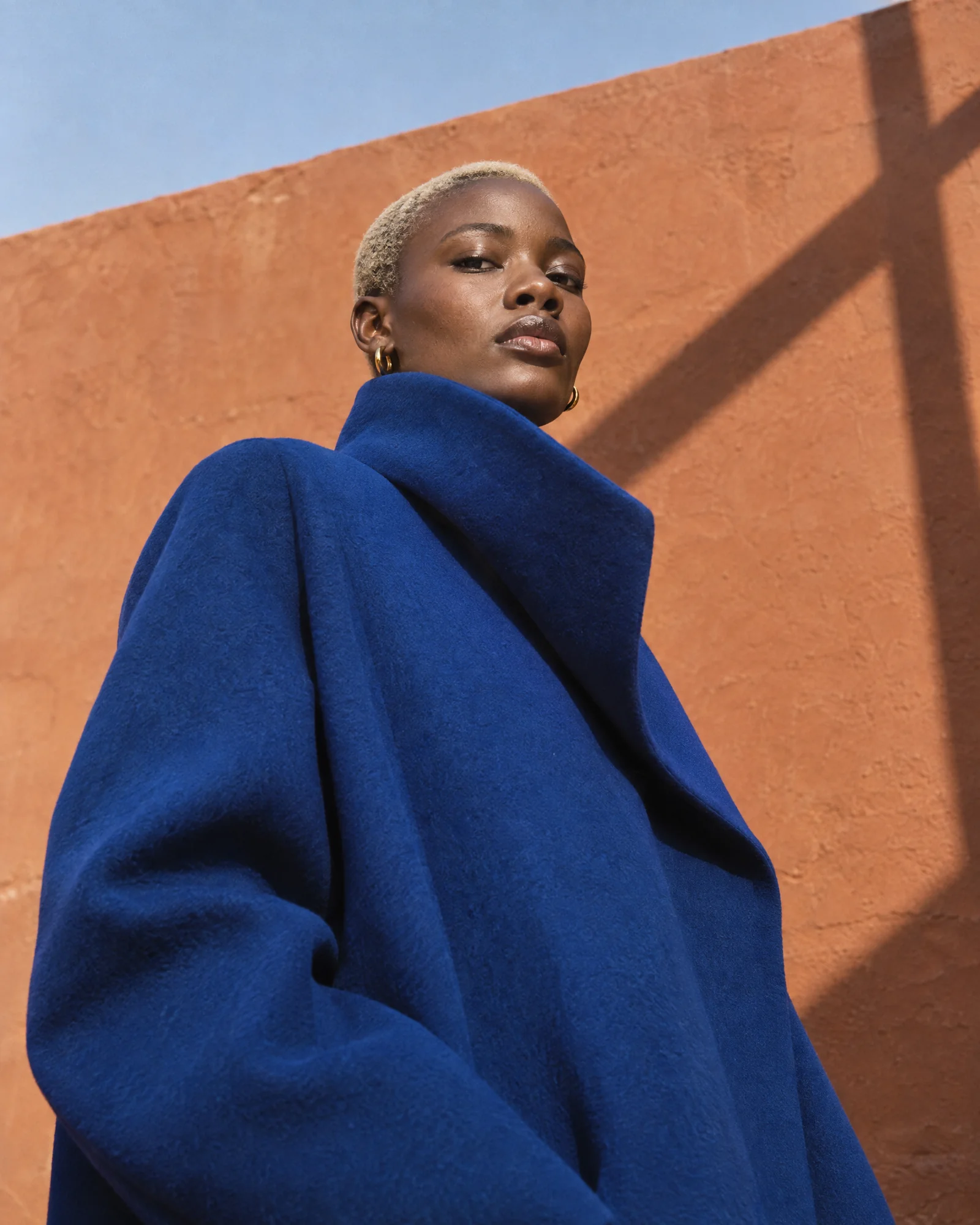
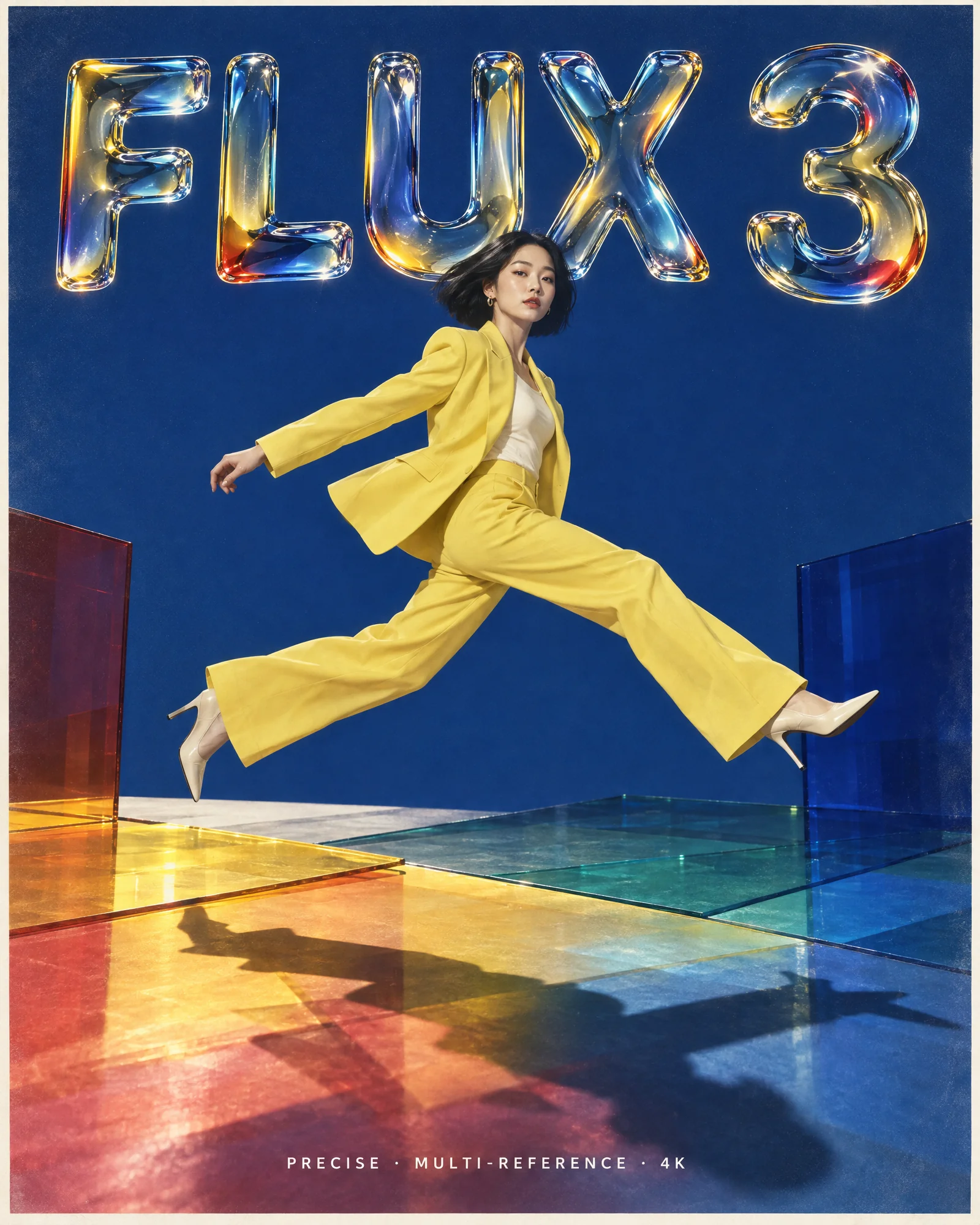
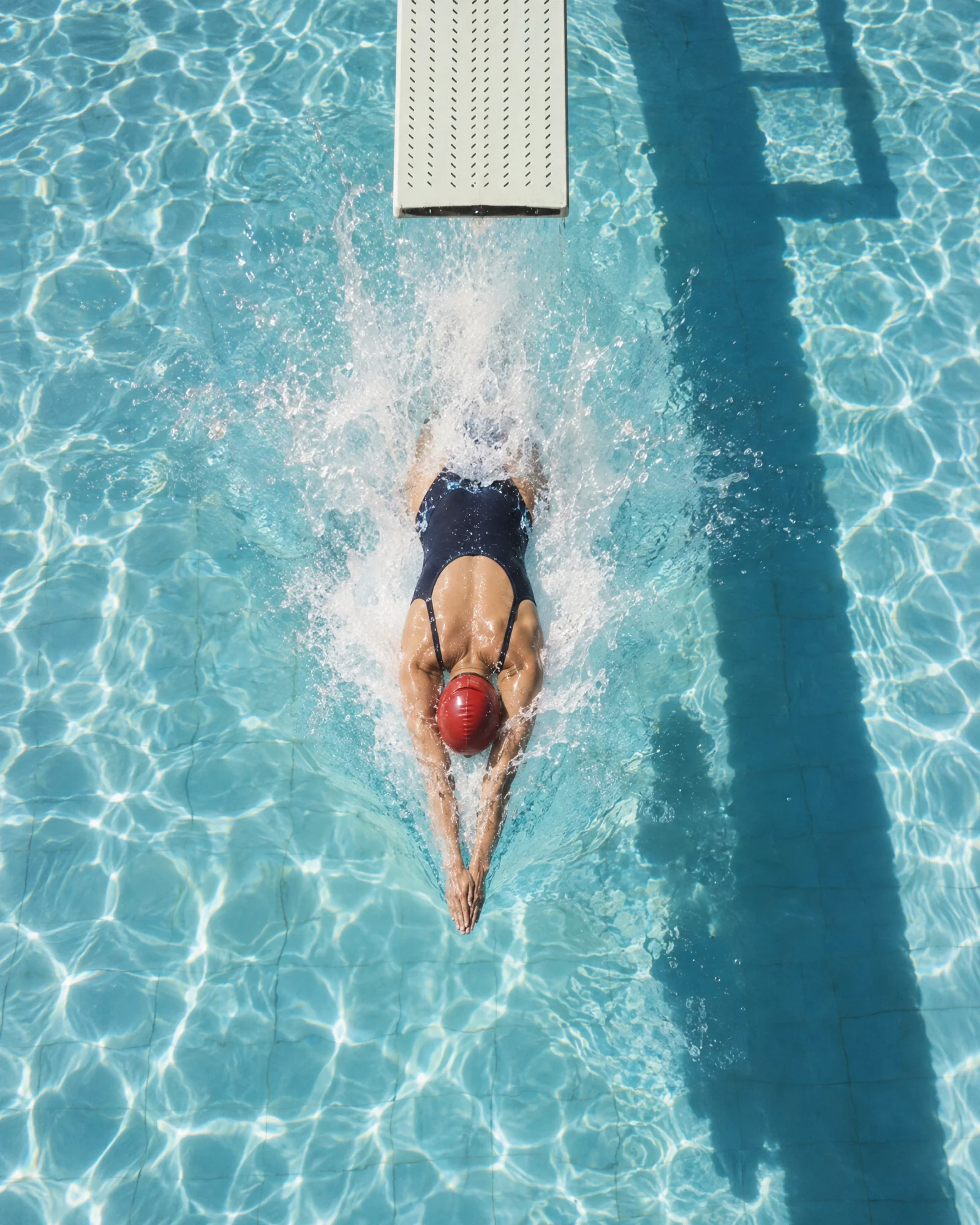

What the community is already building
Real prompts, run through FLUX 3 Image. Copy one and swap in your own subject.
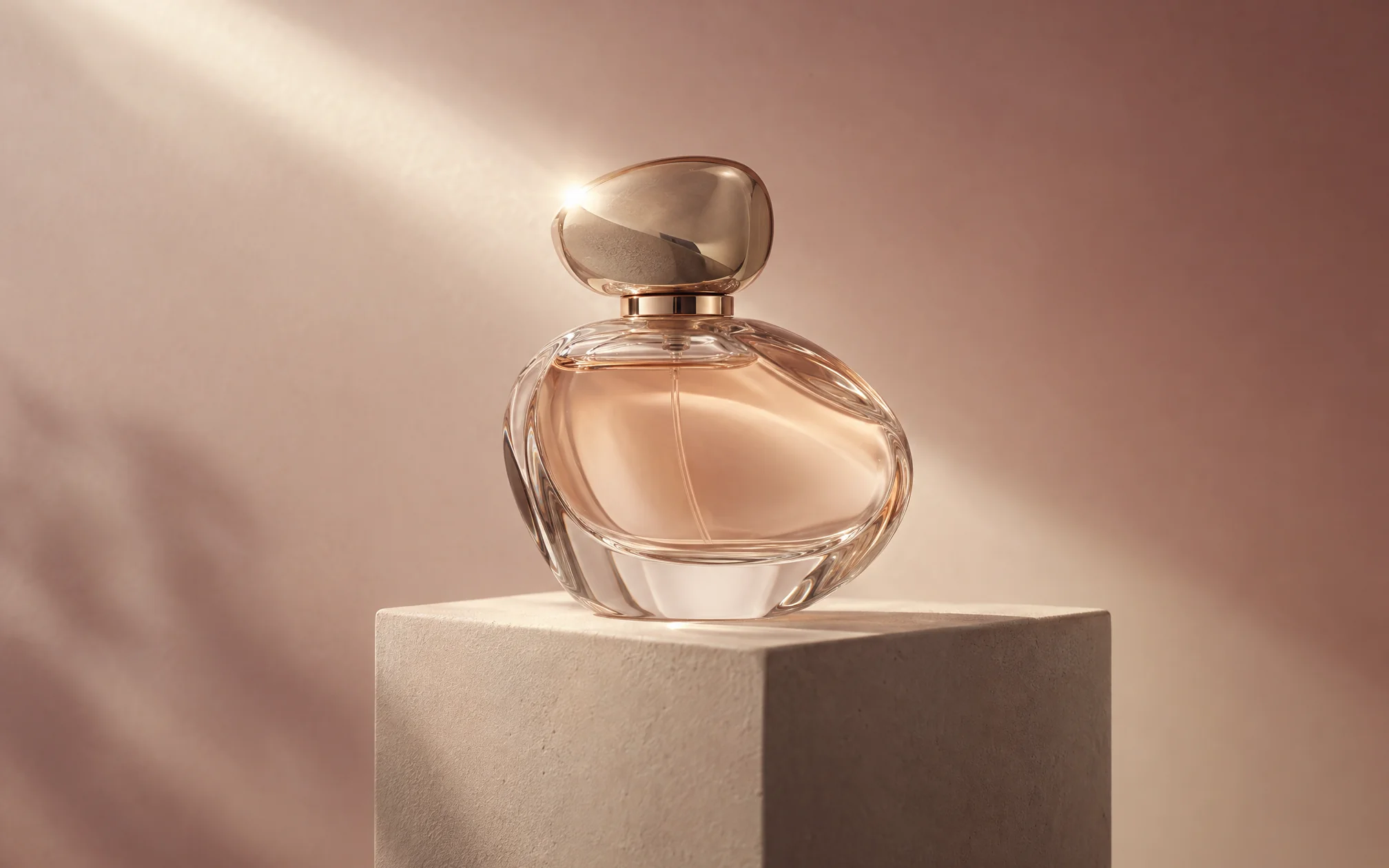
Perfume display
Try prompt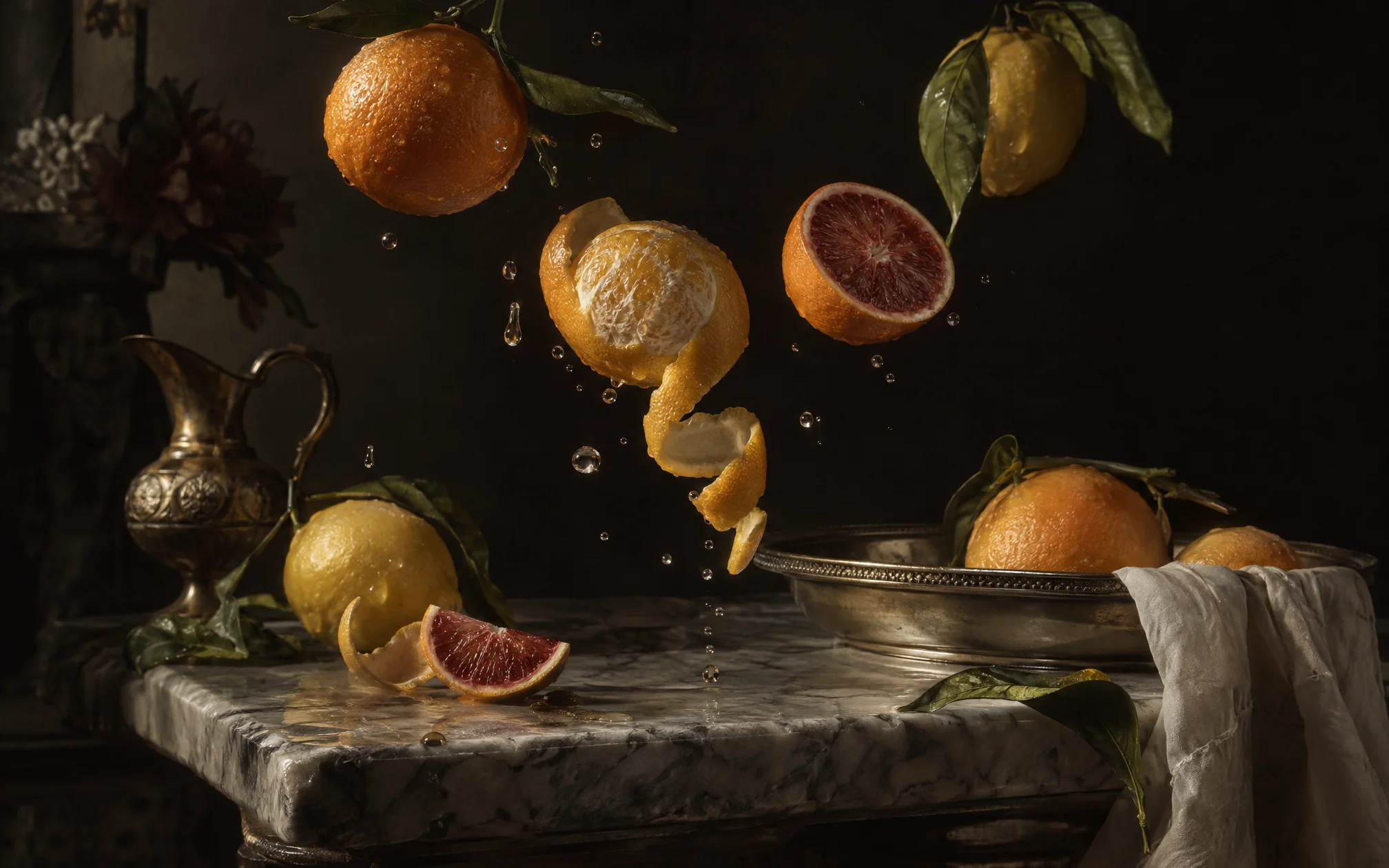
Citrus oil painting style image
Try prompt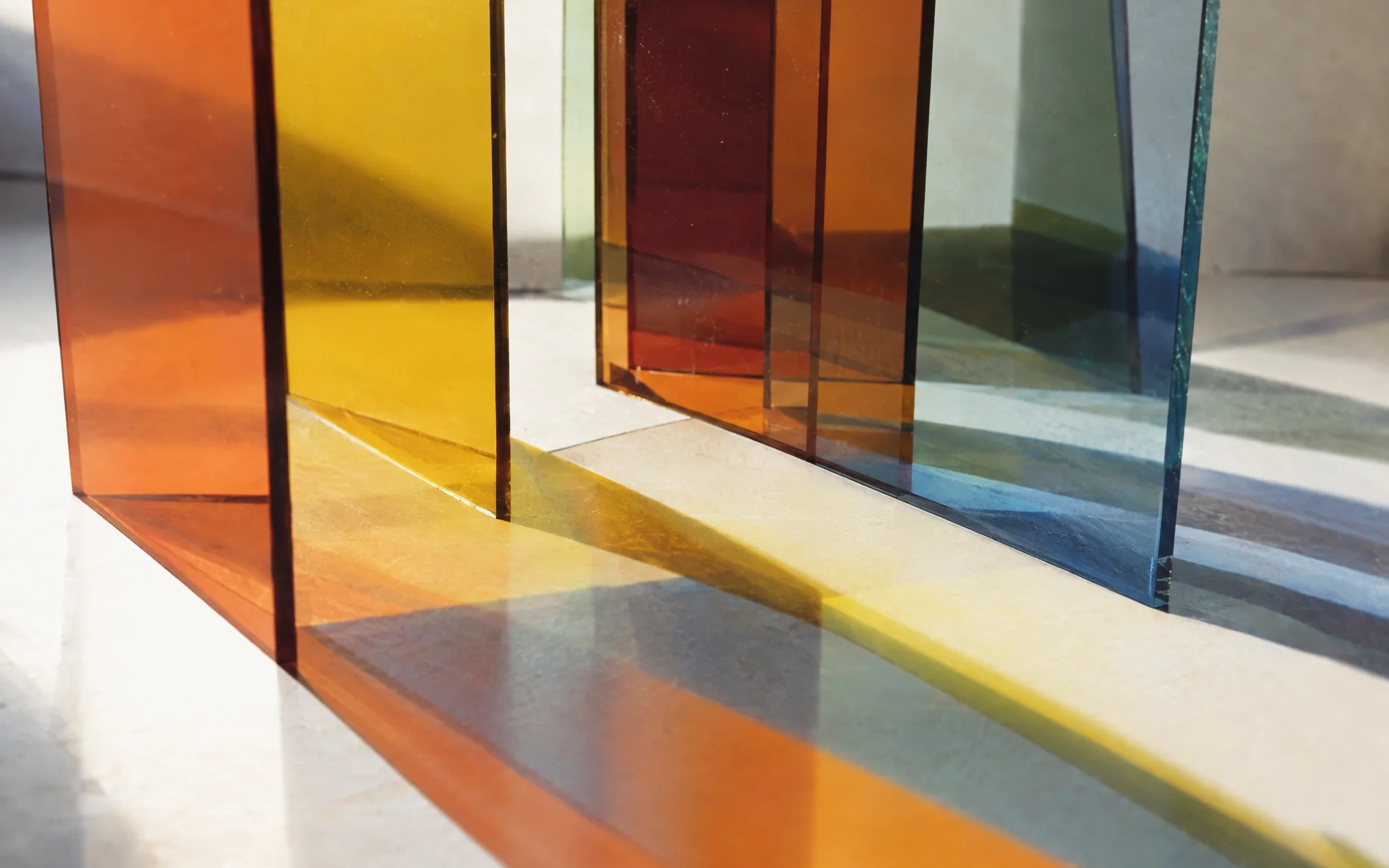
hyper-realistic glass panel
Try prompt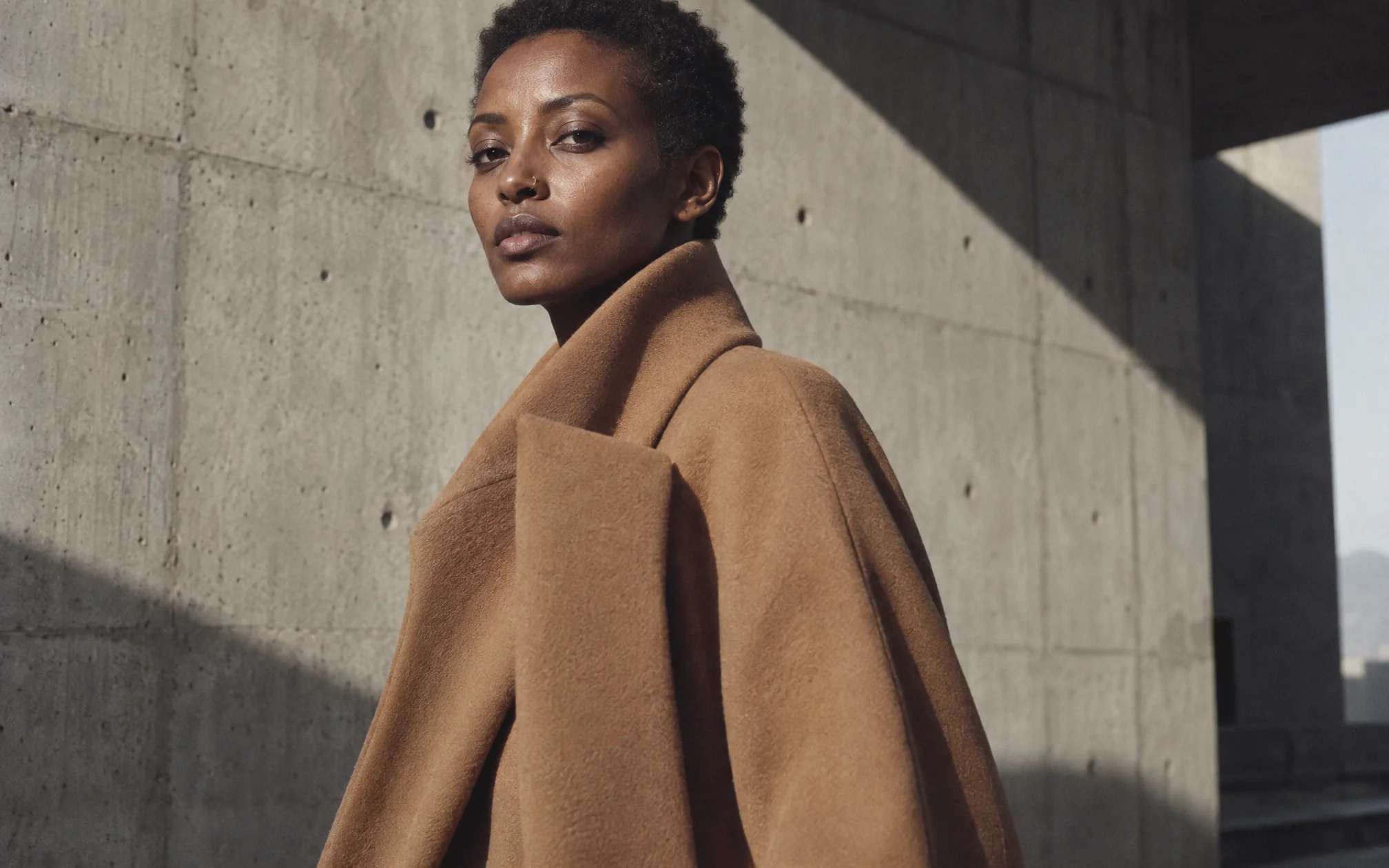
model wearing brutalist coat
Try prompt
spider web with morning dew
Try prompt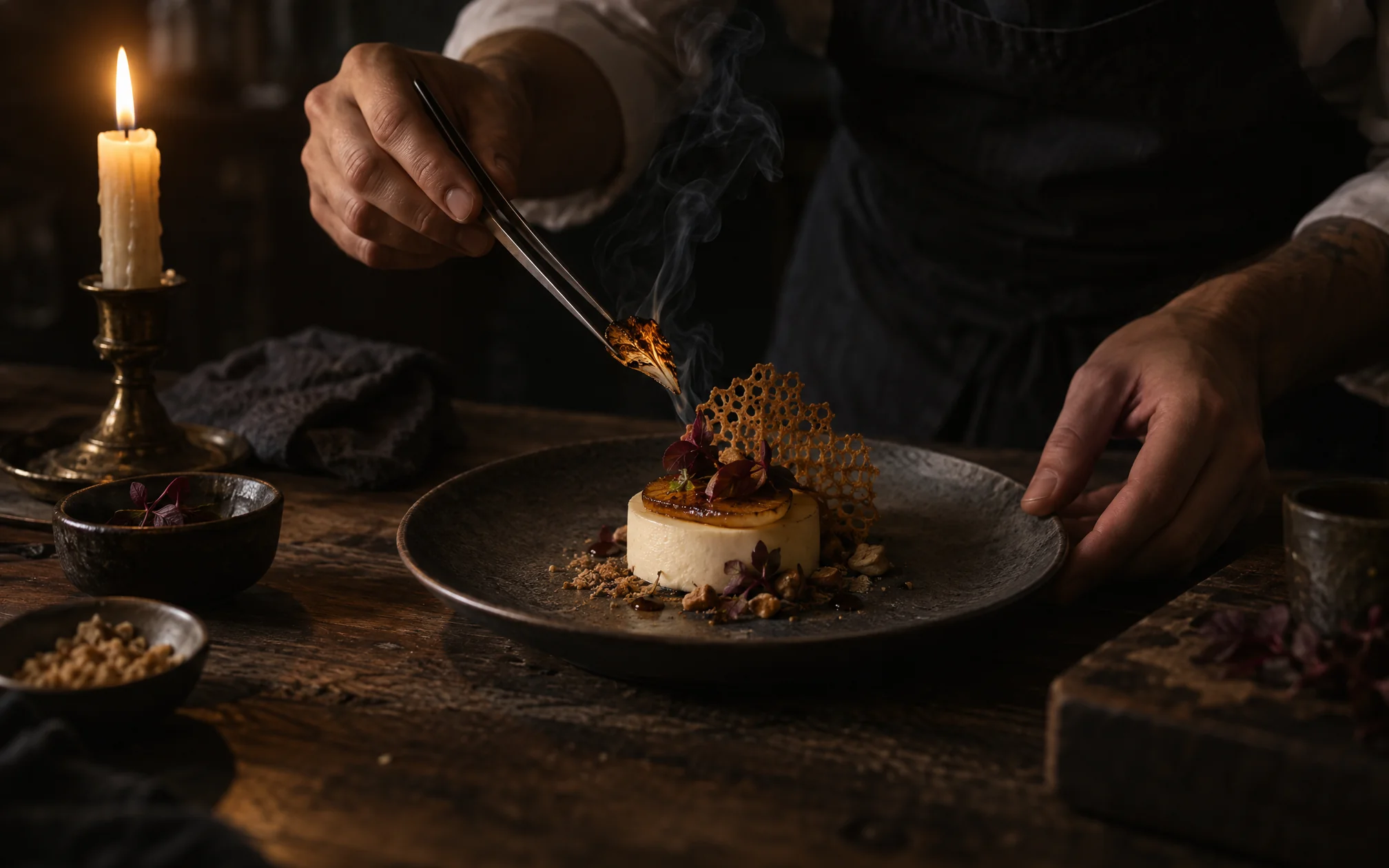
chef dressing food
Try promptPerfume display
Try promptCitrus oil painting style image
Try prompthyper-realistic glass panel
Try promptmodel wearing brutalist coat
Try promptspider web with morning dew
Try promptchef dressing food
Try promptPerfume display
Try promptCitrus oil painting style image
Try prompthyper-realistic glass panel
Try promptmodel wearing brutalist coat
Try promptspider web with morning dew
Try promptchef dressing food
Try promptPerfume display
Try promptCitrus oil painting style image
Try prompthyper-realistic glass panel
Try promptmodel wearing brutalist coat
Try promptspider web with morning dew
Try promptchef dressing food
Try prompt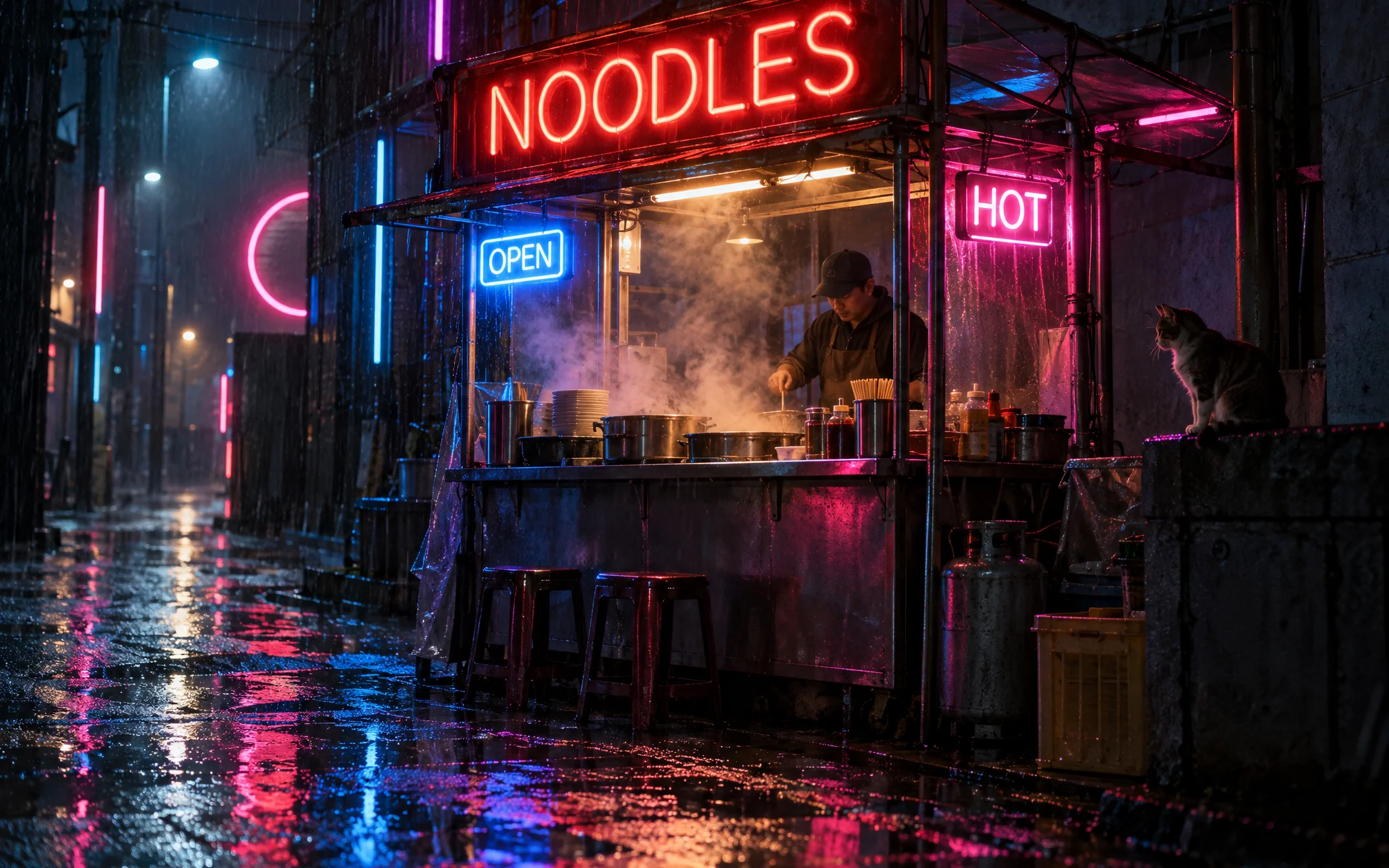
cyberpunk noodles stall
Try prompt
flat lay organised desk
Try prompt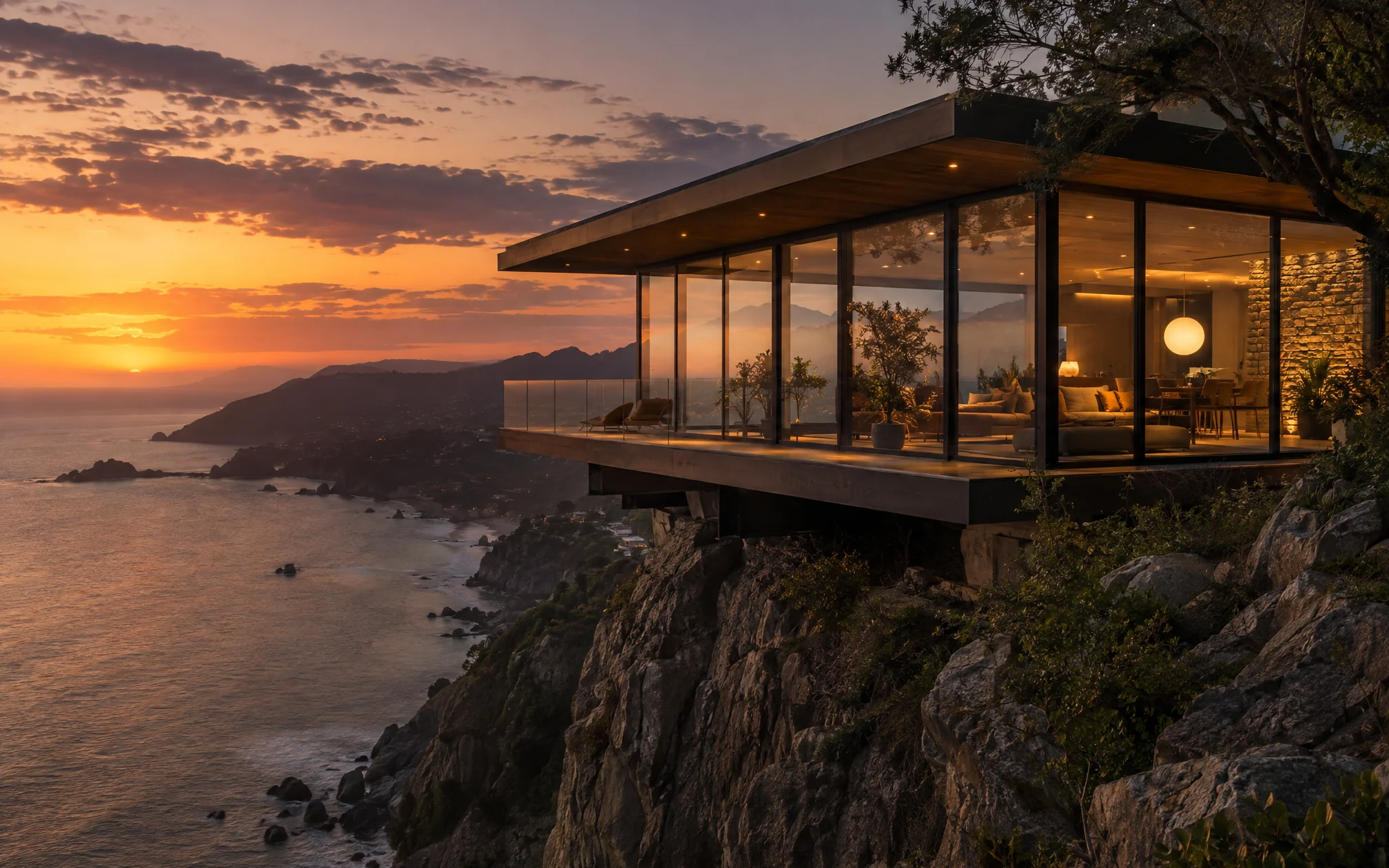
cliff house aesthetic shot
Try prompt
robot gardener
Try prompt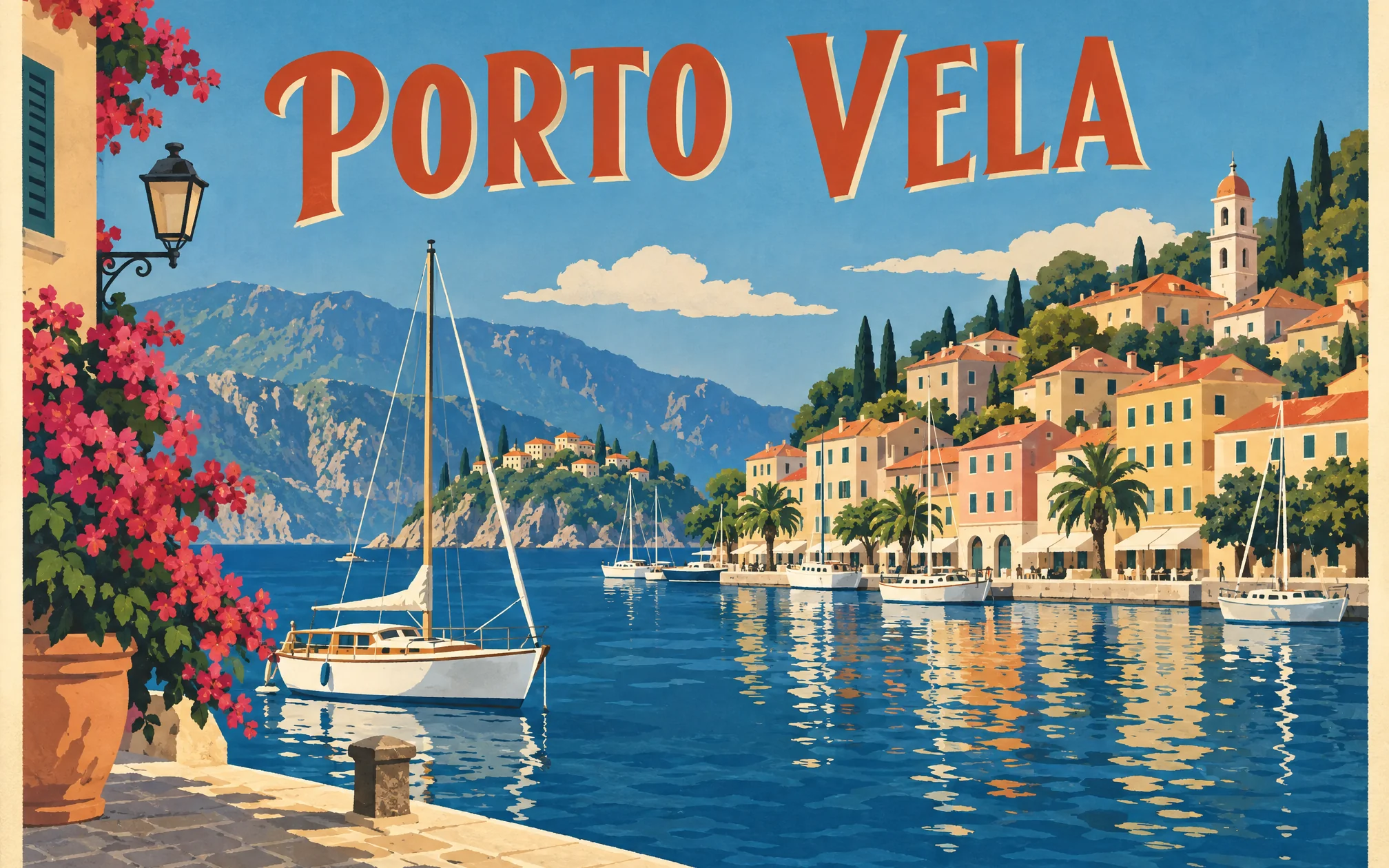
porto vela travel poster
Try prompt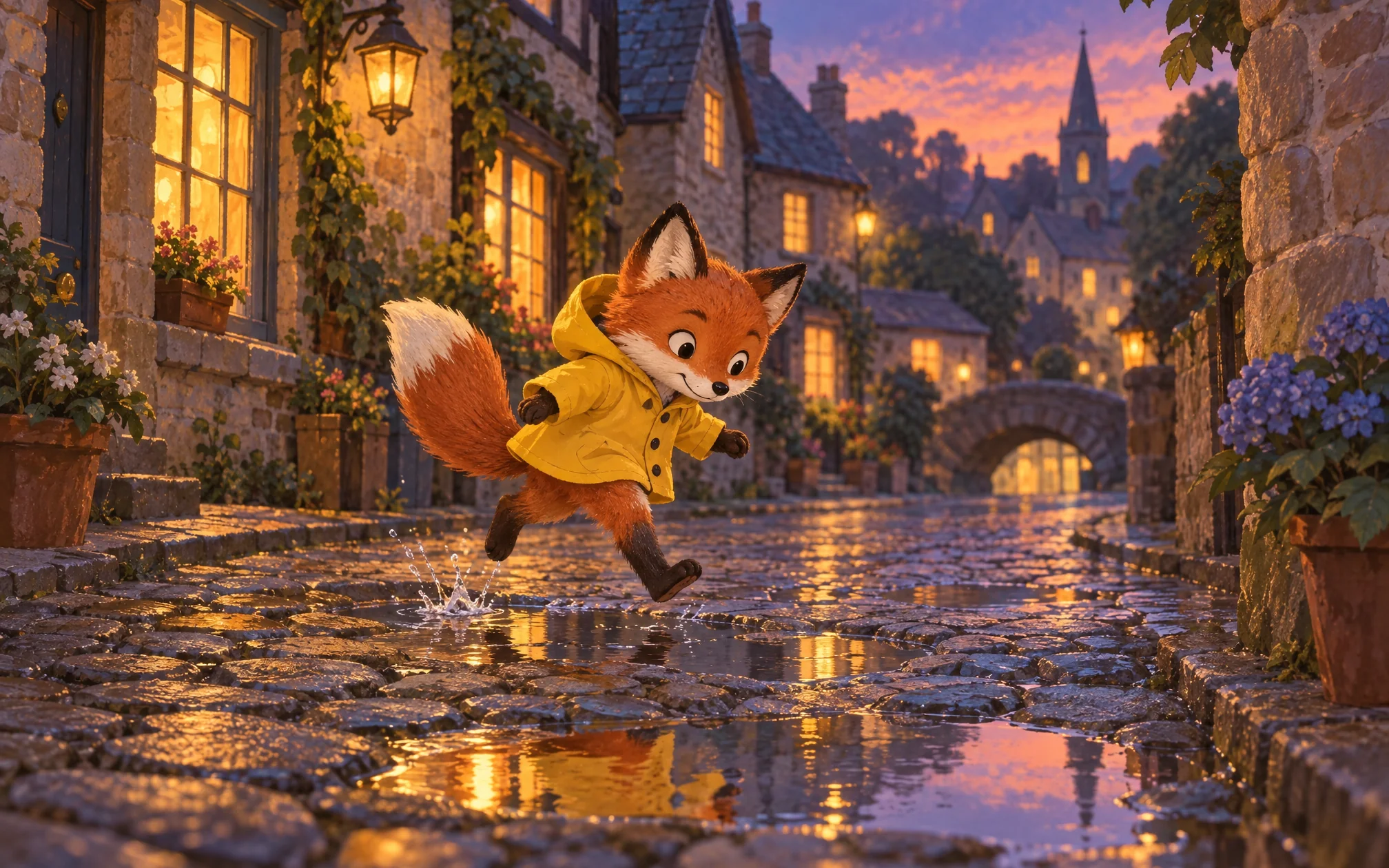
children's illustration of fox in raincoat
Try promptcyberpunk noodles stall
Try promptflat lay organised desk
Try promptcliff house aesthetic shot
Try promptrobot gardener
Try promptporto vela travel poster
Try promptchildren's illustration of fox in raincoat
Try promptcyberpunk noodles stall
Try promptflat lay organised desk
Try promptcliff house aesthetic shot
Try promptrobot gardener
Try promptporto vela travel poster
Try promptchildren's illustration of fox in raincoat
Try promptcyberpunk noodles stall
Try promptflat lay organised desk
Try promptcliff house aesthetic shot
Try promptrobot gardener
Try promptporto vela travel poster
Try promptchildren's illustration of fox in raincoat
Try prompt
Add your input
Type a prompt or add reference images for subjects, props or style cues.
Generate
Once you're done adding references and writing the prompt, hit generate.
Export
Download at up to 4K and share!
Compose from multiple references at once
FLUX 3 Image accepts a number of images in a single generation, pulling subjects, props and style cues from different sources into one coherent scene instead of forcing everything through a single reference image.
Combine a product shot of a ceramic mug, a marble countertop texture and a soft morning-light reference into one scene, keeping the mug's exact shape and the counter's real texture intact.
Try prompt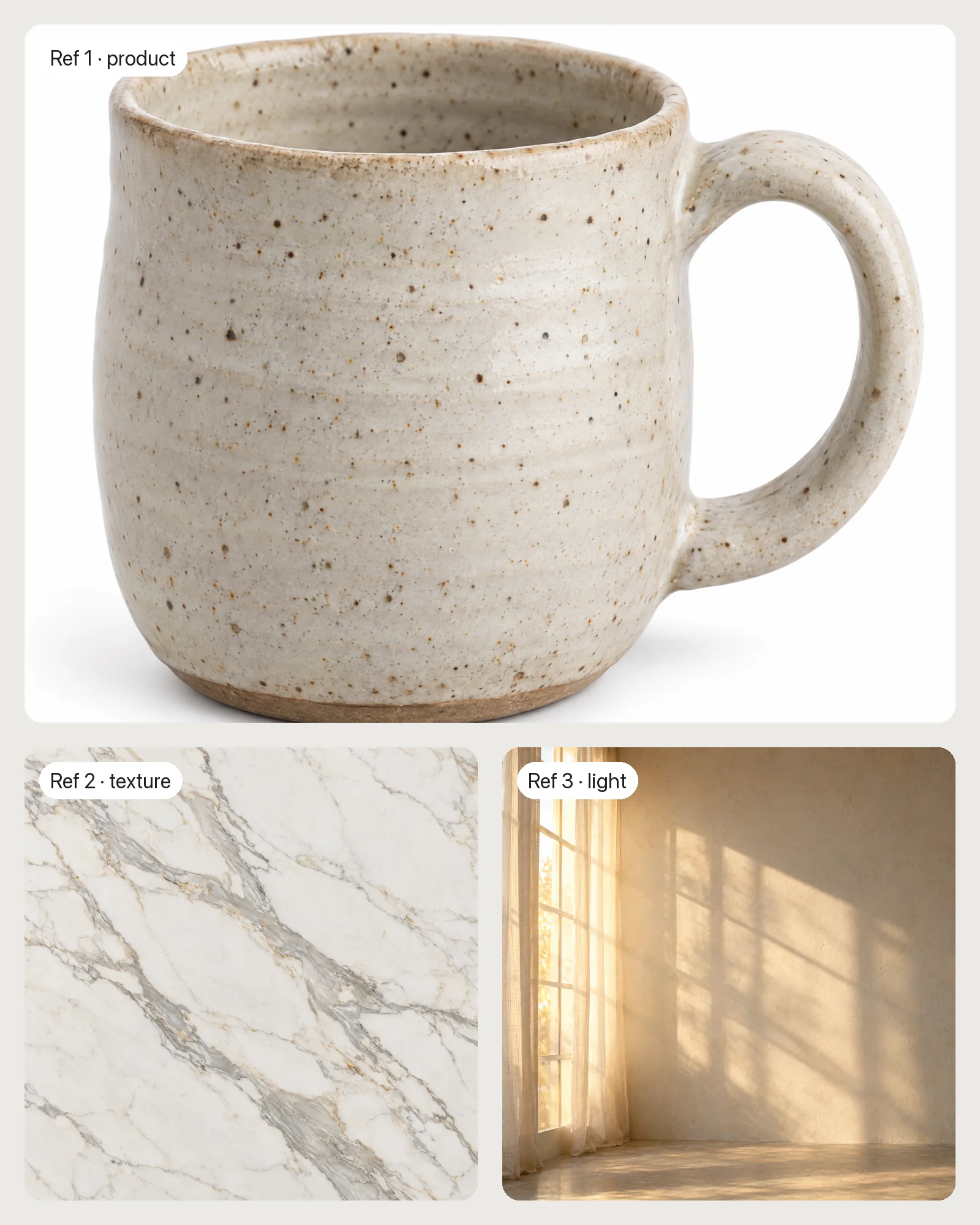

Place every element exactly where you want it
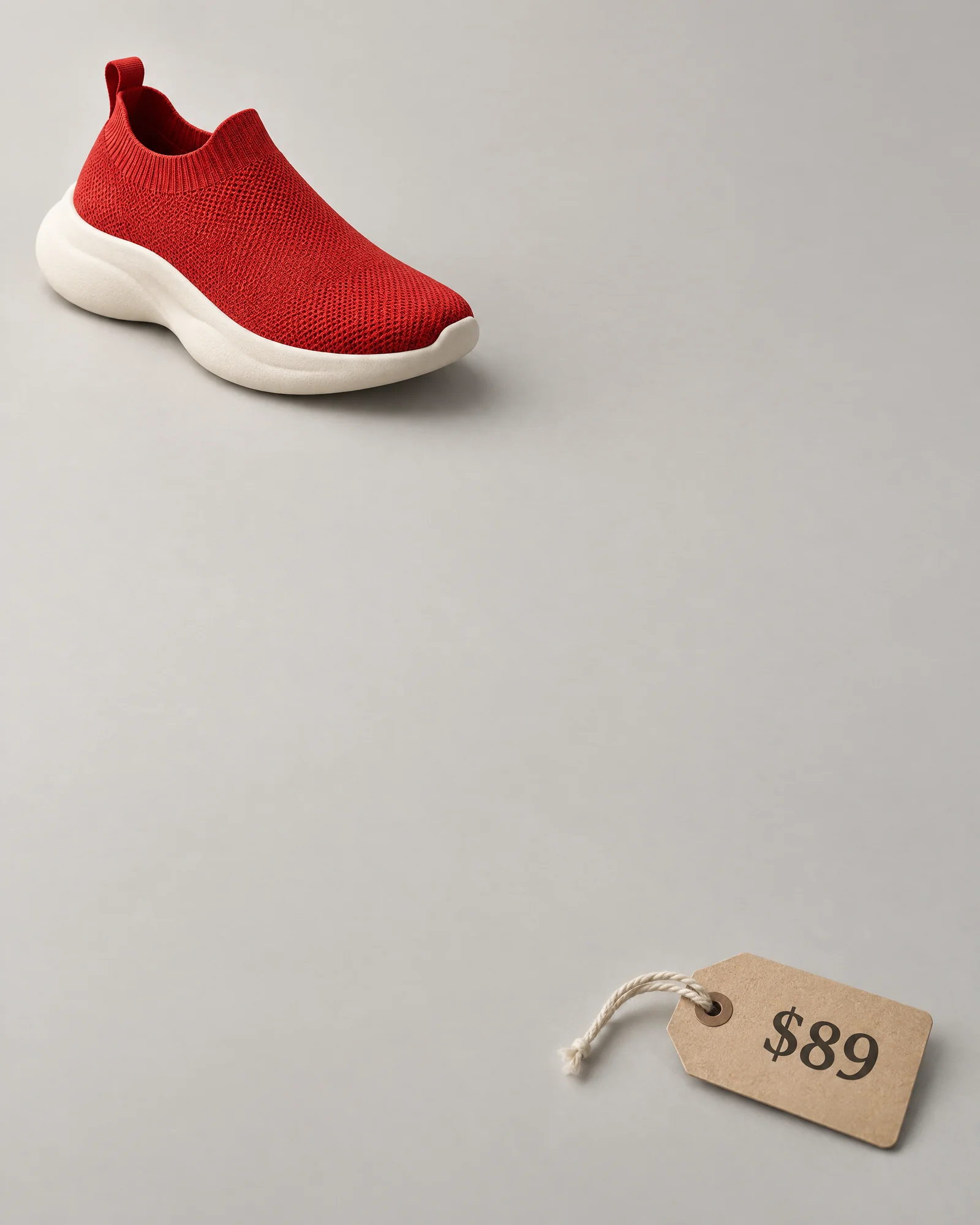
FLUX 3 Image's integer-grid layout system lets you name elements and set bounding boxes directly, giving pixel-level control over composition instead of hoping a prompt describes position precisely enough.
Place a red sneaker in the top-left third of the frame, a price tag in the bottom-right corner, and leave the center third empty for overlay text.
Try prompt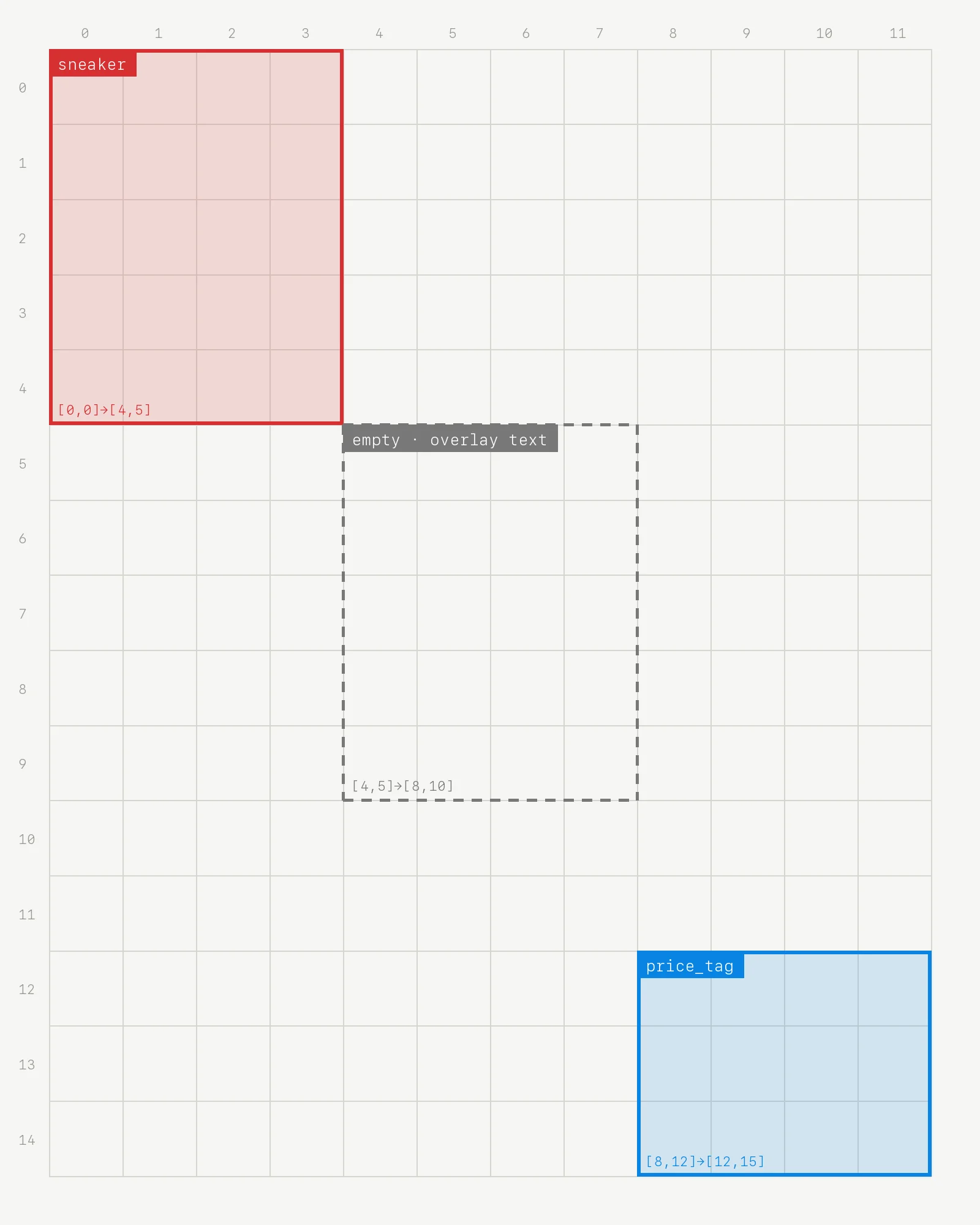
Output tiers up to 4K, no upscaling pass needed
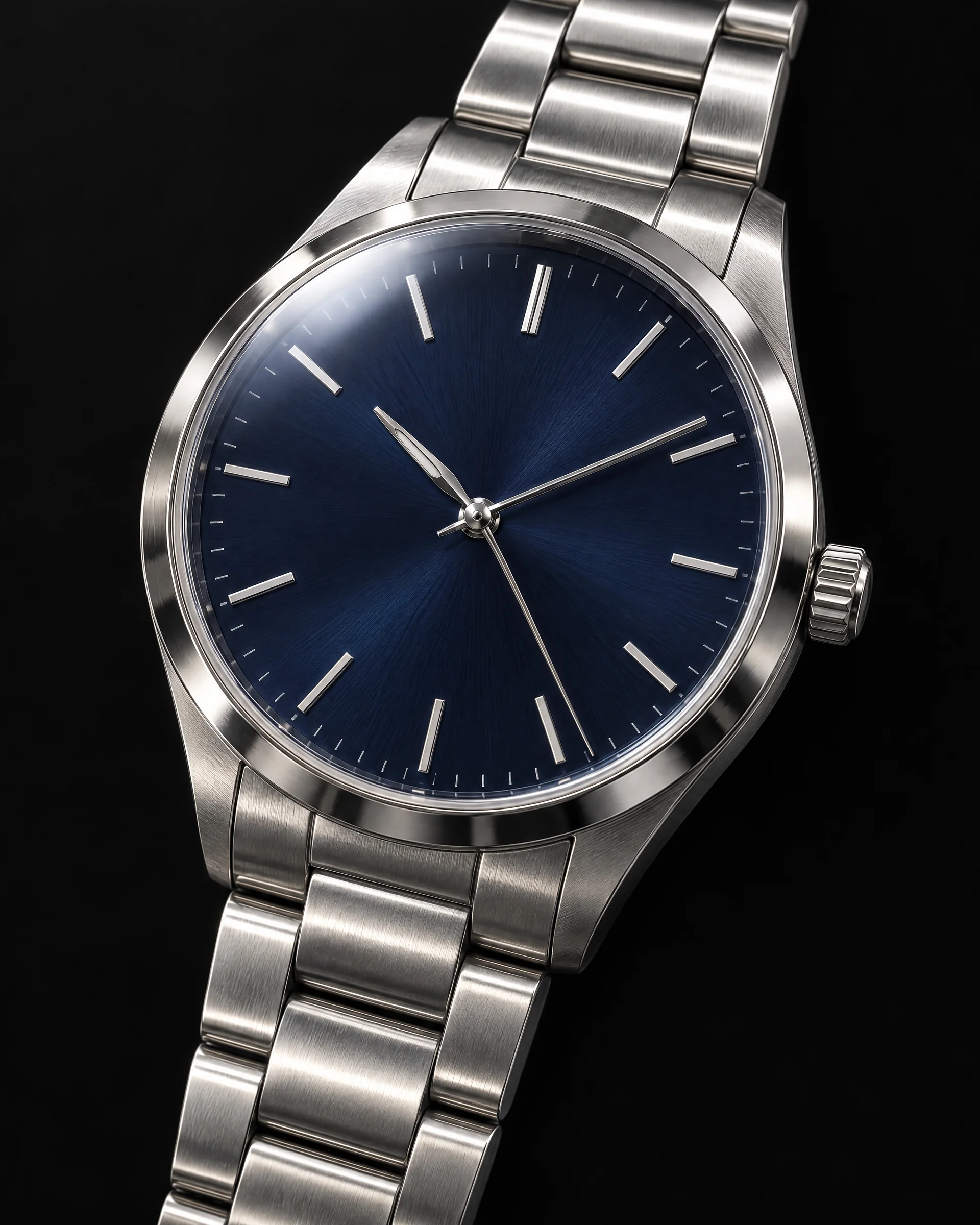
FLUX 3 Image generates directly at resolutions up to 4K, roughly 16 megapixels, so a single generation is print- and billboard-ready without routing it through a separate upscaler first.
A close-up studio shot of a wristwatch face, catching light off the crystal and metal band, sharp enough to print at poster size without visible softness.
Try prompt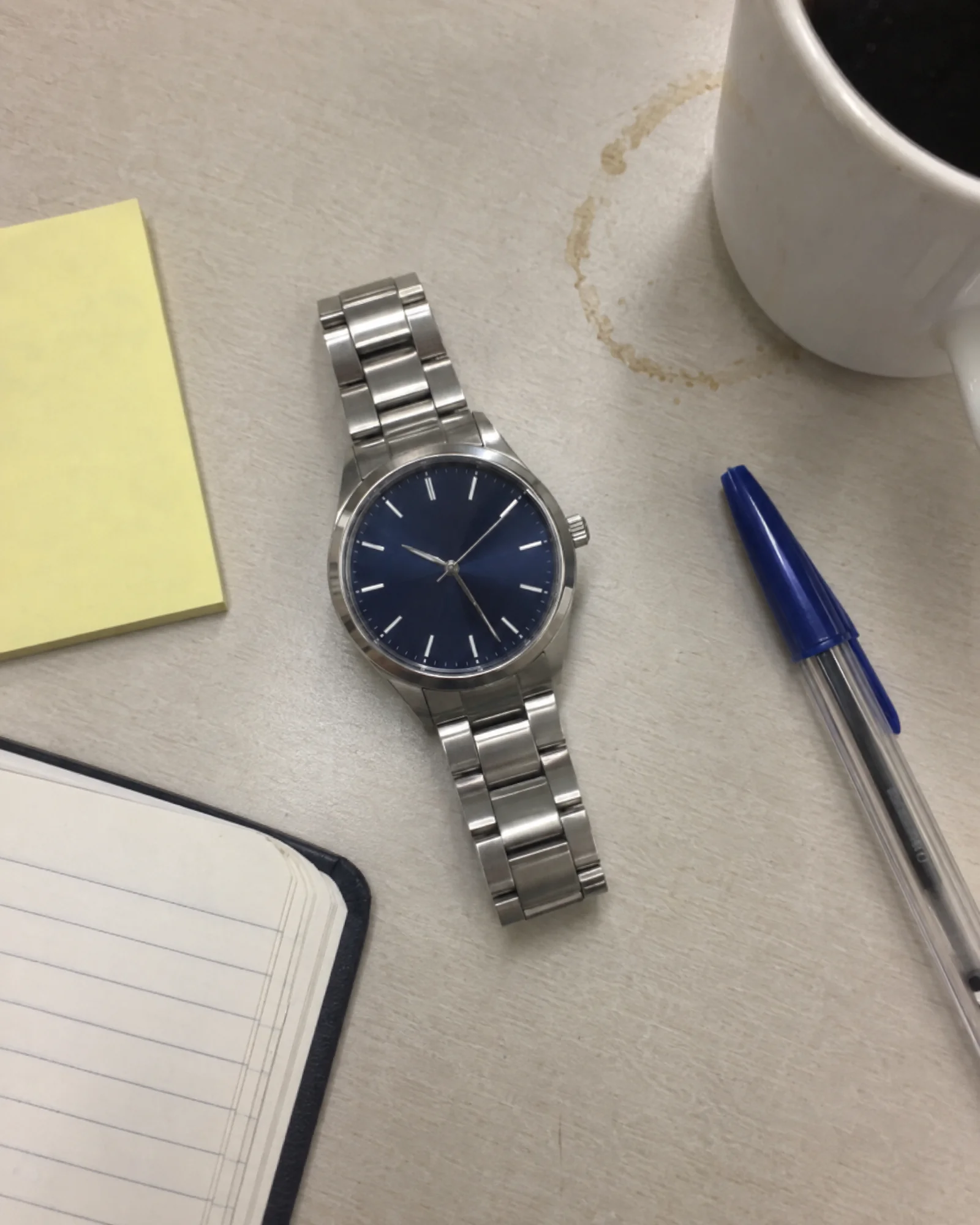
Fifteen aspect ratios, picked for the platform
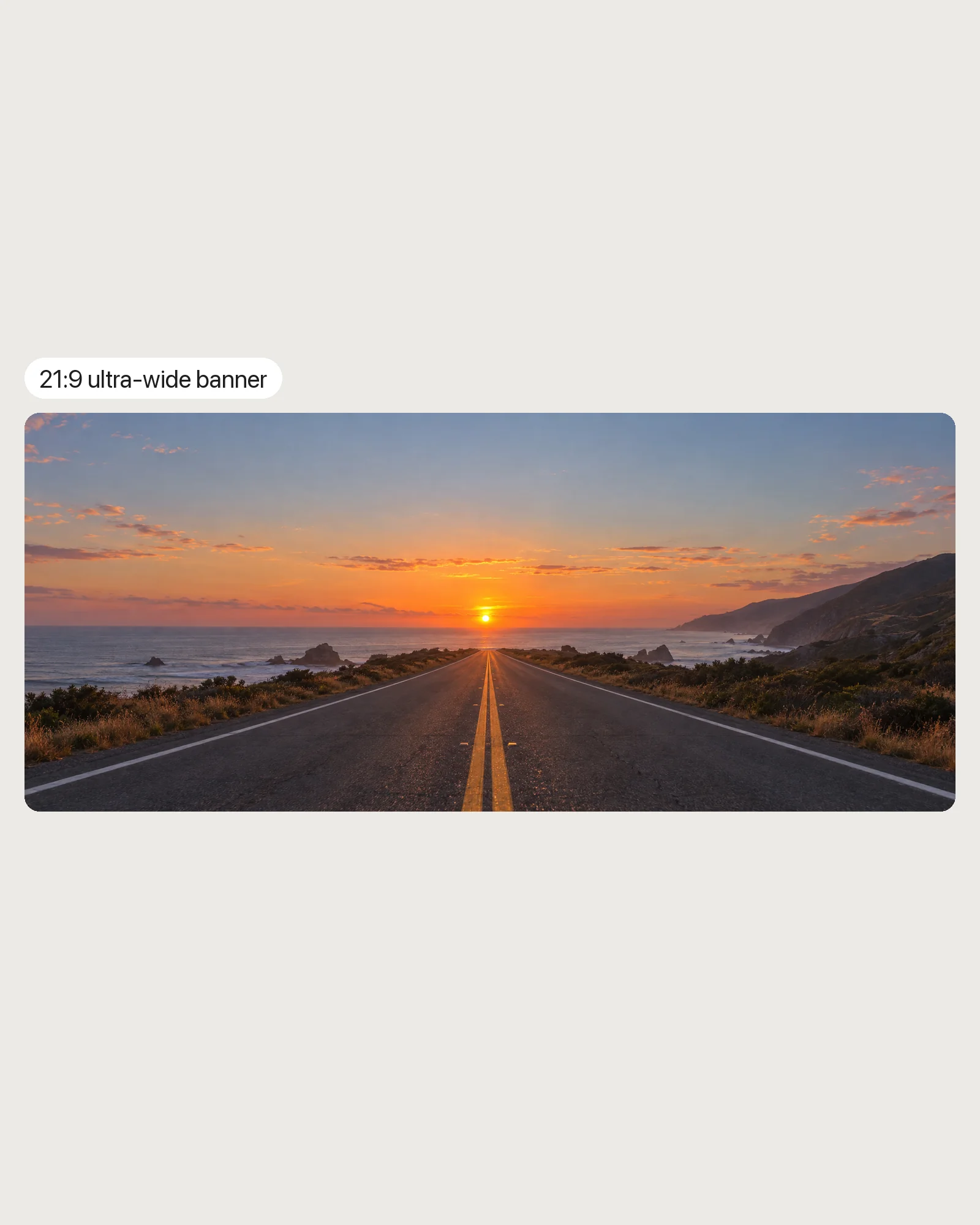
FLUX 3 Image ships with 15 aspect ratio options, from square social posts to ultra-wide banners, so the composition is built for its destination instead of cropped into it afterward.
A panoramic shot of a coastal highway at sunset, framed for an ultra-wide banner, with the road's vanishing point centered and both edges holding open sky.
Try prompt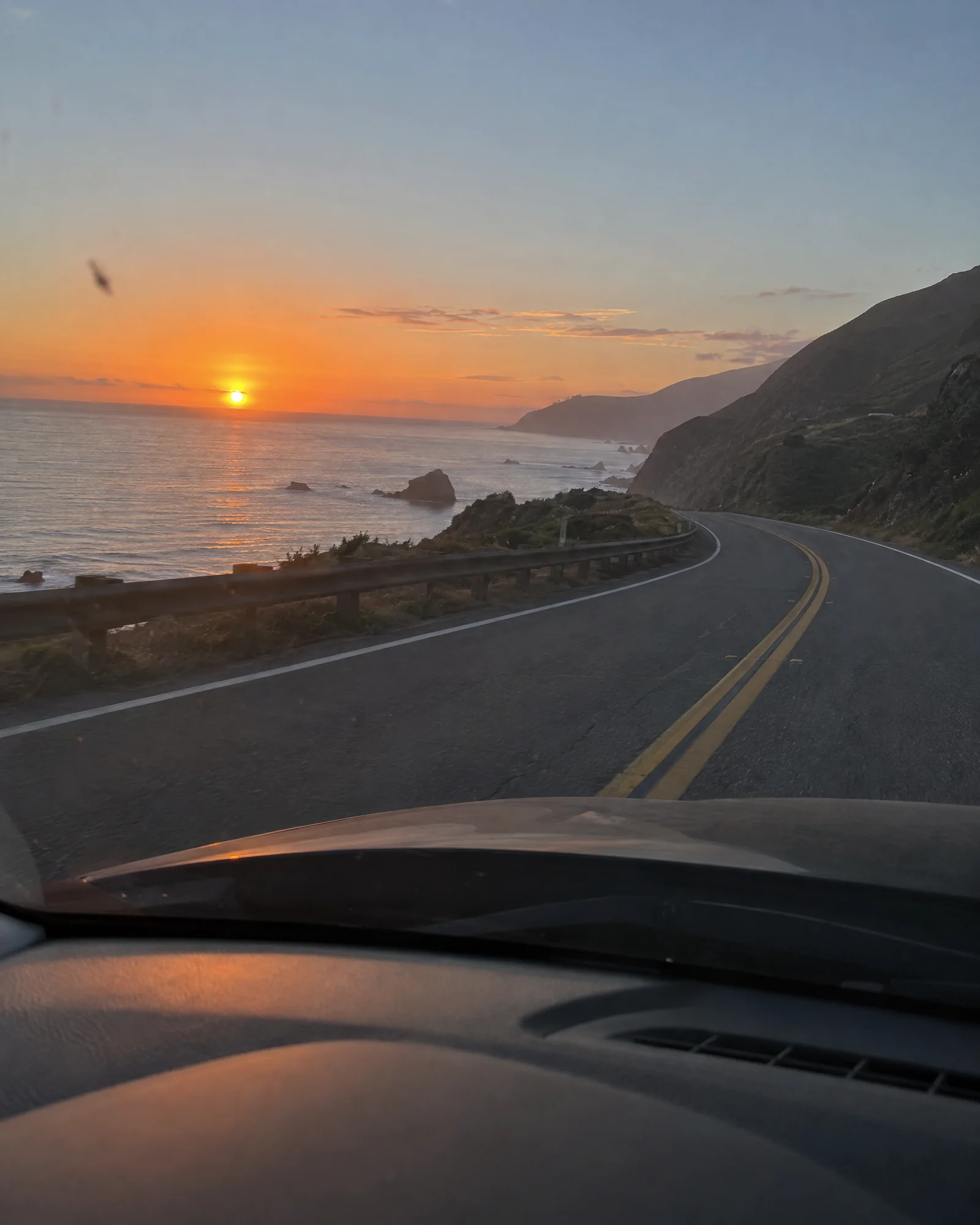
Whether you are designing a campaign, building a brand, or creating daily content, ImagineArt gives you the tools to create the best controllable visuals faster.
Get started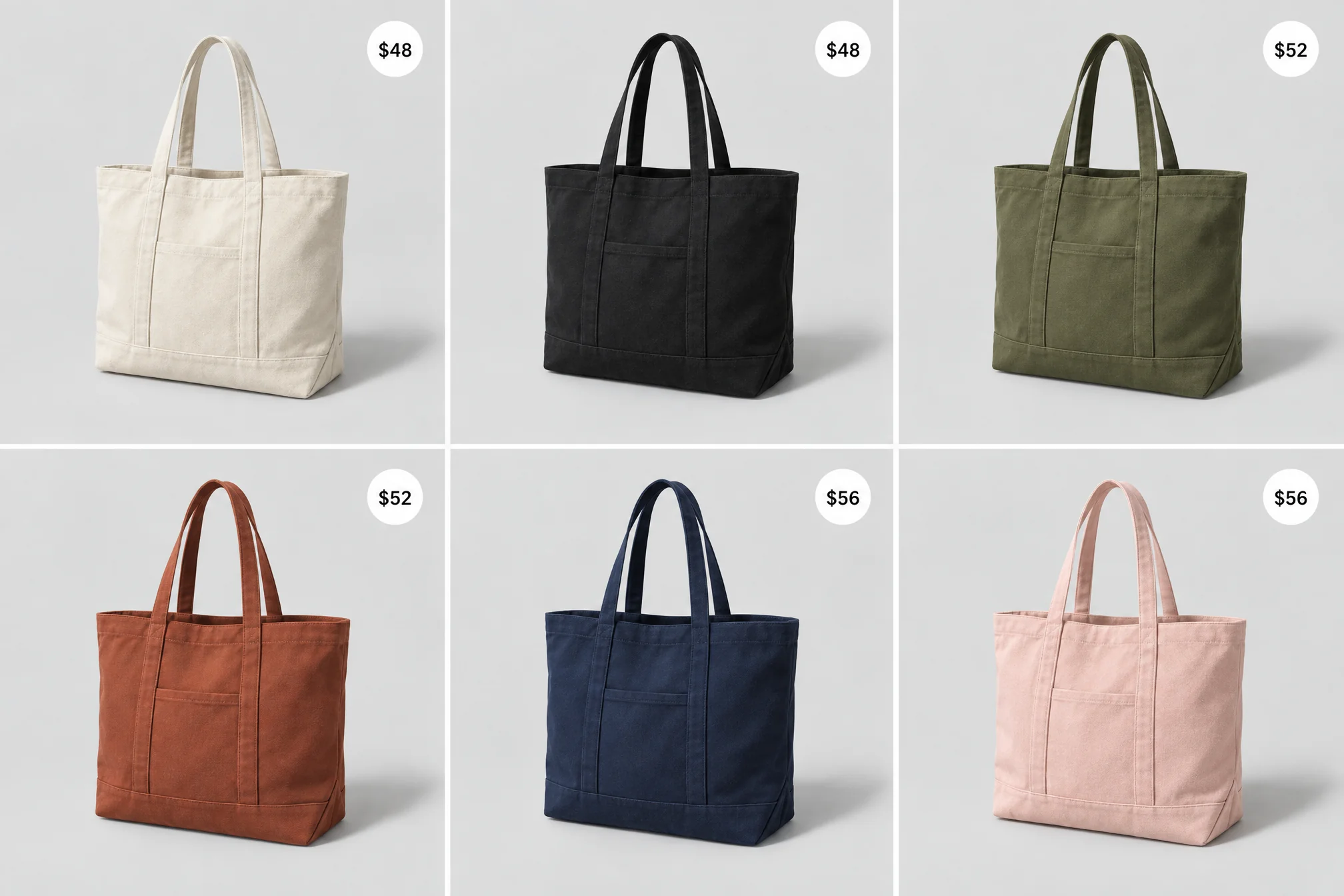
Product mockups placed to the pixel
An e-commerce team can set exact bounding boxes for a product, its shadow and a price callout, getting the same layout across a whole catalog without hand-placing every shot in post.
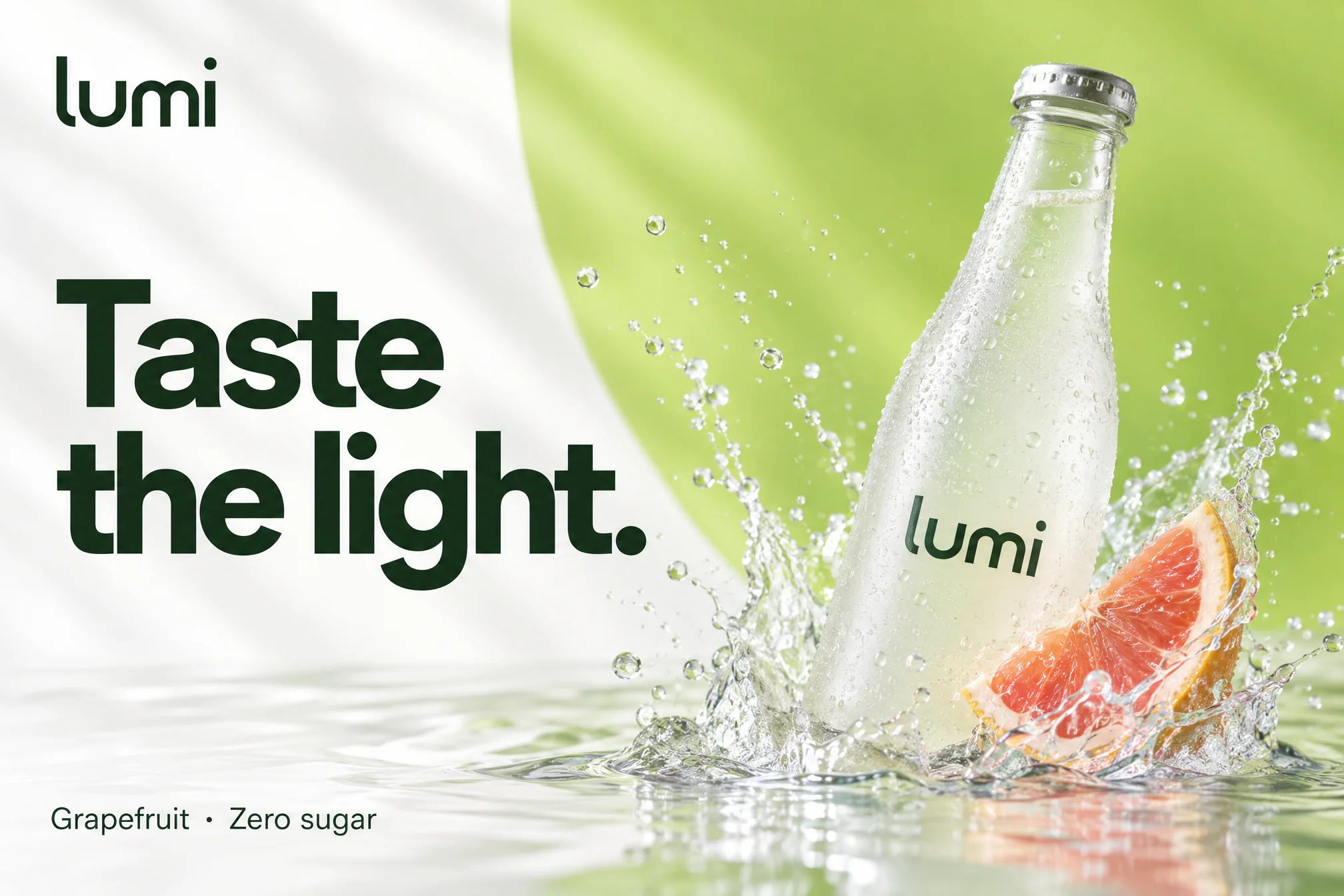
Ad creative that matches the brief exactly
A brand team can hand FLUX 3 Image a layout spec, logo zone, headline zone, product zone, and get creative that already fits the media kit instead of needing a redesign pass.
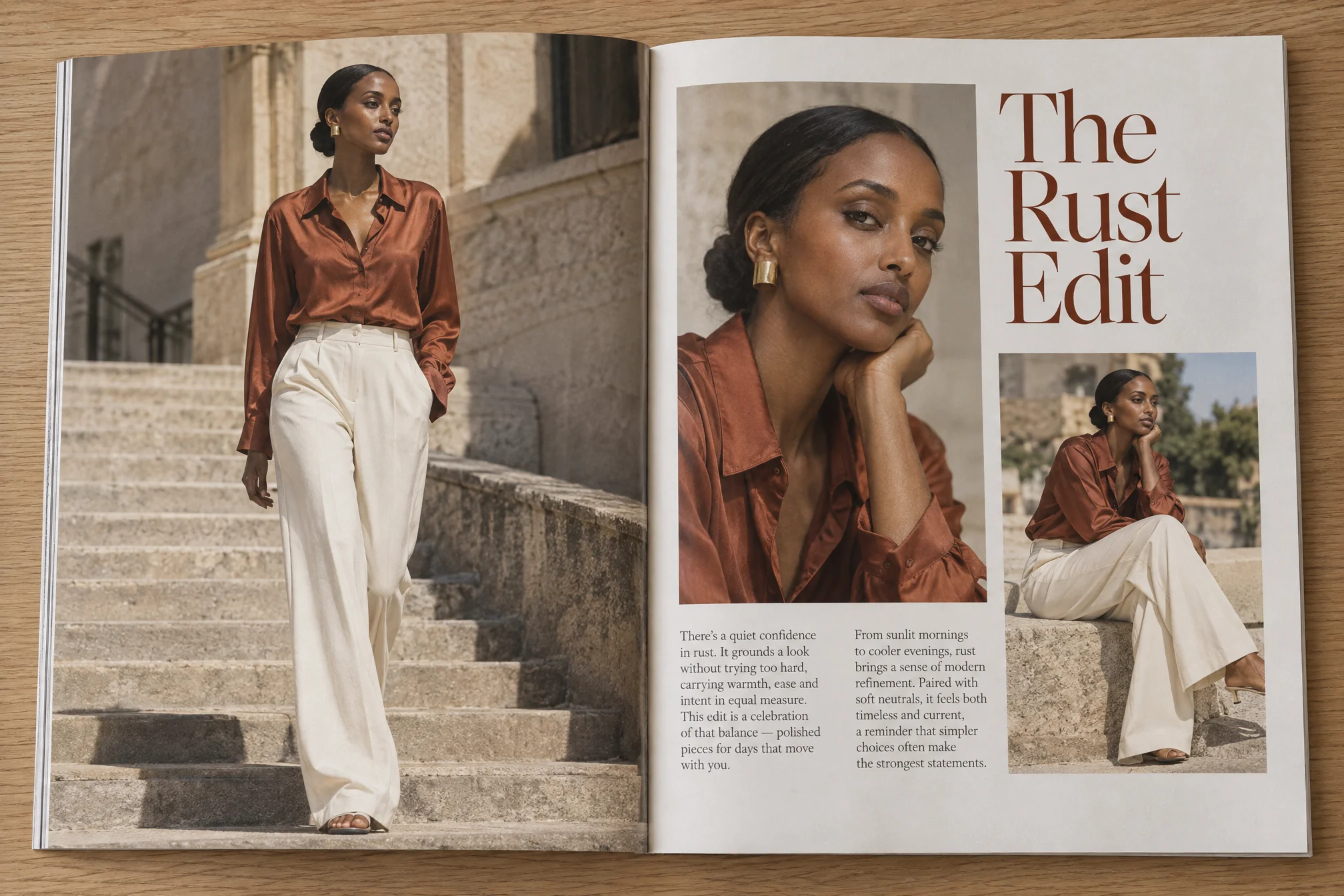
Editorial spreads with one subject held across frames
A magazine or blog can keep the same model, outfit or prop consistent across a multi-image spread using the same reference set, instead of re-describing it in every prompt.
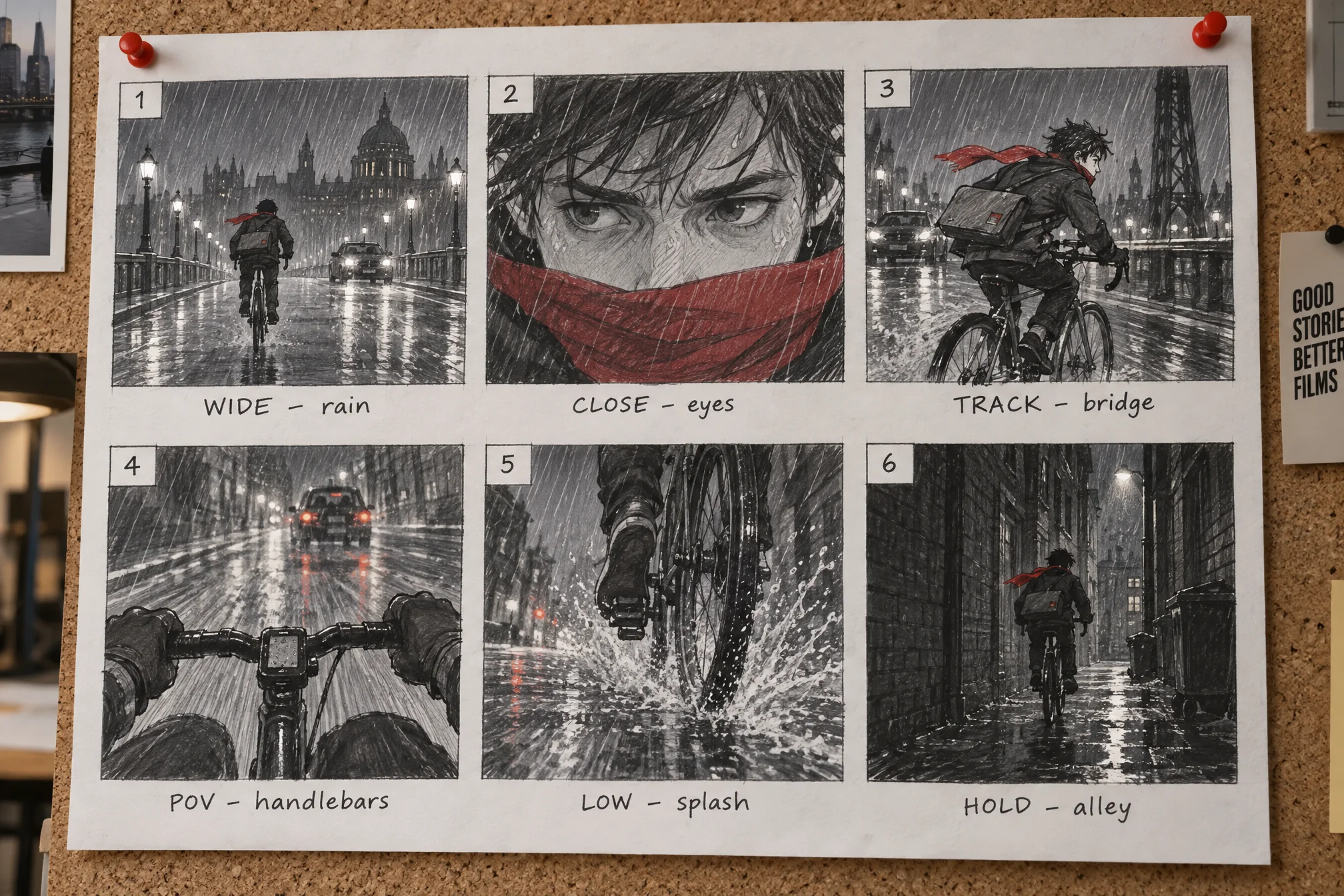
Concept art and storyboard frames for a pitch
A studio can block out a sequence of frames with consistent characters and settings from shared references, previewing a pitch deck's visual direction before committing design hours to it.
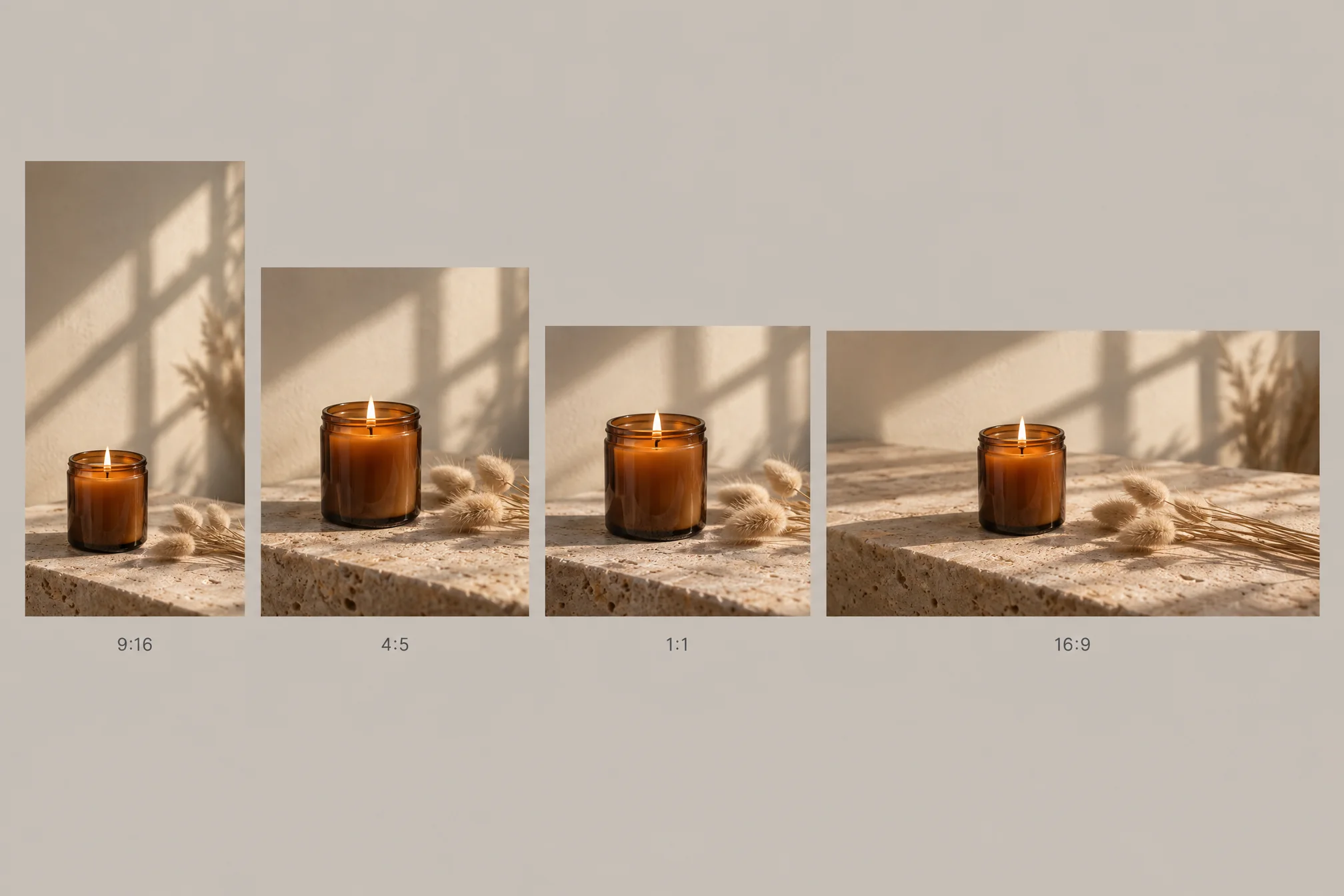
Social campaign variations from one reference set
A growth team can generate a week of on-brand social variants, same product, same mood, different aspect ratios, from a single set of references instead of reshooting for each platform.
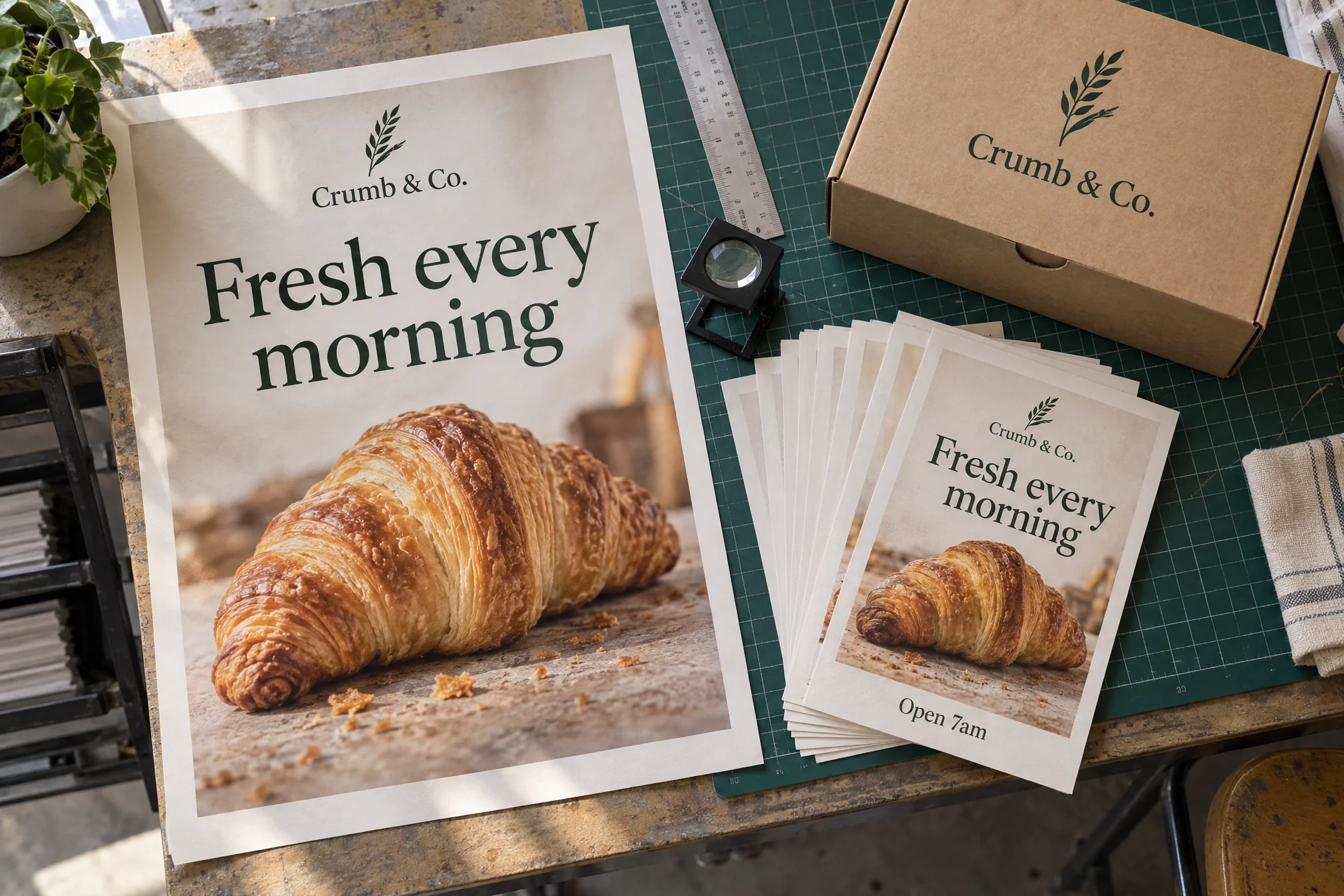
Print-ready marketing collateral at full resolution
A design team can generate flyers, posters and packaging mockups directly at 4K, skipping the usual upscale-and-sharpen pass before a file goes to a printer.
Product mockups placed to the pixel
An e-commerce team can set exact bounding boxes for a product, its shadow and a price callout, getting the same layout across a whole catalog without hand-placing every shot in post.
Ad creative that matches the brief exactly
A brand team can hand FLUX 3 Image a layout spec, logo zone, headline zone, product zone, and get creative that already fits the media kit instead of needing a redesign pass.
Editorial spreads with one subject held across frames
A magazine or blog can keep the same model, outfit or prop consistent across a multi-image spread using the same reference set, instead of re-describing it in every prompt.
Concept art and storyboard frames for a pitch
A studio can block out a sequence of frames with consistent characters and settings from shared references, previewing a pitch deck's visual direction before committing design hours to it.
Social campaign variations from one reference set
A growth team can generate a week of on-brand social variants, same product, same mood, different aspect ratios, from a single set of references instead of reshooting for each platform.
Print-ready marketing collateral at full resolution
A design team can generate flyers, posters and packaging mockups directly at 4K, skipping the usual upscale-and-sharpen pass before a file goes to a printer.
Reviews
What creators are saying
Real ratings, pulled live from Trustpilot, not cherry-picked quotes.

"Imagine.art is hands down one of the best AI image generators I have used lately. The results are consistently high-quality, and the prompt accuracy is fantastic."
"The most important feature I like is face consistency. You can generate a face and use it across hundreds of images with very good accuracy."
"I love the image generation and have been using it to create some great tee shirt designs. The monthly cost is minimal compared to the benefits."
"ImagineArt has been a game changer for creating visuals that fit my brand quickly."
Plans
Simple pricing, no surprises
See exactly what a FLUX 3 Image generation costs on your plan.
Free
USD 0 · per creator / month, billed annually
3000 credits / month
- 100 Daily credits
- In-house models only
- 36k credits per year
- 1 Fast Image concurrency
Basic
For newcomers taking their first steps
3K credits / month
- Up to ~97 video generations / month
- Up to ~600 image generations / month
- 10 image models · 9 video models
- 4 concurrent image generations
- General commercial terms
Ultimate
Peak performance for pros
16K credits / month
- Up to ~530 video generations / month
- Up to ~3.2k image generations / month
- All styles and models, including Kling 2.6 Pro and Seedance 1.5 Pro
- Everything in Standard, unlimited
- General commercial terms
Trusted by creative teams, designers and marketers.
Compare every plan and buy credit packs →FAQs
- What is FLUX 3 Image, and is it the same as FLUX 3?
- No. FLUX 3 is Black Forest Labs' broader multimodal model spanning image, video, audio and robot-action prediction. FLUX 3 Image is the dedicated still-image variant, launched October 1, 2026, and it's the model this page is built around.
- How is FLUX 3 Image different from FLUX.2?
- FLUX 3 Image adds multi-reference composition (up to 10 references in one generation), an integer-grid layout system for placing named elements with bounding boxes, output tiers up to 4K, and 15 aspect ratio options, a meaningfully more precise toolset than FLUX.2.
- Is FLUX 3 Image free to use on ImagineArt?
- Your first generation is free, no card required. Beyond that, generations draw from your ImagineArt credits or subscription plan.
- Does FLUX 3 Image support multi-reference composition and precise layout control?
- Yes. FLUX 3 Image accepts up to 10 reference images per generation and supports an integer-grid layout system where you name elements and set their bounding boxes directly.
- How does FLUX 3 Image compare to GPT Image 2.5, Nano Banana Pro and Seedream 5.0?
- Independent benchmark comparisons for FLUX 3 Image haven't been published yet; it launched October 1, 2026. What's confirmed from Black Forest Labs' own release is the multi-reference composition and integer-grid layout control, features the other three don't match feature-for-feature today. We'll update this comparison once third-party benchmarks land.
- Does FLUX 3 Image have open weights, like earlier FLUX models?
- Not yet. Black Forest Labs has said open weights for FLUX 3 Image are coming in the following weeks; today it's available as a hosted model, including here on ImagineArt.
Resources

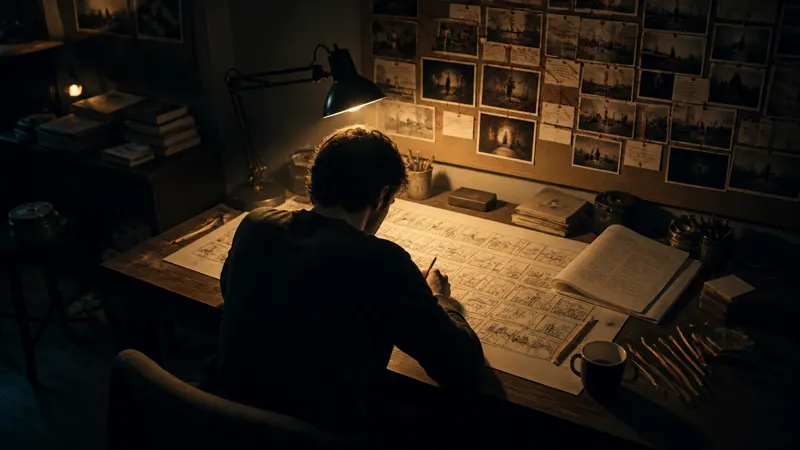
Built for a full production, not just one image
Image Studio
Refine or batch-generate more FLUX 3 Image output.
AI Ad Studio
Turn a precisely composed FLUX 3 Image frame into a full ad creative.
AI Film Studio
Animate a FLUX 3 Image still into a scene.
AI Fashion Studio
Pair with generated models and product shots.
Audio Studio
Add a voiceover or soundtrack to the video you build from it.
Your next frame starts with a prompt
No shoot day, no layout software, just FLUX 3 Image and an idea.
First image's on us · No credit card required