Flux 2 Max AI image generator
Now on ImagineArt
The FLUX.2 tier Black Forest Labs built for the version that ships.
Prompts to try first
Flux 2 Max
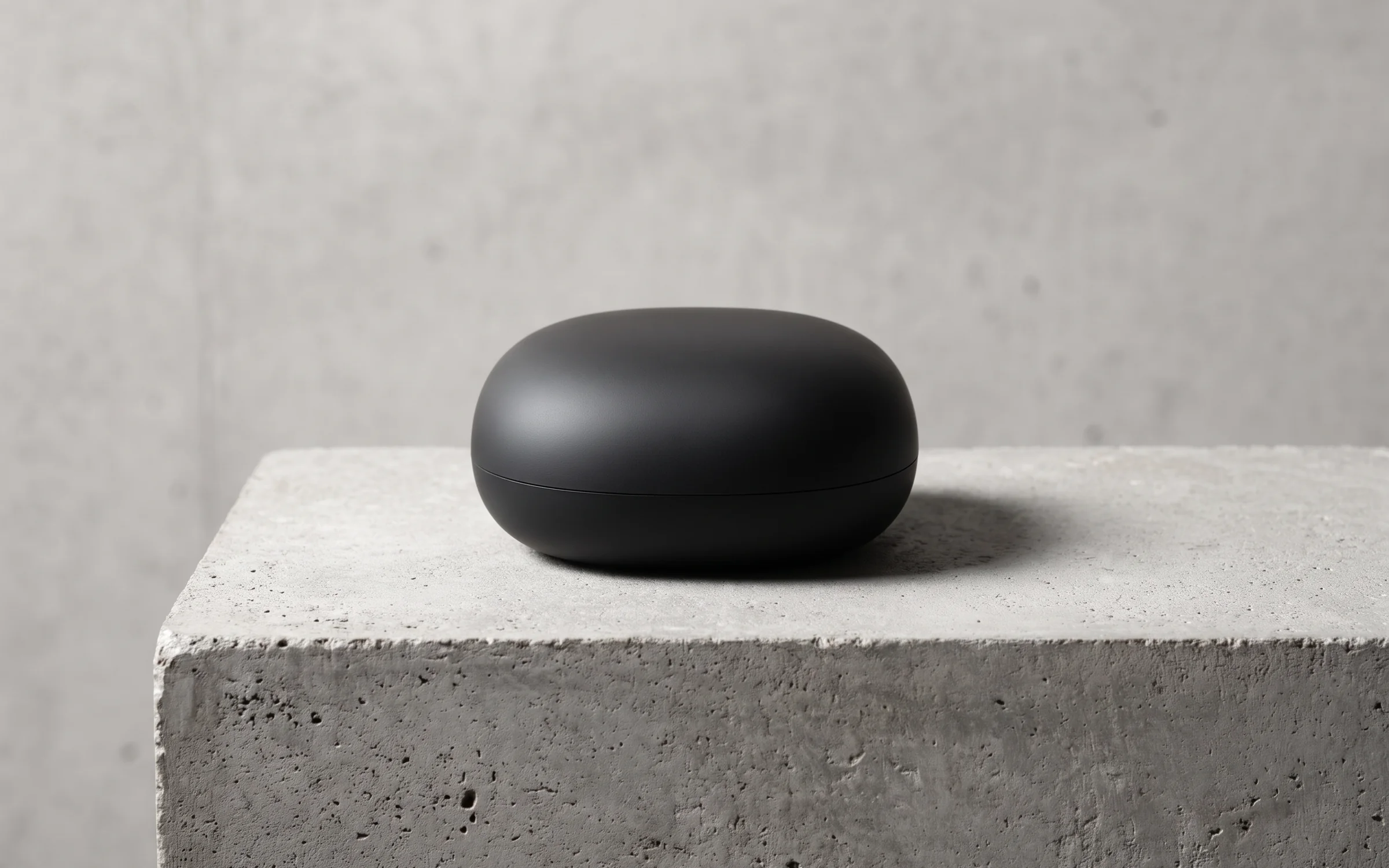
Using the speaker photo as a reference, a hero shot of the matte black speaker on a concrete plinth, soft top light, crisp shadow.
Try prompt
An editorial flat lay of a leather notebook, a fountain pen and a brass compass on dark walnut.
Try prompt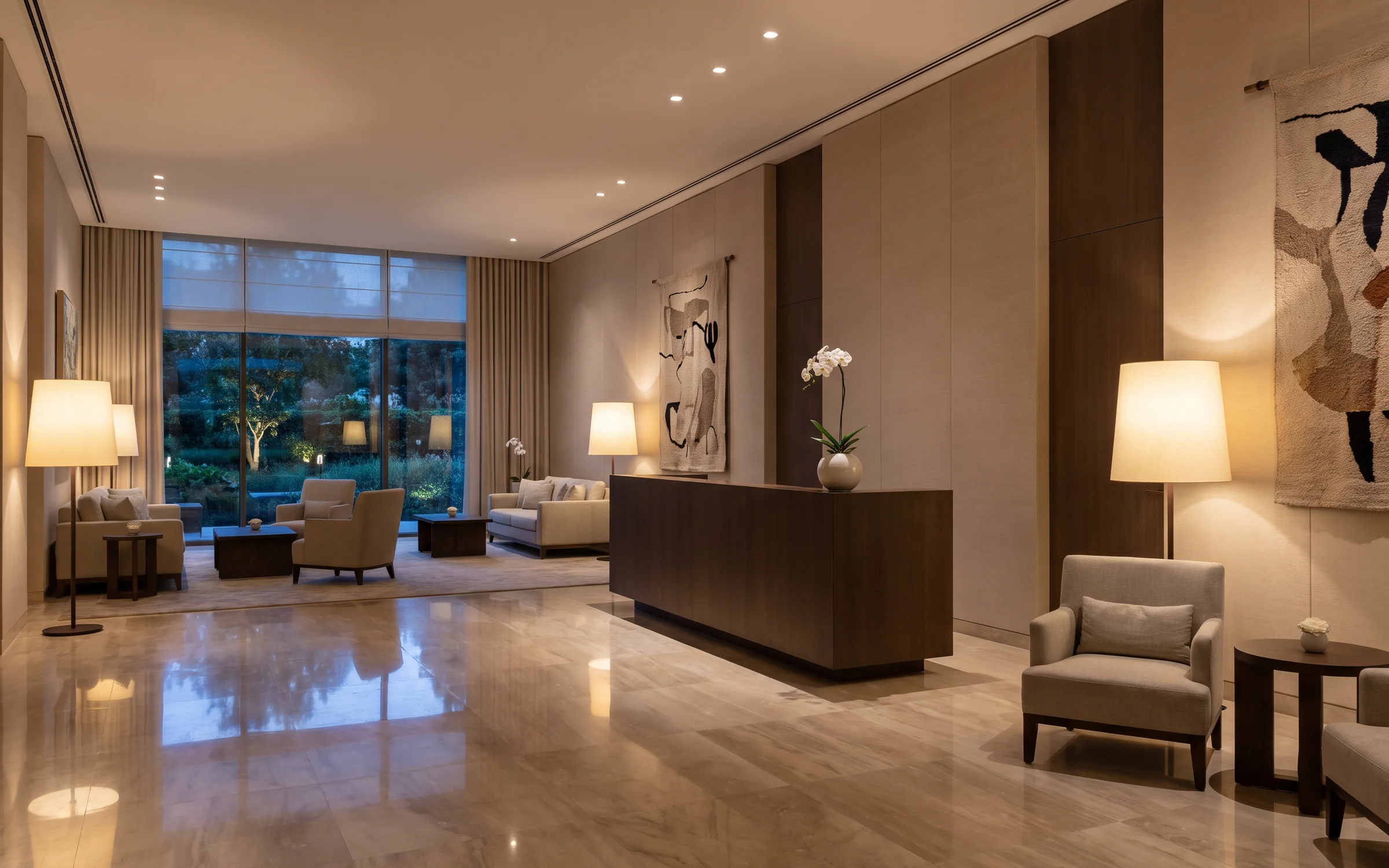
A luxury hotel lobby at dusk, marble floor, a single orchid on the reception desk, warm lamps.
Try prompt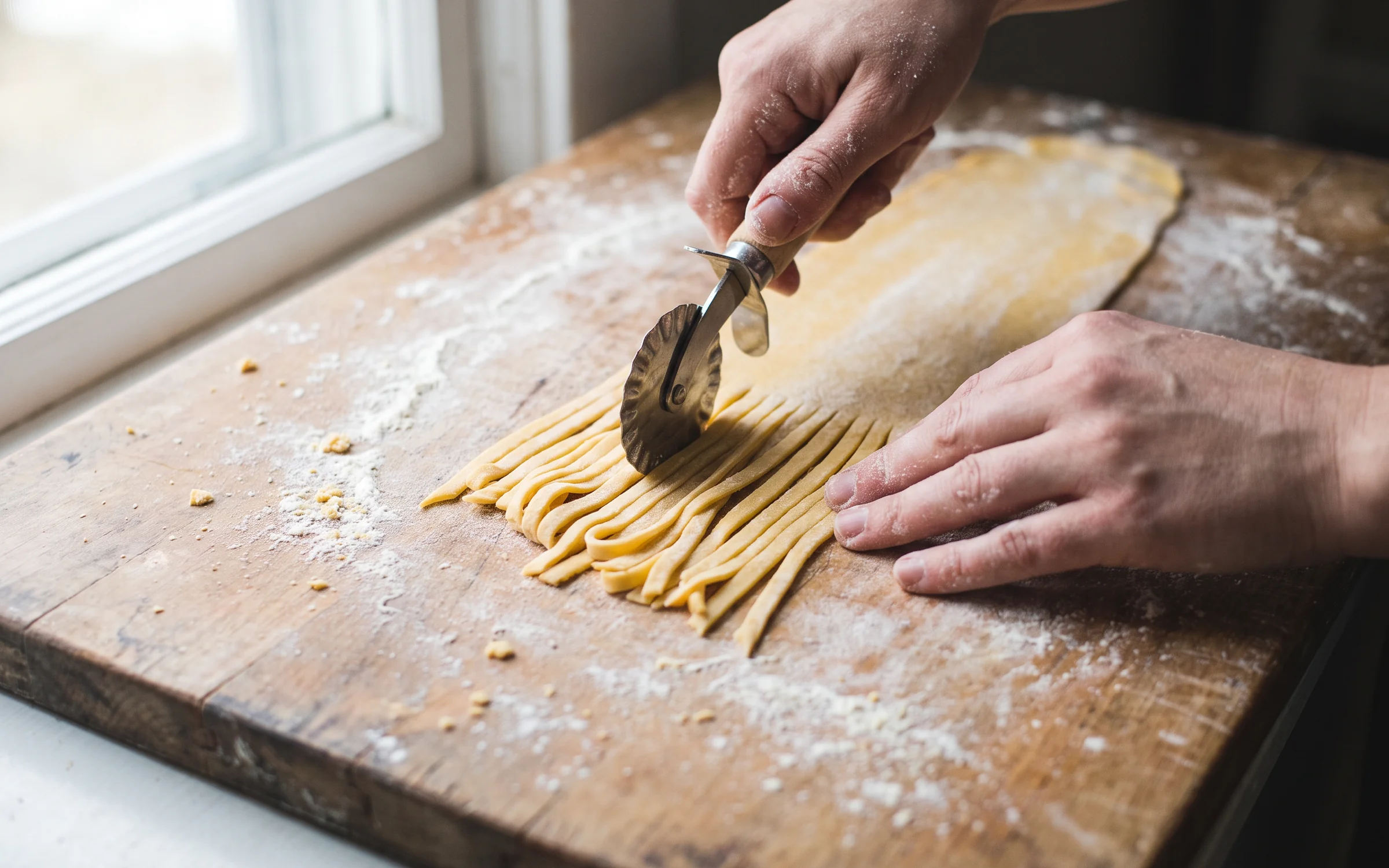
A close-up of fresh pasta being cut on a floured board, natural window light.
Try promptUsing the speaker photo as a reference, a hero shot of the matte black speaker on a concrete plinth, soft top light, crisp shadow.
Try promptAn editorial flat lay of a leather notebook, a fountain pen and a brass compass on dark walnut.
Try promptA luxury hotel lobby at dusk, marble floor, a single orchid on the reception desk, warm lamps.
Try promptA close-up of fresh pasta being cut on a floured board, natural window light.
Try promptUsing the speaker photo as a reference, a hero shot of the matte black speaker on a concrete plinth, soft top light, crisp shadow.
Try promptAn editorial flat lay of a leather notebook, a fountain pen and a brass compass on dark walnut.
Try promptA luxury hotel lobby at dusk, marble floor, a single orchid on the reception desk, warm lamps.
Try promptA close-up of fresh pasta being cut on a floured board, natural window light.
Try promptUsing the speaker photo as a reference, a hero shot of the matte black speaker on a concrete plinth, soft top light, crisp shadow.
Try promptAn editorial flat lay of a leather notebook, a fountain pen and a brass compass on dark walnut.
Try promptA luxury hotel lobby at dusk, marble floor, a single orchid on the reception desk, warm lamps.
Try promptA close-up of fresh pasta being cut on a floured board, natural window light.
Try promptUsing the speaker photo as a reference, a hero shot of the matte black speaker on a concrete plinth, soft top light, crisp shadow.
Try promptAn editorial flat lay of a leather notebook, a fountain pen and a brass compass on dark walnut.
Try promptA luxury hotel lobby at dusk, marble floor, a single orchid on the reception desk, warm lamps.
Try promptA close-up of fresh pasta being cut on a floured board, natural window light.
Try prompt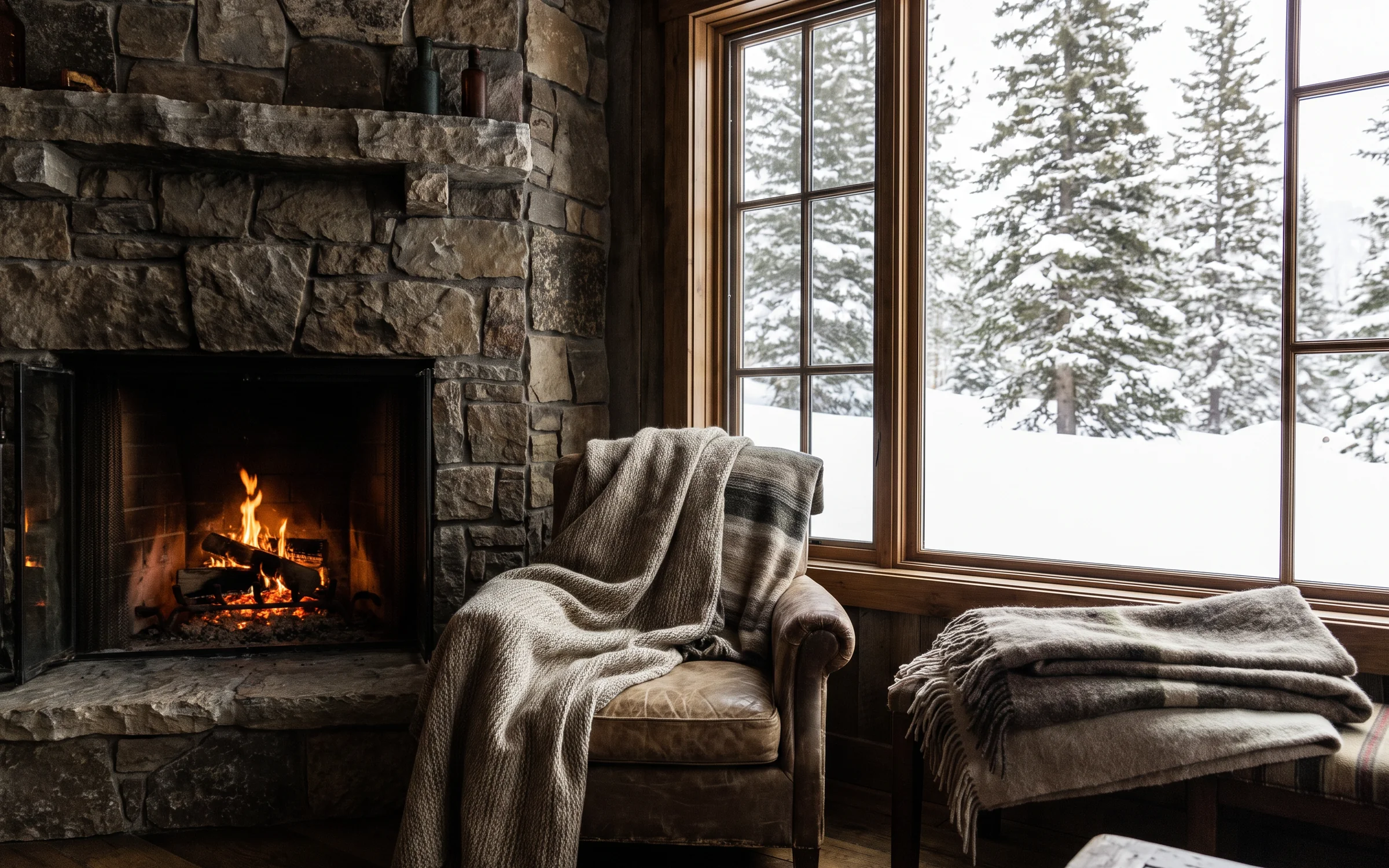
A mountain cabin interior with a stone fireplace, wool blankets and snow outside the window.
Try prompt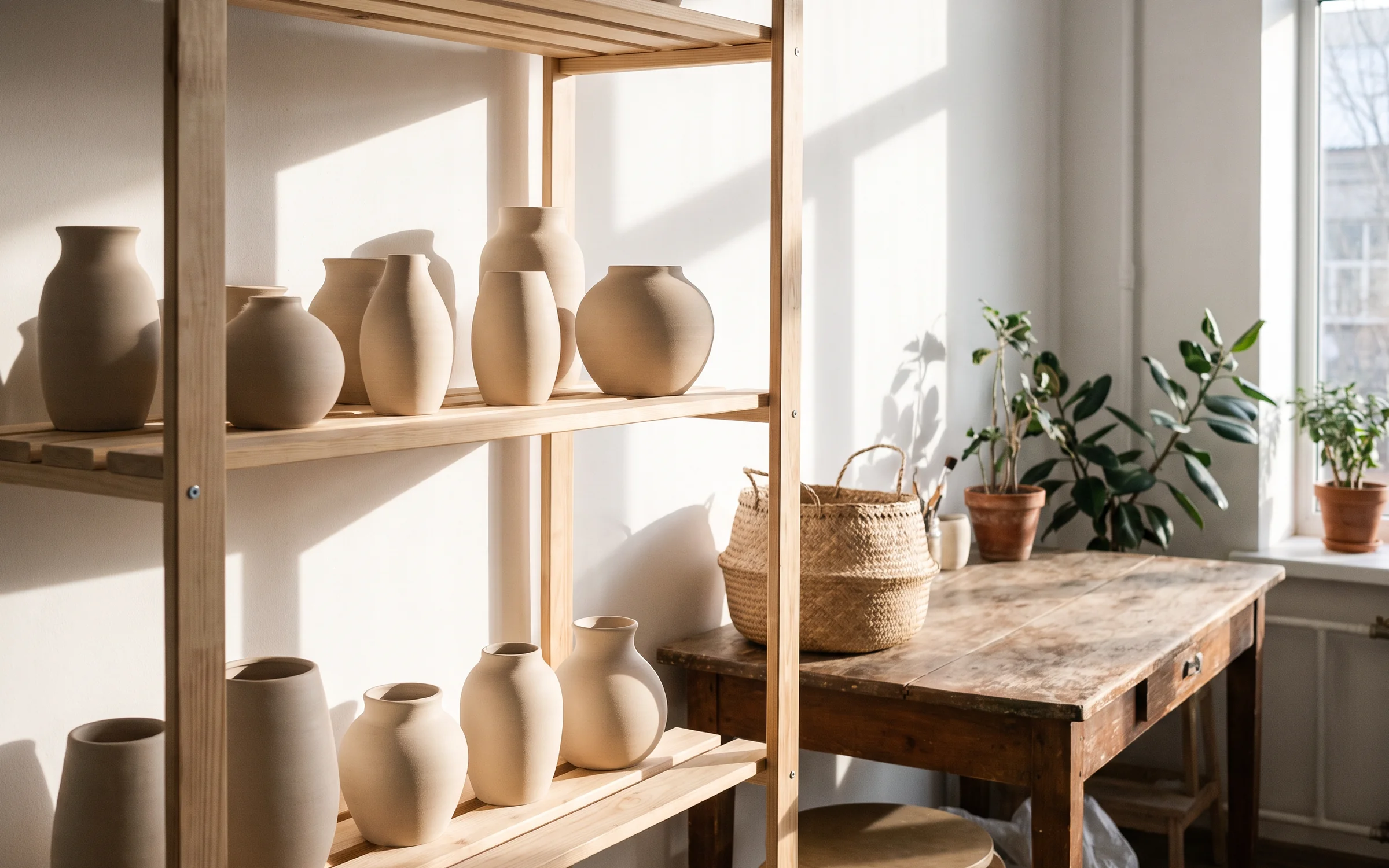
A ceramic vase collection on open shelves, morning light, Scandinavian interior.
Try prompt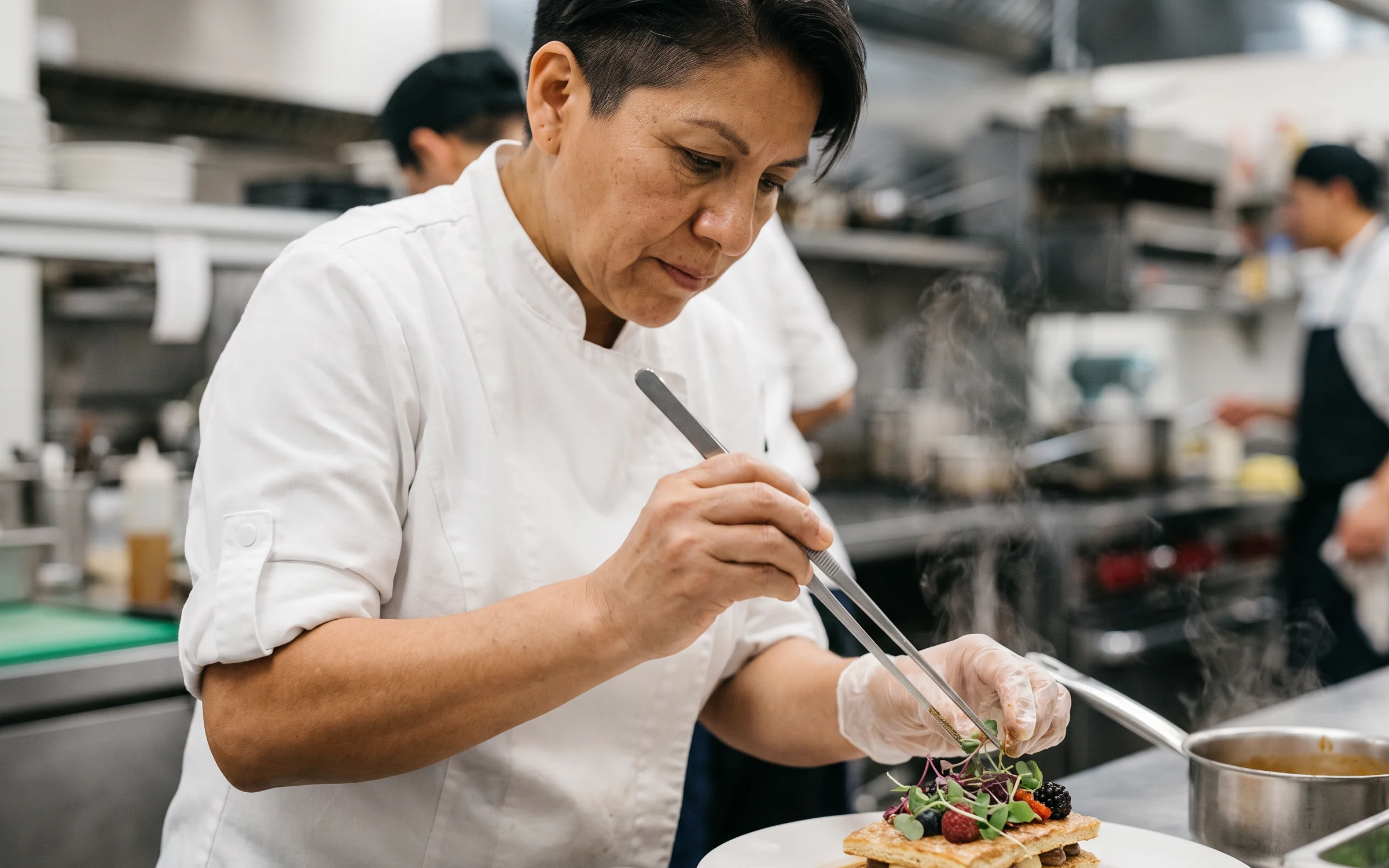
A chef plating a dessert with tweezers, steam rising, stainless steel kitchen behind.
Try prompt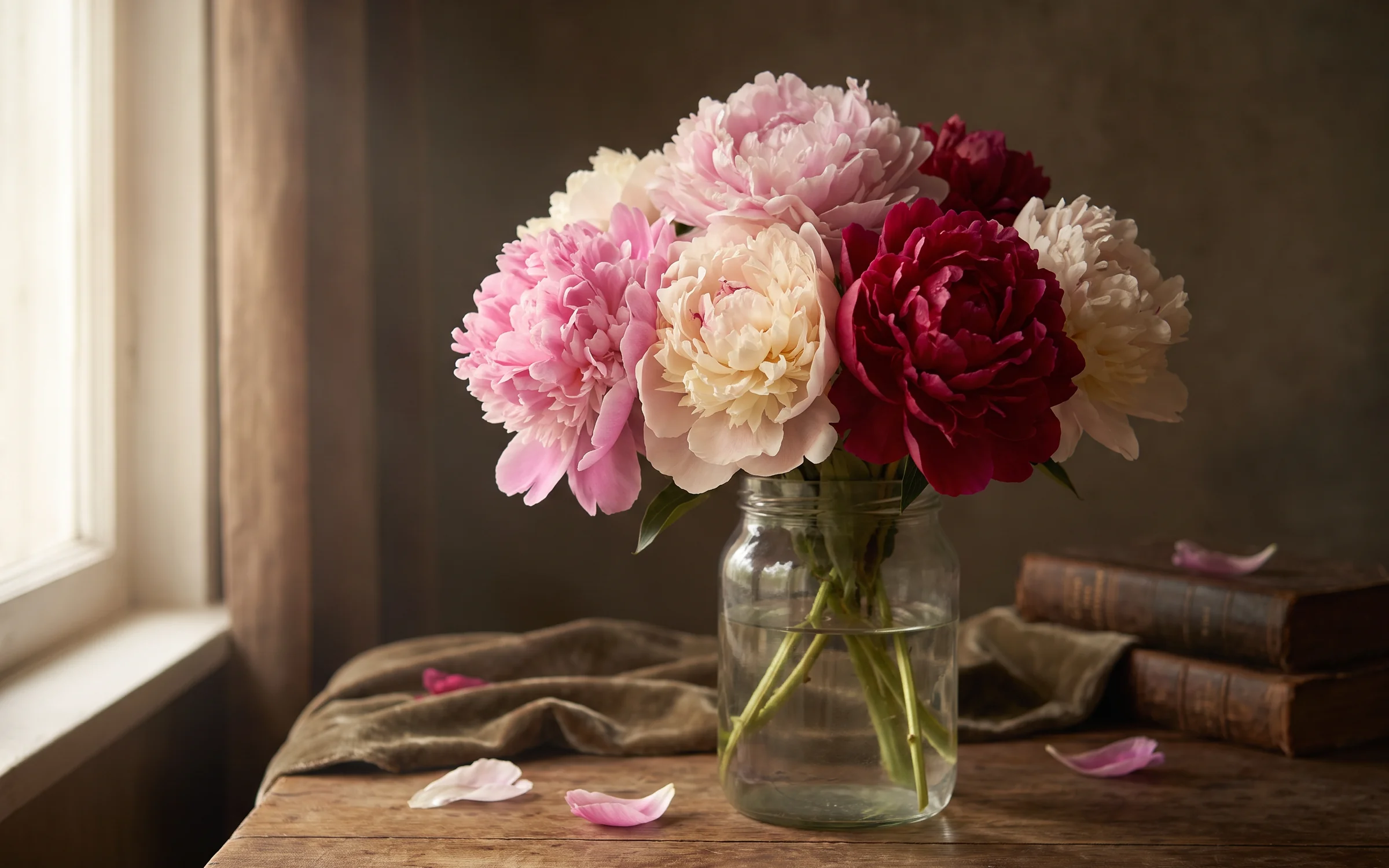
A botanical still life of peonies in a glass jar, Dutch painting light.
Try prompt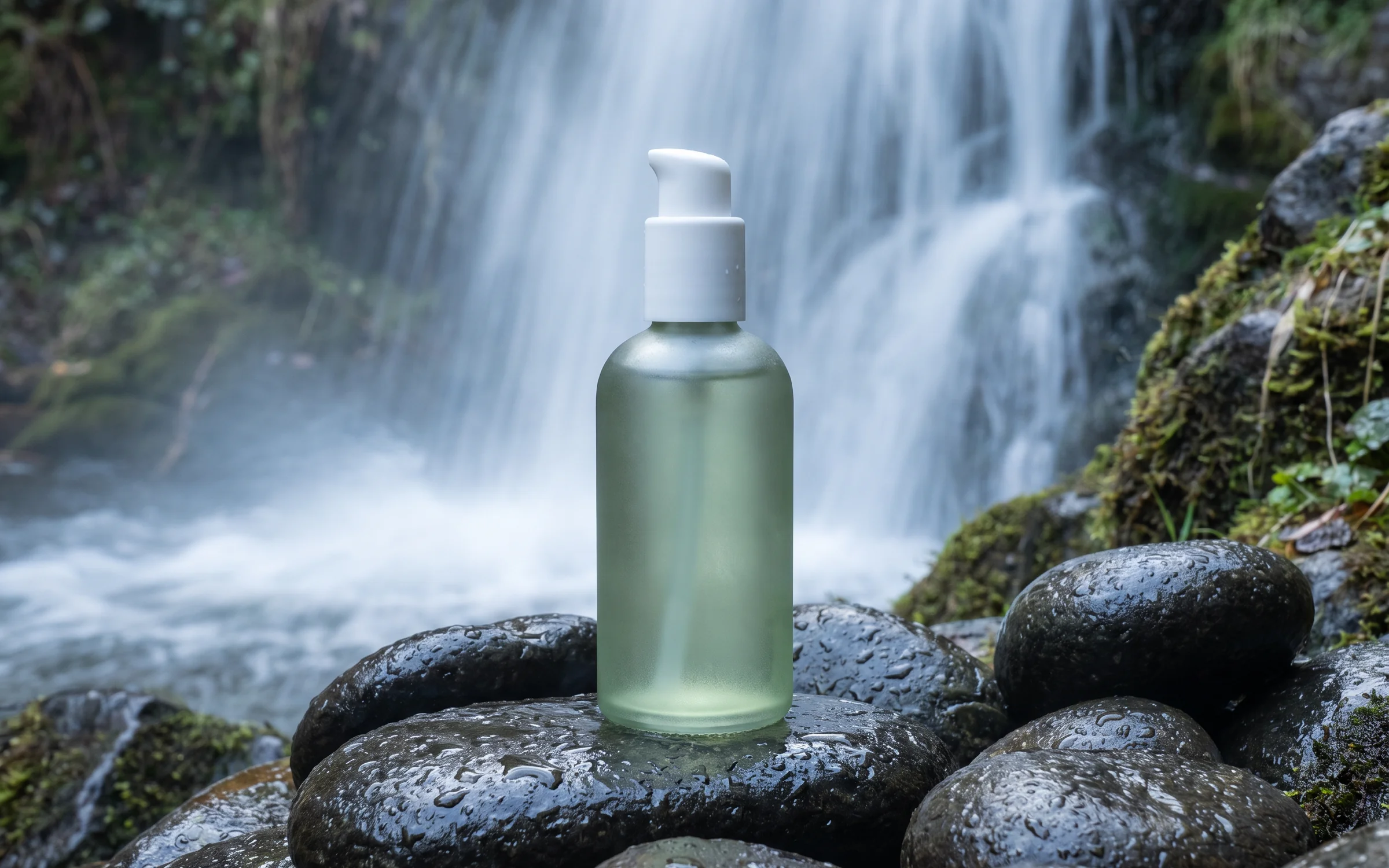
Using the bottle photo as a reference, the skincare bottle on wet stones beside a waterfall, bottle shape and colour unchanged, cool morning mist.
Try promptUsing the speaker photo as a reference, a hero shot of the matte black speaker on a concrete plinth, soft top light, crisp shadow.
Try promptAn editorial flat lay of a leather notebook, a fountain pen and a brass compass on dark walnut.
Try promptA luxury hotel lobby at dusk, marble floor, a single orchid on the reception desk, warm lamps.
Try promptA close-up of fresh pasta being cut on a floured board, natural window light.
Try promptA mountain cabin interior with a stone fireplace, wool blankets and snow outside the window.
Try promptA ceramic vase collection on open shelves, morning light, Scandinavian interior.
Try promptA chef plating a dessert with tweezers, steam rising, stainless steel kitchen behind.
Try promptA botanical still life of peonies in a glass jar, Dutch painting light.
Try promptUsing the bottle photo as a reference, the skincare bottle on wet stones beside a waterfall, bottle shape and colour unchanged, cool morning mist.
Try promptUsing the speaker photo as a reference, a hero shot of the matte black speaker on a concrete plinth, soft top light, crisp shadow.
Try promptAn editorial flat lay of a leather notebook, a fountain pen and a brass compass on dark walnut.
Try promptA luxury hotel lobby at dusk, marble floor, a single orchid on the reception desk, warm lamps.
Try promptA close-up of fresh pasta being cut on a floured board, natural window light.
Try promptA mountain cabin interior with a stone fireplace, wool blankets and snow outside the window.
Try promptA ceramic vase collection on open shelves, morning light, Scandinavian interior.
Try promptA chef plating a dessert with tweezers, steam rising, stainless steel kitchen behind.
Try promptA botanical still life of peonies in a glass jar, Dutch painting light.
Try promptUsing the bottle photo as a reference, the skincare bottle on wet stones beside a waterfall, bottle shape and colour unchanged, cool morning mist.
Try promptUsing the speaker photo as a reference, a hero shot of the matte black speaker on a concrete plinth, soft top light, crisp shadow.
Try promptAn editorial flat lay of a leather notebook, a fountain pen and a brass compass on dark walnut.
Try promptA luxury hotel lobby at dusk, marble floor, a single orchid on the reception desk, warm lamps.
Try promptA close-up of fresh pasta being cut on a floured board, natural window light.
Try promptA mountain cabin interior with a stone fireplace, wool blankets and snow outside the window.
Try promptA ceramic vase collection on open shelves, morning light, Scandinavian interior.
Try promptA chef plating a dessert with tweezers, steam rising, stainless steel kitchen behind.
Try promptA botanical still life of peonies in a glass jar, Dutch painting light.
Try promptUsing the bottle photo as a reference, the skincare bottle on wet stones beside a waterfall, bottle shape and colour unchanged, cool morning mist.
Try prompt
Try Flux 2 Max on ImagineArt
Use Flux 2 Max on ImagineArt: Black Forest Labs' December 2025 FLUX.2 tier for final assets, with up to 4 references in the image tool or 8 in Workflow.
Write the brief
Describe the subject, light, material and framing as you would for a shoot.
Add references if you have them
Use up to 4 images in the image tool, or up to 8 in the Workflow node.
Pick the frame
Choose 1:1, 4:3, 3:4, 9:16 or 16:9, then generate.
Built for final assets
Black Forest Labs' FLUX.2 table labels its tiers by their best use: Klein "Real-time, high-volume", Pro "Production at scale", Flex "Quality with control" and Max "Highest quality, final assets". Use Max when the image is the one you'll publish.
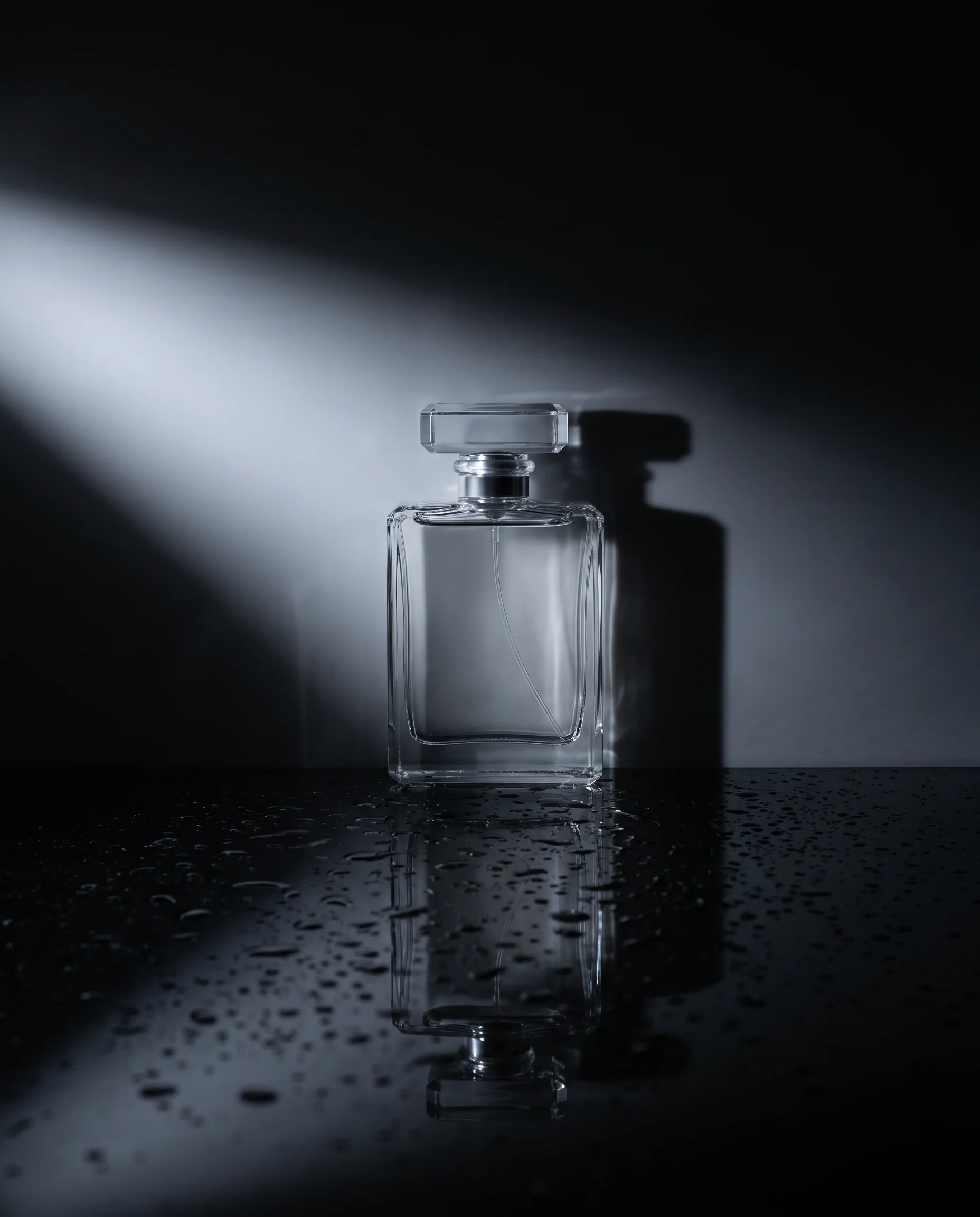
A premium perfume bottle on a black glass surface, a single beam of light from the left, faint reflection below, droplets on the glass, deep shadow behind, centered and photographed straight on.
Try prompt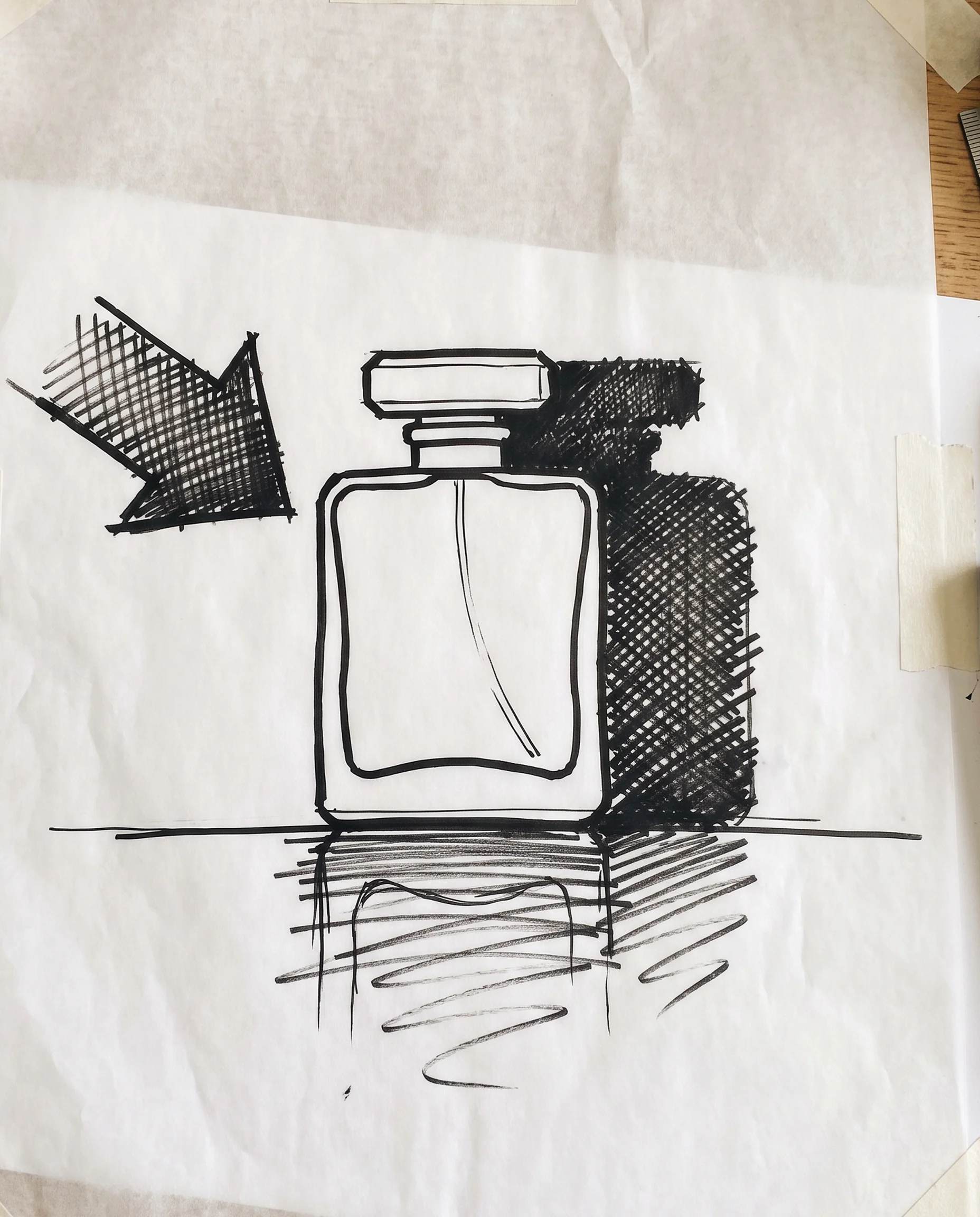
Editing that BFL calls its most consistent
BFL's FLUX.2 comparison describes [max] as "Highest editing consistency across tasks." Artificial Analysis's editing board puts it in the lower half (see FAQ 4), so test it on your own photo. In the image tool you can edit with 1 to 4 images at 1K, so keep the product photo as one of them and say what must not change.
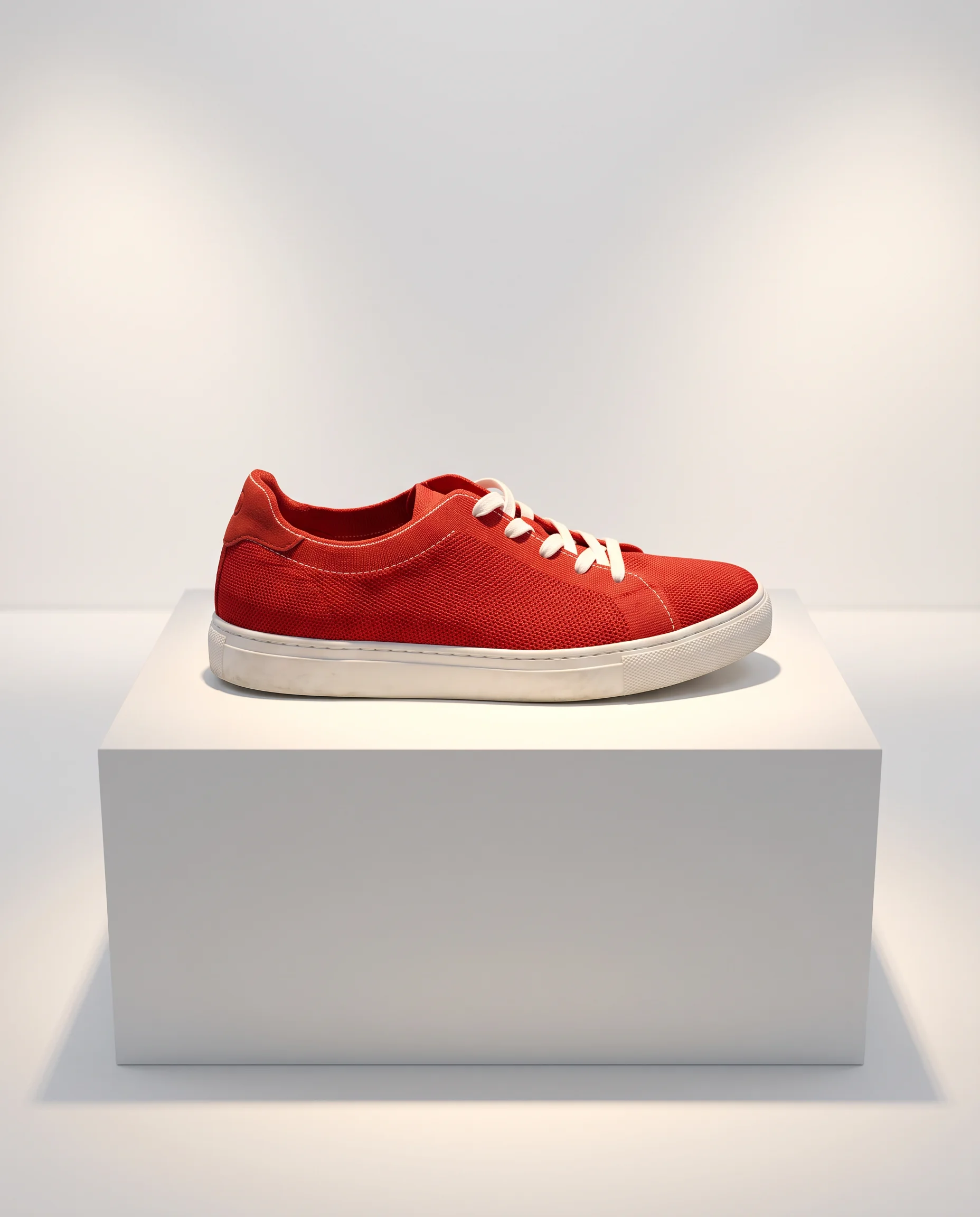
Using the photo of the red sneaker, place it on a white gallery plinth under soft spotlights, keep the laces, logo and stitching exactly as they are, and add a soft shadow on the floor.
Try prompt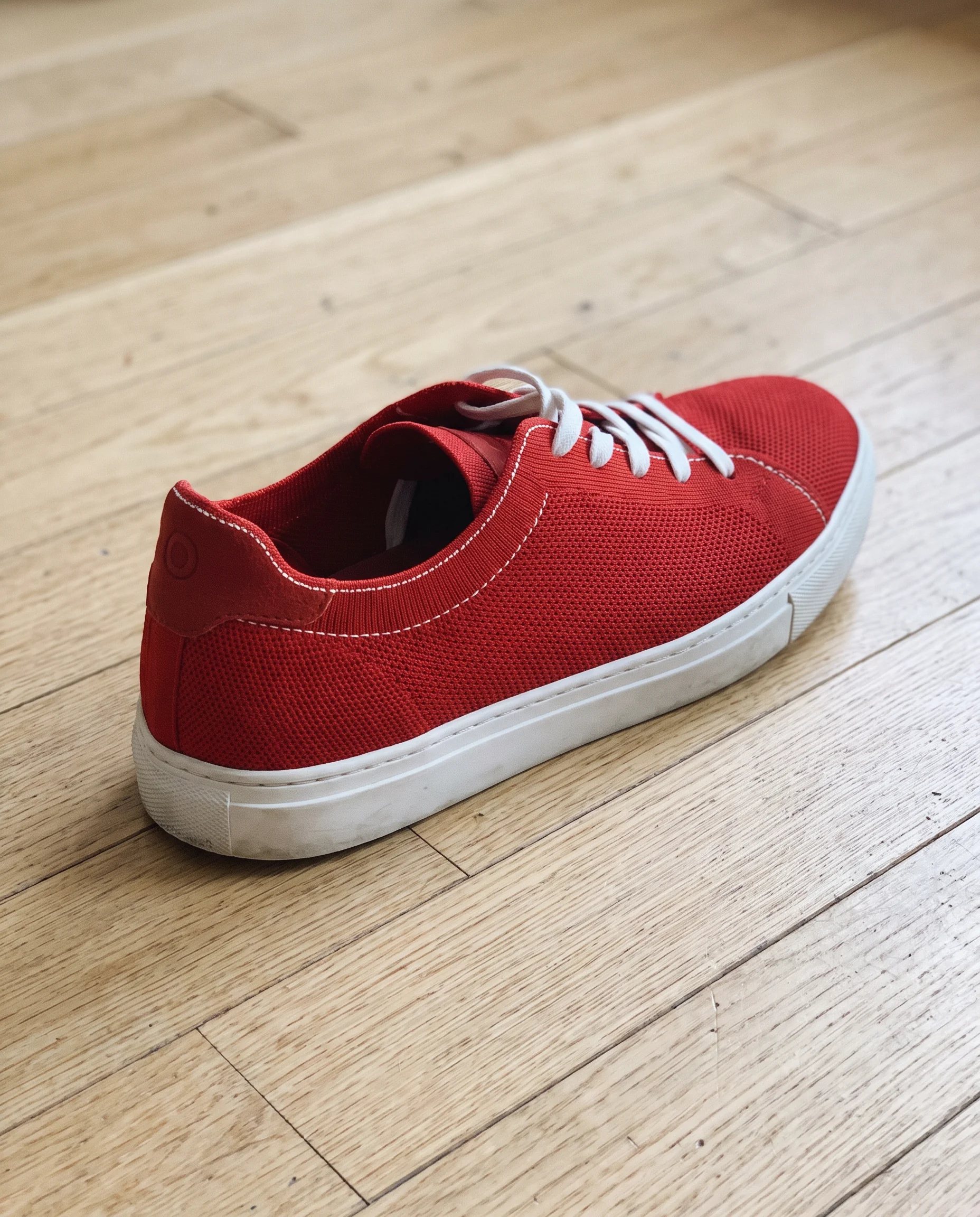
More references in Workflow
The Workflow node takes up to 8 reference images, twice the image tool's 4. That's room for a product, a model, a set and several style references in one request.
Using the jacket photo, the model photo, the rooftop photo and the five film-style references, show the model wearing the jacket on the rooftop at golden hour in the same film look.
Try prompt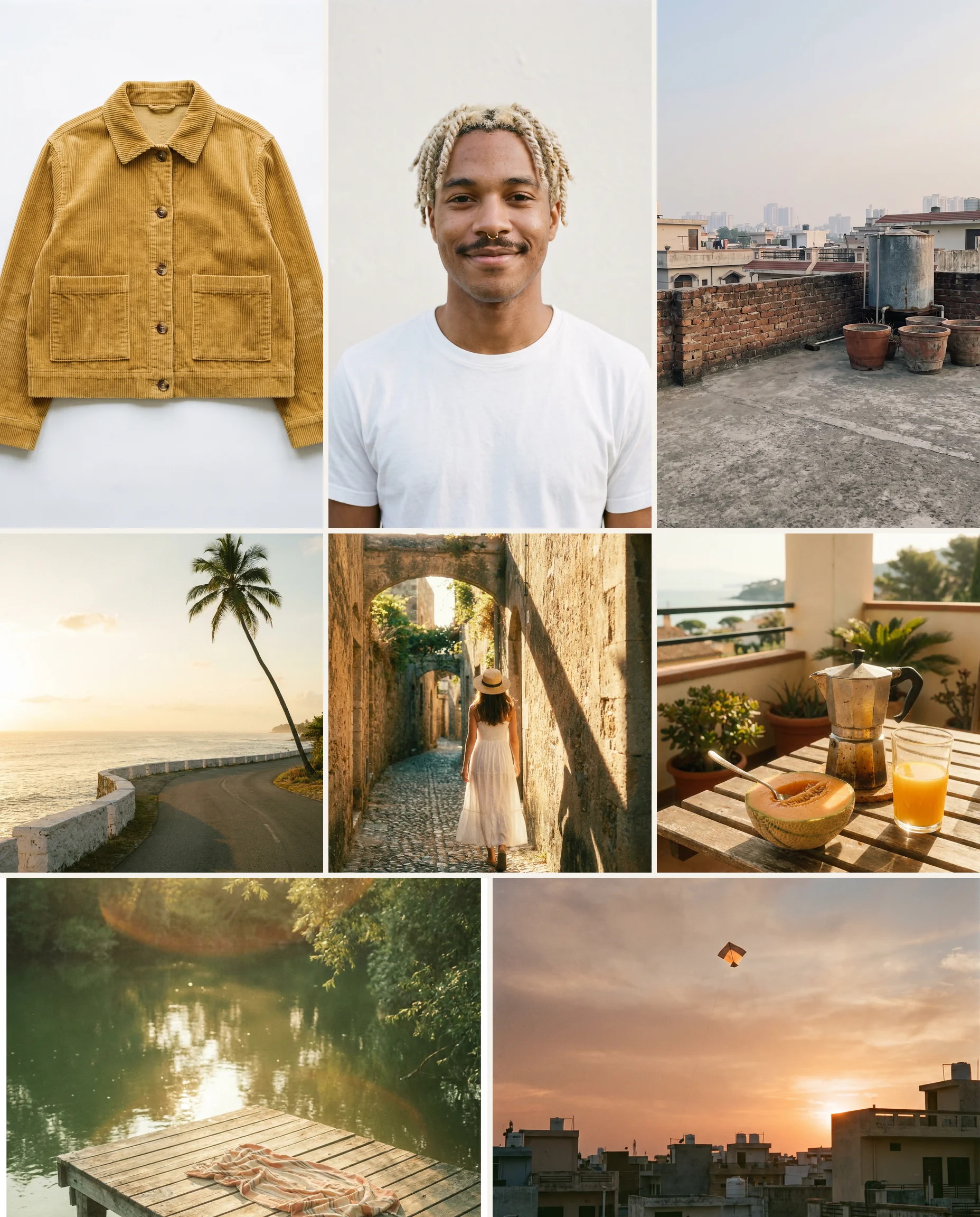

Finish a Klein draft
Draft on the Economy-tier Flux 2 Klein node in Workflow, then add the image you like to the Flux 2 Max node as a reference for the final version, with more detail written into the prompt.
Using the draft image as a reference, recreate this café storefront with sharper brickwork, clear window reflections, a bicycle by the door and warm late-afternoon light across the pavement.
Try prompt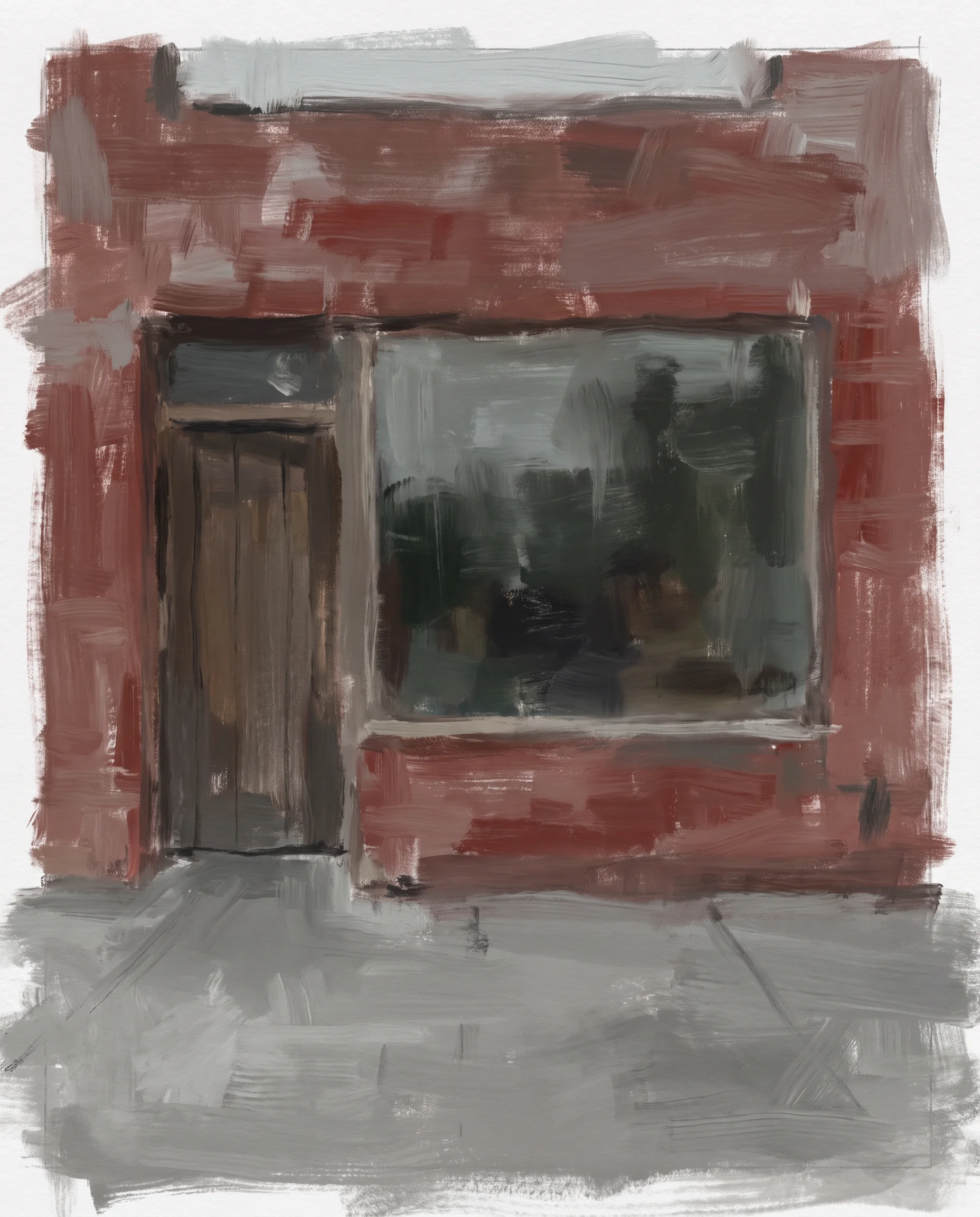
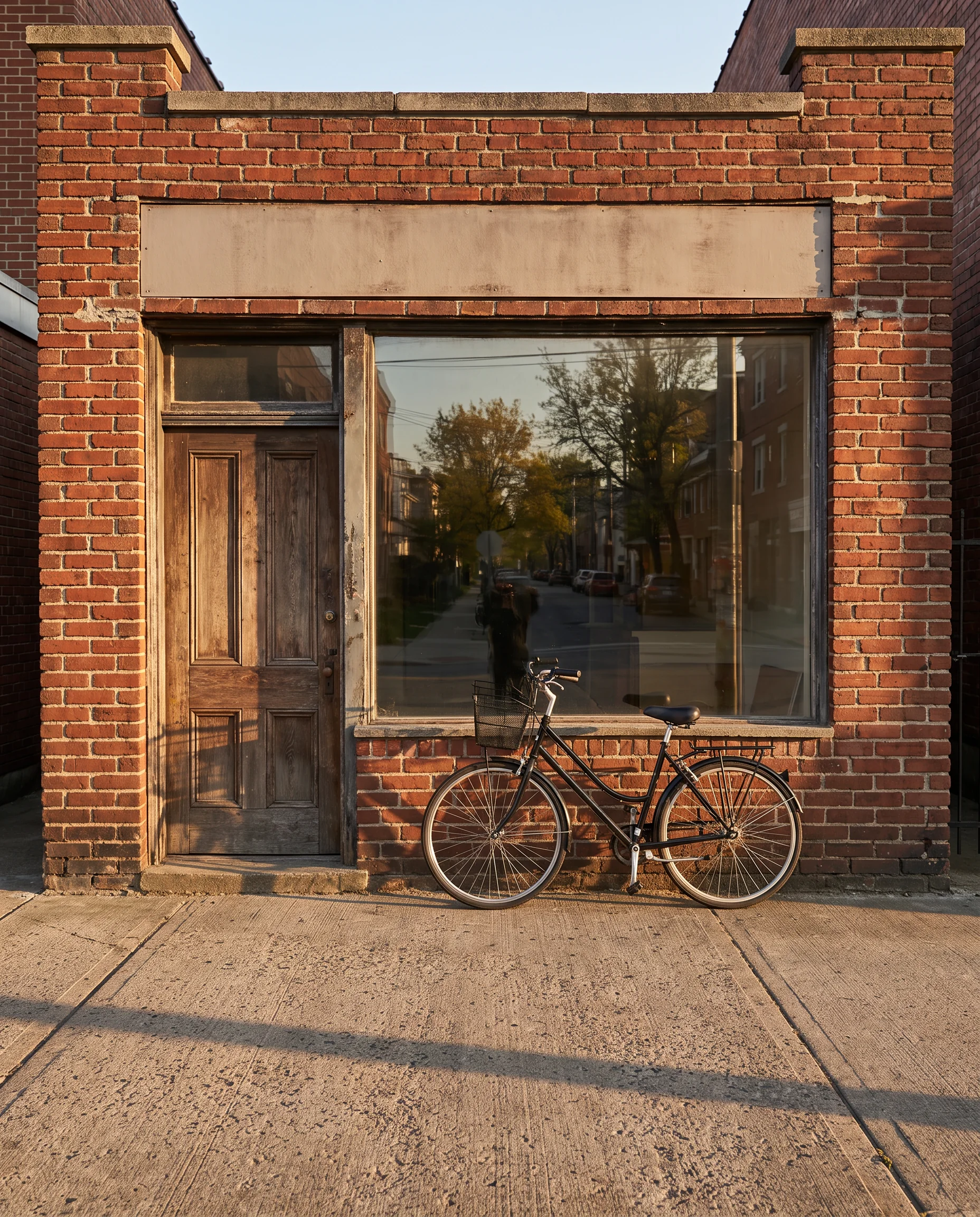
Black Forest Labs' December 2025 FLUX.2 tier for final assets, with up to 4 references in the image tool or 8 in Workflow.
Get started with Flux 2 Max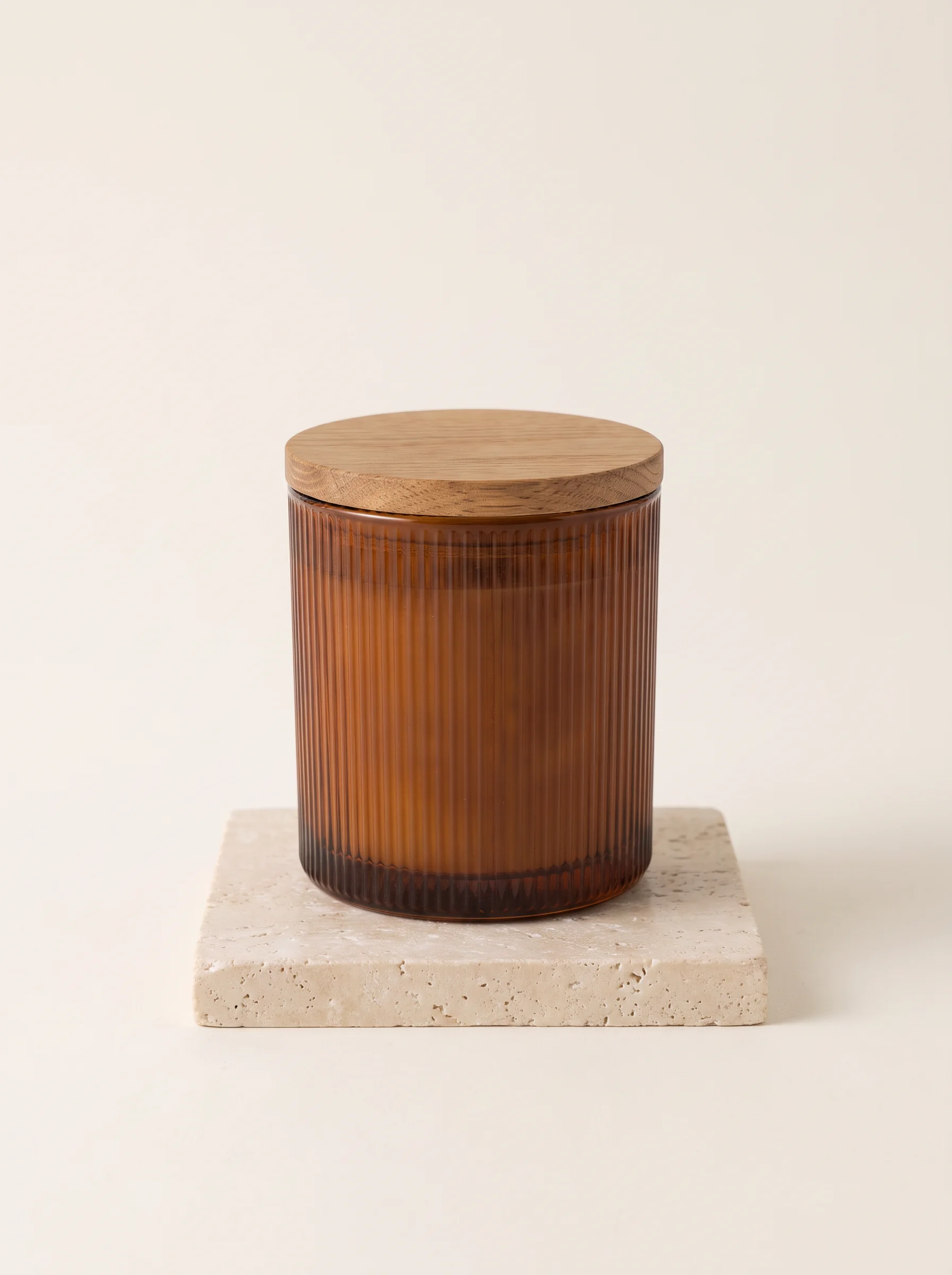
Product hero images
An e-commerce brand can make the main listing image of a new product, a clean hero shot on a plinth, using the studio product photo as a reference to keep the shape and finish close to the original shot.
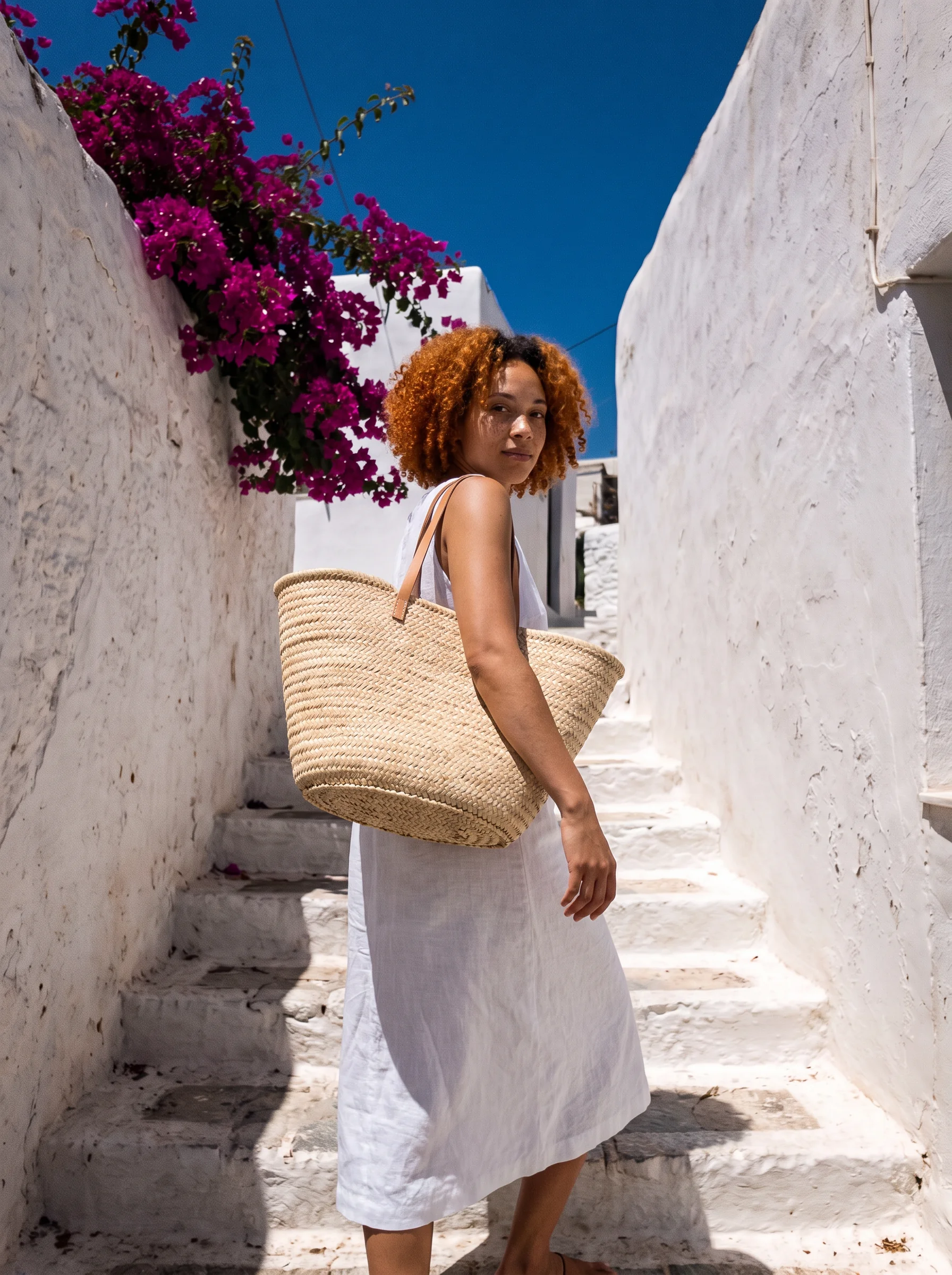
Campaign key visuals
An agency can combine a product photo, a model shot and a set reference in Workflow to build one key visual for a campaign launch.
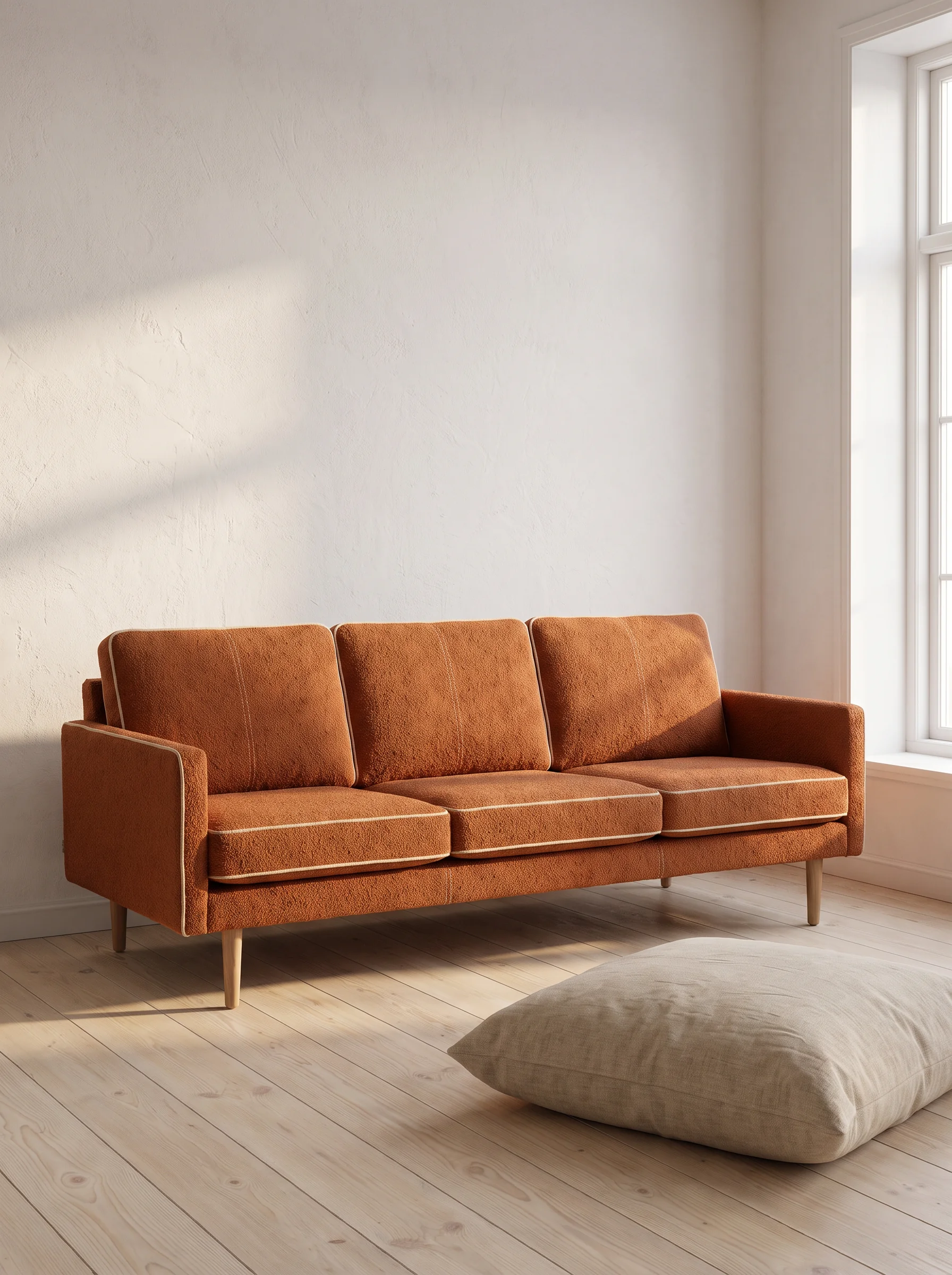
Catalogue edits
A furniture shop can edit one product photo into a new room setting per run, asking it to keep the sofa's fabric and stitching the same in each, then check them side by side.
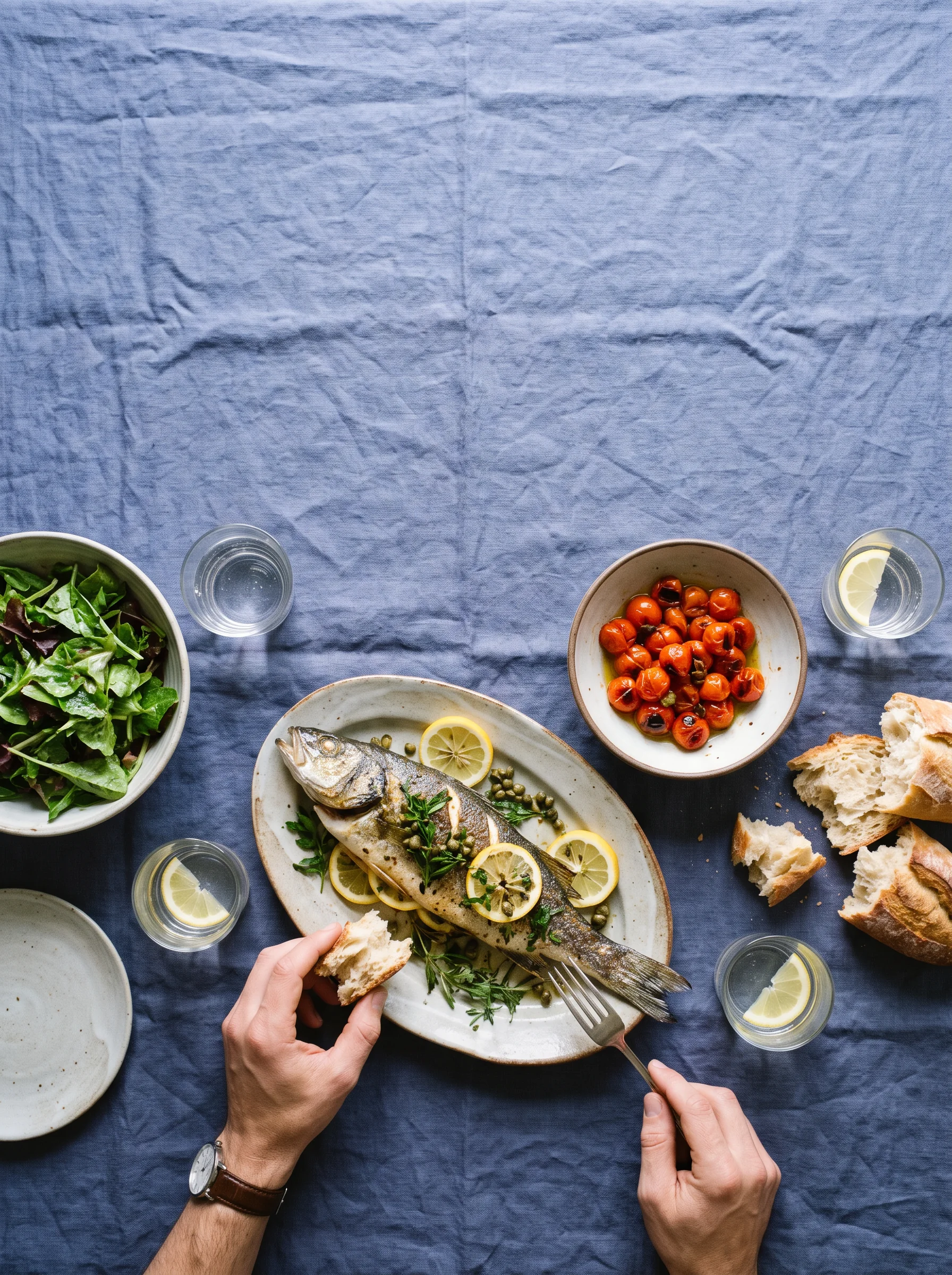
Editorial covers
A magazine designer can make a cover image for a food issue, a styled table from above, and add the masthead and cover lines in Image Studio.
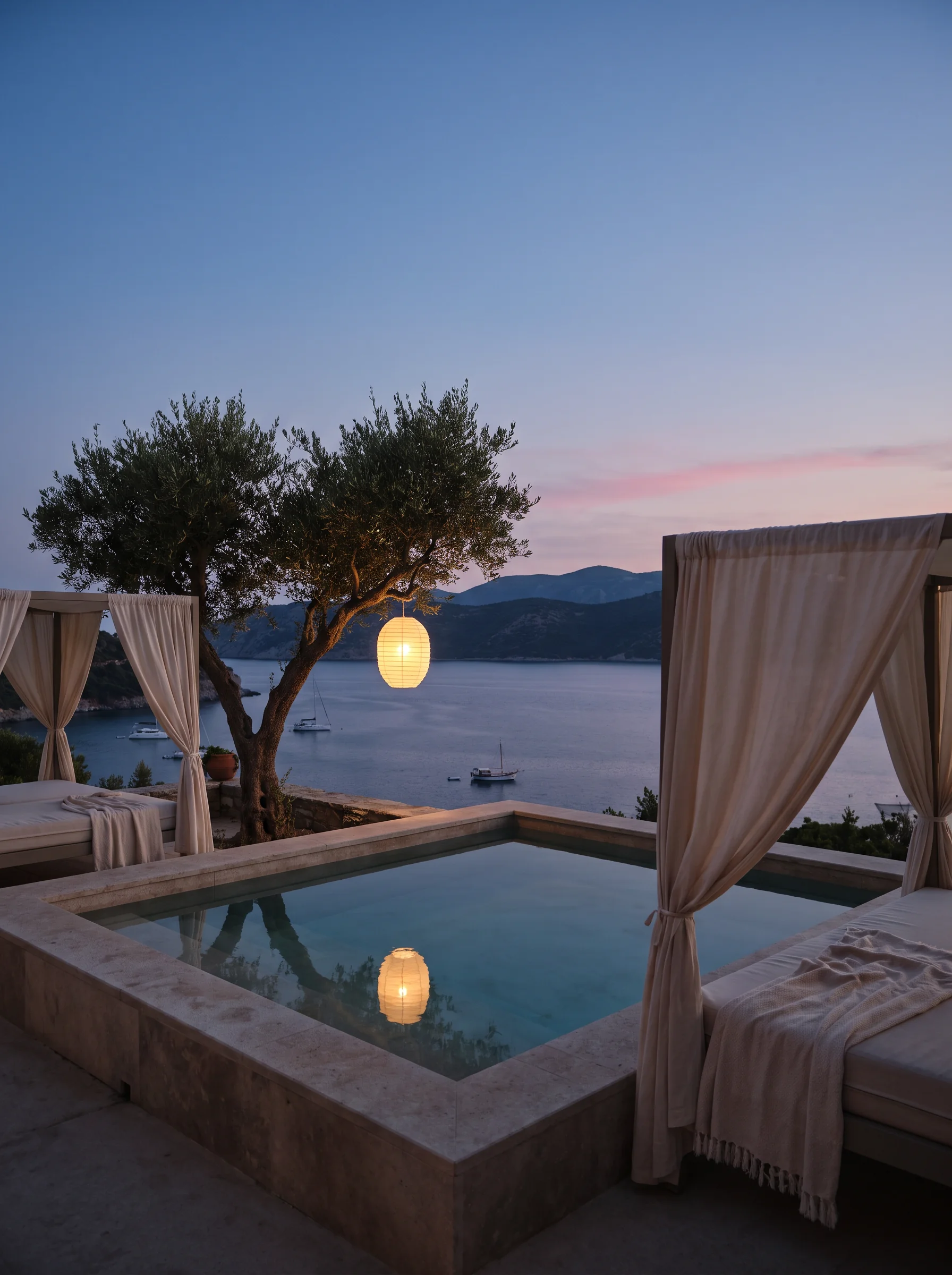
Hotel and travel imagery
A boutique hotel can make mood images for a brochure, a lobby at dusk or a terrace at breakfast, as illustrations alongside real photography.
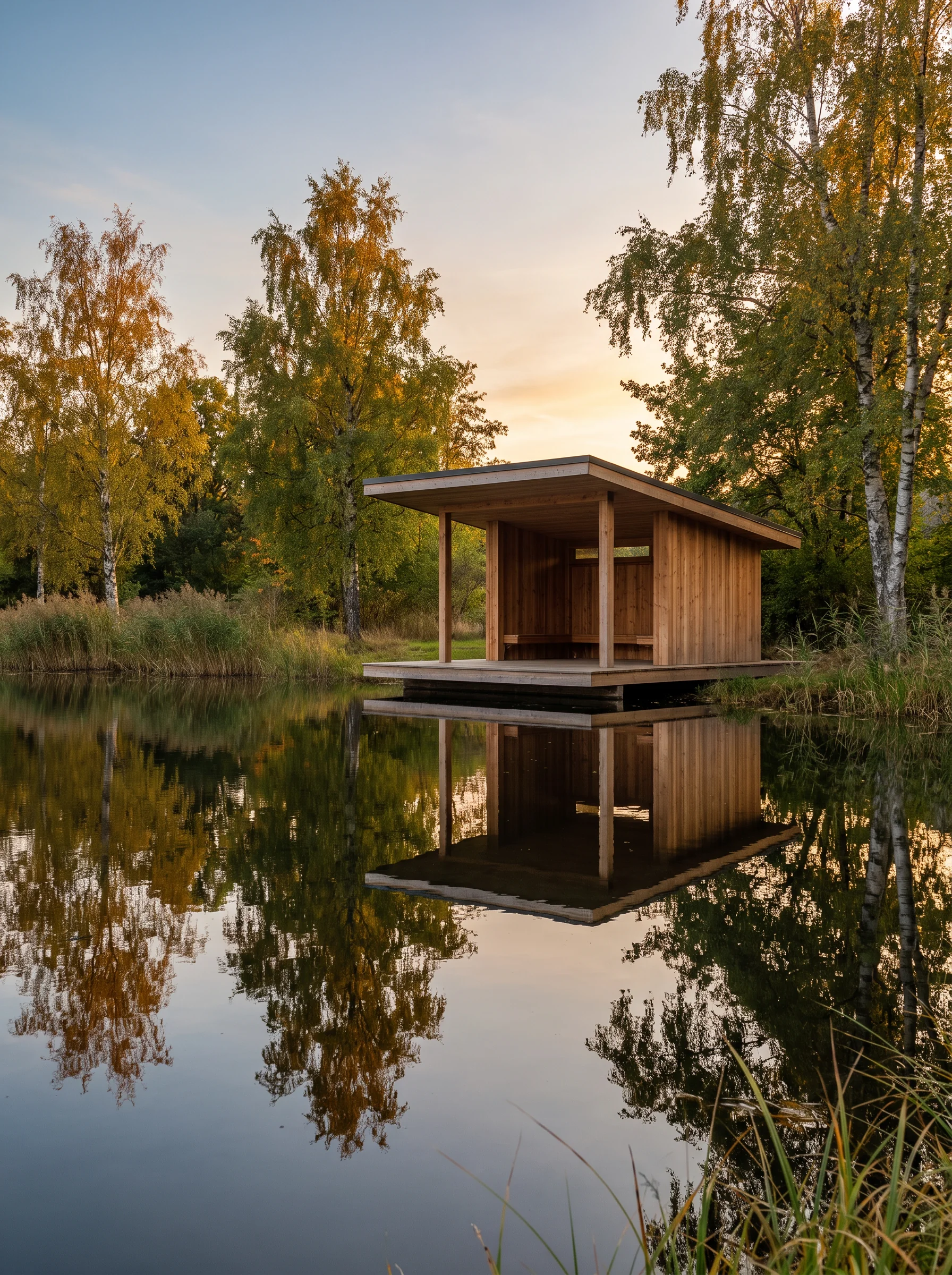
Final renders after a draft round
A design studio can run concepts on the Economy-tier Flux 2 Klein node in Workflow, pick one with the client, then make the final version on the Flux 2 Max node.
Product hero images
An e-commerce brand can make the main listing image of a new product, a clean hero shot on a plinth, using the studio product photo as a reference to keep the shape and finish close to the original shot.
Campaign key visuals
An agency can combine a product photo, a model shot and a set reference in Workflow to build one key visual for a campaign launch.
Catalogue edits
A furniture shop can edit one product photo into a new room setting per run, asking it to keep the sofa's fabric and stitching the same in each, then check them side by side.
Editorial covers
A magazine designer can make a cover image for a food issue, a styled table from above, and add the masthead and cover lines in Image Studio.
Hotel and travel imagery
A boutique hotel can make mood images for a brochure, a lobby at dusk or a terrace at breakfast, as illustrations alongside real photography.
Final renders after a draft round
A design studio can run concepts on the Economy-tier Flux 2 Klein node in Workflow, pick one with the client, then make the final version on the Flux 2 Max node.
Reviews
What creators are saying
Real ratings, pulled live from Trustpilot, not hand-picked quotes.

"Imagine.art is hands down one of the best AI image generators I have used lately. The results are consistently high-quality, and the prompt accuracy is fantastic."
"The most important feature I like is face consistency. You can generate a face and use it across hundreds of images with very good accuracy."
"I love the image generation and have been using it to create some great tee shirt designs. The monthly cost is minimal compared to the benefits."
"ImagineArt has been a game changer for creating visuals that fit my brand quickly."
Plans
Simple pricing, no surprises
See exactly what a generation costs on your plan.
Free
USD 0 · per creator / month, billed annually
3000 credits / month
- 100 Daily credits
- In-house models only
- 36k credits per year
- 1 Fast Image concurrency
Basic
For newcomers taking their first steps
3K credits / month
- Up to ~97 video generations / month
- Up to ~600 image generations / month
- 10 image models · 9 video models
- 4 concurrent image generations
- General commercial terms
Ultimate
Peak performance for pros
16K credits / month
- Up to ~530 video generations / month
- Up to ~3.2k image generations / month
- All styles and models, including Kling 2.6 Pro and Seedance 1.5 Pro
- Everything in Standard, unlimited
- General commercial terms
Trusted by creative teams, designers and marketers.
Compare every plan and buy credit packs →FAQs
- What is Flux 2 Max?
- Flux 2 Max, styled FLUX.2 [max] by Black Forest Labs and often shortened to Flux max, is the top tier of BFL's FLUX.2 family, launched on December 16, 2025, three weeks after FLUX.2 [pro] and [flex]. BFL's comparison table labels it "Highest quality, final assets", and it covers text-to-image and multi-reference editing.
- How is Max different from Flux.2 Pro and Klein?
- On Artificial Analysis (October 14, 2026), Max placed above Pro for text-to-image, around 30th against 40th, but below it for editing. On ImagineArt, Klein is a Workflow node, Flux.2 Pro is in the image tool, and Flux.2 Max is in both the image tool and Workflow.
- Is Flux 2 Max better than FLUX 3?
- Not on Artificial Analysis's text-to-image board. On October 14, 2026, FLUX 3 Image sat around 13th on that board, well above Flux 2 Max at around 30th. FLUX 3 is also on ImagineArt, so compare both on your own prompt.
- How does Flux 2 Max rank?
- On Artificial Analysis, checked October 14, 2026, Flux.2 Max sat around 30th of 102 for text-to-image and in the lower half for editing. FLUX.2 Flex placed slightly higher for text-to-image, and several FLUX.2 variants, including Pro, Flex and Klein 9B, placed higher for editing, so "highest quality" is BFL's positioning, not a leaderboard result.
- Can Flux 2 Max search the web?
- Black Forest Labs says FLUX.2 [max] supports "grounded generation with real-time web context" and "searches the web when needed." ImagineArt doesn't list a grounding setting, so include any facts or references you need in the prompt.
- Is Flux 2 Max free, and what can I set?
- Not in Workflow, where the Flux 2 Max node is Premium and the pricing page says "Premium models are not accessible on a free plan," so there's no Flux 2 Max free option there. Free credits cover specific models like ImagineArt 1.0 Lite and Flux Dev, and Flux.2 Max isn't on the free plan in the image tool either. You get five aspect ratios, up to 4 references in the image tool and up to 8 in Workflow, with edits at 1K in the image tool.
Resources

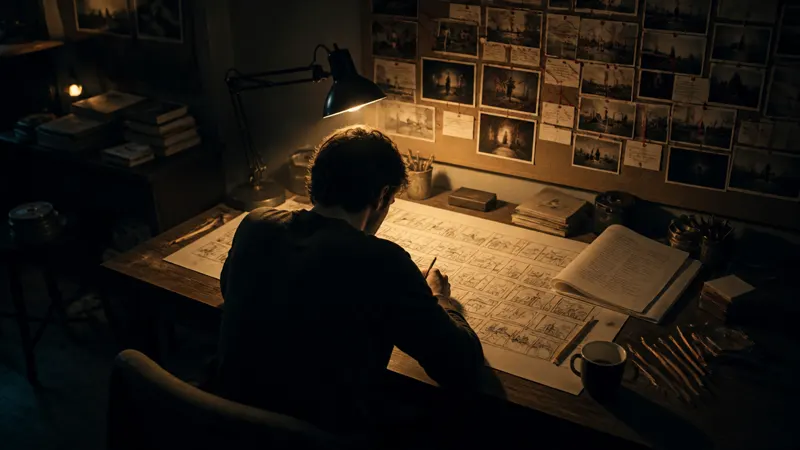
Built for a full production, not just one image
Add references if you have them. Use up to 4 images in the image tool, or up to 8 in the Workflow node.
Pick the frame. Choose 1:1, 4:3, 3:4, 9:16 or 16:9, then generate.