ImagineArt 2.0: photoreal AI images and photo edits
Now on ImagineArt
Write it like a shot list. Get the frame back at 2K in the image tool.
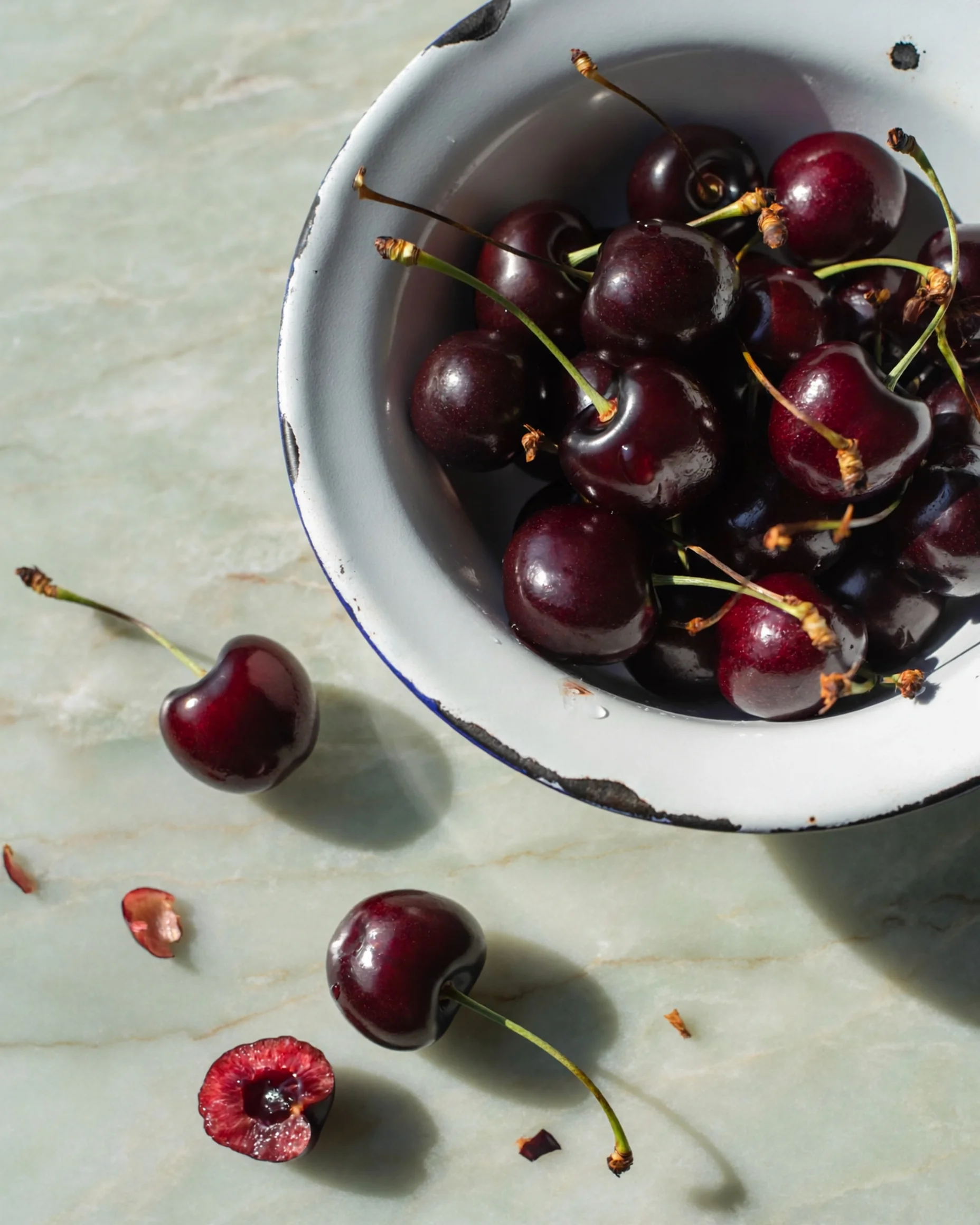
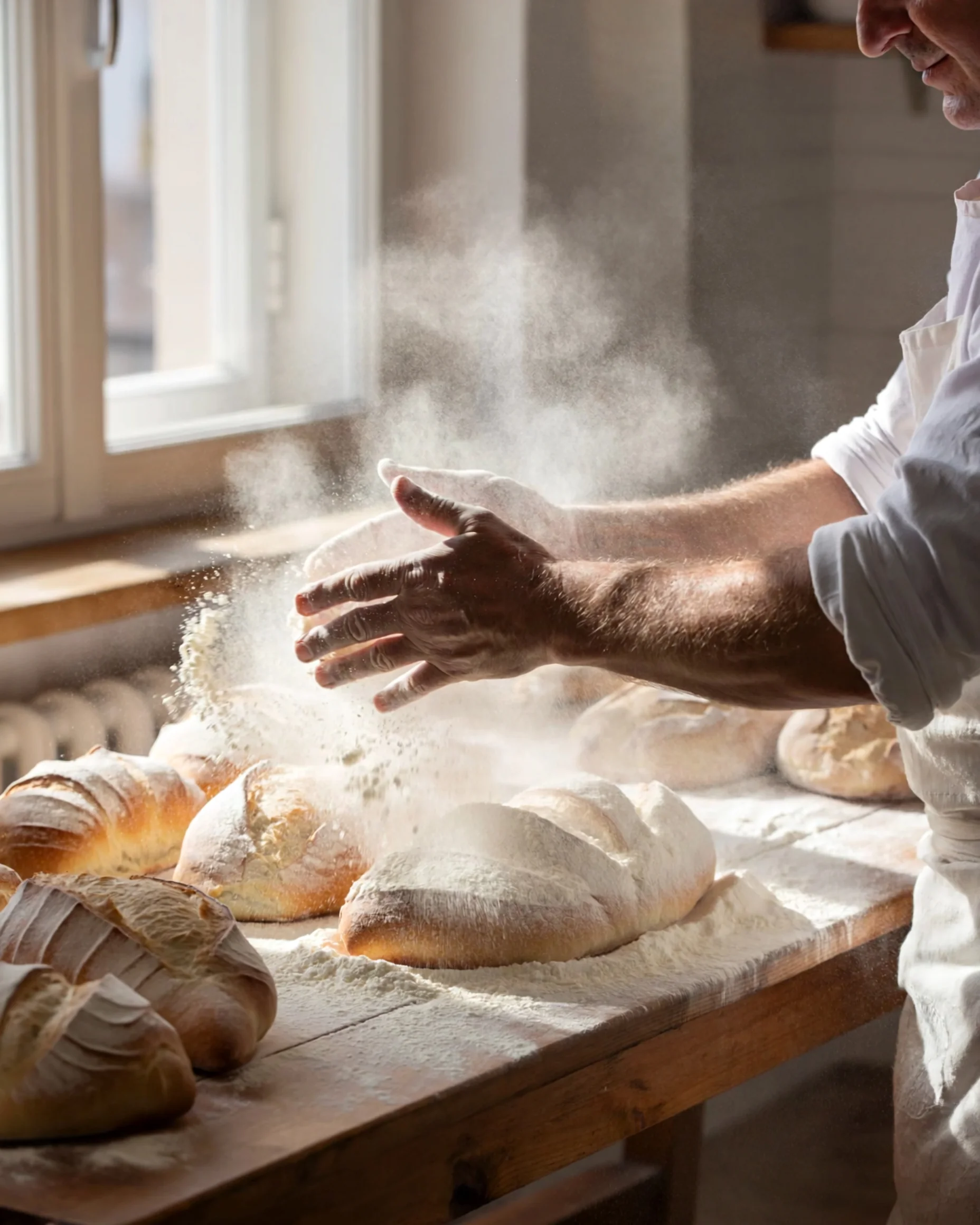
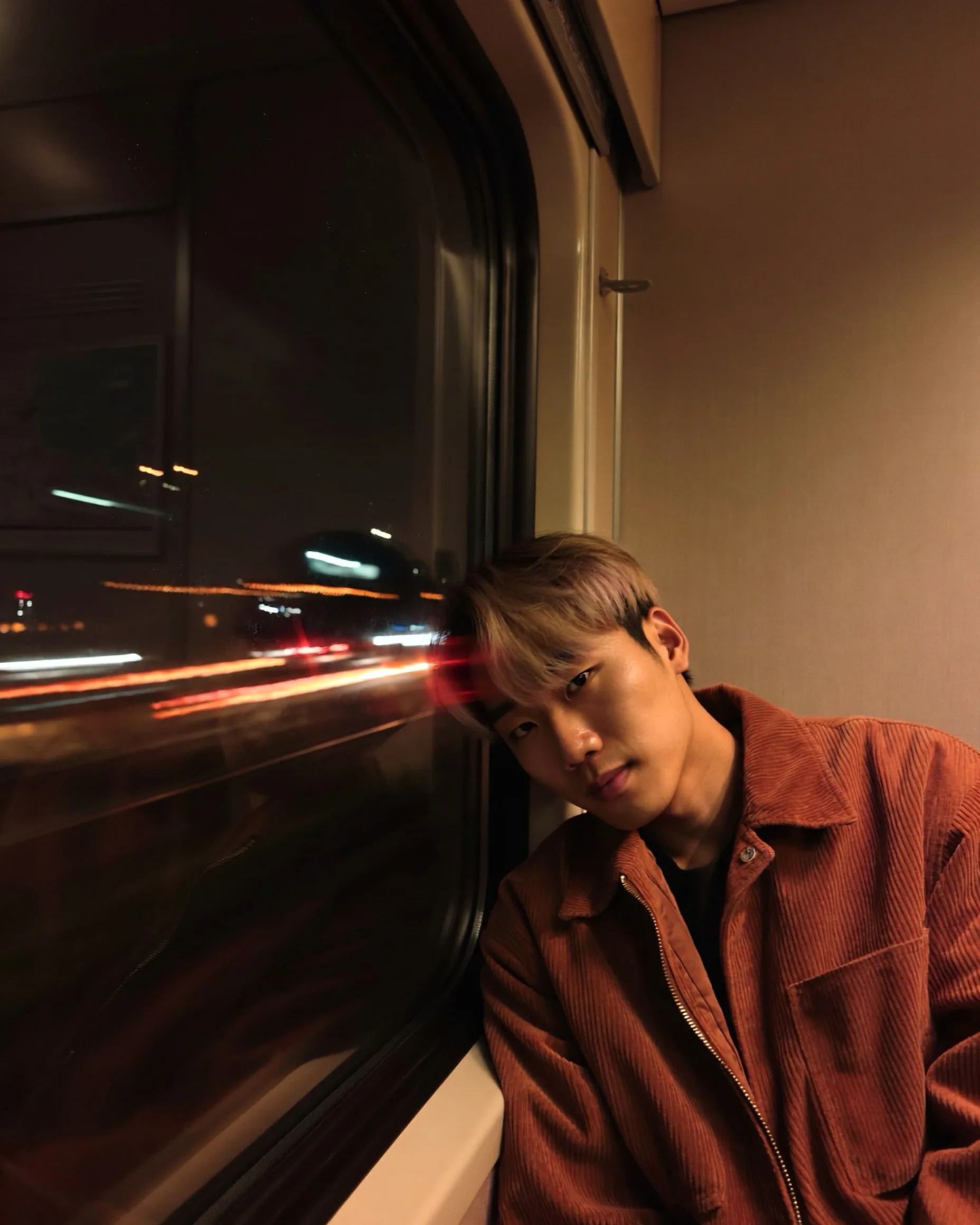
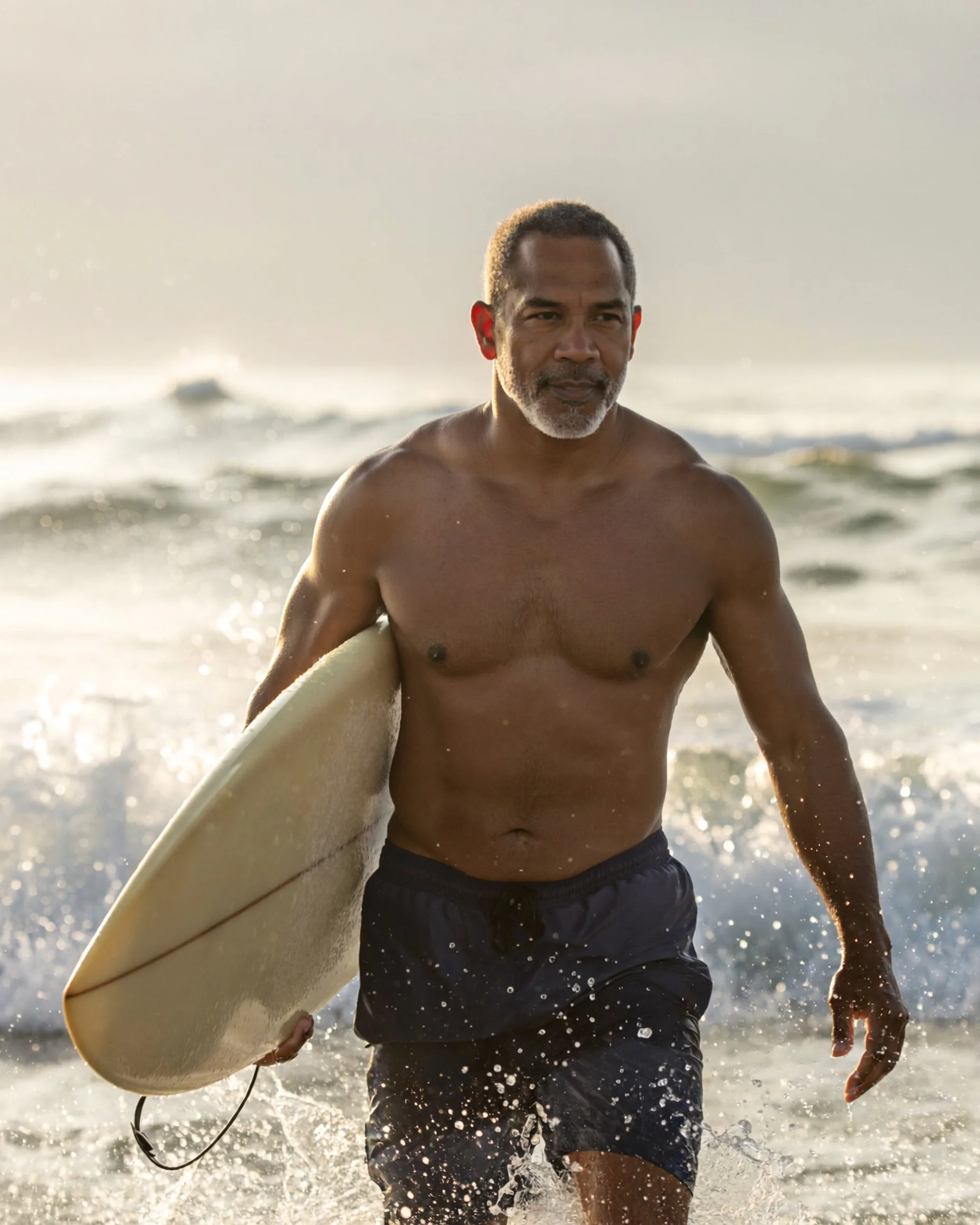
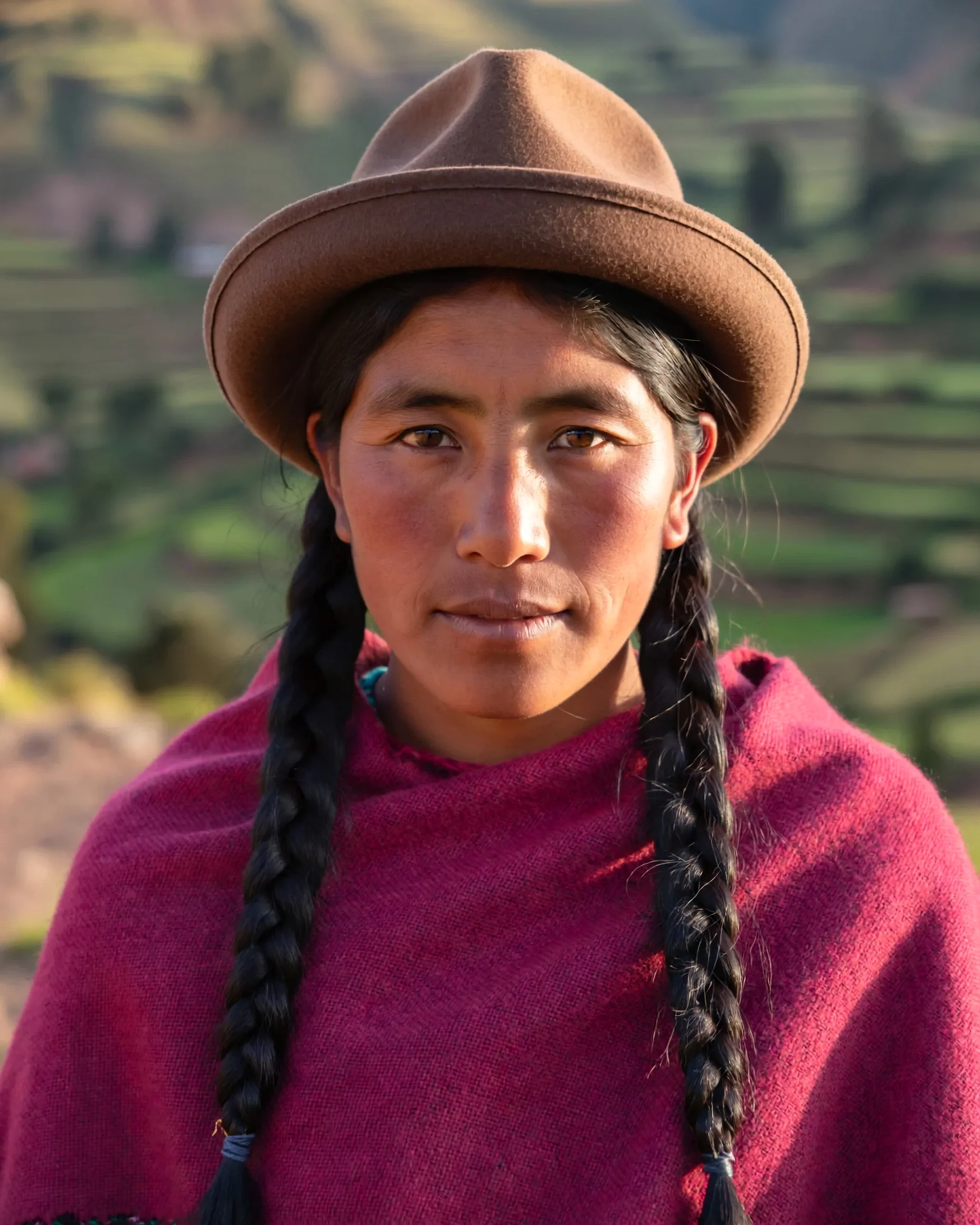
See ImagineArt 2.0 in action
Prompts to try first
Real prompts, run through ImagineArt 2.0. Copy one and swap in your own subject.
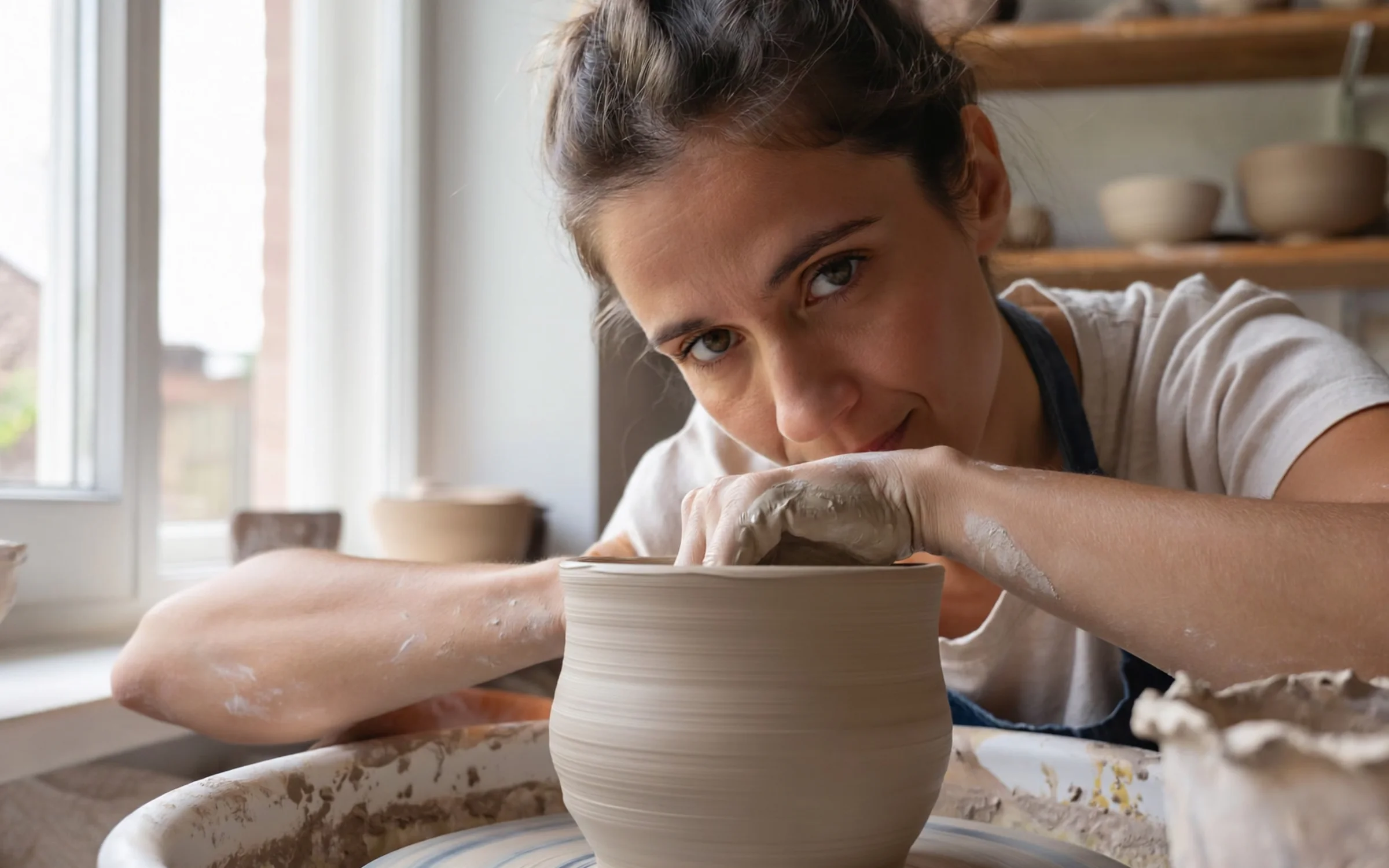
A 4:5 portrait of a ceramicist at her wheel, window light from the left, 85mm lens at f/2. Clay dust on her forearms, the shelves of drying bowls soft behind her.
Try prompt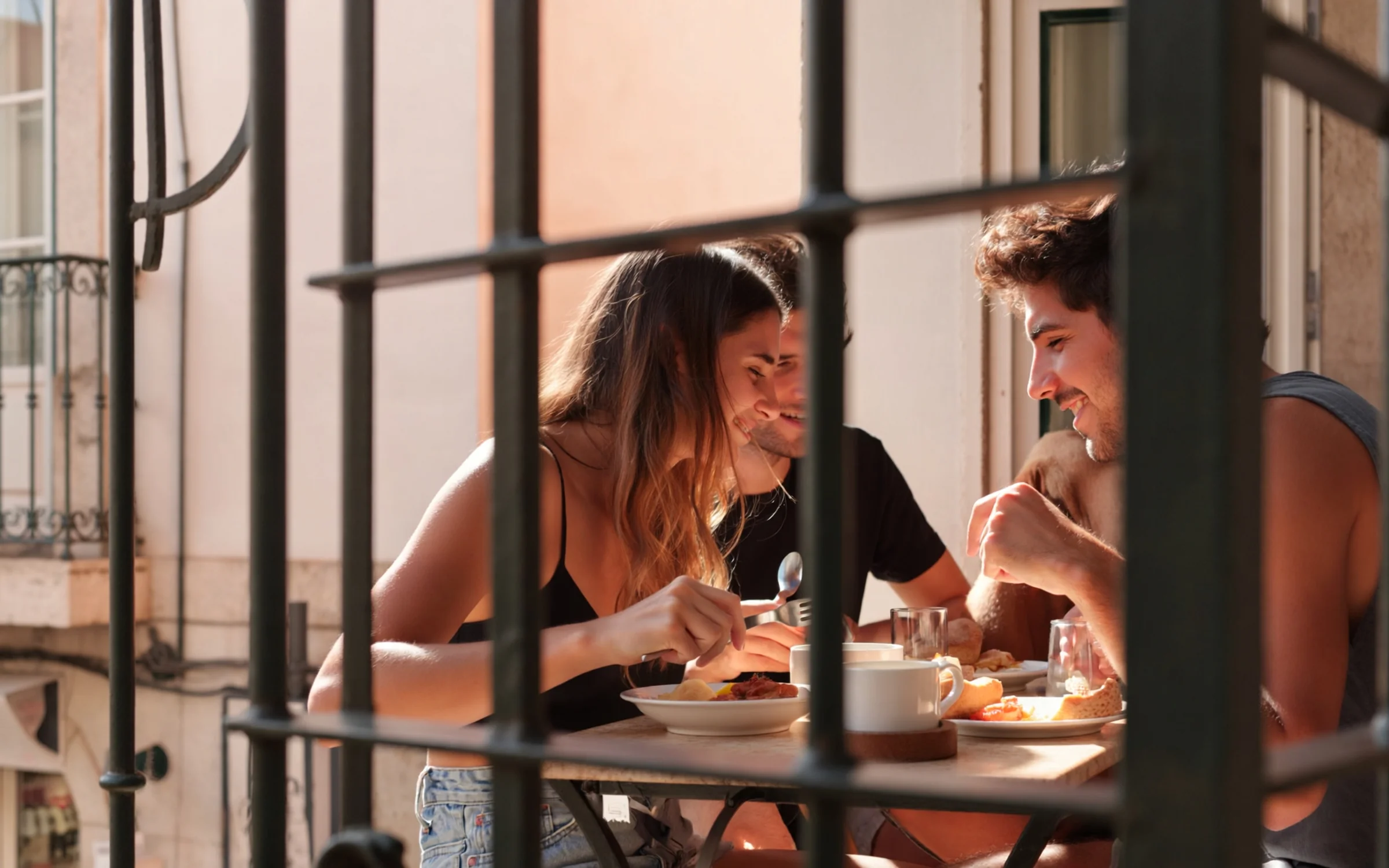
A 16:9 lifestyle frame of two friends sharing breakfast on a Lisbon balcony at 8am. Low sun through the iron railings, 35mm lens, warm light without turning orange.
Try prompt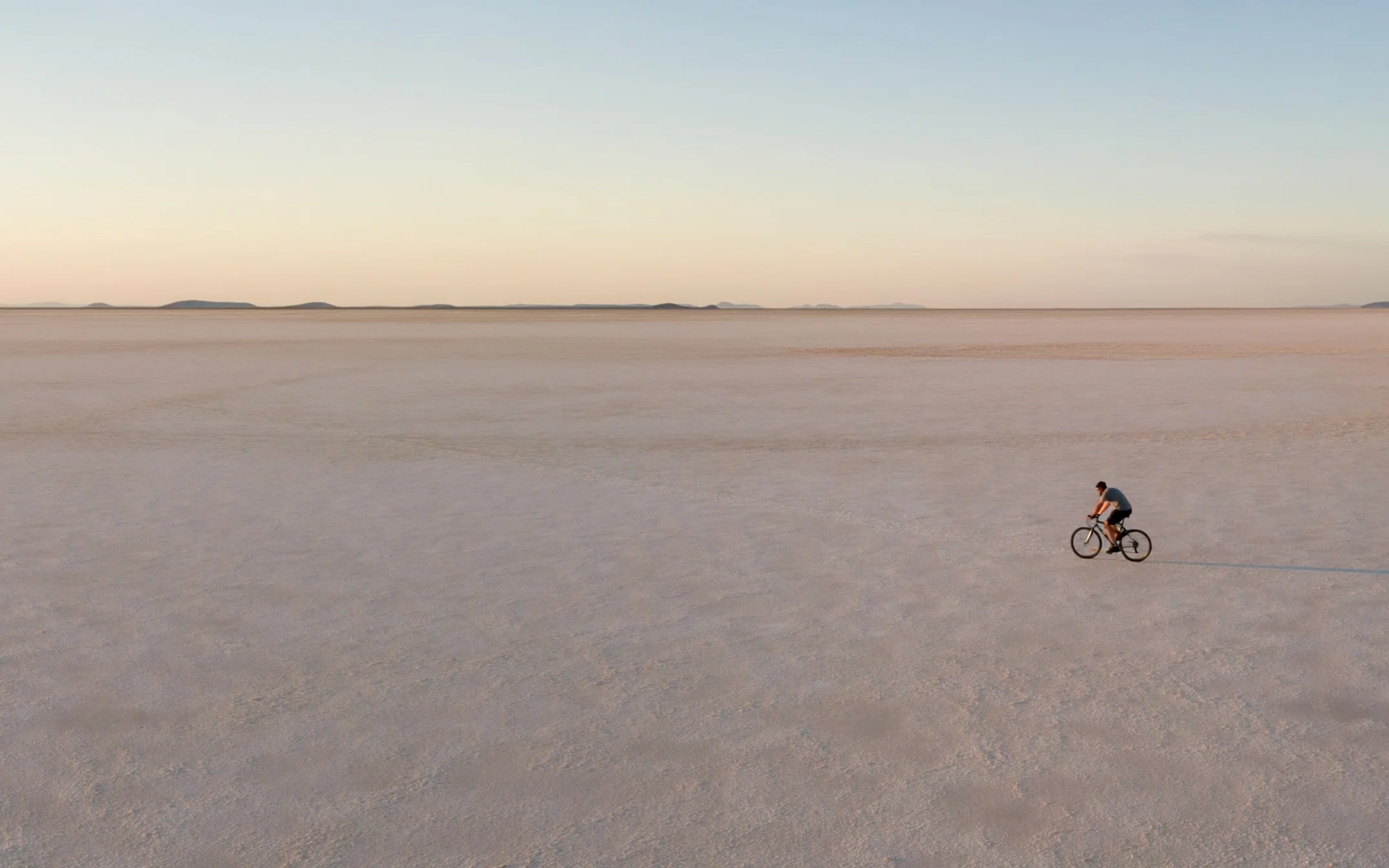
A 21:9 frame of a lone cyclist crossing a salt flat at golden hour, tiny in the frame. Seen from a drone high above, a long shadow stretching to the right.
Try prompt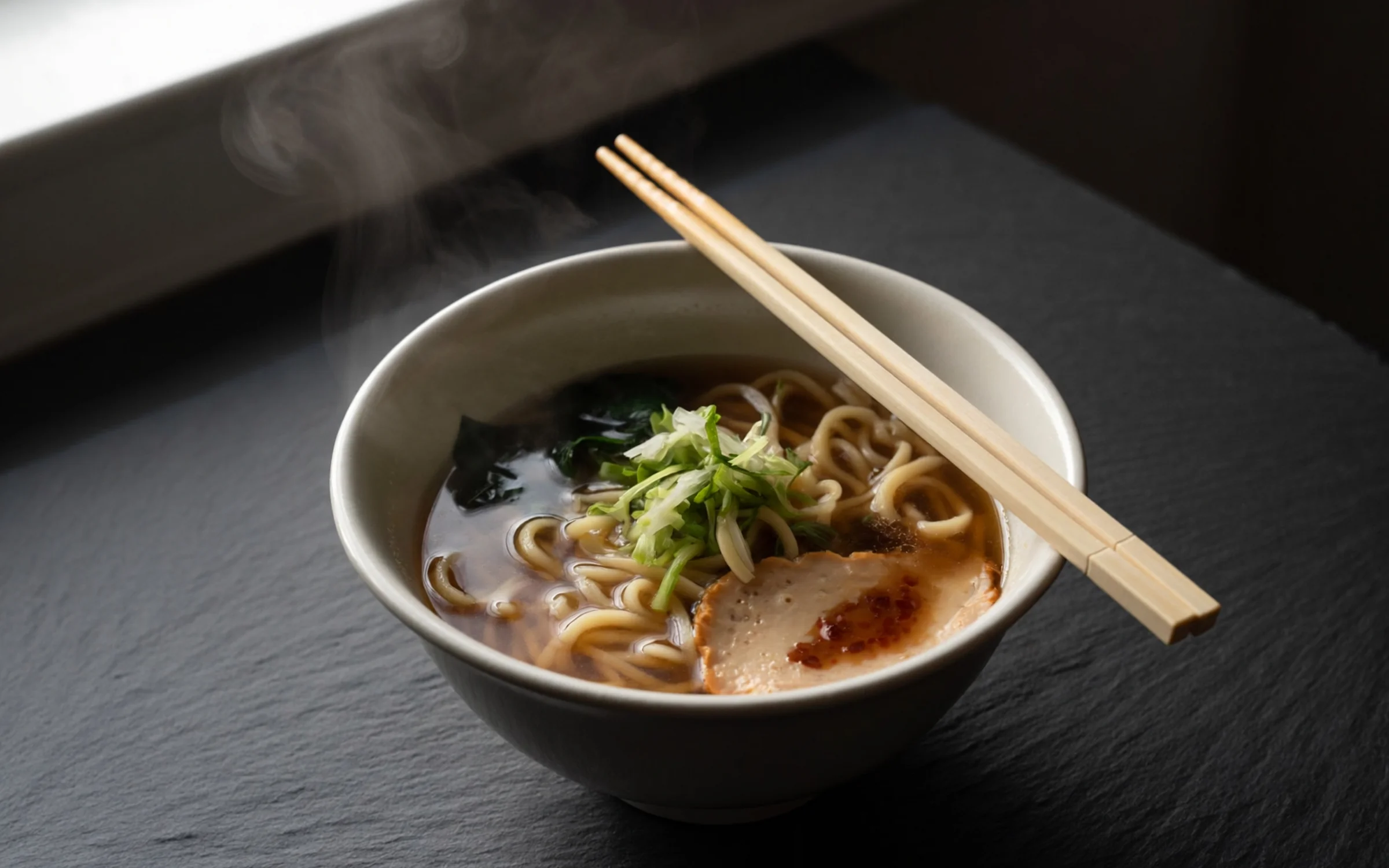
A 1:1 overhead shot of a bowl of ramen on dark slate, steam rising, chopsticks resting on the rim. Hard side light from one window, everything else falling into shadow.
Try prompt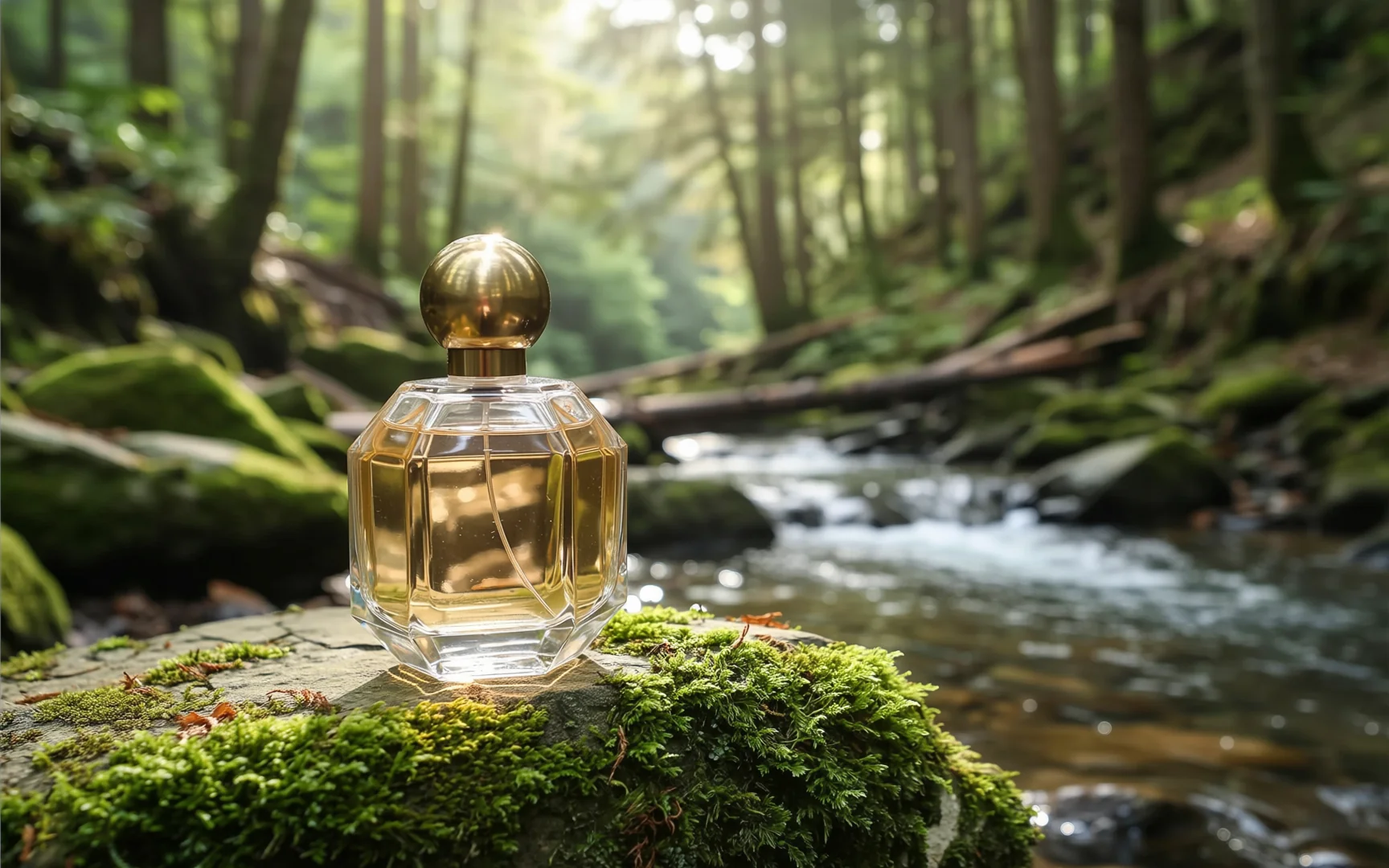
For 2.0 Edit, add one photo of a glass perfume bottle on a white table. Ask for the bottle on a mossy rock beside a forest stream in soft morning light, its shape and color unchanged.
Try promptA 4:5 portrait of a ceramicist at her wheel, window light from the left, 85mm lens at f/2. Clay dust on her forearms, the shelves of drying bowls soft behind her.
Try promptA 16:9 lifestyle frame of two friends sharing breakfast on a Lisbon balcony at 8am. Low sun through the iron railings, 35mm lens, warm light without turning orange.
Try promptA 21:9 frame of a lone cyclist crossing a salt flat at golden hour, tiny in the frame. Seen from a drone high above, a long shadow stretching to the right.
Try promptA 1:1 overhead shot of a bowl of ramen on dark slate, steam rising, chopsticks resting on the rim. Hard side light from one window, everything else falling into shadow.
Try promptFor 2.0 Edit, add one photo of a glass perfume bottle on a white table. Ask for the bottle on a mossy rock beside a forest stream in soft morning light, its shape and color unchanged.
Try promptA 4:5 portrait of a ceramicist at her wheel, window light from the left, 85mm lens at f/2. Clay dust on her forearms, the shelves of drying bowls soft behind her.
Try promptA 16:9 lifestyle frame of two friends sharing breakfast on a Lisbon balcony at 8am. Low sun through the iron railings, 35mm lens, warm light without turning orange.
Try promptA 21:9 frame of a lone cyclist crossing a salt flat at golden hour, tiny in the frame. Seen from a drone high above, a long shadow stretching to the right.
Try promptA 1:1 overhead shot of a bowl of ramen on dark slate, steam rising, chopsticks resting on the rim. Hard side light from one window, everything else falling into shadow.
Try promptFor 2.0 Edit, add one photo of a glass perfume bottle on a white table. Ask for the bottle on a mossy rock beside a forest stream in soft morning light, its shape and color unchanged.
Try promptA 4:5 portrait of a ceramicist at her wheel, window light from the left, 85mm lens at f/2. Clay dust on her forearms, the shelves of drying bowls soft behind her.
Try promptA 16:9 lifestyle frame of two friends sharing breakfast on a Lisbon balcony at 8am. Low sun through the iron railings, 35mm lens, warm light without turning orange.
Try promptA 21:9 frame of a lone cyclist crossing a salt flat at golden hour, tiny in the frame. Seen from a drone high above, a long shadow stretching to the right.
Try promptA 1:1 overhead shot of a bowl of ramen on dark slate, steam rising, chopsticks resting on the rim. Hard side light from one window, everything else falling into shadow.
Try promptFor 2.0 Edit, add one photo of a glass perfume bottle on a white table. Ask for the bottle on a mossy rock beside a forest stream in soft morning light, its shape and color unchanged.
Try promptA 4:5 portrait of a ceramicist at her wheel, window light from the left, 85mm lens at f/2. Clay dust on her forearms, the shelves of drying bowls soft behind her.
Try promptA 16:9 lifestyle frame of two friends sharing breakfast on a Lisbon balcony at 8am. Low sun through the iron railings, 35mm lens, warm light without turning orange.
Try promptA 21:9 frame of a lone cyclist crossing a salt flat at golden hour, tiny in the frame. Seen from a drone high above, a long shadow stretching to the right.
Try promptA 1:1 overhead shot of a bowl of ramen on dark slate, steam rising, chopsticks resting on the rim. Hard side light from one window, everything else falling into shadow.
Try prompt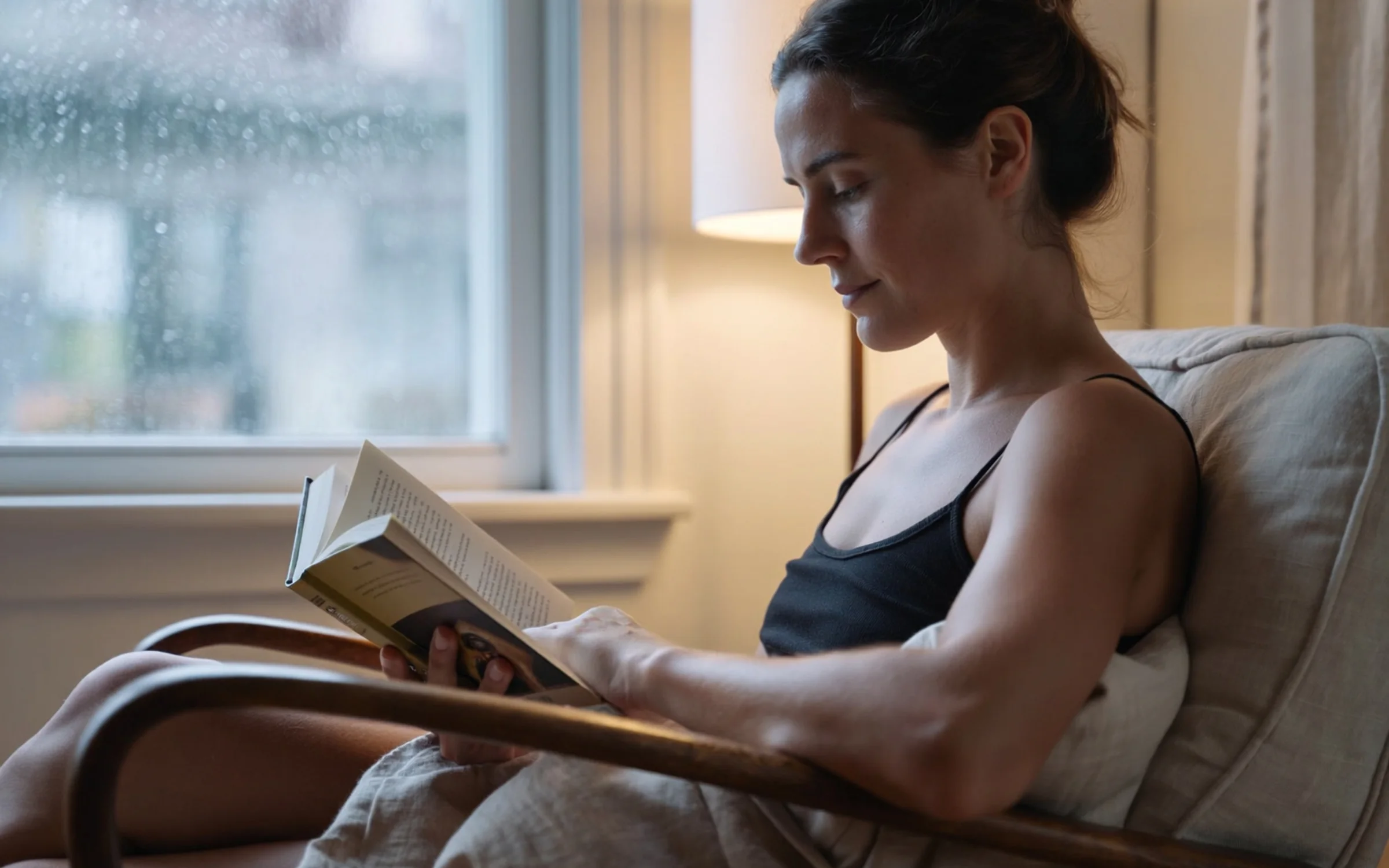
A 9:16 shot of a woman reading in a linen armchair by a rainy window. Shallow depth of field, cool daylight, one warm lamp glowing behind her.
Try prompt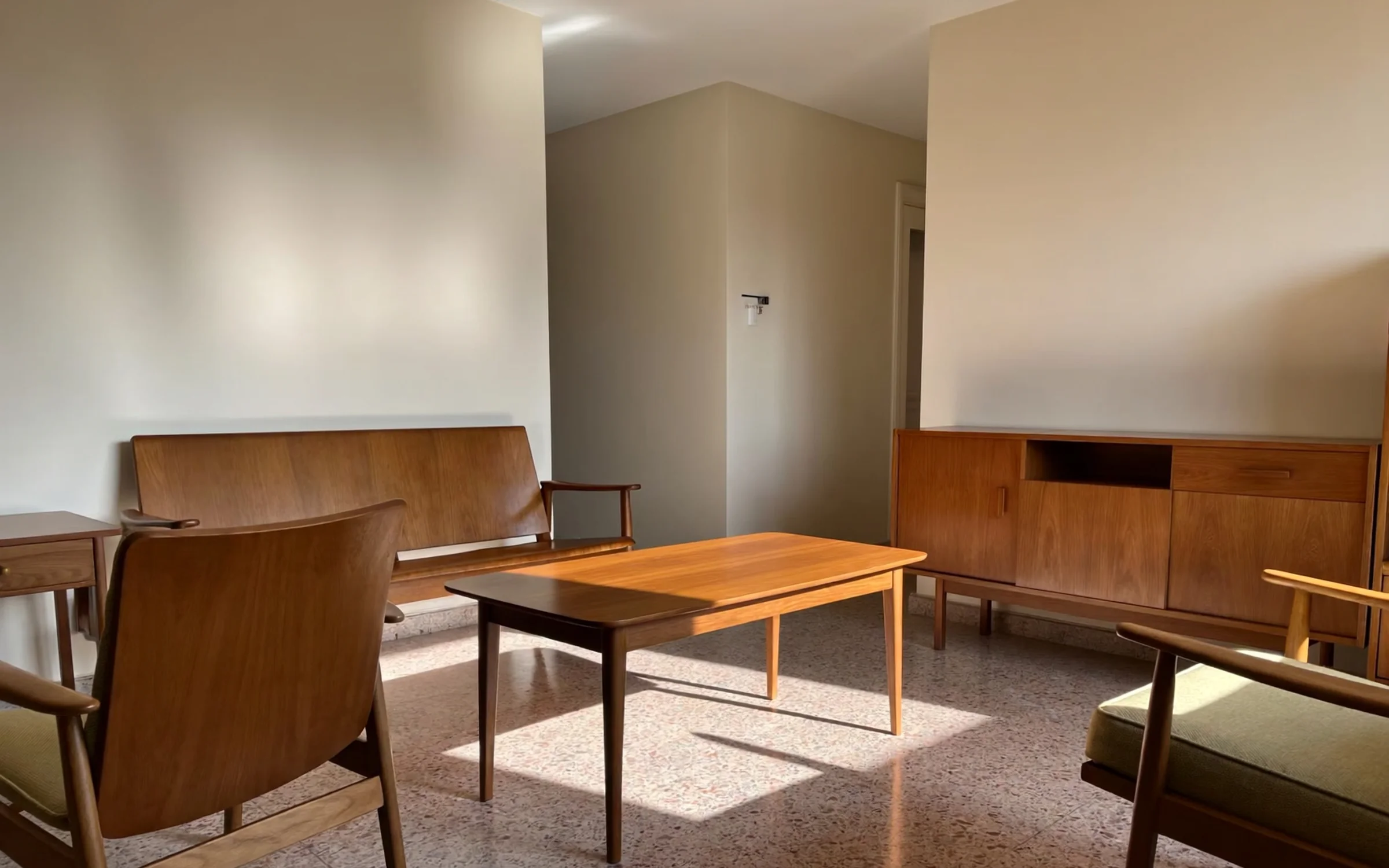
A 3:4 mid-century living room at 4pm, walnut furniture and a terrazzo floor. Low sun across the room, eye level, 28mm lens with straight verticals.
Try prompt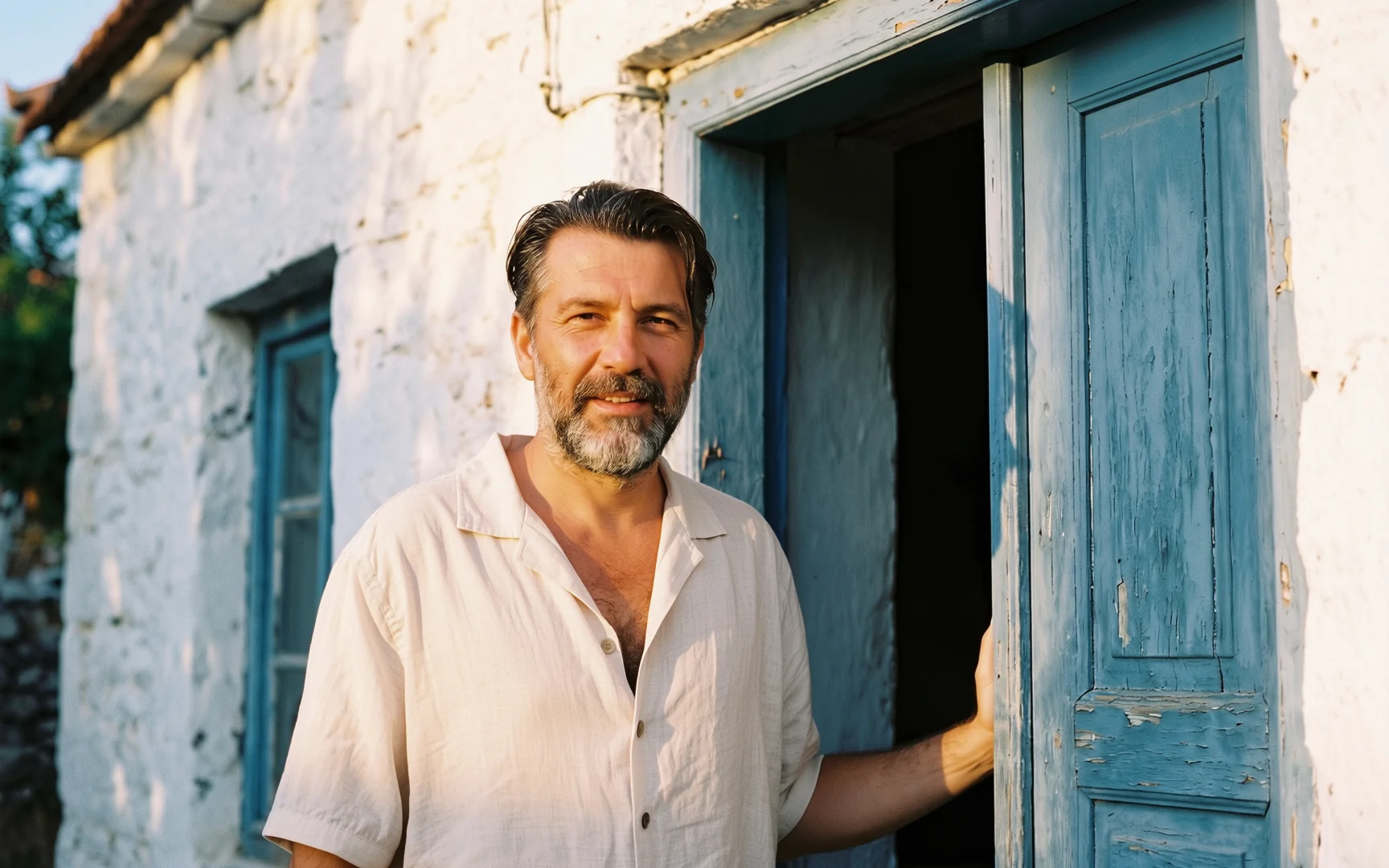
For 2.0 Edit, add a photo of a linen shirt and a photo of a man standing in a doorway. Ask for the shirt from image 1 on the man in image 2, same pose and doorway light.
Try promptFor 2.0 Edit, add one photo of a glass perfume bottle on a white table. Ask for the bottle on a mossy rock beside a forest stream in soft morning light, its shape and color unchanged.
Try prompt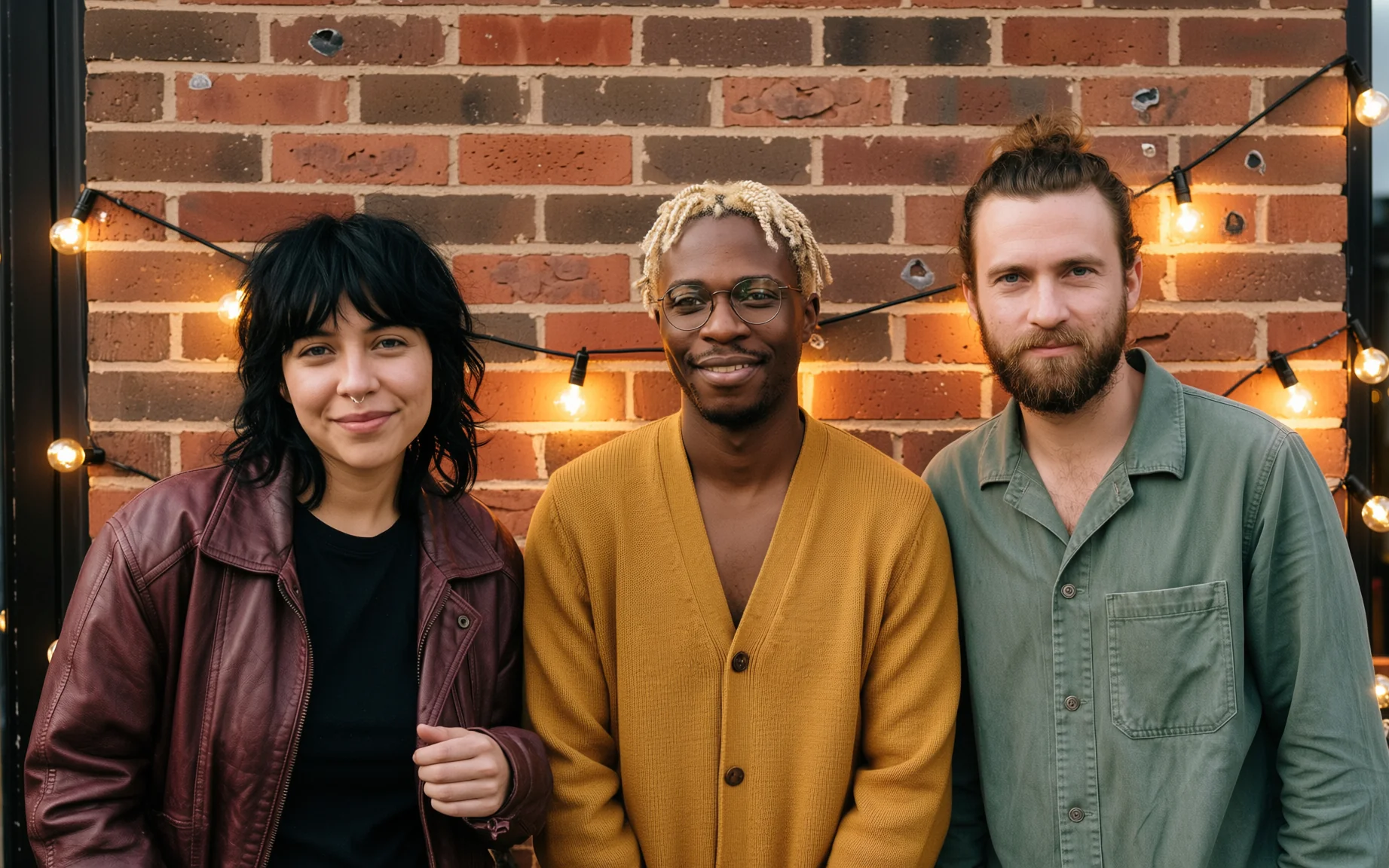
For 2.0 Edit, add separate portraits of three bandmates. Ask for a 16:9 group shot of them on a brick rooftop at dusk, string lights behind, each in their own clothes.
Try promptA 4:5 portrait of a ceramicist at her wheel, window light from the left, 85mm lens at f/2. Clay dust on her forearms, the shelves of drying bowls soft behind her.
Try promptA 16:9 lifestyle frame of two friends sharing breakfast on a Lisbon balcony at 8am. Low sun through the iron railings, 35mm lens, warm light without turning orange.
Try promptA 21:9 frame of a lone cyclist crossing a salt flat at golden hour, tiny in the frame. Seen from a drone high above, a long shadow stretching to the right.
Try promptA 1:1 overhead shot of a bowl of ramen on dark slate, steam rising, chopsticks resting on the rim. Hard side light from one window, everything else falling into shadow.
Try promptA 9:16 shot of a woman reading in a linen armchair by a rainy window. Shallow depth of field, cool daylight, one warm lamp glowing behind her.
Try promptA 3:4 mid-century living room at 4pm, walnut furniture and a terrazzo floor. Low sun across the room, eye level, 28mm lens with straight verticals.
Try promptFor 2.0 Edit, add a photo of a linen shirt and a photo of a man standing in a doorway. Ask for the shirt from image 1 on the man in image 2, same pose and doorway light.
Try promptFor 2.0 Edit, add one photo of a glass perfume bottle on a white table. Ask for the bottle on a mossy rock beside a forest stream in soft morning light, its shape and color unchanged.
Try promptFor 2.0 Edit, add separate portraits of three bandmates. Ask for a 16:9 group shot of them on a brick rooftop at dusk, string lights behind, each in their own clothes.
Try promptA 4:5 portrait of a ceramicist at her wheel, window light from the left, 85mm lens at f/2. Clay dust on her forearms, the shelves of drying bowls soft behind her.
Try promptA 16:9 lifestyle frame of two friends sharing breakfast on a Lisbon balcony at 8am. Low sun through the iron railings, 35mm lens, warm light without turning orange.
Try promptA 21:9 frame of a lone cyclist crossing a salt flat at golden hour, tiny in the frame. Seen from a drone high above, a long shadow stretching to the right.
Try promptA 1:1 overhead shot of a bowl of ramen on dark slate, steam rising, chopsticks resting on the rim. Hard side light from one window, everything else falling into shadow.
Try promptA 9:16 shot of a woman reading in a linen armchair by a rainy window. Shallow depth of field, cool daylight, one warm lamp glowing behind her.
Try promptA 3:4 mid-century living room at 4pm, walnut furniture and a terrazzo floor. Low sun across the room, eye level, 28mm lens with straight verticals.
Try promptFor 2.0 Edit, add a photo of a linen shirt and a photo of a man standing in a doorway. Ask for the shirt from image 1 on the man in image 2, same pose and doorway light.
Try promptFor 2.0 Edit, add one photo of a glass perfume bottle on a white table. Ask for the bottle on a mossy rock beside a forest stream in soft morning light, its shape and color unchanged.
Try promptFor 2.0 Edit, add separate portraits of three bandmates. Ask for a 16:9 group shot of them on a brick rooftop at dusk, string lights behind, each in their own clothes.
Try promptA 4:5 portrait of a ceramicist at her wheel, window light from the left, 85mm lens at f/2. Clay dust on her forearms, the shelves of drying bowls soft behind her.
Try promptA 16:9 lifestyle frame of two friends sharing breakfast on a Lisbon balcony at 8am. Low sun through the iron railings, 35mm lens, warm light without turning orange.
Try promptA 21:9 frame of a lone cyclist crossing a salt flat at golden hour, tiny in the frame. Seen from a drone high above, a long shadow stretching to the right.
Try promptA 1:1 overhead shot of a bowl of ramen on dark slate, steam rising, chopsticks resting on the rim. Hard side light from one window, everything else falling into shadow.
Try promptA 9:16 shot of a woman reading in a linen armchair by a rainy window. Shallow depth of field, cool daylight, one warm lamp glowing behind her.
Try promptA 3:4 mid-century living room at 4pm, walnut furniture and a terrazzo floor. Low sun across the room, eye level, 28mm lens with straight verticals.
Try promptFor 2.0 Edit, add a photo of a linen shirt and a photo of a man standing in a doorway. Ask for the shirt from image 1 on the man in image 2, same pose and doorway light.
Try promptFor 2.0 Edit, add one photo of a glass perfume bottle on a white table. Ask for the bottle on a mossy rock beside a forest stream in soft morning light, its shape and color unchanged.
Try promptFor 2.0 Edit, add separate portraits of three bandmates. Ask for a 16:9 group shot of them on a brick rooftop at dusk, string lights behind, each in their own clothes.
Try prompt
Try ImagineArt 2.0 on ImagineArt
ImagineArt 2.0 is ImagineArt's own photoreal image model. Write camera-language prompts in 14 aspect ratios at 2K, or edit 1 to 4 photos with 2.0 Edit.
Step 1
Pick ImagineArt 2.0 in the image tool to start from words, or ImagineArt 2.0 Edit to start from your own photos.
Step 2
Add your input. Write a prompt of up to 4,000 characters. In Edit, add one to four images first.
Step 3
Choose the shape. Pick one of 14 aspect ratios, from 4:1 wide to 1:4 tall.
Step 4
Generate and download. Every result comes out at 2K, the model's only resolution in the image tool.
Portraits and lifestyle frames that look photographed
ImagineArt's help center lists "Photorealistic portraits and lifestyle images" first among the jobs ImagineArt 2.0 suits best. Give it a person, a place and a light source, then say where the camera stands.
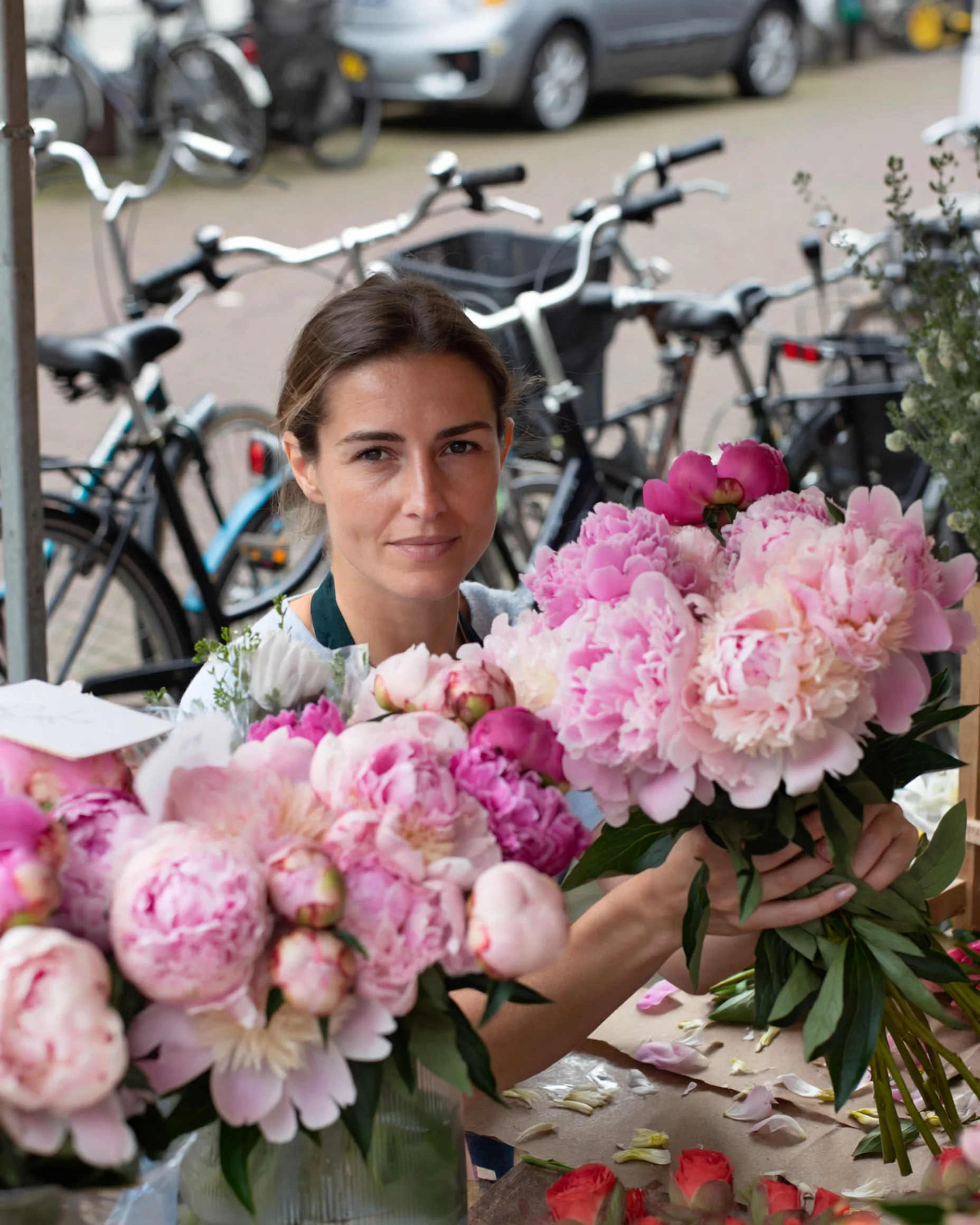
A 4:5 portrait of a florist arranging peonies at her market stall in Amsterdam, overcast midday light, 85mm lens at f/2, her face sharp and the parked bikes behind her soft, petals scattered on the counter.
Try prompt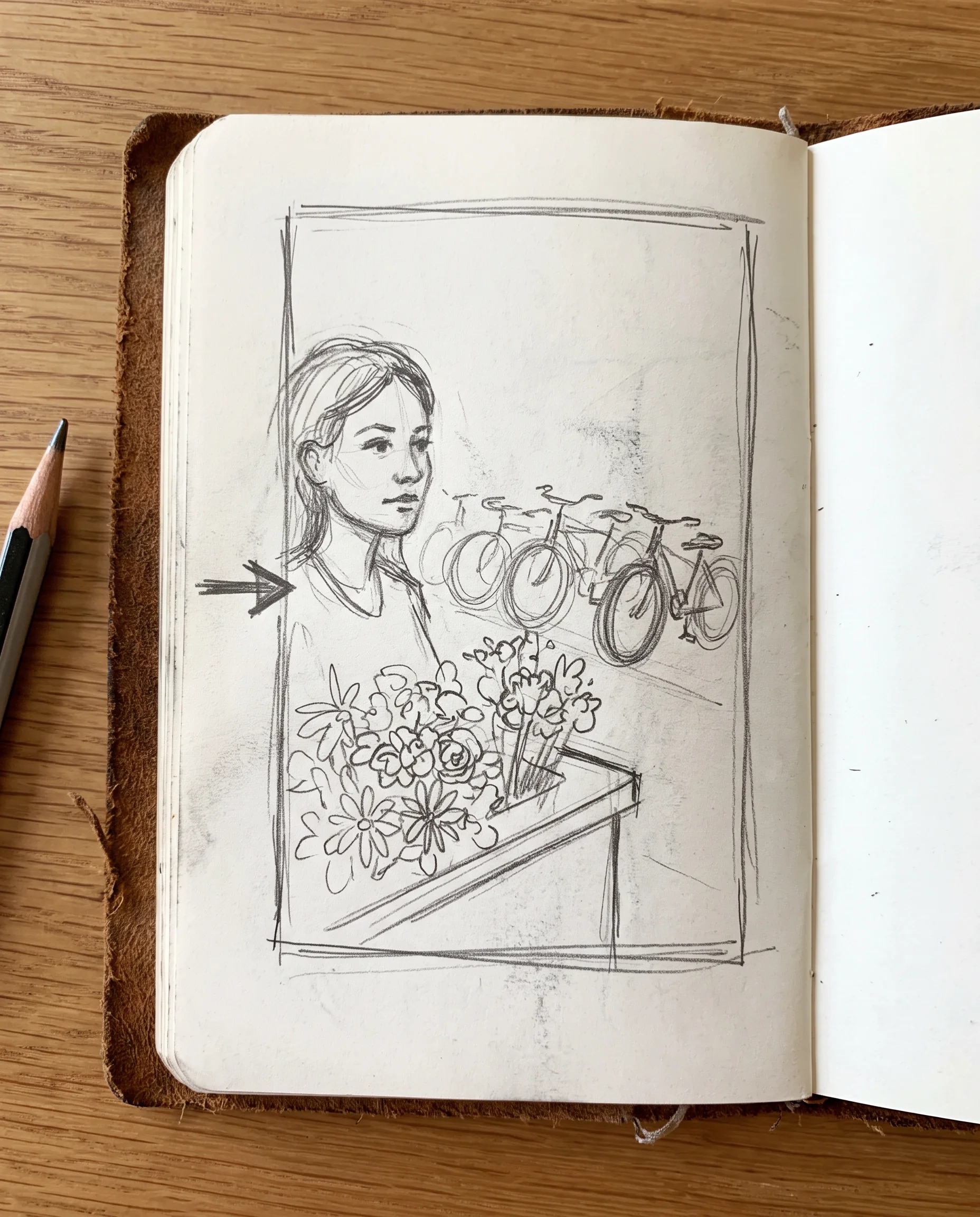
Write it like a camera report
The help center's own tip reads "Camera-language prompts work well," and both the image tool and the Workflow node take prompts up to 4,000 characters. Name the focal length, aperture, angle and film stock rather than leaning on "cinematic."
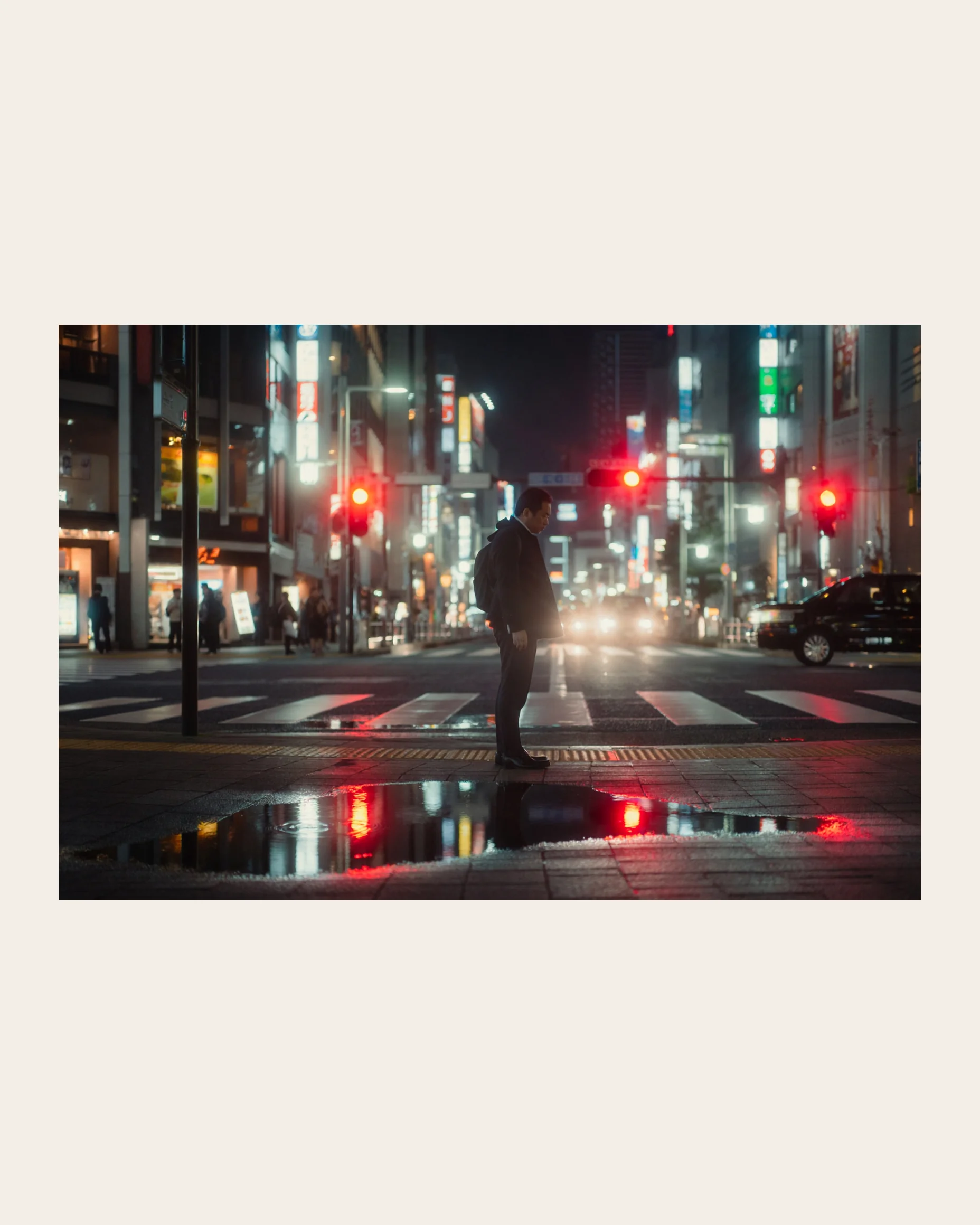
A 3:2 street scene in Shinjuku at 11pm, shot on a 35mm lens at f/1.4 from waist height, Cinestill 800T look, a commuter waiting at a crossing, red halation around the lights, puddles holding the neon.
Try prompt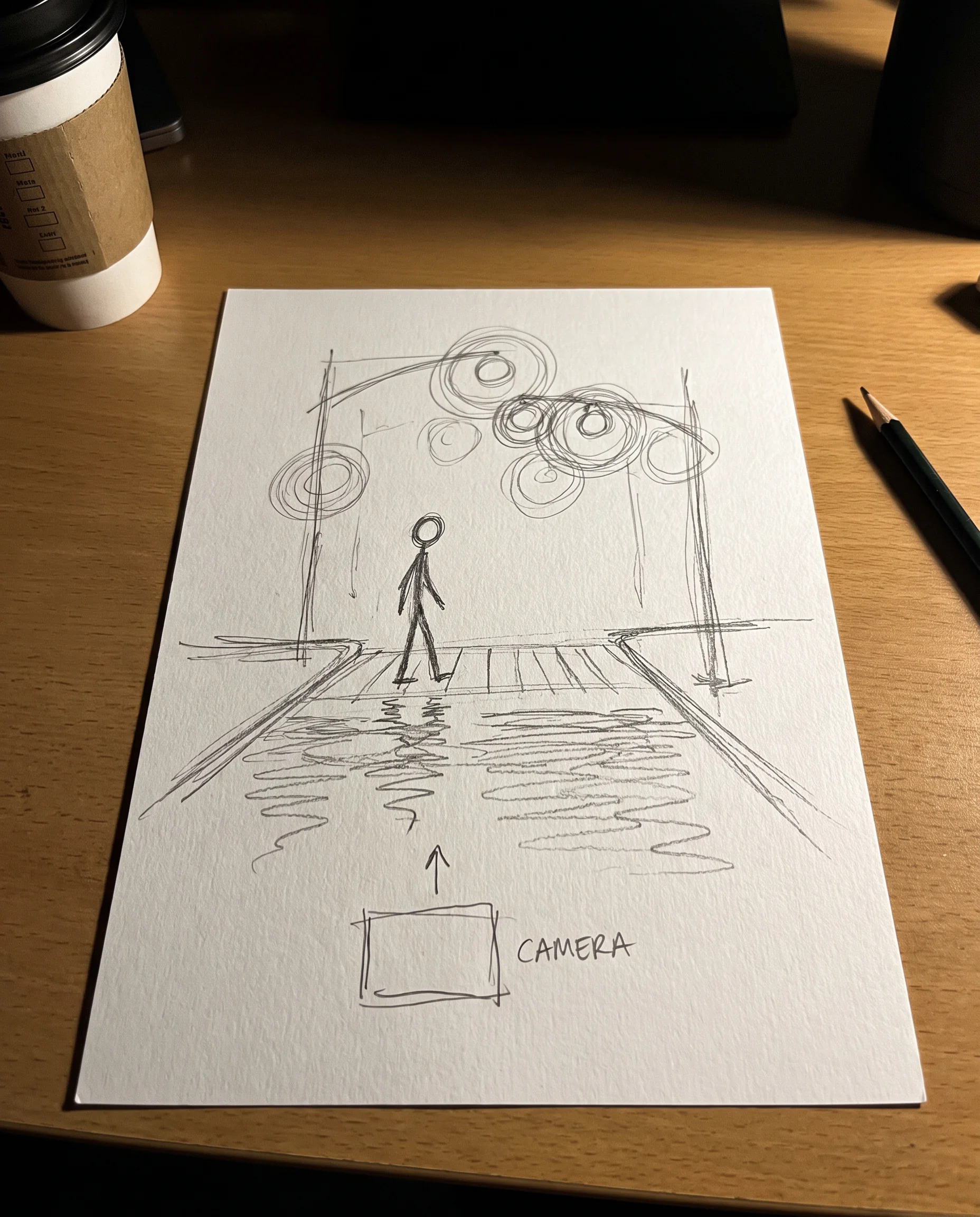
Fourteen shapes, from 4:1 to 1:4
The image tool offers 14 aspect ratios at 2K, from the 4:1 strip for website heroes to the 1:4 column for tall pins and side panels. The Workflow node has 12 of them, without 4:1 and 1:4.
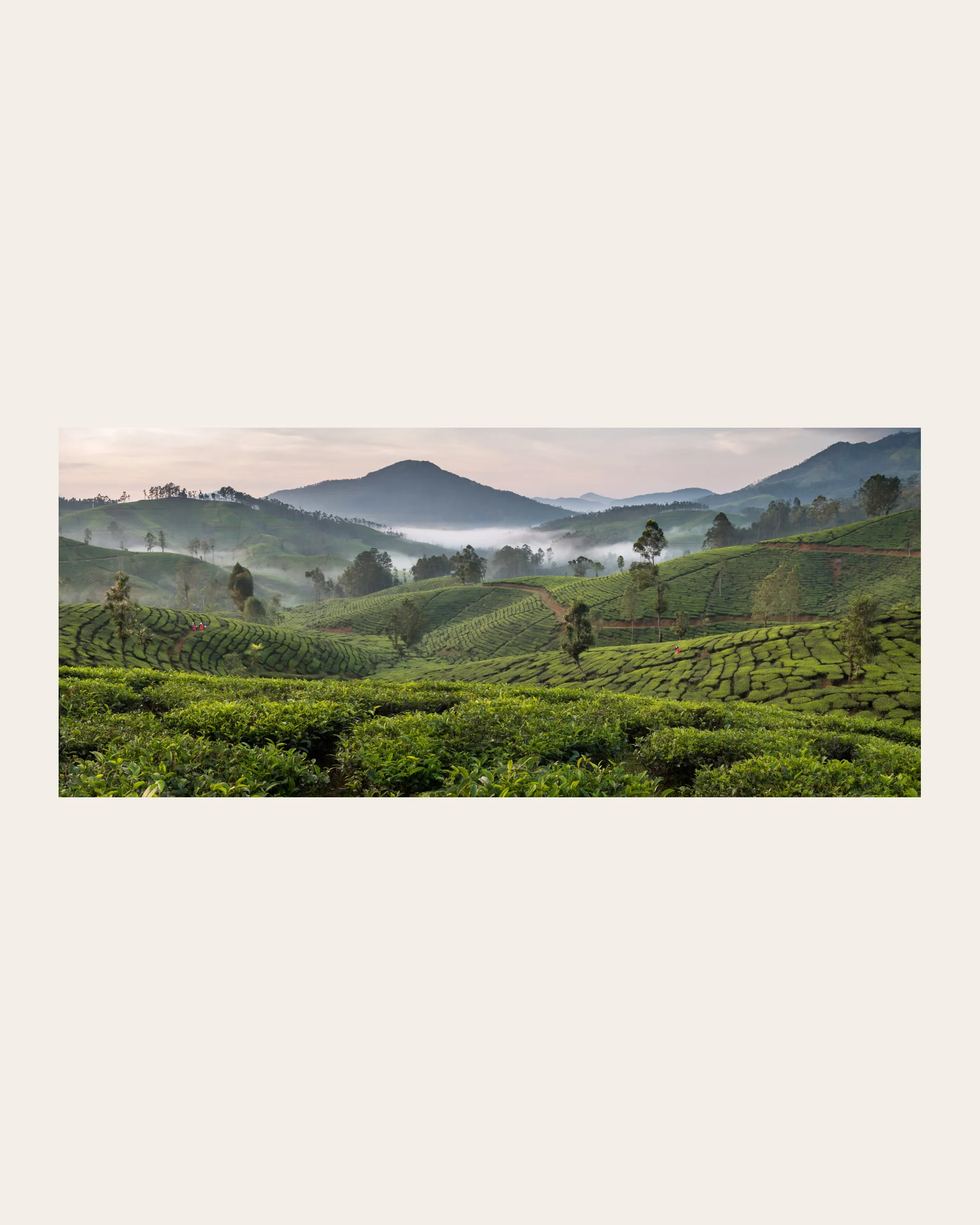
A 4:1 panoramic of terraced tea fields in Sri Lanka's hill country at dawn, mist pooling in the valleys, pickers in bright saris small in the middle distance, shot from a ridge with a 50mm lens.
Try prompt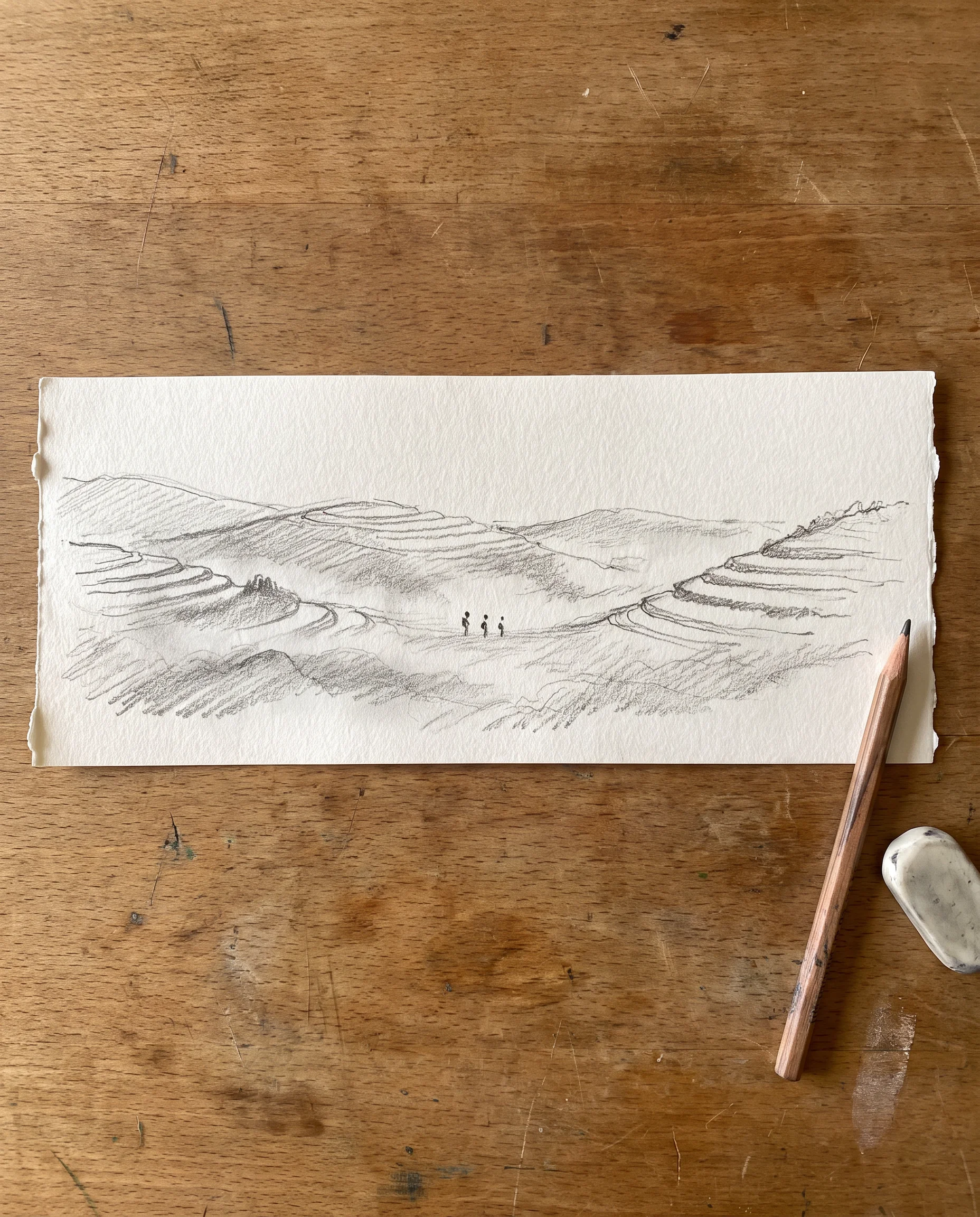
ImagineArt 2.0 Edit: start from up to four photos
Switch the image tool to edit mode, add one to four images, and describe the change. ImagineArt's original feature page for Edit framed it around combining subjects, swapping outfits, changing backgrounds and placing products. Edit isn't a Workflow node.
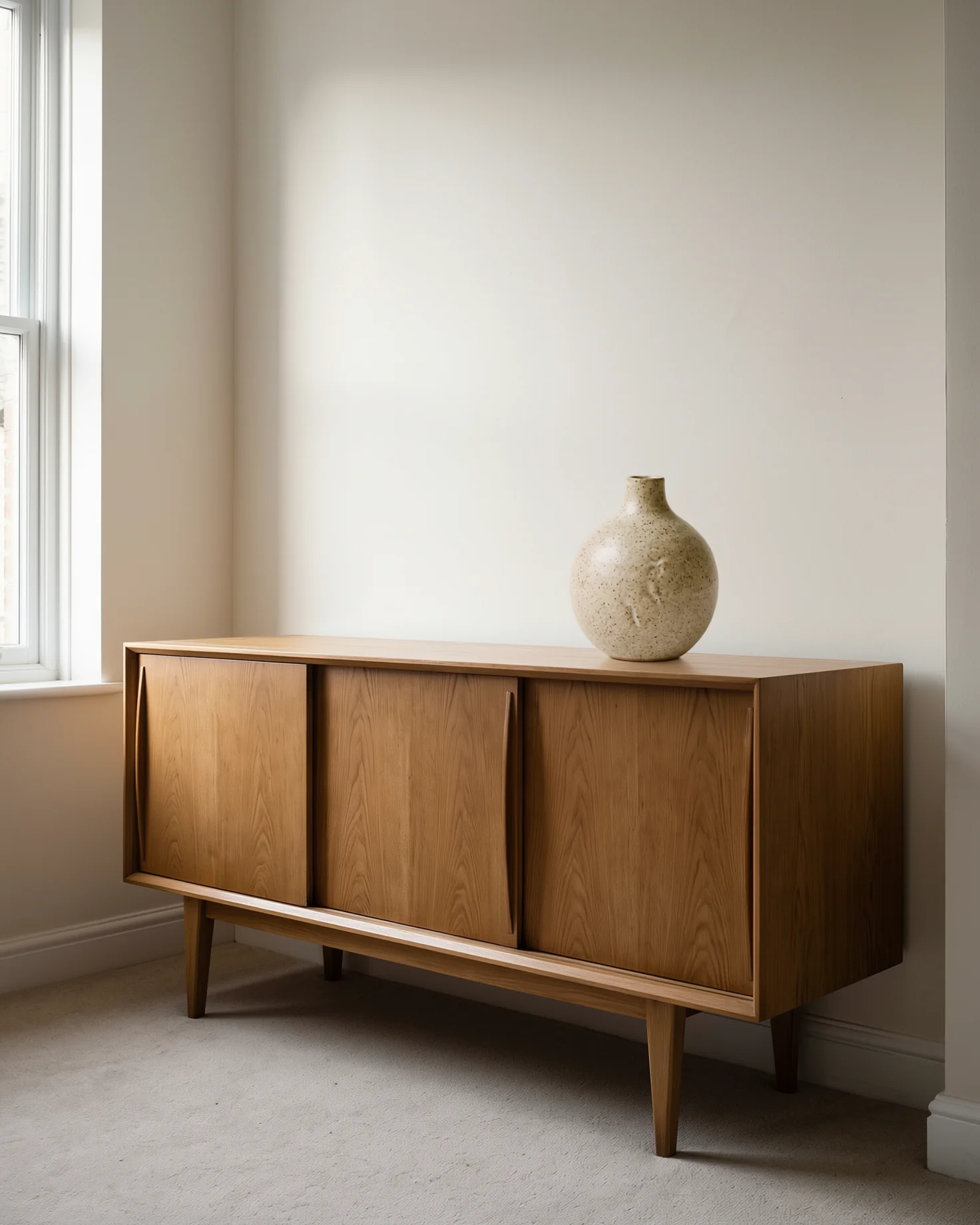
Add a photo of a stoneware vase and a photo of an oak sideboard. Then write: place the vase from image 1 on the sideboard from image 2, keep its glaze and shape, afternoon light from the left.
Try prompt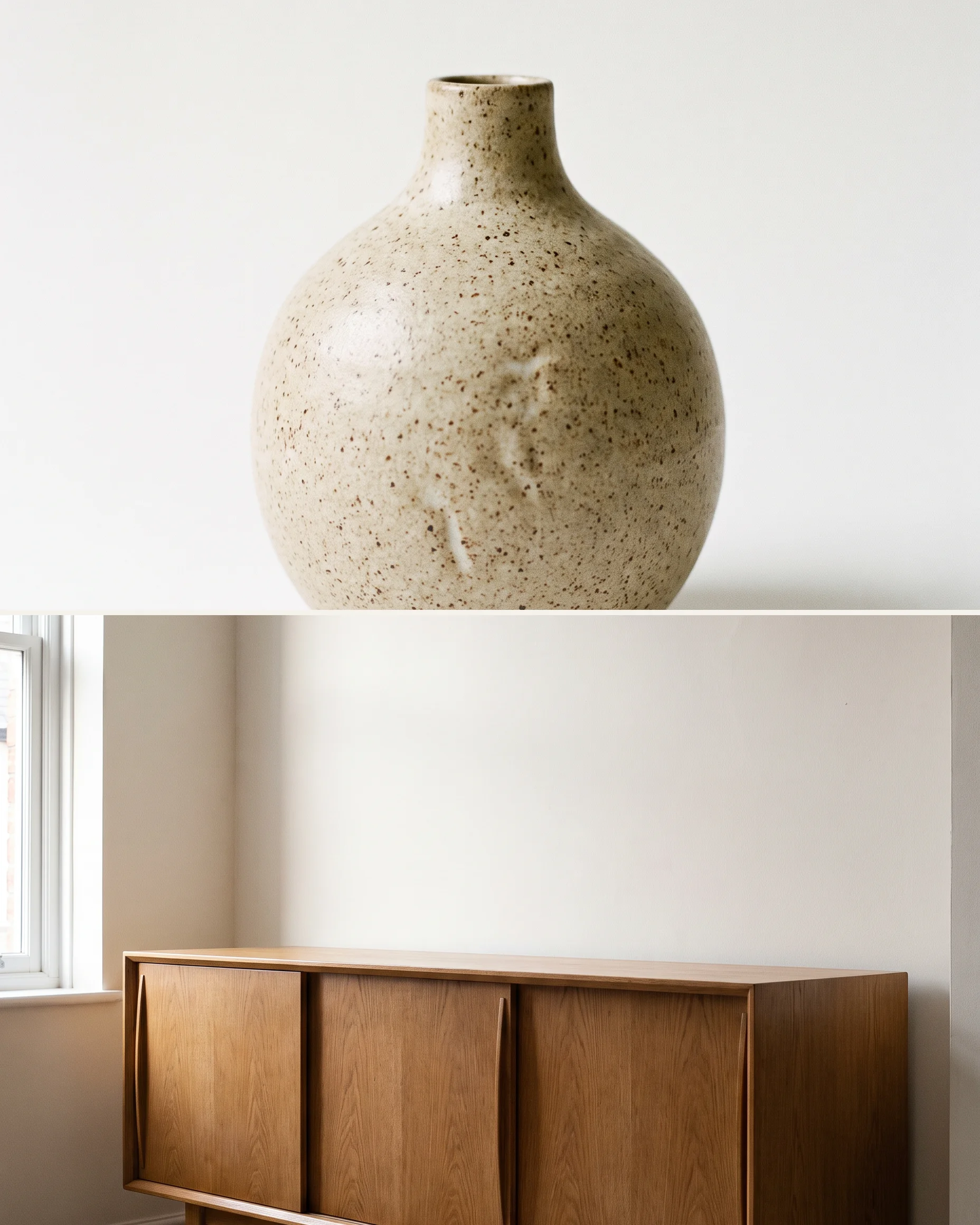
ImagineArt 2.0 is ImagineArt's own photoreal image model. Write camera-language prompts in 14 aspect ratios at 2K, or edit 1 to 4 photos with 2.0 Edit.
Open ImagineArt 2.0
Campaign hero shots
An agency art director can turn a campaign brief into a 3:2 hero frame and a 4:1 web banner, starting each from the same prompt with only the shape changed, and show the client options before a photographer is booked.
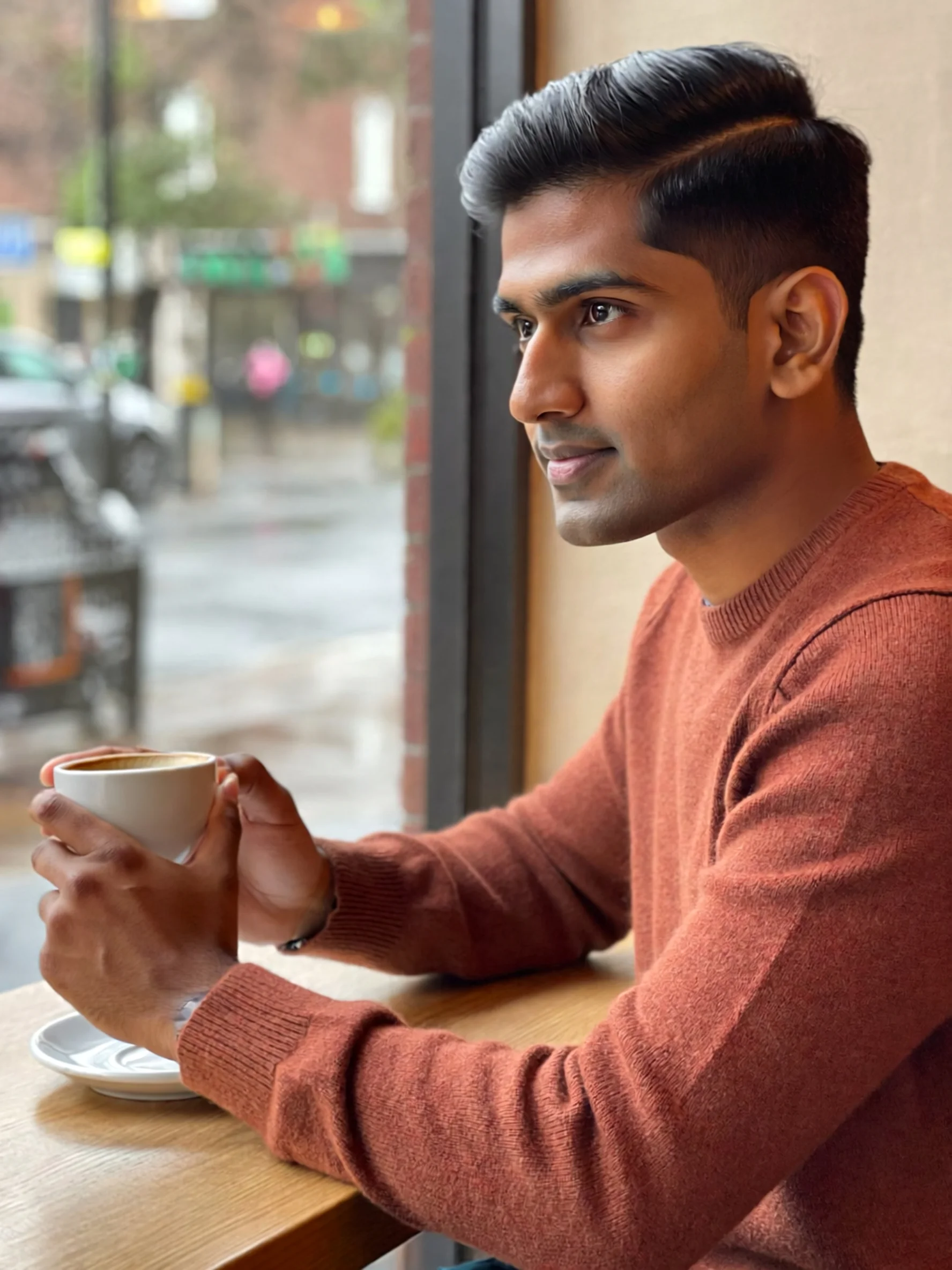
Lifestyle frames for a social calendar
A coffee brand's social team can make lifestyle frames of people in kitchens, cafés and train carriages, repeating the same lens and light in every prompt so a week of posts starts from the same lens and light. Review the set together before scheduling.
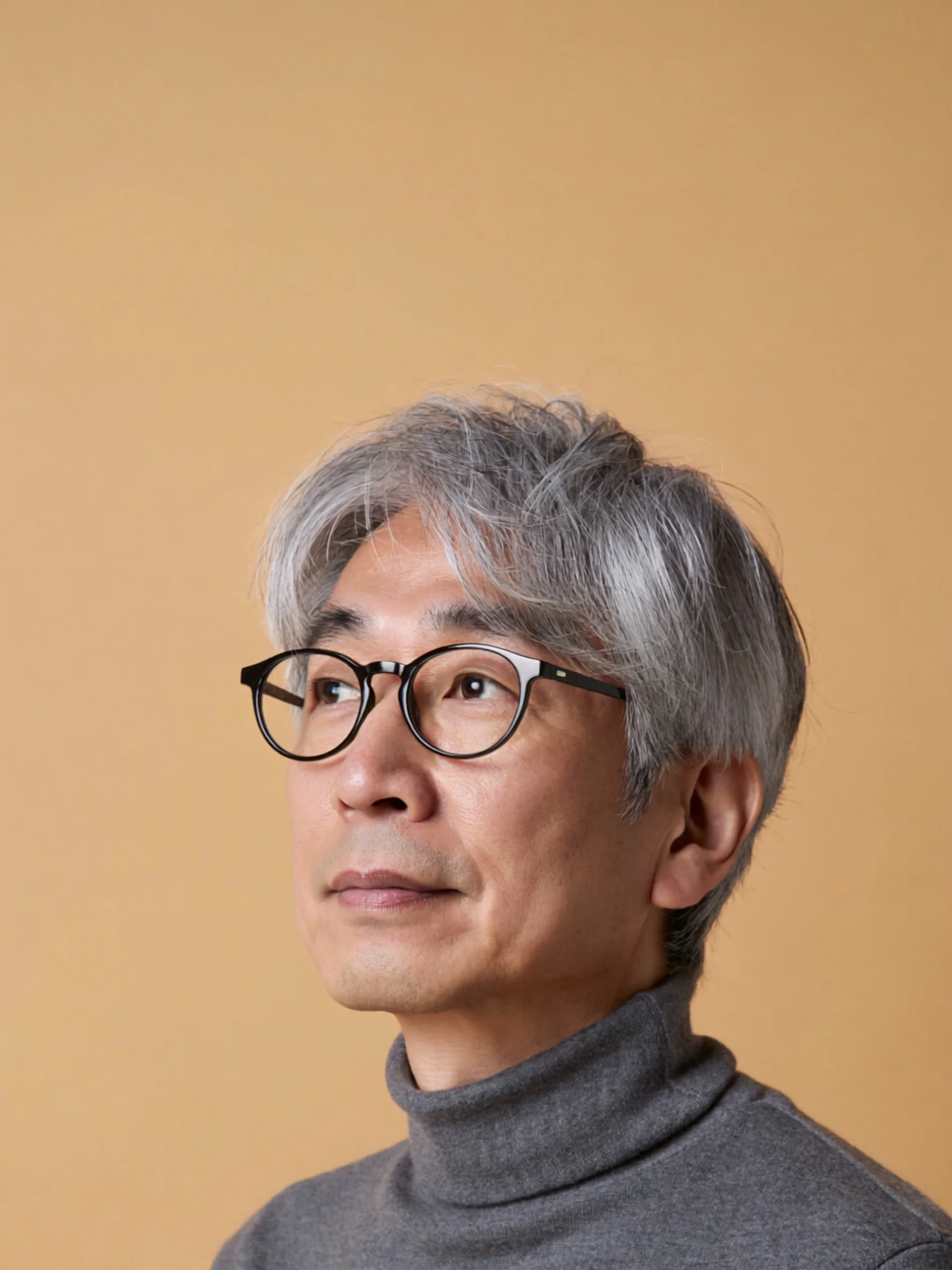
Cover concepts for photo editors
A magazine photo editor can mock up a cover idea as a 2:3 portrait with a named lens, light and backdrop, so the photographer arrives at the commissioned shoot with a reference instead of a paragraph.
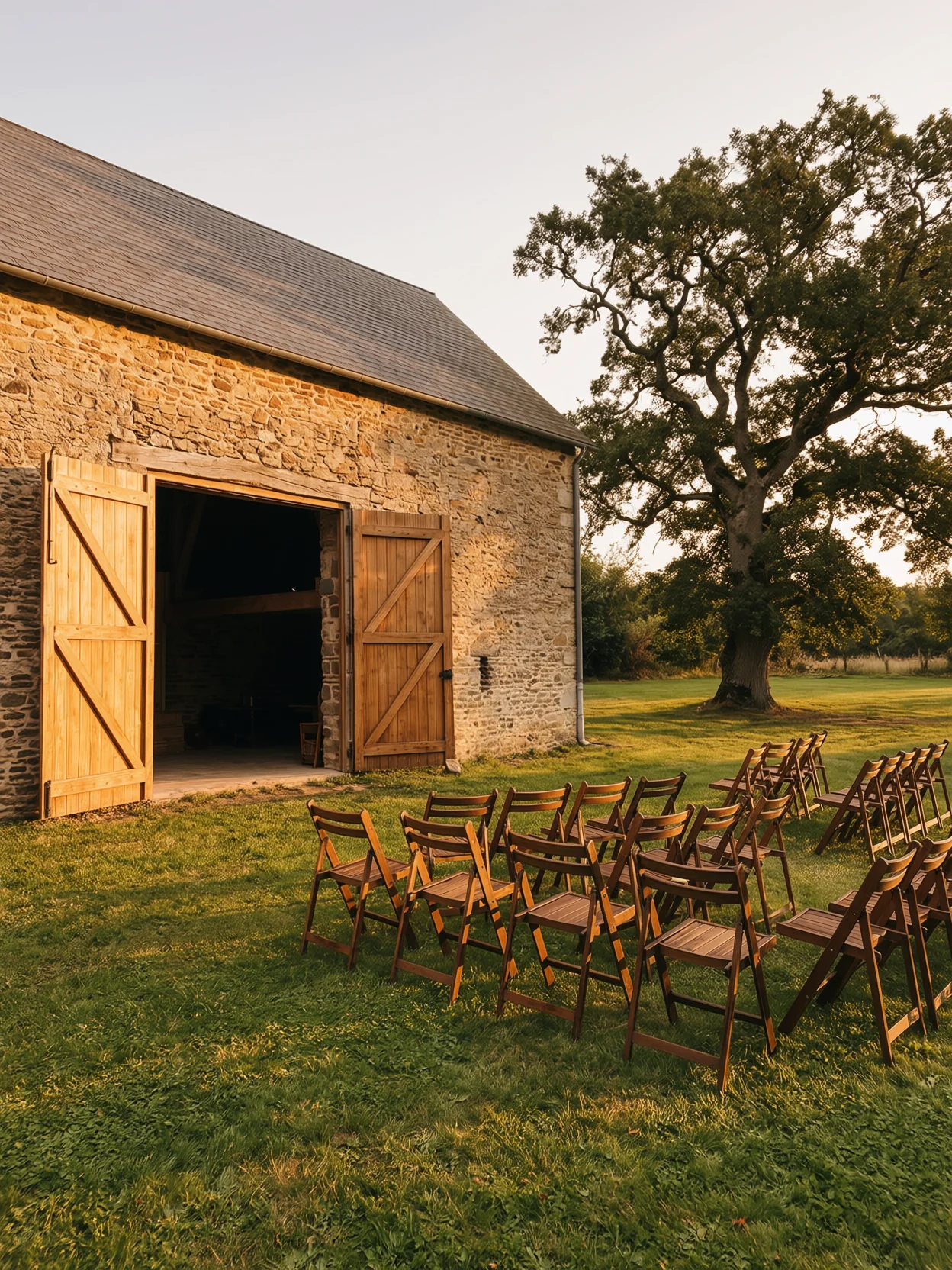
Golden-hour previews for shoot planning
A wedding photographer can add a daytime scouting photo of the venue to 2.0 Edit and ask for the same view at golden hour, then compare it against the real venue before talking through timing and positions with the couple.
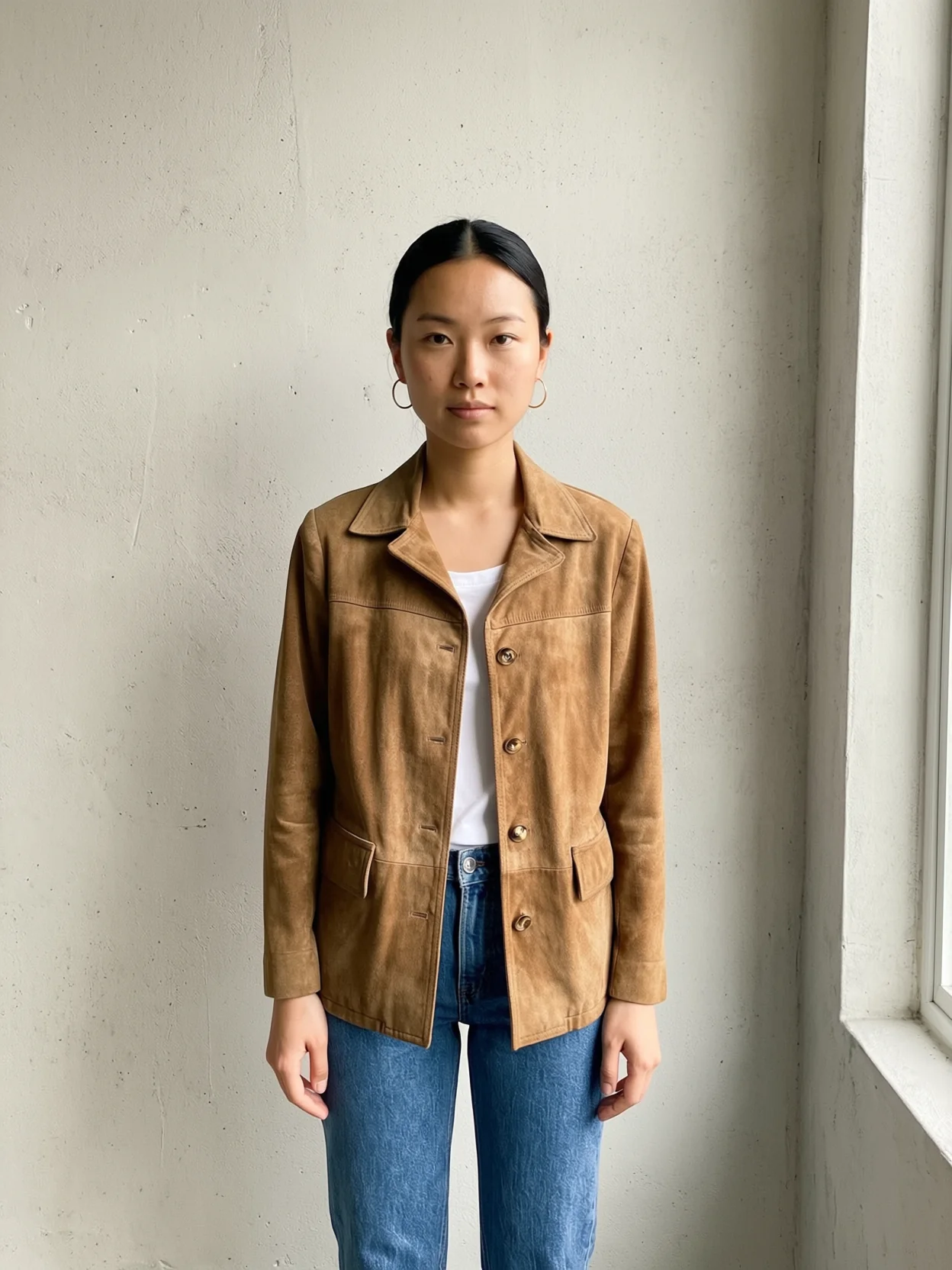
Outfit swaps for resale listings
A vintage clothing seller can add a flat photo of a jacket and a photo of a model to 2.0 Edit, dress the model in it, then check seams and buttons against the real garment before listing.
Product scenes from one photo
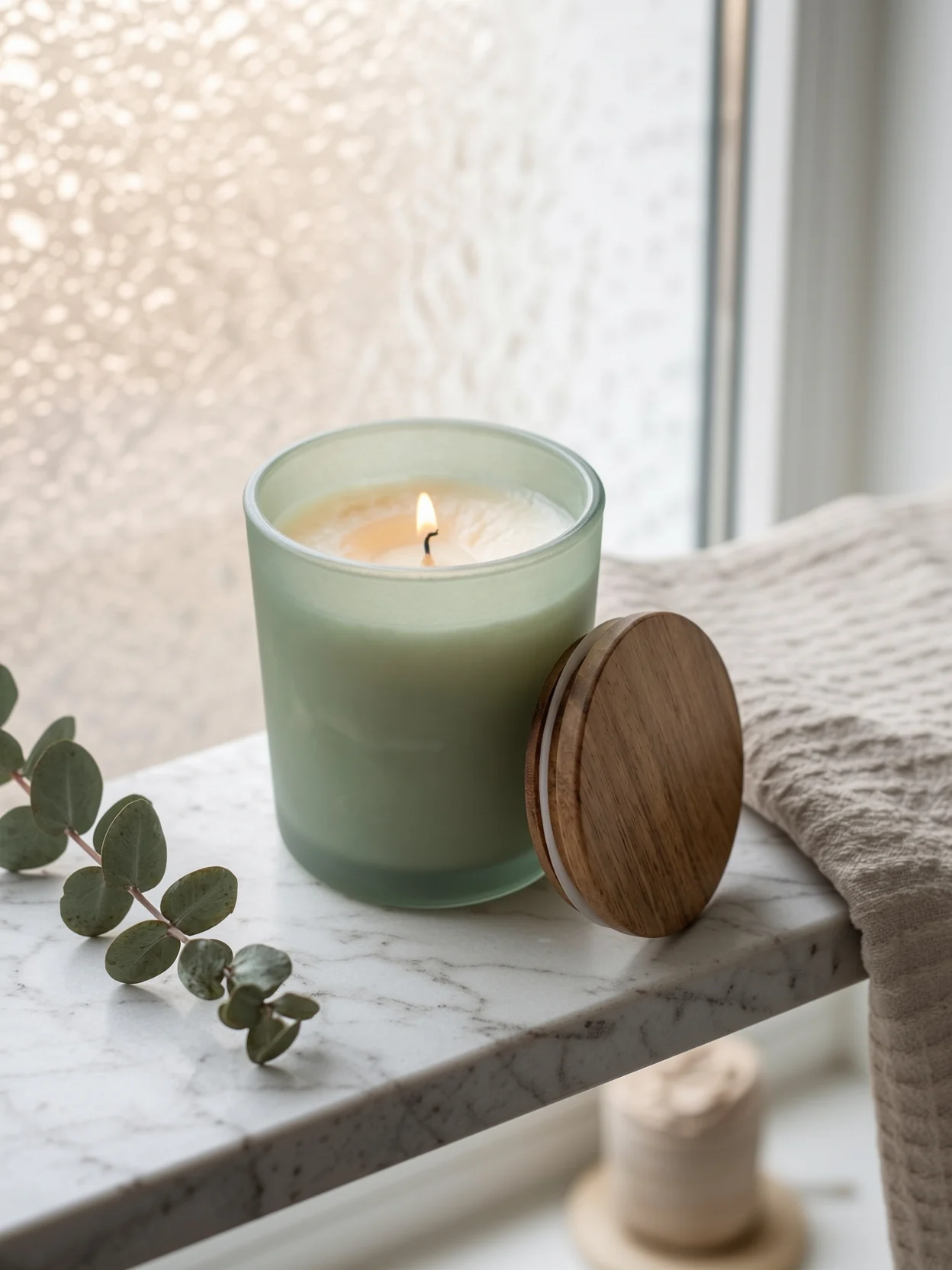
A candle maker on Etsy can add one product photo and ask for the jar on a bathroom shelf, a picnic blanket and a desk, one edit at a time, comparing each result against the real jar.
Campaign hero shots
An agency art director can turn a campaign brief into a 3:2 hero frame and a 4:1 web banner, starting each from the same prompt with only the shape changed, and show the client options before a photographer is booked.
Lifestyle frames for a social calendar
A coffee brand's social team can make lifestyle frames of people in kitchens, cafés and train carriages, repeating the same lens and light in every prompt so a week of posts starts from the same lens and light. Review the set together before scheduling.
Cover concepts for photo editors
A magazine photo editor can mock up a cover idea as a 2:3 portrait with a named lens, light and backdrop, so the photographer arrives at the commissioned shoot with a reference instead of a paragraph.
Golden-hour previews for shoot planning
A wedding photographer can add a daytime scouting photo of the venue to 2.0 Edit and ask for the same view at golden hour, then compare it against the real venue before talking through timing and positions with the couple.
Outfit swaps for resale listings
A vintage clothing seller can add a flat photo of a jacket and a photo of a model to 2.0 Edit, dress the model in it, then check seams and buttons against the real garment before listing.
Product scenes from one photo
A candle maker on Etsy can add one product photo and ask for the jar on a bathroom shelf, a picnic blanket and a desk, one edit at a time, comparing each result against the real jar.
Reviews
What creators are saying
Real ratings, pulled live from Trustpilot, not hand-picked quotes.

"Imagine.art is hands down one of the best AI image generators I have used lately. The results are consistently high-quality, and the prompt accuracy is fantastic."
"The most important feature I like is face consistency. You can generate a face and use it across hundreds of images with very good accuracy."
"I love the image generation and have been using it to create some great tee shirt designs. The monthly cost is minimal compared to the benefits."
"ImagineArt has been a game changer for creating visuals that fit my brand quickly."
Plans
Simple pricing, no surprises
See exactly what a generation costs on your plan.
Free
USD 0 · per creator / month, billed annually
3000 credits / month
- 100 Daily credits
- In-house models only
- 36k credits per year
- 1 Fast Image concurrency
Basic
For newcomers taking their first steps
3K credits / month
- Up to ~97 video generations / month
- Up to ~600 image generations / month
- 10 image models · 9 video models
- 4 concurrent image generations
- General commercial terms
Ultimate
Peak performance for pros
16K credits / month
- Up to ~530 video generations / month
- Up to ~3.2k image generations / month
- All styles and models, including Kling 2.6 Pro and Seedance 1.5 Pro
- Everything in Standard, unlimited
- General commercial terms
Trusted by creative teams, designers and marketers.
Compare every plan and buy credit packs →FAQs
- What is ImagineArt 2.0?
- It's ImagineArt's in-house image model, launched in April 2026 and positioned as the flagship in its help center. It's the newest in-house model in the ImagineArt AI art generator, sometimes written as imagine art 2.0. The help center recommends it for photoreal portraits, lifestyle images, commercial hero shots and detailed prompts about lighting, mood and camera language.
- What's the difference between ImagineArt 2.0 and ImagineArt 2.0 Edit?
- They're the same model in two modes of the image tool. ImagineArt 2.0 works from a text prompt alone. ImagineArt 2.0 Edit needs one to four input images plus a prompt describing the change. Both render at 2K in 14 aspect ratios. Workflow has an ImagineArt 2.0 node that takes prompts only, and no Edit node.
- What sizes and aspect ratios does it support?
- In the image tool, 2K only, in 14 ratios: 1:1, 9:16, 16:9, 3:2, 2:3, 4:3, 3:4, 3:1, 1:3, 21:9, 4:5, 5:4, 4:1 and 1:4. Edit uses the same list. The Workflow node offers 12 of those, leaving out 4:1 and 1:4, and defaults to 1:1.
- Should I use ImagineArt 2.0, 1.5 or 1.5 Pro?
- Use 2.0 for hero shots and portraits at 2K. The help center's comparison lists ImagineArt 1.5 Pro for 4K output and 1.5 for cost-efficient photorealism. Outside the ImagineArt family, it points to Nano Banana 2.1 or GPT Image 2.5 Flare for 4K, and to Nano Banana 2.1 for edits that combine many reference images. When text is the main element, as on posters or packaging, the help center points to Ideogram v3 or GPT Image 2.5 Sunburst instead of 2.0.
- How does ImagineArt 2.0 rank on leaderboards?
- We couldn't find an independent ranking for it. Artificial Analysis doesn't list it on its text-to-image or image editing boards, or in its image model list (checked October 16, 2026). The "Grok Imagine Image 2.0" on its text-to-image board is xAI's model, not this one. Read the quality claims on this page as ImagineArt's own until a benchmark appears.
- Is ImagineArt 2.0 free or unlimited?
- Free use isn't confirmed. The pricing page shows "ImagineArt 2.0 & 1.5 Pro" as unlimited for 7 days after you activate Creator or Scale, under the fair usage policy. Its FAQ limits free credits to models "like ImagineArt 1.0 Lite and Flux Dev" and says premium models aren't on the free plan.
Resources

AI image prompt guide
what actually works: its section on editing versus generating from scratch explains how to name the one change and what should stay, the habit a 2.0 Edit prompt needs.
GPT Image 2.5 Sunburst vs Flare
seven design jobs tested, including poster and label text, on the model ImagineArt's help center suggests when lettering leads.

Best AI image generators for commercial use
licensing terms compared across tools, ImagineArt included, before a hero shot runs in an ad.
Built for a full production
Image Studio
set the headline on a 2.0 hero shot with Canvas text instead of asking the model to letter it.
AI Ad Studio
upload a product scene you made in 2.0 Edit and build ad variations from it in Ad Reference mode.
AI Fashion Studio
when one outfit swap turns into a whole catalog, keep the same AI fashion model across every frame of the range.
AI Film Studio
pin a 2.0 portrait as a character reference and reuse it in every scene of a short film.
Audio Studio
add a text-to-speech voiceover or an AI music track to the campaign your hero shot opens.
Your shot list is the prompt
Name the lens and the light, add photos if you have them, and let ImagineArt 2.0 frame the rest.