ImagineArt 1.5 Pro AI image generator
Now on ImagineArt
When the image has to hold up on a wall, not just a phone screen.
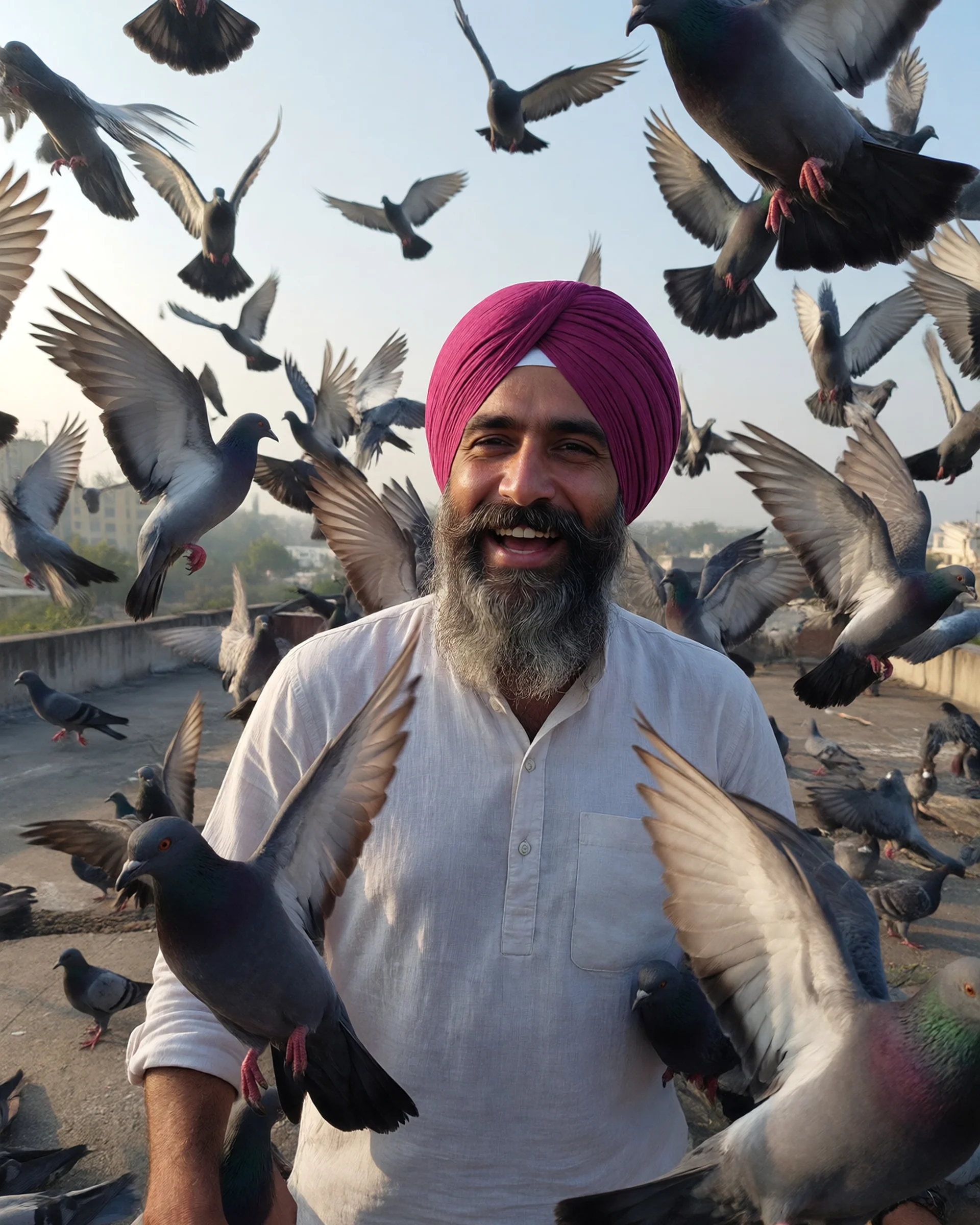
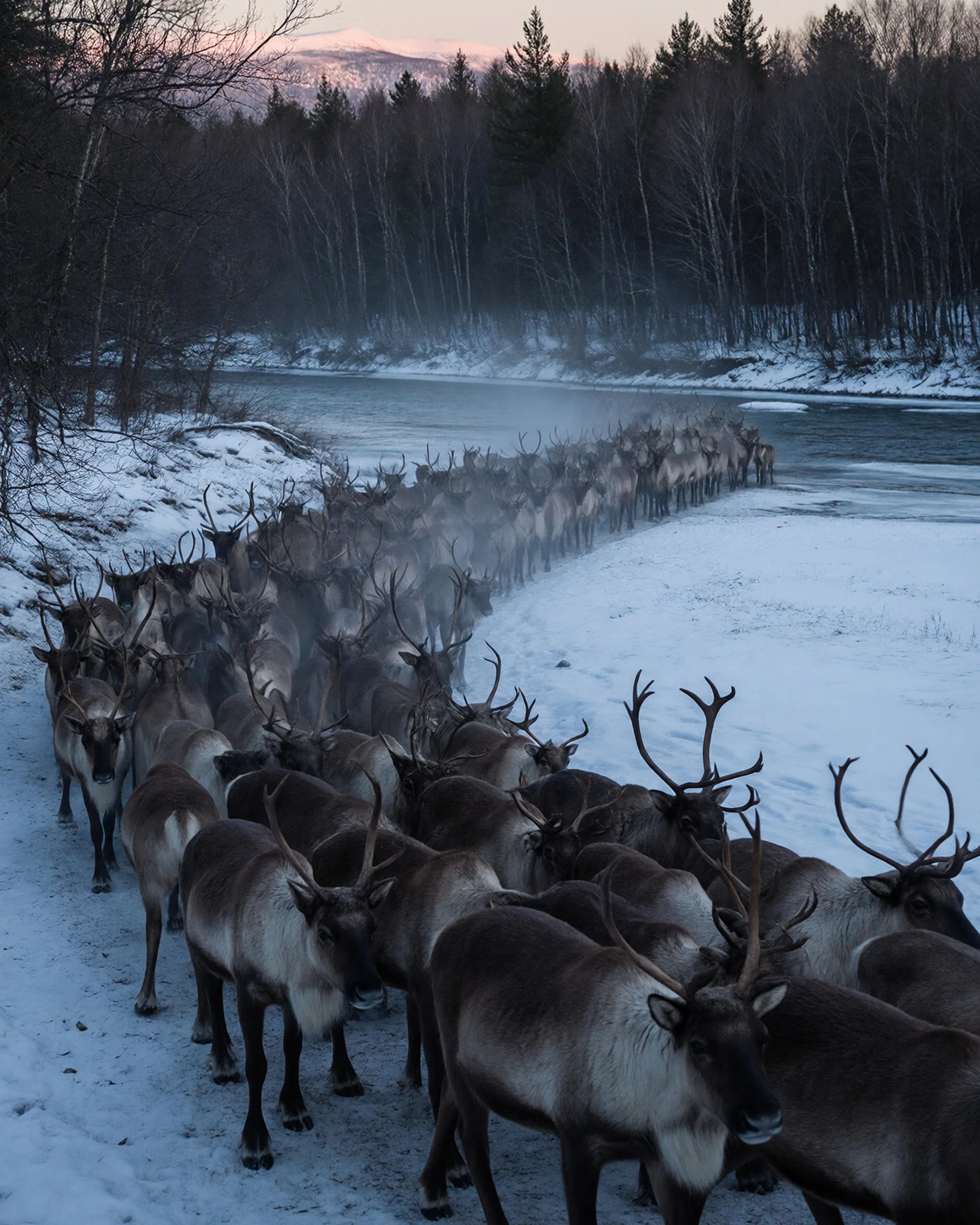
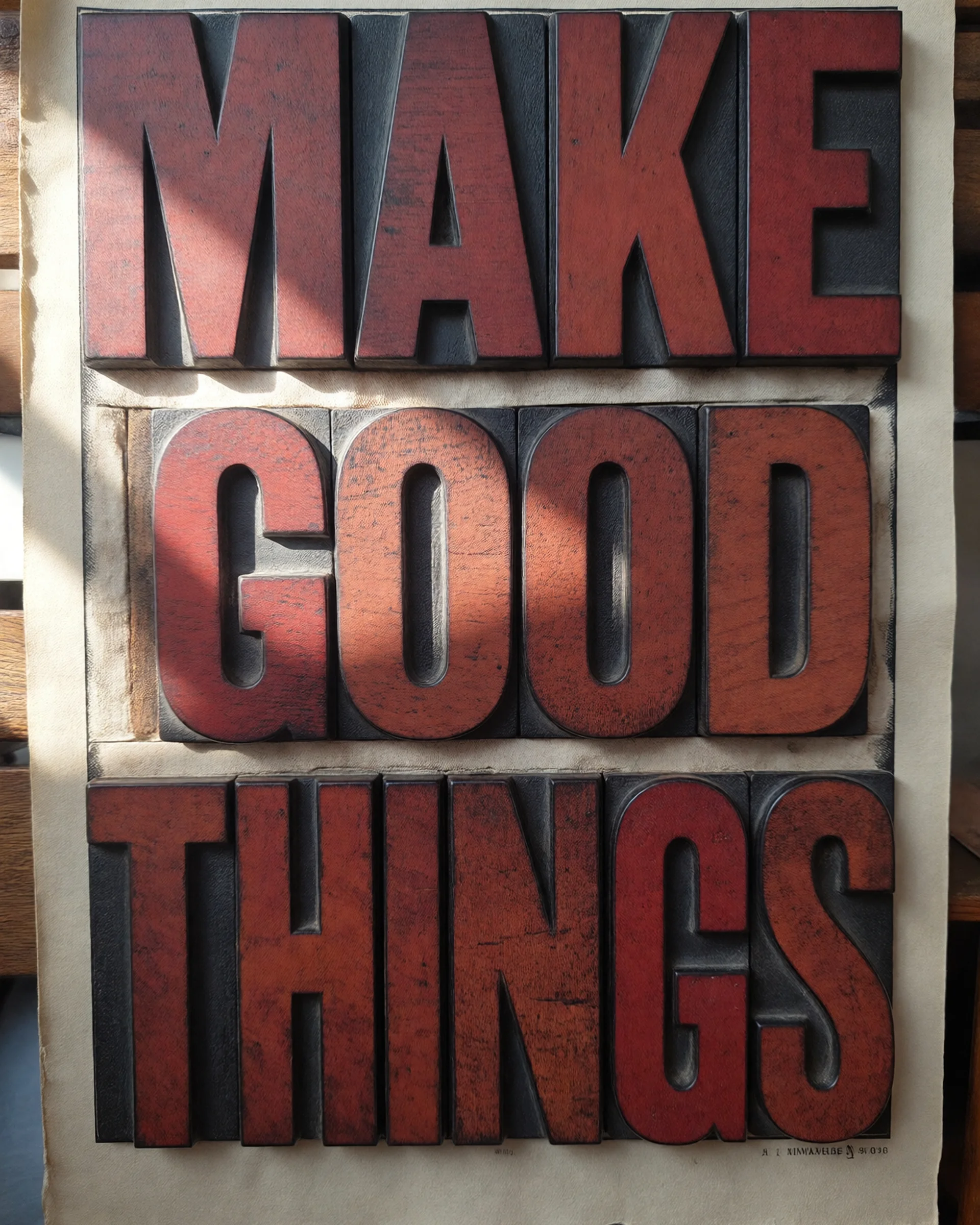
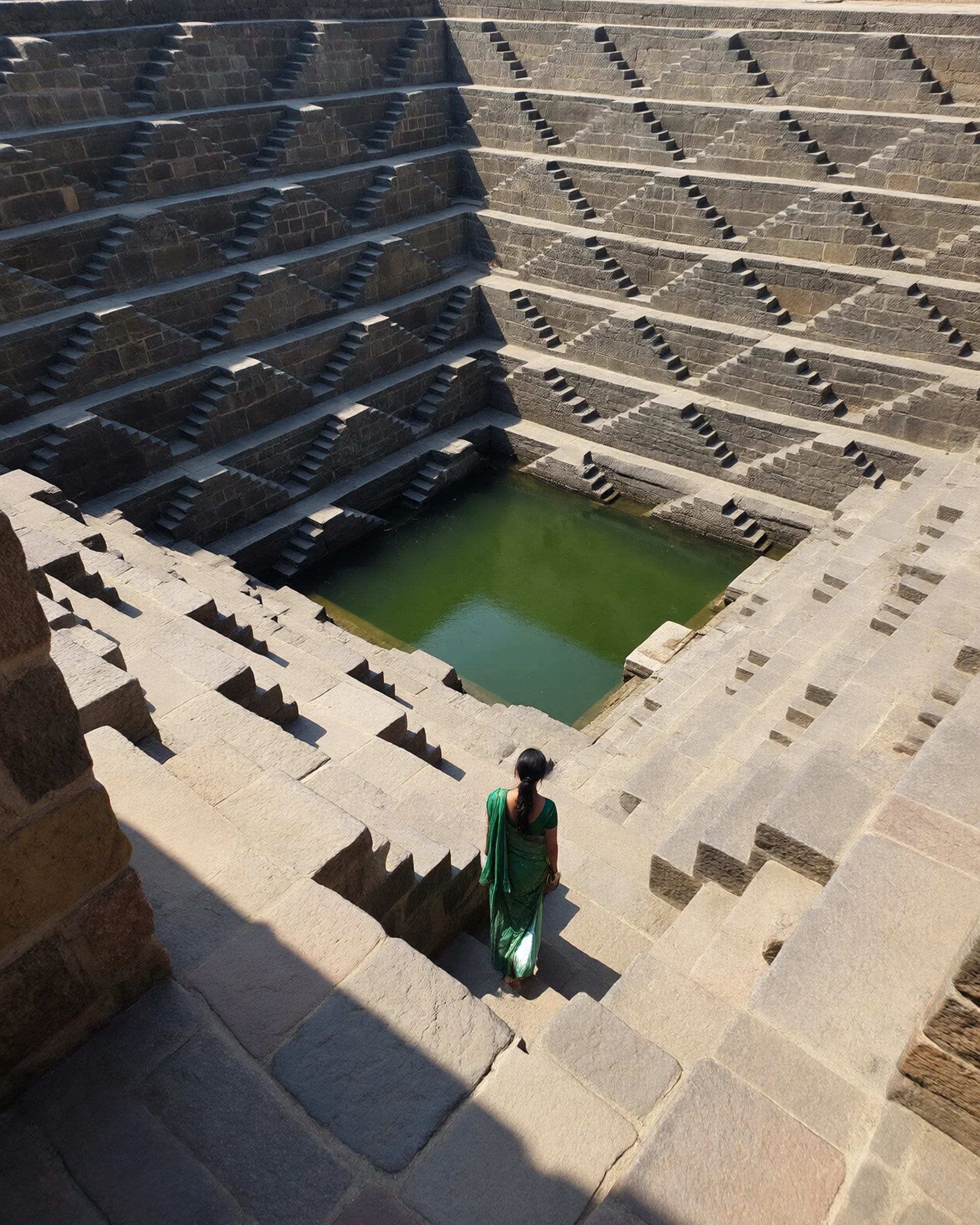
See ImagineArt 1.5 Pro in action
Prompts to try first
Real prompts, run through ImagineArt 1.5 pro. Copy one and swap in your own subject.
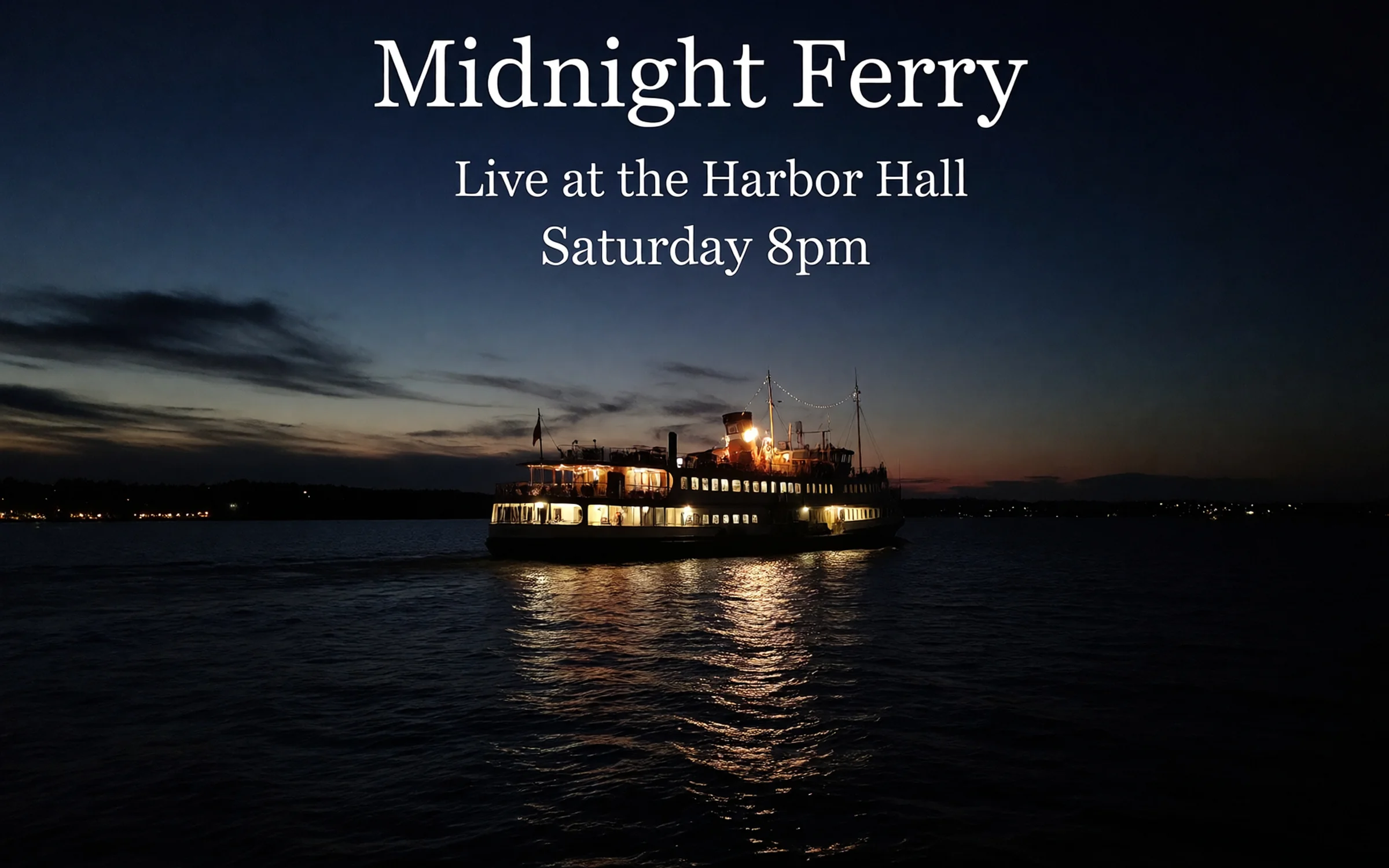
A 2:3 concert poster: "Midnight Ferry", "Live at the Harbor Hall", "Saturday 8pm".
Try prompt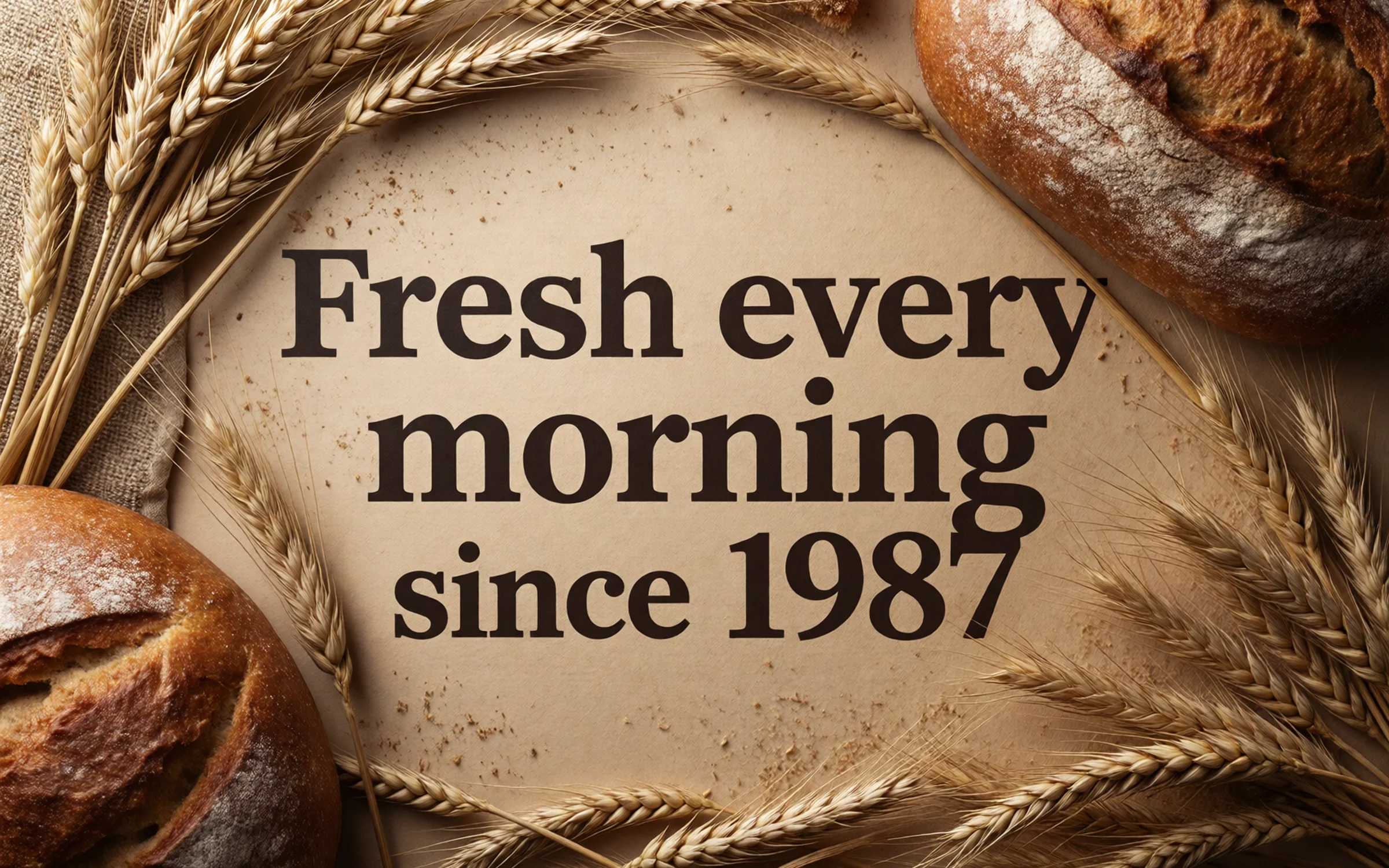
A 3:1 shop banner for a bakery: "Fresh every morning since 1987".
Try prompt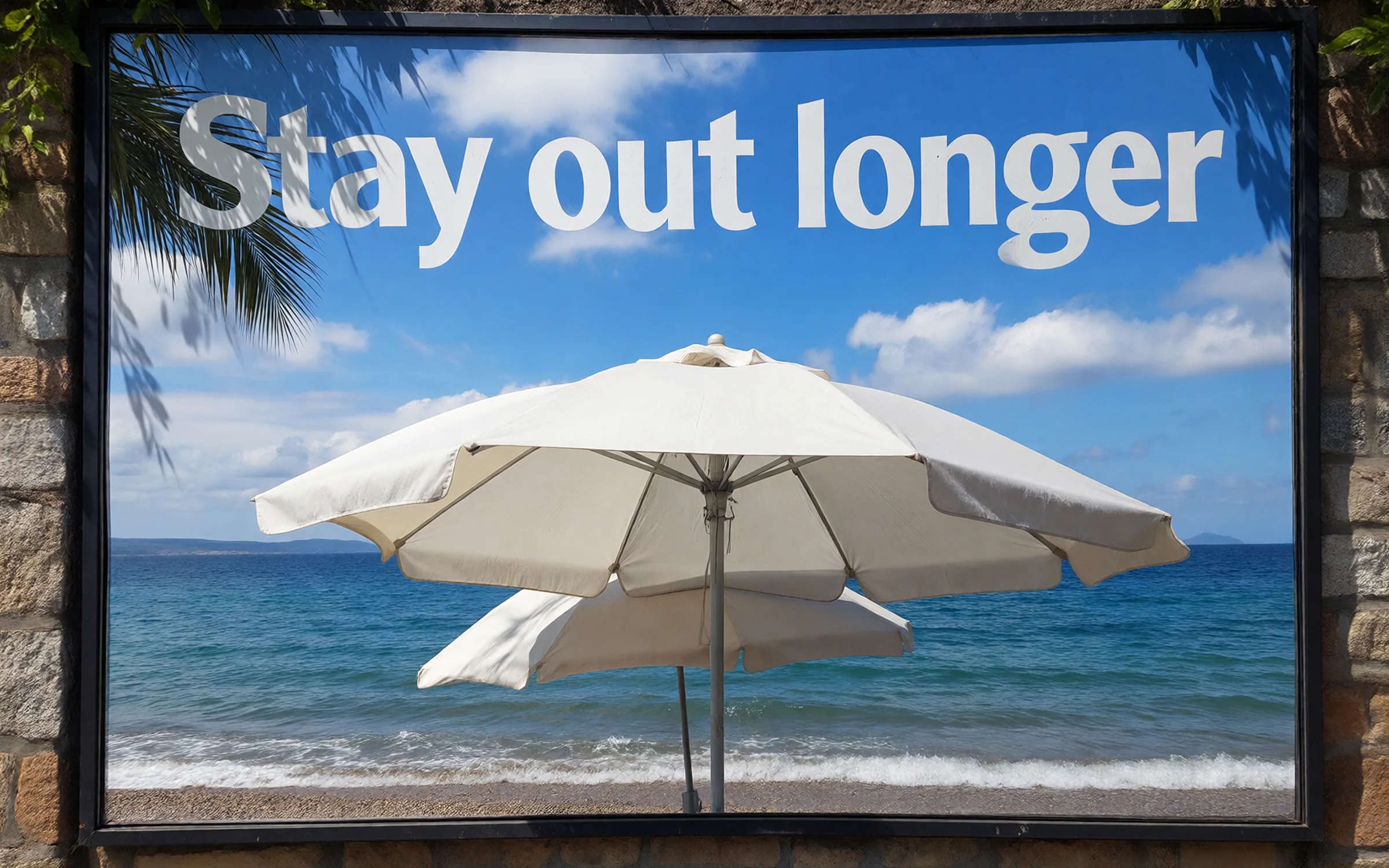
A 16:9 billboard for a sunscreen brand, a beach umbrella and "Stay out longer".
Try prompt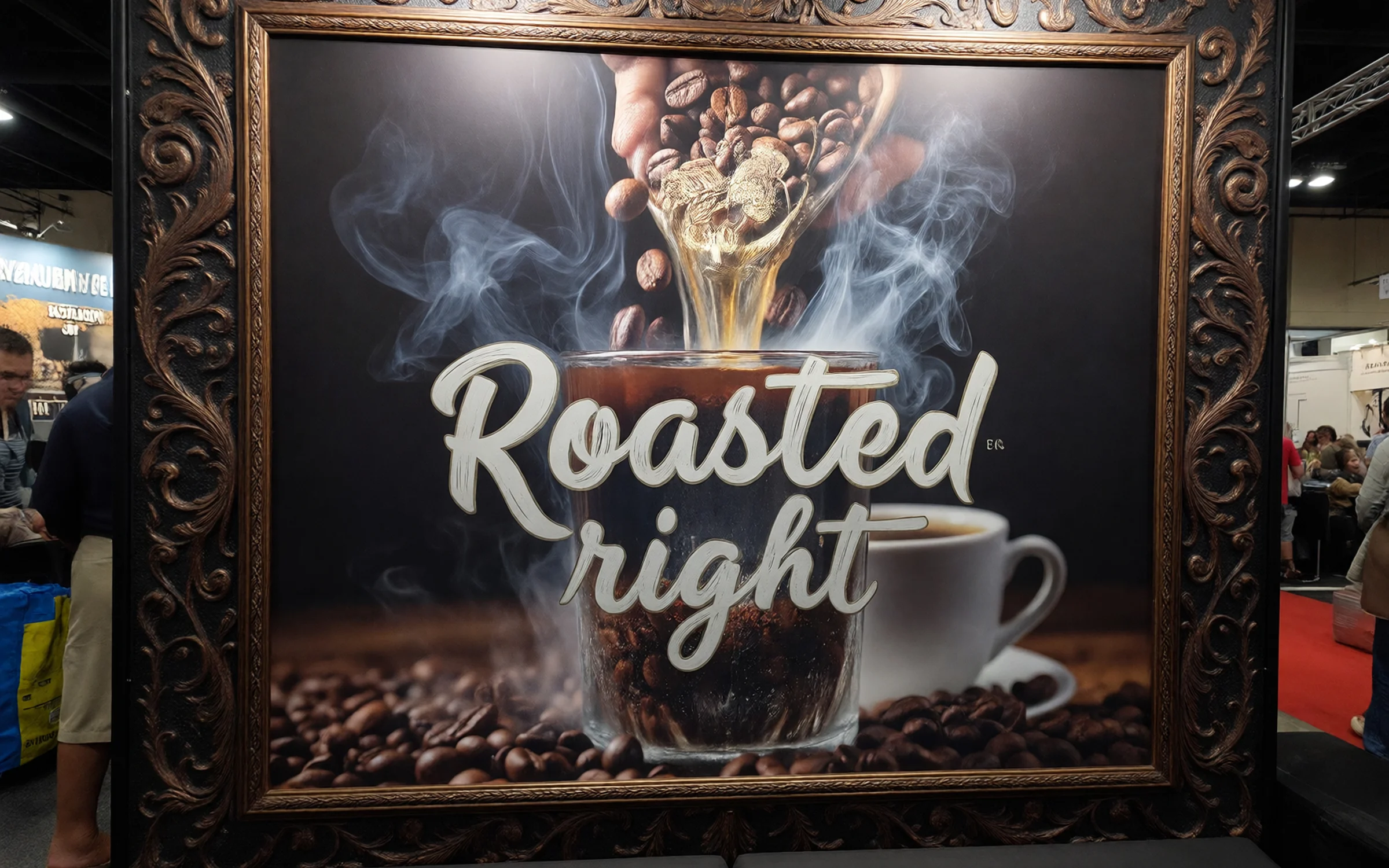
A 4:3 trade show backdrop for a coffee brand, beans and steam, "Roasted right".
Try promptA 2:3 concert poster: "Midnight Ferry", "Live at the Harbor Hall", "Saturday 8pm".
Try promptA 3:1 shop banner for a bakery: "Fresh every morning since 1987".
Try promptA 16:9 billboard for a sunscreen brand, a beach umbrella and "Stay out longer".
Try promptA 4:3 trade show backdrop for a coffee brand, beans and steam, "Roasted right".
Try promptA 2:3 concert poster: "Midnight Ferry", "Live at the Harbor Hall", "Saturday 8pm".
Try promptA 3:1 shop banner for a bakery: "Fresh every morning since 1987".
Try promptA 16:9 billboard for a sunscreen brand, a beach umbrella and "Stay out longer".
Try promptA 4:3 trade show backdrop for a coffee brand, beans and steam, "Roasted right".
Try promptA 2:3 concert poster: "Midnight Ferry", "Live at the Harbor Hall", "Saturday 8pm".
Try promptA 3:1 shop banner for a bakery: "Fresh every morning since 1987".
Try promptA 16:9 billboard for a sunscreen brand, a beach umbrella and "Stay out longer".
Try promptA 4:3 trade show backdrop for a coffee brand, beans and steam, "Roasted right".
Try promptA 2:3 concert poster: "Midnight Ferry", "Live at the Harbor Hall", "Saturday 8pm".
Try promptA 3:1 shop banner for a bakery: "Fresh every morning since 1987".
Try promptA 16:9 billboard for a sunscreen brand, a beach umbrella and "Stay out longer".
Try prompt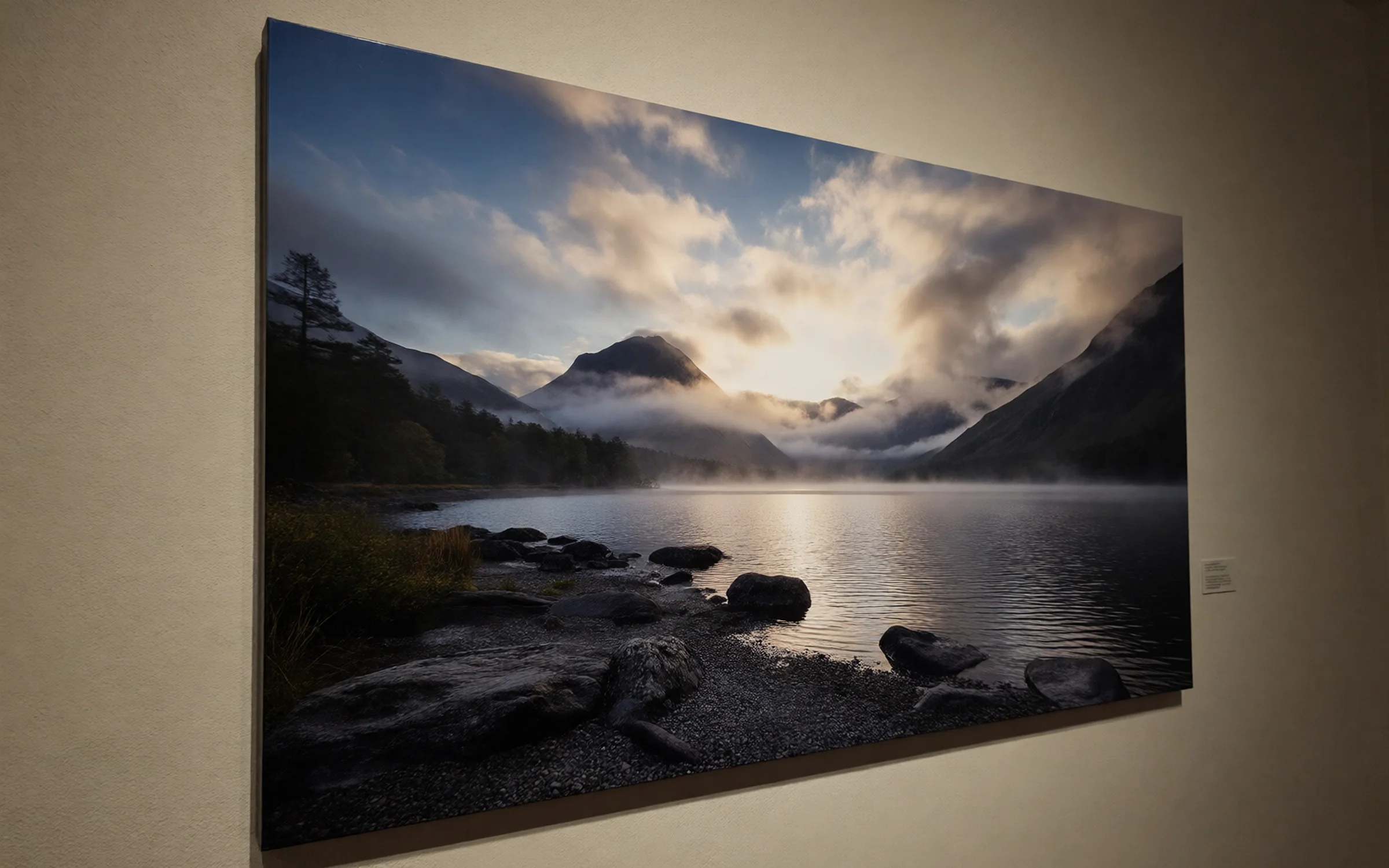
A 3:2 museum wall print of a misty mountain lake at dawn, sharp to the far shoreline.
Try prompt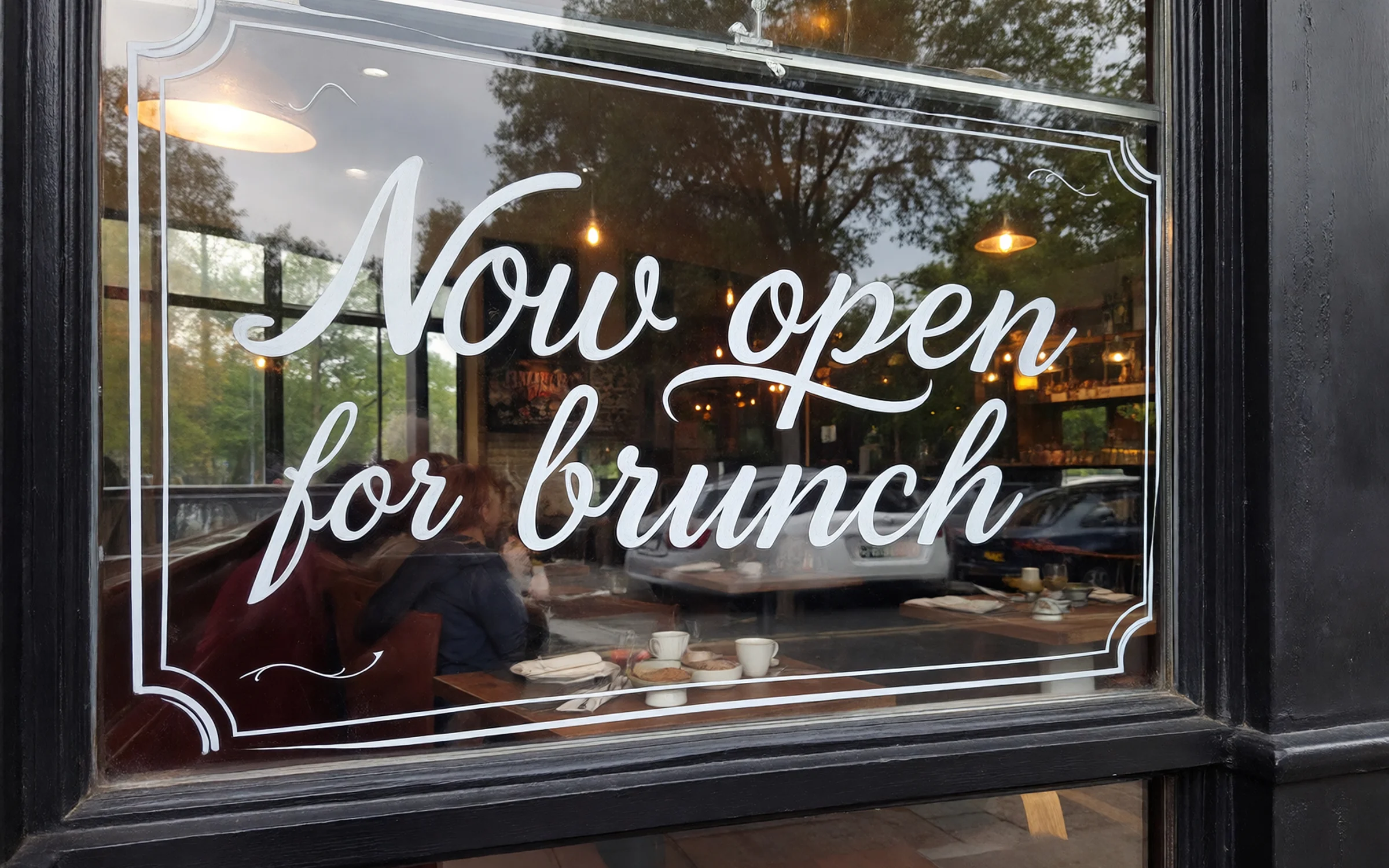
A 3:4 restaurant window decal reading "Now open for brunch".
Try prompt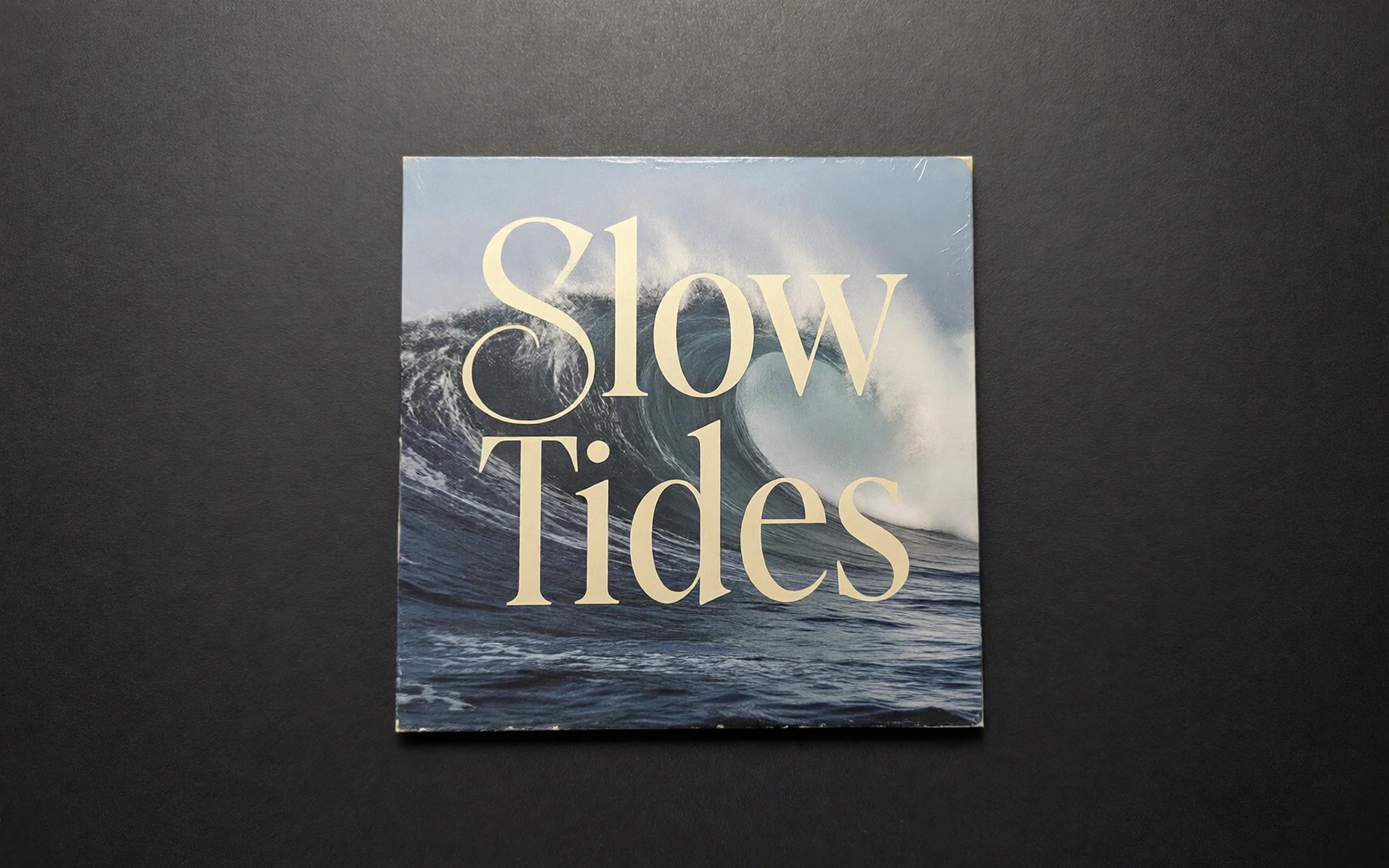
A 1:1 vinyl record sleeve with "Slow Tides" in tall serif letters.
Try prompt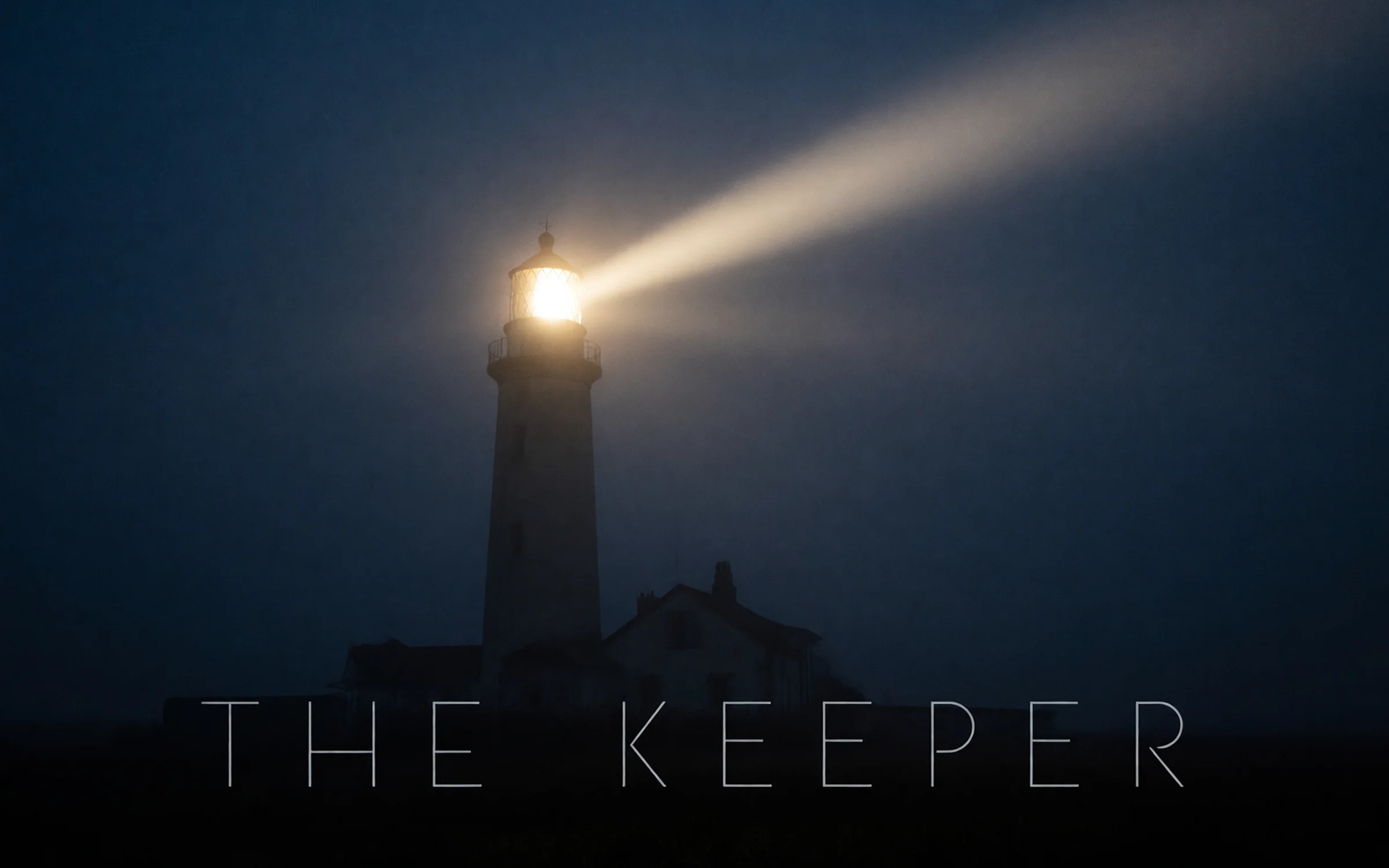
A 2:3 film poster with a lone lighthouse and "The Keeper" at the bottom.
Try prompt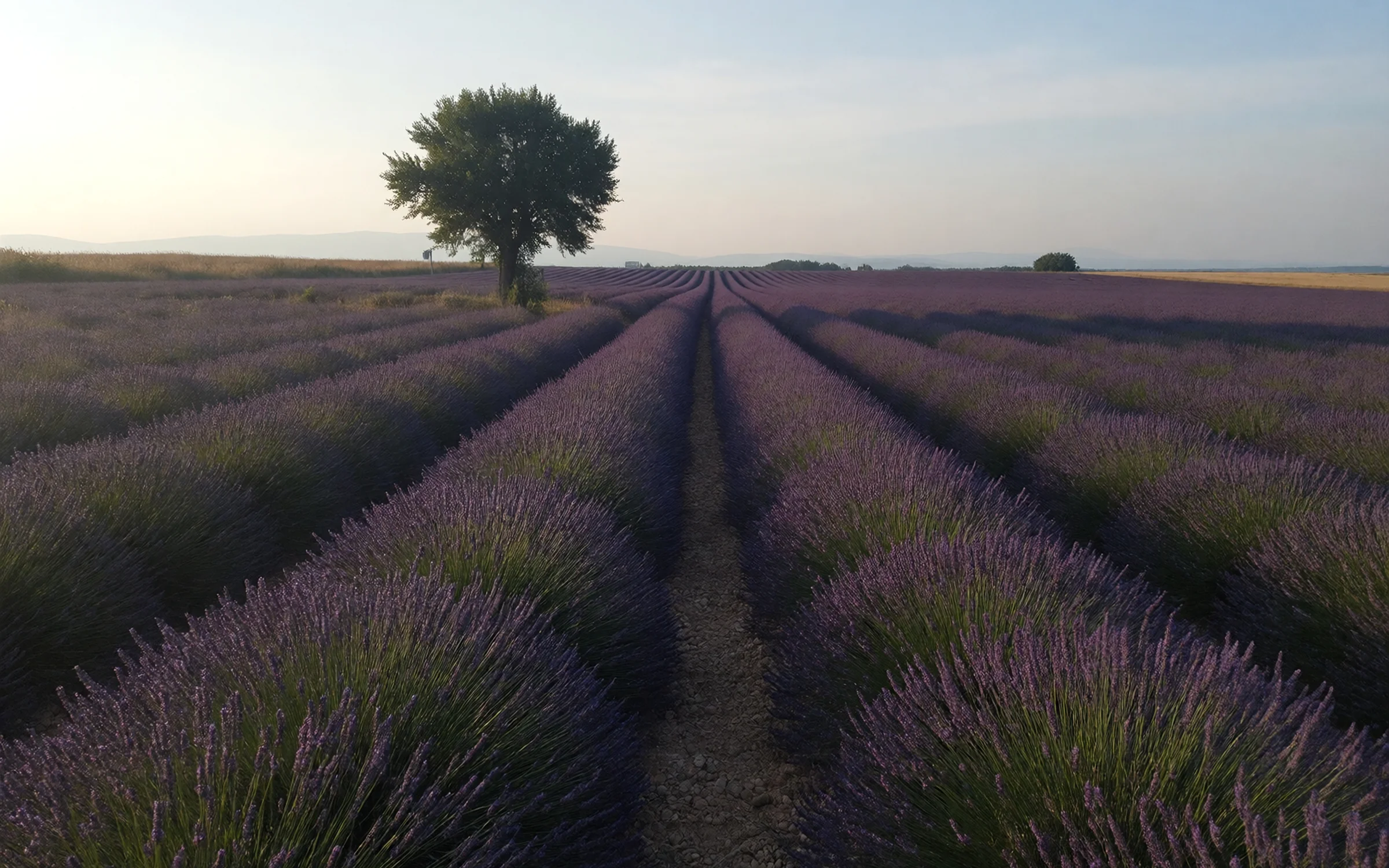
A 3:2 wall calendar photo of a lavender field in Provence.
Try promptA 4:3 trade show backdrop for a coffee brand, beans and steam, "Roasted right".
Try promptA 2:3 concert poster: "Midnight Ferry", "Live at the Harbor Hall", "Saturday 8pm".
Try promptA 3:1 shop banner for a bakery: "Fresh every morning since 1987".
Try promptA 16:9 billboard for a sunscreen brand, a beach umbrella and "Stay out longer".
Try promptA 3:2 museum wall print of a misty mountain lake at dawn, sharp to the far shoreline.
Try promptA 3:4 restaurant window decal reading "Now open for brunch".
Try promptA 1:1 vinyl record sleeve with "Slow Tides" in tall serif letters.
Try promptA 2:3 film poster with a lone lighthouse and "The Keeper" at the bottom.
Try promptA 3:2 wall calendar photo of a lavender field in Provence.
Try promptA 4:3 trade show backdrop for a coffee brand, beans and steam, "Roasted right".
Try promptA 2:3 concert poster: "Midnight Ferry", "Live at the Harbor Hall", "Saturday 8pm".
Try promptA 3:1 shop banner for a bakery: "Fresh every morning since 1987".
Try promptA 16:9 billboard for a sunscreen brand, a beach umbrella and "Stay out longer".
Try promptA 3:2 museum wall print of a misty mountain lake at dawn, sharp to the far shoreline.
Try promptA 3:4 restaurant window decal reading "Now open for brunch".
Try promptA 1:1 vinyl record sleeve with "Slow Tides" in tall serif letters.
Try promptA 2:3 film poster with a lone lighthouse and "The Keeper" at the bottom.
Try promptA 3:2 wall calendar photo of a lavender field in Provence.
Try promptA 4:3 trade show backdrop for a coffee brand, beans and steam, "Roasted right".
Try promptA 2:3 concert poster: "Midnight Ferry", "Live at the Harbor Hall", "Saturday 8pm".
Try promptA 3:1 shop banner for a bakery: "Fresh every morning since 1987".
Try promptA 16:9 billboard for a sunscreen brand, a beach umbrella and "Stay out longer".
Try promptA 3:2 museum wall print of a misty mountain lake at dawn, sharp to the far shoreline.
Try promptA 3:4 restaurant window decal reading "Now open for brunch".
Try promptA 1:1 vinyl record sleeve with "Slow Tides" in tall serif letters.
Try promptA 2:3 film poster with a lone lighthouse and "The Keeper" at the bottom.
Try promptA 3:2 wall calendar photo of a lavender field in Provence.
Try promptA 4:3 trade show backdrop for a coffee brand, beans and steam, "Roasted right".
Try prompt
Try ImagineArt 1.5 Pro on ImagineArt
Create with ImagineArt 1.5 Pro, ImagineArt's own model built to generate directly at 4K, for posters, banners and signs, with nine shapes including 3:1.
Step 1
Choose ImagineArt 1.5 Pro (also written imagine art 1.5 pro) from the model list in the image tool.
Step 2
Name the format. Poster, banner, billboard or print, and where it will hang.
Step 3
Quote the words. Put every line of text in quotes, in reading order.
Step 4
Pick the shape. Choose one of nine ratios, from 3:1 wide to 1:3 tall, then generate at 4K.
Native 4K, no upscale step
ImagineArt' 1.5 Pro "introduces native 4K image generation," and the image tool lists 4K as its only resolution. Describe the far background in detail, since it stays visible at large sizes.
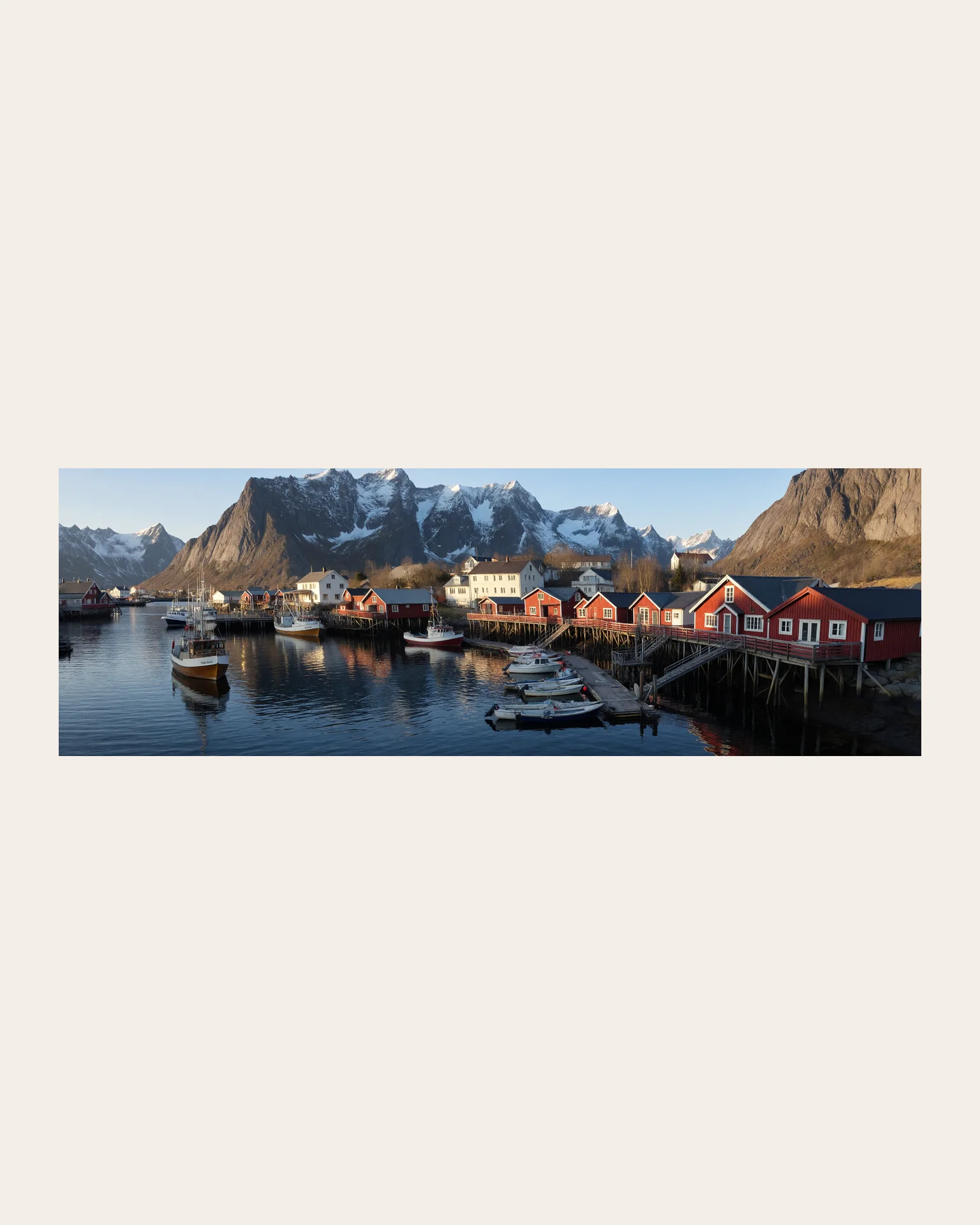
A panoramic view of a fishing village in Norway at golden hour, red cabins on stilts along the water, snowy peaks behind, small boats moored at the pier, every window visible.
Try prompt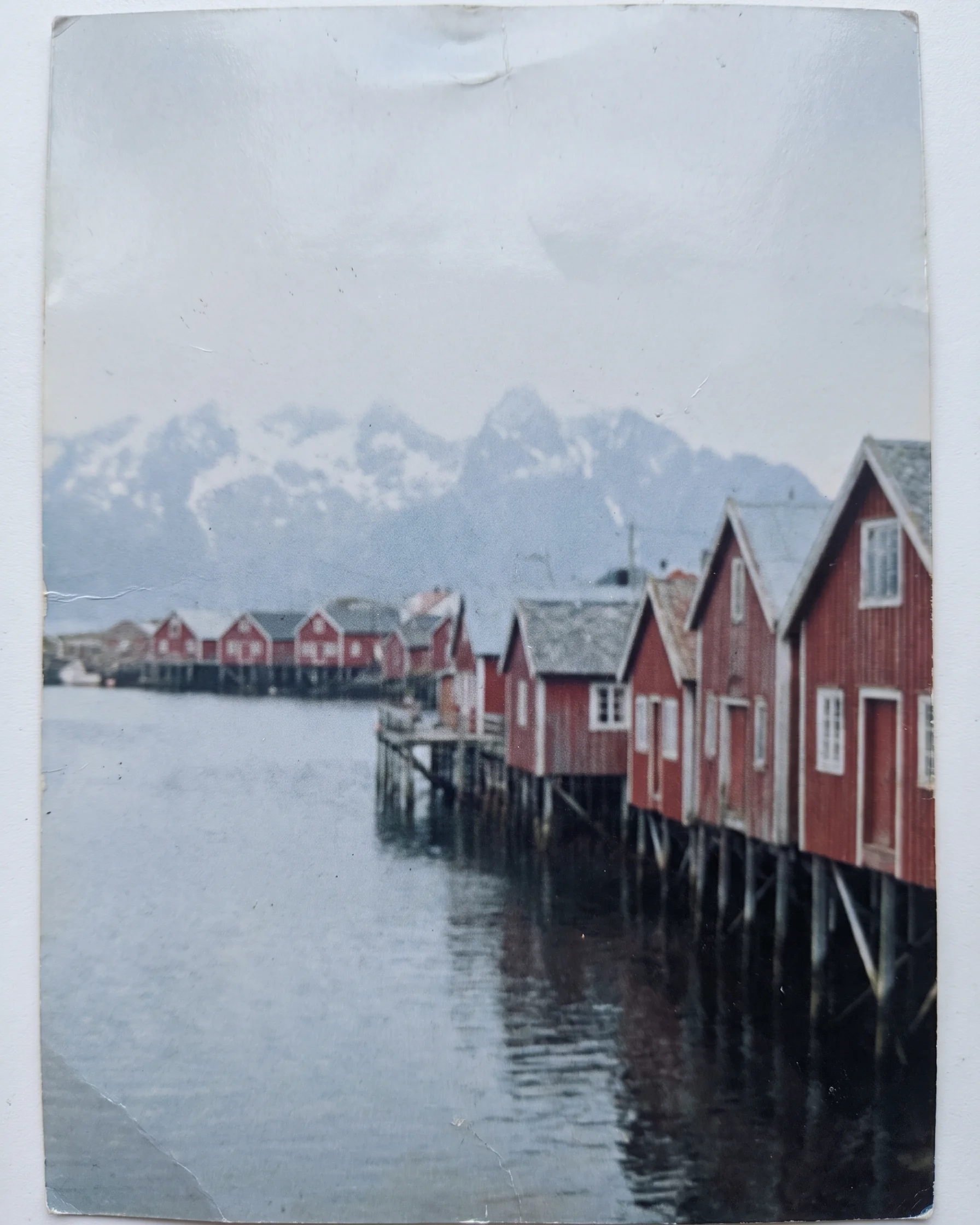
Lettering that survives the enlargement
ImagineArt's help center promises "sharp, correctly spelled text at 4K resolution." Keep each line short and quoted, and check the spelling before you send the file to a printer.
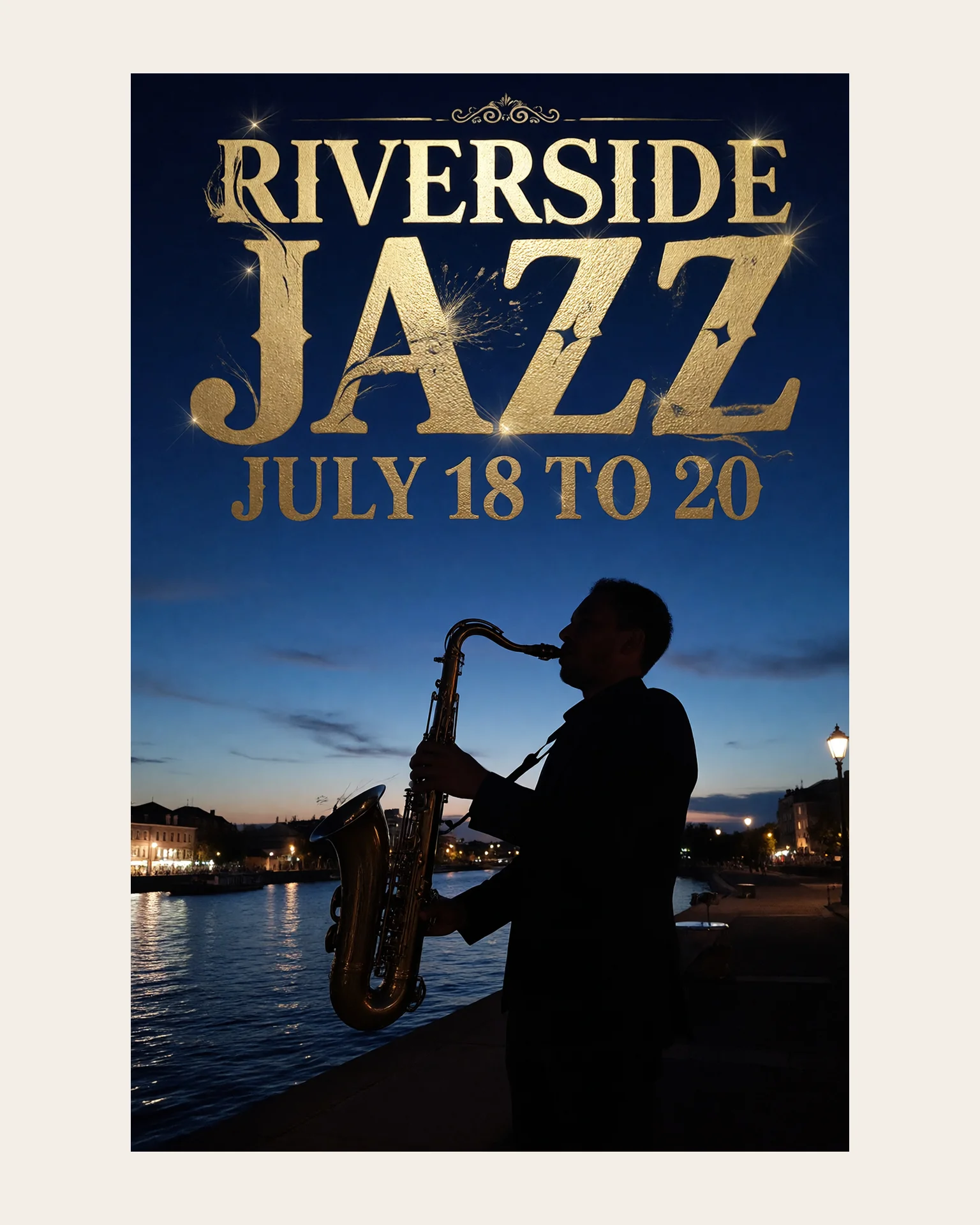
A 2:3 poster for a jazz festival, "Riverside Jazz" in big gold letters at the top, "July 18 to 20" underneath, a saxophone silhouette against a deep blue night sky.
Try prompt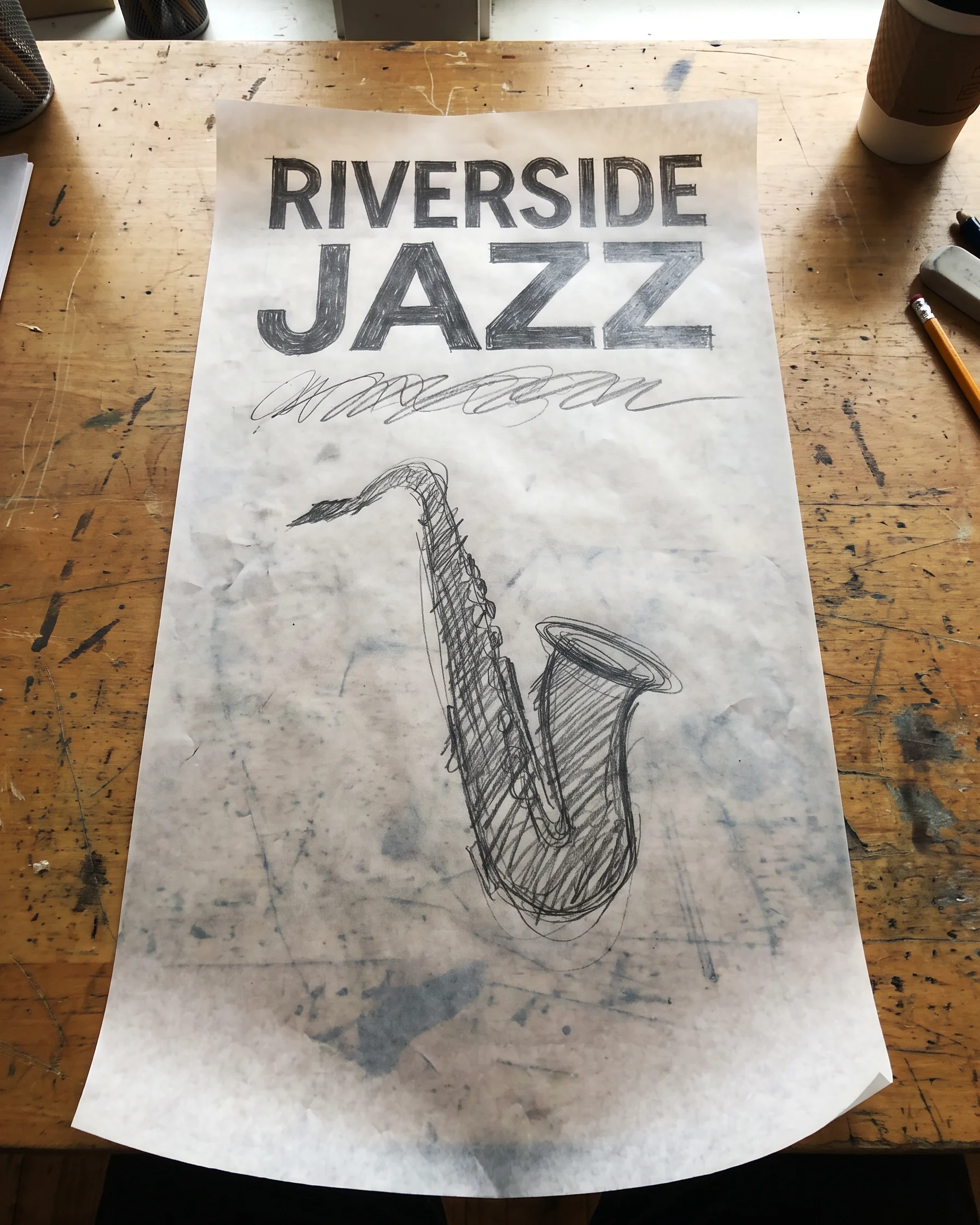
Banners at 3:1 and 1:3
Every shape renders at 4K, including the extra-wide 3:1 for shopfronts and website headers and the tall 1:3 for roll-ups and signs. Seven other shapes cover posters, prints and screens.
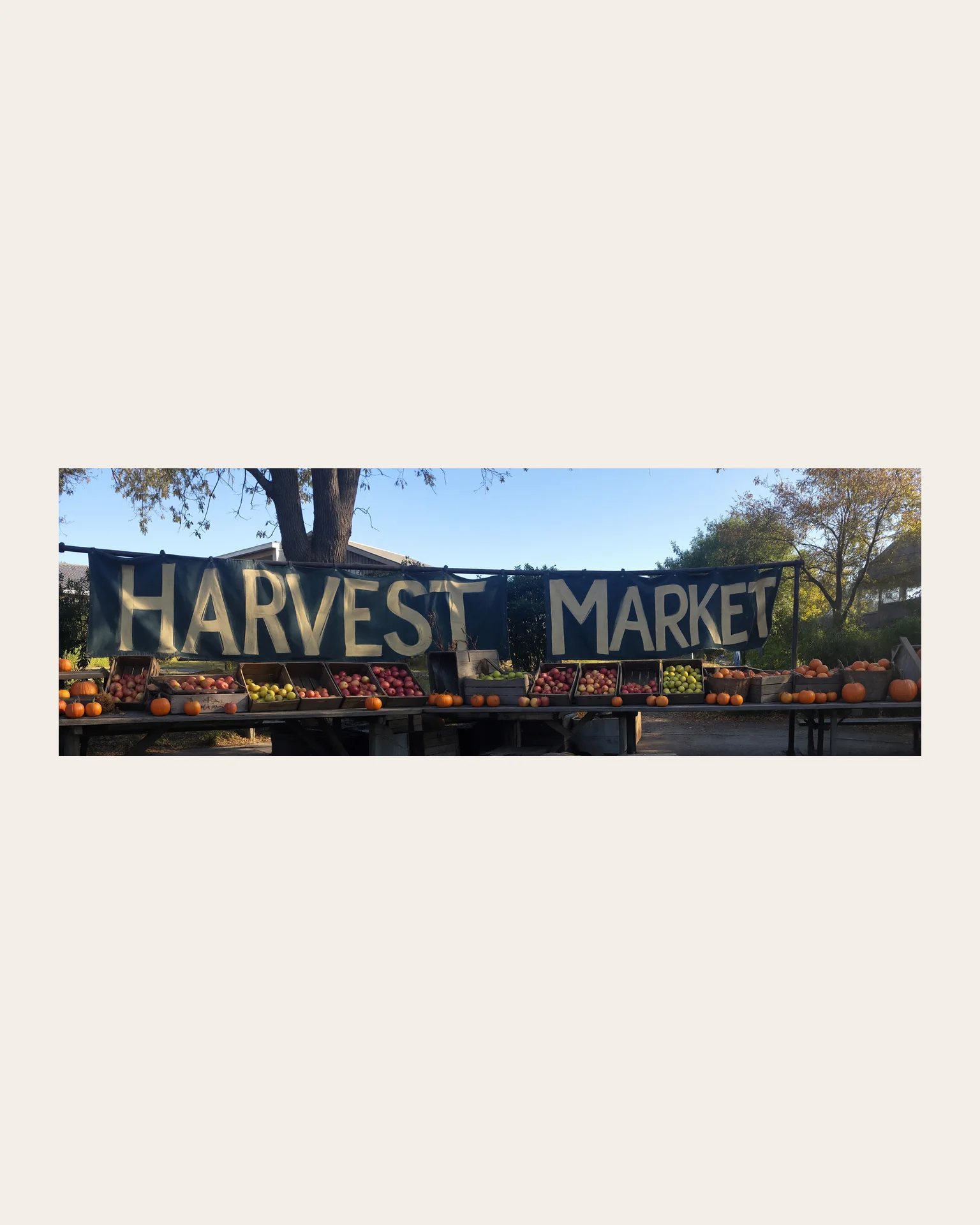
A 3:1 banner for a farm shop, wooden crates of apples, pumpkins and jars of honey along a rustic table, "Harvest Market" painted in cream letters across the top.
Try prompt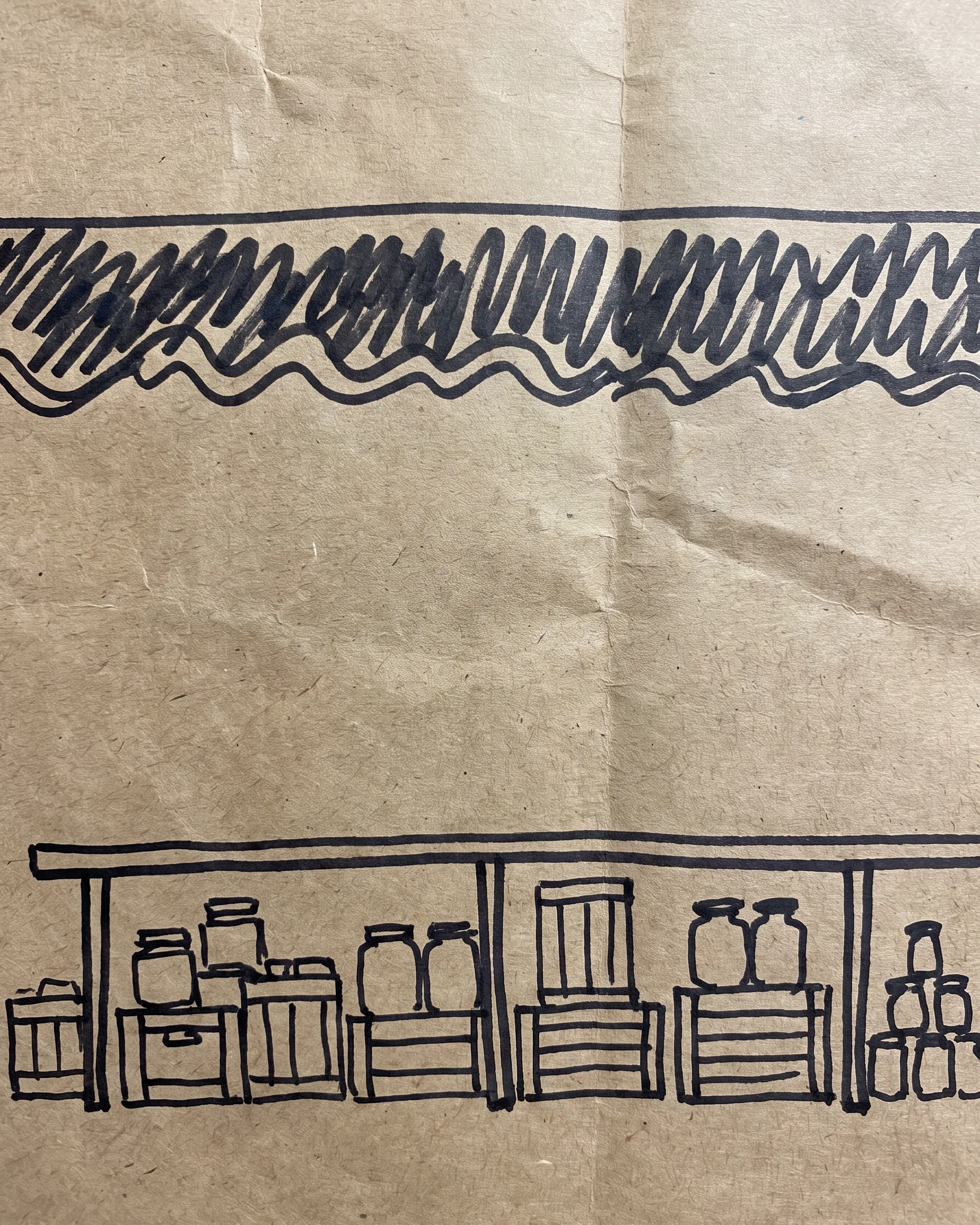
Run it in Workflow
The ImagineArt 1.5 Pro node in Workflow sits in the Standard tier, offers the same nine shapes and accepts prompts as long as 4,000 characters. Test the prompt on an Economy-tier model like ImagineArt 1.5 first, then run the settled prompt through 1.5 Pro.
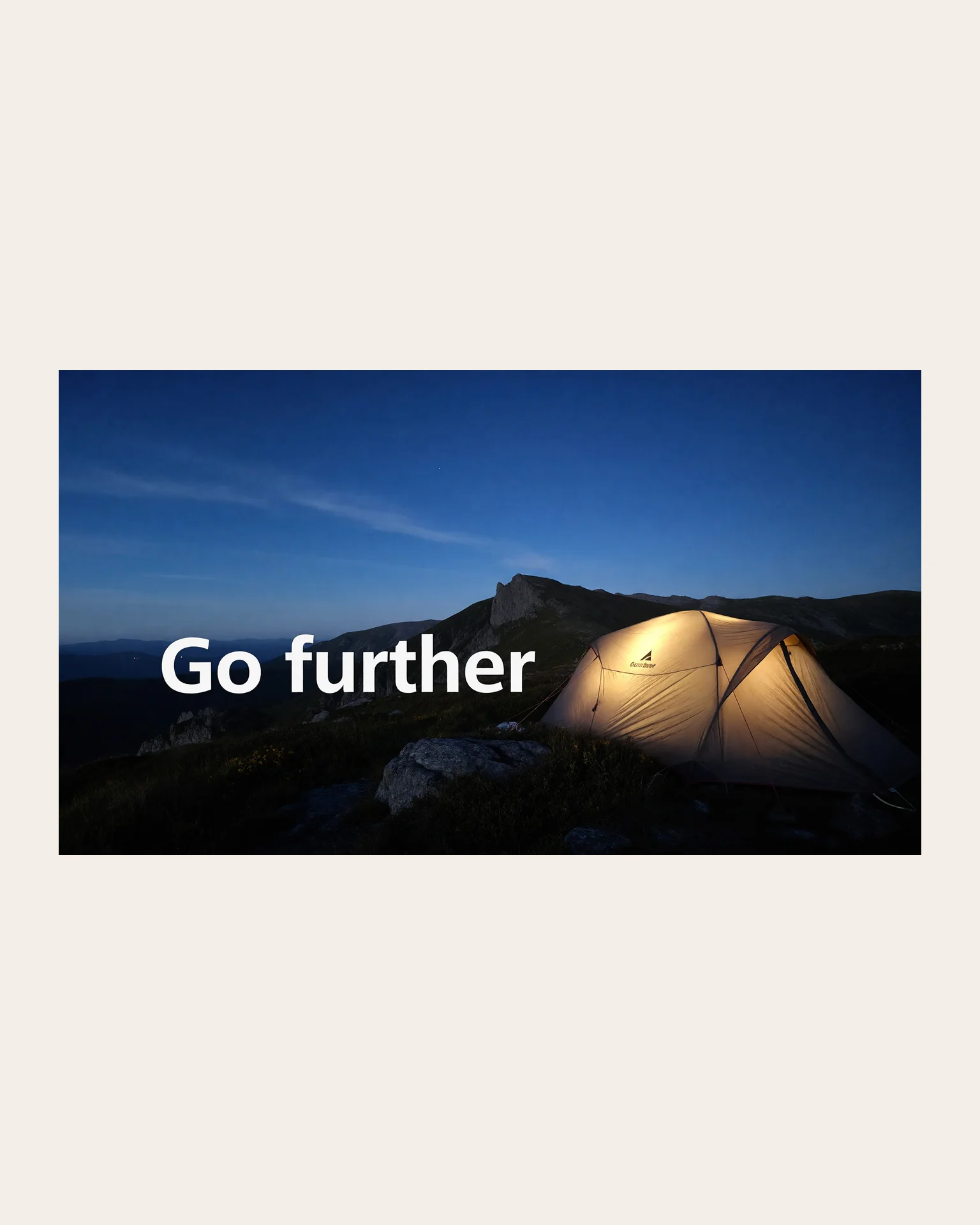
A 16:9 trade show backdrop for an outdoor gear brand, a tent glowing at dusk on a ridge, "Go further" in bold white type on the left, plenty of empty sky above.
Try prompt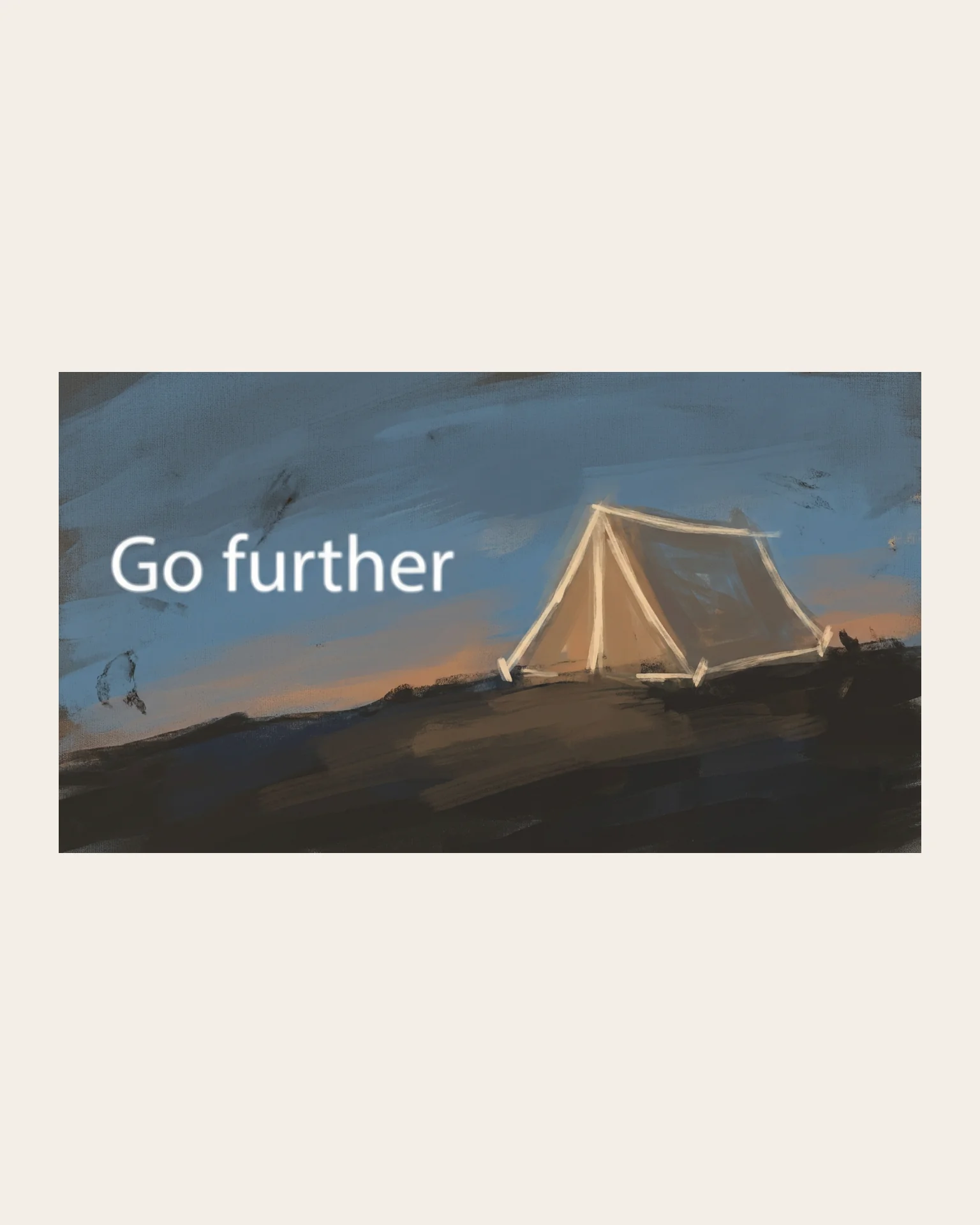
Create with ImagineArt 1.5 Pro, ImagineArt's own model built to generate directly at 4K, for posters, banners and signs, with nine shapes including 3:1.
Try ImagineArt 1.5 Pro
Event posters
A music venue can make a month of gig posters at 4K, one per prompt, with the band name and date on each, checked at full size before it goes to print.
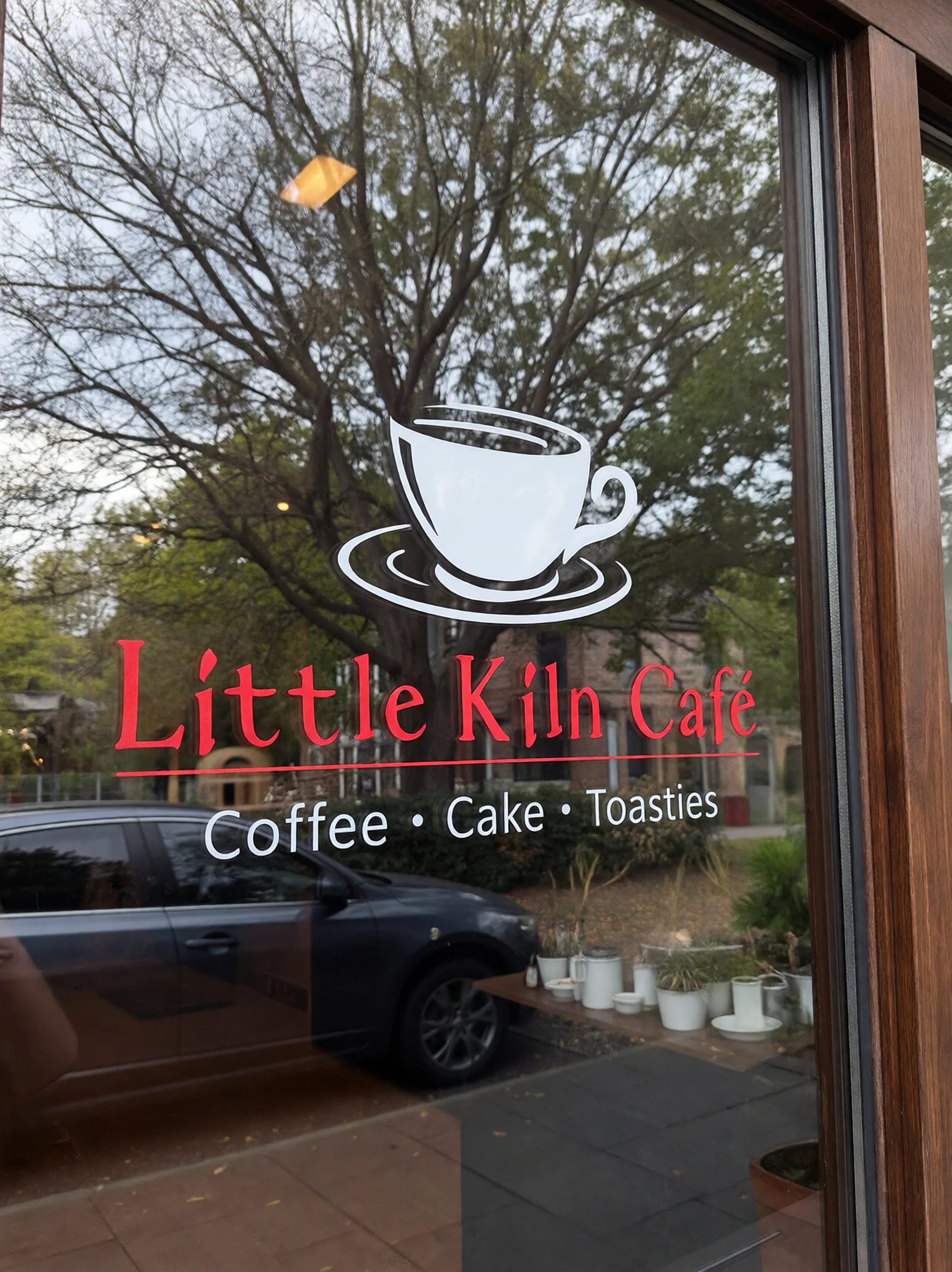
Shopfront and window graphics
A café can design a 3:1 banner for above the door and a 3:4 window decal, naming the same colors in both prompts, and check both at full size before printing.
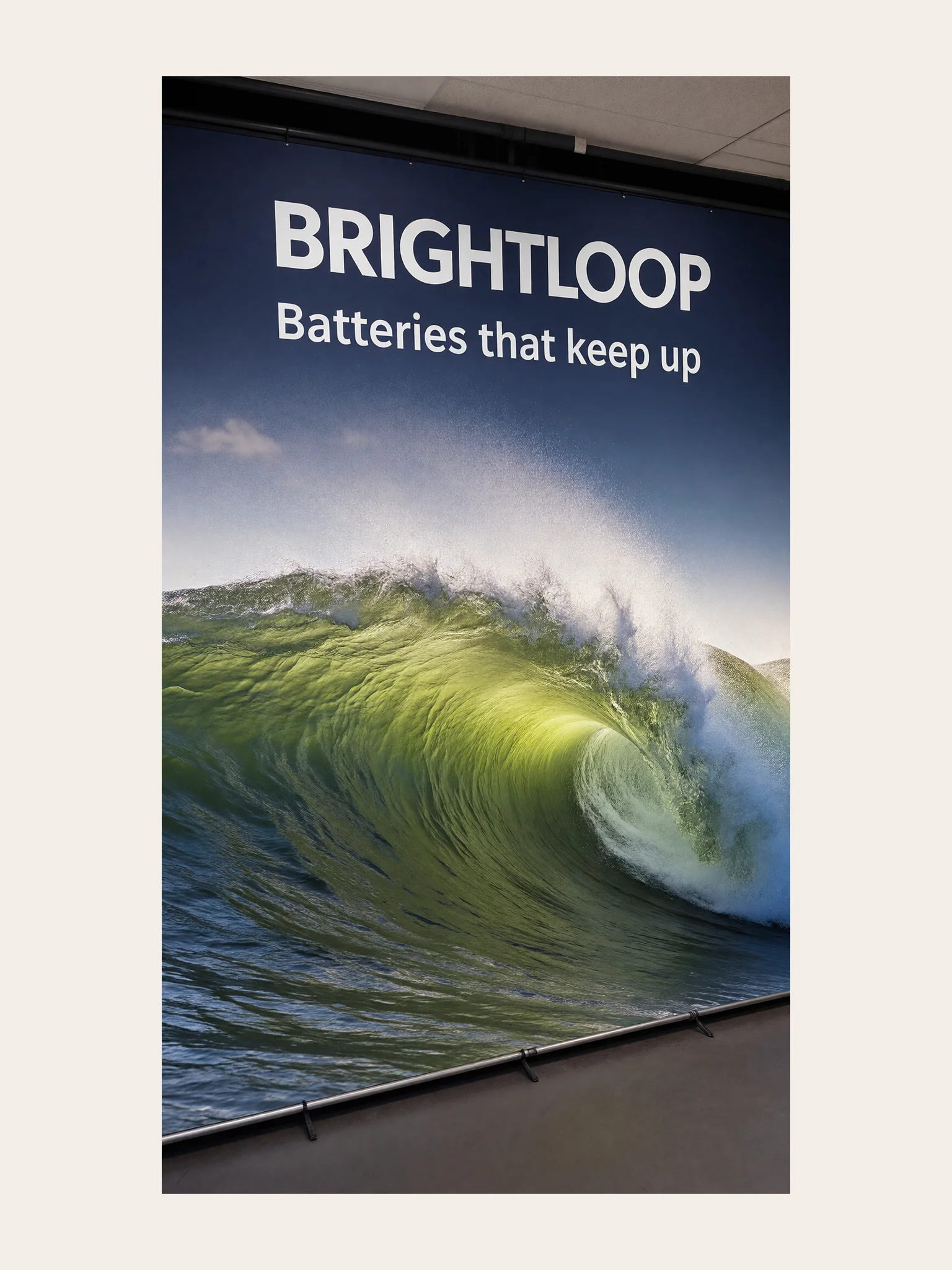
Trade show displays
A startup can make a backdrop and a 1:3 roll-up banner for its first trade show, with the tagline in large letters on both.
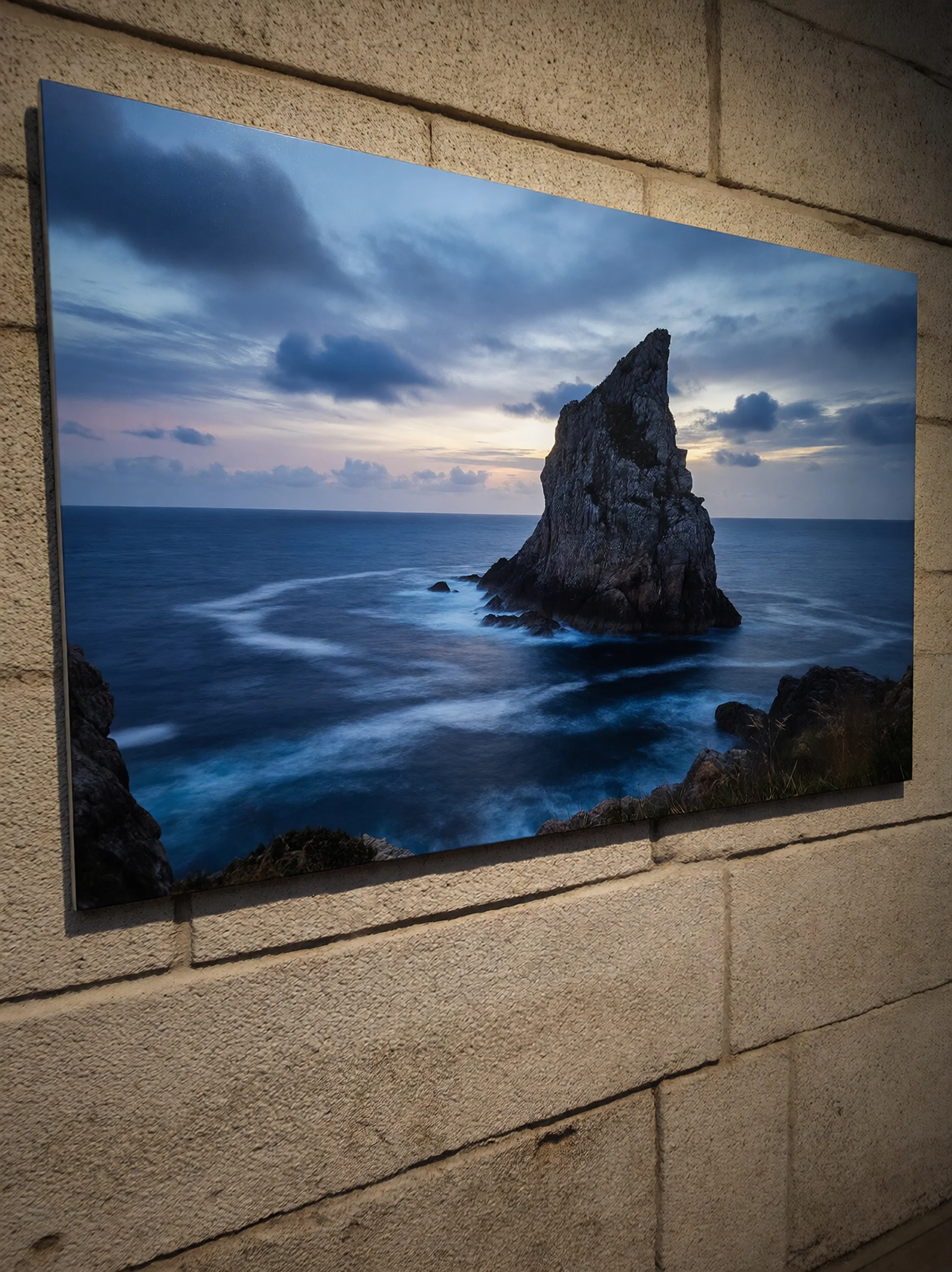
Wall art and prints
A home decor seller can make scenic prints at 4K in 3:2 and 2:3 to sell as framed art, checking each one at full size before listing.
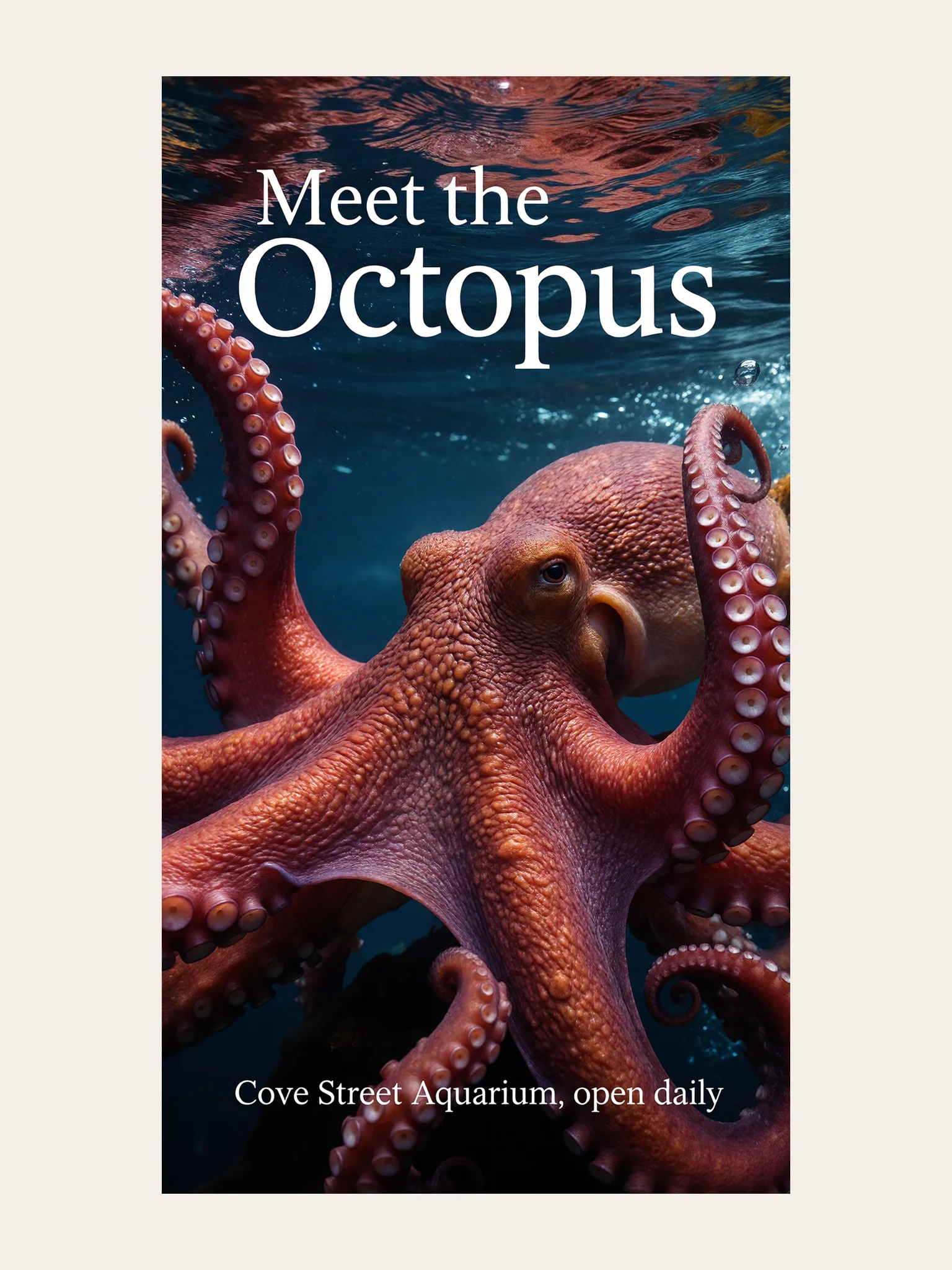
Outdoor advertising mockups
An agency can mock up a 16:9 billboard and a 9:16 bus shelter ad for a client pitch, so the idea is seen at the size it will run.
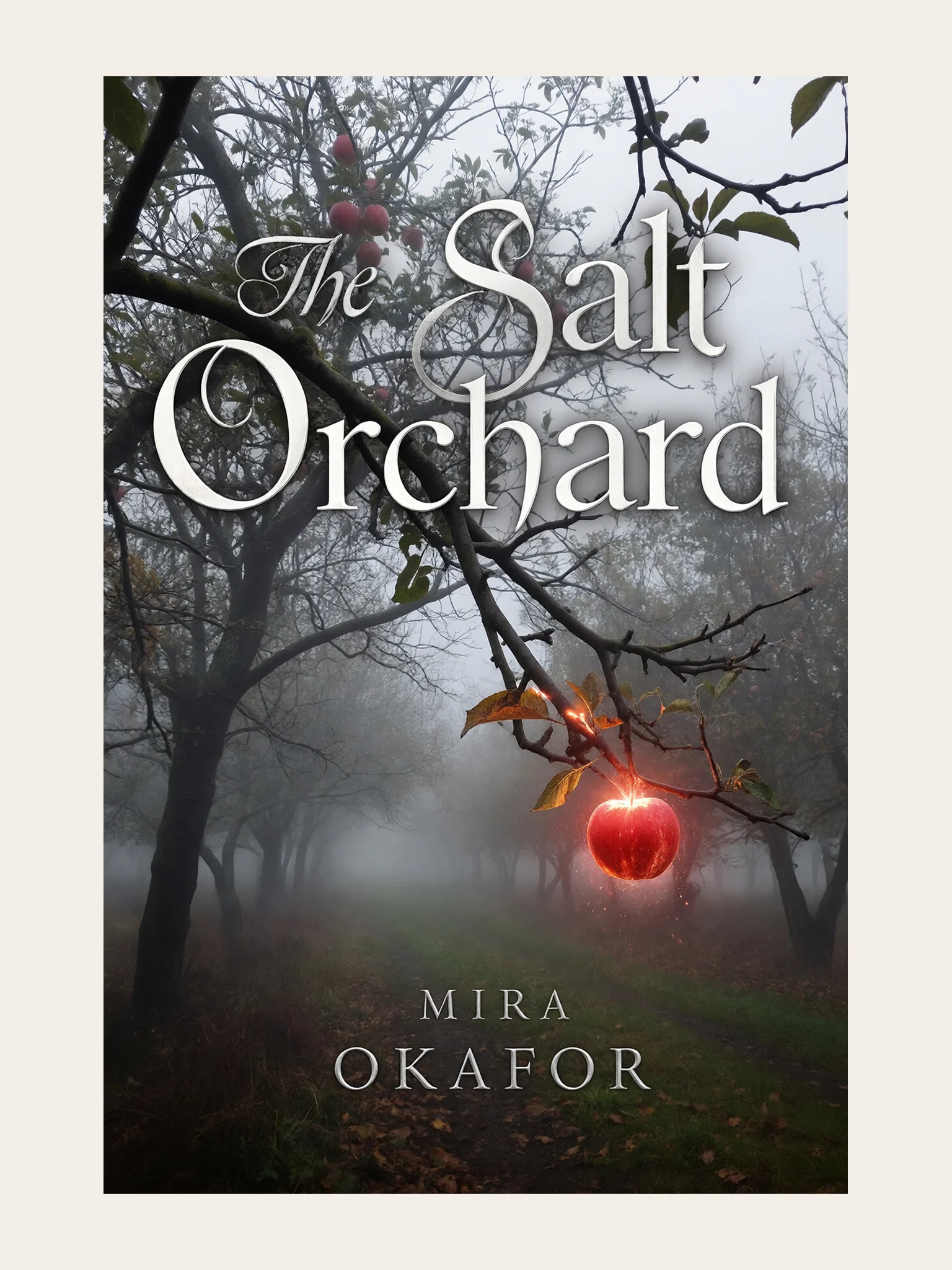
Book covers and album art
An independent author can make a 2:3 cover with the title in large type, then hand it to a designer to finish the spine and back.
Event posters
A music venue can make a month of gig posters at 4K, one per prompt, with the band name and date on each, checked at full size before it goes to print.
Shopfront and window graphics
A café can design a 3:1 banner for above the door and a 3:4 window decal, naming the same colors in both prompts, and check both at full size before printing.
Trade show displays
A startup can make a backdrop and a 1:3 roll-up banner for its first trade show, with the tagline in large letters on both.
Wall art and prints
A home decor seller can make scenic prints at 4K in 3:2 and 2:3 to sell as framed art, checking each one at full size before listing.
Outdoor advertising mockups
An agency can mock up a 16:9 billboard and a 9:16 bus shelter ad for a client pitch, so the idea is seen at the size it will run.
Book covers and album art
An independent author can make a 2:3 cover with the title in large type, then hand it to a designer to finish the spine and back.
Reviews
What creators are saying
Real ratings, pulled live from Trustpilot, not hand-picked quotes.

"Imagine.art is hands down one of the best AI image generators I have used lately. The results are consistently high-quality, and the prompt accuracy is fantastic."
"The most important feature I like is face consistency. You can generate a face and use it across hundreds of images with very good accuracy."
"I love the image generation and have been using it to create some great tee shirt designs. The monthly cost is minimal compared to the benefits."
"ImagineArt has been a game changer for creating visuals that fit my brand quickly."
Plans
Simple pricing, no surprises
See exactly what a generation costs on your plan.
Free
USD 0 · per creator / month, billed annually
3000 credits / month
- 100 Daily credits
- In-house models only
- 36k credits per year
- 1 Fast Image concurrency
Basic
For newcomers taking their first steps
3K credits / month
- Up to ~97 video generations / month
- Up to ~600 image generations / month
- 10 image models · 9 video models
- 4 concurrent image generations
- General commercial terms
Ultimate
Peak performance for pros
16K credits / month
- Up to ~530 video generations / month
- Up to ~3.2k image generations / month
- All styles and models, including Kling 2.6 Pro and Seedance 1.5 Pro
- Everything in Standard, unlimited
- General commercial terms
Trusted by creative teams, designers and marketers.
Compare every plan and buy credit packs →FAQs
- What is ImagineArt 1.5 Pro?
- ImagineArt built it in-house as a text-to-image model and released it in January 2026 as the 4K step up from ImagineArt 1.5.
- What can I set?
- Just two things: your prompt and the shape. The nine shapes are 3:1, 1:3, 16:9, 9:16, 3:2, 2:3, 4:3, 3:4 and 1:1. Every render in the image tool comes out at 4K, and Workflow accepts prompts as long as 4,000 characters.
- ImagineArt 1.5 Pro, 1.5 or 2.0?
- Pick 1.5 Pro for anything printed large, since it outputs 4K. ImagineArt 1.5 tops out at 2K and sits a tier lower in Workflow (Economy, against Standard for 1.5 Pro). ImagineArt 2.0 is another option in the image tool, rendering at 2K with a wider set of shapes.
- Can ImagineArt 1.5 Pro use reference images?
- Not on ImagineArt today. Both the image tool and the Workflow node take text only, even though ImagineArt's help center and the old launch blog mention image input. Need to start from a photo? ImagineArt 2.0 Edit accepts as many as 4 input images.
- How does ImagineArt 1.5 Pro rank?
- Artificial Analysis doesn't list it among its image models (checked October 16, 2026), so it has no Artificial Analysis ranking yet. Treat the 4K and lettering claims here as ImagineArt's own.
- Is ImagineArt 1.5 Pro free or unlimited?
- The Free plan on the pricing page doesn't name it. That page does show "ImagineArt 2.0 & 1.5 Pro" as unlimited for 7 days after you activate a Creator or Scale plan, subject to fair usage.
Resources
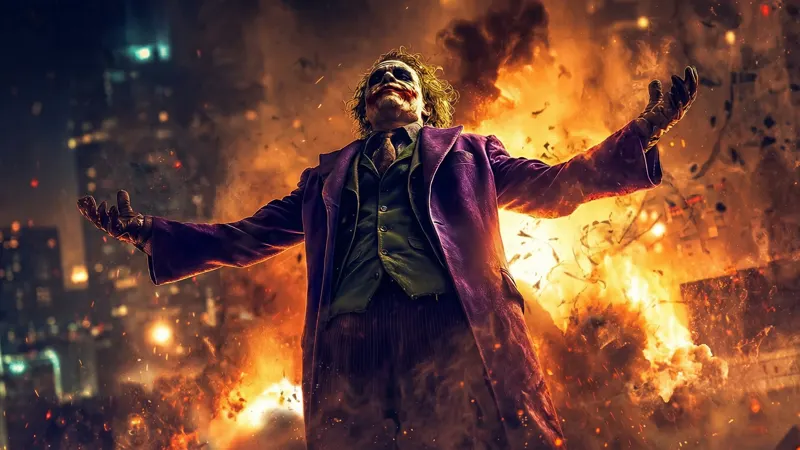
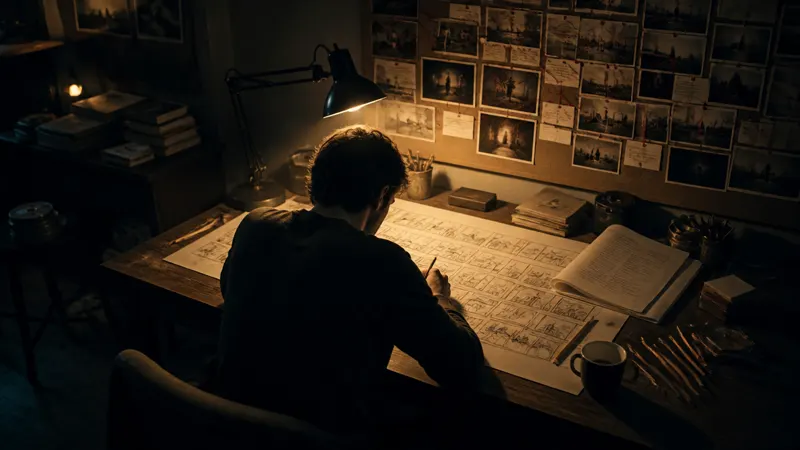
Built for a full production
Image Studio
use Canvas to add text and stickers to a poster layout.
AI Ad Studio
add your product image and get ad variations alongside the print run.
AI Fashion Studio
put a printed tee or jacket on an AI fashion model for the campaign lookbook.
AI Film Studio
plan a short promo film from one prompt to run with the campaign.
Audio Studio
make a voiceover ad to run alongside the billboard.
Print it big
Name the format, quote the words, and let ImagineArt 1.5 Pro render it at 4K.