
Grok Imagine Video 1.5 AI video generator
xAI's video model, with sound made in the same pass.
One model. Picture and sound together.
Why Grok Imagine Video 1.5 leads AI video
Sound, ambience and dialogue in one pass
xAI says Grok Imagine Video 1.5 generates sound effects, ambience and dialogue in the same pass as the picture. On ImagineArt, audio is on by default, so a clip arrives with its soundtrack instead of needing a separate sound pass.
A street musician plays saxophone under a bridge at night, rain dripping from the arch above. Passing footsteps echo on wet stone, and a passerby says "beautiful" as she drops a coin into the case.


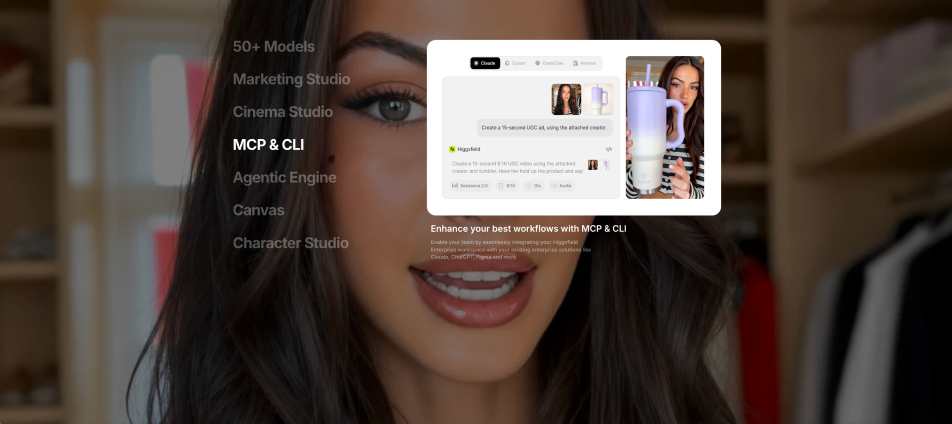
9:16 clip of an unboxing with sound already attached, ready for the feed.
Grok Imagine Video 1.5 generating vertical 9:16 video with dialogue and ambience baked in, no separate audio pass.
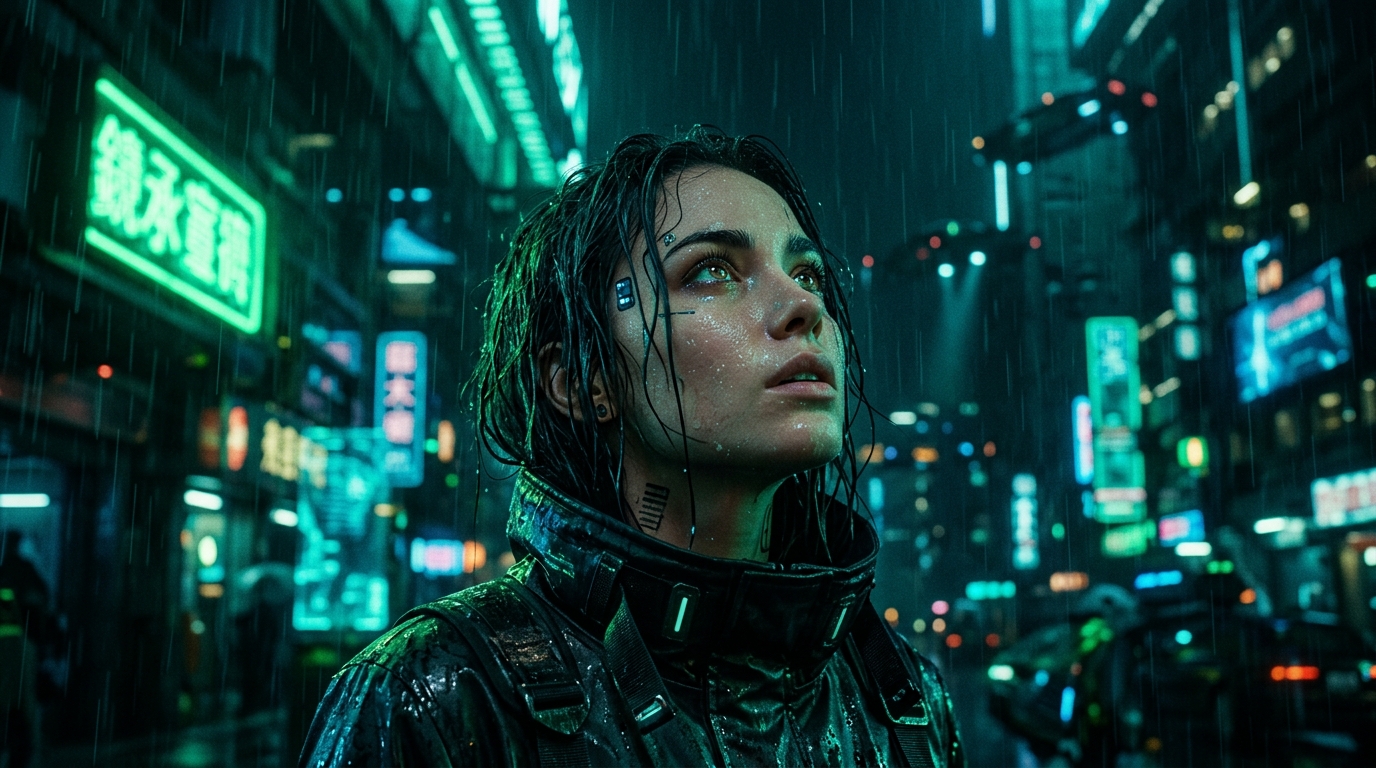
Vertical clips for social feeds
A social media creator using a Grok AI video generator can make 9:16 clips with sound already attached, so a short is ready for the feed without hunting for stock audio or syncing effects by hand in an editor.
Prompts to try first
Twelve prompts written for Grok Imagine Video 1.5, each with a sound cue so the native audio has something to do. Copy one and swap in your own scene.
Try Grok Imagine Video 1.5 on ImagineArt
Pick xAI Grok 1.5 in the video tool, then start from a prompt or a photo.
Add your input
Write a prompt, or upload a still image to animate.
Customize
Choose an aspect ratio, a length from 5 to 15 seconds and 480p or 720p. Audio is on by default.
Generate
Watch the clip with its sound, then adjust the prompt and run it again.
Reviews
What creators are saying
Real ratings, pulled live from Trustpilot, not hand-picked quotes.

"The results are consistently high-quality, and the prompt accuracy is fantastic."
"The ability to keep a character and visual direction consistent makes iteration much easier."
"It helps bring visual ideas to life quickly, especially for social media and campaign work."
Plans
Simple pricing, no surprises
See exactly what a generation costs on your plan.
Free
USD 0 · per creator / month, billed annually
3000 credits / month
- 100 Daily credits
- In-house models only
- 36k credits per year
- 1 Fast Image concurrency
Basic
For newcomers taking their first steps
3K credits / month
- Up to ~97 video generations / month
- Up to ~600 image generations / month
- 10 image models · 9 video models
- 4 concurrent image generations
- General commercial terms
Ultimate
Peak performance for pros
16K credits / month
- Up to ~530 video generations / month
- Up to ~3.2k image generations / month
- All styles and models, including Kling 2.6 Pro and Seedance 1.5 Pro
- Everything in Standard, unlimited
- General commercial terms
Trusted by creative teams, designers and marketers.
Compare every plan and buy credit packs →FAQs
- What is Grok Imagine Video 1.5?
- Grok Imagine Video 1.5 is xAI's video generation model, made generally available on June 16, 2026, after a preview that Artificial Analysis dates to May 2026. It generates video with sound effects, ambience and dialogue in the same pass. ImagineArt lists it as xAI Grok 1.5, and it's a video model, separate from xAI's Grok chat assistant.
- How fast is Grok Imagine Video 1.5?
- xAI says the Fast variant in its own apps produces a 6-second, 720p video in about 25 seconds, down from more than 40 seconds on its previous model. That's xAI's figure for its own apps, not a measurement of ImagineArt's tool.
- What changed from earlier Grok Imagine video models?
- xAI describes Grok Imagine 1.5 as better motion, better physics and better audio, at the fastest speeds. Its January 2026 Grok Imagine video model already made 8-second, 720p clips with audio. On ImagineArt, 1.5 runs from 5 to 15 seconds, at 480p or 720p.
- Can I turn a photo into a video with Grok Imagine Video 1.5?
- Yes. On ImagineArt it supports both text-to-video and image-to-video, so you can upload a still, describe the motion and sound, and animate it. On ImagineArt, Grok image to video works for product shots, travel photos and key art, in seven aspect ratios from 9:16 to 16:9.
- Is Grok Imagine free on ImagineArt?
- No. On ImagineArt, a subscription is required for all AI video generation models, Grok Imagine Video 1.5 included. The free plan's 100 daily credits cover a limited set of models, such as ImagineArt 1.0 Lite and Flux Dev. Plans and credit options are on the pricing page.
- How does Grok Imagine Video 1.5 rank against other video models?
- Launch coverage in June 2026 reported it at #1 on the Image-to-Video Arena, but rankings move. On Arena's image-to-video leaderboard dated September 21, 2026, it was #8, and Artificial Analysis had it #9 for image-to-video when we checked on October 12, 2026. xAI pitches it on motion, physics and sound made in the same pass.
Resources


Built for a full production, not just one clip
Make a clip you can hear
Write a scene, add the sounds you want, and let Grok Imagine Video generate both.
Audio on by default · 5 to 15 second clips