AI TV show generator for a cast that comes back next week
Cast once. Every episode after the pilot opens with your cast already in the library.
Trusted by Professionals and Creators from leading brands
Five pilots, five genres
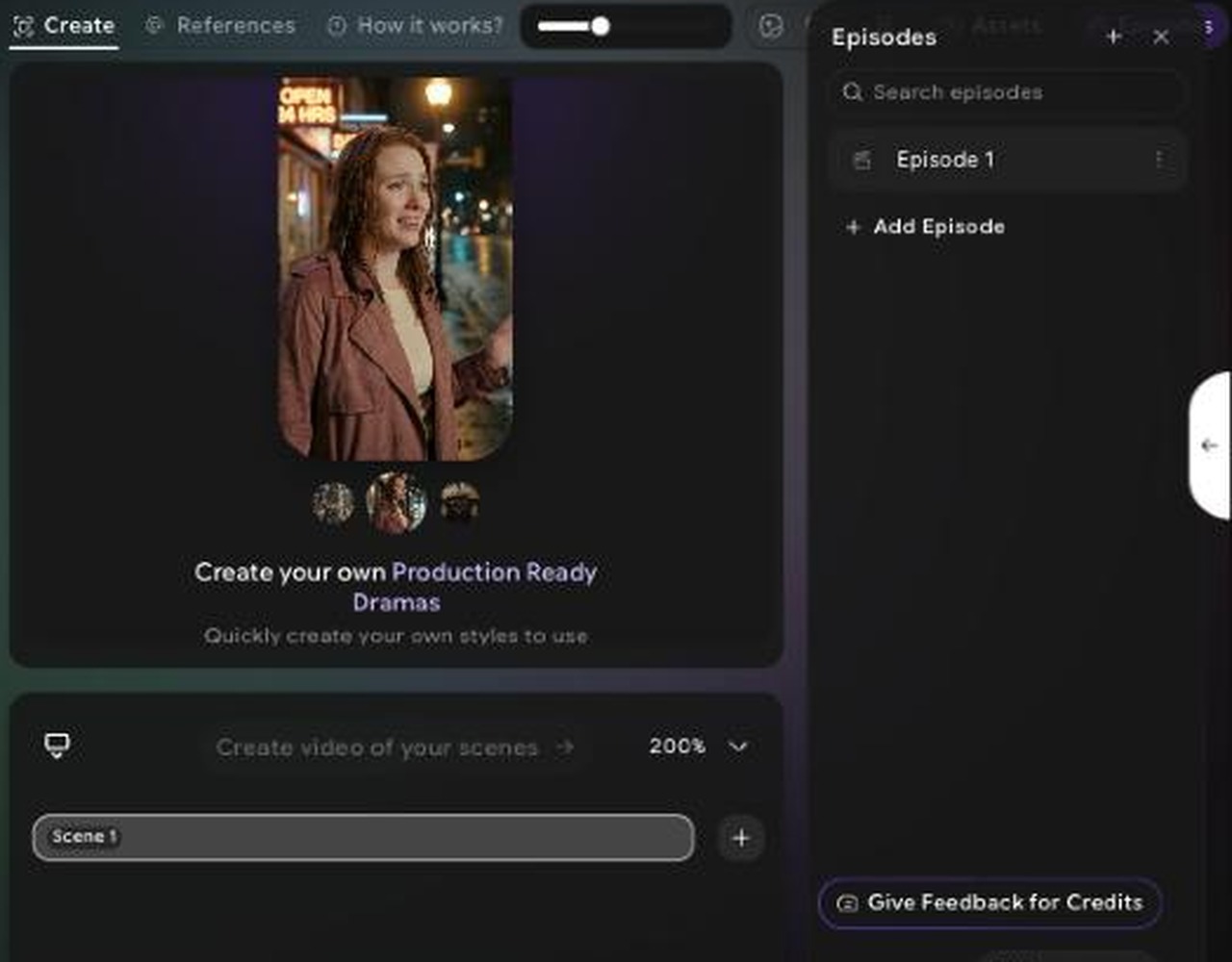
Episode 1, then Add Episode
In ImagineArt Film Studio, the Drama project card reads "a vertical, multi-episode series". The editor opens on Episode 1, with an Add Episode button in the Episodes panel. Each episode keeps its own scene and shot timeline inside the same project. Episode 2 opens with every Element from episode 1 already listed, which is the job of an AI episode generator.
A cast that lives in the library, not the prompt
Video characters here are Elements: up to 4 front-facing images, a name, and a short optional description. Type @ and the name in a shot prompt to call them. Add up to 3 extra angles, or let the tool generate them, plus an optional voice clip. We built Nova from a portrait made in Create Image; you can design the face in the AI character generator first.
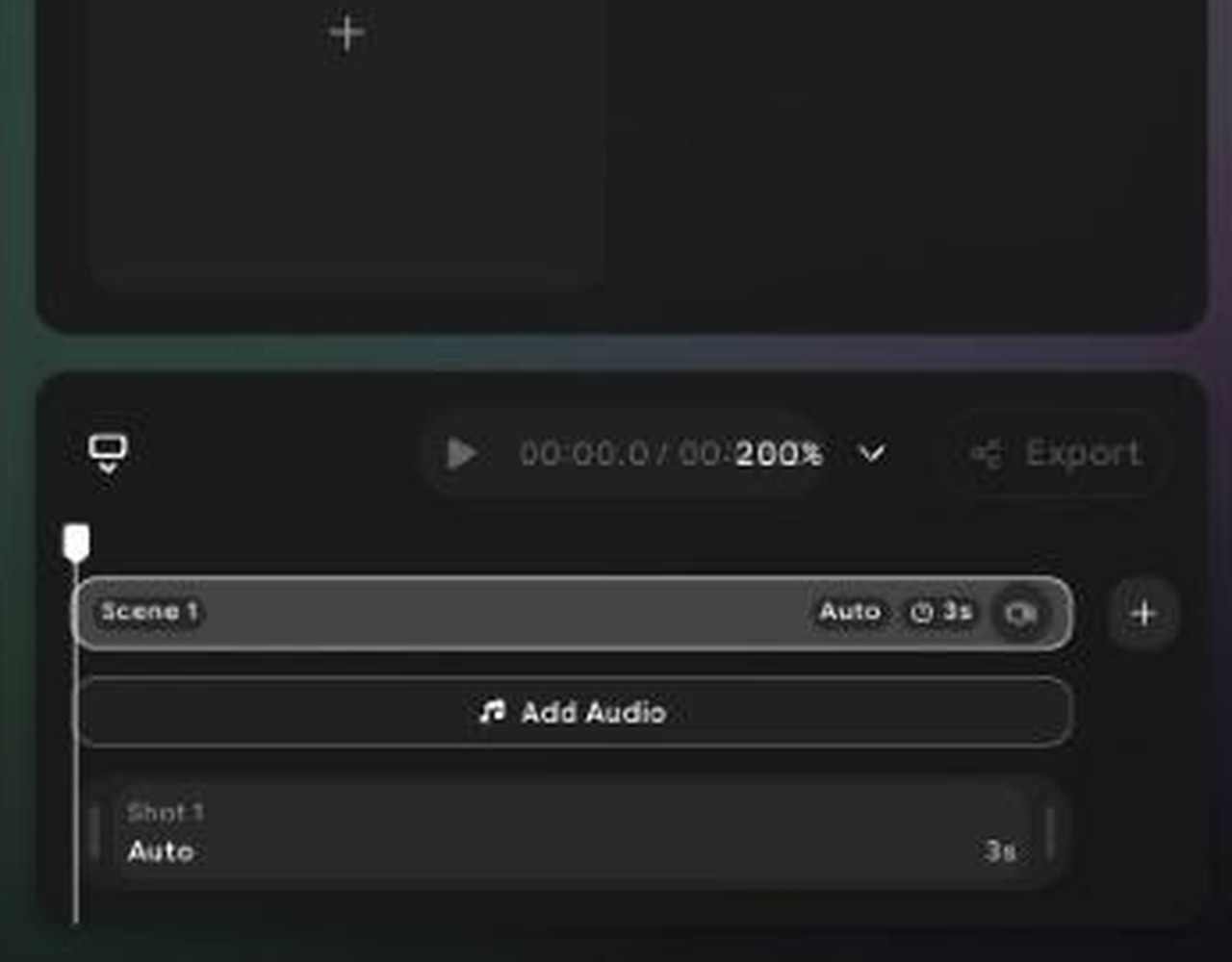
Shots up to 15 seconds, with a sound row under them
Each shot defaults to 3 seconds on a slider that runs to 15, at 720p, in a fixed 9:16 frame. Style, Genre and Movement start on Auto; camera body, lens, focal length and aperture are yours to set. The timeline carries an Add Audio row, and the help center lists ElevenLabs v3 and MiniMax Speech 2.8 for text to speech, plus ElevenLabs Music 2.5.
How to make a series in a Drama project
Step 1
Open a Drama project
Film Studio runs on desktop browsers only. Choose Create Project, then the Drama card, which shows Kling o3 as its video model. Pick the Film card instead for widescreen scenes.
Step 2
Cast the show as Elements
Give each character up to 4 front-facing images and a short name. Each Element also has an optional Voice slot that takes a 5 to 30 second MP3 or WAV clip, or a recording.
Step 3
Shoot episode 1, then add the next
Write it shot by shot with @names, 3 seconds default and up to 15 each. The help center suggests about 1 to 1.5 minutes per episode. Then press Add Episode: that second episode turns a clip maker into an AI series generator.
Show bible: Night Shift at the Neon Diner
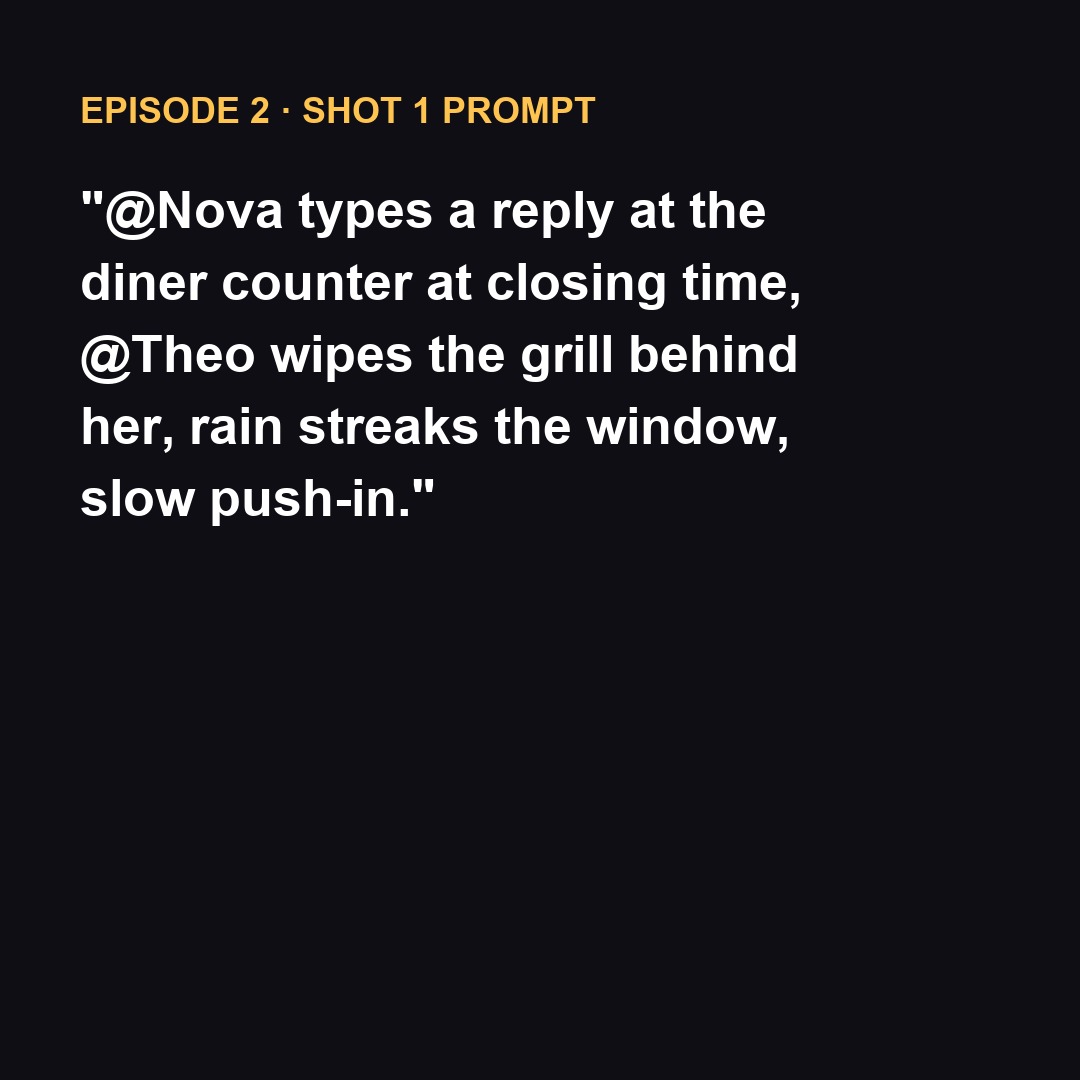
Logline: a diner waitress gets a text from her sister, missing two years. Cast: @Nova, the waitress; @Theo, the cook; @June, the sister. Episode 1 ends on the text. Episode 2 opens on her reply.
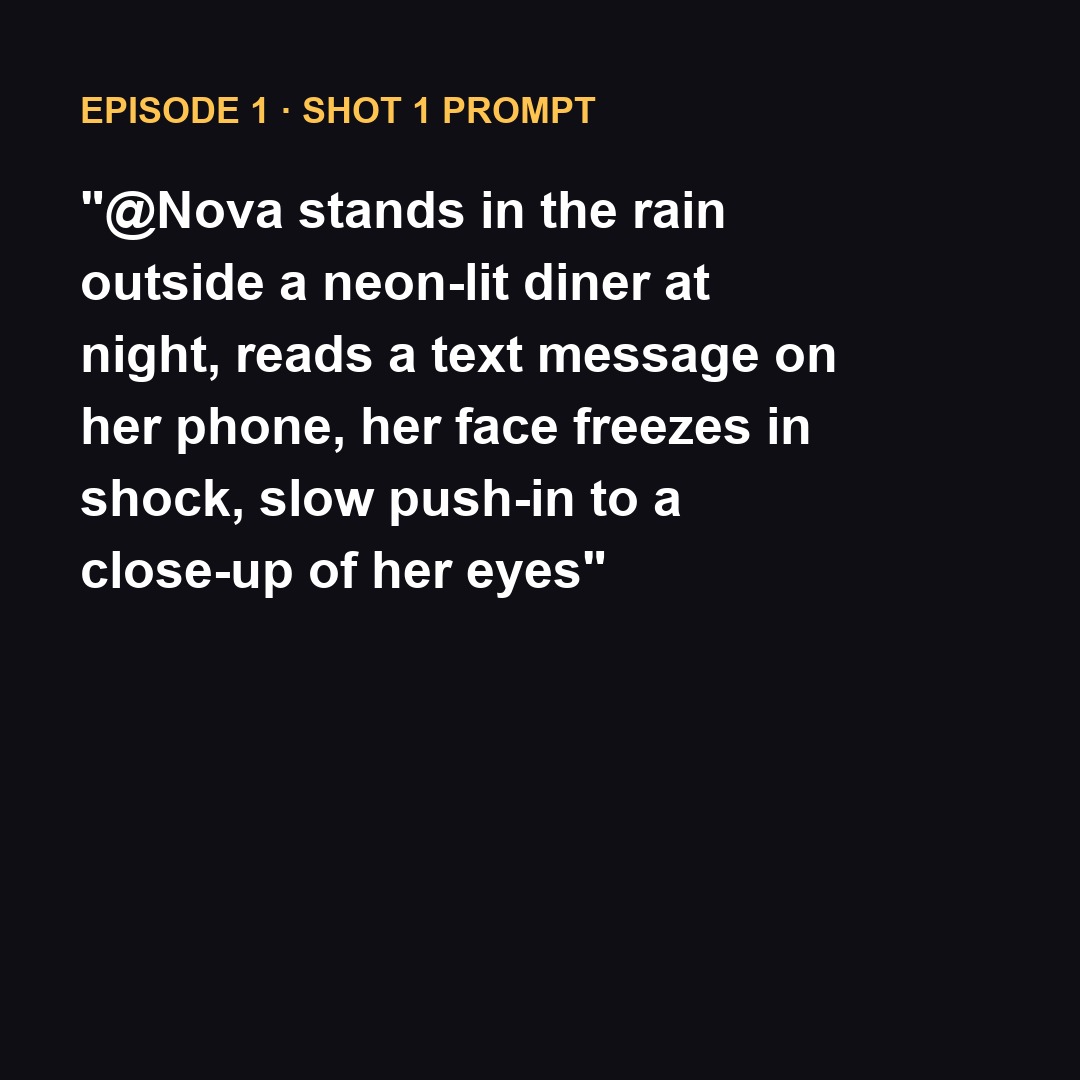
Episode 2 cold open: same cast, new night
Episode 2, shot 1: "@Nova types a reply at the diner counter at closing time, @Theo wipes the grill behind her, rain streaks the window, slow push-in." Nobody gets re-described. The Elements come with the names.
What the show still needs from you
The help center documents no script import and no episode cap, so the writing stays with you. Video shots also need a plan that includes Film Studio; image generation in the same project worked for us.
More ImagineArt tools for your series
Purchase a Subscription
Upgrade to get access to pro features and generate more and better
Basic
For newcomers taking their first steps
View Plans
Billed monthly
Included in plan
3Kcredits per month
Additional Features
Up to ~600 Image Generations/month
Up to ~97 Video Generations/month
General Commercial Terms
Image Generation Visibility: Public
4 Concurrent Image Generations
Complimentary Access
All GPT Models
All Gemini Models
All Claude Models
Unlimited Generations
10 Image Models
9 Video Models
Standard
For rising creators to level up their game
View Plans
Billed monthly
Included in plan
8Kcredits per month
Additional Features
Up to ~1.6k Image Generations/month
Up to ~265 Video Generations/month
General Commercial Terms
Image Generation Visibility: Private
8 Concurrent Image Generations
Complimentary Access
All GPT Models
All Gemini Models
All Claude Models
Unlimited Generations
Nano Banana
Runway Gen 4 Turbo
Midjourney V7
8 more Image Models
8 more Video Models
Ultimate
Peak performance for pros
View Plans
Billed monthly
Included in plan
16Kcredits per month
Additional Features
Up to ~3.2k Image Generations/month
Up to ~530 Video Generations/month
All styles and models
General Commercial Terms
Image Generation Visibility: Private
Complimentary Access
All GPT Models
All Gemini Models
All Claude Models
Unlimited Generations
All image models in Standard plan
All video models in Standard plan
Kling 2.6 Pro
Seedance 1.5 Pro
ChatGPT 1.5
Creator
A full production engine for powerhouses
View Plans
Billed monthly
Included in plan
100Kcredits per month
Additional Features
Up to ~20k Image Generations/month
Up to ~3.3k Video Generations/month
All styles and models
General Commercial Terms
Image Generation Visibility: Private
Complimentary Access
All GPT Models
All Gemini Models
All Claude Models
Unlimited Generations
All image models in Ultimate plan
All video models in Ultimate plan
Kling 3.0 Pro
Seedance 2 Fast
Nano Banana 2
What ImagineArt users say
ApexStudios
This is AI video creation at its finest! The model is super intelligent and creates exactly what you want and how you want. With multiple image and element references, I can direct the AI about character positions, camera angles, and scene compositions. My new go-to video tool!
Alexandra Elena
Verified User

DreamWorks
Finally, a model that delivers complete creative freedom, not just fake promises. I can try as many backgrounds as I want, manipulate objects and subjects, and even add text. This is the Photoshop of videos, incredibly fast and precise but without any software download.

Anna Chierici
Creator (IT)

Pixels
The speed at which this 25th AI video generator edits results is quite impressive. What impresses me the most is how well it maintains the quality and coherence of videos after shot extension and style changes. Highly recommended!

Anya Petrova
Marketing Designer

Shopify
I work in filmmaking and have used a ton of video tools. But I’ve never come across a model that produces and edits visuals with such accuracy. There literally is no need to make any manual edits. What a life-saver!
Ben Harris
Product Manager

TechNova
As a social media lead, I have to create a multitude of video content for daily upload. ImagineArt video editor has completely changed my workflow. Now, I can edit on the go, create UGC with image references, and even extend shorter clips with video references. A must-have for creators!

Isabelle Kim
Concept Artist
Have questions?
We have answers!
An AI show generator like this makes a series, not a single clip: recurring characters, numbered episodes, shot by shot. On ImagineArt that is a Drama project in Film Studio. For the micro drama format itself (ReelShort-style hooks and cliffhangers), see our AI drama generator page.
Open Film Studio in a desktop browser, choose Create Project, then Drama. The editor opens on Episode 1 with an Add Episode button in the Episodes panel. Narrow screens get a desktop-only notice.
They live in a library instead of your prompts. Each character is an Element with up to 4 front-facing images and a name you call with @. In our test, the Nova Element made in Episode 1 was already listed under Characters in Episode 2, with no re-upload. We haven't rendered episodes to compare the faces yet.
Yes, but not as episodes. The Episodes panel is a Drama project feature, and Drama projects are 9:16 with no ratio picker; Film projects don't document one. Film projects offer 16:9, 21:9 and four other ratios at 720p or 1080p, built scene by scene, with a References library that carries across scenes.
The help center gives no hard limit and suggests about 1 to 1.5 minutes per vertical episode. Each shot runs 3 seconds by default and up to 15, so a 90-second episode takes at least 6 shots.
We can't confirm it yet: no Drama shot has been rendered with dialogue. Each Element has an optional voice slot, and the help center lists text to speech under Add Audio. Lip sync inside Drama isn't documented; AI Avatar Studio turns one photo into a talking clip with lip sync, from a script you write or audio you bring.
Not without permission. ImagineArt's terms rule out impersonation, content that infringes someone else's copyright or trademark, and media of a real person used without their permission. Cast original characters, or photos of people who agreed to it.
Kling o3 is the video model shown on the Drama card. The Film card lists Seedance 2.5 and Seedance 2. The help center lists ElevenLabs and MiniMax for voices and ElevenLabs for music.
The account is free; generating video shots is not. When we pressed Generate on a Drama shot, Film Studio asked for a plan that includes it, though image generation in the same project worked. ImagineArt's video page says free accounts run in-house models only.