AI Character Generator
Original characters you can reuse
Describe a character once, choose from 100+ styles, and carry the design into new scenes. Build a front, side and back turnaround, add an expression sheet, then animate it. 100 free credits a day.
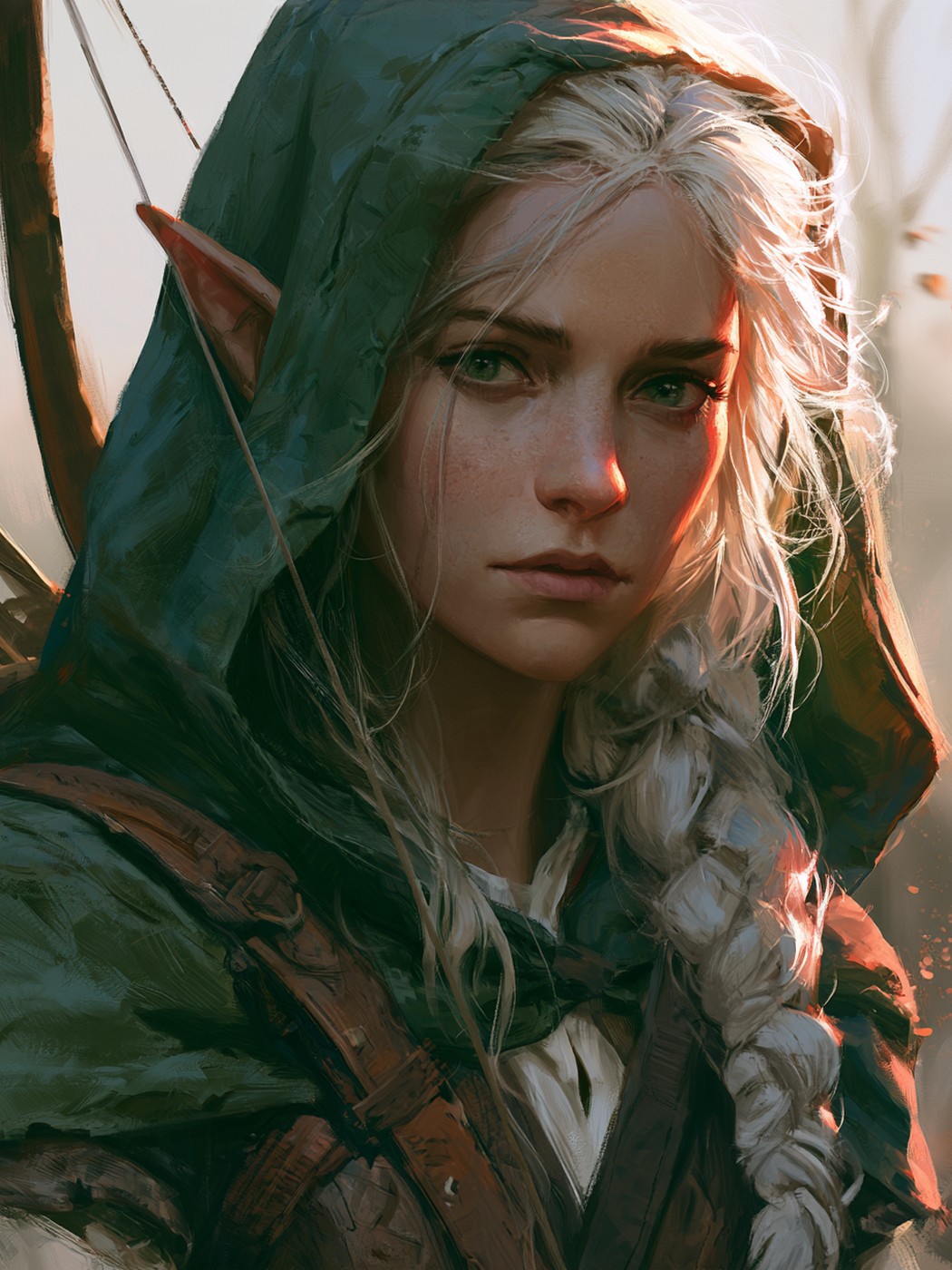
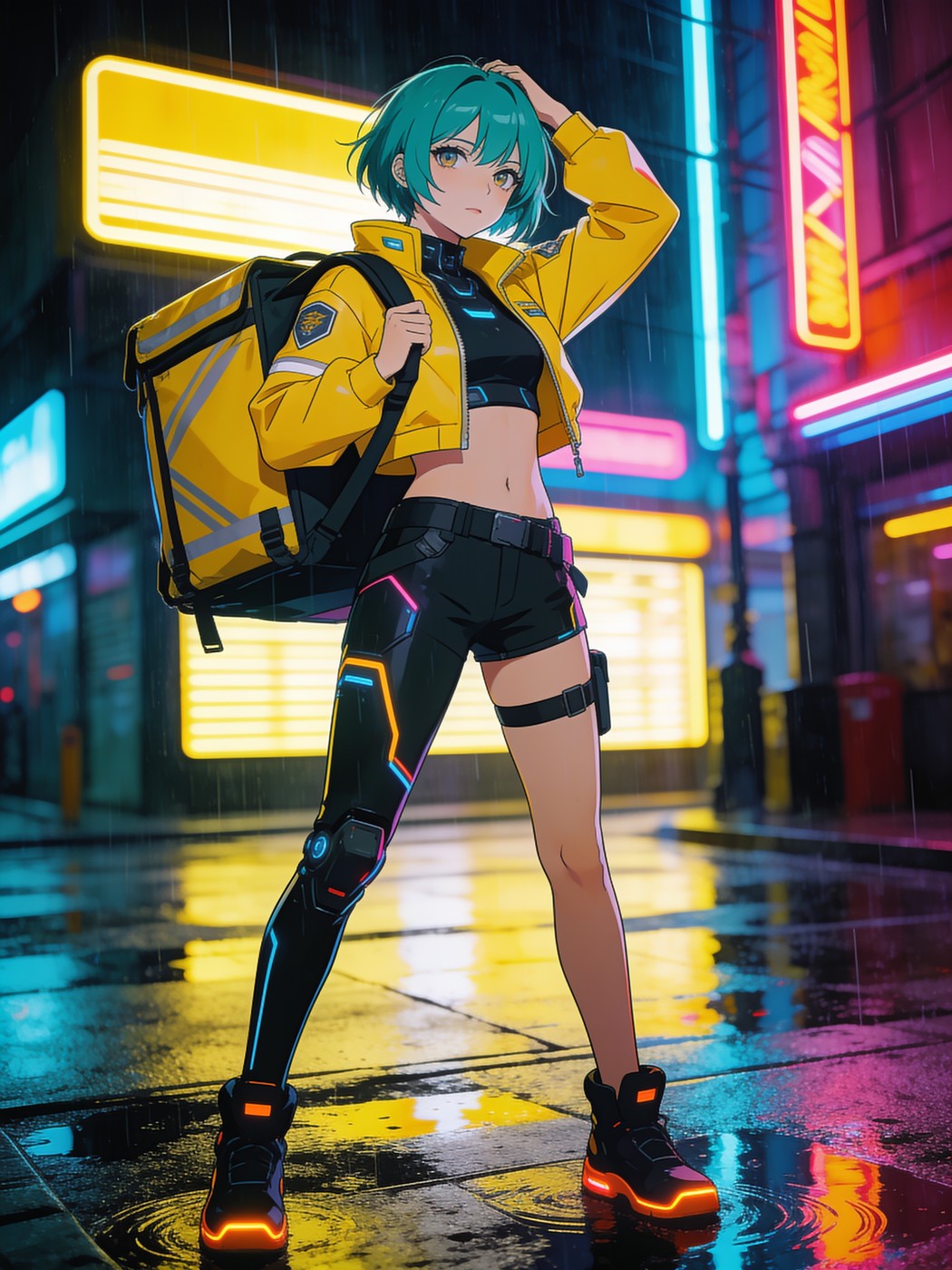
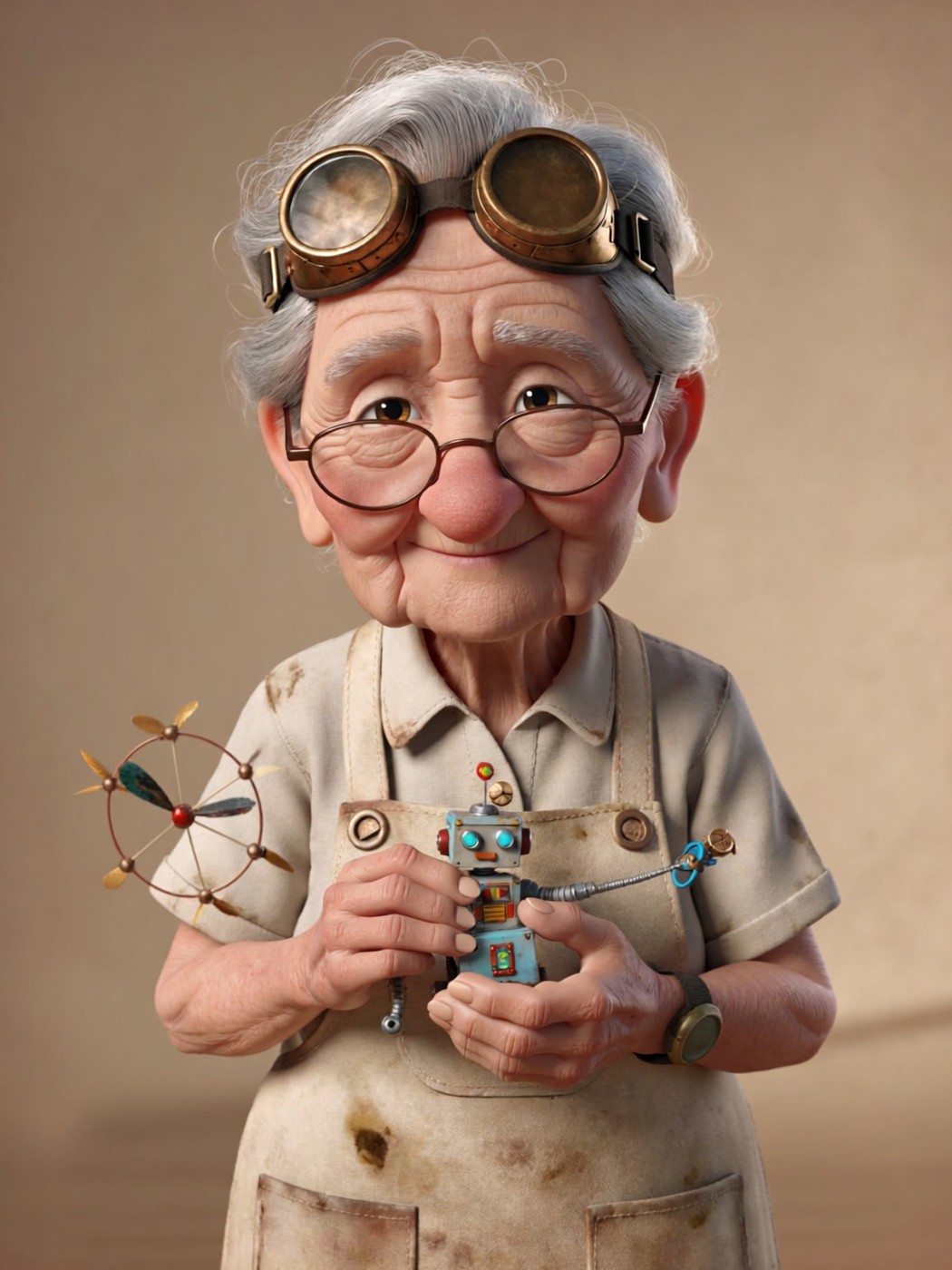
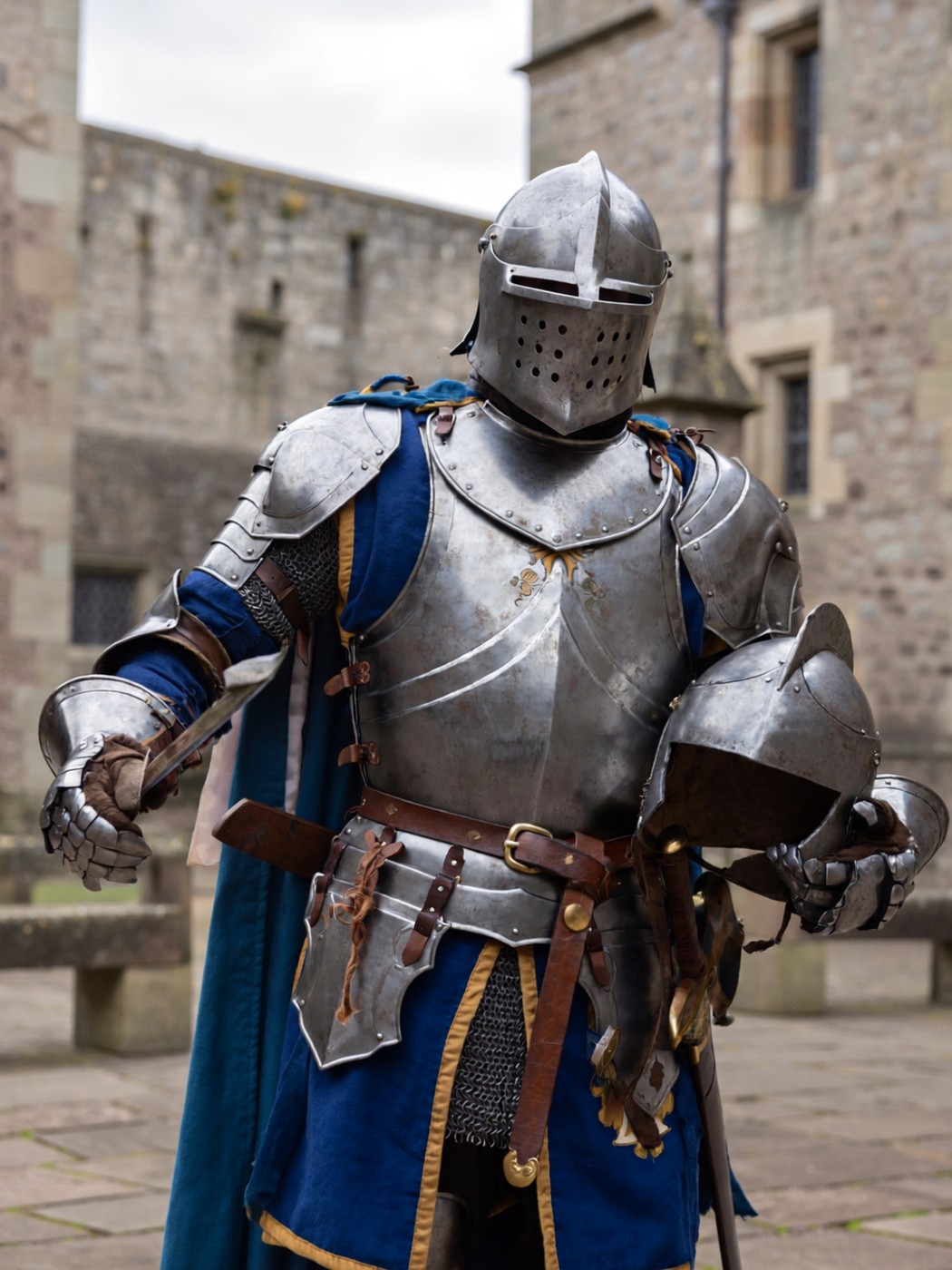
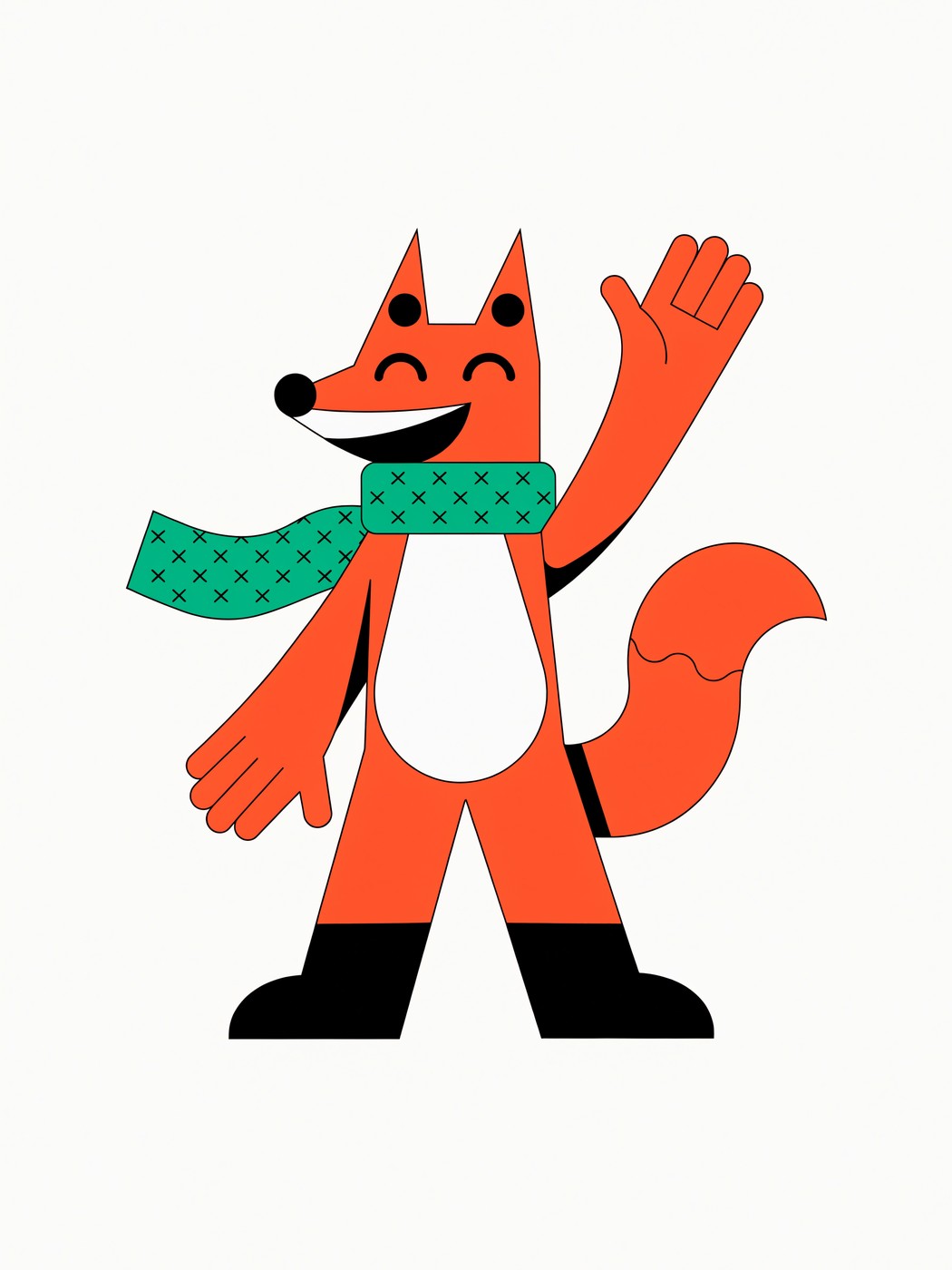
AI Characters made on ImagineArt
Characters made on ImagineArt
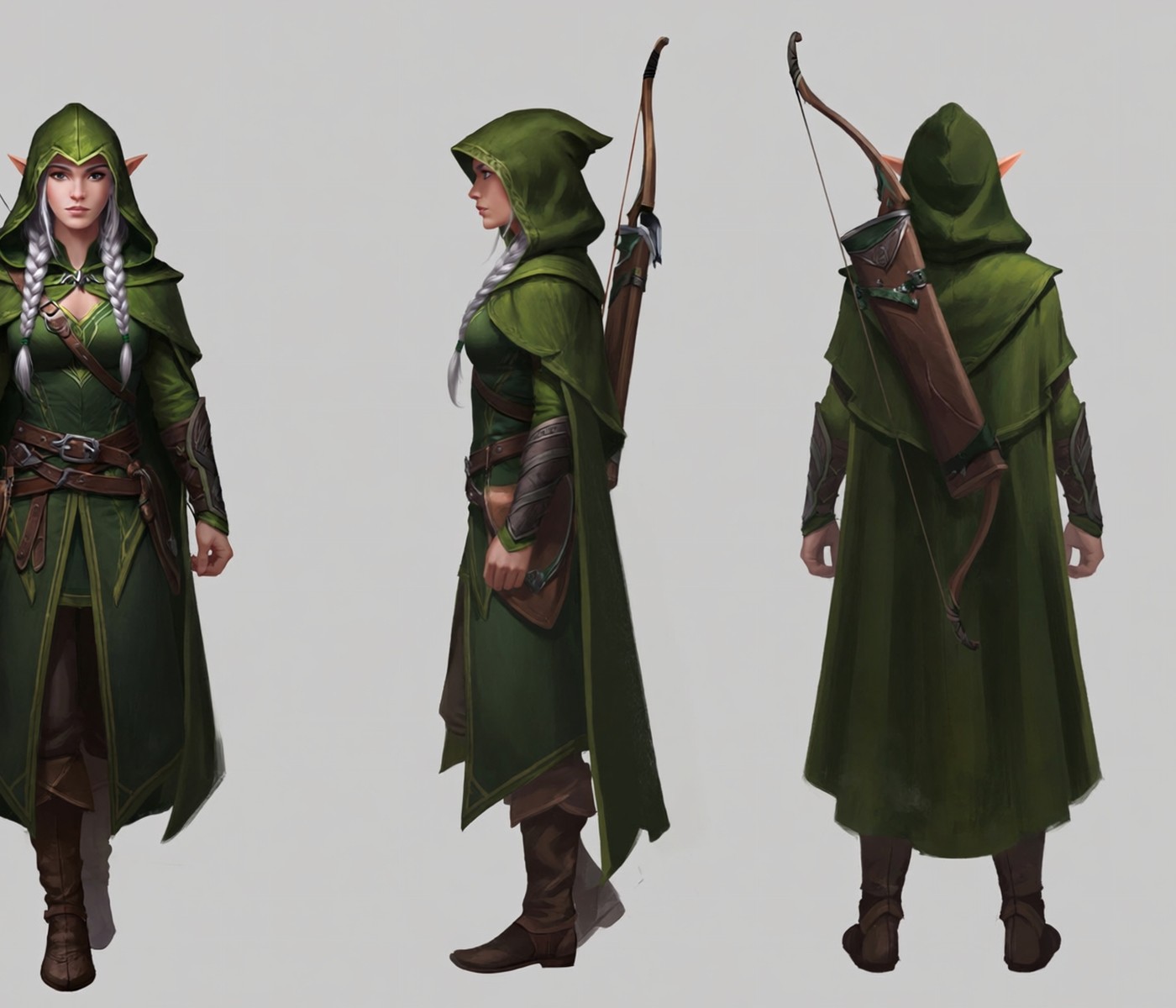
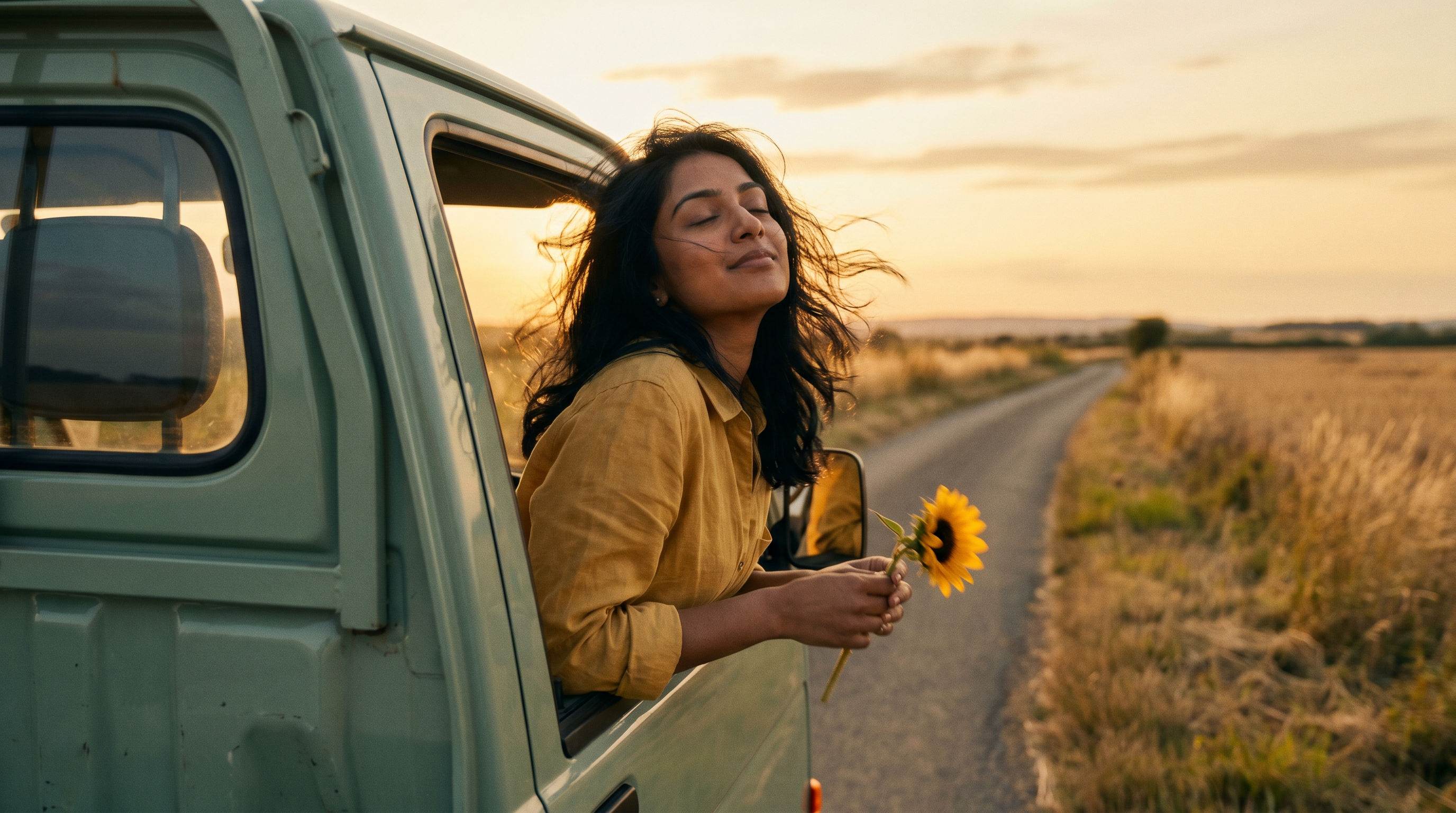
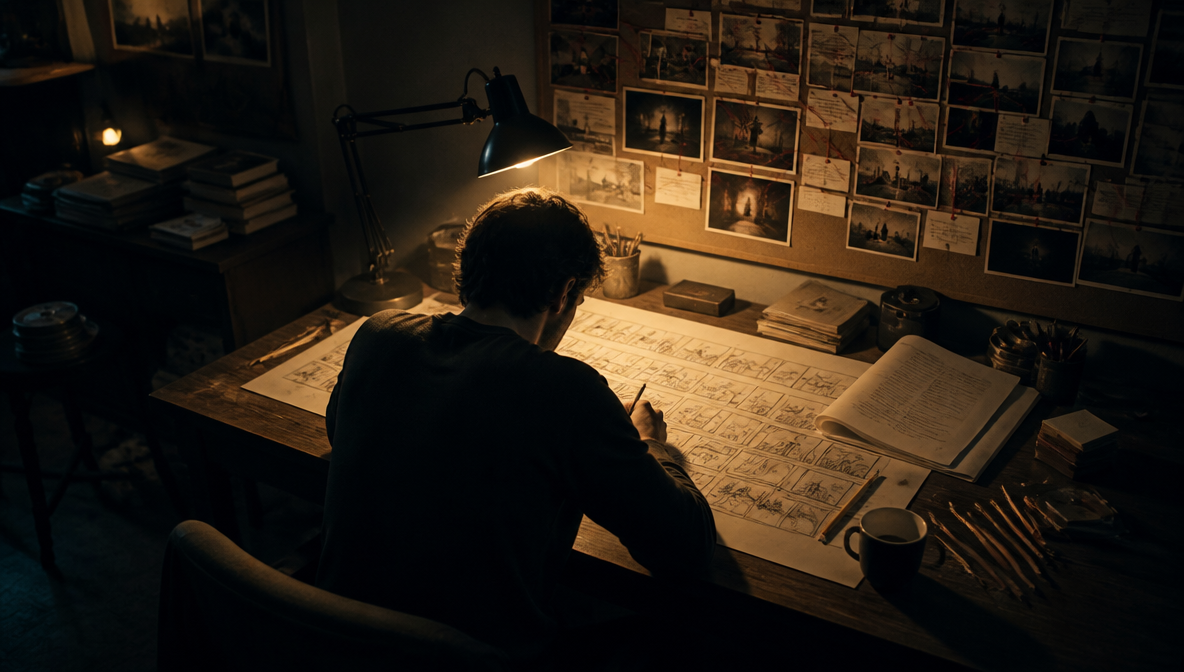
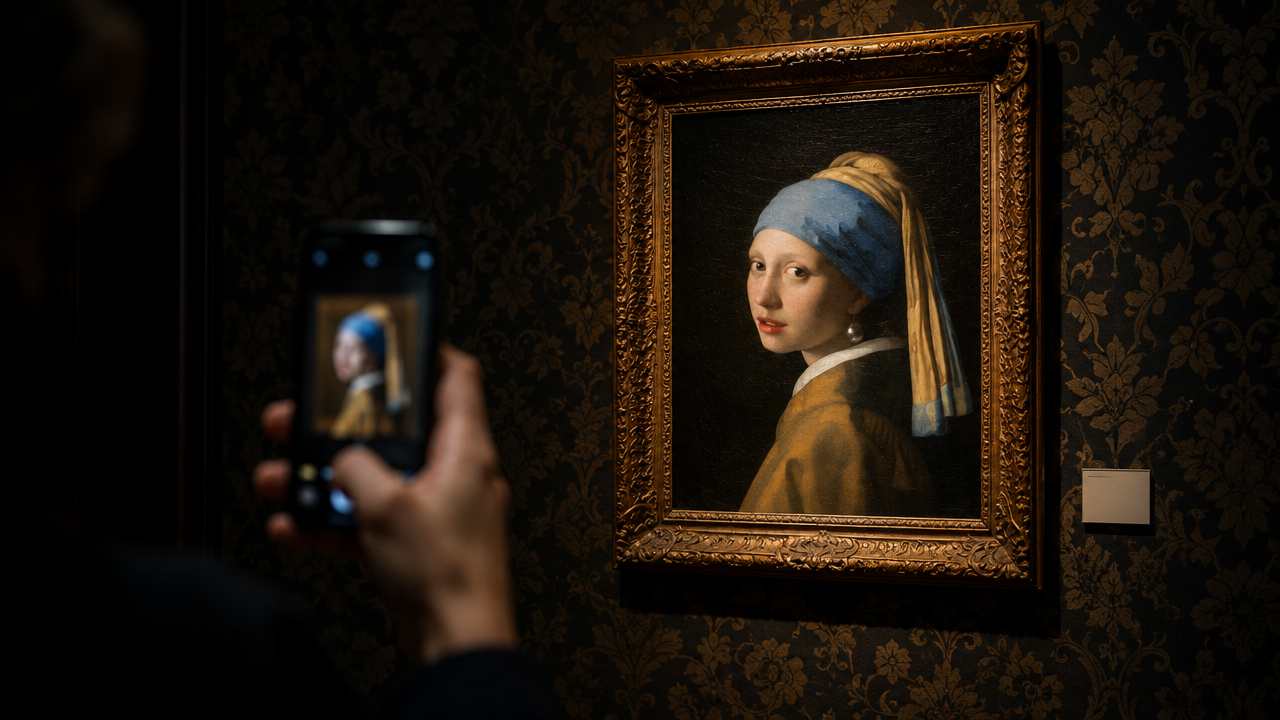
Original characters in four of the 100+ styles, brought to life in our AI art generator.
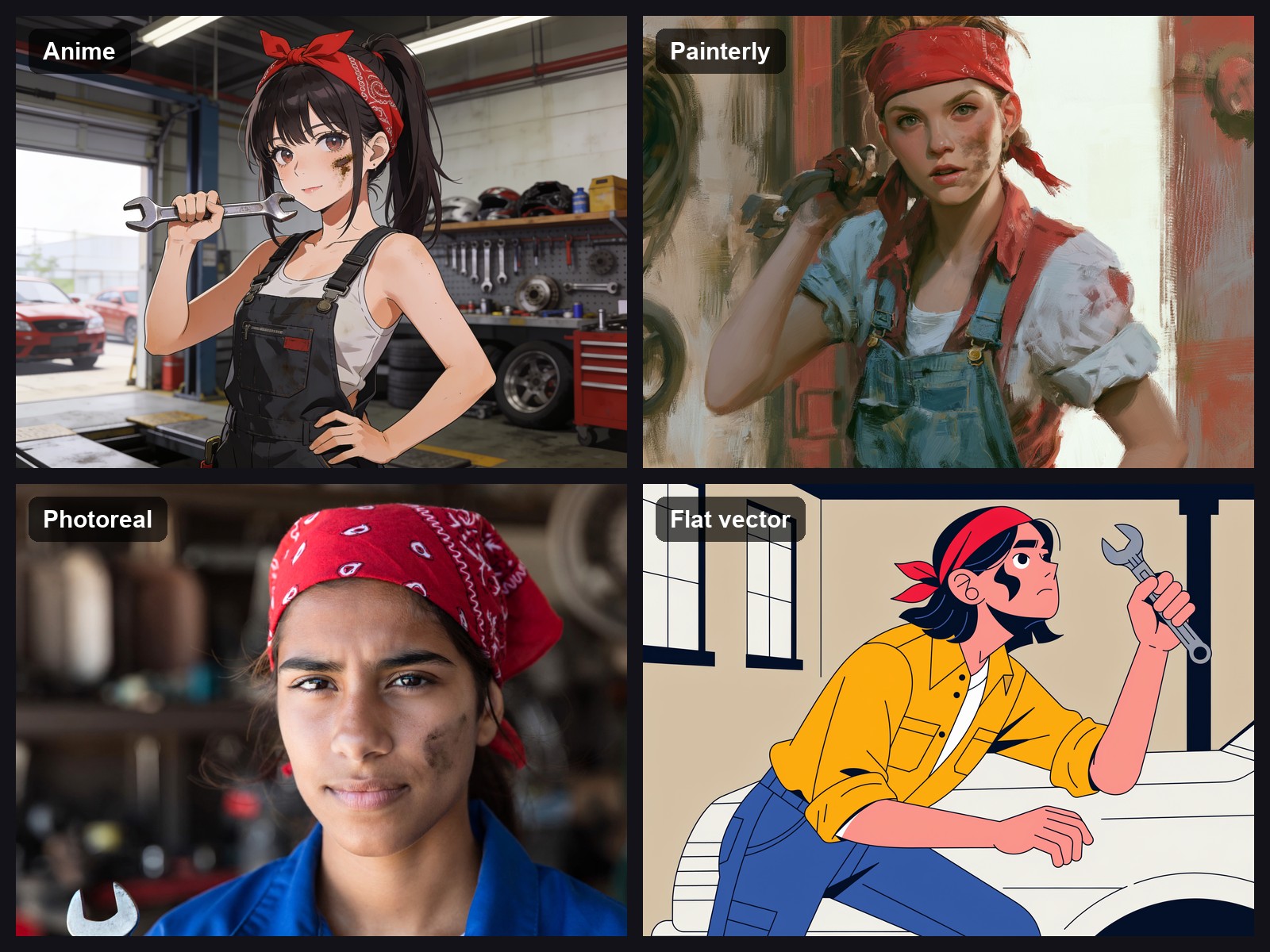
Pick the model that draws your style
The style decides the model. Seedream v4.5 handles anime, comic and illustration. ImagineArt 2.0 is the pick for photoreal people, like a cosplay-style knight in worn plate armour. Dreamina 3.1 is built for precise art styles, so name the medium outright: ink wash, gouache, cel shading. Black Forest Labs says FLUX.2 can maintain identity across complex scenes, which makes Flux.2 Pro a fit for a cast that has to match. Drawing anime only? The AI anime generator is the better page for that.
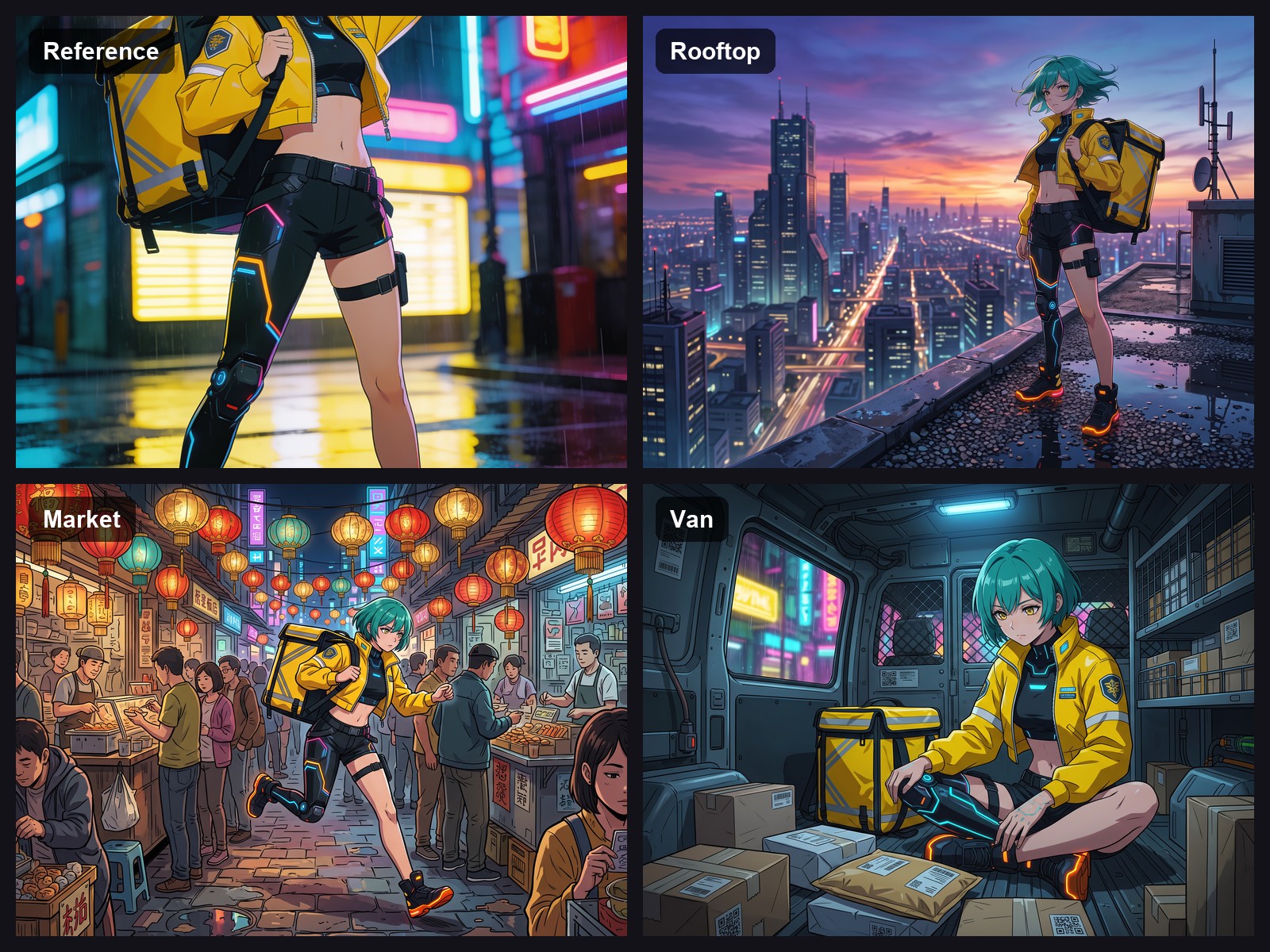
Keep the same character across scenes
Small details drift between generations: a collar changes, an earring disappears. Add your best image as a character reference under Add references. When one view isn't enough, use a multi-reference model: Nano Banana 2 takes up to 4 character images for consistency, per Google. For a long series, train a custom model on your character. Not for recreating a real person without their consent.
Give your character motion
Take one clean full-body view, ideally the front view from your turnaround, into the AI video generator and use image to video. Describe one action and one camera move per clip, for example: "the courier turns her head and grins, slow push-in, rain on the neon street behind her". Reuse the outfit and color words from your image prompt so the clip matches the sheet.
How to create an AI character
Step 1
Describe who they are
Write who they are before how they look: role, age, build, one defining feature, outfit, colors. "Retired inventor in her seventies, round glasses, oil-stained apron" beats "cool old lady". Add the style last.
Step 2
Pick a model and a frame
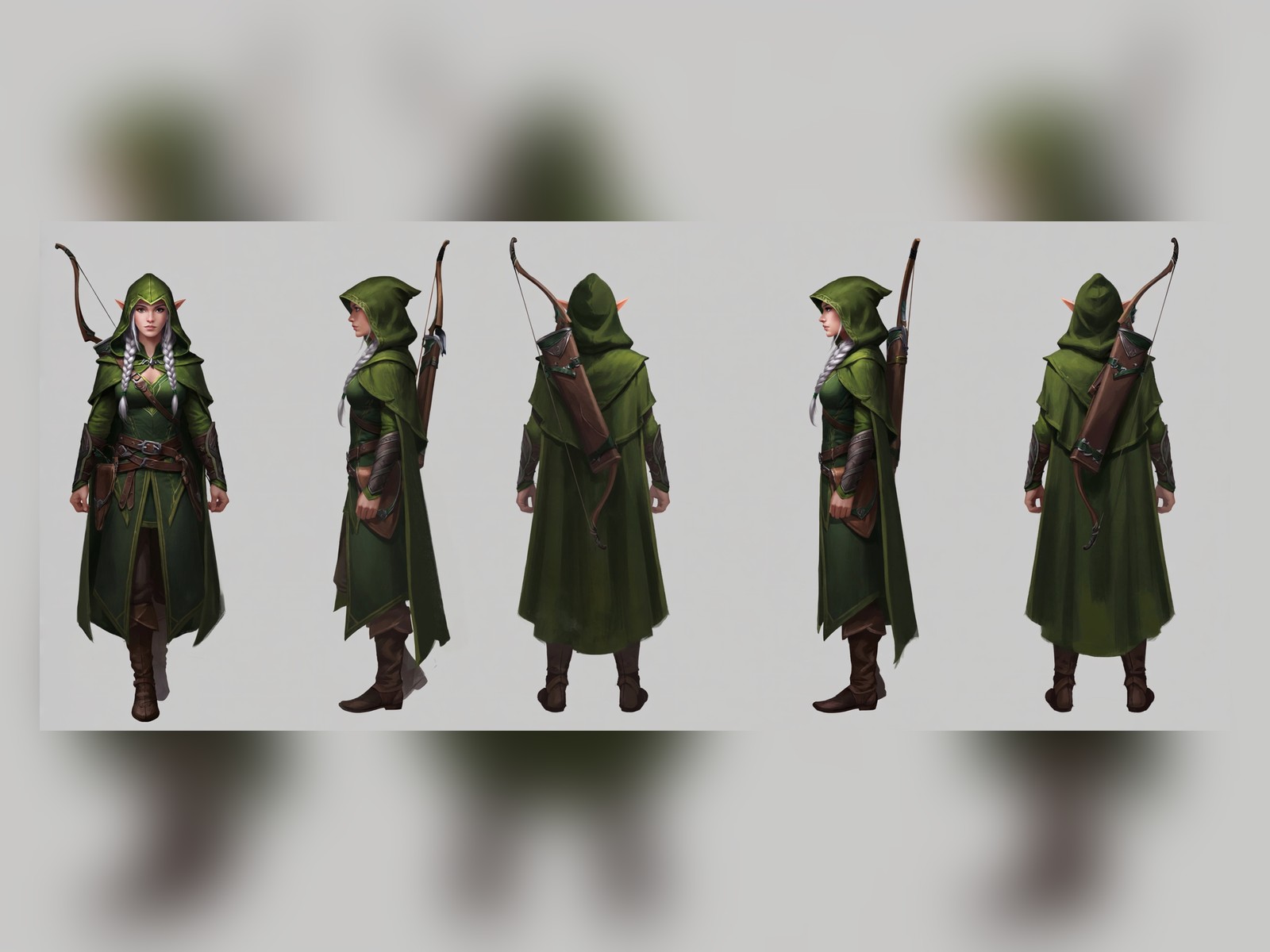
Choose the AI model for your style, then the ratio: 4:5 or 1:1 for a portrait, 2:3 for a full-body pose. For a turnaround, use a wide ratio such as 3:1 if your model offers it.
Step 3
Generate, then reuse
Keep the version that looks right and add it as a character reference for every new scene. Repeat details from your first prompt word for word to limit drift.
What one character gives you
- An expression sheet:Six head-and-shoulders portraits in a grid: neutral, happy, angry, sad, surprised, smirking, same hair and outfit.
- 100+ styles:One description in any of them, so a whole cast can share one look.
- A travelling reference:One image that goes into every new scene, built to keep your character recognizable.
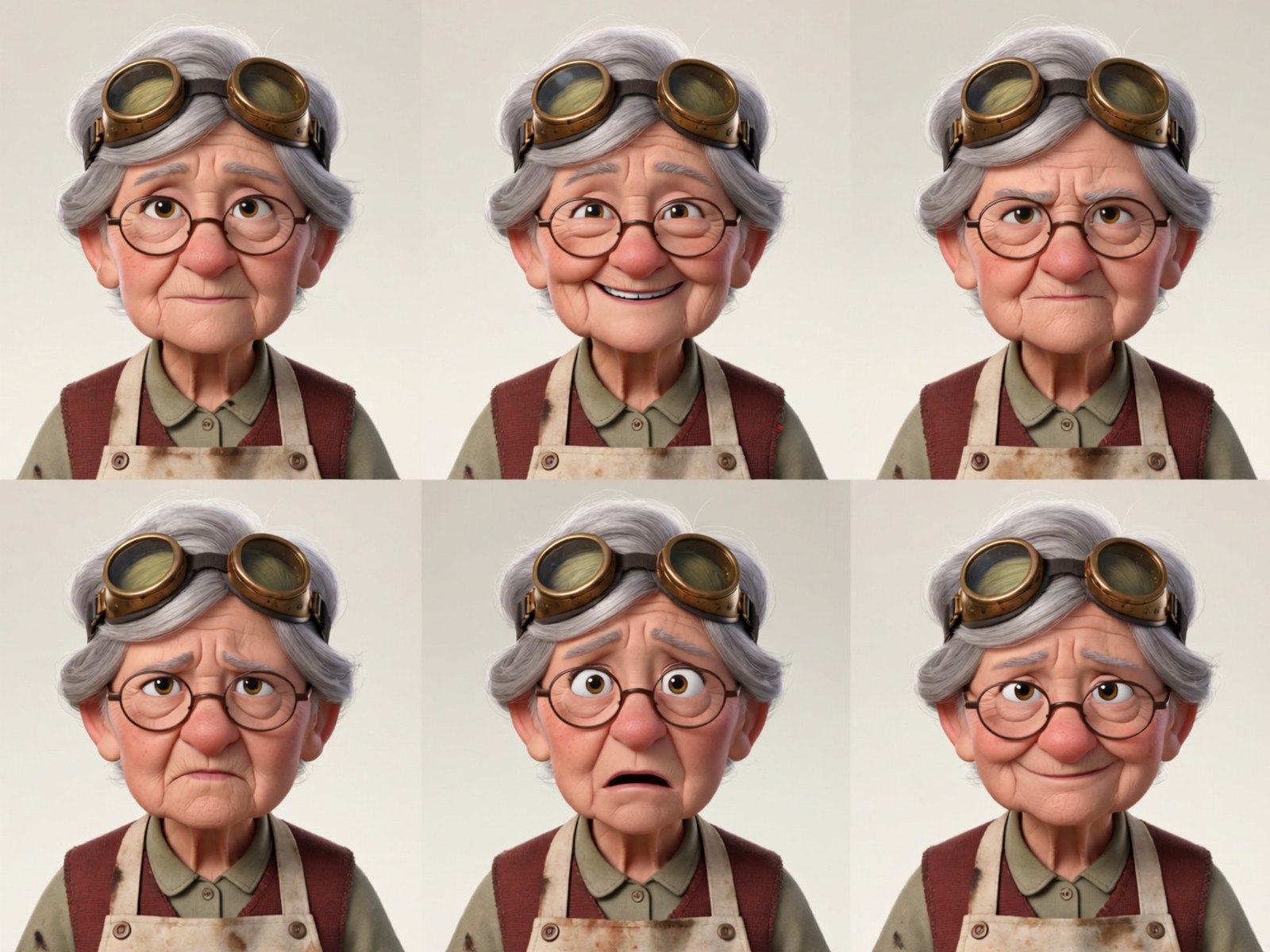
From one sheet to a whole cast
- A turnaround in one prompt:At a wide ratio: front view, side view, back view, same outfit, neutral pose, plain light-grey background.
- A trained model:For when the cast grows past a handful of images.
- Images, not stat blocks:For a D&D party or a novel's cast, describe each one in prose.
What creators say about ImagineArt
Real Trustpilot reviews from ImagineArt users.
“Using imagine has honestly been a great experience overall. The image quality is impressive, especially for cinematic and anime-style generations, and the platform feels smooth compared to many other AI tools. Prompt understanding is strong, and the renders usually come out detailed and visually appealing even without overly complex descriptions. One thing I really like is how easy the interface is to use. It doesn’t feel confusing for beginners, but still has enough features for advanced creators. The video and motion tools also have a lot of potential and can create very eye-catching content for reels and edits.”
“I've been using imagineArt to create real life artistic versions of anime characters, for a channel in youtube, and it works wonders for me, very good quality on the content! ”
“I’m absolutely blown away by the sheer range of possibilities on Imagine.Art. From image generation and video creation to music, avatars, and even translating your own drawings - the platform offers an incredible wealth of creative tools. I haven’t even scratched the surface of all the features yet, but I’m already thoroughly impressed. The videos are truly one of a kind, and the image quality is consistently excellent. The only thing I’ve yet to master is creating anime-style images exactly as I imagine them, but I’m confident I’ll get there with time and practice.”
“I recently started using ImageArt AI Photo Editor, and I’m beyond impressed! The AI-powered tools make editing effortless. The interface is intuitive, even for someone without advanced editing skills, and the results look professional. I especially love the high-quality filters with just a few clicks. I was using it mainly for anime style animation. The processing speed is fast, and the final images retain great detail. Highly recommend ImageArt AI for anyone looking for a powerful yet user-friendly online Editor.”
Purchase a Subscription
Upgrade to get access to pro features and generate more and better
Basic
For newcomers taking their first steps
View Plans
Billed monthly
Included in plan
3Kcredits per month
Additional Features
Up to ~600 Image Generations/month
Up to ~97 Video Generations/month
General Commercial Terms
Image Generation Visibility: Public
4 Concurrent Image Generations
Complimentary Access
All GPT Models
All Gemini Models
All Claude Models
Unlimited Generations
10 Image Models
9 Video Models
Standard
For rising creators to level up their game
View Plans
Billed monthly
Included in plan
8Kcredits per month
Additional Features
Up to ~1.6k Image Generations/month
Up to ~265 Video Generations/month
General Commercial Terms
Image Generation Visibility: Private
8 Concurrent Image Generations
Complimentary Access
All GPT Models
All Gemini Models
All Claude Models
Unlimited Generations
Nano Banana
Runway Gen 4 Turbo
Midjourney V7
8 more Image Models
8 more Video Models
Ultimate
Peak performance for pros
View Plans
Billed monthly
Included in plan
16Kcredits per month
Additional Features
Up to ~3.2k Image Generations/month
Up to ~530 Video Generations/month
All styles and models
General Commercial Terms
Image Generation Visibility: Private
Complimentary Access
All GPT Models
All Gemini Models
All Claude Models
Unlimited Generations
All image models in Standard plan
All video models in Standard plan
Kling 2.6 Pro
Seedance 1.5 Pro
ChatGPT 1.5
Creator
A full production engine for powerhouses
View Plans
Billed monthly
Included in plan
100Kcredits per month
Additional Features
Up to ~20k Image Generations/month
Up to ~3.3k Video Generations/month
All styles and models
General Commercial Terms
Image Generation Visibility: Private
Complimentary Access
All GPT Models
All Gemini Models
All Claude Models
Unlimited Generations
All image models in Ultimate plan
All video models in Ultimate plan
Kling 3.0 Pro
Seedance 2 Fast
Nano Banana 2
Have questions?
We have answers!
It turns a written description or a reference image into character art in the style you choose. A random character generator hands you a name and a backstory; this one draws the character. Writers use it as an AI character creator for a cast.
Yes, to start: 100 free credits a day, no credit card, enough to try the AI character generator free for a few characters. Free credits run ImagineArt's in-house models such as ImagineArt 2.0; Seedream v4.5, Nano Banana 2, Flux.2 Pro and Dreamina 3.1 need a paid plan.
Add your best image as a character reference and repeat its key details in every prompt. Nano Banana 2 takes up to 4 character images for consistency, per Google. For a long series, train a custom model on the character. Small details can still drift.
Yes. Use a wide ratio such as 3:1 if your model offers it, and prompt for a turnaround sheet: front, side and back views, same outfit, neutral pose, plain background.
Over 100 styles. Seedream v4.5 covers anime, comic and illustration, ImagineArt 2.0 photoreal people and Dreamina 3.1 precise art styles. For painterly concept art, name the medium and the brushwork in your prompt.
Yes. Take a still into the AI video generator and use image to video to add motion. A clean front view on a plain background is the easiest starting frame.
Only yourself, or someone who has agreed. Character Swap, 90s Cartoon, Pixel Hero and Manga Generator start from a photo.
Draw the character, then the whole cast
Start with one description and the turnaround formula. Once the front view looks right, it becomes the reference for every scene that follows.