Script to video AI that works scene by scene
Split a script into scenes, generate each shot, add a narrator, then cut it together.
Trusted by Professionals and Creators from leading brands
Five scripts, five kinds of scene
From one script line to a storyboard
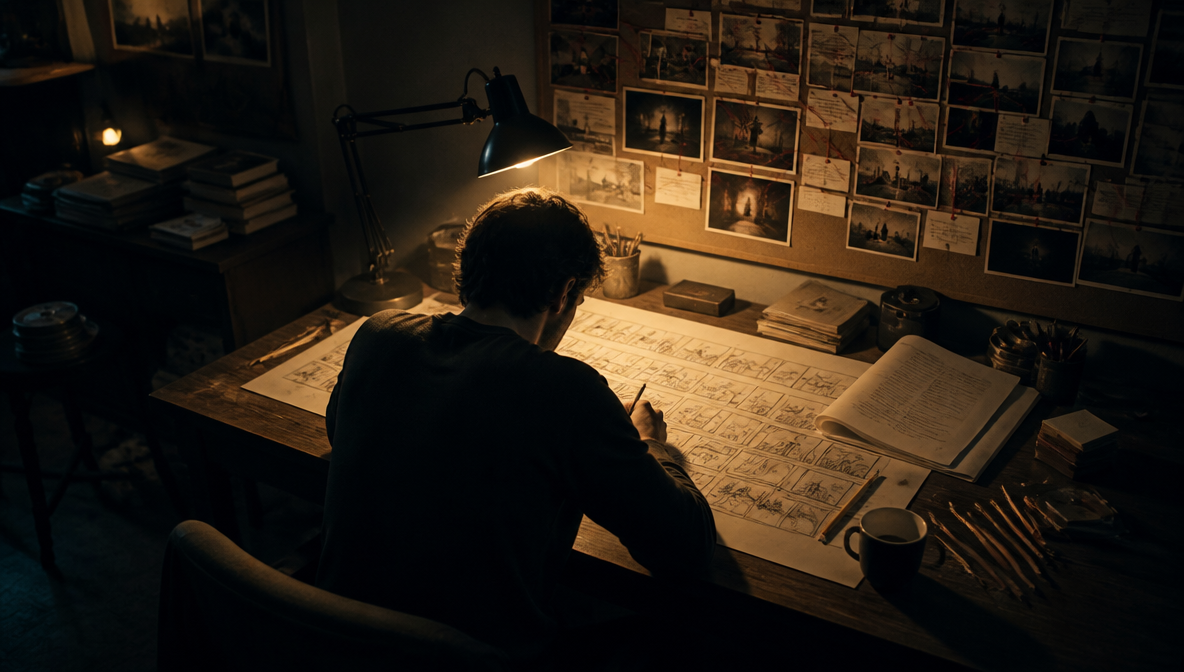
An ai script to video generator on ImagineArt starts with a plan, not a paste box. Give Film Studio's Storyboard mode one script line and it builds a connected shot sequence. Scene Jump returns four connected frames. Then set the six production controls, from ARRI, RED, Sony or Fujifilm bodies to Handheld, Dolly or Crane moves.
The same character in every scene
Scripts bring the same people back again and again. Film Studio captures characters, locations and props from your reference images and reuses them across scenes, so scene six can use the host you set up for scene one. Add each reference once. Genre presets (Noir, Action, Sci-fi) and Slow-mo or Time-lapse then set the tone scene by scene.
A voice for the script, or a presenter
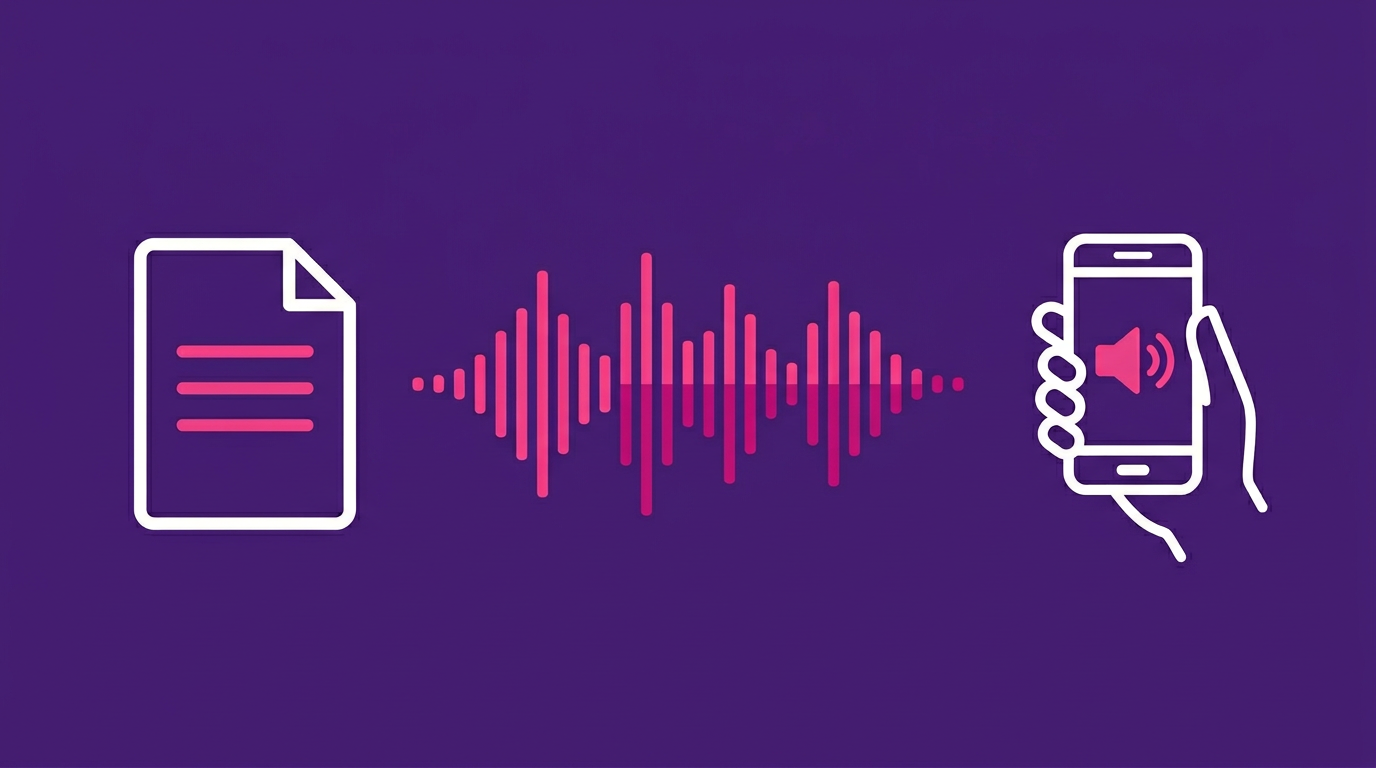
Narration starts with Text to Speech, which reads your script lines aloud, and Audio Studio puts voice cloning and music generation in the same workspace. Prefer a face on screen? The AI Spokesperson app takes one photo plus your script, in languages including English, Spanish, French and Mandarin. The AI video editor adds captions. Use photos you have permission to use.
How to turn a script into a video
Step 1
Split the script into scenes
Break at each new place, speaker or idea. Size scenes at about 150 words a minute, a common narration rule of thumb: 12 words fill 5 seconds, 75 fill 30.
Step 2
Generate each scene
Send each scene line to Film Studio's Storyboard mode, or to text to video for one shot. A generation runs 5 to 30 seconds by model.
Step 3
Add the voice and cut it together
Voice it with Text to Speech, then load clips and audio into the AI video editor. It edits by transcript, adds AI b-roll and captions, and exports 9:16, 16:9, 1:1 or 4:5.
A 150-word script as generated scenes
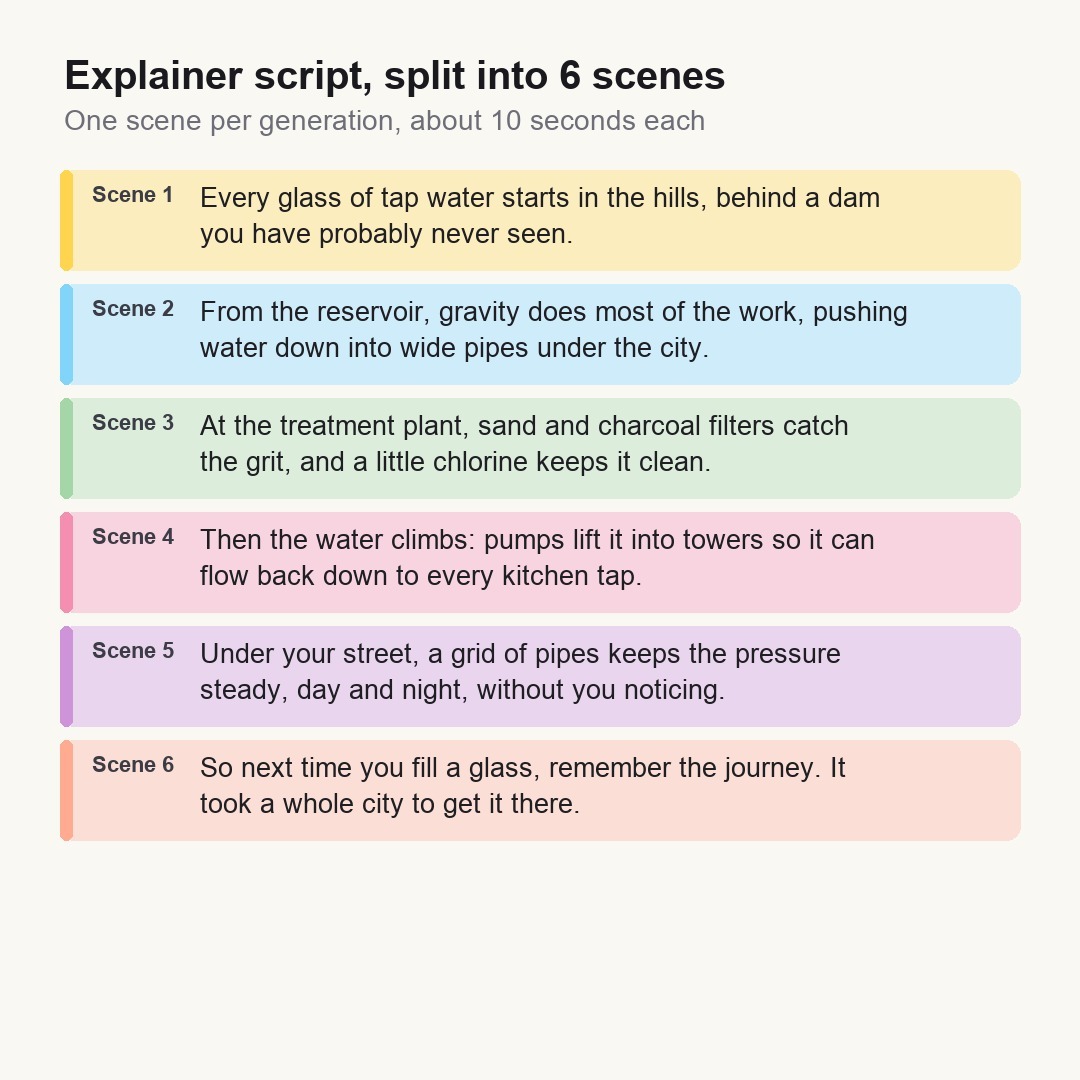
A 150-word, 60-second explainer splits into six scenes of about 25 words, 10 seconds each. Every scene is one Seedance 2.5 generation, well inside its 30-second ceiling, and Text to Speech reads the narration over the cut.
The same script as a presenter video
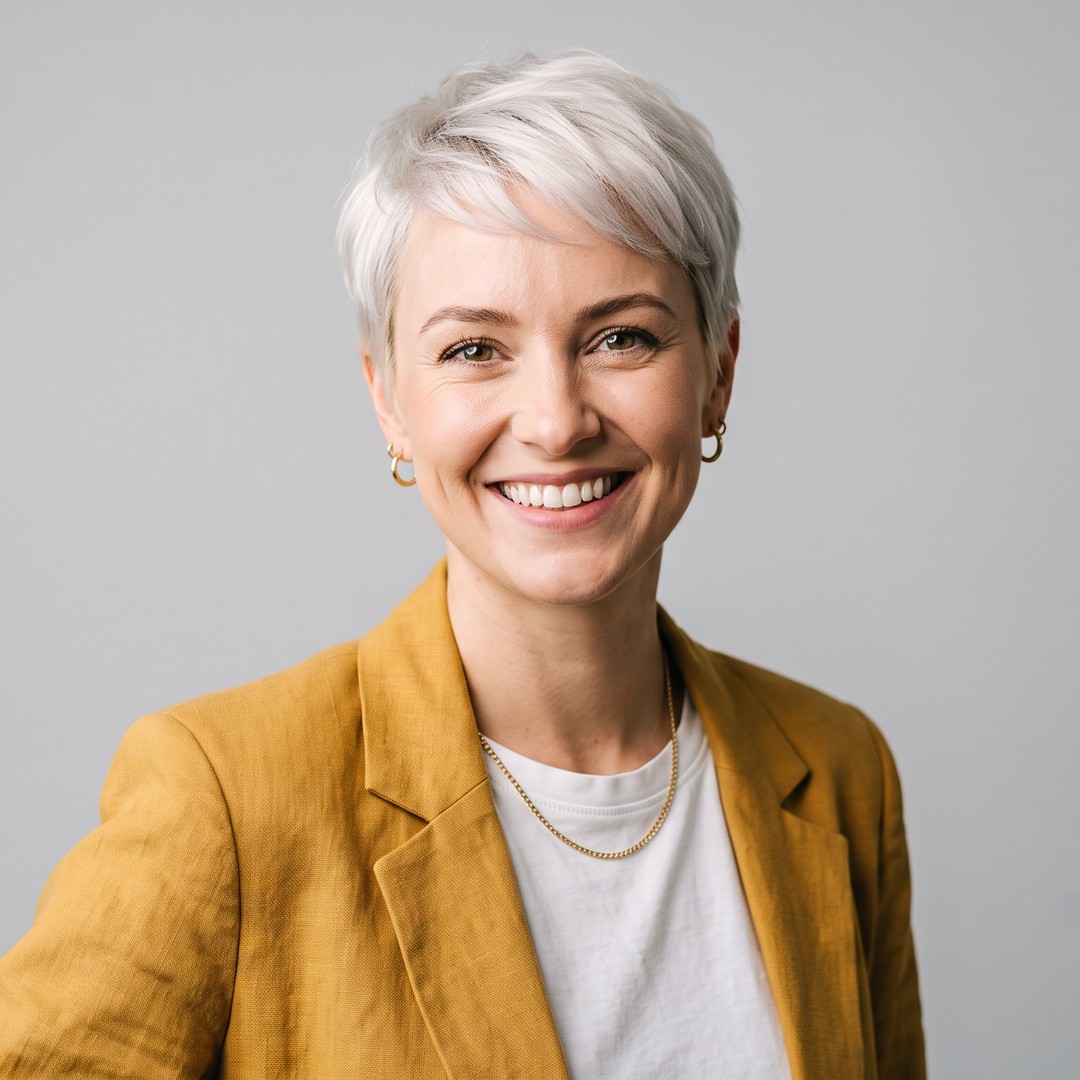
Run the same 150 words through the AI Spokesperson app: one photo, one script. Rule of thumb: lines that talk to the viewer get the presenter; lines that describe something to see get generated scenes. Cut a talking-head insert between generated scenes.
The honest limit
ImagineArt has no single button that turns a whole script into a finished video. Here, script to video means several 5 to 30 second generations stitched under the voice. At about 150 words a minute and 10-second scenes:
| Script words | Narration | Scenes |
|---|---|---|
| 12 | 5 s | 1 |
| 75 | 30 s | 3 |
| 150 | 60 s | 6 |
| 300 | 2 min | 12 |
Purchase a Subscription
Upgrade to get access to pro features and generate more and better
Basic
For newcomers taking their first steps
View Plans
Billed monthly
Included in plan
3Kcredits per month
Additional Features
Up to ~600 Image Generations/month
Up to ~97 Video Generations/month
General Commercial Terms
Image Generation Visibility: Public
4 Concurrent Image Generations
Complimentary Access
All GPT Models
All Gemini Models
All Claude Models
Unlimited Generations
10 Image Models
9 Video Models
Standard
For rising creators to level up their game
View Plans
Billed monthly
Included in plan
8Kcredits per month
Additional Features
Up to ~1.6k Image Generations/month
Up to ~265 Video Generations/month
General Commercial Terms
Image Generation Visibility: Private
8 Concurrent Image Generations
Complimentary Access
All GPT Models
All Gemini Models
All Claude Models
Unlimited Generations
Nano Banana
Runway Gen 4 Turbo
Midjourney V7
8 more Image Models
8 more Video Models
Ultimate
Peak performance for pros
View Plans
Billed monthly
Included in plan
16Kcredits per month
Additional Features
Up to ~3.2k Image Generations/month
Up to ~530 Video Generations/month
All styles and models
General Commercial Terms
Image Generation Visibility: Private
Complimentary Access
All GPT Models
All Gemini Models
All Claude Models
Unlimited Generations
All image models in Standard plan
All video models in Standard plan
Kling 2.6 Pro
Seedance 1.5 Pro
ChatGPT 1.5
Creator
A full production engine for powerhouses
View Plans
Billed monthly
Included in plan
100Kcredits per month
Additional Features
Up to ~20k Image Generations/month
Up to ~3.3k Video Generations/month
All styles and models
General Commercial Terms
Image Generation Visibility: Private
Complimentary Access
All GPT Models
All Gemini Models
All Claude Models
Unlimited Generations
All image models in Ultimate plan
All video models in Ultimate plan
Kling 3.0 Pro
Seedance 2 Fast
Nano Banana 2
What creators say about ImagineArt
ApexStudios
This is AI video creation at its finest! The model is super intelligent and creates exactly what you want and how you want. With multiple image and element references, I can direct the AI about character positions, camera angles, and scene compositions. My new go-to video tool!
Alexandra Elena
Verified User

DreamWorks
Finally, a model that delivers complete creative freedom, not just fake promises. I can try as many backgrounds as I want, manipulate objects and subjects, and even add text. This is the Photoshop of videos, incredibly fast and precise but without any software download.

Anna Chierici
Creator (IT)

Pixels
The speed at which this 25th AI video generator edits results is quite impressive. What impresses me the most is how well it maintains the quality and coherence of videos after shot extension and style changes. Highly recommended!

Anya Petrova
Marketing Designer

Shopify
I work in filmmaking and have used a ton of video tools. But I’ve never come across a model that produces and edits visuals with such accuracy. There literally is no need to make any manual edits. What a life-saver!
Ben Harris
Product Manager

TechNova
As a social media lead, I have to create a multitude of video content for daily upload. ImagineArt video editor has completely changed my workflow. Now, I can edit on the go, create UGC with image references, and even extend shorter clips with video references. A must-have for creators!
Isabelle Kim
Concept Artist
Have questions?
We have answers!
Yes, as a workflow rather than one button. AI script to video on ImagineArt runs through Film Studio's Storyboard mode for the shots, Text to Speech for the narration and the AI video editor for captions and the final cut.
Plan on about 150 words for one minute of conversational narration. That rule of thumb works out to roughly 75 words per 30 seconds, so a 30-second Short needs a few tight sentences.
Each generation runs 5 to 30 seconds, depending on the model. Seedance 2.5 reaches 30 seconds, so write each scene to fit inside one generation.
Yes, in Film Studio. It captures characters, locations and props from reference images and reuses them across scenes, so a presenter or mascot from your script can appear in every shot without being described from scratch.
Yes. Paste the narration into Text to Speech, or clone a voice you own in Audio Studio, which also generates music. Then line the audio up with your scenes in the AI video editor.
Yes, with the AI Spokesperson app. Upload a photo, add your script and pick a language, including English, Spanish, French and Mandarin. Only use a photo of someone who has agreed to it, never a real person without consent.
Script to video plans several scenes from one script, while text to video makes one clip from one prompt. The ai video from script route runs through Film Studio and the editor; a single prompt goes to the AI video generator.
Yes. The AI video editor exports 9:16 as well as 16:9, 1:1 and 4:5, and accepts MP4, MOV and WEBM uploads, so generated scenes can be cut into a vertical Short or Reel.
Yes, and no plan adds a watermark. You can use ImagineArt as a free ai script to video generator: the free plan exports 720p for non-commercial use, and paid plans add commercial rights.