


Turn Text Into Natural
AI Speech
Paste your text, choose a voice, preview the audio, and create realistic voice output. No complex setup, no software to download.
Free to start · No signup needed · 20+ languages · Download MP3
Realistic Text To Speech With Natural AI Voices
ImagineArt leverages the leading TTS models from MiniMax Speech 2.8 to ElevenLabs v3, to produce natural, expressive voice output that sounds human.
Text To Speech With Emotion
Natural Text To Speech Pacing

Clear Pronunciation Across Accents
Speed And Pitch Control
50+ Distinct AI Voices
Benchmark-Leading TTS Model
Built For Creators, Teams, And Everyday Use
From YouTube voiceovers to audiobooks to accessibility tools, ImagineArt text to speech fits any workflow that needs natural AI audio.
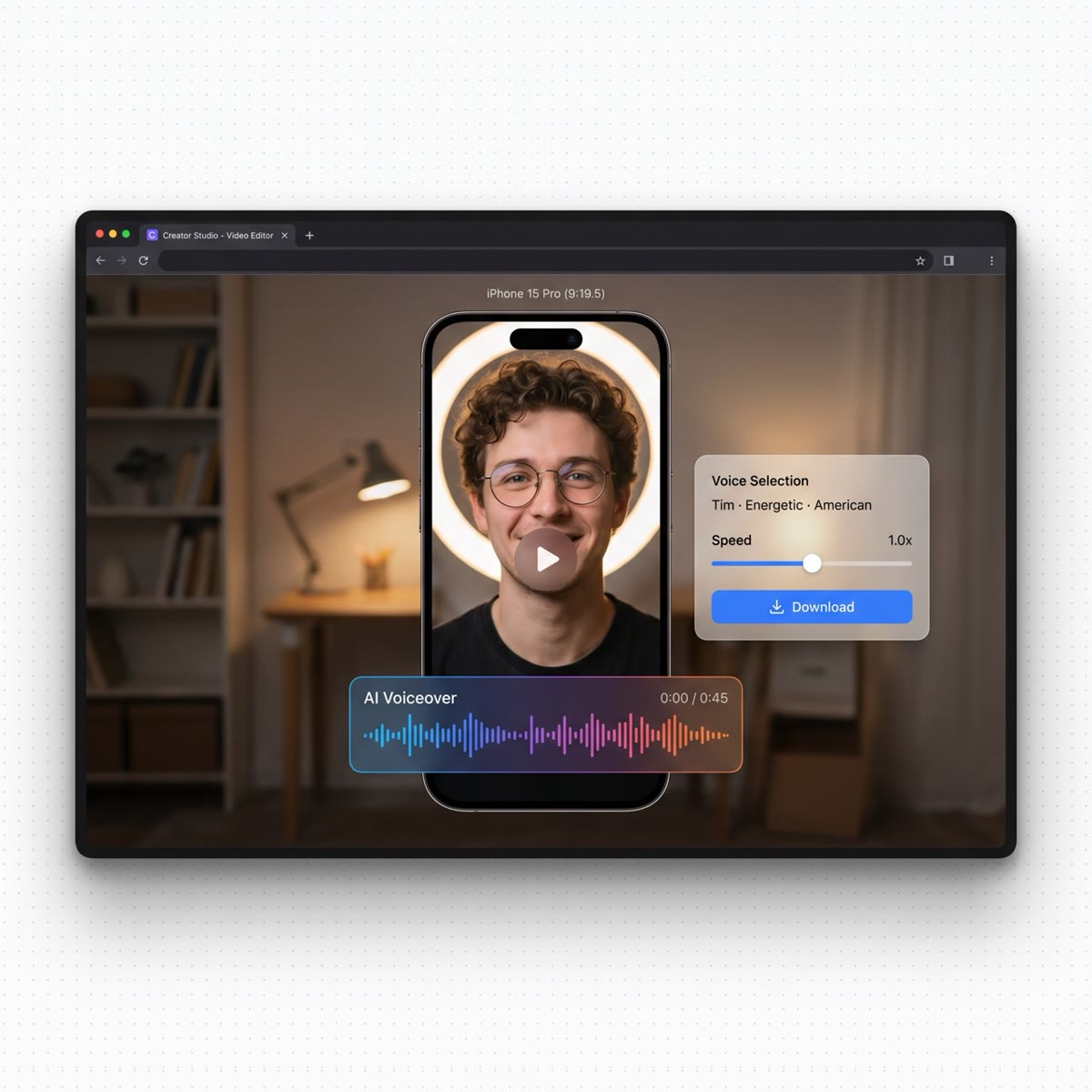
YouTube & Short-Form Video
Generate AI voiceovers for YouTube videos, Reels, TikToks, and Shorts. No mic, no setup.
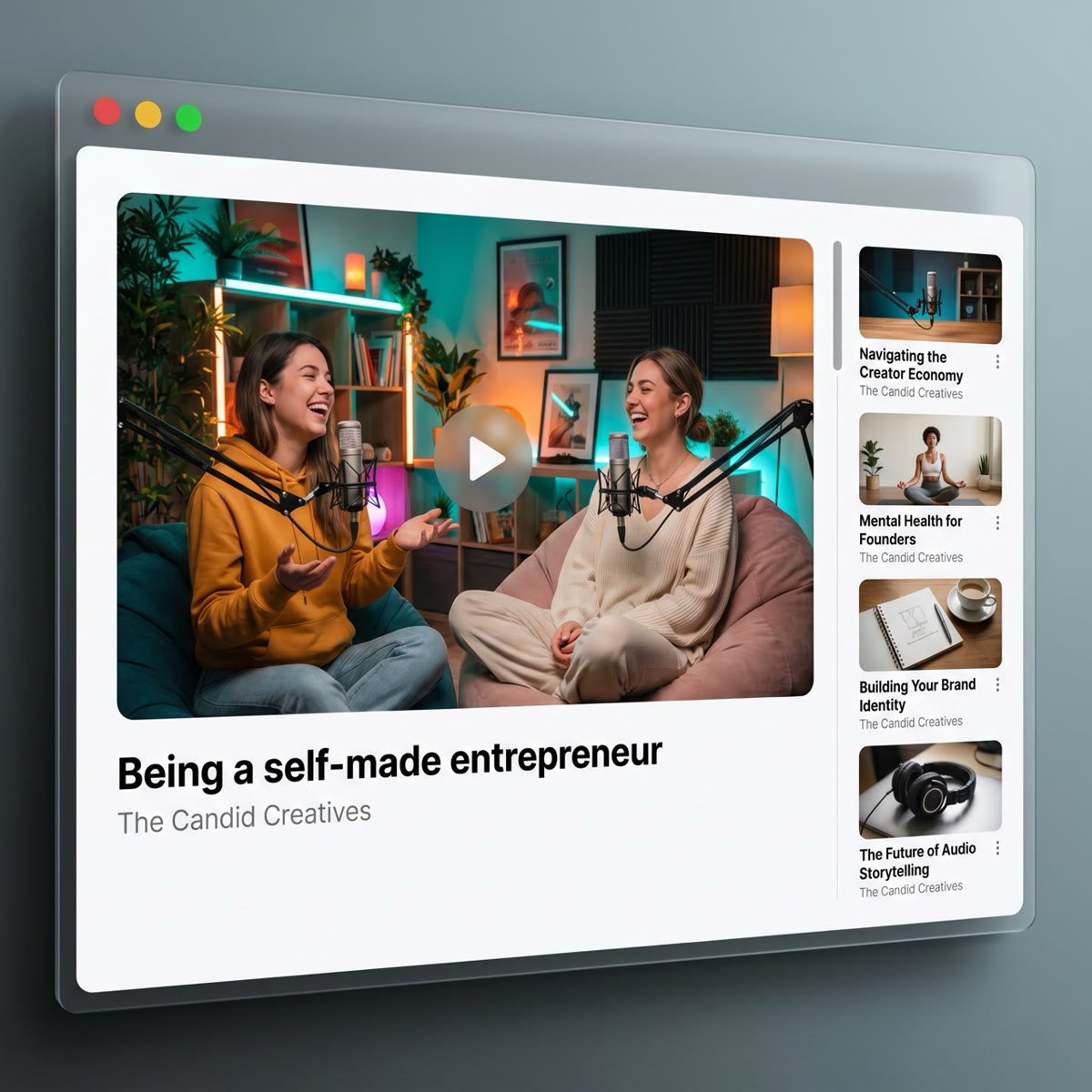
Podcasts & Audio Content
Produce broadcast-quality narration for podcast intros, sponsor reads, or full AI-voiced episodes.
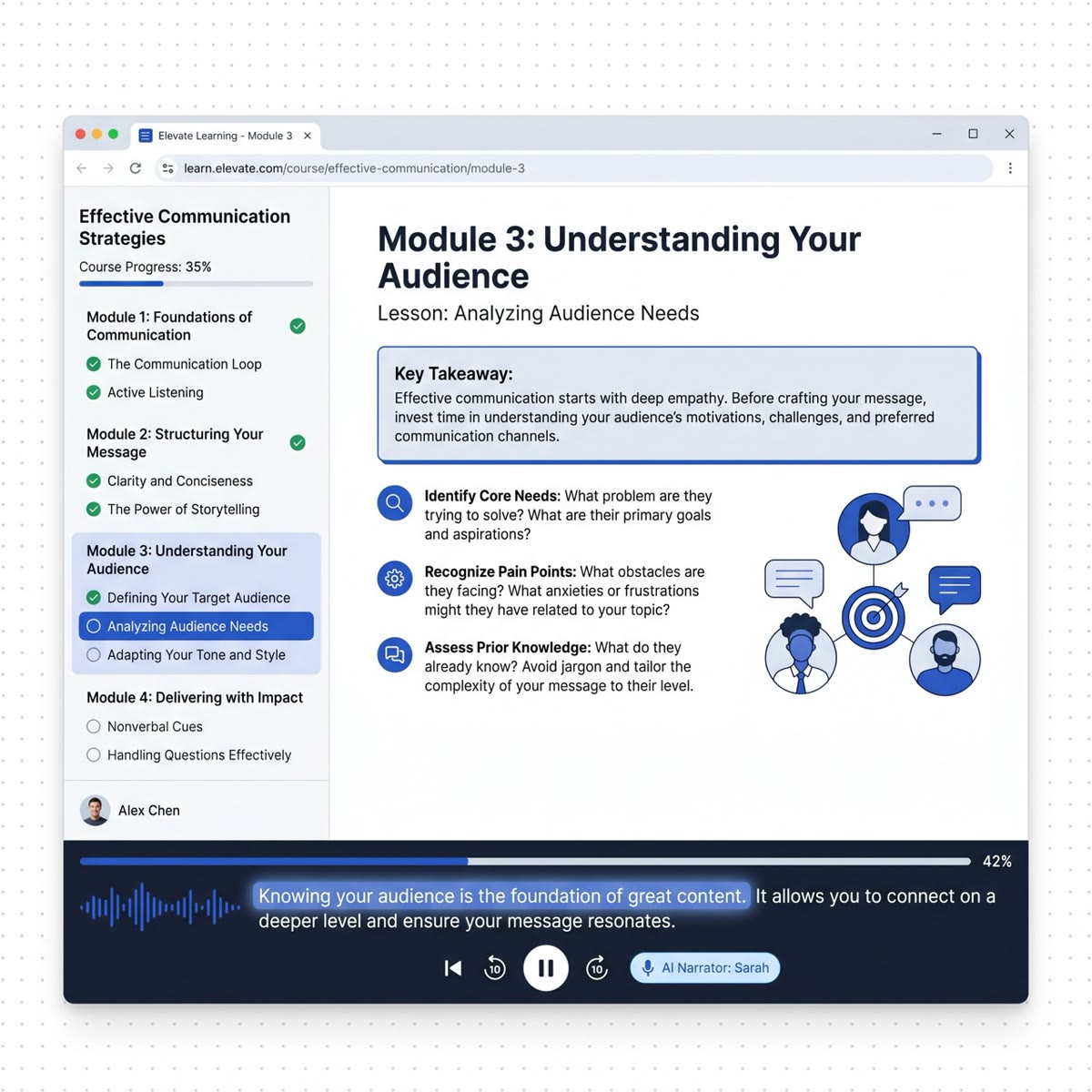
E-Learning & Training
Turn course scripts into consistent AI narration. No reshoots, no re-recording.
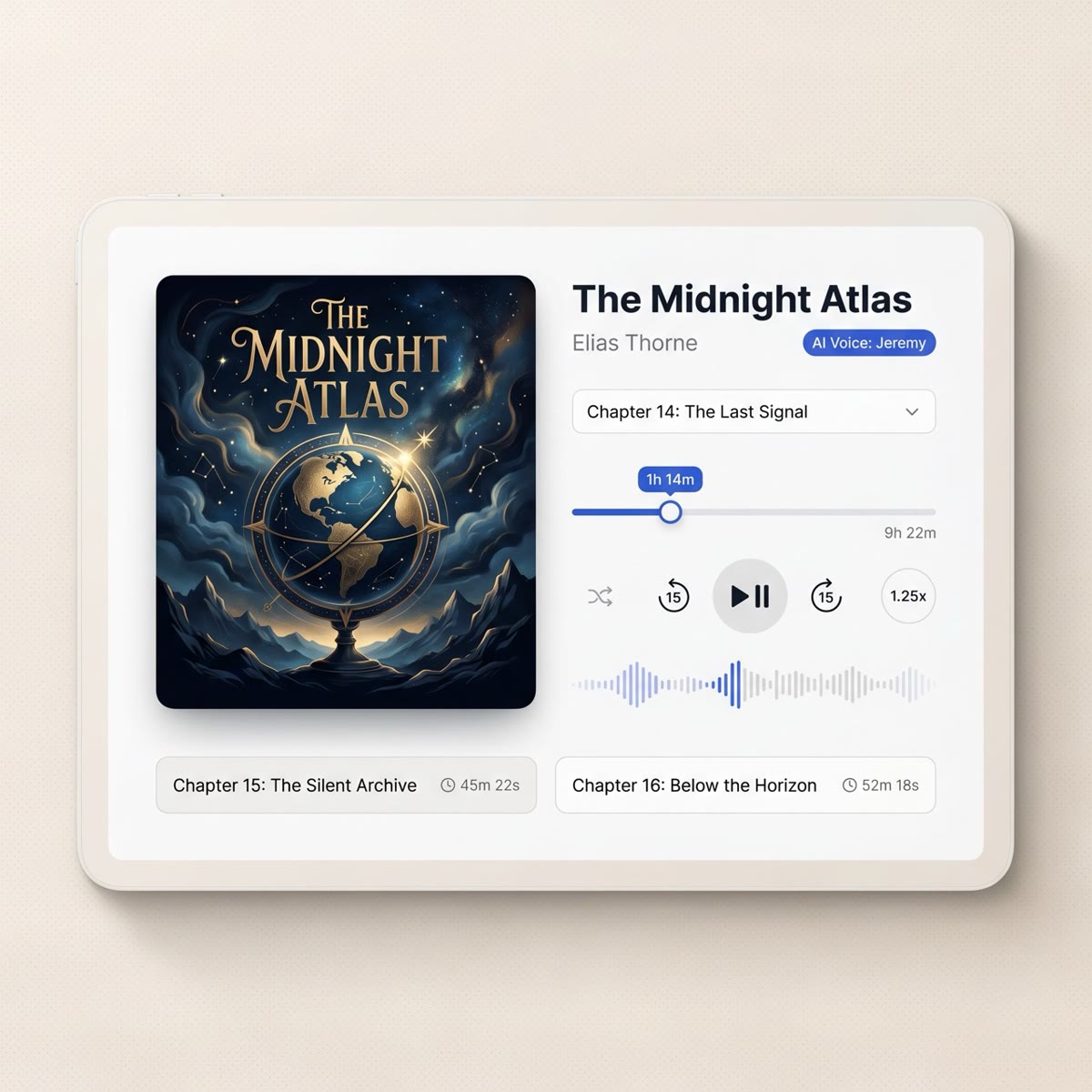
Audiobooks & Long-Form
Convert written content into audio ready for Spotify, Audible, or your own platform.
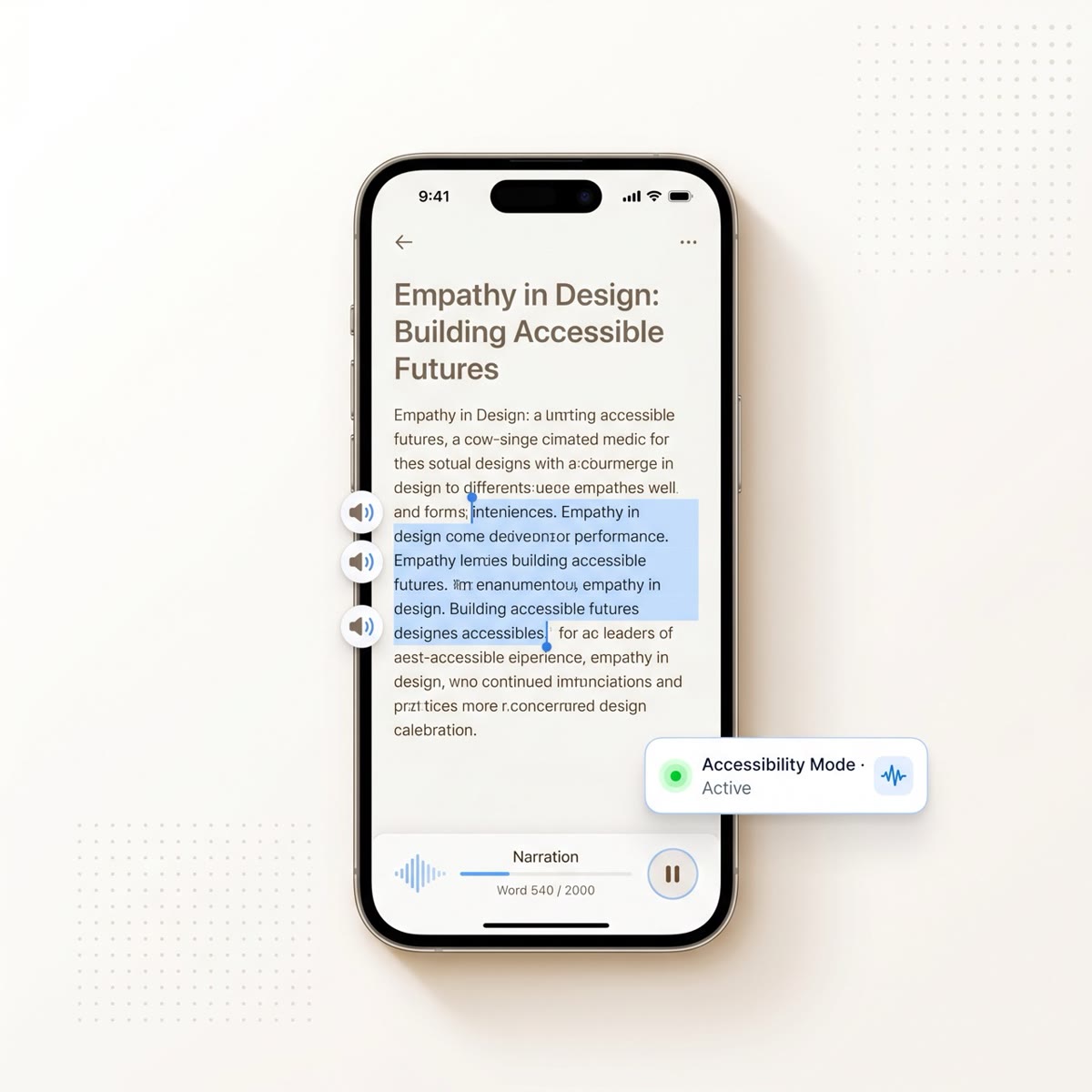
Screen Reader & Accessibility
Make written content available to users with visual impairments or reading difficulties.
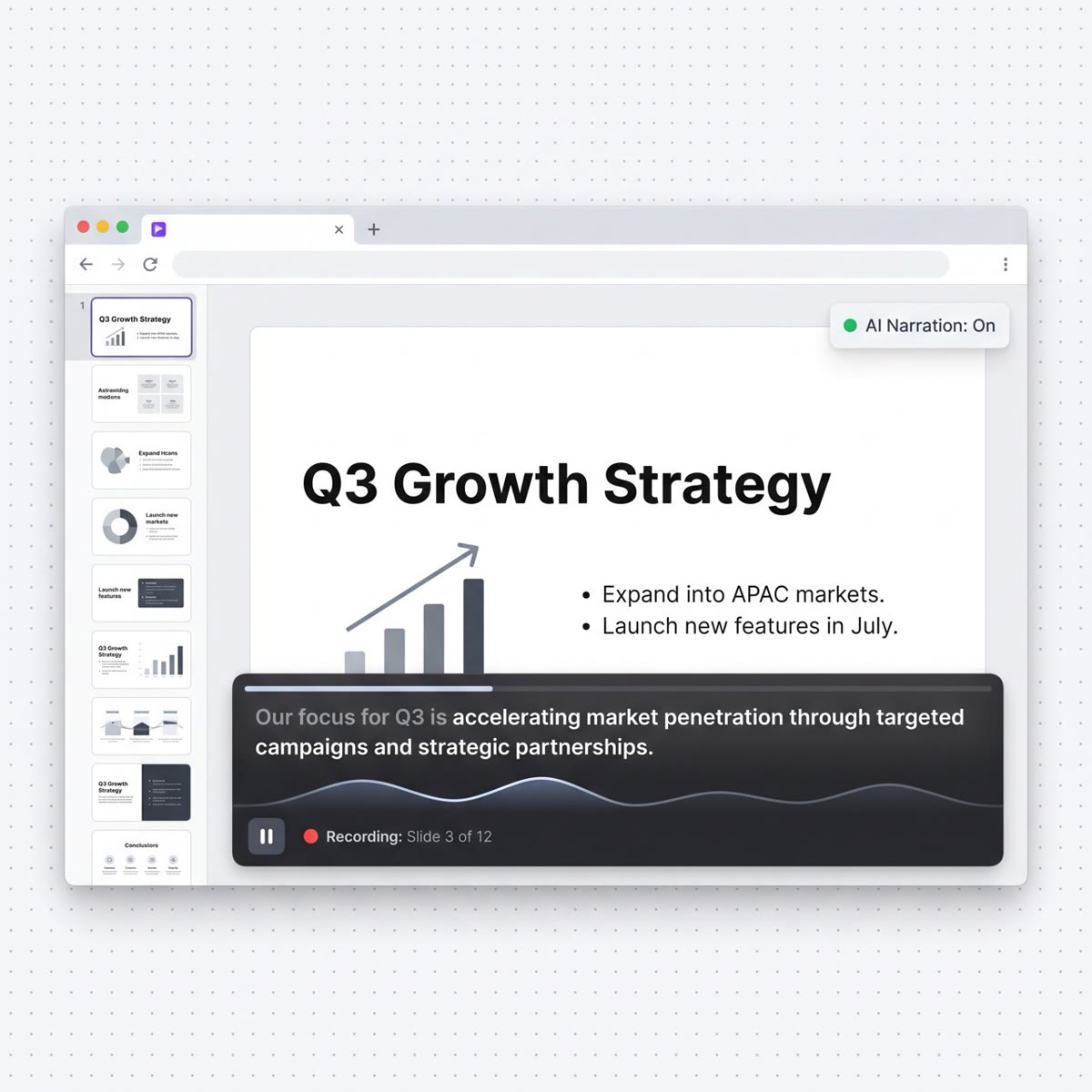
Presentations & Demos
Add professional narration to slide decks and product demos. Faster and more consistent than recording.
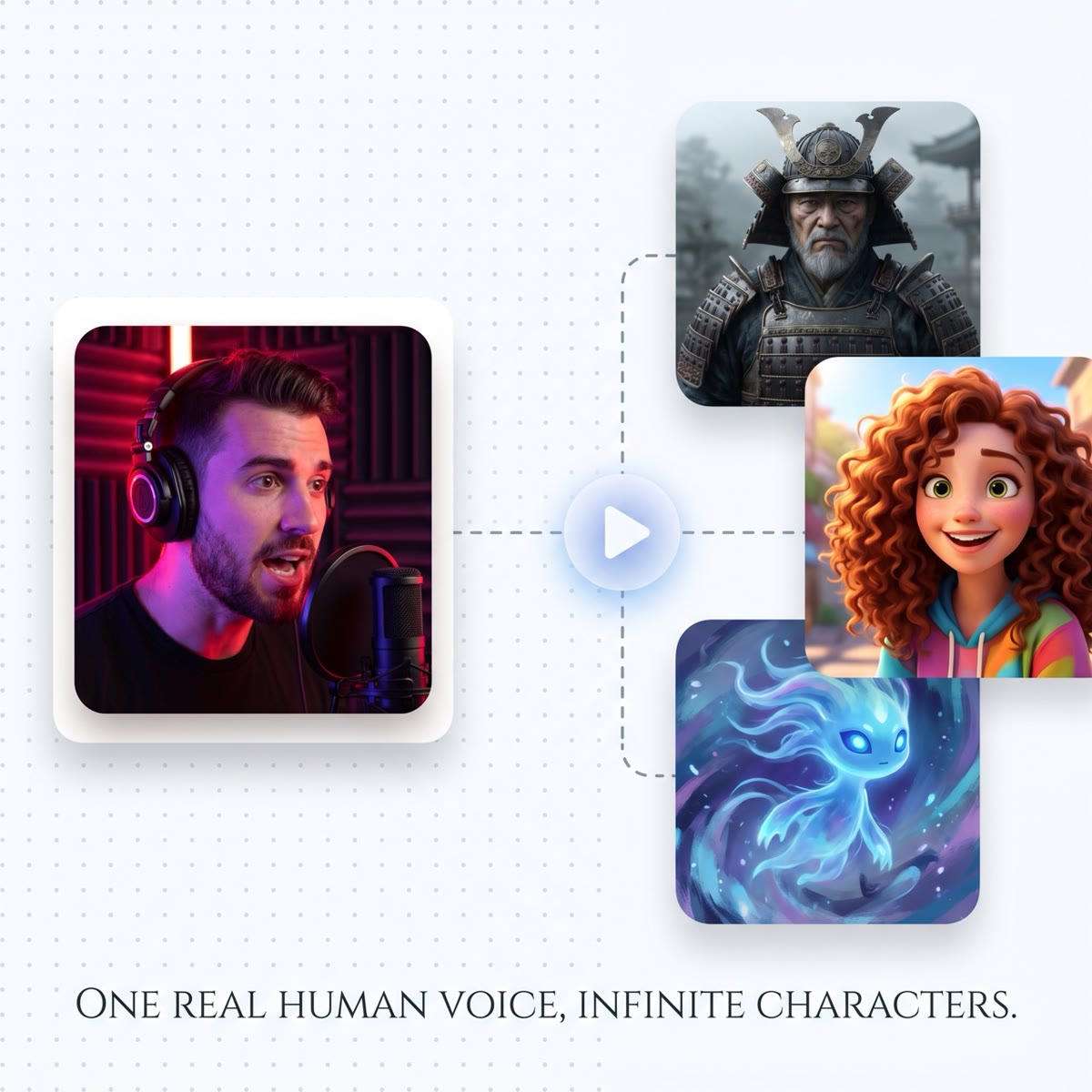
Games & Interactive Media
Prototype NPC dialogue and interactive story narration without hiring a voice actor for every draft.
Multilingual Content
Localize into 20+ languages instantly. Same script in English, Spanish, French, Arabic, one tool.
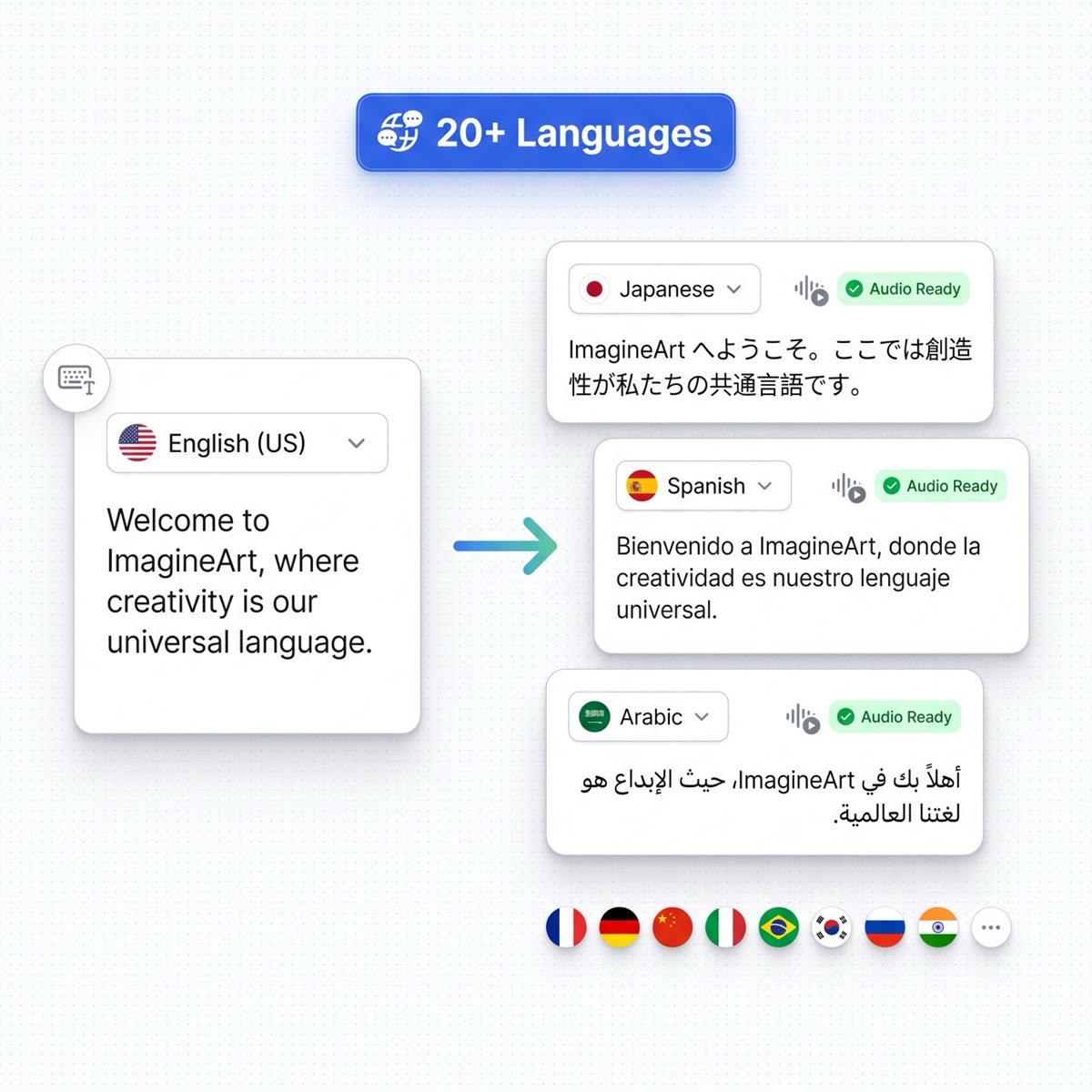
Generate AI Speech In 20+ Languages
Voices are native to each language, not translated or pitch-shifted.
English Text To Speech Accents
Creating content for a specific English-speaking audience? Choose the accent that matches your market.
Neutral, broadcast standard
RP, crisp and authoritative
Friendly, approachable
Warm, natural cadence
From Text To Audio In 3 Steps
No technical setup. No software. Under a minute.
Paste Your Text
Type or paste any text into the input box: a script, article, product description, or anything you want converted to speech. Up to 5,000 characters per generation.
Choose Voice, Language & Emotion
Select your voice persona, target language, regional accent, and speaking style. Adjust speed between 0.5× and 2.0×. Every setting is available free online.
Generate, Preview & Download
Click Generate. Your AI voice is ready in seconds. Preview it directly in the browser, then download as MP3 or WAV to use in your video, podcast, or project.
Choose A Plan That Fits Your Needs
Upgrade to get access to pro features and generate more and better
Basic
For newcomers taking their first step
Billed $33 quarterly
Additional Features
- Up to ~600 Image Generations/month
- Up to ~97 Video Generations/month
- General Commercial Terms
- Image Generation Visibility: Public
- 4 Concurrent Image Generations
- 2 concurrent Video Generations
- Priority Support
- 1 Personalize Element
- Higher priority in generation queue
Complimentary Access
- All GPT Models
- All Gemini Models
- All Claude Models
Unlimited Generations
- ImagineArt 2.0
- ImagineArt 1.5 PRO
- Nano Banana 2
Standard
For rising creators to level up their game
Billed $75 quarterly
Additional Features
- Up to ~1.6k Image Generations/month
- Up to ~260 Video Generations/month
- General Commercial Terms
- Image Generation Visibility: Private
- 8 Concurrent Image Generations
- 3 concurrent Video Generations
- Priority Support
- Higher priority in generation queue
- Upto 5 Personalize Elements
- 3 users included
Complimentary Access
- All GPT Models
- All Gemini Models
- All Claude Models
Unlimited Generations
- ImagineArt 2.0
- ImagineArt 1.5 PRO
- Nano Banana 2
Ultimate
Peak performance for pros
Billed $125 quarterly
Additional Features
- Up to ~3.2k Image Generations/month
- Up to ~530 Video Generations/month
- All styles and models
- General Commercial Terms
- Image Generation Visibility: Private
- 12 Concurrent Image Generations
- 4 concurrent Video Generations
- Priority Support
- Higher priority in generation queue
- Upto 30 Personalize Elements
- 6 users included
Seedance 2.0
Pro-tier video generation.
Complimentary Access
- All GPT Models
- All Gemini Models
- All Claude Models
Unlimited Generations
- ImagineArt 2.0UNLIMITED
- ImagineArt 1.5 PROUNLIMITED
- Nano Banana 2
Creator
A full production engine for powerhouses
Billed $640 quarterly
Additional Features
- Up to ~20K Image Generations/month
- Up to ~3.4K Video Generations/month
- All styles and models
- General Commercial Terms
- Image Generation Visibility: Private
- 16 Concurrent Image Generations
- 5 concurrent Video Generations
- Priority Support
- Higher priority in generation queue
- 20 users included
Seedance 2.0
Pro-tier video generation.
Complimentary Access
- All GPT Models
- All Gemini Models
- All Claude Models
Unlimited Generations
- ImagineArt 2.0UNLIMITED
- ImagineArt 1.5 PROUNLIMITED
- Nano Banana 2UNLIMITED
Text to Speech FAQs
Everything you want to know about AI text to speech on ImagineArt
Text to speech (TTS) is a technology that converts written text into spoken audio using an AI-generated voice. ImagineArt text to speech produces natural, human-like voices rather than robotic-sounding output, and supports multiple languages, accents, and emotional styles.
Yes. ImagineArt offers free text to speech access for all users. You can generate AI voices online and download the output as MP3 without a paid subscription. The free plan includes a monthly character allowance, enough for scripts, social content, and short-form voiceovers.
Paste your text into the input field, choose a voice, language, accent, and emotion style, then click Generate. Your audio will be ready to preview and download in seconds, no software installation required.
Yes. After generating your AI voice, you can download the audio as an MP3 file directly from the tool. MP3 download is available on the free plan. Premium plans also support WAV format for higher-quality audio output.
Yes. ImagineArt AI text to speech is widely used for YouTube voiceovers, explainer videos, tutorials, and short-form content. The natural AI voices sound clear and engaging in video productions. You own the audio you generate and can use it commercially on supported plans.
ImagineArt offers one of the best free text to speech tools available online. It combines realistic AI voices powered by MiniMax Speech 2.8 HD, 20+ languages, emotion and style controls, and a clean browser-based interface, all available free with no software download required.
Yes. ImagineArt AI text to speech supports emotion and speaking style controls, including natural, expressive, friendly, professional, calm, energetic, sad, angry, and whisper. This makes the generated voice sound contextually appropriate rather than flat or robotic.
Yes. ImagineArt supports text to speech in 20+ languages including English (US, UK, Australian, Irish), Spanish, French, German, Italian, Japanese, Arabic, Hindi, and more. You can select the language and accent to match your target audience.
ImagineArt uses MiniMax Speech 2.8 HD, a top-ranked model on industry TTS benchmarks, to deliver some of the most realistic text to speech audio available online. The model produces natural pacing, clear pronunciation, and expressive voice output that closely mimics human speech patterns.
Yes. ImagineArt text to speech works fully in mobile browsers on iOS and Android. The interface is responsive and optimized for phone and tablet use. No app download is required, open the page in your browser and start generating.
Text to speech converts written text into audio using a pre-built AI voice. An AI voice generator can also create or clone custom voices, adjust vocal characteristics, and produce audio at scale. ImagineArt combines both, it offers standard text to speech alongside AI voice cloning and a full audio studio.
Your Voice,
Everywhere.
Free to start. No credit card, no download, no setup. Powered by MiniMax Speech 2.8 and ElevenLabs v3.