Kling O1 Video-to-Video Edit
Edit your videos with natural language prompts. Change elements, transform scenes, and perfect every frame with Kling O1 video-to-video edit. Try now on ImagineArt for free.
Trusted by Professionals and Creators from leading brands and companies
Kling O1 Video to Video Community Creations
Write your ideas and see them come to life. Just enter a text prompt along with an optional reference image or video, select your styles & effects, and watch the AI work its magic!
Prompt:
A knight in full armor rides a white horse, sword raised, through a dramatic, motion-blurred landscape with fiery orange and dark, cloudy skies.
Prompt:
Dynamic shot of a motocross rider mid-air during a jump, with dirt flying and the sun backlighting the action, conveying speed and excitement.
Prompt:
Blue sports car driving on a snow-covered landscape with ice formations under a bright sun, creating tire tracks in the snow.
Prompt:
Man skateboarding downhill on mountain road with blurred motion, capturing freedom and adventure in scenic landscape.
Prompt:
A person hikes up a rocky mountain trail in foggy, overcast weather, wearing a backpack and warm outdoor gear.
Edit in Natural Language
Skip the timeline and the manual keyframes. With Kling O1 video-to-video AI editing, describe the change you want in plain language, add or remove an object, swap an outfit, change the background, and the edit happens in one pass. No multi-step process, no re-rendering the whole clip for a small fix, just a single sentence.
Transfer Style for Artistic Creations
Want a different mood entirely, not just a small edit? Kling O1 can restyle your video, from grounded realism to fully stylized visual treatments, using the same natural-language approach. Describe the aesthetic you're after, and the AI shifts tone, color, and texture across the whole clip while keeping the original motion and composition intact.
Modify Videos with Semantic Understanding
What separates Kling O1 from a basic video filter is that it actually understands what it's looking at. Built on a Multimodal Visual Language architecture, it reconstructs your video at the pixel level and tracks how elements interact across frames, so an edit doesn't just get applied to one frame and left inconsistent everywhere else. The result is a video-to-video edit that holds together, not one that flickers or drifts shot to shot.
The Features You Need In An AI Video Model

Multi-Mode Inputs
Start with a script, image, or video. The AI Video Generator transforms any idea into a polished video that fits your exact creative vision.
AI Prompt Enhancer
Say goodbye to weak outputs. The AI rewrites and optimizes your prompts for better composition, motion depth, and storytelling flow.
AI Audio Sync
No more awkward timing. Every sound, beat, and dialogue line syncs perfectly with your visuals for a smooth, professional rhythm.
Character Consistency
Keep your main character recognizable across every shot. The AI locks in appearance, style, and motion for seamless storytelling.
Endless Style Options
Switch between cinematic, animated, photorealistic, or surreal aesthetics in seconds. Every style looks handcrafted by a pro.
Realistic In Speech Video
Generate lifelike speaking videos where expressions, lip sync, and tone align perfectly with your dialogue or narration.
AI Emotional Direction
Tell the AI the mood you want, and it delivers. Every scene, light, and gesture mirrors the emotion: tense, hopeful, romantic, or chaotic.
AI Motion Transfer
Switch between cinematic, animated, photorealistic, or surreal aesthetics in seconds. Every style looks handcrafted by a pro.
AI Video Extender
Expand short clips into complete sequences. Kling AI adds motion, context, and transitions that look intentionally shot, not looped.
How to edit videos using Kling O1?
Add Input
Type in a detailed prompt to edit your video. Mention the color palette you want to try, outfit details, hairstyle changes, or remove background elements for a cleaner backdrop.
Customize
Preview the AI's first pass and refine it further, adjust the intensity of an edit, swap a color choice, or add a follow-up instruction like "make the lighting warmer" without starting the whole edit over.
Export or Edit
Download your finished video, or send it to the AI Video Editor for further polishing, trimming, adding text, or combining with other clips before publishing.
More AI Video Models You Can Access Free on ImagineArt
ImagineArt provides 7 days of free access to top models such as VEO, Seedance, Sora, WAN, Pixverse, Hailuo, Runway, and Other Kling versions, letting you experiment with alternative versions for faster, more cinematic, or more realistic results.

Kling AI
Use other Kling models like 1.5, 1.6, 2.1, 2.5, and 2.6 for smooth, dynamic AI animations.
Pixverse AI
Try other Pixverse AI models like V3.5, V4, V4.5, V5 for cinematic AI videos with vivid detail and realism.

Google VEO
Explore Google VEO, VEO 2, 3, 3 Fast, 3.1, and 3.1 Fast for fast, lifelike videos.

Sora AI
Explore Sora 2 for advanced AI storytelling with cinematic visuals and realism.

WAN AI
Access WAN 2.2, WAN 2.2 Animate, WAN 2.5 for hyperrealistic AI videos with precise motion.

Hailuo AI
Try Hailuo 2.0, 2.3, 2.3 Fast for fluid cinematic AI videos with natural motion effects.
Runway AI
Try Runway Aleph, Runway Act II for professional AI video production and editing tools.

Seedance AI
Use Seedance 1.0, Seedance Pro Fast for rhythmic, expressive AI-generated video sequences.
Why Kling O1 Video-to-Video Edit Is The Best AI Video Generator?
Kling O1 Video-to-Video Edit makes professional video creation simple, fast, and accessible.
Build for Content Creators
With Kling O1 video-to-video edit, you can remove, add, or edit as many elements from your video as you want. From decluttering the background to refining the color palette, the AI video model can improve the quality of your vlogs, social media posts, and more.
Create Ad Campaigns On the Go
With Kling O1 video editing mode, you can make extensive edits to your product ads. Explore different colors, add taglines, change lighting or mood, or create a new environment as a setup. The AI creates seamless transitions and realistic edits, without any artefacts.
Direct Narrative-Rich Films & Animations
With Kling O1 Video-to-Video Edit, you no longer have to worry about flickering faces or facial shifts in your short films. The AI video model supports native audio generation and integration, without any need for manual editing. From dynamic action sequences to rich settings to synchronized motion and transitions, Kling O1 can do it all in real-time!
Purchase a Subscription
Upgrade to get access to pro features and generate more and better
Basic
For newcomers taking their first steps
View Plans
Billed monthly
Included in plan
3Kcredits per month
Additional Features
Up to ~600 Image Generations/month
Up to ~97 Video Generations/month
General Commercial Terms
Image Generation Visibility: Public
4 Concurrent Image Generations
Complimentary Access
All GPT Models
All Gemini Models
All Claude Models
Unlimited Generations
10 Image Models
9 Video Models
Standard
For rising creators to level up their game
View Plans
Billed monthly
Included in plan
8Kcredits per month
Additional Features
Up to ~1.6k Image Generations/month
Up to ~265 Video Generations/month
General Commercial Terms
Image Generation Visibility: Private
8 Concurrent Image Generations
Complimentary Access
All GPT Models
All Gemini Models
All Claude Models
Unlimited Generations
Nano Banana
Runway Gen 4 Turbo
Midjourney V7
8 more Image Models
8 more Video Models
Ultimate
Peak performance for pros
View Plans
Billed monthly
Included in plan
16Kcredits per month
Additional Features
Up to ~3.2k Image Generations/month
Up to ~530 Video Generations/month
All styles and models
General Commercial Terms
Image Generation Visibility: Private
Complimentary Access
All GPT Models
All Gemini Models
All Claude Models
Unlimited Generations
All image models in Standard plan
All video models in Standard plan
Kling 2.6 Pro
Seedance 1.5 Pro
ChatGPT 1.5
Creator
A full production engine for powerhouses
View Plans
Billed monthly
Included in plan
100Kcredits per month
Additional Features
Up to ~20k Image Generations/month
Up to ~3.3k Video Generations/month
All styles and models
General Commercial Terms
Image Generation Visibility: Private
Complimentary Access
All GPT Models
All Gemini Models
All Claude Models
Unlimited Generations
All image models in Ultimate plan
All video models in Ultimate plan
Kling 3.0 Pro
Seedance 2 Fast
Nano Banana 2
Free
billed annually
- 3000 credits / month
- In-house models only
- 36k credits per year
- 1 Fast Image concurrency



Trusted by 30M+ creative team, designers and marketers.
User Reviews
See what our users are actually saying

“Not many video tools have editing capabilities, but Kling O1 video editing features are simply brilliant. I can edit vlogs with ease and at a faster speed. It’s like having an actual editor do the work for you. ”

“I started using Kling O1 video-to-video edit for my commercial video projects, and now it has become my favorite video tool. I was able to add different effects, visual styles, and swap outfits, without any frame editing. Such a time-saver! ”
“As a creator at an agency, my work revolves around creating impactful ads. With Kling O1 video editing features, I can modify the features, colors, and backgrounds as many times as I want without any manual effort. ”
“It saves so much time for someone working in the post-production department of a studio. With a single prompt, I can make multiple edits at once, and the results have zero AI glitches and a quite natural feel. ”
Frequently Asked Questions
Get answer about every possible query you have related to Kling O1 Video-to-Video Edit.
More resources
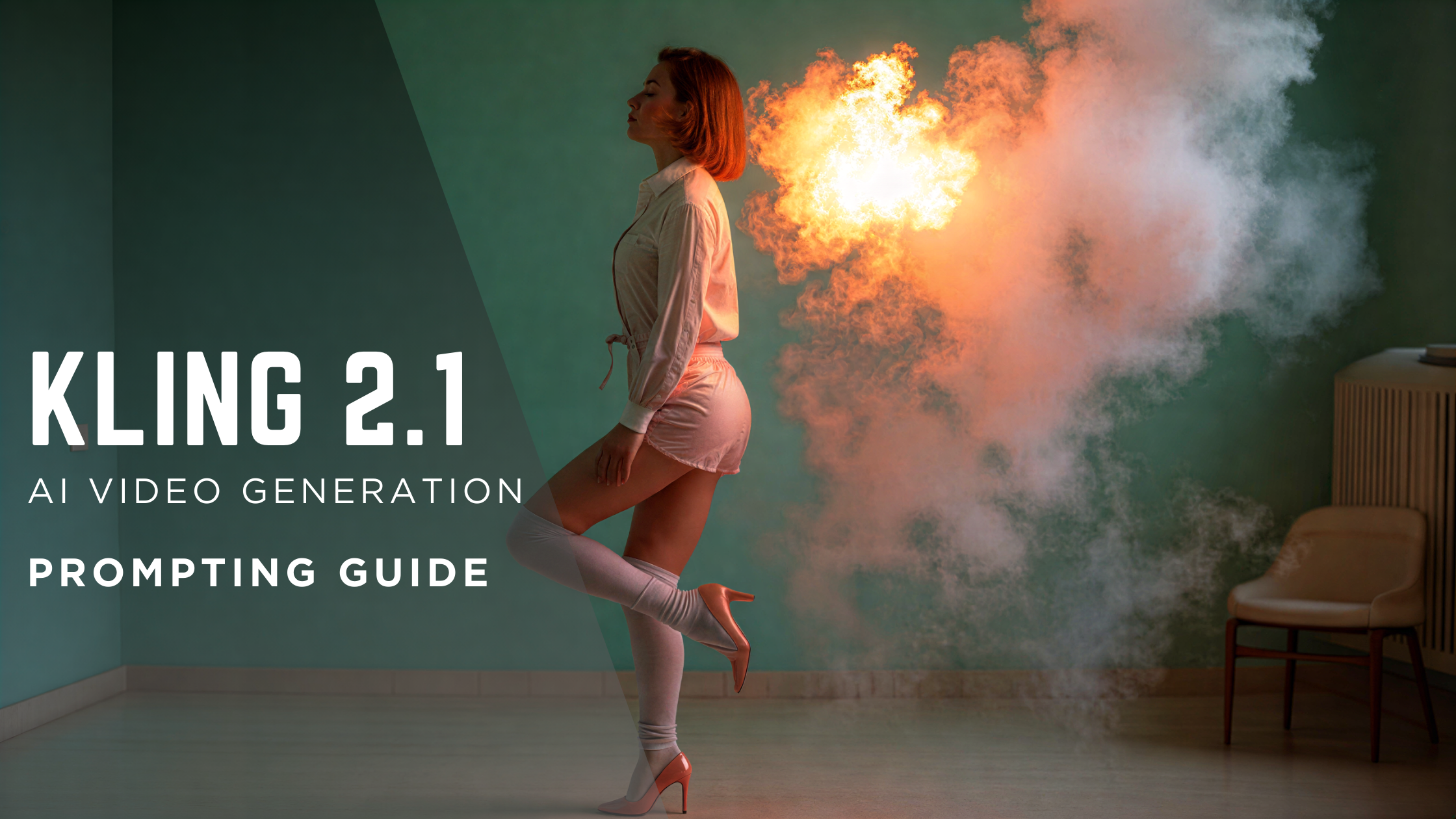
Kling AI Prompt Guide: How to Write Prompts for Kling 2.1 to 3.0 | ImagineArt
The complete Kling AI prompt guide. Learn how to write prompts for Kling AI video, use negative prompts, control camera movement, and get the best results from Kling 2.1 through Kling 3.0.
Kling AI Pricing: Every Plan, Credit and Hidden Fee Explained
A complete breakdown of Kling AI's pricing plans for 2026. Monthly vs. annual costs, real credit consumption by mode, billing gotchas, and how to access Kling on ImagineArt for free.

Kling AI Alternatives for AI Videos | ImagineArt
Explore the best Kling AI alternatives for AI video generation in 2025. Compare features, pricing, and limitations of ImagineArt, Hailuo AI, PixVerse AI, Google Veo, and more to find the right alternative.

Kling O1 Image - A Complete Overview
Explore the image generation and editing features of Kling O1 Image with its photo fixing capabilities, use cases, image editing workflow, pricing, availability, how to use Kling O1 and how it compares to Nano Banana Pro and Flux 2.
Kling O1 Image Prompt Guide + 65 Ready-to-Use Prompts
Grab this exclusive Kling O1 Image prompt guide with 65+ ready-to-use prompts, best practices to write basic and detailed prompts in portrait photoshoots, style transfer, product photography etc.
Imagine More with AI Creative Suite
ImagineArt gives you everything you need to create, customize, and bring your ideas to life in one seamless platform.
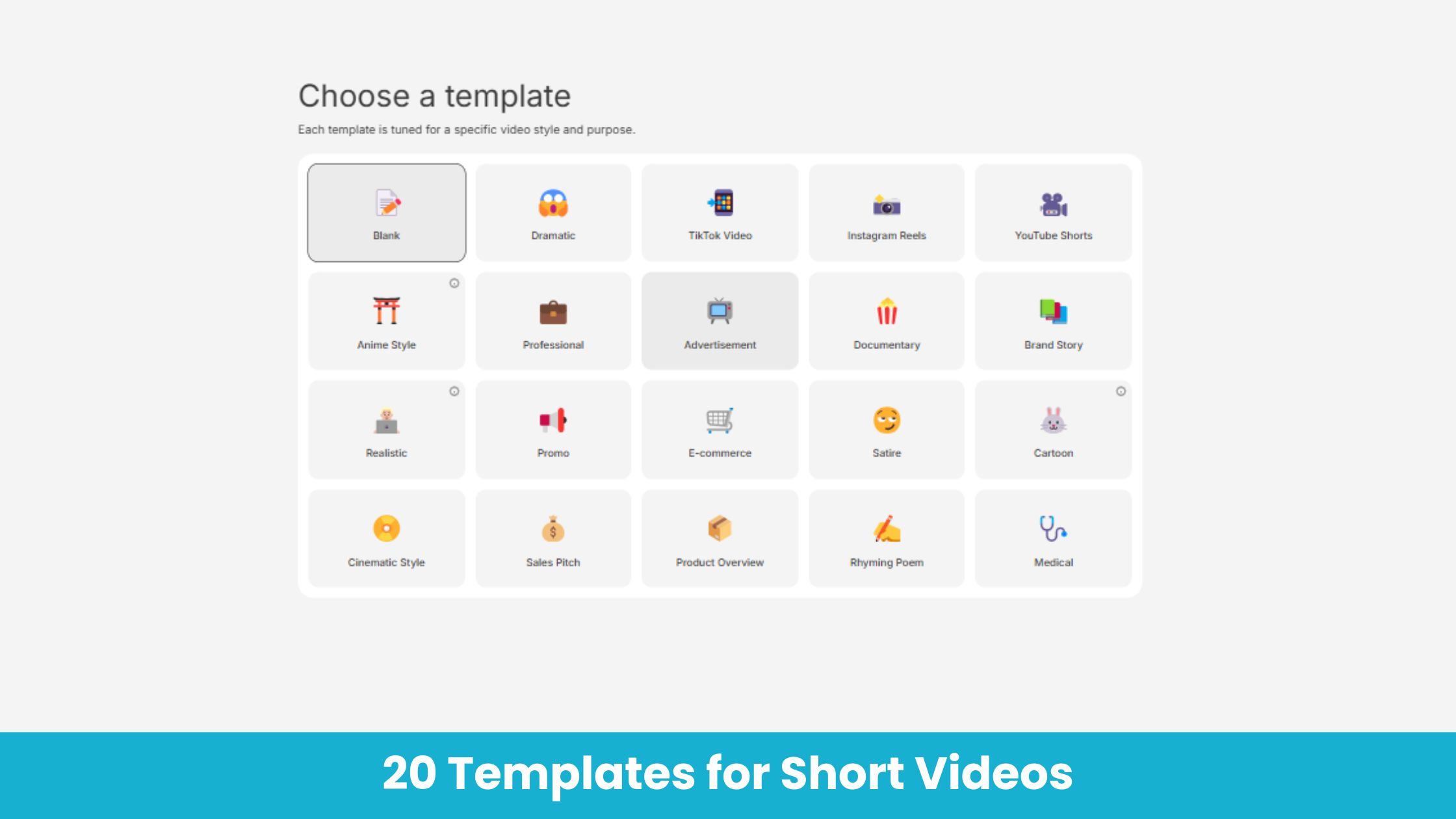
AI Video Templates
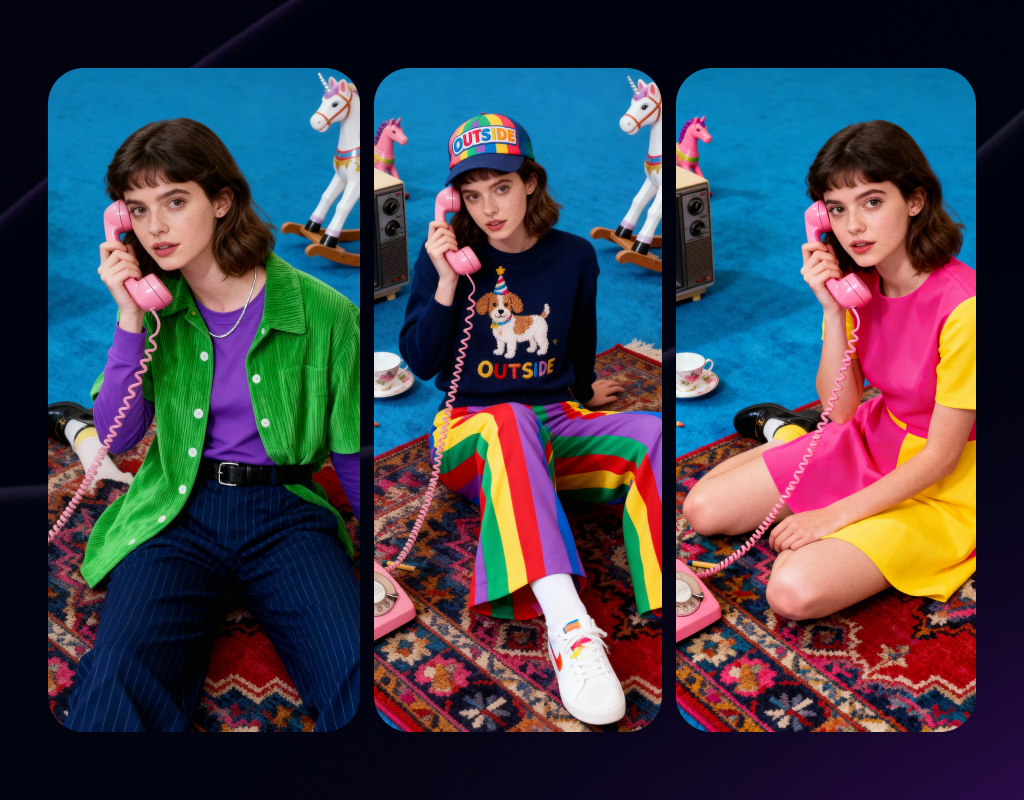
Character Personalization
AI Image Generator
Imagine Workflows

Ready to Generate with Kling O1 Video-to-Video Edit?
Generate realistic AI videos with Kling O1 Video-to-Video Edit at ImagineArt.
Try Kling O1 Video-to-Video Edit