
Tooba Siddiqui
April 17, 2026 • Updated April 17, 2026
16 mins Read
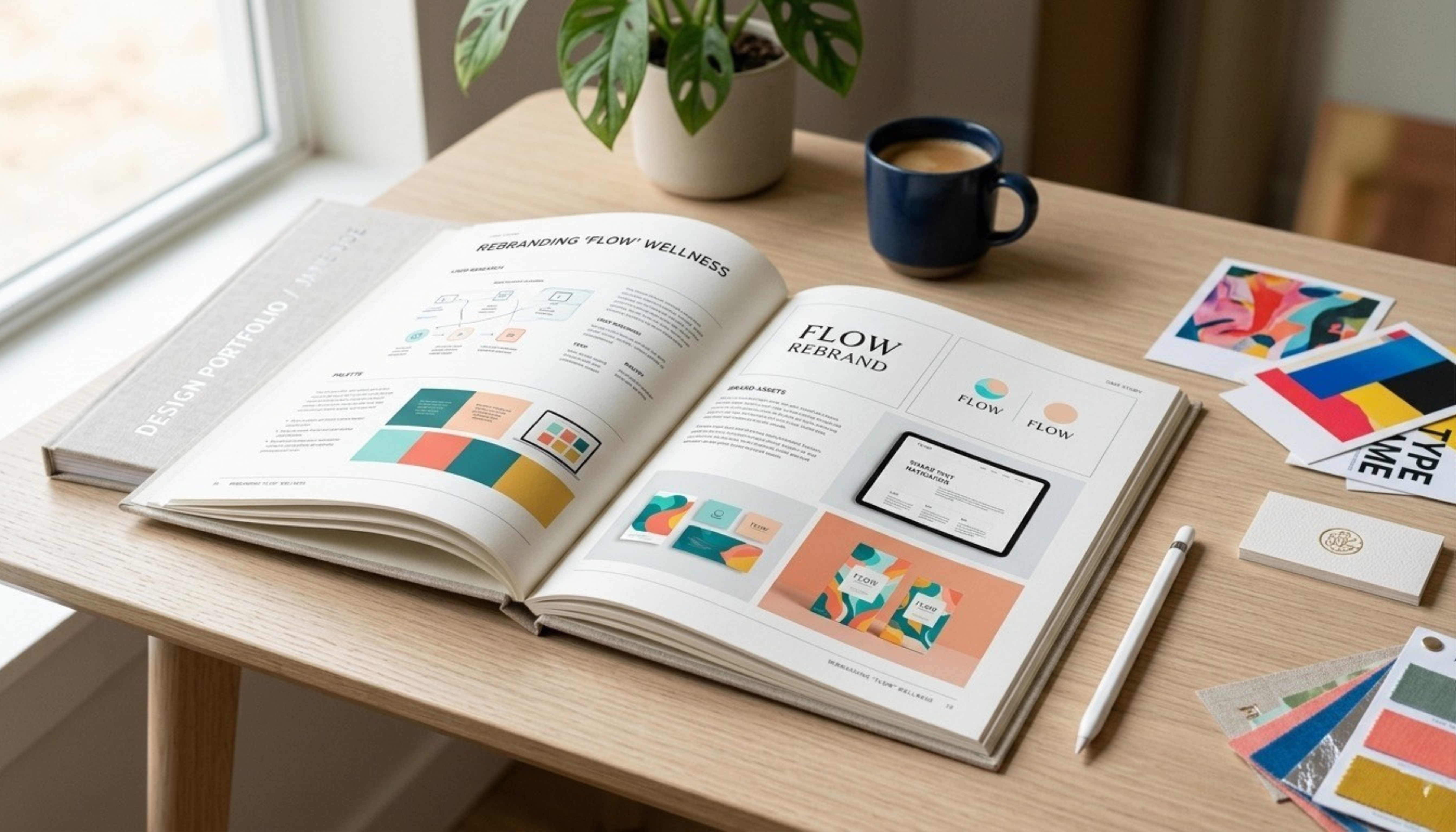
Your design portfolio is the single most powerful argument for your creative ability, your thinking process, and the kind of designer you are. A well-built design portfolio communicates all of that before you say a word in a meeting or send a single email.
This guide covers everything you need to know about how to create a design portfolio that accurately represents your work and makes a lasting impression.
What is a Design Portfolio and Why Does It Matter
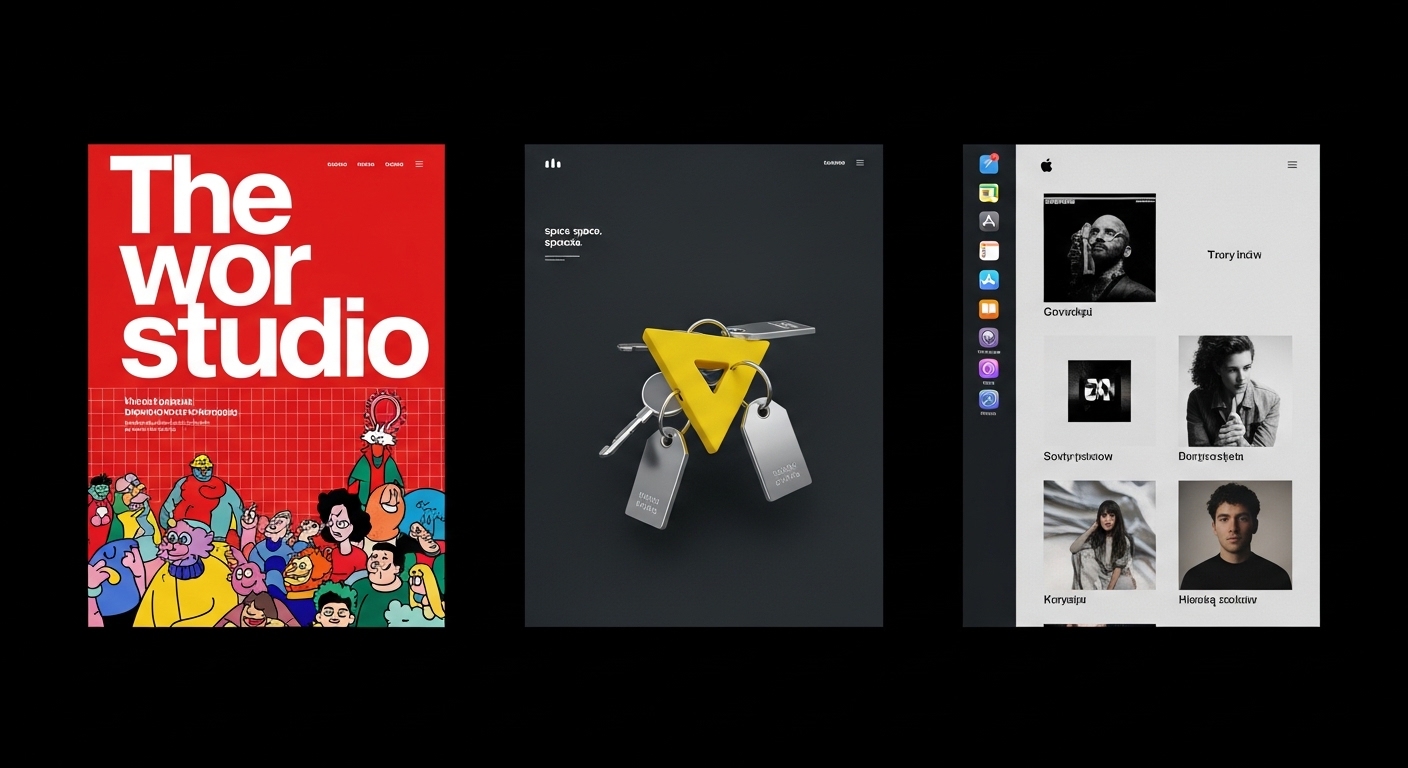 The different types of design portfolios -- created by ImagineArt AI Image Generator
A design portfolio is a curated collection of your best creative work, presented in a way that communicates your skills, your process, and your design thinking. The keyword there is curated. A design portfolio is not an archive of everything you have ever made. It is a carefully selected and presented body of work that tells a specific story about who you are as a designer.
- 71% of employers agree or strongly agree that portfolio quality directly influences whether they hire a candidate .
- 74% of executives say degrees are irrelevant when hiring freelancers, prioritizing portfolio and demonstrated expertise instead.
Employers, clients, and collaborators look at design portfolios before they look at resumes. The work speaks first. A strong portfolio design can open doors that a perfectly written cover letter cannot. It is important to understand that design is a visual discipline and the work itself is the most direct form of communication available to you.
Portfolio design matters beyond the projects inside it. How you organize, sequence, and present your work is itself a demonstration of your design sensibility. When you create a portfolio, you are making design decisions at every level, from the structure of individual case studies to the overall layout of the site or document.
Print portfolios still have a place in certain industries, particularly in editorial, packaging, and high-end branding work, where the physical quality of printed materials matters. But in the digital era, an online portfolio is the baseline. It is where most first impressions are formed, and knowing how to make a graphic design portfolio or a UX portfolio that works online is a skill that pays dividends across your entire career.
How to Create Design Portfolios: A Practical Breakdown
Creating design portfolios is not a one-size-fits-all process. Every designer has a different body of work, a different audience, and a different story to tell. But the underlying principles are consistent across all of them. You need to decide what goes in, how to present it, where to publish it, and how to keep it current. The sections below break it all down, selection, presentation, publishing, and maintenance, so you can create a portfolio that actually works.
What to Include in a Design Portfolio
The biggest mistake most designers make when building a design portfolio is including too much. More work does not signal more capability. It signals an inability to edit, which is a design skill in itself. Here is what actually belongs in a strong design portfolio:
- Your Best Work Only
A portfolio of six to twelve exceptional pieces is more compelling than a portfolio of thirty average ones. If a piece is not representative of your best thinking, it should not be there, regardless of how much time you spent on it or how much the client loved it.
The standard to apply is simple: would you be proud to walk a potential client or employer through this project in detail? If the answer is anything less than yes, leave it out.
- Personal Projects and Passion Work
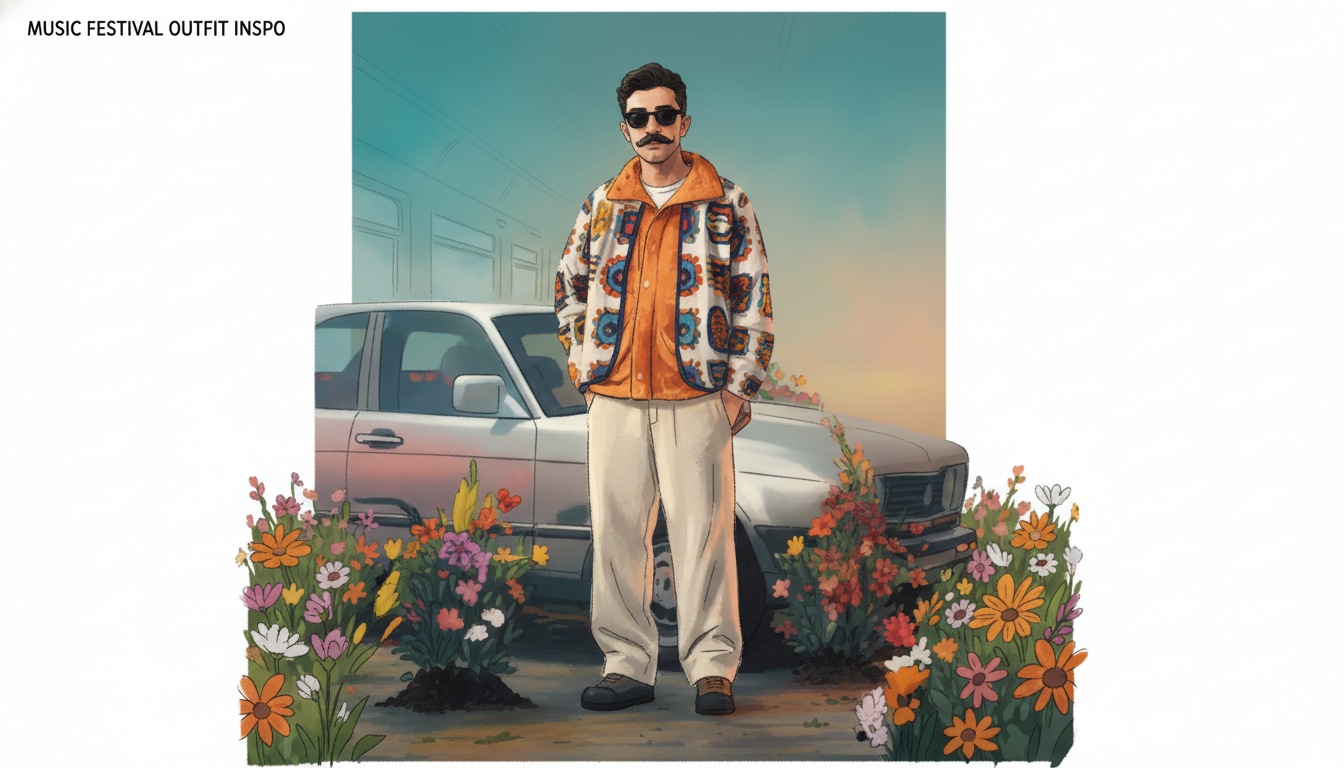 Showcase your creativity -- created by ImagineArt AI Image Generator
Self-initiated projects are some of the most valuable things you can include in a portfolio, particularly when your professional work is limited or under NDA. Personal projects signal creative drive, curiosity, and the ability to define and solve your own design problems, qualities that are genuinely hard to demonstrate through client work alone.
If you want to create new personal projects specifically for your portfolio, ImagineArt makes it significantly faster to generate visual concepts, mockups, and design assets that can form the basis of a compelling self-initiated piece. The AI image generator gives you a starting point that you can develop, refine, and present as part of a fully realized project.
- Case Studies Over Final Images
A beautiful final image tells a viewer what you made. A case study tells them how you think, which is almost always more interesting and more persuasive.
A strong design portfolio case study covers four things: the brief or problem you were solving, your process and the decisions you made along the way, the final solution, and the outcome or result where possible. You do not need to write at length. Two or three focused paragraphs and a selection of process images go a long way toward showing that your work is the product of deliberate thinking rather than happy accidents.
- A Variety of Project Types
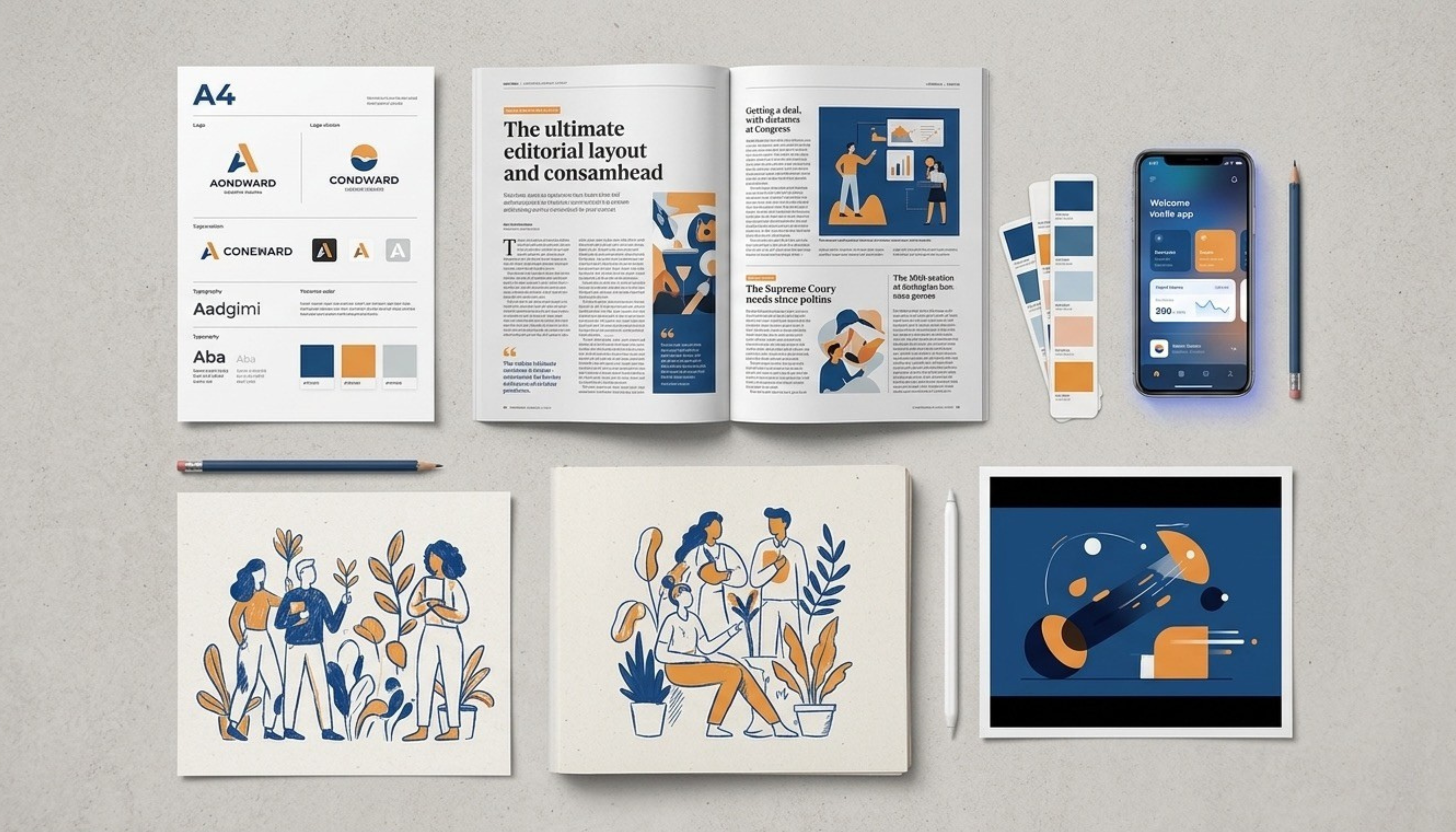 Multiple design pieces showcase varied creative skills -- created by ImagineArt AI Image Generator
A graphic design portfolio that shows only one type of project can signal a lack of range, even if each individual piece is strong. Including a mix of project types, whether that is branding, digital, print, illustration, or motion, demonstrates adaptability and gives viewers a more complete picture of what you are capable of.
That said, variety does not mean chaos. The projects should still feel like they come from the same designer. A consistent aesthetic sensibility and level of craft should run through the whole portfolio even when the project types differ.
How to Curate Your Design Portfolio
Curation is itself a design skill, and it is one of the most underestimated parts of how to create design portfolios that works. Here is how to approach it deliberately:
- Define Your Target Audience First
Before you decide what goes into your design portfolio, decide who you are building it for. A portfolio aimed at a product design studio should look and feel different from one aimed at a branding agency or a direct-to-consumer brand. The projects you lead with, the case studies you expand on, and the tone of your writing should all reflect the context of the work you want to attract.
If you are targeting multiple types of clients or roles, consider building more than one version of your design portfolio, each curated for a specific audience rather than trying to do everything in one place.
- Lead With Your Strongest Piece
A study tracking 16 hiring managers found recruiters spend an average of 55 seconds on a portfolio, with over 80% spending less than 3 minutes. So, first impressions in a graphic design portfolio are formed quickly. The first project they see sets the tone for everything that follows. Put your single strongest, most representative piece at the top, not the most recent one, not the one you are most emotionally attached to, the best one.
- Tell a Story With the Order
Once you have chosen your opening piece, think about the sequencing of everything that follows. The order of projects is not arbitrary rather a thoughtful narrative decision. Move from strength to strength, vary the project types to maintain interest, and end on something that leaves a strong final impression. The goal is to keep the viewer engaged from the first project to the last.
- Cut Ruthlessly
Once you have a shortlist of projects, go through them again and cut anything you are uncertain about. If a piece makes you think "this is fine but not my best," it should come out. The presence of weaker work actively diminishes the impact of stronger work around it. When in doubt, leave it out and ask a trusted designer or mentor for an honest second opinion on what belongs and what does not. You can use AI image editor to refine and improve the quality of your weaker work and makes your design portfolio feel intentional and complete.
How to Present Your Design Work Effectively
How you present your work matters as much as the work itself. A strong project presented poorly will underperform. A good project presented with clarity, context, and care will land every time.
- Write Sharp Project Descriptions
Every project in your portfolio needs written context. Keep it focused and direct. Cover the brief or the problem you were solving, your specific role in the project, the key design challenge, and the outcome. Avoid jargon, avoid vague adjectives like "innovative" or "dynamic," and avoid writing more than the reader needs to understand the project.
Three short paragraphs is usually the right length. If you find yourself writing more than that, you are probably including information that the visuals already communicate.
- Show Your Process
Process work is some of the most valuable content you can include in a design portfolio. Sketches, wireframes, early concepts, rejected directions, and annotated iterations all give the viewer insight into how you think and how you work. This is particularly important for UX and product design portfolios, where the thinking behind a solution often matters more than the final visual.
- Use Mockups and Presentations Thoughtfully
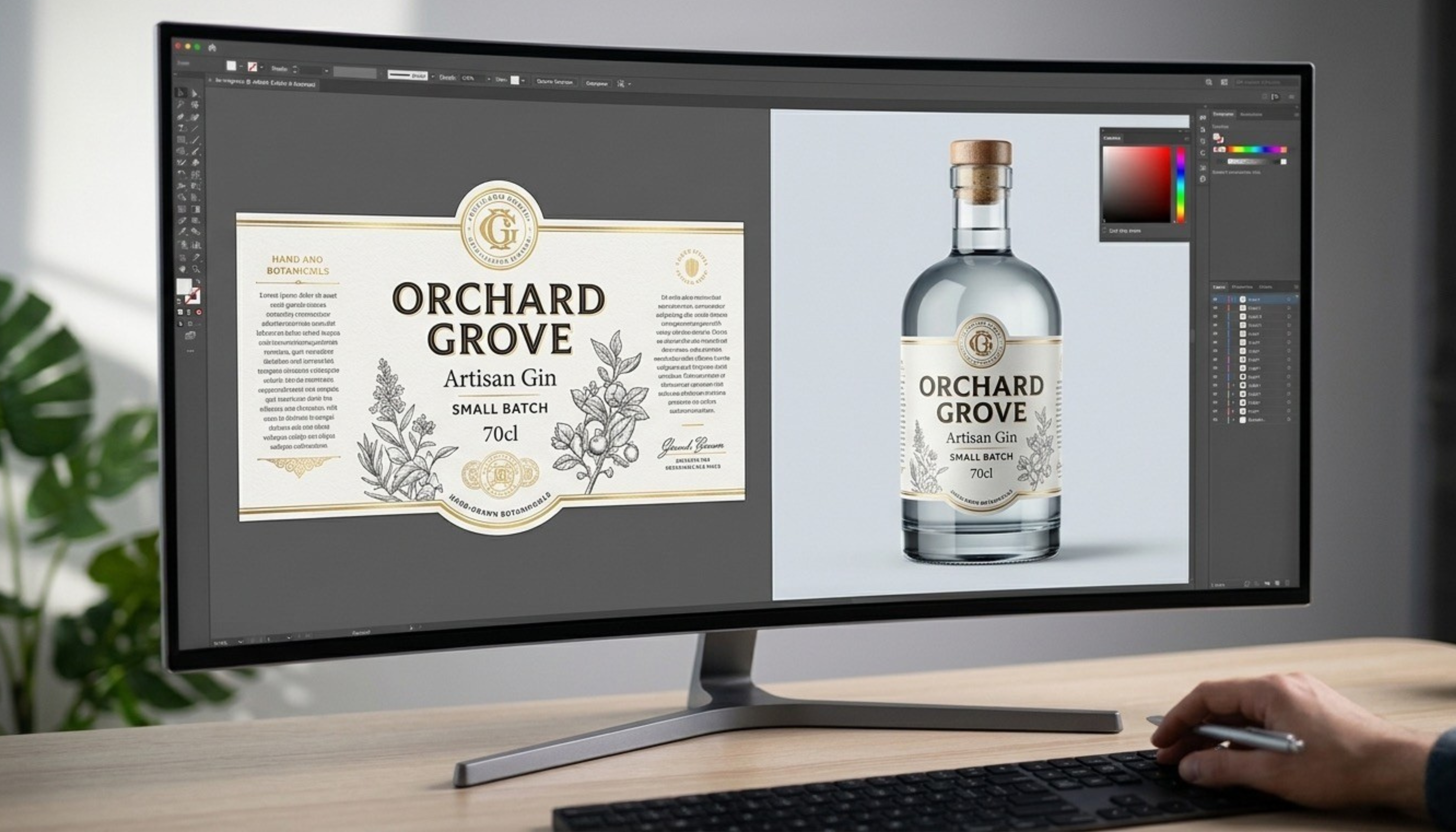 Generated by ImagineArt AI Image Generator
Mockups, device frames, and environmental presentations can add context and visual polish to portfolio work. But they can also obscure the actual design if used indiscriminately. A beautifully photographed packaging mockup tells you very little about the underlying label design. Use mockups where they genuinely add context, and make sure the actual design is always clearly visible and not hidden behind presentation styling.
Keep mockup style consistent across your portfolio. Mixing dozens of different mockup styles creates visual noise that distracts from the work.
Also read: Create Product Mockups with Nano Banana Pro
Make Your Role Clear in Team Projects
If you are including work produced as part of a team, make your specific contribution explicit. Saying "I designed the onboarding flow and the component library" is far more useful than "I worked on this product with a team of five." Reviewers want to understand what you did, not just that you were present in the room.
How to Create Design Portfolios Online
An online portfolio is not optional. It is the primary way your work gets discovered, evaluated, and shared. Building it well requires the same attention to detail you bring to client work.
- Choose the Right Portfolio Platform
The platform you choose shapes what your portfolio can look and feel like. Here are the most common options and what they are best suited for:
-
Behance and Dribbble are community platforms that offer built-in discoverability. They are good for reaching other designers and getting your work in front of a broad audience, but they offer limited customization and your portfolio lives within their visual framework rather than your own.
-
Squarespace offer more design control with less technical complexity. They are good options for designers who want a clean, professional online portfolio without building from scratch.
-
Webflow gives you the most creative control of any no-code platform and is a strong choice for designers who want their portfolio site to itself be a demonstration of their craft. It has a steeper learning curve but the output is significantly more distinctive.
-
Design Your Portfolio Website Like a Designer
 Mockup of a portfolio website -- created by ImagineArt AI Image Generator
Your portfolio website is itself a design project and it will be evaluated as one. The typography, spacing, navigation, color palette, and overall visual consistency of your site communicate your design sensibility before a viewer has looked at a single project.
Keep navigation simple and intuitive. Use white space generously. Choose a type system that reflects your aesthetic. Make sure the site loads quickly and performs well across browsers. If you need custom imagery, backgrounds, or visual assets for the site itself, ImagineArt AI UI design generator can help generate tailored visuals that match your personal brand without requiring you to shoot original photography.
Learn how to create UI/UX design with Nano Banana Pro on ImagineArt blog.
- Make It Easy to Contact You
This sounds obvious, but a surprising number of portfolio sites make it genuinely difficult to get in touch. Your contact information or a clear contact form should be reachable from any page on the site. A visible email address or a simple contact CTA in the navigation removes friction for anyone who wants to reach out after viewing your work.
- Optimize for Mobile
With mobile devices accounting for over 62% of global web traffic, a significant share of portfolio views are happening on screens smaller than you might expect. Before you publish, check every project page, every case study, and every piece of text on a phone screen. Images should scale correctly, text should be readable without zooming, and navigation should work intuitively on a touch screen. A portfolio that breaks on mobile creates a poor first impression regardless of how strong the work is.
Graphic Design Portfolio Tips
The principles of a strong portfolio apply across design disciplines, but the specifics vary depending on who you are and what kind of work you are looking to attract. Here is how to approach the design portfolio differently depending on your situation.
- Design Portfolio Tips for Students and Beginners
The most common concern for students and early-career designers is not having enough professional work to fill a portfolio. The solution is not to wait. Student projects, personal projects, and spec work are all legitimate portfolio content when presented with the same care and context as professional work.
Focus on demonstrating your thinking and your process rather than the prestige of the clients or briefs. A personal project with a well-written case study that walks through research, concept development, and execution is more compelling than a professional project shown as a single finished image with no context.
ImagineArt is particularly useful at this stage. The AI graphic generator let you generate and iterate on visual concepts quickly, which means you can develop more ideas, explore more directions, and build a stronger body of self-initiated work in less time.
If you are just starting out, brushing up on graphic design principles will strengthen the work you put in your portfolio.
- Design Portfolio Tips for UX and UI Designers
UX and product design portfolios work differently from graphic design portfolios. A UX portfolio with three detailed, well-written case studies will consistently outperform one with ten project thumbnails and minimal context. Each case study should cover the problem space, your research approach, the design decisions you made and why, the prototypes or designs you produced, and the results where measurable. For designers building product and UI work, the AI product design generator can help you generate interface concepts and visual references quickly during the early stages of a project, which feeds directly into richer process documentation for your case studies.
- Design Portfolio Tips for Freelancers
A freelance design portfolio has a slightly different job than a portfolio aimed at full-time employment. It needs to attract the right clients, not just any clients. This means being specific about the type of work you do best and the kind of problems you are most equipped to solve, rather than presenting yourself as a generalist who does everything.
Social proof matters significantly in a freelance context. Testimonials from past clients, logos of brands you have worked with, and specific results you have achieved for clients all add credibility that a portfolio of work alone cannot fully provide. Include these elements wherever possible and make them prominent.
For freelancers scaling into a studio or agency model, the tools and systems behind your work matter as much as the portfolio itself. ImagineArt AI Enterprise offering is worth exploring for designers managing larger volumes of client work, giving teams the AI-powered creative infrastructure to produce consistent, high-quality output at scale without compromising on the craft that built the portfolio in the first place.
Common Design Portfolio Mistakes to Avoid
Even experienced designers make avoidable mistakes when building or updating their portfolios. Here are the most common ones worth watching for.
- Including too many projects is the most frequent mistake. Every weak piece you include dilutes the impact of the strong ones. Edit harder than feels comfortable.
- Showing finished images without context leaves reviewers with no understanding of your thinking. Every project needs at least a brief written explanation of the problem and your approach.
- Inconsistent visual presentation across projects creates a fragmented experience. Mockup styles, image sizes, and layout formats should feel cohesive across the whole portfolio.
- Including outdated work that no longer reflects your current skill level is a subtle but damaging mistake. If a piece was strong three years ago but you have grown significantly since, replace it.
- Making it difficult to navigate or get in touch creates unnecessary friction. Every extra click between a viewer and your contact information is an opportunity for them to leave.
- Forgetting to update the portfolio regularly is the mistake that compounds over time. A portfolio that has not been touched in two years sends a signal that you are not actively working or growing.
Learn essential graphic design tips to avoid common mistakes and create more polished, professional visuals.
How to Keep Your Design Portfolio Fresh
A design portfolio is a living document, not a finished product. The designers with the strongest portfolios treat them as ongoing creative projects that evolve alongside their skills and their body of work.
- Set a regular review cadence, whether that is quarterly or every six months, where you assess what has been added to your work recently, what older pieces are no longer representative of your best, and what the overall portfolio communicates about where you are as a designer right now.
- As your skills grow and your work improves, replace older pieces rather than simply adding new ones. A tighter, more current portfolio is always stronger than a larger one that spans too wide a range of quality.
- For generating new visual assets, concept work, and personal project material to keep the portfolio current, ImagineArt Workflows makes it significantly more efficient to produce portfolio-ready content on a regular basis. Rather than starting from scratch each time, you can build repeatable processes for generating visual assets that fit your portfolio's style and direction.
Ready to Create Design Portfolios?
Knowing how to create a design portfolio that evolves with your career is just as important as building it well the first time. While there is no single correct version of a design portfolio, the right one is the one that most accurately and compellingly represents who you are as a designer. It gives the people looking at it a clear sense of how you think, what you value, and what you are capable of.
If you are building new personal projects, developing concept work, or generating visual assets to strengthen your portfolio, ImagineArt gives you a fast, flexible set of tools to bring those ideas to life, from initial concept generation to polished visual output, all within one creative platform.
Frequently Asked Questions
Start with student projects, personal projects, and spec work. When you create design portfolios without professional experience, the absence of client work does not mean the absence of strong work. Focus on demonstrating your thinking and process through detailed case studies rather than relying on the prestige of the briefs. Tools like the ImagineArt AI image generator can help you develop and visualize personal project concepts quickly, giving you more portfolio-ready material to work with even at an early stage.
Between six and twelve projects is the right range for most designers. Fewer than six can feel thin, and more than twelve starts to dilute the impact of your strongest work. The exact number matters less than the quality of each piece and the consistency of the selection. Every project should earn its place.
Yes, absolutely. Personal and self-initiated projects are some of the most valuable portfolio content available, particularly for designers with limited professional work or work that is under NDA. They demonstrate creative drive, the ability to define your own design problems, and a genuine interest in the discipline beyond client briefs.
Keep case studies focused and direct. Cover the brief or problem, your specific role, the key design decisions you made and why, and the outcome. Use process images, wireframes, and early concepts to show your thinking. Aim for clarity over length. Three concise paragraphs supported by strong visuals will almost always outperform a lengthy written description with minimal imagery.
Tooba Siddiqui
Tooba Siddiqui is a content marketer with a strong focus on AI trends and product innovation. She explores generative AI with a keen eye. At ImagineArt, she develops marketing content that translates cutting-edge innovation into engaging, search-driven narratives for the right audience.