
Tooba Siddiqui
July 30, 2025 • Updated May 20, 2026
14 mins Read
The best AI music generators 2026 depends entirely on what you're making. If you need full songs with vocals and lyrics, you want a different tool than someone scoring a film or building background tracks for YouTube.
We tested 8 of the most-used AI music generators — evaluating output quality, genre range, vocal capability, pricing, and licensing terms. Whether you need a free AI music generator, an AI cover song generator, an AI song lyrics generator, or a tool that handles complete songs from a text prompt, this guide tells you which platform wins for each use case.
Not sure what AI music actually is or how it works? Start there before comparing tools.
What Is an AI Music Generator?
An AI music generator is a software tool that creates original music — including melodies, instrumentation, lyrics, and vocals — from a text description, mood selection, or style input, without requiring the user to play an instrument or read music. The output is a fully composed audio file, generated in seconds, that can be used for personal projects, content creation, or commercial publishing depending on the tool's licensing terms.
AI music generators work by training large neural networks on vast libraries of existing music, learning the patterns, structures, and sonic relationships that define different genres and styles. When you type a prompt like "melancholic indie folk ballad with fingerpicked guitar and soft female vocals," the model generates audio that matches those parameters — not by remixing existing songs, but by synthesizing new audio from learned patterns.
The AI music generation market was valued at approximately $3.5 billion in 2023 and is projected to grow at a compound annual growth rate of over 28% through 2030, according to Grand View Research — driven largely by content creators, game developers, and independent musicians seeking royalty-free production tools.
How to Choose the Best AI Music Generator
Before comparing platforms, get clear on these five criteria:
- Vocal output: Do you need a generated singing voice, or just instrumentation? Not all tools support vocals.
- Prompt control: Some tools accept one-line prompts. Others (like ImagineArt) support up to 5,000 characters, including full lyrics — the more you understand your target genre, the better your prompt. See the guide to popular music genres if you're unsure what defines your style.
- Licensing: Are tracks royalty-free for commercial use, or only for personal projects? This varies significantly by plan.
- Duration control: Can you set the exact track length? Critical for video, podcast, or game audio use cases.
- Free tier generosity: How many generations can you run before hitting a paywall?
Quick Comparison: 8 Best AI Music Generators 2026
| Tool | Best for | Vocals | Free tier | Royalty-free |
|---|---|---|---|---|
| ImagineArt | Full songs, lyrics, covers | Yes | Yes | Yes |
| Suno | Polished commercial tracks | Yes | Yes (limited) | Paid only |
| Udio | Emotional vocals, fine control | Yes | Yes | Paid only |
| Soundraw | Background music, YouTube | No | No | Yes |
| Beatoven.ai | Mood-based background tracks | No | Yes | Yes (paid) |
| ElevenLabs | Voice-led music, text-to-song | Yes | Yes (limited) | Paid only |
| AIVA | Cinematic, classical composition | No | Yes | Paid only |
| Riffusion | Experimental, open-source | No | Yes | Yes |
8 Best AI Music Generators 2026 — Reviewed
1. ImagineArt AI Music Generator
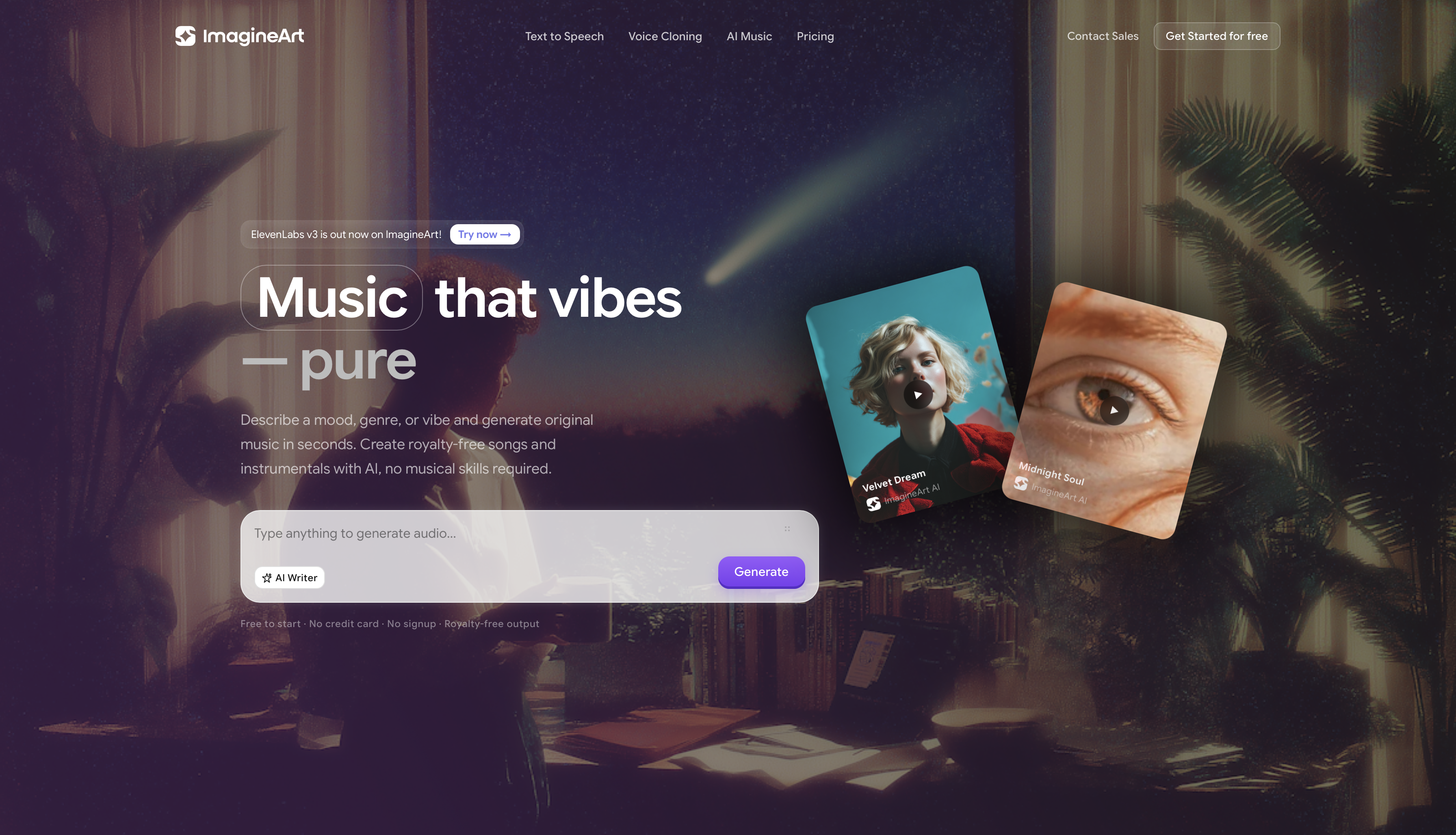
Best for: complete songs with vocals, lyrics, and commercial licensing
ImagineArt AI Music Generator is the most capable all-in-one option for creators who need full, publish-ready songs. It accepts prompts up to 5,000 characters — enough to include complete lyrics, mood description, instrumentation preferences, structure notes, and genre references in a single input. No other tool in this list comes close on prompt depth.
According to Spotify's 2024 Loud & Clear report, independent creators uploaded over 100,000 AI-assisted tracks to the platform in 2024 alone — a figure that underscores the scale at which AI music tools have entered professional publishing workflows. For creators in that pipeline, licensing clarity matters: ImagineArt's paid plans are commercially cleared with no ongoing royalty obligations.
Key features:
- Up to 5,000-character prompt field — include full lyrics, mood, structure, genre, and instrumentation
- Extensive style library: pop, dark, reggaeton, indie, upbeat, 70s rock, 18th century symphony, and dozens more
- Duration control from 1 to 5 minutes
- Instrumental mode toggle — generate backing tracks without vocals
- AI cover song generator capability
- Royalty-free output on paid plans — commercially cleared
Who it's for: Content creators, musicians, social media producers, and anyone who needs commercially usable tracks with minimal setup.
Pros:
- Deepest prompt control of any tool tested
- Full song output — not clips you have to stitch together
- Vocal and instrumental modes in one platform
- Genre range covers everything from experimental to classical
- Cover song generation built in
- No music theory knowledge required
Cons:
- Royalty-free licensing requires a paid plan
- Newer platform compared to Suno and Udio
Pricing: Free tier available. Paid plans starts at $9/month and unlocks higher generation limits.
Prompt tips: Read the guide to AI music prompts and how to write prompts for AI music to get the most out of ImagineArt's 5,000-character field.
2. Suno
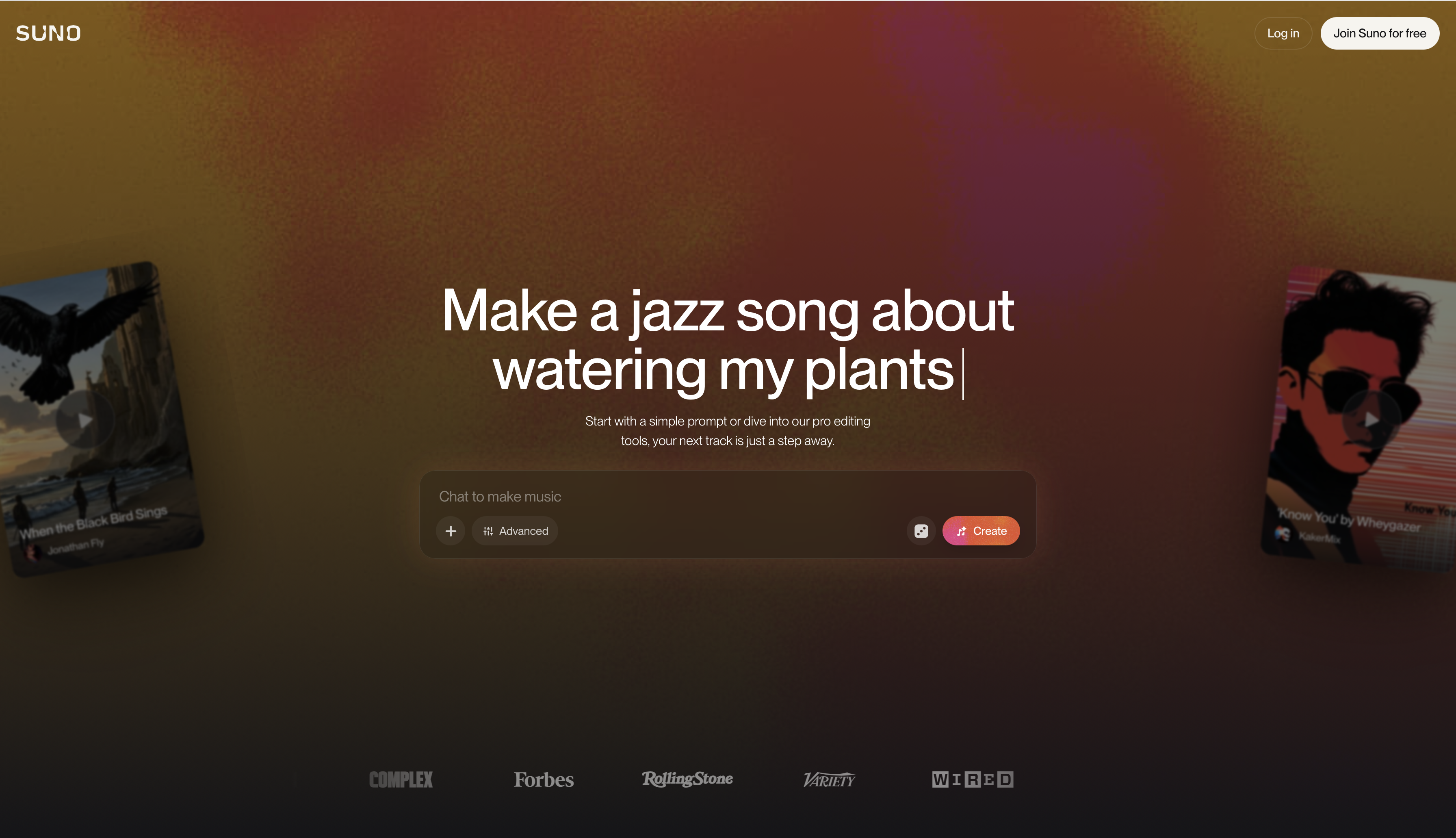
Best for: polished, commercial-sounding tracks fast
Suno (currently on v4.5) is the most widely known AI music generator and produces some of the most natural-sounding vocal output in the category. It generates complete songs from short text prompts — typically one to two sentences — and consistently delivers radio-adjacent quality across pop, hip-hop, and electronic genres. Suno reported over 12 million registered users by late 2024, making it the most widely adopted AI music generation platform by user count at the time of writing.
Key features:
- Full songs with vocals from short prompts
- High-quality genre range — particularly strong for mainstream pop and hip-hop
- Song extension and remix tools
- Active community with shared tracks
Pros:
- Fastest path from prompt to polished track
- Best-in-class vocal quality for mainstream genres
- Large user community and prompt resources
Cons:
- In June 2024, the Recording Industry Association of America (RIAA) filed copyright infringement lawsuits against both Suno and Udio — the first major legal actions targeting AI music generators — raising unresolved questions about training data transparency that remain active as of 2026
- Short prompts limit fine-grained creative control
- Commercial use requires paid subscription
- Free tier heavily limited
Pricing: Free tier (limited generations). Pro plan starts at $10/month and Premier plans starts at $30/month. The paid plans are for commercial use.
3. Udio
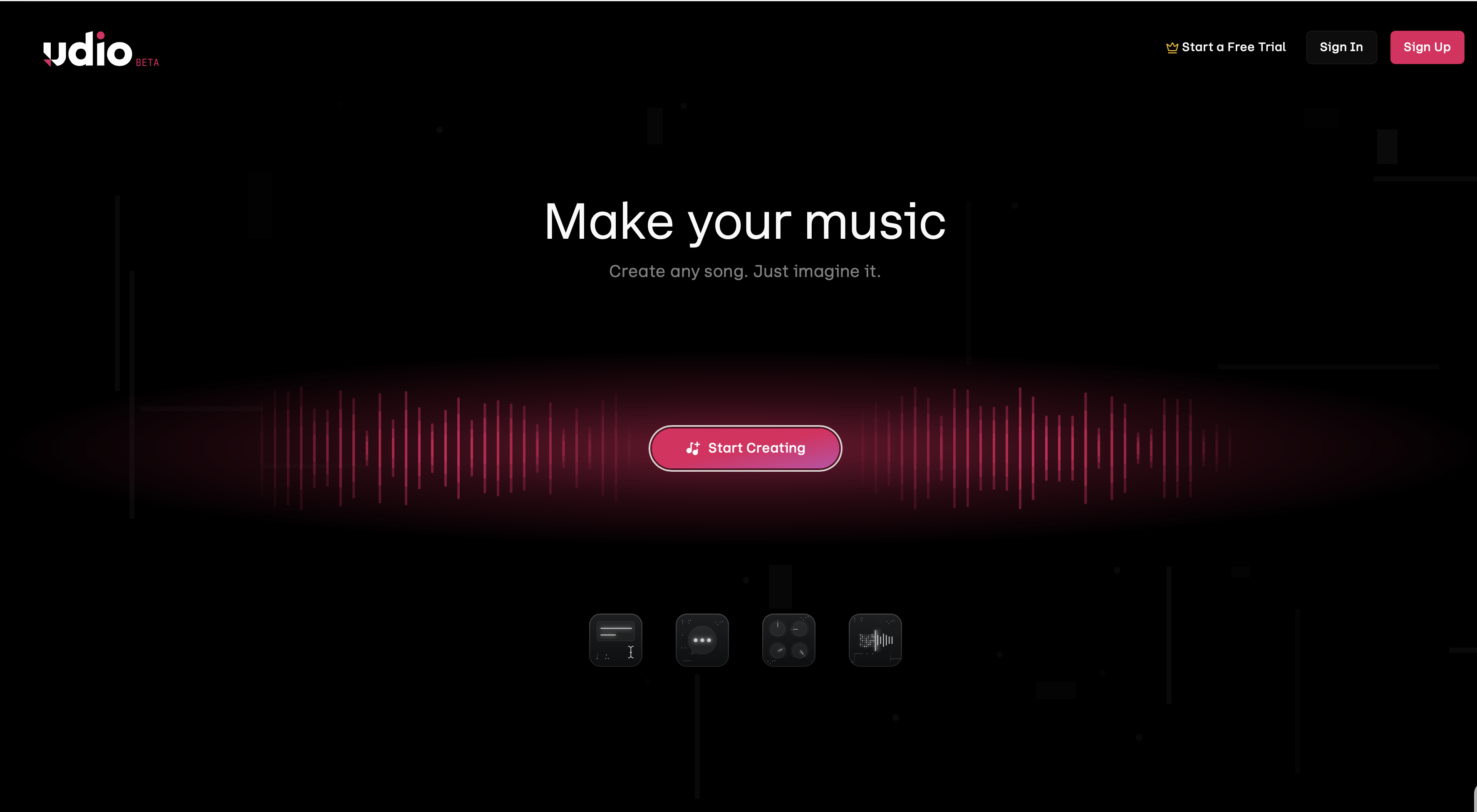
Best for: emotionally resonant vocals and nuanced tone control
Udio launched in April 2024 and quickly established itself as Suno's closest competitor on vocal quality. Where Suno leans commercial and clean, Udio produces more emotionally textured output — well-suited for soul, jazz-adjacent, and indie styles. Like Suno, Udio is also named in the RIAA's 2024 copyright litigation, a factor worth considering for commercial use. The main workflow limitation is that it generates in 30-second segments rather than full songs, requiring manual extension.
Key features:
- Strong emotional vocal quality
- 30-second clip generation with extension workflow
- Generous free tier compared to Suno
Pros:
- Best emotional vocal nuance of any tool tested
- Good free tier for experimentation
- Strong for genres that need warmth over polish
Cons:
- 30-second segments require manual extension — time-consuming for full songs
- Active copyright litigation alongside Suno
- Less intuitive workflow for beginners
Pricing: Free tier available. The standard plan starts at $10/month and pro plan starts at $30/month. Paid plans are for commercial use and higher generation volume.
4. Soundraw
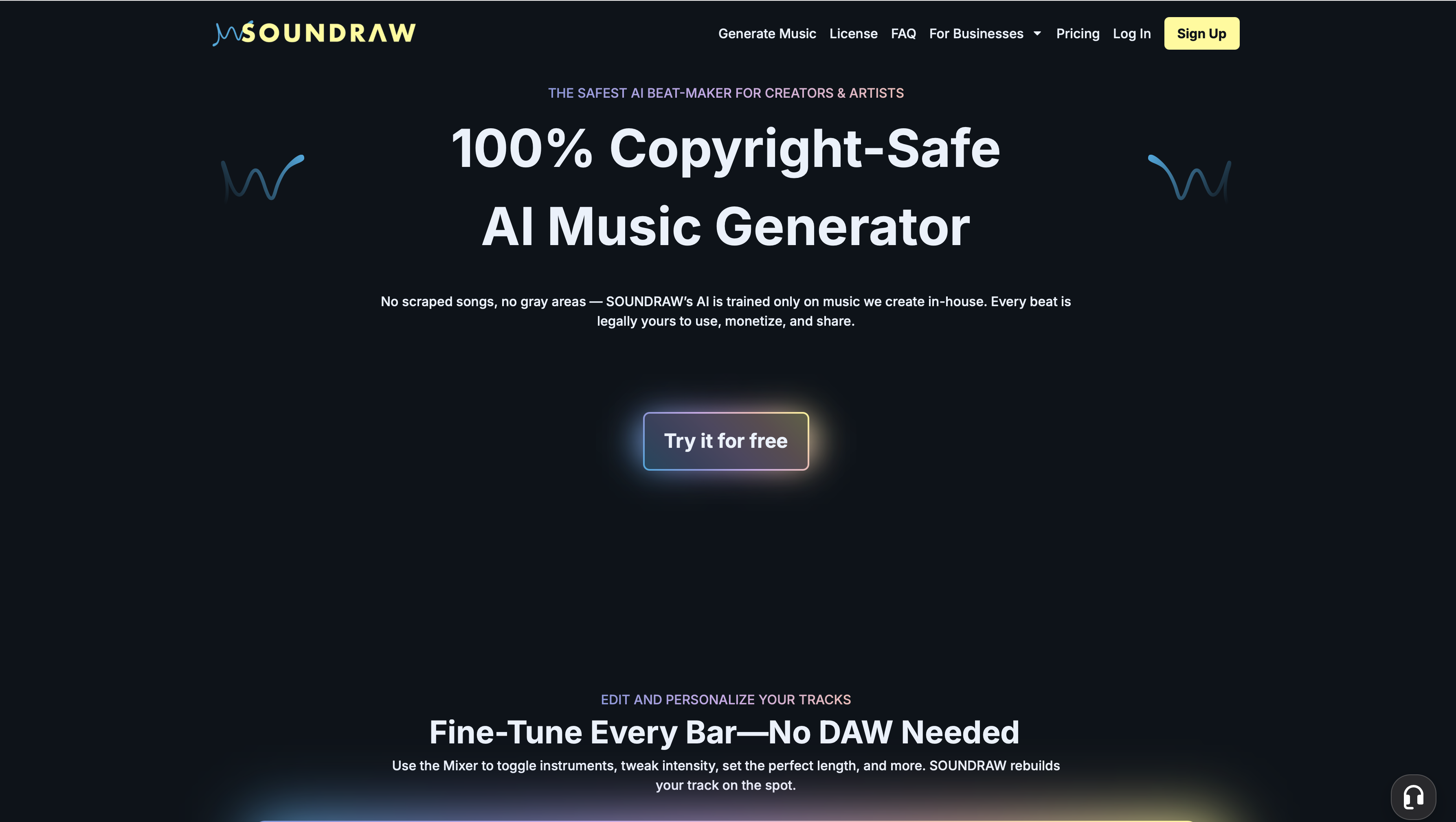
Best for: royalty-free background music for video and content creators
Soundraw is purpose-built for content creators who need consistent, royalty-free background music — not for generating songs with vocals and lyrics. It works from mood and genre parameters rather than text descriptions. The output is clean, reliable, and commercially safe, making it the go-to for YouTube channels, brand videos, and podcasts.
Key features:
- Mood and genre-based generation (not text prompt)
- Royalty-free on all plans
- BPM and instrument control
- No vocals
Pros:
- True royalty-free across all tiers
- Reliable quality for background and ambient use
- Simple interface with no learning curve
Cons:
- No vocals or lyrics capability
- Limited creative control compared to prompt-based tools
- Not suitable for song creation — background music only
Pricing: Paid-only. No meaningful free tier. The creator plan starts at $9.99/month, the artist starter plan starts at $19.99/month, the artist pro plan starts at $29.99/month, and artist unlimited plan starts at $49.99/month. These plans are perfect for small companies with less 10 employees/users. However, for bigger teams/enterprises, Soundraw offers custom pricing.
5. Beatoven AI
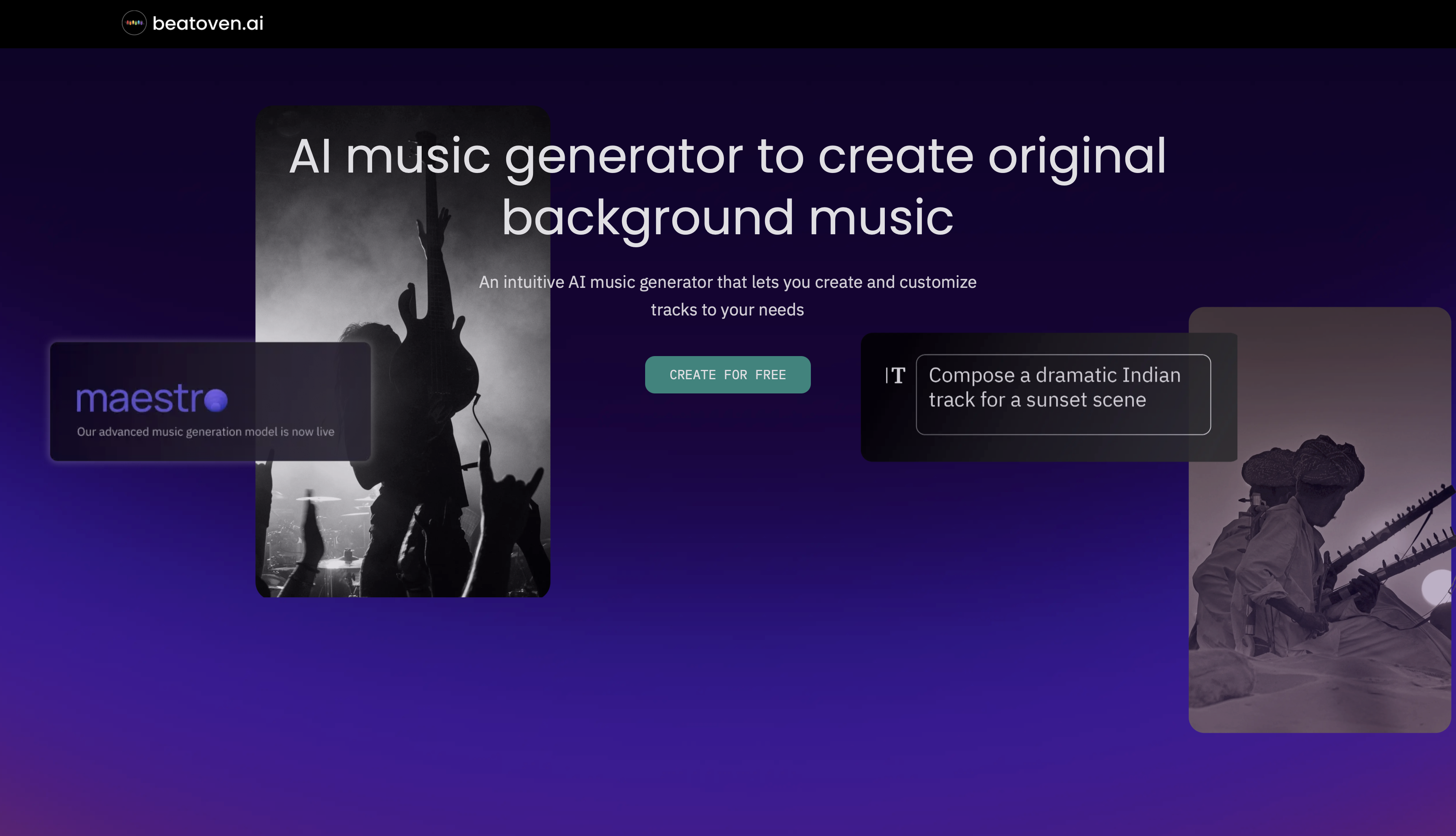
Best for: mood-driven background tracks with automatic scene matching
Beatoven AI generates background music based on mood tags and scene types — making it particularly useful for podcast producers and video editors who want music that matches emotional beats without manual timing. Output is instrumental only.
Key features:
- Mood and scene-based generation
- Auto-syncs to video timelines
- Royalty-free on paid plans
Pros:
- Easiest tool for podcast and video background use
- Scene-matching reduces editing time
- Good free tier for testing
Cons:
- No vocals or lyrics
- Limited genre range compared to full-prompt tools
- Creative ceiling is low for music producers
Pricing: Free tier. The creaotr plan starts at $10/month and visionary plan starts at $20/month. Paid plans for commercial licensing.
6. ElevenLabs Music
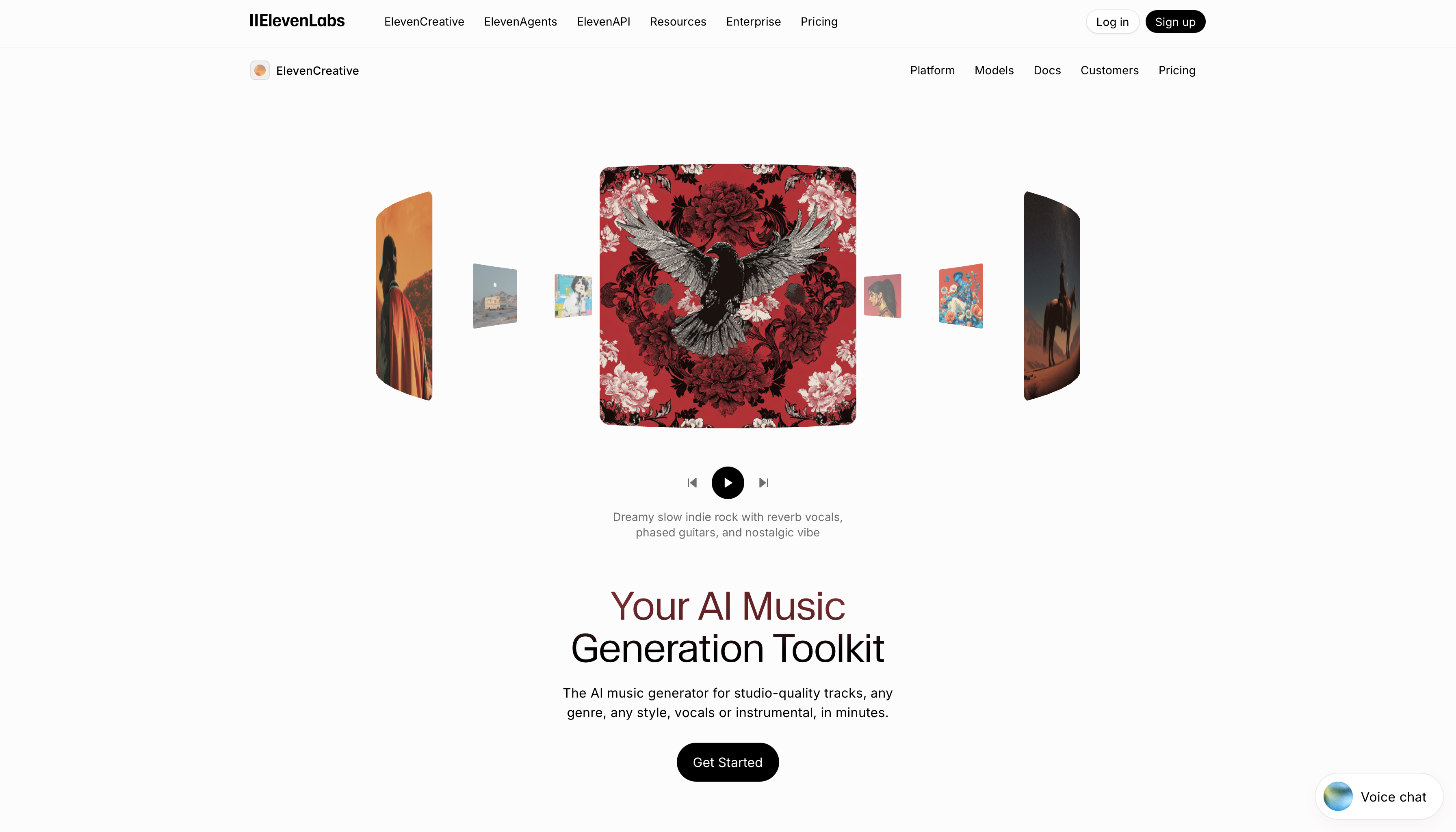
Best for: voice-forward music and text-to-song with AI voices
ElevenLabs built its reputation on voice cloning and text-to-speech, and its music generator extends that strength into song generation. It produces tracks with AI-generated singing voices — and uniquely allows you to use cloned or custom voices in generated songs. Best for short-form content and creators already in the ElevenLabs ecosystem.
Key features:
- Text-to-song with AI singing voices
- Voice cloning integration
- 70+ language support
Pros:
- Unique voice cloning integration for music
- Best option if you need a specific voice profile in your songs
- Strong multilingual output
Cons:
- Output quality trails Suno and Udio for full music production
- Commercial licensing requires paid plan
- Better as a voice tool than a music composition tool
Pricing: Free tier (limited). The stater plan starts at $6/month, the creator plan starts at $22/month, and pro plan starts at $99/month. Paid plans unlock commercial licensing.
7. AIVA
Best for: cinematic scoring and classical composition
AIVA (Artificial Intelligence Virtual Artist) specializes in orchestral and cinematic music generation. Trained on classical composition, it produces the most musically sophisticated instrumental output of any tool in this list. No vocals, but unmatched for film scoring, game soundtracks, and neoclassical production.
Key features:
- Orchestral and cinematic composition focus
- Music theory-aware generation
- Style presets from Baroque to modern cinematic
- MIDI export for further production work
Pros:
- Best cinematic and classical output quality
- MIDI export lets composers use output as a starting point
- Established tool with long track record
Cons:
- No vocals or lyrics
- Steeper learning curve compared to prompt-based tools
- Not suitable for pop, hip-hop, or genre-based song creation
Pricing: Free tier (personal use, non-commercial). The standard plan starts at $17/month (€15 / month) and pro plan starts at $56.8/month (€49 / month). Paid plans for commercial rights.
8. Riffusion
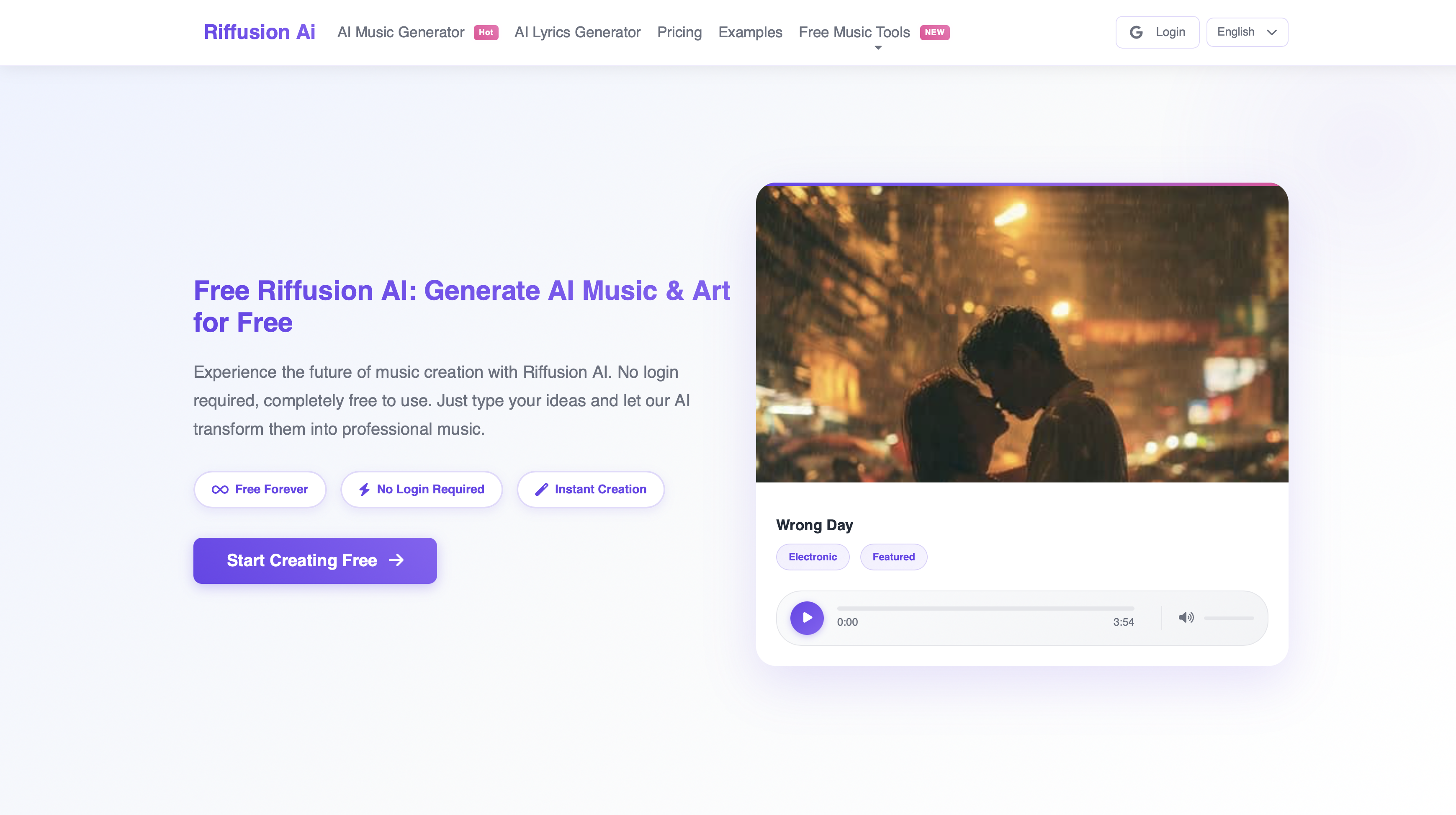
Best for: experimental soundscapes and open-source exploration
Riffusion takes a fundamentally different approach — it generates music by creating spectrograms (visual representations of sound) using a diffusion model, first released in December 2022. The result is unusual, experimental output that no other tool produces. It's open-source, free, and community-driven. Not suitable for polished song creation, but uniquely powerful for ambient, textural, and experimental use cases.
Key features:
- Spectrogram-based music generation
- Open-source
- Fully free
- Strong for ambient, drone, and experimental output
Pros:
- Completely free
- Unique sonic output no other tool replicates
- Good for experimental and ambient music production
Cons:
- No vocals
- Requires technical comfort to get good results
- Output quality inconsistent for mainstream genres
Pricing: Free and open-source. The basic plan starts at $9.9/month and pro plan starts at $19.9/month.
Best AI Music Generator by Use Case
- Best for full songs with lyrics: ImagineArt
- Best for quick polished tracks: Suno
- Best for emotional vocals: Udio
- Best for YouTube / podcast background music: Soundraw or Beatoven AI
- Best AI cover song generator: ImagineArt
- Best AI song lyrics generator: ImagineArt (5,000-character prompt handles full lyric input)
- Best for cinematic scoring: AIVA
- Best free AI music generator: Riffusion (fully free) or ImagineArt (best free tier with vocals)
- Best for experimental sound design: Riffusion
- Best AI music generator with vocals: ImagineArt or Suno
Which Is the Best AI Music Generator in 2026?
For most creators — especially those who need complete songs, vocal output, and commercially usable tracks — ImagineArt is the strongest overall choice in 2026. Its 5,000-character prompt field, instrumental and vocal mode toggle, duration control from 1 to 5 minutes, and royalty-free licensing on paid plans cover the full range of use cases that content creators, musicians, and brands actually have.
Suno is the best alternative for speed and mainstream sound quality. Udio wins on emotional vocal nuance. Soundraw is the right call for pure background music. AIVA is the only credible option for cinematic orchestral work.
The best AI music generators 2026 depend on your use case — but if you need one platform that handles songs, lyrics, covers, and commercial licensing, ImagineArt covers all of it without switching tools.
How to Create Music with ImagineArt
- Go to the ImagineArt AI Music Generator
- Write your track description — include genre, mood, instrumentation, tempo, and lyrics if you want them (up to 5,000 characters)
- Choose your style from the library
- Set your duration: 1 to 5 minutes
- Toggle vocal or instrumental mode
- Generate, preview, and download
For a full walkthrough, read how to make AI music and how to ask AI to make a song.
Common Mistakes When Using AI Music Generators
1. Writing prompts that are too short One-line prompts produce generic output. The more specific your description — genre, mood, tempo, instrumentation, vocal style, song structure — the more accurate the result. ImagineArt supports up to 5,000 characters for exactly this reason. A prompt like "sad song" will never perform as well as "melancholic piano ballad, 70 BPM, sparse arrangement, male vocals with a raspy tone, verse-chorus-verse structure, themes of distance and regret."
2. Ignoring licensing terms before publishing Not all AI-generated music is royalty-free by default. Most platforms restrict commercial use to paid tiers. Publishing AI-generated tracks on YouTube, in brand videos, or selling them without verifying your plan's licensing terms can expose you to content ID claims or legal liability. Always confirm your plan covers your intended use case before distributing.
3. Choosing the wrong tool for the job Using Soundraw when you need vocals, or using ImagineArt when all you need is a simple background loop — mismatching tool to use case wastes time and produces frustrating results. Use the comparison table above to match your specific need before generating anything.
4. Not iterating on the first output The first generation is a starting point, not the final result. Adjust one variable at a time — change the tempo, swap the genre tag, add a lyric theme — and regenerate. Most experienced AI music creators run 5–10 iterations before landing on the track they publish. Read the AI music prompts guide for a structured approach to iteration.
5. Treating all AI music as copyright-safe without reading the fine print "Royalty-free" and "copyright-free" are not the same thing. Royalty-free means you don't pay ongoing royalties — it doesn't mean you own the copyright or can resell the audio. ImagineArt's paid plans offer commercially cleared output with explicit terms. Read the licensing page of any tool you use before publishing commercially.
6. Skipping instrumental mode for background use If you're creating music for video, podcast, or brand content, vocal output often competes with voiceover or narration. Toggle instrumental mode — available on ImagineArt — to generate the same genre and mood without vocals. Most creators overlook this and spend time manually editing out vocal layers instead.
Ready to Create AI Music with ImagineArt?
AI music generation has matured fast. In 2026, the gap between top tools is in the specifics — prompt depth, vocal quality, licensing terms, and duration control. For creators who need a single platform that handles everything from song writing to commercial publishing, ImagineArt's AI Music Generator is the strongest option.
Once your track is ready, you can add it to a video or go further with the best AI music video generator. And if you want genre-specific prompt ideas, the guide to popular music genres breaks down what defines each style and how to describe it.
Frequently Asked Questions
ImagineArt is the strongest overall choice for creators who need full songs with vocals, lyrics, and commercial licensing. Suno is the best alternative for quick, polished output. Udio leads on emotional vocal quality. The best tool depends on your specific use case — use the comparison table above to match.
Yes. ImagineArt, Suno, Udio, Beatoven.ai, and ElevenLabs all offer free tiers. Riffusion is completely free and open-source. Most free tiers limit generation volume or restrict commercial licensing — paid plans unlock royalty-free output.
ImagineArt and Suno produce the strongest full-song vocal output. Udio leads on emotional nuance and warmth. ElevenLabs is best if you need a specific cloned voice. Soundraw, Beatoven, AIVA, and Riffusion do not generate vocals.
ImagineArt has explicit cover song generation capability. It lets you describe an existing song's style and generate a new track in that vein, or create a stylistic cover with a new vocal treatment — all within the same 5,000-character prompt field.
Soundraw and Beatoven.ai are purpose-built for background music with royalty-free licensing. For creators who also want original songs in their content, ImagineArt covers both use cases on one platform.
It depends on the plan. ImagineArt, Suno, Udio, Soundraw, and Beatoven.ai all offer commercial licensing on paid tiers. Riffusion and AIVA free tiers are non-commercial. Always check the licensing terms for your specific plan before publishing — royalty-free and copyright-free are not interchangeable.
Not at all. Just pick a genre, set a mood or vibe, type your prompt, and hit generate — no DAW or gear required.
Tooba Siddiqui
Tooba Siddiqui is a content marketer with a strong focus on AI trends and product innovation. She explores generative AI with a keen eye. At ImagineArt, she develops marketing content that translates cutting-edge innovation into engaging, search-driven narratives for the right audience.