
Tooba Siddiqui
April 16, 2026 • Updated April 27, 2026
19 mins Read
Product design has always been about solving problems well. The best designers have always found ways to move faster, think clearer, and communicate ideas more effectively. In 2026, AI product design tools are doing exactly that, compressing timelines, automating repetitive production work, and giving designers the ability to explore more ideas in less time without sacrificing quality.
Whether you are a solo product designer working on a startup MVP, a UX lead managing a growing team, or a design director building systems at enterprise scale, the right AI tools for product design can fundamentally change how much you get done and how good it looks. This guide covers the best AI product design tools across every stage of the workflow, from wireframing and visual design to moodboarding, research, collaboration, and motion.
How AI is Changing Product Design
AI is changing what they spend their time on. Here is what that looks like in practice:
- Ideation is faster. Tools that generate wireframes, UI layouts, and visual concepts from text prompts mean designers can explore ten directions in the time it previously took to sketch two. The ideas are rougher out of the box, but the speed of exploration has changed significantly.
- Repetitive production work is shrinking. Asset generation, component resizing, annotation, and documentation tasks that used to consume hours of a designer's week are increasingly handled by AI tools for designers, freeing up time for the decisions that actually require creative judgment.
- Prototyping and handoff are tighter. AI-assisted design tools are closing the gap between what designers produce and what developers build, reducing the back-and-forth that has historically slowed product teams down.
- Research and user insights are more accessible. AI is making it faster to analyze user interviews, synthesize usability test results, and surface patterns from large volumes of feedback, work that used to require significant manual effort.
Also read: How to Use AI for Product Design
What to Look for in an AI Product Design Tool
With a growing number of tools claiming AI capabilities, it helps to know what actually matters when evaluating them for a product design workflow.
- Integration with existing tools is the first filter. The best AI product design tools work alongside the software your team already uses rather than requiring a full workflow rebuild. Check for Figma plugins, API connections, and LMS or design system compatibility before committing.
- Quality and reliability of AI outputs varies significantly across tools. Some produce outputs that require heavy editing before they are usable. Others are precise enough to go directly into a design file. Test the output quality on real project content before making a decision.
- Collaboration features matter as soon as more than one person is involved. Shared workspaces, commenting, version control, and real-time editing are baseline requirements for most product design teams.
- Pricing structure shapes what is accessible at different stages. Many tools offer individual plans that work well for freelancers but become expensive when scaled across a team. Check team and enterprise pricing early if you are evaluating tools for an organization.
Also read: Product Design Trends
21 Best AI Product Design Tools
Here’s a curated overview of the 21 best AI product design tools, organized by category:
Best AI Tools for Wireframing and Prototyping
Wireframing and prototyping are where most product design workflows begin. Getting from a rough idea to a testable structure quickly is one of the biggest leverage points in the process, and AI product design generators are making that transition significantly faster.
ImagineArt Sketch to Render
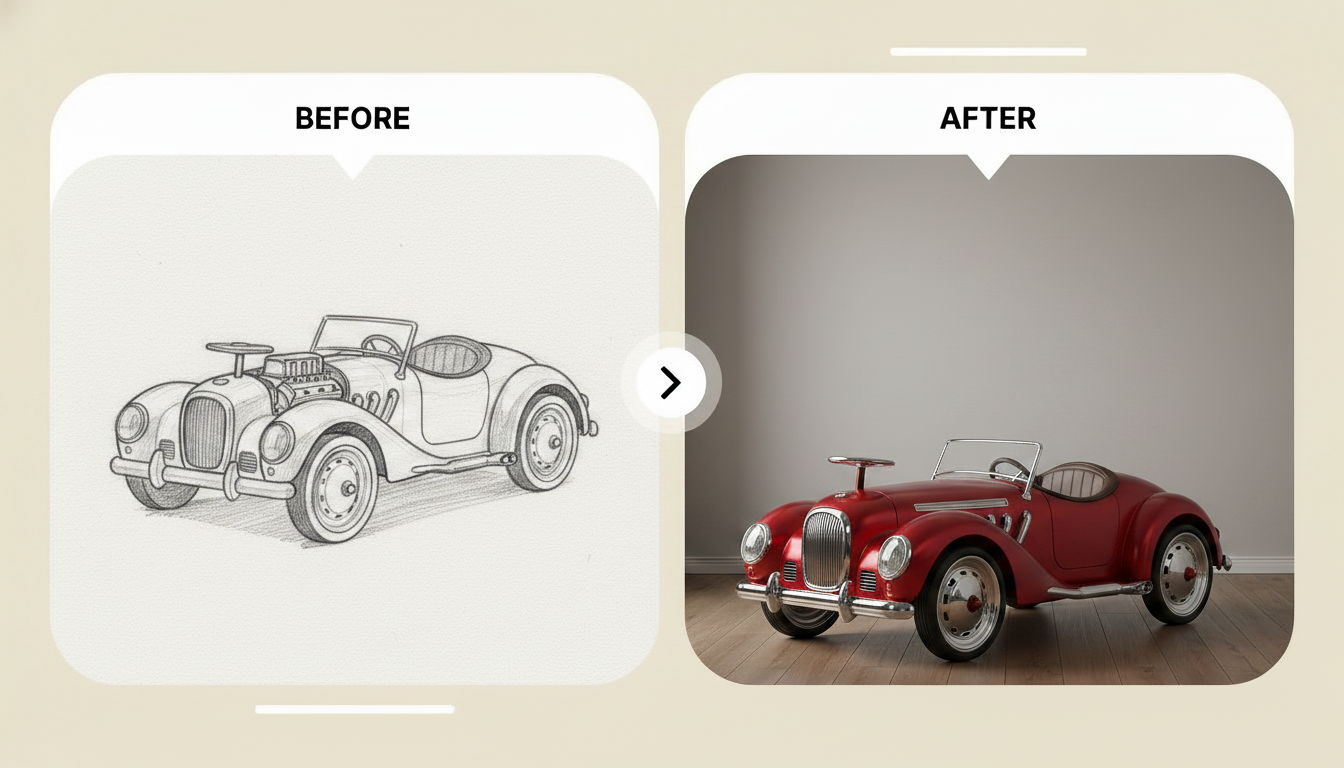 Create high-quality product design using simple sketches
ImagineArt Sketch to Render brings a capability to the wireframing and prototyping stage that no traditional design tool offers. Upload a rough hand-drawn sketch, and the AI transforms it into a polished, presentation-ready rendered visual. For product designers who think visually and sketch before they build, this removes the gap between the sketch phase and a communicable visual concept. It is particularly useful for presenting early-stage ideas to clients or stakeholders before a full design is ready, and for concept artists and product designers who want to move quickly from hand-drawn thinking to high-fidelity reference imagery.
Best for: Product designers and concept artists who sketch before they build and need to move quickly from rough drawings to polished visual references.
Pricing:
- Free — limited renders per month
- Pro — ~$9/month, increased render limits and commercial use
- Advanced — ~$19/month, priority generation, advanced models, full commercial license
- Enterprise — custom pricing via ImagineArt Enterprise
Figma AI
Figma remains the dominant platform for product design, and its AI features have made it considerably more powerful. Auto-layout suggestions, AI-assisted component generation, and design system recommendations reduce the manual work involved in building and maintaining screens. For teams already working in Figma, the AI features integrate naturally into existing workflows without requiring any additional tooling.
Best for: Product design teams already working in Figma who want AI assistance embedded directly into their existing workflow.
Pricing:
- Free — up to 3 Figma files, unlimited personal projects, basic prototyping
- Professional — $15/editor/month, unlimited files, advanced prototyping, version history
- Organization — $45/editor/month, design systems, SSO, advanced admin controls
- Enterprise — $75/editor/month, dedicated workspaces, guest access controls, compliance features
Uizard
Uizard is one of the most accessible AI wireframing tools available. It converts hand-drawn sketches into digital wireframes and generates UI layouts from text prompts, making it a practical tool for early-stage ideation when speed matters more than precision. It is particularly useful for non-designers who need to communicate product ideas visually before a design team gets involved.
Best for: Early-stage product teams, founders, and product managers who need to visualize product ideas quickly without deep design skills.
Pricing:
- Free — limited projects and AI generations per month
- Pro — $12/month, unlimited projects, advanced AI wireframing, custom templates
- Business — $29/month per editor, team collaboration, priority support
Visily
Visily generates wireframes from screenshots, text descriptions, and templates using AI, making it one of the fastest ways to get from a rough concept to a structured layout. It is particularly strong at interpreting existing UI patterns and adapting them to new contexts, which makes it useful for designers working on competitive analysis or redesign projects.
Best for: Product designers who need to move quickly from visual references or text descriptions to structured wireframe layouts.
Pricing:
- Free — limited projects, core wireframing features
- Starter — $10/editor/month, unlimited AI wireframes and template access
- Pro — $20/editor/month, advanced collaboration, export options, and design handoff
- Enterprise — custom pricing with SSO and dedicated support
Framer AI
Framer AI generates interactive web and app prototypes directly from text prompts. Unlike static wireframing tools, Framer produces prototypes with real interactions and animations, which makes it significantly more useful for communicating product behavior to stakeholders and developers. Its output quality is strong enough that many teams use Framer prototypes as the basis for production builds.
Best for: Product designers and teams who need interactive, high-fidelity prototypes quickly for stakeholder presentations and developer handoff.
Pricing:
- Free — 1 project, basic interactions, Framer subdomain
- Mini — $5/month, 1 custom domain, basic CMS
- Basic — $15/month, unlimited pages, CMS, and SEO tools
- Pro — $30/month, advanced CMS, custom code, password protection
- Enterprise — custom pricing for teams with advanced collaboration and compliance needs
Best AI Tools for Visual and UI Design
Visual design is where a product's personality takes shape. Color, typography, illustration, and imagery define how users feel about a product before they have read a single word. AI product design tools are making it faster to explore visual directions and produce high-quality assets.
ImagineArt Nano Banana Pro
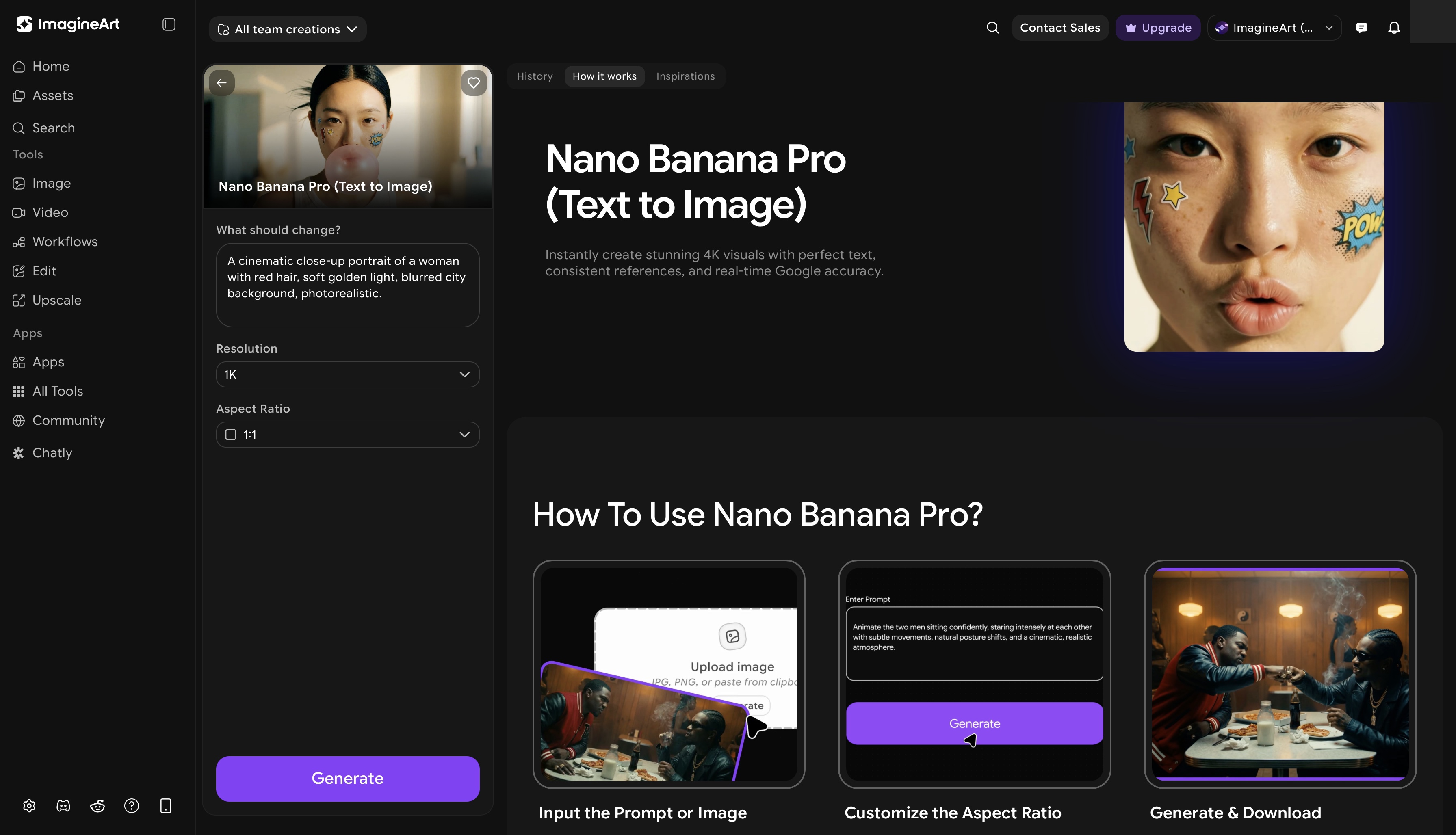 ImagineArt Nano Banana Pro app dashboard
For product designers who need custom visual assets, ImagineArt Nano Banana Pro app is one of the most versatile tools available. Using text prompts, designers can generate UI illustrations, product visuals, icons, infographics, and brand imagery tailored precisely to the product's visual language. This eliminates the time spent searching stock libraries for assets that never quite fit, and removes the bottleneck of waiting on an illustrator for custom work. The output integrates cleanly into product design files, and the AI image editor allows further refinement once assets are generated. For teams that need both generation and editing in the same workflow, the combination of Nano Banana Pro and the AI image generator covers a wide range of visual design needs.
Best for: Product designers who need fast, custom visual assets including illustrations, icons, and brand imagery tailored to their product's visual direction.
Pricing:
- Free — limited generations per month
- Pro — ~$9/month via ImagineArt Pro, increased volume and commercial use
- Advanced — ~$19/month, priority generation, advanced model access, full commercial license
- Enterprise — institutional access via ImagineArt Enterprise
Galileo AI
Galileo AI generates high-fidelity UI designs from text prompts, producing detailed, layered design files that can be imported directly into Figma for further refinement. It is one of the most capable text-to-UI tools available, and the quality of its output is strong enough to serve as a genuine starting point rather than a rough draft that needs rebuilding from scratch.
Best for: Product designers who need a fast starting point for UI screens and want to skip the blank canvas phase entirely.
Pricing:
- Free trial — limited generations to evaluate output quality
- Pro — $39/month, unlimited UI generation, Figma export, and priority access
- Teams — custom pricing for collaborative team access
Khroma
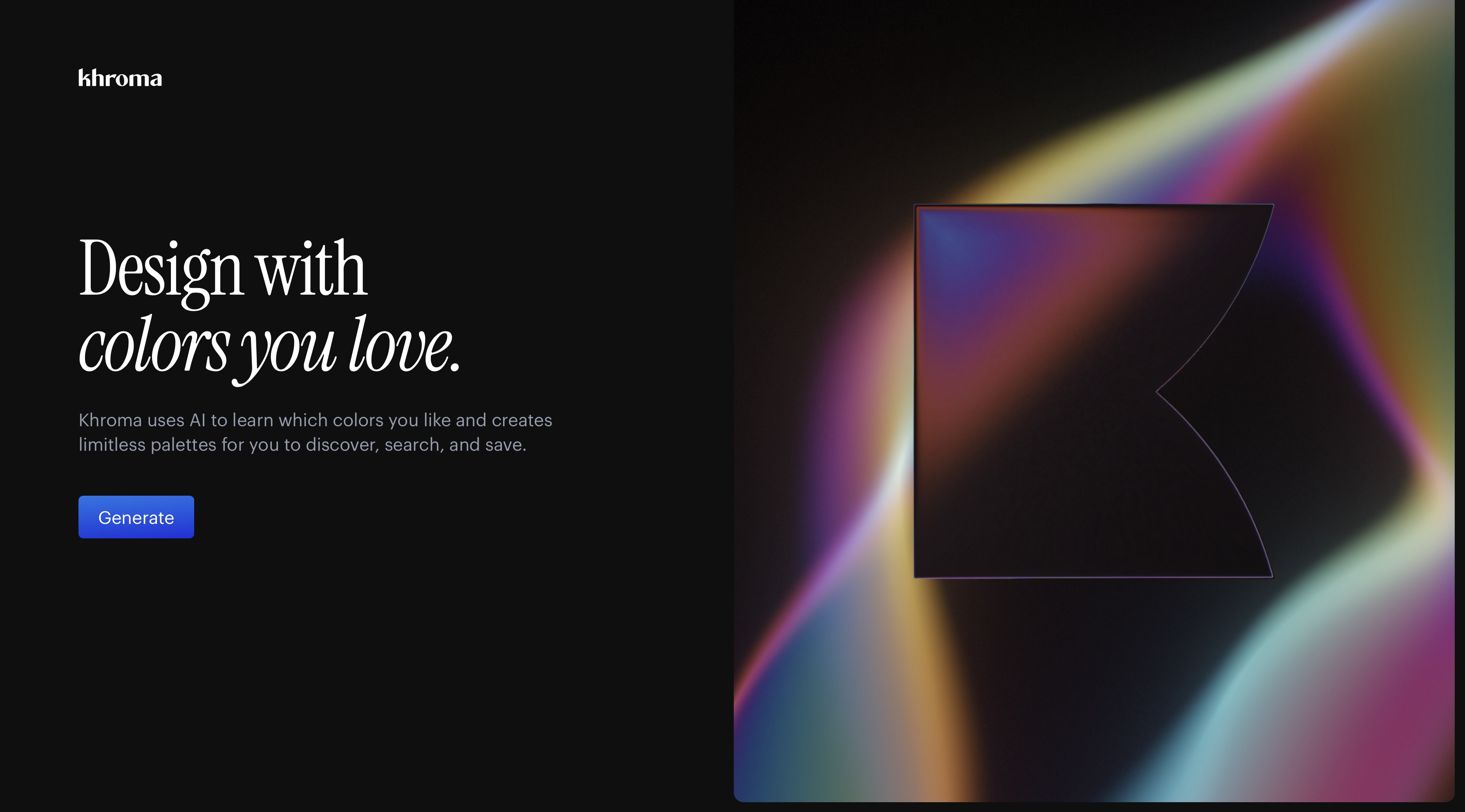
Khroma is an AI-powered color tool that learns a designer's color preferences and generates unlimited palettes based on those preferences. For product designers building a visual identity or refining a design system, it removes a significant amount of the trial-and-error work from color selection and makes it easy to explore a wide range of options quickly.
Best for: Product and brand designers who want AI assistance in building and exploring color systems for digital products.
Pricing:
- Free — fully free, no paid tiers currently
- No subscription required — generate and explore unlimited color palettes at no cost
Magician (Figma Plugin)
Magician is an AI design assistant that lives inside Figma, adding AI capabilities directly to the tool most product designers already use daily. It handles copywriting, icon generation, image generation, and design suggestions without requiring designers to leave their workspace. For teams committed to the Figma ecosystem, it is one of the most practical AI tools for designers looking to accelerate their existing workflow.
Best for: Figma-based product design teams who want AI assistance for copy, icons, and image generation without switching tools.
Pricing:
- Free — limited AI credits per month
- Pro — $6/month, unlimited credits for copy, icon, and image generation inside Figma
Best AI Tools for Moodboarding
Moodboarding sets the visual direction for a product before a single screen is designed. A strong moodboard aligns the team on tone, color, typography, and aesthetic direction early, which saves significant rework later in the process. AI is making moodboarding faster and more precise.
ImagineArt AI Image Generator
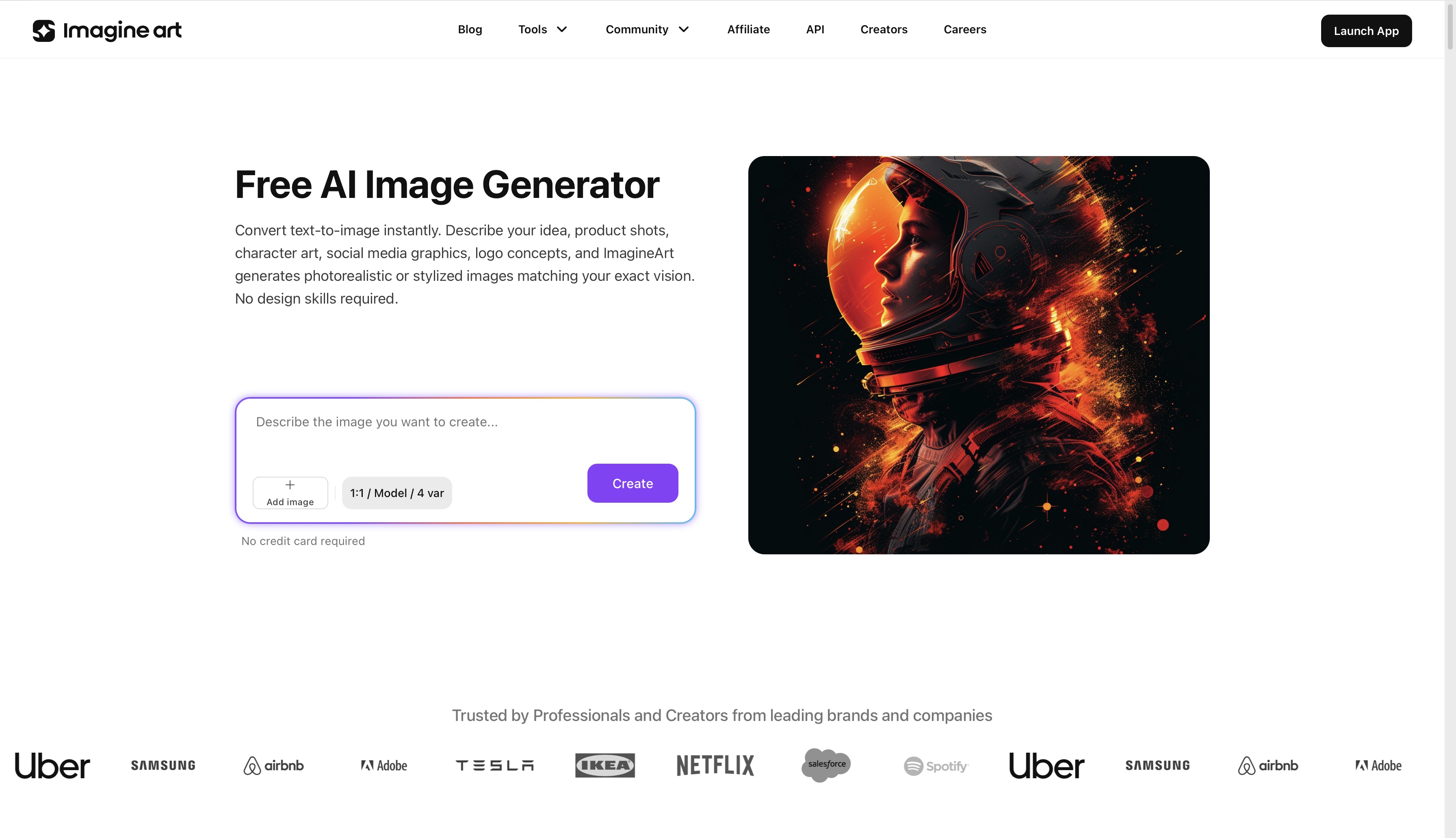 ImaginArt AI Image Generator dashboard
ImagineArt AI image generator changes the moodboarding process in a fundamental way. Instead of sourcing reference images from stock libraries, designers can generate exactly the visual tone, style, color palette, and aesthetic direction they have in mind from a text description. This means moodboards become more specific, more intentional, and faster to produce. Rather than settling for reference images that are close to the idea, designers can generate imagery that precisely captures the visual direction they are trying to communicate. The AI image generator handles generation, and the AI image editor allows refinement once the direction is set.
Best for: Product designers and creative directors who want moodboards built from custom-generated imagery that precisely matches the visual direction rather than stock references that approximate it.
Pricing:
- Free — limited image generations per month
- Pro — ~$9/month, expanded generation limits and commercial use
- Advanced — ~$19/month, priority generation, advanced models, full commercial license
- Enterprise — custom pricing for agencies and studios via ImagineArt Enterprise
Milanote
Milanote is a visual planning and moodboarding tool built for creative and product design workflows. It gives designers a flexible canvas to collect images, color swatches, typography references, and notes in a format that communicates visual direction clearly to stakeholders and team members. Its simplicity and visual clarity make it a favorite among product and UX designers who want a moodboarding tool that does not get in the way.
Best for: Product and UX designers who need a clean, visual workspace for collecting and presenting moodboard references.
Pricing:
- Free — up to 100 notes and images, core canvas features
- Pro — $12.50/month (billed monthly) or $9.99/month (billed annually), unlimited content and collaboration
- Teams — $12.50/member/month, shared team workspaces and admin controls
Mural
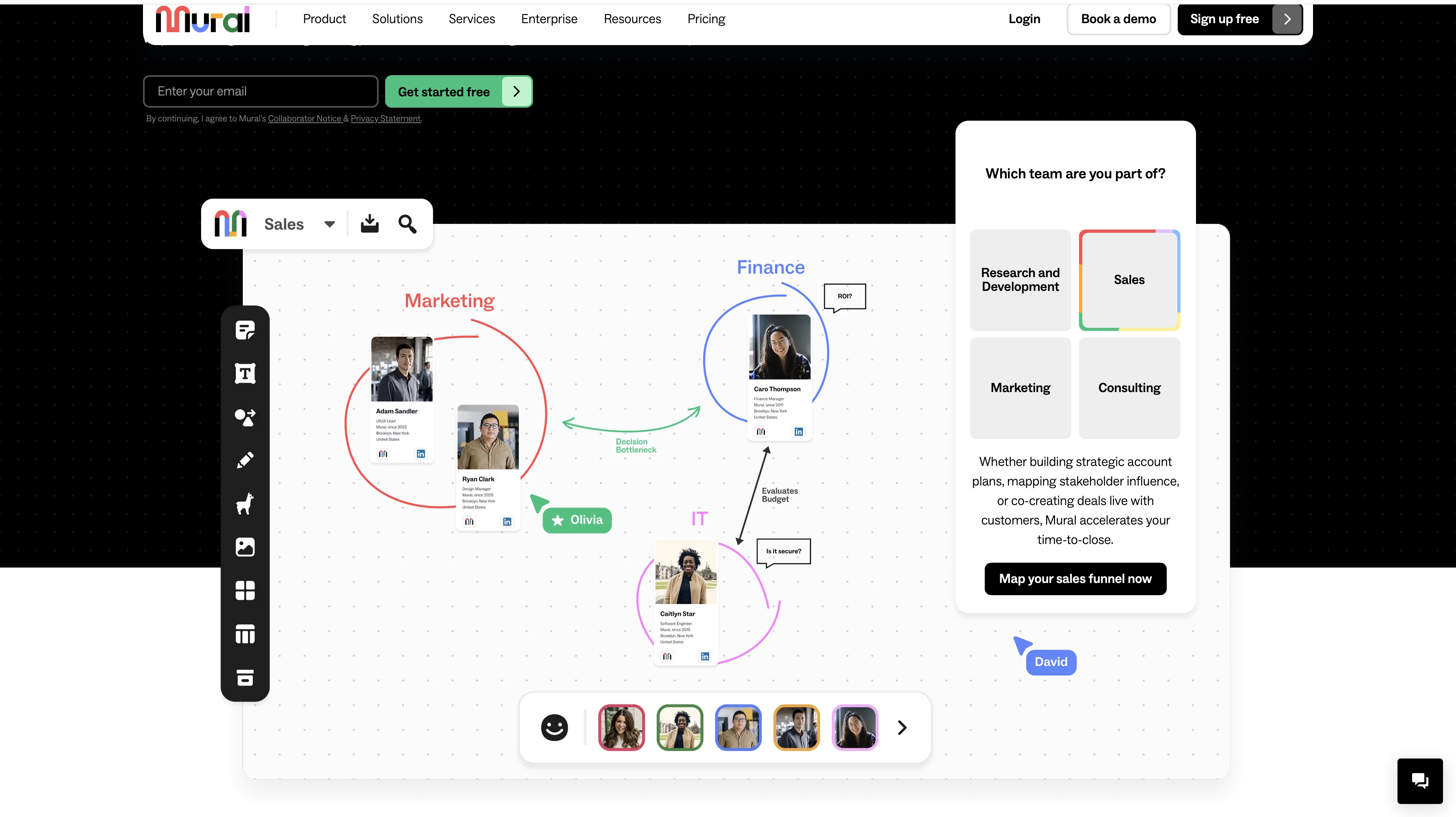
Mural is a collaborative digital whiteboard with AI features that make it useful for visual ideation and moodboarding in team settings. Its AI tools help generate content, organize ideas, and facilitate design thinking exercises, making it particularly strong for distributed product teams who need to align on visual direction without being in the same room.
Best for: Distributed product design teams who need a collaborative visual workspace for ideation, moodboarding, and design thinking sessions.
Pricing:
- Free — 3 active murals, unlimited members
- Team+ — $17.99/member/month (billed monthly) or $9.99/member/month (billed annually), unlimited murals
- Business — $17.99/member/month (annual), advanced security and admin controls
- Enterprise — custom pricing with SSO, compliance, and dedicated support
Best AI Tools for Design Research and User Insights
Good product design starts with understanding users. AI tools are making it significantly faster to collect, analyze, and act on user research, which means designers spend less time processing data and more time applying insights to design decisions.
Maze
Maze is an AI-powered usability testing platform that allows product teams to run moderated and unmoderated tests, analyze results, and surface actionable insights from user behavior data. Its AI features help identify patterns across test sessions and prioritize the findings that matter most, reducing the time it takes to translate research into design decisions.
Best for: Product designers and UX researchers who need fast, scalable usability testing with AI-assisted analysis.
Pricing:
- Free — 1 study per month, limited responses
- Starter — $99/month, 3 studies per month, advanced reporting
- Team — custom pricing for larger teams with unlimited studies and collaborative analysis
- Enterprise — custom pricing with SSO, advanced security, and dedicated support
Dovetail
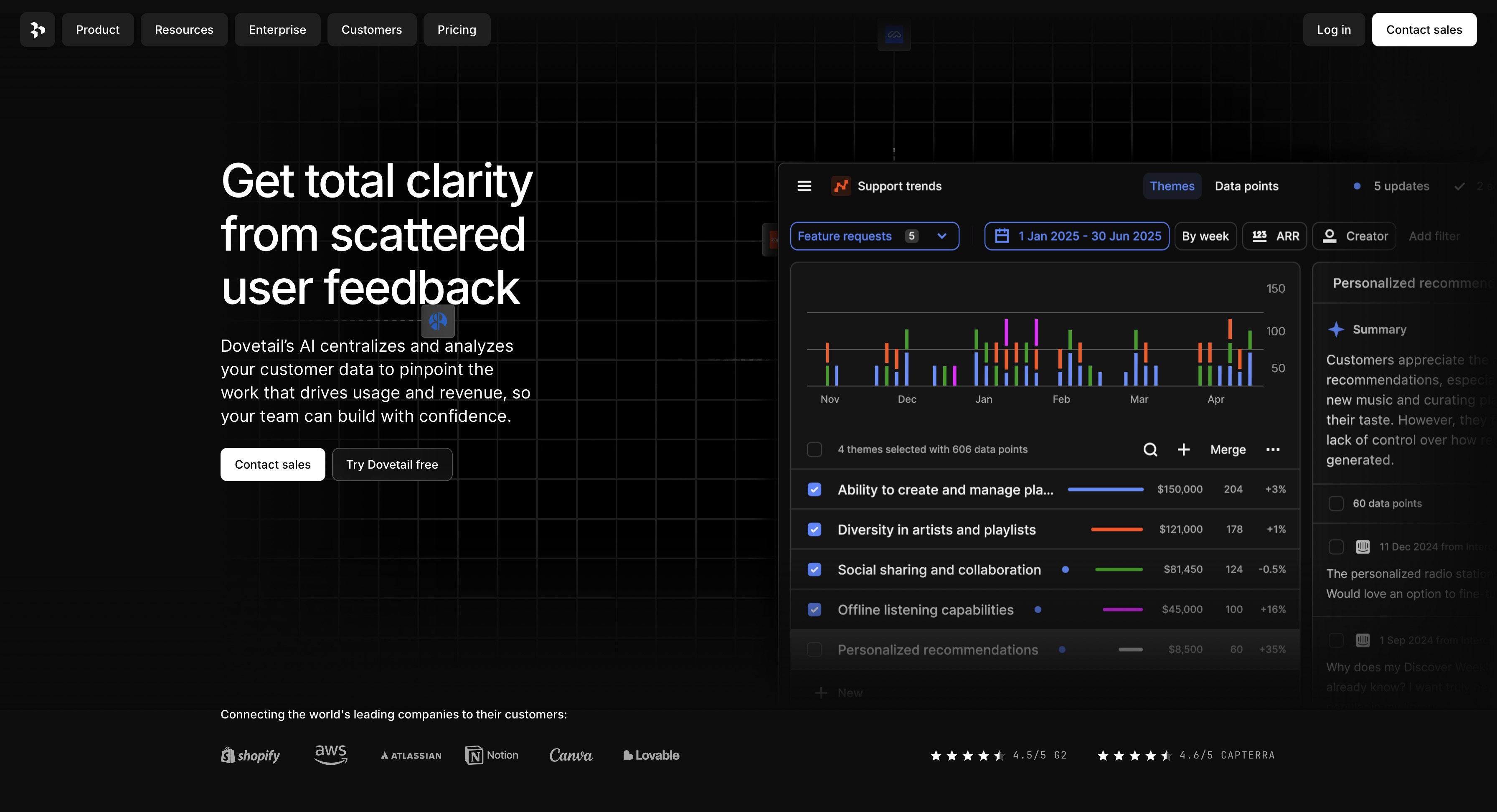
Dovetail is a research analysis platform that uses AI to turn user interviews, survey responses, and usability notes into structured insights. It transcribes interviews, identifies themes, and surfaces patterns across large volumes of qualitative data, cutting the analysis time that traditionally makes research a bottleneck in fast-moving product teams.
Best for: UX researchers and product teams who conduct regular user interviews and need a faster way to synthesize qualitative research into actionable design insights.
Pricing:
- Free — limited data storage and projects
- Professional — $29/month per user, unlimited projects, AI analysis, and transcription
- Enterprise — custom pricing with SSO, advanced data controls, and compliance features
Sprig
Sprig embeds AI-powered surveys and feedback tools directly into a live product, capturing user insights in context rather than after the fact. Its AI analysis identifies trends across responses and surfaces the issues most likely to affect user satisfaction and retention. For product teams that want continuous feedback loops rather than periodic research sprints, it is one of the most practical tools available.
Best for: Product teams who want continuous, in-product user feedback with AI-assisted analysis built into their design iteration cycle.
Pricing:
- Free — limited responses per month, core survey features
- Starter — $175/month, higher response limits and AI analysis
- Growth — custom pricing for larger teams with continuous feedback and advanced segmentation
- Enterprise — custom pricing with dedicated support and compliance controls
Best AI Design Tools for Collaboration
Product design is rarely a solo activity. The best AI design tools for collaboration keep teams aligned, reduce feedback loops, and make it easier to move from decision to execution without losing momentum. Here are the tools that make distributed and cross-functional product design teams work better together.
ImagineArt Workflows
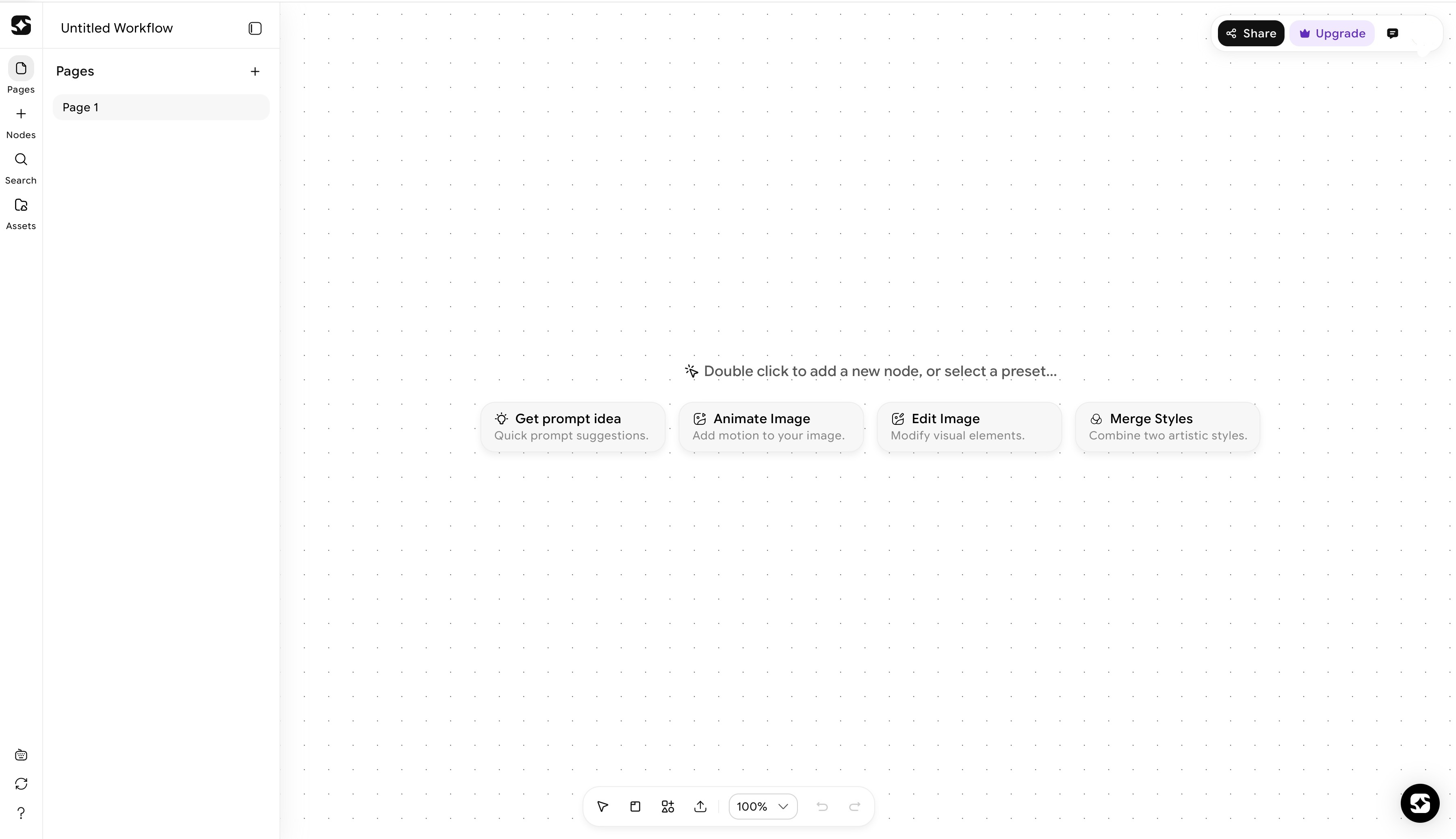
For product design teams producing high volumes of visual assets, ImagineArt Workflows introduces a level of automation that traditional design tools cannot match. Instead of generating assets one at a time, teams can build shared, repeatable multi-step workflows that produce consistent, on-brand imagery, illustrations, and visual content at scale. This is particularly valuable for design teams with multiple contributors who need to maintain visual consistency across a large volume of output. The AI workflow tools significantly reduce the time spent on repetitive production tasks while keeping every asset aligned to the same visual standards.
Best for: Product design teams and agencies managing high-volume visual asset production who want to automate repetitive generation and editing tasks across multiple contributors without sacrificing consistency.
Pricing:
- Free — limited workflow runs per month within the ImagineArt free tier
- Pro — ~$9/month, workflow automation access for standard production tasks
- Advanced — ~$19/month, expanded workflow capacity and priority processing
- Enterprise — custom pricing for teams managing high-volume batch production, includes API access and dedicated support
Also read: AI Workflows for Creative Teams
Miro
Miro is one of the most widely used AI-powered collaborative whiteboards for product design teams. It supports design critiques, sprint planning, ideation sessions, and visual feedback workflows across distributed teams in real time. Its AI features help organize and summarize board content, surface key decisions from collaborative sessions, and keep large visual workspaces navigable as projects grow. For teams that need a flexible shared canvas that works across design, product, and engineering, Miro is one of the most practical tools available.
Best for: Distributed product design teams who need a collaborative visual workspace for ideation, design critiques, sprint planning, and cross-functional alignment.
Pricing:
- Free — 3 editable boards, unlimited team members
- Starter — $8/member/month (billed annually), unlimited boards, basic integrations
- Business — $16/member/month (billed annually), advanced collaboration, private boards, SSO
- Enterprise — custom pricing with advanced security, compliance, and dedicated support
Zeroheight
Zeroheight is a design system documentation platform that connects directly to Figma and other design tools, pulling components and styles into living documentation that stays in sync with the design file. Its AI features assist with writing component descriptions and maintaining documentation accuracy, which reduces the effort required to keep design system docs useful and current across a growing team.
Best for: Design teams who need accurate, living design system documentation that stays synchronized with their design files and accessible to the whole product team.
Pricing:
- Free — 1 styleguide, limited pages
- Launch — $149/month, 3 styleguides, unlimited contributors, core integrations
- Growth — $399/month, unlimited styleguides, advanced integrations, analytics
- Enterprise — custom pricing with SSO, advanced permissions, and SLA support
Supernova
Supernova handles design system management and developer handoff in a single platform, connecting design tokens, components, and documentation into a workflow that keeps design and development aligned. Its AI features automate parts of the token management and documentation process, reducing the manual overhead that typically makes design system maintenance a time-consuming task for large product teams.
Best for: Product design and engineering teams who need a tightly integrated design system management and handoff workflow at scale.
Pricing:
- Free — 1 design system, core token and component management
- Team — $18/editor/month (billed annually), unlimited design systems, advanced handoff
- Enterprise — custom pricing with SSO, advanced governance, and dedicated onboarding
Best AI Tools for Product Video and Motion Design
Product demos, onboarding flows, feature announcements, and motion design have become core parts of the product experience. AI tools for product design are making it faster to produce high-quality video and motion content without a dedicated video production team.
ImagineArt AI Video Editor
ImagineArt AI Video Editor handles end-to-end video editing with AI assistance, making it practical for product teams to produce polished product demo videos, onboarding walkthroughs, and feature announcement content without the time investment of traditional video editing. For design teams that need to produce video content regularly, the AI video editor cuts production time significantly while maintaining a professional output quality.
Best for: Product designers and marketing teams who need to produce regular product video content without a dedicated video editor.
Pricing:
- Free — limited exports per month
- Pro — ~$9/month, higher output volume and commercial use
- Advanced — ~$19/month, priority processing and full commercial license
- Enterprise — custom pricing for teams producing high-volume video content
ImagineArt Kling Motion Control
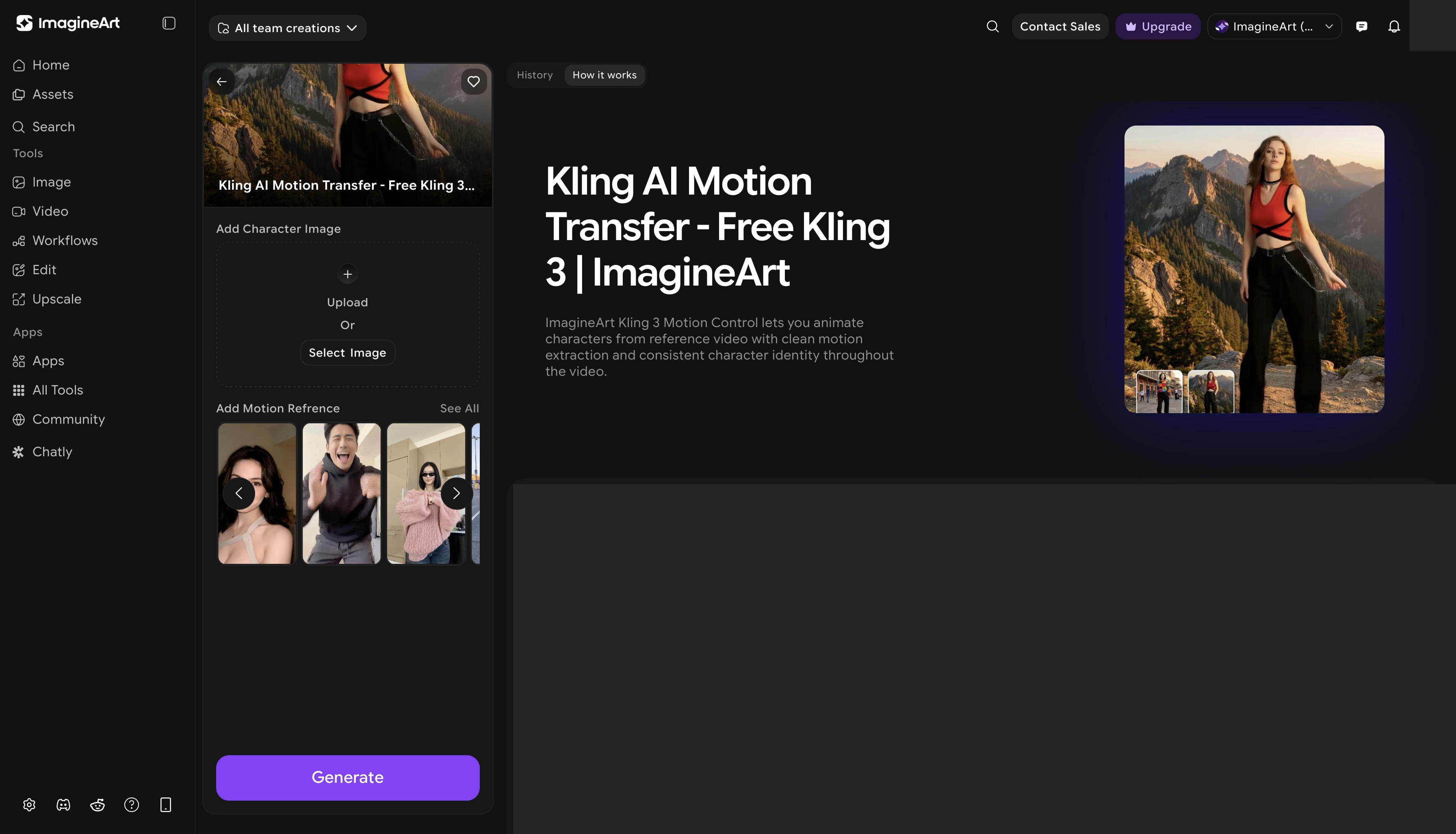
ImagineArt Kling Motion Control brings AI-driven motion to product visuals, allowing designers to apply cinematic movement and dynamic animation to static assets. For product teams creating UI animation references, motion design concepts, or visually striking product showcases, it opens up creative possibilities that would otherwise require specialist motion design skills. Pair it with the AI video generator for a complete AI-powered motion and video production workflow.
Best for: Product designers and motion designers who need to produce dynamic, animated product visuals and UI motion references without specialist animation software.
Pricing:
- Free — limited exports per month
- Pro — ~$9/month, higher output volume and commercial use
- Advanced — ~$19/month, priority processing and full commercial license
- Enterprise — custom pricing for teams producing high-volume video content
How to Build Your AI Product Design Stack
Building an effective AI product design stack is not about adopting every tool available. It is about identifying where AI adds the most value in your specific workflow and filling those gaps deliberately.
For solo product designers, the priority is tools that cover the most ground without creating complexity. Figma AI handles core design work. ImagineArt covers visual asset generation, moodboarding, and motion. Maze or Sprig handles user research. That combination covers most of what a solo designer needs without an unwieldy stack.
For small product teams, collaboration and consistency become the priority. Miro keeps the team aligned across design critiques and sprint planning. Zeroheight keeps design systems documented and accessible. Dovetail handles research synthesis. ImagineArt Workflows automates repetitive asset production. Adding ImagineArt Nano Banana Pro for custom visual assets rounds out the visual production side.
For enterprise product teams, the considerations shift toward scale, integration, and governance. ImagineArt Enterprise, Supernova for design system management, and Sprig for continuous user feedback form a strong core. The key is ensuring AI tools integrate with existing development and product management workflows rather than operating in parallel.
Where AI adds the most value in a product design workflow is typically in the early and late stages: ideation and asset production. The middle stages, the core design decisions about layout, interaction, and information architecture, still benefit most from experienced human judgment. Use AI to move faster at the edges and free up time for better thinking in the middle.
Ready to Create Product Design with ImagineArt?
The best AI product design tools in 2026 cover every stage of the workflow, from the first rough sketch to final motion and video production. The right AI tools for product design depend on where you are in the process and where your workflow has the most friction. Start with the stage that costs you the most time, find the tool that addresses it directly, and build from there. The designers and teams getting the most out of AI are not using it everywhere at once. They are using it precisely, where it matters most.
Frequently Asked Questions
The best AI product design tools depend on the stage of the workflow. For wireframing and prototyping, Figma AI and ImagineArt Sketch to Render lead the category. For visual and UI design, Galileo AI and ImagineArt Nano Banana Pro are strong options. For moodboarding and visual direction, ImagineArt AI image generation tools are the most flexible. For research, Maze and Dovetail cover usability testing and qualitative analysis respectively. For collaboration, Miro and ImagineArt Workflows keep distributed teams aligned and productive.
AI is used across the full product design workflow. In the early stages, it accelerates ideation through wireframe generation, visual concept creation, and moodboarding. In the production stage, it automates asset generation, component suggestions, and documentation. In the research stage, it speeds up usability analysis and user insight synthesis. The best AI tool for product design is ultimately the one that reduces friction at the specific stage where your workflow slows down the most.
No. AI tools for product design are accelerators, not replacements. An AI product designer still needs human expertise to make the decisions that define a good product: understanding user needs, making the right trade-offs, and creating experiences that feel genuinely useful. AI handles the parts of the workflow that are repetitive, time-consuming, or dependent on pattern recognition. The designers who get the most out of AI tools are those who use them to move faster on production work so they can invest more time in those higher-order decisions.
ImagineArt fits into multiple stages of a product design workflow. In ideation, Sketch to Render transforms rough concepts into polished visual references. In visual design, Nano Banana Pro generates custom UI illustrations, icons, and brand assets. In moodboarding, the image generation tools produce precise visual direction assets without relying on stock libraries. In motion and video, Kling Motion Control and the AI Video Editor handle product demo and animation content. ImagineArt Workflows automates repetitive asset production for teams working at scale.
Recommended read: AI Tools for Product Marketing
Tooba Siddiqui
Tooba Siddiqui is a content marketer with a strong focus on AI trends and product innovation. She explores generative AI with a keen eye. At ImagineArt, she develops marketing content that translates cutting-edge innovation into engaging, search-driven narratives for the right audience.