
Sophia Felix
June 24, 2024 • Updated November 20, 2024
4 mins Read
Creativity is key in education. It helps students think differently and solve problems in new ways. Traditional teaching methods sometimes fail to keep students interested. This is where technology can help. Imagine AI Image Generator's Ideate offers a new approach. This tool mixes art and learning in a fun, interactive way. It makes learning more engaging and effective. Let’s see how this tool can change the classroom.
What is Ideate?
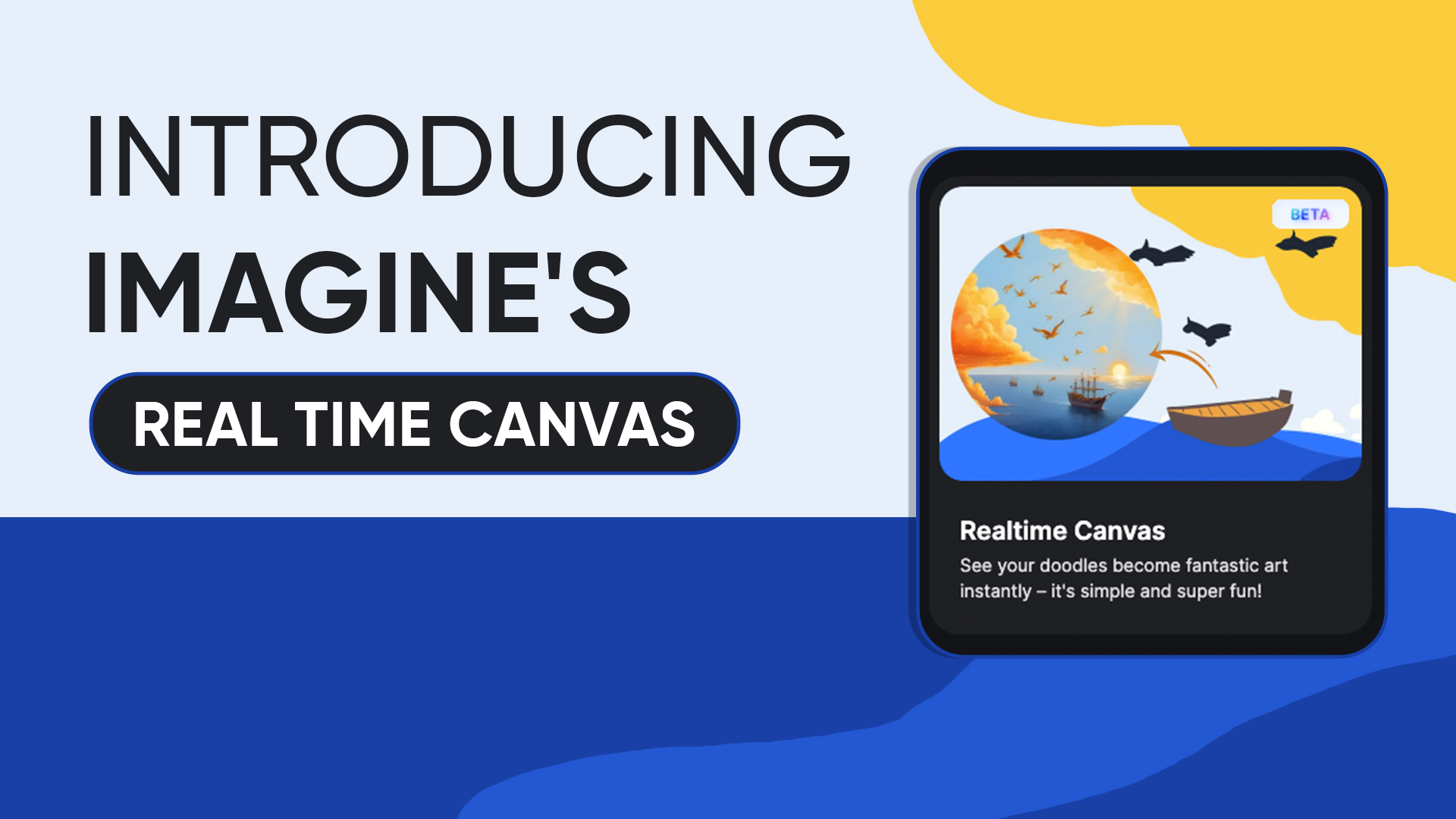
Ideate is a digital tool. It lets people create art in real-time. You can see changes and additions instantly. It converts your inputs into digital drawings. The best part is that you don't have to wait even for a bit. All this conversion happens in real time. Imagine Art Ideate is perfect for classrooms. It helps teachers and students make art in real-time. This tool makes art interactive. Students can watch their work change. Teachers can guide them right away. It makes teamwork easy and fun. It's like a shared digital art board where everyone can add their ideas.
How Ideate Supports Creative Learning
The Ideate feature supports creative learning. Here are a few examples of how it helps in creativity.
Creative Freedom
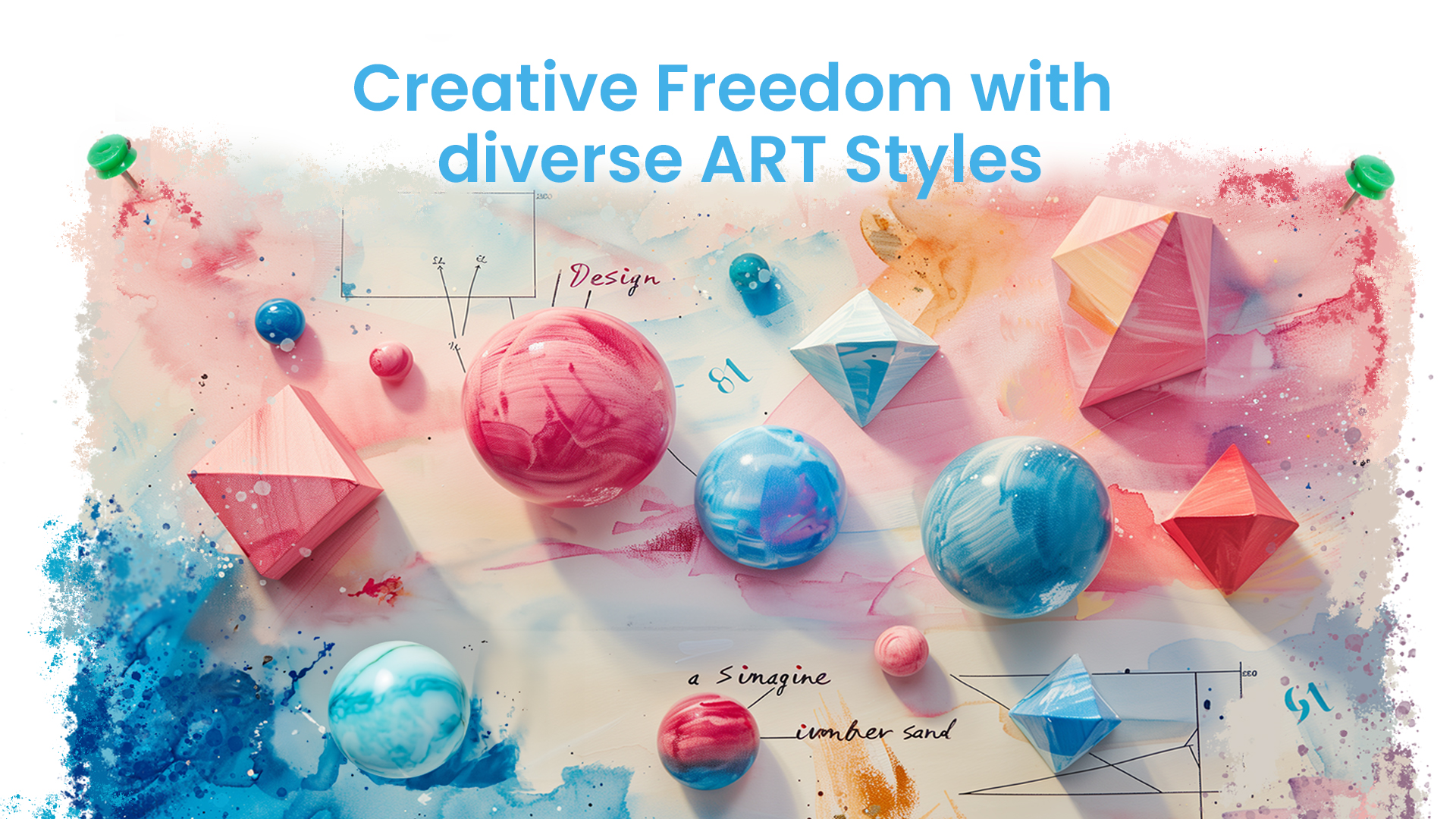
Students try new things. The best part is that it also removes the fear of mistakes. Creativity grows in a supportive setting. This tool lets them explore different styles and techniques. Ideate lets students push their limits. It's a safe space for artistic expression.
 Generated with Imagine
Diverse Art Styles
Imagine Art Ideate offers many creative options. It allows students to express their ideas using different art styles. This helps them learn and makes their unique voices shine.
Personalized Learning Experiences
The tool adjusts to each student's learning and makes them feel in charge. This allows them to work at their own pace. It helps to keep things interesting. All this increases their confidence.
Benefits of Ideate
Imagine Art Ideate comes with many plus points in learning environments. Here are the benefits it provides.
Engagement
Ideate makes learning cool! They see their work update right away, which keeps them on track. It's no longer just watching; it's doing! This grabs their attention and makes learning fun.
Collaboration
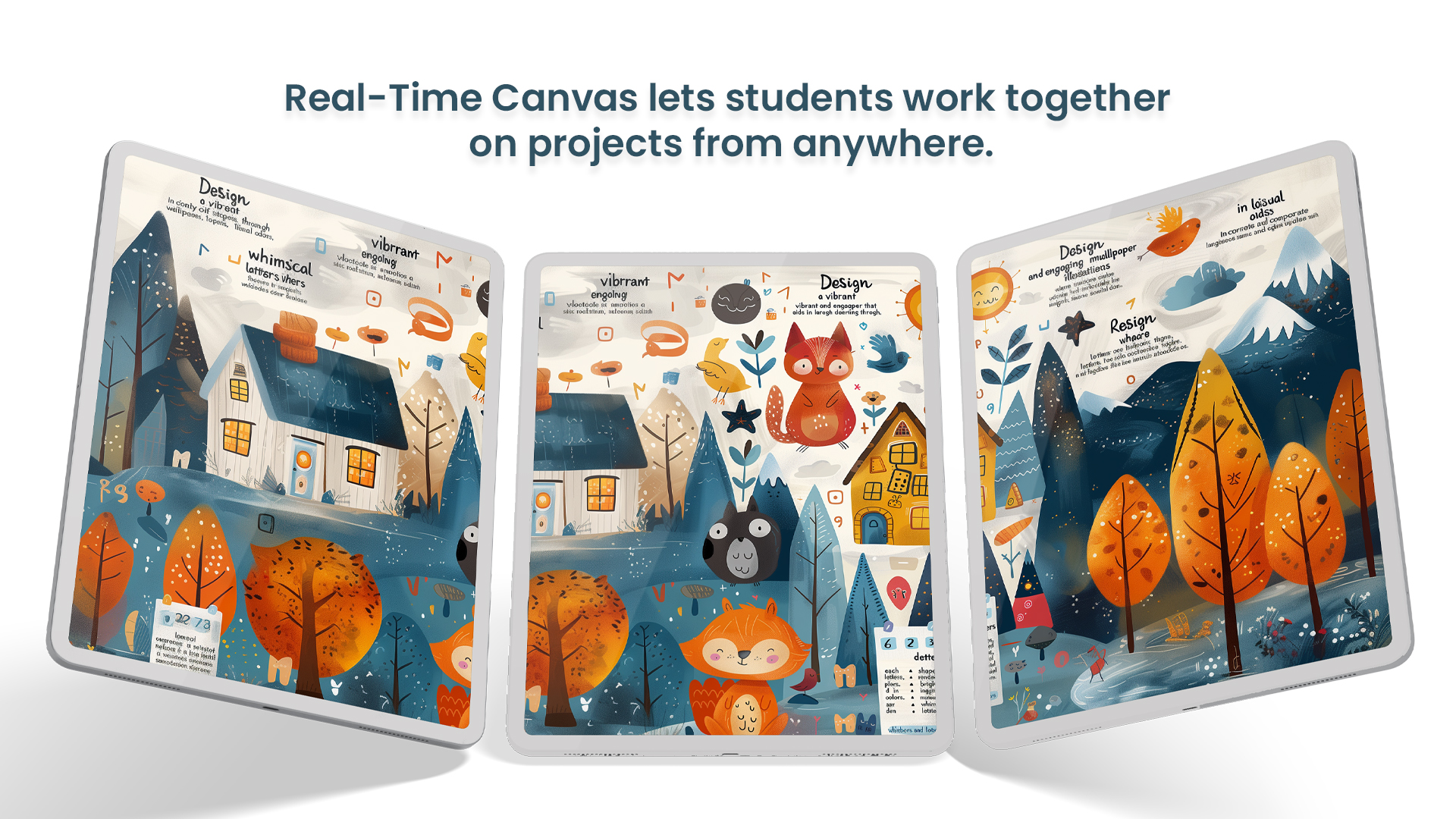
Teamwork makes the dream work! Ideate lets students work together on projects from anywhere. Share ideas, be a team player, and have fun.
 Generated with Imagine
Real-Time Feedback
Teachers can give instant feedback. The best part is the student can make changes on the spot. This speeds up the learning process. All this makes the feedback more relevant and improves learning.
Applications of Ideate
Group Art Projects
Using this tool, students work together on art projects. They learn teamwork and share ideas. This helps complete the project real fast and in an effective manner. This fosters a sense of community.
Creative Exercises
Teachers can use the canvas for interactive lessons. They can create fun tasks for students to keep them engaged. It also helps students visualize concepts, making learning more effective.
How to Get Started with Ideate in Education
1. Open Imagine AI Art Generator:
Go to the Imagine AI Art Generator website and log in.
2. Access Ideate:
After logging in, go to your dashboard, usually the main page. Look for "Ideate" in the menu or creative tools section.
3. Start Creating:
Click on "Realtime Canvas" to open the workspace.
Begin with a blank canvas where you can create your art.
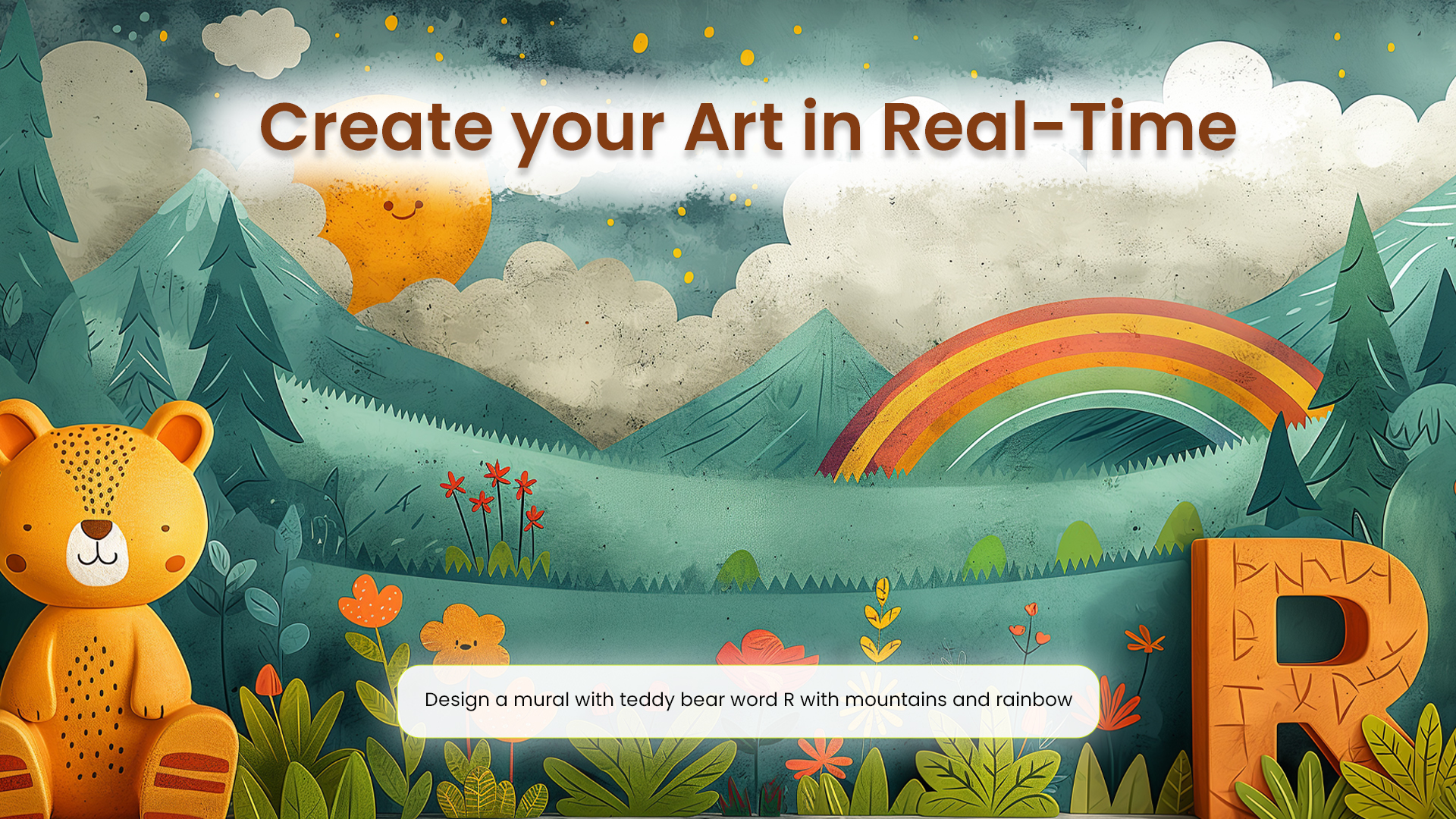 Generated with Imagine
4. Describe Your Art:
Enter a detailed description of your artwork in the prompt field. Include style, composition, colors, and other details for customization.
5. Watch the AI Create:
As you type your description, see how AI brings your vision to life on the canvas.
FAQs
Ideate is a digital tool by Imagine AI Image GeneratorAI Image Generator. It allows the real-time creation of digital art with instant updates.
It supports creativity by enabling students to experiment without fear. It also offers various styles and allows teachers to give immediate feedback.
Yes, the Ideate feature of Imagine AI Art GeneratorAI Art Generator is free to use. You only need to sign in using an account.
It offers five different art styles. These styles help make customizable artwork.
Conclusion
Imagine Art Ideate transforms the learning experience. It makes education more interactive, creative, and fun. This tool helps students learn better and enjoy the process. Try Ideate today! Imagine AI Ideate is not just a tool. It's a new way to learn and create. It helps students grow as artists and as learners. Use it to turn the environment of your class into a creative hub.
Sophia Felix
Sophia Felix is an AI enthusiast and content marketer passionate about the way technology reshapes creativity and the human experience. She dives into the latest AI trends, making complex tech accessible and inspiring for everyone.