
Tooba Siddiqui
January 9, 2024 • Updated August 4, 2026
10 mins Read
Your album cover is the first thing a listener sees before they hear a single note. In 2026, independent artists can create professional-quality album art from a single text prompt — no Photoshop, no design degree, no expensive hire. This guide shows you exactly how to create an album cover with AI using ImagineArt, with updated step-by-step instructions and ready-to-use prompts for every major music genre.
Spotify now hosts over 100 million tracks. In that landscape, album art is not decoration but the difference between a click and a scroll past.
What Is an AI Album Cover?
An AI album cover is music artwork generated by an AI image generator from a text prompt — you describe the visual style, mood, and imagery, and the AI produces the artwork without design software or artistic skill. Unlike commissioning a designer or learning Illustrator, the entire process takes minutes: describe what you want, the model generates it, and you download it ready for upload to Spotify, Apple Music, or SoundCloud.
ImagineArt AI album cover generator supports multiple AI models — including ImagineArt 2.0, Nano Banana Pro, and GPT Image 2 — each producing different visual styles from the same prompt. You can test all of them with 100 free daily credits before committing to a subscription.
How to Create an Album Cover with AI — Step by Step
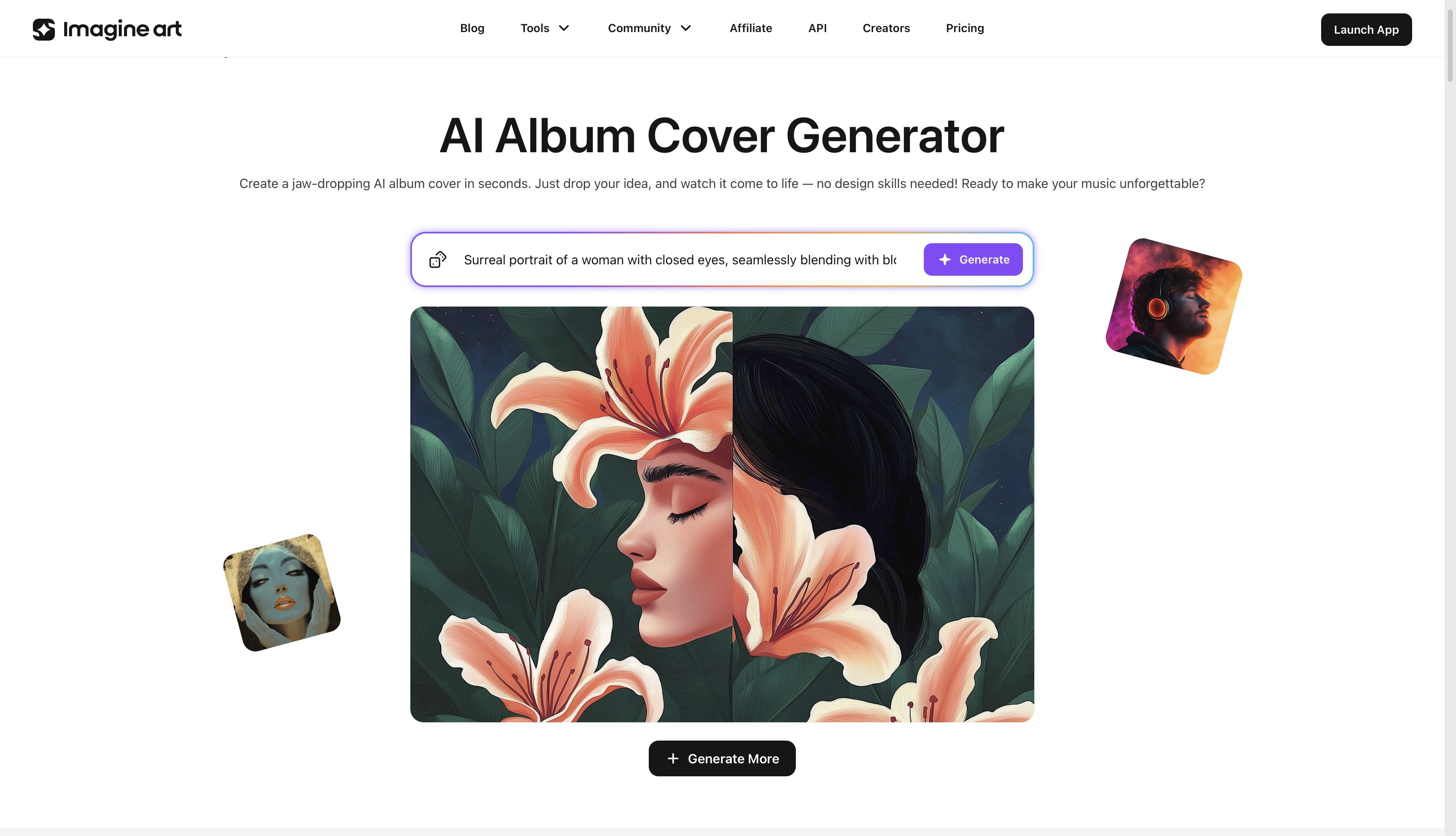
Step 1: Define Your Visual Concept
Before you write a prompt, decide on three things: the mood you want the cover to convey, the imagery that represents your sound, and the color palette. A trap artist might want deep black and gold with hard edges. A folk musician might want soft watercolor tones and organic imagery.
Write one sentence capturing the core visual: "Dark, cinematic, a hooded figure in a rainy alley, neon-lit, urban isolation." That sentence becomes your prompt foundation.
Step 2: Open ImagineArt and Choose Your Model
Go to ImagineArt AI album cover generator and select your model from the generation panel.
- ImagineArt 2.0 — best for photorealistic scenes, portraits, and cinematic compositions
- Nano Banana Pro — best for stylized, painterly, and artistic aesthetics
- GPT Image 2 — best for fine material detail and typography integrated into the image
Step 3: Set Your Aspect Ratio to 1:1
All major streaming platforms — Spotify, Apple Music, SoundCloud, Tidal — require square artwork. Set the aspect ratio to 1:1 before generating. ImagineArt composes natively for the square frame rather than cropping from a wider image, which directly affects how the subject sits in the shot.
Step 4: Write Your Prompt
A strong album cover prompt has four components:
- Subject — the central image (a figure, an object, an abstract scene)
- Art style — the visual aesthetic (oil painting, photorealistic, watercolor, digital art)
- Mood and lighting — emotional tone and light source (golden hour, candlelit, neon)
- Color palette — specific colors or temperature (deep crimson and black, muted earth tones)
| Weak prompt | Strong prompt |
|---|---|
| "dark album cover" | "A lone figure on a cracked earth plain under a blood-red sky, dramatic chiaroscuro lighting, oil painting, deep crimson and black palette, isolating and epic" |
| "chill vibes" | "An overgrown greenhouse at dusk, fog through broken glass, warm amber light, impressionist style, soft and melancholic" |
The more specific the prompt, the more controlled the output.
To apply a defined aesthetic for album cover work:
- Cinematic — deep contrast, filmic color grade — works across genres
- Oil painting — rich texture, organic feel — suits folk, classical, ambient
- Digital art — clean, bold, high-contrast — strong for electronic and hip-hop
- Watercolor — soft, textured — ideal for indie and acoustic
- Dark fantasy — dramatic, ornate — built for metal and alternative
Step 5: Use Negative Prompts
The negative prompt field tells ImagineArt what to exclude. For album art, standard entries include:
- 'text, watermark, logo' — if you want clean imagery without auto-generated lettering
- 'blurry, low quality, pixelated' — to raise the quality floor
- 'cartoon, childish' — to prevent unintended tonal shifts
- 'extra limbs, distorted faces' — for any portrait or figure-based artwork
Step 6: Generate and Review
Hit generate. Review the output against your original concept: does the composition sit well in the square frame? Does the palette match the emotional tone? If the result is close but not right, change one element of the prompt and regenerate — adjusting the lighting description or swapping the art style often produces a meaningfully different output without a full rewrite.
Step 7: Refine AI Album Cover
If 90% of the image is right but one area isn't, use ImagineArt Inpaint. Select the region to change, describe the replacement, and the model fills that area while leaving the rest intact. If you want to edit the AI album cover, use ImagineArt AI image editor for precise edits.
Step 8: Upscale Before Exporting
ImagineArt AI image upscaler increases resolution without quality loss. Use it within the platform before downloading — it produces cleaner results than third-party upscalers because it uses the same model that generated the image.
Streaming resolution requirements:
- Spotify / Apple Music: 3000×3000px minimum
- SoundCloud: 800×800px minimum (higher recommended)
- Bandcamp: 2400×2400px minimum
Step 9: Add Text in a Design Tool
Download the generated artwork and open it in ImagineArt Magic Text. Tweak the text, add your artist name and album title as a separate text layer. This gives full control over font, size, alignment, and color while creating a different layer for your text and preserving the original AI album cover layout.
Step 10: Export and Upload
Export as JPEG or PNG at full resolution. Upload directly to your distribution platform. Your AI album cover is live.
The fastest way to create an AI album cover is to describe your genre, mood, and color palette in one prompt — ImagineArt AI album cover creator generates original artwork in seconds and exports at the resolution streaming platforms require.
AI Album Cover Prompts by Genre
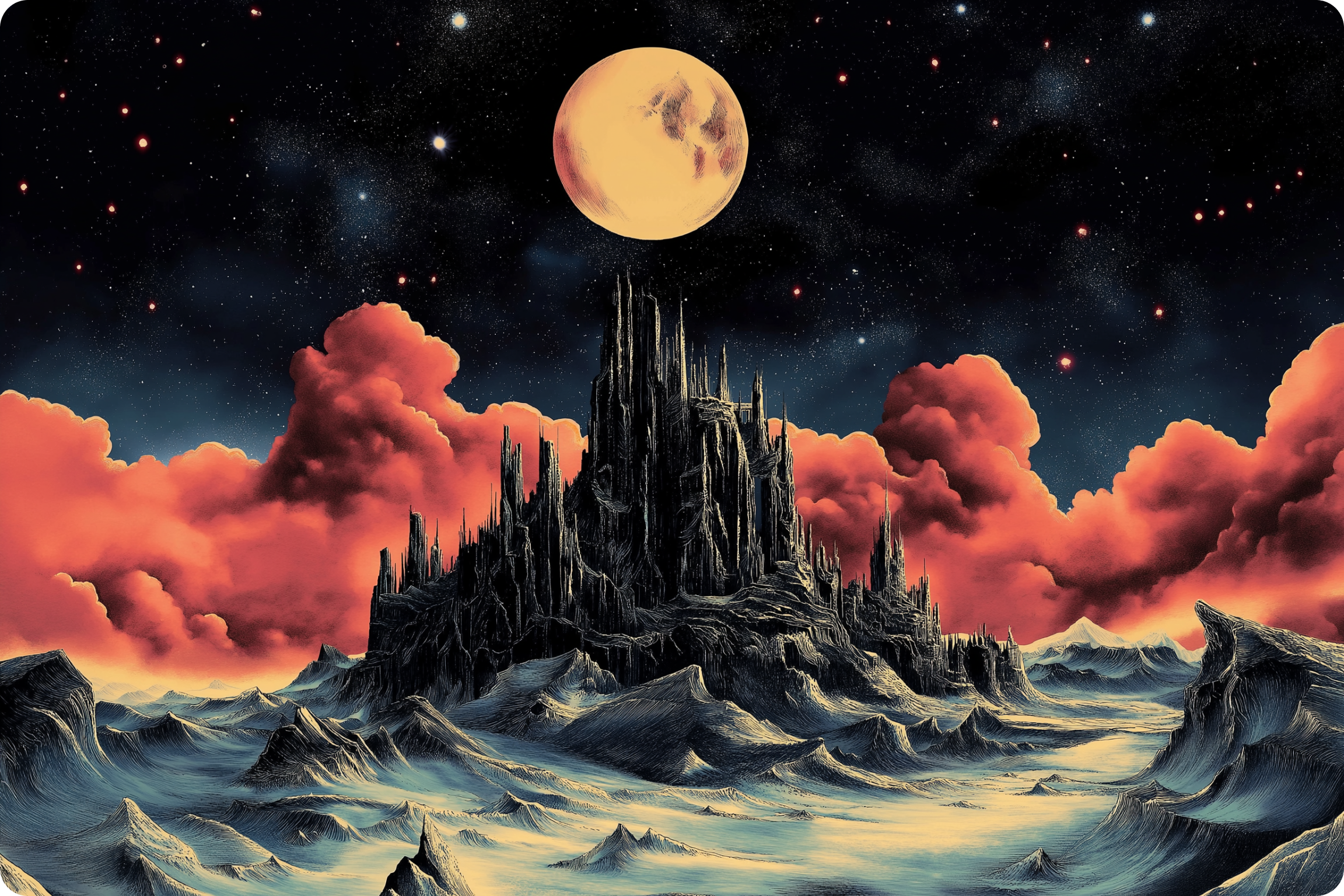 Generated by ImagineArt AI album cover generator
The prompt is where most musicians get stuck. These are ready-to-use starting points for the most common genres — copy, adjust for your specific release, and generate. For the same prompt structure applied to your music production, see AI music prompts — the specificity that makes image prompts work applies directly to generating original music too.
Hip-Hop and Trap
"A luxury streetwear aesthetic, a single gold chain resting on black velvet, shallow depth of field, cinematic studio lighting, high contrast, warm amber tones, 1:1, digital art style"
"A hooded figure standing in a rain-soaked alley, neon signs reflecting on wet concrete, urban isolation, deep purple and electric blue, photorealistic, cinematic wide shot"
Metal and Hard Rock
"A skull emerging from a burning forest at midnight, dark gothic oil painting, intricate bone detail, deep crimson and black palette, dramatic upward angle, baroque horror aesthetic"
"A massive iron gate opening onto a void, storm clouds above, cold blue-grey palette, epic scale, dark fantasy art style"
Indie and Alternative Folk
"A lone figure walking through a misty morning field at dawn, soft watercolor style, muted earth tones — ochre, sage, pale blue — dreamy and contemplative, wide shot"
"An overgrown greenhouse with light streaming through cracked glass, plants reclaiming the space, warm amber and green, impressionist painting style"
Electronic and EDM
"Abstract geometric shapes exploding outward from a central point, neon gradients — cyan to deep purple — cyberpunk aesthetic, dark background, sharp digital art style, 1:1"
"A grid of light stretching to a vanishing point, synthwave aesthetic, sunset horizon in pink and orange, retro-futuristic, clean digital painting"
Jazz and Soul
"A saxophonist silhouetted against a single spotlight in a smoky jazz club, warm amber light, film noir photography style, moody and intimate, black and white with warm gold accent"
"A close-up of piano keys, sheet music slightly out of focus in the background, shallow depth of field, soft warm light, analog 35mm film grain"
Pop
"A close-up portrait with glitter dissolving around the face, soft studio light, pastel pink and gold palette, dreamy and ethereal, high-fashion editorial photography style"
"Oversaturated candy-colored clouds with floating objects — cassette tapes, butterflies, florals — playful maximalist composition, pop art aesthetic, 1:1"
Why AI Works for Album Art
AI generates album art that would take a professional designer hours in minutes, at a fraction of the cost. For independent artists without label budgets, this is the practical equaliser.
- Speed without compromise
From concept to download in under 10 minutes — no brief, no revisions cycle, no waiting. For artists releasing frequently, AI makes a consistent visual identity across singles, EPs, and albums economically viable for the first time.
- Unlimited creative directions
A single prompt run across ImagineArt 2.0, Nano Banana Pro, and Imagen 4 produces three genuinely different visual interpretations. You choose from real alternatives rather than approving or rejecting a single take.
- No design background required
The creative input is language, not software. If you can describe what your music feels like, you can direct an AI image generator. ImagineArt is built for musicians and creators — no layers, no bezier curves, no color theory prerequisites.
- Visual consistency across a discography
Saving your prompt structure, color palette, and model settings and applying them across releases produces a coherent visual identity that listeners recognise over time — the same standard major labels spend significant budgets achieving.
Common AI Album Cover Mistakes to Avoid
- Writing prompts that are too vague. "Dark and moody" describes thousands of images. "A ruined Victorian greenhouse at dusk, fog through broken glass, cold blue-grey palette, impressionist oil painting" describes one specific image. Specificity is control.
- Asking the AI to render complex typography. AI handles 2–3 words embedded in an image with reasonable accuracy. Long text, multiple font sizes, and complex layouts will distort. Generate the artwork clean and add text in a design tool — it takes under 5 minutes in ImagineArt.
- Stopping at the first generation. The first output is a starting point. Generate 4–6 variants by adjusting one element at a time. The best album art almost always comes from the third or fourth iteration.
- Using the wrong model. Photorealistic portrait — use ImagineArt 2.0. Painterly and textured — use Nano Banana Pro. Text integrated into the scene — use Imagen 4. Running a portrait prompt through a stylised model produces a soft, impressionistic result when you wanted sharp realism.
- Upscaling with an external tool. ImagineArt's native AI image upscaler produces cleaner results than most third-party tools. Upscale within the platform before exporting.
Ready to Create AI Album Cover with ImagineArt?
Album art is the visual anchor of a release — but it is one part of a complete creative package. If you are building the music with AI tools as well, how to make AI music covers the production side using ImagineArt Audio Studio. For the promotional layer, the best AI music video generator guide shows how to turn your track into a full visual release.
ImagineArt's AI Music Generator lets you create the music and the artwork in one platform — the same subscription that covers album art generation covers audio production too.
Start with 100 free daily credits. No credit card, no commitment — generate your first AI album cover in the next 10 minutes.
Frequently Asked Questions
Write a text prompt describing your genre, mood, imagery, and color palette in ImagineArt AI album cover generator. Choose your model — ImagineArt 2.0 for realism, Nano Banana Pro for artistic styles — set the aspect ratio to 1:1, and generate. Download, add your artist name and album title in ImagineArt magic text or AI image editor, and upload to Spotify or Apple Music.
ImagineArt offers 100 free daily credits with no credit card required — enough to generate and iterate on album cover designs before committing to a subscription. Create an account at ImagineArt and open the AI album cover generator to start immediately.
A strong prompt includes a subject, an art style, a mood, a lighting description, and a color palette. The more specific each element, the more controlled the output. 'Dark, cinematic, a hooded figure in a rain-soaked alley, neon-lit, deep purple and blue, photorealistic' produces a consistently stronger result than 'dark urban album cover.'
Yes. ImagineArt's generated images are available for commercial use under the platform's standard licensing, covering streaming releases, physical formats, and merchandise. Check the full licensing terms in your account settings.
No. The entire input is text — describe what you want, ImagineArt generates it. You don’t need any external tool to edit, refine, or upscale your AI album cover.
Spotify and Apple Music both require 3000×3000px minimum. SoundCloud accepts 800×800px minimum. Bandcamp recommends 2400×2400px. Use ImagineArt's built-in AI image upscaler to reach these dimensions before exporting.
Save your prompt structure, color palette, art style, and model selection and apply them consistently across releases. Change only the specific subject element that differs between covers — keeping mood, lighting, and style stable produces a coherent visual identity across your full catalogue.
Tooba Siddiqui
Tooba Siddiqui is a content marketer with a strong focus on AI trends and product innovation. She explores generative AI with a keen eye. At ImagineArt, she develops marketing content that translates cutting-edge innovation into engaging, search-driven narratives for the right audience.