Video Angle Changer
No reshoots, no multiple takes, no extensive editing – a simple upload and change AI video perspective with a single prompt.
How to Use Video Angle Changer
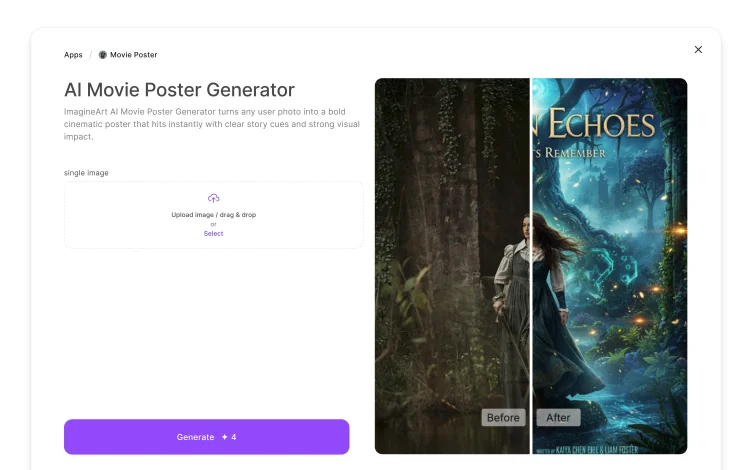
Import the Video to Change AI Video Perspective
Get complete camera angle control by uploading the video for AI video perspective change. ImagineArt video angle changer app supports videos of all formats, sizes, and orientations.
Write Prompt to Change Video Angle
Next, write a detailed prompt to replace characters in video, defining the characters, environments, camera angles, movements, and visual effects for a smooth and natural AI camera angle change.
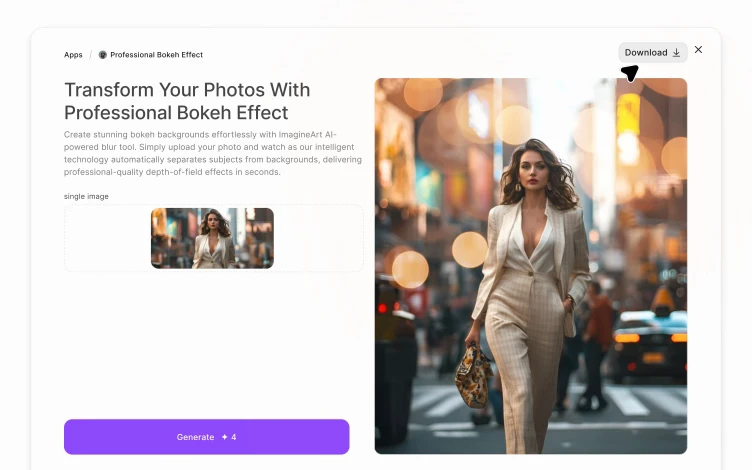
Finalize and Generate
Select the desired aspect ratio and give your prompt a final lookover. Click ‘Generate’ to process the AI video perspective change, or you can further refine the video on ImagineArt AI video editor.
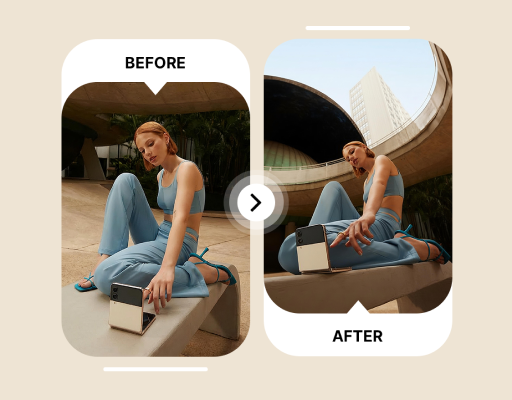
Direct and Edit Films without Reshoots
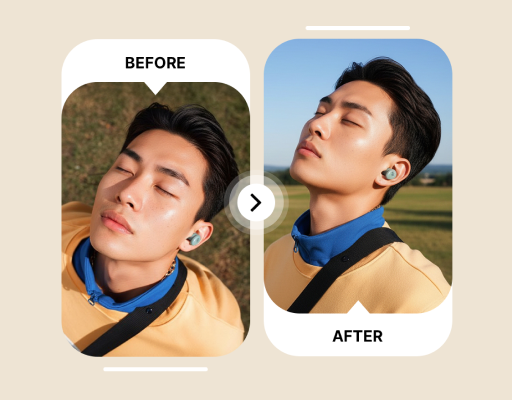
Create Platform-Ready Video Content
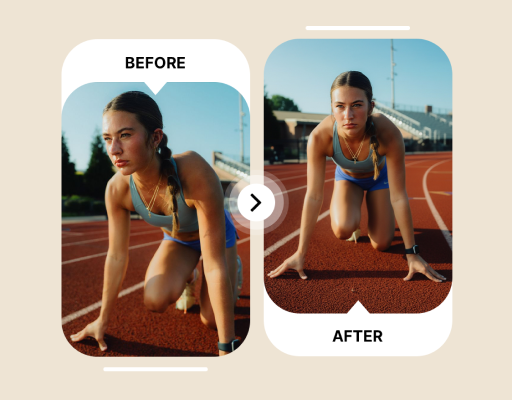
Showcase Your Products from Every Angle








Choose a plan that fits your needs
Upgrade to get access to pro features and generate more and better
Kling
ByteDance
Minimax
Nano Banana
Gemini
Claude
Qwen
GPT Image
Runway
Grok
Trusted by Professionals and Creators from top Brands and Companies
Reviews
As a short-filmmaker on a tight budget, I can’t hire video editors. I used the ImagineArt video angle changer to experiment with different perspectives, and I was surprised by how quick and clean the generated video was. No reshooting – the best investment for filmmakers like me!

Anya Petrova

Used it to create content for TikTok and Instagram Reels. ImagineArt video angle changer gives complete camera control and generates videos that are compatible with platforms. No extra editing, and the videos are of studio quality.

Ben Harris

I own a small e-commerce store and often require video content for product showcasing. With ImagineArt video angle changer, I can change video perspective, shift focus to features, or repurpose the same video for ads or demos – without any professional video editing skills.

Isabelle Kim

I work as a storyboard artist, and before I can finalize any shot, I need to test it from different angles and find the right one. With this AI video perspective changer, I can view how different framing and setups will look as it helps me with pre-production planning.

Michael Chenn

Common Questions About Video Angle Changer
A video perspective changer is an AI-powered tool that lets you change and adjust the camera angles of different shots in a video. You can experiment with different camera movements, try multiple orientations, or edit shot composition, without any reshooting or an external editing tool.
Yes, you can change AI video perspectives and angles without losing quality on ImagineArt video angle changer. It detects the main elements of the shot and preserves consistency and visual integrity.
On ImagineArt video angle changer, you can upload videos of different formats, including MP4, MOV, and AVI. It also supports videos of different orientations, including 1:1 (square), 16:9 (widescreen), and 9:16 (portrait).
No, ImagineArt video angle changer is not only for filmmakers. In fact, it is ideal for marketing material, product branding, social media, casual users, and everyone who needs to edit camera angles of their video content.
Yes, ImagineArt video angle changer is perfect for both professional and beginner-level video editors. It offers an intuitive user interface and easy-to-use editing controls to quickly change AI video perspective, requiring no editing skills.
You don’t require any external software installation or special hardware to use ImagineArt video angle changer. You only need a stable internet connection and a good browser to access this video camera angle changer.