
An avatar presents your script, so your own face stays off camera.
Trusted by the brands you benchmark against
- ByteDance
- Kling AI
- MINIMAX
- Wan
- fal
- Grok
Partnering with global industry leaders to power your creative output
Three ways to post without filming
Each one has ready formats further down. Pick one to jump to it.
Faceless short
A presenter for a faceless channel, for explainers and scene-by-scene shorts.
See the formatsVirtual persona
The same person in every post, for a daily series, a weekly series or a recap.
See the formatsComment reply
Comments and sponsor spots, answered on camera, as replies, Q&A videos and sponsor reads.
See the formatsGive a faceless channel a presenter
Paste the script and choose who delivers it: a presenter from the library, or one you describe and pick from four options. The avatar presents it with lip sync and natural gestures, and Scene by scene builds a longer explainer one scene at a time, each with its own script, shot and background.



A presenter who is the same person in every post
Describe the avatar you want, down to age, look and style, and pick one of the four options. Give them a voice from the library or clone your own, start each episode from a template, and a daily or weekly series needs a script instead of a shoot.


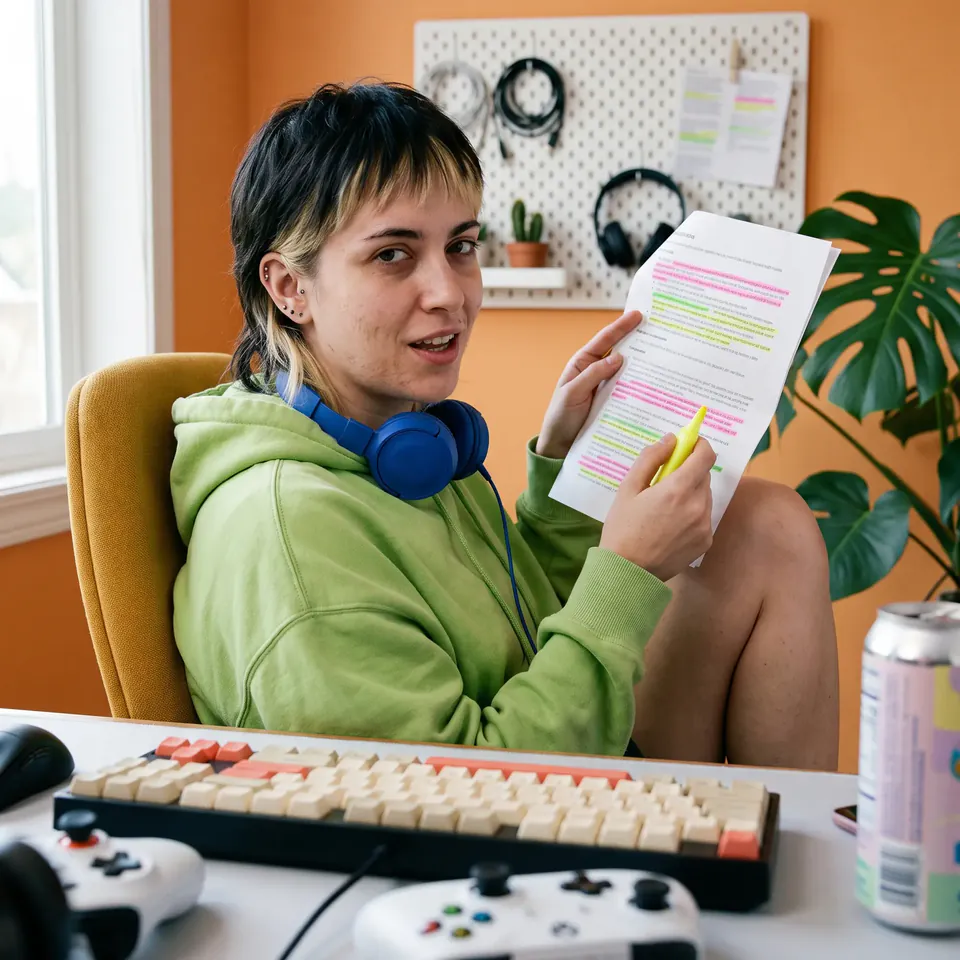
Answer comments and read sponsor spots on camera
Turn the best question in your comments into the next video: paste it, type your answer, and the avatar replies on camera in your voice. Sponsor reads and product mentions work the same way, written once and exported in 9:16, 16:9, 1:1 or 4:5 for each feed.



What a creator's week looks like with an avatar
One presenter and a short script a day cover the week. Every post has the same face and voice, and none of them needs a camera, a set or a second take.
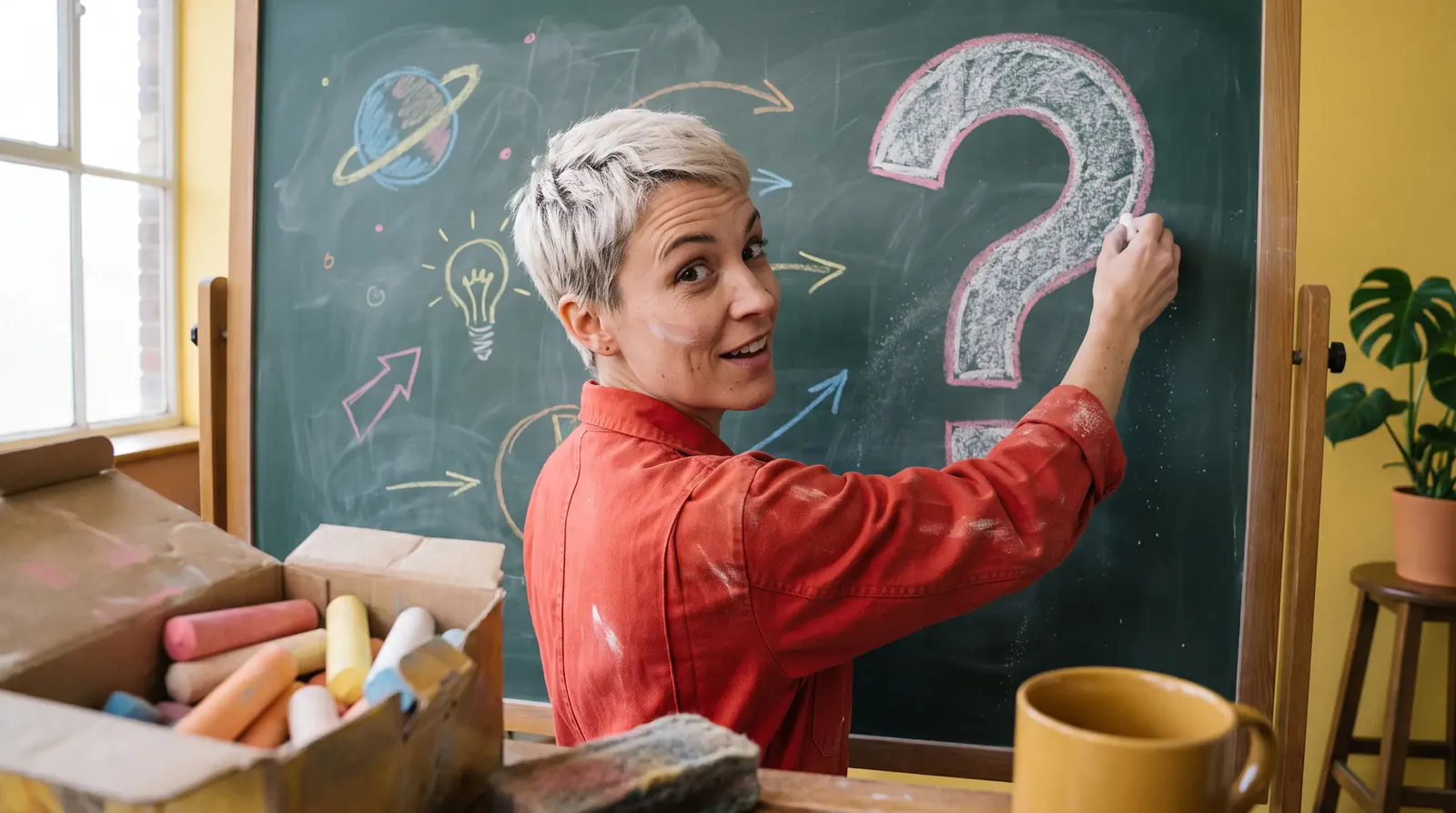
Faceless explainer
The week's big question, in 9:16 for Shorts and 16:9 for YouTube from the same takeTuesday
Does this work on a small budget?
Comment reply
Answer last week's top comment on camera
Wednesday
Part two, as promised.
Series episode
This week's episode, with the same presenter as the last one
Thursday
Quick word from today's sponsor.
Sponsor read
Write the spot once and export it for every feed
Friday
HolaNamasteBonjour
In another language
Upload the week's best video and get it back in another language, lip sync re-timed
See how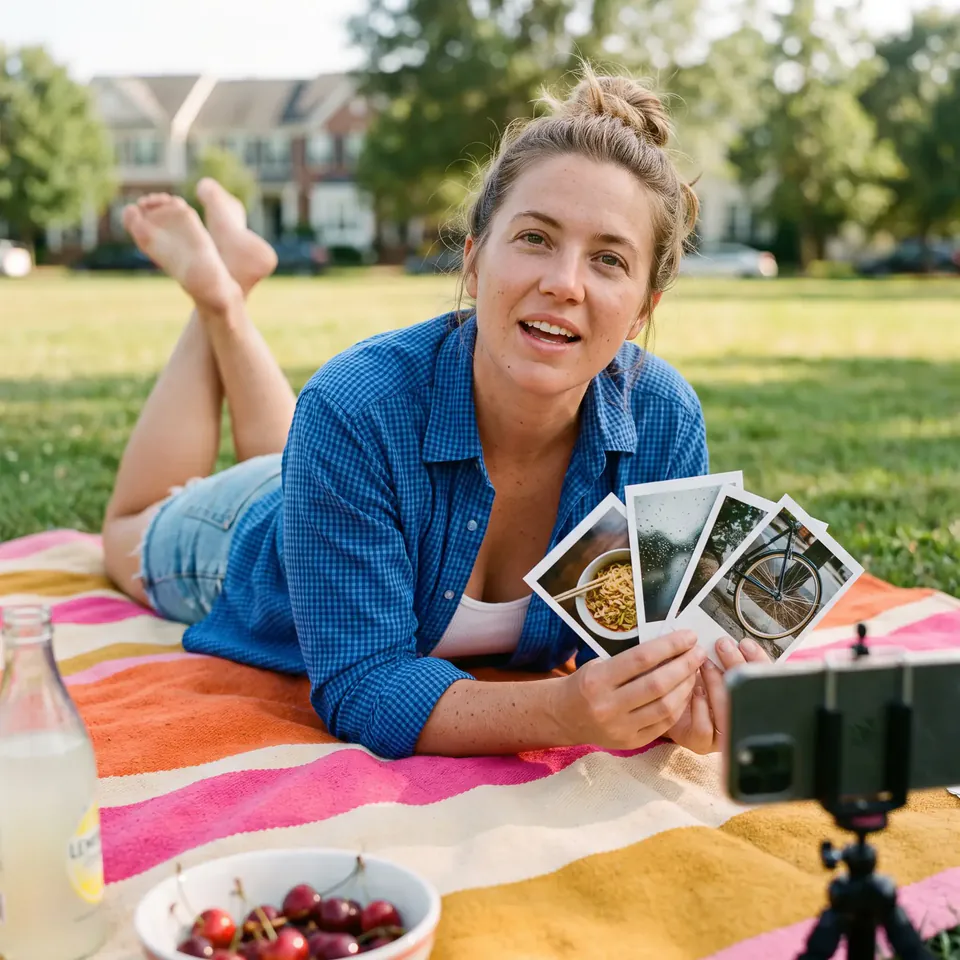
Weekend recap
The week in one short, from the same presenterPick your presenter once. Post as them every day after.
Choose how the channel shows up on camera, then reuse that presenter and voice for every format you post, from the first short to the translated cut.
- 1
Choose your presenter
Upload one photo for an instant avatar of you, describe a persona and pick one of four, or choose a presenter from the library.
- 2
Give them a voice
Pick a library voice by language, gender and tone, clone your own from a recording or an upload, or bring a finished voiceover and the avatar matches its accent, pitch and emotion.
- 3
Write once, export for every feed
Type the script, set a background from a preset, a prompt, an upload or your creations, and export the same take in 9:16, 16:9, 1:1 or 4:5.
- 4
Post in other languages
Upload a finished video in Translate video mode and get it back in another language, with the lip sync re-timed.
Enterprise-grade security
The controls ImagineArt Enterprise runs on.
SOC 2 Type II
Independently audited, with the report in the Trust Center.
SSO and MFA
Sign-on through your identity provider, with MFA on every account.
Zero data retention
Prompts and outputs are never stored or used to train models.
Full audit trail
Every action logged, so you can see who made what, and when.
Encrypted end to end
Protected at rest and in transit, at every stage.
Your IP stays yours
Full commercial rights to everything you generate.





Questions about avatar video for creators
- How do I make faceless videos with an AI avatar?
- Write the script, choose a presenter and generate. Pick one from the library, or describe the avatar you want and choose from four options, and it delivers your script with lip sync, expressions and gestures, so your own face never appears.
- Can I keep the same persona, and the same voice, in every video?
- Yes. Describe the persona, pick one of the four options, and make every post with that avatar. Give it one voice from the library, or clone your own by recording in the browser or uploading audio, and every script is spoken in it.
- Which formats work for Shorts, Reels, TikTok and YouTube?
- 9:16 for Shorts, Reels and TikTok, 1:1 or 4:5 for feed posts, and 16:9 for long-form YouTube. All four come from the same take, so one script covers every feed.
- Can I post the same video in other languages?
- Yes, in 50+ languages. Upload the finished video in Translate video mode and it comes back in the new language with the lip sync re-timed, or write the script in that language and generate it fresh.
- Do I have to tell viewers the presenter is an AI avatar?
- Where a platform requires it, yes, and labelling is the safe default everywhere else. Rules differ by platform and change over time, so check each one before you post, along with its rules for sponsored content.
- What does it cost?
- Nothing to start, and no credit card. The current plans are at imagine.art/subscription.
The same avatar, other industries




Make your next post without filming it
Write Monday's short now. It takes a script and a presenter.
Free to start. No credit card required.