ImagineArt Video Trimmer
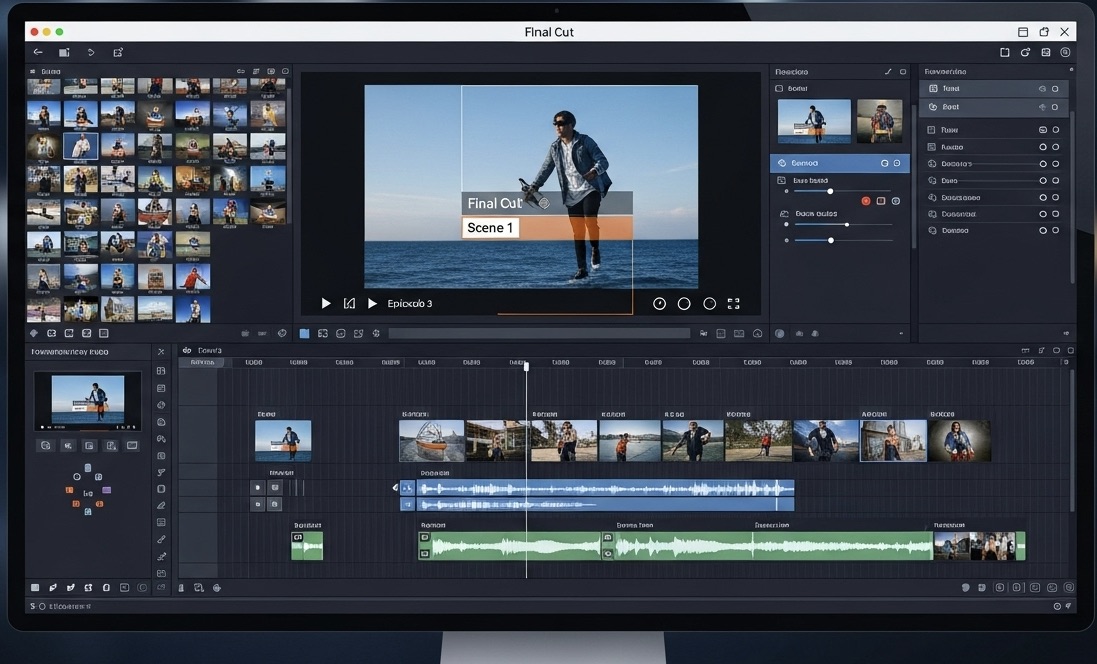
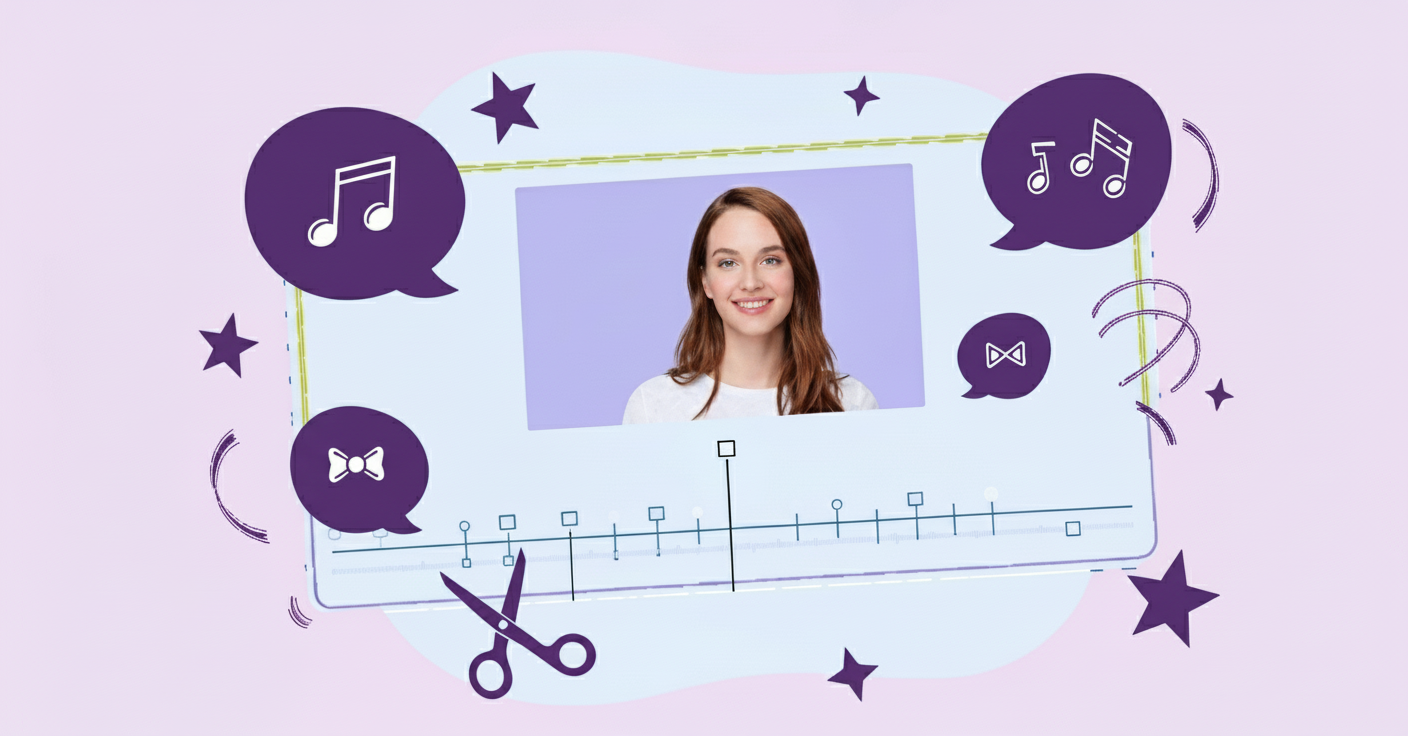
ImagineArt's AI video trimmer lets you cut, crop, and refine your videos entirely in the browser, no downloads, no editing experience required. Set precise start and end points, adjust aspect ratio for any platform, and export in high resolution with no watermark. A clip you generate, animate, or edit elsewhere in ImagineArt can be trimmed and polished here without switching tools.
Trusted by Professionals and Creators from leading brands
Community Creations
Change Dimension & Orientation with Precision
Quickly set a new orientation and aspect ratio for your video, vertical, landscape, or square, and ImagineArt automatically fits your footage to the new format. Perfect for repurposing one video across YouTube, TikTok, and Instagram Reels without re-shooting or re-exporting from scratch.
Free Online Video Trimming With No Watermark
ImagineArt's video trimmer is completely free and works entirely online, no software download, no account required to start. Split, cut, trim, or add elements, then download your finished video in high resolution with no watermark, hidden or visible. Your content stays snappy, on-point, and ready to share instantly.
Built for YouTube, TikTok, and Instagram Reels Editing
Need a video trimmer for TikTok, Instagram Reels, or YouTube editing specifically? AI video trimmer is built for short-form content creators: quickly cut, edit, and enhance your videos to match each platform's exact format and length requirements, without manually resizing or re-cropping for every channel.
How To Trim Your Video
Step 1
Upload Your Video
Upload your existing video files, or start from a clip generated with ImagineArt's AI Video Generator. Either way, your footage lands directly in the trimmer, ready to edit.
Step 2
Trim Your Video
Set start and end times to trim your video to the perfect length. Cut out unwanted parts and add visual or text elements with complete creative freedom.
Step 3
Enhance Your Video
Add text, stickers, and effects to make your video more engaging. Adjust brightness, contrast, and saturation, and use brush or focus effects for a more cinematic finish.
Step 4
Export and Share
Export your trimmed video as an MP4, free, with no watermark, ready to upload directly to YouTube, TikTok, Instagram, or wherever you're publishing.
Fine-Tune Your Visuals for a Perfect Edit
With a comprehensive set of adjustment tools, you can tweak brightness, contrast, and saturation. Fine-tune your footage to make it look polished and professional. Whether you're enhancing colors or adjusting exposure, your videos will look great on any platform.

Perfect Placement with Element Snapping
ImagineArt video trimmer includes a powerful snapping tool, making it easy to align text, stickers, and other elements in your video with precision. No more guesswork—everything will look perfectly aligned and visually appealing.
Add Focus and Brush Effects for Cinematic Touches
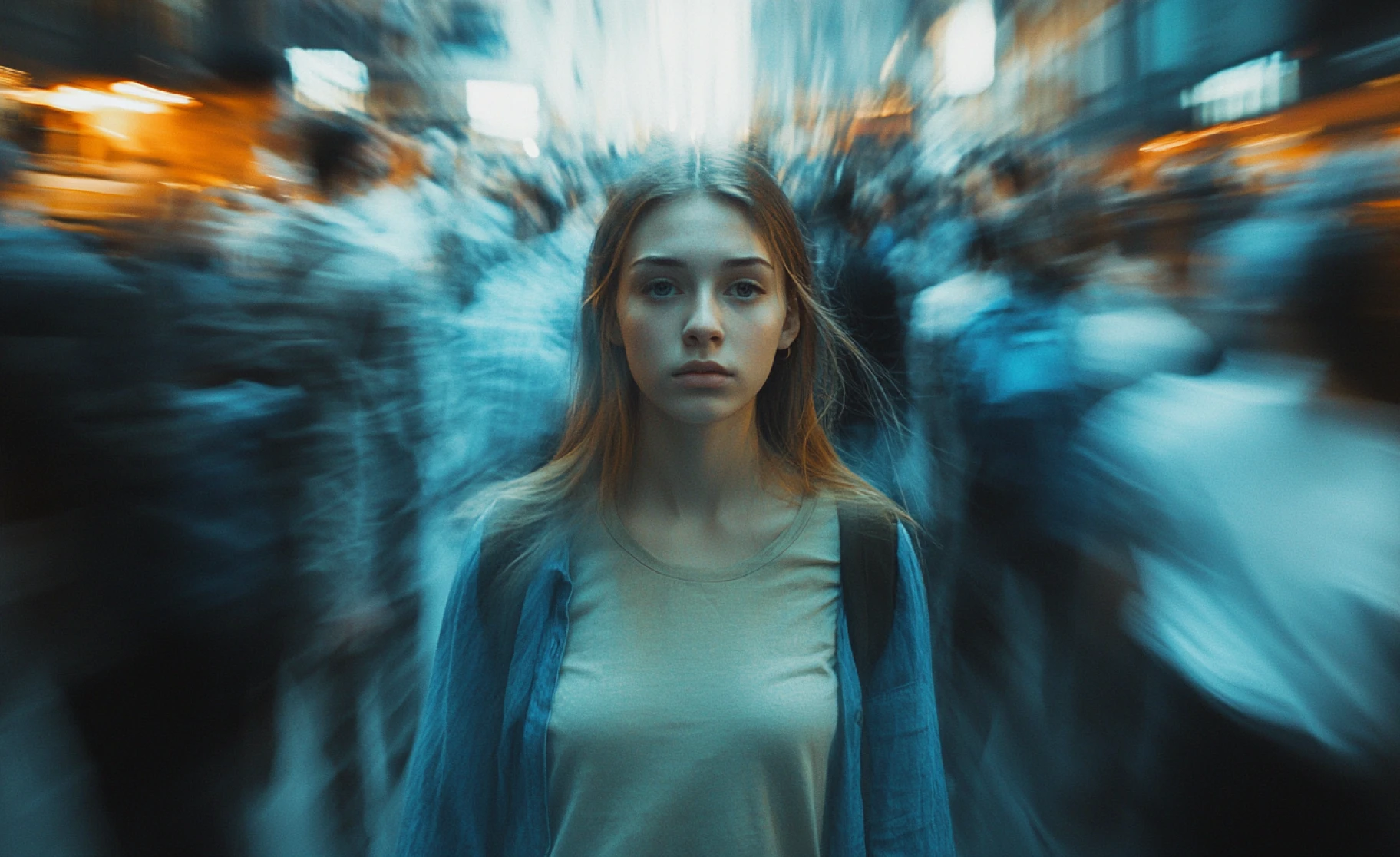
ImagineArt video trimmer lets you create a more artistic and polished video with brush and focus effects. Apply radial, mirrored, or Gaussian blur to draw attention to key areas in your video. Customize the brush tool to fine-tune edits with adjustable strokes and colors, creating a cinematic feel.
You might also be interested in
Purchase a Subscription
Upgrade to get access to pro features and generate more and better
Basic
For newcomers taking their first steps
View Plans
Billed monthly
Included in plan
3Kcredits per month
Additional Features
Up to ~600 Image Generations/month
Up to ~97 Video Generations/month
General Commercial Terms
Image Generation Visibility: Public
4 Concurrent Image Generations
Complimentary Access
All GPT Models
All Gemini Models
All Claude Models
Unlimited Generations
10 Image Models
9 Video Models
Standard
For rising creators to level up their game
View Plans
Billed monthly
Included in plan
8Kcredits per month
Additional Features
Up to ~1.6k Image Generations/month
Up to ~265 Video Generations/month
General Commercial Terms
Image Generation Visibility: Private
8 Concurrent Image Generations
Complimentary Access
All GPT Models
All Gemini Models
All Claude Models
Unlimited Generations
Nano Banana
Runway Gen 4 Turbo
Midjourney V7
8 more Image Models
8 more Video Models
Ultimate
Peak performance for pros
View Plans
Billed monthly
Included in plan
16Kcredits per month
Additional Features
Up to ~3.2k Image Generations/month
Up to ~530 Video Generations/month
All styles and models
General Commercial Terms
Image Generation Visibility: Private
Complimentary Access
All GPT Models
All Gemini Models
All Claude Models
Unlimited Generations
All image models in Standard plan
All video models in Standard plan
Kling 2.6 Pro
Seedance 1.5 Pro
ChatGPT 1.5
Creator
A full production engine for powerhouses
View Plans
Billed monthly
Included in plan
100Kcredits per month
Additional Features
Up to ~20k Image Generations/month
Up to ~3.3k Video Generations/month
All styles and models
General Commercial Terms
Image Generation Visibility: Private
Complimentary Access
All GPT Models
All Gemini Models
All Claude Models
Unlimited Generations
All image models in Ultimate plan
All video models in Ultimate plan
Kling 3.0 Pro
Seedance 2 Fast
Nano Banana 2
What Our Users Say

TechNova
A game-changer for my YouTube videos! The trimming tool is so easy to use, and the results are perfect

Ben Harris
Product Manager

Shopify
ImagineArt’s video trimmer saved me so much time! I now create flawless Instagram reels in minutes

Michael Chenn
Product Designer

Pixels
I love the simple interface—editing and trimming videos for my TikTok content has never been easier

Anya Petrova
Marketing Designer
Have questions?
We have answers!
ImagineArt video trimmer is a tool that allows you to extract smaller clips from a video and reduce the video length by removing unnecessary parts. With no compromise on video quality, the tool lets you trim videos with incredible accuracy.
You start with uploading your video to the editor and then drag it to the timeline. From there, use the trimming tool to set the start and end times.
Yes, you can use the video trimmer to create content for YouTube, Facebook, Instagram, TikTok, and any other video-sharing platforms. The video trimmer is optimized for social media editing and video enhancing.
Yes, you can adjust the visual quality and clarity of your video content. The video trimmer includes comprehensive adjustment tools to fine-tune your visuals and ensure your video looks just right.
Once you are done editing, simply click the export button, and your video will be downloaded as an MP4 file. It’s fast and ready to upload to your preferred platform.
Yes, ImagineArt video trimmer is designed for both beginner-level and professional-level video editors. It offers intuitive design and an easy-to-use drag-and-drop timeline for efficient video editing.
ImagineArt's video trimmer works entirely online in your browser, no app download or installation required. Upload your video, trim it, and export the finished file in the same session.
The trimmer itself uses precise manual controls for cutting, cropping, and adjusting your footage. It's built into ImagineArt's broader AI creative suite, so footage generated or animated with ImagineArt's AI tools flows directly into the trimmer for editing, all in one place.